OCR in the VRC
Equipment and Software for New Users and New Uses
VRA LA
March 26, 2019
What is OCR? Optical Character Recognition
Mechanical conversion an image, scanned document,
photograph, or PDF of text into machine-encoded text
that allows users to:
● Edit, search, or display text
● Text-to-speech
● Data mining & text mining
Why OCR? CTRL+F
Corpus building
DH research projects, especially text analysis
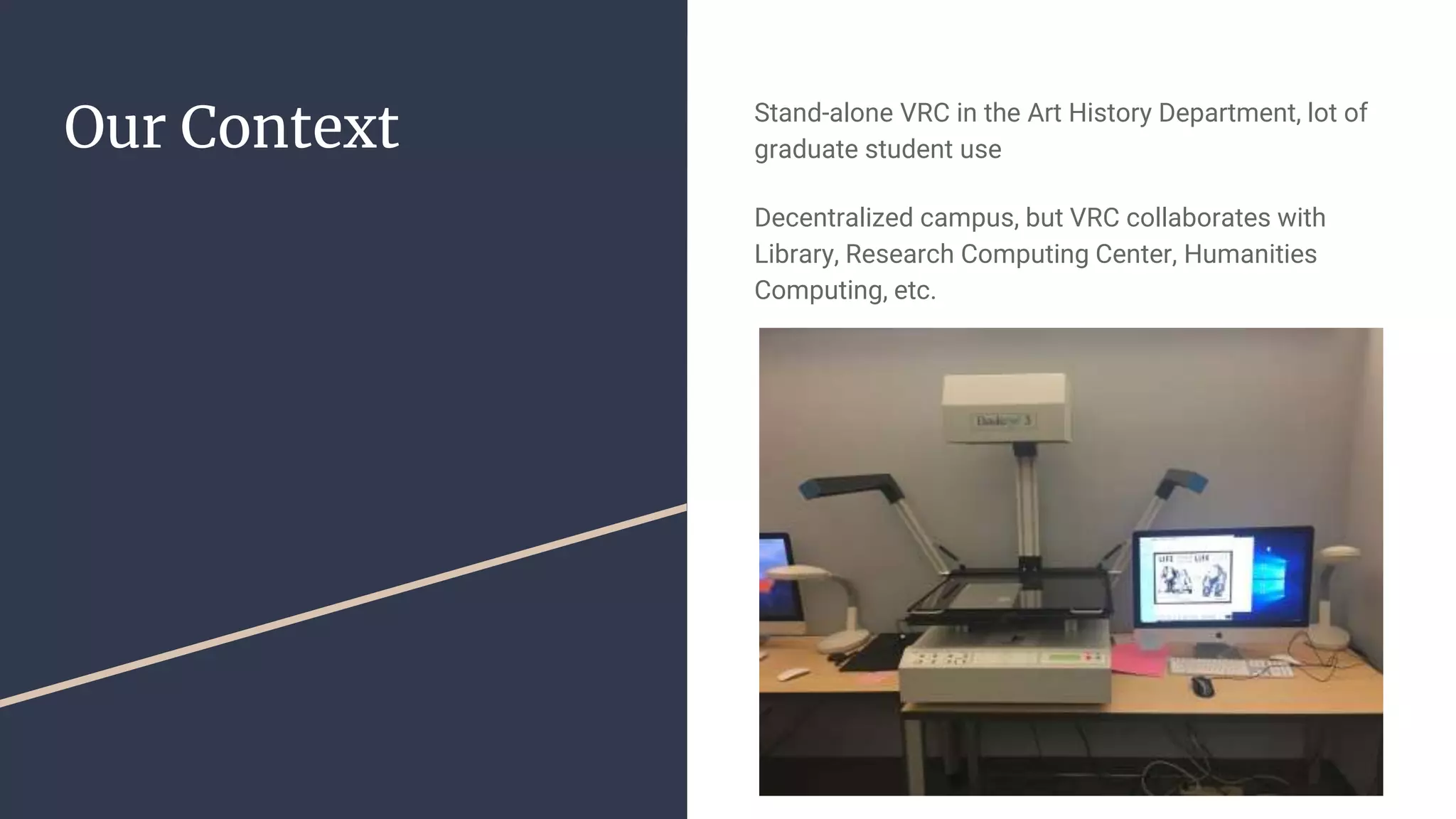
Our Context Stand-alone VRC in the Art History Department, lot of
graduate student use
Decentralized campus, but VRC collaborates with
Library, Research Computing Center, Humanities
Computing, etc.
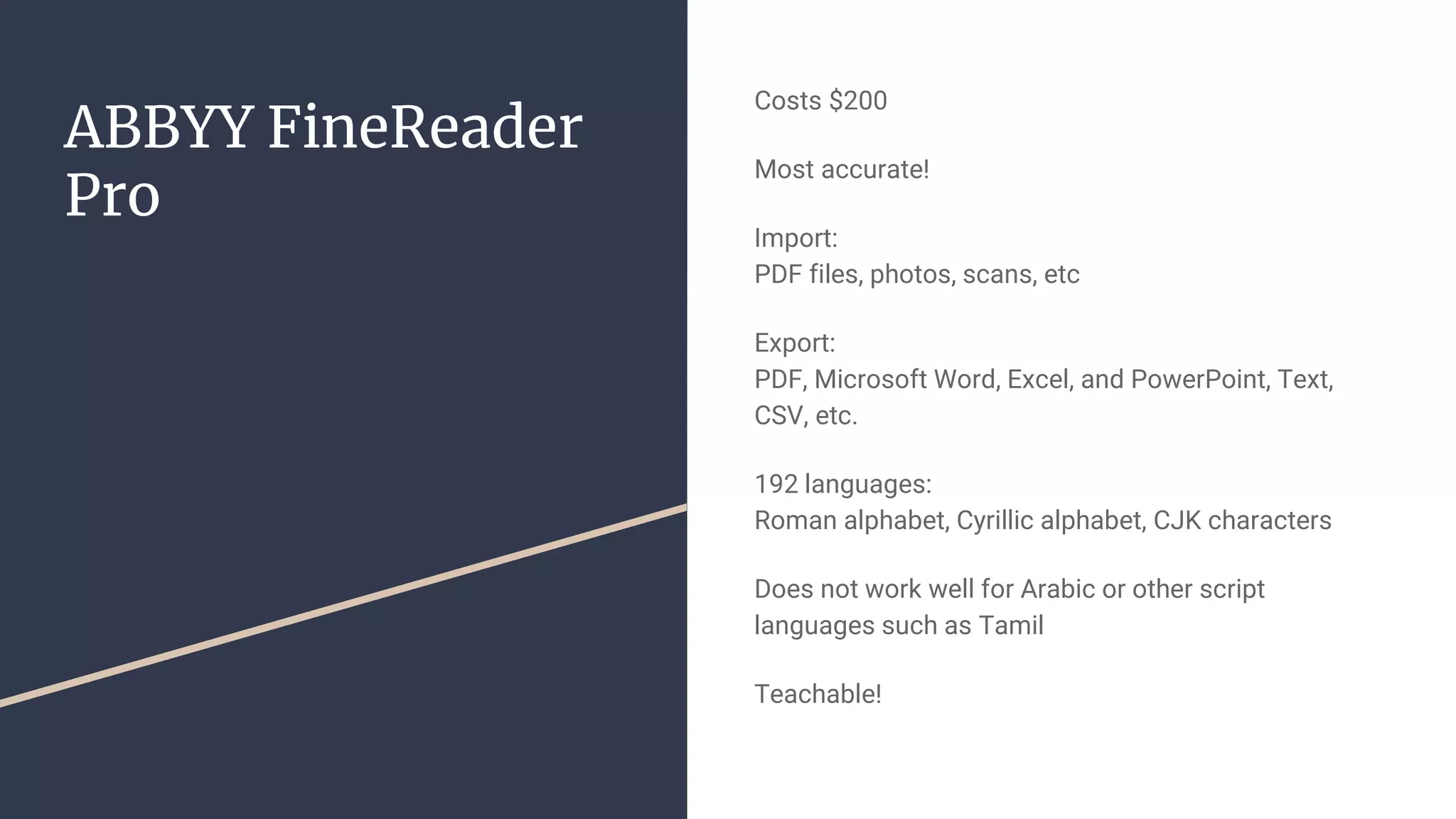
ABBYY FineReader
Pro
Costs $200
Most accurate!
Import:
PDF files, photos, scans, etc
Export:
PDF, Microsoft Word, Excel, and PowerPoint, Text,
CSV, etc.
192 languages:
Roman alphabet, Cyrillic alphabet, CJK characters
Does not work well for Arabic or other script
languages such as Tamil
Teachable!
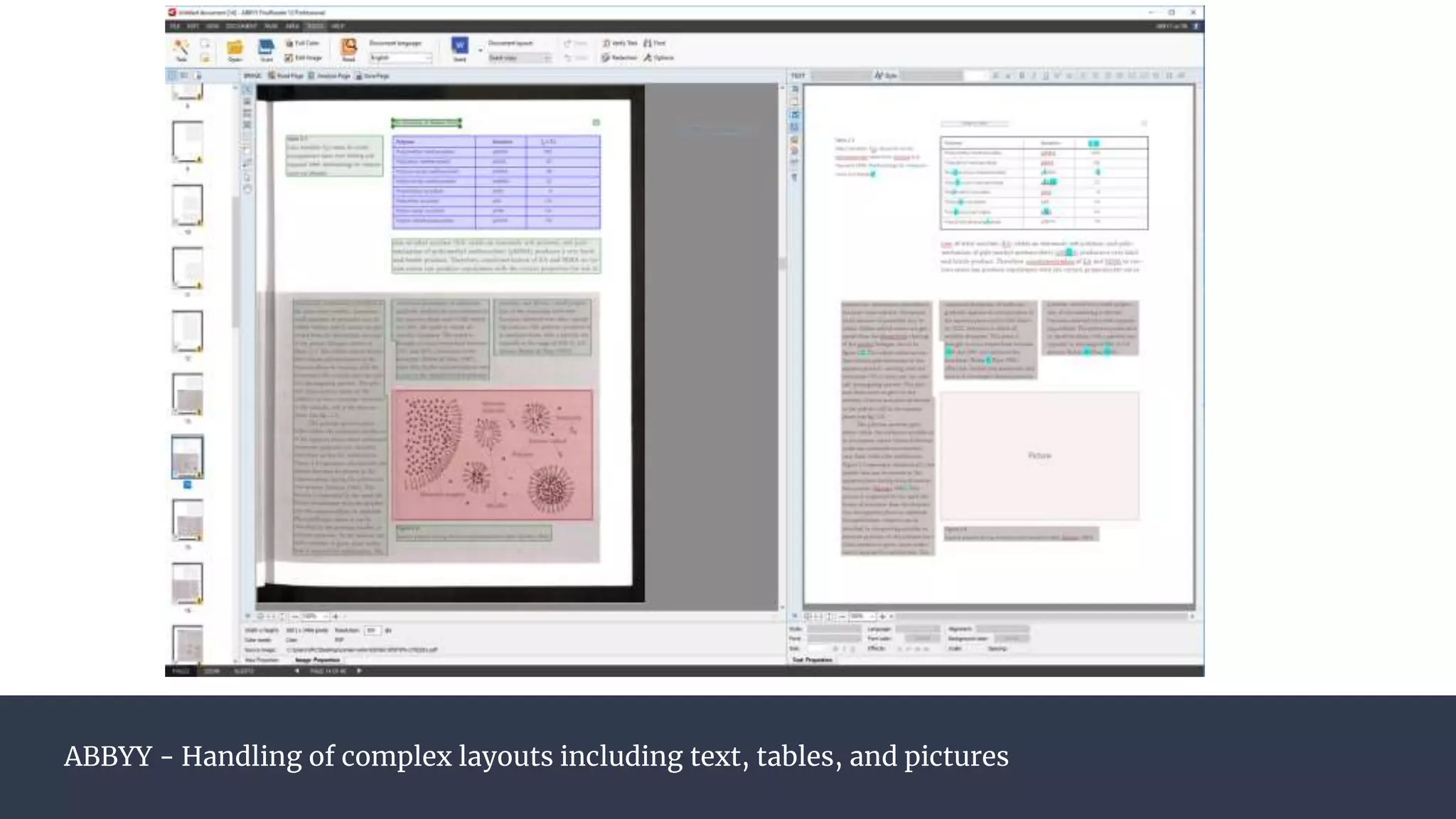
ABBYY - Handling of complex layouts including text, tables, and pictures
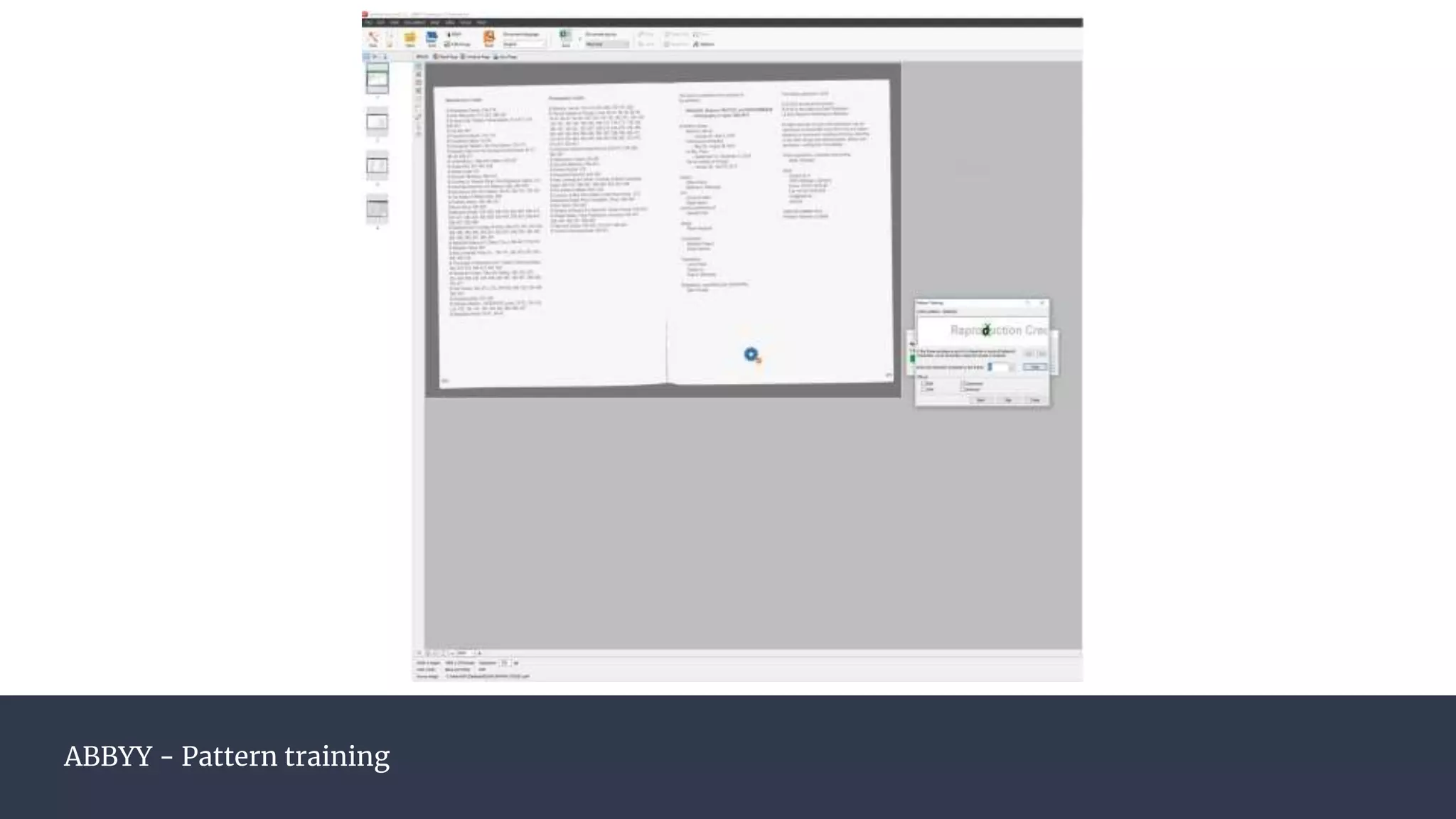
ABBYY - Pattern training
Other Software Tesseract
Free, open source
Currently supported by Google
(better for Arabic, potentially better for massive data
sets)
Adobe Document Cloud
Zeutschel and Opus Freeflow software have their own
proprietary OCR software built-in
Handwriting recognition?
Transkribus
Google Cloud Vision
(LUNA integration)
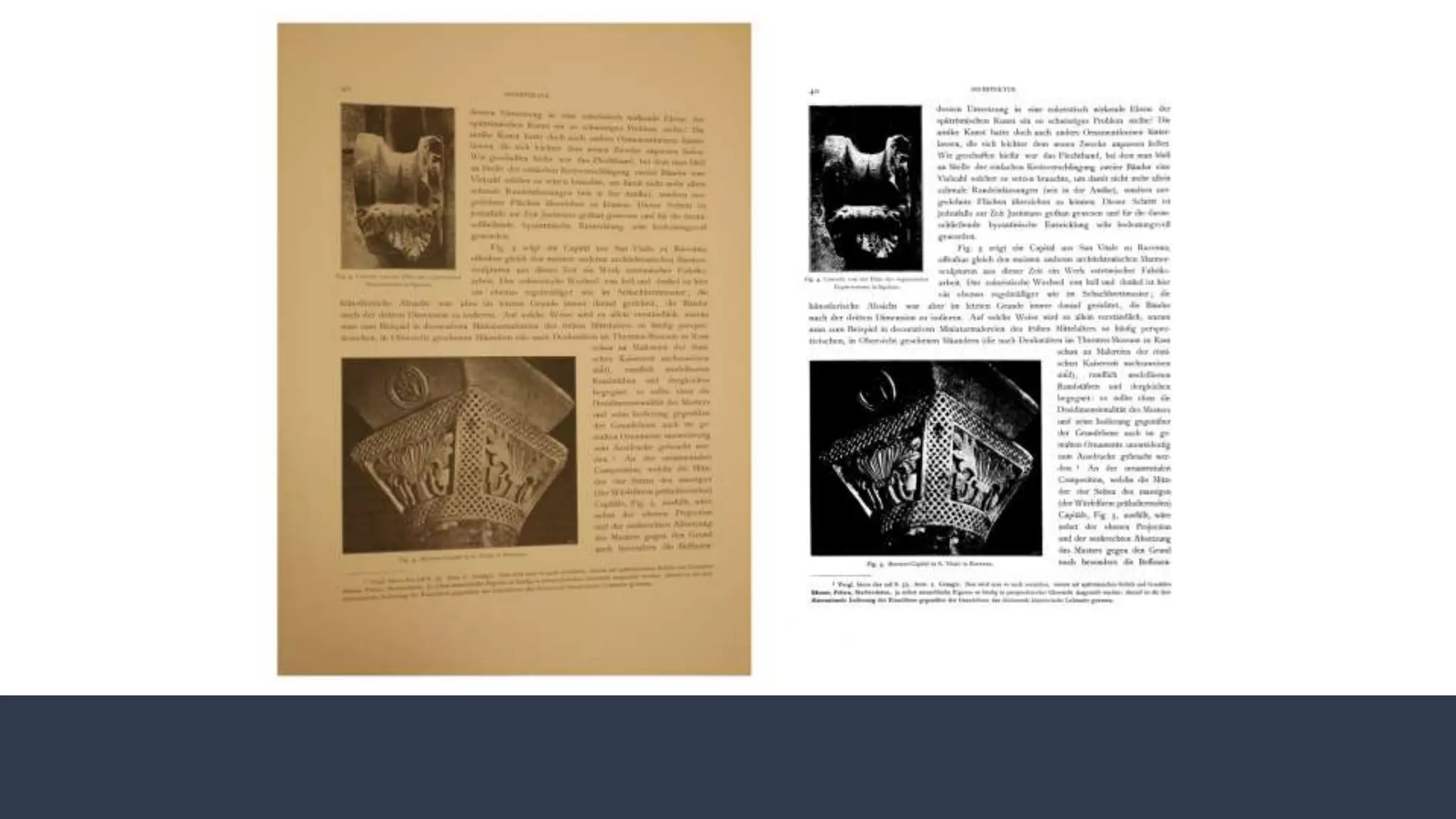
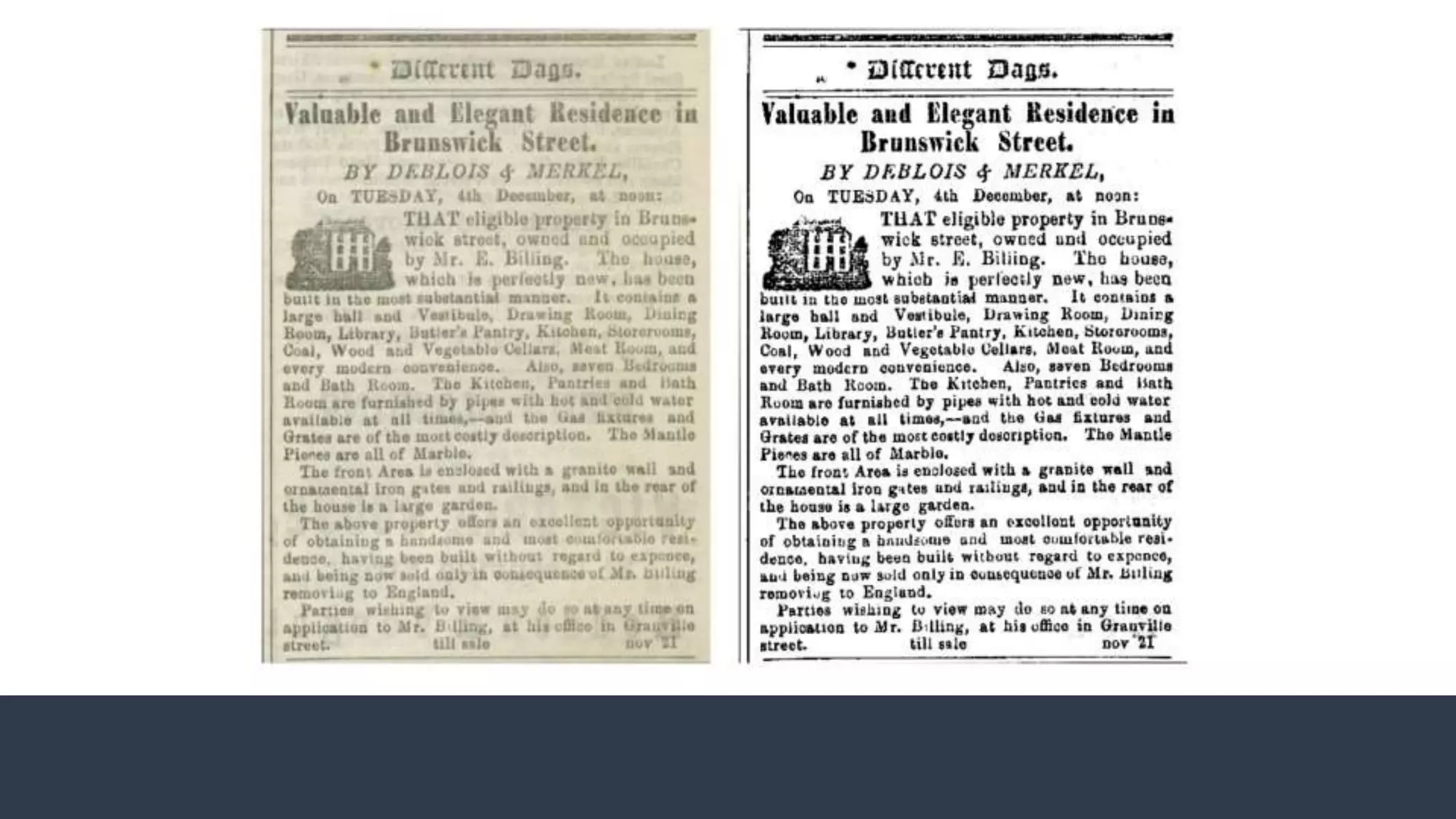
Imaging for OCR
Why focus on text when we’re experts
in images?
Scanning advice
Use black paper to prevent text or image bleed-
through on flatbed or overhead scanners
Use hot pink paper for spreads on black
background to help BookEye scanner find and
focus
Provide photography tips for special collections
settings
Pre-Processing Advice
● High-contrast grayscale/black-and-white
● Deskew or straighten lines of text
● Remove any dust, scratches, etc. near the
text
What We’ve Seen About 5-10 unique users a year
Primarily History and Sociology PhD students working
on text mining or network analysis projects
Some students just here for the CTRL+F
Set expectations of what we can reasonably provide
Group outreach vs. individual orientations
Increase in campus resources, including staff
The Takeaway?
Questions?
Bridget Madden
Associate Director, Visual Resources Center
University of Chicago Department of Art History
bridgetm@uchicago.edu
@UChicagoVRC

OCR in the VRC: Equipment and Software for New Users and New Uses

  • 1.
    OCR in theVRC Equipment and Software for New Users and New Uses VRA LA March 26, 2019
  • 2.
    What is OCR?Optical Character Recognition Mechanical conversion an image, scanned document, photograph, or PDF of text into machine-encoded text that allows users to: ● Edit, search, or display text ● Text-to-speech ● Data mining & text mining
  • 3.
    Why OCR? CTRL+F Corpusbuilding DH research projects, especially text analysis
  • 4.
    Our Context Stand-aloneVRC in the Art History Department, lot of graduate student use Decentralized campus, but VRC collaborates with Library, Research Computing Center, Humanities Computing, etc.
  • 5.
    ABBYY FineReader Pro Costs $200 Mostaccurate! Import: PDF files, photos, scans, etc Export: PDF, Microsoft Word, Excel, and PowerPoint, Text, CSV, etc. 192 languages: Roman alphabet, Cyrillic alphabet, CJK characters Does not work well for Arabic or other script languages such as Tamil Teachable!
  • 6.
    ABBYY - Handlingof complex layouts including text, tables, and pictures
  • 7.
  • 8.
    Other Software Tesseract Free,open source Currently supported by Google (better for Arabic, potentially better for massive data sets) Adobe Document Cloud Zeutschel and Opus Freeflow software have their own proprietary OCR software built-in Handwriting recognition? Transkribus Google Cloud Vision (LUNA integration)
  • 9.
    Imaging for OCR Whyfocus on text when we’re experts in images? Scanning advice Use black paper to prevent text or image bleed- through on flatbed or overhead scanners Use hot pink paper for spreads on black background to help BookEye scanner find and focus Provide photography tips for special collections settings Pre-Processing Advice ● High-contrast grayscale/black-and-white ● Deskew or straighten lines of text ● Remove any dust, scratches, etc. near the text
  • 12.
    What We’ve SeenAbout 5-10 unique users a year Primarily History and Sociology PhD students working on text mining or network analysis projects Some students just here for the CTRL+F Set expectations of what we can reasonably provide Group outreach vs. individual orientations Increase in campus resources, including staff
  • 13.
  • 14.
    Questions? Bridget Madden Associate Director,Visual Resources Center University of Chicago Department of Art History bridgetm@uchicago.edu @UChicagoVRC