Network Debugging
Organizational Communications
and Technologies
Prithvi Rao
H. John Heinz III School of Public
Policy and Management
Carnegie Mellon University
Objectives
 Present some examples of debugging tools
Readings
Suggested reading: Class notes
Practical Internetworking with TCP/IP
and UNIX (not required)
Tools for Debugging
 Most tools are available for Unix based systems (most
servers are likely to be UNIX)
 Some tools are freely available (traceroute and dig)
 Some proprietary tools exist (etherfind)
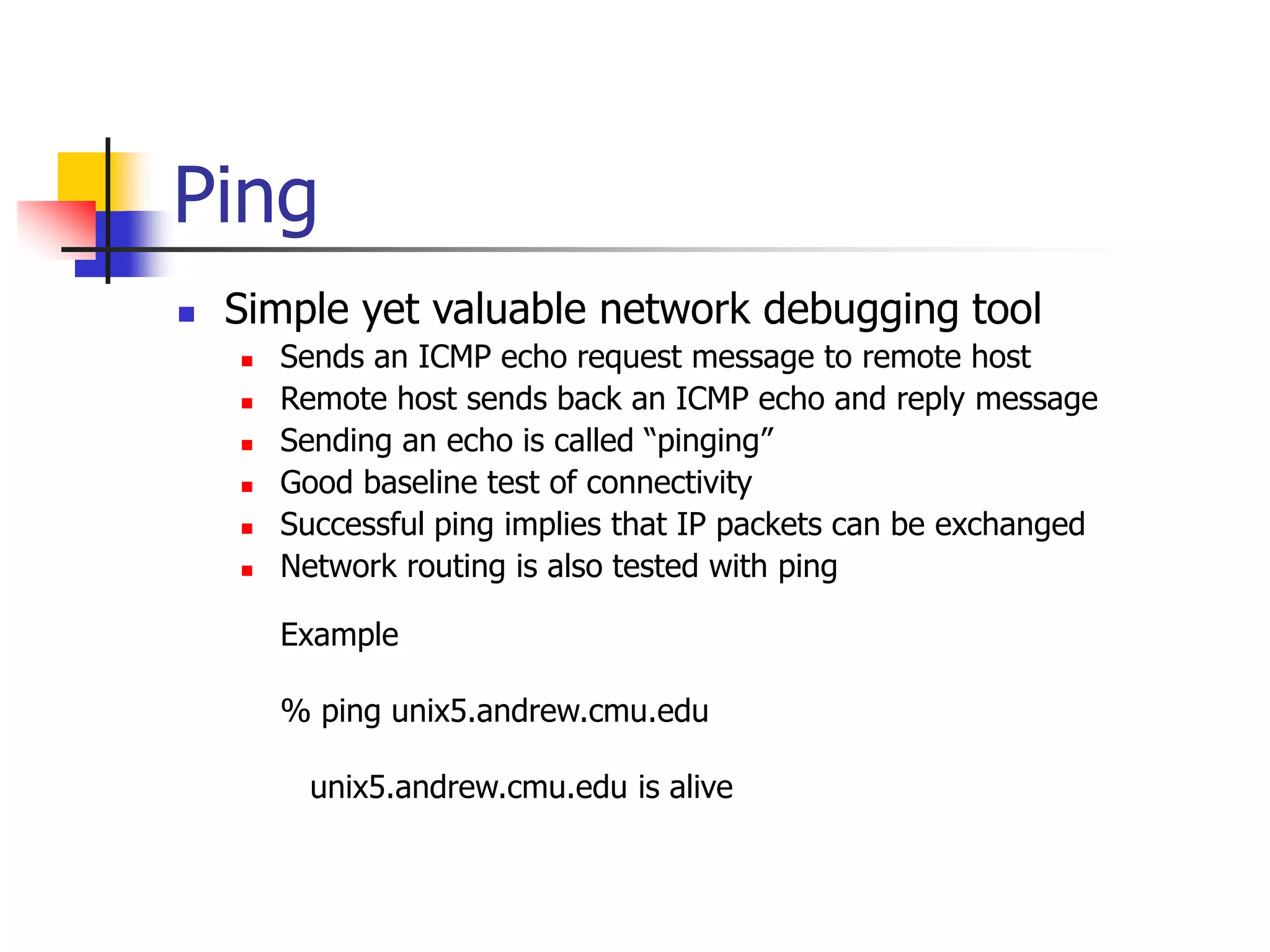
Ping
 Simple yet valuable network debugging tool
 Sends an ICMP echo request message to remote host
 Remote host sends back an ICMP echo and reply message
 Sending an echo is called “pinging”
 Good baseline test of connectivity
 Successful ping implies that IP packets can be exchanged
 Network routing is also tested with ping
Example
% ping unix5.andrew.cmu.edu
unix5.andrew.cmu.edu is alive
Ping
 Variant of first form of ping
Example
% ping -s akasha.tic.com 5
no response from akasha.tic.com
64 bytes from akasha.tic.com (192.12.23.130) icmp_seq = 0, time = 6 ms
64 bytes from akasha.tic.com (192.12.23.130) icmp_seq = 1, time = 5 ms
64 bytes from akasha.tic.com (192.12.23.130) icmp_seq =2, time = 5 ms
In this case command times out after 5 seconds
Ping
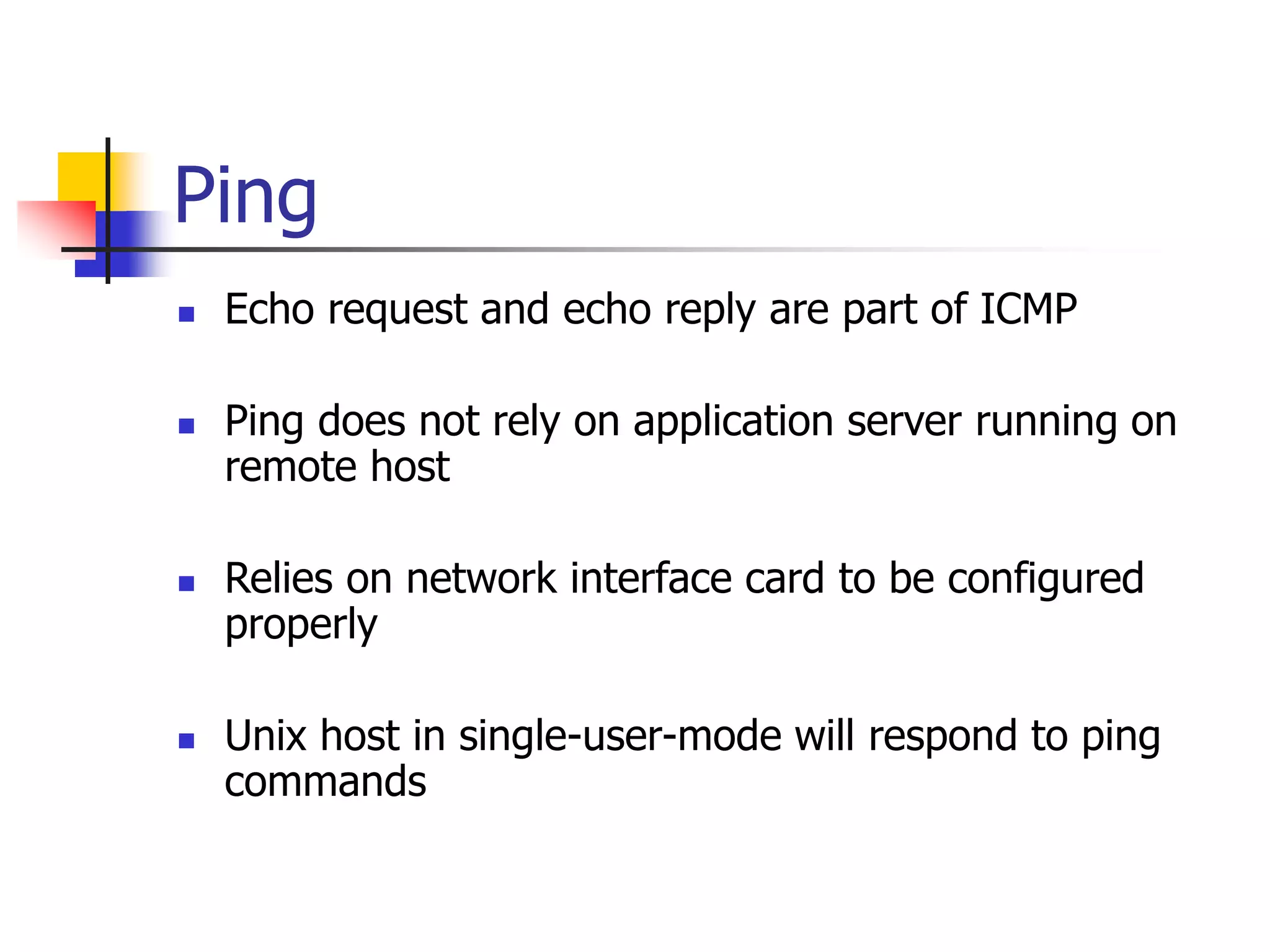
 Echo request and echo reply are part of ICMP
 Ping does not rely on application server running on
remote host
 Relies on network interface card to be configured
properly
 Unix host in single-user-mode will respond to ping
commands
Remote Script
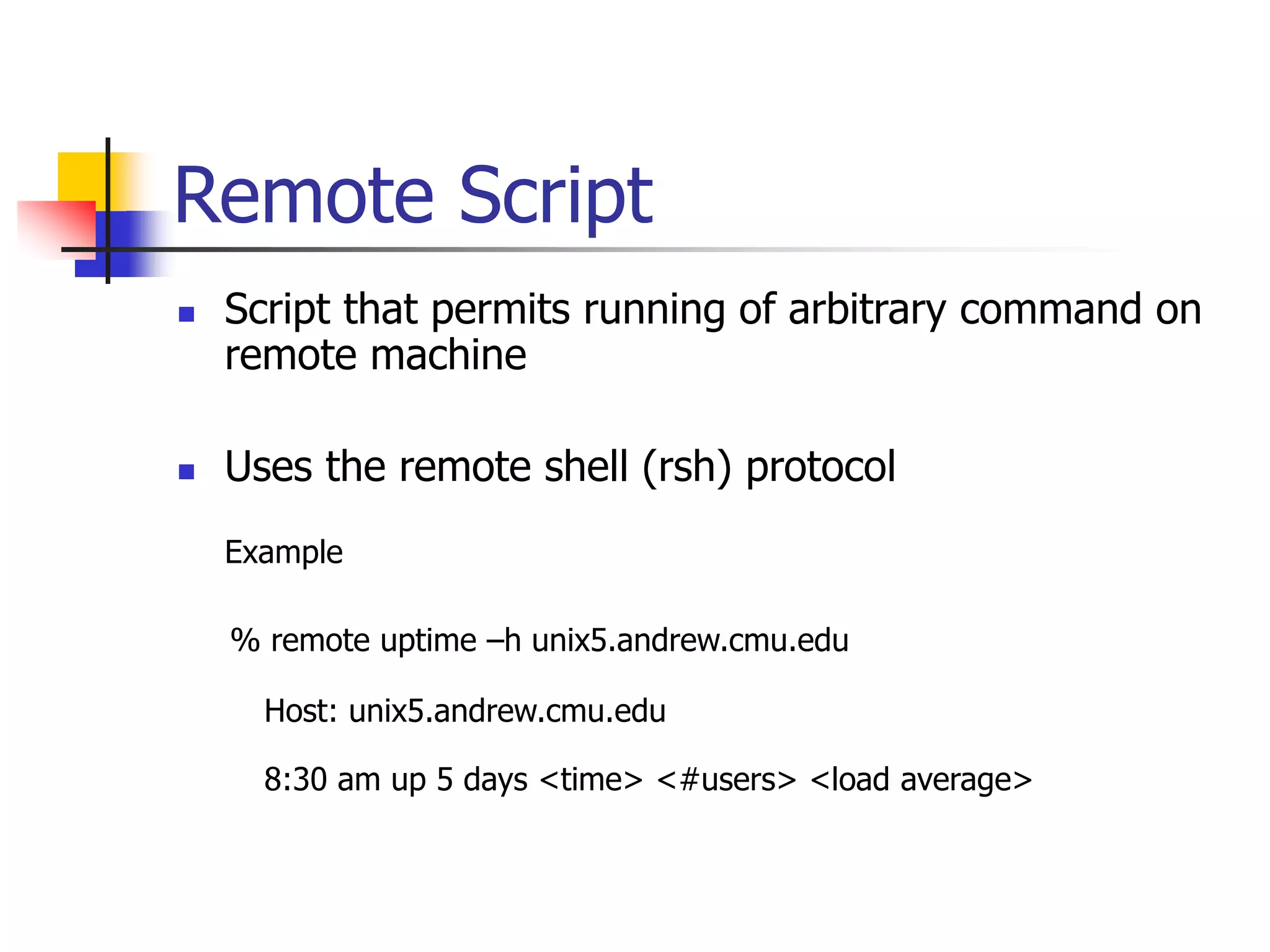
 Script that permits running of arbitrary command on
remote machine
 Uses the remote shell (rsh) protocol
Example
% remote uptime –h unix5.andrew.cmu.edu
Host: unix5.andrew.cmu.edu
8:30 am up 5 days <time> <#users> <load average>
Netstat
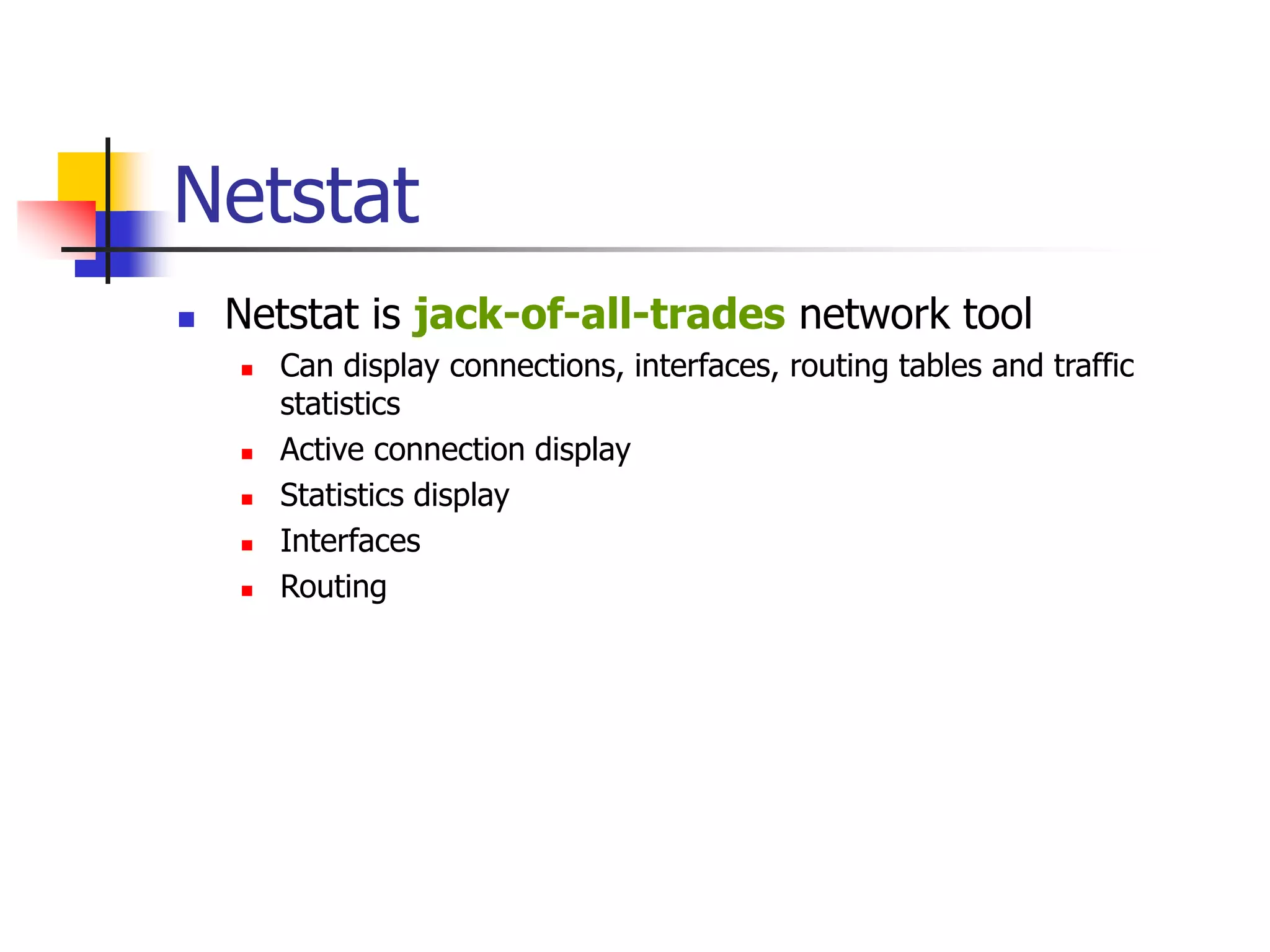
 Netstat is jack-of-all-trades network tool
 Can display connections, interfaces, routing tables and traffic
statistics
 Active connection display
 Statistics display
 Interfaces
 Routing
Routing: netstat -r
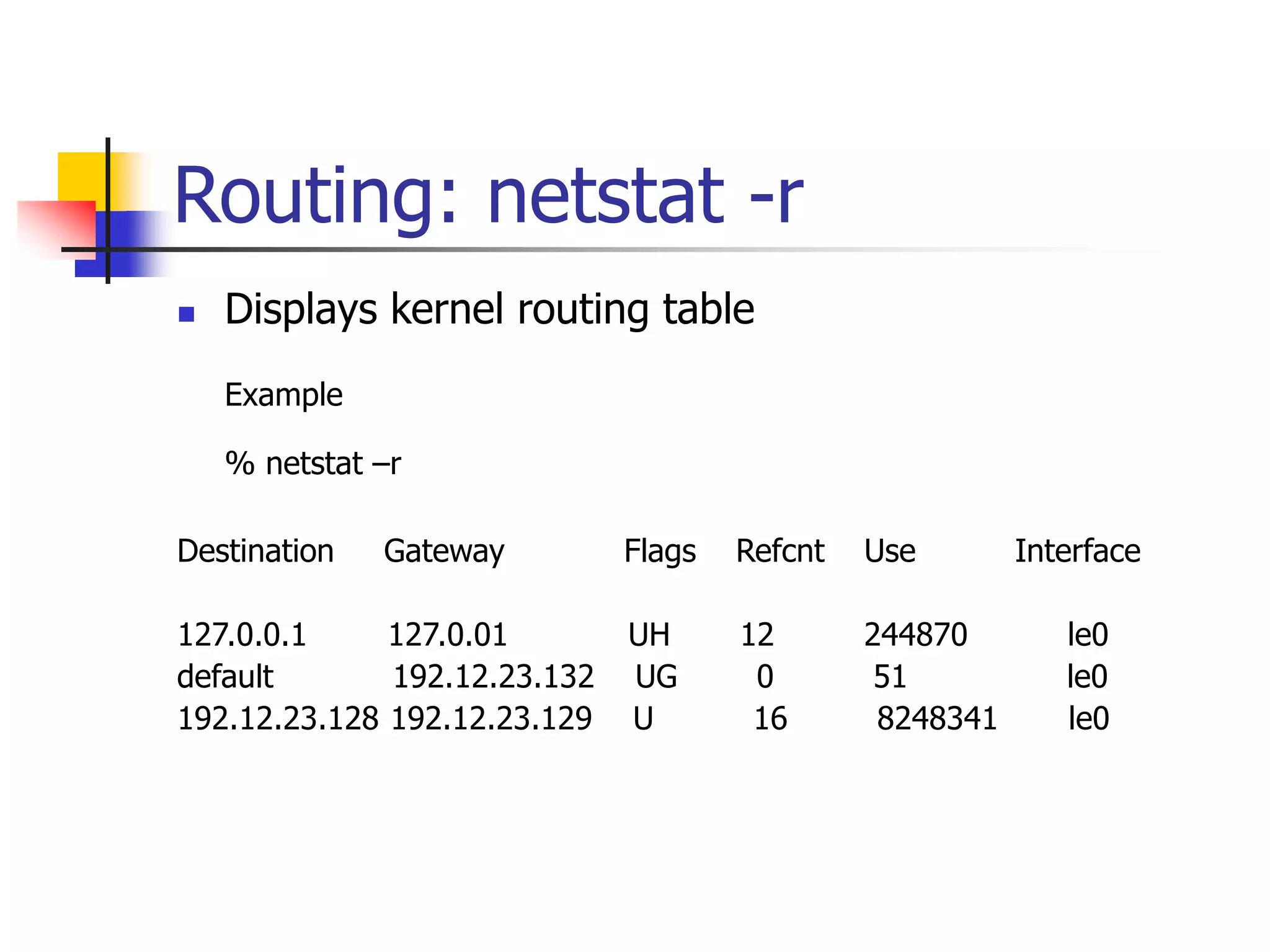
 Displays kernel routing table
Example
% netstat –r
Destination Gateway Flags Refcnt Use Interface
127.0.0.1 127.0.01 UH 12 244870 le0
default 192.12.23.132 UG 0 51 le0
192.12.23.128 192.12.23.129 U 16 8248341 le0
Routing: netstat -r
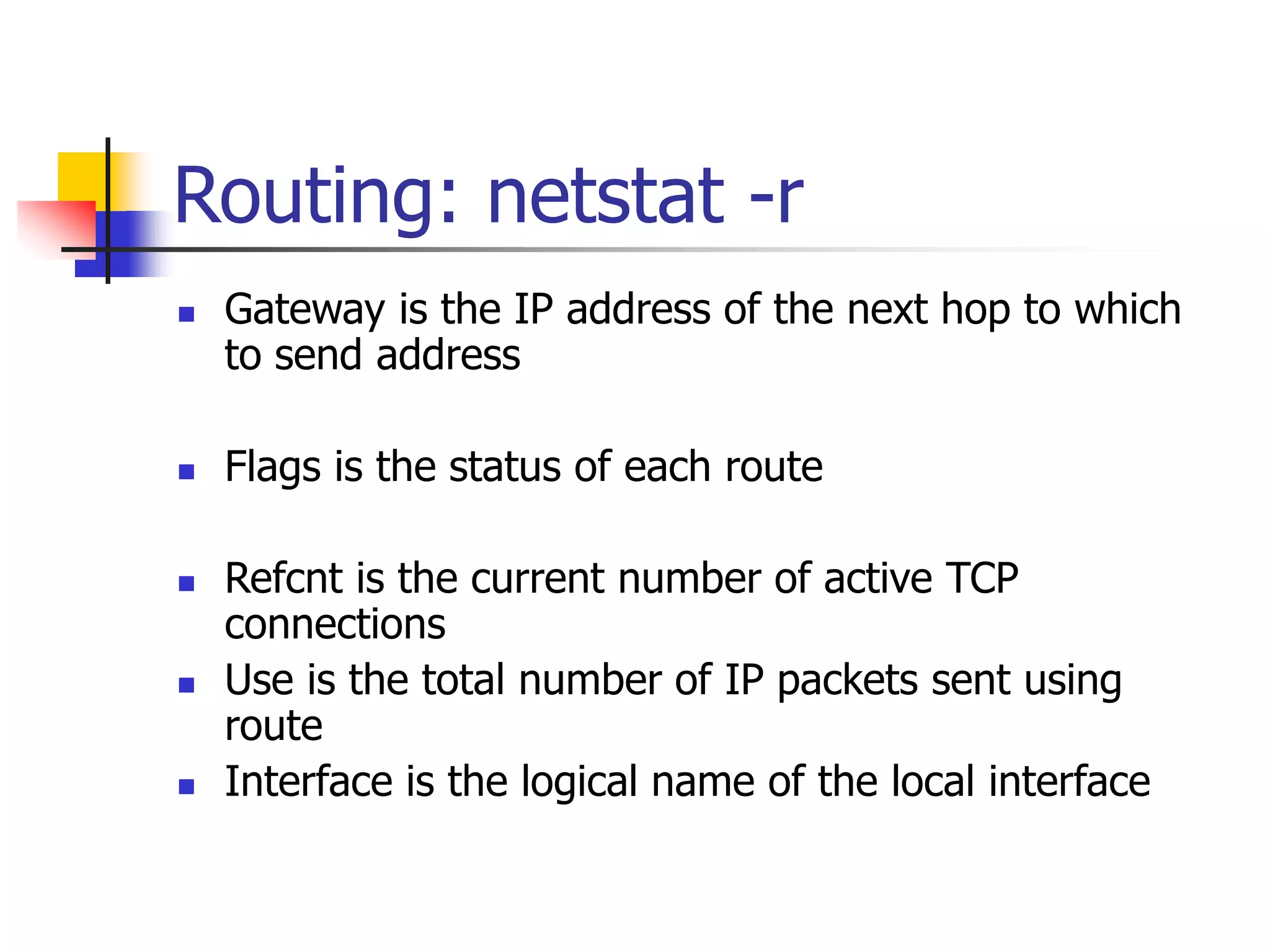
 Gateway is the IP address of the next hop to which
to send address
 Flags is the status of each route
 Refcnt is the current number of active TCP
connections
 Use is the total number of IP packets sent using
route
 Interface is the logical name of the local interface
Routing: netstat -i
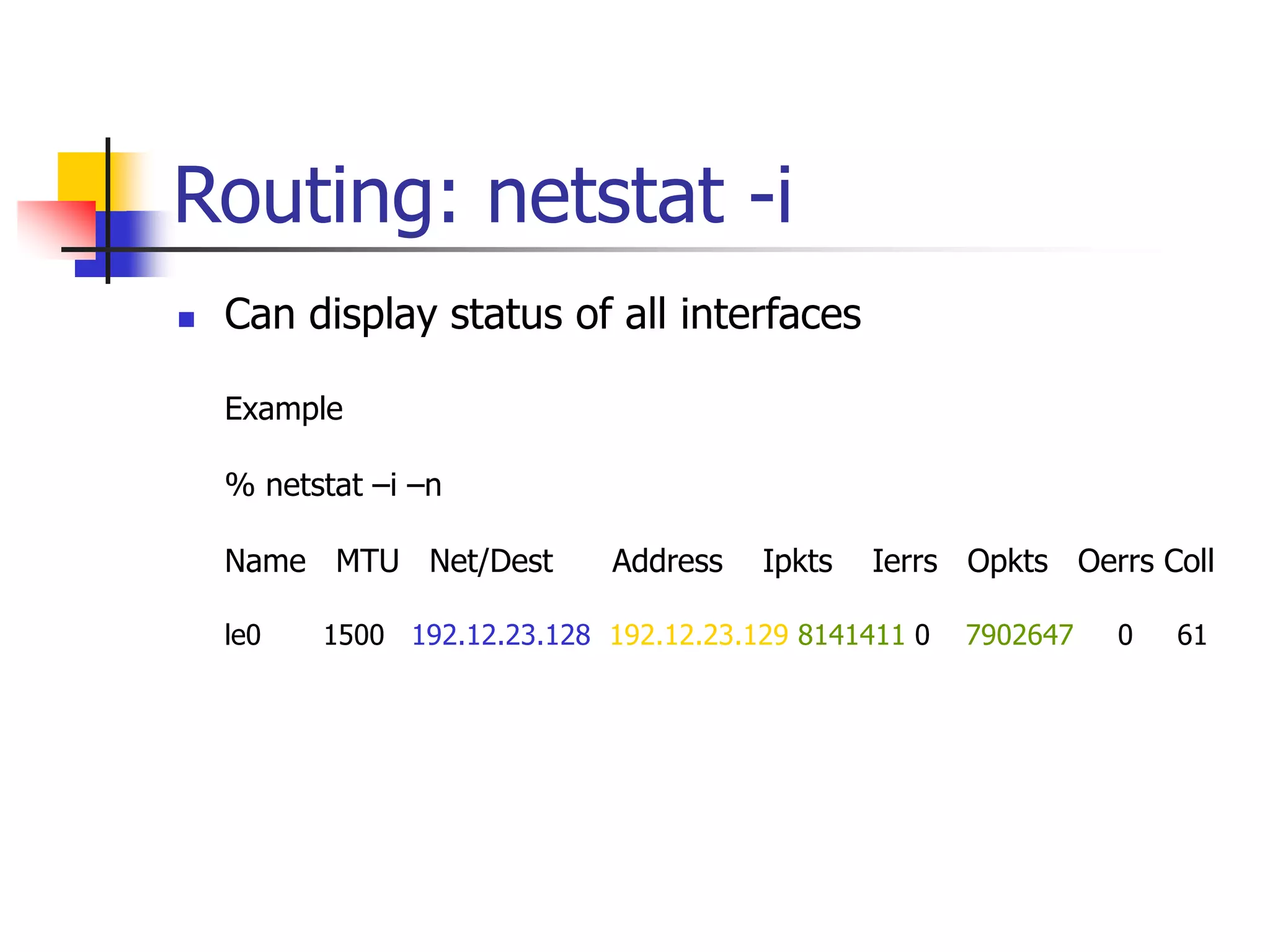
 Can display status of all interfaces
Example
% netstat –i –n
Name MTU Net/Dest Address Ipkts Ierrs Opkts Oerrs Coll
le0 1500 192.12.23.128 192.12.23.129 8141411 0 7902647 0 61
Routing: netstat -i
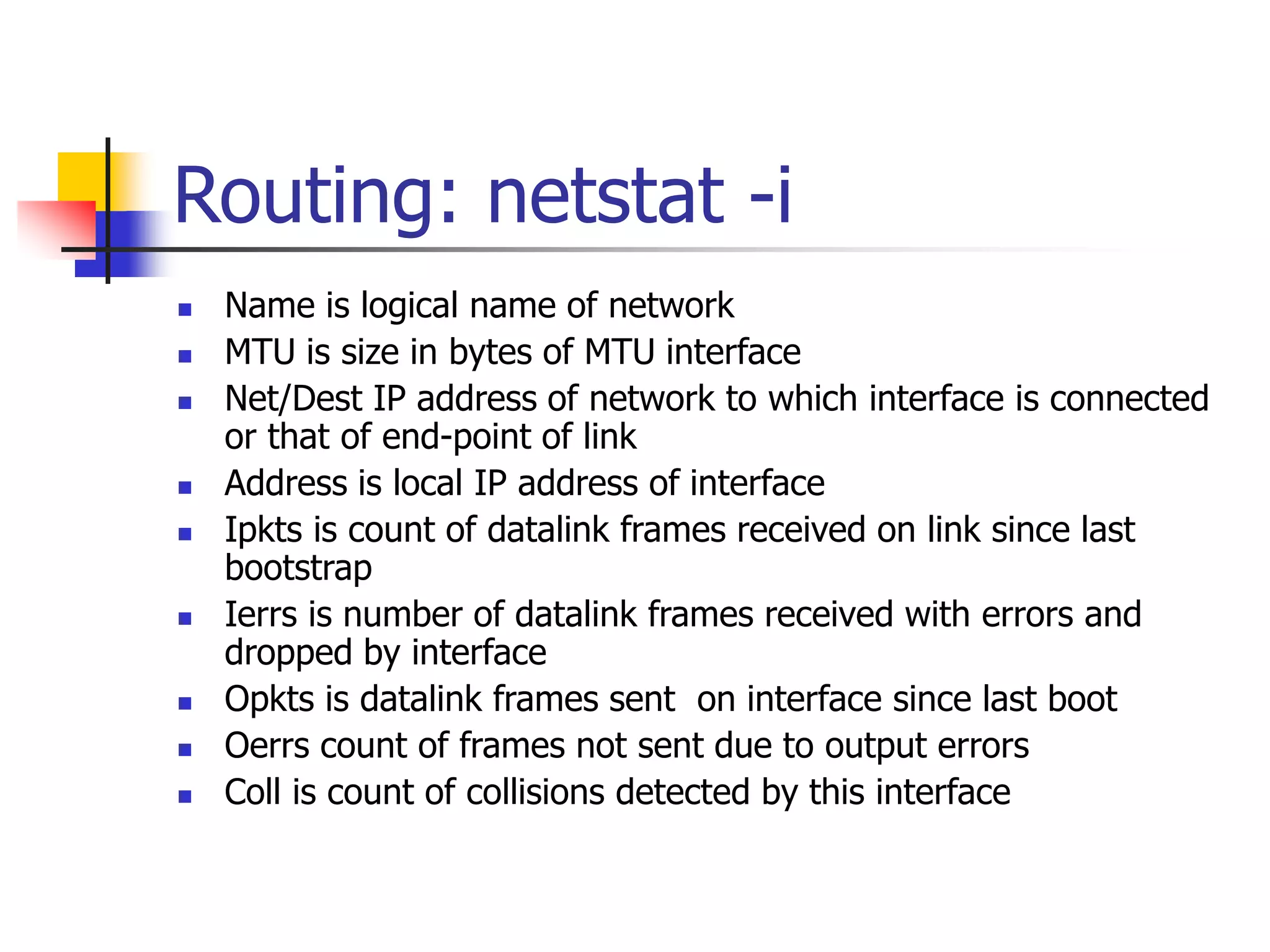
 Name is logical name of network
 MTU is size in bytes of MTU interface
 Net/Dest IP address of network to which interface is connected
or that of end-point of link
 Address is local IP address of interface
 Ipkts is count of datalink frames received on link since last
bootstrap
 Ierrs is number of datalink frames received with errors and
dropped by interface
 Opkts is datalink frames sent on interface since last boot
 Oerrs count of frames not sent due to output errors
 Coll is count of collisions detected by this interface
Routing: netstat -f
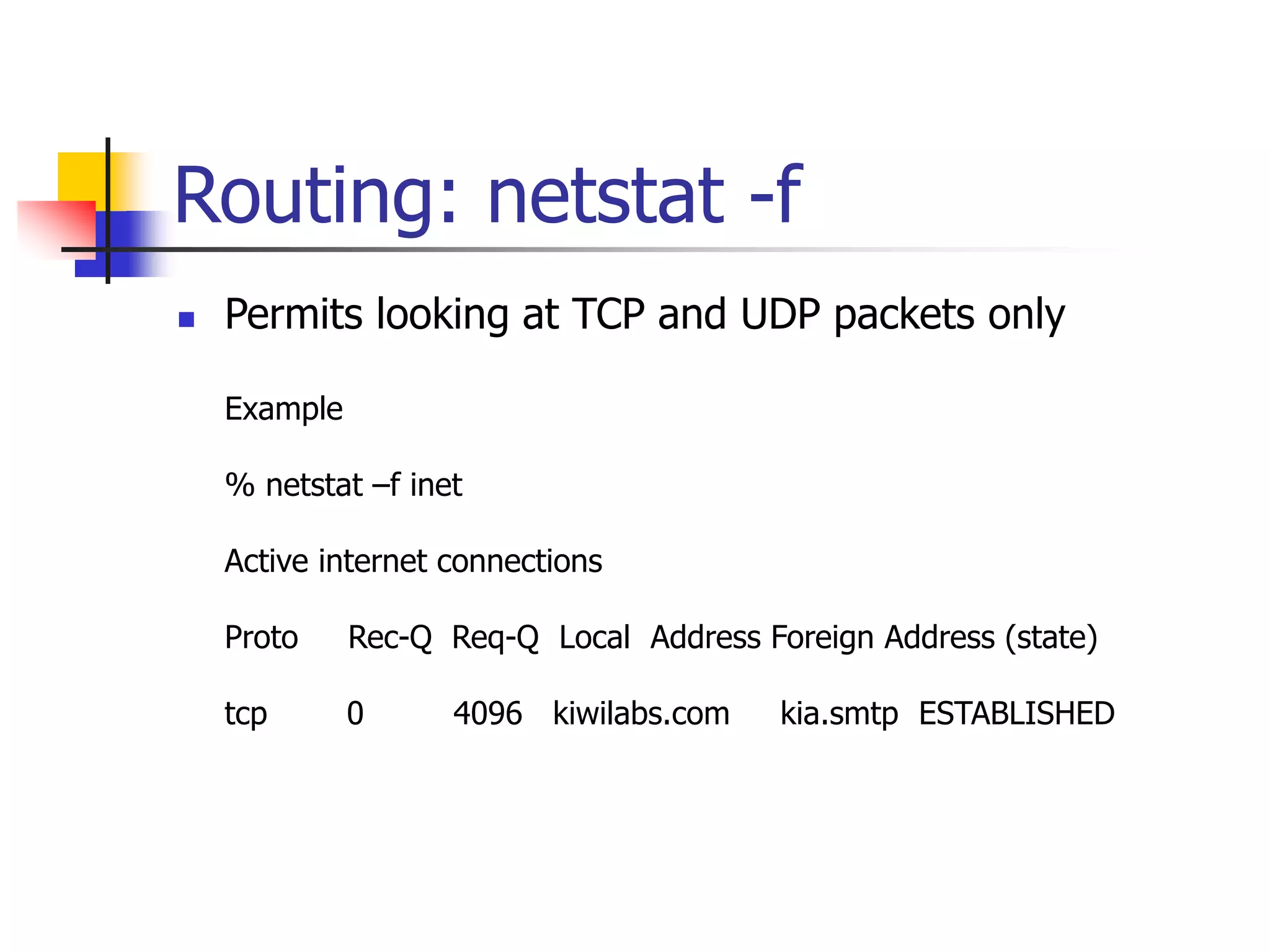
 Permits looking at TCP and UDP packets only
Example
% netstat –f inet
Active internet connections
Proto Rec-Q Req-Q Local Address Foreign Address (state)
tcp 0 4096 kiwilabs.com kia.smtp ESTABLISHED
Routing: netstat -f
 Proto is the protocol (TCP or UDP)
 Recv-Q number of bytes in socket input queue
 Send-Q number of bytes in socket output queue
 Local address set of period separated names
 Foreign address is remote socket address given in
format of local address
 (state) is current state of TCP connection. Field is
always empty for UDP connections
Traceroute
 Traces route an IP packet takes to destination host
 Takes single hostname argument and lists all intermediate router
 Sends three UDP messages encapsulated in an IP packet and
records the round-trip time in milliseconds for each message sent
to intermediate router
 Lost message or router that does not respond is denoted with a “*”
Example
% traceroute unix5.andrew.cmu.edu
ARP: Address Resolution
Protocol
 Arp command permits the examining and modifying
of local ARP cache
Example
% arp -a
Etherfind
 Specific to Sun for tracing Ethernet frames
 Performs functions of a network analyzer
 Output can be piped to other unix tools (grep, awk, sed)
 Can display selective frames
 Mainly useful for TCP/IIP
Example
% etherfind –i le0 –v –t greater 0
nslookup
 Simple tool for querying DNS servers
 Without arguments user is prompted for queries
Example
% nslookup <unix5>
> unix5
> ls kiwilabs.com
> set type = pttr
> set type = any
Summary
 Presented examples of network debugging tools
 Discussed the use of these tools for various purposes

NW_Tools.ppt

  • 1.
    Network Debugging Organizational Communications andTechnologies Prithvi Rao H. John Heinz III School of Public Policy and Management Carnegie Mellon University
  • 2.
    Objectives  Present someexamples of debugging tools
  • 3.
    Readings Suggested reading: Classnotes Practical Internetworking with TCP/IP and UNIX (not required)
  • 4.
    Tools for Debugging Most tools are available for Unix based systems (most servers are likely to be UNIX)  Some tools are freely available (traceroute and dig)  Some proprietary tools exist (etherfind)
  • 5.
    Ping  Simple yetvaluable network debugging tool  Sends an ICMP echo request message to remote host  Remote host sends back an ICMP echo and reply message  Sending an echo is called “pinging”  Good baseline test of connectivity  Successful ping implies that IP packets can be exchanged  Network routing is also tested with ping Example % ping unix5.andrew.cmu.edu unix5.andrew.cmu.edu is alive
  • 6.
    Ping  Variant offirst form of ping Example % ping -s akasha.tic.com 5 no response from akasha.tic.com 64 bytes from akasha.tic.com (192.12.23.130) icmp_seq = 0, time = 6 ms 64 bytes from akasha.tic.com (192.12.23.130) icmp_seq = 1, time = 5 ms 64 bytes from akasha.tic.com (192.12.23.130) icmp_seq =2, time = 5 ms In this case command times out after 5 seconds
  • 7.
    Ping  Echo requestand echo reply are part of ICMP  Ping does not rely on application server running on remote host  Relies on network interface card to be configured properly  Unix host in single-user-mode will respond to ping commands
  • 8.
    Remote Script  Scriptthat permits running of arbitrary command on remote machine  Uses the remote shell (rsh) protocol Example % remote uptime –h unix5.andrew.cmu.edu Host: unix5.andrew.cmu.edu 8:30 am up 5 days <time> <#users> <load average>
  • 9.
    Netstat  Netstat isjack-of-all-trades network tool  Can display connections, interfaces, routing tables and traffic statistics  Active connection display  Statistics display  Interfaces  Routing
  • 10.
    Routing: netstat -r Displays kernel routing table Example % netstat –r Destination Gateway Flags Refcnt Use Interface 127.0.0.1 127.0.01 UH 12 244870 le0 default 192.12.23.132 UG 0 51 le0 192.12.23.128 192.12.23.129 U 16 8248341 le0
  • 11.
    Routing: netstat -r Gateway is the IP address of the next hop to which to send address  Flags is the status of each route  Refcnt is the current number of active TCP connections  Use is the total number of IP packets sent using route  Interface is the logical name of the local interface
  • 12.
    Routing: netstat -i Can display status of all interfaces Example % netstat –i –n Name MTU Net/Dest Address Ipkts Ierrs Opkts Oerrs Coll le0 1500 192.12.23.128 192.12.23.129 8141411 0 7902647 0 61
  • 13.
    Routing: netstat -i Name is logical name of network  MTU is size in bytes of MTU interface  Net/Dest IP address of network to which interface is connected or that of end-point of link  Address is local IP address of interface  Ipkts is count of datalink frames received on link since last bootstrap  Ierrs is number of datalink frames received with errors and dropped by interface  Opkts is datalink frames sent on interface since last boot  Oerrs count of frames not sent due to output errors  Coll is count of collisions detected by this interface
  • 14.
    Routing: netstat -f Permits looking at TCP and UDP packets only Example % netstat –f inet Active internet connections Proto Rec-Q Req-Q Local Address Foreign Address (state) tcp 0 4096 kiwilabs.com kia.smtp ESTABLISHED
  • 15.
    Routing: netstat -f Proto is the protocol (TCP or UDP)  Recv-Q number of bytes in socket input queue  Send-Q number of bytes in socket output queue  Local address set of period separated names  Foreign address is remote socket address given in format of local address  (state) is current state of TCP connection. Field is always empty for UDP connections
  • 16.
    Traceroute  Traces routean IP packet takes to destination host  Takes single hostname argument and lists all intermediate router  Sends three UDP messages encapsulated in an IP packet and records the round-trip time in milliseconds for each message sent to intermediate router  Lost message or router that does not respond is denoted with a “*” Example % traceroute unix5.andrew.cmu.edu
  • 17.
    ARP: Address Resolution Protocol Arp command permits the examining and modifying of local ARP cache Example % arp -a
  • 18.
    Etherfind  Specific toSun for tracing Ethernet frames  Performs functions of a network analyzer  Output can be piped to other unix tools (grep, awk, sed)  Can display selective frames  Mainly useful for TCP/IIP Example % etherfind –i le0 –v –t greater 0
  • 19.
    nslookup  Simple toolfor querying DNS servers  Without arguments user is prompted for queries Example % nslookup <unix5> > unix5 > ls kiwilabs.com > set type = pttr > set type = any
  • 20.
    Summary  Presented examplesof network debugging tools  Discussed the use of these tools for various purposes