and security
New Time Music 2.0, Miracle of Sound Conference (online), June 4th 2020
Mika Arvola, System specialist,Turku University of Applied Sciences
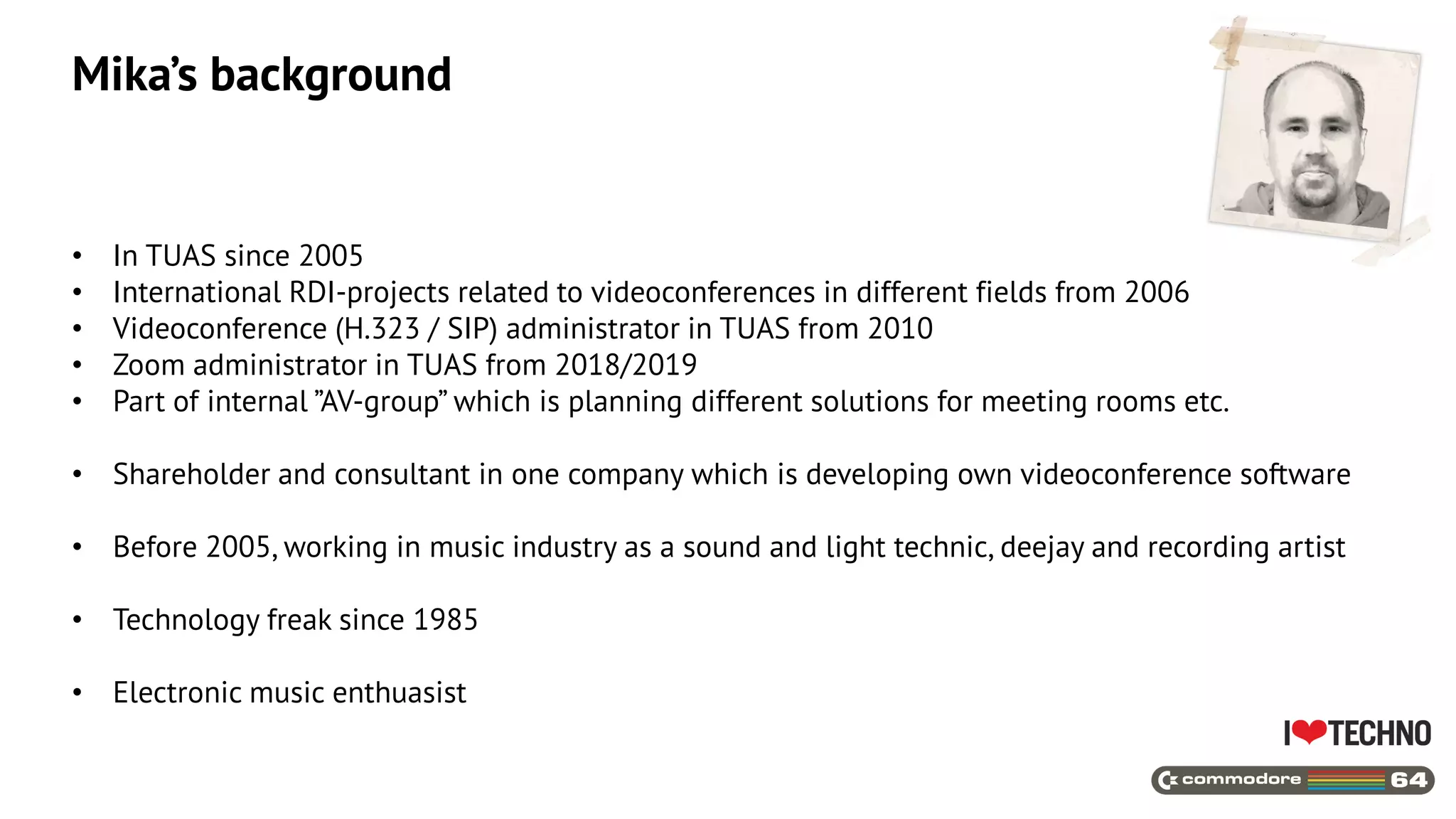
Mika’s background
• In TUAS since 2005
• International RDI-projects related to videoconferences in different fields from 2006
• Videoconference (H.323 / SIP) administrator in TUAS from 2010
• Zoom administrator in TUAS from 2018/2019
• Part of internal ”AV-group” which is planning different solutions for meeting rooms etc.
• Shareholder and consultant in one company which is developing own videoconference software
• Before 2005, working in music industry as a sound and light technic, deejay and recording artist
• Technology freak since 1985
• Electronic music enthuasist
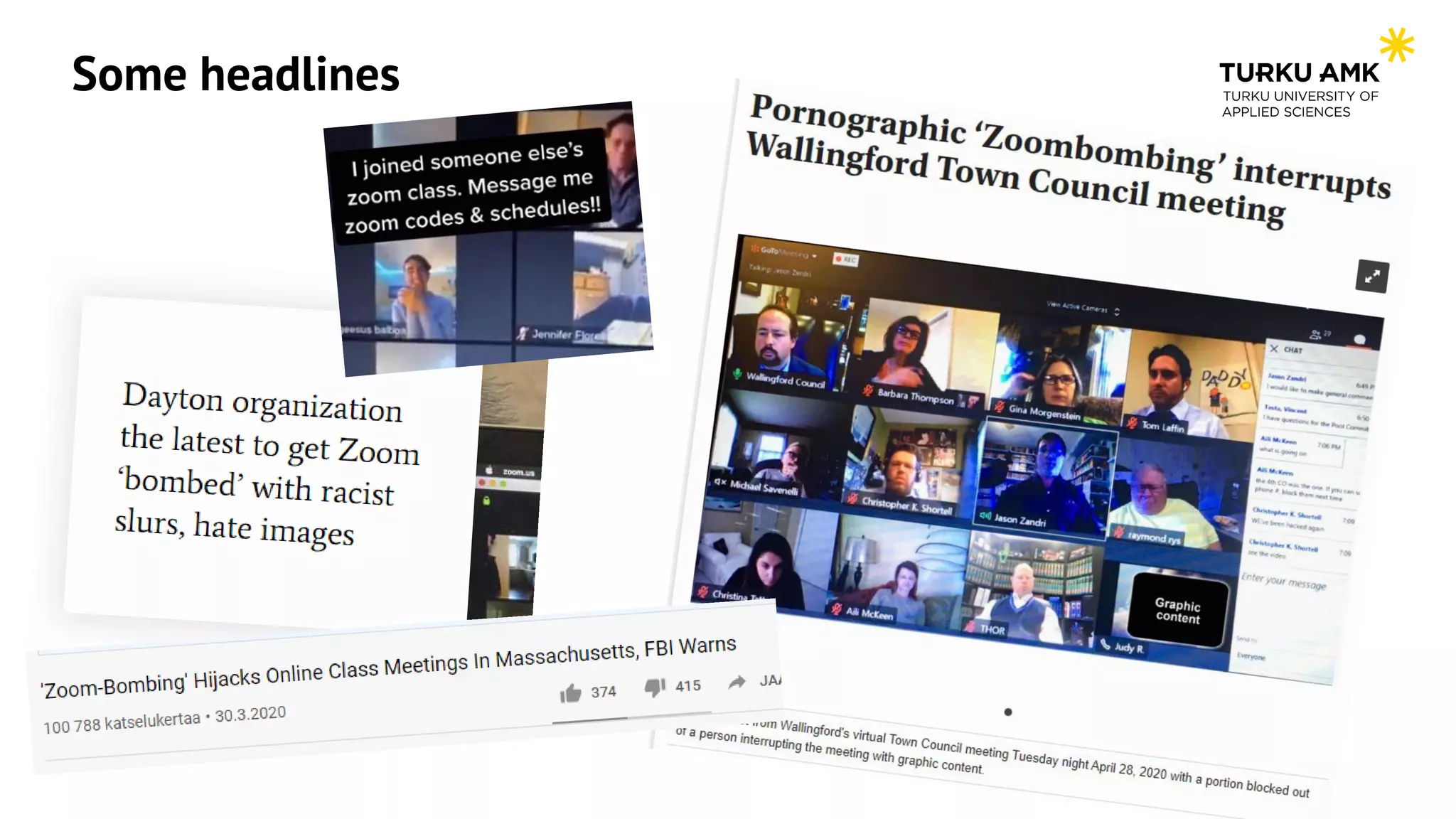
Some headlines
Reasons behind these headlines
• In today’s “Ask Eric Anything” webinar, Zoom founder and CEO Eric S. Yuan provided more progress
updates on our 90-day security plan, including exciting announcements about Zoom 5.0 and
surpassing 300 million daily Zoom meeting participants.
https://blog.zoom.us/wordpress/2020/04/22/90-day-security-plan-progress-report-april-22/
• To put this growth in context, as of the end of December 2019 was approximately 10 million
https://blog.zoom.us/wordpress/2020/04/01/a-message-to-our-users/
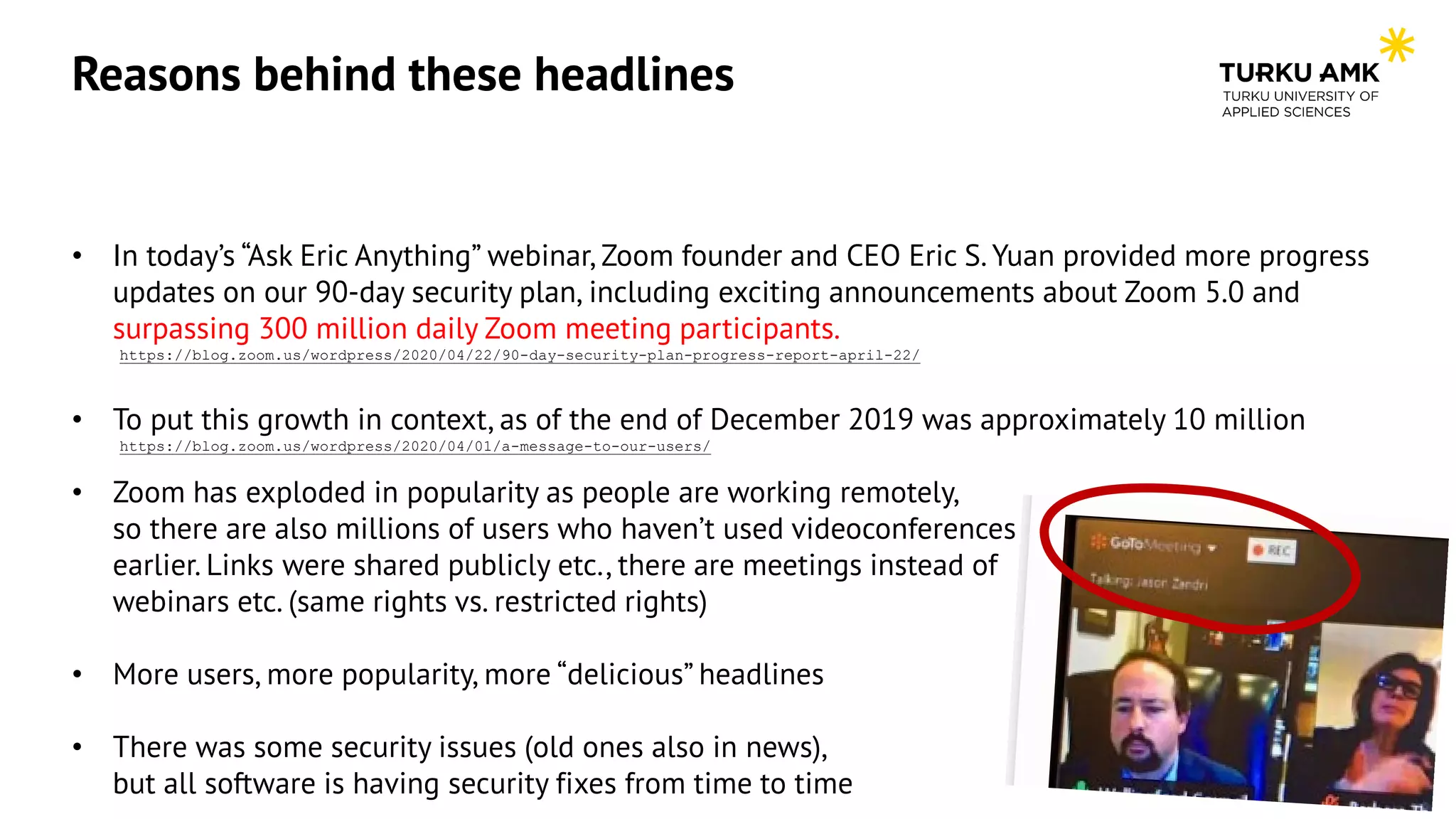
• Zoom has exploded in popularity as people are working remotely, so there are also millions of
users who haven’t used videoconferences earlier. Links were shared publicly etc., there are
meetings instead of webinars etc. (same rights vs. restricted rights)
• More users, more popularity, more “delicious” headlines
• There was some security issues (old ones also in news), but all software is having security fixes
from time to time
Reasons behind these headlines
• In today’s “Ask Eric Anything” webinar, Zoom founder and CEO Eric S. Yuan provided more progress
updates on our 90-day security plan, including exciting announcements about Zoom 5.0 and
surpassing 300 million daily Zoom meeting participants.
https://blog.zoom.us/wordpress/2020/04/22/90-day-security-plan-progress-report-april-22/
• To put this growth in context, as of the end of December 2019 was approximately 10 million
https://blog.zoom.us/wordpress/2020/04/01/a-message-to-our-users/
• Zoom has exploded in popularity as people are working remotely,
so there are also millions of users who haven’t used videoconferences
earlier. Links were shared publicly etc., there are meetings instead of
webinars etc. (same rights vs. restricted rights)
• More users, more popularity, more “delicious” headlines
• There was some security issues (old ones also in news),
but all software is having security fixes from time to time
Usage statistics, real life example
Example from TUAS, Zoom usage in 01-05/2020:
*) Zoom was not used widely in TUAS at the beginning of 2020 (more like internal testing),
we planned to start using it more at Q1/2020
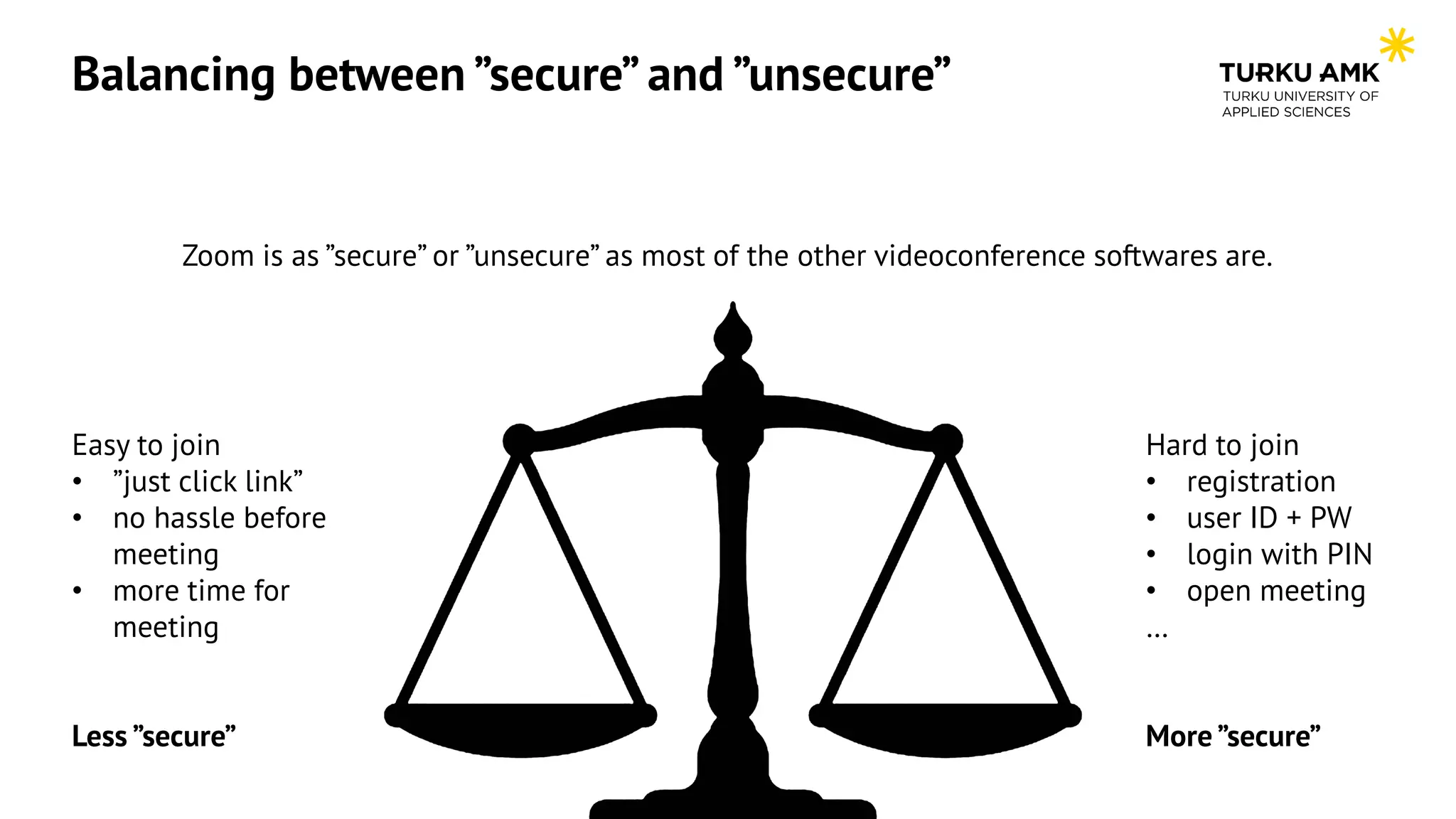
Balancing between ”secure” and ”unsecure”
Zoom is as ”secure” or ”unsecure” as most of the other videoconference softwares are.
Easy to join
• ”just click link”
• no hassle before
meeting
• more time for
meeting
Less ”secure”
Hard to join
• registration
• user ID + PW
• login with PIN
• open meeting
…
More ”secure”
Tips for daily use, setting up a meeting
• Don’t use your PMI (personal meeting ID) unless you know why and when you should use it. Instead of PMI,
generate new meeting ID for each meeting. Use calendar to manage upcoming meeting ID’s, for example
Outlook (+ Zoom plugin) (backup is https://zoom.us/meeting)
• Do not publicly share your meeting ID and/or passwords. Earlier screenshots etc. were also containing ID’s,
newer versions are masking these.
• Meetings are not designed for large-scale or public events where you post the invite on the internet. Instead,
use Zoom Webinars (depends your license).
• Keep Zoom default security features on - waiting rooms, passwords, and restricted screen sharing.
• Password protection? Learn how to use it, it’s maybe coming mandatory for On-Premise installations too.
Registration? Nah, too much hassle.
• Take your time and have a look in your default settings too, https://zoom.us/profile/setting
Tips for daily use, in a meeting
Get to know host privacy and
security features like Stop Video,
Mute All, Remove Participants,
Put in Waiting Room and Lock
Meeting.
Tips for sharing recordings, external service
• https://zoom.us/recording, select you recorded meeting
download chat file
Download MP4, edit and upload
where you want
Hoverwithmousetosee
grayedareas…
Tips for sharing recordings, from Zoom
• https://zoom.us/recording, select your recorded meeting
delete chat if needed (permanently) Topic: testikutsu
Date: Mar 2, 2020 15:40 Kiev
Meeting Recording:
https://zoom.us/rec/share/vtEvIpfZ92NOcs_wsVDAAnqX6
a82yhK_NL9jvN6ScsShCfu3o1o7WYKN6IXcM8
if you need to trim,
click video icon,
then scissors
You’re welcome.
Questions or feedback, contact
mika.arvola@turkuamk.fi

Ntm 2.0 arvola presentation

  • 1.
    and security New TimeMusic 2.0, Miracle of Sound Conference (online), June 4th 2020 Mika Arvola, System specialist,Turku University of Applied Sciences
  • 2.
    Mika’s background • InTUAS since 2005 • International RDI-projects related to videoconferences in different fields from 2006 • Videoconference (H.323 / SIP) administrator in TUAS from 2010 • Zoom administrator in TUAS from 2018/2019 • Part of internal ”AV-group” which is planning different solutions for meeting rooms etc. • Shareholder and consultant in one company which is developing own videoconference software • Before 2005, working in music industry as a sound and light technic, deejay and recording artist • Technology freak since 1985 • Electronic music enthuasist
  • 3.
  • 4.
    Reasons behind theseheadlines • In today’s “Ask Eric Anything” webinar, Zoom founder and CEO Eric S. Yuan provided more progress updates on our 90-day security plan, including exciting announcements about Zoom 5.0 and surpassing 300 million daily Zoom meeting participants. https://blog.zoom.us/wordpress/2020/04/22/90-day-security-plan-progress-report-april-22/ • To put this growth in context, as of the end of December 2019 was approximately 10 million https://blog.zoom.us/wordpress/2020/04/01/a-message-to-our-users/ • Zoom has exploded in popularity as people are working remotely, so there are also millions of users who haven’t used videoconferences earlier. Links were shared publicly etc., there are meetings instead of webinars etc. (same rights vs. restricted rights) • More users, more popularity, more “delicious” headlines • There was some security issues (old ones also in news), but all software is having security fixes from time to time
  • 5.
    Reasons behind theseheadlines • In today’s “Ask Eric Anything” webinar, Zoom founder and CEO Eric S. Yuan provided more progress updates on our 90-day security plan, including exciting announcements about Zoom 5.0 and surpassing 300 million daily Zoom meeting participants. https://blog.zoom.us/wordpress/2020/04/22/90-day-security-plan-progress-report-april-22/ • To put this growth in context, as of the end of December 2019 was approximately 10 million https://blog.zoom.us/wordpress/2020/04/01/a-message-to-our-users/ • Zoom has exploded in popularity as people are working remotely, so there are also millions of users who haven’t used videoconferences earlier. Links were shared publicly etc., there are meetings instead of webinars etc. (same rights vs. restricted rights) • More users, more popularity, more “delicious” headlines • There was some security issues (old ones also in news), but all software is having security fixes from time to time
  • 6.
    Usage statistics, reallife example Example from TUAS, Zoom usage in 01-05/2020: *) Zoom was not used widely in TUAS at the beginning of 2020 (more like internal testing), we planned to start using it more at Q1/2020
  • 7.
    Balancing between ”secure”and ”unsecure” Zoom is as ”secure” or ”unsecure” as most of the other videoconference softwares are. Easy to join • ”just click link” • no hassle before meeting • more time for meeting Less ”secure” Hard to join • registration • user ID + PW • login with PIN • open meeting … More ”secure”
  • 8.
    Tips for dailyuse, setting up a meeting • Don’t use your PMI (personal meeting ID) unless you know why and when you should use it. Instead of PMI, generate new meeting ID for each meeting. Use calendar to manage upcoming meeting ID’s, for example Outlook (+ Zoom plugin) (backup is https://zoom.us/meeting) • Do not publicly share your meeting ID and/or passwords. Earlier screenshots etc. were also containing ID’s, newer versions are masking these. • Meetings are not designed for large-scale or public events where you post the invite on the internet. Instead, use Zoom Webinars (depends your license). • Keep Zoom default security features on - waiting rooms, passwords, and restricted screen sharing. • Password protection? Learn how to use it, it’s maybe coming mandatory for On-Premise installations too. Registration? Nah, too much hassle. • Take your time and have a look in your default settings too, https://zoom.us/profile/setting
  • 9.
    Tips for dailyuse, in a meeting Get to know host privacy and security features like Stop Video, Mute All, Remove Participants, Put in Waiting Room and Lock Meeting.
  • 10.
    Tips for sharingrecordings, external service • https://zoom.us/recording, select you recorded meeting download chat file Download MP4, edit and upload where you want Hoverwithmousetosee grayedareas…
  • 11.
    Tips for sharingrecordings, from Zoom • https://zoom.us/recording, select your recorded meeting delete chat if needed (permanently) Topic: testikutsu Date: Mar 2, 2020 15:40 Kiev Meeting Recording: https://zoom.us/rec/share/vtEvIpfZ92NOcs_wsVDAAnqX6 a82yhK_NL9jvN6ScsShCfu3o1o7WYKN6IXcM8 if you need to trim, click video icon, then scissors
  • 12.
    You’re welcome. Questions orfeedback, contact mika.arvola@turkuamk.fi