https://tech.showmax.com
@ShowmaxDevs
Networking fundamentals
Štefan Šafár
https://tech.showmax.com
@ShowmaxDevs
Contents
● Ip addresses, network masks
● Routes and routing
● TCP/IP stack
● Linux socket API
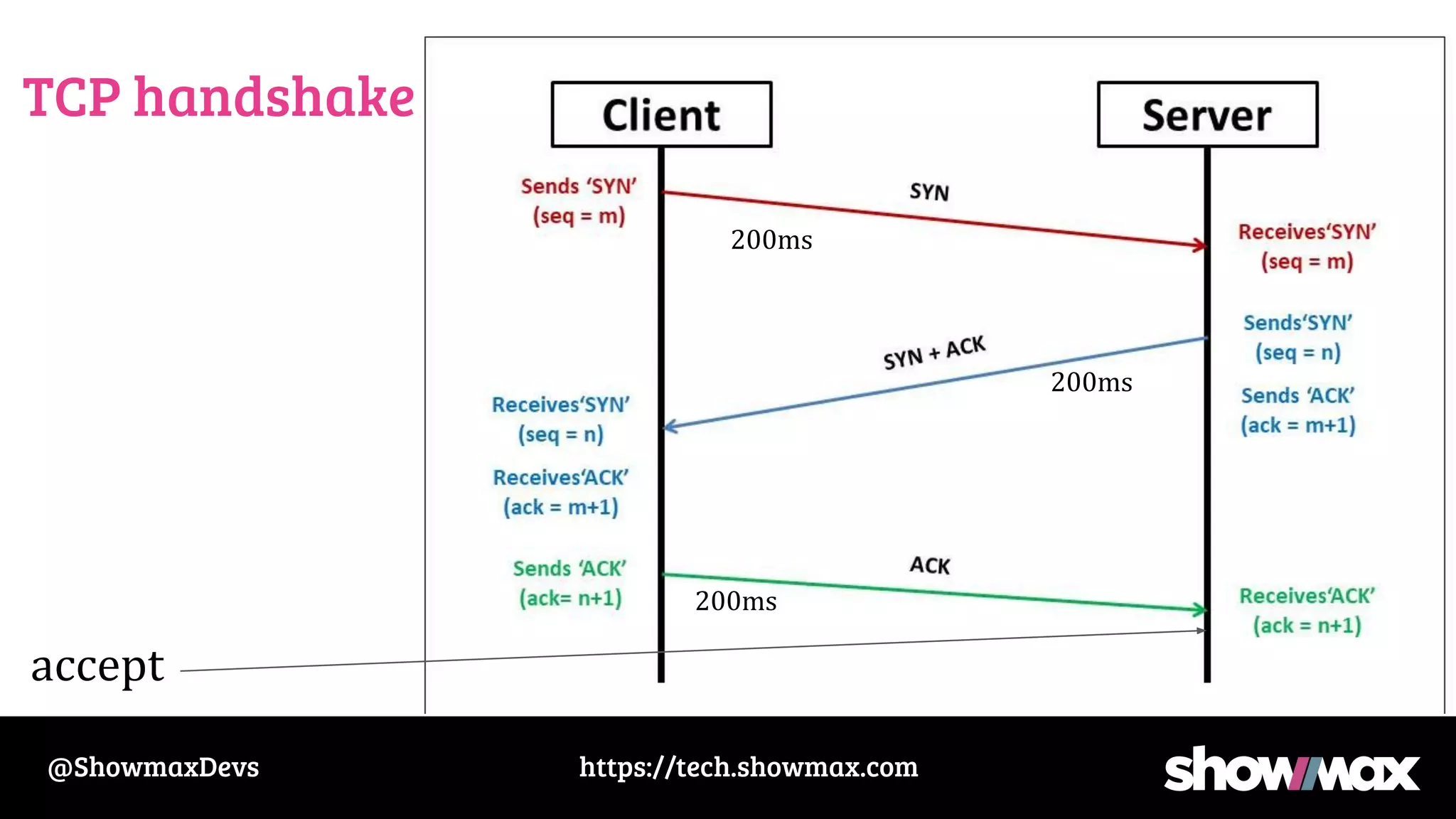
● TCP handshake
● Debugging stuff
● Wireshark demos
https://tech.showmax.com
@ShowmaxDevs
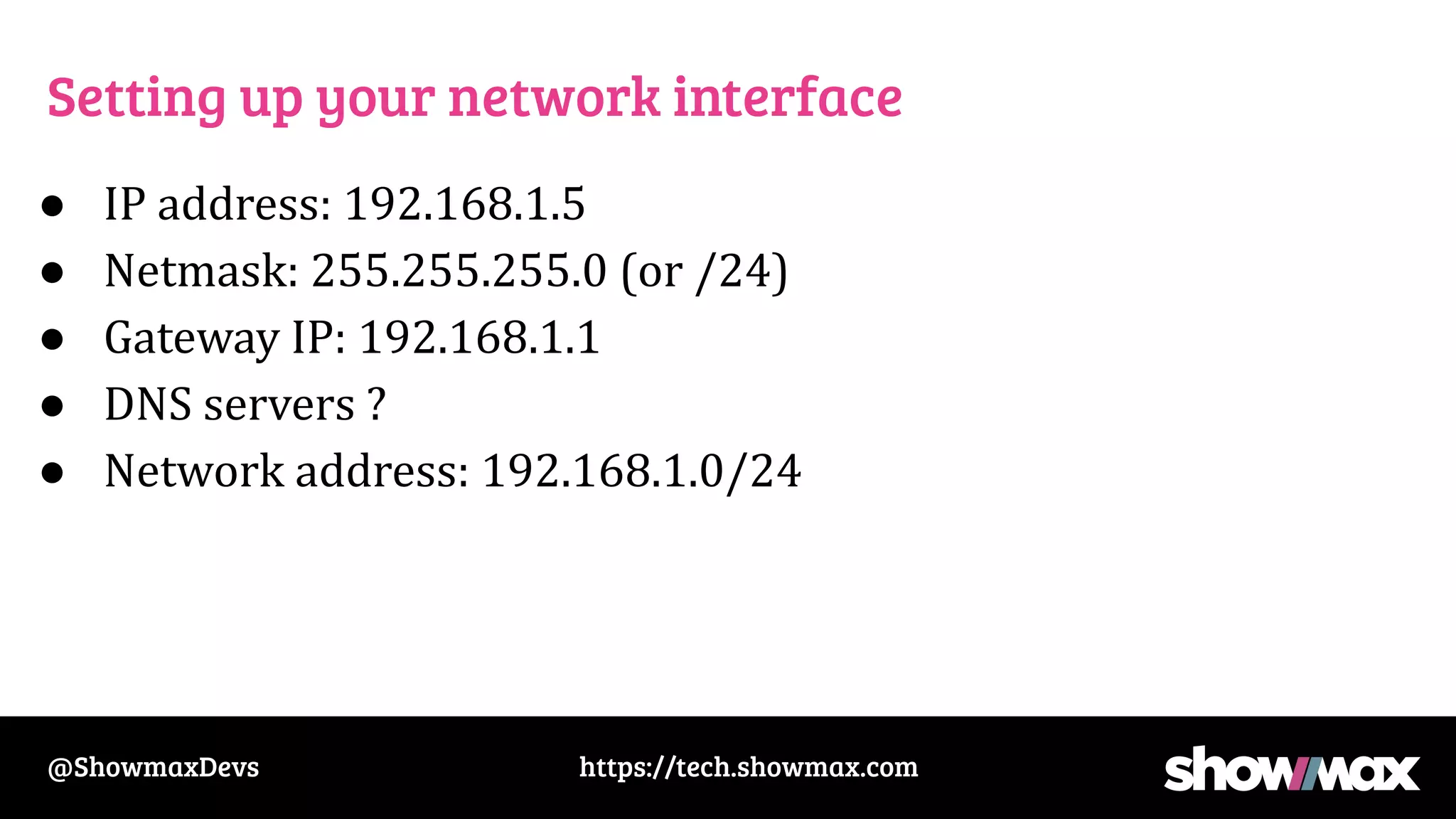
Setting up your network interface
● IP address: 192.168.1.5
● Netmask: 255.255.255.0 (or /24)
● Gateway IP: 192.168.1.1
● DNS servers ?
https://tech.showmax.com
@ShowmaxDevs
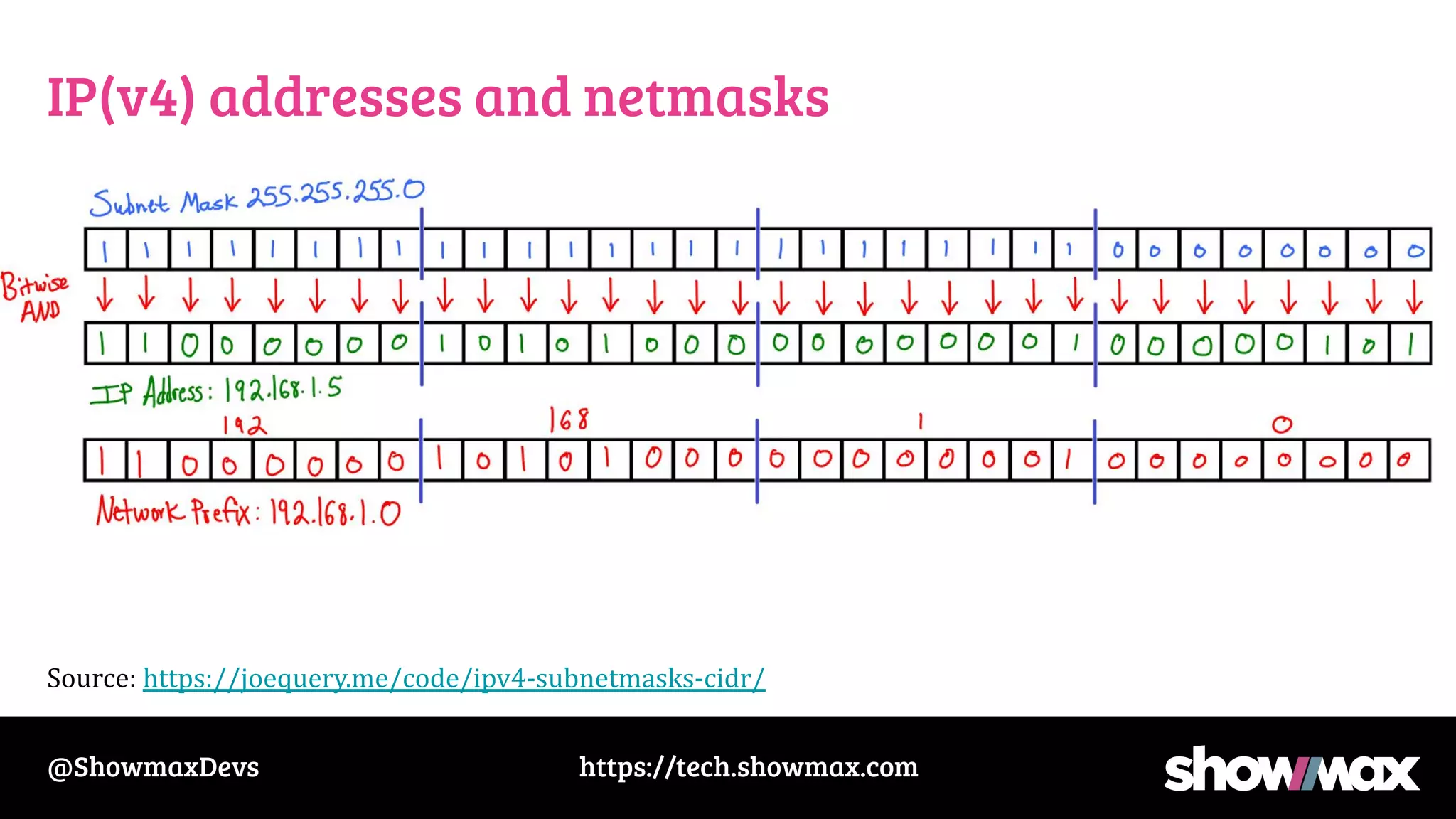
IP(v4) addresses and netmasks
●
Source: https://joequery.me/code/ipv4-subnetmasks-cidr/
https://tech.showmax.com
@ShowmaxDevs
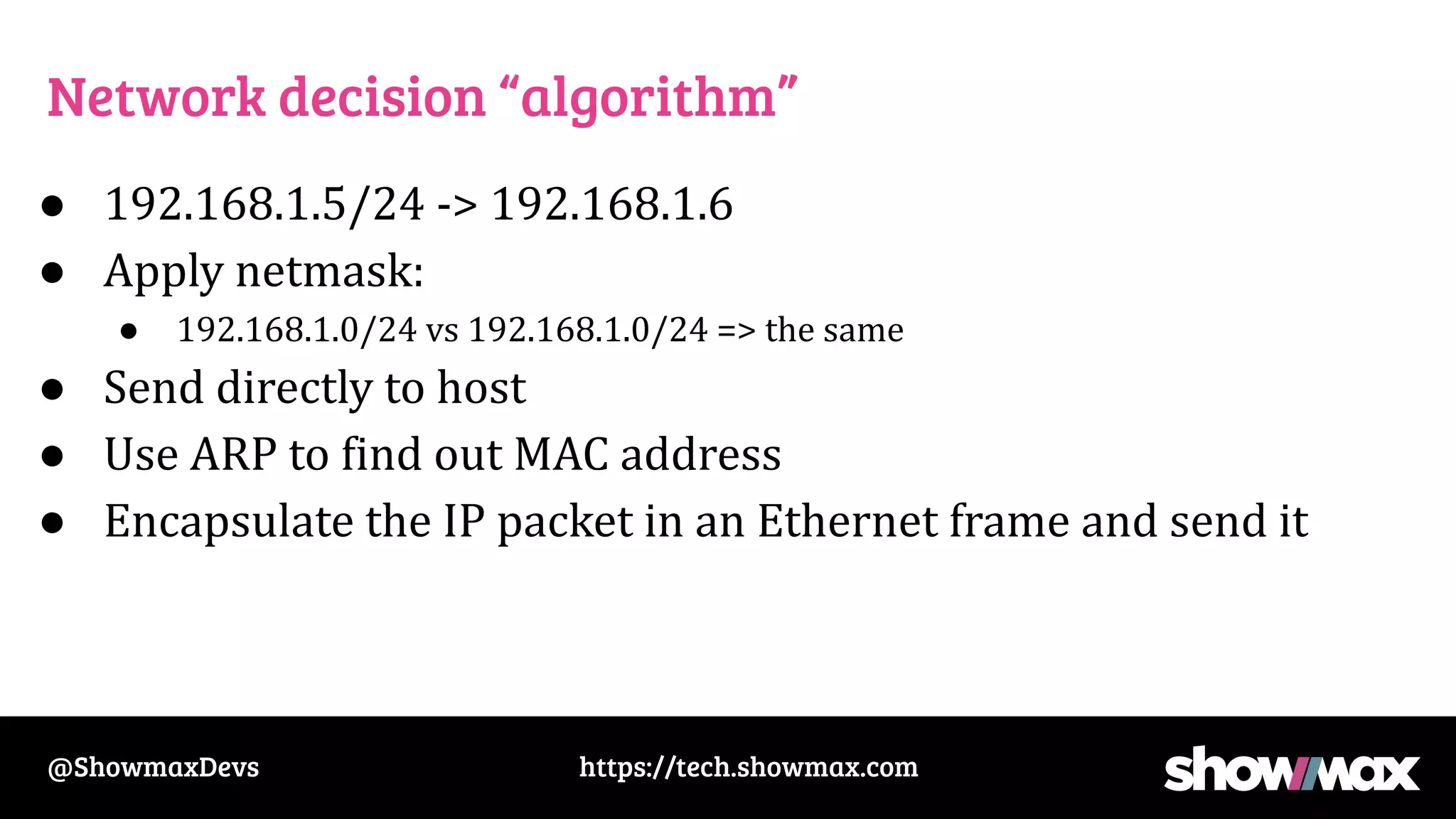
Setting up your network interface
● IP address: 192.168.1.5
● Netmask: 255.255.255.0 (or /24)
● Gateway IP: 192.168.1.1
● DNS servers ?
● Network address: 192.168.1.0/24
https://tech.showmax.com
@ShowmaxDevs
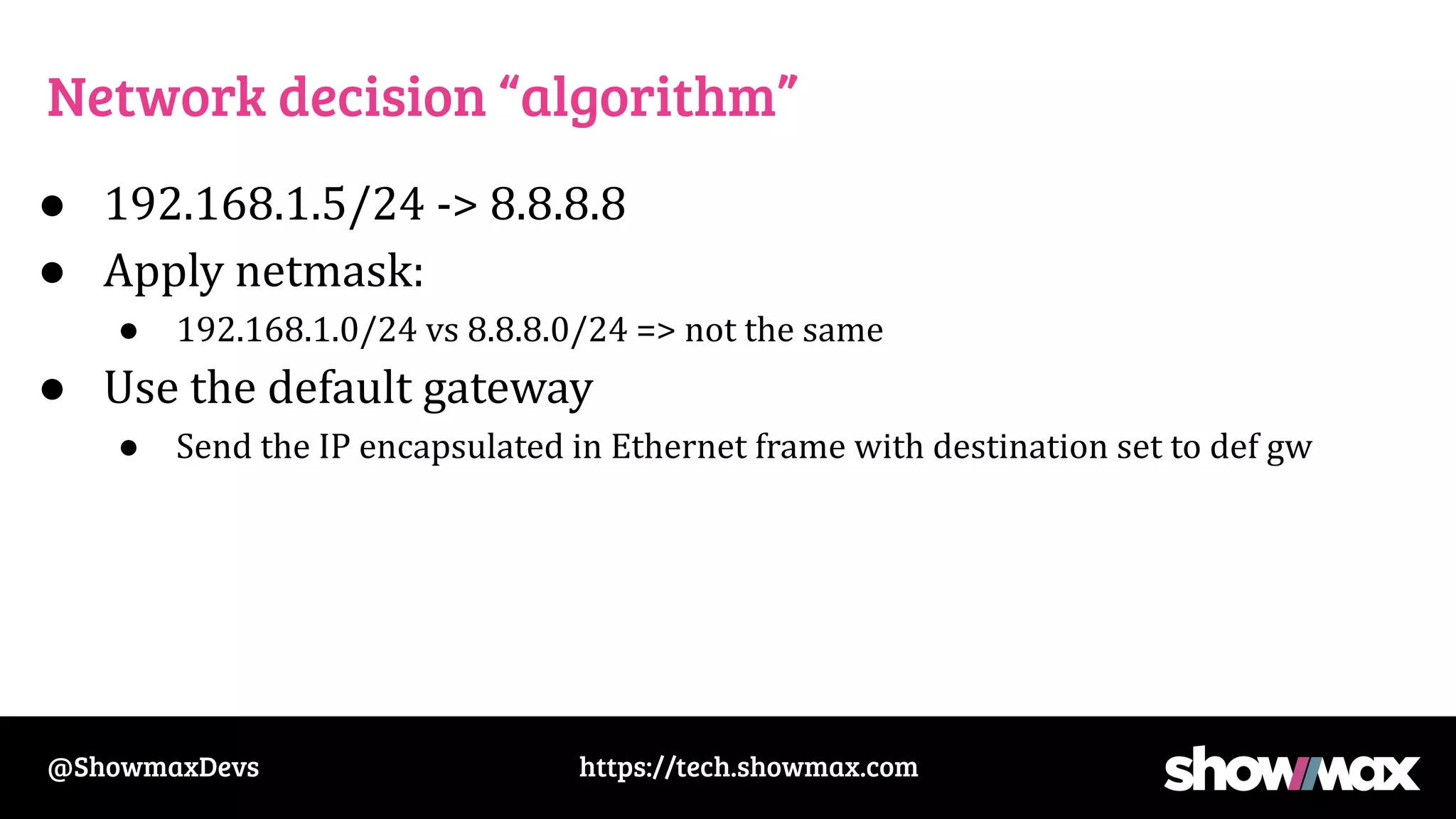
Network decision “algorithm”
● 192.168.1.5/24 -> 192.168.1.6
● Apply netmask:
● 192.168.1.0/24 vs 192.168.1.0/24 => the same
● Send directly to host
● Use ARP to find out MAC address
● Encapsulate the IP packet in an Ethernet frame and send it
https://tech.showmax.com
@ShowmaxDevs
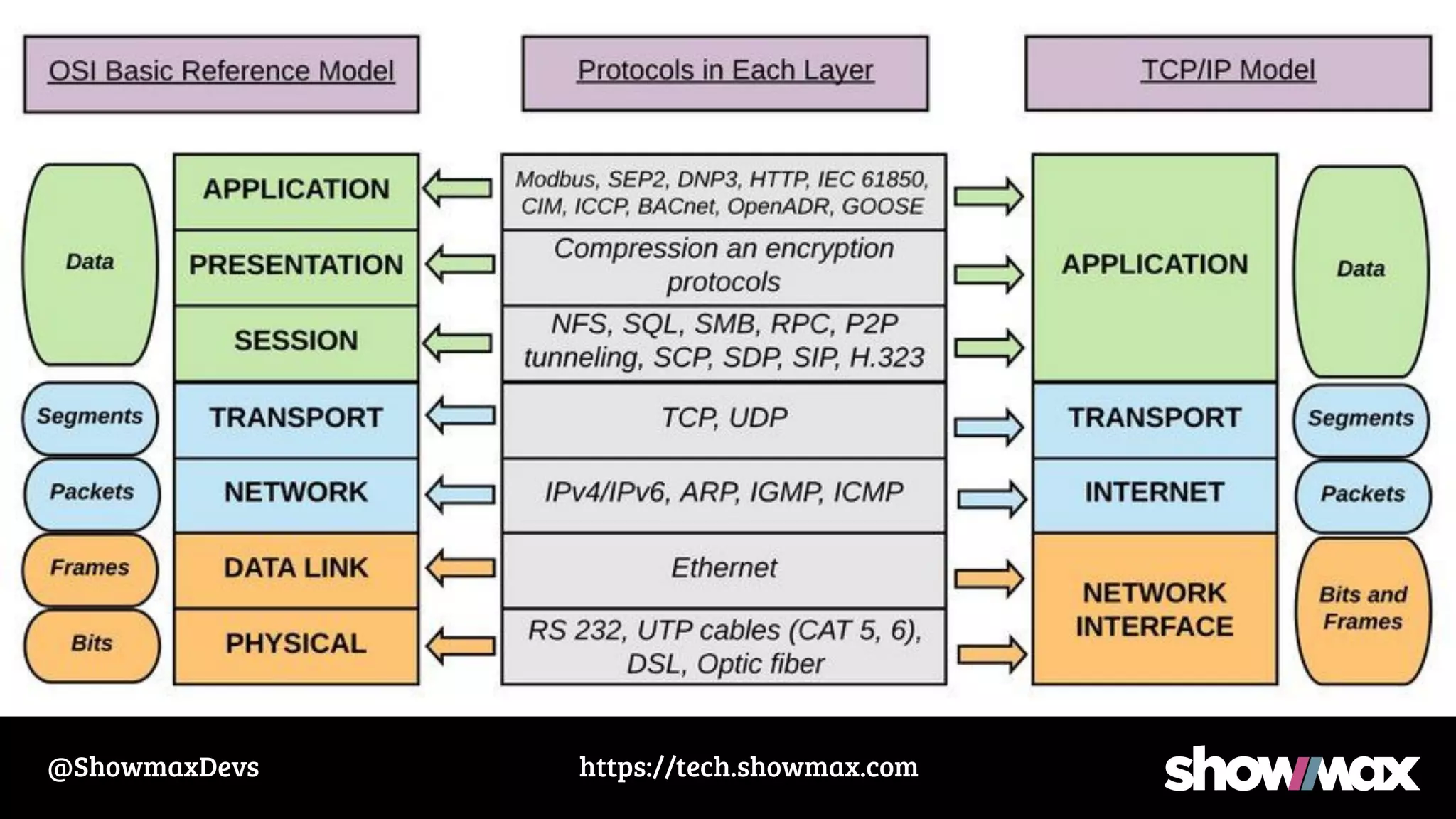
Network decision “algorithm”
● 192.168.1.5/24 -> 8.8.8.8
● Apply netmask:
● 192.168.1.0/24 vs 8.8.8.0/24 => not the same
● Use the default gateway
● Send the IP encapsulated in Ethernet frame with destination set to def gw
https://tech.showmax.com
@ShowmaxDevs
https://tech.showmax.com
@ShowmaxDevs
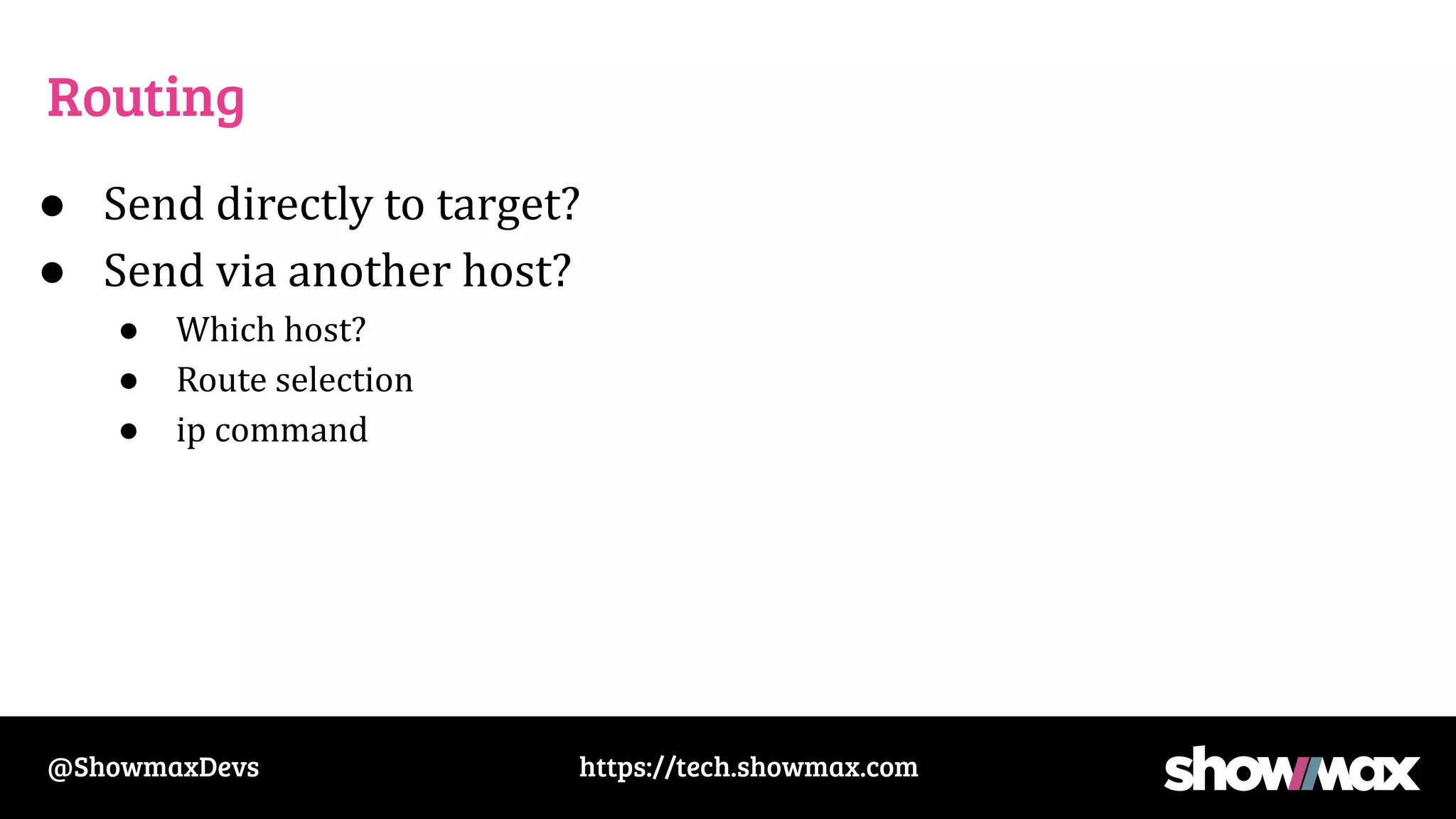
Routing
● Send directly to target?
● Send via another host?
● Which host?
● Route selection
● ip command
https://tech.showmax.com
@ShowmaxDevs
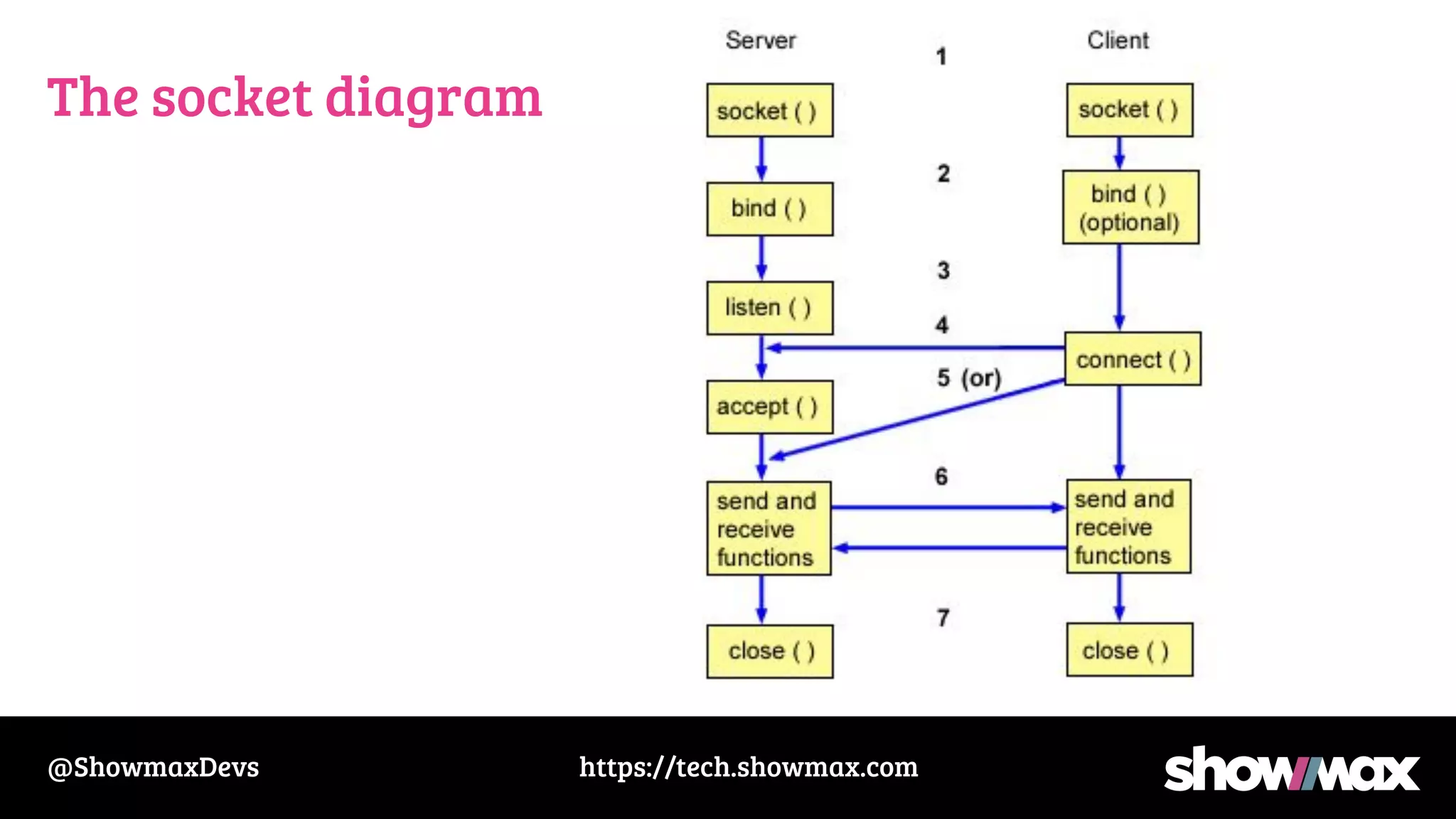
The socket diagram
https://tech.showmax.com
@ShowmaxDevs
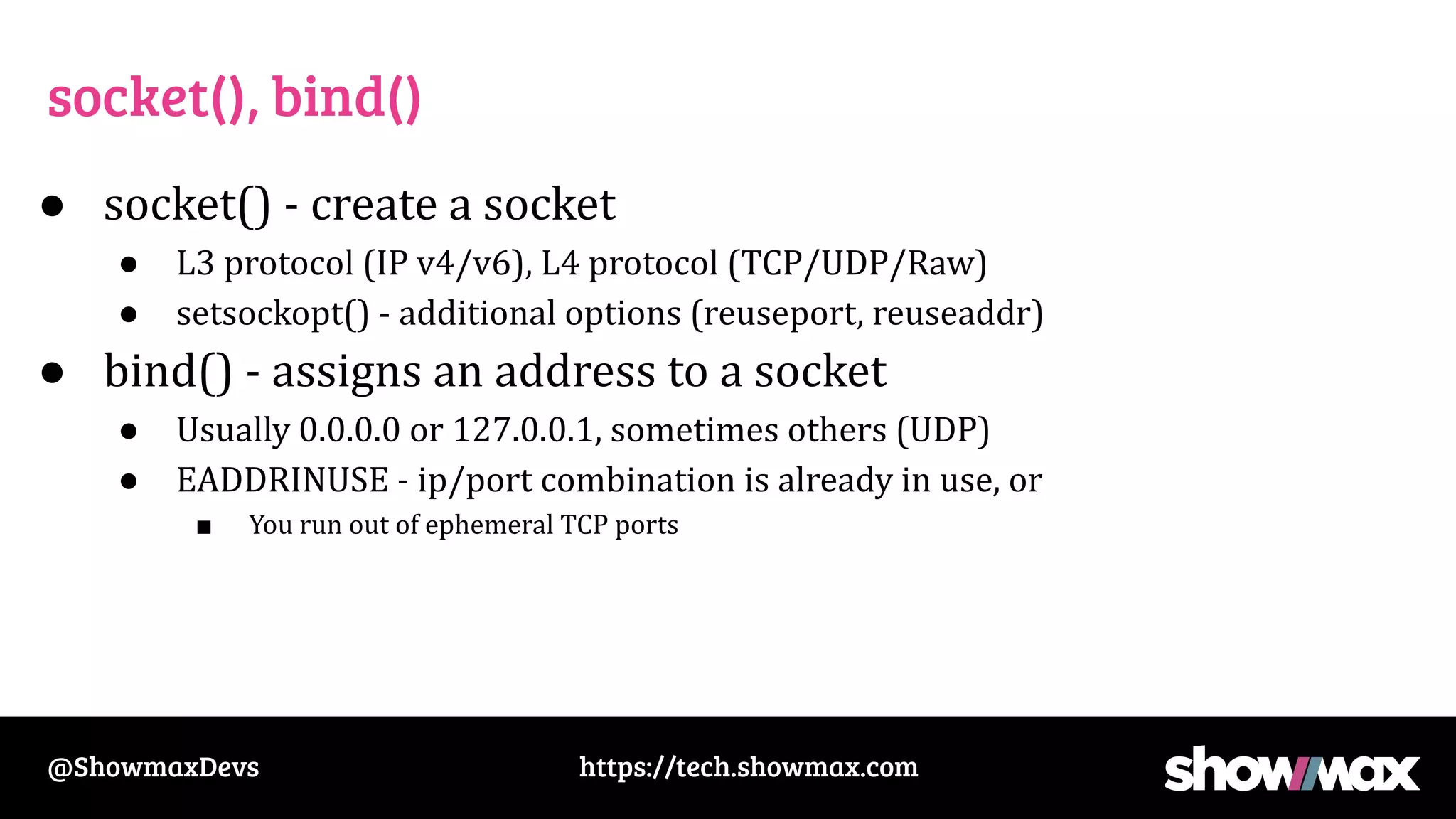
socket(), bind()
● socket() - create a socket
● L3 protocol (IP v4/v6), L4 protocol (TCP/UDP/Raw)
● setsockopt() - additional options (reuseport, reuseaddr)
● bind() - assigns an address to a socket
● Usually 0.0.0.0 or 127.0.0.1, sometimes others (UDP)
● EADDRINUSE - ip/port combination is already in use, or
■ You run out of ephemeral TCP ports
https://tech.showmax.com
@ShowmaxDevs
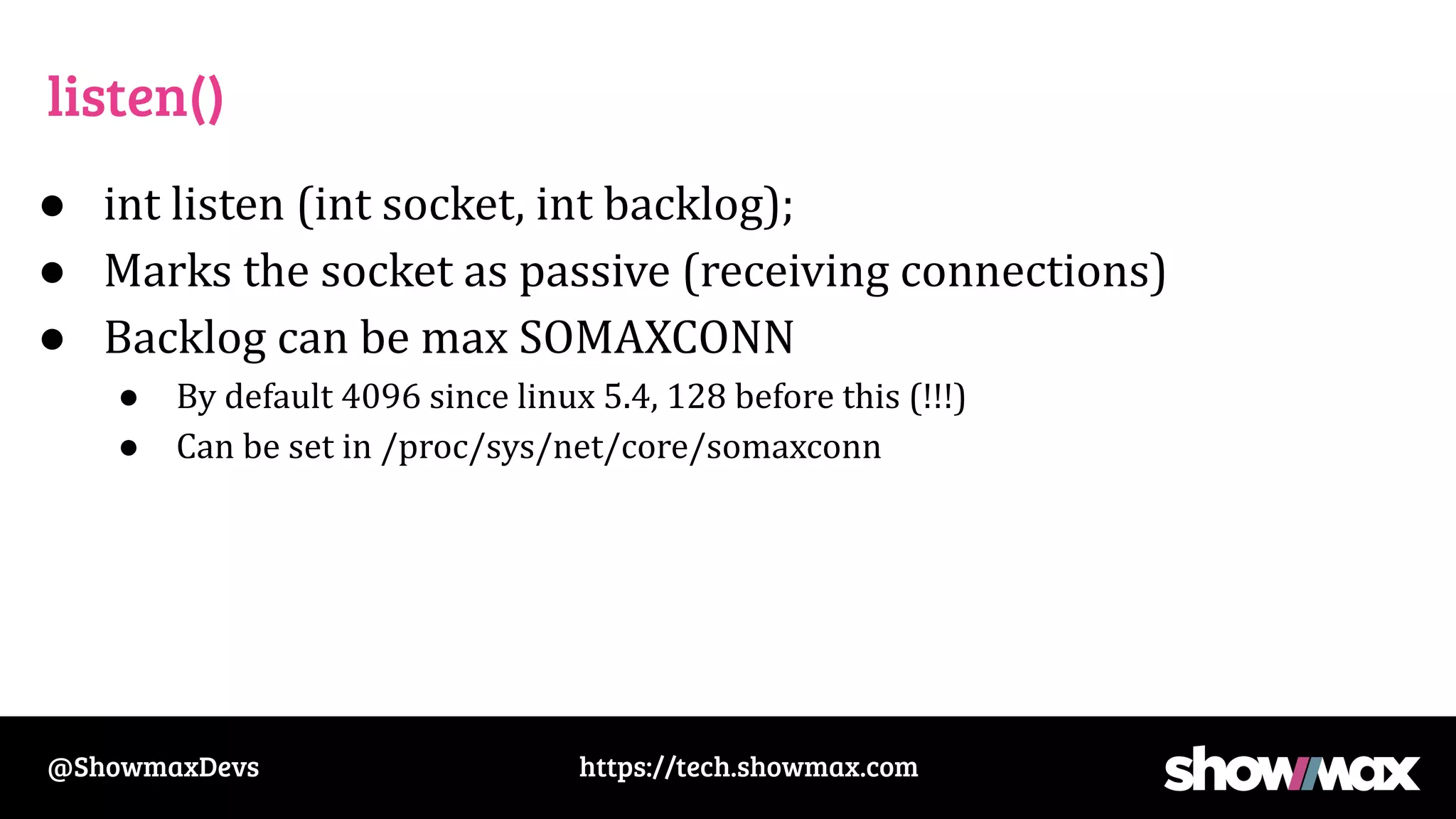
listen()
● int listen (int socket, int backlog);
● Marks the socket as passive (receiving connections)
● Backlog can be max SOMAXCONN
● By default 4096 since linux 5.4, 128 before this (!!!)
● Can be set in /proc/sys/net/core/somaxconn
https://tech.showmax.com
@ShowmaxDevs
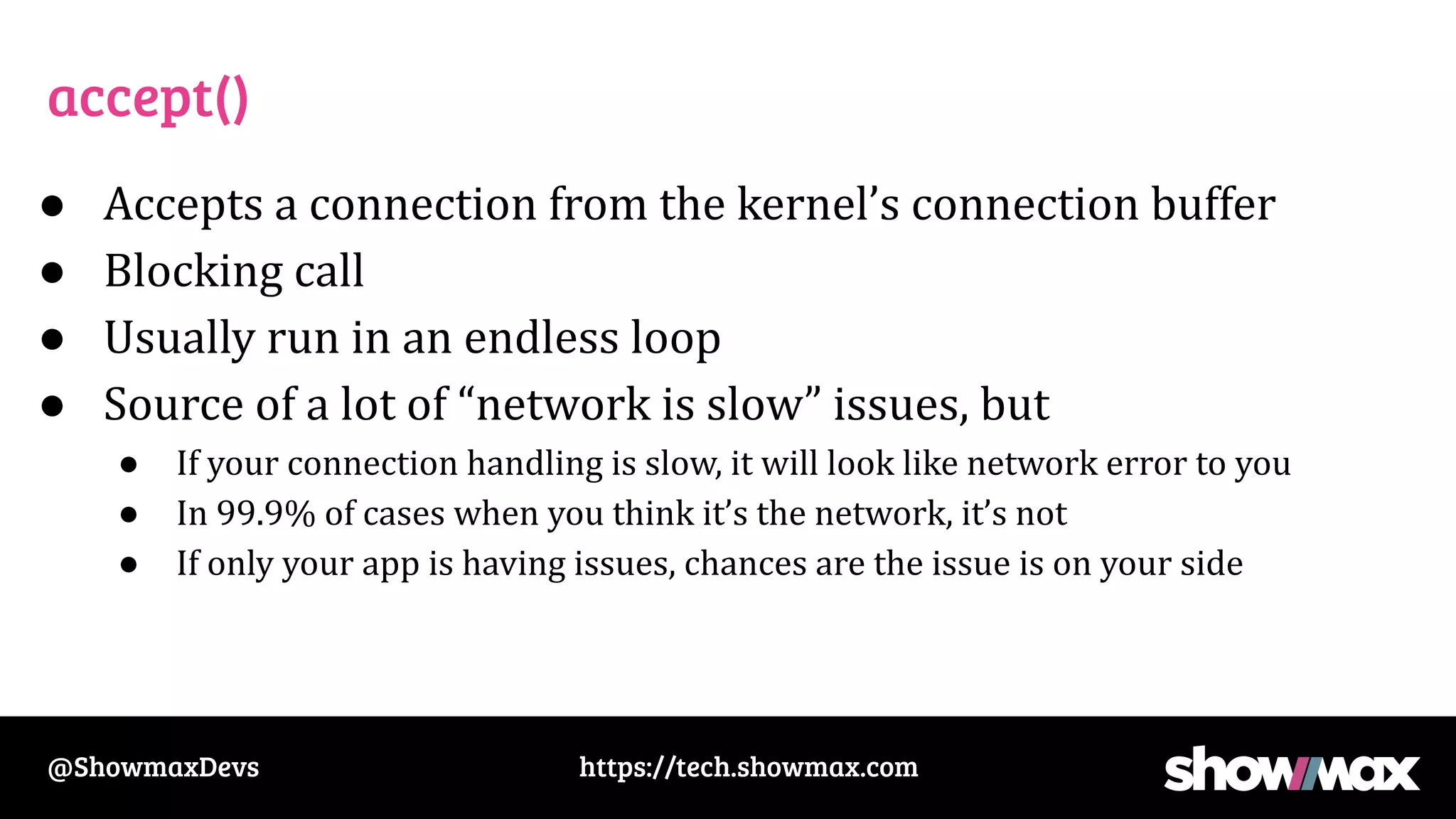
accept()
● Accepts a connection from the kernel’s connection buffer
● Blocking call
● Usually run in an endless loop
● Source of a lot of “network is slow” issues, but
● If your connection handling is slow, it will look like network error to you
● In 99.9% of cases when you think it’s the network, it’s not
● If only your app is having issues, chances are the issue is on your side
https://tech.showmax.com
@ShowmaxDevs
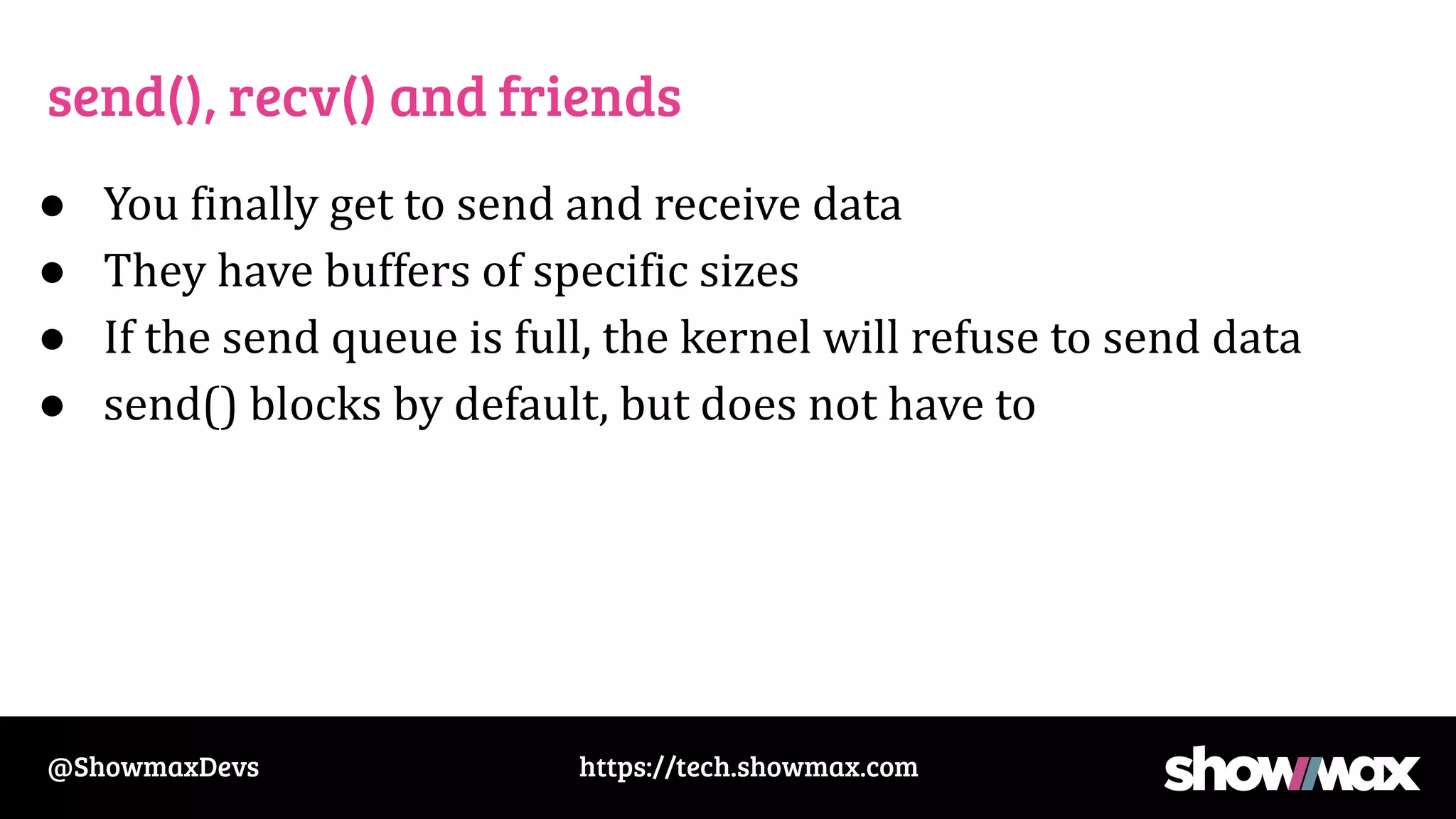
send(), recv() and friends
● You finally get to send and receive data
● They have buffers of specific sizes
● If the send queue is full, the kernel will refuse to send data
● send() blocks by default, but does not have to
https://tech.showmax.com
@ShowmaxDevs
Networks
https://tech.showmax.com
@ShowmaxDevs
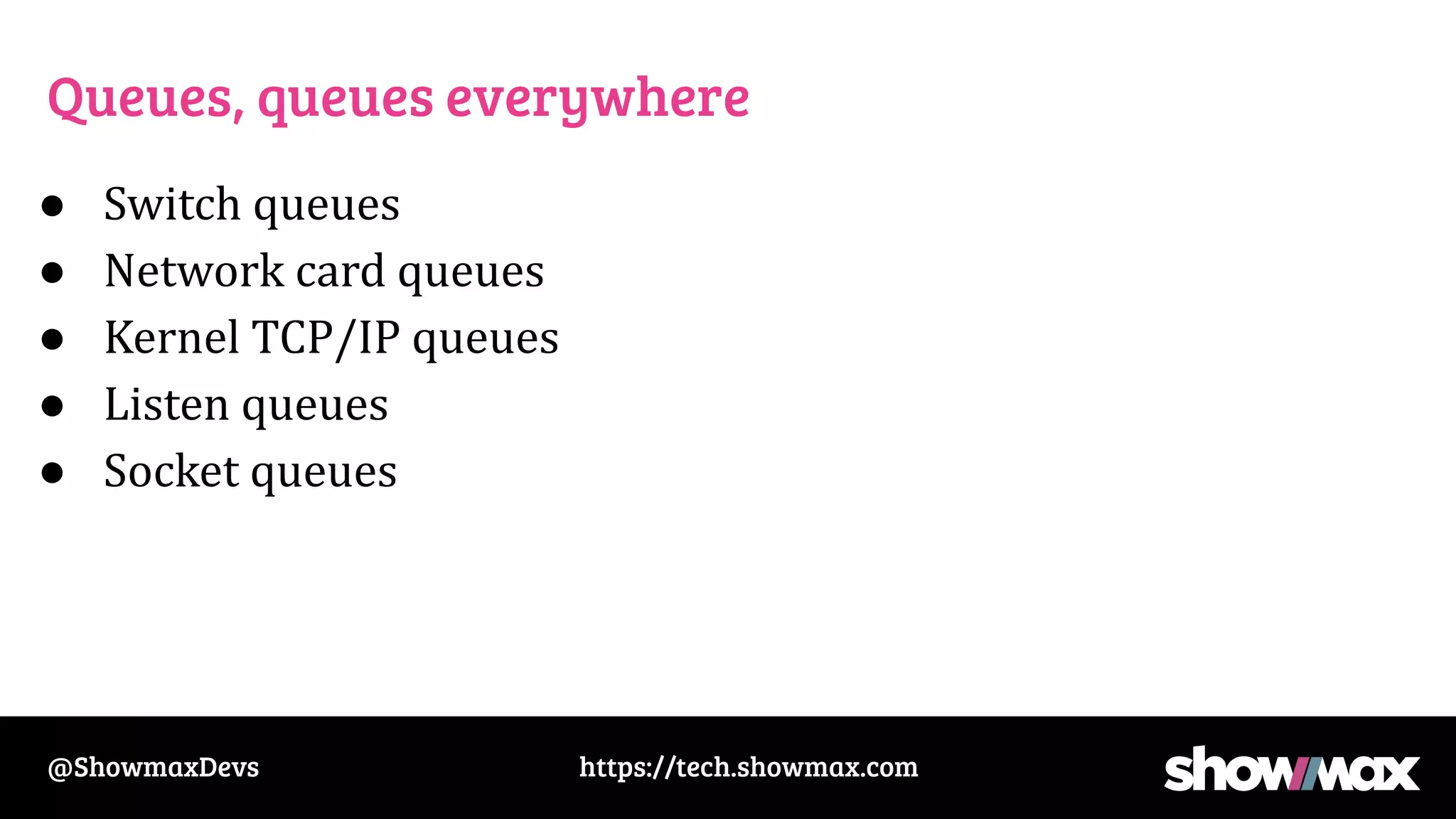
Queues, queues everywhere
● Switch queues
● Network card queues
● Kernel TCP/IP queues
● Listen queues
● Socket queues
https://tech.showmax.com
@ShowmaxDevs
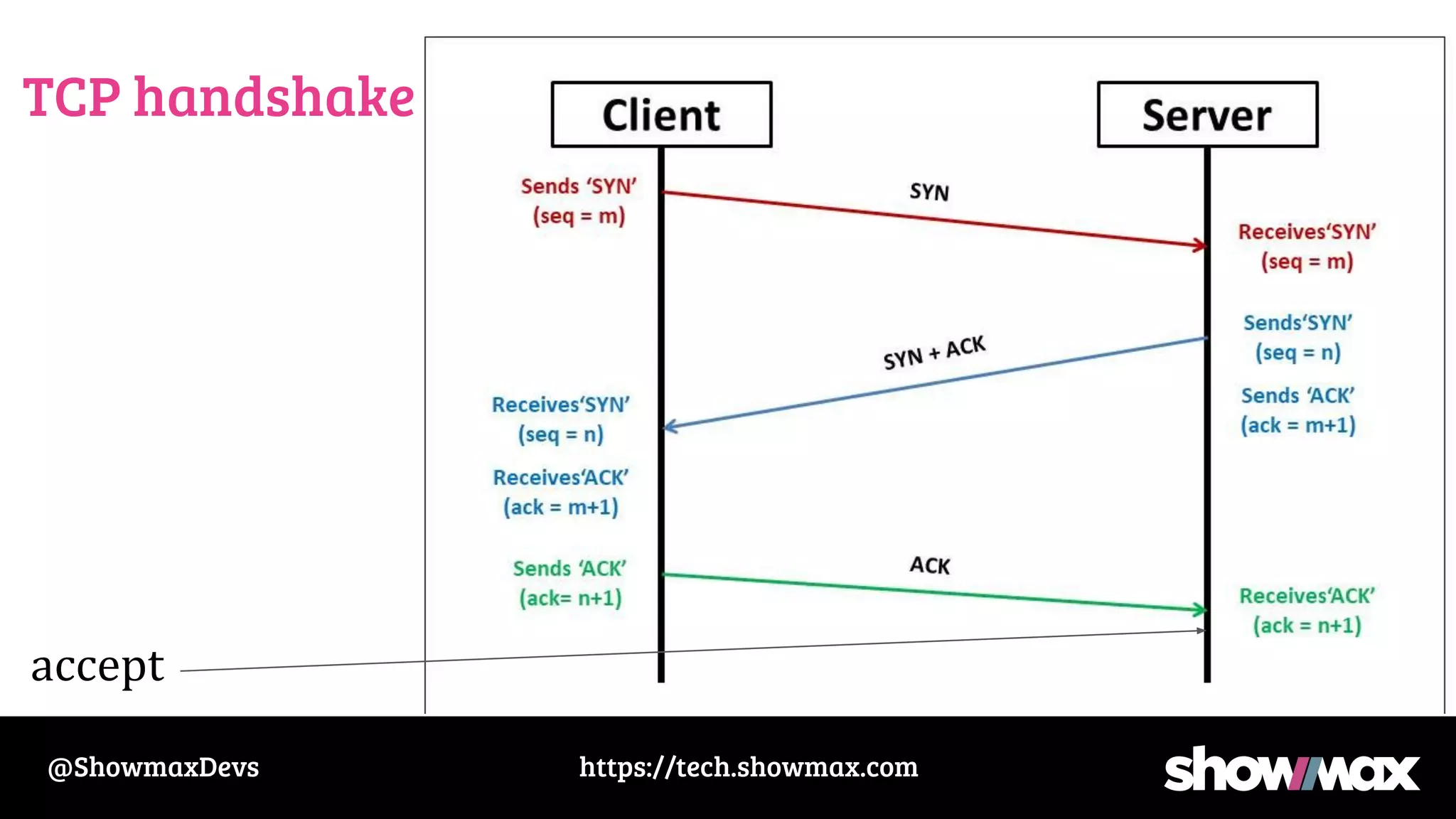
TCP handshake
accept
https://tech.showmax.com
@ShowmaxDevs
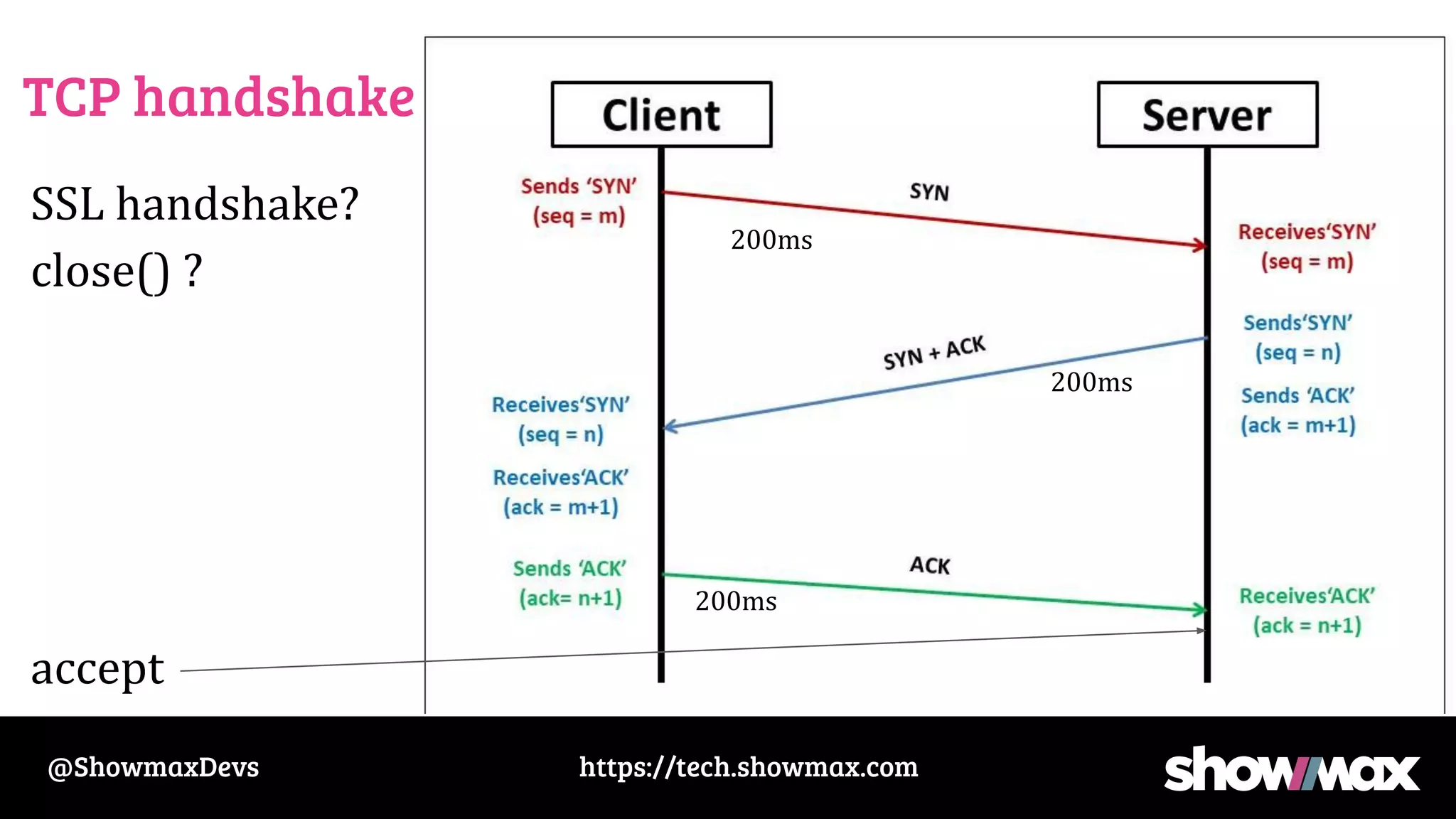
TCP handshake
accept
200ms
200ms
200ms
https://tech.showmax.com
@ShowmaxDevs
TCP handshake
SSL handshake?
close() ?
accept
200ms
200ms
200ms
https://tech.showmax.com
@ShowmaxDevs
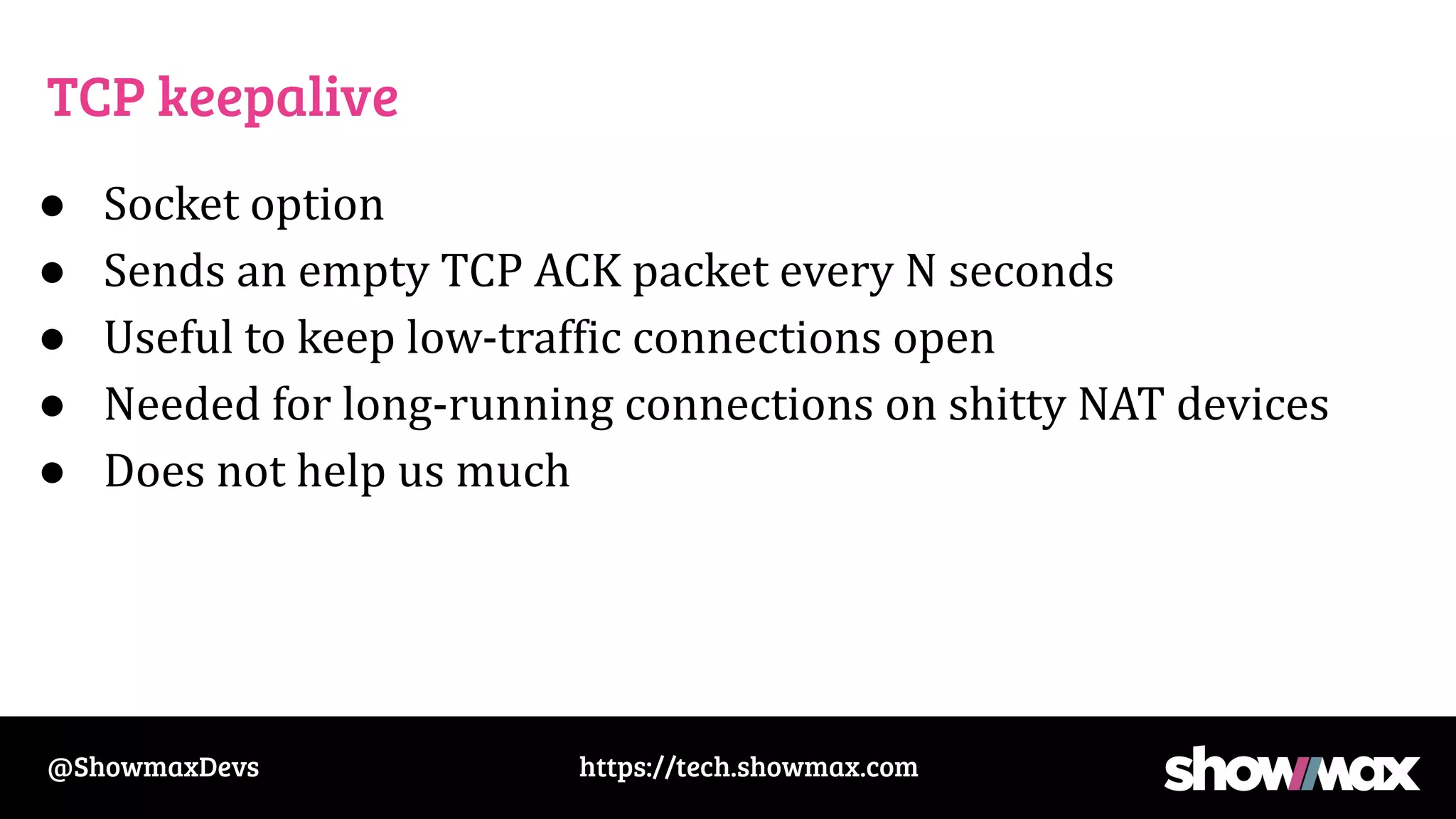
TCP keepalive
● Socket option
● Sends an empty TCP ACK packet every N seconds
● Useful to keep low-traffic connections open
● Needed for long-running connections on shitty NAT devices
● Does not help us much
https://tech.showmax.com
@ShowmaxDevs
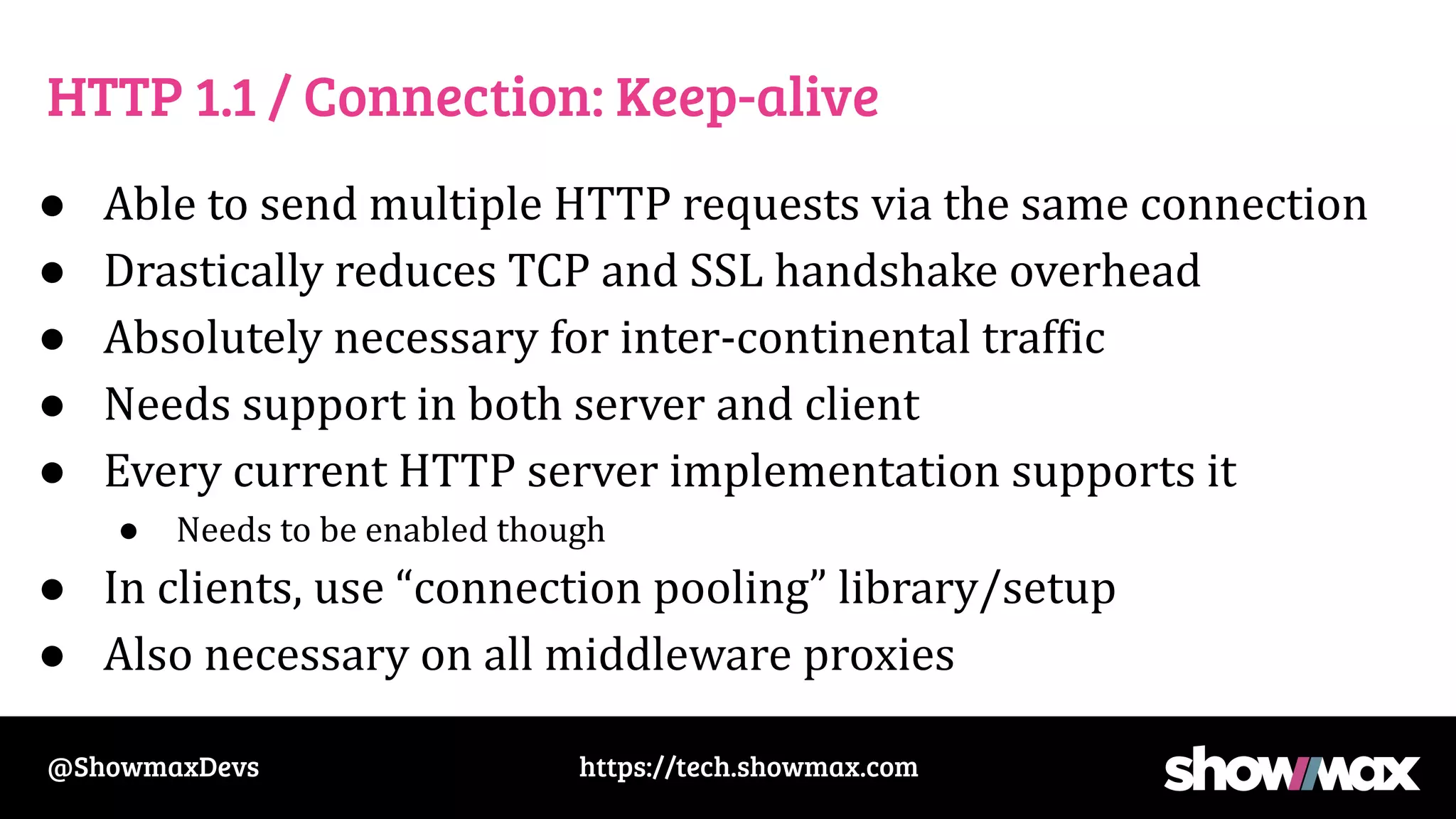
HTTP 1.1 / Connection: Keep-alive
● Able to send multiple HTTP requests via the same connection
● Drastically reduces TCP and SSL handshake overhead
● Absolutely necessary for inter-continental traffic
● Needs support in both server and client
● Every current HTTP server implementation supports it
● Needs to be enabled though
● In clients, use “connection pooling” library/setup
● Also necessary on all middleware proxies
https://tech.showmax.com
@ShowmaxDevs
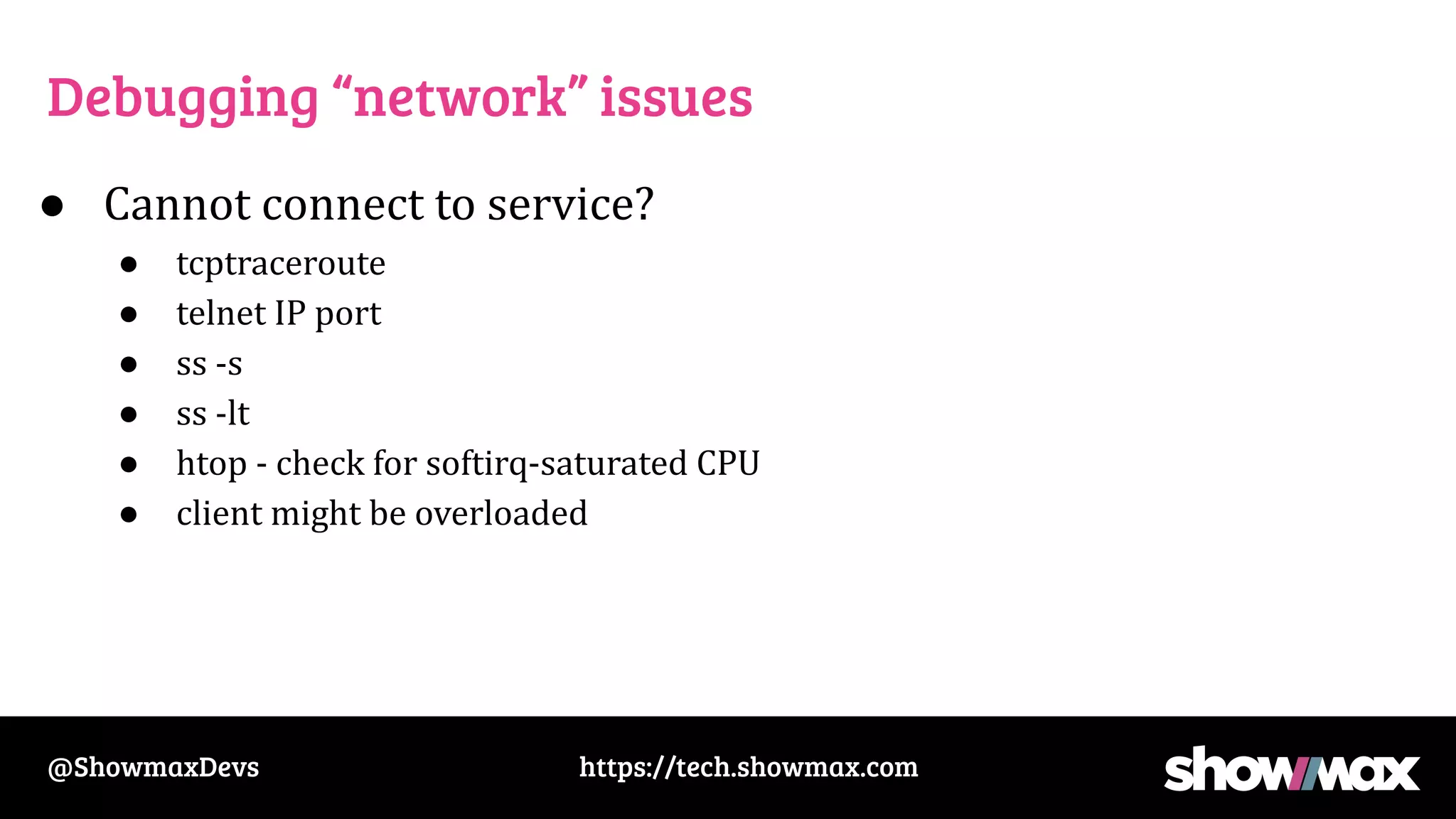
Debugging “network” issues
● Cannot connect to service?
● tcptraceroute
● telnet IP port
● ss -s
● ss -lt
● htop - check for softirq-saturated CPU
● client might be overloaded

Networking fundamentals