Multithreading
by
V.Santhi,
Asst. Prof,
Department of Computer Applications
Bon Secours College for Women
Thanjavur.
Types of Multitasking
There are two distinct types of multitasking:
• Process-based
• Thread-based
Process-based
• Multitasking is the feature that allows your
computer to run two or more program
concurrently.
• For example, process-based multitasking
enables you to run the Java compiler at the
same time that you are using a text editor.
Thread based
• In a thread-based multitasking environment,
the thread is the smallest unit of dispatchable
code.
• This means that a single program can perform
two or more tasks simultaneously
5
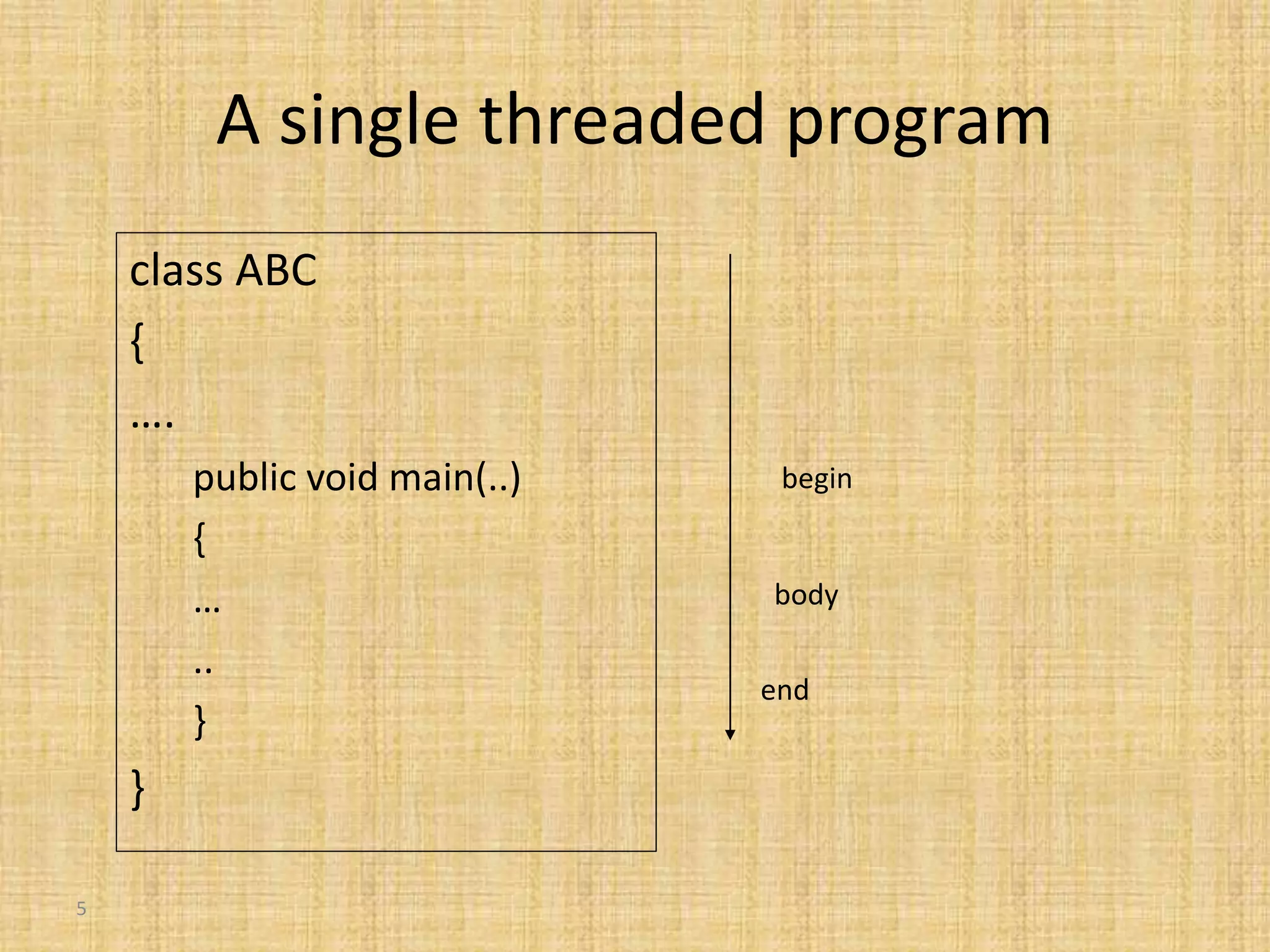
A single threaded program
class ABC
{
….
public void main(..)
{
…
..
}
}
begin
body
end
6
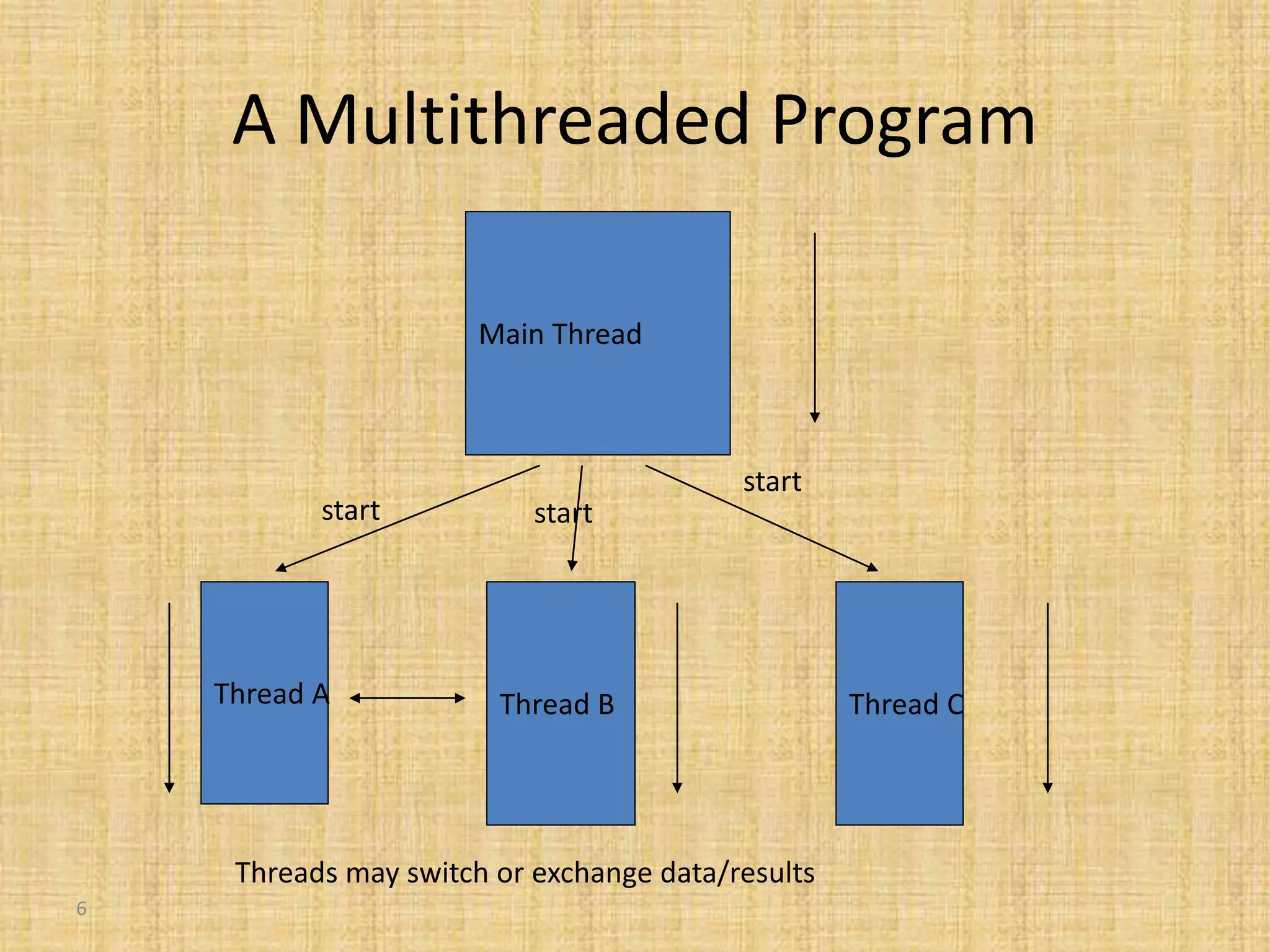
A Multithreaded Program
Main Thread
Thread A Thread B Thread C
start start
start
Threads may switch or exchange data/results
• A multithreaded program contains two or
more parts that can run concurrently. Each
part of such a program is called a thread.
• Each thread defines a separate path of
execution
Multithreading
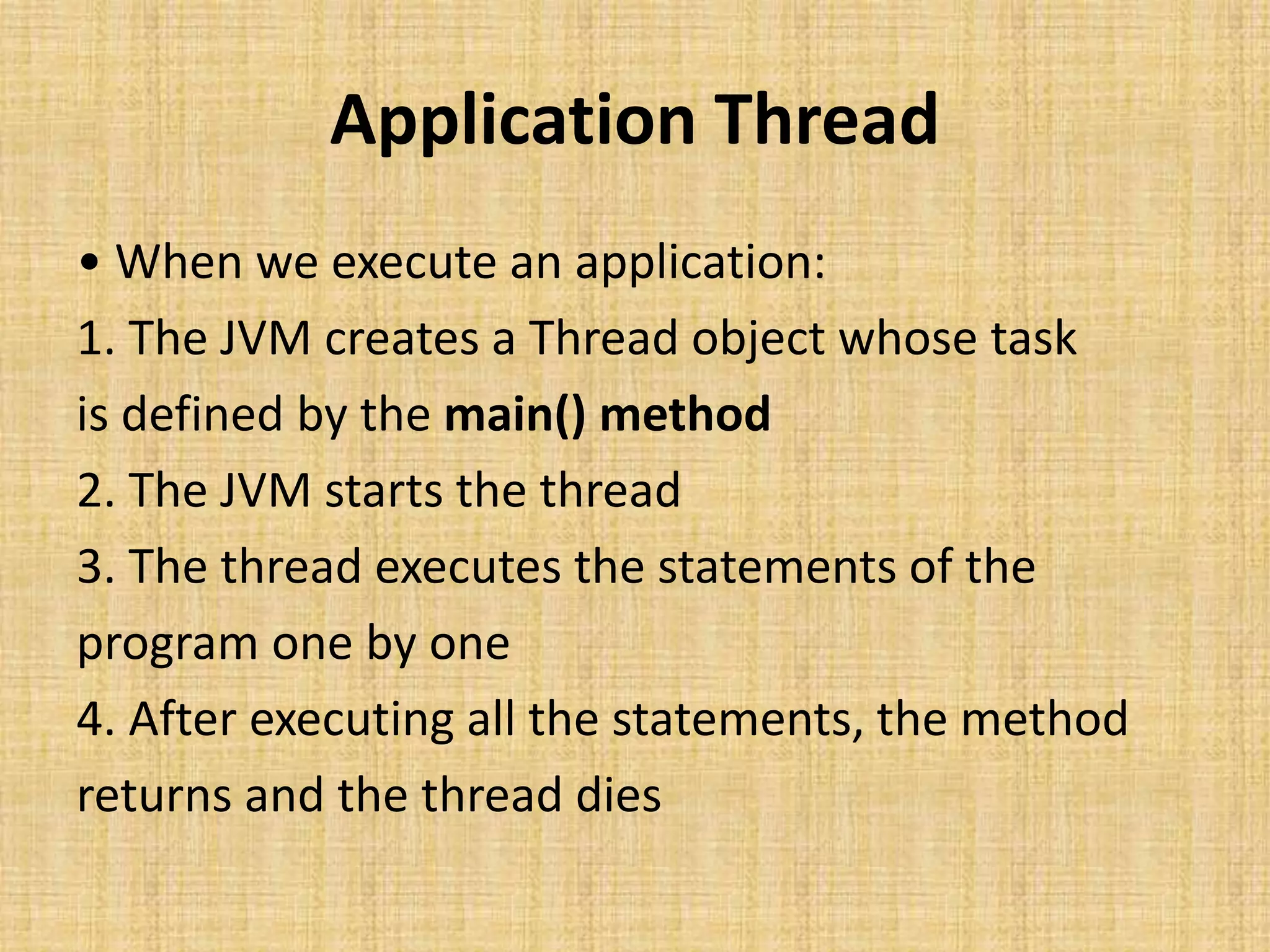
Application Thread
• When we execute an application:
1. The JVM creates a Thread object whose task
is defined by the main() method
2. The JVM starts the thread
3. The thread executes the statements of the
program one by one
4. After executing all the statements, the method
returns and the thread dies
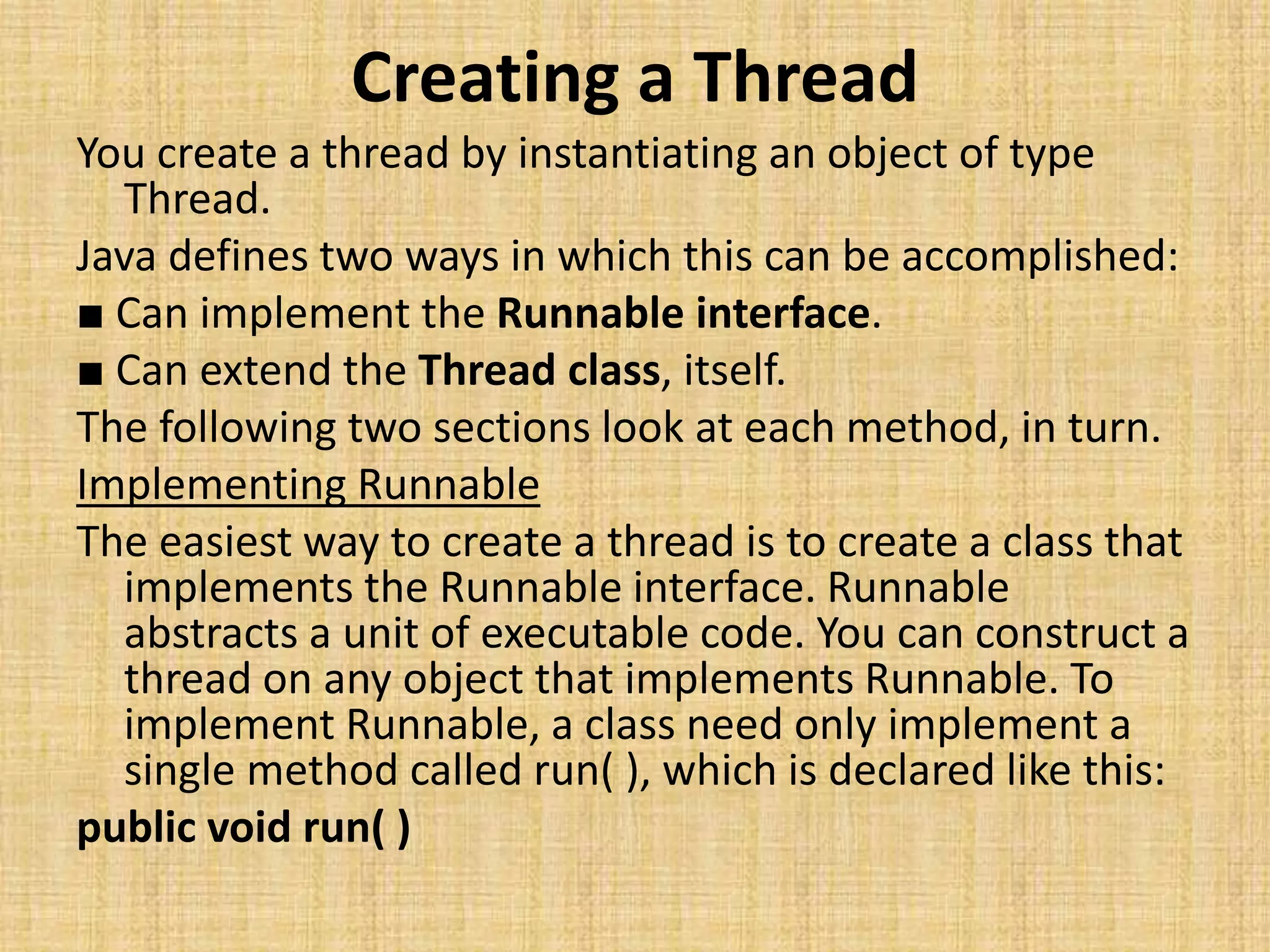
Creating a Thread
You create a thread by instantiating an object of type
Thread.
Java defines two ways in which this can be accomplished:
■ Can implement the Runnable interface.
■ Can extend the Thread class, itself.
The following two sections look at each method, in turn.
Implementing Runnable
The easiest way to create a thread is to create a class that
implements the Runnable interface. Runnable
abstracts a unit of executable code. You can construct a
thread on any object that implements Runnable. To
implement Runnable, a class need only implement a
single method called run( ), which is declared like this:
public void run( )
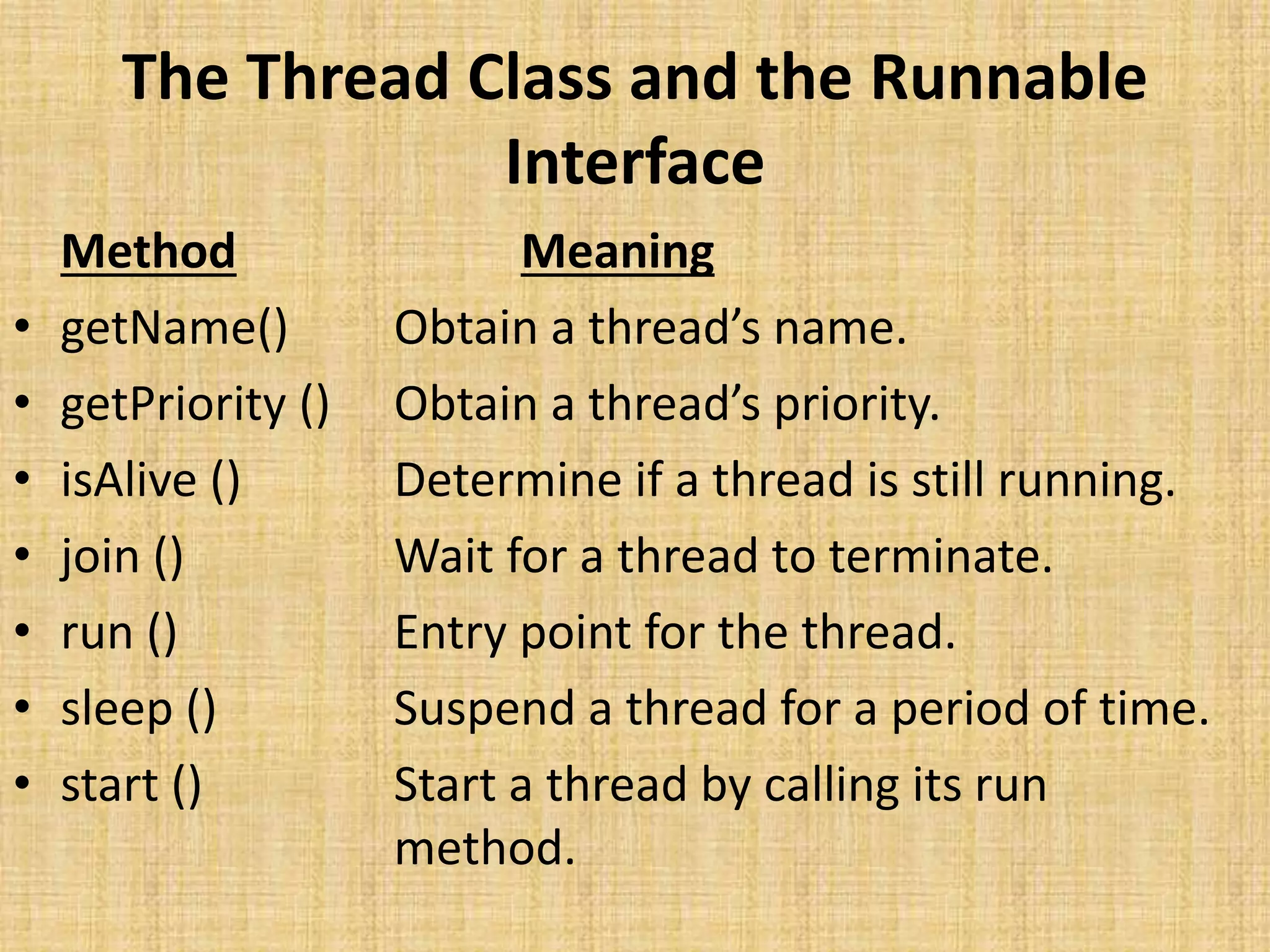
The Thread Class and the Runnable
Interface
Method Meaning
• getName() Obtain a thread’s name.
• getPriority () Obtain a thread’s priority.
• isAlive () Determine if a thread is still running.
• join () Wait for a thread to terminate.
• run () Entry point for the thread.
• sleep () Suspend a thread for a period of time.
• start () Start a thread by calling its run
method.
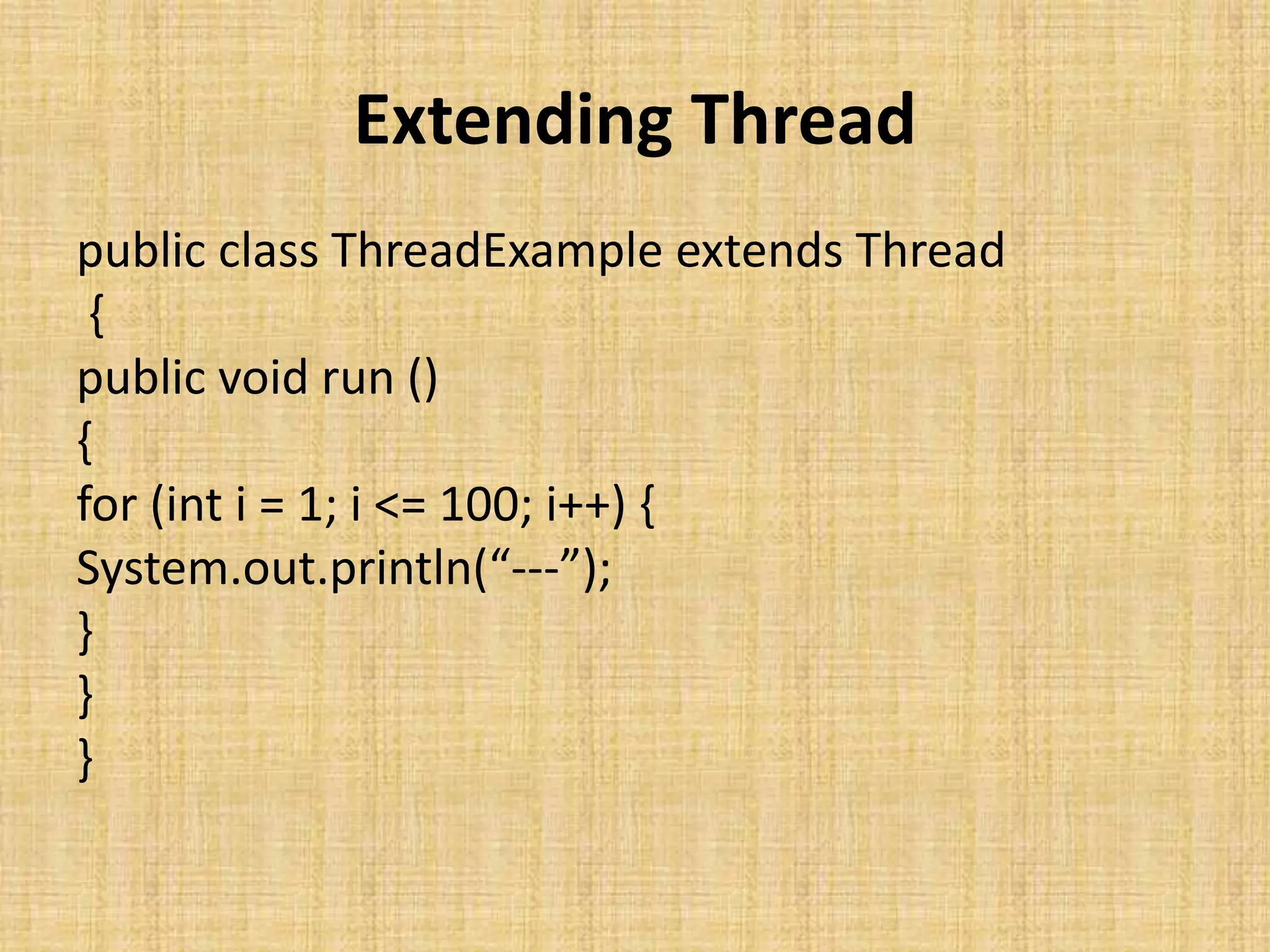
Extending Thread
public class ThreadExample extends Thread
{
public void run ()
{
for (int i = 1; i <= 100; i++) {
System.out.println(“---”);
}
}
}
class NewThread implements Runnable
{
Thread t;
NewThread()
{
// Create a new, second thread
t = new Thread(this, "Demo Thread");
System.out.println("Child thread: " + t);
t.start(); // Start the thread
}
// This is the entry point for the second
thread.
public void run()
{
try {
for(int i = 5; i > 0; i--)
{
System.out.println("Child Thread: " + i);
Thread.sleep(500);
}
} catch (InterruptedException e) {
System.out.println("Child interrupted.");
}
System.out.println("Exiting child thread.");
}
}
class ThreadDemo {
public static void main(String args[]) {
new NewThread(); // create a new thread
try {
for(int i = 5; i > 0; i--) {
System.out.println("Main Thread: " + i);
Thread.sleep(1000);
}
} catch (InterruptedException e) {
System.out.println("Main thread
interrupted.");
}
System.out.println("Main thread exiting.");
}
}
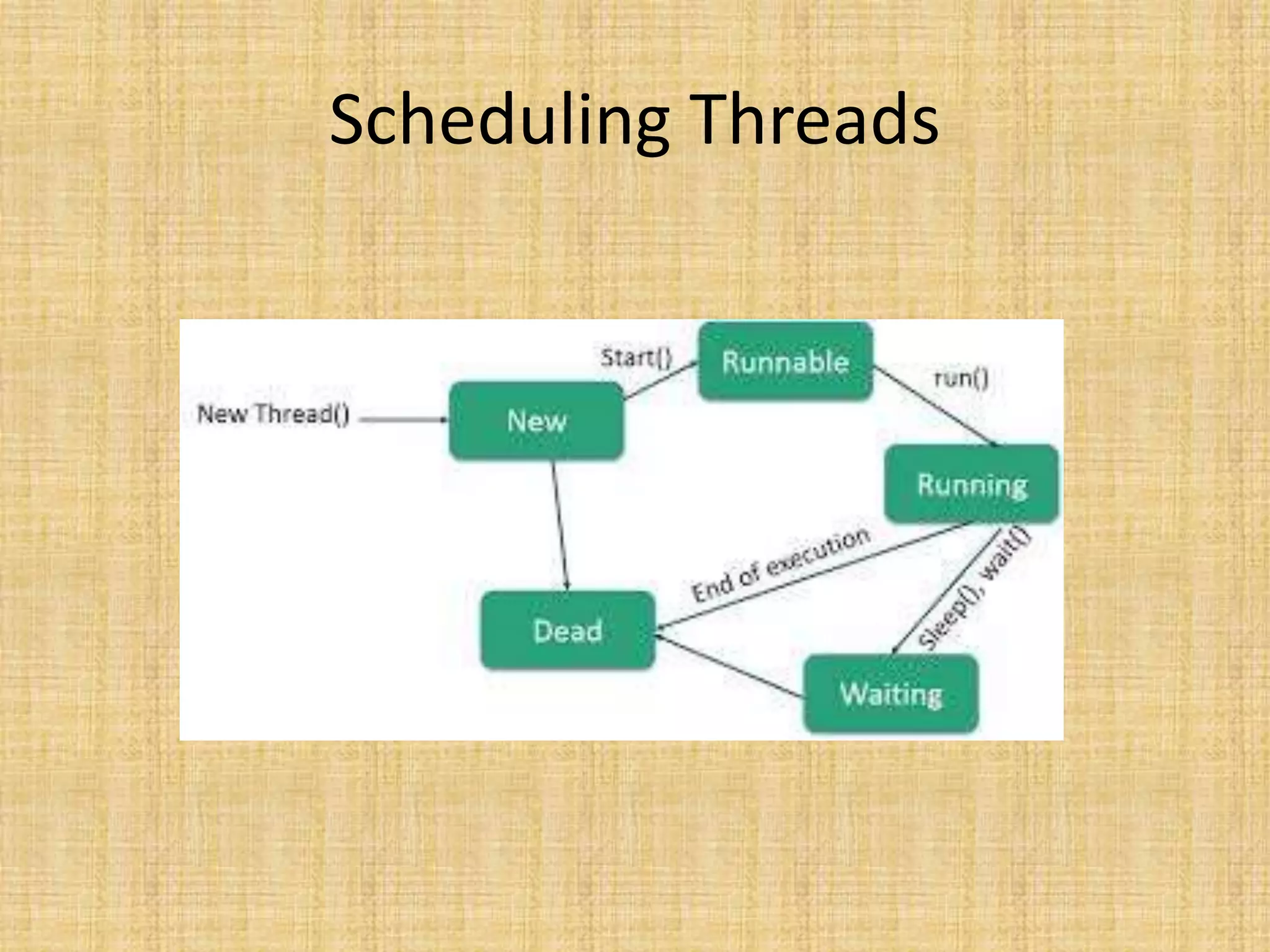
Scheduling Threads
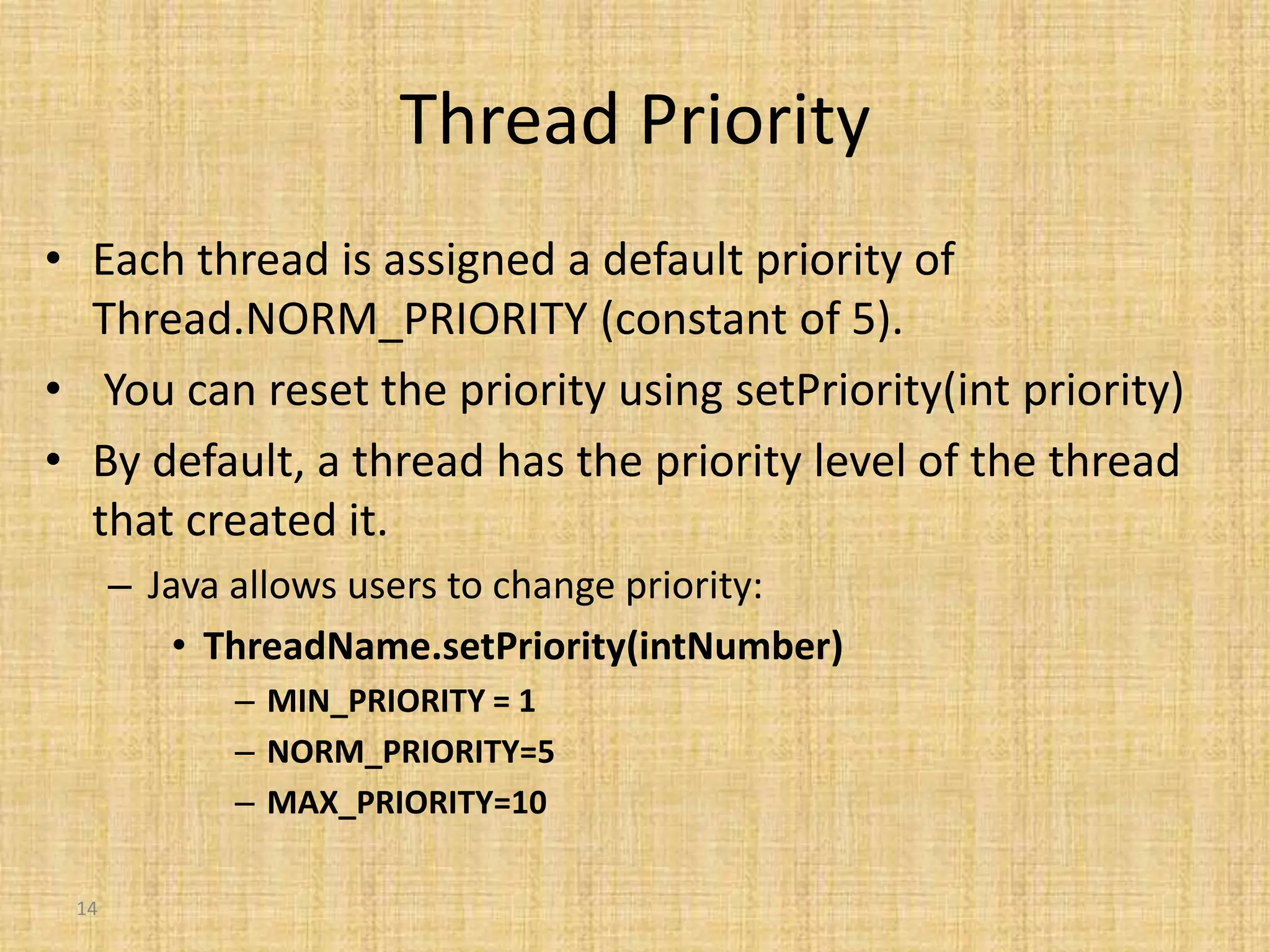
14
Thread Priority
• Each thread is assigned a default priority of
Thread.NORM_PRIORITY (constant of 5).
• You can reset the priority using setPriority(int priority)
• By default, a thread has the priority level of the thread
that created it.
– Java allows users to change priority:
• ThreadName.setPriority(intNumber)
– MIN_PRIORITY = 1
– NORM_PRIORITY=5
– MAX_PRIORITY=10
15
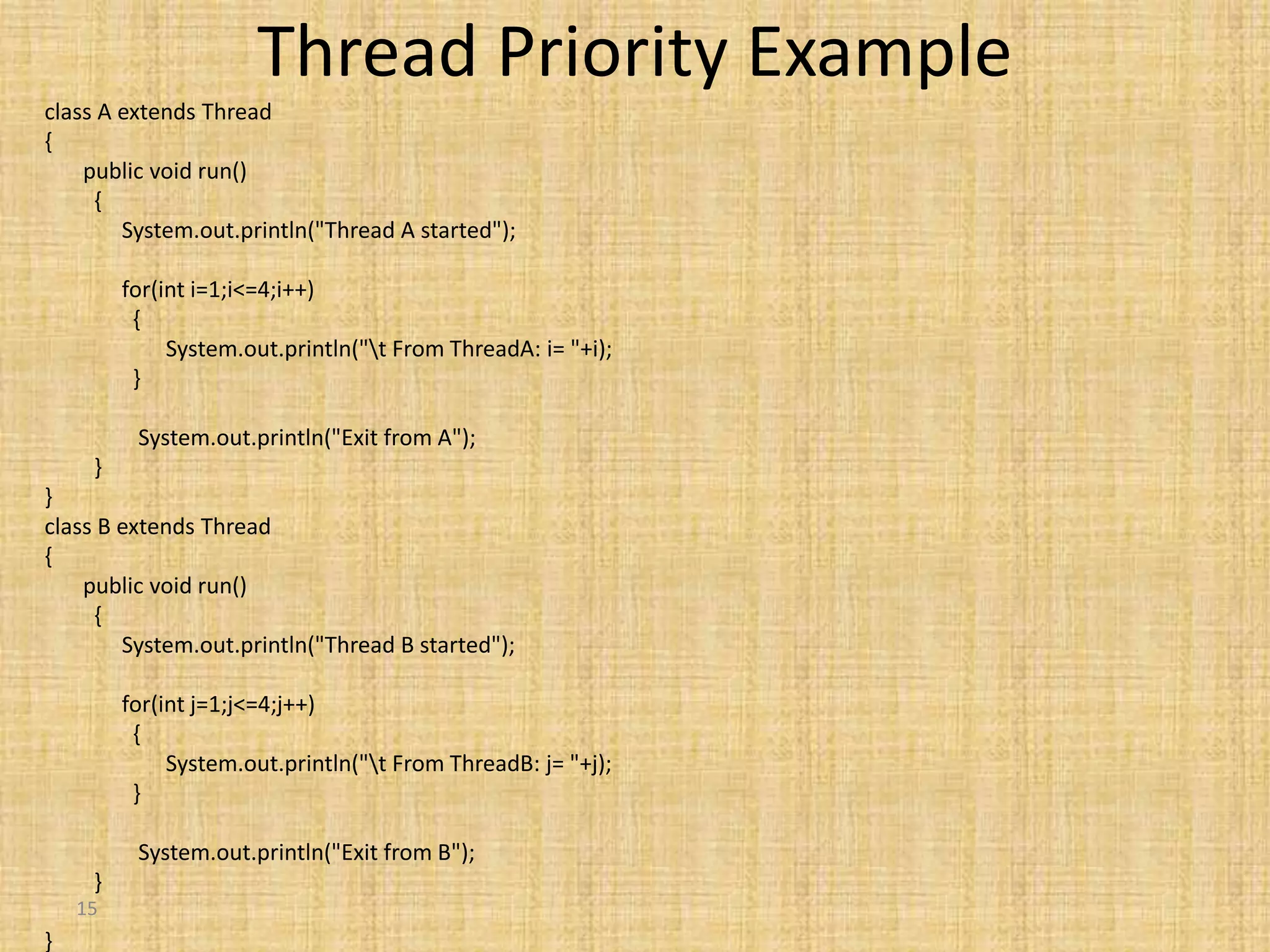
Thread Priority Example
class A extends Thread
{
public void run()
{
System.out.println("Thread A started");
for(int i=1;i<=4;i++)
{
System.out.println("t From ThreadA: i= "+i);
}
System.out.println("Exit from A");
}
}
class B extends Thread
{
public void run()
{
System.out.println("Thread B started");
for(int j=1;j<=4;j++)
{
System.out.println("t From ThreadB: j= "+j);
}
System.out.println("Exit from B");
}
}
16
class C extends Thread
{
public void run()
{
System.out.println("Thread C started");
for(int k=1;k<=4;k++)
{
System.out.println("t From
ThreadC: k= "+k);
}
System.out.println("Exit from C");
}
}
class ThreadPriority
{
public static void main(String args[])
{
A threadA=new A();
B threadB=new B();
C threadC=new C();
threadC.setPriority(Thread.MAX_PRIORITY);
threadB.setPriority(threadA.getPriority()+1);
threadA.setPriority(Thread.MIN_PRIORITY);
System.out.println("Started Thread
A");
threadA.start();
System.out.println("Started Thread
B");
threadB.start();
System.out.println("Started Thread
C");
threadC.start();
System.out.println("End of main
thread");
}
}

Multithreading

  • 1.
    Multithreading by V.Santhi, Asst. Prof, Department ofComputer Applications Bon Secours College for Women Thanjavur.
  • 2.
    Types of Multitasking Thereare two distinct types of multitasking: • Process-based • Thread-based
  • 3.
    Process-based • Multitasking isthe feature that allows your computer to run two or more program concurrently. • For example, process-based multitasking enables you to run the Java compiler at the same time that you are using a text editor.
  • 4.
    Thread based • Ina thread-based multitasking environment, the thread is the smallest unit of dispatchable code. • This means that a single program can perform two or more tasks simultaneously
  • 5.
    5 A single threadedprogram class ABC { …. public void main(..) { … .. } } begin body end
  • 6.
    6 A Multithreaded Program MainThread Thread A Thread B Thread C start start start Threads may switch or exchange data/results
  • 7.
    • A multithreadedprogram contains two or more parts that can run concurrently. Each part of such a program is called a thread. • Each thread defines a separate path of execution Multithreading
  • 8.
    Application Thread • Whenwe execute an application: 1. The JVM creates a Thread object whose task is defined by the main() method 2. The JVM starts the thread 3. The thread executes the statements of the program one by one 4. After executing all the statements, the method returns and the thread dies
  • 9.
    Creating a Thread Youcreate a thread by instantiating an object of type Thread. Java defines two ways in which this can be accomplished: ■ Can implement the Runnable interface. ■ Can extend the Thread class, itself. The following two sections look at each method, in turn. Implementing Runnable The easiest way to create a thread is to create a class that implements the Runnable interface. Runnable abstracts a unit of executable code. You can construct a thread on any object that implements Runnable. To implement Runnable, a class need only implement a single method called run( ), which is declared like this: public void run( )
  • 10.
    The Thread Classand the Runnable Interface Method Meaning • getName() Obtain a thread’s name. • getPriority () Obtain a thread’s priority. • isAlive () Determine if a thread is still running. • join () Wait for a thread to terminate. • run () Entry point for the thread. • sleep () Suspend a thread for a period of time. • start () Start a thread by calling its run method.
  • 11.
    Extending Thread public classThreadExample extends Thread { public void run () { for (int i = 1; i <= 100; i++) { System.out.println(“---”); } } }
  • 12.
    class NewThread implementsRunnable { Thread t; NewThread() { // Create a new, second thread t = new Thread(this, "Demo Thread"); System.out.println("Child thread: " + t); t.start(); // Start the thread } // This is the entry point for the second thread. public void run() { try { for(int i = 5; i > 0; i--) { System.out.println("Child Thread: " + i); Thread.sleep(500); } } catch (InterruptedException e) { System.out.println("Child interrupted."); } System.out.println("Exiting child thread."); } } class ThreadDemo { public static void main(String args[]) { new NewThread(); // create a new thread try { for(int i = 5; i > 0; i--) { System.out.println("Main Thread: " + i); Thread.sleep(1000); } } catch (InterruptedException e) { System.out.println("Main thread interrupted."); } System.out.println("Main thread exiting."); } }
  • 13.
  • 14.
    14 Thread Priority • Eachthread is assigned a default priority of Thread.NORM_PRIORITY (constant of 5). • You can reset the priority using setPriority(int priority) • By default, a thread has the priority level of the thread that created it. – Java allows users to change priority: • ThreadName.setPriority(intNumber) – MIN_PRIORITY = 1 – NORM_PRIORITY=5 – MAX_PRIORITY=10
  • 15.
    15 Thread Priority Example classA extends Thread { public void run() { System.out.println("Thread A started"); for(int i=1;i<=4;i++) { System.out.println("t From ThreadA: i= "+i); } System.out.println("Exit from A"); } } class B extends Thread { public void run() { System.out.println("Thread B started"); for(int j=1;j<=4;j++) { System.out.println("t From ThreadB: j= "+j); } System.out.println("Exit from B"); } }
  • 16.
    16 class C extendsThread { public void run() { System.out.println("Thread C started"); for(int k=1;k<=4;k++) { System.out.println("t From ThreadC: k= "+k); } System.out.println("Exit from C"); } } class ThreadPriority { public static void main(String args[]) { A threadA=new A(); B threadB=new B(); C threadC=new C(); threadC.setPriority(Thread.MAX_PRIORITY); threadB.setPriority(threadA.getPriority()+1); threadA.setPriority(Thread.MIN_PRIORITY); System.out.println("Started Thread A"); threadA.start(); System.out.println("Started Thread B"); threadB.start(); System.out.println("Started Thread C"); threadC.start(); System.out.println("End of main thread"); } }