Multi-threading


               OOSSE - Programming with Java
                        Lecture 11


Dec 21, 2012    OOSSE - Java Lecture 11    1
Objectives
 In this lecture, we will:
 • Introduce threads
 • Discuss the Thread class and the Runnable interface
 • Discuss interrupting threads
 • Introduce concepts of thread synchronization


Dec 21, 2012   OOSSE - Java Lecture 11        2
Introduction
 • A thread is a path of execution through a program
 • Many programs exist with just a single path of execution
 • Operating systems (OS) often allow multiple processes to
   co-exist and the OS shares processor time between them
     – The processes are isolated from each by the OS
     – They should not be able to overwrite each other’s memory
 • Languages like Java, C++ and C# allow a single
   application to have more than one thread of execution
     – a thread is the smallest unit of execution in the OS
     – Multiple threads in an application share the same process
       space; they have access to the same memory


Dec 21, 2012     OOSSE - Java Lecture 11            3
Why use threads?
 • A lot of the time a computer is doing nothing!
     – Often waiting for user input or a slow peripheral device
 • A computer can use any spare time by:
     – Multitasking – more than one process competing for the CPU
     – Mulit-threading - more than one thread competing for the CPU


 • Threads can be used to:
     – Allow the application to do something else while it is waiting
     – Start more than one task at a time rather than wait for one to
       complete before starting another
         • Start processing data before all the data has loaded
     – Maintain an active user interface
         • The interface does not die while processing takes place

Dec 21, 2012       OOSSE - Java Lecture 11                4
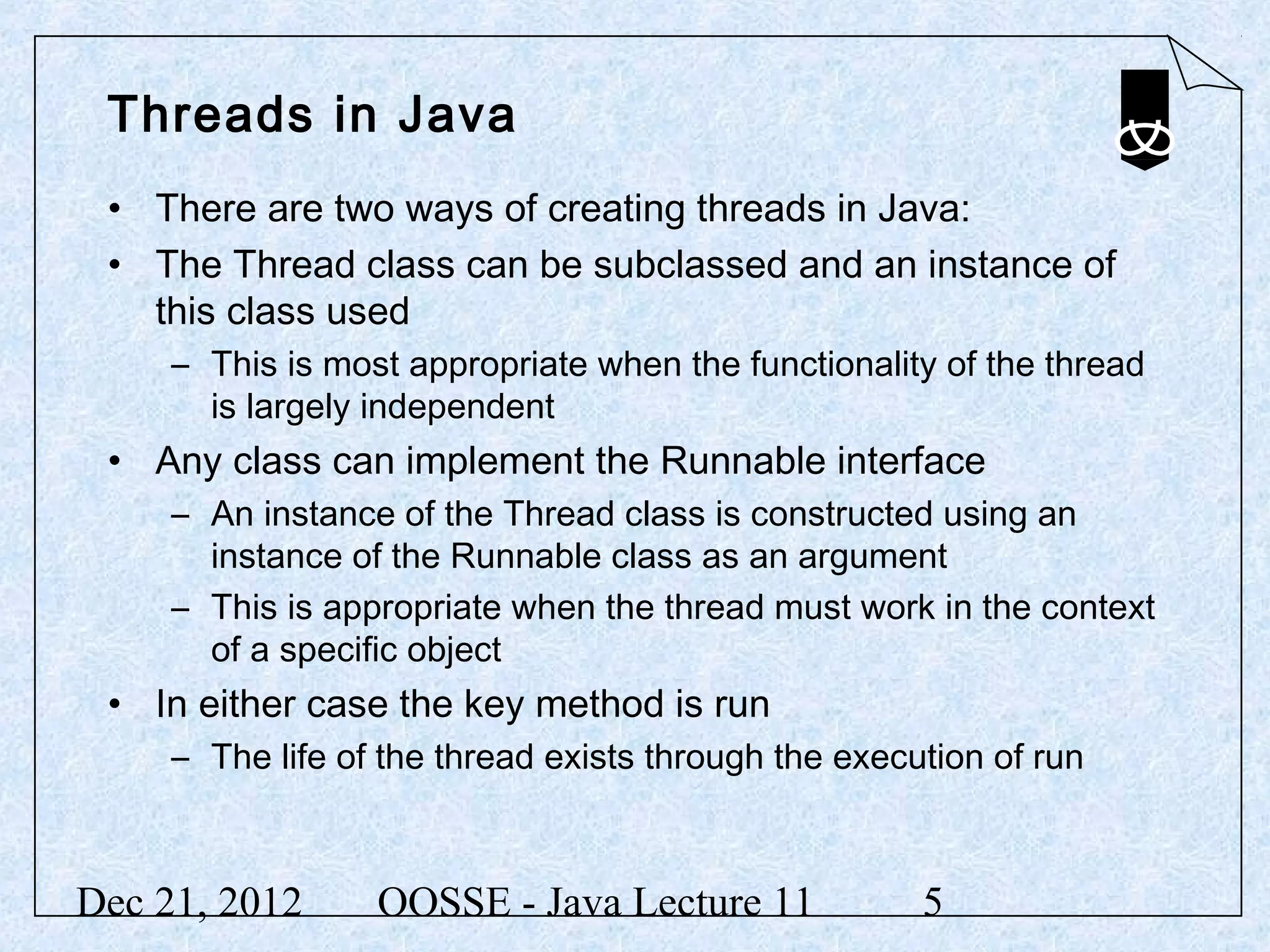
Threads in Java
 • There are two ways of creating threads in Java:
 • The Thread class can be subclassed and an instance of
   this class used
     – This is most appropriate when the functionality of the thread
       is largely independent
 • Any class can implement the Runnable interface
     – An instance of the Thread class is constructed using an
       instance of the Runnable class as an argument
     – This is appropriate when the thread must work in the context
       of a specific object
 • In either case the key method is run
     – The life of the thread exists through the execution of run


Dec 21, 2012      OOSSE - Java Lecture 11             5
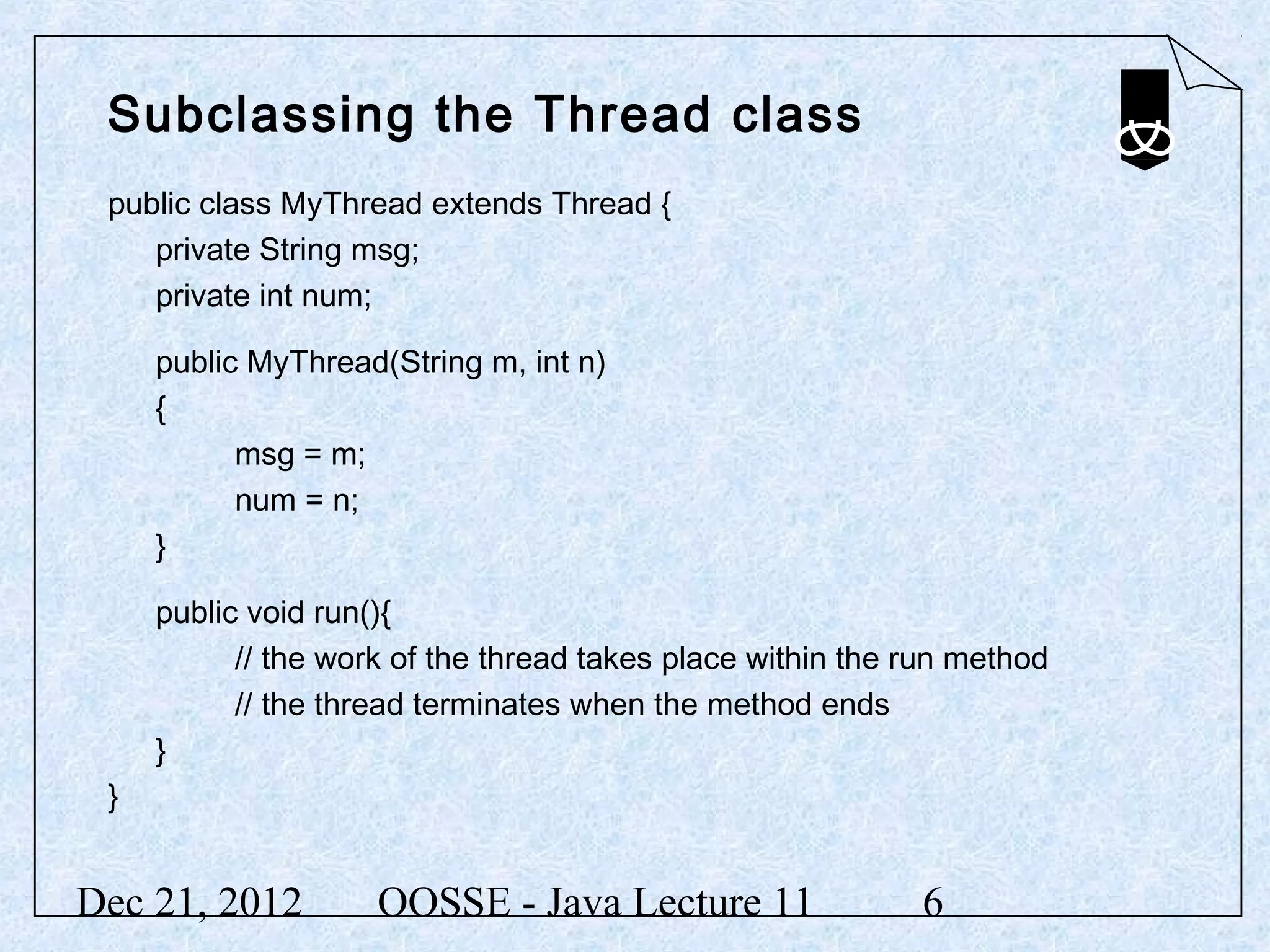
Subclassing the Thread class
 public class MyThread extends Thread {
    private String msg;
    private int num;

     public MyThread(String m, int n)
     {
           msg = m;
           num = n;
     }

     public void run(){
           // the work of the thread takes place within the run method
           // the thread terminates when the method ends
     }
 }


Dec 21, 2012         OOSSE - Java Lecture 11                6
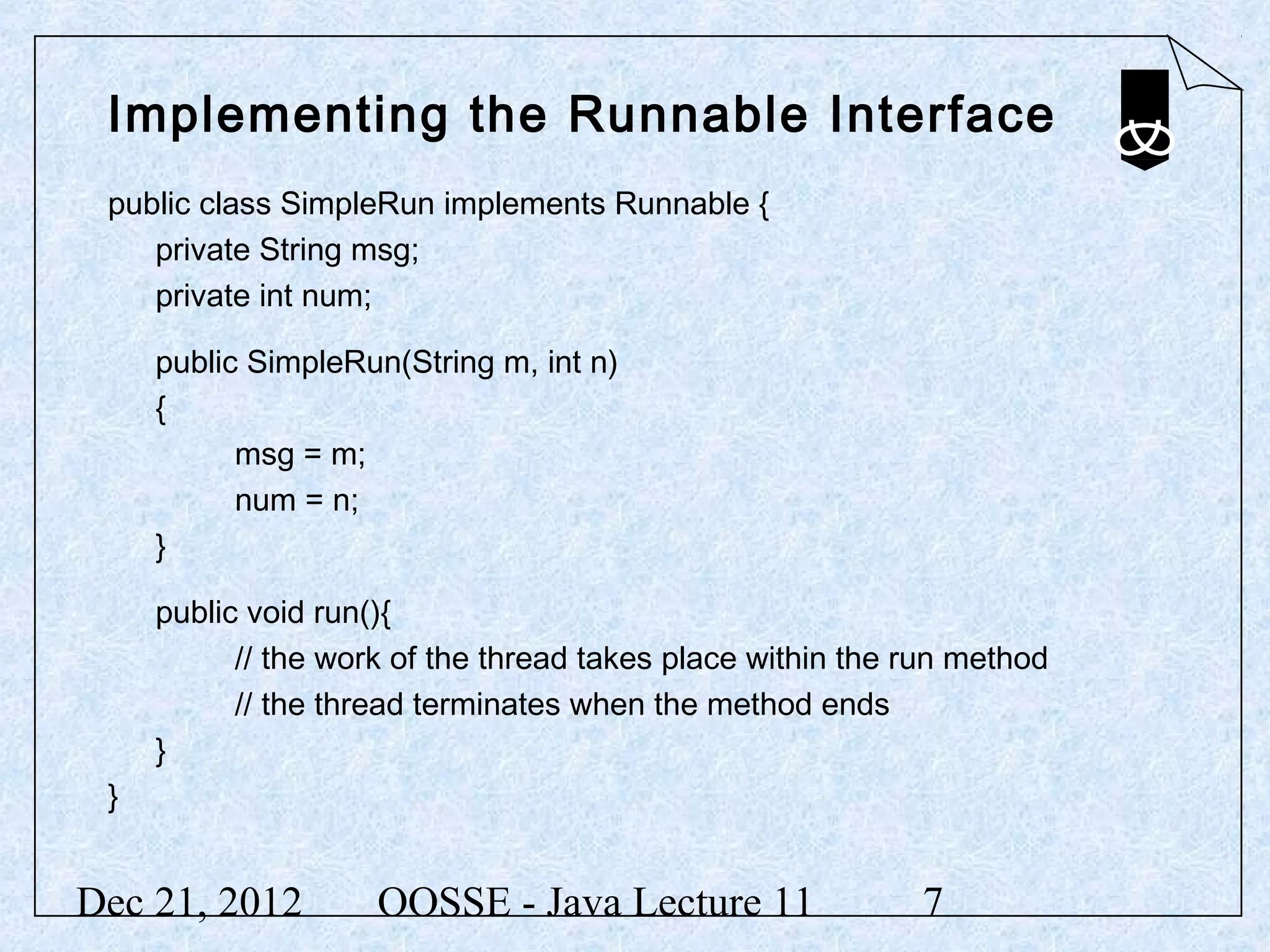
Implementing the Runnable Interface
 public class SimpleRun implements Runnable {
    private String msg;
    private int num;

     public SimpleRun(String m, int n)
     {
           msg = m;
           num = n;
     }

     public void run(){
           // the work of the thread takes place within the run method
           // the thread terminates when the method ends
     }
 }


Dec 21, 2012         OOSSE - Java Lecture 11                7
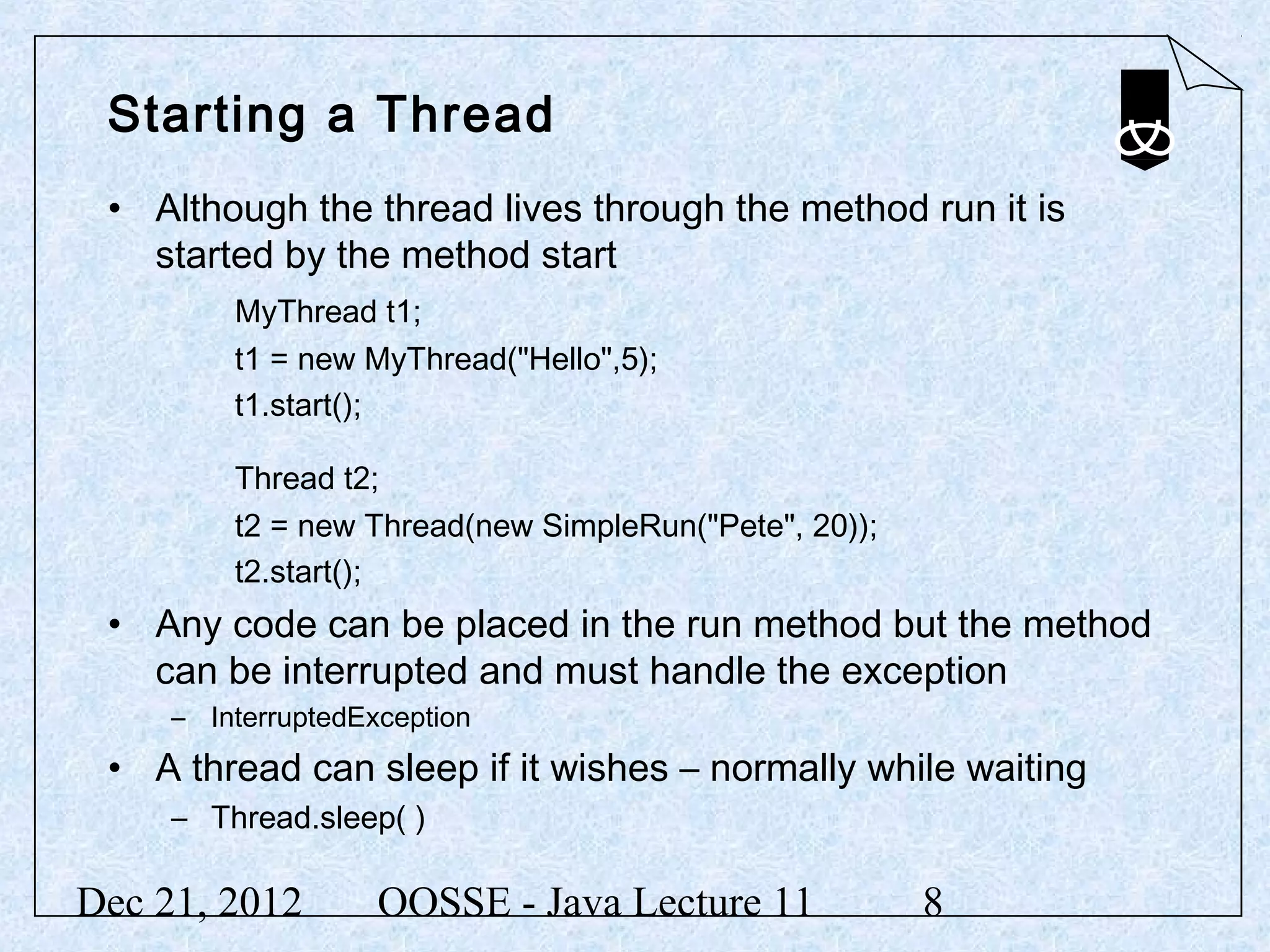
Starting a Thread
 • Although the thread lives through the method run it is
   started by the method start
         MyThread t1;
         t1 = new MyThread("Hello",5);
         t1.start();

         Thread t2;
         t2 = new Thread(new SimpleRun("Pete", 20));
         t2.start();
 • Any code can be placed in the run method but the method
   can be interrupted and must handle the exception
     – InterruptedException
 • A thread can sleep if it wishes – normally while waiting
     – Thread.sleep( )

Dec 21, 2012        OOSSE - Java Lecture 11            8
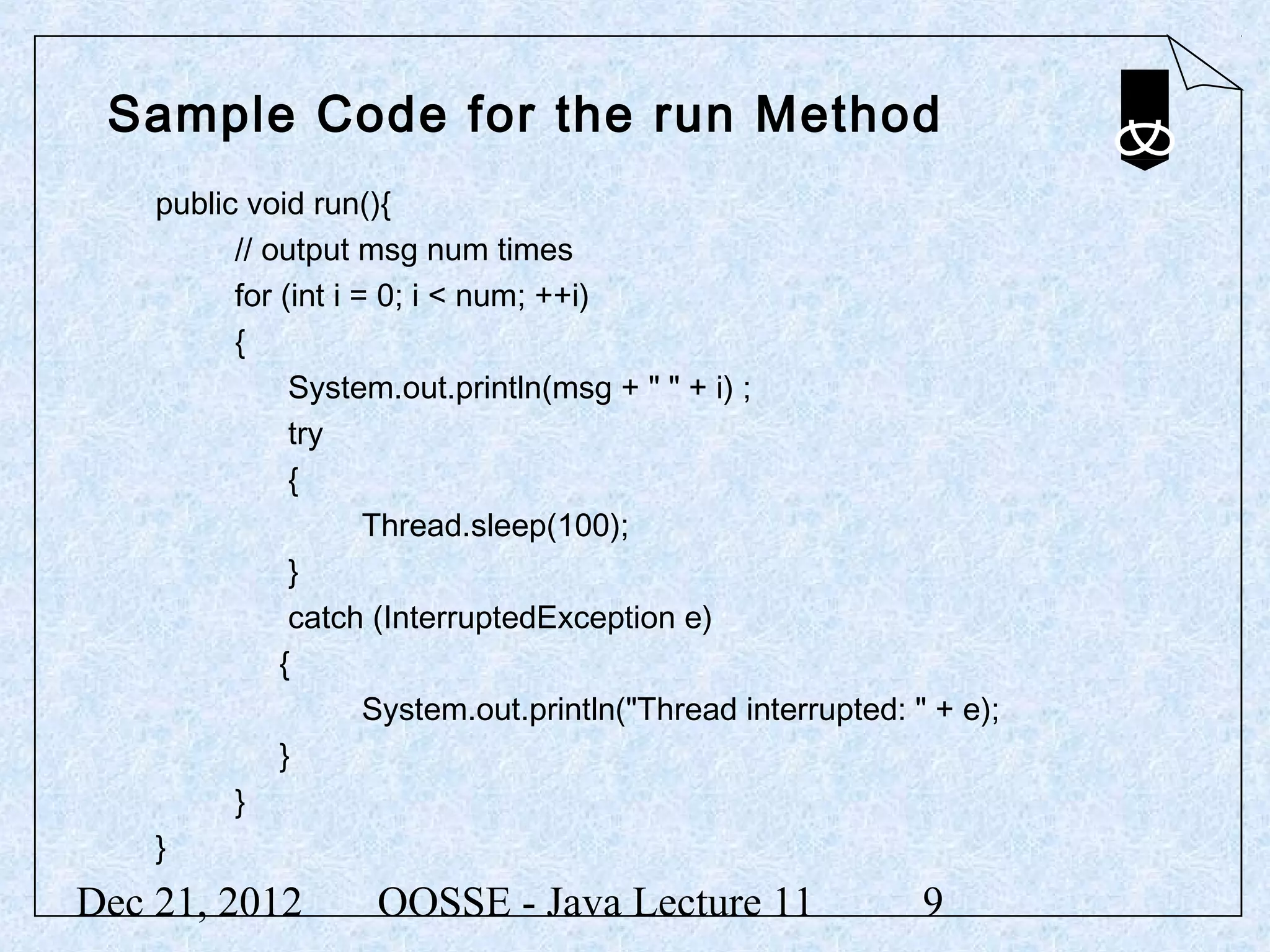
Sample Code for the run Method
    public void run(){
          // output msg num times
          for (int i = 0; i < num; ++i)
          {
               System.out.println(msg + " " + i) ;
               try
               {
                      Thread.sleep(100);
               }
               catch (InterruptedException e)
              {
                      System.out.println("Thread interrupted: " + e);
              }
          }
    }
Dec 21, 2012         OOSSE - Java Lecture 11                   9
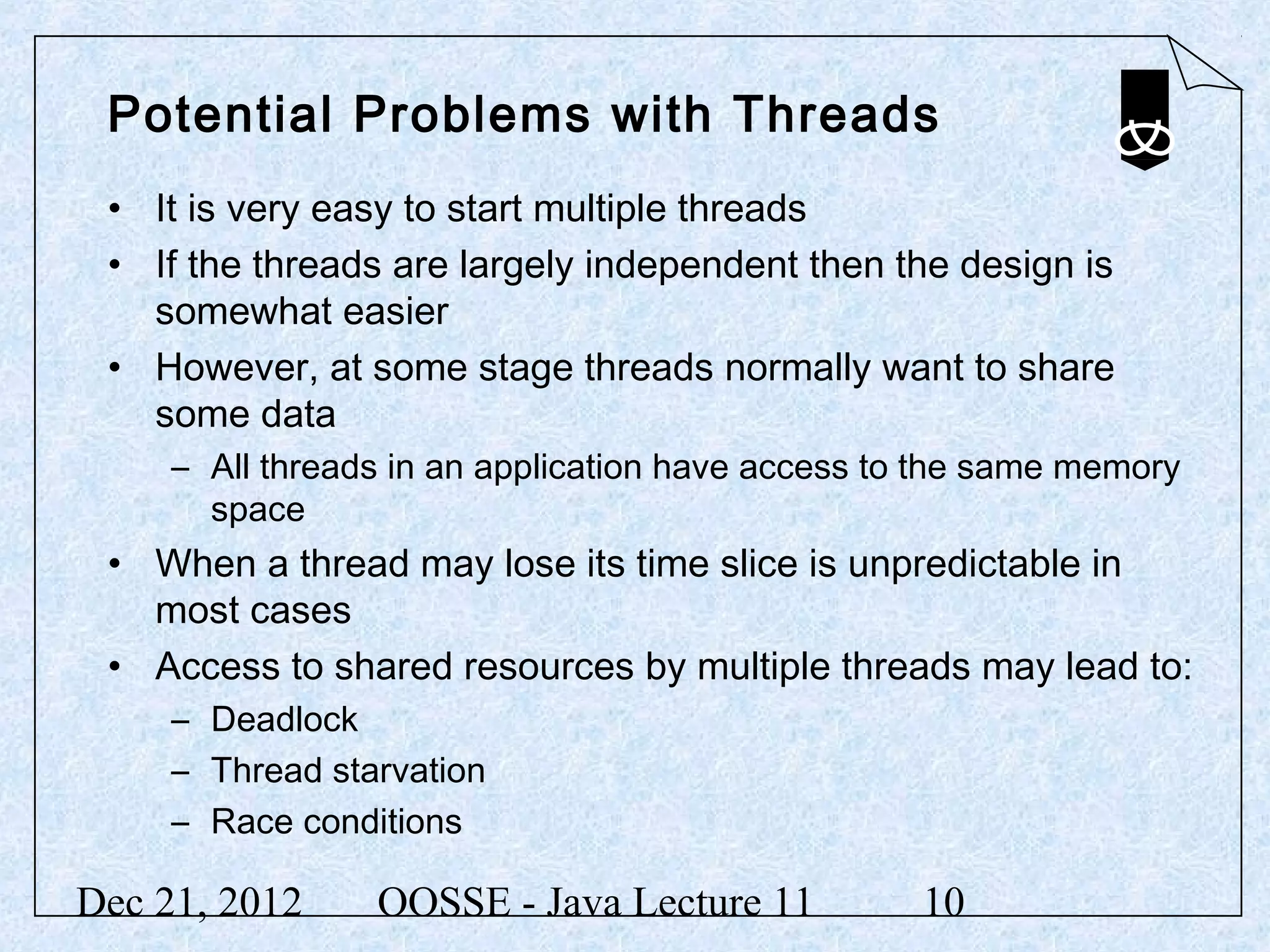
Potential Problems with Threads
 • It is very easy to start multiple threads
 • If the threads are largely independent then the design is
   somewhat easier
 • However, at some stage threads normally want to share
   some data
     – All threads in an application have access to the same memory
       space
 • When a thread may lose its time slice is unpredictable in
   most cases
 • Access to shared resources by multiple threads may lead to:
     – Deadlock
     – Thread starvation
     – Race conditions

Dec 21, 2012     OOSSE - Java Lecture 11           10
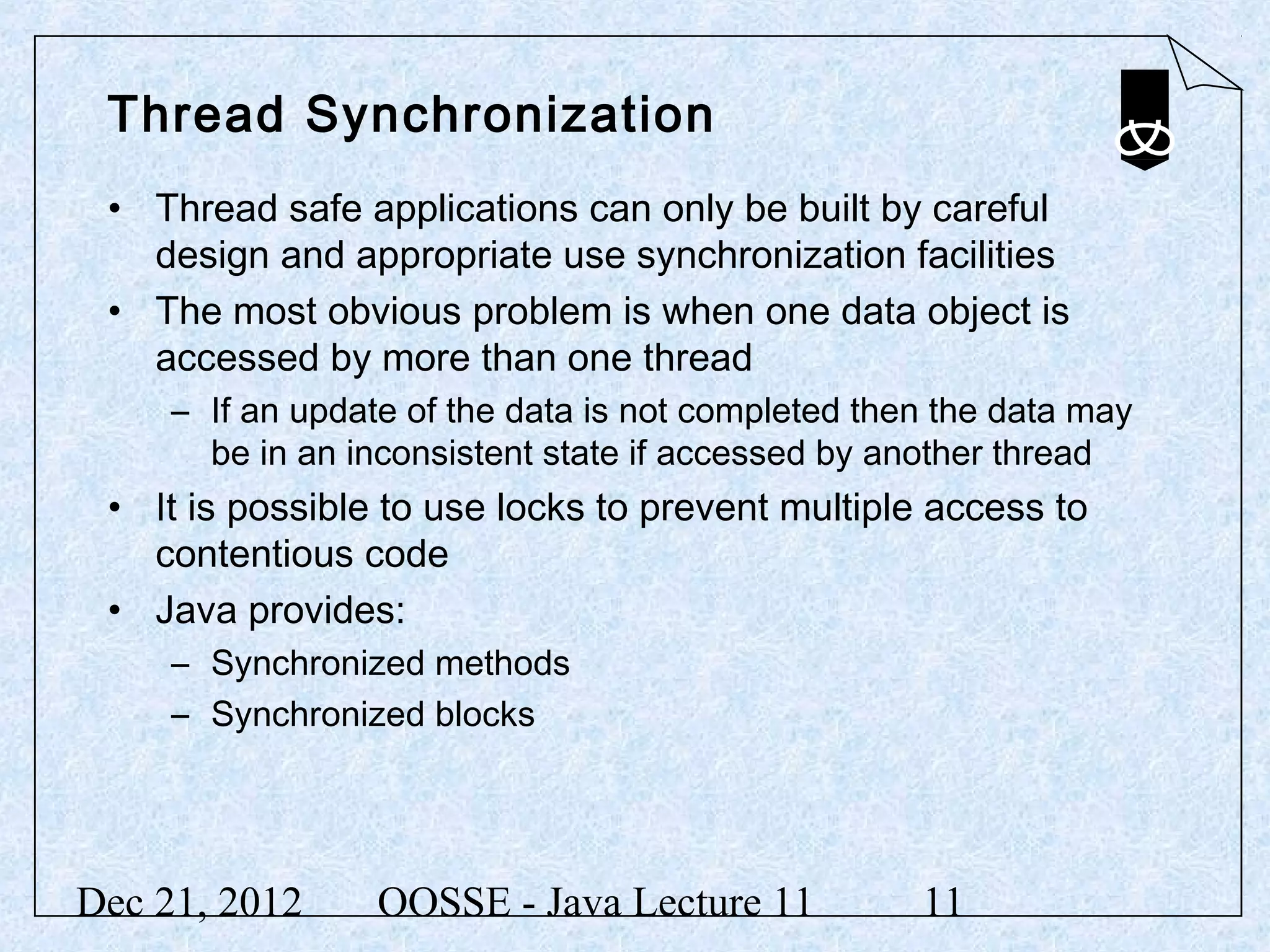
Thread Synchronization
 • Thread safe applications can only be built by careful
   design and appropriate use synchronization facilities
 • The most obvious problem is when one data object is
   accessed by more than one thread
     – If an update of the data is not completed then the data may
       be in an inconsistent state if accessed by another thread
 • It is possible to use locks to prevent multiple access to
   contentious code
 • Java provides:
     – Synchronized methods
     – Synchronized blocks


Dec 21, 2012      OOSSE - Java Lecture 11           11
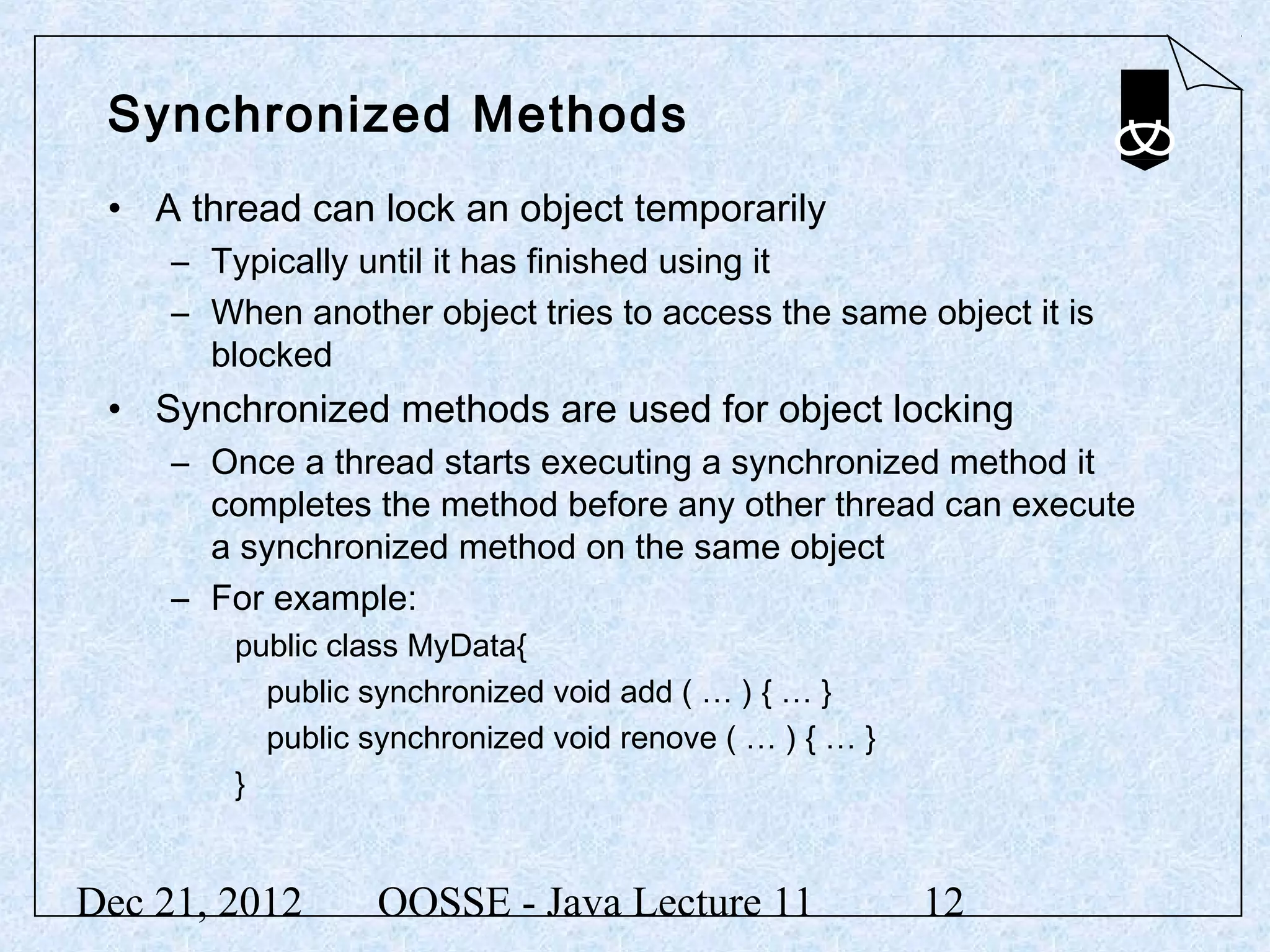
Synchronized Methods
 • A thread can lock an object temporarily
     – Typically until it has finished using it
     – When another object tries to access the same object it is
       blocked
 • Synchronized methods are used for object locking
     – Once a thread starts executing a synchronized method it
       completes the method before any other thread can execute
       a synchronized method on the same object
     – For example:
         public class MyData{
           public synchronized void add ( … ) { … }
           public synchronized void renove ( … ) { … }
         }


Dec 21, 2012       OOSSE - Java Lecture 11               12
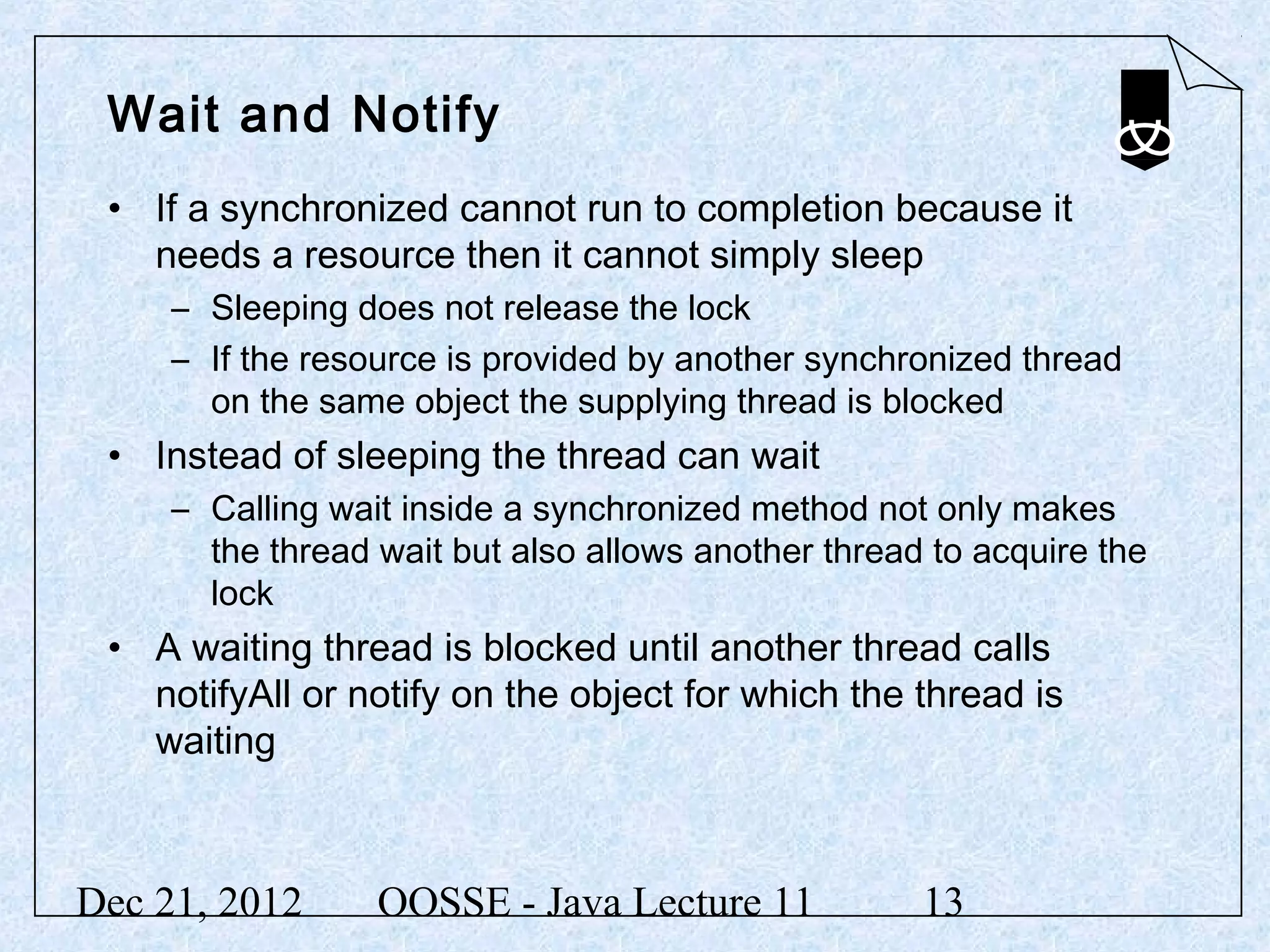
Wait and Notify
 • If a synchronized cannot run to completion because it
   needs a resource then it cannot simply sleep
     – Sleeping does not release the lock
     – If the resource is provided by another synchronized thread
       on the same object the supplying thread is blocked
 • Instead of sleeping the thread can wait
     – Calling wait inside a synchronized method not only makes
       the thread wait but also allows another thread to acquire the
       lock
 • A waiting thread is blocked until another thread calls
   notifyAll or notify on the object for which the thread is
   waiting


Dec 21, 2012      OOSSE - Java Lecture 11            13
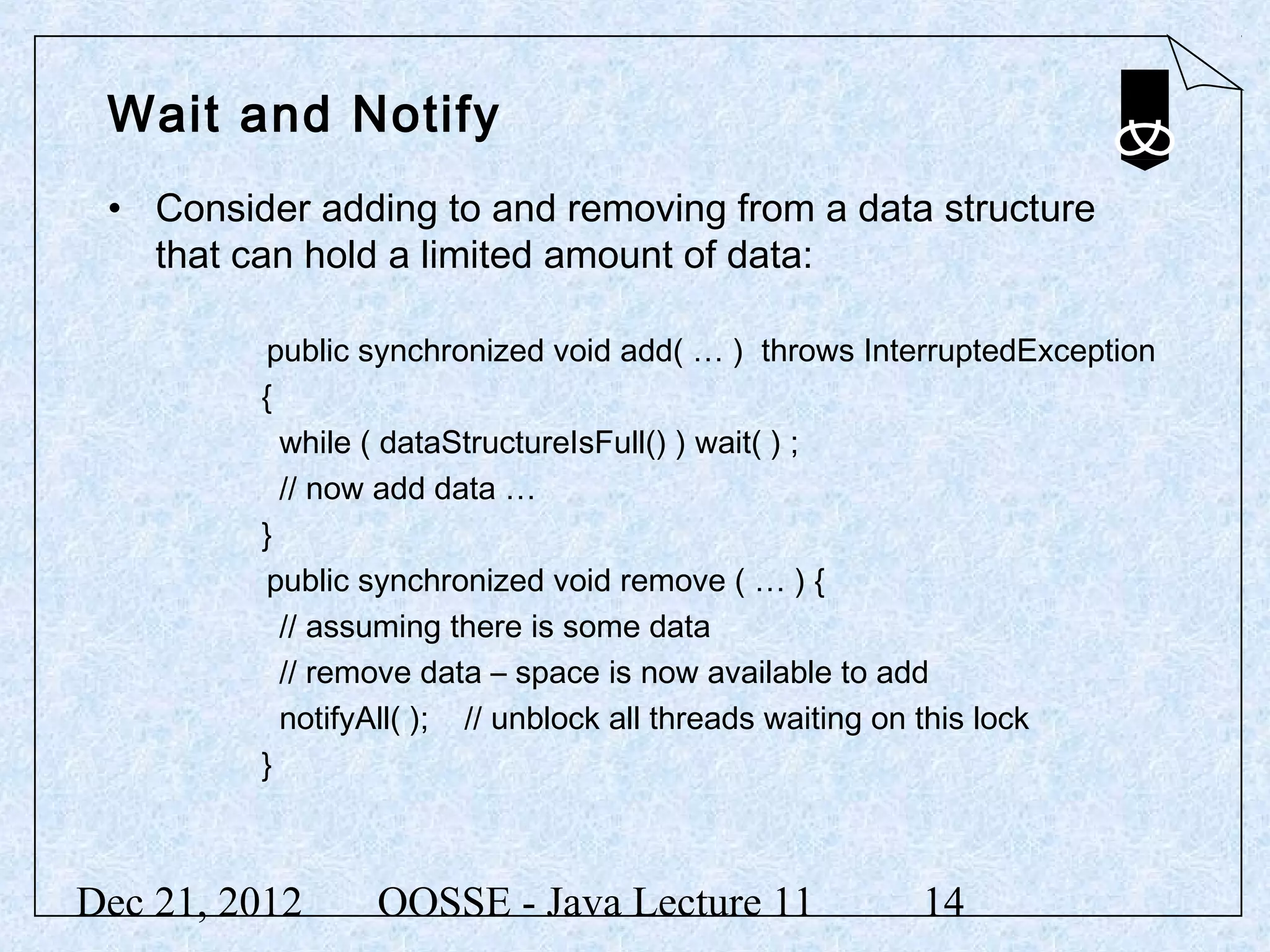
Wait and Notify
 • Consider adding to and removing from a data structure
   that can hold a limited amount of data:

         public synchronized void add( … ) throws InterruptedException
         {
           while ( dataStructureIsFull() ) wait( ) ;
           // now add data …
         }
         public synchronized void remove ( … ) {
           // assuming there is some data
           // remove data – space is now available to add
           notifyAll( ); // unblock all threads waiting on this lock
         }


Dec 21, 2012    OOSSE - Java Lecture 11               14
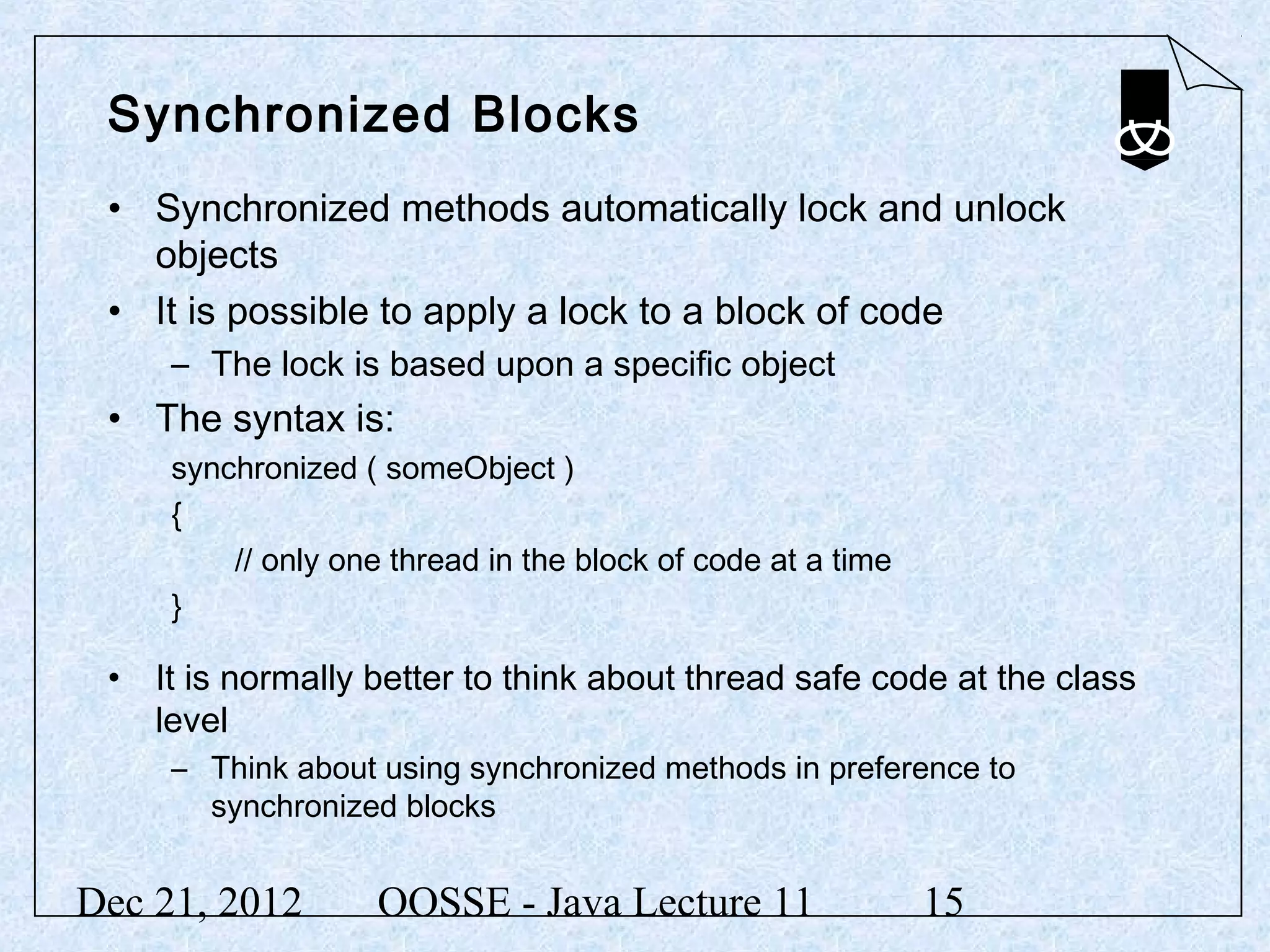
Synchronized Blocks
 • Synchronized methods automatically lock and unlock
   objects
 • It is possible to apply a lock to a block of code
     – The lock is based upon a specific object
 • The syntax is:
     synchronized ( someObject )
     {
         // only one thread in the block of code at a time
     }

 • It is normally better to think about thread safe code at the class
   level
     – Think about using synchronized methods in preference to
       synchronized blocks


Dec 21, 2012        OOSSE - Java Lecture 11                  15
Summary
 In this lecture we have:
 • Introduced threads
 • Discussed the Thread class and the Runnable interface
 • Discussed interrupting threads
 • Introduced concepts of thread synchronization


Dec 21, 2012   OOSSE - Java Lecture 11       16

12 multi-threading

  • 1.
    Multi-threading OOSSE - Programming with Java Lecture 11 Dec 21, 2012 OOSSE - Java Lecture 11 1
  • 2.
    Objectives In thislecture, we will: • Introduce threads • Discuss the Thread class and the Runnable interface • Discuss interrupting threads • Introduce concepts of thread synchronization Dec 21, 2012 OOSSE - Java Lecture 11 2
  • 3.
    Introduction • Athread is a path of execution through a program • Many programs exist with just a single path of execution • Operating systems (OS) often allow multiple processes to co-exist and the OS shares processor time between them – The processes are isolated from each by the OS – They should not be able to overwrite each other’s memory • Languages like Java, C++ and C# allow a single application to have more than one thread of execution – a thread is the smallest unit of execution in the OS – Multiple threads in an application share the same process space; they have access to the same memory Dec 21, 2012 OOSSE - Java Lecture 11 3
  • 4.
    Why use threads? • A lot of the time a computer is doing nothing! – Often waiting for user input or a slow peripheral device • A computer can use any spare time by: – Multitasking – more than one process competing for the CPU – Mulit-threading - more than one thread competing for the CPU • Threads can be used to: – Allow the application to do something else while it is waiting – Start more than one task at a time rather than wait for one to complete before starting another • Start processing data before all the data has loaded – Maintain an active user interface • The interface does not die while processing takes place Dec 21, 2012 OOSSE - Java Lecture 11 4
  • 5.
    Threads in Java • There are two ways of creating threads in Java: • The Thread class can be subclassed and an instance of this class used – This is most appropriate when the functionality of the thread is largely independent • Any class can implement the Runnable interface – An instance of the Thread class is constructed using an instance of the Runnable class as an argument – This is appropriate when the thread must work in the context of a specific object • In either case the key method is run – The life of the thread exists through the execution of run Dec 21, 2012 OOSSE - Java Lecture 11 5
  • 6.
    Subclassing the Threadclass public class MyThread extends Thread { private String msg; private int num; public MyThread(String m, int n) { msg = m; num = n; } public void run(){ // the work of the thread takes place within the run method // the thread terminates when the method ends } } Dec 21, 2012 OOSSE - Java Lecture 11 6
  • 7.
    Implementing the RunnableInterface public class SimpleRun implements Runnable { private String msg; private int num; public SimpleRun(String m, int n) { msg = m; num = n; } public void run(){ // the work of the thread takes place within the run method // the thread terminates when the method ends } } Dec 21, 2012 OOSSE - Java Lecture 11 7
  • 8.
    Starting a Thread • Although the thread lives through the method run it is started by the method start MyThread t1; t1 = new MyThread("Hello",5); t1.start(); Thread t2; t2 = new Thread(new SimpleRun("Pete", 20)); t2.start(); • Any code can be placed in the run method but the method can be interrupted and must handle the exception – InterruptedException • A thread can sleep if it wishes – normally while waiting – Thread.sleep( ) Dec 21, 2012 OOSSE - Java Lecture 11 8
  • 9.
    Sample Code forthe run Method public void run(){ // output msg num times for (int i = 0; i < num; ++i) { System.out.println(msg + " " + i) ; try { Thread.sleep(100); } catch (InterruptedException e) { System.out.println("Thread interrupted: " + e); } } } Dec 21, 2012 OOSSE - Java Lecture 11 9
  • 10.
    Potential Problems withThreads • It is very easy to start multiple threads • If the threads are largely independent then the design is somewhat easier • However, at some stage threads normally want to share some data – All threads in an application have access to the same memory space • When a thread may lose its time slice is unpredictable in most cases • Access to shared resources by multiple threads may lead to: – Deadlock – Thread starvation – Race conditions Dec 21, 2012 OOSSE - Java Lecture 11 10
  • 11.
    Thread Synchronization •Thread safe applications can only be built by careful design and appropriate use synchronization facilities • The most obvious problem is when one data object is accessed by more than one thread – If an update of the data is not completed then the data may be in an inconsistent state if accessed by another thread • It is possible to use locks to prevent multiple access to contentious code • Java provides: – Synchronized methods – Synchronized blocks Dec 21, 2012 OOSSE - Java Lecture 11 11
  • 12.
    Synchronized Methods •A thread can lock an object temporarily – Typically until it has finished using it – When another object tries to access the same object it is blocked • Synchronized methods are used for object locking – Once a thread starts executing a synchronized method it completes the method before any other thread can execute a synchronized method on the same object – For example: public class MyData{ public synchronized void add ( … ) { … } public synchronized void renove ( … ) { … } } Dec 21, 2012 OOSSE - Java Lecture 11 12
  • 13.
    Wait and Notify • If a synchronized cannot run to completion because it needs a resource then it cannot simply sleep – Sleeping does not release the lock – If the resource is provided by another synchronized thread on the same object the supplying thread is blocked • Instead of sleeping the thread can wait – Calling wait inside a synchronized method not only makes the thread wait but also allows another thread to acquire the lock • A waiting thread is blocked until another thread calls notifyAll or notify on the object for which the thread is waiting Dec 21, 2012 OOSSE - Java Lecture 11 13
  • 14.
    Wait and Notify • Consider adding to and removing from a data structure that can hold a limited amount of data: public synchronized void add( … ) throws InterruptedException { while ( dataStructureIsFull() ) wait( ) ; // now add data … } public synchronized void remove ( … ) { // assuming there is some data // remove data – space is now available to add notifyAll( ); // unblock all threads waiting on this lock } Dec 21, 2012 OOSSE - Java Lecture 11 14
  • 15.
    Synchronized Blocks •Synchronized methods automatically lock and unlock objects • It is possible to apply a lock to a block of code – The lock is based upon a specific object • The syntax is: synchronized ( someObject ) { // only one thread in the block of code at a time } • It is normally better to think about thread safe code at the class level – Think about using synchronized methods in preference to synchronized blocks Dec 21, 2012 OOSSE - Java Lecture 11 15
  • 16.
    Summary In thislecture we have: • Introduced threads • Discussed the Thread class and the Runnable interface • Discussed interrupting threads • Introduced concepts of thread synchronization Dec 21, 2012 OOSSE - Java Lecture 11 16

Editor's Notes

  • #2 Part of this lecture will be reserved for working through solutions to selected exercises from last week. Notes relating to this do not appear in the slides.