Download as PDF, PPTX


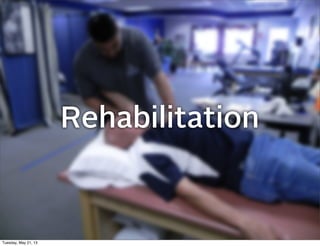
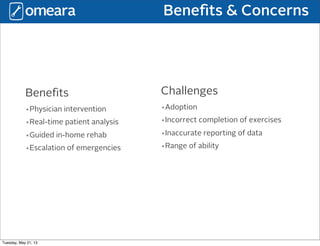
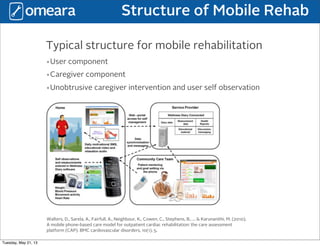
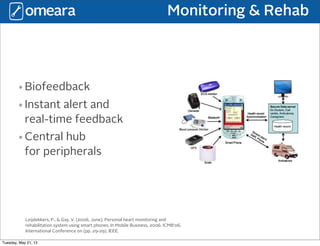
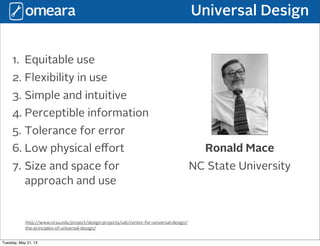
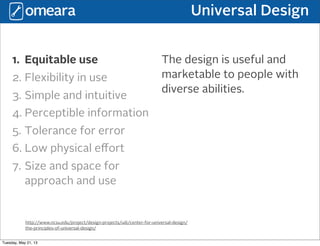
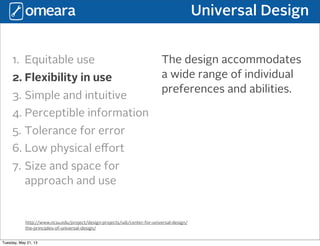
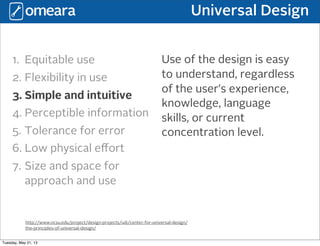
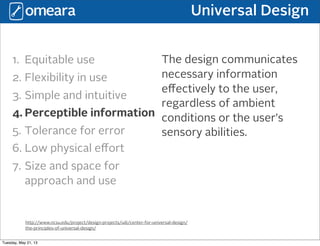
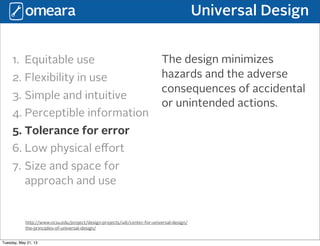
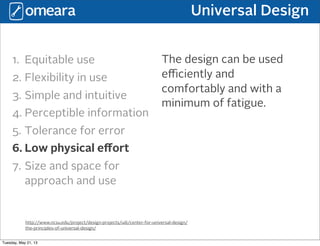
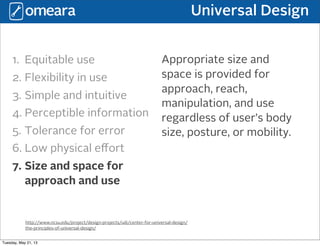

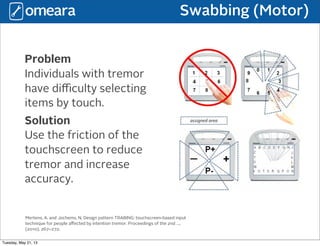
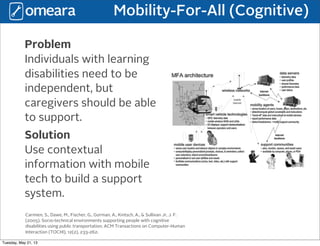
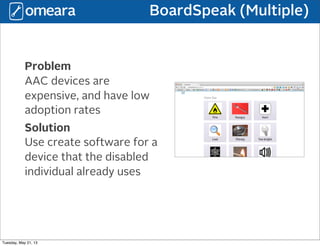
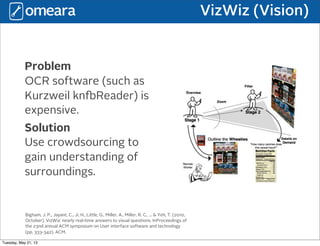
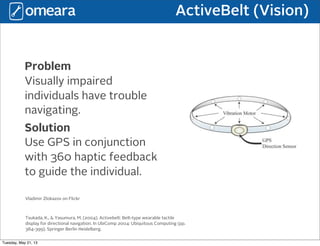
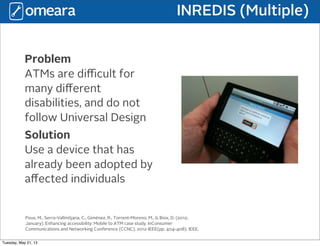


The document discusses mobile rehabilitation and assistive technology. It covers several topics: - The benefits of mobile rehab including physician intervention, real-time patient analysis, and guided in-home rehab. Challenges include adoption, incorrect exercise completion, and inaccurate data reporting. - A typical structure for mobile rehab includes user and caregiver components to allow for unobtrusive caregiver intervention and user self-observation. - Research into technologies to aid those with motor, cognitive, and visual impairments including using touchscreen friction to reduce tremor, contextual mobile apps to support independent living, and crowdsourcing to help the visually impaired understand their surroundings. - The principles of universal design which aim to


