<Insert Picture Here>
Exadata MAA Best Practices Series
Session 6: Migrating to Exadata
Doug Utzig
Doug Utzig
Exadata and MAA Best Practices
Exadata MAA Best Practices Series
<Insert Picture Here>
1. E-Business Suite on Exadata
2. Siebel on Exadata
3. PeopleSoft on Exadata
4. Exadata and OLTP Applications
5. Using Resource Manager on Exadata
6. Migrating to Exadata
7. Using DBFS on Exadata
8. Exadata Monitoring
9. Exadata Backup & Recovery
10. Exadata MAA
11. Troubleshooting Exadata
12. Exadata Patching & Upgrades
13. Exadata Health Check
2
Terminology
– MAA – Oracle Maximum • TTS – Transportable
MAA Oracle Maximum
Availability Architecture
– RAC – Oracle Real Application
Clusters
TTS Transportable
tablespaces
• MOS – My Oracle Support
• OTN – Oracle Technology
– ASM – Oracle Automatic
Storage Management
– RMAN – Oracle Recovery
OTN Oracle Technology
Network
• IB – InfiniBand
• IPoIB – Internet Protocol over
y
Manager
– EHCC – Exadata Hybrid
Columnar Compression
• IPoIB – Internet Protocol over
InfiniBand
– DBFS – Database File System
3
<Insert Picture Here>
Key Points
4
Migrating to Exadata
1. Exadata migration is the same as migrating to
g g g
Oracle Database 11g Release 2 on Linux, but you
should Simplify and Optimize
2. There are many ways to migrate to Exadata – your
“best” way depends on your environment and goals
y p y g
3. A fast network is important for quick migration, but
other areas may slow you down
5
Key Point #1
Exadata migration is the same as migrating to
Oracle Database 11g Release 2 on Linux, but
you should Simplify and Optimize.
6
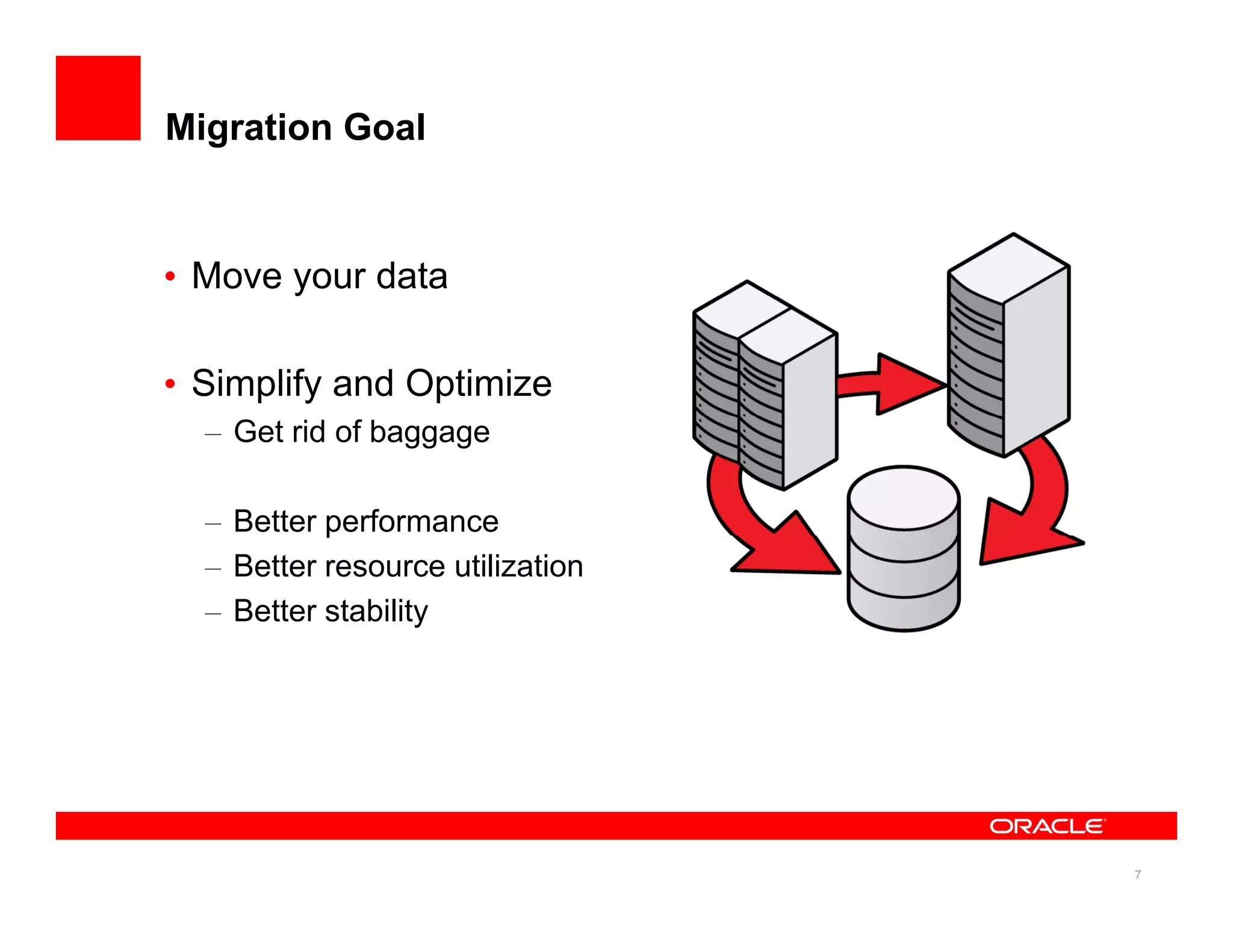
Migration Goal
• Move your data
y
• Simplify and Optimize
– Get rid of baggage
– Better performance
p
– Better resource utilization
– Better stability
7
Migration Strategy
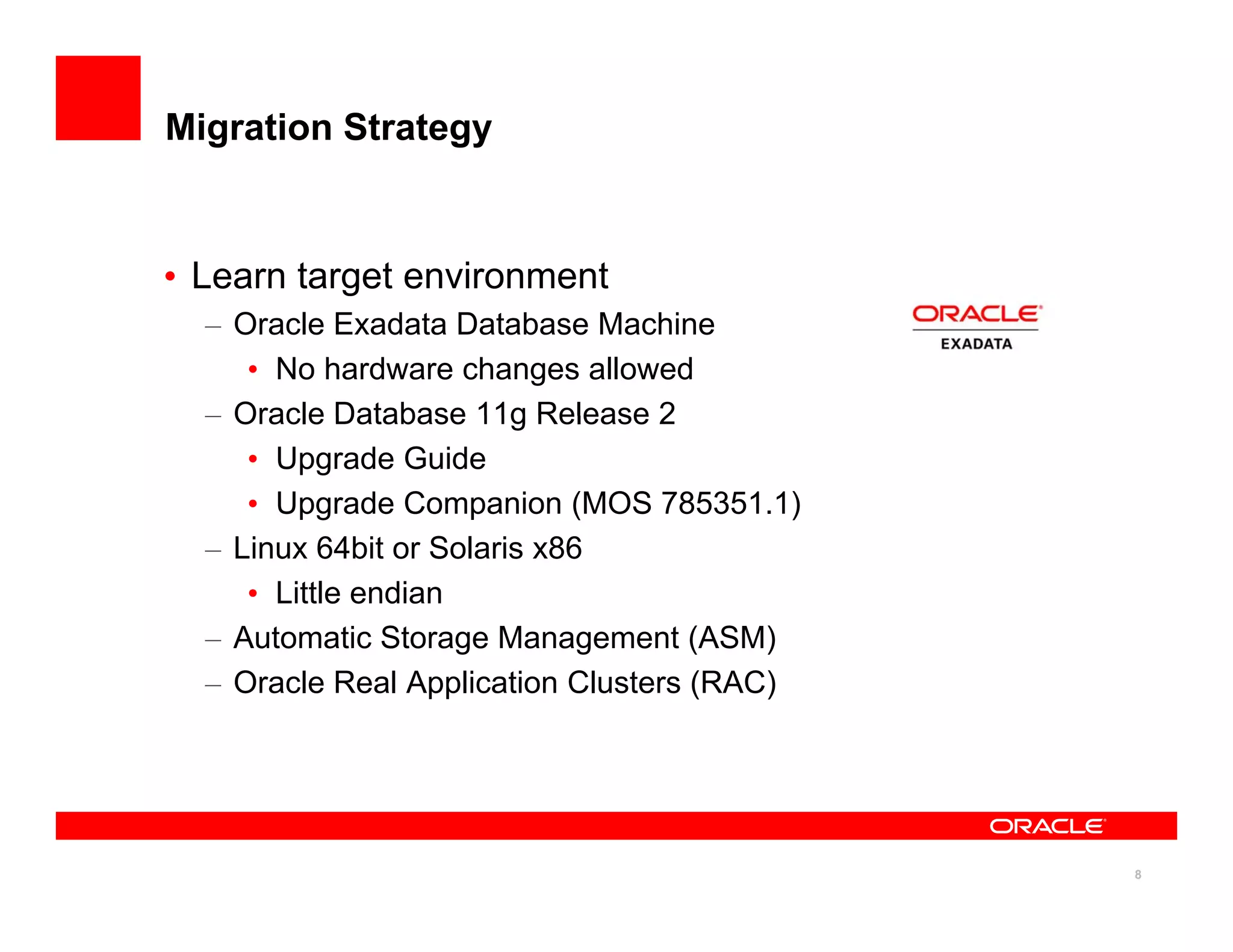
• Learn target environment
g
– Oracle Exadata Database Machine
• No hardware changes allowed
Oracle Database 11g Release 2
– Oracle Database 11g Release 2
• Upgrade Guide
• Upgrade Companion (MOS 785351.1)
– Linux 64bit or Solaris x86
• Little endian
– Automatic Storage Management (ASM)
– Oracle Real Application Clusters (RAC)
8
Migration Strategy
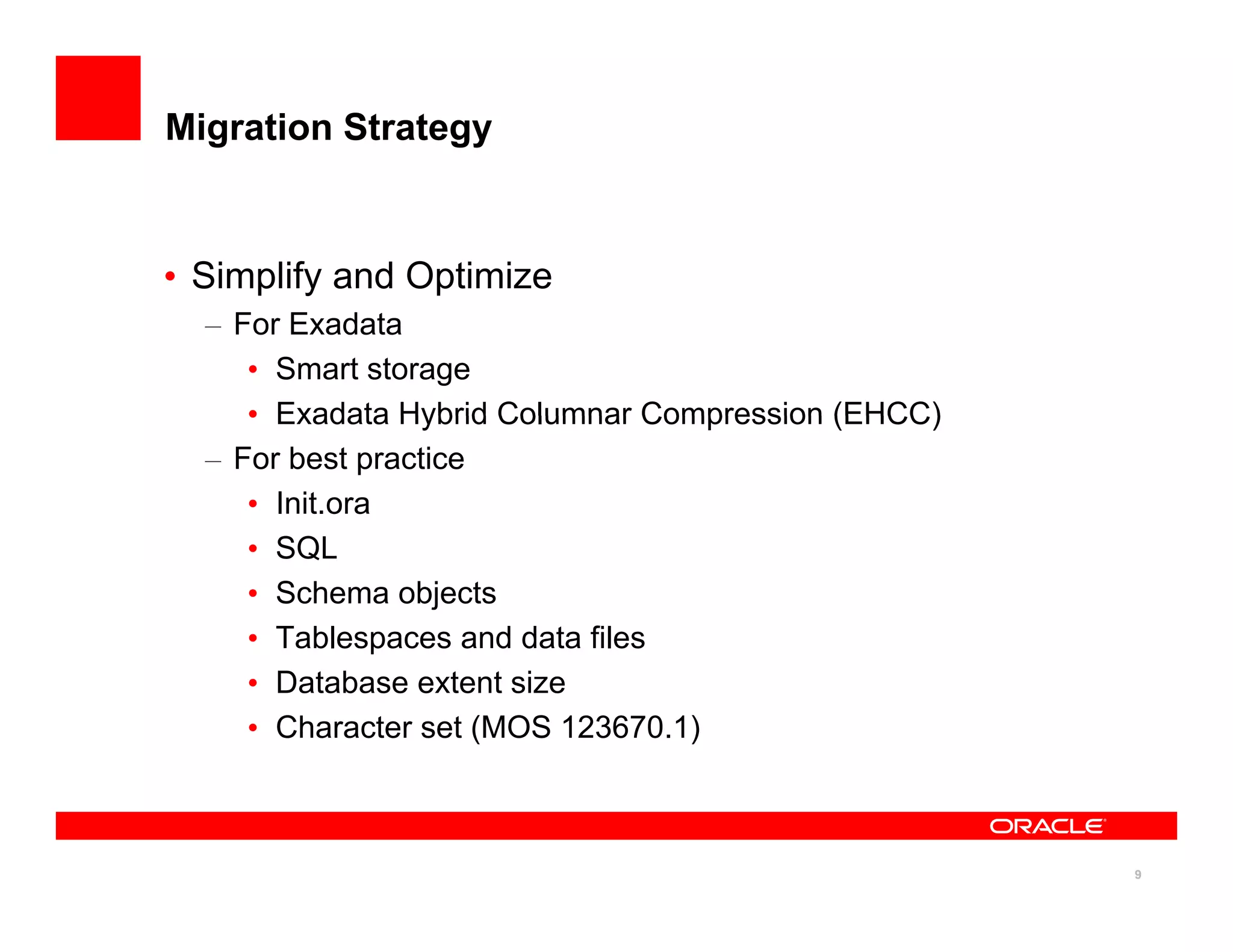
• Simplify and Optimize
y
– For Exadata
• Smart storage
• Exadata Hybrid Columnar Compression (EHCC)
– For best practice
• Init.ora
• SQL
• Schema objects
• Tablespaces and data files
• Database extent size
• Character set (MOS 123670.1)
9
Migration Strategy
• Plan
– Prepare source system (optional)
• Database upgrade to 11.2
• Hardware upgrade
• Hardware upgrade
• Drop unnecessary schema objects
– Evaluate migration methods
• What : Physical, Logical, Hybrid
• When: All at once, In stages
10
Migration Strategy
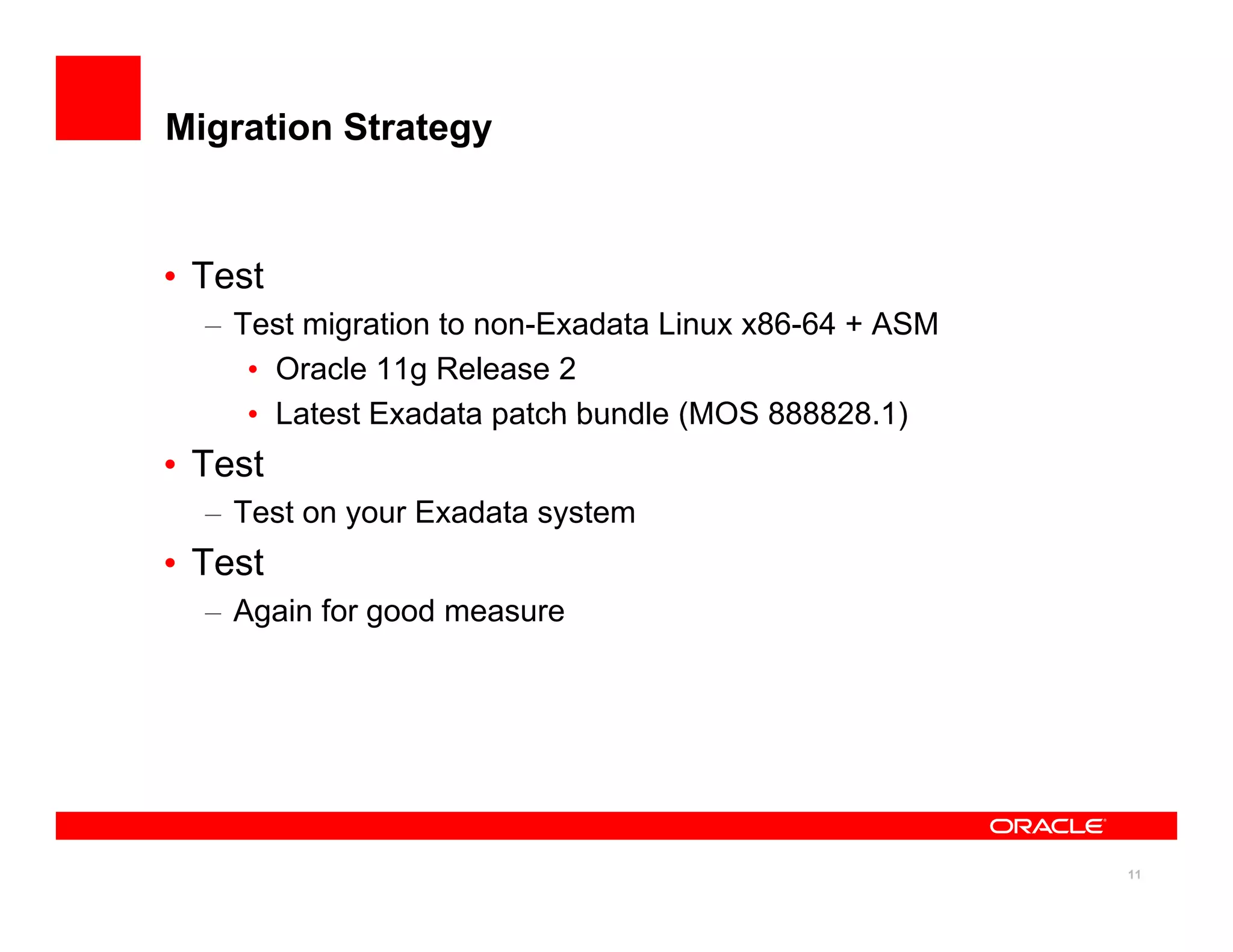
• Test
– Test migration to non-Exadata Linux x86-64 + ASM
• Oracle 11g Release 2
• Latest Exadata patch bundle (MOS 888828 1)
• Latest Exadata patch bundle (MOS 888828.1)
• Test
– Test on your Exadata system
• Test
– Again for good measure
11
Key Point #2
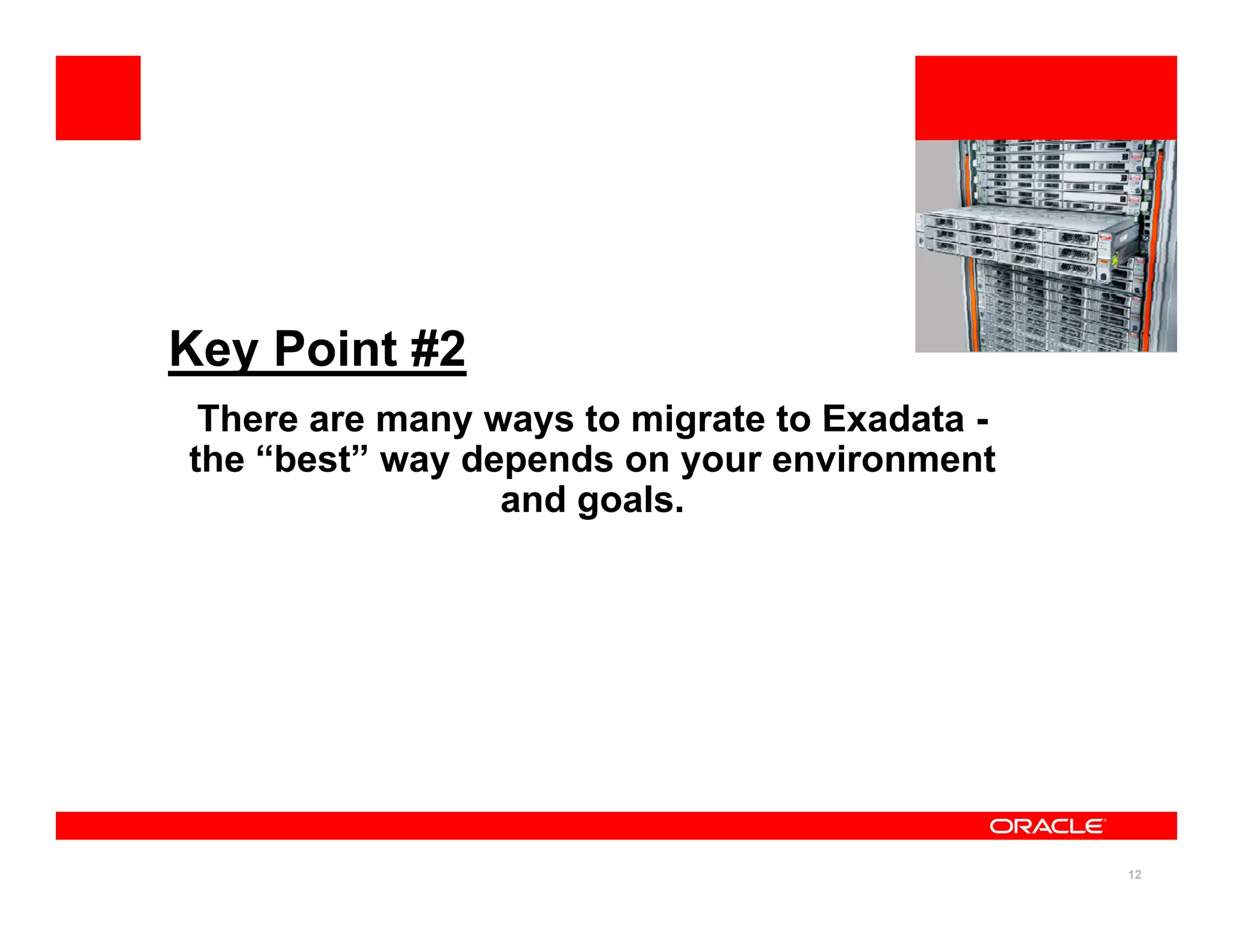
There are many ways to migrate to Exadata
There are many ways to migrate to Exadata -
the “best” way depends on your environment
and goals.
12
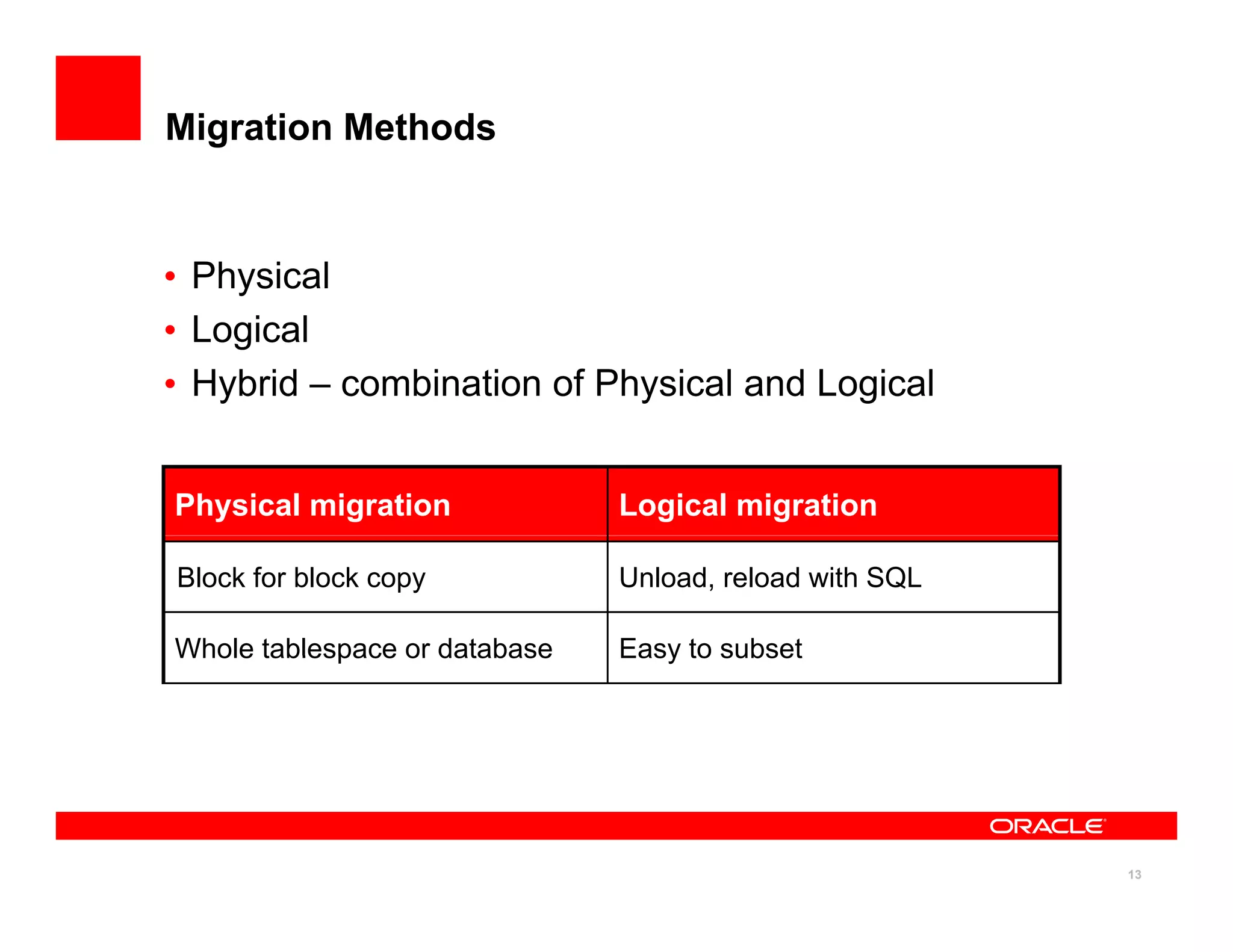
Migration Methods
• Physical
y
• Logical
• Hybrid – combination of Physical and Logical
Physical migration Logical migration
Block for block copy Unload, reload with SQL
Whole tablespace or database Easy to subset
13
Physical Migration
Method Details
Method Details
Physical Standby
• Lowest downtime
11.1 or later
Limited cross platform support
• MOS 1055938.1
• MOS 413484.1
Limited cross platform support
ARCHIVELOG and LOGGING
Transportable Database (TDB)
• MAA on OTN
Oracle 11.2 on any little endian
Transportable Tablespaces (TTS)
Oracle 10 1 or later on any platform
• MAA on OTN
Oracle 10.1 or later on any platform
14
Logical Migration
Method Details
Logical Standby
• MOS 737460.1
• MOS 1055938.1
Oracle 11.1 or later
Limited cross platform support
ARCHIVELOG and LOGGING
• MOS 413484.1
ARCHIVELOG and LOGGING
GoldenGate
• Lowest downtime
Oracle 9.2 or later
• Lowest downtime
• MAA on OTN
ARCHIVELOG and LOGGING
Data Pump Oracle 10.1 or later
• Direct path load File or network mode
Insert As Select (IAS)
• Direct path load
APPEND hint
Manually parallelize if dblink
15
Direct path load y p
Which One?
• Your best approach
– Are you Simplified and Optimized?
– Will you Simplify and Optimize?
• EHCC? During migration or after?
– Source platform and source version?
– Database size?
– How much downtime?
– Experience level?
– Other business requirements?
• Best may not be fastest
16
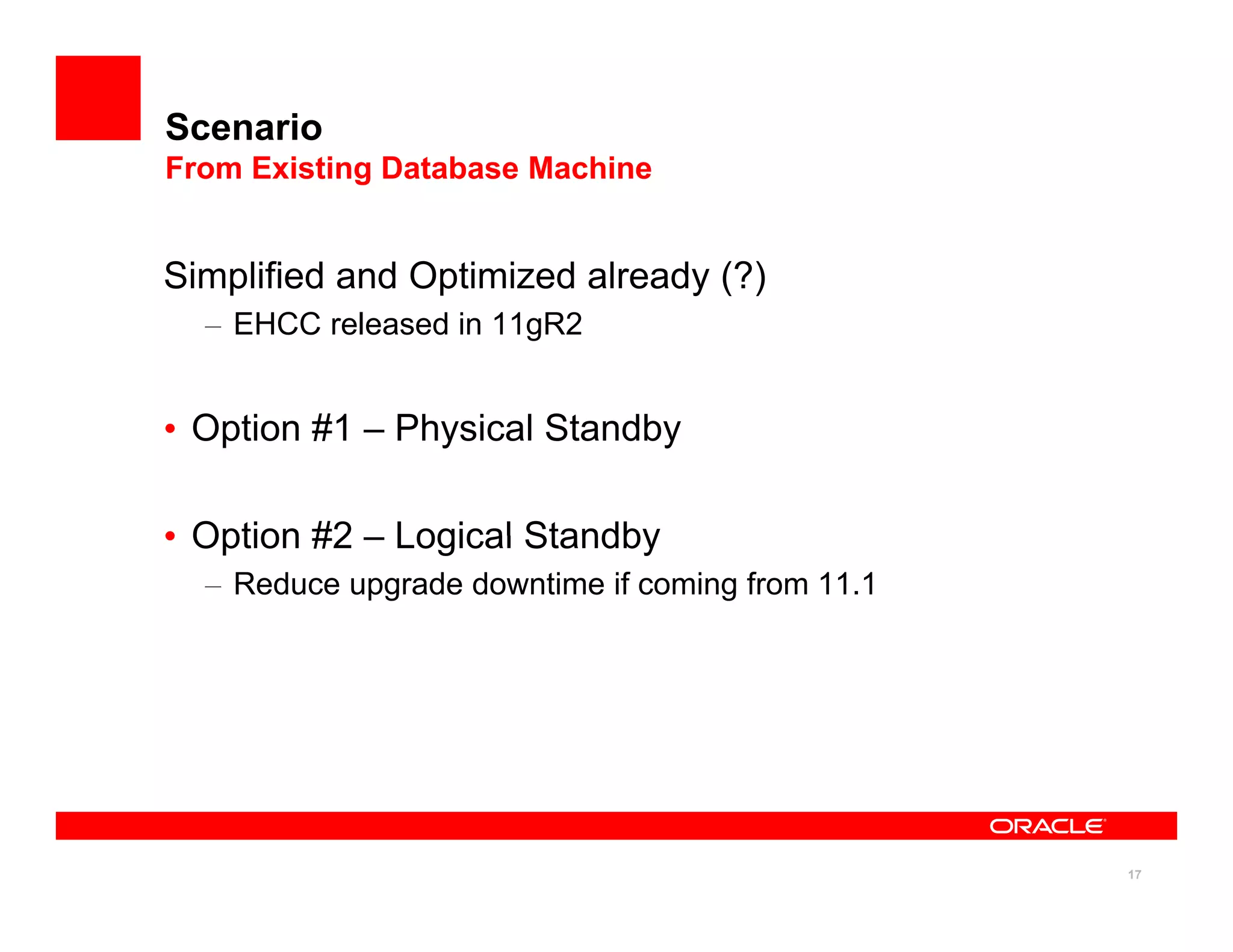
Scenario
From Existing Database Machine
Simplified and Optimized already (?)
y ( )
– EHCC released in 11gR2
O ti #1 Ph i l St db
• Option #1 – Physical Standby
• Option #2 Logical Standby
• Option #2 – Logical Standby
– Reduce upgrade downtime if coming from 11.1
17
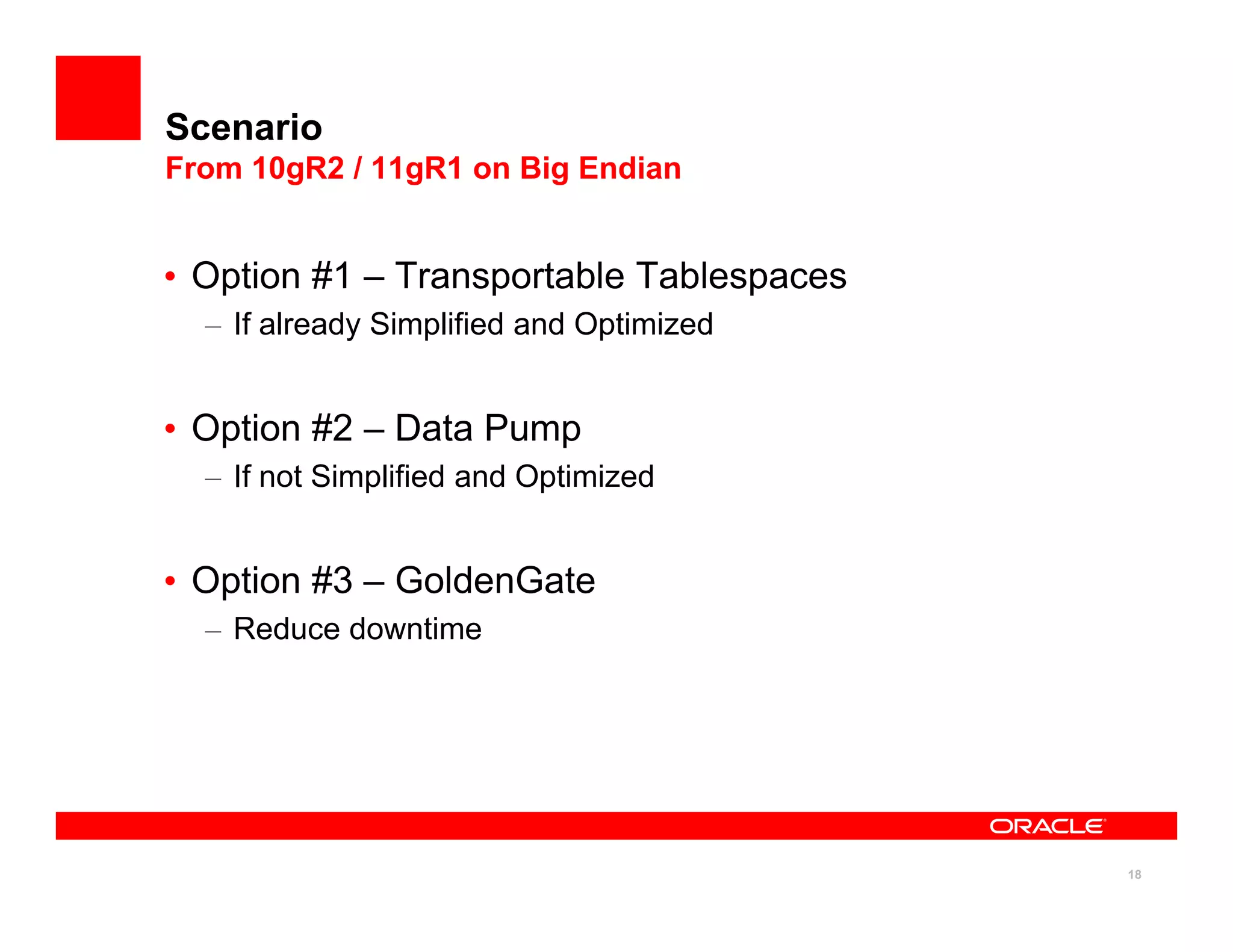
Scenario
From 10gR2 / 11gR1 on Big Endian
• Option #1 – Transportable Tablespaces
– If already Simplified and Optimized
O ti #2 D t P
• Option #2 – Data Pump
– If not Simplified and Optimized
• Option #3 – GoldenGate
– Reduce downtime
18
Scenario
From 10gR2 / 11g on Little Endian (Non-Exadata)
From 10gR2 / 11g on Little Endian (Non Exadata)
• Option #1 – Physical Standby
y y
– If already Simplified and Optimized on 11g
• Option #2 - Logical Standby
If t Si lifi d d O ti i d 11
– If not Simplified and Optimized on 11g
– Reduce upgrade downtime if coming from 11.1
• Option #3 - Data Pump
p p
– Need cross platform support
– Need full data type support
Option #4 GoldenGate
• Option #4 – GoldenGate
– Reduce downtime
19
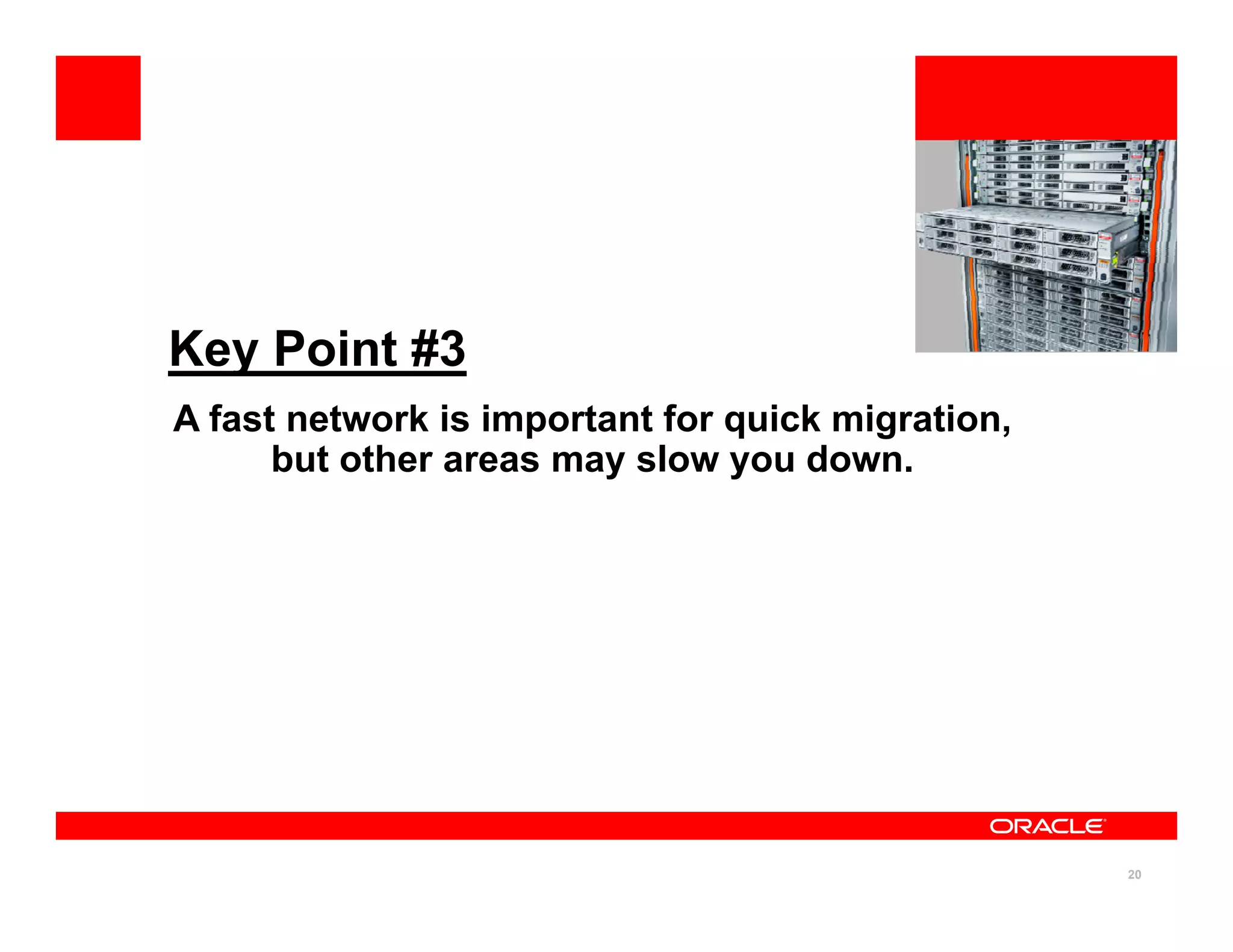
Key Point #3
A fast network is important for quick migration
A fast network is important for quick migration,
but other areas may slow you down.
20
Networks for Moving Data
10 Gb/s
Ethernet
40 Gb/s
InfiniBand
1 Gb/s
Ethernet
B t P ti
Ethernet InfiniBand Ethernet
• Best Practice
– Large MTU
• IPoIB connected mode
– Use all database servers
21
Bottleneck Not Always the Network
• Non-network bottlenecks
Non network bottlenecks
– Slow source system I/O
CPU to send and recei e
– CPU to send and receive
– Small I/O
22
Moving Data Direct to ASM
• Databases on Exadata use ASM
– Direct to ASM network transfer
• RMAN BACKUP AS COPY AUXILIARY
• ASMCMD CP
• ASMCMD CP
• DBMS_FILE_TRANSFER
• XDB FTP
– Bytes transferred != bytes written
23
Staging Data
• Staging space
g g
– DBFS (MOS 1054431.1)
– NFS
NOT local disk
– NOT local disk
24
Key Points and
Business Takeaways
25
Migrating to Exadata
Key Points
ey o ts
1. Exadata migration is the same as migrating to
g g g
Oracle Database 11g Release 2 on Linux, but you
should Simplify and Optimize
2. There are many ways to migrate to Exadata – your
“best” way depends on your environment and goals
y p y g
3. A fast network is important for quick migration, but
other areas may slow you down
26
Migrating to Exadata
Business Takeaways
us ess a ea ays
• Proper migration planning takes into account both
g g
your business requirements and the need to Simplify
and Optimize, which may involve changing common
practices you currently use in order to get the full
practices you currently use, in order to get the full
value out of Oracle Exadata Database Machine.
• Proper migration testing requires a well-researched,
well-tested migration plan that ensures a successful,
predictable migration to Exadata
predictable migration to Exadata.
27
Migrating to Exadata
Resources and References
esou ces a d e e e ces
• Latest Exadata Software (MOS 888828.1)
( )
• DBFS (MOS 1054431.1)
• Changing Storage Characteristics on Logical Standby
(MOS 737460.1)
• Database Machine Migration using Data Guard (MOS
1055938.1)
Data Guard Heterogeneous Support (MOS 413484 1)
• Data Guard Heterogeneous Support (MOS 413484.1)
• Upgrade Companion (MOS 785351.1)
28
Best Practices
Additional Resources sponsored by MAA and X-Team
Additional Resources sponsored by MAA and X Team
• MAA and Exadata OTN website contains best practices and
different architectural solutions
– MAA OTN website:
http://www.oracle.com/technetwork/database/features/availability/maa-
090890.html
090890.html
– Sun Oracle Database Machine and Exadata OTN website
http://www.oracle.com/technetwork/database/exadata/index-089737.html
• Openworld presentations
– http://openworld.vportal.net
29
Sponsors
Exadata MAA Team and X Team
• Operational and Configuration best practices
g
– Optimized and integrated for Exadata
– Generic practices for other platforms
Examples: Migration Backup/Recovery Monitoring
– Examples: Migration, Backup/Recovery, Monitoring,
Troubleshooting, Patching, MAA, Consolidation, Active Data
Guard, Cloning/Reporting, Application Failover
• Applications MAA and Scalability
– Optimized and integrated for Exadata and Exalogic
– Examples: E-Business Suite, Siebel, Peoplesoft, Fusion
Middleware
• Exadata Strategic Reference Program
30
31
32

Migrate.pdf

  • 1.
    <Insert Picture Here> ExadataMAA Best Practices Series Session 6: Migrating to Exadata Doug Utzig Doug Utzig Exadata and MAA Best Practices
  • 2.
    Exadata MAA BestPractices Series <Insert Picture Here> 1. E-Business Suite on Exadata 2. Siebel on Exadata 3. PeopleSoft on Exadata 4. Exadata and OLTP Applications 5. Using Resource Manager on Exadata 6. Migrating to Exadata 7. Using DBFS on Exadata 8. Exadata Monitoring 9. Exadata Backup & Recovery 10. Exadata MAA 11. Troubleshooting Exadata 12. Exadata Patching & Upgrades 13. Exadata Health Check 2
  • 3.
    Terminology – MAA –Oracle Maximum • TTS – Transportable MAA Oracle Maximum Availability Architecture – RAC – Oracle Real Application Clusters TTS Transportable tablespaces • MOS – My Oracle Support • OTN – Oracle Technology – ASM – Oracle Automatic Storage Management – RMAN – Oracle Recovery OTN Oracle Technology Network • IB – InfiniBand • IPoIB – Internet Protocol over y Manager – EHCC – Exadata Hybrid Columnar Compression • IPoIB – Internet Protocol over InfiniBand – DBFS – Database File System 3
  • 4.
  • 5.
    Migrating to Exadata 1.Exadata migration is the same as migrating to g g g Oracle Database 11g Release 2 on Linux, but you should Simplify and Optimize 2. There are many ways to migrate to Exadata – your “best” way depends on your environment and goals y p y g 3. A fast network is important for quick migration, but other areas may slow you down 5
  • 6.
    Key Point #1 Exadatamigration is the same as migrating to Exadata migration is the same as migrating to Oracle Database 11g Release 2 on Linux, but you should Simplify and Optimize. 6
  • 7.
    Migration Goal • Moveyour data y • Simplify and Optimize – Get rid of baggage – Better performance p – Better resource utilization – Better stability 7
  • 8.
    Migration Strategy • Learntarget environment g – Oracle Exadata Database Machine • No hardware changes allowed Oracle Database 11g Release 2 – Oracle Database 11g Release 2 • Upgrade Guide • Upgrade Companion (MOS 785351.1) – Linux 64bit or Solaris x86 • Little endian – Automatic Storage Management (ASM) – Oracle Real Application Clusters (RAC) 8
  • 9.
    Migration Strategy • Simplifyand Optimize y – For Exadata • Smart storage • Exadata Hybrid Columnar Compression (EHCC) • Exadata Hybrid Columnar Compression (EHCC) – For best practice • Init.ora • SQL • Schema objects • Tablespaces and data files • Database extent size • Character set (MOS 123670.1) 9
  • 10.
    Migration Strategy • Plan –Prepare source system (optional) • Database upgrade to 11.2 • Hardware upgrade • Hardware upgrade • Drop unnecessary schema objects – Evaluate migration methods • What : Physical, Logical, Hybrid • When: All at once, In stages 10
  • 11.
    Migration Strategy • Test –Test migration to non-Exadata Linux x86-64 + ASM • Oracle 11g Release 2 • Latest Exadata patch bundle (MOS 888828 1) • Latest Exadata patch bundle (MOS 888828.1) • Test – Test on your Exadata system • Test – Again for good measure 11
  • 12.
    Key Point #2 Thereare many ways to migrate to Exadata There are many ways to migrate to Exadata - the “best” way depends on your environment and goals. 12
  • 13.
    Migration Methods • Physical y •Logical • Hybrid – combination of Physical and Logical Physical migration Logical migration Block for block copy Unload, reload with SQL Whole tablespace or database Easy to subset Whole tablespace or database Easy to subset 13
  • 14.
    Physical Migration Method Details MethodDetails Physical Standby • Lowest downtime 11.1 or later Limited cross platform support • MOS 1055938.1 • MOS 413484.1 Limited cross platform support ARCHIVELOG and LOGGING Transportable Database (TDB) Transportable Database (TDB) • MAA on OTN Oracle 11.2 on any little endian Transportable Tablespaces (TTS) Oracle 10 1 or later on any platform • MAA on OTN Oracle 10.1 or later on any platform 14
  • 15.
    Logical Migration Method Details LogicalStandby • MOS 737460.1 • MOS 1055938.1 Oracle 11.1 or later Limited cross platform support ARCHIVELOG and LOGGING • MOS 413484.1 ARCHIVELOG and LOGGING GoldenGate • Lowest downtime Oracle 9.2 or later • Lowest downtime • MAA on OTN ARCHIVELOG and LOGGING Data Pump Oracle 10.1 or later • Direct path load File or network mode Insert As Select (IAS) • Direct path load APPEND hint Manually parallelize if dblink 15 Direct path load y p
  • 16.
    Which One? • Yourbest approach – Are you Simplified and Optimized? – Will you Simplify and Optimize? • EHCC? During migration or after? • EHCC? During migration or after? – Source platform and source version? – Database size? – How much downtime? – Experience level? – Other business requirements? • Best may not be fastest 16
  • 17.
    Scenario From Existing DatabaseMachine From Existing Database Machine Simplified and Optimized already (?) y ( ) – EHCC released in 11gR2 O ti #1 Ph i l St db • Option #1 – Physical Standby • Option #2 Logical Standby • Option #2 – Logical Standby – Reduce upgrade downtime if coming from 11.1 17
  • 18.
    Scenario From 10gR2 /11gR1 on Big Endian From 10gR2 / 11gR1 on Big Endian • Option #1 – Transportable Tablespaces – If already Simplified and Optimized O ti #2 D t P • Option #2 – Data Pump – If not Simplified and Optimized • Option #3 – GoldenGate – Reduce downtime 18
  • 19.
    Scenario From 10gR2 /11g on Little Endian (Non-Exadata) From 10gR2 / 11g on Little Endian (Non Exadata) • Option #1 – Physical Standby y y – If already Simplified and Optimized on 11g • Option #2 - Logical Standby If t Si lifi d d O ti i d 11 – If not Simplified and Optimized on 11g – Reduce upgrade downtime if coming from 11.1 • Option #3 - Data Pump p p – Need cross platform support – Need full data type support Option #4 GoldenGate • Option #4 – GoldenGate – Reduce downtime 19
  • 20.
    Key Point #3 Afast network is important for quick migration A fast network is important for quick migration, but other areas may slow you down. 20
  • 21.
    Networks for MovingData 10 Gb/s Ethernet 40 Gb/s InfiniBand 1 Gb/s Ethernet B t P ti Ethernet InfiniBand Ethernet • Best Practice – Large MTU • IPoIB connected mode – Use all database servers 21
  • 22.
    Bottleneck Not Alwaysthe Network • Non-network bottlenecks Non network bottlenecks – Slow source system I/O CPU to send and recei e – CPU to send and receive – Small I/O 22
  • 23.
    Moving Data Directto ASM • Databases on Exadata use ASM – Direct to ASM network transfer • RMAN BACKUP AS COPY AUXILIARY • ASMCMD CP • ASMCMD CP • DBMS_FILE_TRANSFER • XDB FTP – Bytes transferred != bytes written 23
  • 24.
    Staging Data • Stagingspace g g – DBFS (MOS 1054431.1) – NFS NOT local disk – NOT local disk 24
  • 25.
  • 26.
    Migrating to Exadata KeyPoints ey o ts 1. Exadata migration is the same as migrating to g g g Oracle Database 11g Release 2 on Linux, but you should Simplify and Optimize 2. There are many ways to migrate to Exadata – your “best” way depends on your environment and goals y p y g 3. A fast network is important for quick migration, but other areas may slow you down 26
  • 27.
    Migrating to Exadata BusinessTakeaways us ess a ea ays • Proper migration planning takes into account both g g your business requirements and the need to Simplify and Optimize, which may involve changing common practices you currently use in order to get the full practices you currently use, in order to get the full value out of Oracle Exadata Database Machine. • Proper migration testing requires a well-researched, well-tested migration plan that ensures a successful, predictable migration to Exadata predictable migration to Exadata. 27
  • 28.
    Migrating to Exadata Resourcesand References esou ces a d e e e ces • Latest Exadata Software (MOS 888828.1) ( ) • DBFS (MOS 1054431.1) • Changing Storage Characteristics on Logical Standby • Changing Storage Characteristics on Logical Standby (MOS 737460.1) • Database Machine Migration using Data Guard (MOS • Database Machine Migration using Data Guard (MOS 1055938.1) Data Guard Heterogeneous Support (MOS 413484 1) • Data Guard Heterogeneous Support (MOS 413484.1) • Upgrade Companion (MOS 785351.1) 28
  • 29.
    Best Practices Additional Resourcessponsored by MAA and X-Team Additional Resources sponsored by MAA and X Team • MAA and Exadata OTN website contains best practices and different architectural solutions – MAA OTN website: http://www.oracle.com/technetwork/database/features/availability/maa- 090890.html 090890.html – Sun Oracle Database Machine and Exadata OTN website http://www.oracle.com/technetwork/database/exadata/index-089737.html • Openworld presentations – http://openworld.vportal.net 29
  • 30.
    Sponsors Exadata MAA Teamand X Team Exadata MAA Team and X Team • Operational and Configuration best practices g – Optimized and integrated for Exadata – Generic practices for other platforms Examples: Migration Backup/Recovery Monitoring – Examples: Migration, Backup/Recovery, Monitoring, Troubleshooting, Patching, MAA, Consolidation, Active Data Guard, Cloning/Reporting, Application Failover • Applications MAA and Scalability • Applications MAA and Scalability – Optimized and integrated for Exadata and Exalogic – Examples: E-Business Suite, Siebel, Peoplesoft, Fusion Middleware • Exadata Strategic Reference Program 30
  • 31.
  • 32.