Business Solutions MVP
Functional Consultant
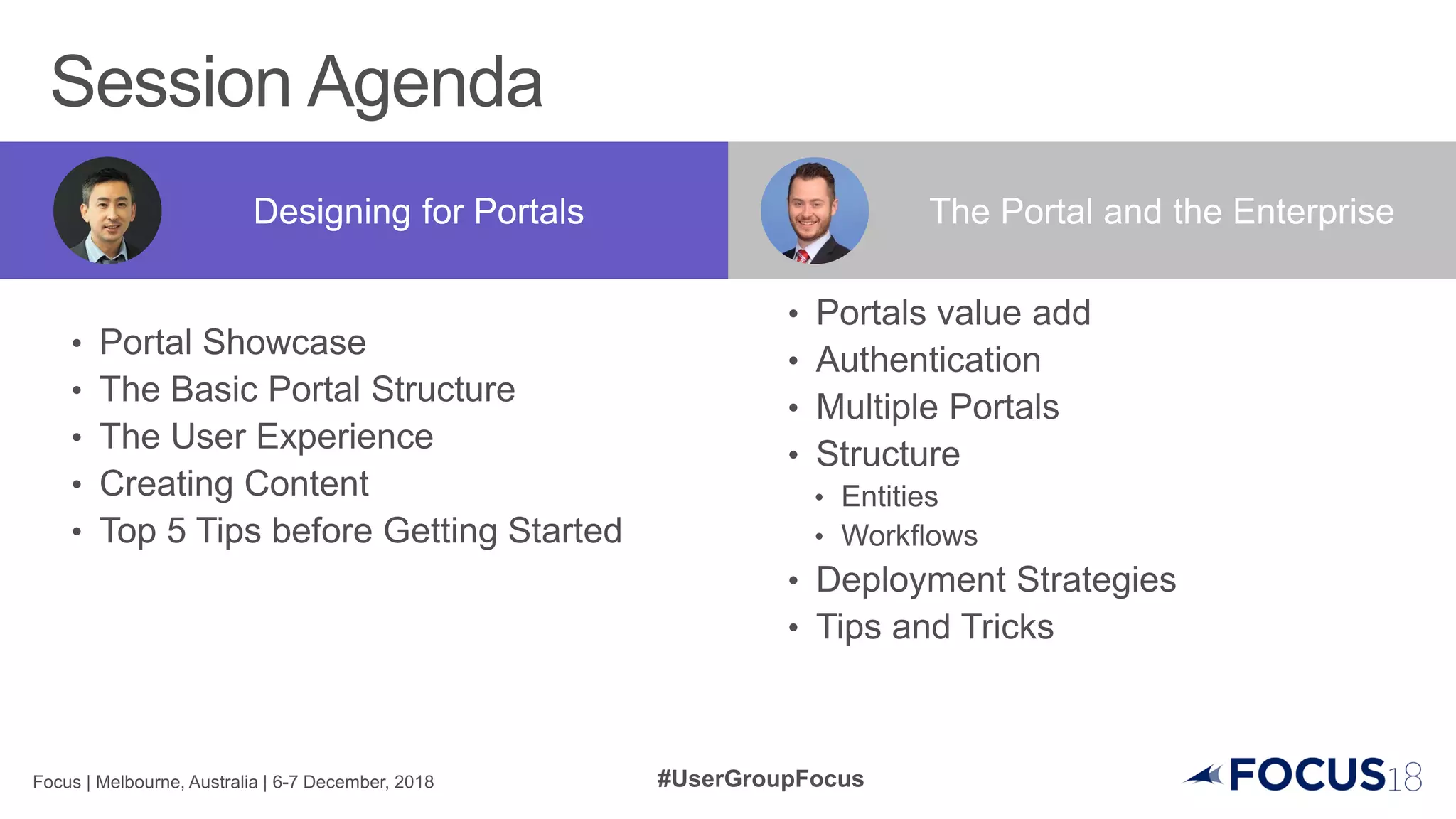
Designing for Portals The Portal and the Enterprise
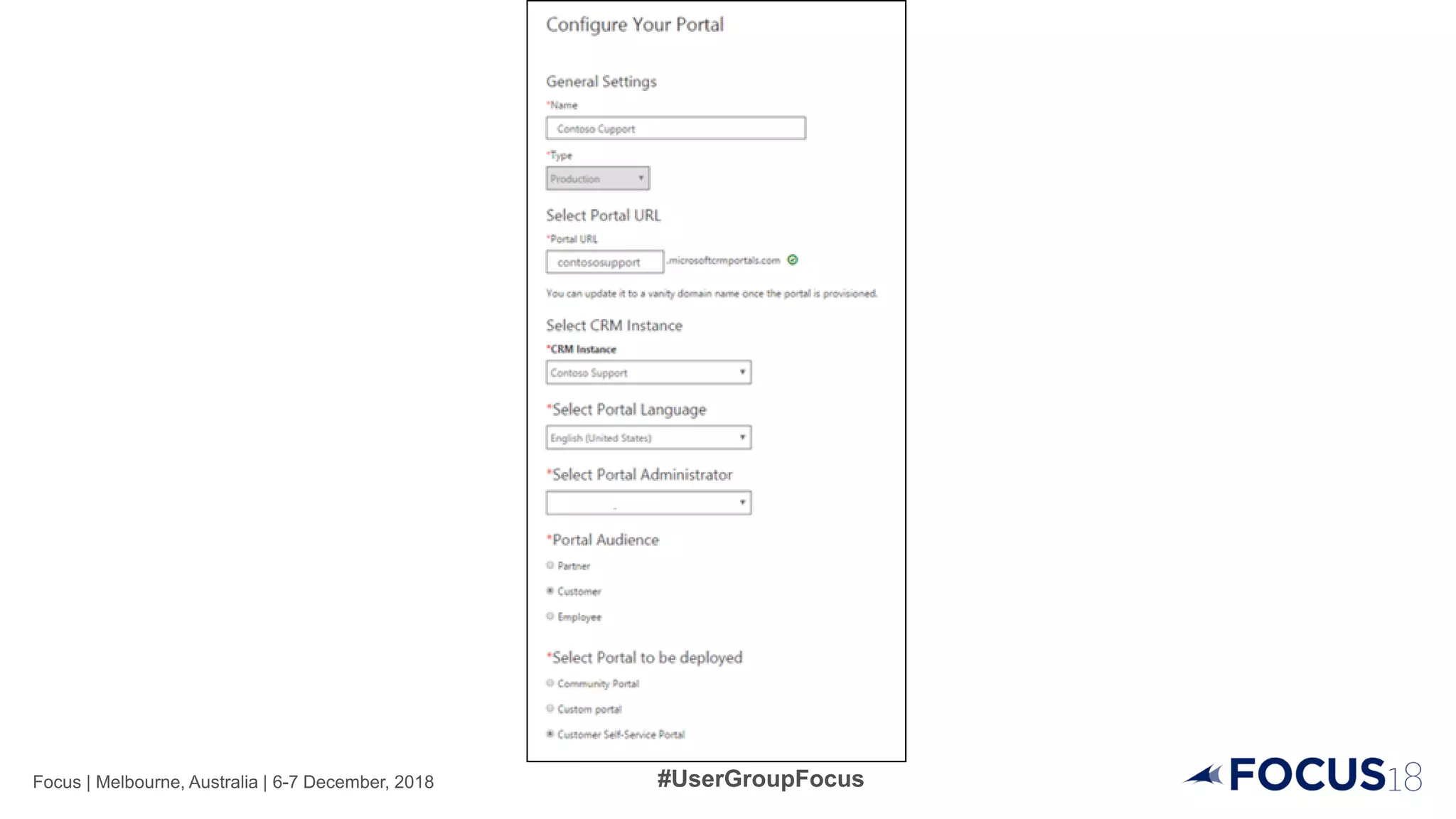
Your Portal
(e.g. Customer Self
Service)
Content Snippets
Entity Forms
Entity Lists
Web Files
Web Forms
Web Pages
Web Templates
Editable content (html or text)
Data collection forms
Exposes Records
File collection (i.e. CSS, Jscripts, Images) stored
As notes
Are like Entity Forms but with logic
(branching and multi-step navigation)
Configurable web pages
Provides layout information
Bootstrap v3.3.6 Framework for responsive web design
JavaScript Client side code
Liquid Templates Surfacing Dynamic content
{% if user.fullname == ‘John Doe' %}
Hello, John.
{% endif %}
How your users
experiences portal
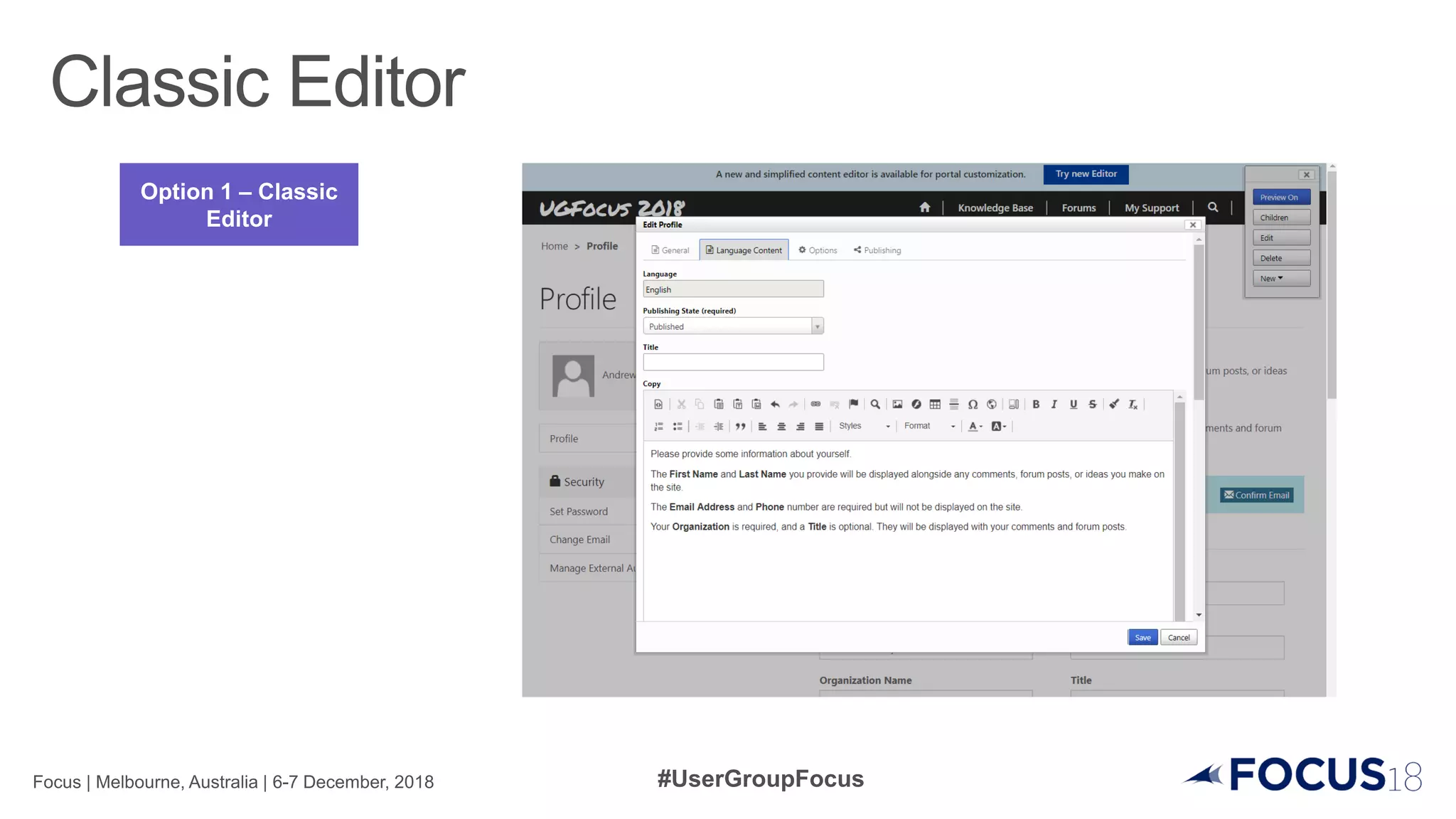
Option 1 – Classic
Editor
Option 1 – Classic
Editor
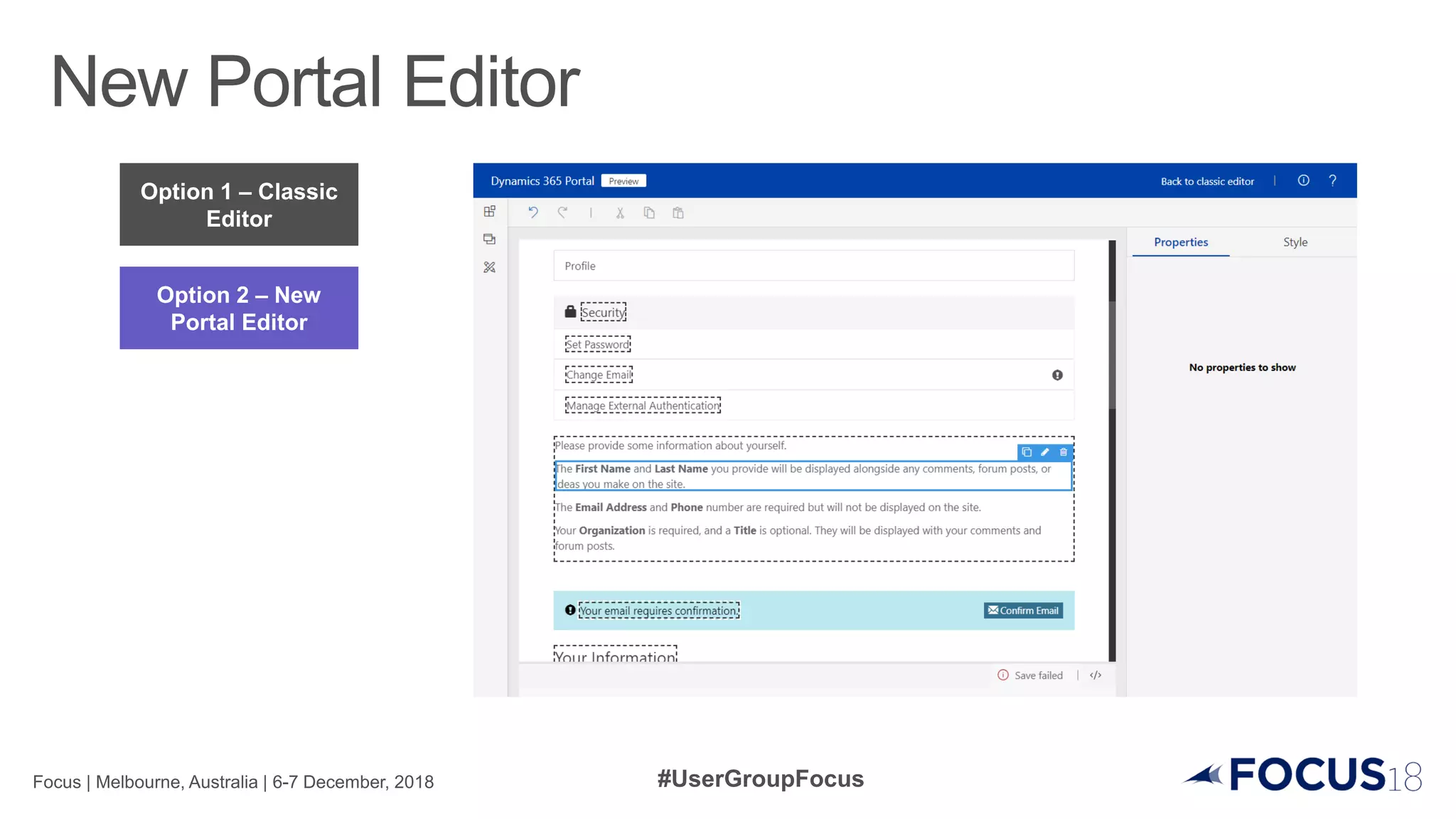
Option 2 – New
Portal Editor
Option 1 – Classic
Editor
Option 2 – New
Portal Editor
Option 3 – Within
Dynamics 365
Option 1 – Classic
Editor
Option 2 – New
Portal Editor
Option 3 – Within
Dynamics 365
Option 4 – Portal
Code Editor
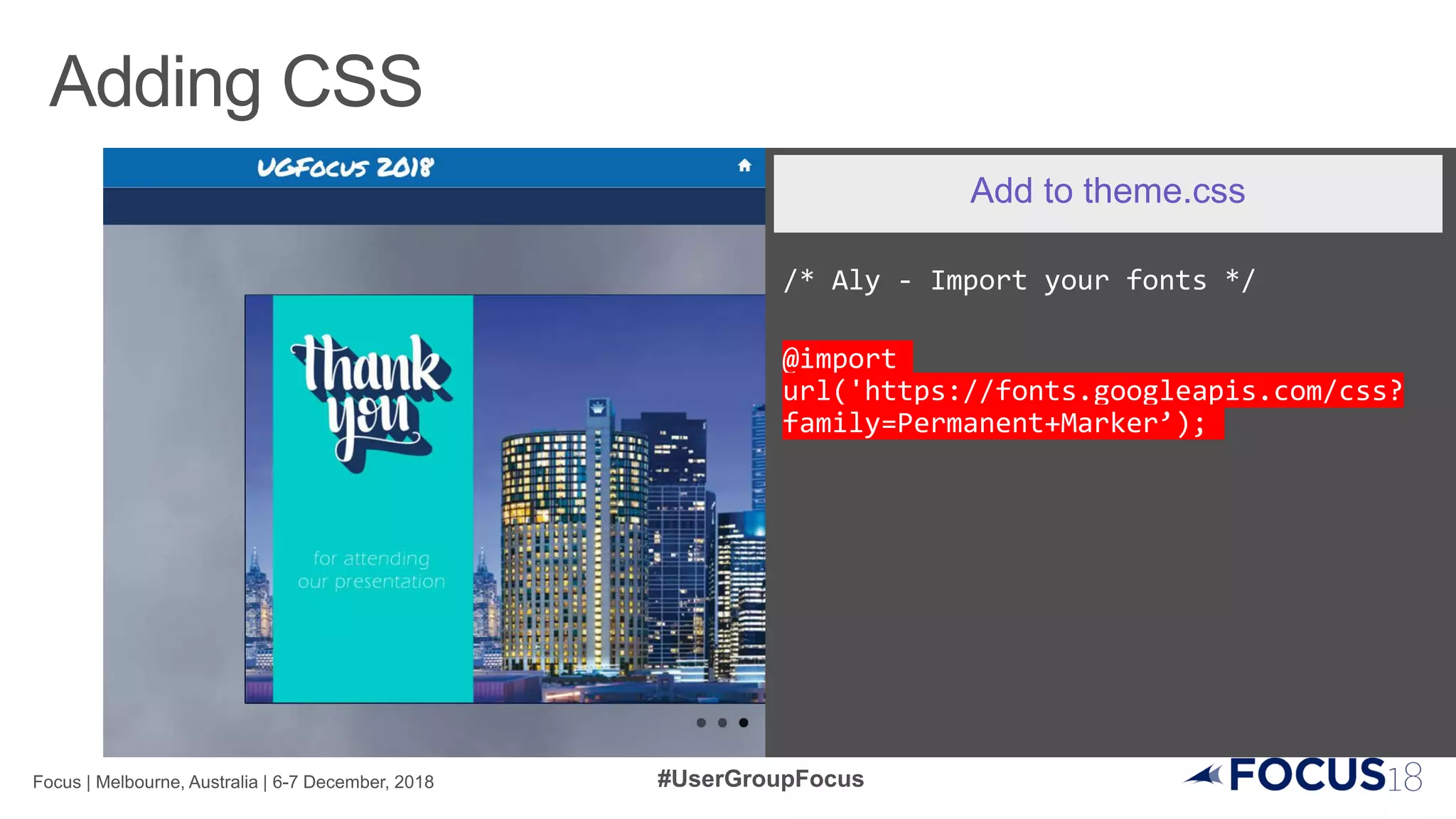
/* Aly - Import your fonts */
@import
url('https://fonts.googleapis.com/css?
family=Permanent+Marker’);
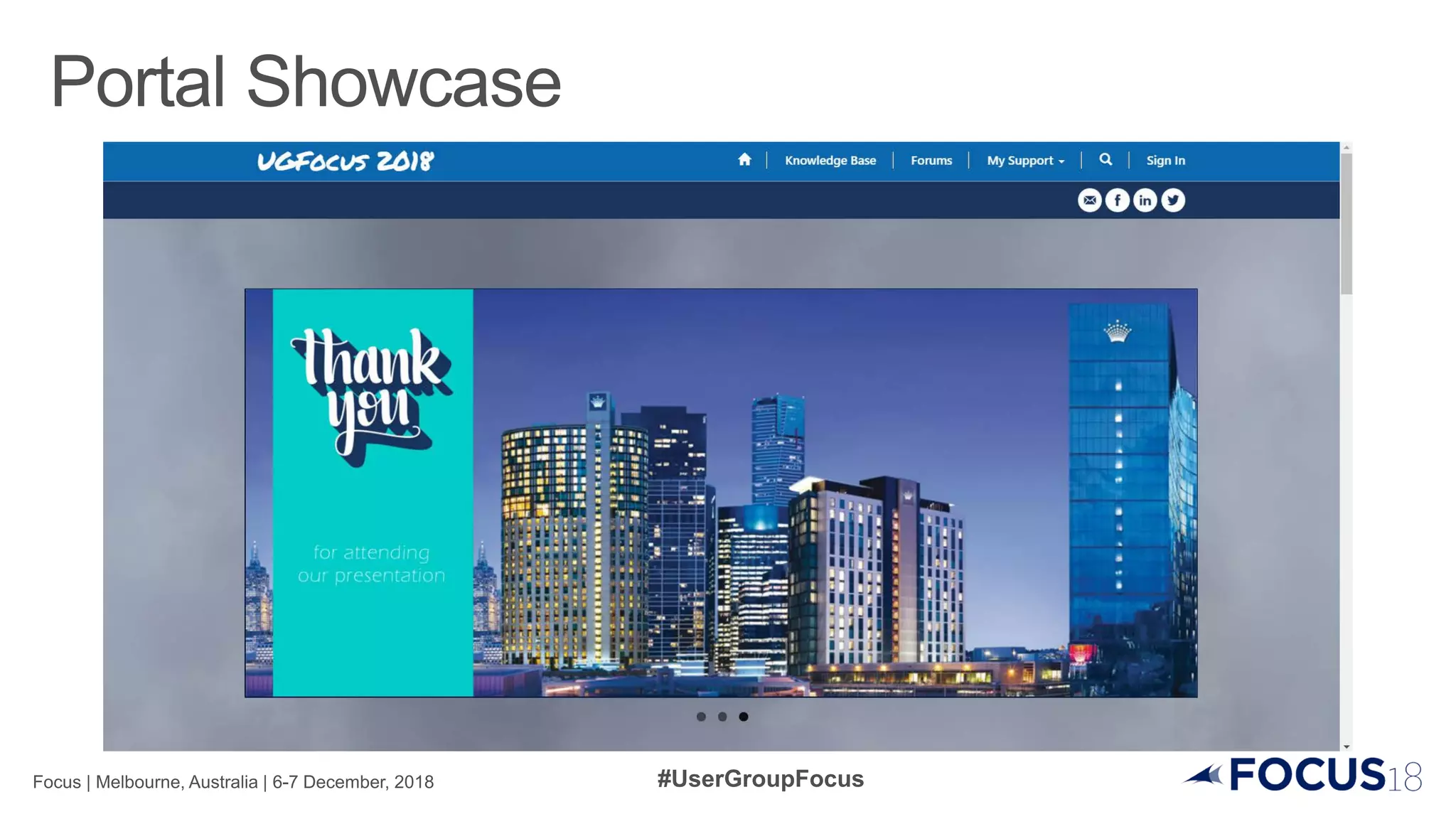
Add to theme.css
.navbar-static-top.navbar-inverse {
background-color: #0b68ae;
border-color: transparent; }
.homelink, a.homelink:hover,
a.homelink:focus {
font-family: 'Permanent Marker',
cursive;
color: #fff;
text-decoration: none; }
Modify theme.css
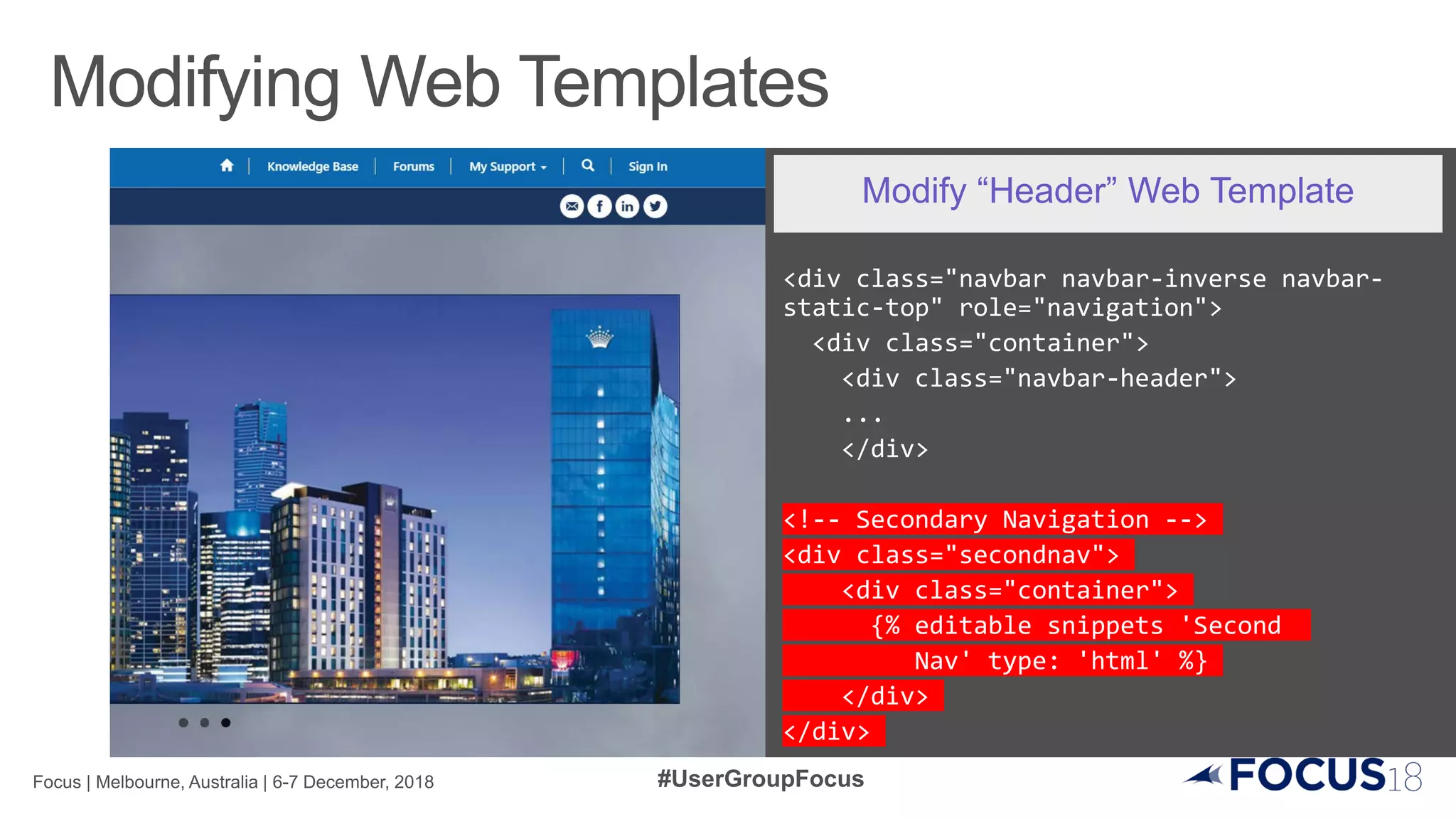
<div class="navbar navbar-inverse navbar-
static-top" role="navigation">
<div class="container">
<div class="navbar-header">
...
</div>
<!-- Secondary Navigation -->
<div class="secondnav">
<div class="container">
{% editable snippets 'Second
Nav' type: 'html' %}
</div>
</div>
Modify “Header” Web Template
.secondnav {
background-color: #1a355e;
border-top: 1px solid #98a2ae;
padding: 8px;
text-align: right;
}
Add to theme.css
<img src="/SM_Email.png" height="30px"
alt="Email us">
<img src="/SM_Facebook.png" height="30px"
alt="Find us on Facebook">
<img src="/SM_LinkedIn.png" height="30px"
alt="Find us on LinkedIn">
<img src=“/Twitter.png" height="30px"
alt="Find us on Twitter">
Add to “Second Nav” Content Snippet
<div id="chartdiv"></div>
<!-- Resources -->
<script src="/charts.js"></script>
<script>
// Themes begin
am4core.useTheme(am4themes_dark);
// Create chart instance
var chart = am4core.create("chartdiv",
am4charts.PieChart);
// Add data chart.data = [
{ "Track": "D365CE/CRMnFunctional",
"Sessions": 8 },
{ "Track": "D365CE/CRMnTechnical",
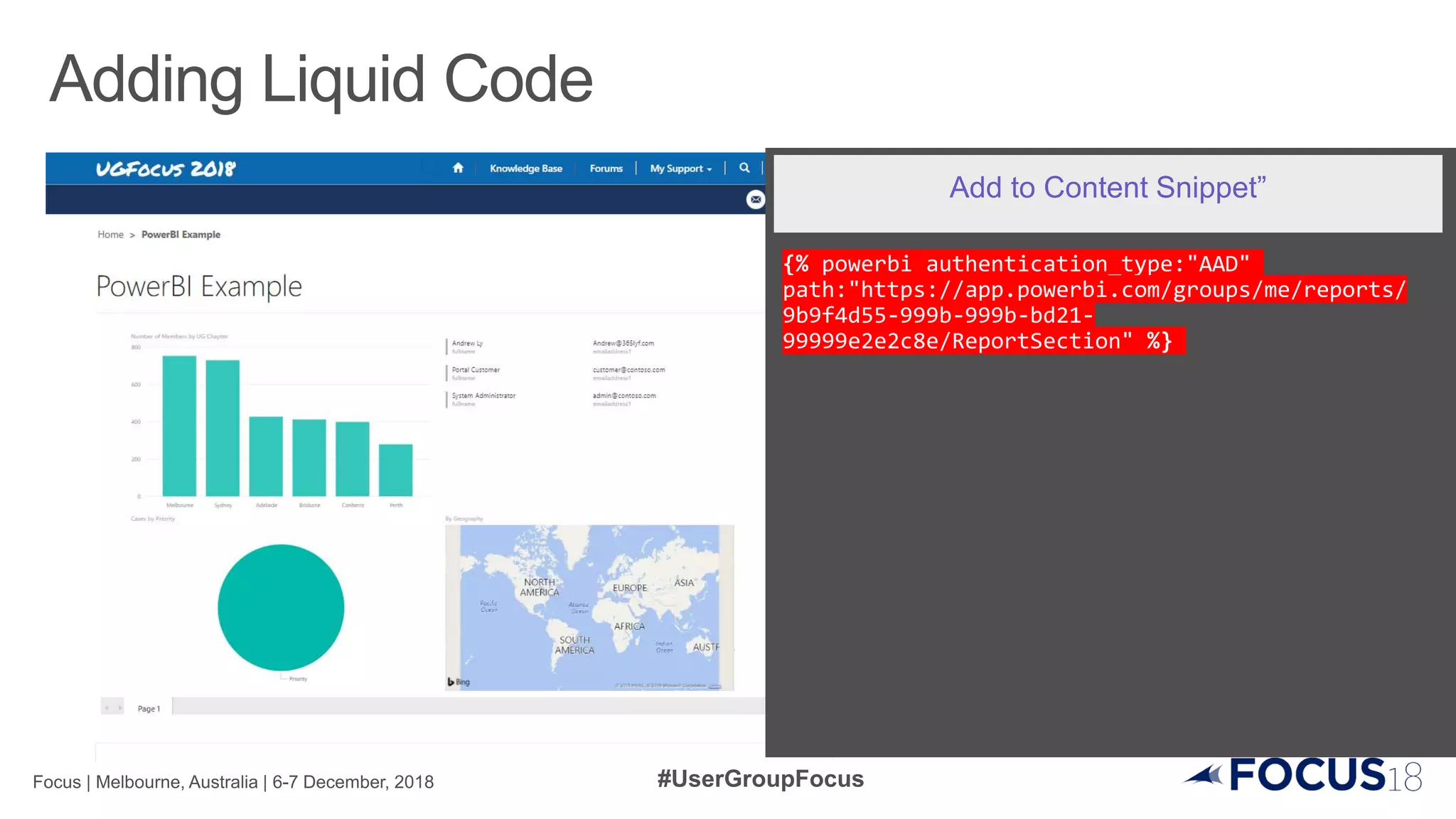
Add to “Section2 Block1” Content Snippet”
{% powerbi authentication_type:"AAD"
path:"https://app.powerbi.com/groups/me/reports/
9b9f4d55-999b-999b-bd21-
99999e2e2c8e/ReportSection" %}
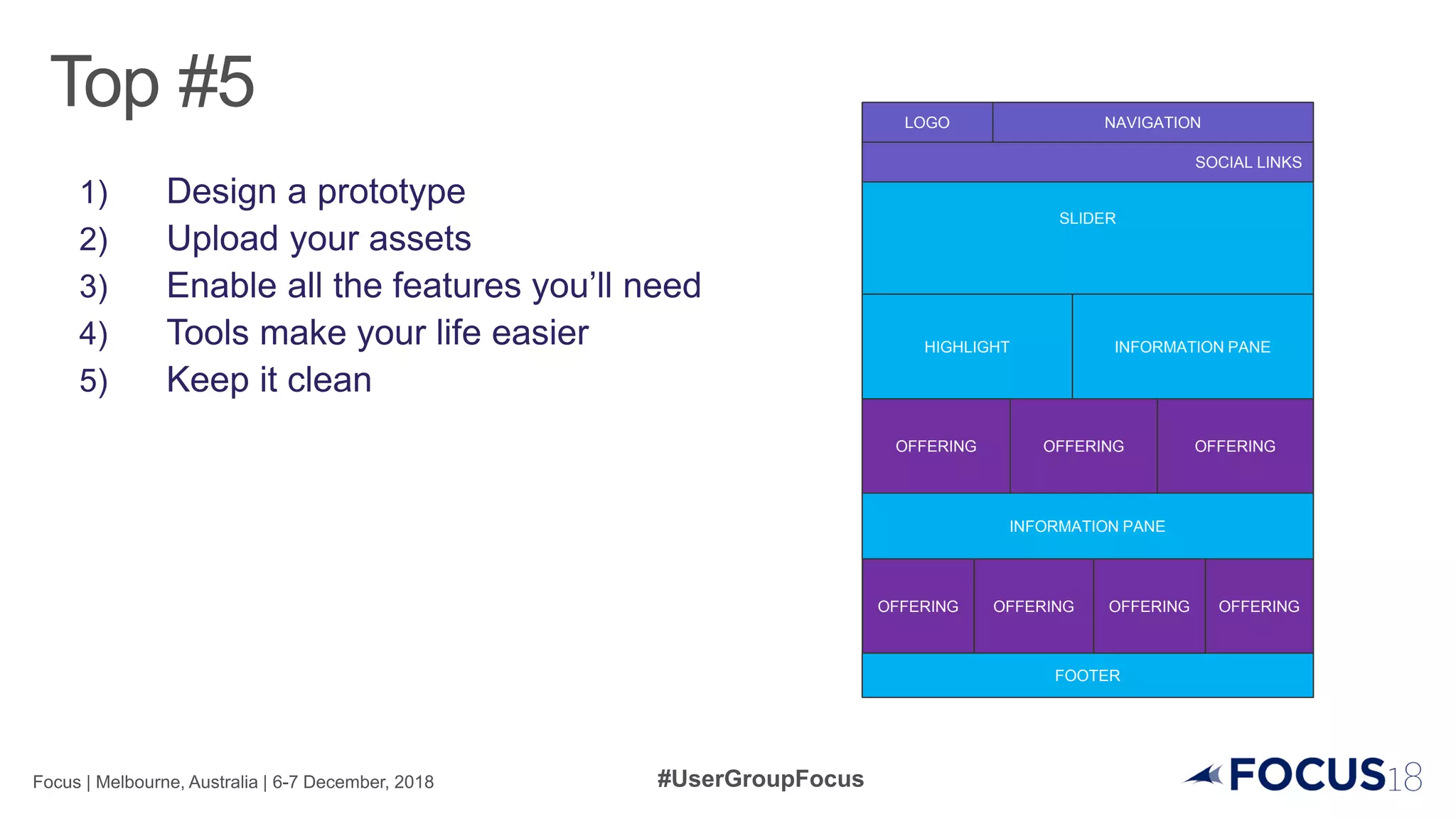
Add to Content Snippet”
LOGO NAVIGATION
SLIDER
HIGHLIGHT INFORMATION PANE
OFFERING OFFERING OFFERING
INFORMATION PANE
OFFERING OFFERING OFFERING OFFERING
FOOTER
SOCIAL LINKS
Designing for Portals The Portal and the Enterprise
CDS/Dynamics Instance
Portal
Team Member
Licences
Azure
Application
Insights
Azure
Authentication
Azure Web
Apps
https://colinvermander.com/
https://readyxrm.blog/
http://benitezhere.blogspot.com/
http://dysfunctionalconsultant.com
https://365lyf.com
Microsoft Portals Deep Dive - Andrew Ly & Lachlan Wright

Microsoft Portals Deep Dive - Andrew Ly & Lachlan Wright