
Exchange 2010
Management

Name
Title
Microsoft Corporation
Exchange 2010 Management
Lower support costs
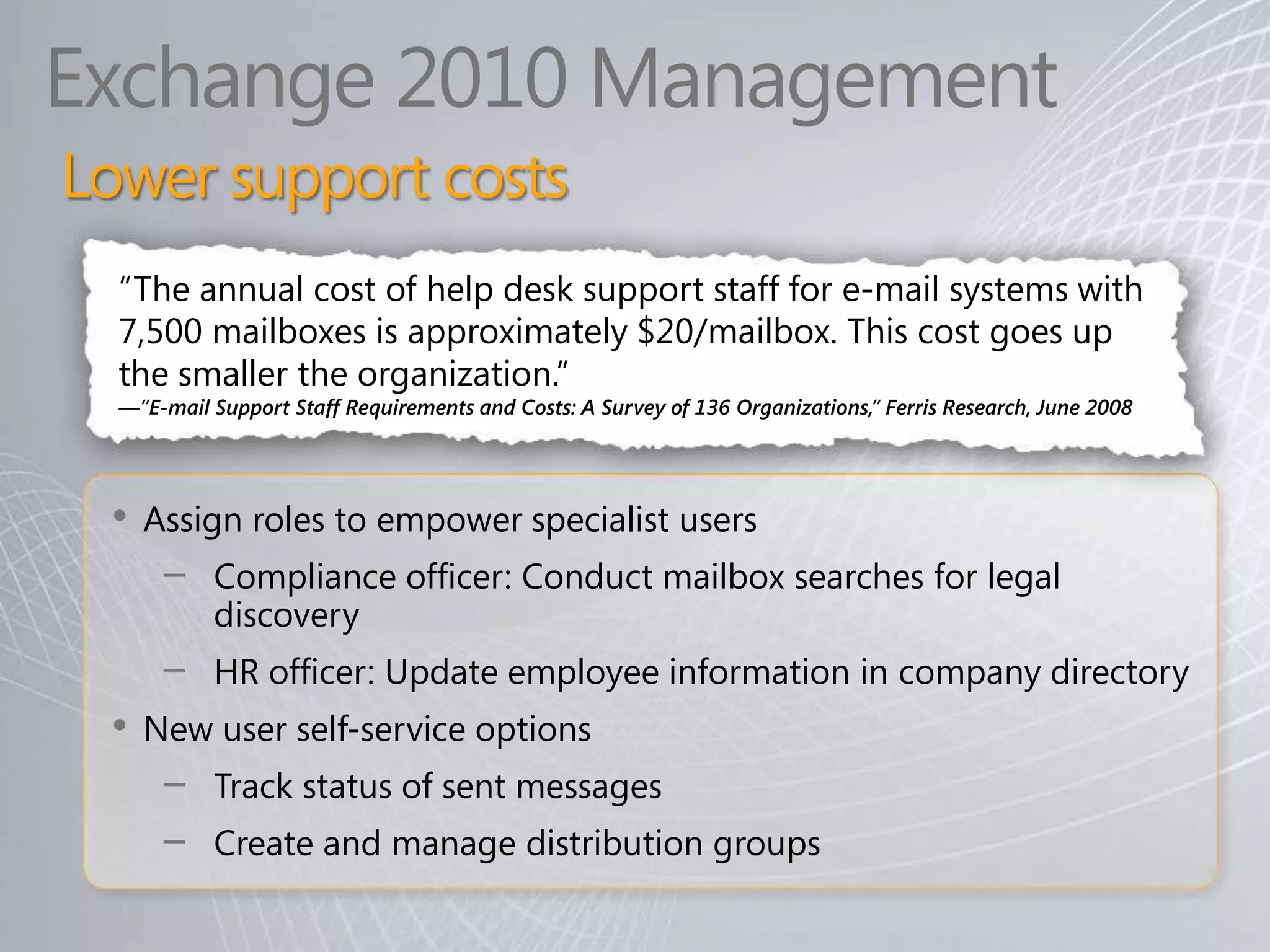
  “The annual cost of help desk support staff for e-mail systems with
  7,500 mailboxes is approximately $20/mailbox. This cost goes up
  the smaller the organization.”
  —”E-mail Support Staff Requirements and Costs: A Survey of 136 Organizations,” Ferris Research, June 2008


 •   Assign roles to empower specialist users
      −    Compliance officer: Conduct mailbox searches for legal
           discovery
      −    HR officer: Update employee information in company directory
 •   New user self-service options
      −    Track status of sent messages
      −    Create and manage distribution groups
Exchange 2010 Management
What’s new?
•   New Exchange Management Console features
•   Exchange Control Panel (ECP)
     − New and simplified Web-based management console

•   Role-based Access Control (RBAC)
     − Assigns permissions to specific operations with meaning in the
        organization
     − Easy to delegate and customize

•   Remote PowerShell
     − Manage Exchange remotely using PowerShell v2.0

•   System Center Operations Manager 2007 Management Pack
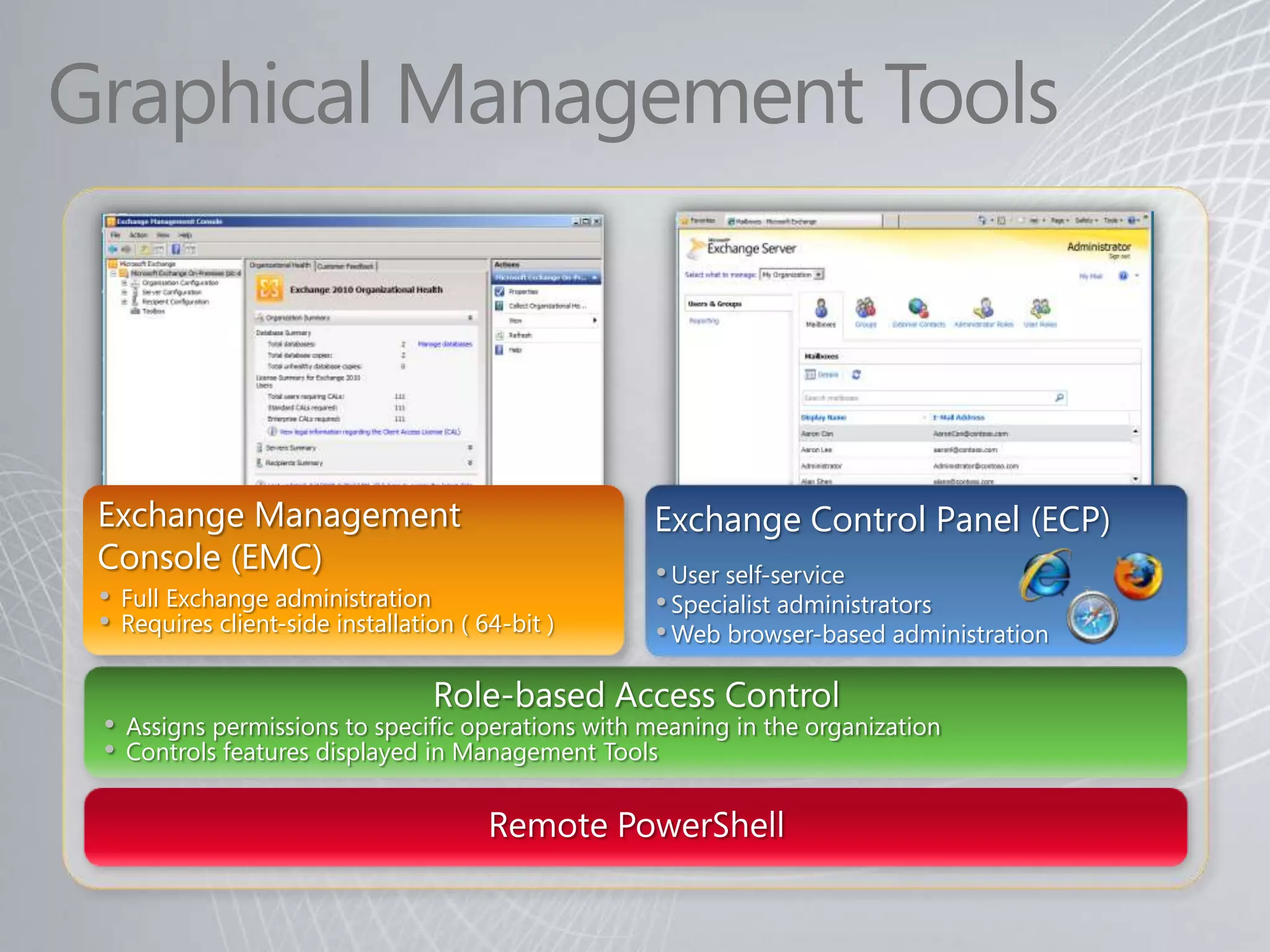
Graphical Management Tools


 Exchange Management                                 Exchange Control Panel (ECP)
 Console (EMC)                                       • User self-service
 •   Full Exchange administration                    • Specialist administrators
 •   Requires client-side installation ( 64-bit )    • Web browser-based administration

 •   Assigns permissions to specific operations with meaning in the organization
 •   Controls features displayed in Management Tools
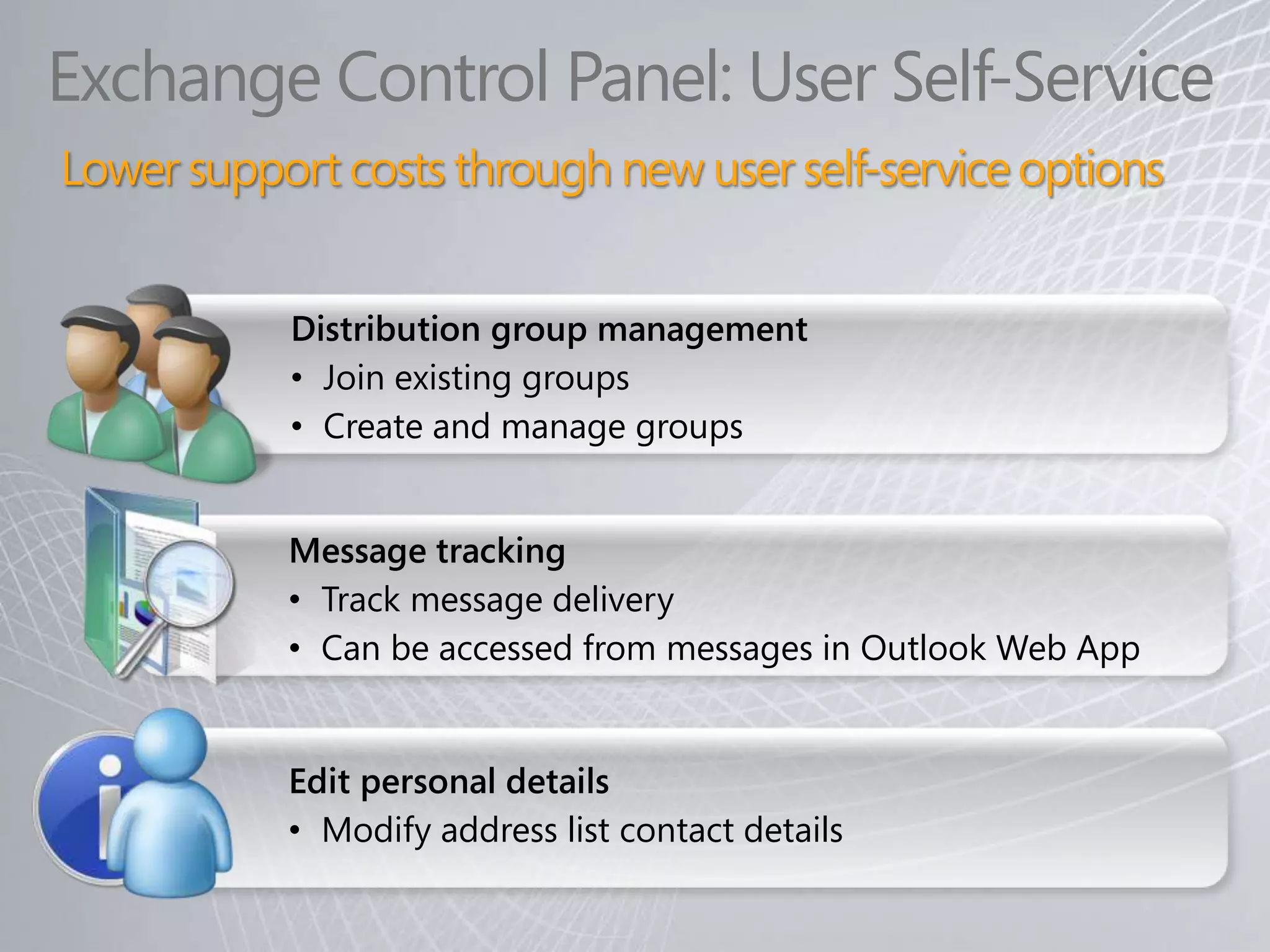
Exchange Control Panel: User Self-Service
Lower support costs through new user self-service options


           Distribution group management
           • Join existing groups
           • Create and manage groups


           Message tracking
           • Track message delivery
           • Can be accessed from messages in Outlook Web App


           Edit personal details
           • Modify address list contact details
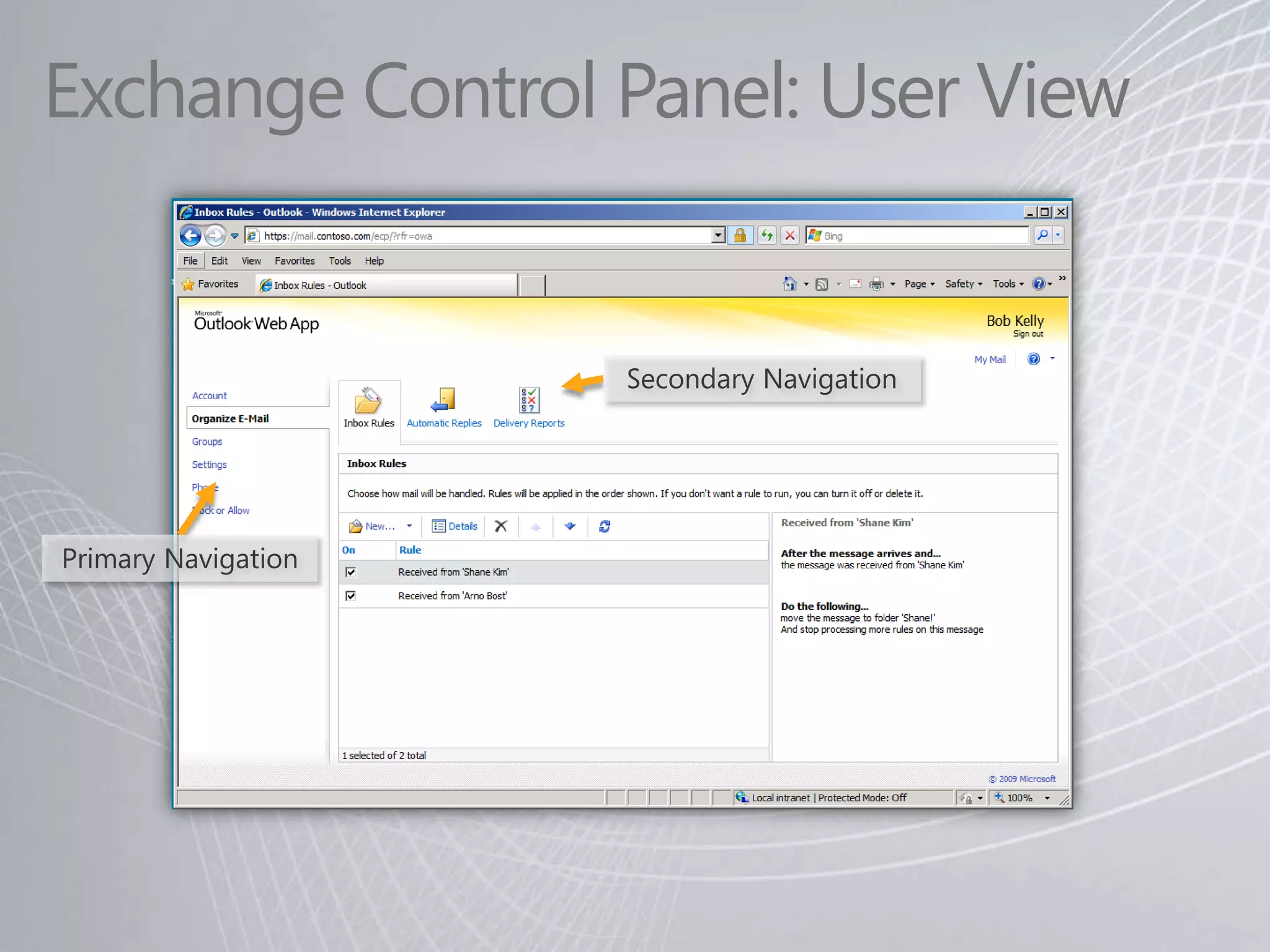
Exchange Control Panel: User View


                     Secondary Navigation


Primary Navigation
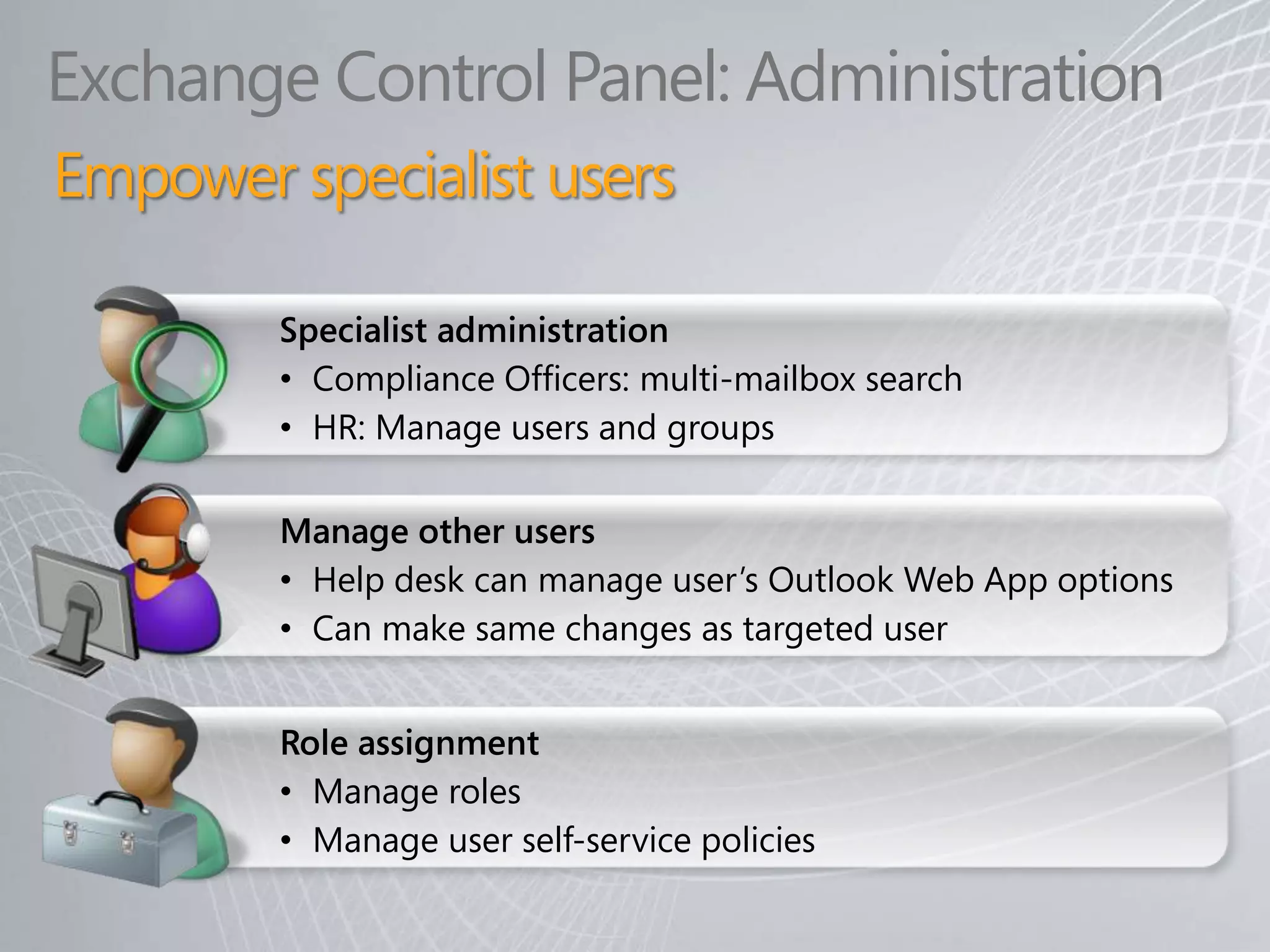
Exchange Control Panel: Administration
Empower specialist users

        Specialist administration
        • Compliance Officers: multi-mailbox search
        • HR: Manage users and groups

        Manage other users
        • Help desk can manage user’s Outlook Web App options
        • Can make same changes as targeted user


        Role assignment
        • Manage roles
        • Manage user self-service policies
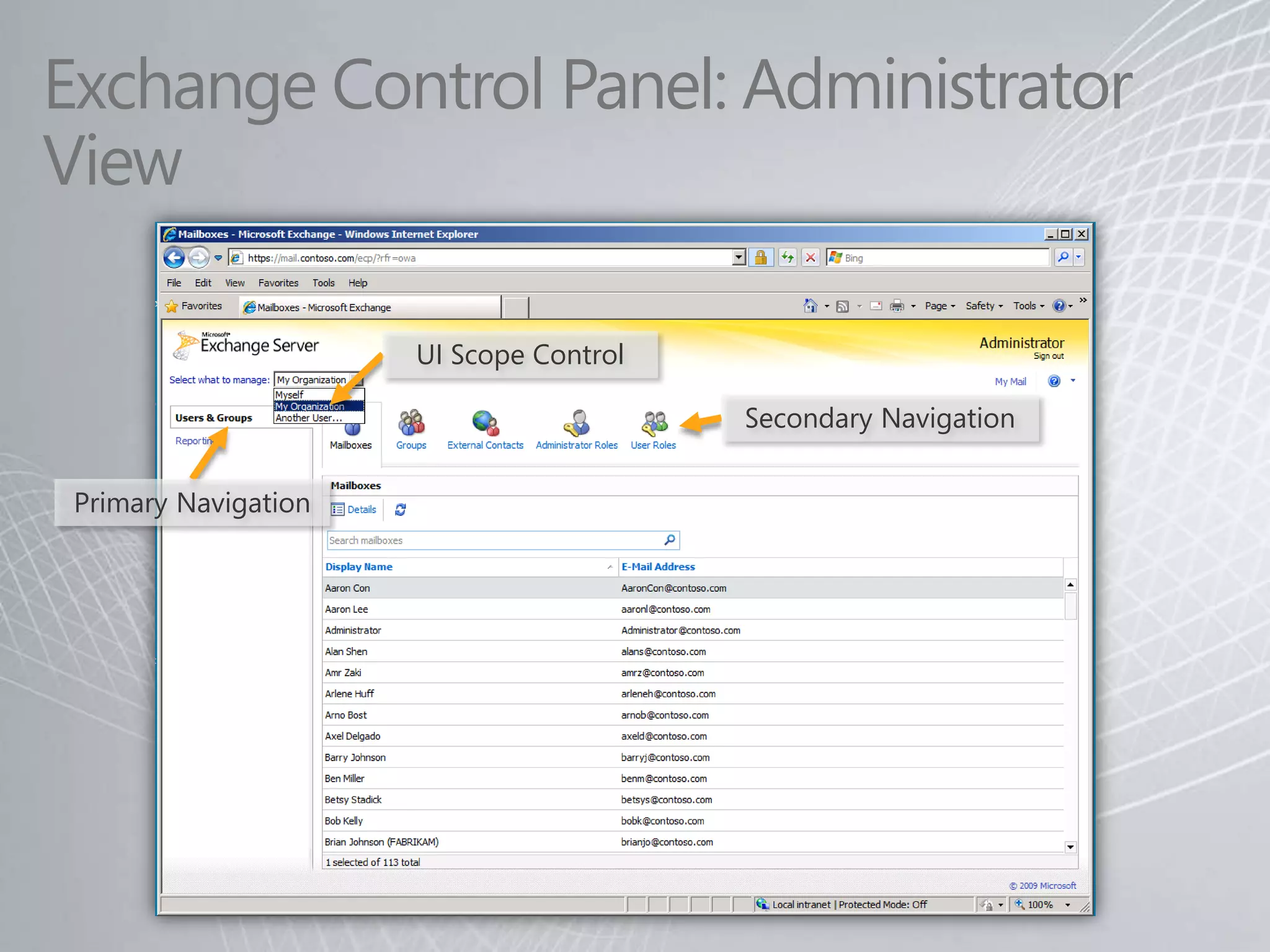
Exchange Control Panel: Administrator
View

                      UI Scope Control

                                         Secondary Navigation


 Primary Navigation
© 2009 Microsoft Corporation. All rights reserved. Microsoft, Outlook, and other product names are or may be registered trademarks and/or trademarks in the U.S. and/or other countries.
The information herein is for informational purposes only and represents the current view of Microsoft Corporation as of the date of this presentation. Because Microsoft must respond to changing market
    conditions, it should not be interpreted to be a commitment on the part of Microsoft, and Microsoft cannot guarantee the accuracy of any information provided after the date of this presentation.
                                        MICROSOFT MAKES NO WARRANTIES, EXPRESS, IMPLIED OR STATUTORY, AS TO THE INFORMATION IN THIS PRESENTATION.

Microsoft India – Unified Communications Exchange 2010 Management Presentation

  • 1.
  • 2.
    Exchange 2010 Management Lowersupport costs “The annual cost of help desk support staff for e-mail systems with 7,500 mailboxes is approximately $20/mailbox. This cost goes up the smaller the organization.” —”E-mail Support Staff Requirements and Costs: A Survey of 136 Organizations,” Ferris Research, June 2008 • Assign roles to empower specialist users − Compliance officer: Conduct mailbox searches for legal discovery − HR officer: Update employee information in company directory • New user self-service options − Track status of sent messages − Create and manage distribution groups
  • 3.
    Exchange 2010 Management What’snew? • New Exchange Management Console features • Exchange Control Panel (ECP) − New and simplified Web-based management console • Role-based Access Control (RBAC) − Assigns permissions to specific operations with meaning in the organization − Easy to delegate and customize • Remote PowerShell − Manage Exchange remotely using PowerShell v2.0 • System Center Operations Manager 2007 Management Pack
  • 4.
    Graphical Management Tools Exchange Management Exchange Control Panel (ECP) Console (EMC) • User self-service • Full Exchange administration • Specialist administrators • Requires client-side installation ( 64-bit ) • Web browser-based administration • Assigns permissions to specific operations with meaning in the organization • Controls features displayed in Management Tools
  • 5.
    Exchange Control Panel:User Self-Service Lower support costs through new user self-service options Distribution group management • Join existing groups • Create and manage groups Message tracking • Track message delivery • Can be accessed from messages in Outlook Web App Edit personal details • Modify address list contact details
  • 6.
    Exchange Control Panel:User View Secondary Navigation Primary Navigation
  • 7.
    Exchange Control Panel:Administration Empower specialist users Specialist administration • Compliance Officers: multi-mailbox search • HR: Manage users and groups Manage other users • Help desk can manage user’s Outlook Web App options • Can make same changes as targeted user Role assignment • Manage roles • Manage user self-service policies
  • 8.
    Exchange Control Panel:Administrator View UI Scope Control Secondary Navigation Primary Navigation
  • 9.
    © 2009 MicrosoftCorporation. All rights reserved. Microsoft, Outlook, and other product names are or may be registered trademarks and/or trademarks in the U.S. and/or other countries. The information herein is for informational purposes only and represents the current view of Microsoft Corporation as of the date of this presentation. Because Microsoft must respond to changing market conditions, it should not be interpreted to be a commitment on the part of Microsoft, and Microsoft cannot guarantee the accuracy of any information provided after the date of this presentation. MICROSOFT MAKES NO WARRANTIES, EXPRESS, IMPLIED OR STATUTORY, AS TO THE INFORMATION IN THIS PRESENTATION.