Your Micro:bit Nametag!
Today, you are
going to learn
how to use the
micro:bit to
code your
name!
https://makecode.microbit.org/#editor
Open this link:
Your screen should look like this:
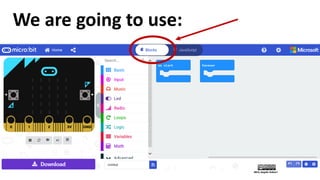
We are going to use:
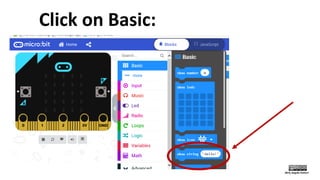
Click on Basic:
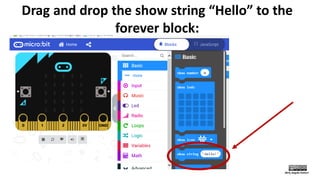
Drag and drop the show string “Hello” to the
forever block:
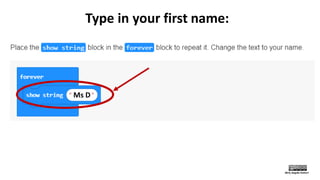
Type in your first name:
Ms D
Look at the
simulator ad
make sure it
shows your
name on the
screen:
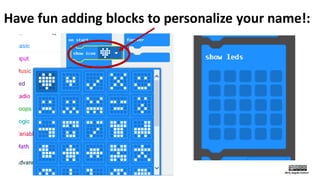
Have fun adding blocks to personalize your name!:
Now that you are done
coding your name let’s load it
onto your micro:bit!
Connect your micro:bit
to the computer
Do NOT open the
batteries or attach the
battery pack to the
micro:bit! ☺
(One at a time)
Press the download button
Look for the “.hex” file
Look for the
“.hex” file
Look for your
MICROBIT
connection
Drag and drop
your “.hex” file
into MICROBIT
folder
Let the file upload to your micro:bit
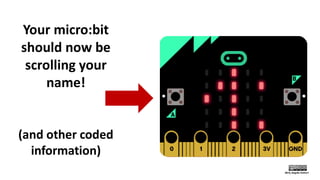
Your micro:bit
should now be
scrolling your
name!
(and other coded
information)

Micro:bit Nametag