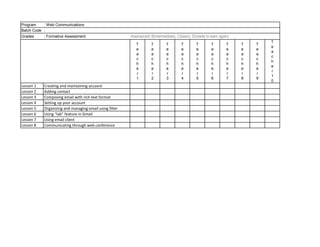
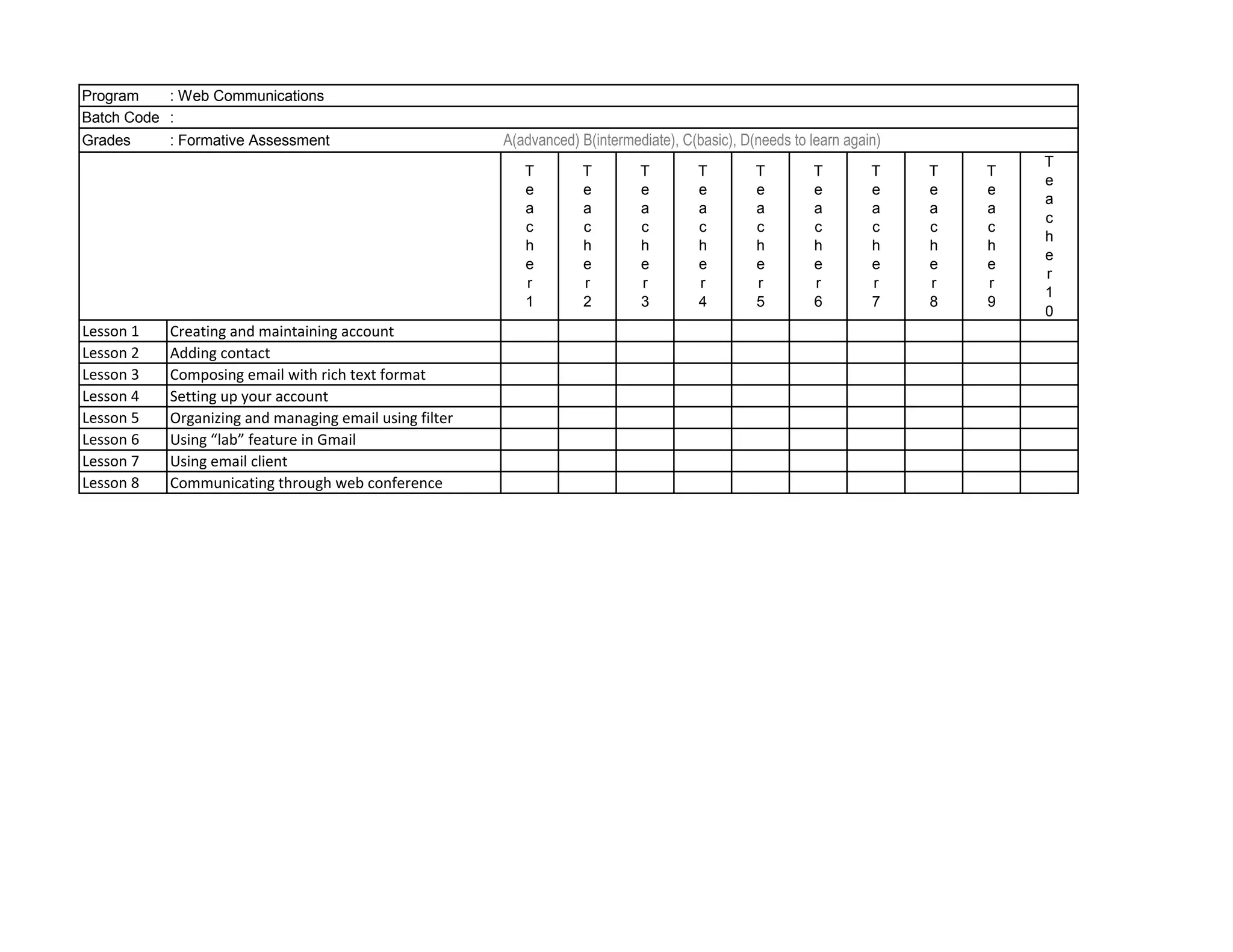
Program    : Web Communications
Batch Code :
Grades     : Formative Assessment                       A(advanced) B(intermediate), C(basic), D(needs to learn again)
                                                                                                                                 T
                                                           T         T        T         T        T        T         T    T   T
                                                                                                                                 e
                                                           e         e        e         e        e        e         e    e   e
                                                                                                                                 a
                                                           a         a        a         a        a        a         a    a   a
                                                                                                                                 c
                                                           c         c        c         c        c        c         c    c   c
                                                                                                                                 h
                                                           h         h        h         h        h        h         h    h   h
                                                                                                                                 e
                                                           e         e        e         e        e        e         e    e   e
                                                                                                                                 r
                                                           r         r        r         r        r        r         r    r   r
                                                                                                                                 1
                                                           1         2        3         4        5        6         7    8   9
                                                                                                                                 0
Lesson 1   Creating and maintaining account
Lesson 2   Adding contact
Lesson 3   Composing email with rich text format
Lesson 4   Setting up your account
Lesson 5   Organizing and managing email using filter
Lesson 6   Using “lab” feature in Gmail
Lesson 7   Using email client
Lesson 8   Communicating through web conference
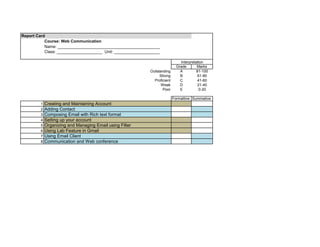
Report Card
           Course: Web Communication
           Name: _____________________________________________
           Class: ____________________ Unit: ____________________

                                                                               Interpretation
                                                                             Grade       Marks
                                                            Outstanding        A         81-100
                                                                 Strong        B         61-80
                                                              Proficient       C         41-60
                                                                  Weak         D         21-40
                                                                   Poor        E          0-20

                                                                           Formattive Summative
         1   Creating and Maintaining Account
         2   Adding Contact
         3   Composing Email with Rich text format
         4   Setting up your account
         5   Organizing and Managing Email using Filter
         6   Using Lab Feature in Gmail
         7   Using Email Client
         8   Communication and Web conference
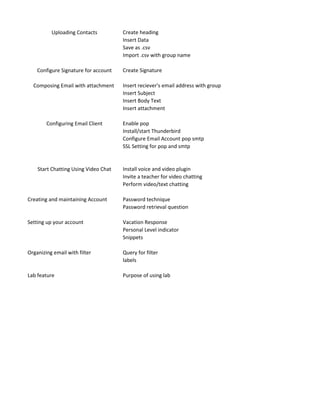
Uploading Contacts          Create heading
                                      Insert Data
                                      Save as .csv
                                      Import .csv with group name

    Configure Signature for account   Create Signature

  Composing Email with attachment     Insert reciever's email address with group
                                      Insert Subject
                                      Insert Body Text
                                      Insert attachment

        Configuring Email Client      Enable pop
                                      Install/start Thunderbird
                                      Configure Email Account pop smtp
                                      SSL Setting for pop and smtp


    Start Chatting Using Video Chat   Install voice and video plugin
                                      Invite a teacher for video chatting
                                      Perform video/text chatting

Creating and maintaining Account      Password technique
                                      Password retrieval question

Setting up your account               Vacation Response
                                      Personal Level indicator
                                      Snippets

Organizing email with filter          Query for filter
                                      labels

Lab feature                           Purpose of using lab

Marking Grid_Web Communications

  • 1.
    Program : Web Communications Batch Code : Grades : Formative Assessment A(advanced) B(intermediate), C(basic), D(needs to learn again) T T T T T T T T T T e e e e e e e e e e a a a a a a a a a a c c c c c c c c c c h h h h h h h h h h e e e e e e e e e e r r r r r r r r r r 1 1 2 3 4 5 6 7 8 9 0 Lesson 1 Creating and maintaining account Lesson 2 Adding contact Lesson 3 Composing email with rich text format Lesson 4 Setting up your account Lesson 5 Organizing and managing email using filter Lesson 6 Using “lab” feature in Gmail Lesson 7 Using email client Lesson 8 Communicating through web conference
  • 2.
    Report Card Course: Web Communication Name: _____________________________________________ Class: ____________________ Unit: ____________________ Interpretation Grade Marks Outstanding A 81-100 Strong B 61-80 Proficient C 41-60 Weak D 21-40 Poor E 0-20 Formattive Summative 1 Creating and Maintaining Account 2 Adding Contact 3 Composing Email with Rich text format 4 Setting up your account 5 Organizing and Managing Email using Filter 6 Using Lab Feature in Gmail 7 Using Email Client 8 Communication and Web conference
  • 3.
    Uploading Contacts Create heading Insert Data Save as .csv Import .csv with group name Configure Signature for account Create Signature Composing Email with attachment Insert reciever's email address with group Insert Subject Insert Body Text Insert attachment Configuring Email Client Enable pop Install/start Thunderbird Configure Email Account pop smtp SSL Setting for pop and smtp Start Chatting Using Video Chat Install voice and video plugin Invite a teacher for video chatting Perform video/text chatting Creating and maintaining Account Password technique Password retrieval question Setting up your account Vacation Response Personal Level indicator Snippets Organizing email with filter Query for filter labels Lab feature Purpose of using lab