


















Marketing Your RIM Program:A Hands-On WorkshopJason C. Stearns, CRMCorporate Vice PresidentCorporate Records ManagerNew York Life Insurance CompanyEducationCode: FR03-2178
Learning ObjectivesUpon completion of this session, participants will be able to:Apply marketing principles in promoting a  RIM programIdentify steps for creating a RIM marketing campaign
Learning ObjectivesUpon completion of this session, participants will be able to:Determine best marketing options based on budget, executive support and corporate culture
Develop workable marketing ideas for a    RIM ProgramUpon completion of this session, participants will be able to:
What is Marketing?
All business activity involved in the moving of goods from the producer to the consumer, including selling, advertising, packaging, etc.
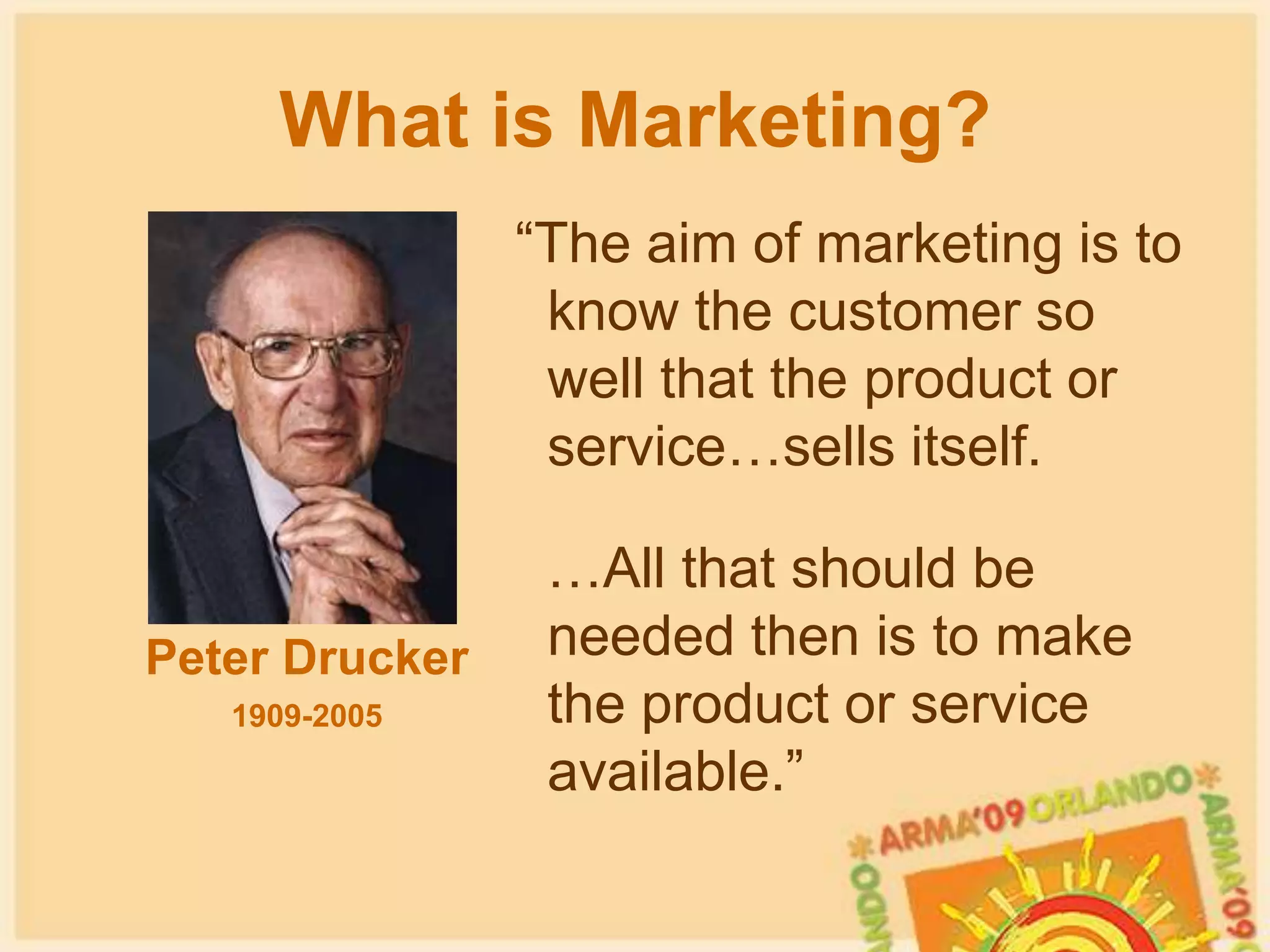
What is Marketing? “The aim of marketing is to know the customer so well that the product or service…sells itself.   …All that should be needed then is to make the product or service available.”Peter Drucker1909-2005
The 4 “P’s” of MarketingProduct
The 4 “P’s” of MarketingPrice
PlacementPlacementThe 4 “P’s” of Marketing
The 4 “P’s” of MarketingPromotion
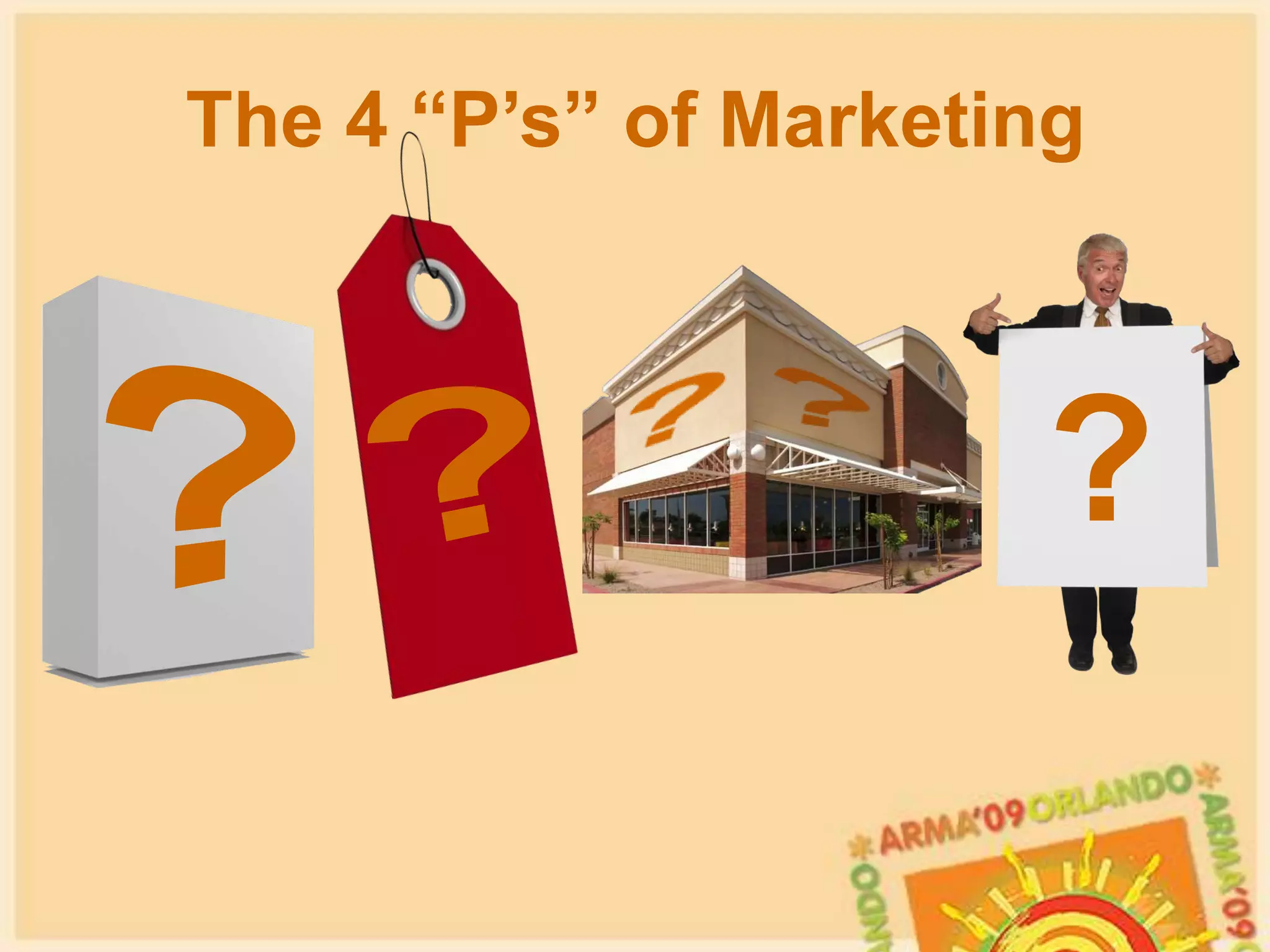
The 4 “P’s” of Marketing?????
The Core MessageYour core message is the central piece to your marketing efforts:It defines the main purpose or point you are trying to convey
It should be the basis for all marketing themes or topics that followThe Core MessageYour core message is the central piece to your marketing efforts:No matter how your program changes, the core message should remain the same
It should be simple and straight forwardBranding
	     Any name, term, 	design,     	    style, words, symbols or 	    other feature that identifies   	the goods or services of one seller from another and/or that distinguish one product from another in the mind of the               consumer
Benefits of a strong brand:Communicates features, benefits, purpose
Identifies and differentiates product/service
Unifies marketing messages
Attracts the “customer”Branding considerations:Communicates features, benefits, purpose
Identifies and differentiates product/service
Unifies marketing messages
Attracts the “customer”How well do you “know” these brands?
i’m lovin’ it
The Real Thing
The Company You Keep
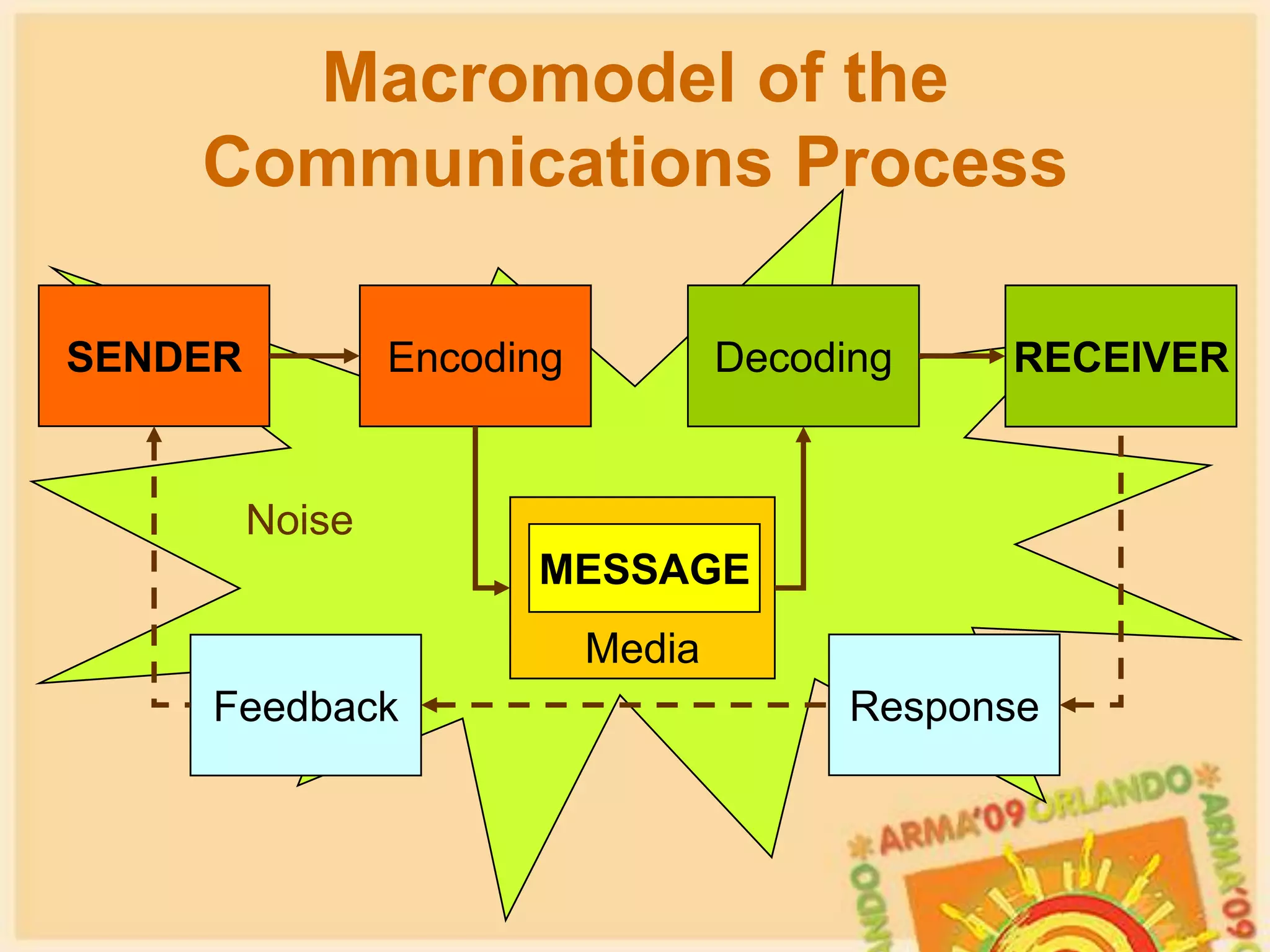
Macromodel of the Communications ProcessSENDEREncodingDecodingRECEIVERNoiseMediaMESSAGEResponseFeedback
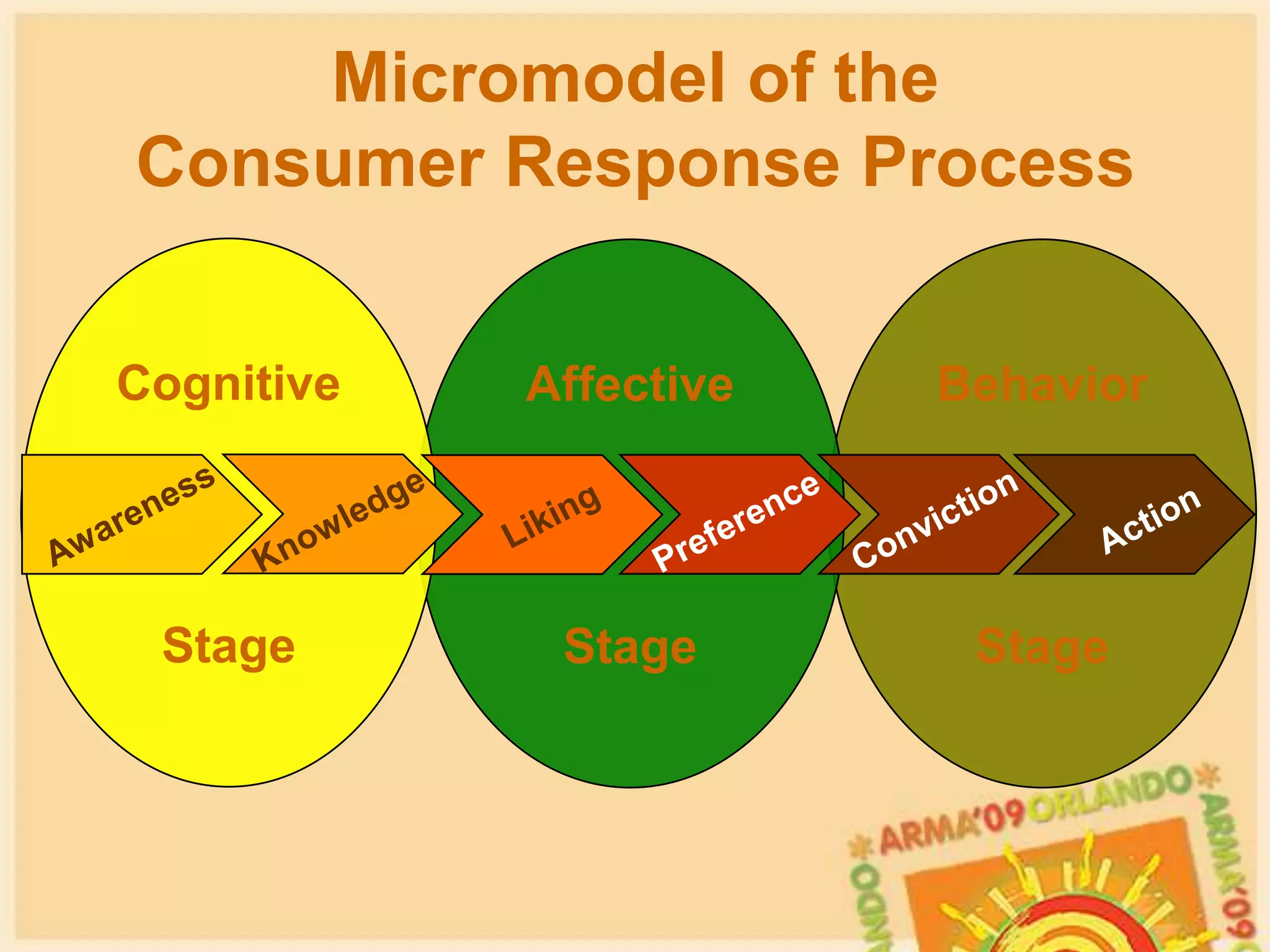
CognitiveStageBehaviorStageAffectiveStageMicromodel of the         Consumer Response ProcessAwarenessConvictionKnowledgePreferenceLikingAction
Creating the Campaign
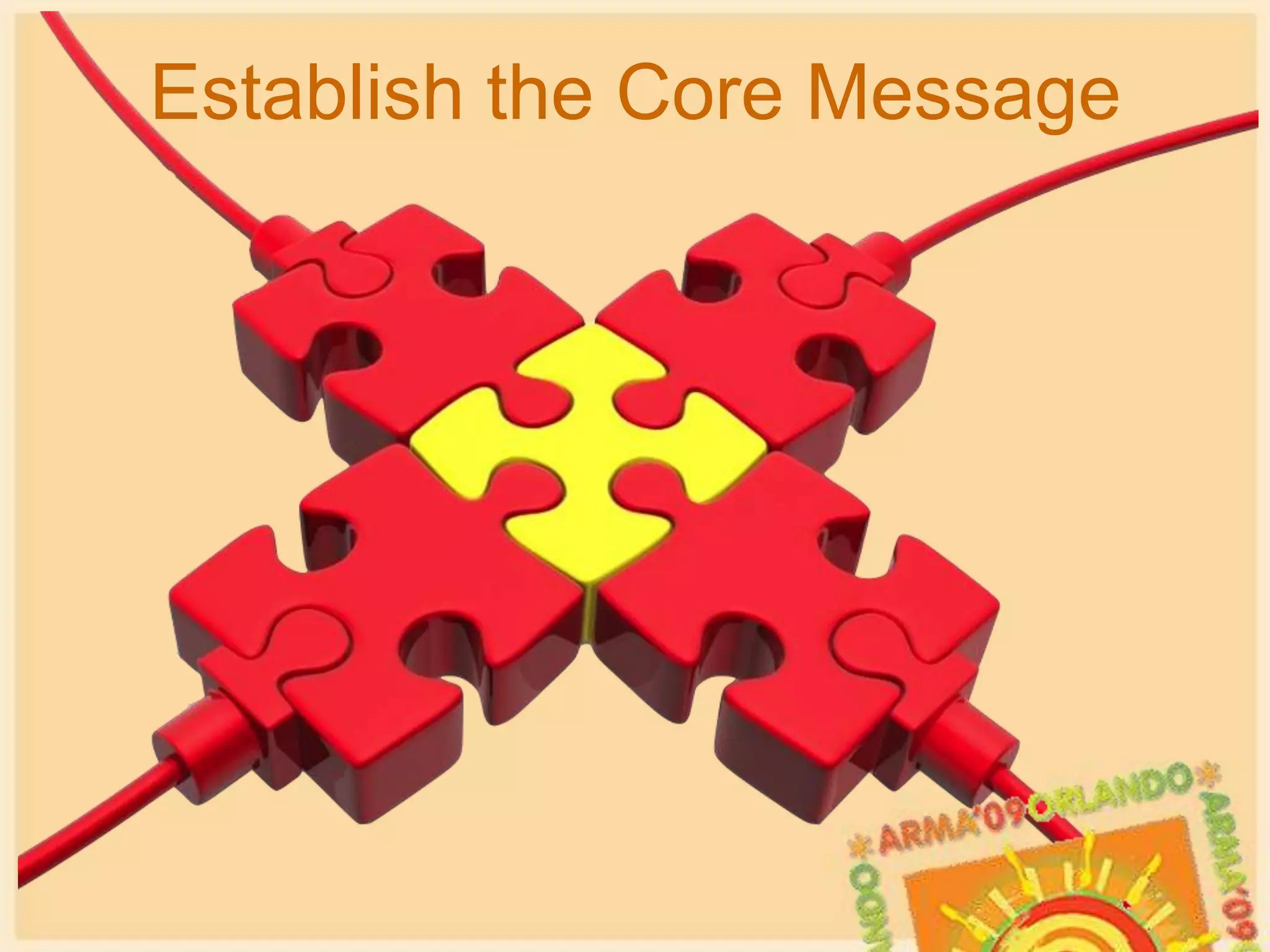
Establish the Core Message
Develop Your BrandRIM is InRIM is IN RIM is INRIM is IN
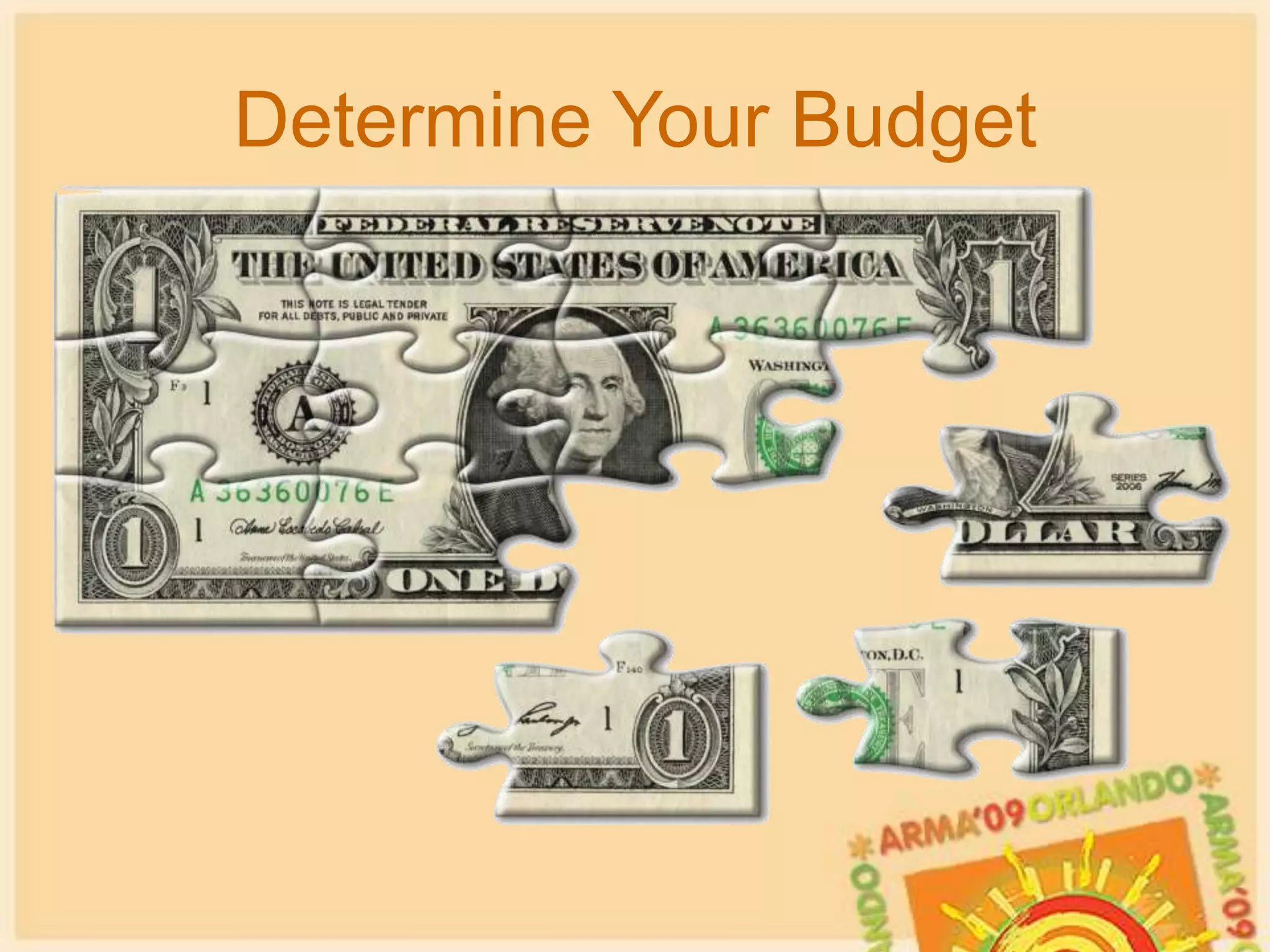
Determine Your Budget
Identify the Target Audience
Start Designing
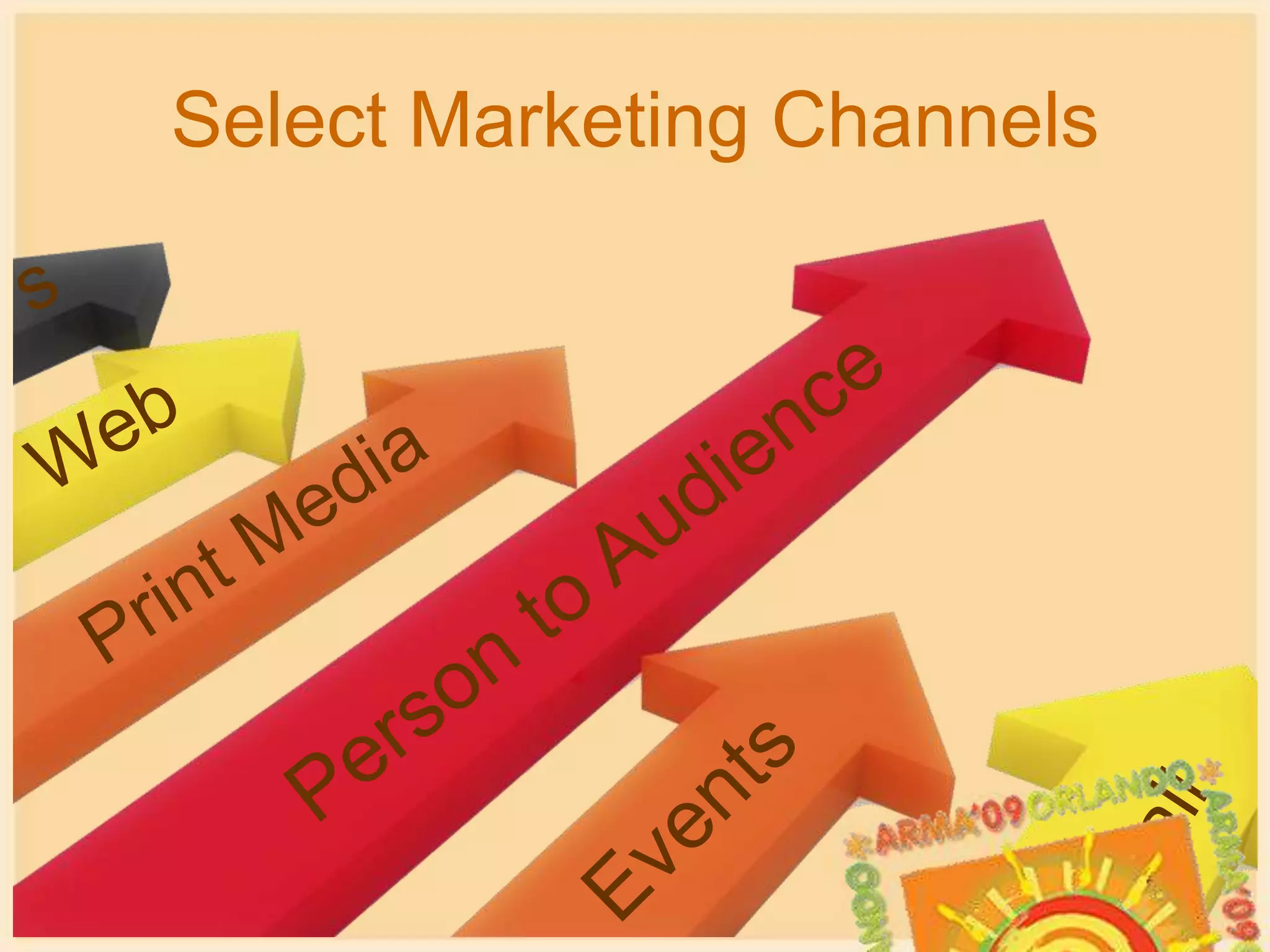
Select Marketing ChannelssWebPrint MediaPerson to AudienceEventsemail
Decide on the Media Mix
Measure the Results
Pros & ConsIntranet SitesLow cost
Easy to maintain once set up
Fast and effective way to distribute your message$Support is mixed
Can pre-approve content before posting
Will need to balance with other responsibilitiesPros & ConsIntranet SitesContent and language can be made to fit culture
Must be maintained or users will stop visiting
Site style guide may limit options
Even with WYSIWYG interfaces, some knowledge of HTML is usually needed
May be dependent on another              area to publish
Reach may be narrowPros & ConsPresentationsLow cost (unless you buy lunch)
Can broadcast on the web to reach a larger audience for minimal cost
High quality graphics and clip art can be expensive$External support is mixed
Can pre-approve content
Time consuming for all involvedPros & ConsPresentationsEasier “sell” in a continuous education culture
May need to adjust message depending on audience
Space may be hard to get
Must be comfortable speaking in front of groups
Need experience using “slideware”
Subject can be dryPros & ConsAwareness PostersModerate to high costs to create
High distribution costs
Eye-catching and “sticky” method to   distribute your message$Message can be targeted to address a specific issue
Can pre-approve content
Support is mixedPros & ConsAwareness PostersVery effective in common areas, lunch rooms, etc.
May not be appropriate in all locations

Marketing Your RIM Program - DRAFT for ARMA 2009

Editor's Notes

  • #23 Slide 4: Bullet Slide FormatFont sizes may be adjusted as needed. Please keep in mind that font smaller than 24 is very difficult to read.
  • #24 Slide 4: Bullet Slide FormatFont sizes may be adjusted as needed. Please keep in mind that font smaller than 24 is very difficult to read.
  • #54 Slide 3: Presentation GuidelinesLimit the amount of information on each slide for optimum legibility.Include only as many slides as is reasonable to present in the time allotted for your educational program. (60 – 90 would be an average number of slides)When editing the PPT template, click on “normal view” instead of “slide view” or “slide sorter view.”Delete any unused sample slides provided in the template before submitting your final presentation.Check each slide for spelling and grammar.Before you submit your presentation, rename the PPT file to the primary facilitator’s name and the first three words of the session title. Use the same file name in the subject line of your e-mail when you submit your presentation.Only submit complete and final presentations. Upload your PPT file at http://www.arma.org/learningcenter/facilitator/programdetails/index.cfm All PPT presentations MUST BE REVIEWED and APPROVED by ARMA International by August 7, 2009.ARMA will review all presentations and reserves the right to edit them. ARMA will notify you if changes are made.
  • #55 Slide 3: Presentation GuidelinesLimit the amount of information on each slide for optimum legibility.Include only as many slides as is reasonable to present in the time allotted for your educational program. (60 – 90 would be an average number of slides)When editing the PPT template, click on “normal view” instead of “slide view” or “slide sorter view.”Delete any unused sample slides provided in the template before submitting your final presentation.Check each slide for spelling and grammar.Before you submit your presentation, rename the PPT file to the primary facilitator’s name and the first three words of the session title. Use the same file name in the subject line of your e-mail when you submit your presentation.Only submit complete and final presentations. Upload your PPT file at http://www.arma.org/learningcenter/facilitator/programdetails/index.cfm All PPT presentations MUST BE REVIEWED and APPROVED by ARMA International by August 7, 2009.ARMA will review all presentations and reserves the right to edit them. ARMA will notify you if changes are made.
  • #56 Slide 3: Presentation GuidelinesLimit the amount of information on each slide for optimum legibility.Include only as many slides as is reasonable to present in the time allotted for your educational program. (60 – 90 would be an average number of slides)When editing the PPT template, click on “normal view” instead of “slide view” or “slide sorter view.”Delete any unused sample slides provided in the template before submitting your final presentation.Check each slide for spelling and grammar.Before you submit your presentation, rename the PPT file to the primary facilitator’s name and the first three words of the session title. Use the same file name in the subject line of your e-mail when you submit your presentation.Only submit complete and final presentations. Upload your PPT file at http://www.arma.org/learningcenter/facilitator/programdetails/index.cfm All PPT presentations MUST BE REVIEWED and APPROVED by ARMA International by August 7, 2009.ARMA will review all presentations and reserves the right to edit them. ARMA will notify you if changes are made.
  • #57 Slide 3: Presentation GuidelinesLimit the amount of information on each slide for optimum legibility.Include only as many slides as is reasonable to present in the time allotted for your educational program. (60 – 90 would be an average number of slides)When editing the PPT template, click on “normal view” instead of “slide view” or “slide sorter view.”Delete any unused sample slides provided in the template before submitting your final presentation.Check each slide for spelling and grammar.Before you submit your presentation, rename the PPT file to the primary facilitator’s name and the first three words of the session title. Use the same file name in the subject line of your e-mail when you submit your presentation.Only submit complete and final presentations. Upload your PPT file at http://www.arma.org/learningcenter/facilitator/programdetails/index.cfm All PPT presentations MUST BE REVIEWED and APPROVED by ARMA International by August 7, 2009.ARMA will review all presentations and reserves the right to edit them. ARMA will notify you if changes are made.
  • #58 Slide 3: Presentation GuidelinesLimit the amount of information on each slide for optimum legibility.Include only as many slides as is reasonable to present in the time allotted for your educational program. (60 – 90 would be an average number of slides)When editing the PPT template, click on “normal view” instead of “slide view” or “slide sorter view.”Delete any unused sample slides provided in the template before submitting your final presentation.Check each slide for spelling and grammar.Before you submit your presentation, rename the PPT file to the primary facilitator’s name and the first three words of the session title. Use the same file name in the subject line of your e-mail when you submit your presentation.Only submit complete and final presentations. Upload your PPT file at http://www.arma.org/learningcenter/facilitator/programdetails/index.cfm All PPT presentations MUST BE REVIEWED and APPROVED by ARMA International by August 7, 2009.ARMA will review all presentations and reserves the right to edit them. ARMA will notify you if changes are made.