Mac to
Windows
QuickBooks File
Conversion
Guide
dataservicesolutions.com
One of the most popular accounting software packages for
effectively managing financial data is QuickBooks, which is
utilized by both individuals and companies. However,
transferring QuickBooks files from Mac to Windows for
compatibility, system upgrades, or business migrations is a
frequent problem for consumers. Direct file opening requires
conversion since QuickBooks for Mac and QuickBooks for
Windows use different file architectures. To properly convert a
QuickBooks Mac file to a Windows-compatible format without
losing data or functionality, follow this comprehensive, step-by-
step guide.
dataservicesolutions.com
Understanding the Differences Between
QuickBooks for Mac and Windows
dataservicesolutions.com
It's critical to comprehend the main distinctions between
QuickBooks for Mac and QuickBooks for Windows before
beginning the conversion procedure. The Mac version differs
from the Windows version in terms of its file extensions, user
interface, and certain unique capabilities. While QuickBooks for
Windows utilizes a.qbw format, QuickBooks for Mac primarily
uses a.qb2016,.qb2019, or.qb2021 format, depending on the
version. Because of these fundamental changes, a Mac file
cannot be opened in QuickBooks for Windows without first being
converted.
dataservicesolutions.com
To ensure a smooth transition, follow these preparation steps before beginning the
file conversion:
Update QuickBooks: To prevent incompatibilities, make sure QuickBooks for Mac
and QuickBooks for Windows are both up to date with the most recent versions.
1.
Backup the File: Prior to conversion, always make a backup of your QuickBooks
company file. In the event that there are mistakes or corruption during the
conversion process, this guarantees that you have a copy of your data.
2.
Verify and Rebuild Data: Before converting, find and address any data integrity
problems using QuickBooks for Mac's Verify Data and Rebuild Data tools. To
accomplish this:
3.
Go to File > Utilities > Verify Data to scan for issues.
If issues are found, go to File > Utilities > Rebuild Data to fix them.
Preparing for the Conversion
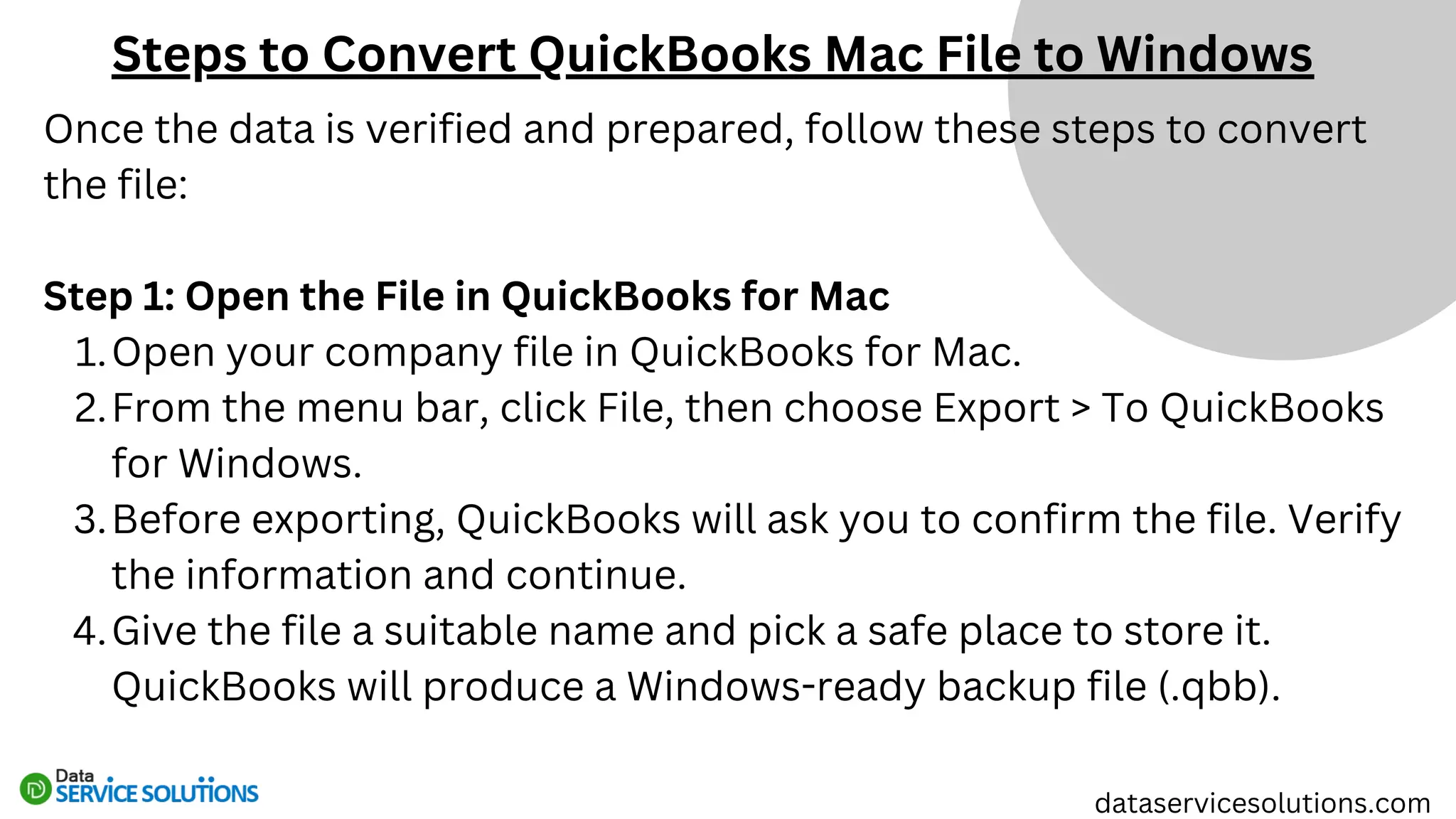
Once the data is verified and prepared, follow these steps to convert
the file:
Step 1: Open the File in QuickBooks for Mac
Open your company file in QuickBooks for Mac.
1.
From the menu bar, click File, then choose Export > To QuickBooks
for Windows.
2.
Before exporting, QuickBooks will ask you to confirm the file. Verify
the information and continue.
3.
Give the file a suitable name and pick a safe place to store it.
QuickBooks will produce a Windows-ready backup file (.qbb).
4.
Steps to Convert QuickBooks Mac File to Windows
dataservicesolutions.com
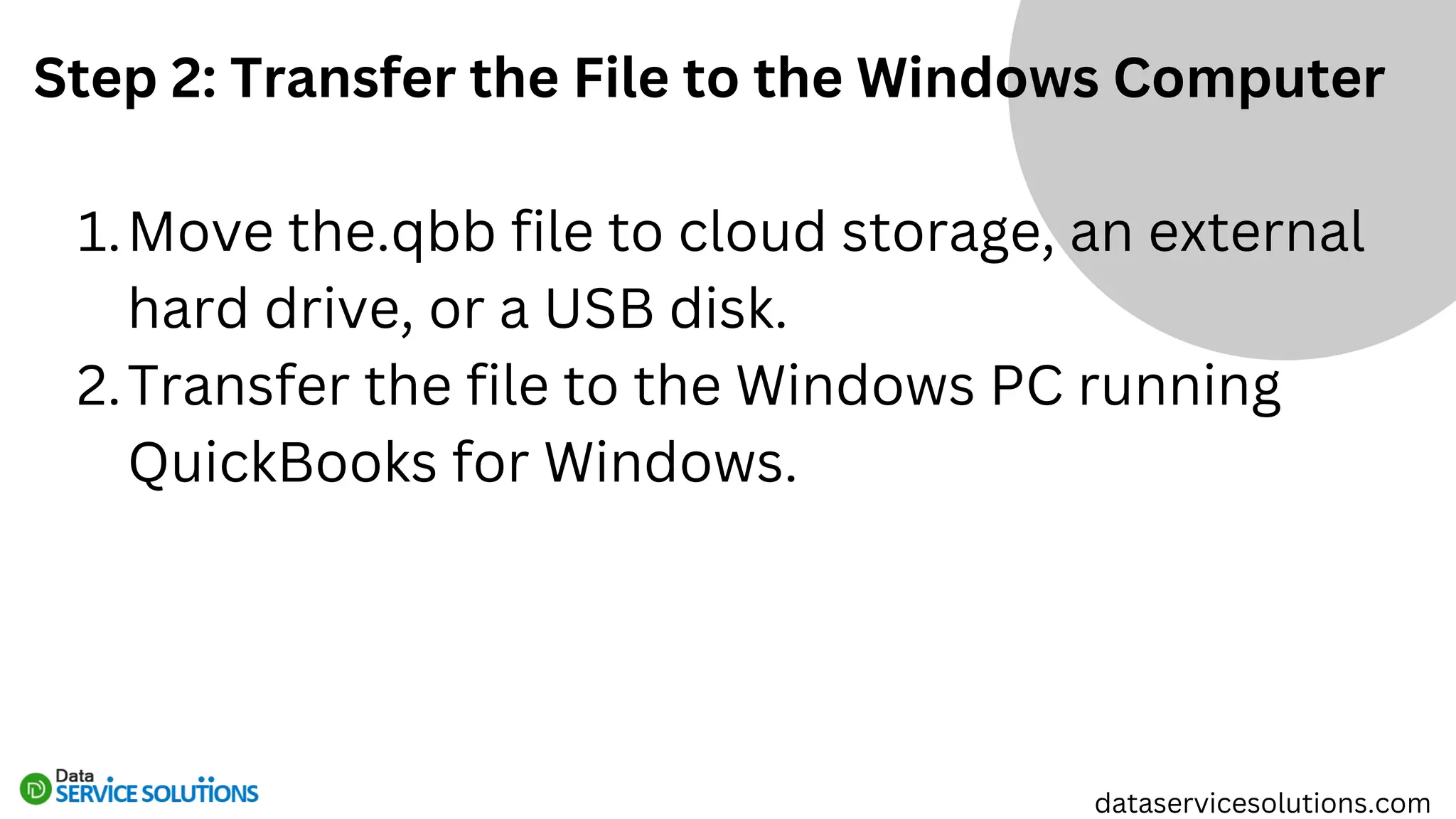
Step 2: Transfer the File to the Windows Computer
Move the.qbb file to cloud storage, an external
hard drive, or a USB disk.
1.
Transfer the file to the Windows PC running
QuickBooks for Windows.
2.
dataservicesolutions.com
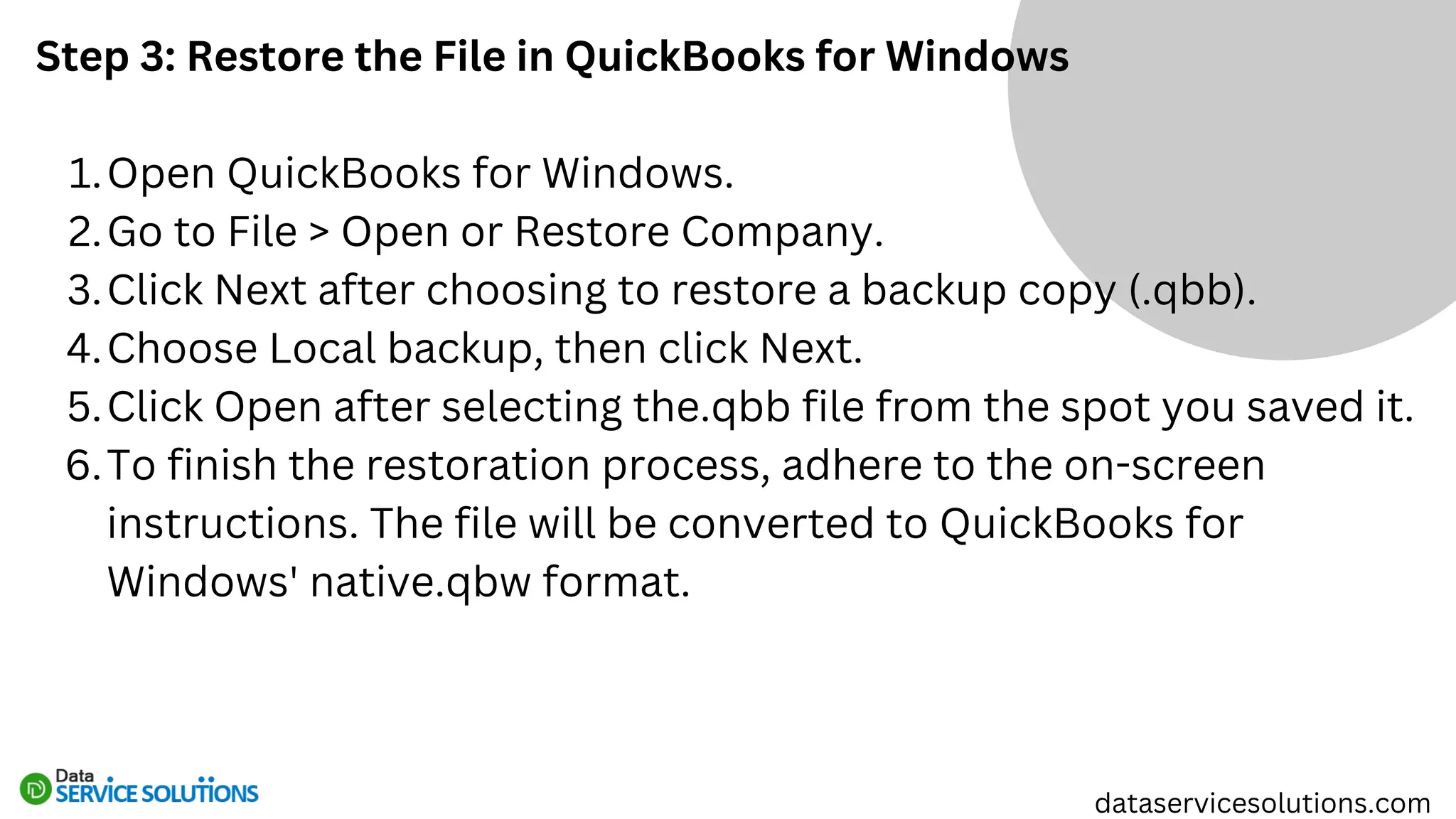
Step 3: Restore the File in QuickBooks for Windows
Open QuickBooks for Windows.
1.
Go to File > Open or Restore Company.
2.
Click Next after choosing to restore a backup copy (.qbb).
3.
Choose Local backup, then click Next.
4.
Click Open after selecting the.qbb file from the spot you saved it.
5.
To finish the restoration process, adhere to the on-screen
instructions. The file will be converted to QuickBooks for
Windows' native.qbw format.
6.
dataservicesolutions.com
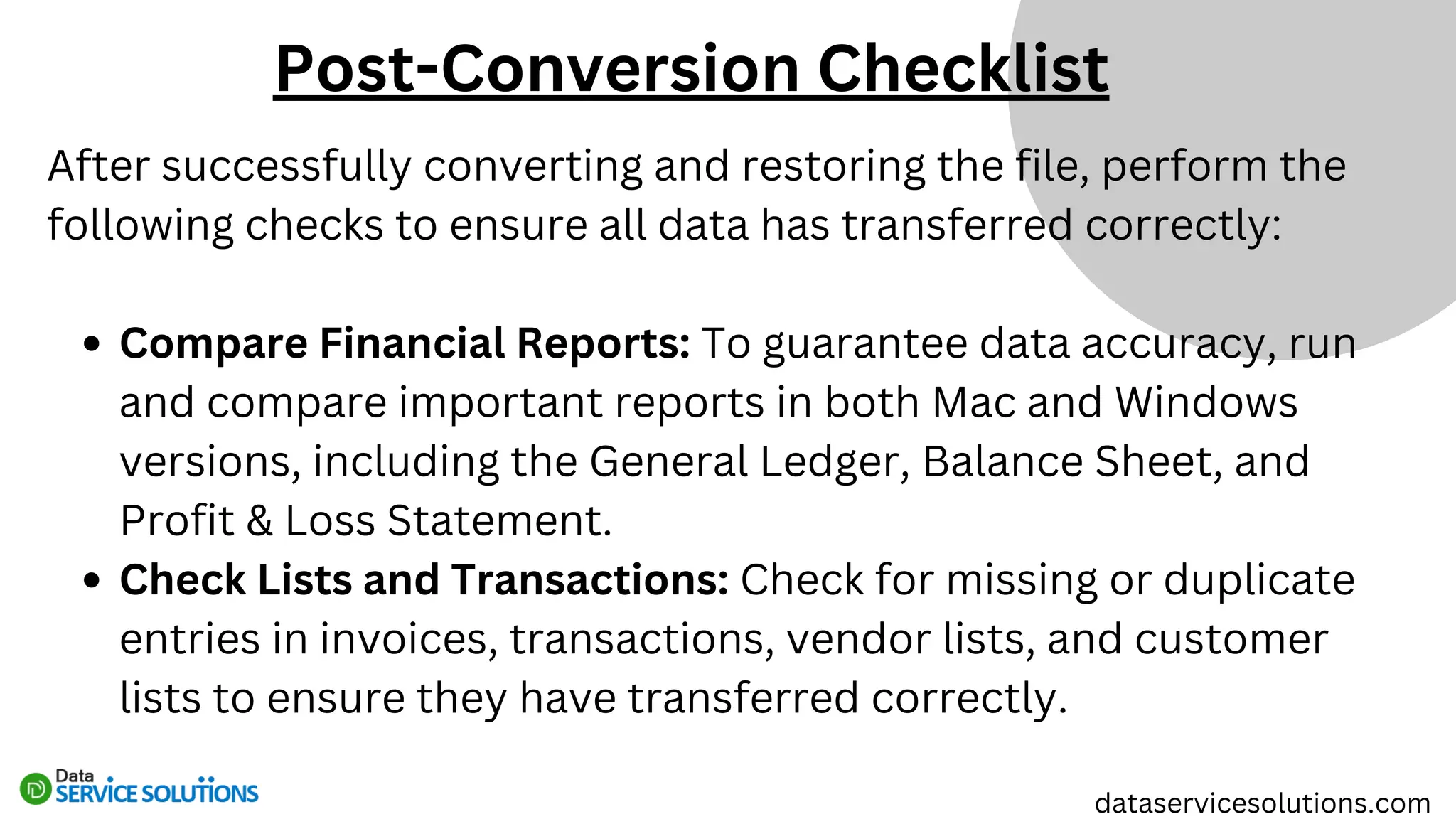
After successfully converting and restoring the file, perform the
following checks to ensure all data has transferred correctly:
Compare Financial Reports: To guarantee data accuracy, run
and compare important reports in both Mac and Windows
versions, including the General Ledger, Balance Sheet, and
Profit & Loss Statement.
Check Lists and Transactions: Check for missing or duplicate
entries in invoices, transactions, vendor lists, and customer
lists to ensure they have transferred correctly.
dataservicesolutions.com
Post-Conversion Checklist
Review Preferences and Settings: It's possible
that some settings, preferences, and custom
templates won't transfer properly. As necessary,
physically adjust them.
Enable Multi-User Mode (If Applicable): Make
sure your network is configured correctly and
reactivate QuickBooks for Windows' multi-user
mode if you're using it with multiple users.
dataservicesolutions.com
Despite following the correct process, you may encounter issues
during the conversion. Here are some common problems and their
solutions:
File Fails to Open in QuickBooks for Windows:
Make sure that, rather than attempting to access the file
directly, you choose to restore a backup copy (.qbb).
Make sure the file version and the QuickBooks version for
Windows are compatible.
dataservicesolutions.com
Troubleshooting Common Issues
Data Discrepancies Between Mac and Windows
Versions:
Open QuickBooks for Windows and run the Verify
Data tool once more.
If any transactions are missing, manually reconcile
the accounts.
Error Messages During Conversion:
Eliminate special characters from any lists and the
corporate file name.
For more help, get in touch with QuickBooks Support
if the error continues.
dataservicesolutions.com
If you face persistent issues, consider using alternative
methods for conversion:
QuickBooks Conversion Tool: To facilitate file transfers
between versions, Intuit offers a QuickBooks Conversion
Tool.
Professional Services: Certain third-party providers can
manage intricate migrations with little risk and are experts
in converting QuickBooks files.
dataservicesolutions.com
Alternatives to Manual Conversion
Careful planning, execution, and validation are necessary when
converting QuickBooks files from Mac to Windows in order to guarantee
accuracy and data integrity. Users can successfully and uninterruptedly
migrate their financial data by following the above-mentioned step-by-
step instructions. To ensure data correctness, always check for
discrepancies after conversion, reconcile accounts, and verify reports.
If problems arise, they can be effectively fixed by utilizing professional
conversion services or QuickBooks support resources. Although moving
QuickBooks files between operating systems can appear difficult, it can
be done easily with the correct strategy, enabling companies to carry
on with their financial management uninterrupted.
Conclusion
dataservicesolutions.com
Thank You
+1-(855)-955-1942
dataservicesolutions.com
Info@dataservicesolutions.com

Mac to Windows QuickBooks File Conversion Guide

  • 1.
  • 2.
    One of themost popular accounting software packages for effectively managing financial data is QuickBooks, which is utilized by both individuals and companies. However, transferring QuickBooks files from Mac to Windows for compatibility, system upgrades, or business migrations is a frequent problem for consumers. Direct file opening requires conversion since QuickBooks for Mac and QuickBooks for Windows use different file architectures. To properly convert a QuickBooks Mac file to a Windows-compatible format without losing data or functionality, follow this comprehensive, step-by- step guide. dataservicesolutions.com
  • 3.
    Understanding the DifferencesBetween QuickBooks for Mac and Windows dataservicesolutions.com It's critical to comprehend the main distinctions between QuickBooks for Mac and QuickBooks for Windows before beginning the conversion procedure. The Mac version differs from the Windows version in terms of its file extensions, user interface, and certain unique capabilities. While QuickBooks for Windows utilizes a.qbw format, QuickBooks for Mac primarily uses a.qb2016,.qb2019, or.qb2021 format, depending on the version. Because of these fundamental changes, a Mac file cannot be opened in QuickBooks for Windows without first being converted.
  • 4.
    dataservicesolutions.com To ensure asmooth transition, follow these preparation steps before beginning the file conversion: Update QuickBooks: To prevent incompatibilities, make sure QuickBooks for Mac and QuickBooks for Windows are both up to date with the most recent versions. 1. Backup the File: Prior to conversion, always make a backup of your QuickBooks company file. In the event that there are mistakes or corruption during the conversion process, this guarantees that you have a copy of your data. 2. Verify and Rebuild Data: Before converting, find and address any data integrity problems using QuickBooks for Mac's Verify Data and Rebuild Data tools. To accomplish this: 3. Go to File > Utilities > Verify Data to scan for issues. If issues are found, go to File > Utilities > Rebuild Data to fix them. Preparing for the Conversion
  • 5.
    Once the datais verified and prepared, follow these steps to convert the file: Step 1: Open the File in QuickBooks for Mac Open your company file in QuickBooks for Mac. 1. From the menu bar, click File, then choose Export > To QuickBooks for Windows. 2. Before exporting, QuickBooks will ask you to confirm the file. Verify the information and continue. 3. Give the file a suitable name and pick a safe place to store it. QuickBooks will produce a Windows-ready backup file (.qbb). 4. Steps to Convert QuickBooks Mac File to Windows dataservicesolutions.com
  • 6.
    Step 2: Transferthe File to the Windows Computer Move the.qbb file to cloud storage, an external hard drive, or a USB disk. 1. Transfer the file to the Windows PC running QuickBooks for Windows. 2. dataservicesolutions.com
  • 7.
    Step 3: Restorethe File in QuickBooks for Windows Open QuickBooks for Windows. 1. Go to File > Open or Restore Company. 2. Click Next after choosing to restore a backup copy (.qbb). 3. Choose Local backup, then click Next. 4. Click Open after selecting the.qbb file from the spot you saved it. 5. To finish the restoration process, adhere to the on-screen instructions. The file will be converted to QuickBooks for Windows' native.qbw format. 6. dataservicesolutions.com
  • 8.
    After successfully convertingand restoring the file, perform the following checks to ensure all data has transferred correctly: Compare Financial Reports: To guarantee data accuracy, run and compare important reports in both Mac and Windows versions, including the General Ledger, Balance Sheet, and Profit & Loss Statement. Check Lists and Transactions: Check for missing or duplicate entries in invoices, transactions, vendor lists, and customer lists to ensure they have transferred correctly. dataservicesolutions.com Post-Conversion Checklist
  • 9.
    Review Preferences andSettings: It's possible that some settings, preferences, and custom templates won't transfer properly. As necessary, physically adjust them. Enable Multi-User Mode (If Applicable): Make sure your network is configured correctly and reactivate QuickBooks for Windows' multi-user mode if you're using it with multiple users. dataservicesolutions.com
  • 10.
    Despite following thecorrect process, you may encounter issues during the conversion. Here are some common problems and their solutions: File Fails to Open in QuickBooks for Windows: Make sure that, rather than attempting to access the file directly, you choose to restore a backup copy (.qbb). Make sure the file version and the QuickBooks version for Windows are compatible. dataservicesolutions.com Troubleshooting Common Issues
  • 11.
    Data Discrepancies BetweenMac and Windows Versions: Open QuickBooks for Windows and run the Verify Data tool once more. If any transactions are missing, manually reconcile the accounts. Error Messages During Conversion: Eliminate special characters from any lists and the corporate file name. For more help, get in touch with QuickBooks Support if the error continues. dataservicesolutions.com
  • 12.
    If you facepersistent issues, consider using alternative methods for conversion: QuickBooks Conversion Tool: To facilitate file transfers between versions, Intuit offers a QuickBooks Conversion Tool. Professional Services: Certain third-party providers can manage intricate migrations with little risk and are experts in converting QuickBooks files. dataservicesolutions.com Alternatives to Manual Conversion
  • 13.
    Careful planning, execution,and validation are necessary when converting QuickBooks files from Mac to Windows in order to guarantee accuracy and data integrity. Users can successfully and uninterruptedly migrate their financial data by following the above-mentioned step-by- step instructions. To ensure data correctness, always check for discrepancies after conversion, reconcile accounts, and verify reports. If problems arise, they can be effectively fixed by utilizing professional conversion services or QuickBooks support resources. Although moving QuickBooks files between operating systems can appear difficult, it can be done easily with the correct strategy, enabling companies to carry on with their financial management uninterrupted. Conclusion dataservicesolutions.com
  • 14.