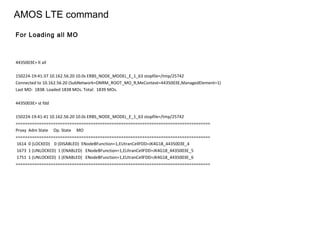
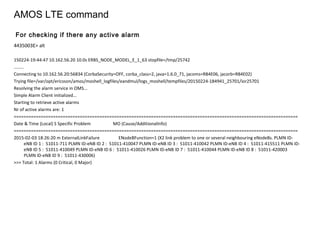
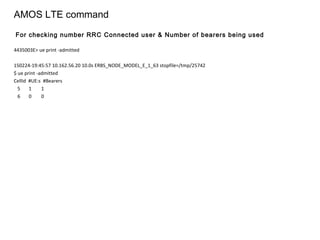
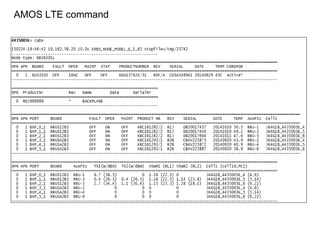
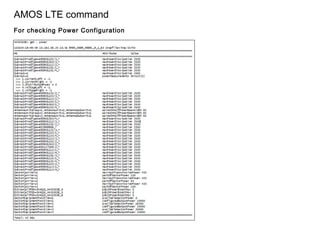
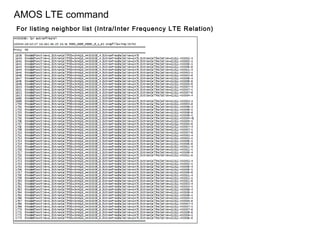
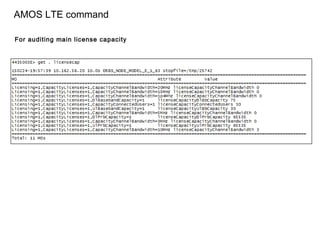
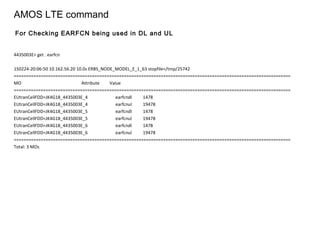
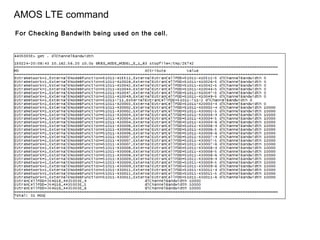
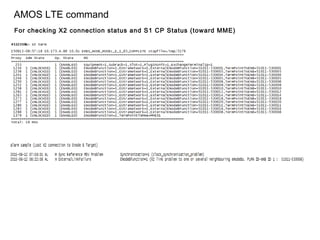
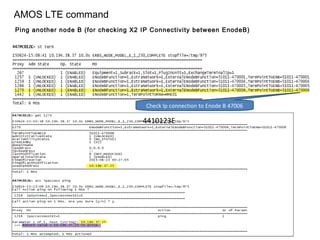
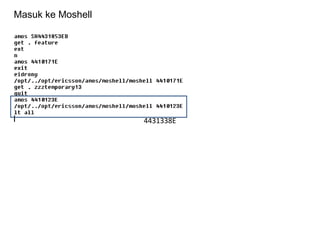
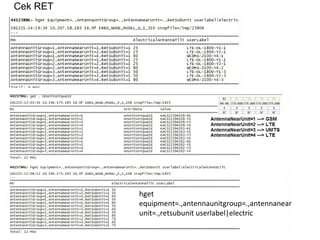
The document discusses some of the most commonly used commands in the AMOS LTE command line interface (CLI) for managing and troubleshooting an LTE network. It provides examples of using commands like lt all to load all managed objects, st fdd to check the administrative and operational states of cells, ue print -admitted to check the number of connected users and bearers per cell, get . earfcn to check the E-ARFCN numbers in use for downlink and uplink, and ping to test X2 connectivity between eNodeBs. It also mentions using commands to check power configuration, neighbor lists, license capacity, bandwidth usage, and X2 and S1 connection status.