Live Code Compiler
Project
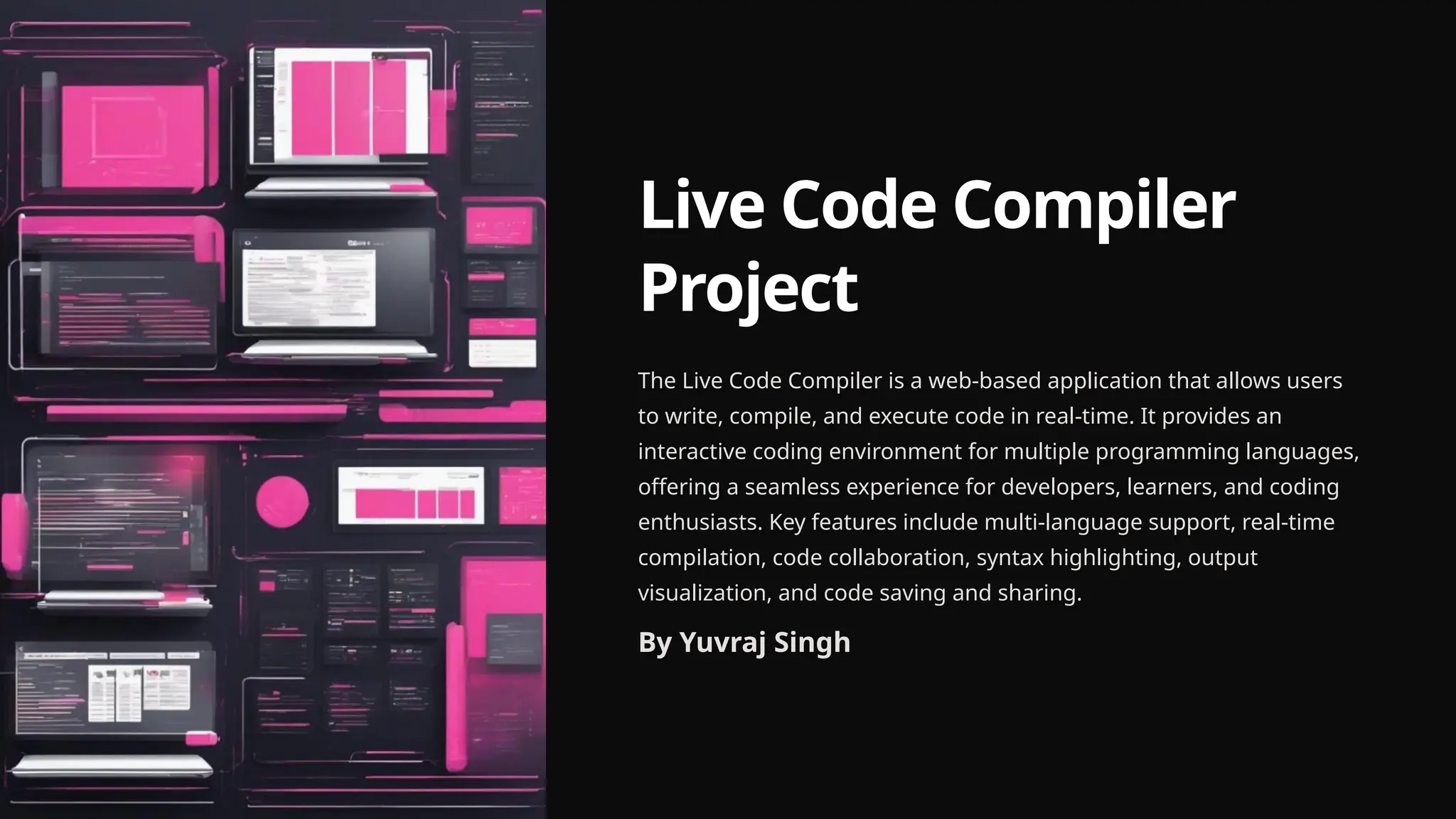
The Live Code Compiler is a web-based application that allows users
to write, compile, and execute code in real-time. It provides an
interactive coding environment for multiple programming languages,
offering a seamless experience for developers, learners, and coding
enthusiasts. Key features include multi-language support, real-time
compilation, code collaboration, syntax highlighting, output
visualization, and code saving and sharing.
By Yuvraj Singh
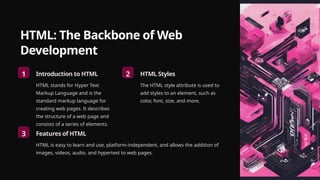
HTML: The Backbone of Web
Development
1 Introduction to HTML
HTML stands for Hyper Text
Markup Language and is the
standard markup language for
creating web pages. It describes
the structure of a web page and
consists of a series of elements.
2 HTML Styles
The HTML style attribute is used to
add styles to an element, such as
color, font, size, and more.
3 Features of HTML
HTML is easy to learn and use, platform-independent, and allows the addition of
images, videos, audio, and hypertext to web pages.
CSS: Enhancing Web Page Presentation
Introduction to CSS
CSS is the language for
describing the
presentation of web
pages, including colors,
layout, and fonts. It allows
adaptation to different
types of devices and is
independent of HTML.
Attaching a CSS File
After creating and saving
the CSS file, it needs to be
linked to the HTML files
using the tag in the
section.
Features of
Responsive CSS
Responsive CSS ensures
that web pages look good
on all devices, adjusting
the layout and design to
fit different screen sizes.
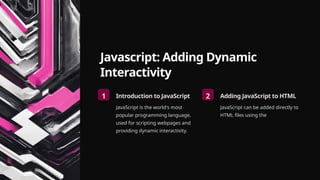
Javascript: Adding Dynamic
Interactivity
1 Introduction to JavaScript
JavaScript is the world's most
popular programming language,
used for scripting webpages and
providing dynamic interactivity.
2 Adding JavaScript to HTML
JavaScript can be added directly to
HTML files using the
Project Overview: Live Code Compiler
Multi-language Support
The platform supports various
programming languages such as
HTML, CSS, JavaScript, Python, and
more.
Real-time Compilation
Users can write code and instantly
see the output without the need to
switch between multiple tools.
Code Collaboration
Enables multiple users to work on the same code simultaneously, fostering
collaboration and knowledge sharing.
Key Features of Live Code Compiler
Multi-language Support
The platform supports various
programming languages such as HTML,
CSS, JavaScript, Python, and more,
catering to a diverse community of
developers.
Real-time Compilation
Users can write code and instantly see
the output without the need to switch
between multiple tools, enhancing the
coding experience.
Code Collaboration
The platform allows collaborative
coding, enabling multiple users to work
on the same code simultaneously,
promoting teamwork and knowledge
sharing.
Syntax Highlighting
Code is presented with syntax
highlighting, enhancing readability and
making coding more efficient, improving
the overall coding experience.
Output Visualization
The application displays the output of
the code execution, helping users
Code Saving and Sharing
Users can save their code snippets and
easily share them with others, fostering
Home Section of Live Code Compiler
First Impression
The Home section is
the initial point of
interaction, providing a
welcoming and
informative
introduction to the Live
Code Compiler
platform.
Website Navigation
The navigation bar
offers easy access to
different sections of
the website, enhancing
user experience and
accessibility.
Value Proposition
The Home section
communicates the
unique value and
benefits of using the
Live Code Compiler,
encouraging users to
explore and engage
with the platform.
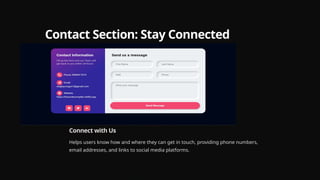
Contact Section: Stay Connected
Connect with Us
Helps users know how and where they can get in touch, providing phone numbers,
email addresses, and links to social media platforms.
Login Section of Live Code Compiler
HTML (Login) Bootstrap 5 is used, and its CSS is linked
from a CDN for styling.
CSS (Login) Custom CSS is defined for styling, using
a red-black gradient theme.
Snapshot of Login section Visual representation of the login
section, showcasing the design and
layout of the user interface.
Conclusion and References
1 Conclusion
Reflects on the experience gained
and the insights into professional
practice, highlighting the
importance of continuous learning
and improvement.
2 References
Provides external resources such
as W3 Schools, YouTube tutorials,
and Java point for further learning
and exploration.
Thank
you

Live-Code-Compiler-Project.pptxajaksksjjsjsj

  • 1.
    Live Code Compiler Project TheLive Code Compiler is a web-based application that allows users to write, compile, and execute code in real-time. It provides an interactive coding environment for multiple programming languages, offering a seamless experience for developers, learners, and coding enthusiasts. Key features include multi-language support, real-time compilation, code collaboration, syntax highlighting, output visualization, and code saving and sharing. By Yuvraj Singh
  • 2.
    HTML: The Backboneof Web Development 1 Introduction to HTML HTML stands for Hyper Text Markup Language and is the standard markup language for creating web pages. It describes the structure of a web page and consists of a series of elements. 2 HTML Styles The HTML style attribute is used to add styles to an element, such as color, font, size, and more. 3 Features of HTML HTML is easy to learn and use, platform-independent, and allows the addition of images, videos, audio, and hypertext to web pages.
  • 3.
    CSS: Enhancing WebPage Presentation Introduction to CSS CSS is the language for describing the presentation of web pages, including colors, layout, and fonts. It allows adaptation to different types of devices and is independent of HTML. Attaching a CSS File After creating and saving the CSS file, it needs to be linked to the HTML files using the tag in the section. Features of Responsive CSS Responsive CSS ensures that web pages look good on all devices, adjusting the layout and design to fit different screen sizes.
  • 4.
    Javascript: Adding Dynamic Interactivity 1Introduction to JavaScript JavaScript is the world's most popular programming language, used for scripting webpages and providing dynamic interactivity. 2 Adding JavaScript to HTML JavaScript can be added directly to HTML files using the
  • 5.
    Project Overview: LiveCode Compiler Multi-language Support The platform supports various programming languages such as HTML, CSS, JavaScript, Python, and more. Real-time Compilation Users can write code and instantly see the output without the need to switch between multiple tools. Code Collaboration Enables multiple users to work on the same code simultaneously, fostering collaboration and knowledge sharing.
  • 6.
    Key Features ofLive Code Compiler Multi-language Support The platform supports various programming languages such as HTML, CSS, JavaScript, Python, and more, catering to a diverse community of developers. Real-time Compilation Users can write code and instantly see the output without the need to switch between multiple tools, enhancing the coding experience. Code Collaboration The platform allows collaborative coding, enabling multiple users to work on the same code simultaneously, promoting teamwork and knowledge sharing. Syntax Highlighting Code is presented with syntax highlighting, enhancing readability and making coding more efficient, improving the overall coding experience. Output Visualization The application displays the output of the code execution, helping users Code Saving and Sharing Users can save their code snippets and easily share them with others, fostering
  • 7.
    Home Section ofLive Code Compiler First Impression The Home section is the initial point of interaction, providing a welcoming and informative introduction to the Live Code Compiler platform. Website Navigation The navigation bar offers easy access to different sections of the website, enhancing user experience and accessibility. Value Proposition The Home section communicates the unique value and benefits of using the Live Code Compiler, encouraging users to explore and engage with the platform.
  • 8.
    Contact Section: StayConnected Connect with Us Helps users know how and where they can get in touch, providing phone numbers, email addresses, and links to social media platforms.
  • 9.
    Login Section ofLive Code Compiler HTML (Login) Bootstrap 5 is used, and its CSS is linked from a CDN for styling. CSS (Login) Custom CSS is defined for styling, using a red-black gradient theme. Snapshot of Login section Visual representation of the login section, showcasing the design and layout of the user interface.
  • 10.
    Conclusion and References 1Conclusion Reflects on the experience gained and the insights into professional practice, highlighting the importance of continuous learning and improvement. 2 References Provides external resources such as W3 Schools, YouTube tutorials, and Java point for further learning and exploration.
  • 11.