Download to read offline


![Quotes [""]
Parentheses [()]
NOT
AND
OR
When handling searches, the
overall order to precedence is:
1.
2.
3.
4.
5.
TAKE NOTE](https://image.slidesharecdn.com/linkedinsearchtipspresentation-211119134315/85/LinkedIn-Search-Tips-short-presentation-5-320.jpg)


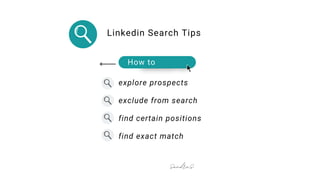
The document provides tips for conducting effective searches on LinkedIn, focusing on strategies to find specific job positions or profiles. It discusses using keywords with operators such as AND, OR, and NOT, as well as using quotation marks for exact matches and parentheses for more complex queries. The content aims to help users refine their search results to better suit their recruitment or networking needs.

![How to Run LinkedIn Searches Like a Pro [Webcast]](https://cdn.slidesharecdn.com/ss_thumbnails/marketingwebcastjuly222015slideshare-150721231916-lva1-app6891-thumbnail.jpg?width=640&height=640&fit=bounds)


![How to Run LinkedIn Searches Like a Pro [Webcast]](https://cdn.slidesharecdn.com/ss_thumbnails/marketingwebcastcnlboct2015finalv2social-151007194605-lva1-app6892-thumbnail.jpg?width=640&height=640&fit=bounds)


![How to Run LinkedIn Searches Like a Pro [Webcast]](https://cdn.slidesharecdn.com/ss_thumbnails/marketingwebcastjuly2220153slideshare-151120032629-lva1-app6891-thumbnail.jpg?width=640&height=640&fit=bounds)


