LifeSize® Virtual Link™


          Easily share content wirelessly
from your computer during HD video calls

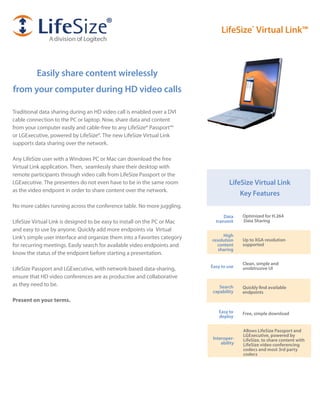
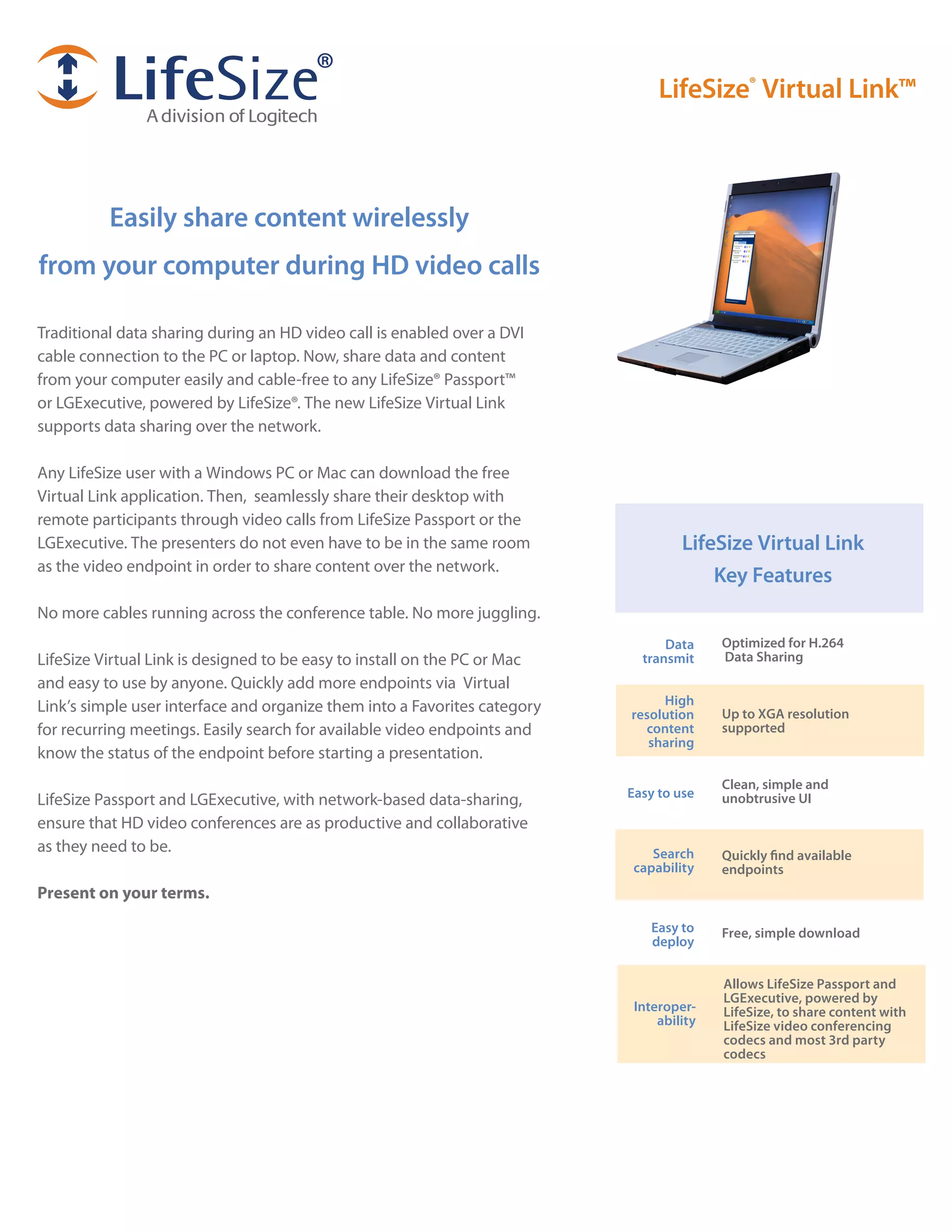
Traditional data sharing during an HD video call is enabled over a DVI
cable connection to the PC or laptop. Now, share data and content
from your computer easily and cable-free to any LifeSize® Passport™
or LGExecutive, powered by LifeSize®. The new LifeSize Virtual Link
supports data sharing over the network.

Any LifeSize user with a Windows PC or Mac can download the free
Virtual Link application. Then, seamlessly share their desktop with
remote participants through video calls from LifeSize Passport or the
LGExecutive. The presenters do not even have to be in the same room                 LifeSize Virtual Link
as the video endpoint in order to share content over the network.
                                                                                        Key Features
No more cables running across the conference table. No more juggling.
                                                                                 Data     Optimized for H.264
LifeSize Virtual Link is designed to be easy to install on the PC or Mac     transmit     Data Sharing
and easy to use by anyone. Quickly add more endpoints via Virtual
Link’s simple user interface and organize them into a Favorites category        High
                                                                           resolution     Up to XGA resolution
for recurring meetings. Easily search for available video endpoints and      content      supported
                                                                              sharing
know the status of the endpoint before starting a presentation.
                                                                                          Clean, simple and
                                                                           Easy to use
LifeSize Passport and LGExecutive, with network-based data-sharing,                       unobtrusive UI
ensure that HD video conferences are as productive and collaborative
as they need to be.                                                            Search     Quickly find available
                                                                            capability    endpoints
Present on your terms.
                                                                               Easy to    Free, simple download
                                                                               deploy


                                                                                          Allows LifeSize Passport and
                                                                                          LGExecutive, powered by
                                                                            Interoper-    LifeSize, to share content with
                                                                                ability   LifeSize video conferencing
                                                                                          codecs and most 3rd party
                                                                                          codecs
Product Specifications - LifeSize® Virtual Link™


System Components                                             Local Directory                                                Minimum PC Requirements
LifeSize® Virtual Link™ application from LifeSize             Up to 250 local directory entries                              Supported Operating Systems:
                                                              Edit directory entries                                         •	 Windows	Vista	-	32	bit	&	64	bit
Communications                                                                                                               •	 Windows	7	-	32	bit	&	64	bit
H.323 including AES,                                          Additional Features                                            •	 Mac	OS	X	10.5	&	10.6
SIP (with LifeSize codecs only)                               List recent desktop sharing sessions                           •	Windows	XP
128Kbps – 1 Mbps                                              Bookmark codecs as favorites
                                                                                                                             CPU:
Screen capture                                                                                                               •	 Dual	Core	AMD	processors	2.1	GHz	or	higher
                                                              Security
XGA resolution (1024x768)                                                                                                    •	 Pentium	Core	Duo	or	Core	2	Duo	2.1	GHz	or	higher
                                                              Manual activation of Desktop sharing session on the
1-5 frames-per-second (fps) - (configurable by user)           codec prevents session hijacking
                                                                                                                             Storage:
                                                              Desktop sharing allowed to single codec at a time
                                                                                                                             •	 50	MB	minimum	available	hard	disk	space
Video Standards                                               Persistent, subtle on-screen indicator when sharing
H.264, H.263                                                   desktop
                                                                                                                             Memory:
                                                                                                                             •	 2	GB	minimum
Video Formats
Transmit 4:3 aspect ratio                                                                                                    Software:
                                                                                                                             •	 Adobe	AIR	2	runtime
Interoperability
Allows LifeSize Passport to share content with LifeSize                                                                      Licensing
 video conferencing codecs and most 3rd party codecs                                                                         This application is available as a free download from
                                                                                                                              www.lifesize.com.
Application Settings
Settings to tune
•	 Change	screen	resolution	for	presentations
•	 Screen	capture	rate	for	transmit

Search
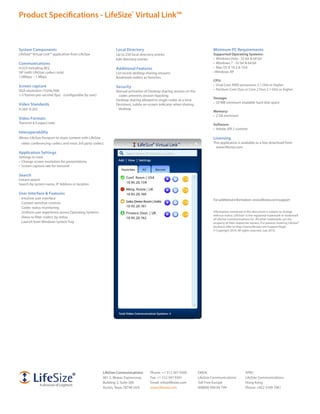
Instant search
Search by system name, IP Address or location

User Interface & Features
 Intuitive user interface                                                                                                    For additional information: www.lifesize.com/support
 Context sensitive controls
 Codec status monitoring
 Uniform user experience across Operating Systems                                                                            Information contained in this document is subject to change
                                                                                                                             without notice. LifeSize® is the registered trademark or trademark
 Views to filter codecs by status
                                                                                                                             of LifeSize Communications Inc. All other trademarks are the
 Launch from Windows System Tray                                                                                             property of their respective owners. For patents covering LifeSize®
                                                                                                                             products refer to http://www.lifesize.com/support/legal.
                                                                                                                             © Copyright 2010. All rights reserved. July 2010.


                                                       LifeSize Communications:      Phone: +1 512 347 9300         EMEA:                            APAC:
                                                       901 S. Mopac Expressway       Fax: +1 512 347 9301           LifeSize Communications          LifeSize Communications
                                                       Building 3, Suite 300         Email: info@lifesize.com       Toll-Free Europe                 Hong Kong
                                                       Austin, Texas 78746 USA       www.lifesize.com               008000 999 09 799                Phone: +852 3189 7061

Life Size Virtual Link

  • 1.
    LifeSize® Virtual Link™ Easily share content wirelessly from your computer during HD video calls Traditional data sharing during an HD video call is enabled over a DVI cable connection to the PC or laptop. Now, share data and content from your computer easily and cable-free to any LifeSize® Passport™ or LGExecutive, powered by LifeSize®. The new LifeSize Virtual Link supports data sharing over the network. Any LifeSize user with a Windows PC or Mac can download the free Virtual Link application. Then, seamlessly share their desktop with remote participants through video calls from LifeSize Passport or the LGExecutive. The presenters do not even have to be in the same room LifeSize Virtual Link as the video endpoint in order to share content over the network. Key Features No more cables running across the conference table. No more juggling. Data Optimized for H.264 LifeSize Virtual Link is designed to be easy to install on the PC or Mac transmit Data Sharing and easy to use by anyone. Quickly add more endpoints via Virtual Link’s simple user interface and organize them into a Favorites category High resolution Up to XGA resolution for recurring meetings. Easily search for available video endpoints and content supported sharing know the status of the endpoint before starting a presentation. Clean, simple and Easy to use LifeSize Passport and LGExecutive, with network-based data-sharing, unobtrusive UI ensure that HD video conferences are as productive and collaborative as they need to be. Search Quickly find available capability endpoints Present on your terms. Easy to Free, simple download deploy Allows LifeSize Passport and LGExecutive, powered by Interoper- LifeSize, to share content with ability LifeSize video conferencing codecs and most 3rd party codecs
  • 2.
    Product Specifications -LifeSize® Virtual Link™ System Components Local Directory Minimum PC Requirements LifeSize® Virtual Link™ application from LifeSize Up to 250 local directory entries Supported Operating Systems: Edit directory entries • Windows Vista - 32 bit & 64 bit Communications • Windows 7 - 32 bit & 64 bit H.323 including AES, Additional Features • Mac OS X 10.5 & 10.6 SIP (with LifeSize codecs only) List recent desktop sharing sessions • Windows XP 128Kbps – 1 Mbps Bookmark codecs as favorites CPU: Screen capture • Dual Core AMD processors 2.1 GHz or higher Security XGA resolution (1024x768) • Pentium Core Duo or Core 2 Duo 2.1 GHz or higher Manual activation of Desktop sharing session on the 1-5 frames-per-second (fps) - (configurable by user) codec prevents session hijacking Storage: Desktop sharing allowed to single codec at a time • 50 MB minimum available hard disk space Video Standards Persistent, subtle on-screen indicator when sharing H.264, H.263 desktop Memory: • 2 GB minimum Video Formats Transmit 4:3 aspect ratio Software: • Adobe AIR 2 runtime Interoperability Allows LifeSize Passport to share content with LifeSize Licensing video conferencing codecs and most 3rd party codecs This application is available as a free download from www.lifesize.com. Application Settings Settings to tune • Change screen resolution for presentations • Screen capture rate for transmit Search Instant search Search by system name, IP Address or location User Interface & Features Intuitive user interface For additional information: www.lifesize.com/support Context sensitive controls Codec status monitoring Uniform user experience across Operating Systems Information contained in this document is subject to change without notice. LifeSize® is the registered trademark or trademark Views to filter codecs by status of LifeSize Communications Inc. All other trademarks are the Launch from Windows System Tray property of their respective owners. For patents covering LifeSize® products refer to http://www.lifesize.com/support/legal. © Copyright 2010. All rights reserved. July 2010. LifeSize Communications: Phone: +1 512 347 9300 EMEA: APAC: 901 S. Mopac Expressway Fax: +1 512 347 9301 LifeSize Communications LifeSize Communications Building 3, Suite 300 Email: info@lifesize.com Toll-Free Europe Hong Kong Austin, Texas 78746 USA www.lifesize.com 008000 999 09 799 Phone: +852 3189 7061