Let's your users share your
App with Friends:
APP INVITES FOR ANDROID
Story Time!
@ewilly1
Android Developer
Why Should I care ?
Word of mouth Legacy
We (USERS) care about
“Happiness only real when shared.”
Christopher McCandless
Bad and Good Pattern
Please don’t stalk
Bad and Good Pattern
The smart way:
be ready be kind
Recap
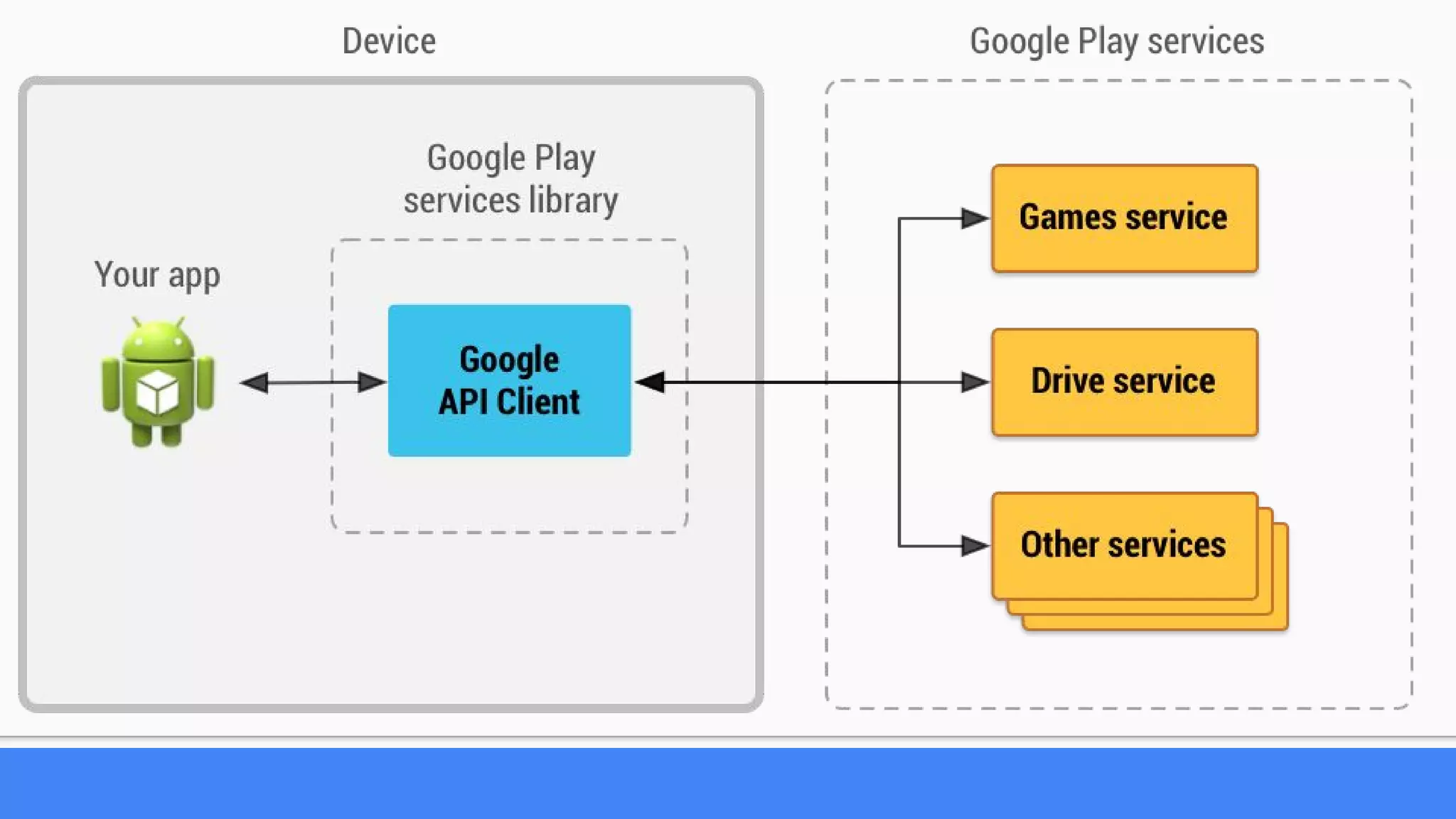
Google App Invite API
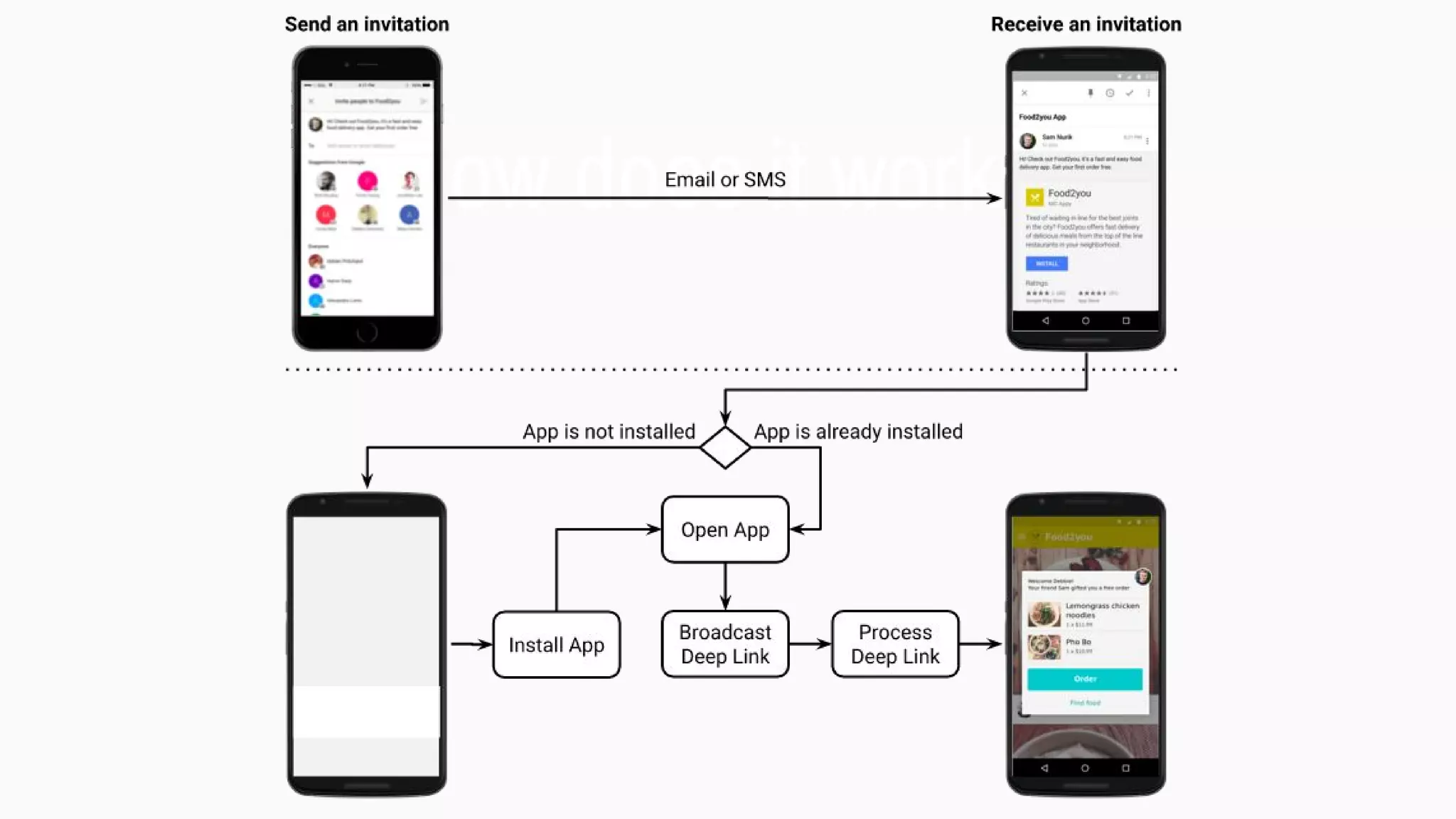
How does it work ?
Let’s add it to our app
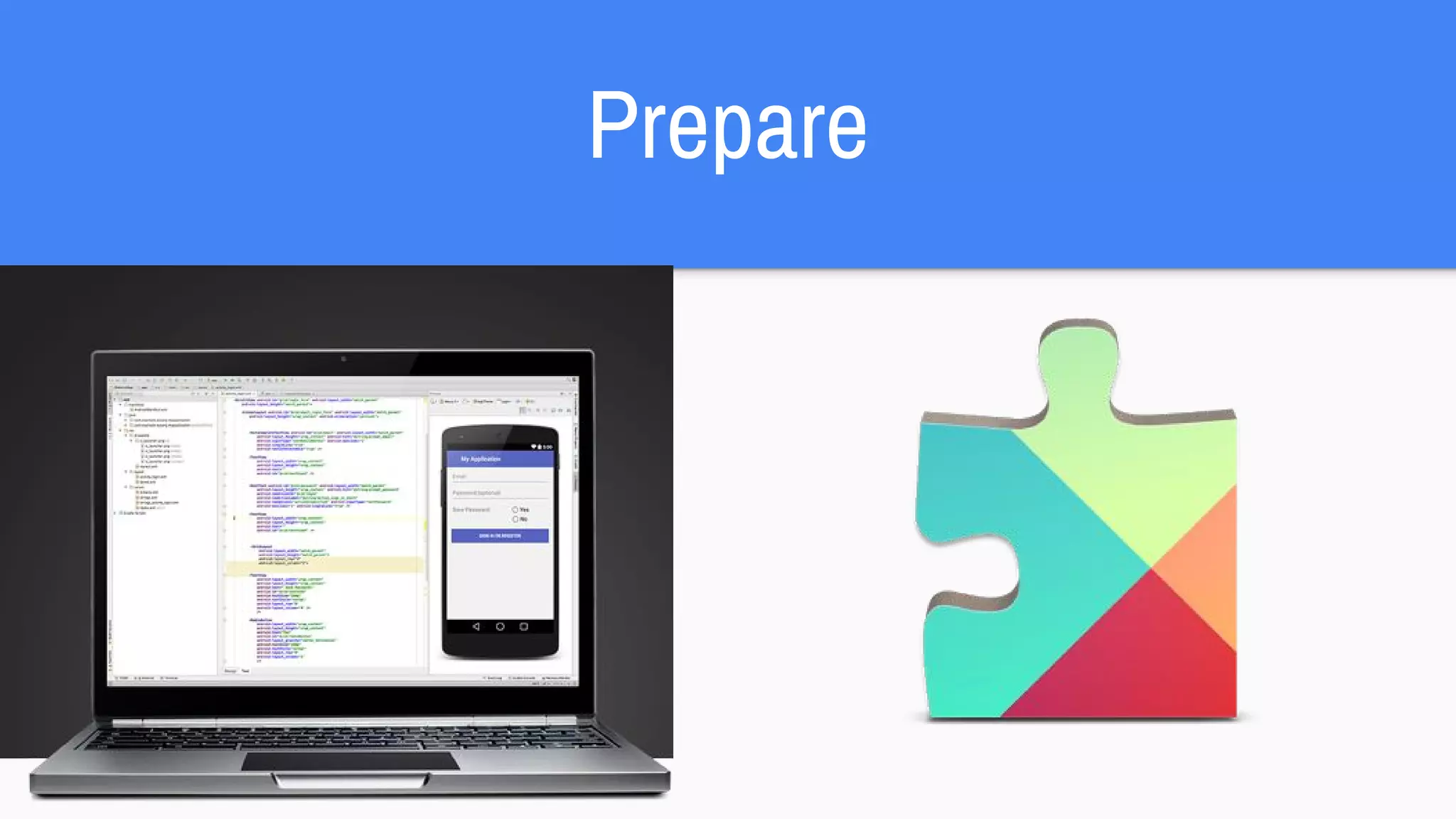
Prepare
Setup
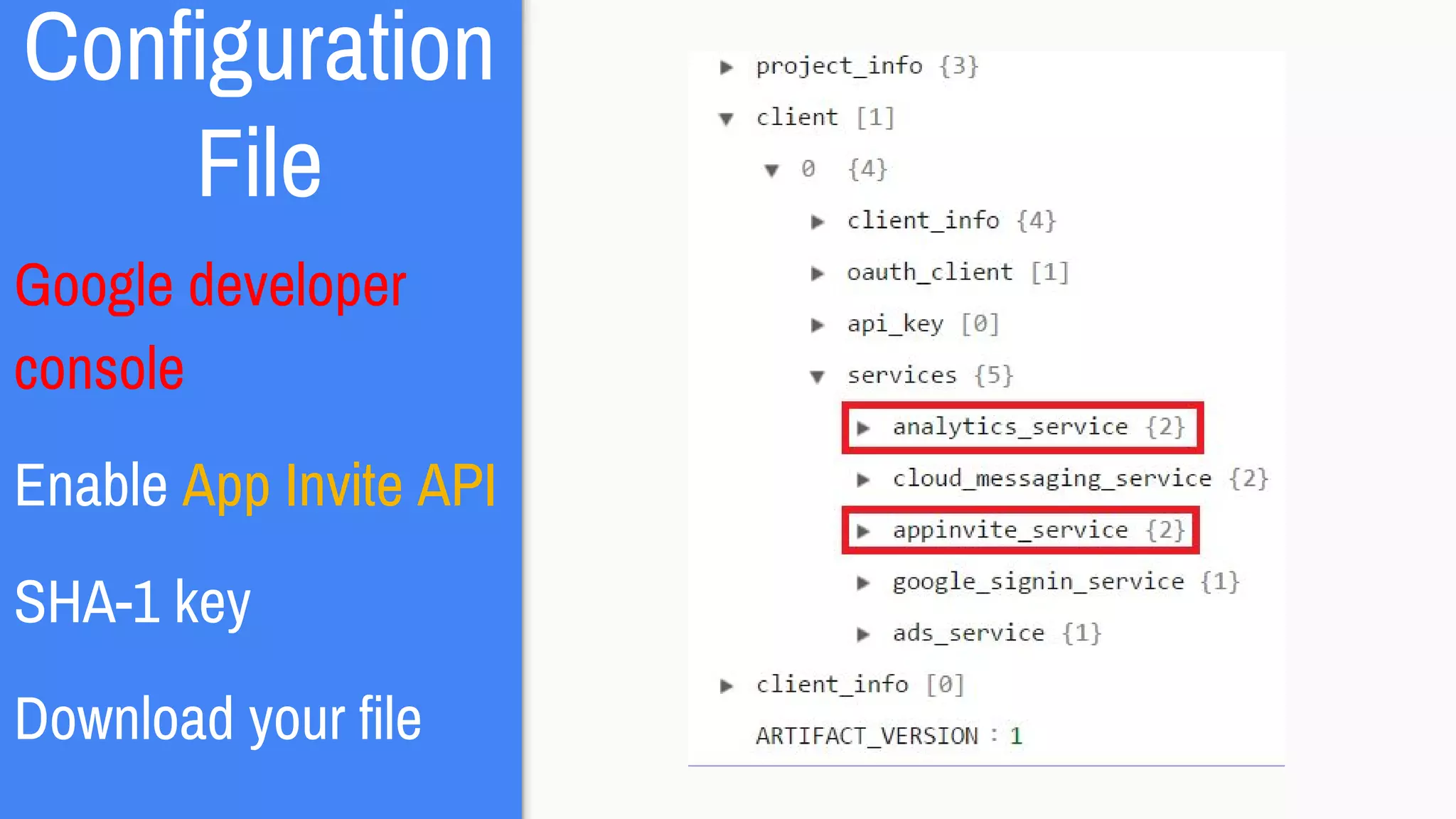
Configuration File
Code
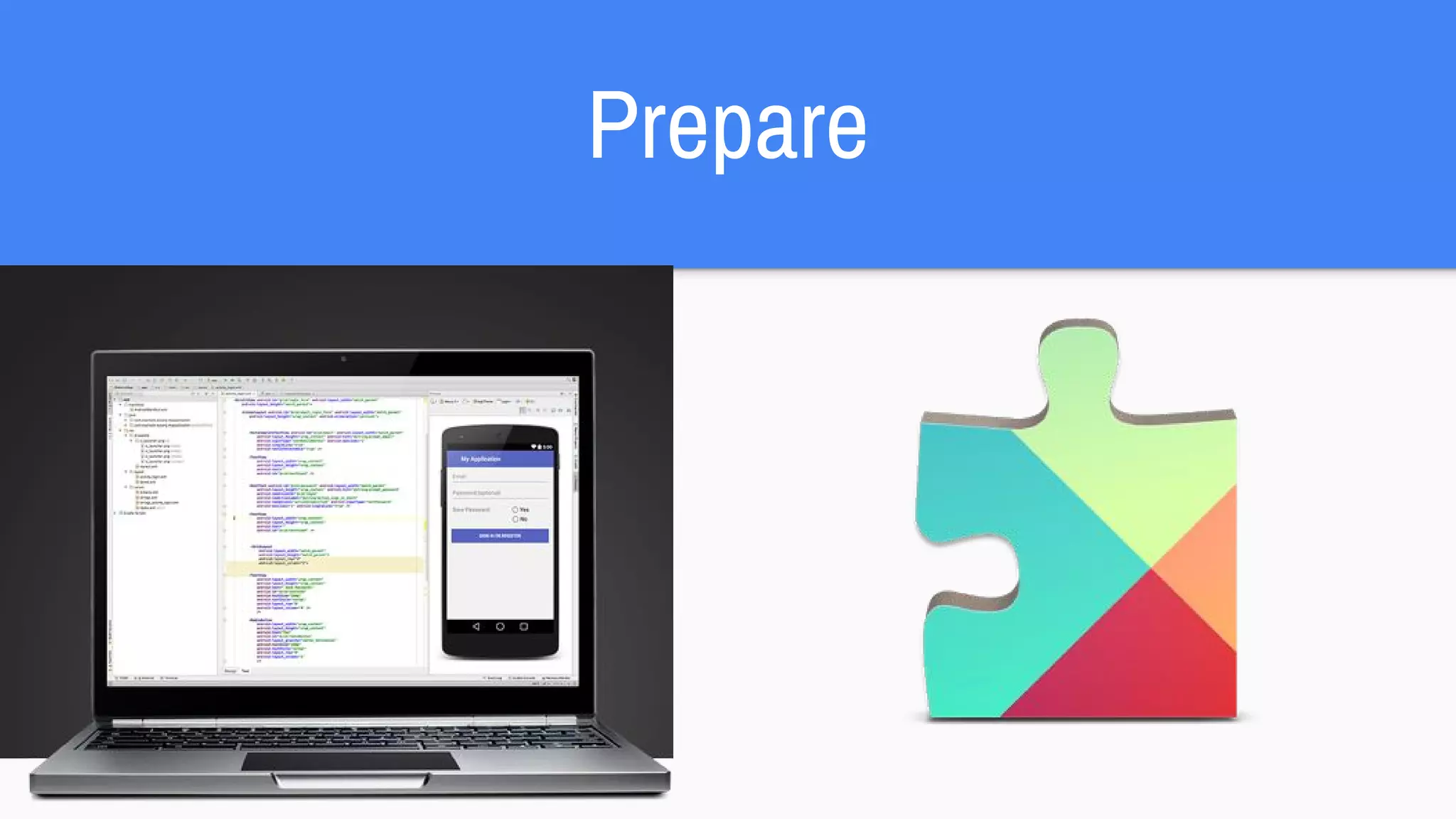
Prepare
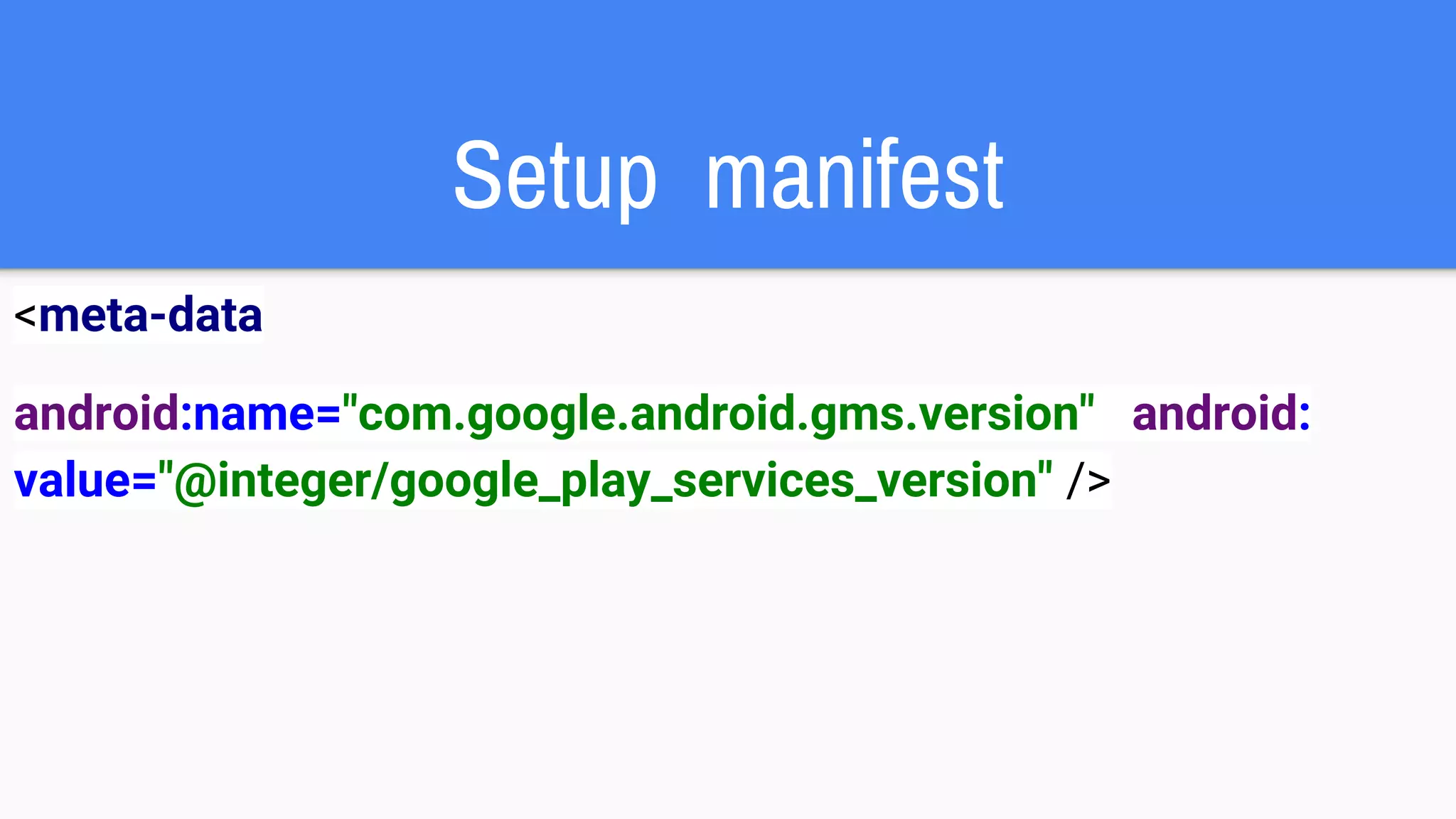
Setup manifest
<meta-data
android:name="com.google.android.gms.version" android:
value="@integer/google_play_services_version" />
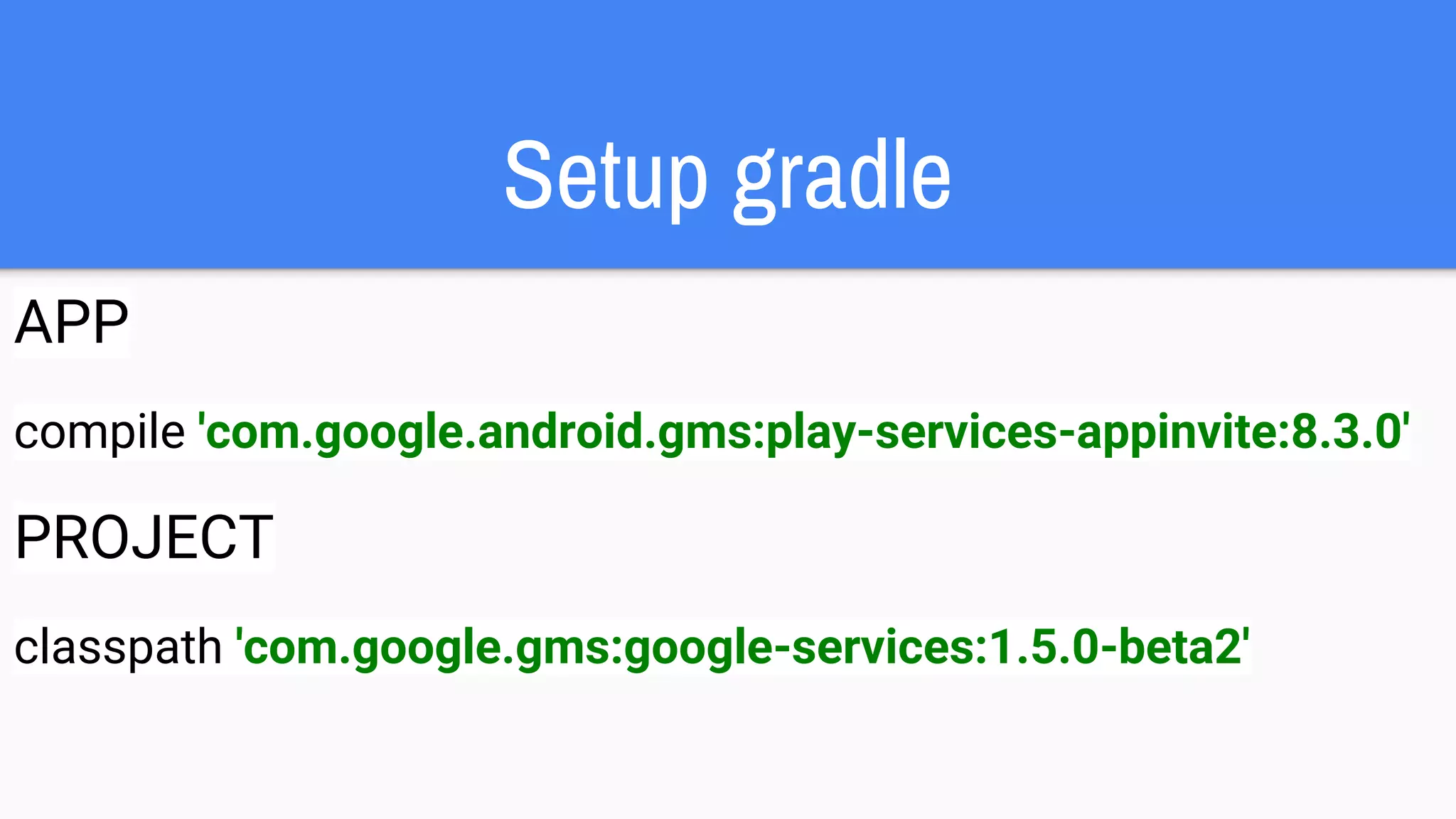
Setup gradle
APP
compile 'com.google.android.gms:play-services-appinvite:8.3.0'
PROJECT
classpath 'com.google.gms:google-services:1.5.0-beta2'
Configuration
File
Google developer
console
Enable App Invite API
SHA-1 key
Download your file
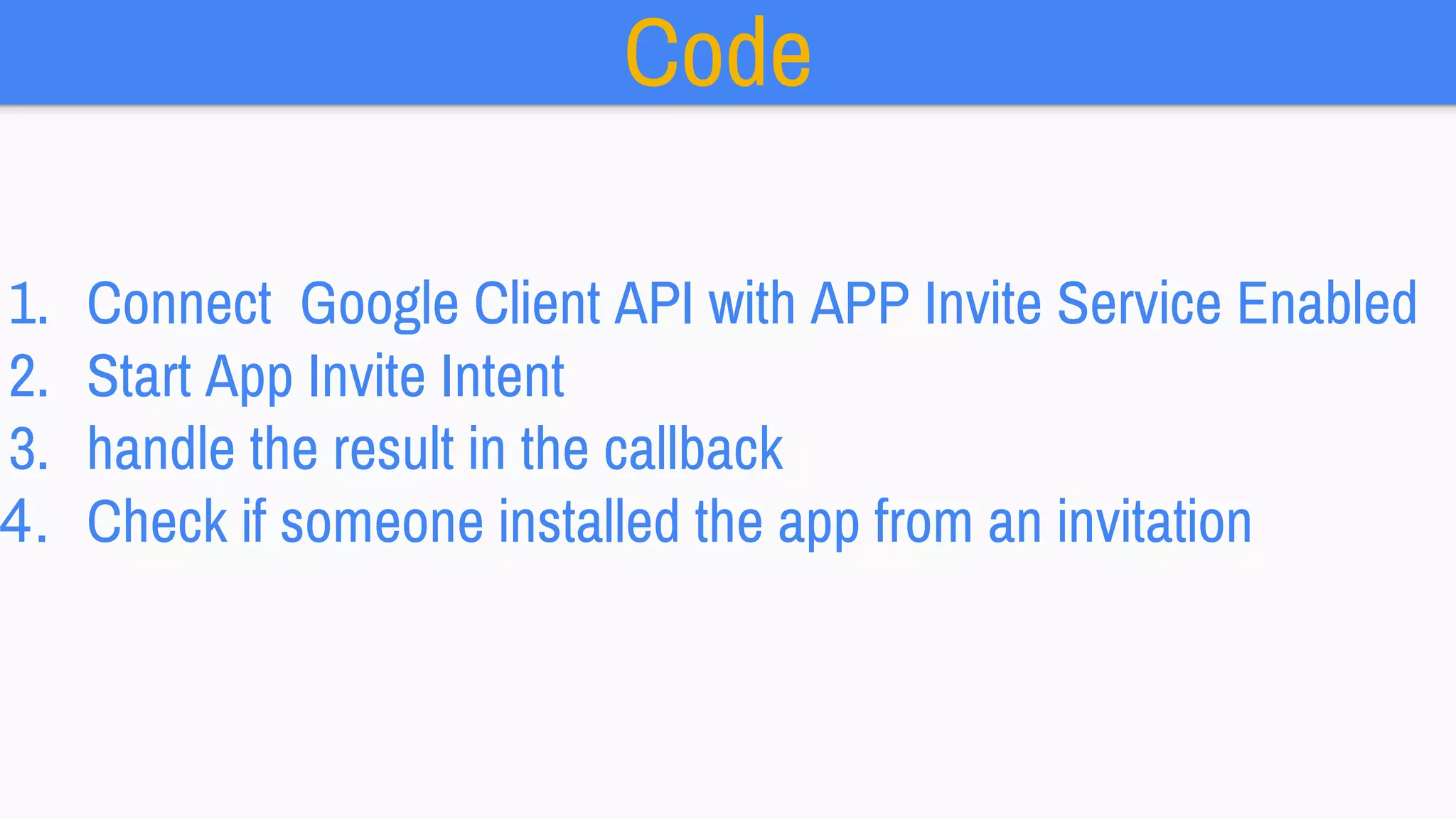
Code
1. Connect Google Client API with APP Invite Service Enabled
2. Start App Invite Intent
3. handle the result in the callback
4. Check if someone installed the app from an invitation
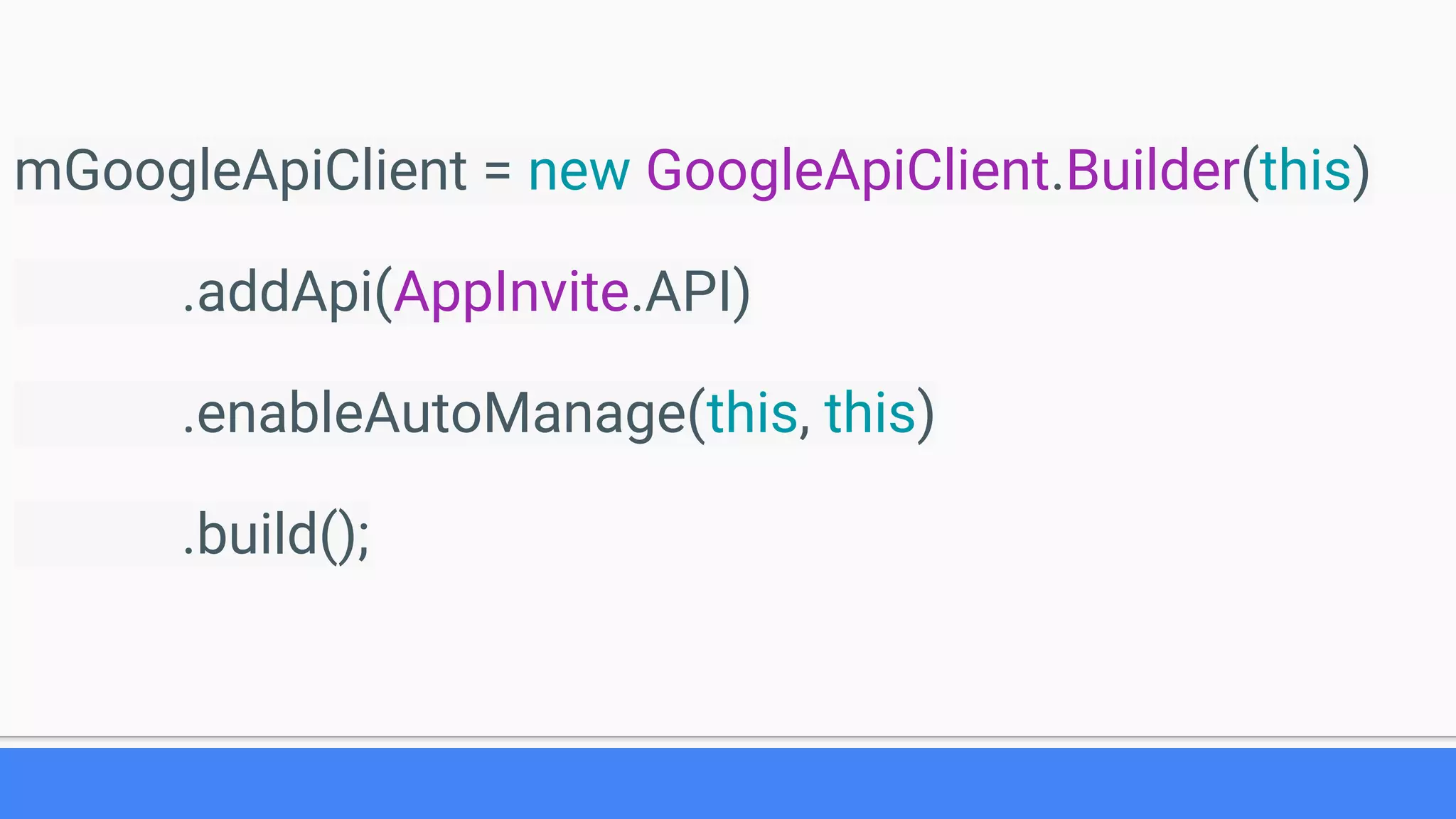
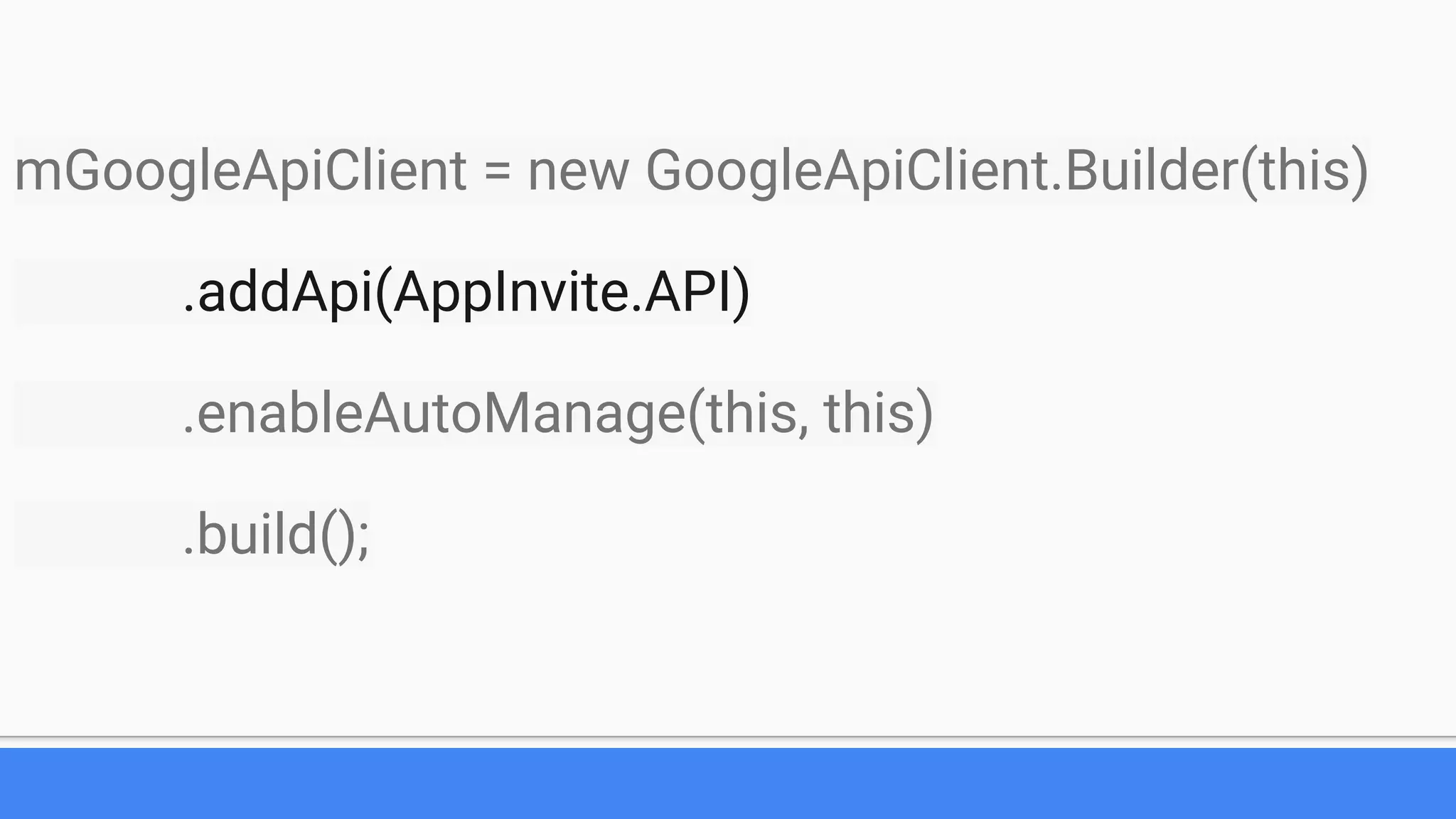
mGoogleApiClient = new GoogleApiClient.Builder(this)
.addApi(AppInvite.API)
.enableAutoManage(this, this)
.build();
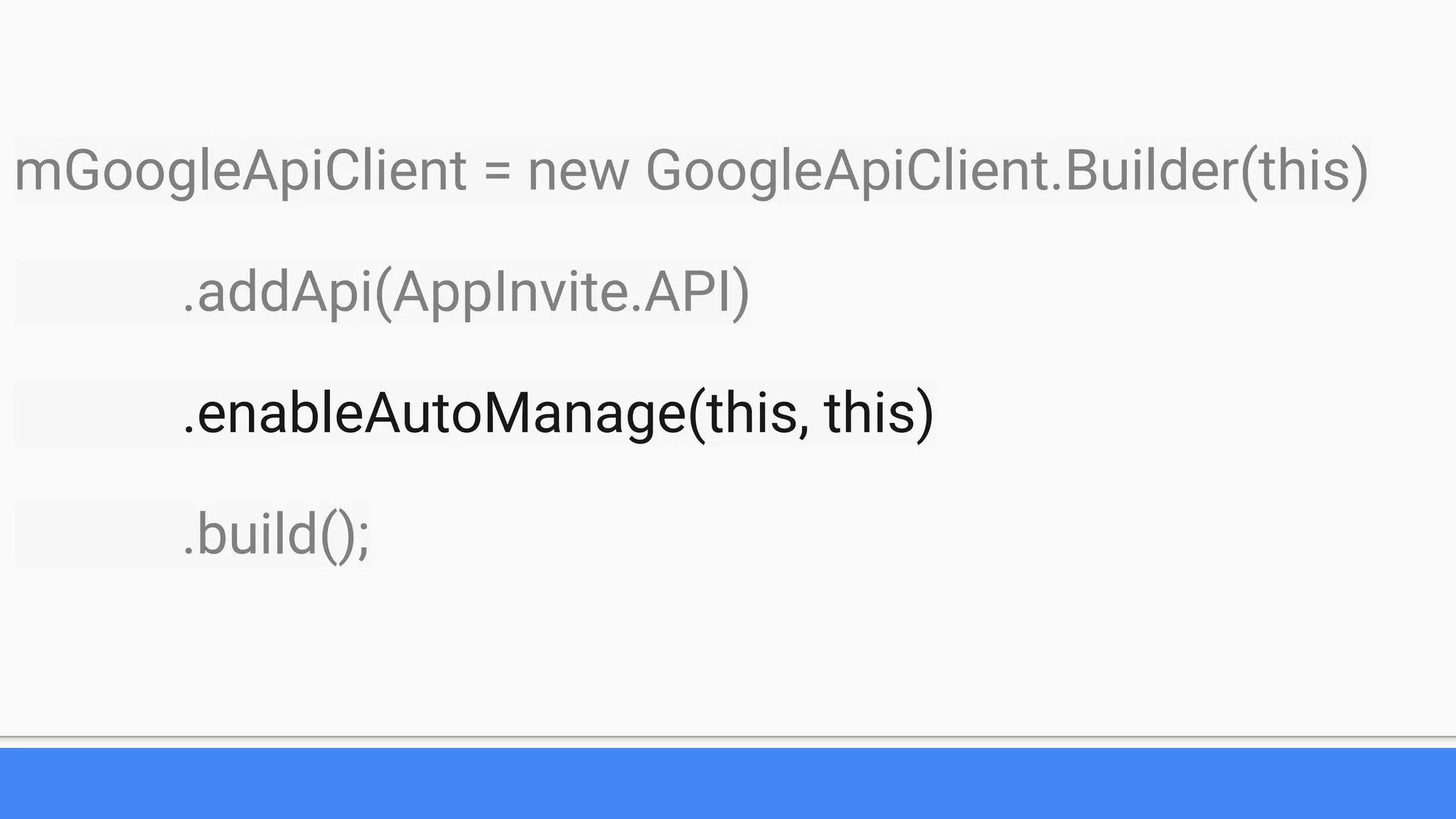
mGoogleApiClient = new GoogleApiClient.Builder(this)
.addApi(AppInvite.API)
.enableAutoManage(this, this)
.build();
mGoogleApiClient = new GoogleApiClient.Builder(this)
.addApi(AppInvite.API)
.enableAutoManage(this, this)
.build();
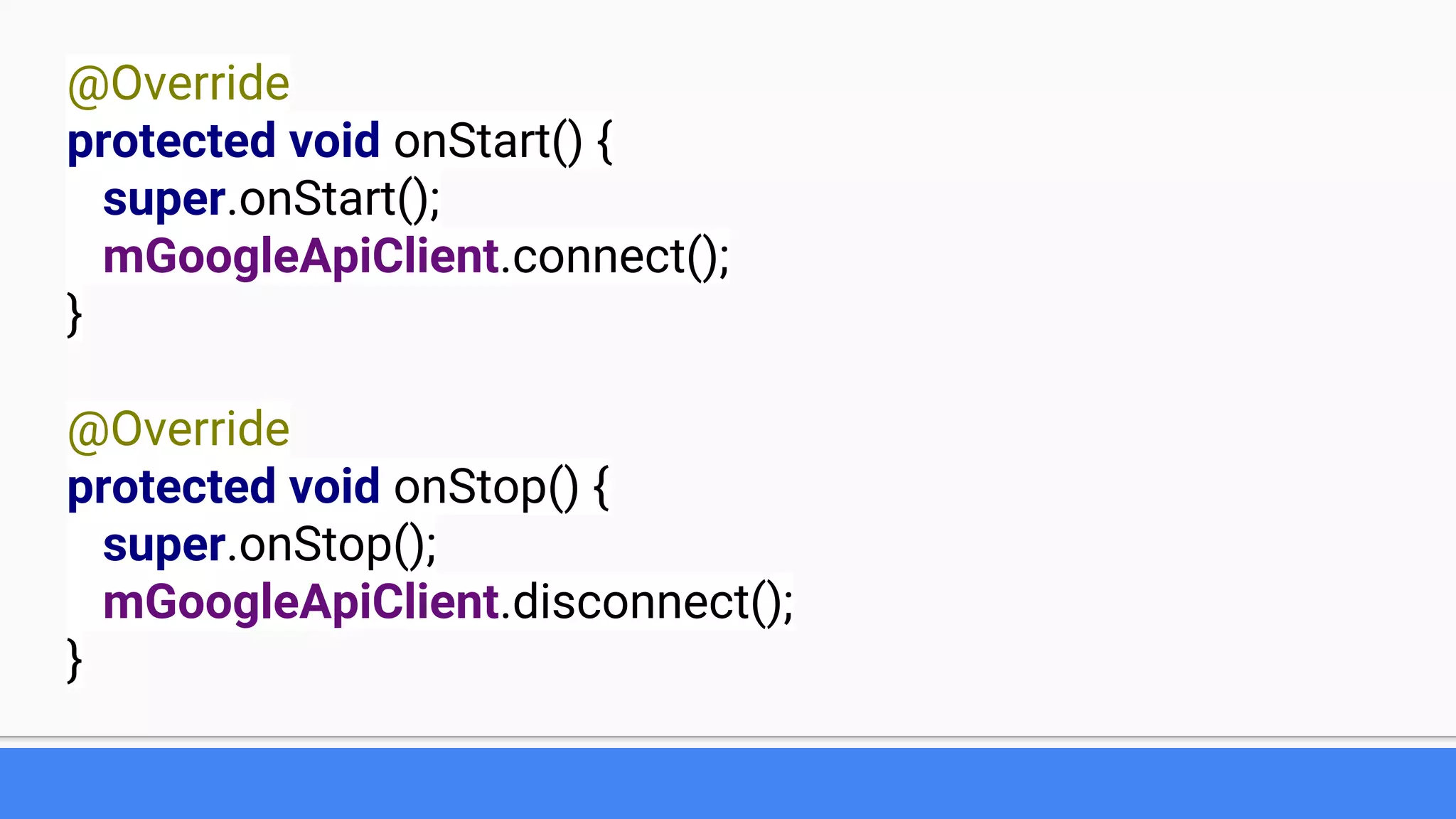
@Override
protected void onStart() {
super.onStart();
mGoogleApiClient.connect();
}
@Override
protected void onStop() {
super.onStop();
mGoogleApiClient.disconnect();
}
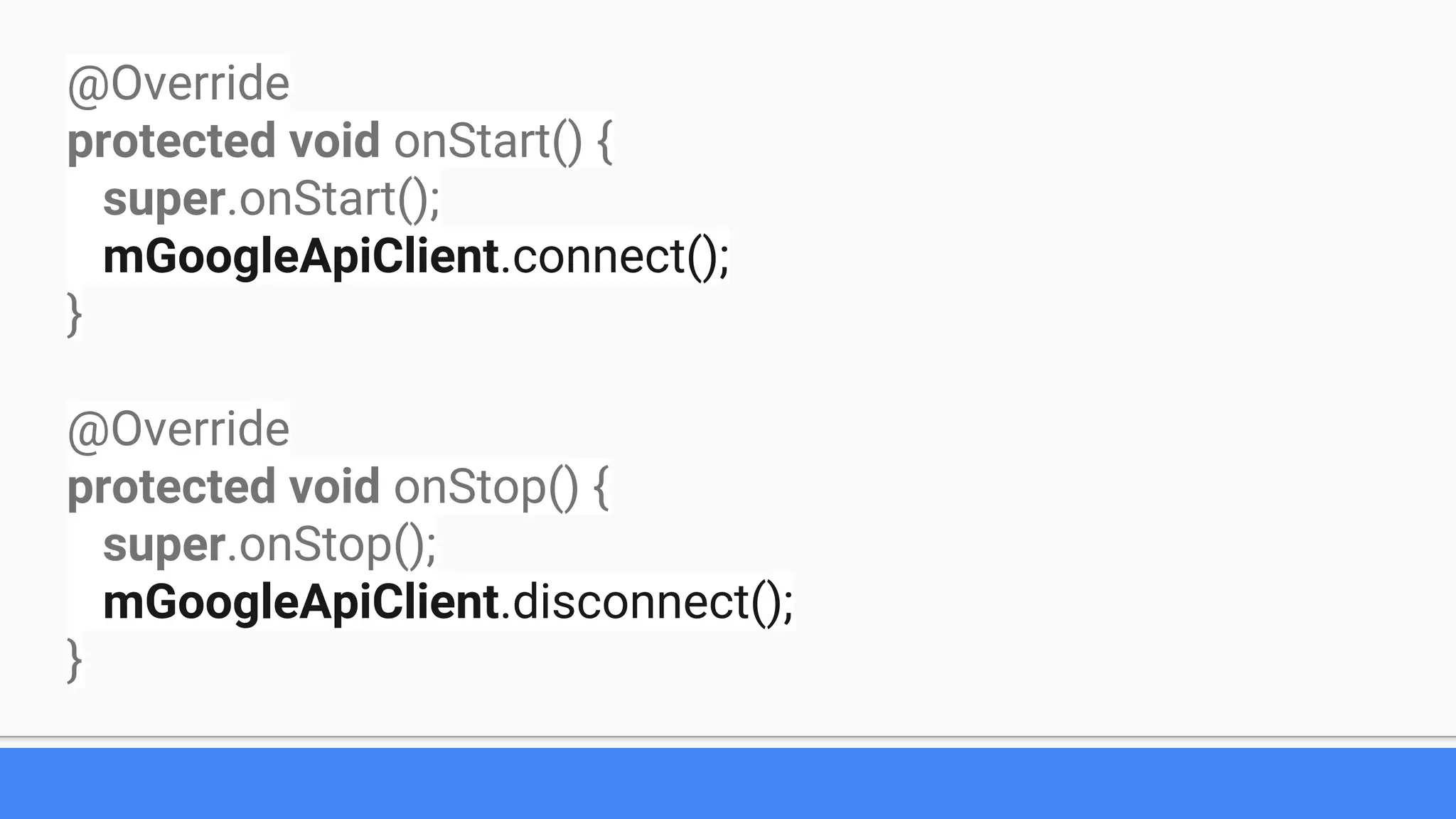
@Override
protected void onStart() {
super.onStart();
mGoogleApiClient.connect();
}
@Override
protected void onStop() {
super.onStop();
mGoogleApiClient.disconnect();
}
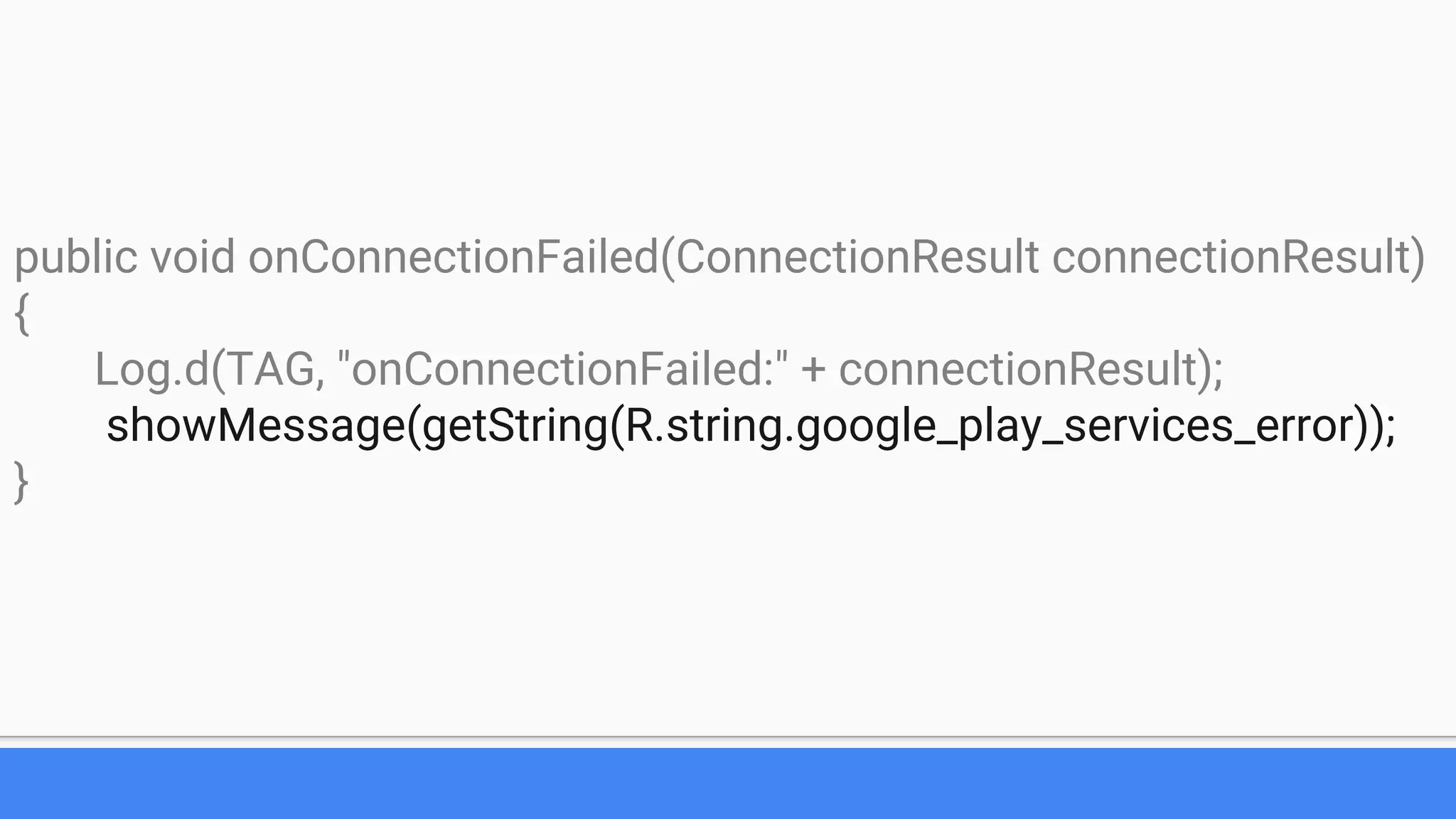
public void onConnectionFailed(ConnectionResult connectionResult)
{
Log.d(TAG, "onConnectionFailed:" + connectionResult);
showMessage(getString(R.string.google_play_services_error));
}
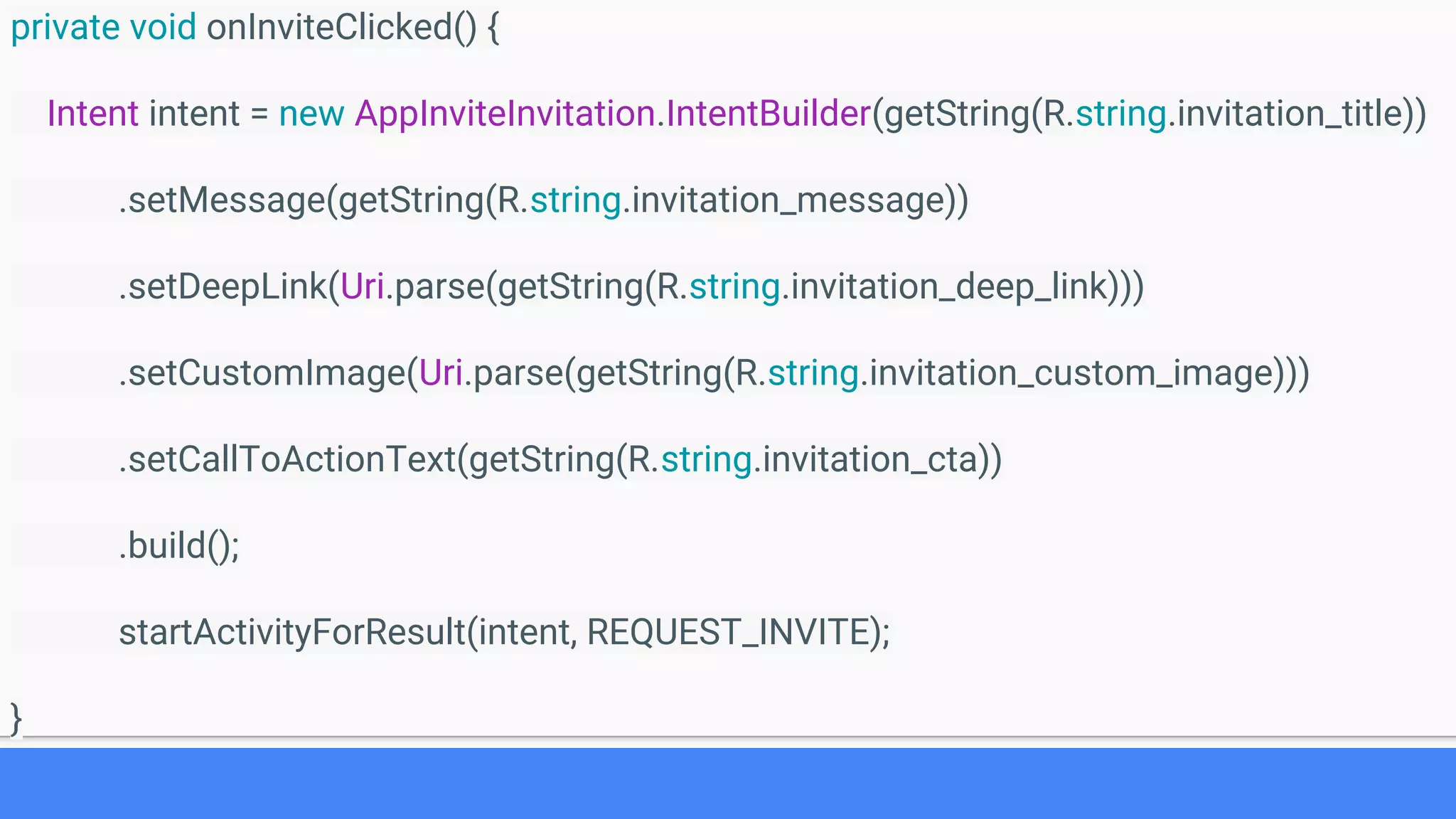
private void onInviteClicked() {
Intent intent = new AppInviteInvitation.IntentBuilder(getString(R.string.invitation_title))
.setMessage(getString(R.string.invitation_message))
.setDeepLink(Uri.parse(getString(R.string.invitation_deep_link)))
.setCustomImage(Uri.parse(getString(R.string.invitation_custom_image)))
.setCallToActionText(getString(R.string.invitation_cta))
.build();
startActivityForResult(intent, REQUEST_INVITE);
}
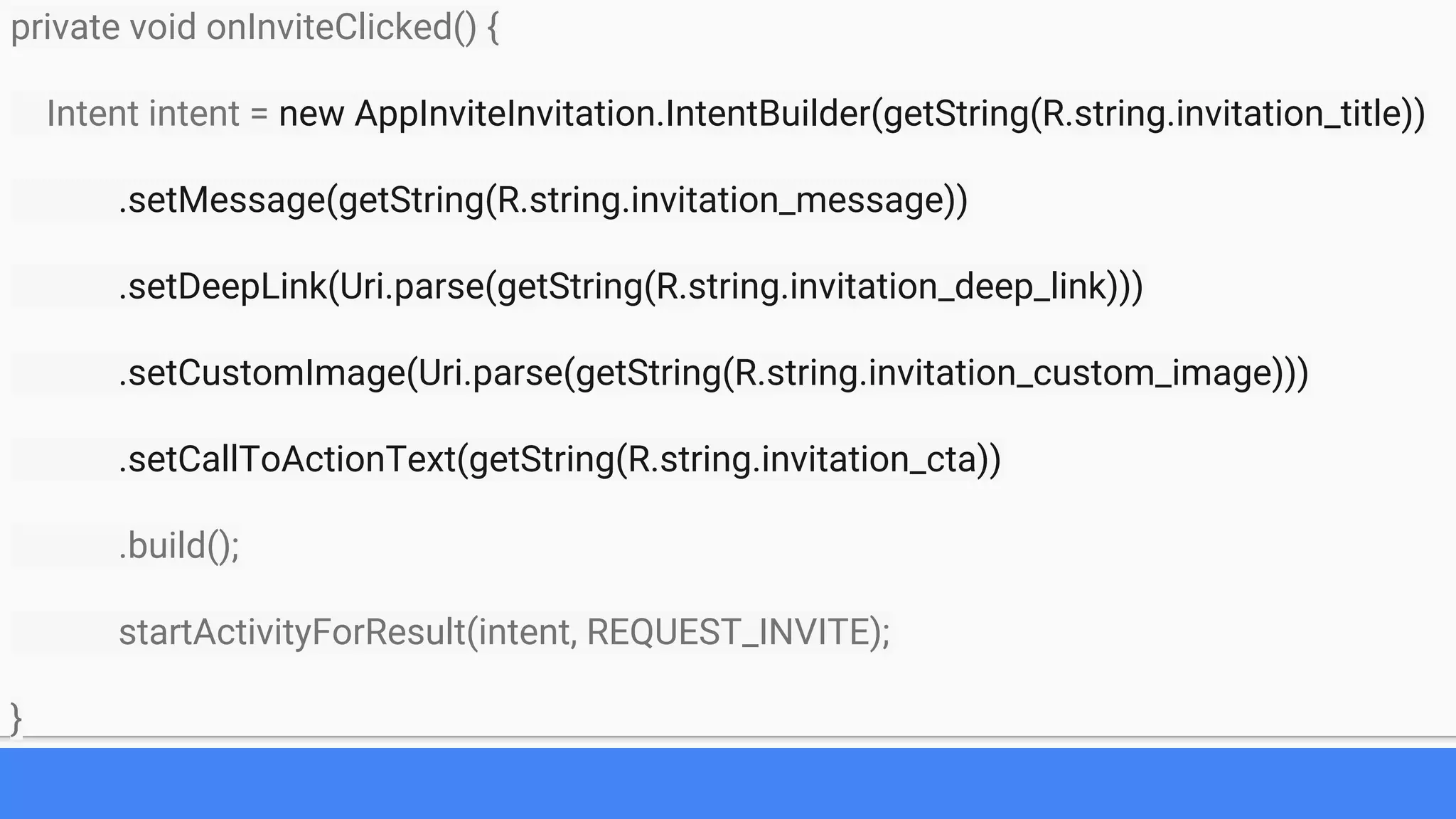
private void onInviteClicked() {
Intent intent = new AppInviteInvitation.IntentBuilder(getString(R.string.invitation_title))
.setMessage(getString(R.string.invitation_message))
.setDeepLink(Uri.parse(getString(R.string.invitation_deep_link)))
.setCustomImage(Uri.parse(getString(R.string.invitation_custom_image)))
.setCallToActionText(getString(R.string.invitation_cta))
.build();
startActivityForResult(intent, REQUEST_INVITE);
}
protected void onActivityResult(int requestCode, int resultCode, Intent data) {
super.onActivityResult(requestCode, resultCode, data);
Log.d(TAG, "onActivityResult: requestCode=" + requestCode + ", resultCode=" + resultCode);
if (requestCode == REQUEST_INVITE) {
if (resultCode == RESULT_OK) {
String[] ids = AppInviteInvitation.getInvitationIds(resultCode, data);
Log.d(TAG, getString(R.string.sent_invitations_fmt, ids.length));
} else {
showMessage(getString(R.string.send_failed));
}
}
}
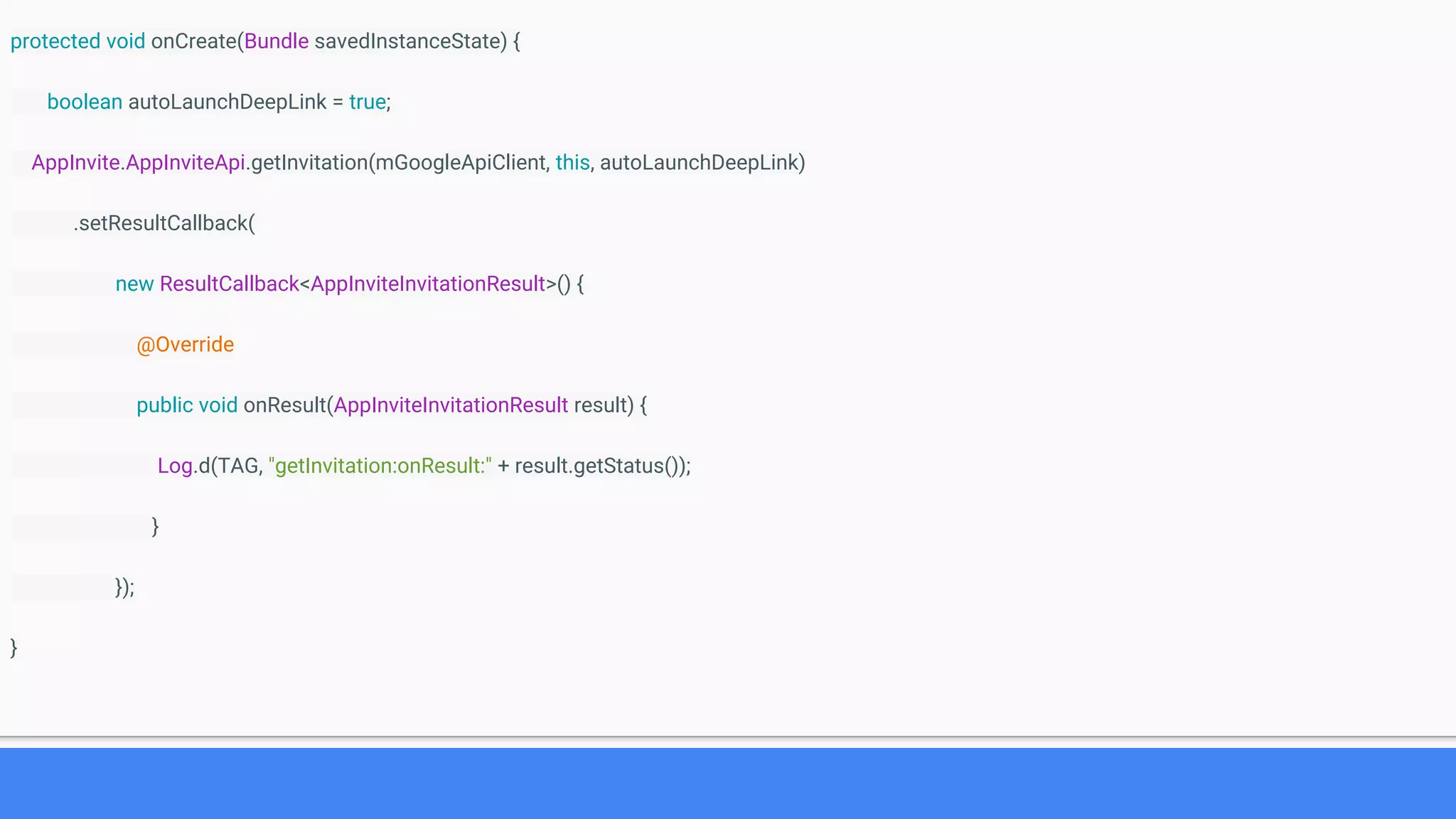
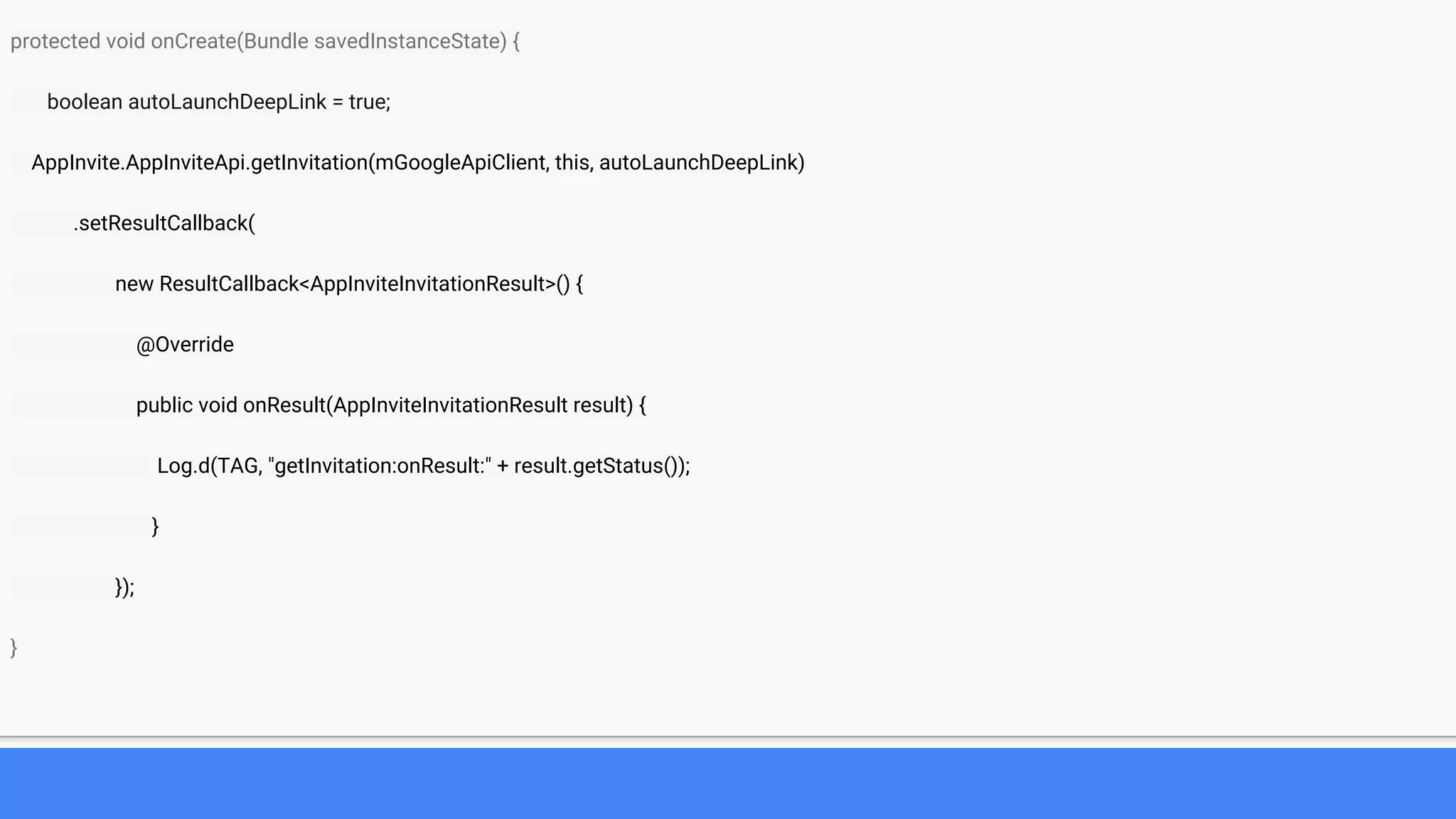
protected void onCreate(Bundle savedInstanceState) {
boolean autoLaunchDeepLink = true;
AppInvite.AppInviteApi.getInvitation(mGoogleApiClient, this, autoLaunchDeepLink)
.setResultCallback(
new ResultCallback<AppInviteInvitationResult>() {
@Override
public void onResult(AppInviteInvitationResult result) {
Log.d(TAG, "getInvitation:onResult:" + result.getStatus());
}
});
}
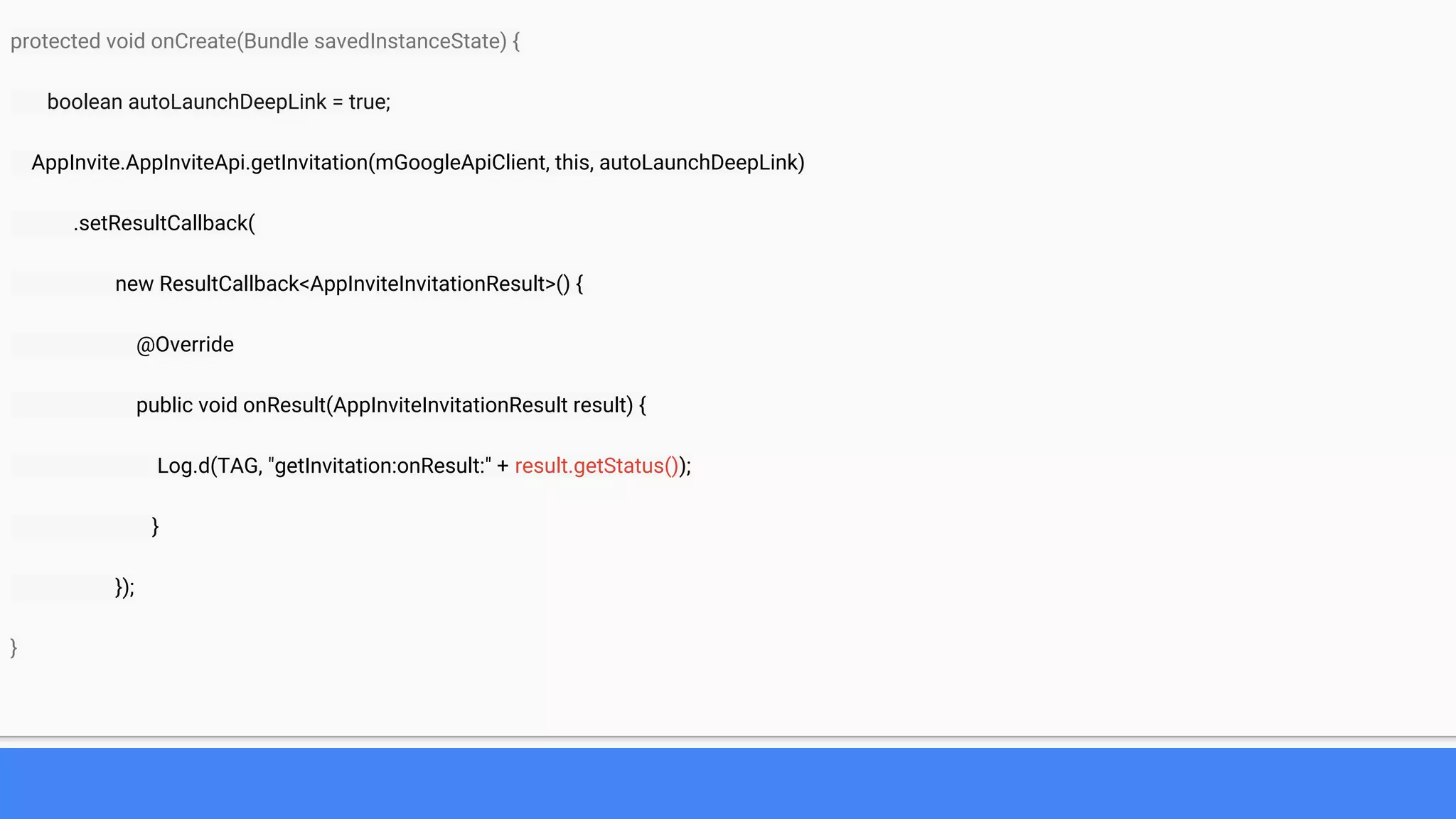
protected void onCreate(Bundle savedInstanceState) {
boolean autoLaunchDeepLink = true;
AppInvite.AppInviteApi.getInvitation(mGoogleApiClient, this, autoLaunchDeepLink)
.setResultCallback(
new ResultCallback<AppInviteInvitationResult>() {
@Override
public void onResult(AppInviteInvitationResult result) {
Log.d(TAG, "getInvitation:onResult:" + result.getStatus());
}
});
}
protected void onCreate(Bundle savedInstanceState) {
boolean autoLaunchDeepLink = true;
AppInvite.AppInviteApi.getInvitation(mGoogleApiClient, this, autoLaunchDeepLink)
.setResultCallback(
new ResultCallback<AppInviteInvitationResult>() {
@Override
public void onResult(AppInviteInvitationResult result) {
Log.d(TAG, "getInvitation:onResult:" + result.getStatus());
}
});
}
Recap
Numbers matters
Let's measure it
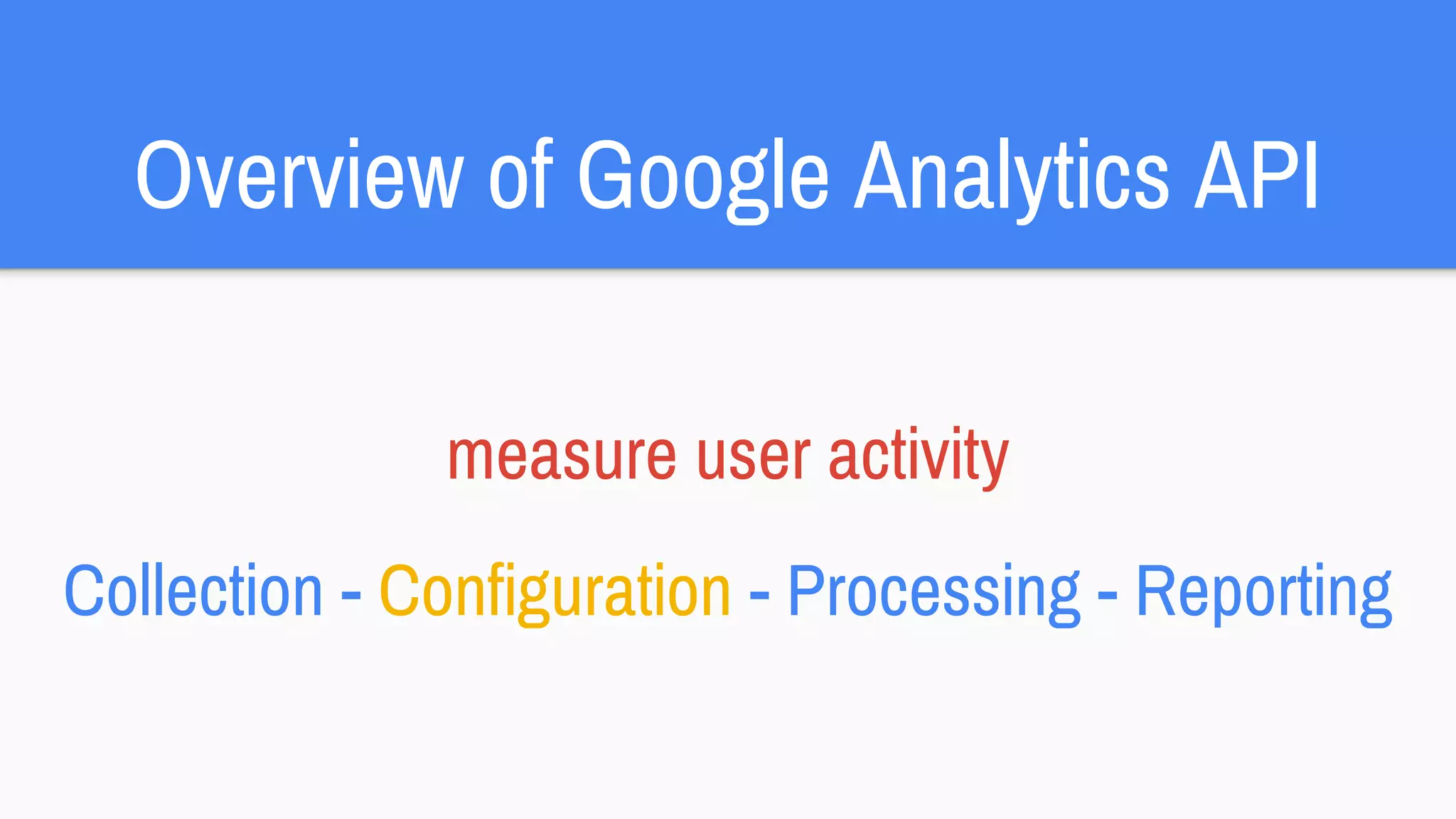
Overview of Google Analytics API
measure user activity
Collection - Configuration - Processing - Reporting
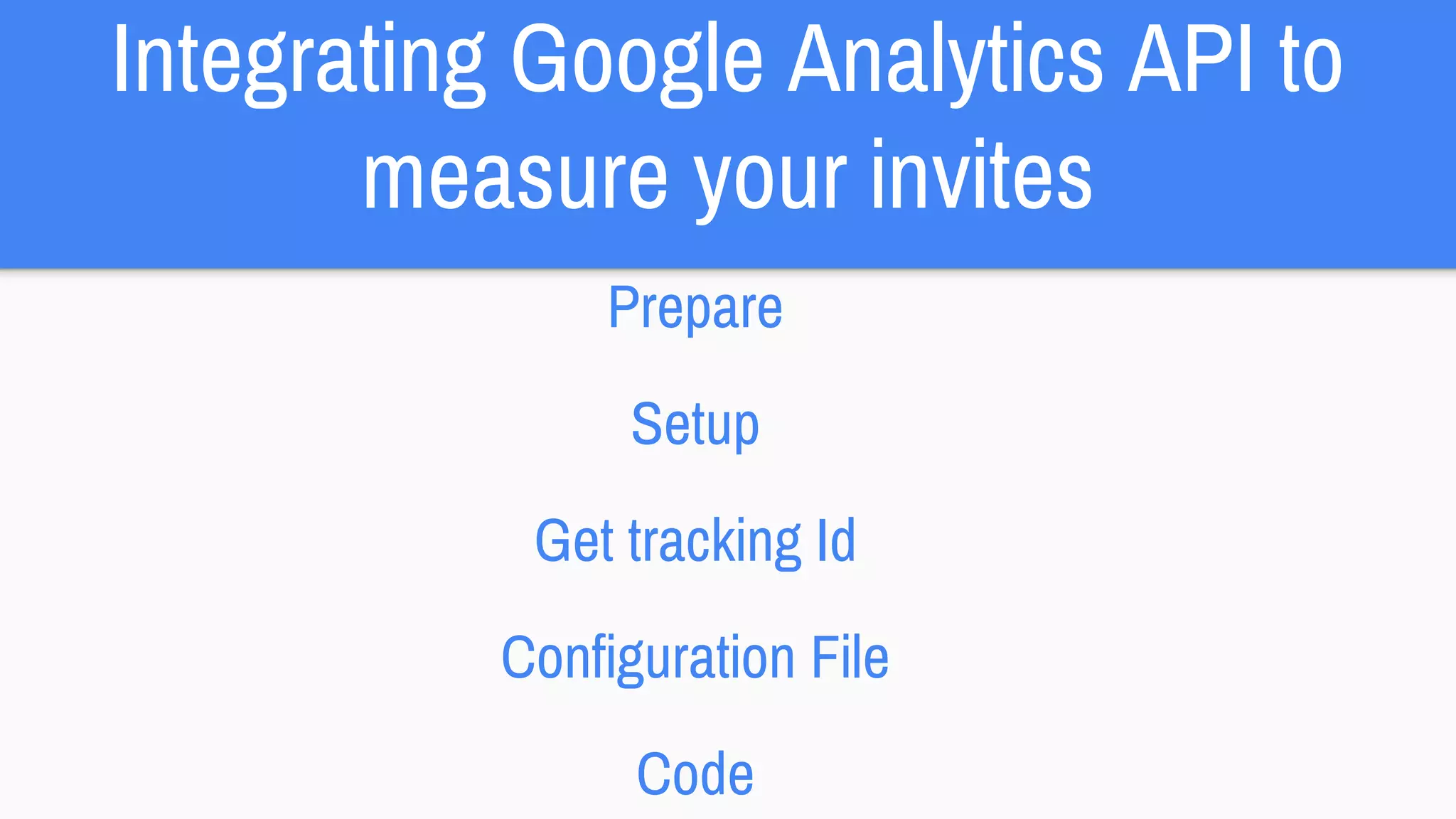
Integrating Google Analytics API to
measure your invites
Prepare
Setup
Get tracking Id
Configuration File
Code
Prepare
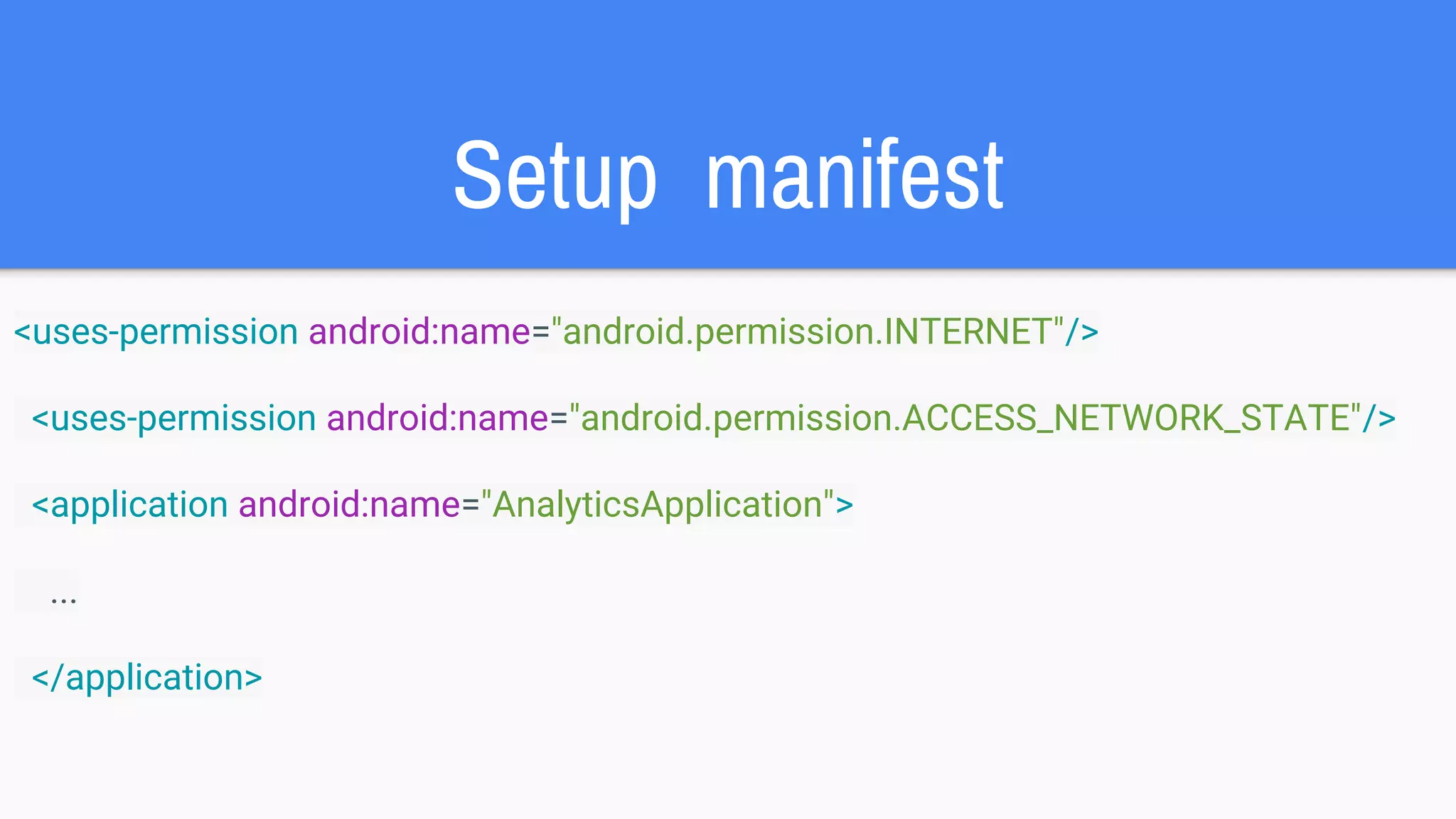
Setup manifest
<uses-permission android:name="android.permission.INTERNET"/>
<uses-permission android:name="android.permission.ACCESS_NETWORK_STATE"/>
<application android:name="AnalyticsApplication">
...
</application>
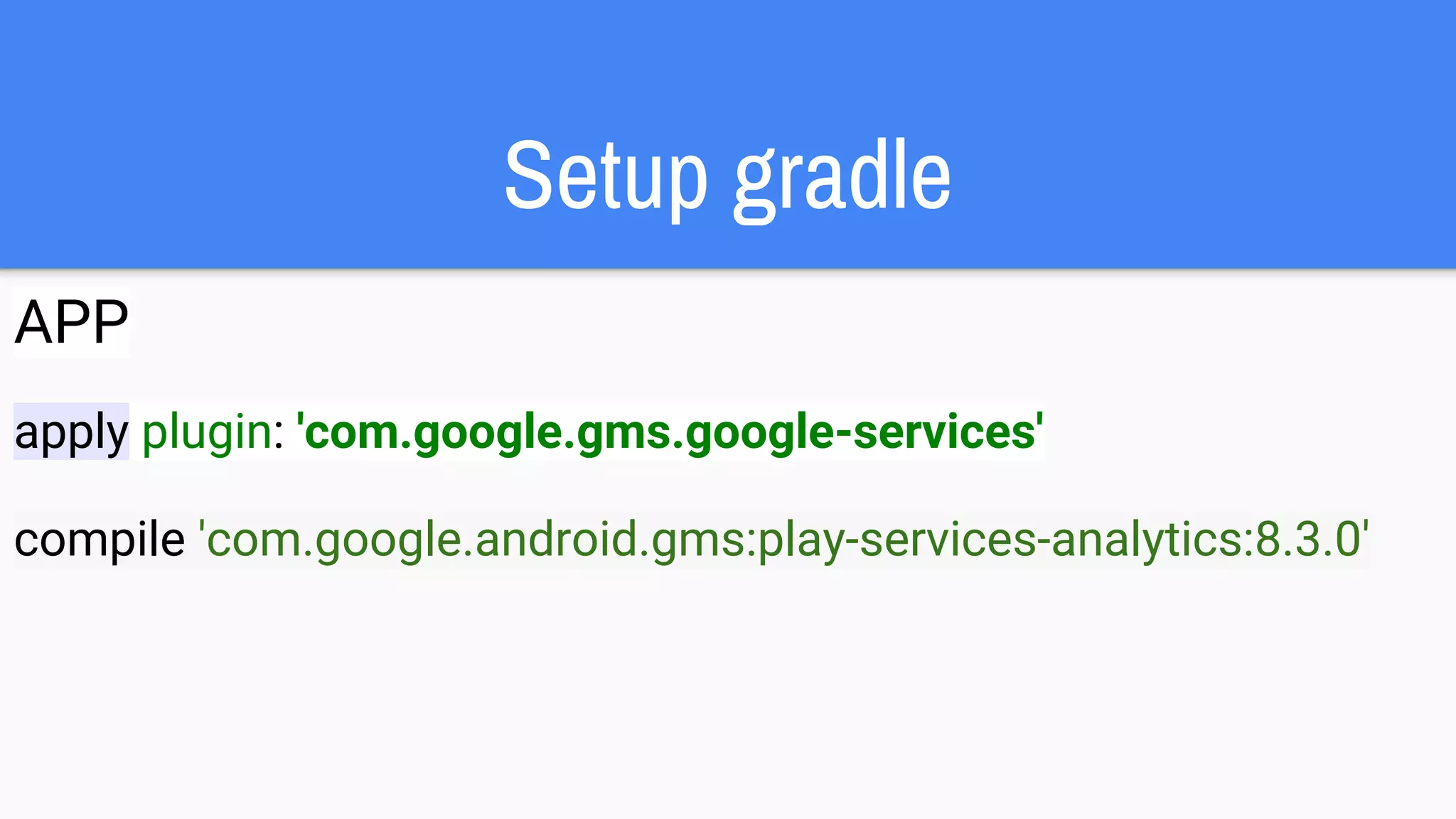
Setup gradle
APP
apply plugin: 'com.google.gms.google-services'
compile 'com.google.android.gms:play-services-analytics:8.3.0'
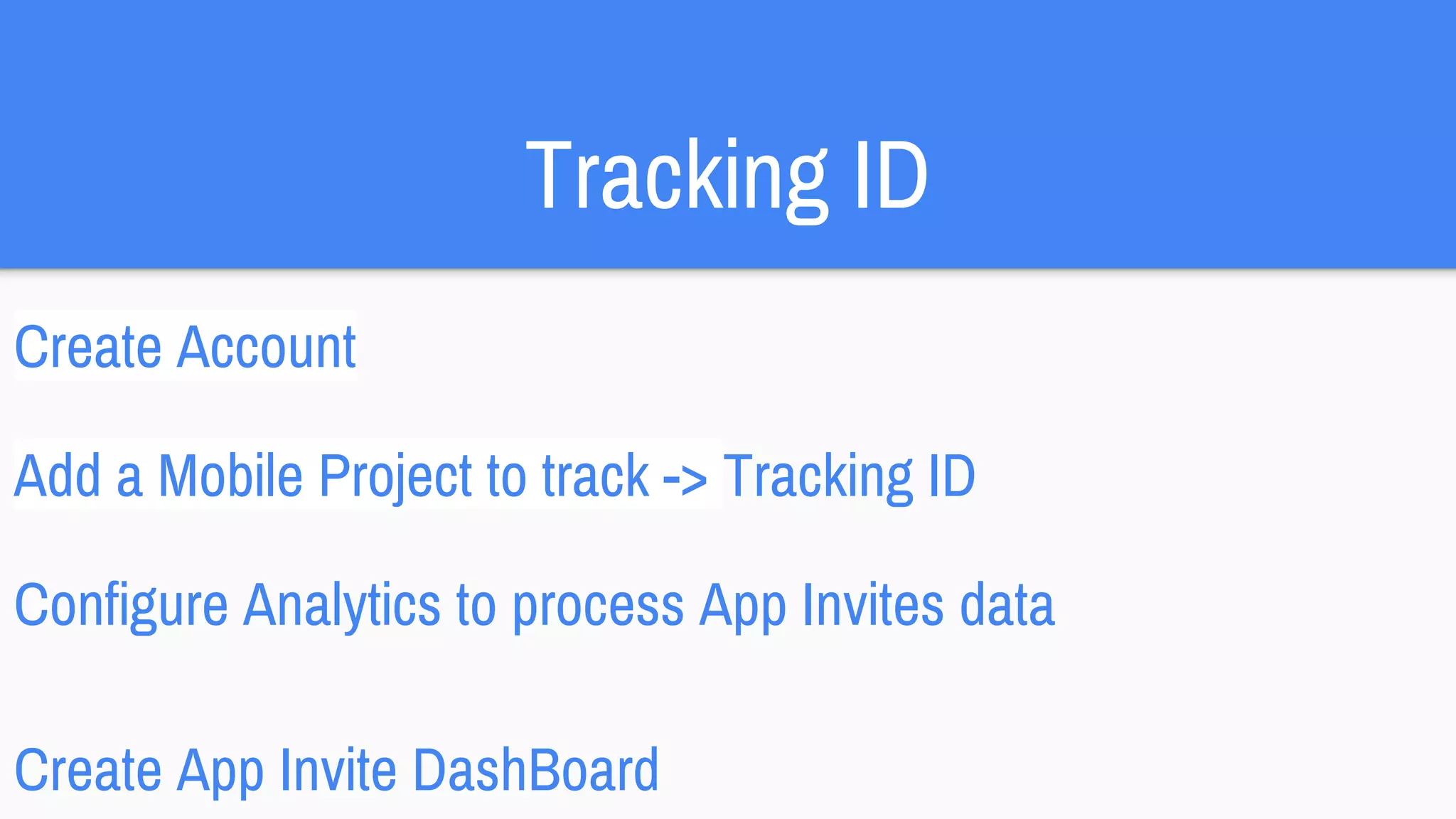
Tracking ID
Create Account
Add a Mobile Project to track -> Tracking ID
Configure Analytics to process App Invites data
Create App Invite DashBoard
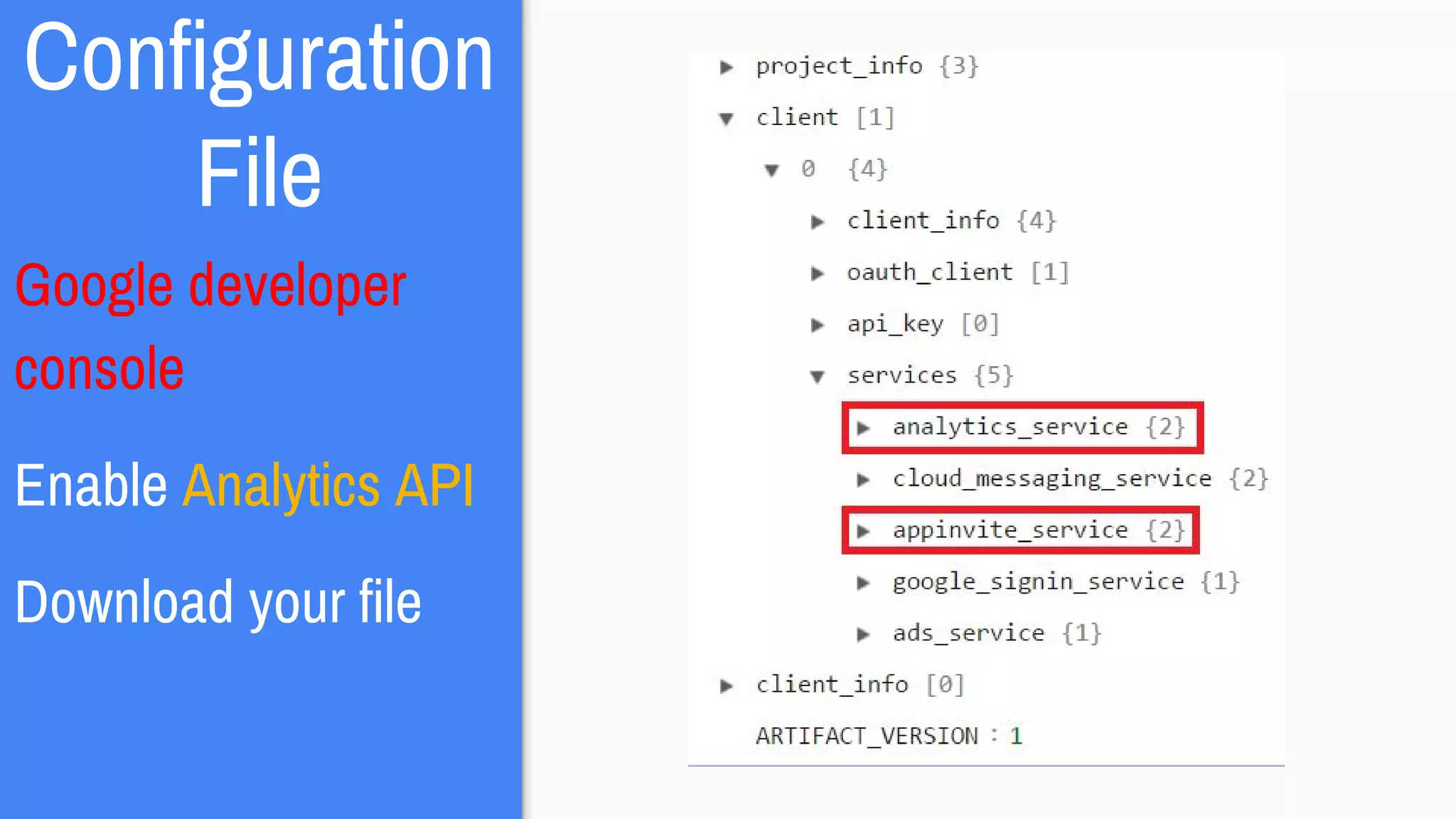
Configuration
File
Google developer
console
Enable Analytics API
Download your file
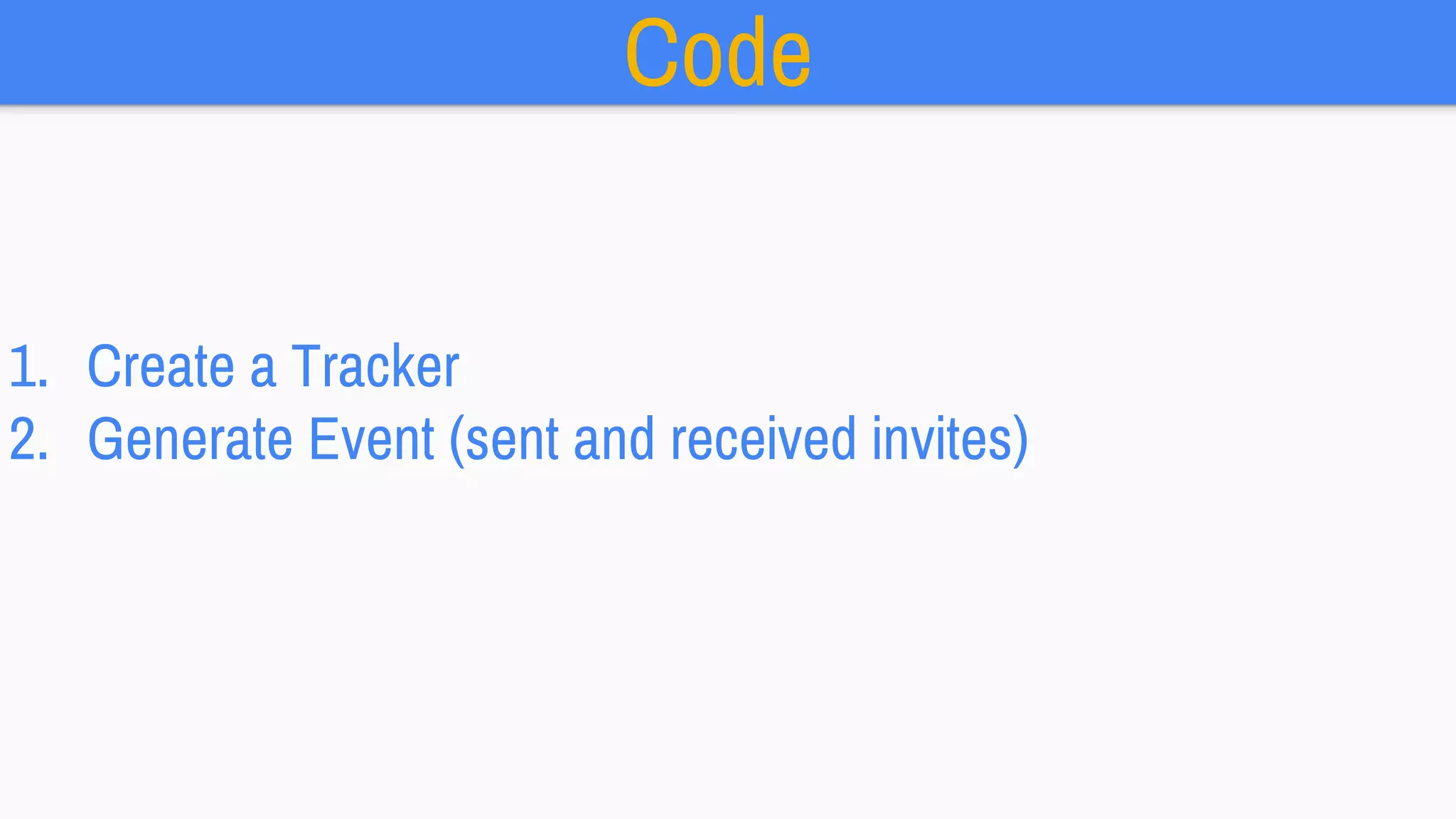
Code
1. Create a Tracker
2. Generate Event (sent and received invites)
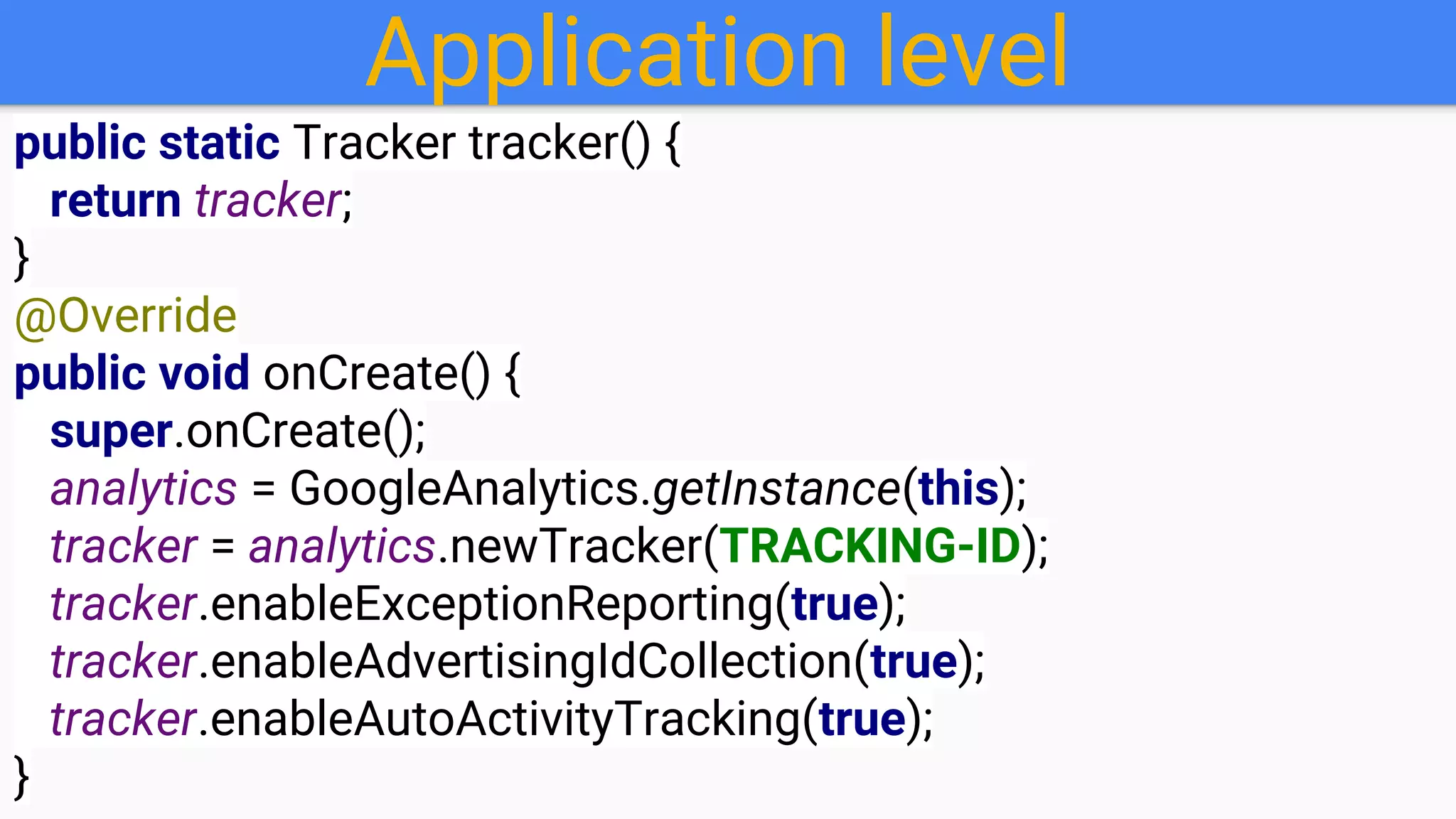
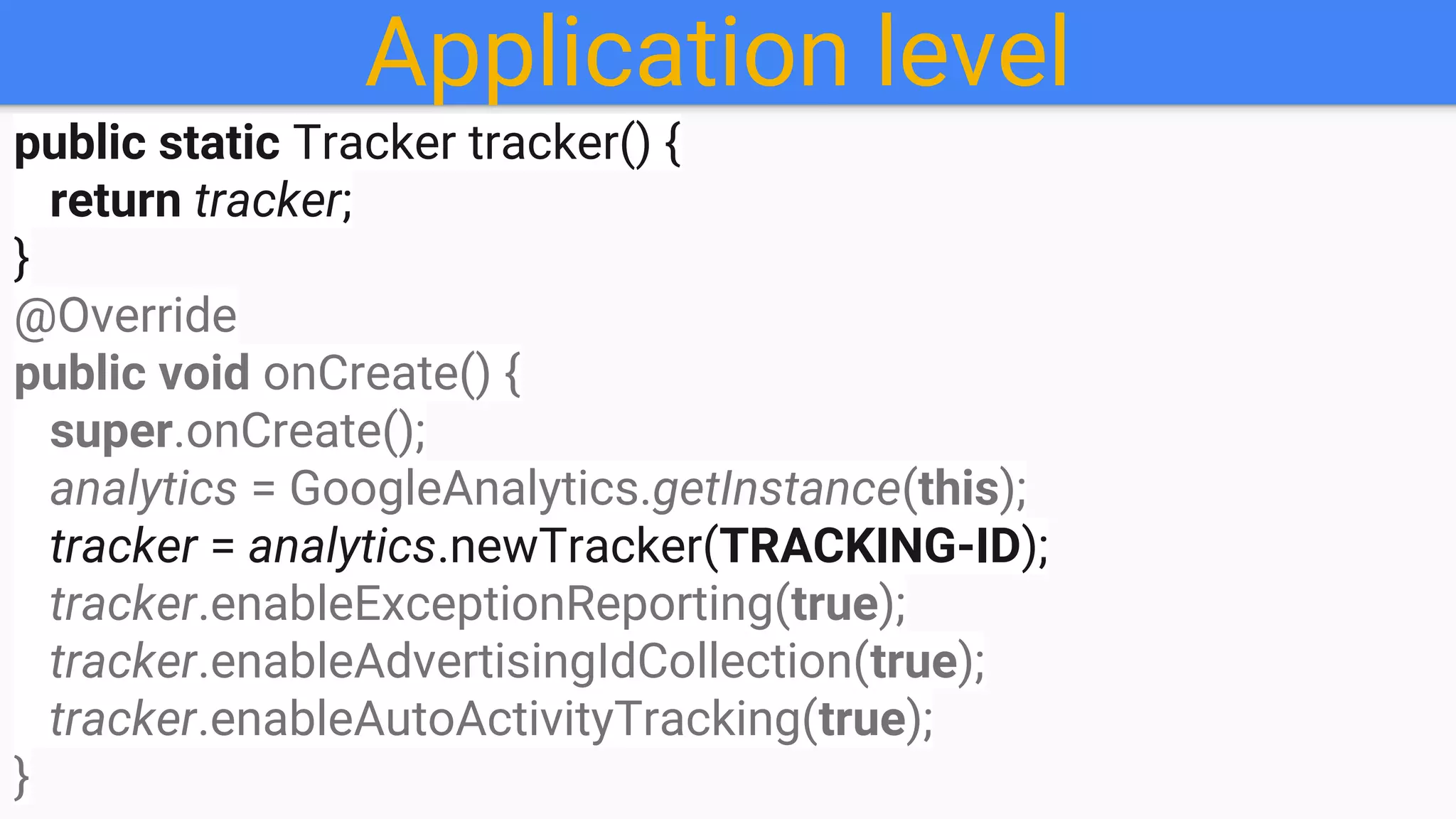
Application level
public static Tracker tracker() {
return tracker;
}
@Override
public void onCreate() {
super.onCreate();
analytics = GoogleAnalytics.getInstance(this);
tracker = analytics.newTracker(TRACKING-ID);
tracker.enableExceptionReporting(true);
tracker.enableAdvertisingIdCollection(true);
tracker.enableAutoActivityTracking(true);
}
Application level
public static Tracker tracker() {
return tracker;
}
@Override
public void onCreate() {
super.onCreate();
analytics = GoogleAnalytics.getInstance(this);
tracker = analytics.newTracker(TRACKING-ID);
tracker.enableExceptionReporting(true);
tracker.enableAdvertisingIdCollection(true);
tracker.enableAutoActivityTracking(true);
}
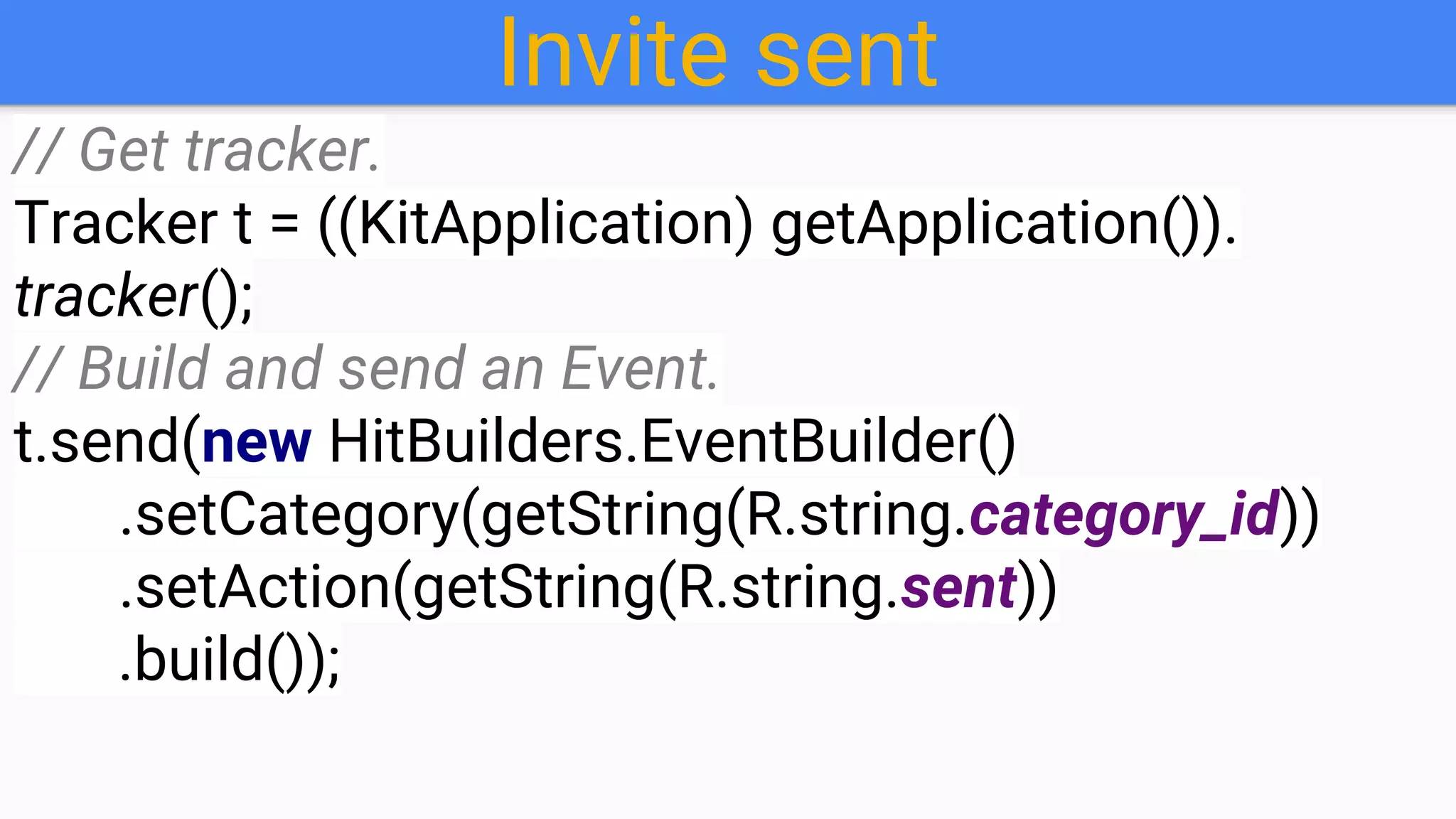
Invite sent
// Get tracker.
Tracker t = ((KitApplication) getApplication()).
tracker();
// Build and send an Event.
t.send(new HitBuilders.EventBuilder()
.setCategory(getString(R.string.category_id))
.setAction(getString(R.string.sent))
.build());
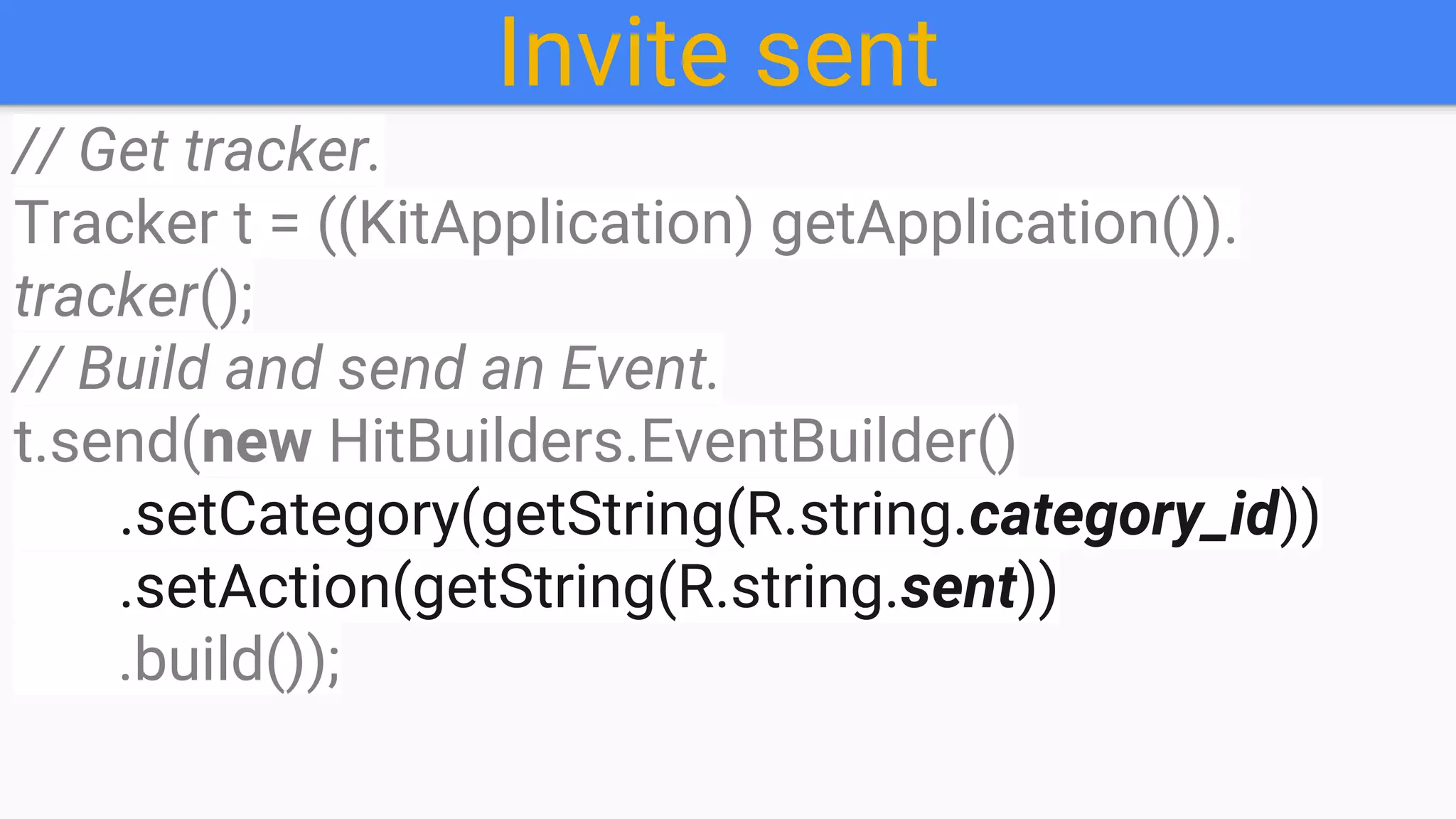
Invite sent
// Get tracker.
Tracker t = ((KitApplication) getApplication()).
tracker();
// Build and send an Event.
t.send(new HitBuilders.EventBuilder()
.setCategory(getString(R.string.category_id))
.setAction(getString(R.string.sent))
.build());
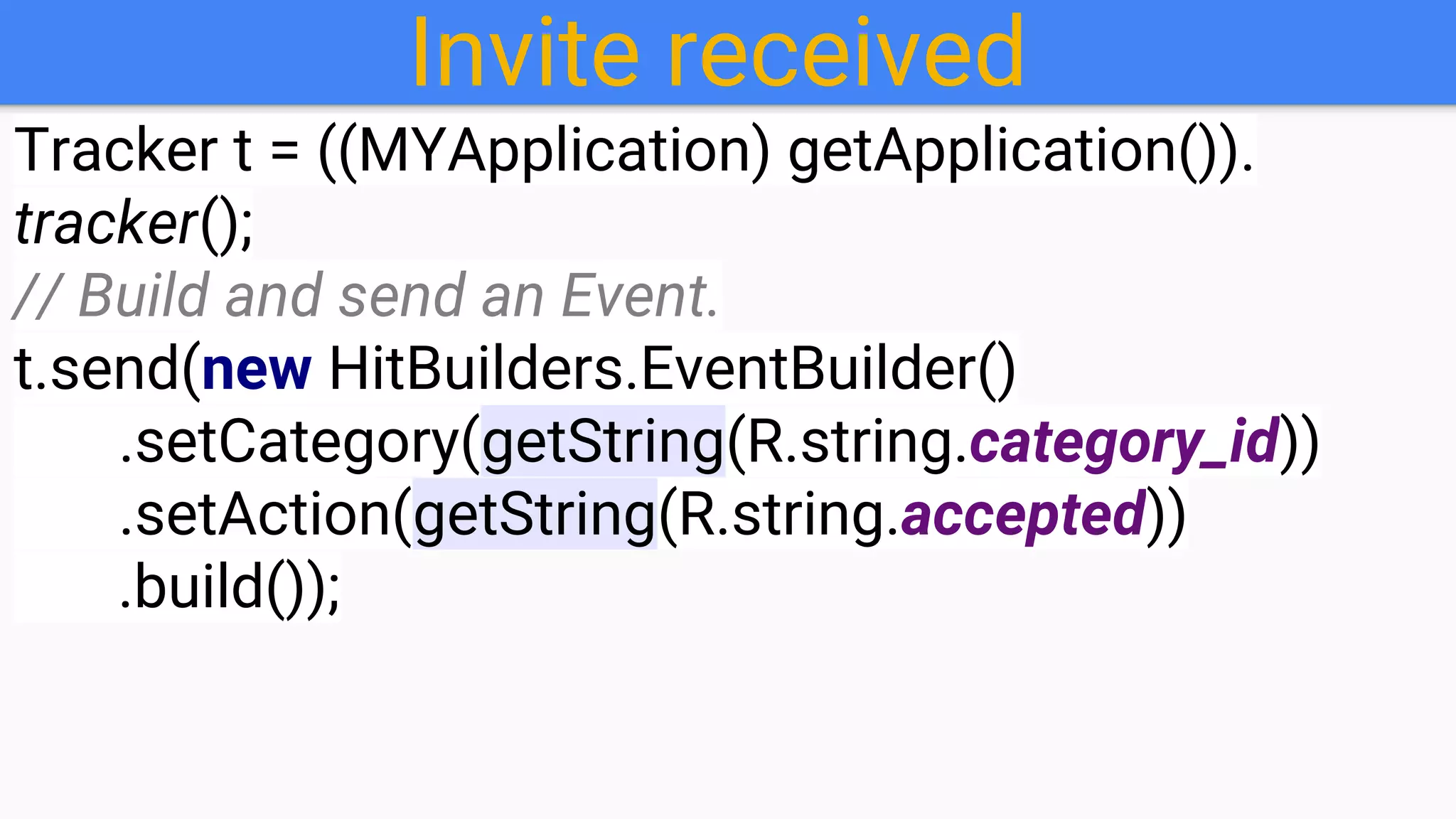
Invite received
Tracker t = ((MYApplication) getApplication()).
tracker();
// Build and send an Event.
t.send(new HitBuilders.EventBuilder()
.setCategory(getString(R.string.category_id))
.setAction(getString(R.string.accepted))
.build());
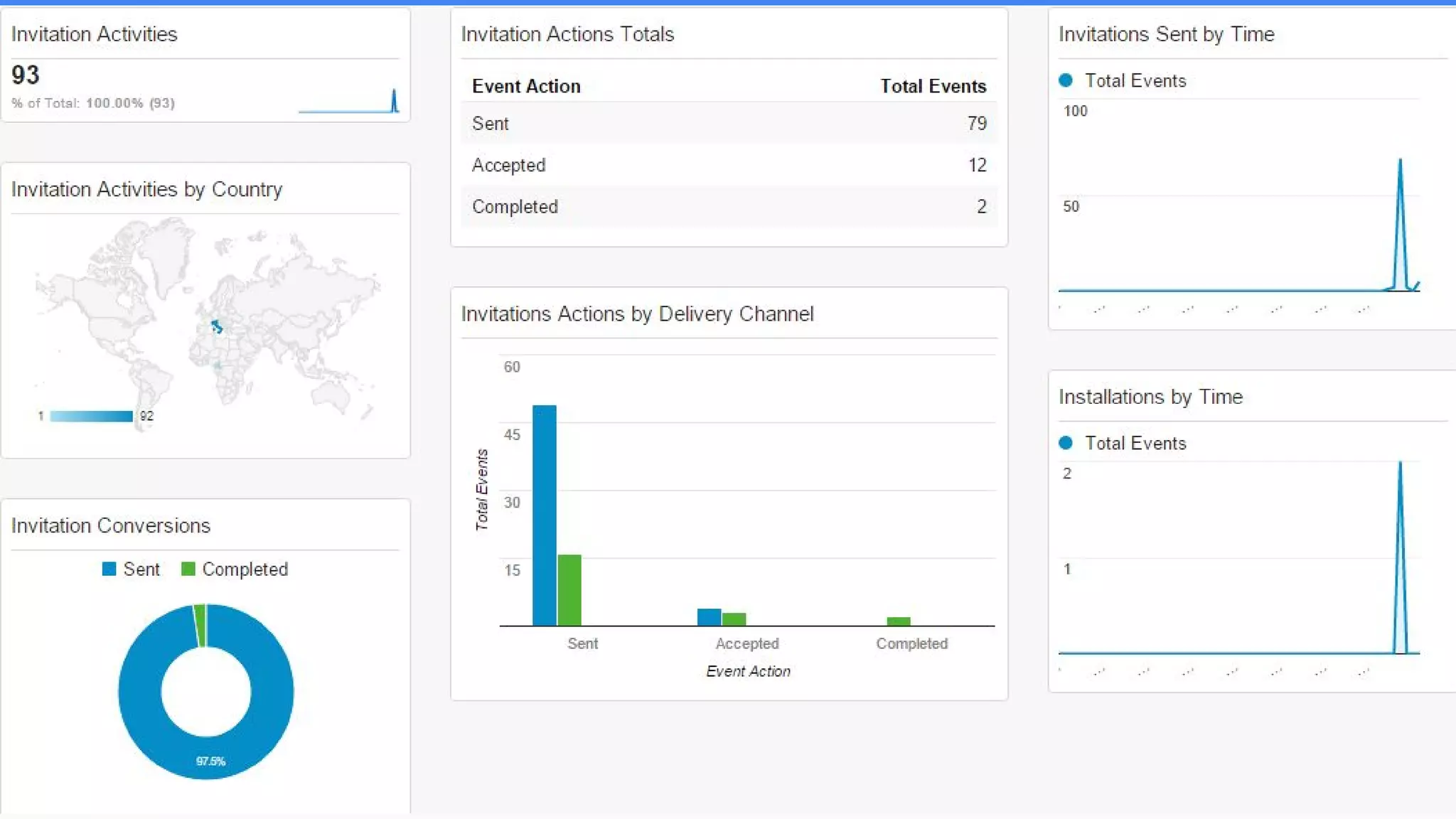
Let's see some numbers
Recap
Show time
(Live test)
Video
https://goo.gl/Gk0iMY
@ewilly1
mbouendaw@yahoo.fr
Code:goo.gl/POESae
Slides:goo.gl/PBkzVm
Thanks for your attention!
Q & A

Let's your users share your App with Friends: App Invites for Android