Software Analysis using Natural Language
Queries
Let Your Questions
Guide Your Analysis
Pooja Ran
i

Ph.D Studen
t

Software Composition Grou
p

University of Bern, Switzerland
2
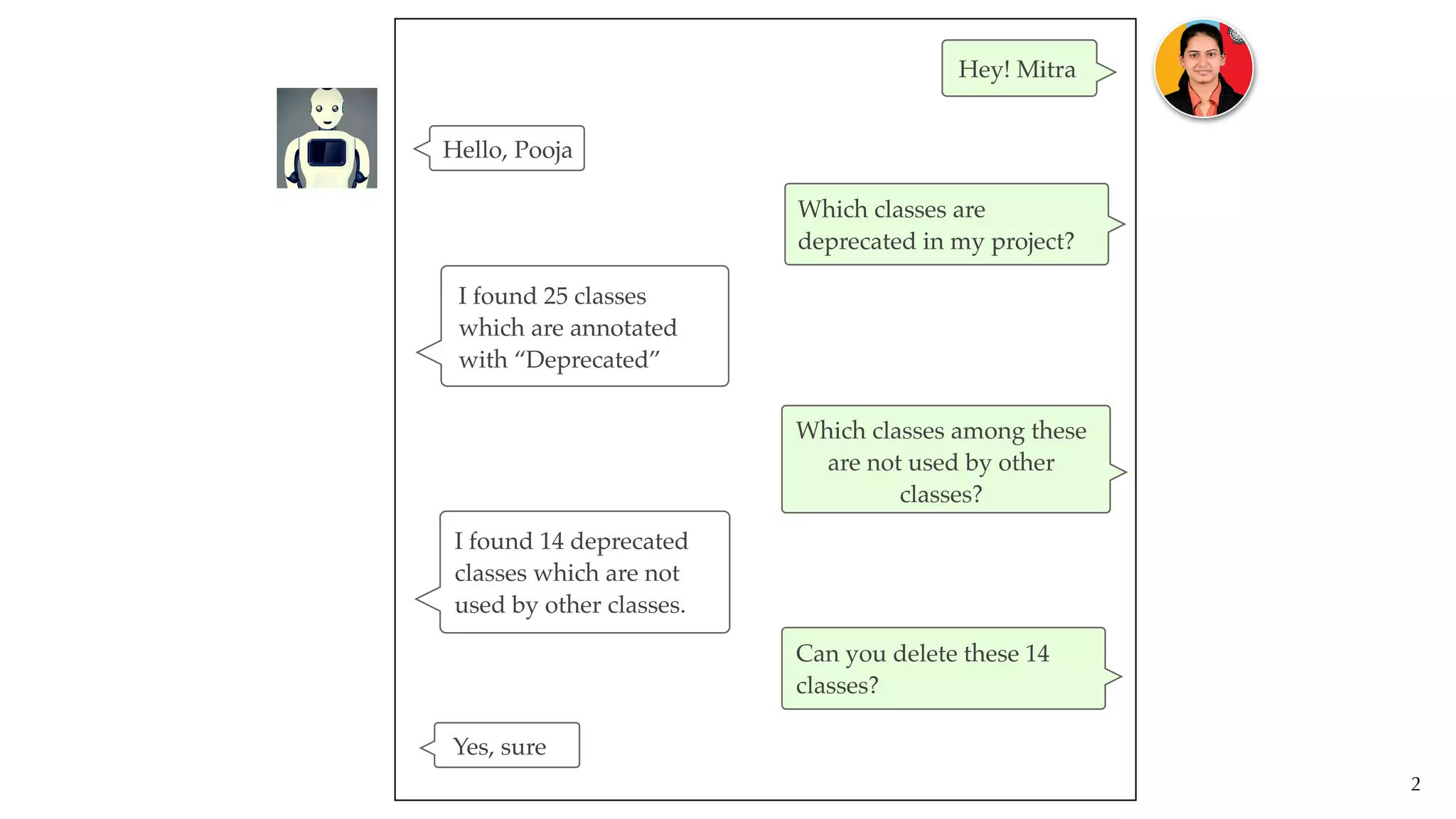
Hey! Mitra
Which classes ar
e

deprecated in my project?
Which classes among these
are not used by other
classes?
Can you delete these 14
classes?
Hello, Pooja
I found 25 classes
 

which are annotated
with “Deprecated”
I found 14 deprecated
classes which are not
used by other classes.
Yes, sure
3
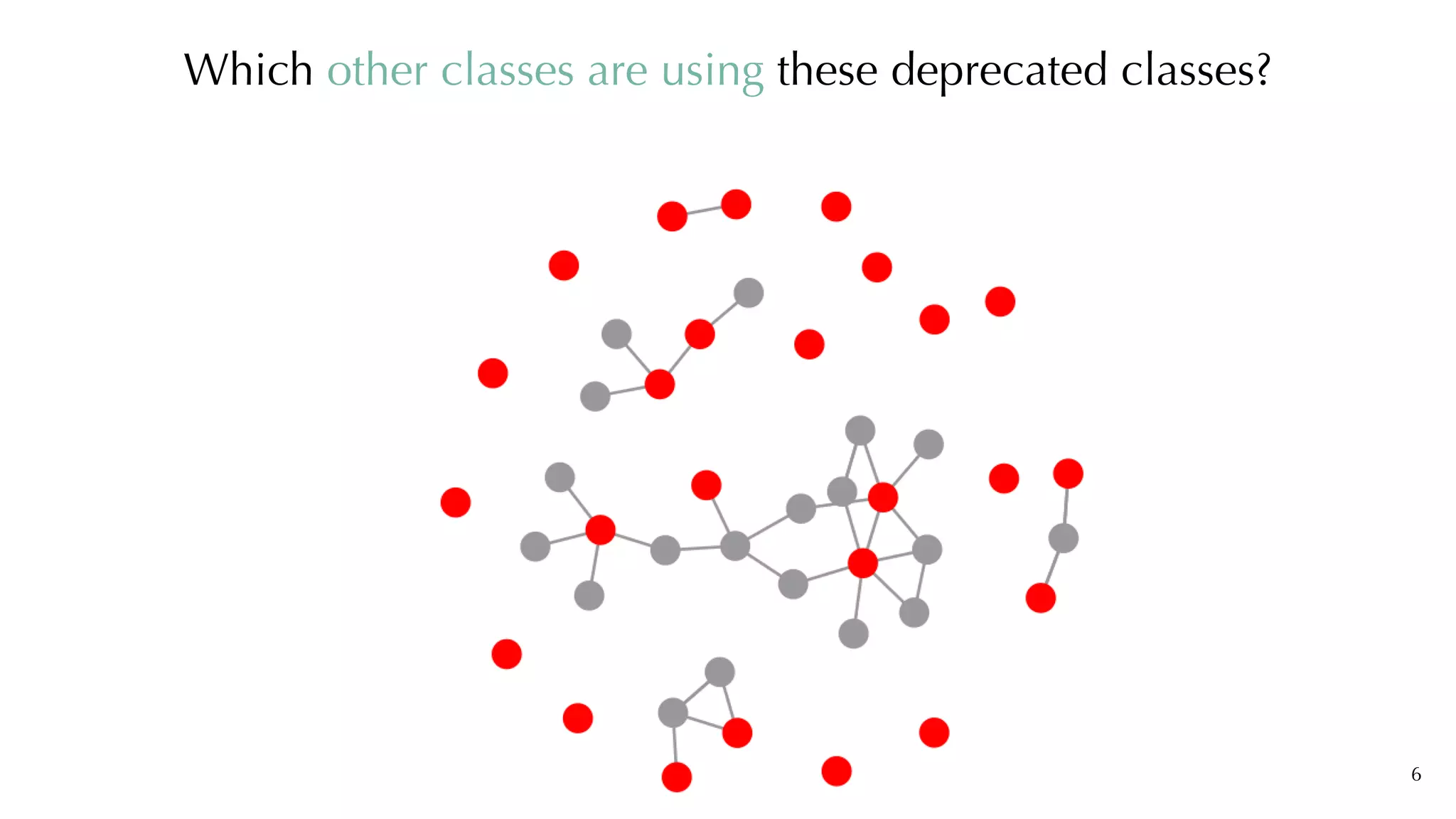
We want to remove deprecated classes
4
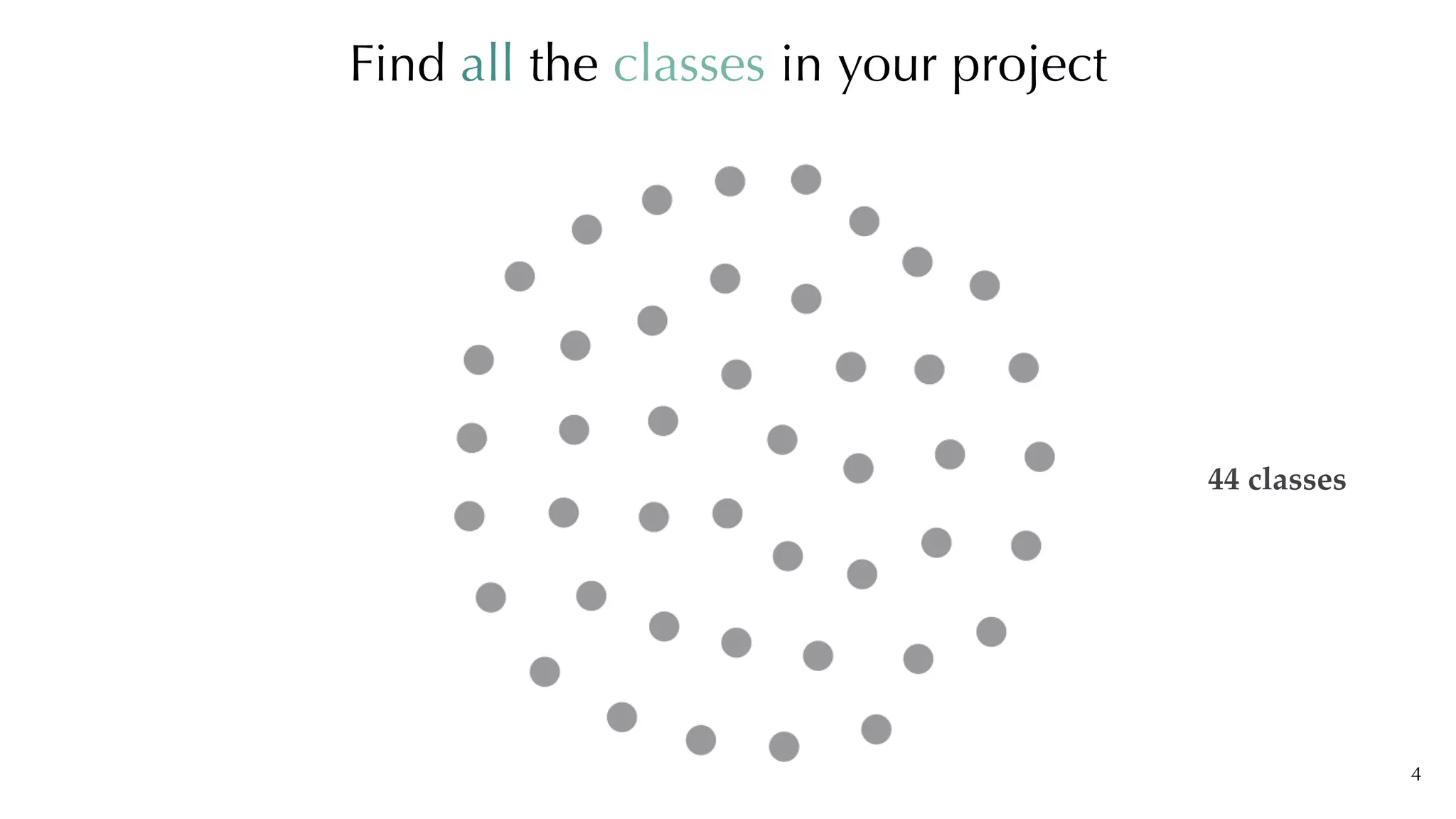
Find all the classes in your project
44 classes
5
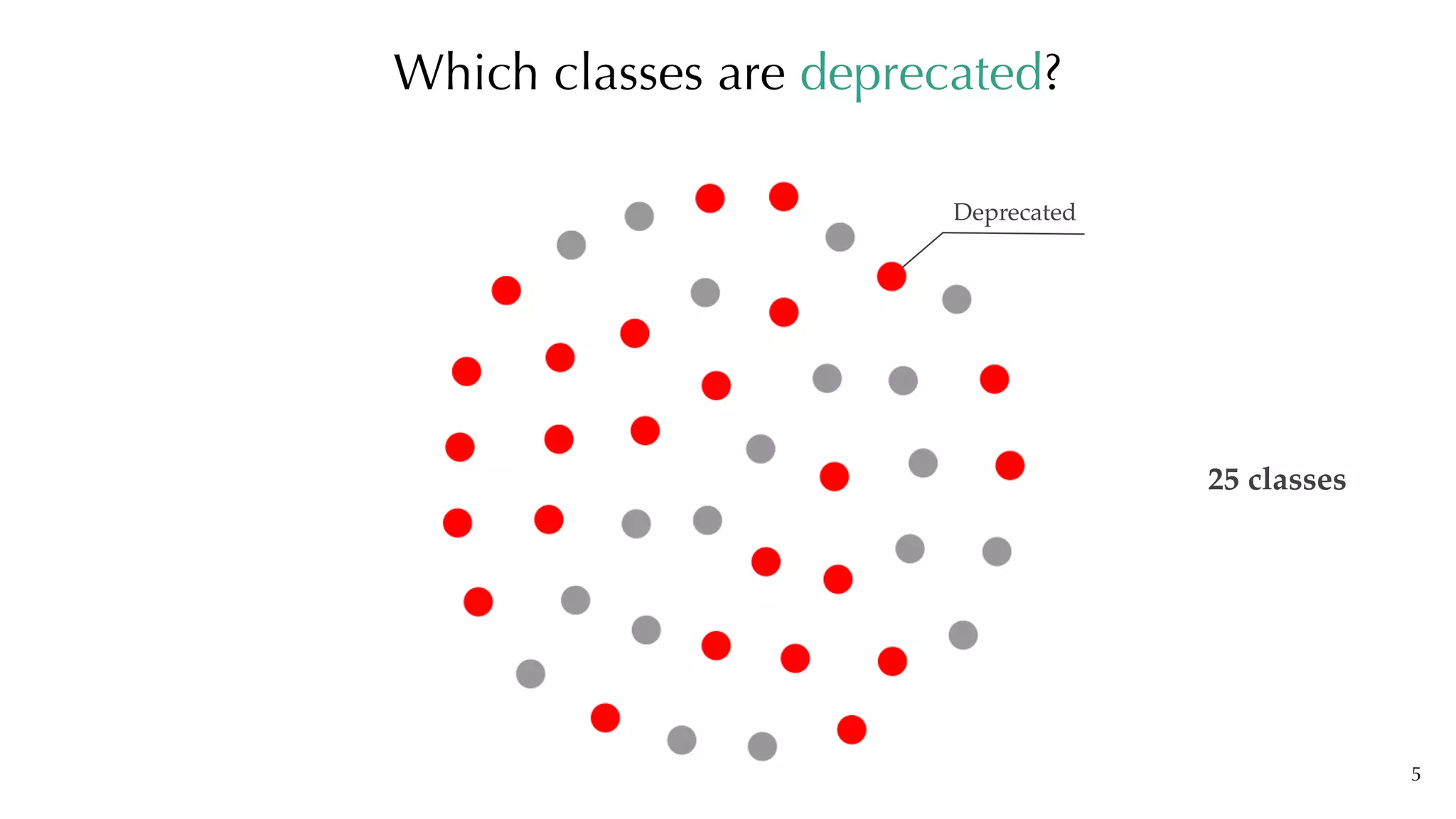
Which classes are deprecated?
Deprecated
25 classes
6
Which other classes are using these deprecated classes?
7
Where are we now?
Why can not we analyse our software
speculatively and so naturally?
8
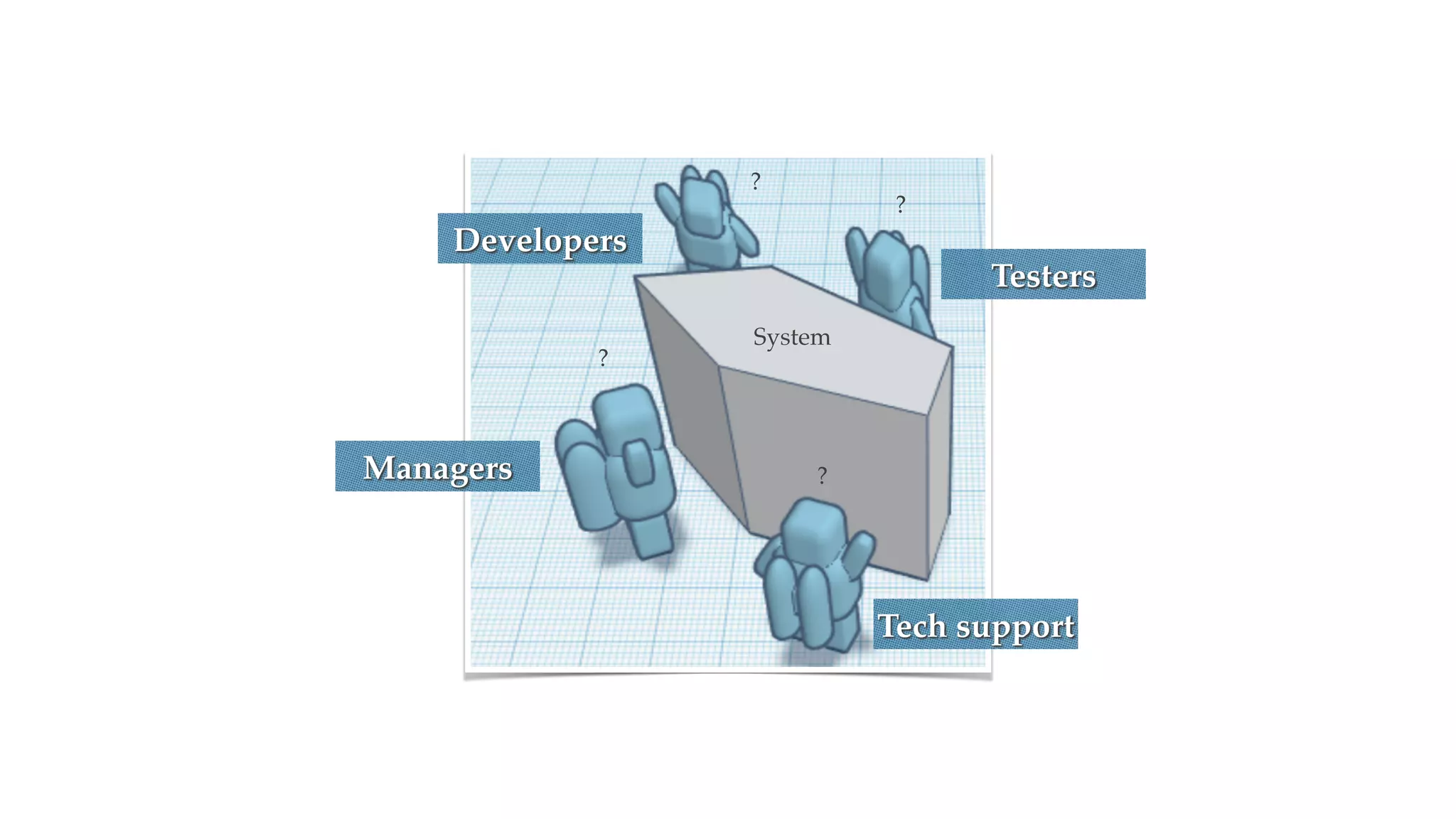
?
?
?
?
System
Tech support
Testers
Developers
Managers
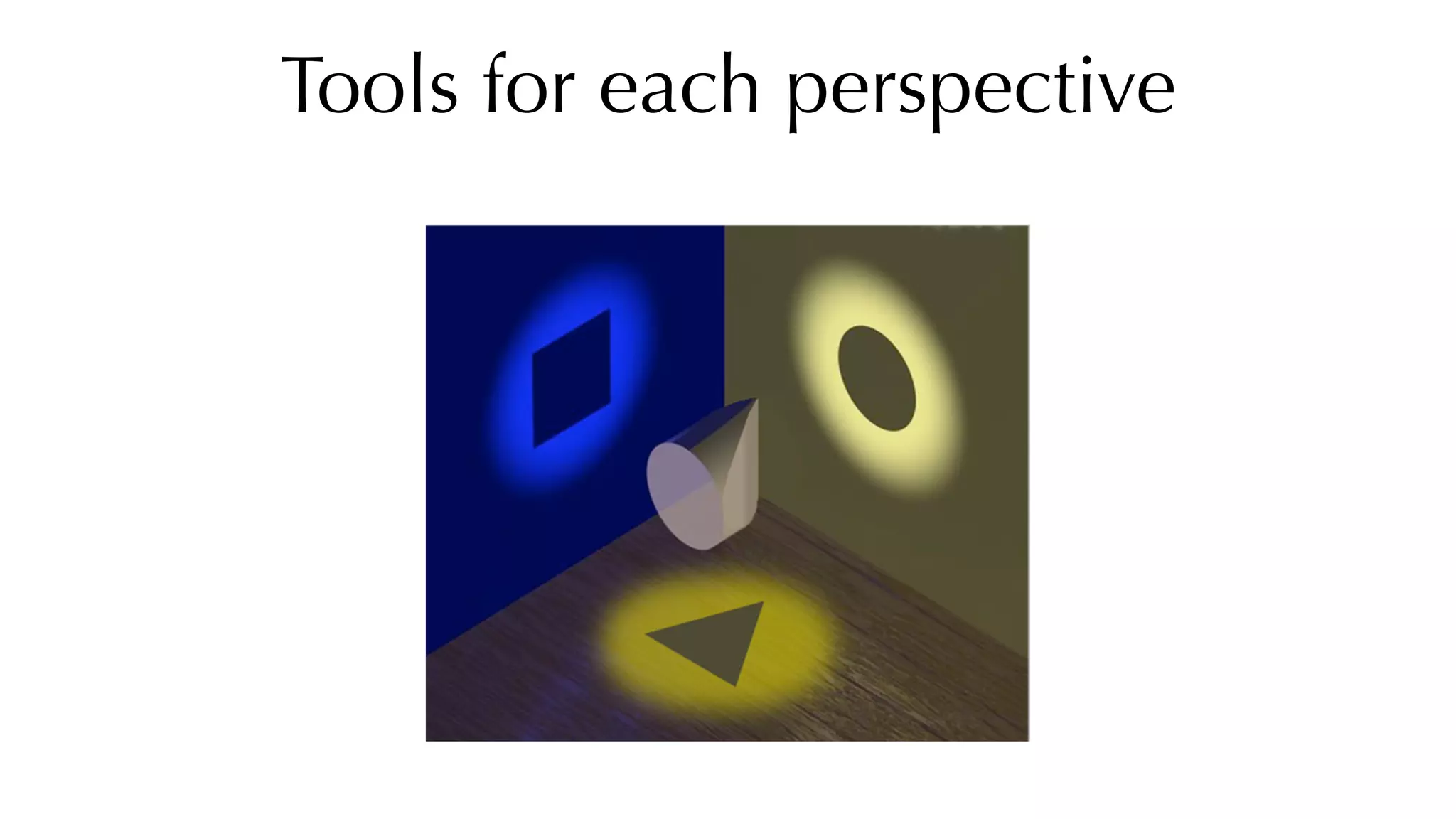
Tools for each perspective
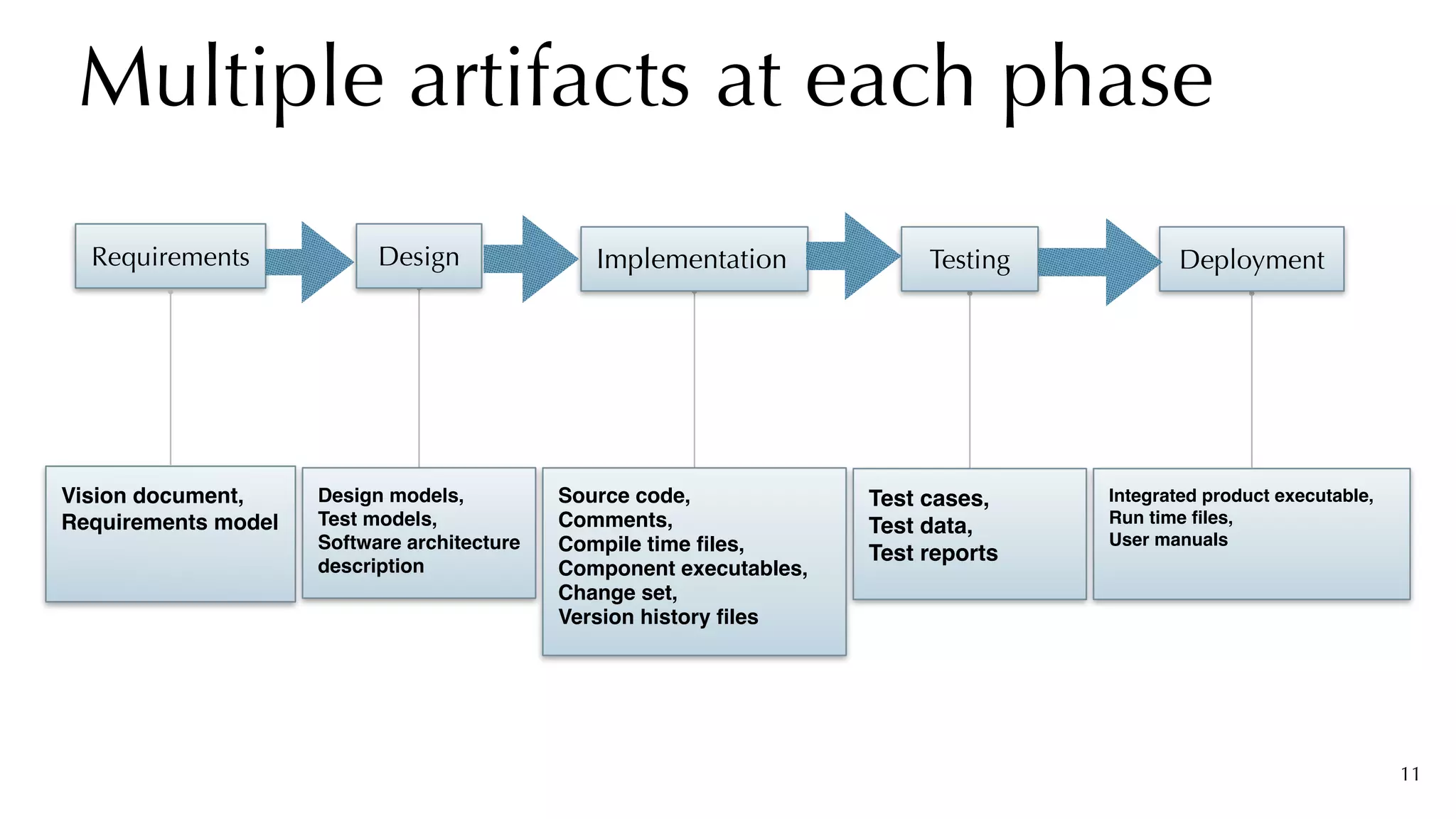
Multiple artifacts at each phase
11
Implementation
Source code
,

Comments
,

Compile time files
,

Component executables
,

Change set
,

Version history files
Requirements
Vision document
,

Requirements model
Design
Design models
,

Test models
,

Software architectur
e

description
Testing
Test cases
,

Test data
,

Test reports
Deployment
Integrated product executable
,

Run time files
,

User manuals
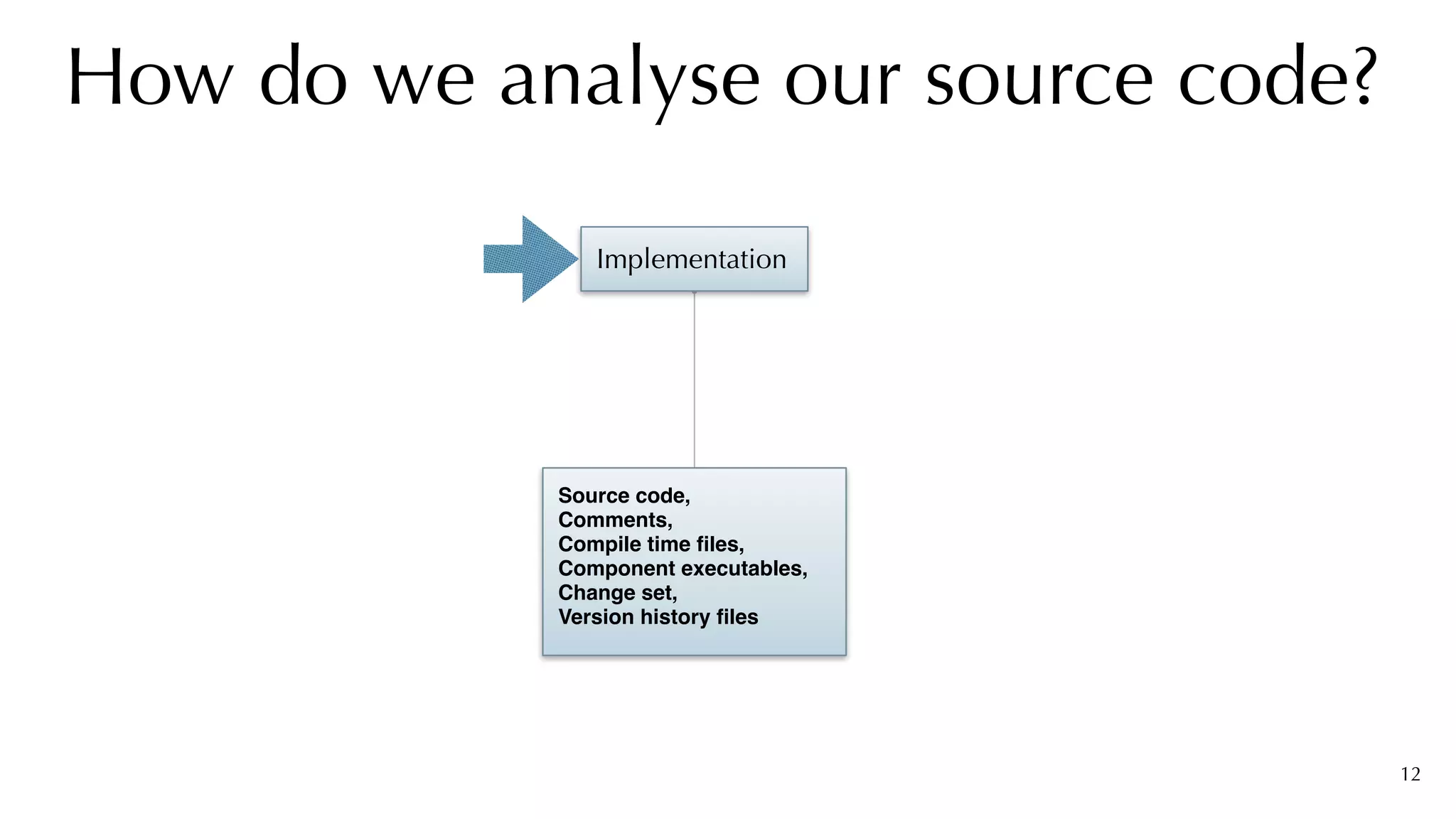
How do we analyse our source code?
12
Implementation
Source code
,

Comments
,

Compile time files
,

Component executables
,

Change set
,

Version history files
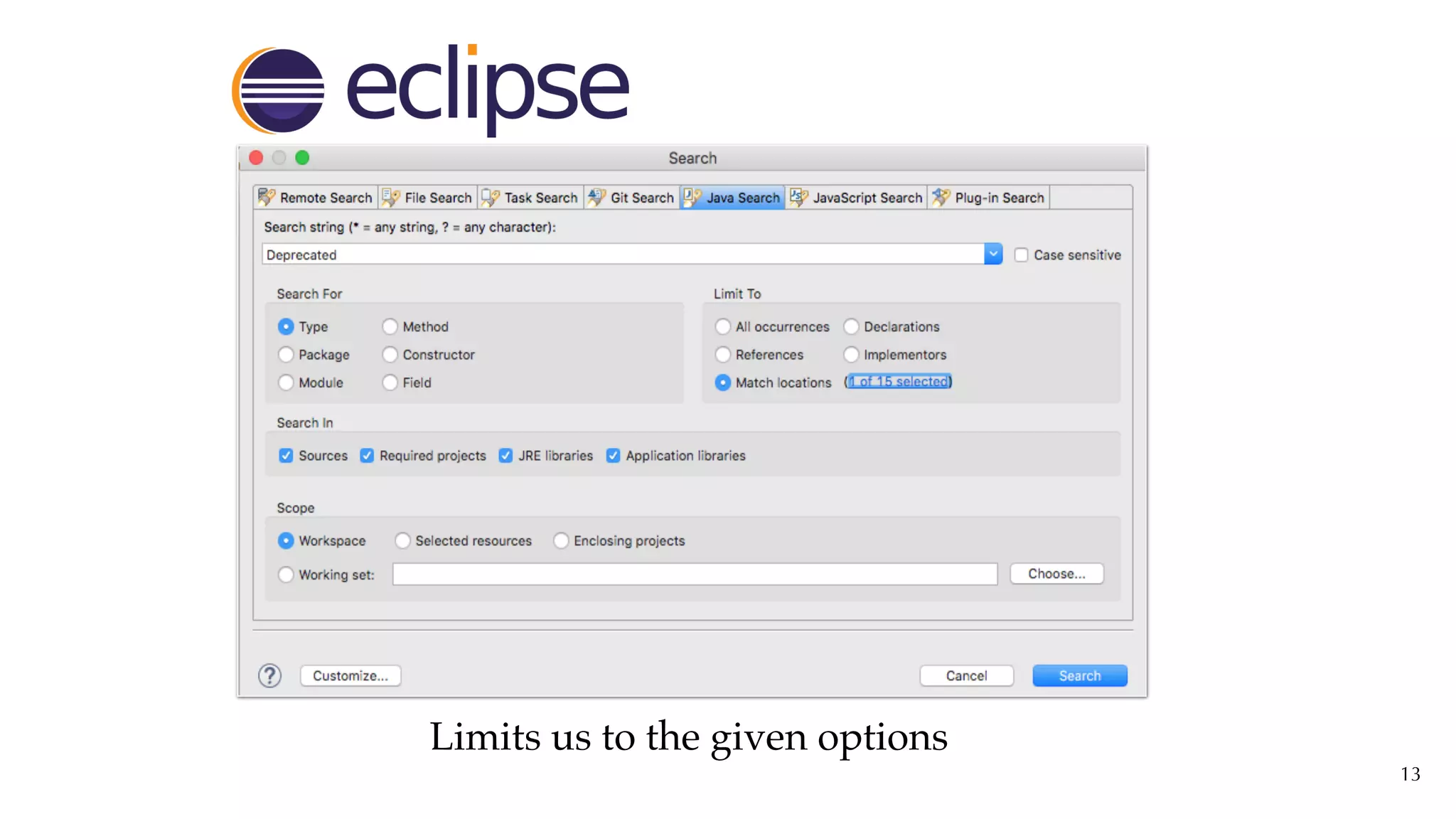
13
Limits us to the given options
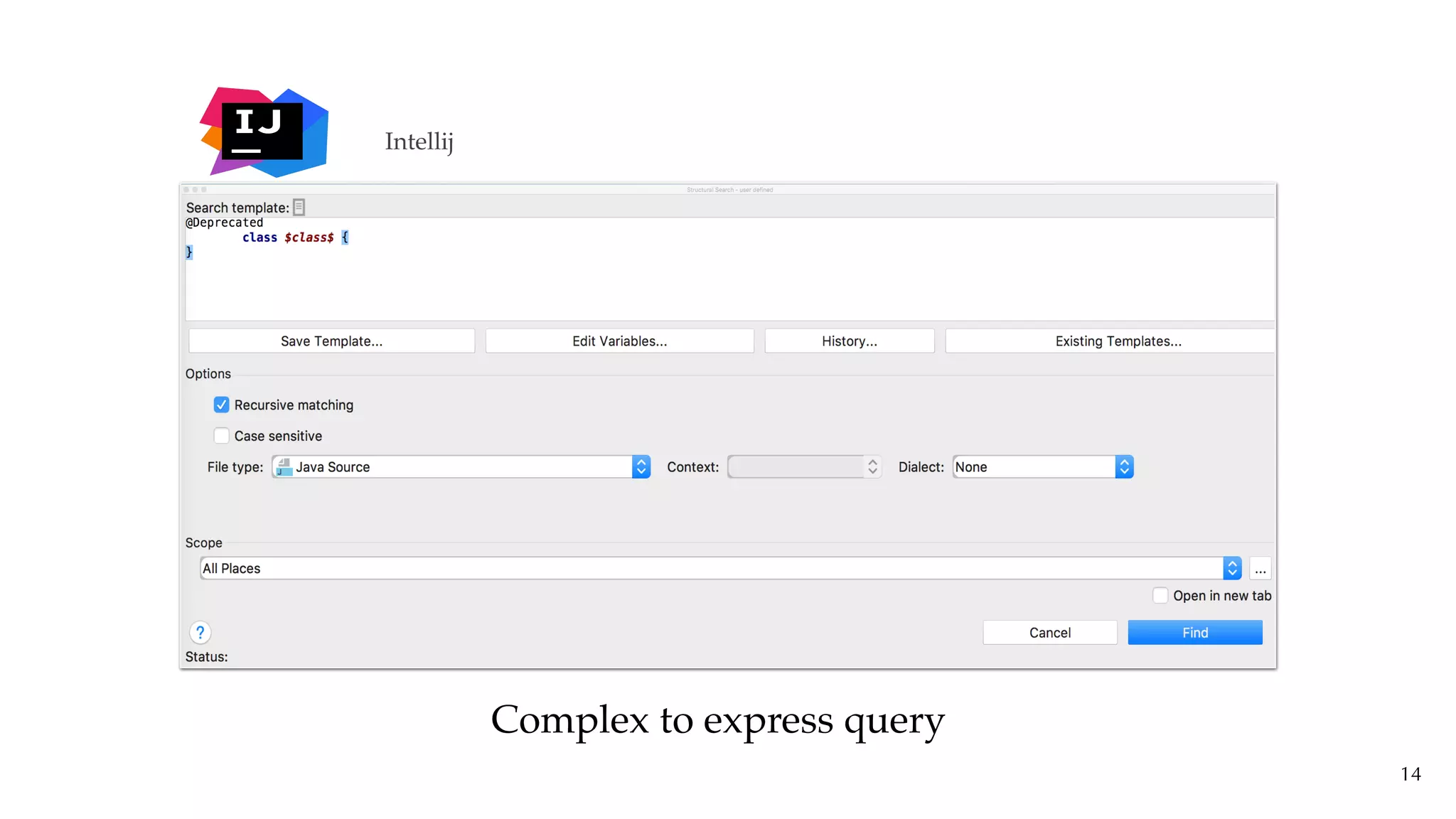
14
Intellij
Complex to express query
15
Software analysis requires us to have tools
that go far beyond simple search bars
16
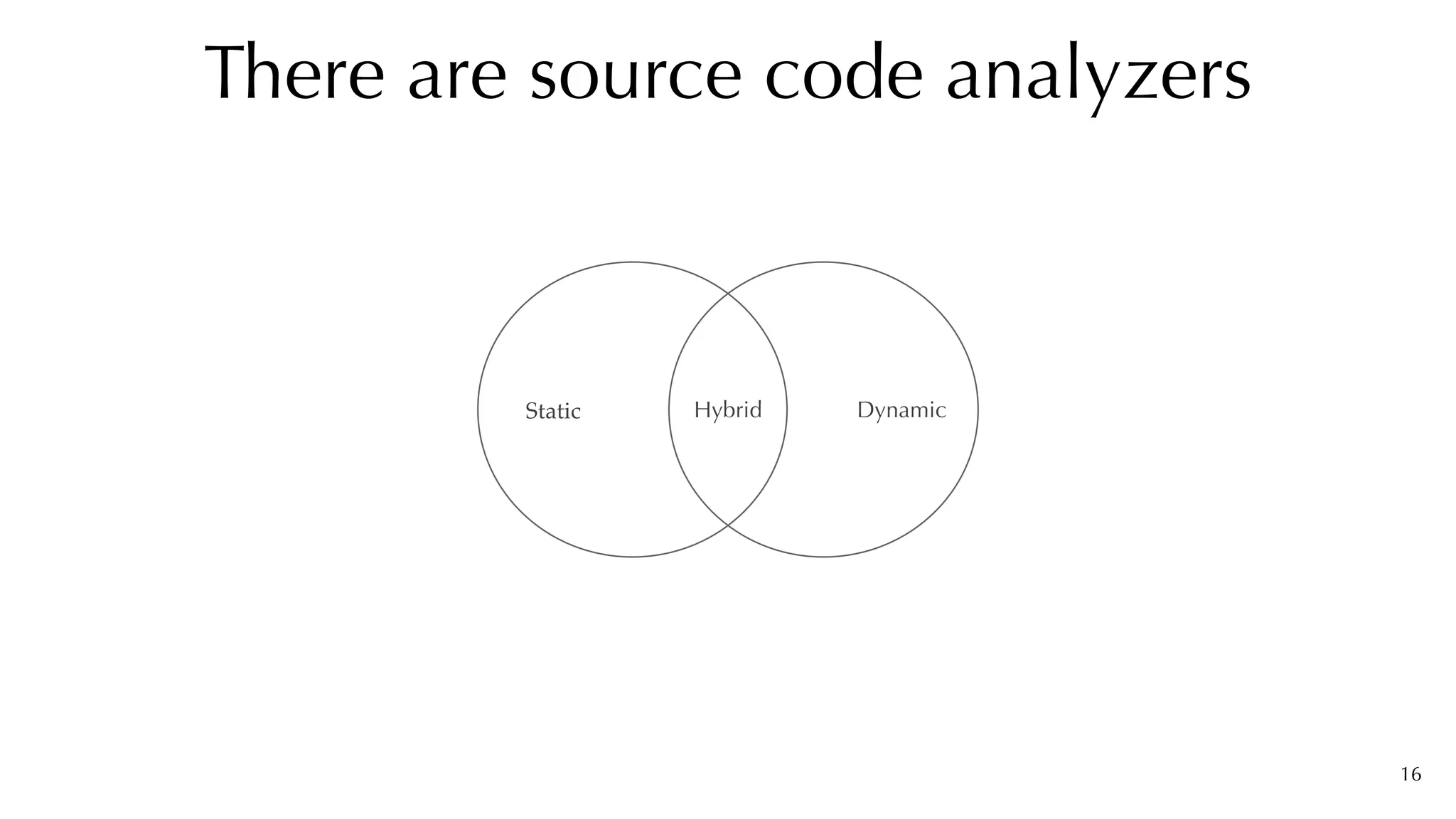
There are source code analyzers
Static Dynamic
Hybrid
17
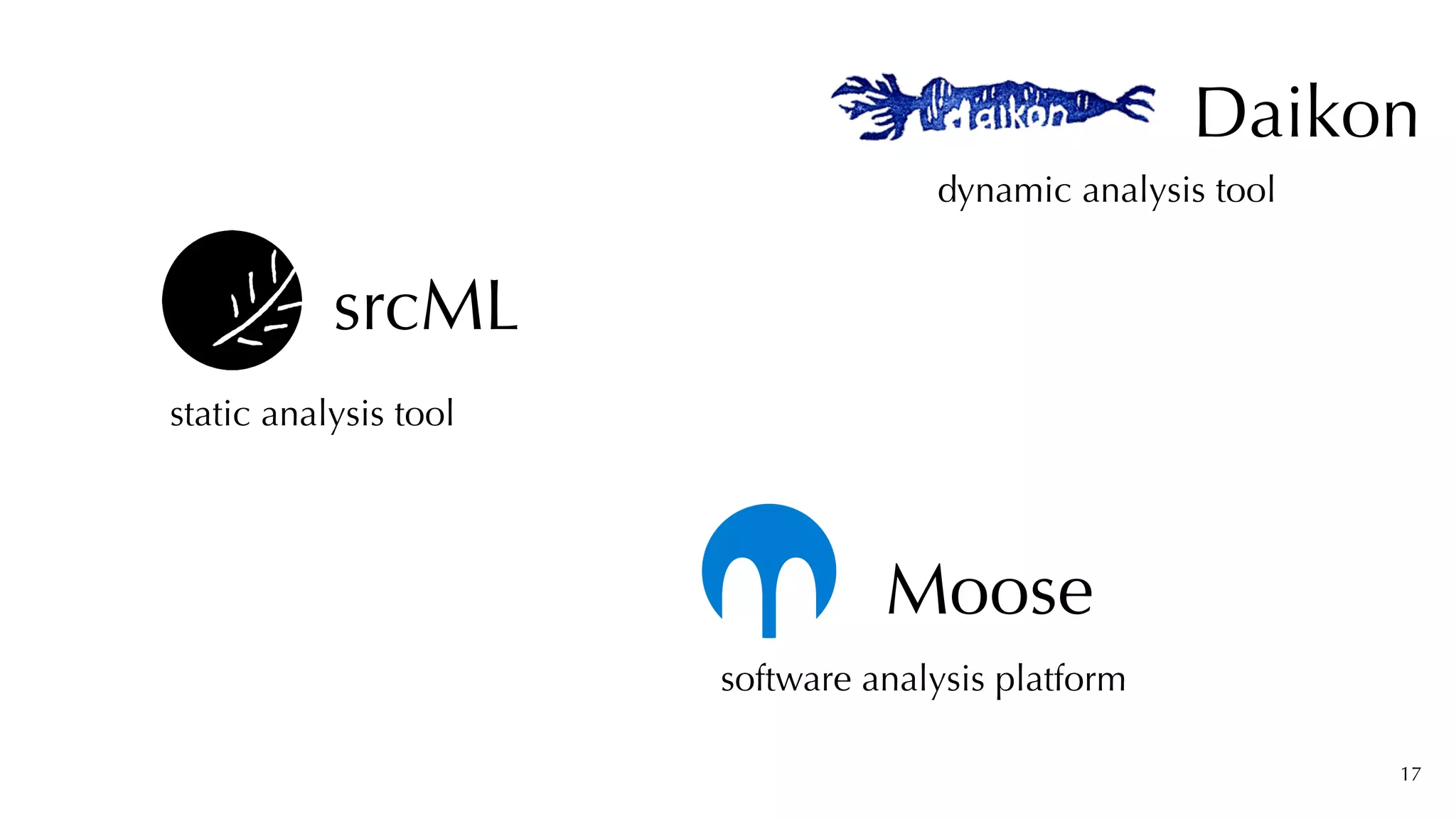
srcML
static analysis tool
software analysis platform
Moose
Daikon
dynamic analysis tool
18
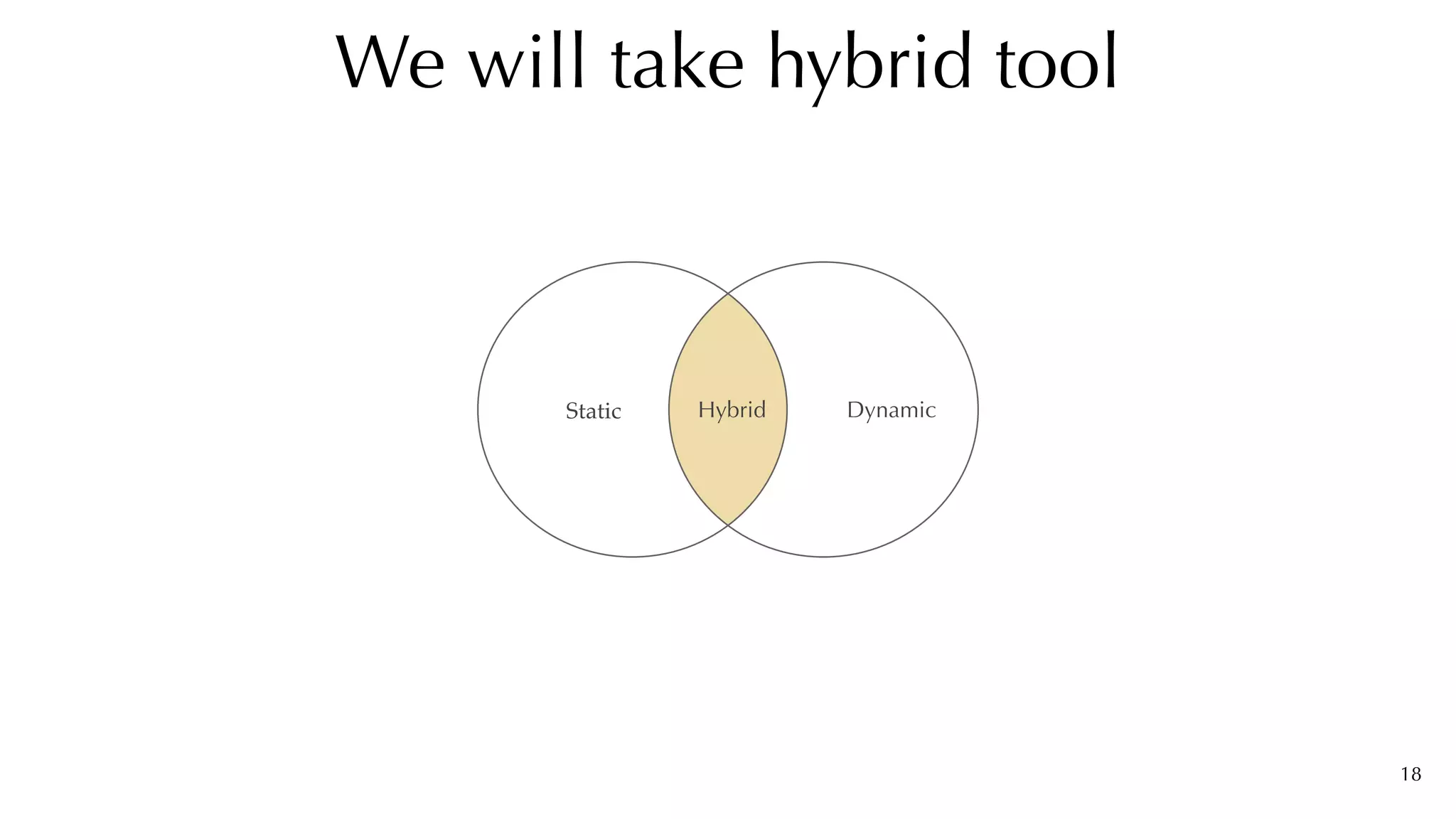
We will take hybrid tool
Static Dynamic
Hybrid
19
srcML
source code analysis tool
software analysis platform
Moose
Daikon
dynamic analysis tool
Query in Moose
20
self	allModelClasses


			select:	[	:eachClass	|	eachClass	isAnnotatedWith:	`Deprecated`]
21
%srcml	—xpath=	


“//src:class[.//src:annotation	src:name=‘Deprecated’]src:annotation”


linux-4.0.3.tar.xz.xml	-o	class_annotation.xml
Query in srcML
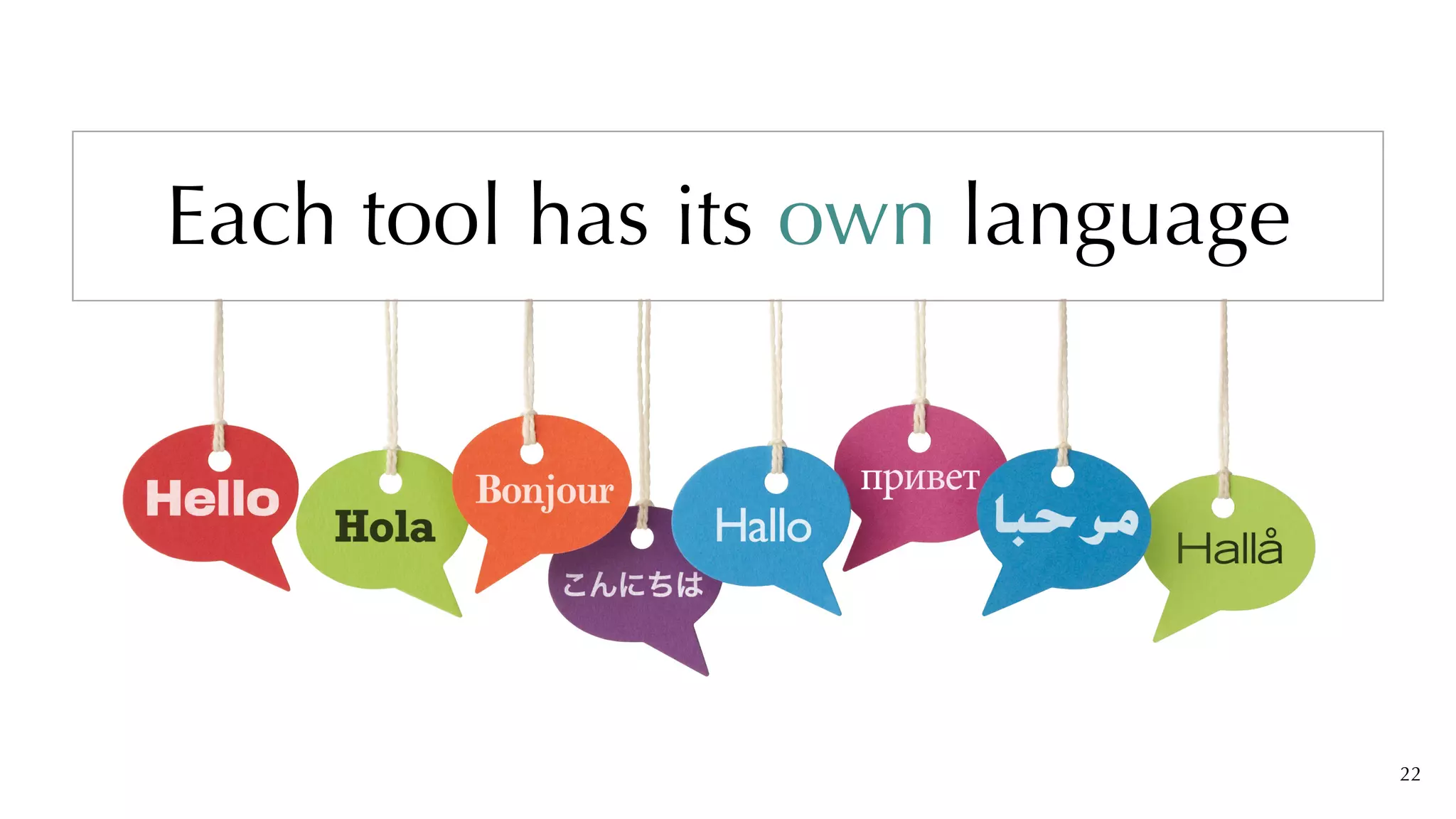
Each tool has its own language
22
We need to learn


a new language


to communicate with


these analysis tools.
23
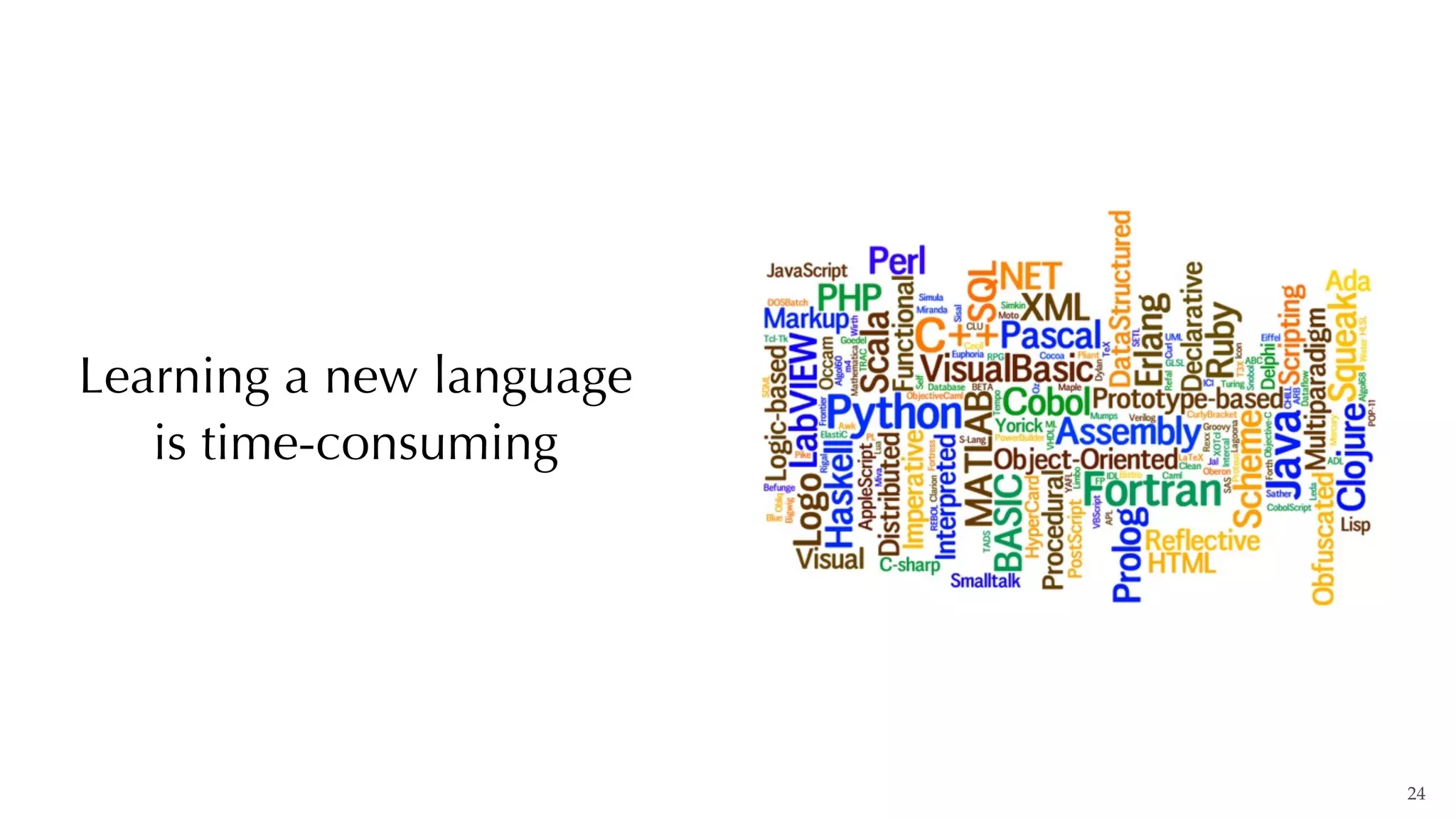
Learning a new language


is time-consuming
24
Just learn one!
Your Own.
Natural Language
25
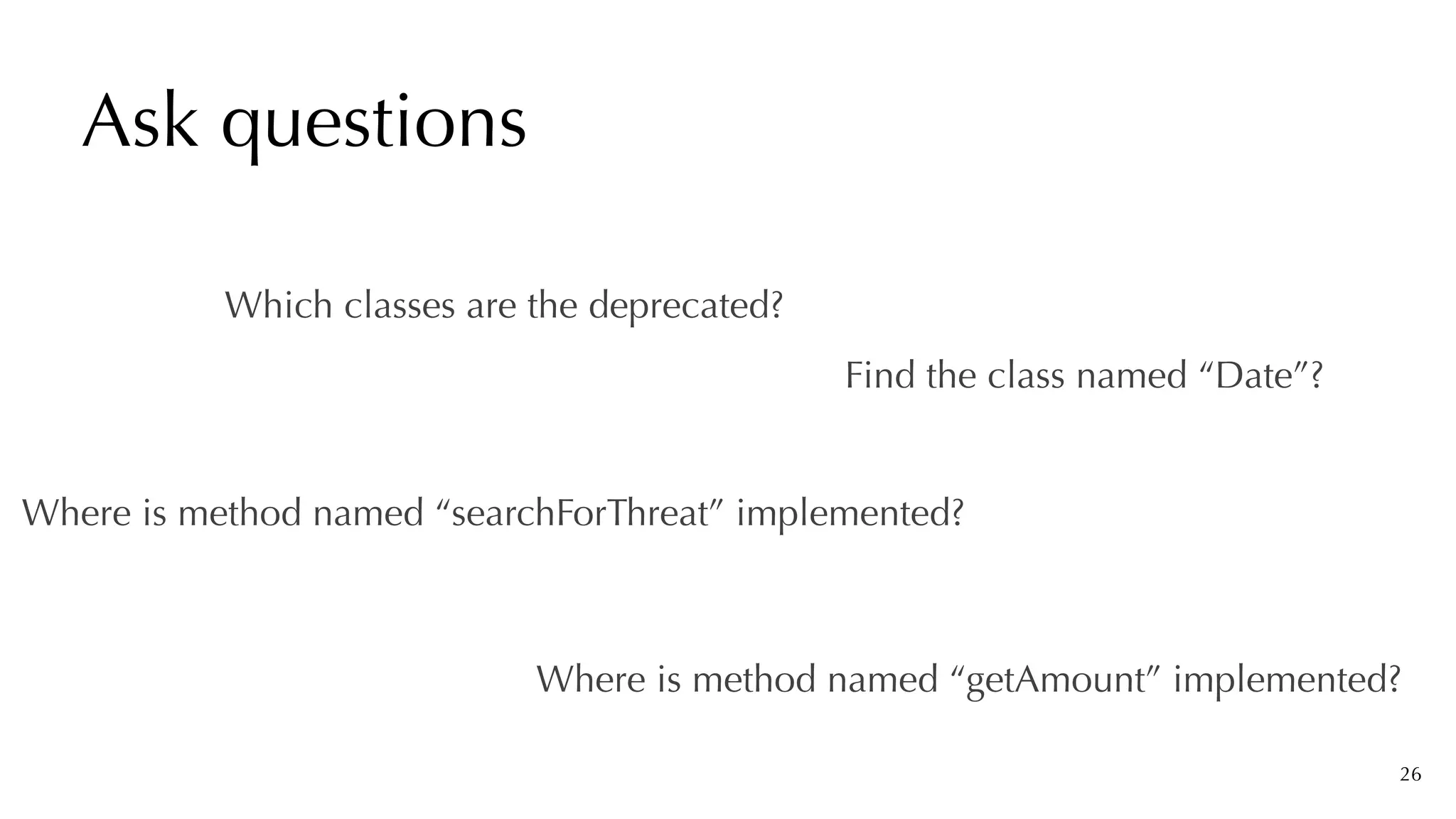
Ask questions
26
Where is method named “getAmount” implemented?
Find the class named “Date”?
Which classes are the deprecated?
Where is method named “searchForThreat” implemented?
Goal
27
Which classes are deprecated?
self	allModelClasses	select:


														[	:eachClass	|


														eachClass	isAnnotatedWith:`Deprecated’]
28
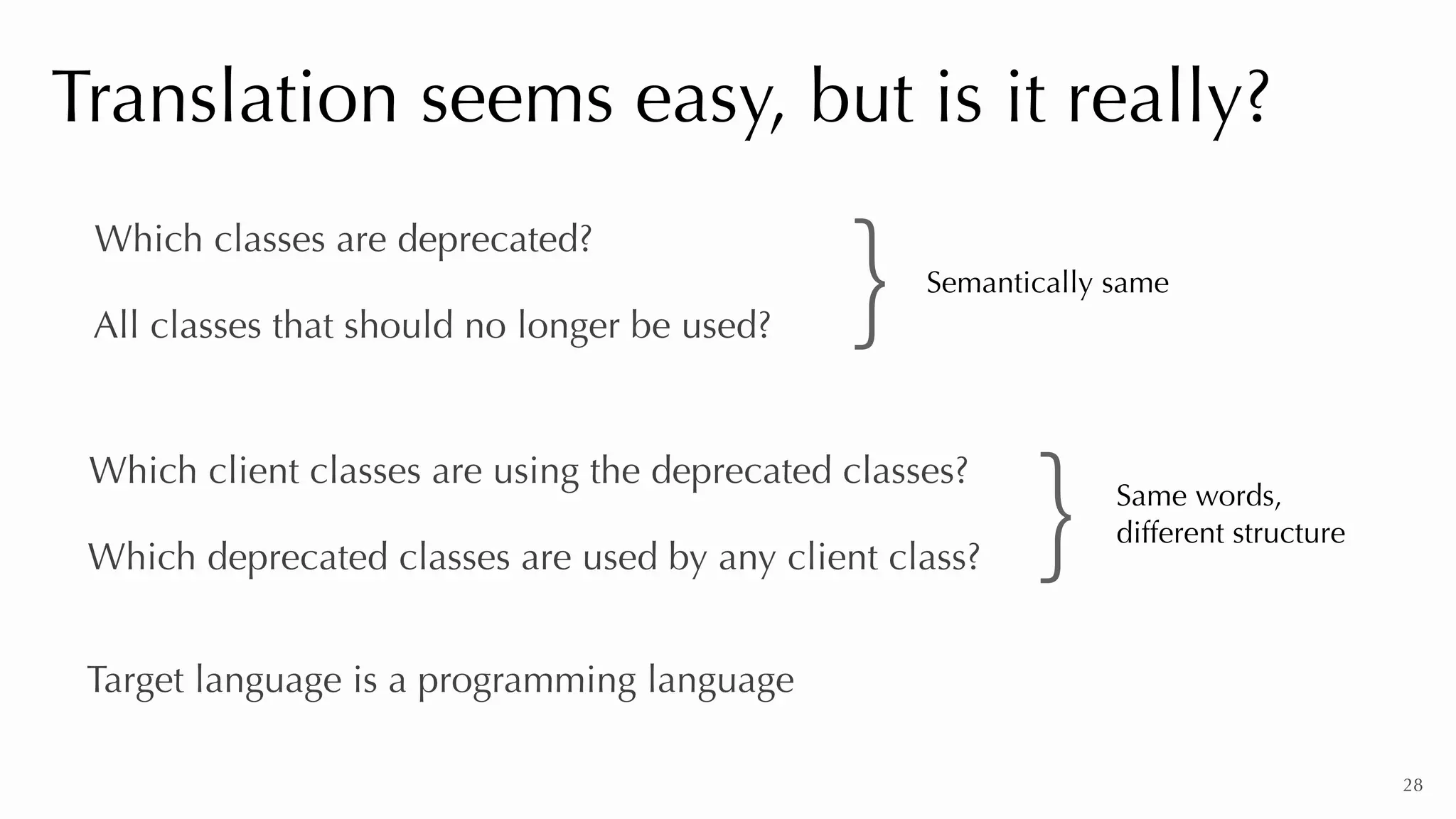
Translation seems easy, but is it really?
Which classes are deprecated?
All classes that should no longer be used?
Which client classes are using the deprecated classes?
Which deprecated classes are used by any client class?
Target language is a programming language
} Same words,


different structure
Semantically same
}
Recurrent Neural Networks


(RNN)
29
Challenges
31
➔ Different analysis tools
➔ Challenge of communication and structure
➔ Train neural network for each target query language
➔ Prepare corpus of questions
➔ Semantic tools are not ready for software engineering domain
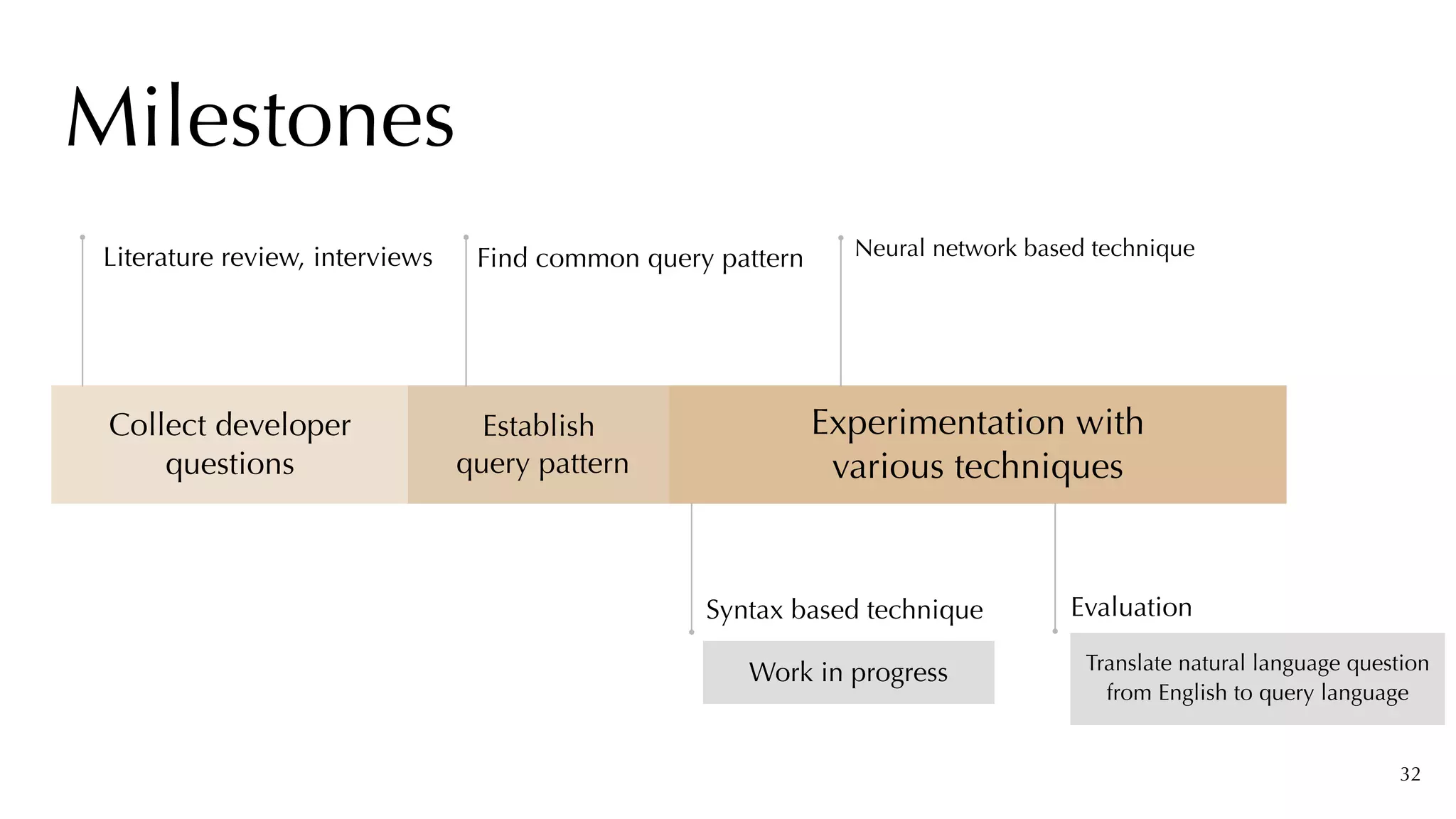
Milestones
Collect developer
questions
Establish


query pattern
Experimentation with


various techniques
Work in progress
Syntax based technique
Neural network based technique
Translate natural language question
from English to query language
Evaluation
32
Literature review, interviews Find common query pattern
33
Communication barrier for new developers
Natural language interface for analysis tools
Why can not we analyse our software
speculatively so naturally?
34
This does not solve our problem completely
Why can not we analyse our software
speculatively so naturally?
35
This does not solve our problem completely
Why can not we analyse our software
speculatively so naturally?
36
This does not solve our problem completely
Why can not we analyse our software
speculatively so naturally?
37
This does not solve our problem completely
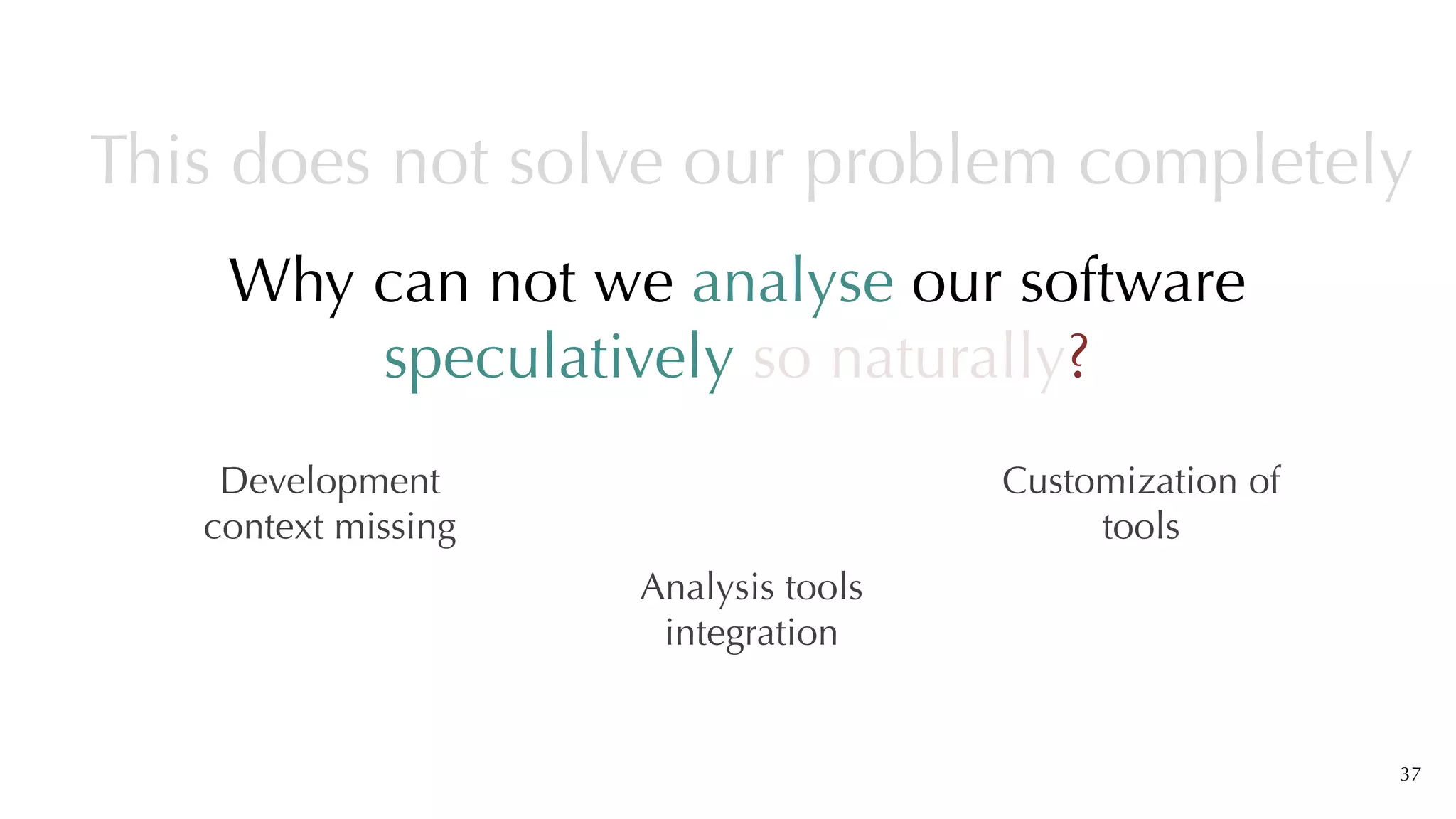
Development
context missing
Analysis tools
integration
Customization of
tools
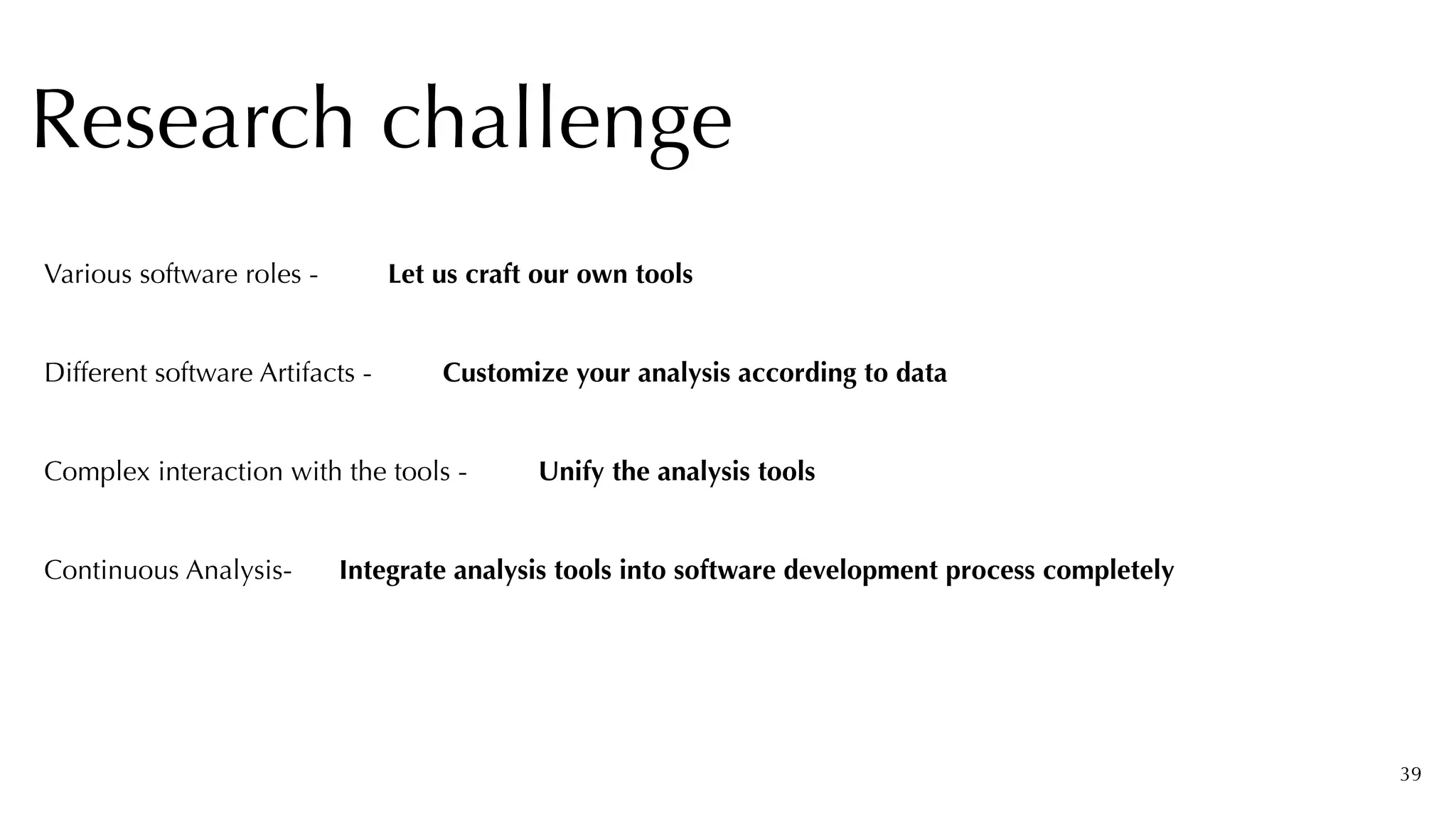
38
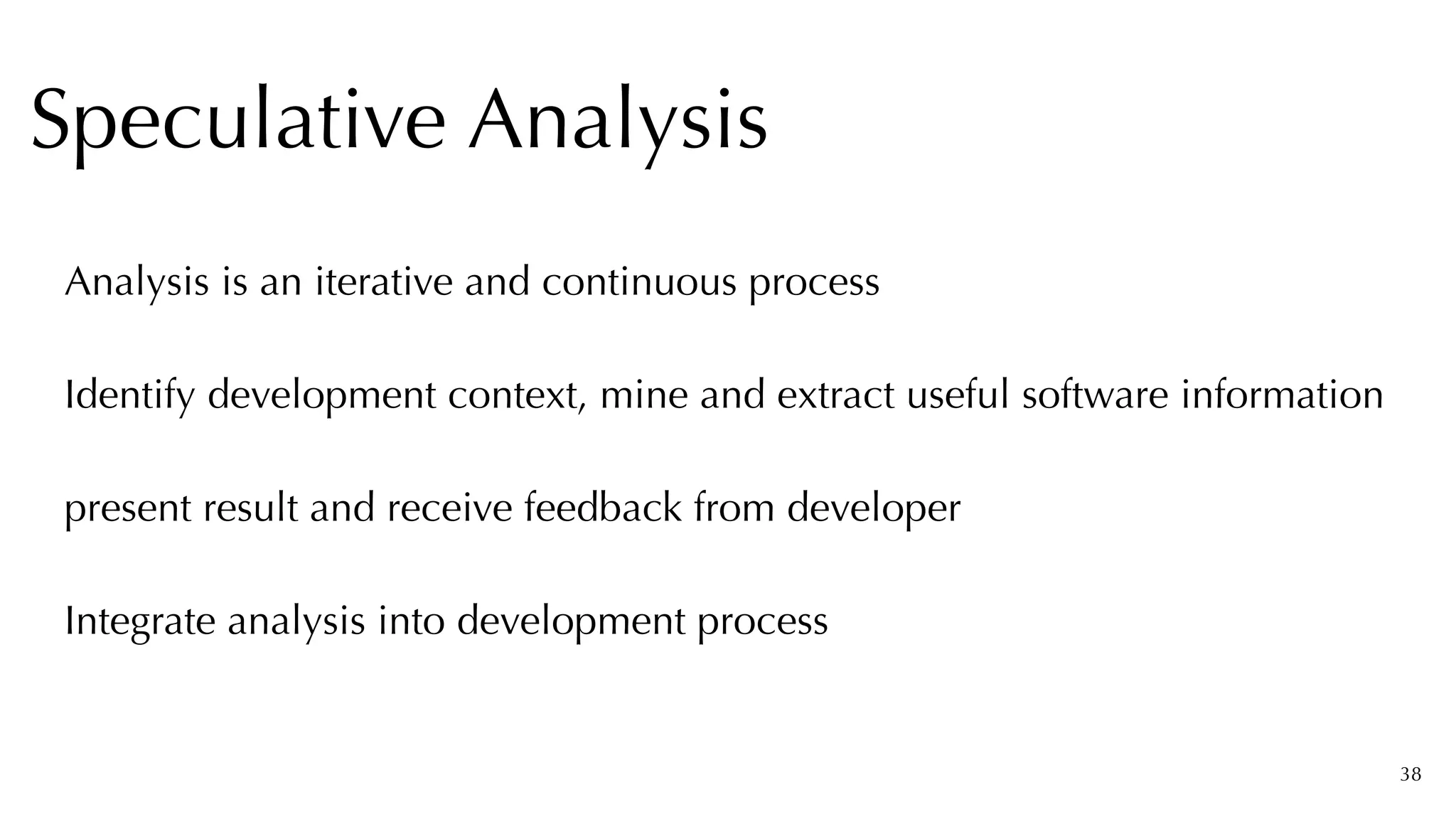
Analysis is an iterative and continuous process


Identify development context, mine and extract useful software information


present result and receive feedback from developer


Integrate analysis into development process


Speculative Analysis
39
Research challenge
Let us craft our own tools
Various software roles -
Customize your analysis according to data
Different software Artifacts -
Complex interaction with the tools - Unify the analysis tools
Continuous Analysis- Integrate analysis tools into software development process completely
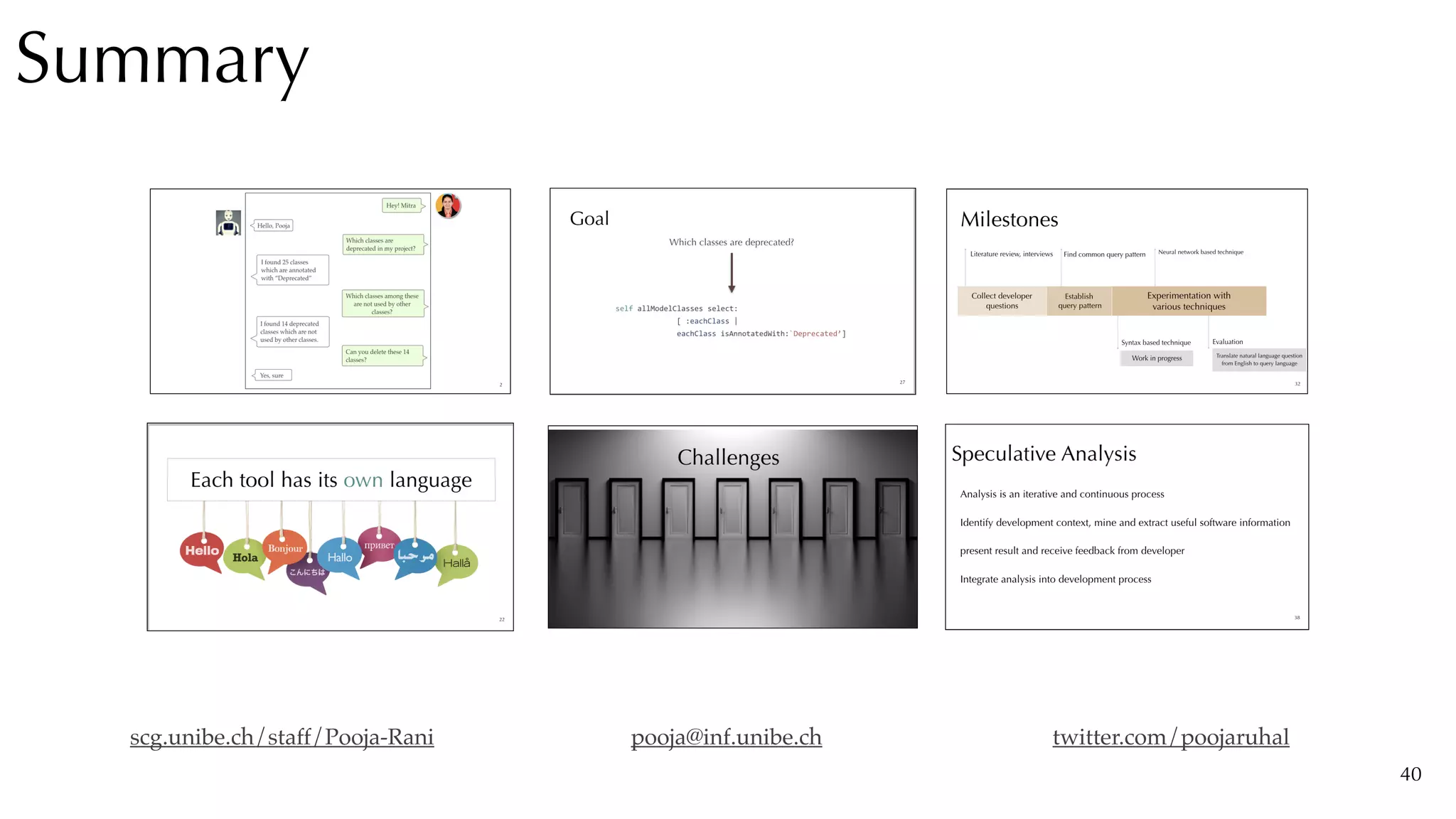
Summary
40
scg.unibe.ch/staff/Pooja-Rani twitter.com/poojaruhal
pooja@inf.unibe.ch

Software Analysis using Natural Language Queries