Learning Objectives
By theend of this lesson, you will be able to:
Learn to modify and delete a SQL table
Comprehend the table components in MySQL
Learn all the SQL statements and clauses with their syntaxes
Become acquainted with all the SQL keys and categorize
them
Understand how to write and use the SQL keys
4.
Learning Objectives
By theend of this lesson, you will be able to:
Learn how to update and delete databases in SQL
Become acquainted with SQL commands and table
manipulation
Create full functional tables in the database
Learn Join and its types with syntaxes
Understand the significate of DELETE and UPDATE keywords
5.
A Day inthe Life of a Full Stack Developer
You are hired as a full-stack developer in an organization and have
been assigned to an application development project. You being the
owner of the project, have decided to manage the source code of the
project and maintain each change that happens in the code.
To do so, you would need a version control system, that is, Git or
GitHub. You explore more about Git in detail and help your team
members on working with Git.
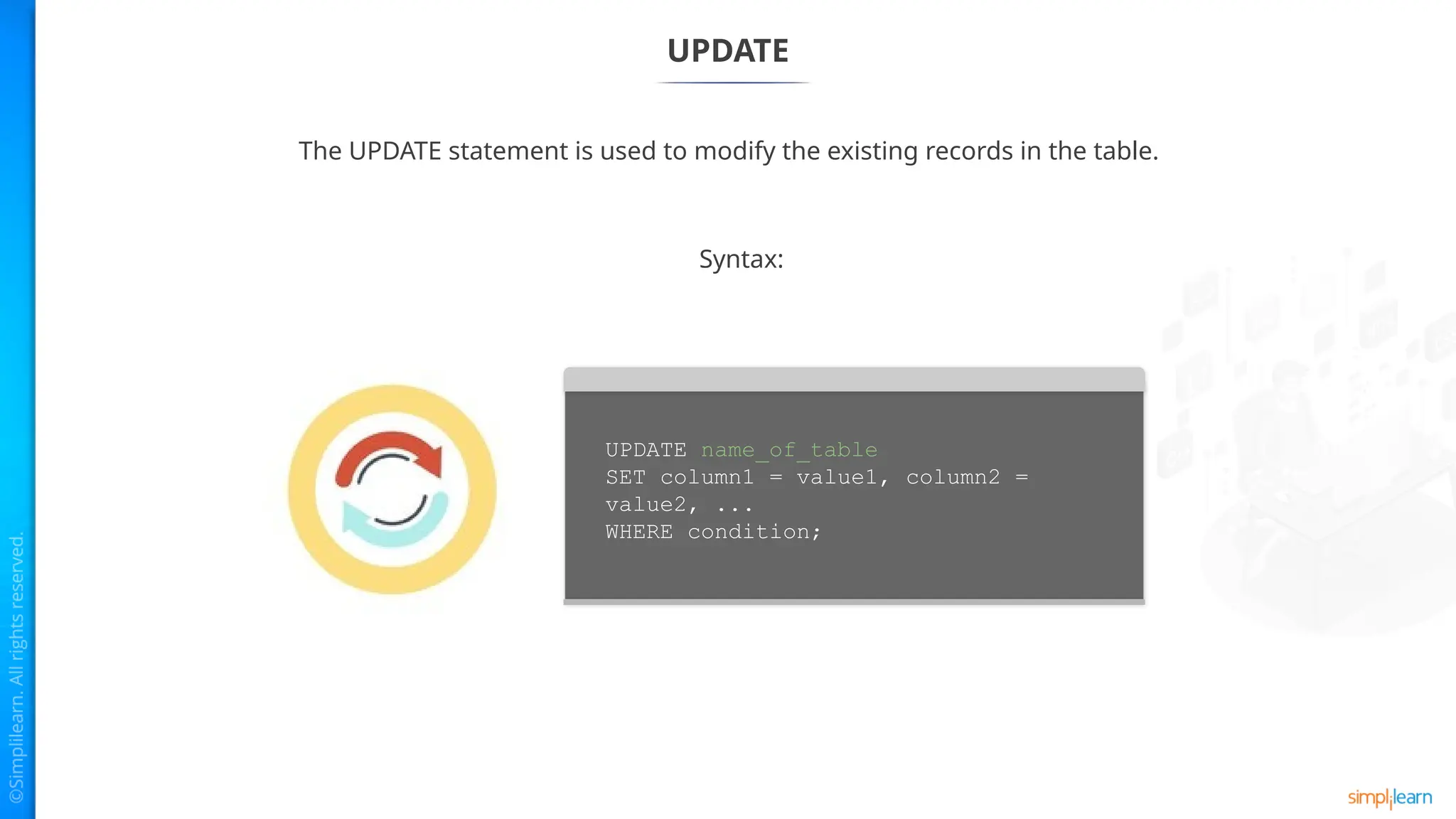
UPDATE
The UPDATE statementis used to modify the existing records in the table.
Syntax:
UPDATE name_of_table
SET column1 = value1, column2 =
value2, ...
WHERE condition;
8.
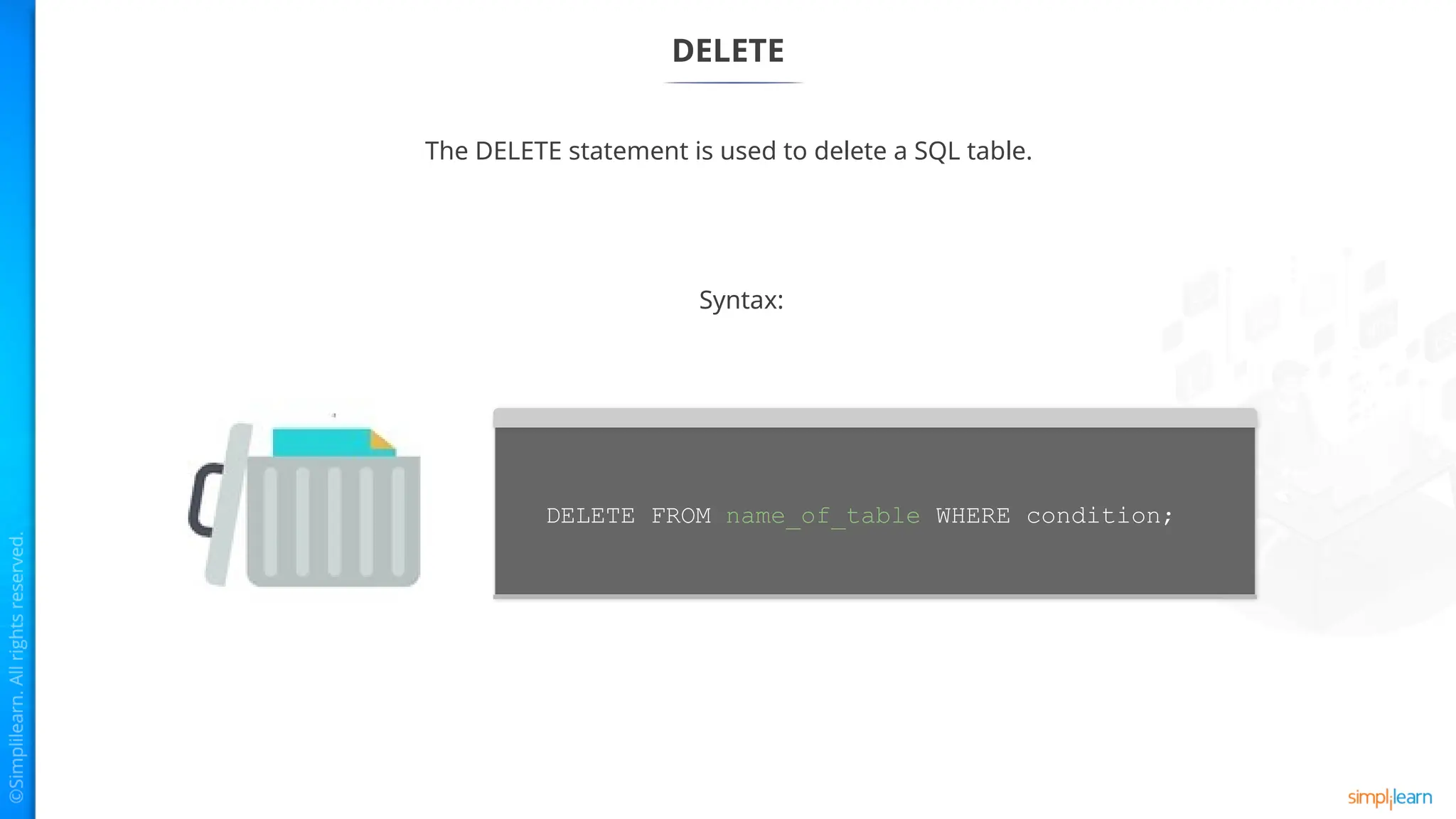
DELETE
The DELETE statementis used to delete a SQL table.
Syntax:
DELETE FROM name_of_table WHERE condition;
9.
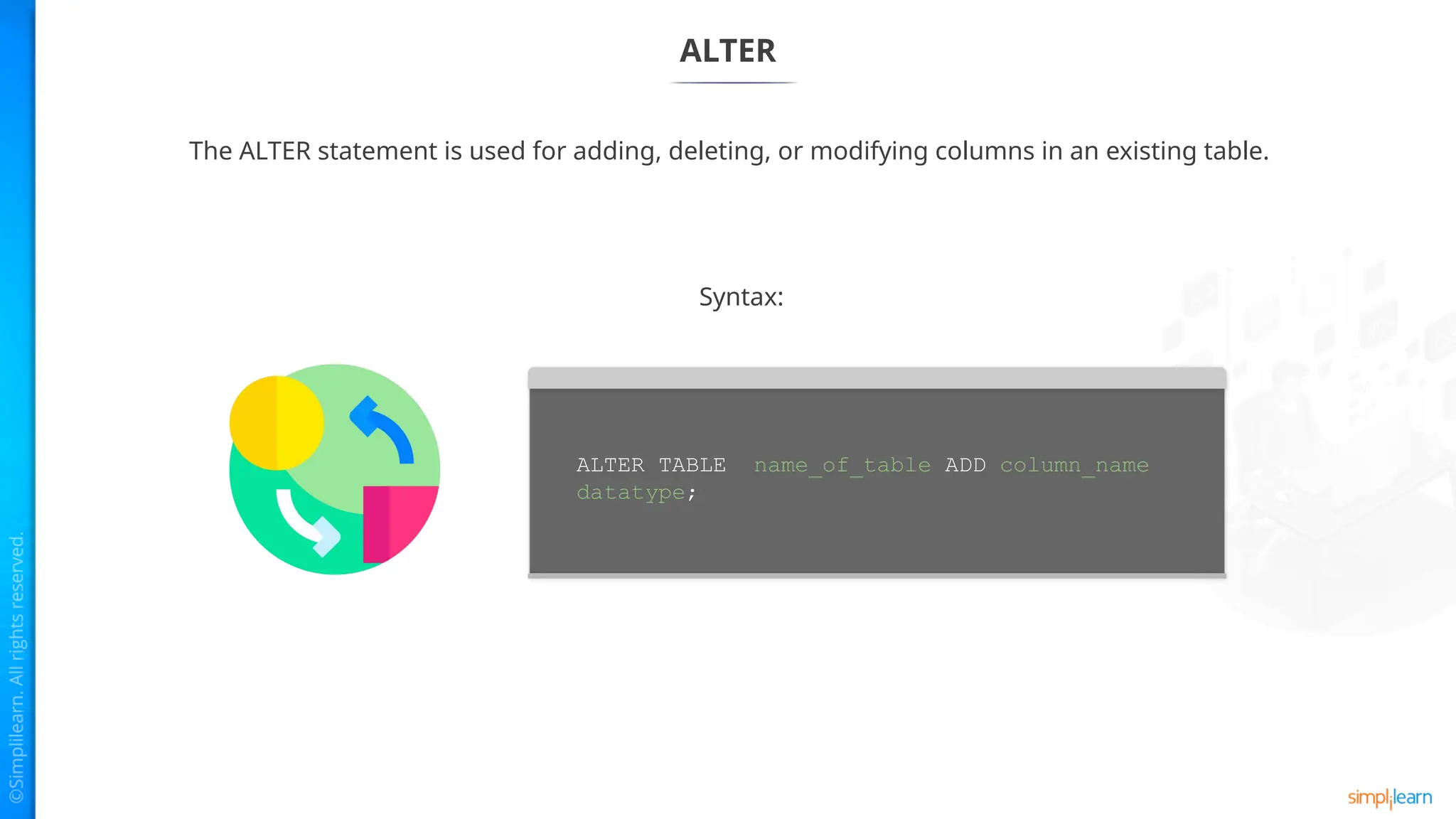
ALTER
The ALTER statementis used for adding, deleting, or modifying columns in an existing table.
Syntax:
ALTER TABLE name_of_table ADD column_name
datatype;
10.
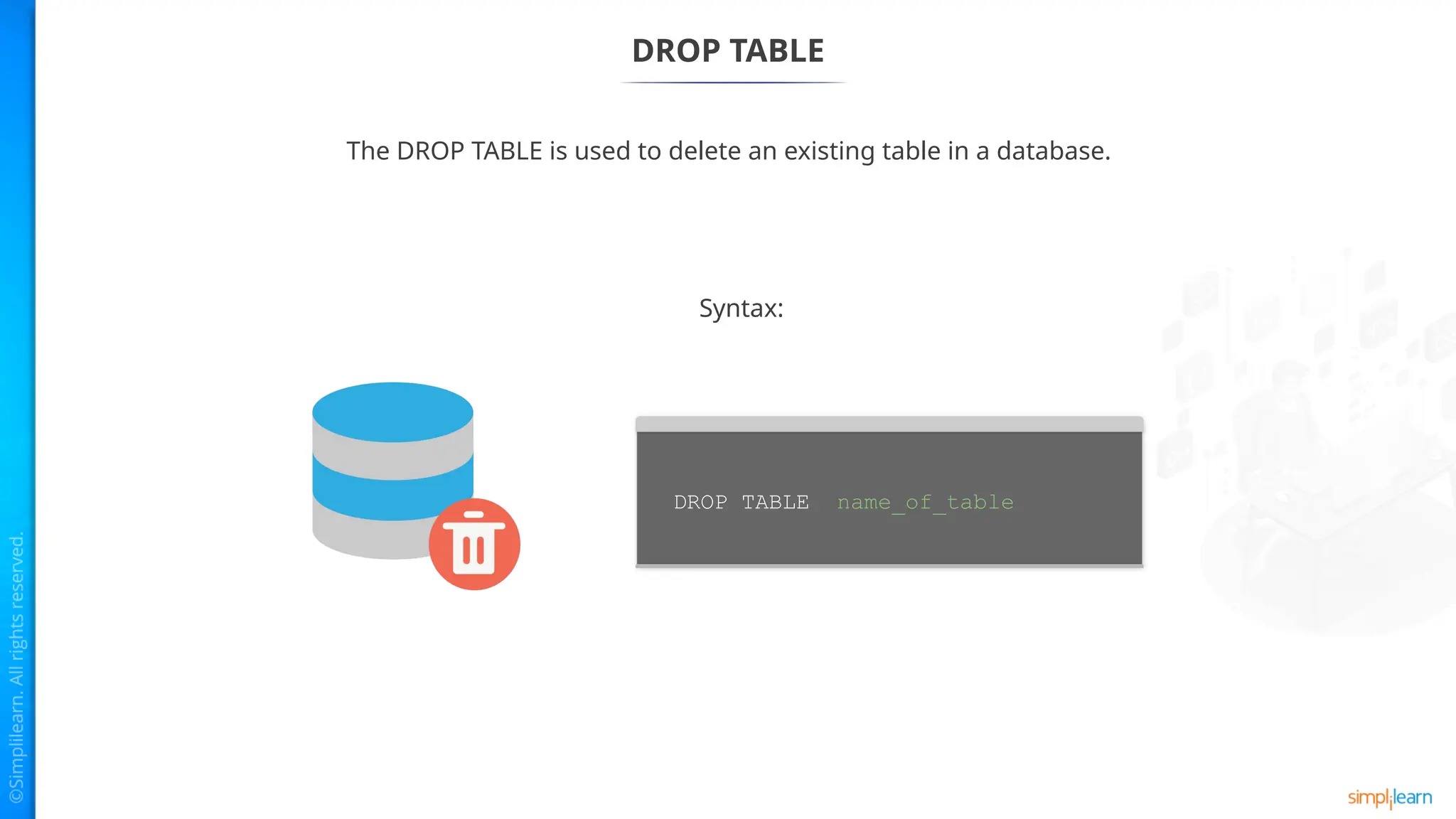
DROP TABLE
The DROPTABLE is used to delete an existing table in a database.
Syntax:
DROP TABLE name_of_table
Modifying a SQLDatabase
ALTER is used to change the features of a database.
Syntax:
ALTER privilege is required by the ALTER statement on the database.
ALTER {DATABASE | SCHEMA} database_name
alter_option …
alter_option: {
[DEFAULT] CHARACTER SET [=] charset_name
| [DEFAULT] COLLATE [=] collation_name
| [DEFAULT] ENCRYPTION [=] {'Y' | 'N'}
| READ ONLY [=] {DEFAULT | 0 | 1}
}
13.
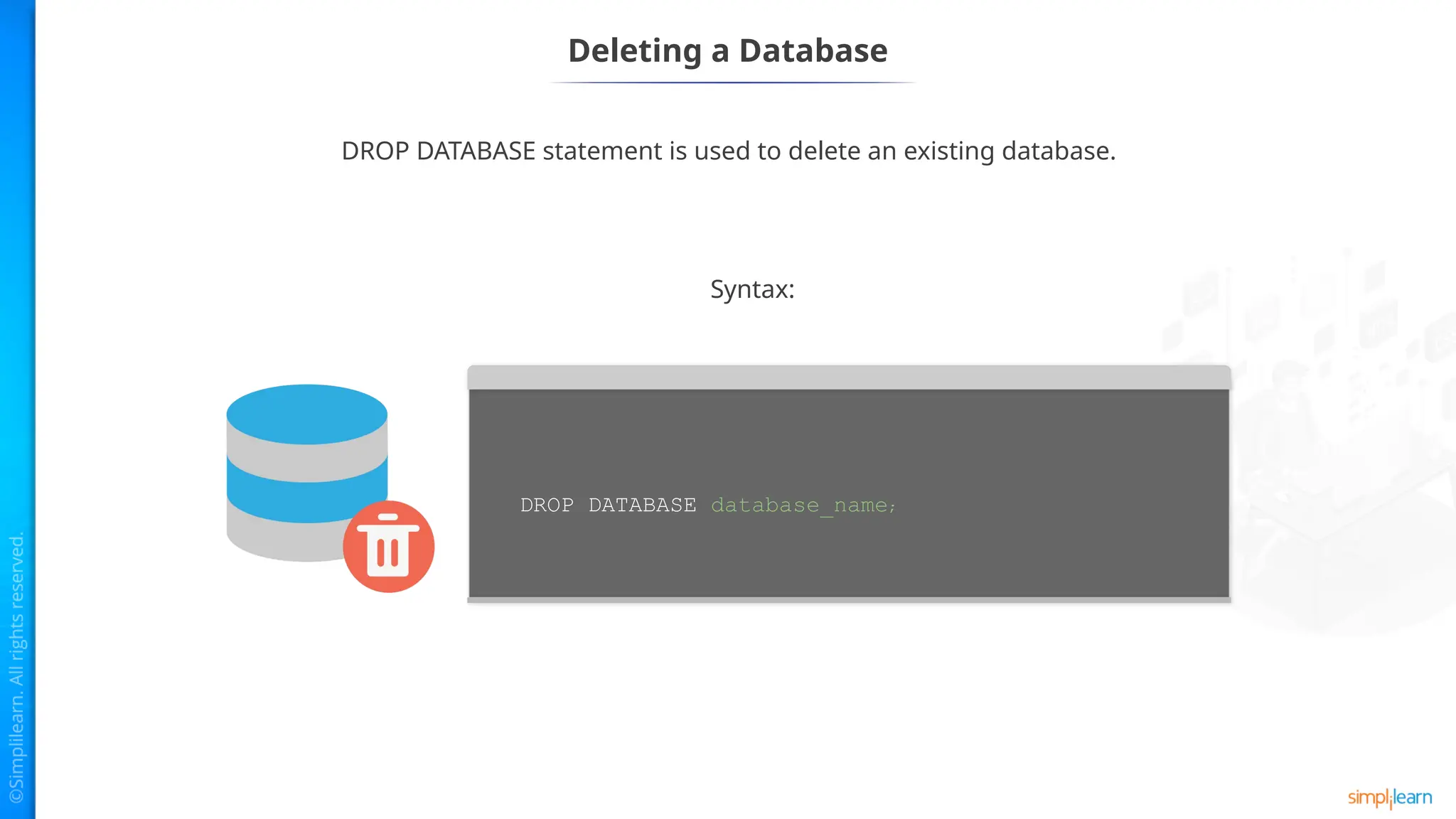
Deleting a Database
DROPDATABASE statement is used to delete an existing database.
Syntax:
DROP DATABASE database_name;
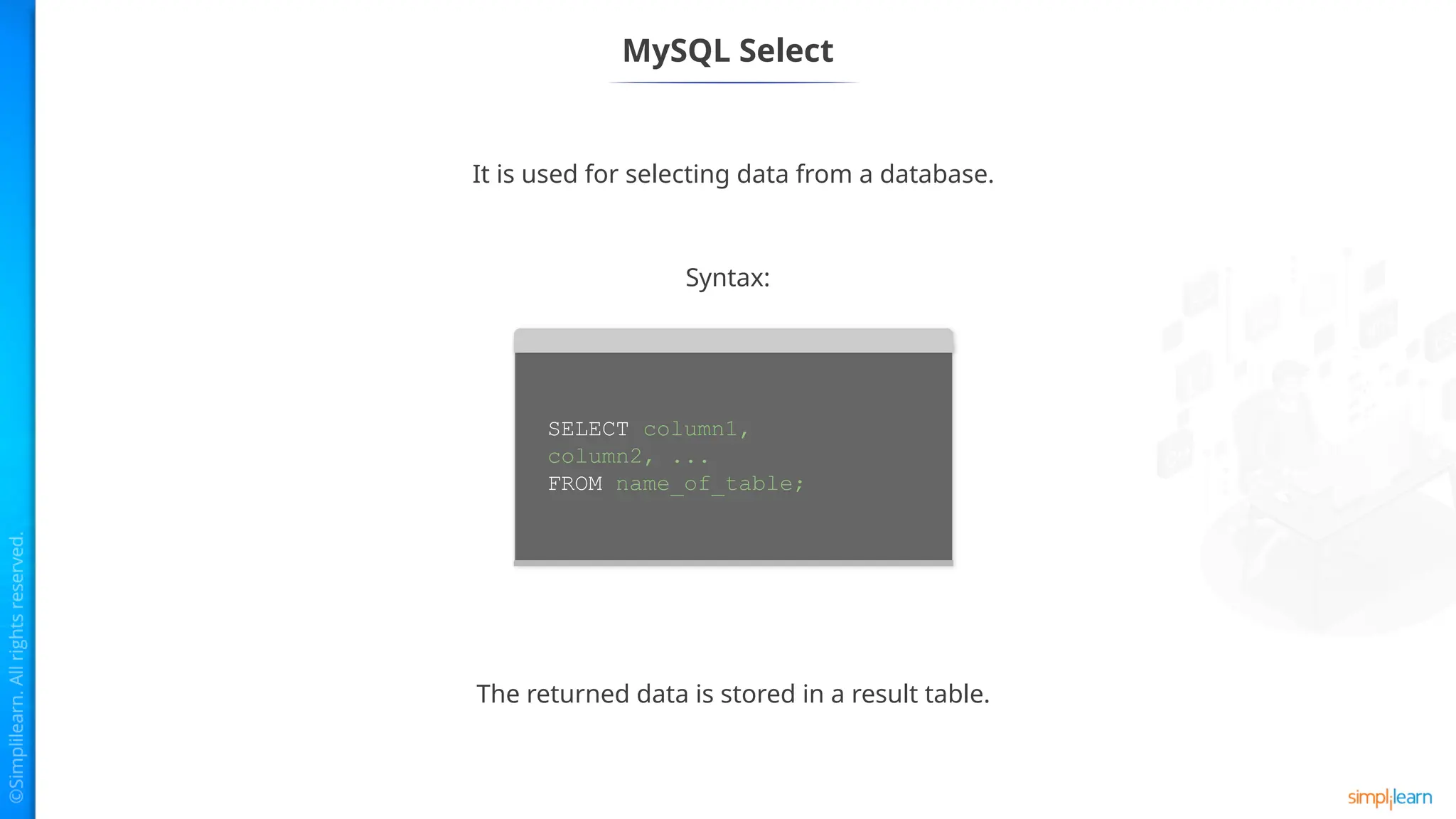
MySQL Select
It isused for selecting data from a database.
The returned data is stored in a result table.
Syntax:
SELECT column1,
column2, ...
FROM name_of_table;
16.
MySQL Where Clause
Thisis used to filter out the results.
It allows to specify selection criteria to select the required records.
Syntax:
SELECT field1, field2,...fieldN name_of_table1,
name_of_table2...
[WHERE condition1 [AND [OR]] condition2.....
17.
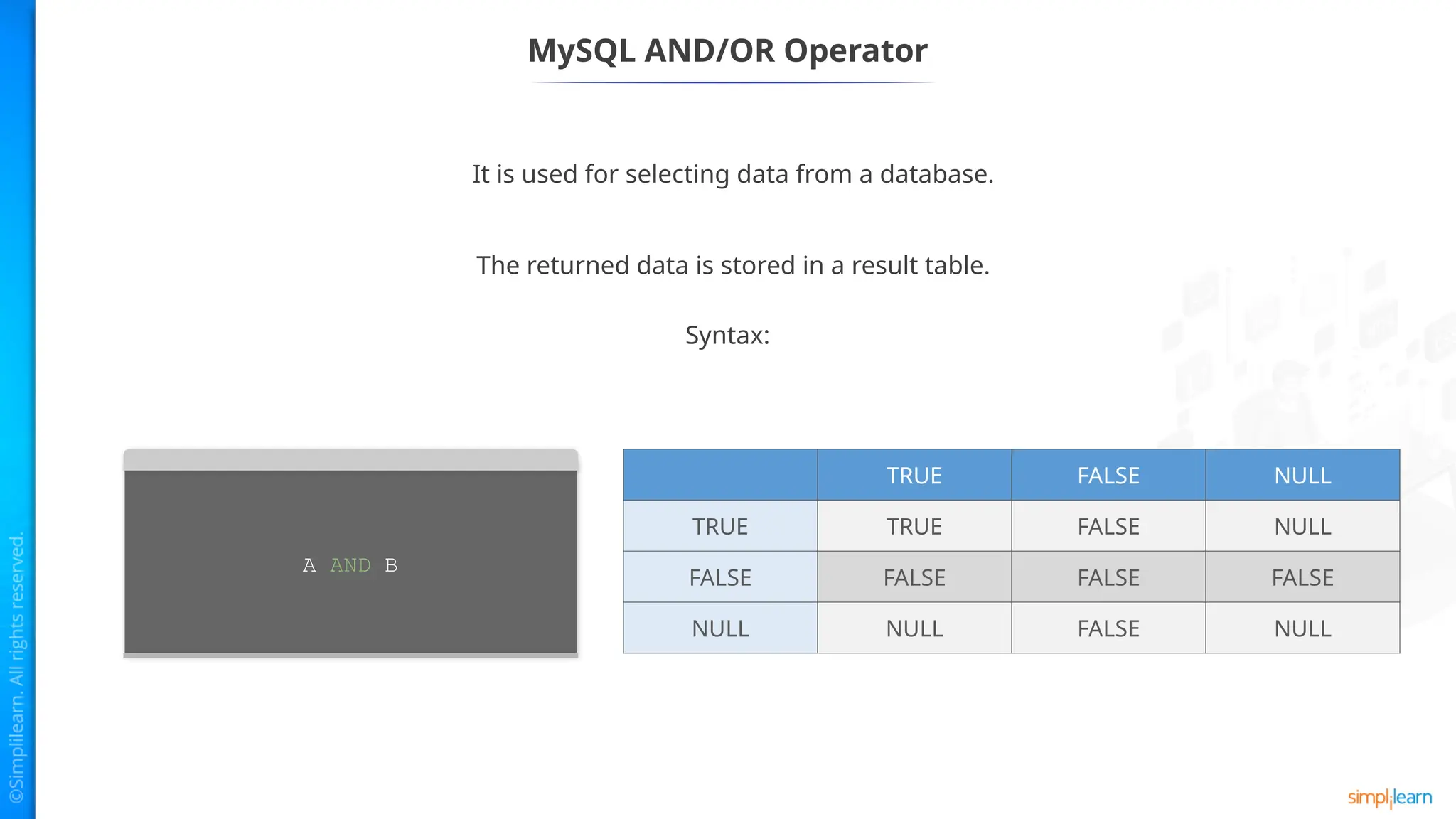
MySQL AND/OR Operator
Itis used for selecting data from a database.
The returned data is stored in a result table.
A AND B
Syntax:
TRUE FALSE NULL
TRUE TRUE FALSE NULL
FALSE FALSE FALSE FALSE
NULL NULL FALSE NULL
18.
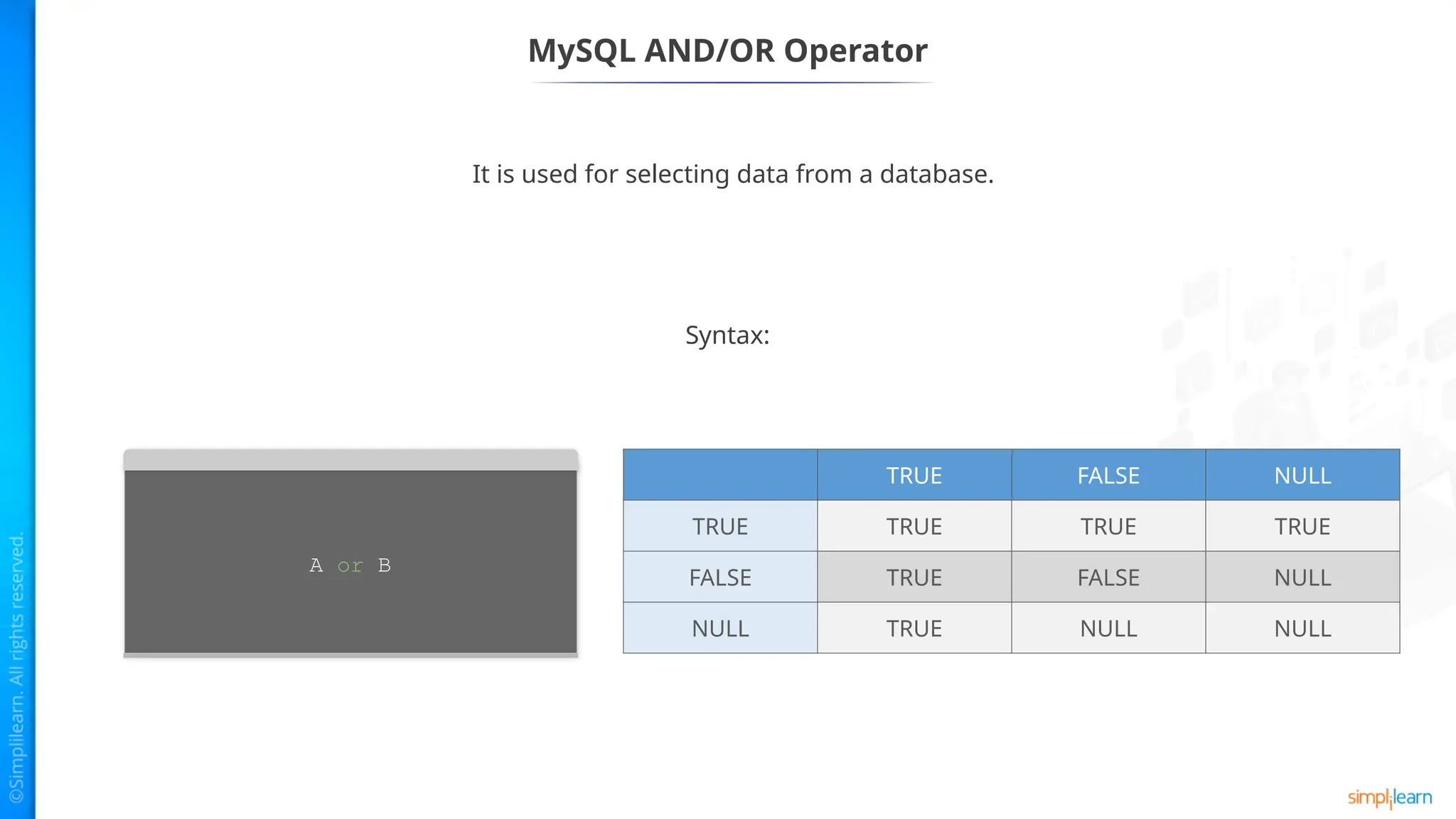
It is usedfor selecting data from a database.
MySQL AND/OR Operator
A or B
Syntax:
TRUE FALSE NULL
TRUE TRUE TRUE TRUE
FALSE TRUE FALSE NULL
NULL TRUE NULL NULL
19.
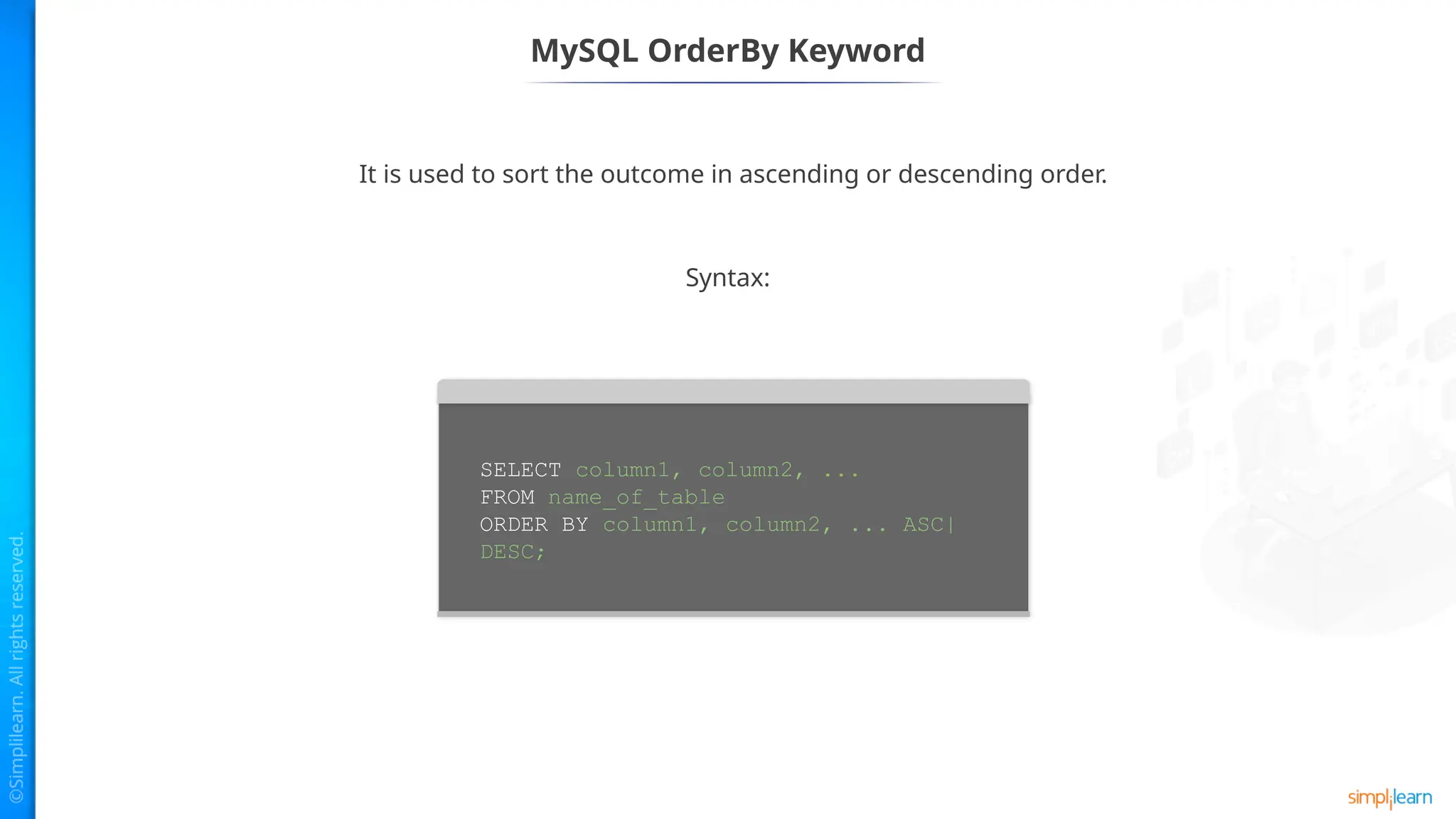
MySQL OrderBy Keyword
Itis used to sort the outcome in ascending or descending order.
Syntax:
SELECT column1, column2, ...
FROM name_of_table
ORDER BY column1, column2, ... ASC|
DESC;
20.
MySQL GroupBy
Used forcollecting data from multiple records and grouping the output.
Syntax:
SELECT expression_a, expression_b, ...
expression_n,
aggregate_function (expression)
FROM tables
[WHERE conditions]
GROUP BY expression_a, expression_b, ...
expression_n;
This is mostly used in SELECT statement along with SUM, COUNT, MAX, etc.
21.
MySQL Having
SELECT expression_a,expression_b, ...
expression_n,
aggregate_function (expression)
FROM tables
[WHERE conditions]
GROUP BY expression_a, expression_b, ...
expression_n
HAVING condition;
Used by the GROUP clause. It returns the rows where the condition is
TRUE.
Syntax:
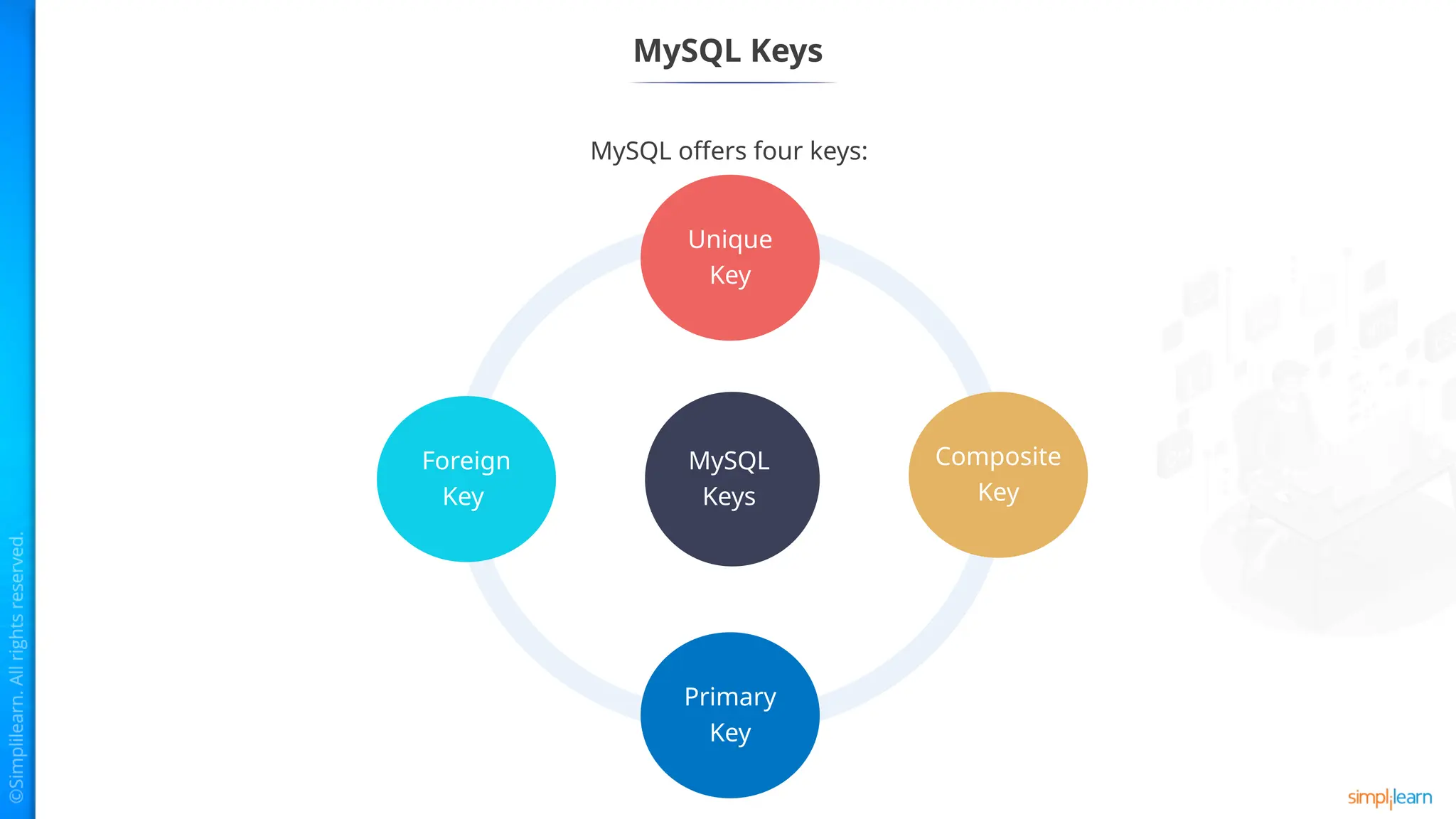
Unique Key
The syntaxto create a unique key in table is:
The syntax to insert multiple unique key into a table is:
If a unique constraint is not specified, SQL gives a name for that
column.
CREATE TABLE table_name(
col1 data_type,
col2 data_type UNIQUE,
...
);
CREATE TABLE table_name(
col1 column_definition,
col2 column_definition,
...
[CONSTRAINT constraint_name]
UNIQUE(col_name(s))
);
26.
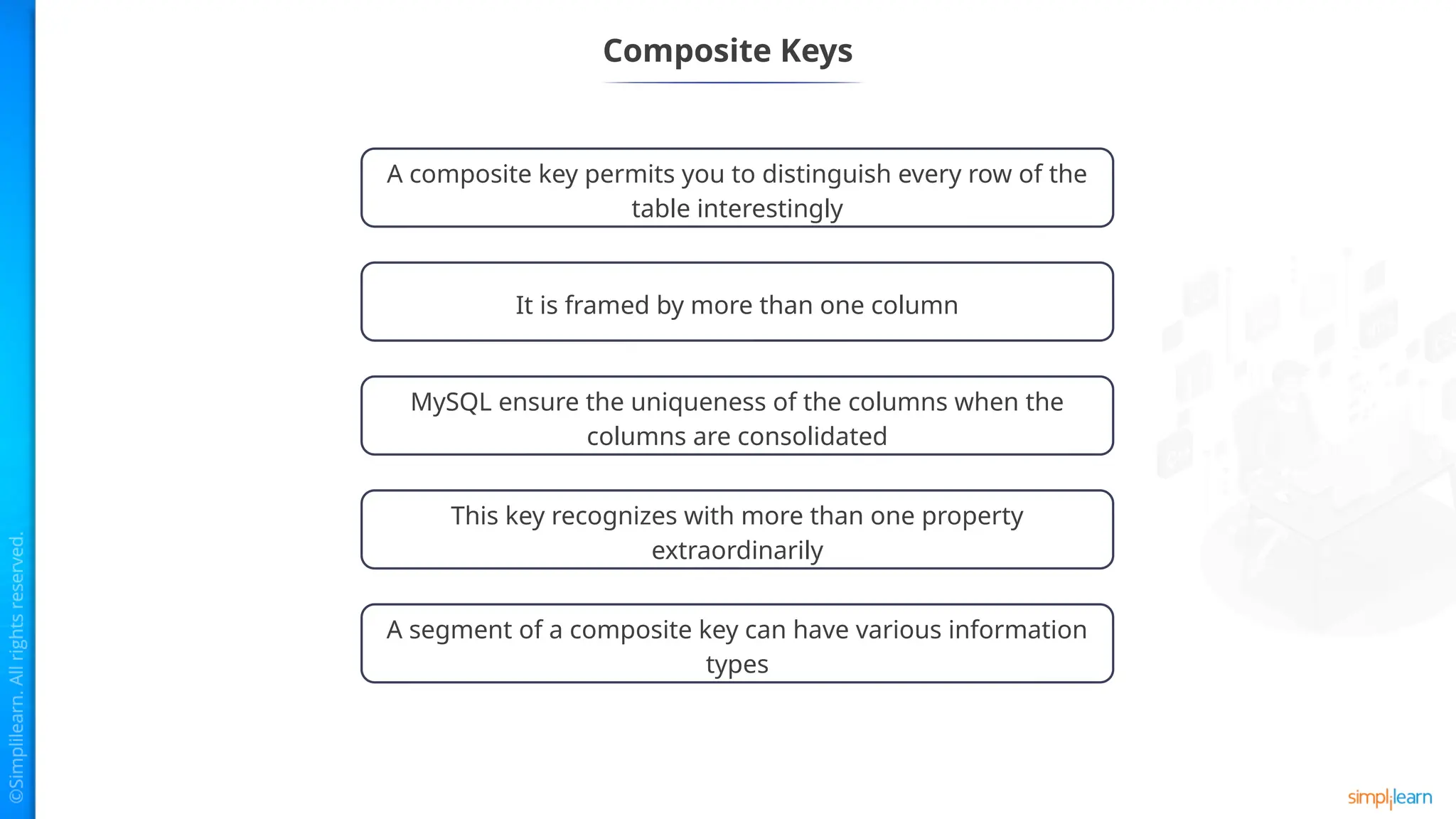
Composite Keys
A compositekey permits you to distinguish every row of the
table interestingly
It is framed by more than one column
MySQL ensure the uniqueness of the columns when the
columns are consolidated
This key recognizes with more than one property
extraordinarily
A segment of a composite key can have various information
types
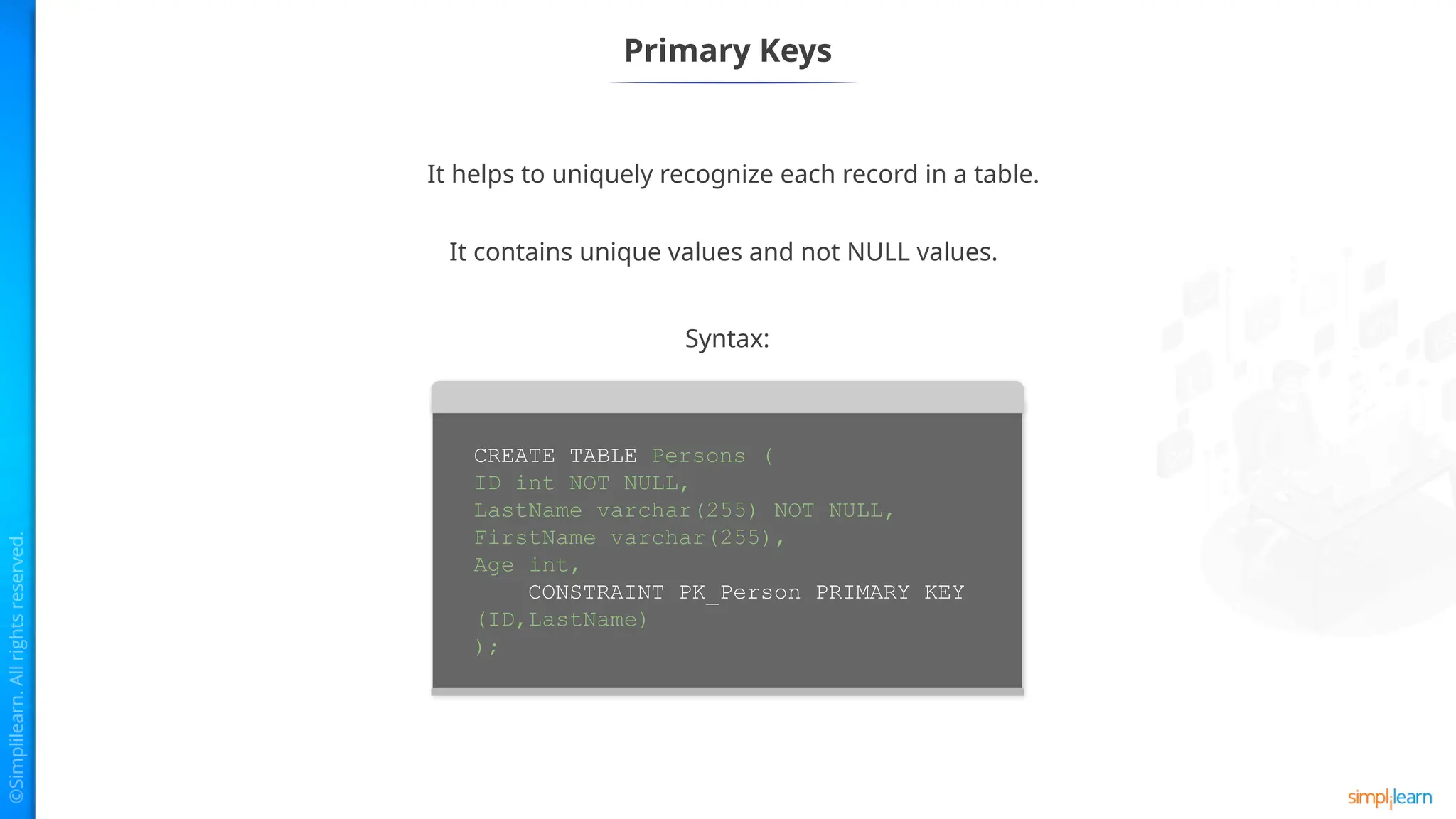
Primary Keys
CREATE TABLEPersons (
ID int NOT NULL,
LastName varchar(255) NOT NULL,
FirstName varchar(255),
Age int,
CONSTRAINT PK_Person PRIMARY KEY
(ID,LastName)
);
Syntax:
It helps to uniquely recognize each record in a table.
It contains unique values and not NULL values.
29.
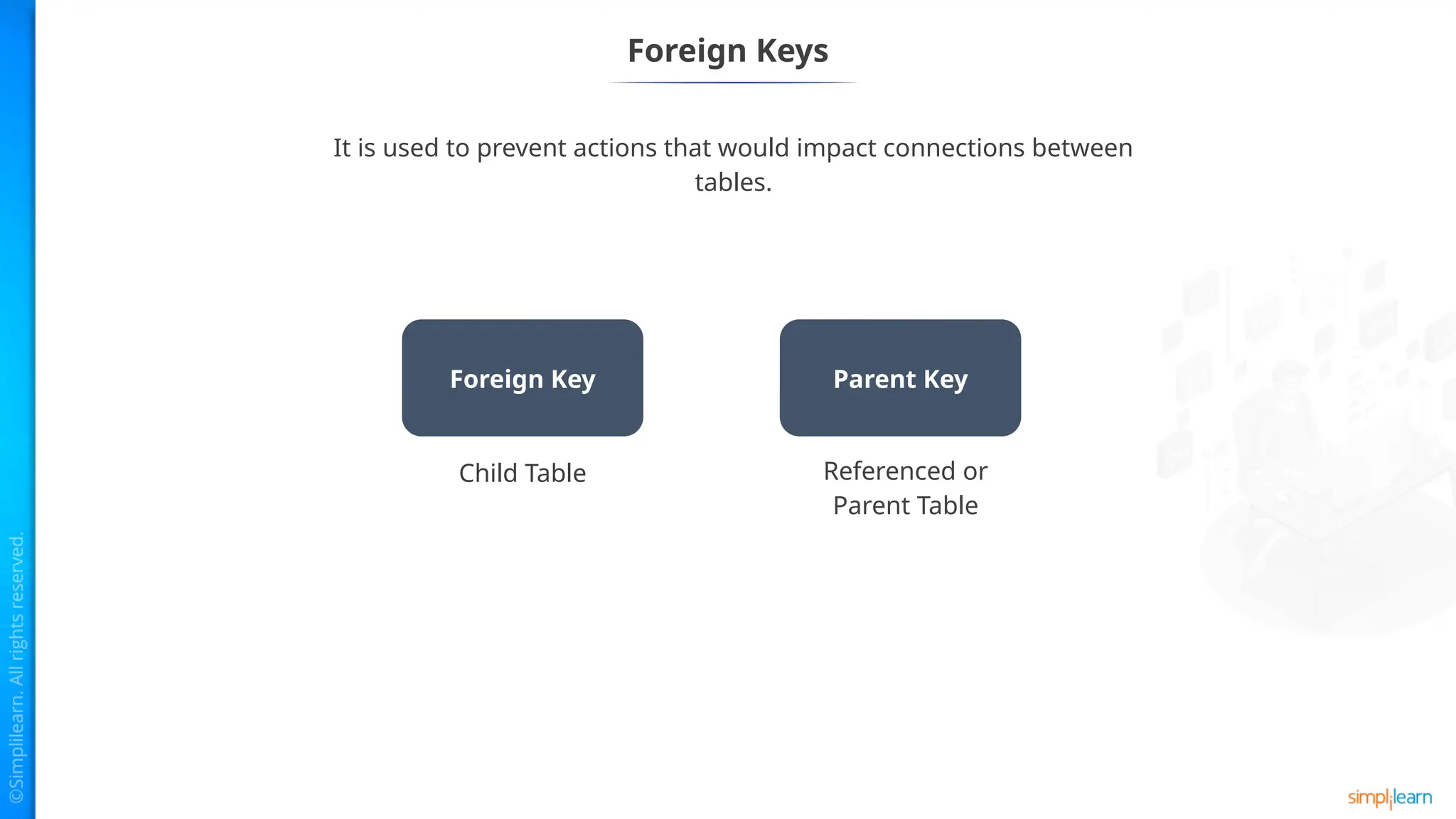
Foreign Keys
It isused to prevent actions that would impact connections between
tables.
Foreign Key Parent Key
Child Table Referenced or
Parent Table
30.
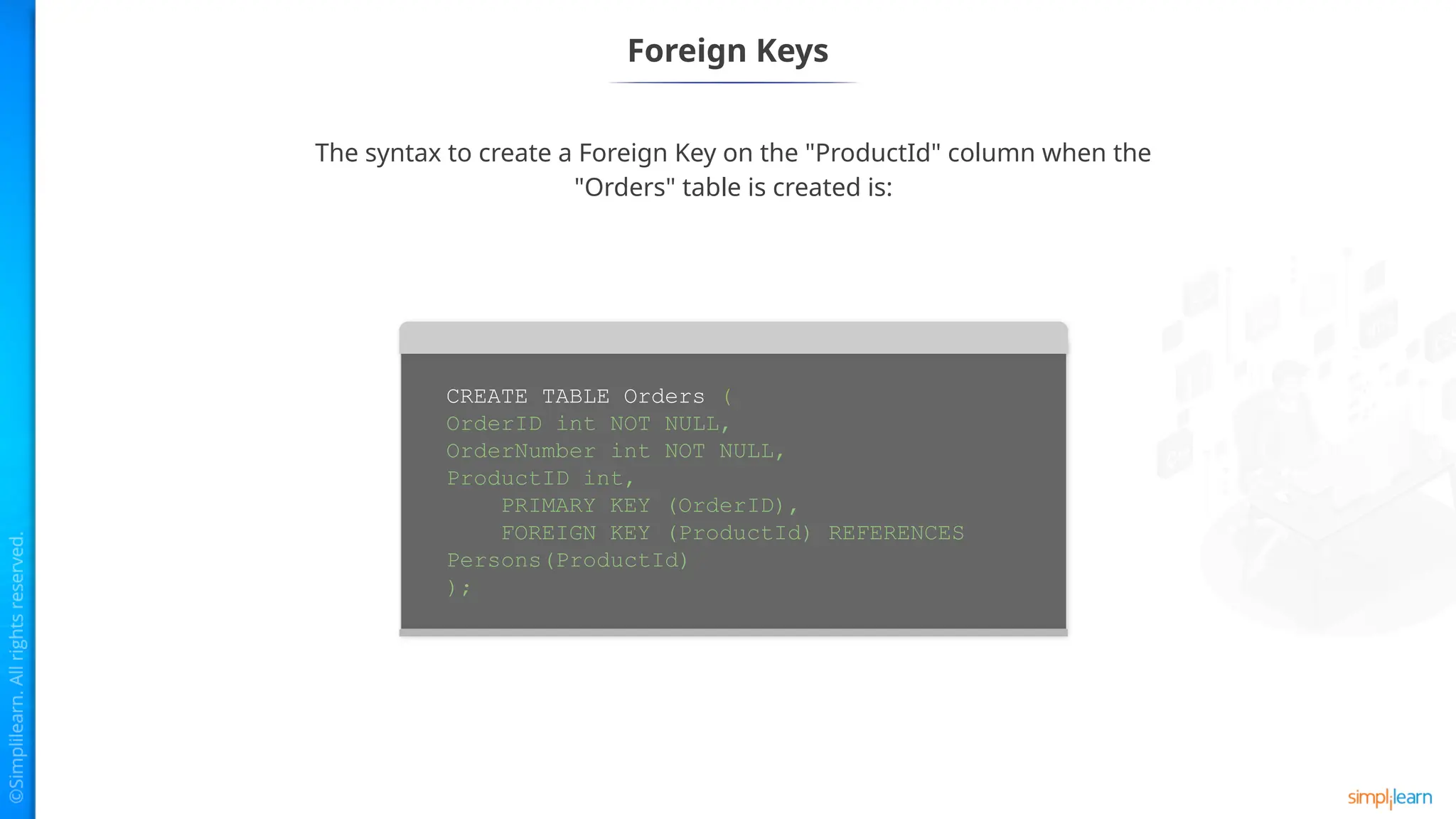
Foreign Keys
The syntaxto create a Foreign Key on the "ProductId" column when the
"Orders" table is created is:
CREATE TABLE Orders (
OrderID int NOT NULL,
OrderNumber int NOT NULL,
ProductID int,
PRIMARY KEY (OrderID),
FOREIGN KEY (ProductId) REFERENCES
Persons(ProductId)
);
31.
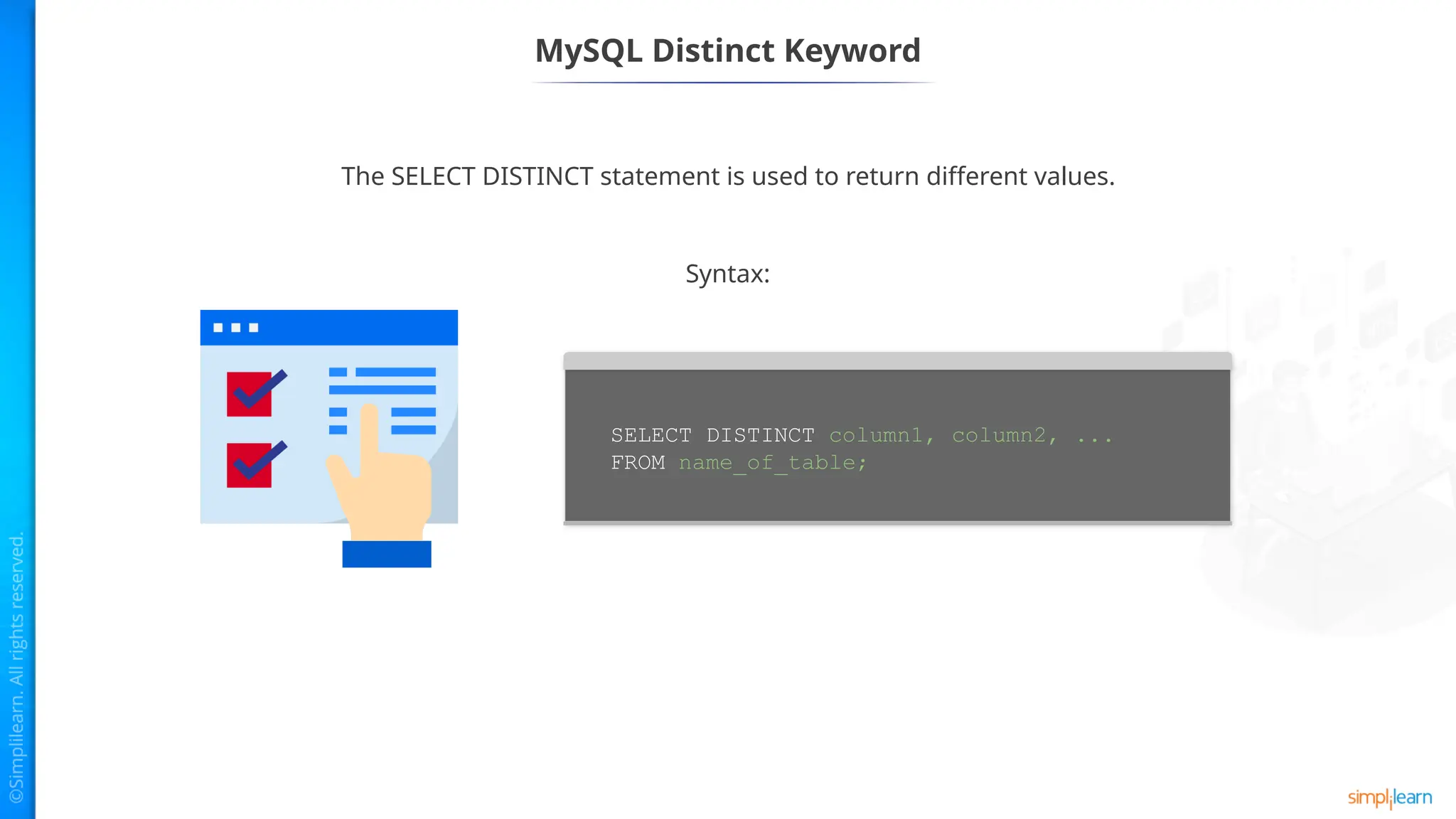
MySQL Distinct Keyword
TheSELECT DISTINCT statement is used to return different values.
SELECT DISTINCT column1, column2, ...
FROM name_of_table;
Syntax:
32.
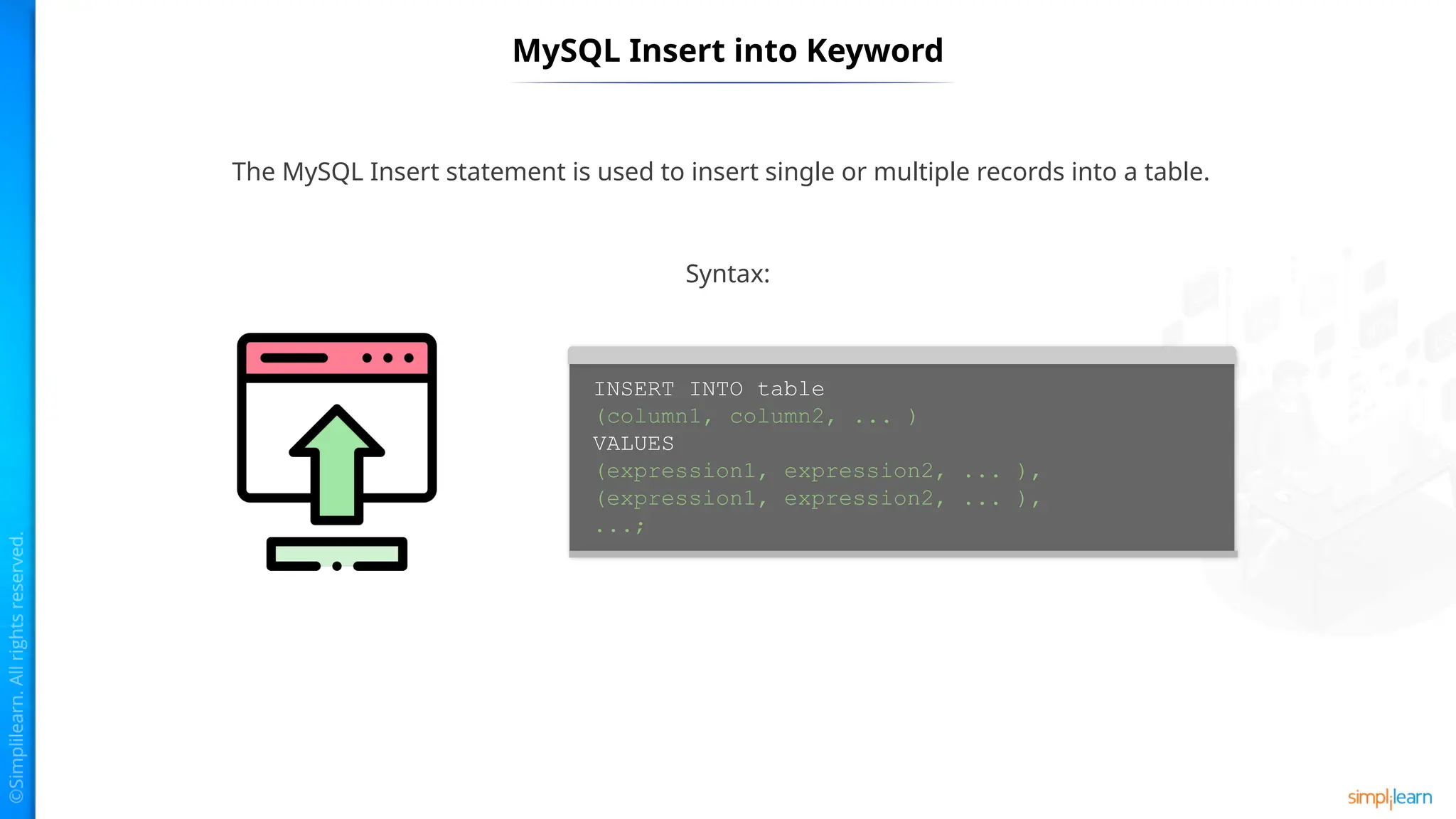
MySQL Insert intoKeyword
The MySQL Insert statement is used to insert single or multiple records into a table.
INSERT INTO table
(column1, column2, ... )
VALUES
(expression1, expression2, ... ),
(expression1, expression2, ... ),
...;
Syntax:
33.
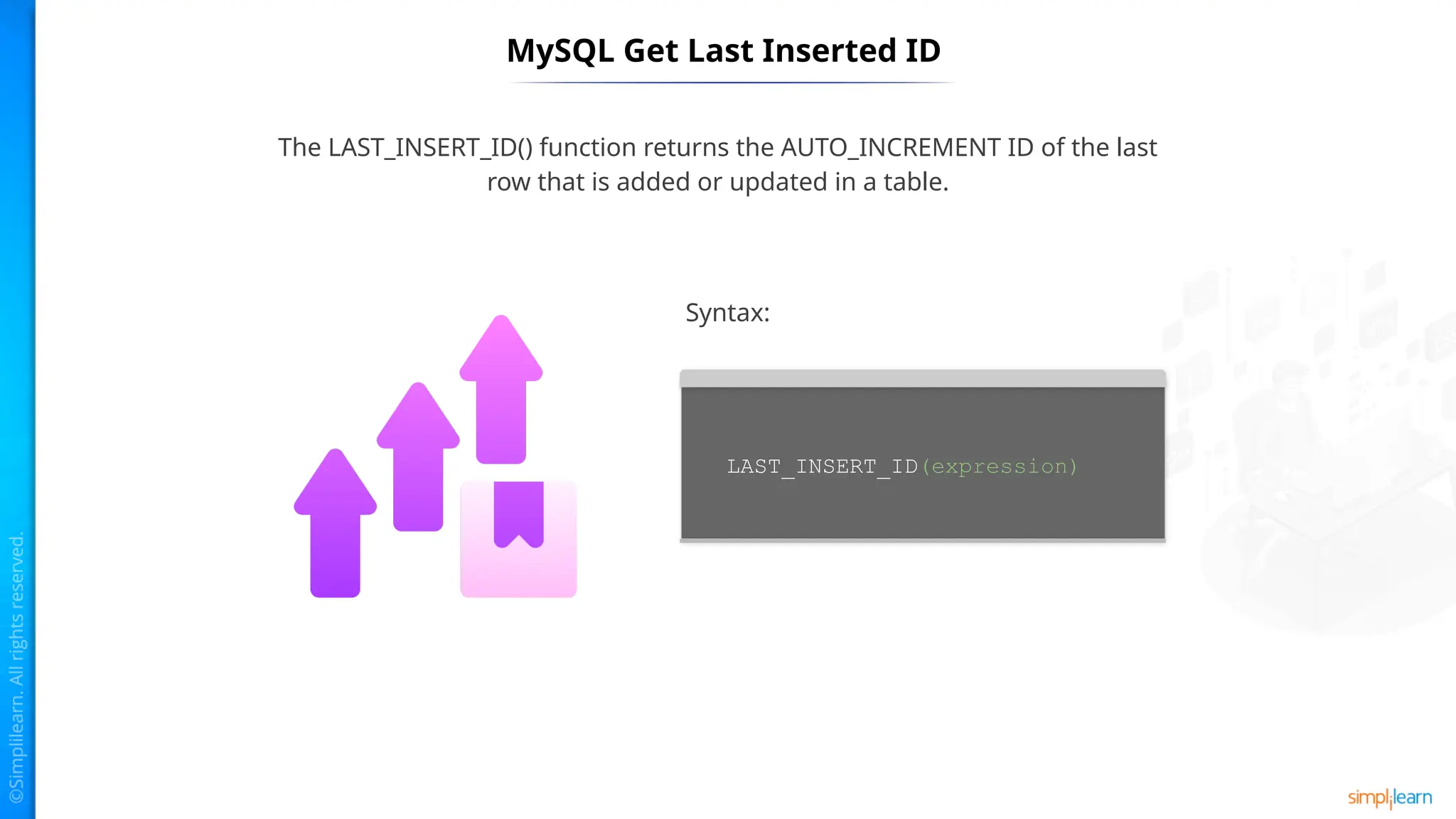
MySQL Get LastInserted ID
The LAST_INSERT_ID() function returns the AUTO_INCREMENT ID of the last
row that is added or updated in a table.
LAST_INSERT_ID(expression)
Syntax:
34.
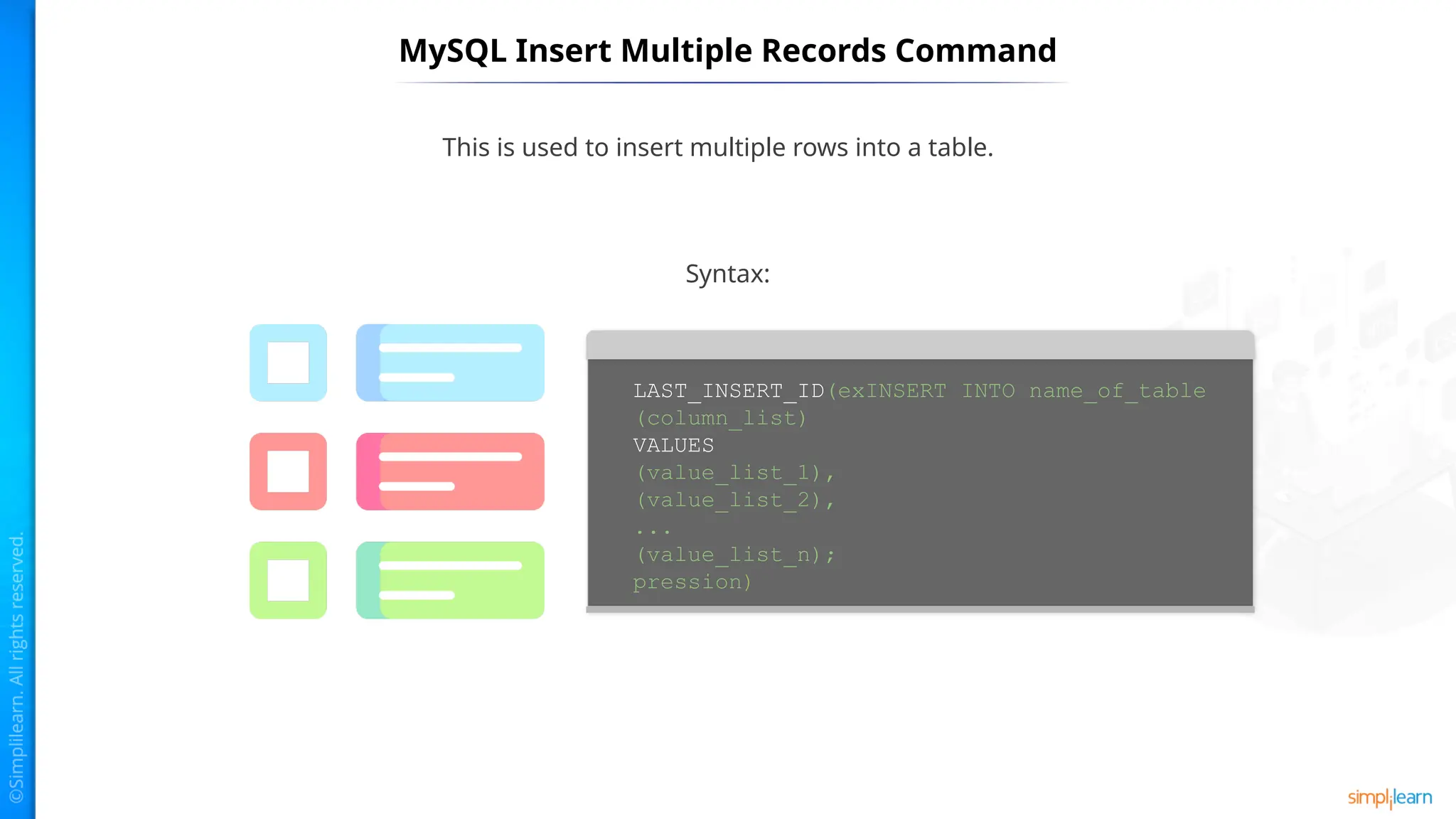
MySQL Insert MultipleRecords Command
This is used to insert multiple rows into a table.
LAST_INSERT_ID(exINSERT INTO name_of_table
(column_list)
VALUES
(value_list_1),
(value_list_2),
...
(value_list_n);
pression)
Syntax:
MySQL Joins
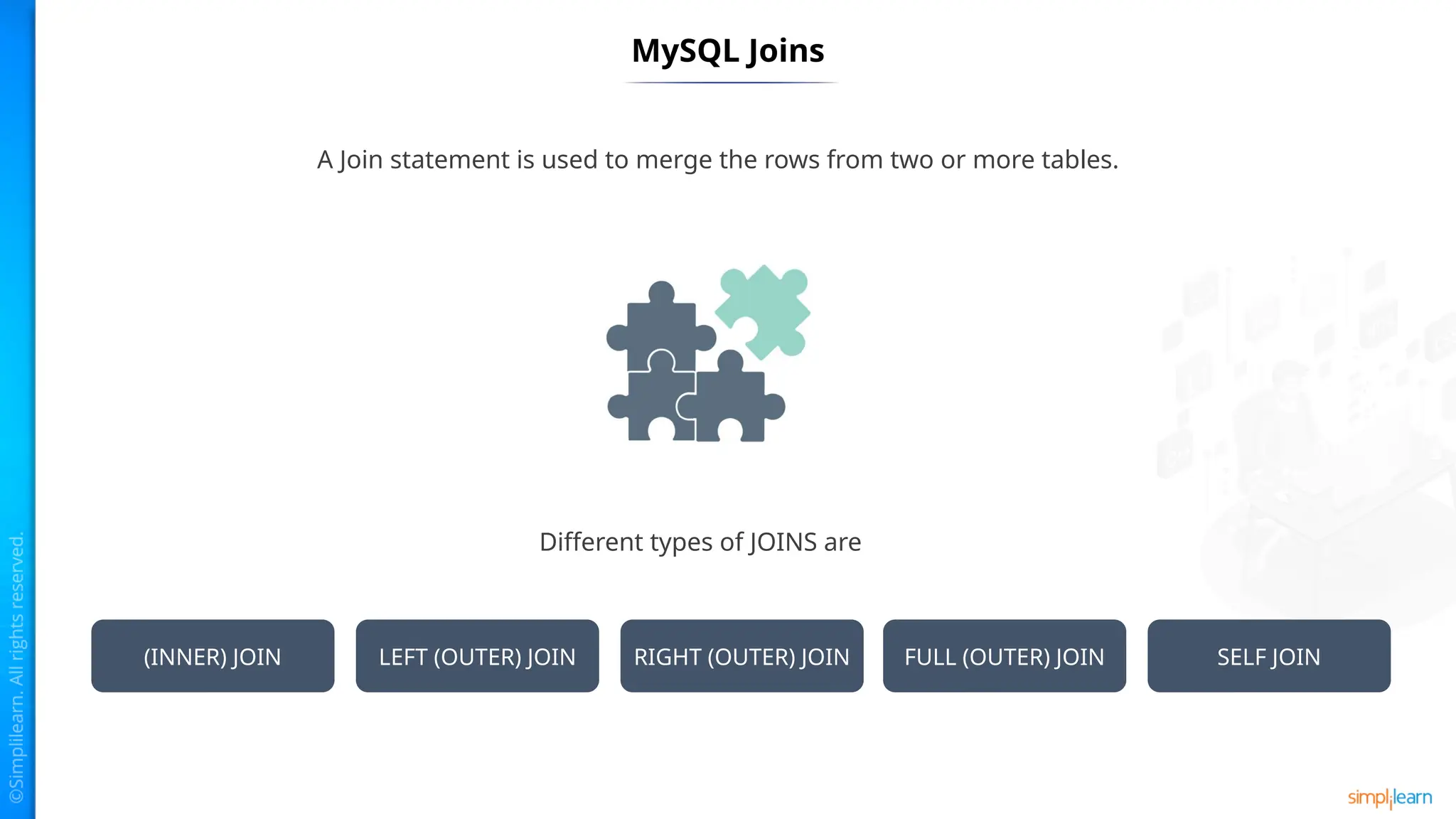
A Joinstatement is used to merge the rows from two or more tables.
Different types of JOINS are
(INNER) JOIN LEFT (OUTER) JOIN RIGHT (OUTER) JOIN FULL (OUTER) JOIN SELF JOIN
37.
Inner Join
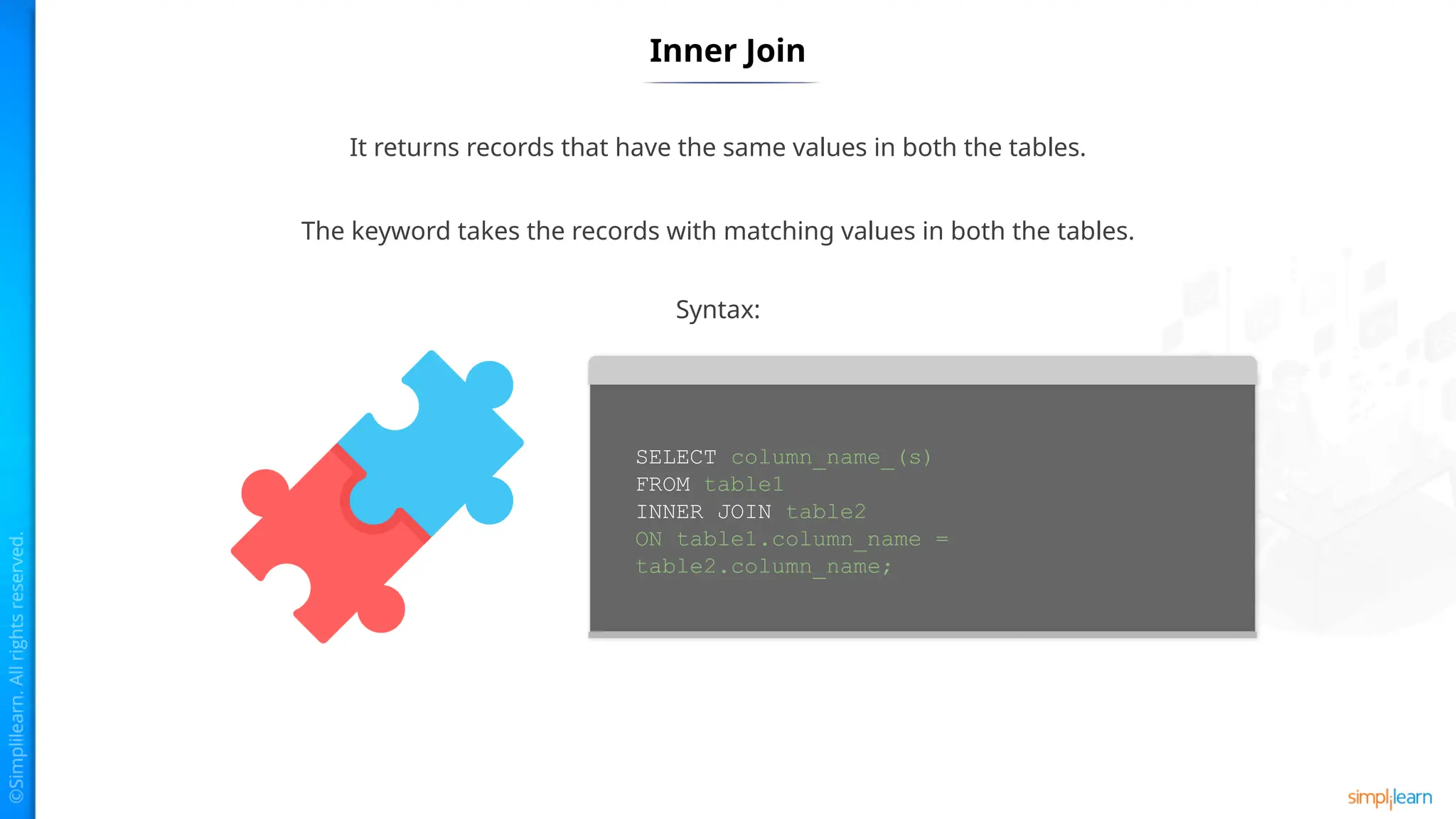
It returnsrecords that have the same values in both the tables.
The keyword takes the records with matching values in both the tables.
SELECT column_name_(s)
FROM table1
INNER JOIN table2
ON table1.column_name =
table2.column_name;
Syntax:
38.
Left Join
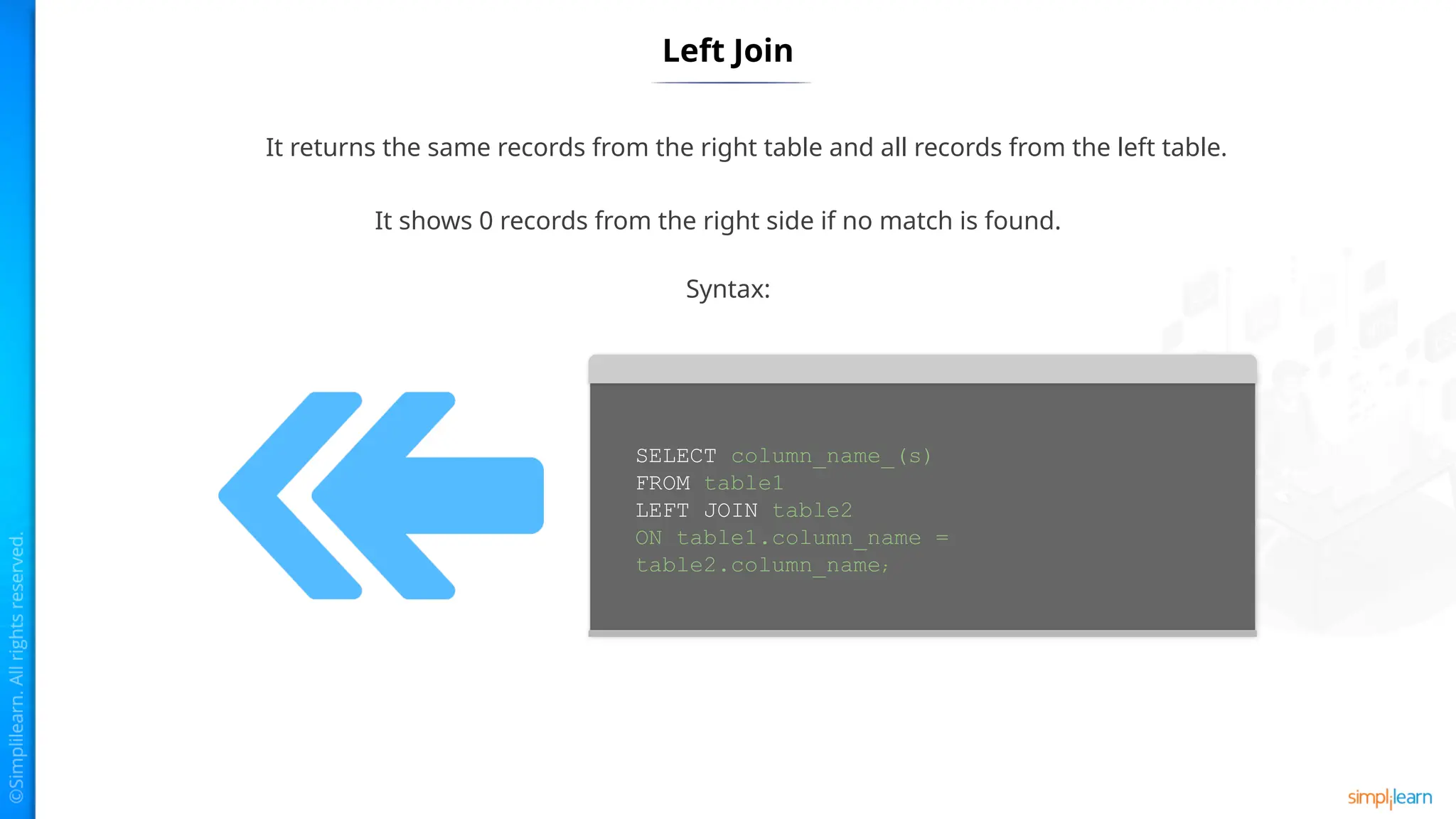
It returnsthe same records from the right table and all records from the left table.
It shows 0 records from the right side if no match is found.
SELECT column_name_(s)
FROM table1
LEFT JOIN table2
ON table1.column_name =
table2.column_name;
Syntax:
39.
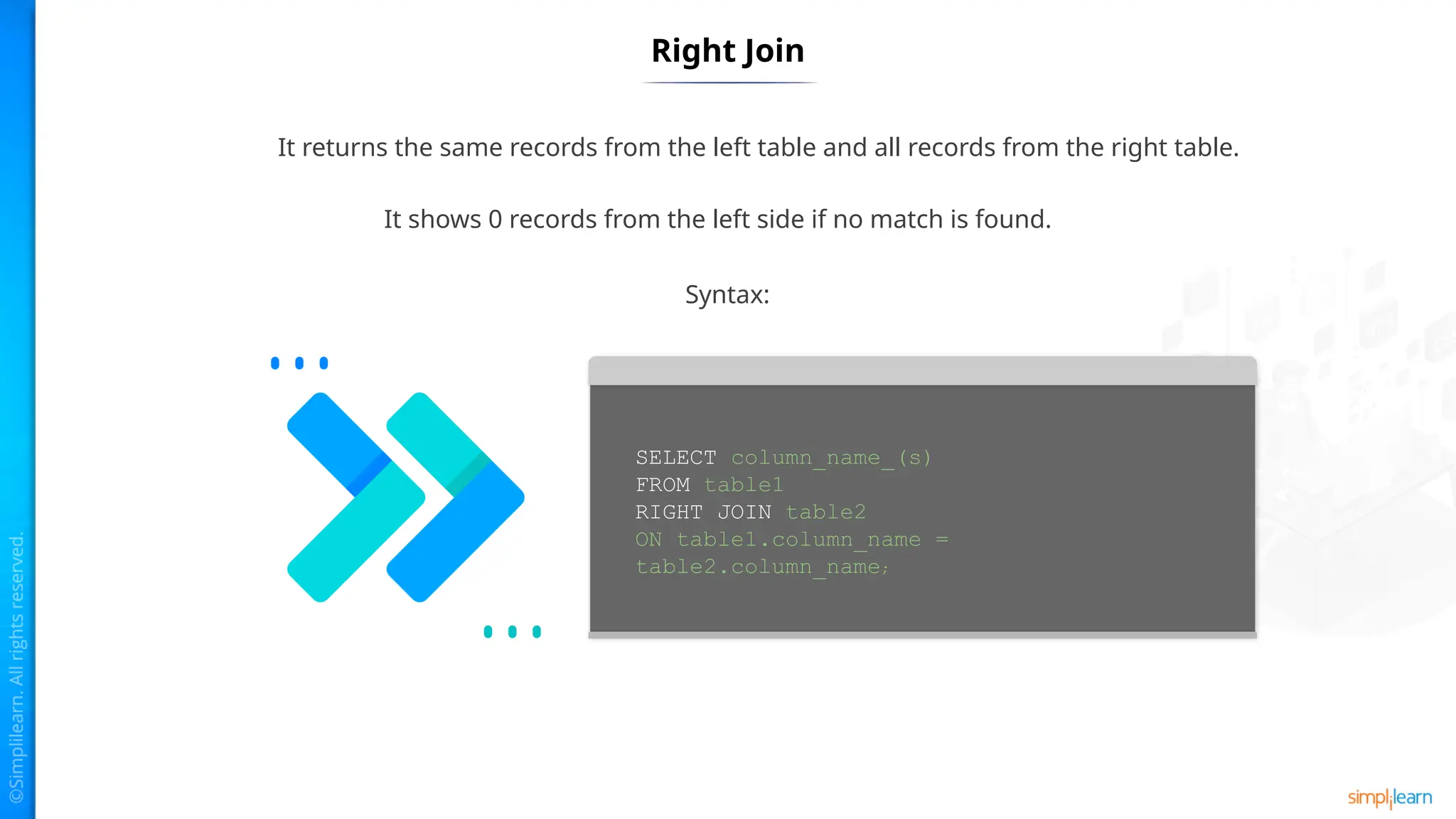
Right Join
It returnsthe same records from the left table and all records from the right table.
It shows 0 records from the left side if no match is found.
SELECT column_name_(s)
FROM table1
RIGHT JOIN table2
ON table1.column_name =
table2.column_name;
Syntax:
40.
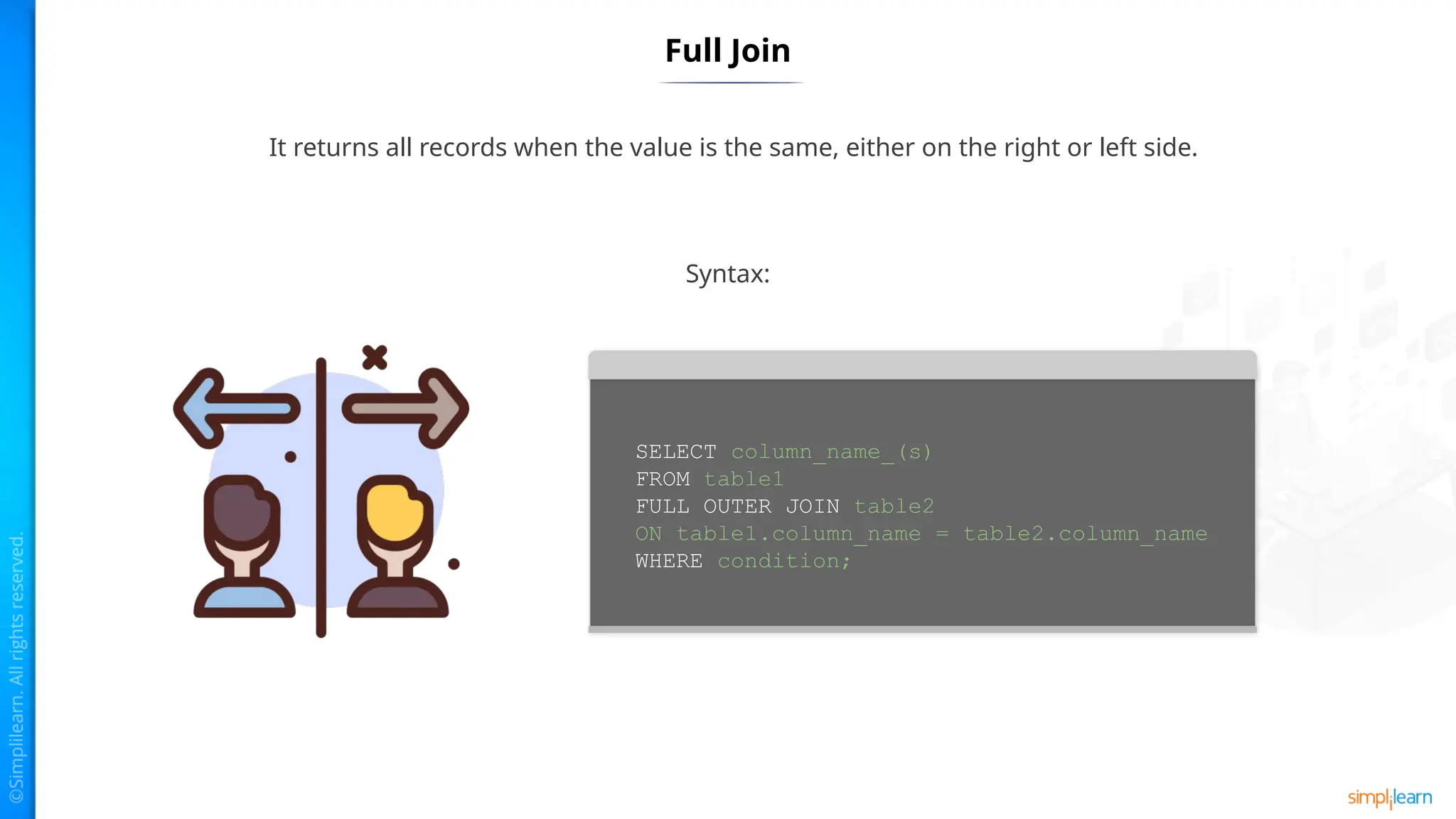
Full Join
It returnsall records when the value is the same, either on the right or left side.
Syntax:
SELECT column_name_(s)
FROM table1
FULL OUTER JOIN table2
ON table1.column_name = table2.column_name
WHERE condition;
41.
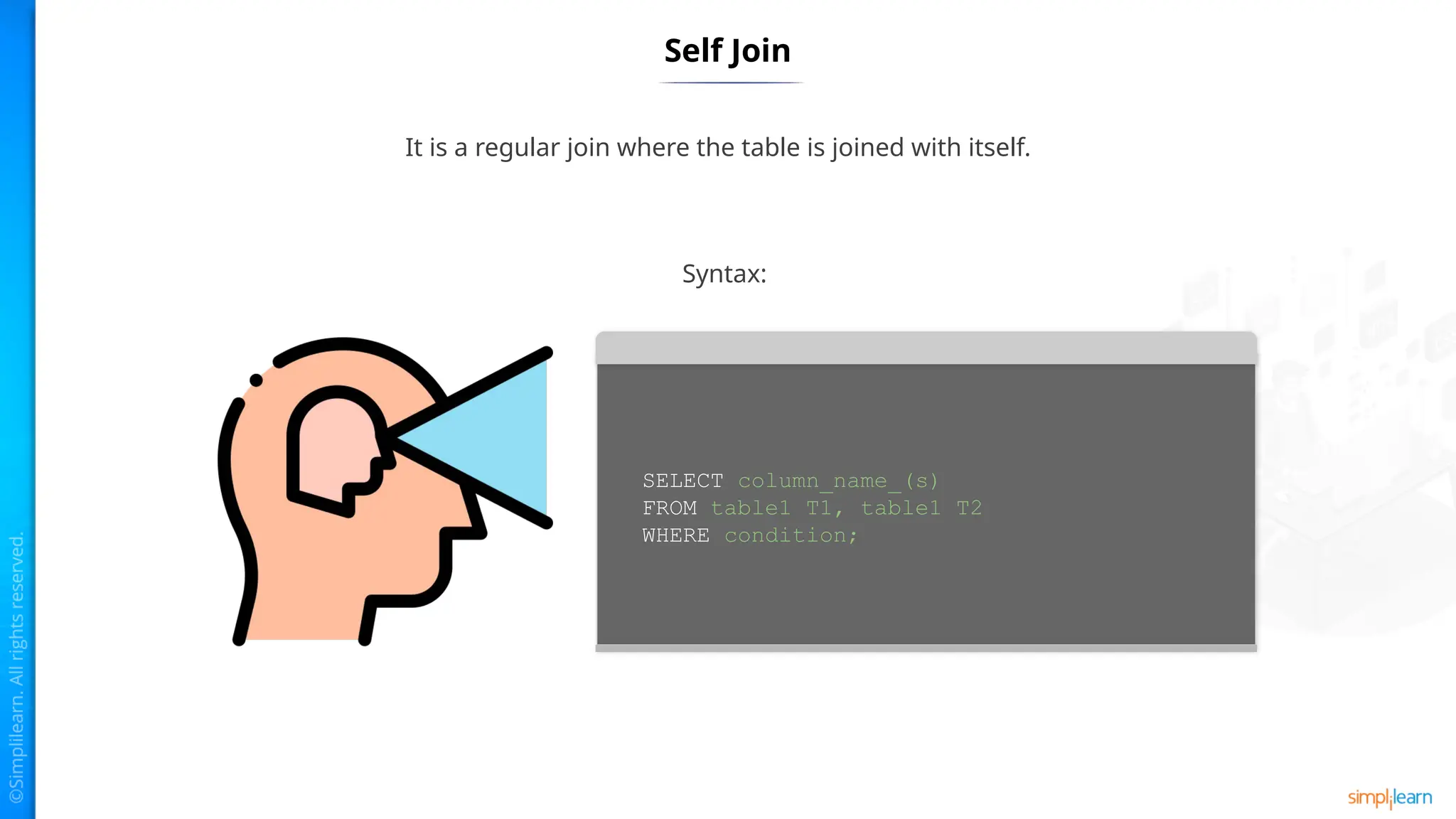
Self Join
It isa regular join where the table is joined with itself.
Syntax:
SELECT column_name_(s)
FROM table1 T1, table1 T2
WHERE condition;
DELETE Keyword
It isused to delete the current records from a table.
Syntax:
DELETE FROM table_name WHERE
[condition];
44.
UPDATE Keyword
It isused to update the current records from a table.
It helps to modify the values of one or multiple columns or rows.
The syntax is:
UPDATE [LOW_PRIORITY] [IGNORE] table_name
SET
column_name1 = expr1,
column_name2 = expr2,
...
[WHERE condition];
45.
Key Takeaways
The UPDATEstatement is used to modify the existing records in
the table.
ALTER is used to change the features of a database.
A composite key permits you to distinguish every row of the table
interestingly.
The MySQL Insert statement is used to insert single or multiple
records into a table.
A Join statement is used to merge the rows from two or more
tables.
DELETE keyword is used to delete the current records from a
table.
#24 In MySQL, there is a single field or combination of fields that make sure all values that are going to be stored into the column are unique, which means the column cannot store the same values. For example, the name and class of students in the "student-info" table.
MySQL allows us to use more than one column with UNIQUE values in the table. It accepts a null value, but MySQL allows only a null value. It makes sure the integrity of columns stores different values.
It helps in preventing the records from storing the same values in the column.
It stores only different values to maintain the integrity of the database. It works with a foreign key in maintaining the distinctiveness of the table and contains a null value.
#26 A composite key in MySQL is a mixture of at least two columns in a table that permits us to distinguish every row of the table interestingly.
It is a kind of candidate key that is framed by more than one column. MySQL ensures the uniqueness of the columns just when they are consolidated. If they are taken exclusively, the uniqueness cannot be kept up with.
A composite key is helpful when the table requires to recognize each record with more than one property extraordinarily. A segment used in the composite key can have various information types. In this way, there isn't a need to have a similar information type for the segments to make a composite key in MySQL.
#27 Composite key can be added in two different ways:
Create statement
Alter statement



![Modifying a SQL Database
ALTER is used to change the features of a database.
Syntax:
ALTER privilege is required by the ALTER statement on the database.
ALTER {DATABASE | SCHEMA} database_name
alter_option …
alter_option: {
[DEFAULT] CHARACTER SET [=] charset_name
| [DEFAULT] COLLATE [=] collation_name
| [DEFAULT] ENCRYPTION [=] {'Y' | 'N'}
| READ ONLY [=] {DEFAULT | 0 | 1}
}](https://image.slidesharecdn.com/lesson2workingwithtablesandsqlcommands-250215191215-6a2c155b/75/Lesson-2_Working_with_Tables_and_SQL_Commands-pptx-12-2048.jpg)
![MySQL Where Clause
This is used to filter out the results.
It allows to specify selection criteria to select the required records.
Syntax:
SELECT field1, field2,...fieldN name_of_table1,
name_of_table2...
[WHERE condition1 [AND [OR]] condition2.....](https://image.slidesharecdn.com/lesson2workingwithtablesandsqlcommands-250215191215-6a2c155b/75/Lesson-2_Working_with_Tables_and_SQL_Commands-pptx-16-2048.jpg)
![MySQL GroupBy
Used for collecting data from multiple records and grouping the output.
Syntax:
SELECT expression_a, expression_b, ...
expression_n,
aggregate_function (expression)
FROM tables
[WHERE conditions]
GROUP BY expression_a, expression_b, ...
expression_n;
This is mostly used in SELECT statement along with SUM, COUNT, MAX, etc.](https://image.slidesharecdn.com/lesson2workingwithtablesandsqlcommands-250215191215-6a2c155b/75/Lesson-2_Working_with_Tables_and_SQL_Commands-pptx-20-2048.jpg)
![MySQL Having
SELECT expression_a, expression_b, ...
expression_n,
aggregate_function (expression)
FROM tables
[WHERE conditions]
GROUP BY expression_a, expression_b, ...
expression_n
HAVING condition;
Used by the GROUP clause. It returns the rows where the condition is
TRUE.
Syntax:](https://image.slidesharecdn.com/lesson2workingwithtablesandsqlcommands-250215191215-6a2c155b/75/Lesson-2_Working_with_Tables_and_SQL_Commands-pptx-21-2048.jpg)

![Unique Key
The syntax to create a unique key in table is:
The syntax to insert multiple unique key into a table is:
If a unique constraint is not specified, SQL gives a name for that
column.
CREATE TABLE table_name(
col1 data_type,
col2 data_type UNIQUE,
...
);
CREATE TABLE table_name(
col1 column_definition,
col2 column_definition,
...
[CONSTRAINT constraint_name]
UNIQUE(col_name(s))
);](https://image.slidesharecdn.com/lesson2workingwithtablesandsqlcommands-250215191215-6a2c155b/75/Lesson-2_Working_with_Tables_and_SQL_Commands-pptx-25-2048.jpg)


![DELETE Keyword
It is used to delete the current records from a table.
Syntax:
DELETE FROM table_name WHERE
[condition];](https://image.slidesharecdn.com/lesson2workingwithtablesandsqlcommands-250215191215-6a2c155b/75/Lesson-2_Working_with_Tables_and_SQL_Commands-pptx-43-2048.jpg)
![UPDATE Keyword
It is used to update the current records from a table.
It helps to modify the values of one or multiple columns or rows.
The syntax is:
UPDATE [LOW_PRIORITY] [IGNORE] table_name
SET
column_name1 = expr1,
column_name2 = expr2,
...
[WHERE condition];](https://image.slidesharecdn.com/lesson2workingwithtablesandsqlcommands-250215191215-6a2c155b/75/Lesson-2_Working_with_Tables_and_SQL_Commands-pptx-44-2048.jpg)



![[DSC Europe 25] Hans Kleinsman - The Compliance Gearbox: How Tax Tech Mediate...](https://cdn.slidesharecdn.com/ss_thumbnails/dxdytie1toel0hr90bjs-2-251212103250-174fdbe7-thumbnail.jpg?width=640&height=640&fit=bounds)
![[DSC Europe 25] Dusan Nesic - Securing Tomorrow’s Infrastructure: Why Cyber-P...](https://cdn.slidesharecdn.com/ss_thumbnails/qikbszfftyowjm2q6duw-1-251211083848-8f2ead6b-thumbnail.jpg?width=640&height=640&fit=bounds)
![[DSC Europe 25] Miodrag Pesovic & Vladislav Radonjic - Federated Data Archite...](https://cdn.slidesharecdn.com/ss_thumbnails/gsbe3y5it5uhndi4e08e-1-251212103249-f1008e0c-thumbnail.jpg?width=640&height=640&fit=bounds)
![[DSC Europe 25] Behzad Hosseini - AI Agents in the Wild: Deploying Models tha...](https://cdn.slidesharecdn.com/ss_thumbnails/3qtejajvsjqrzwfept2c-10-251212103250-7f2b1068-thumbnail.jpg?width=640&height=640&fit=bounds)
![[DSC Europe 25] Bassam Maharmeh - Artificial Intelligence: Opportunities and ...](https://cdn.slidesharecdn.com/ss_thumbnails/thhfmr2fqpawzj7hsjpg-5-251211083048-2c23204f-thumbnail.jpg?width=640&height=640&fit=bounds)


![[DSC Europe 25] Jovan Bogicevic - Legacy to AI-Driven Defense: Transforming D...](https://cdn.slidesharecdn.com/ss_thumbnails/rsarluadt563hntyfc8q-3-251211083849-3e7bc4c0-thumbnail.jpg?width=640&height=640&fit=bounds)


![[DSC Europe 25] Jon Dajci - Bridging TradFi and DeFi: Building the Future of ...](https://cdn.slidesharecdn.com/ss_thumbnails/fqmhfvlbqhkihjvqvhmu-7-251211083849-6af7e325-thumbnail.jpg?width=640&height=640&fit=bounds)


![[DSC Europe 25] Katherine Forrest - AI NOW: Understanding the Velocity of Cha...](https://cdn.slidesharecdn.com/ss_thumbnails/wvvbruqfrci0sfq9xwgb-4-251212104007-e5ad1987-thumbnail.jpg?width=640&height=640&fit=bounds)

![[DSC Europe 25] Branko Dzakula - From Defense to Attack: How AI Redefines Cyb...](https://cdn.slidesharecdn.com/ss_thumbnails/80bdzdxpr3ky2g0qvyk9-8-251211083048-ce5fc1ee-thumbnail.jpg?width=640&height=640&fit=bounds)