Basic Computing and
Programming
Lecture # 8:
Computer Networks
Today’s Aim
 Wireless Communication
 Pros and cons of Wireless Communication
 Different LAN standards/Protocols
 Network Topologies
 Network OS
 Network Security
 Network Addressing
Wireless Communications
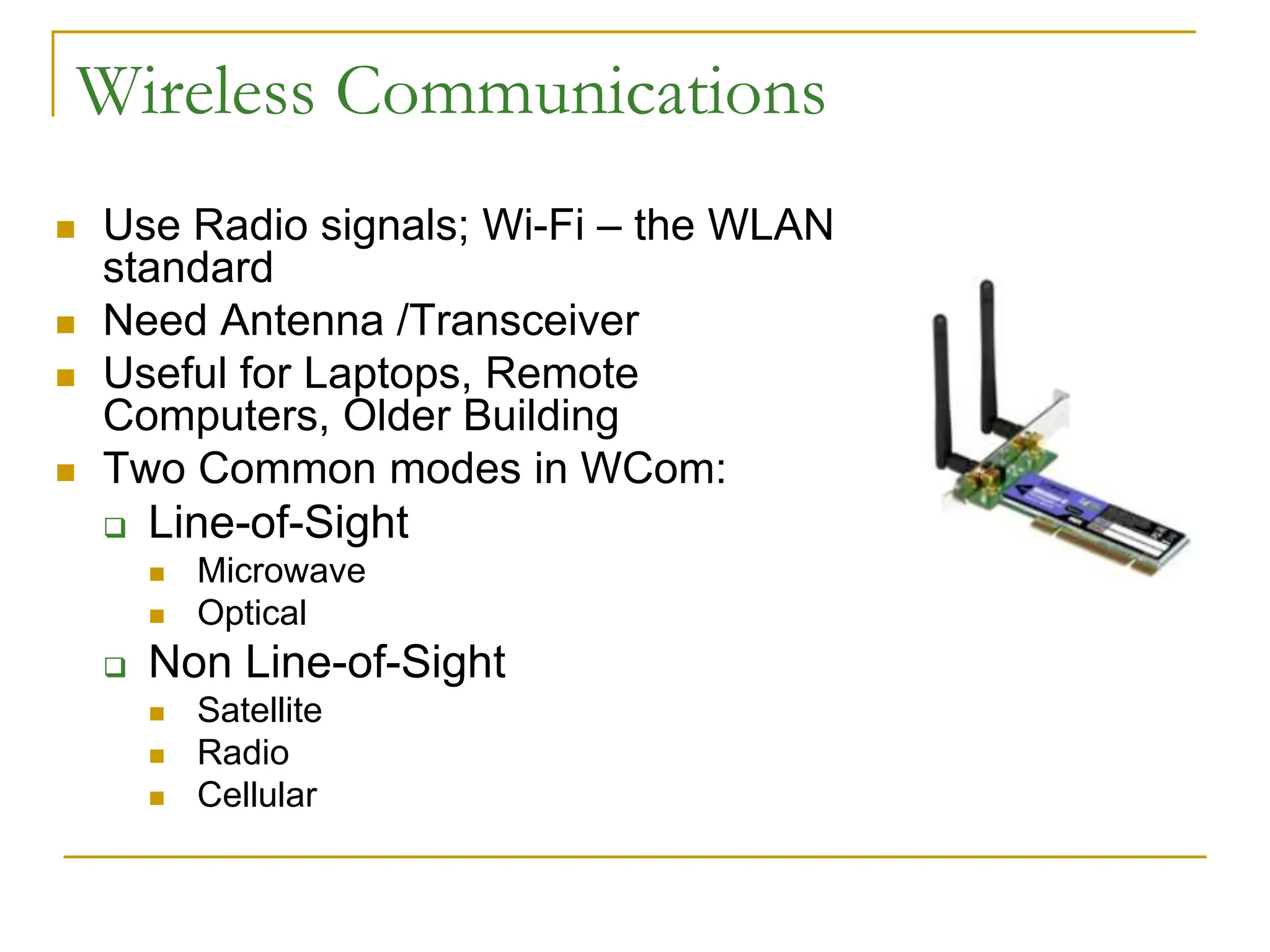
 Use Radio signals; Wi-Fi – the WLAN
standard
 Need Antenna /Transceiver
 Useful for Laptops, Remote
Computers, Older Building
 Two Common modes in WCom:
 Line-of-Sight
 Microwave
 Optical
 Non Line-of-Sight
 Satellite
 Radio
 Cellular
Pros and Cons of Wireless LANs
 Key Benefits:
 Set-up time
 Set-up Cost
 Maintenance Cost
 Key Challenges:
 Security and Privacy
 Quality of Service
 Lower Susceptibility to Interference
 Lower Speed
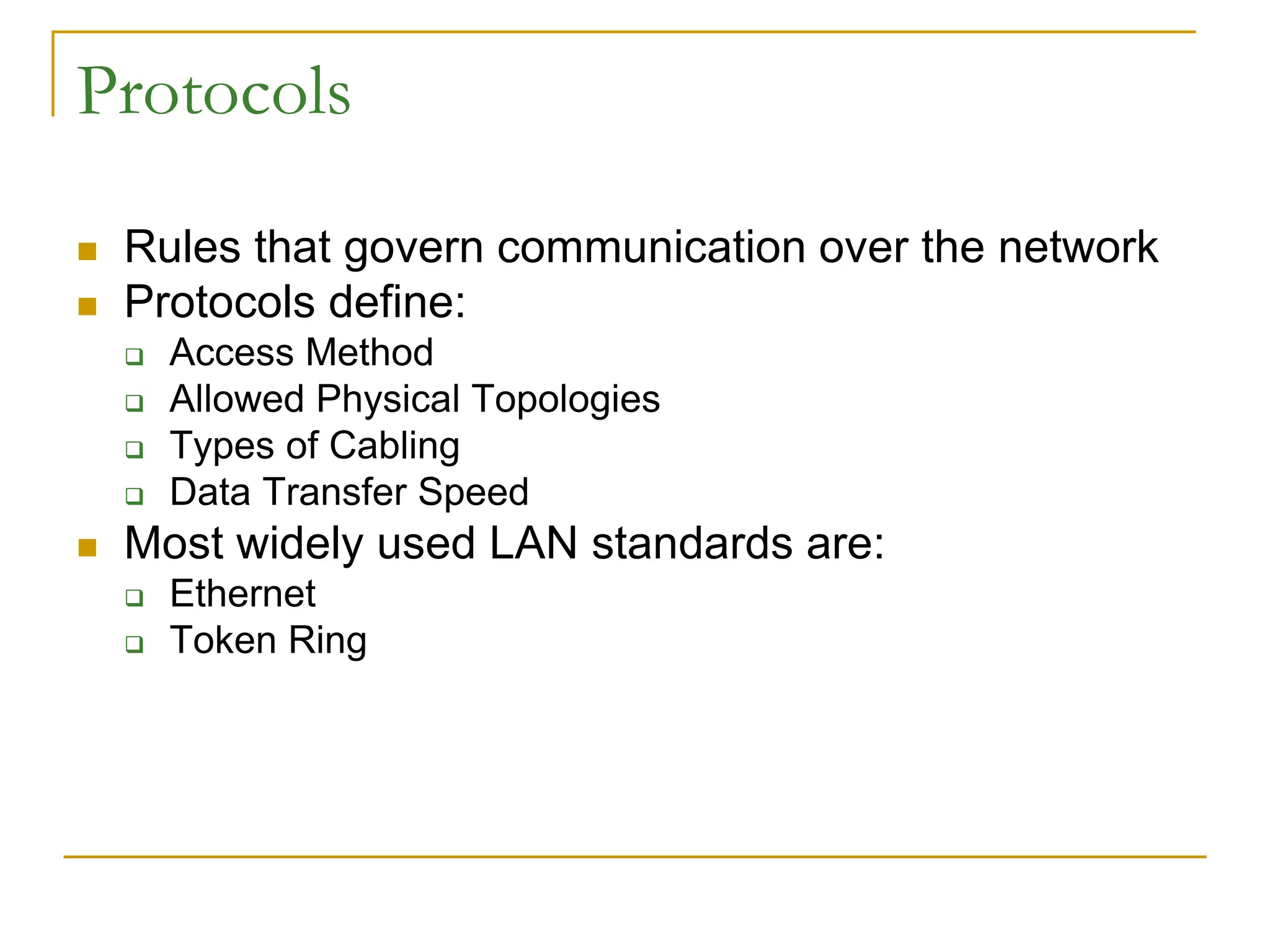
Protocols
 Rules that govern communication over the network
 Protocols define:
 Access Method
 Allowed Physical Topologies
 Types of Cabling
 Data Transfer Speed
 Most widely used LAN standards are:
 Ethernet
 Token Ring
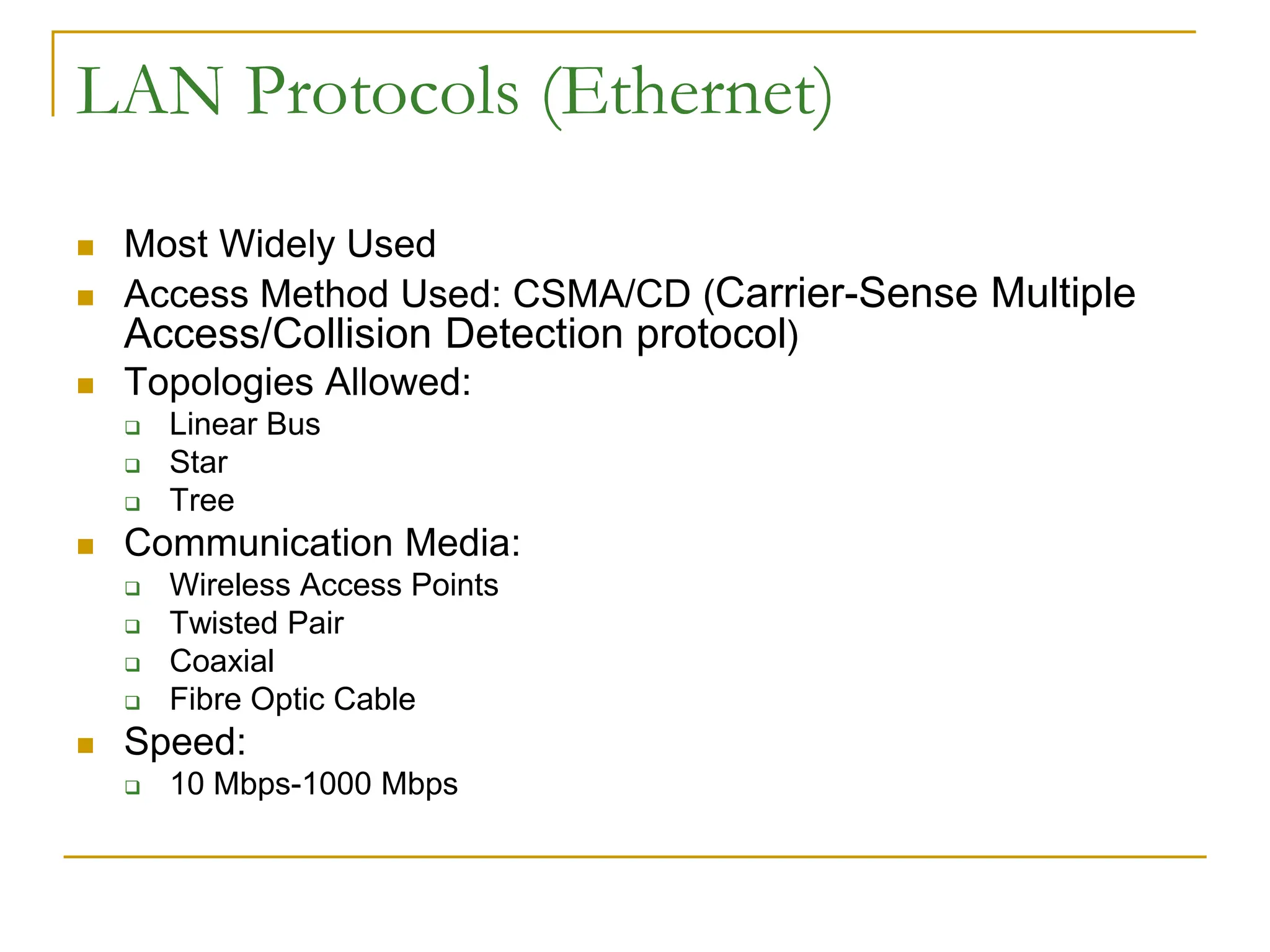
LAN Protocols (Ethernet)
 Most Widely Used
 Access Method Used: CSMA/CD (Carrier-Sense Multiple
Access/Collision Detection protocol)
 Topologies Allowed:
 Linear Bus
 Star
 Tree
 Communication Media:
 Wireless Access Points
 Twisted Pair
 Coaxial
 Fibre Optic Cable
 Speed:
 10 Mbps-1000 Mbps
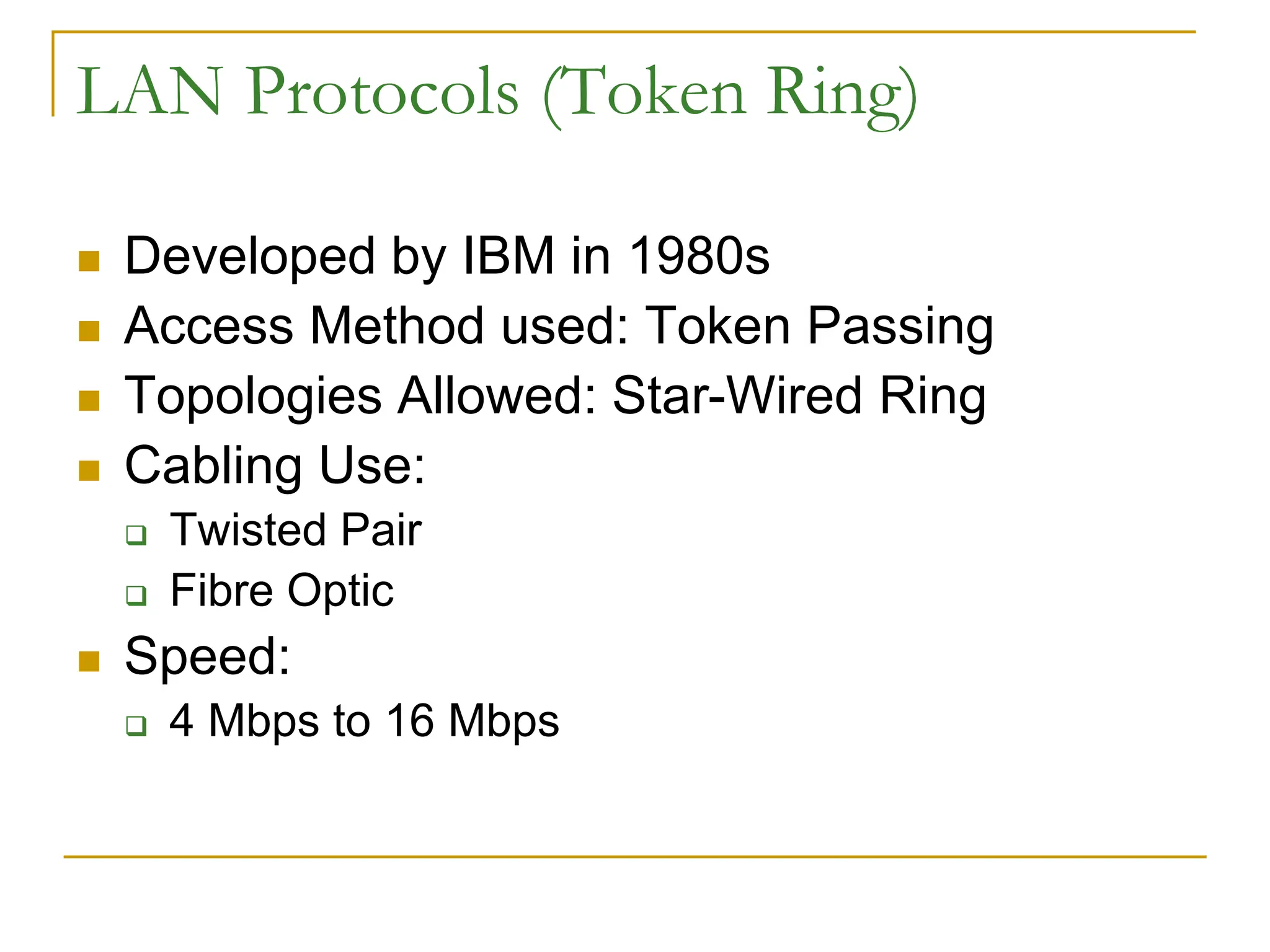
LAN Protocols (Token Ring)
 Developed by IBM in 1980s
 Access Method used: Token Passing
 Topologies Allowed: Star-Wired Ring
 Cabling Use:
 Twisted Pair
 Fibre Optic
 Speed:
 4 Mbps to 16 Mbps
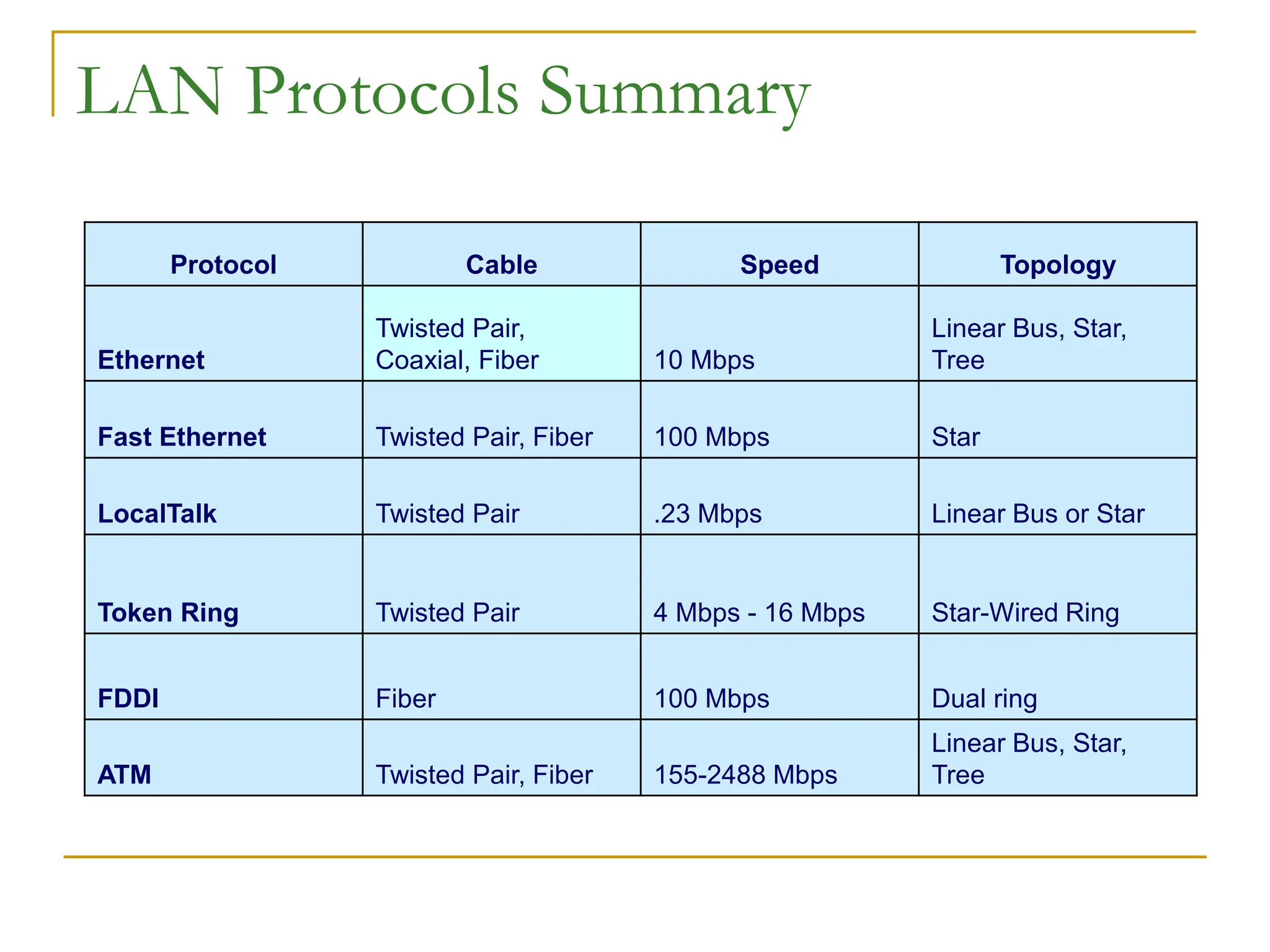
LAN Protocols Summary
Protocol Cable Speed Topology
Ethernet
Twisted Pair,
Coaxial, Fiber 10 Mbps
Linear Bus, Star,
Tree
Fast Ethernet Twisted Pair, Fiber 100 Mbps Star
LocalTalk Twisted Pair .23 Mbps Linear Bus or Star
Token Ring Twisted Pair 4 Mbps - 16 Mbps Star-Wired Ring
FDDI Fiber 100 Mbps Dual ring
ATM Twisted Pair, Fiber 155-2488 Mbps
Linear Bus, Star,
Tree
Communication Technique
 Circuit Switched _ Telephone Lines
 Packet Switched _ Postal Correspondence
 Computer Networks use Packet Switched
Packets
 A Section of Message
 Information Contained:
 Sender’s Address
 Destination Address
 Data
 Error-recovery Info
 Travel Independently
 Reassembled to form Original Message at
Destination
Network Topologies
 Linear Bus
 Star
 Star-Wired Ring
 Tree
Network Topologies
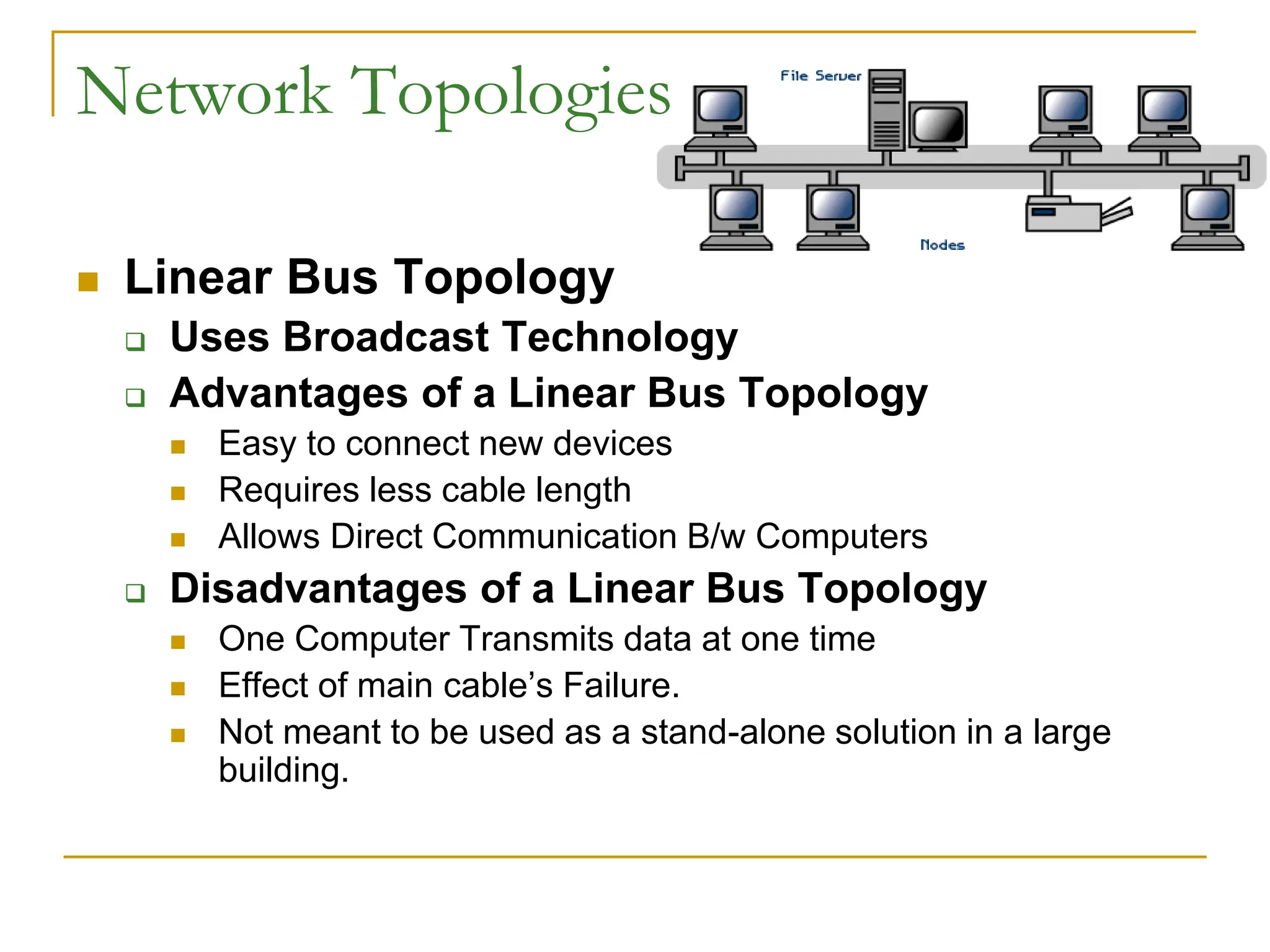
 Linear Bus Topology
 Uses Broadcast Technology
 Advantages of a Linear Bus Topology
 Easy to connect new devices
 Requires less cable length
 Allows Direct Communication B/w Computers
 Disadvantages of a Linear Bus Topology
 One Computer Transmits data at one time
 Effect of main cable’s Failure.
 Not meant to be used as a stand-alone solution in a large
building.
Network Topologies
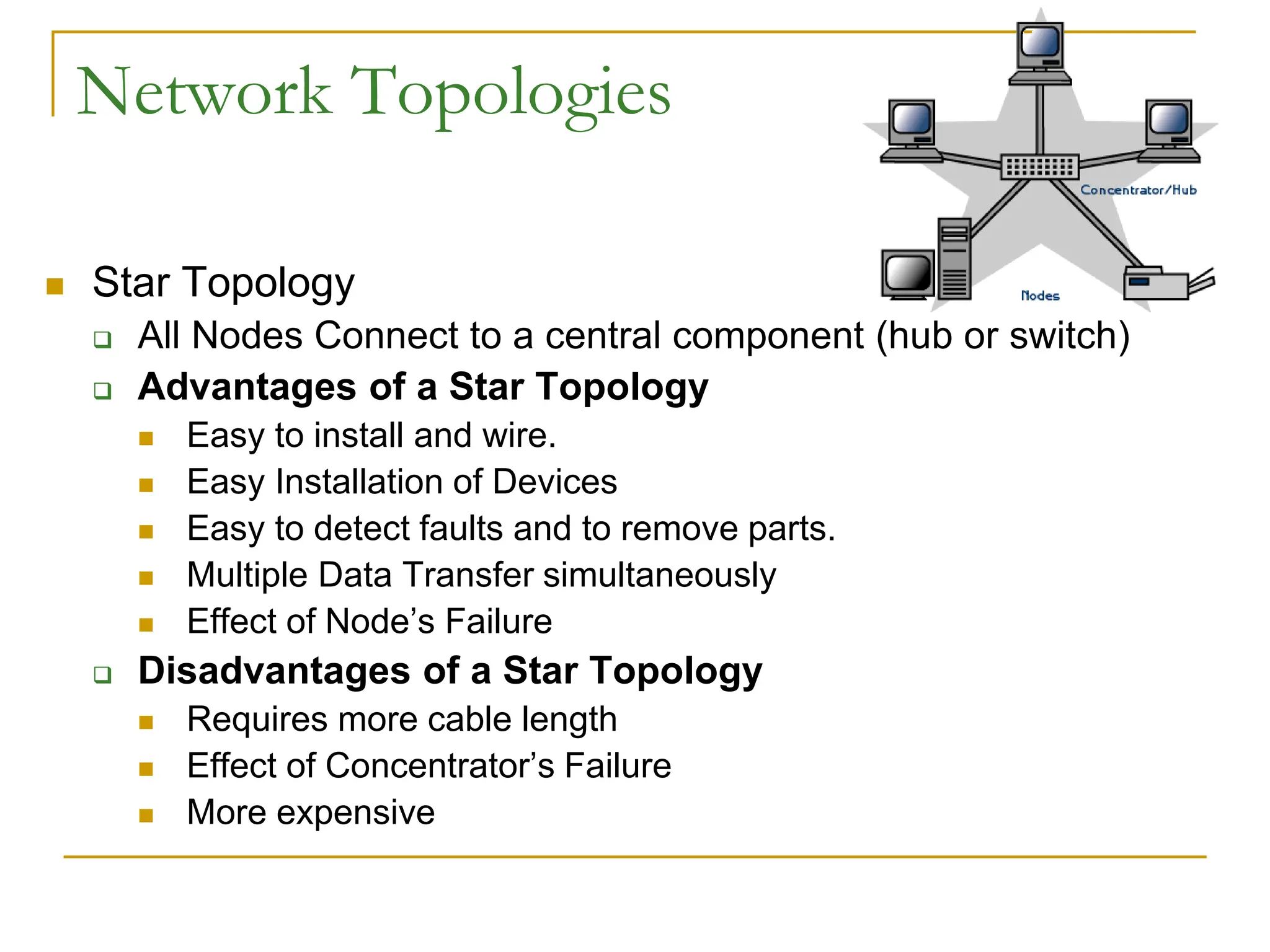
 Star Topology
 All Nodes Connect to a central component (hub or switch)
 Advantages of a Star Topology
 Easy to install and wire.
 Easy Installation of Devices
 Easy to detect faults and to remove parts.
 Multiple Data Transfer simultaneously
 Effect of Node’s Failure
 Disadvantages of a Star Topology
 Requires more cable length
 Effect of Concentrator’s Failure
 More expensive
Network Topologies
 Star-Wired Ring Topology
 Externally similar to Star
 Internal Wiring forms a Circle
 Used normally with Token Ring Protocol
 Data Flow in one Direction
 Multiple Data Transfer Simulatneously
 Slow Data Flow
 Difficult to add new Nodes
 Effect of a Node’s Failure
Network Topologies
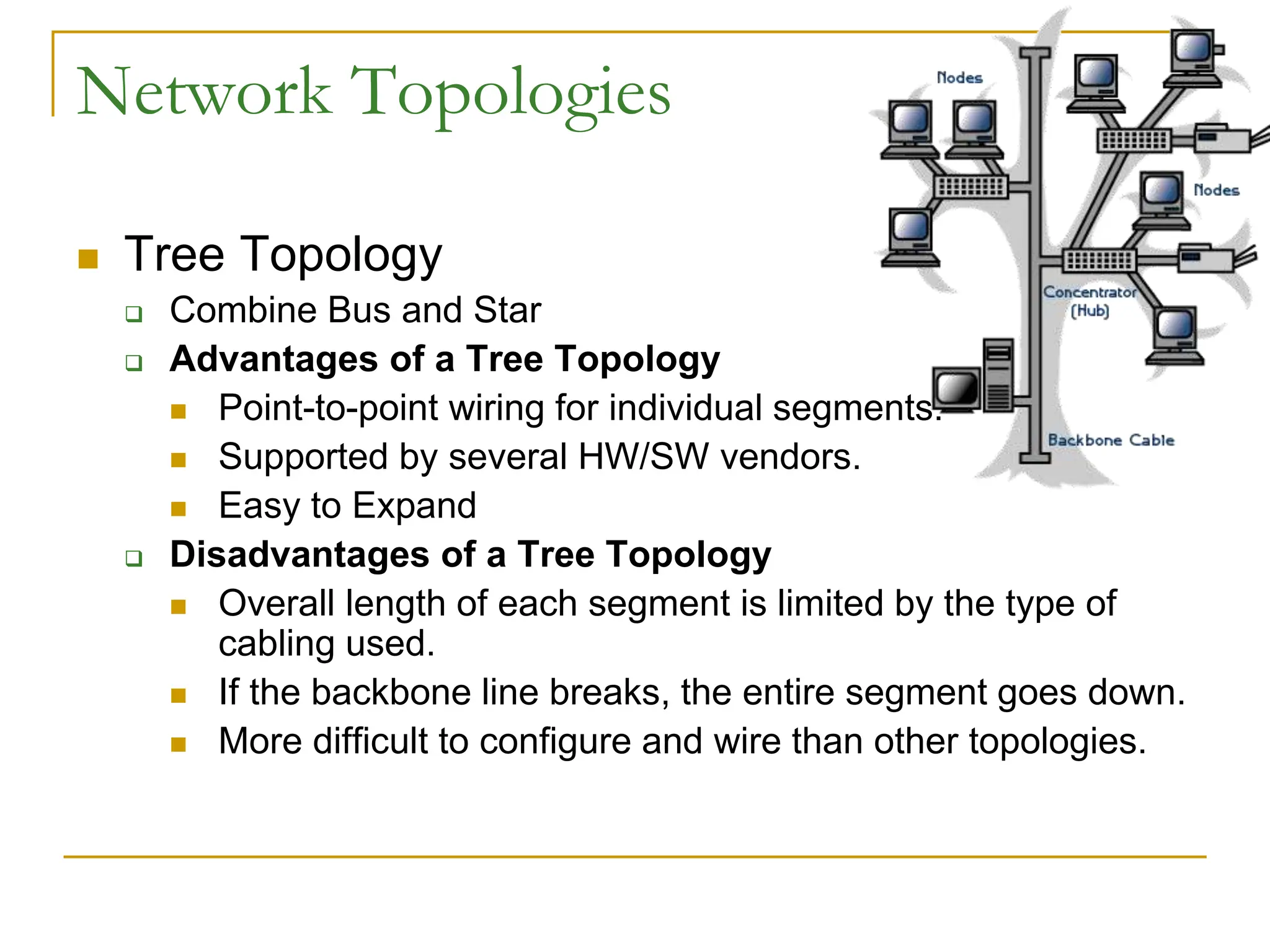
 Tree Topology
 Combine Bus and Star
 Advantages of a Tree Topology
 Point-to-point wiring for individual segments.
 Supported by several HW/SW vendors.
 Easy to Expand
 Disadvantages of a Tree Topology
 Overall length of each segment is limited by the type of
cabling used.
 If the backbone line breaks, the entire segment goes down.
 More difficult to configure and wire than other topologies.
Network OS
 Used to Manage the working of Computers
on the N/W
 Types:
 Peer-to-Peer
 Client/Server
Network OS
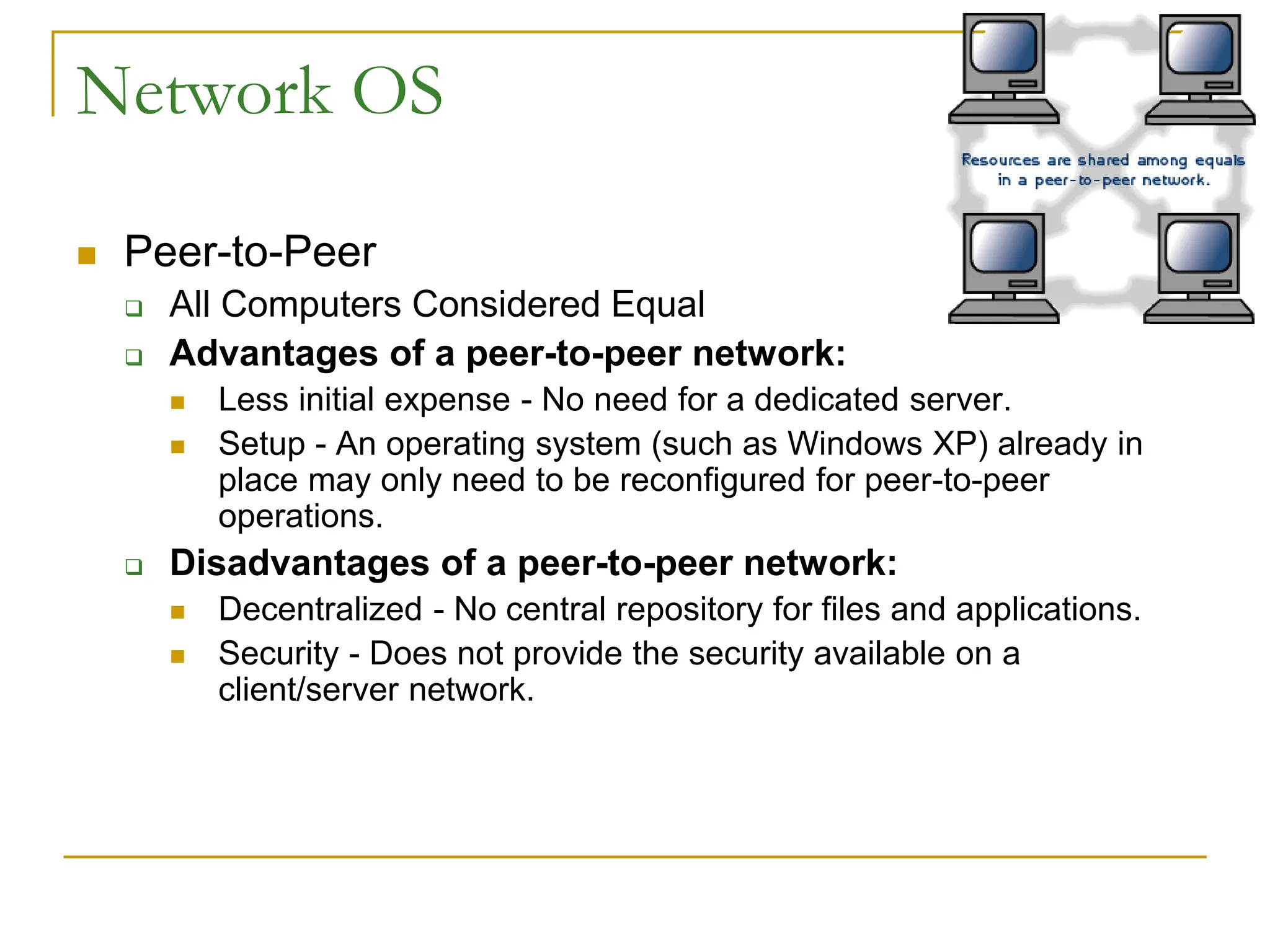
 Peer-to-Peer
 All Computers Considered Equal
 Advantages of a peer-to-peer network:
 Less initial expense - No need for a dedicated server.
 Setup - An operating system (such as Windows XP) already in
place may only need to be reconfigured for peer-to-peer
operations.
 Disadvantages of a peer-to-peer network:
 Decentralized - No central repository for files and applications.
 Security - Does not provide the security available on a
client/server network.
Network OS
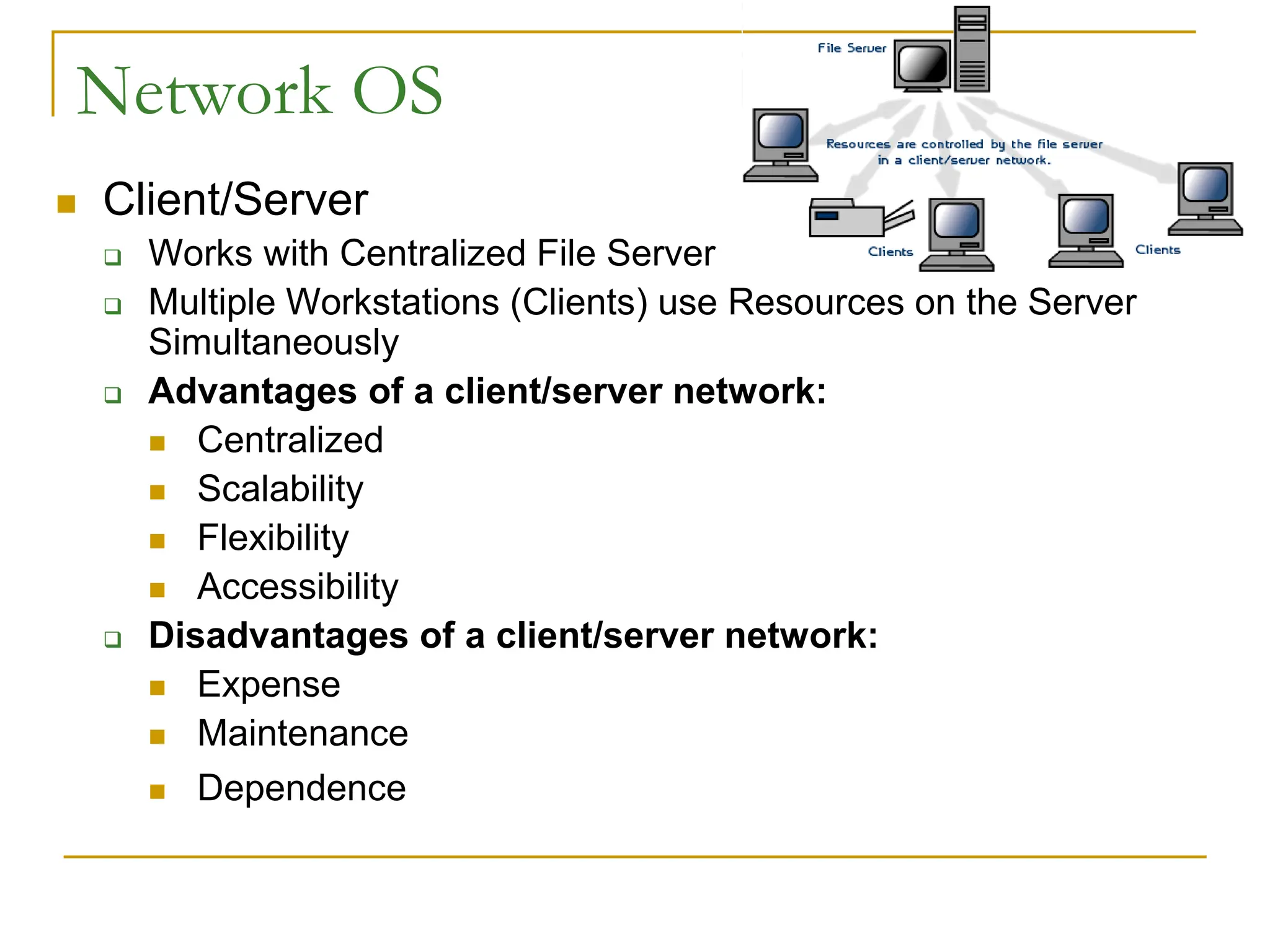
 Client/Server
 Works with Centralized File Server
 Multiple Workstations (Clients) use Resources on the Server
Simultaneously
 Advantages of a client/server network:
 Centralized
 Scalability
 Flexibility
 Accessibility
 Disadvantages of a client/server network:
 Expense
 Maintenance
 Dependence
Network Security
 Private, Sensitive data Protection
 Easier Management for LANs
 Difficult for LAN-Internet Connection
 Solution – A Gateway called “Firewall”
Network Security
 Firewall
 Works on Access/Deny Policy
 Configurable according to Needs
 Example:
 System Firewall can be configured to Allow only certain
Emails from Internet
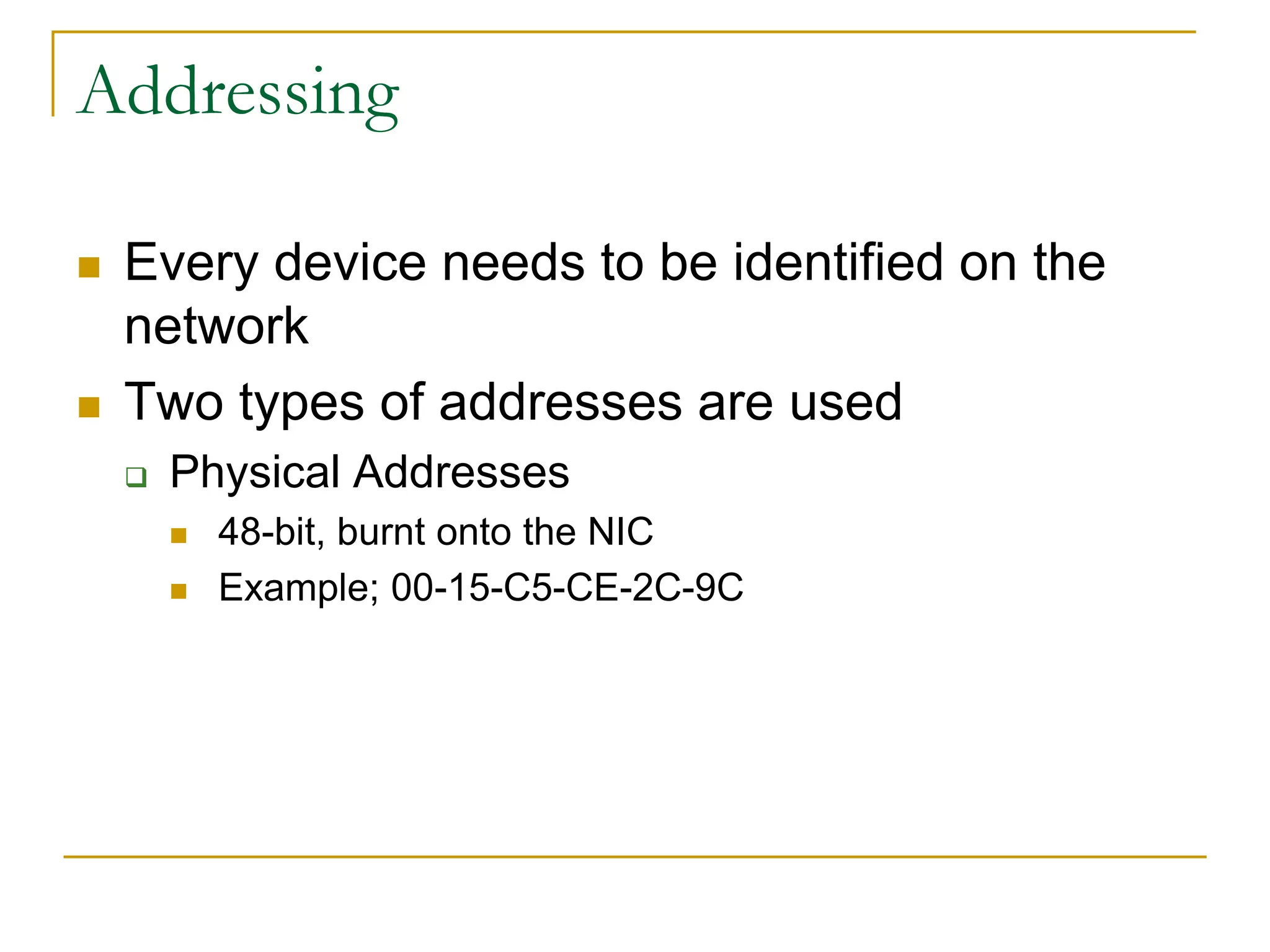
Addressing
 Every device needs to be identified on the
network
 Two types of addresses are used
 Physical Addresses
 48-bit, burnt onto the NIC
 Example; 00-15-C5-CE-2C-9C
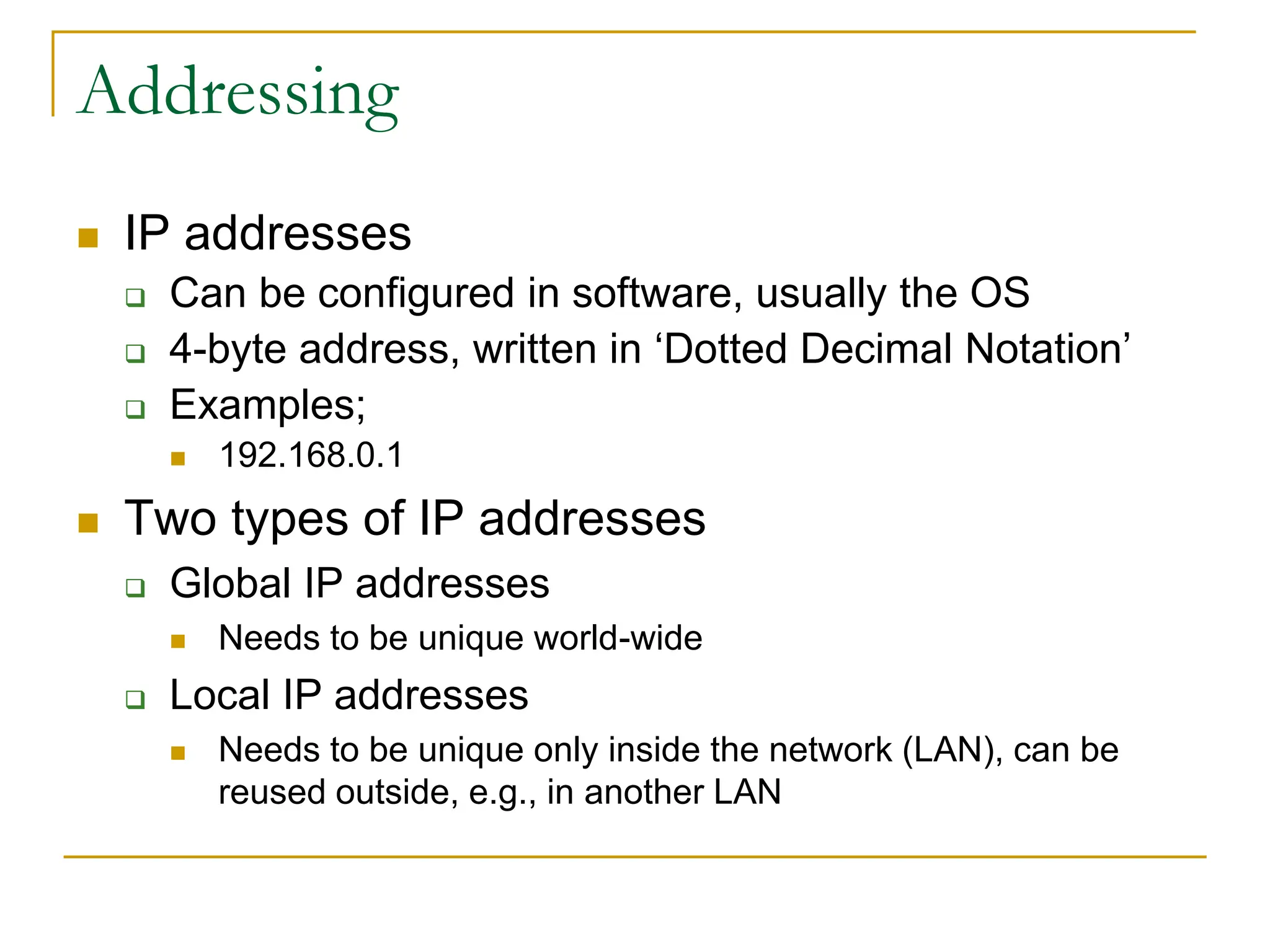
Addressing
 IP addresses
 Can be configured in software, usually the OS
 4-byte address, written in ‘Dotted Decimal Notation’
 Examples;
 192.168.0.1
 Two types of IP addresses
 Global IP addresses
 Needs to be unique world-wide
 Local IP addresses
 Needs to be unique only inside the network (LAN), can be
reused outside, e.g., in another LAN
Port Addressing
 Use to identify an application on a particular
machine.

Lecture7 for b(Computer Networks-Part2).ppt

  • 1.
  • 2.
    Today’s Aim  WirelessCommunication  Pros and cons of Wireless Communication  Different LAN standards/Protocols  Network Topologies  Network OS  Network Security  Network Addressing
  • 3.
    Wireless Communications  UseRadio signals; Wi-Fi – the WLAN standard  Need Antenna /Transceiver  Useful for Laptops, Remote Computers, Older Building  Two Common modes in WCom:  Line-of-Sight  Microwave  Optical  Non Line-of-Sight  Satellite  Radio  Cellular
  • 4.
    Pros and Consof Wireless LANs  Key Benefits:  Set-up time  Set-up Cost  Maintenance Cost  Key Challenges:  Security and Privacy  Quality of Service  Lower Susceptibility to Interference  Lower Speed
  • 5.
    Protocols  Rules thatgovern communication over the network  Protocols define:  Access Method  Allowed Physical Topologies  Types of Cabling  Data Transfer Speed  Most widely used LAN standards are:  Ethernet  Token Ring
  • 6.
    LAN Protocols (Ethernet) Most Widely Used  Access Method Used: CSMA/CD (Carrier-Sense Multiple Access/Collision Detection protocol)  Topologies Allowed:  Linear Bus  Star  Tree  Communication Media:  Wireless Access Points  Twisted Pair  Coaxial  Fibre Optic Cable  Speed:  10 Mbps-1000 Mbps
  • 7.
    LAN Protocols (TokenRing)  Developed by IBM in 1980s  Access Method used: Token Passing  Topologies Allowed: Star-Wired Ring  Cabling Use:  Twisted Pair  Fibre Optic  Speed:  4 Mbps to 16 Mbps
  • 8.
    LAN Protocols Summary ProtocolCable Speed Topology Ethernet Twisted Pair, Coaxial, Fiber 10 Mbps Linear Bus, Star, Tree Fast Ethernet Twisted Pair, Fiber 100 Mbps Star LocalTalk Twisted Pair .23 Mbps Linear Bus or Star Token Ring Twisted Pair 4 Mbps - 16 Mbps Star-Wired Ring FDDI Fiber 100 Mbps Dual ring ATM Twisted Pair, Fiber 155-2488 Mbps Linear Bus, Star, Tree
  • 9.
    Communication Technique  CircuitSwitched _ Telephone Lines  Packet Switched _ Postal Correspondence  Computer Networks use Packet Switched
  • 10.
    Packets  A Sectionof Message  Information Contained:  Sender’s Address  Destination Address  Data  Error-recovery Info  Travel Independently  Reassembled to form Original Message at Destination
  • 11.
    Network Topologies  LinearBus  Star  Star-Wired Ring  Tree
  • 12.
    Network Topologies  LinearBus Topology  Uses Broadcast Technology  Advantages of a Linear Bus Topology  Easy to connect new devices  Requires less cable length  Allows Direct Communication B/w Computers  Disadvantages of a Linear Bus Topology  One Computer Transmits data at one time  Effect of main cable’s Failure.  Not meant to be used as a stand-alone solution in a large building.
  • 13.
    Network Topologies  StarTopology  All Nodes Connect to a central component (hub or switch)  Advantages of a Star Topology  Easy to install and wire.  Easy Installation of Devices  Easy to detect faults and to remove parts.  Multiple Data Transfer simultaneously  Effect of Node’s Failure  Disadvantages of a Star Topology  Requires more cable length  Effect of Concentrator’s Failure  More expensive
  • 14.
    Network Topologies  Star-WiredRing Topology  Externally similar to Star  Internal Wiring forms a Circle  Used normally with Token Ring Protocol  Data Flow in one Direction  Multiple Data Transfer Simulatneously  Slow Data Flow  Difficult to add new Nodes  Effect of a Node’s Failure
  • 15.
    Network Topologies  TreeTopology  Combine Bus and Star  Advantages of a Tree Topology  Point-to-point wiring for individual segments.  Supported by several HW/SW vendors.  Easy to Expand  Disadvantages of a Tree Topology  Overall length of each segment is limited by the type of cabling used.  If the backbone line breaks, the entire segment goes down.  More difficult to configure and wire than other topologies.
  • 16.
    Network OS  Usedto Manage the working of Computers on the N/W  Types:  Peer-to-Peer  Client/Server
  • 17.
    Network OS  Peer-to-Peer All Computers Considered Equal  Advantages of a peer-to-peer network:  Less initial expense - No need for a dedicated server.  Setup - An operating system (such as Windows XP) already in place may only need to be reconfigured for peer-to-peer operations.  Disadvantages of a peer-to-peer network:  Decentralized - No central repository for files and applications.  Security - Does not provide the security available on a client/server network.
  • 18.
    Network OS  Client/Server Works with Centralized File Server  Multiple Workstations (Clients) use Resources on the Server Simultaneously  Advantages of a client/server network:  Centralized  Scalability  Flexibility  Accessibility  Disadvantages of a client/server network:  Expense  Maintenance  Dependence
  • 19.
    Network Security  Private,Sensitive data Protection  Easier Management for LANs  Difficult for LAN-Internet Connection  Solution – A Gateway called “Firewall”
  • 20.
    Network Security  Firewall Works on Access/Deny Policy  Configurable according to Needs  Example:  System Firewall can be configured to Allow only certain Emails from Internet
  • 21.
    Addressing  Every deviceneeds to be identified on the network  Two types of addresses are used  Physical Addresses  48-bit, burnt onto the NIC  Example; 00-15-C5-CE-2C-9C
  • 22.
    Addressing  IP addresses Can be configured in software, usually the OS  4-byte address, written in ‘Dotted Decimal Notation’  Examples;  192.168.0.1  Two types of IP addresses  Global IP addresses  Needs to be unique world-wide  Local IP addresses  Needs to be unique only inside the network (LAN), can be reused outside, e.g., in another LAN
  • 23.
    Port Addressing  Useto identify an application on a particular machine.