Department of ComputerScience
What is C???
◼ C is a programming language developed at AT
& T’s Bell Laboratories of USA in 1972.
◼ It was designed and written by a man named
Dennis Ritchie.
◼ In the late seventies C began to replace the more
familiar languages of that time like PL/I, ALGOL, etc.
◼ No one pushed C.
3
4.
Department of ComputerScience
Getting Started with C
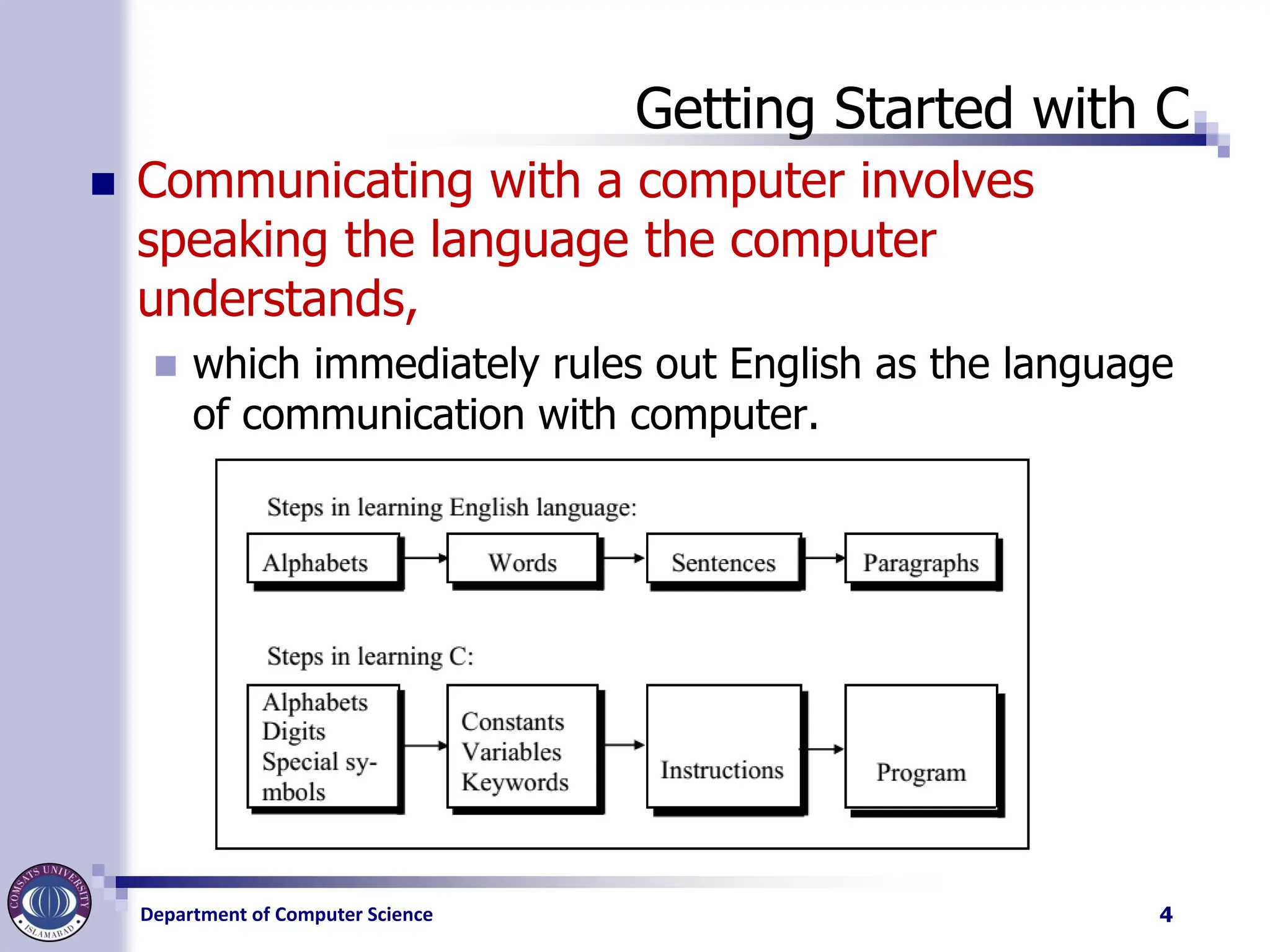
◼ Communicating with a computer involves
speaking the language the computer
understands,
◼ which immediately rules out English as the language
of communication with computer.
4
5.
Department of ComputerScience
The C Character Set
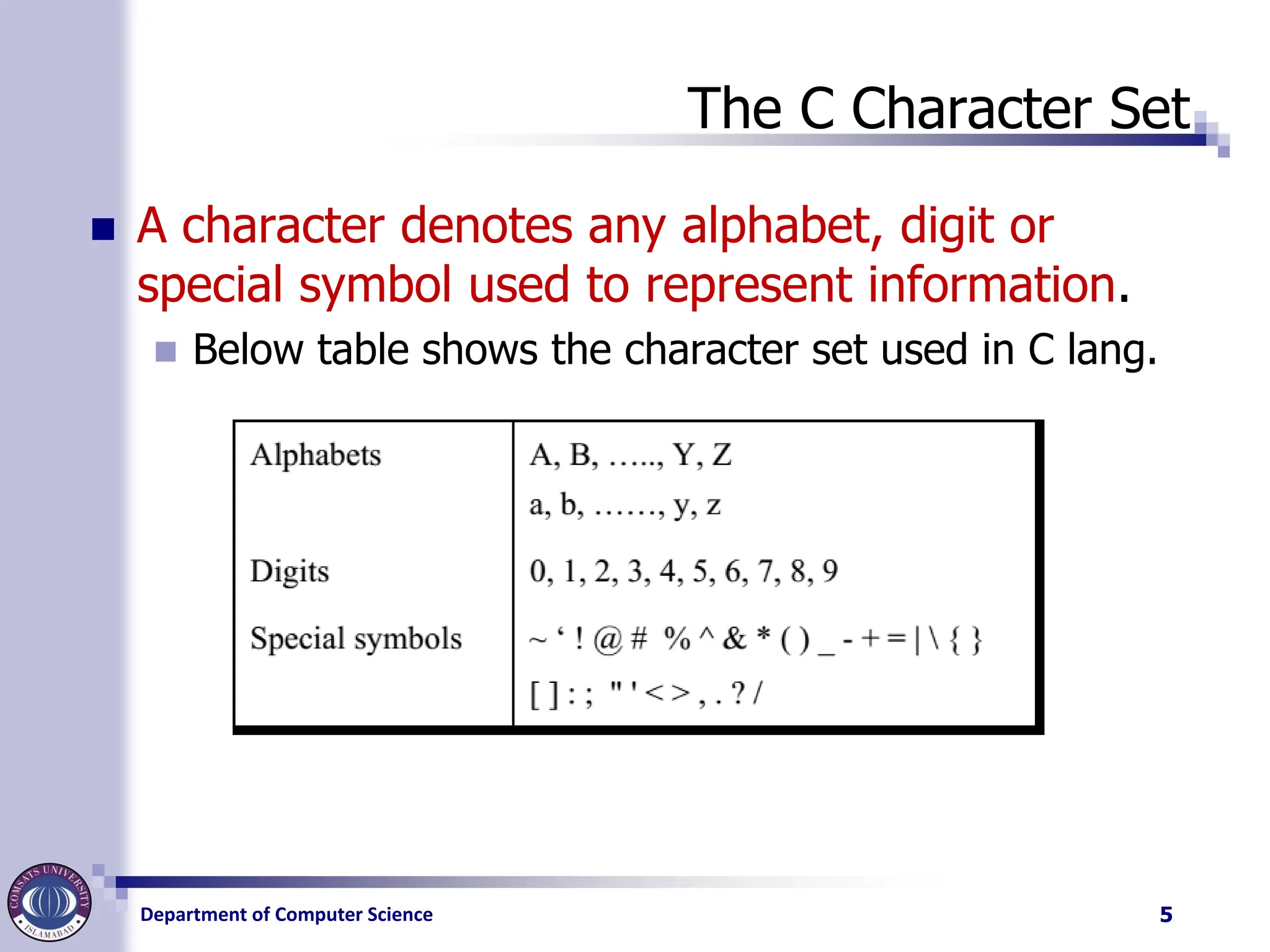
◼ A character denotes any alphabet, digit or
special symbol used to represent information.
◼ Below table shows the character set used in C lang.
5
6.
Department of ComputerScience
Constants, variables and Keywords
◼ The alphabets, numbers and special symbols
when properly combined form constants,
variables and keywords.
◼ A constant is an entity that doesn’t change whereas
a variable is an entity that may change.
6
7.
Department of ComputerScience
Variable
◼ In any program we typically do lots of
calculations.
◼ The results of these calculations are stored in
computers memory.
◼ Like human memory the computer memory also
consists of millions of cells.
◼ The calculated values are stored in these memory
cells. these memory cells/locations are given names.
◼ Since the value stored in each location may change
the names given to these locations are called
variable names.
7
8.
Department of ComputerScience
Veriable
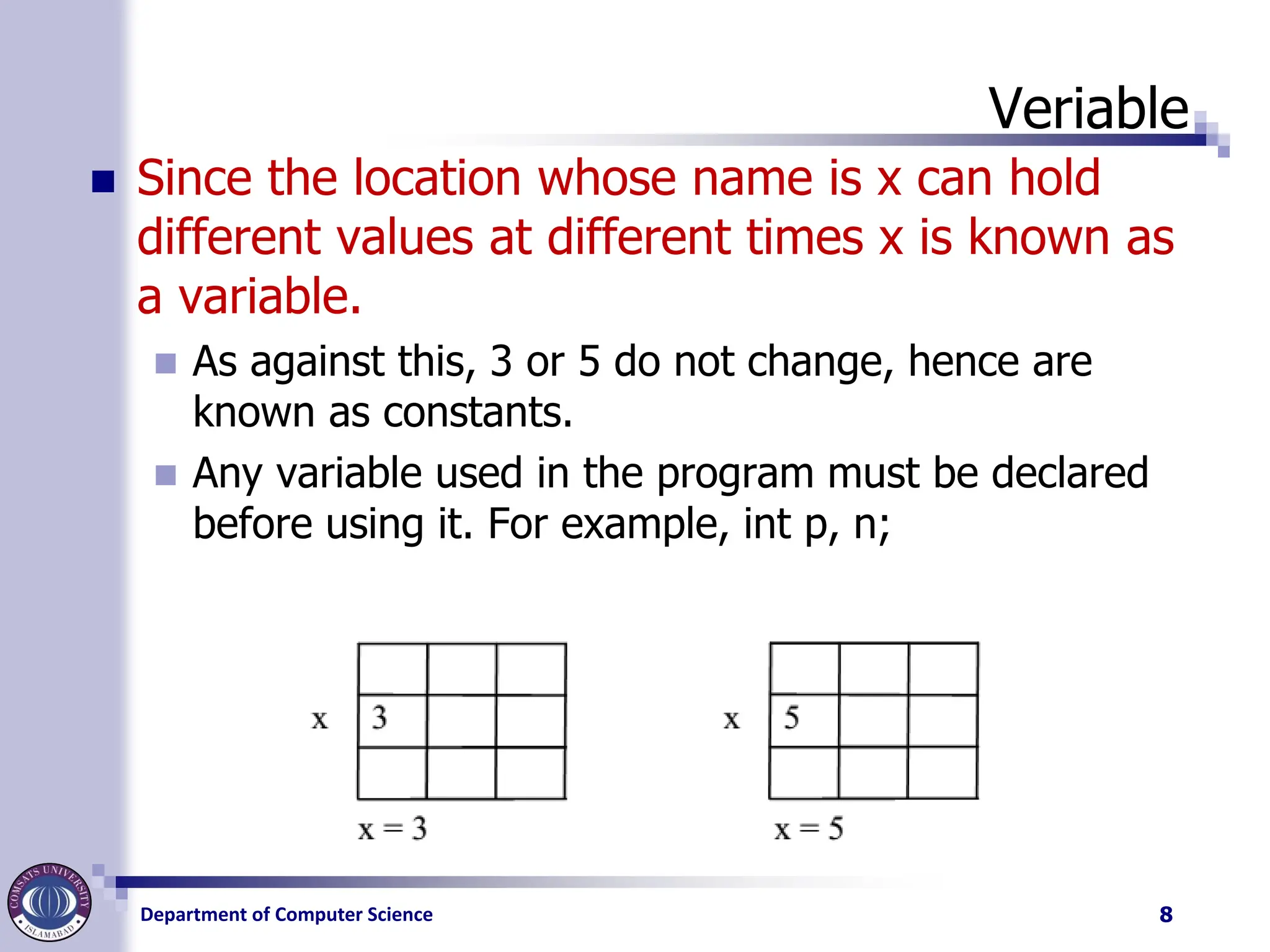
◼ Since the location whose name is x can hold
different values at different times x is known as
a variable.
◼ As against this, 3 or 5 do not change, hence are
known as constants.
◼ Any variable used in the program must be declared
before using it. For example, int p, n;
8
9.
Department of ComputerScience
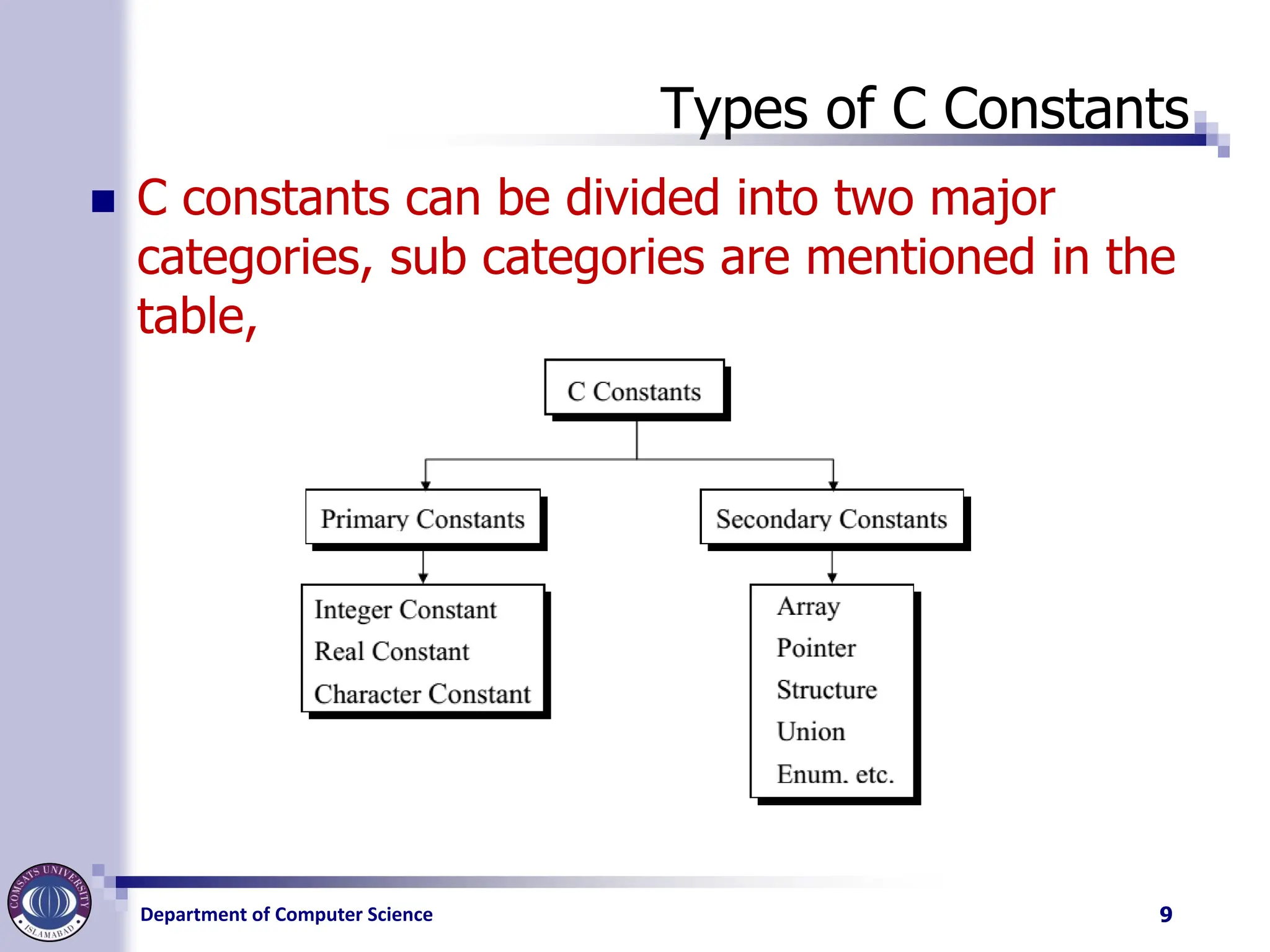
Types of C Constants
◼ C constants can be divided into two major
categories, sub categories are mentioned in the
table,
9
10.
Department of ComputerScience
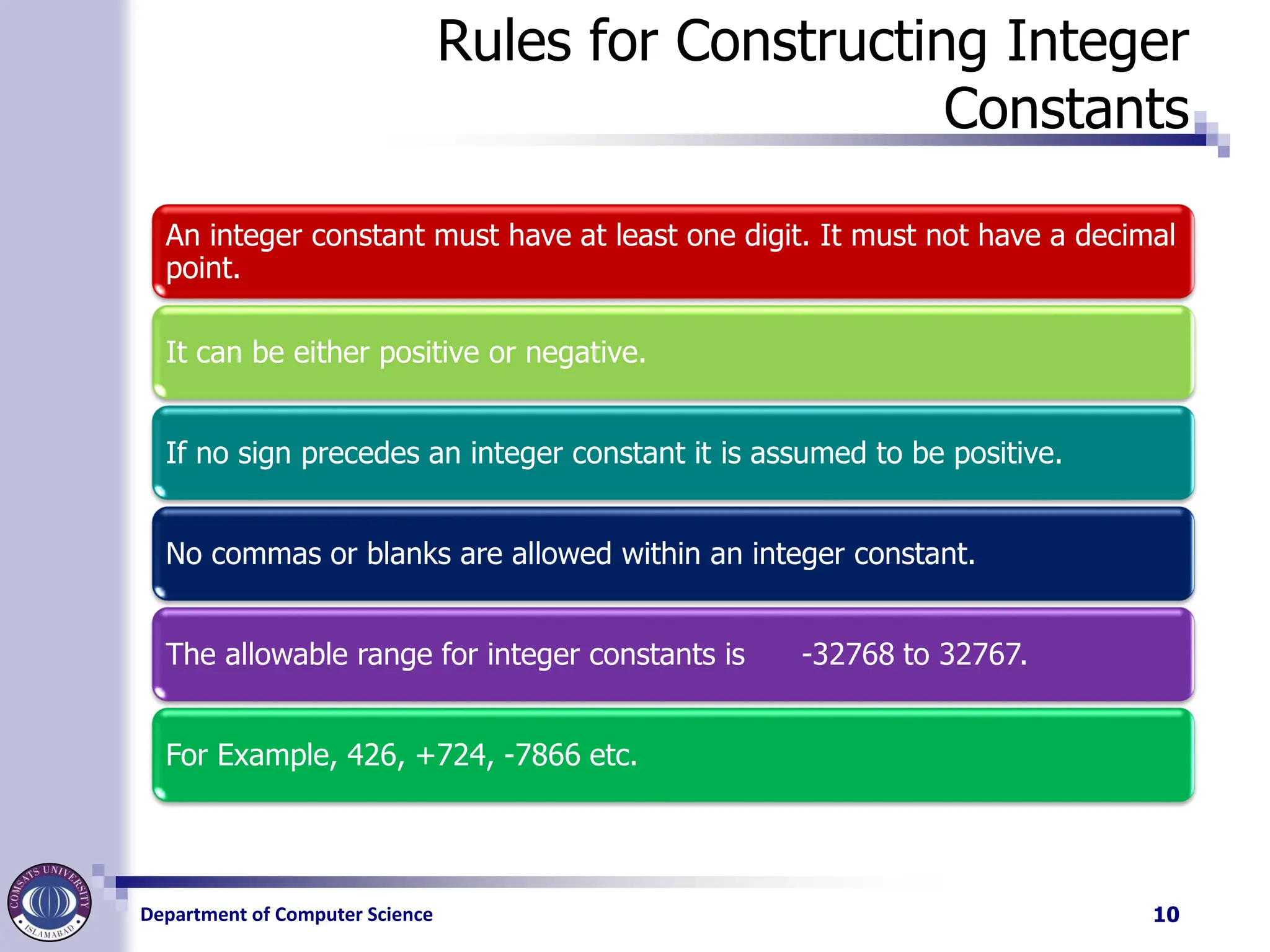
Rules for Constructing Integer
Constants
An integer constant must have at least one digit. It must not have a decimal
point.
It can be either positive or negative.
If no sign precedes an integer constant it is assumed to be positive.
No commas or blanks are allowed within an integer constant.
The allowable range for integer constants is -32768 to 32767.
For Example, 426, +724, -7866 etc.
10
11.
Department of ComputerScience
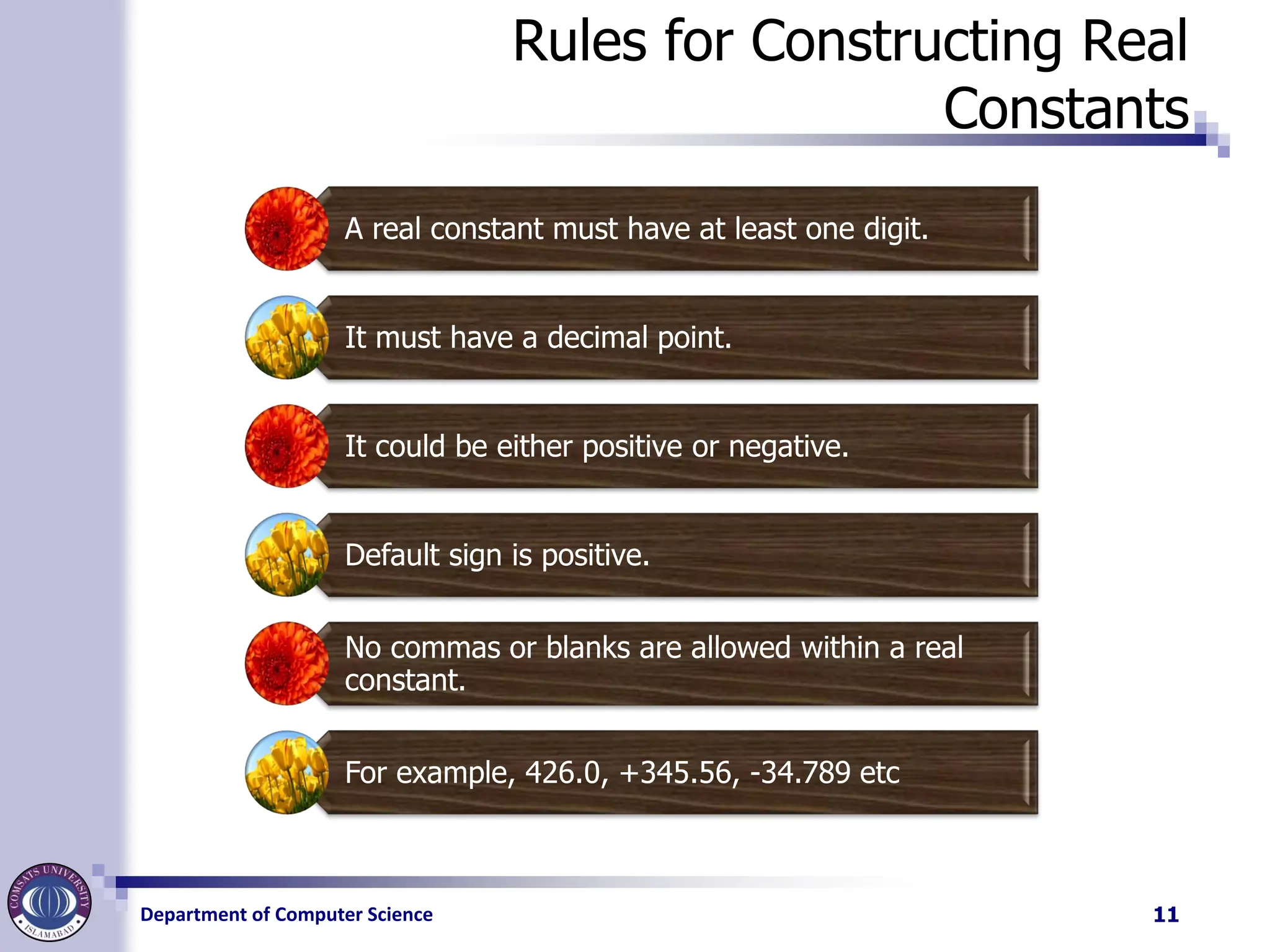
Rules for Constructing Real
Constants
A real constant must have at least one digit.
It must have a decimal point.
It could be either positive or negative.
Default sign is positive.
No commas or blanks are allowed within a real
constant.
For example, 426.0, +345.56, -34.789 etc
11
12.
Department of ComputerScience
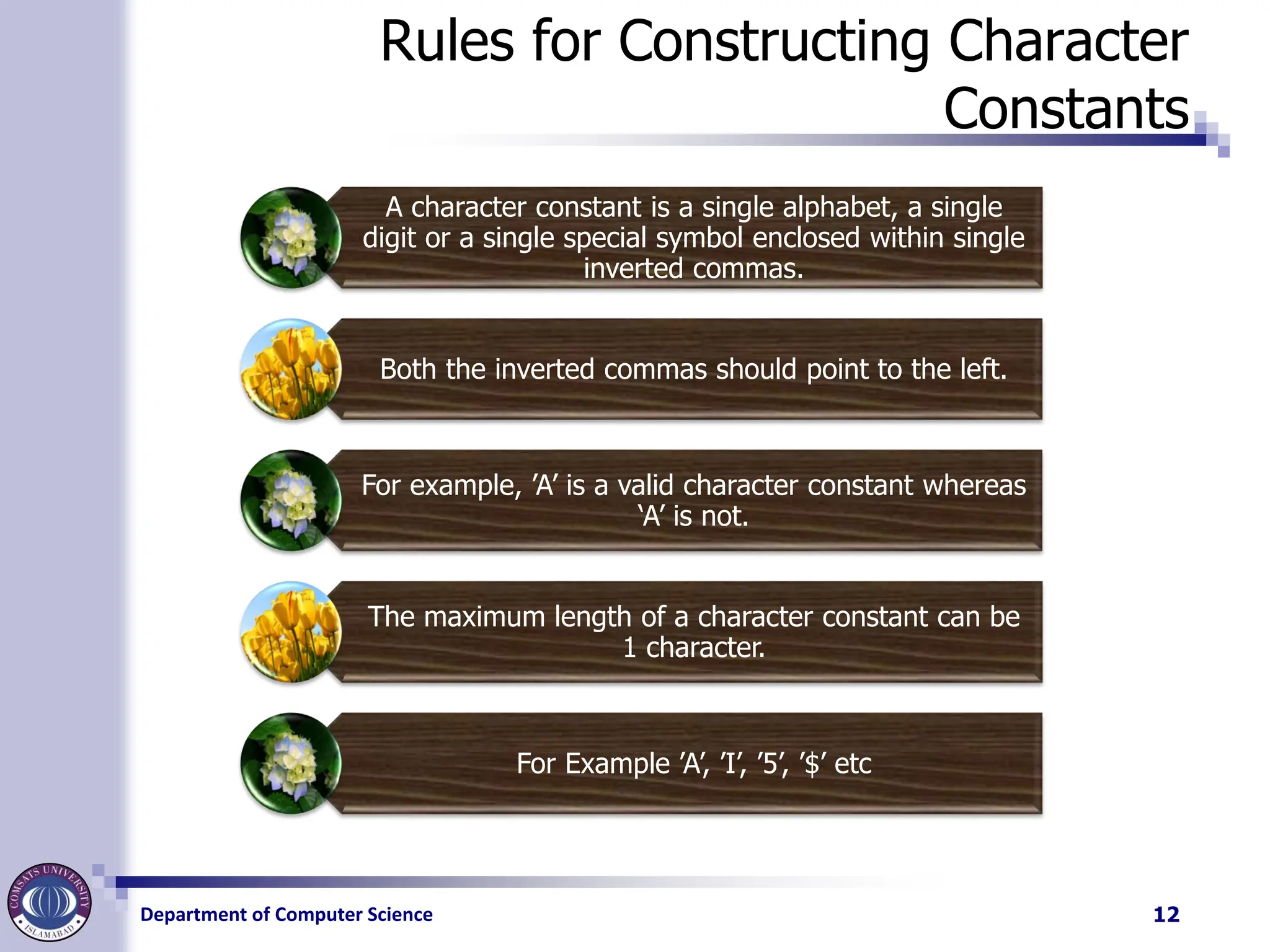
Rules for Constructing Character
Constants
A character constant is a single alphabet, a single
digit or a single special symbol enclosed within single
inverted commas.
Both the inverted commas should point to the left.
For example, ’A’ is a valid character constant whereas
‘A’ is not.
The maximum length of a character constant can be
1 character.
For Example ’A’, ’I’, ’5’, ’$’ etc
12
13.
Department of ComputerScience
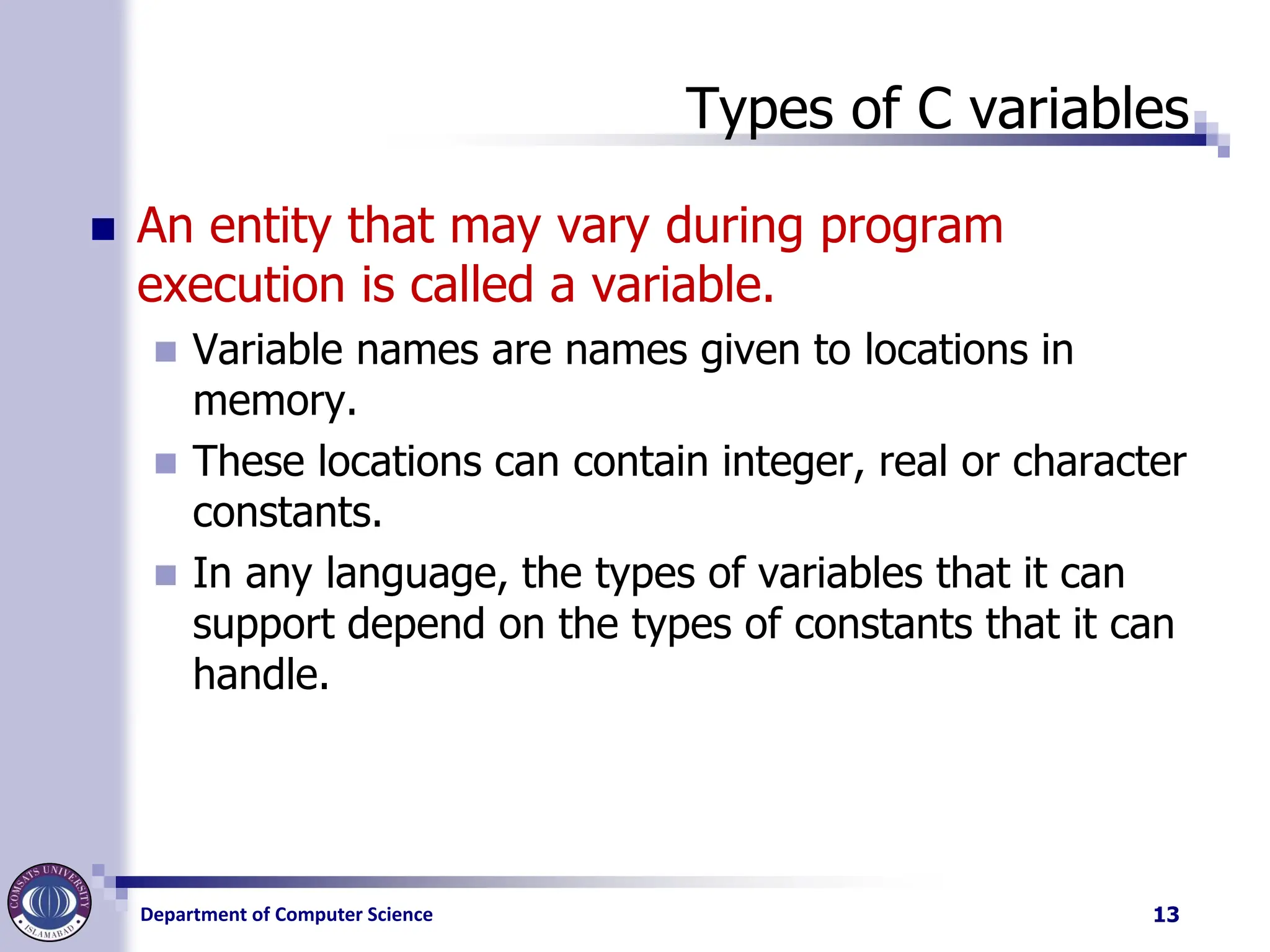
Types of C variables
◼ An entity that may vary during program
execution is called a variable.
◼ Variable names are names given to locations in
memory.
◼ These locations can contain integer, real or character
constants.
◼ In any language, the types of variables that it can
support depend on the types of constants that it can
handle.
13
14.
Department of ComputerScience
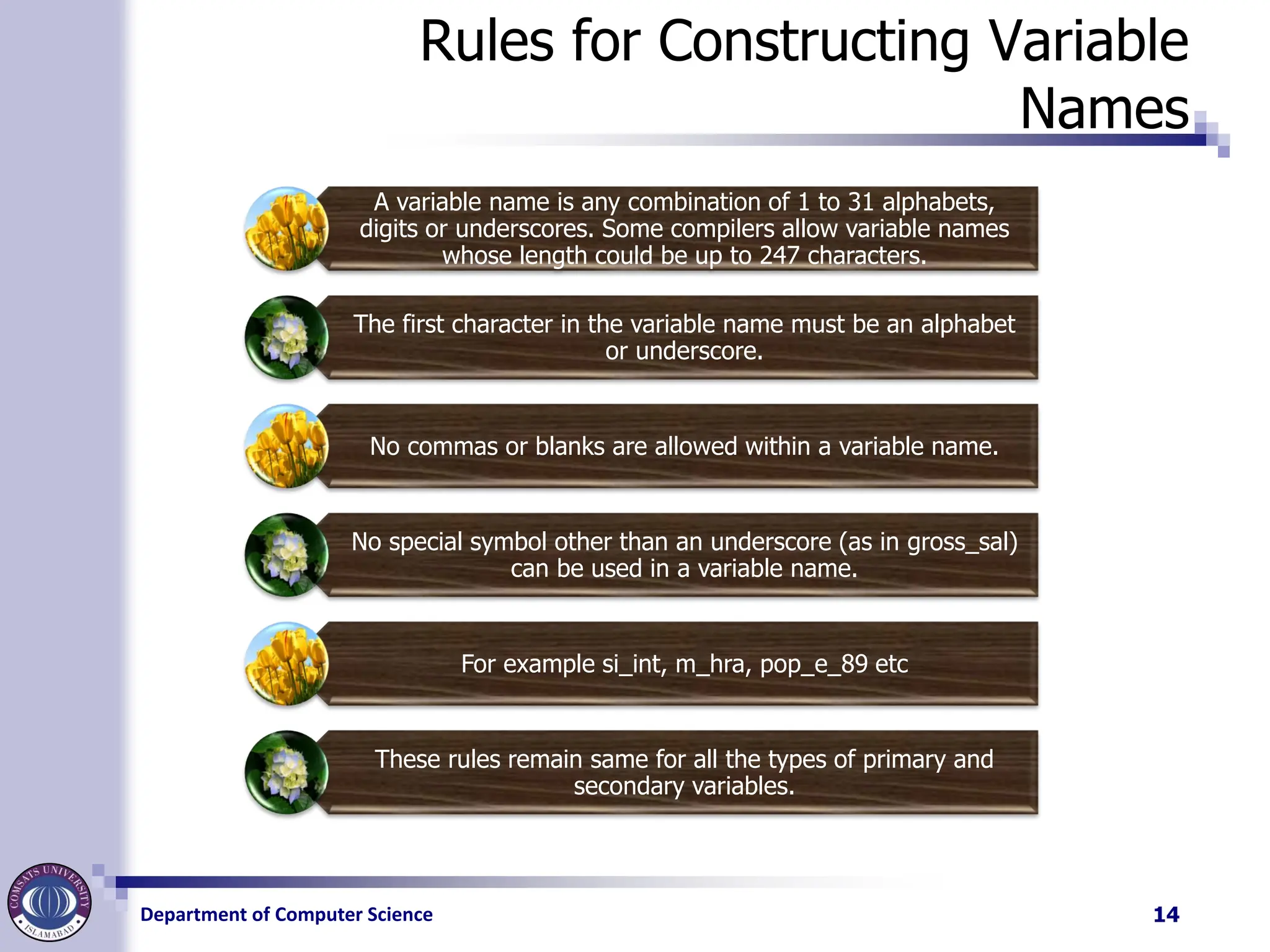
Rules for Constructing Variable
Names
A variable name is any combination of 1 to 31 alphabets,
digits or underscores. Some compilers allow variable names
whose length could be up to 247 characters.
The first character in the variable name must be an alphabet
or underscore.
No commas or blanks are allowed within a variable name.
No special symbol other than an underscore (as in gross_sal)
can be used in a variable name.
For example si_int, m_hra, pop_e_89 etc
These rules remain same for all the types of primary and
secondary variables.
14
15.
Department of ComputerScience
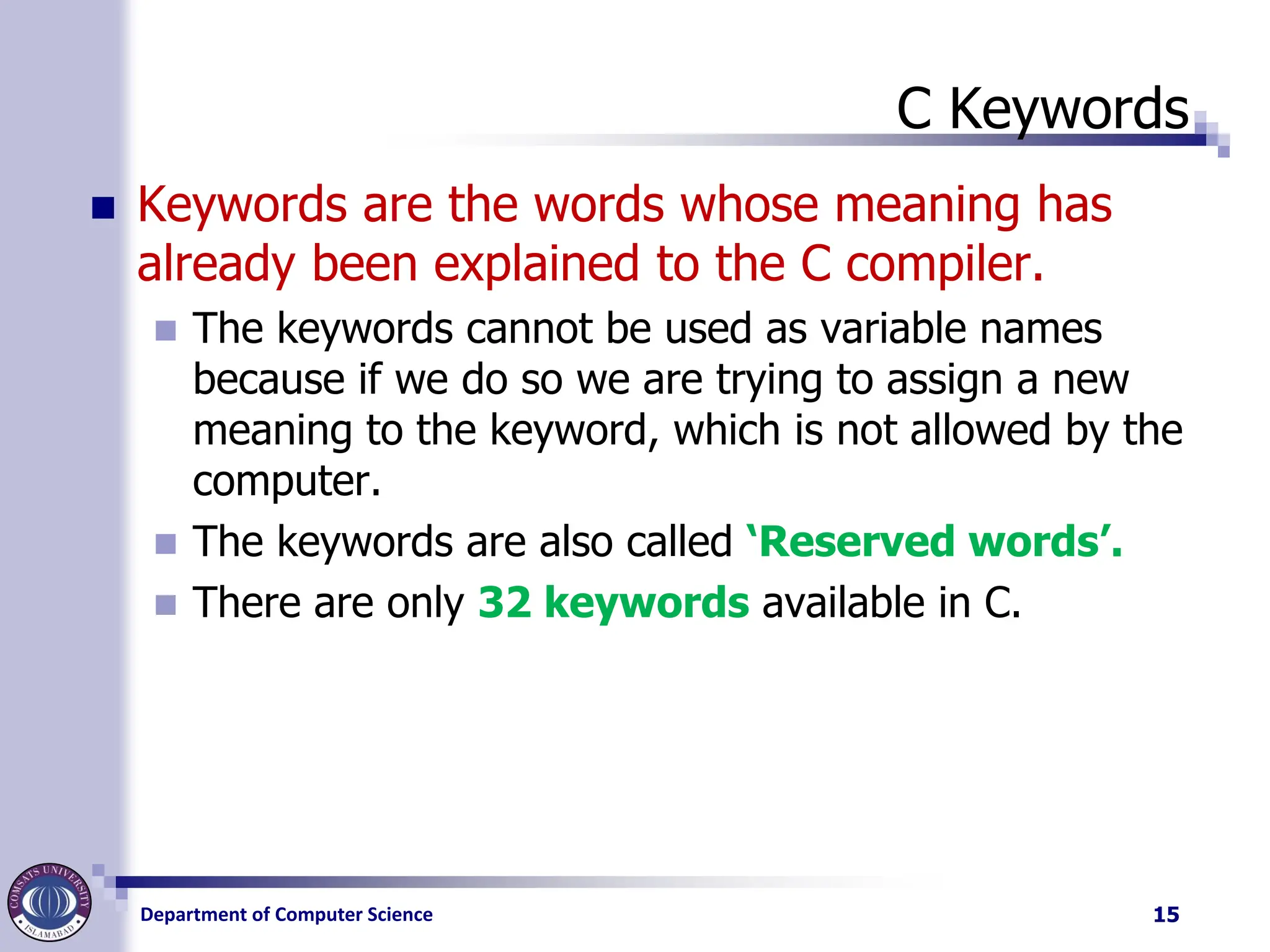
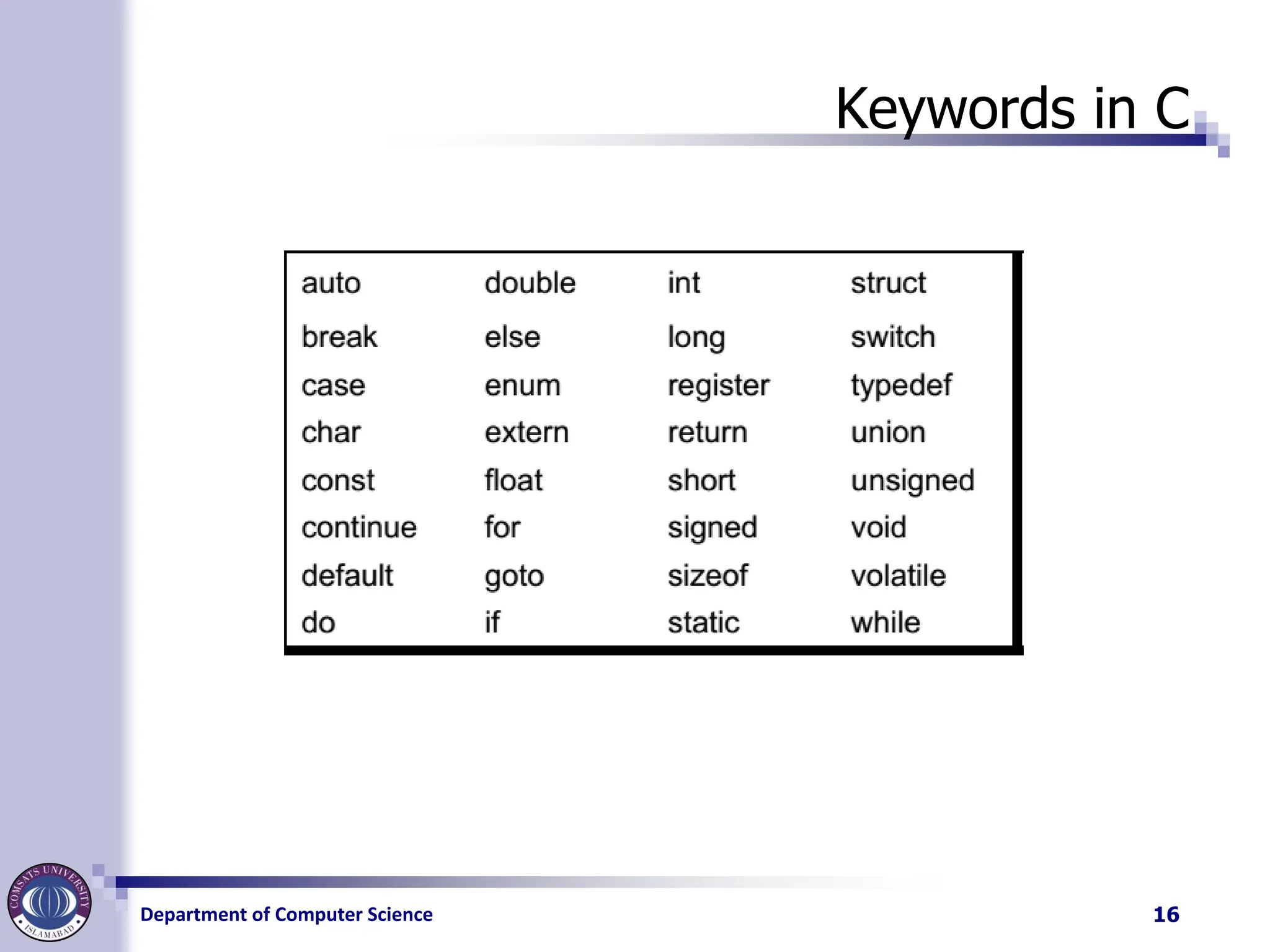
C Keywords
◼ Keywords are the words whose meaning has
already been explained to the C compiler.
◼ The keywords cannot be used as variable names
because if we do so we are trying to assign a new
meaning to the keyword, which is not allowed by the
computer.
◼ The keywords are also called ‘Reserved words’.
◼ There are only 32 keywords available in C.
15
Department of ComputerScience
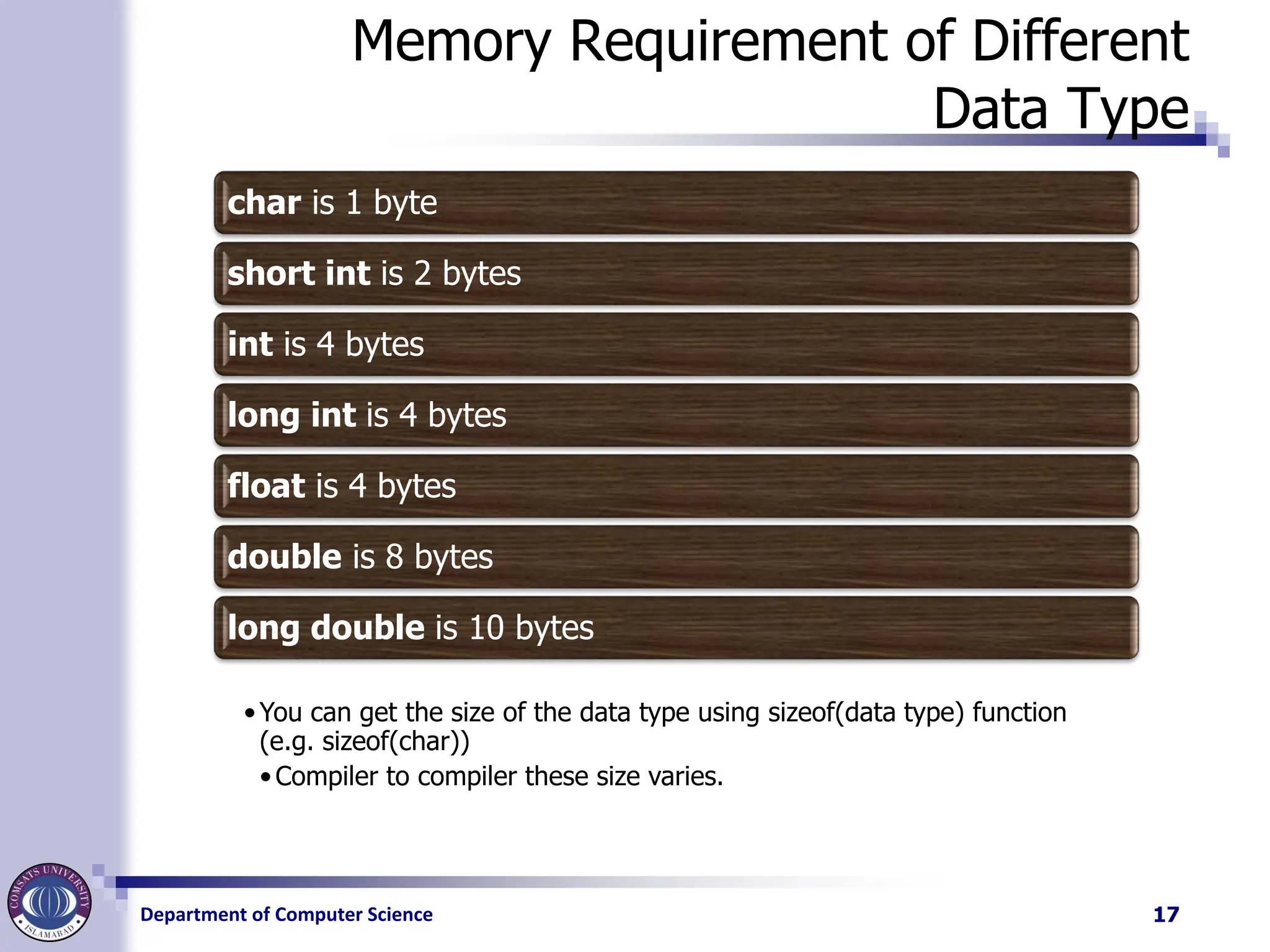
Memory Requirement of Different
Data Type
char is 1 byte
short int is 2 bytes
int is 4 bytes
long int is 4 bytes
float is 4 bytes
double is 8 bytes
long double is 10 bytes
•You can get the size of the data type using sizeof(data type) function
(e.g. sizeof(char))
•Compiler to compiler these size varies.
17
18.
Department of ComputerScience
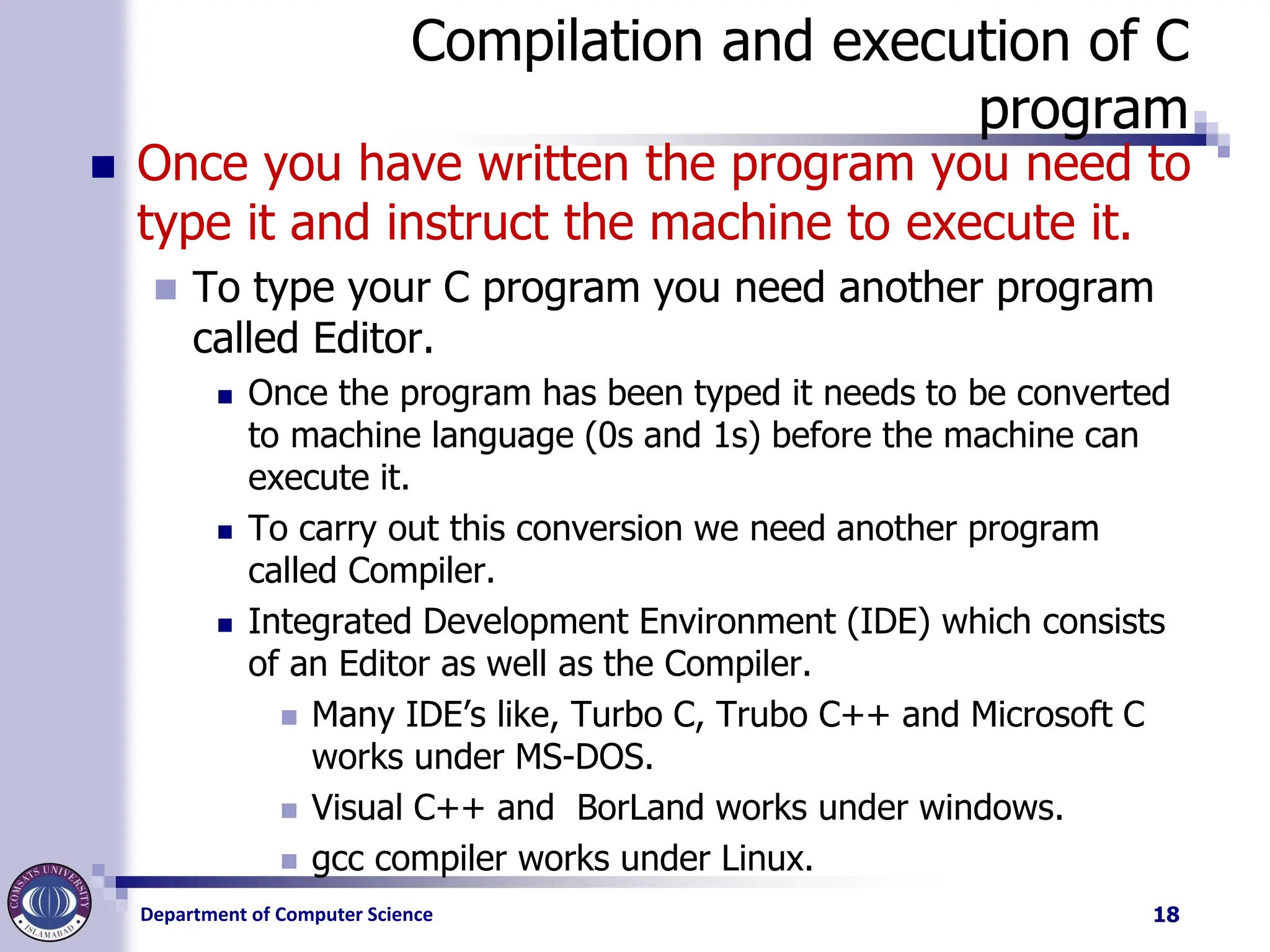
Compilation and execution of C
program
◼ Once you have written the program you need to
type it and instruct the machine to execute it.
◼ To type your C program you need another program
called Editor.
◼ Once the program has been typed it needs to be converted
to machine language (0s and 1s) before the machine can
execute it.
◼ To carry out this conversion we need another program
called Compiler.
◼ Integrated Development Environment (IDE) which consists
of an Editor as well as the Compiler.
◼ Many IDE’s like, Turbo C, Trubo C++ and Microsoft C
works under MS-DOS.
◼ Visual C++ and BorLand works under windows.
◼ gcc compiler works under Linux.
18
19.
Department of ComputerScience
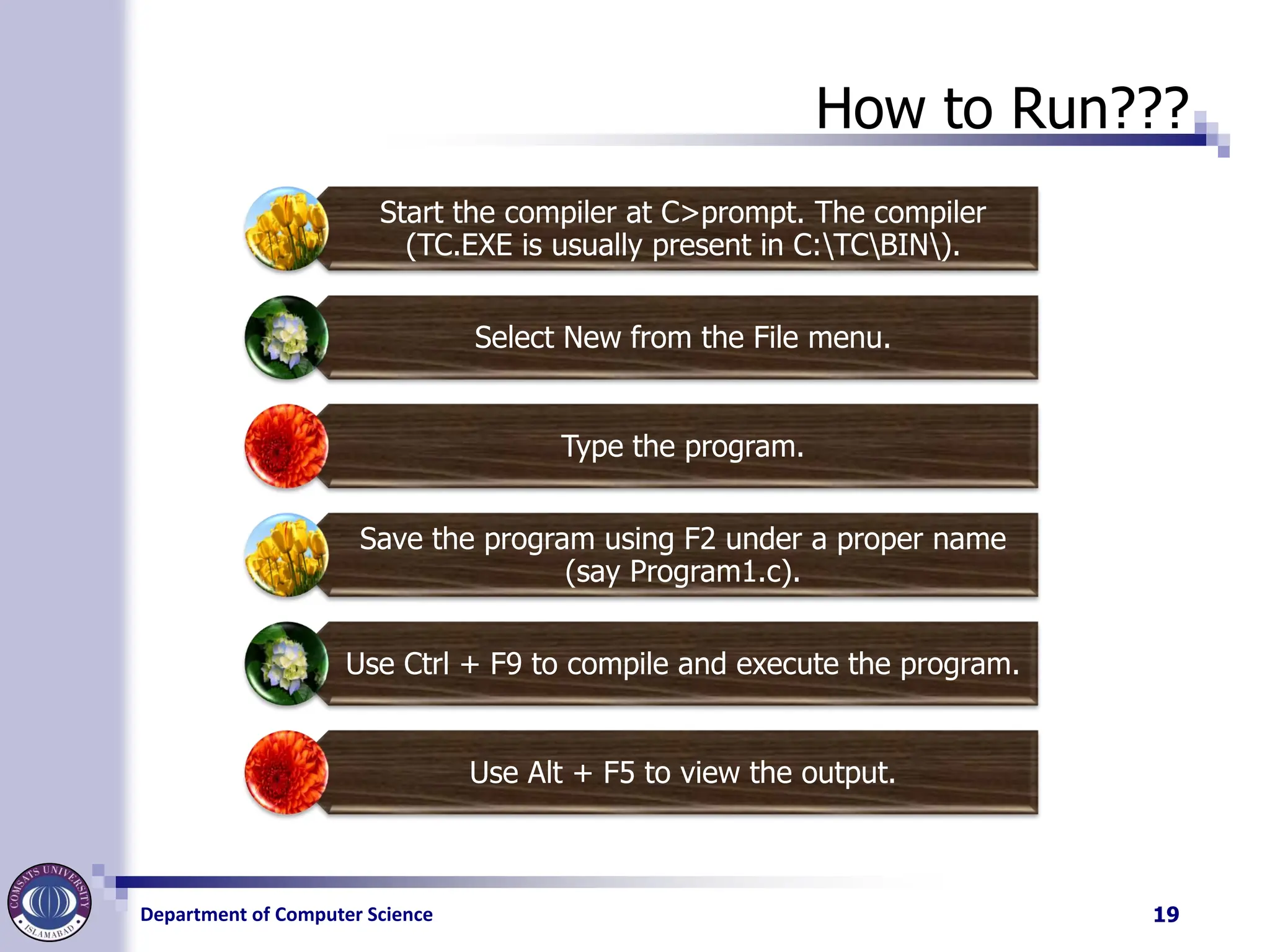
How to Run???
Start the compiler at C>prompt. The compiler
(TC.EXE is usually present in C:TCBIN).
Select New from the File menu.
Type the program.
Save the program using F2 under a proper name
(say Program1.c).
Use Ctrl + F9 to compile and execute the program.
Use Alt + F5 to view the output.
19
Department of ComputerScience
Comments
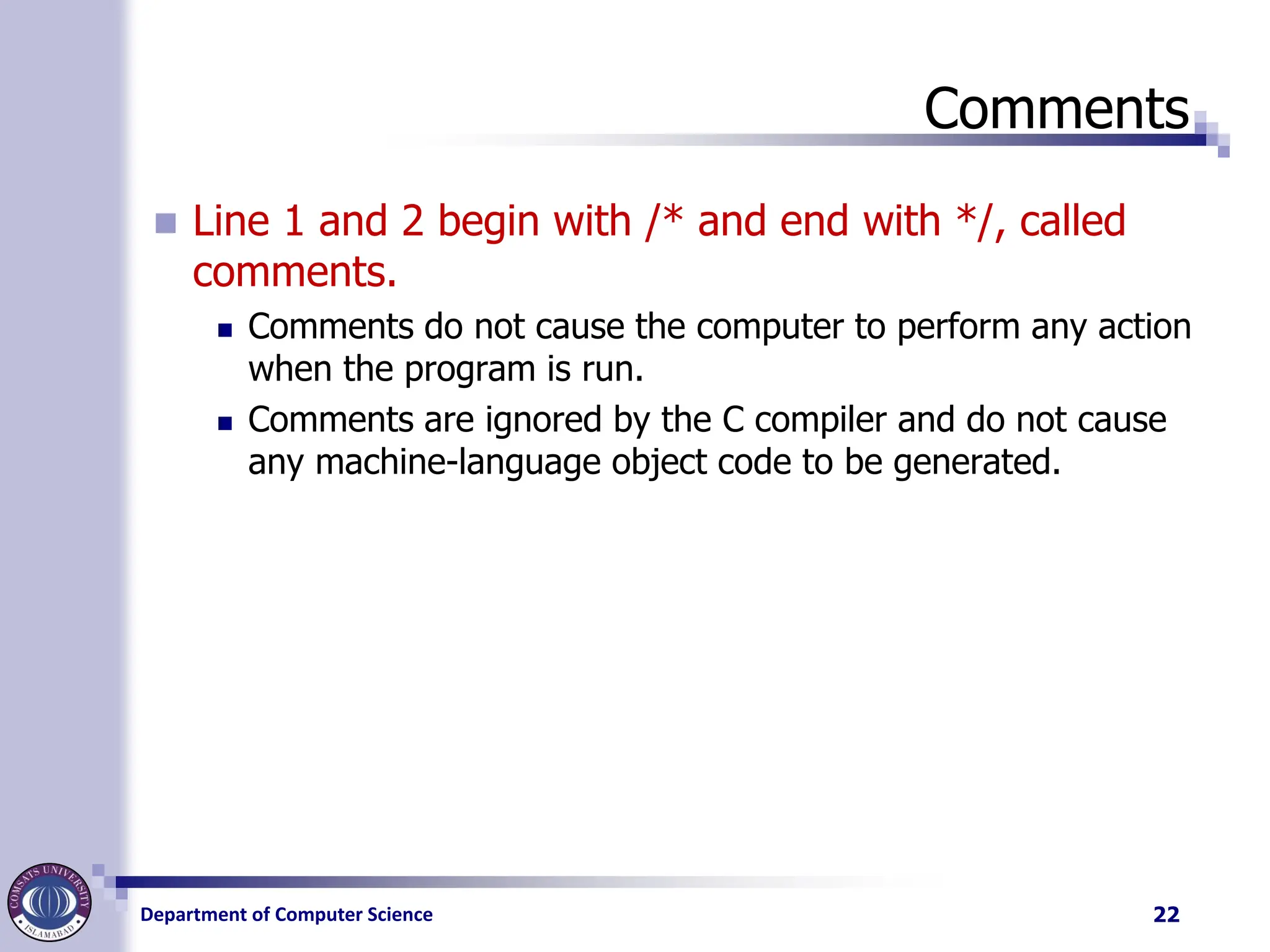
◼ Line 1 and 2 begin with /* and end with */, called
comments.
◼ Comments do not cause the computer to perform any action
when the program is run.
◼ Comments are ignored by the C compiler and do not cause
any machine-language object code to be generated.
22
23.
Department of ComputerScience
Comments
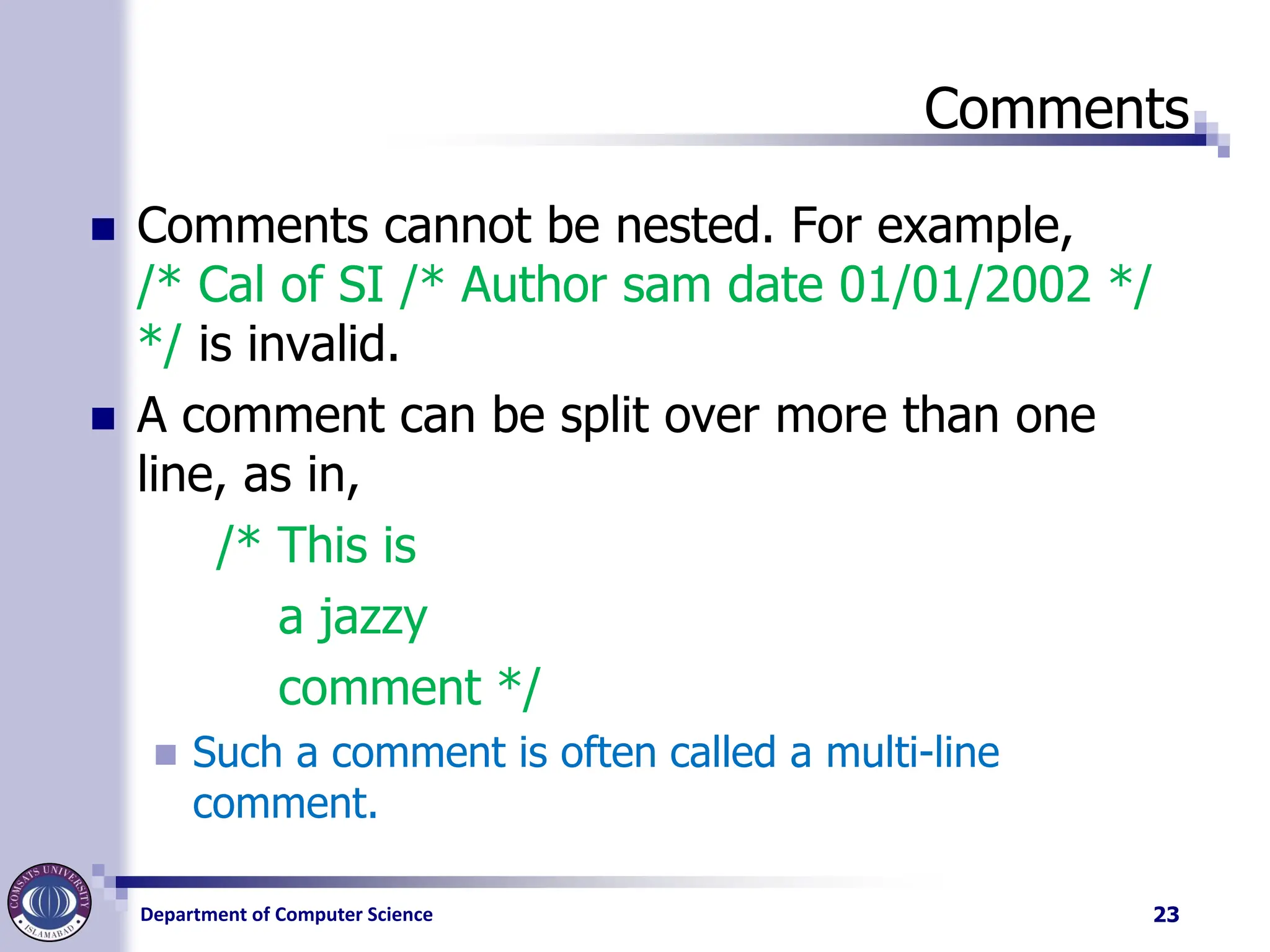
◼ Comments cannot be nested. For example,
/* Cal of SI /* Author sam date 01/01/2002 */
*/ is invalid.
◼ A comment can be split over more than one
line, as in,
/* This is
a jazzy
comment */
◼ Such a comment is often called a multi-line
comment.
23
24.
Department of ComputerScience
C Preprocessor
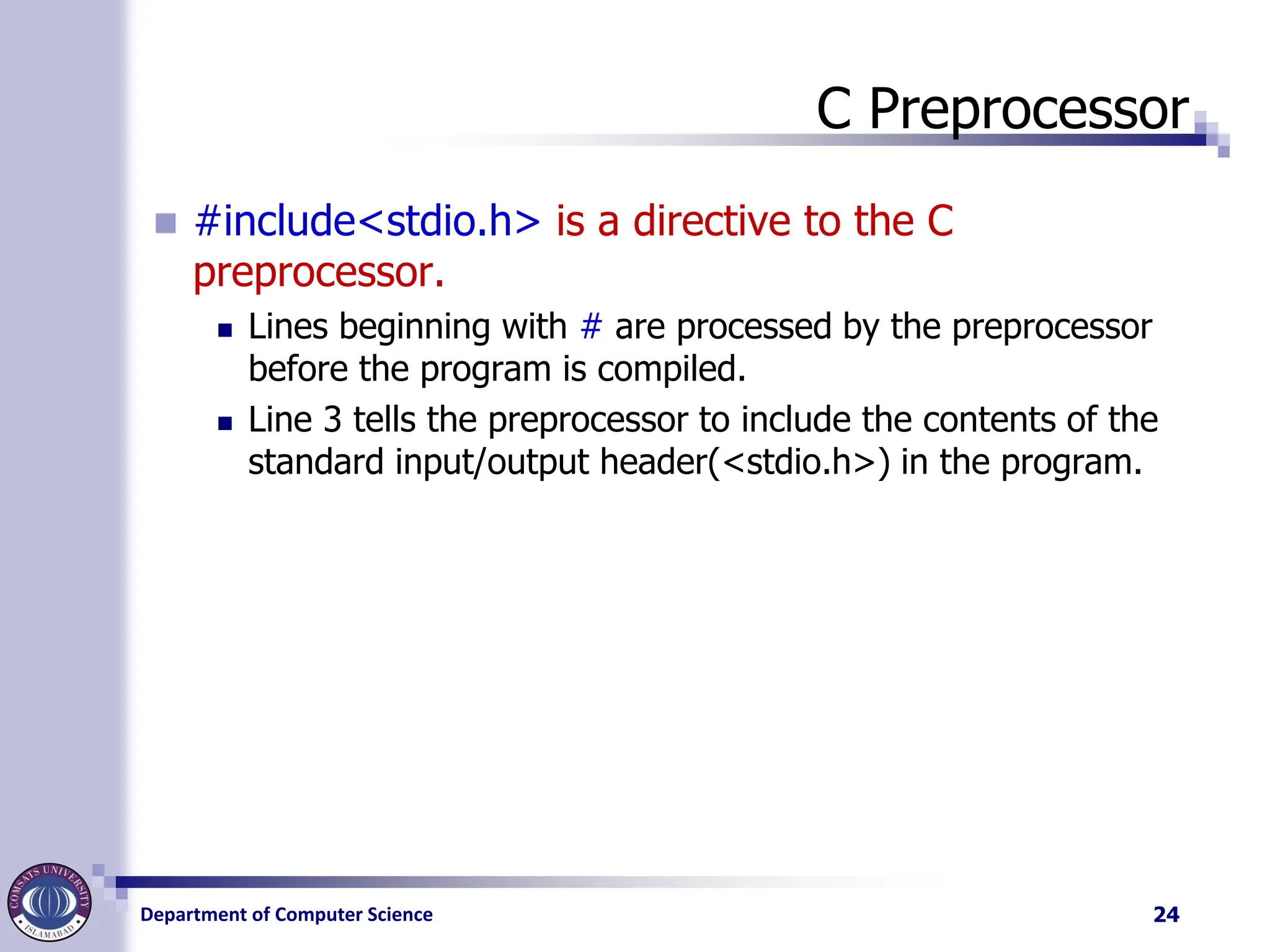
◼ #include<stdio.h> is a directive to the C
preprocessor.
◼ Lines beginning with # are processed by the preprocessor
before the program is compiled.
◼ Line 3 tells the preprocessor to include the contents of the
standard input/output header(<stdio.h>) in the program.
24
25.
Department of ComputerScience
Main Function
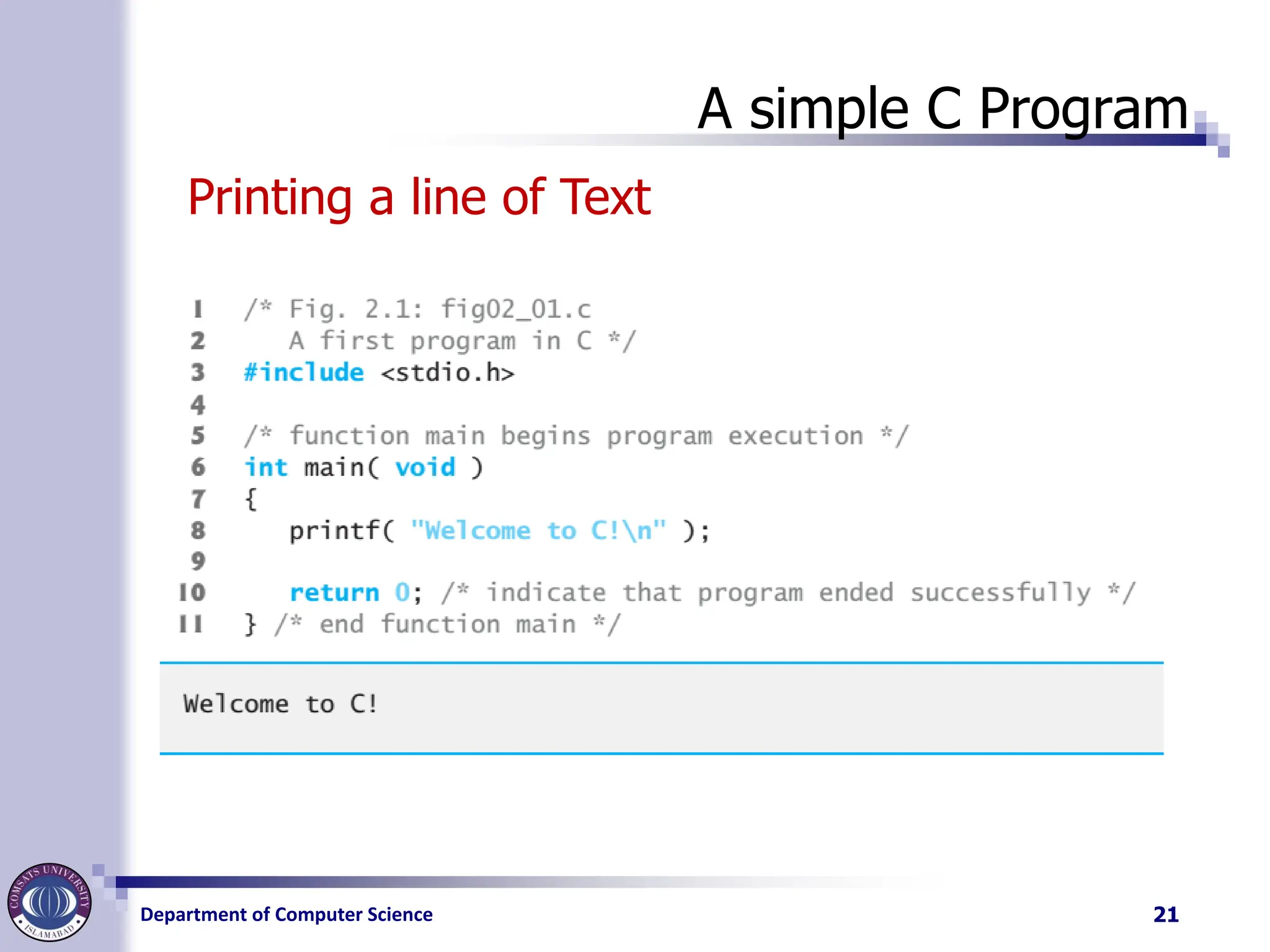
◼ Line 6, int main (void)
◼ is a part of every C program.
◼ The parentheses after main indicate that main is a program
building block called a function.
◼ C programs contain one or more functions, one of
which must be main.
◼ Every program in C begins executing at the function main.
◼ Functions can return information.
◼ The keyword int to the left of main indicates that main
“returns” an integer (whole number) value.
25
26.
Department of ComputerScience
Main function
◼ Functions also can receive information when they’re
called upon to execute.
◼ The void in parentheses here means that main does
not receive any information.
◼ Line 7
◼ A left brace, {, begins the body of every function (line 7).
◼ A corresponding right brace } ends each function (line 11).
◼ This pair of braces and the portion of the program between
the braces is called a block.
◼ The block is an important program unit in C
26
27.
Department of ComputerScience
Program parts explanation
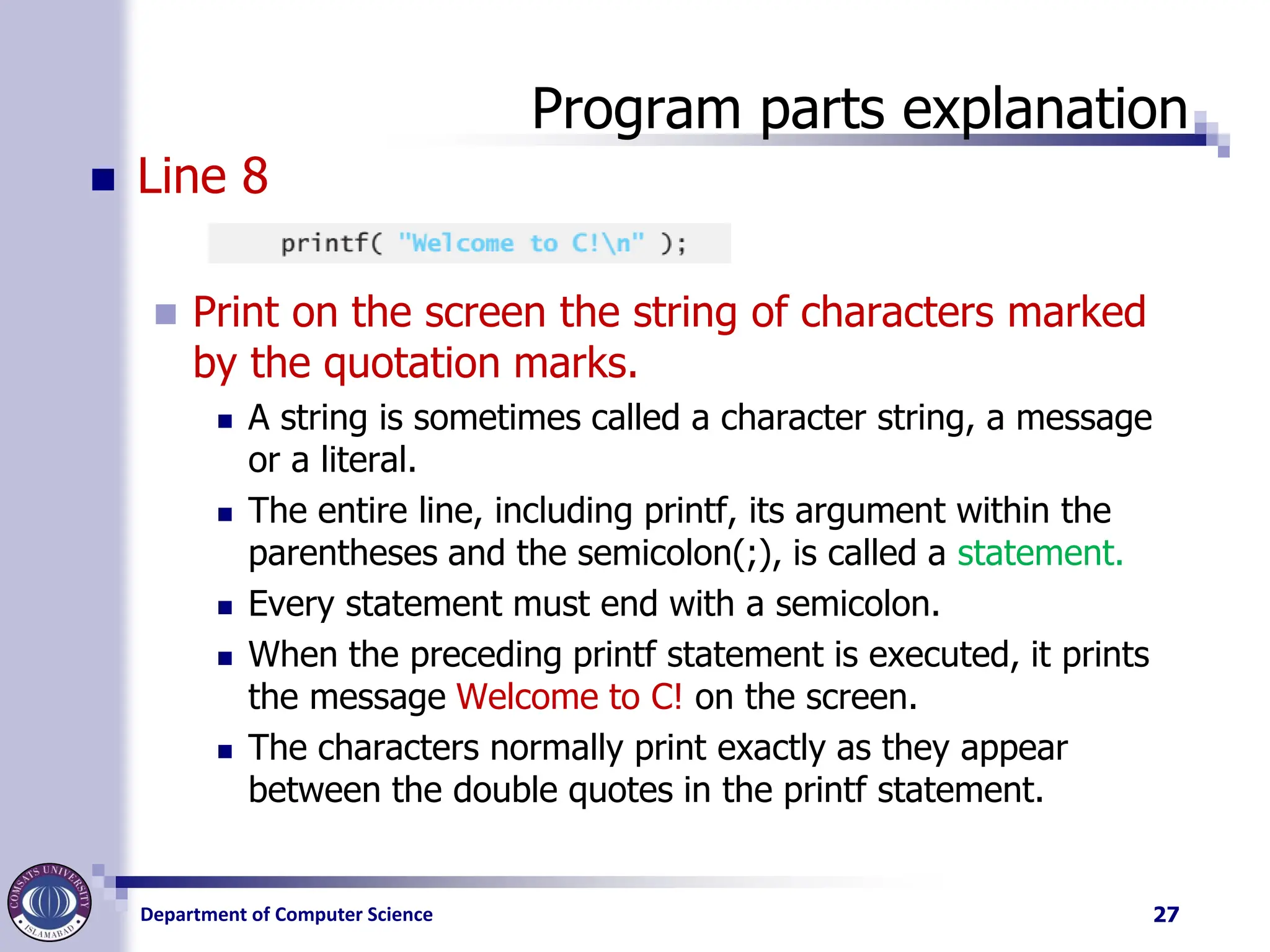
◼ Line 8
◼ Print on the screen the string of characters marked
by the quotation marks.
◼ A string is sometimes called a character string, a message
or a literal.
◼ The entire line, including printf, its argument within the
parentheses and the semicolon(;), is called a statement.
◼ Every statement must end with a semicolon.
◼ When the preceding printf statement is executed, it prints
the message Welcome to C! on the screen.
◼ The characters normally print exactly as they appear
between the double quotes in the printf statement.
27
28.
Department of ComputerScience
Printf()
◼ The general form of printf( ) function is,
printf( "<format string>", <list of variables> ) ;
◼ <format string> can contain,
◼ %f for printing real values
◼ %d for printing integer values
◼ %c for printing character values
◼ In addition to format specifiers like %f, %d and %c the format string
may also contain any other characters.
◼ These characters are printed as they are when the printf( )is
executed.
◼ For example printf(“the value of b is %d”, b);
28
29.
Department of ComputerScience
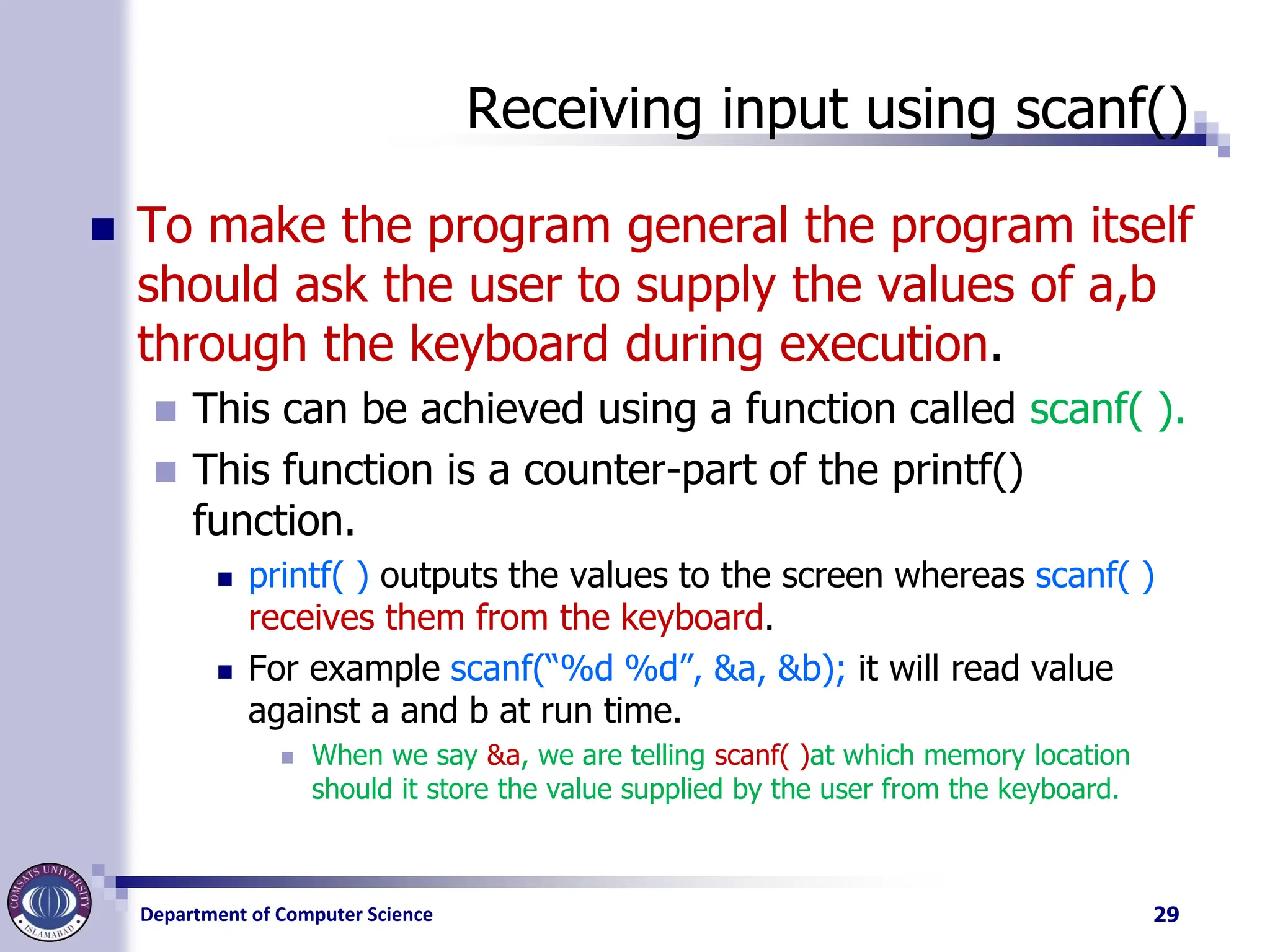
Receiving input using scanf()
◼ To make the program general the program itself
should ask the user to supply the values of a,b
through the keyboard during execution.
◼ This can be achieved using a function called scanf( ).
◼ This function is a counter-part of the printf()
function.
◼ printf( ) outputs the values to the screen whereas scanf( )
receives them from the keyboard.
◼ For example scanf(“%d %d”, &a, &b); it will read value
against a and b at run time.
◼ When we say &a, we are telling scanf( )at which memory location
should it store the value supplied by the user from the keyboard.
29
30.
Department of ComputerScience
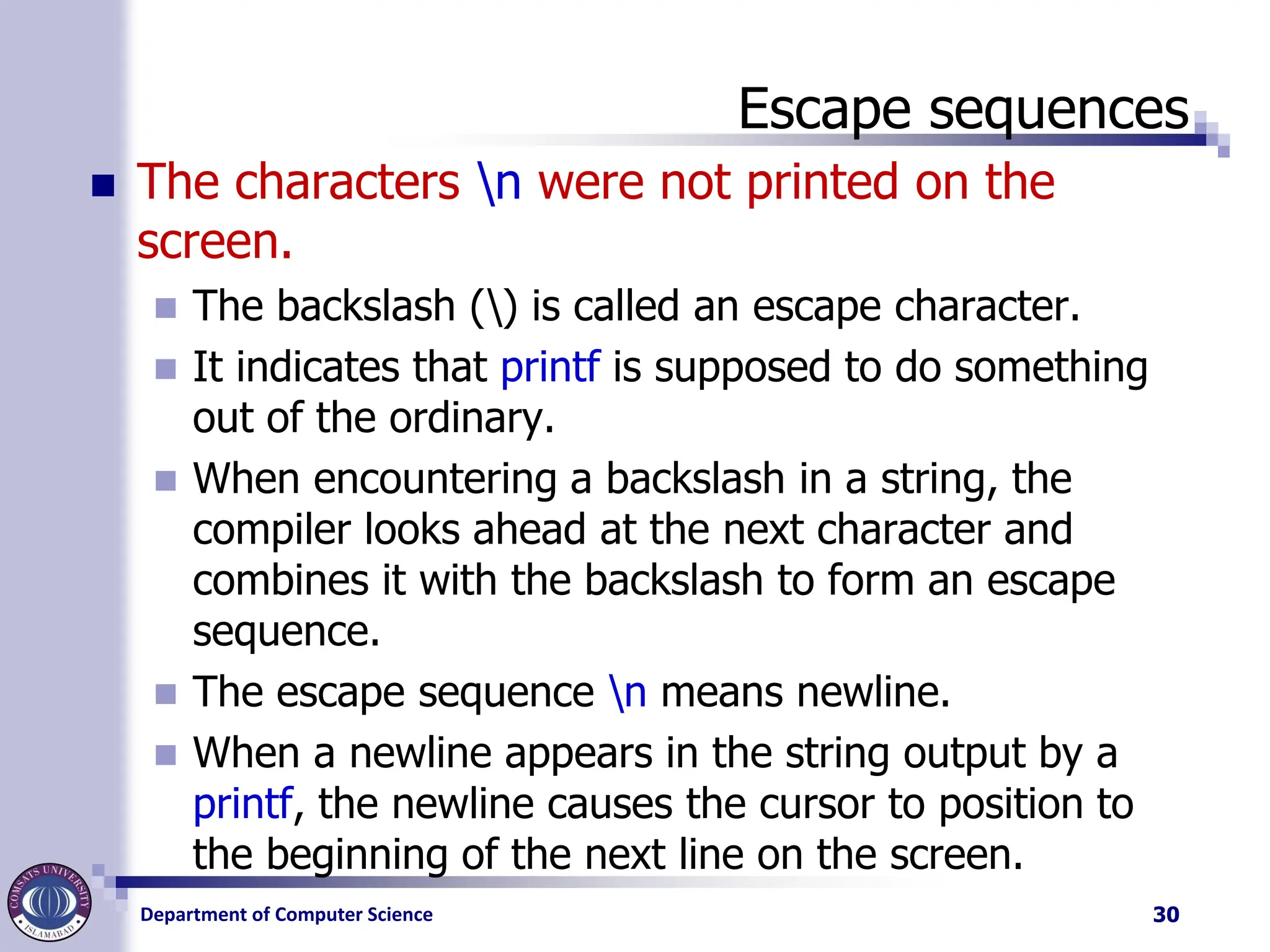
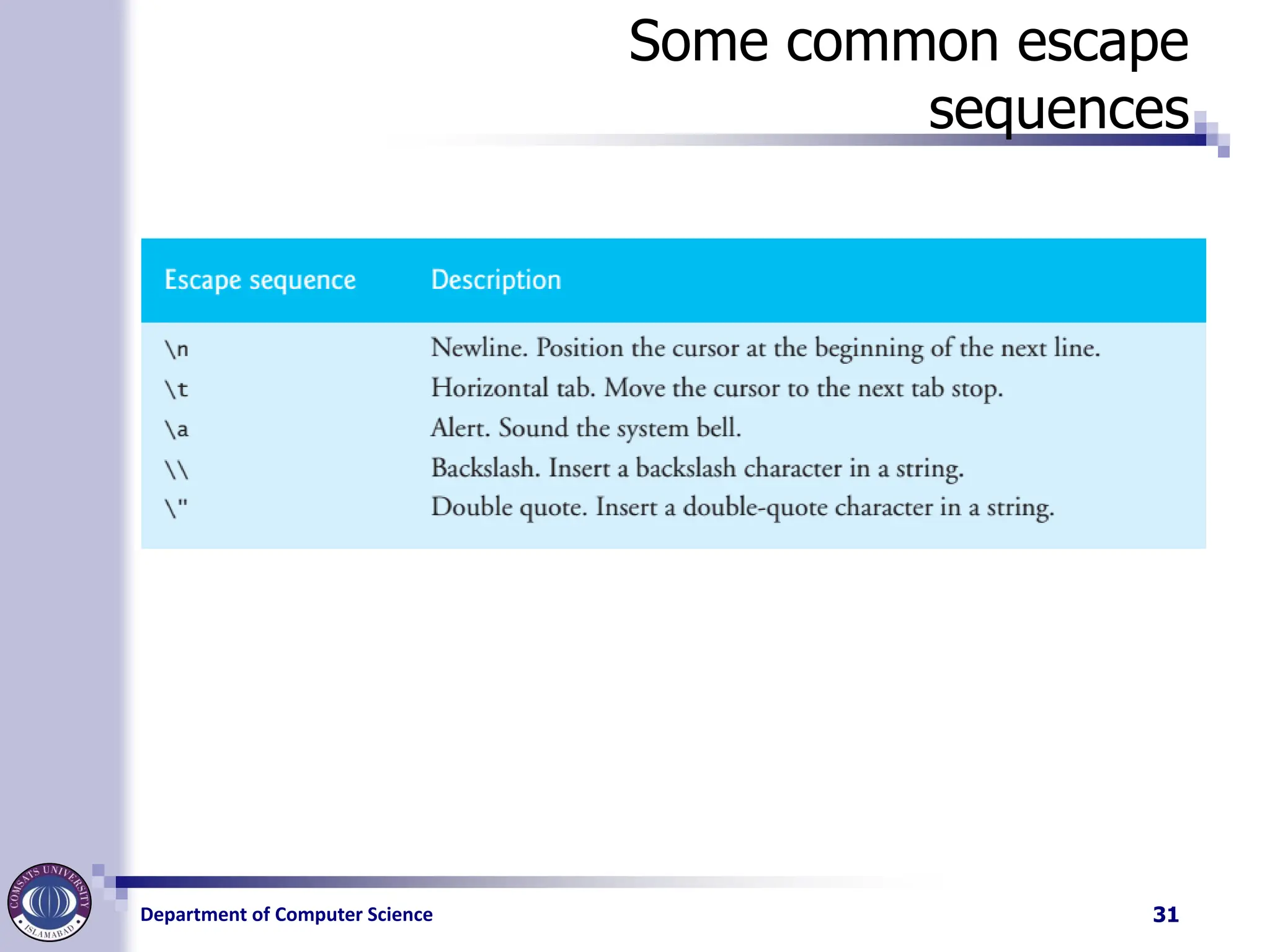
Escape sequences
◼ The characters n were not printed on the
screen.
◼ The backslash () is called an escape character.
◼ It indicates that printf is supposed to do something
out of the ordinary.
◼ When encountering a backslash in a string, the
compiler looks ahead at the next character and
combines it with the backslash to form an escape
sequence.
◼ The escape sequence n means newline.
◼ When a newline appears in the string output by a
printf, the newline causes the cursor to position to
the beginning of the next line on the screen.
30
Department of ComputerScience
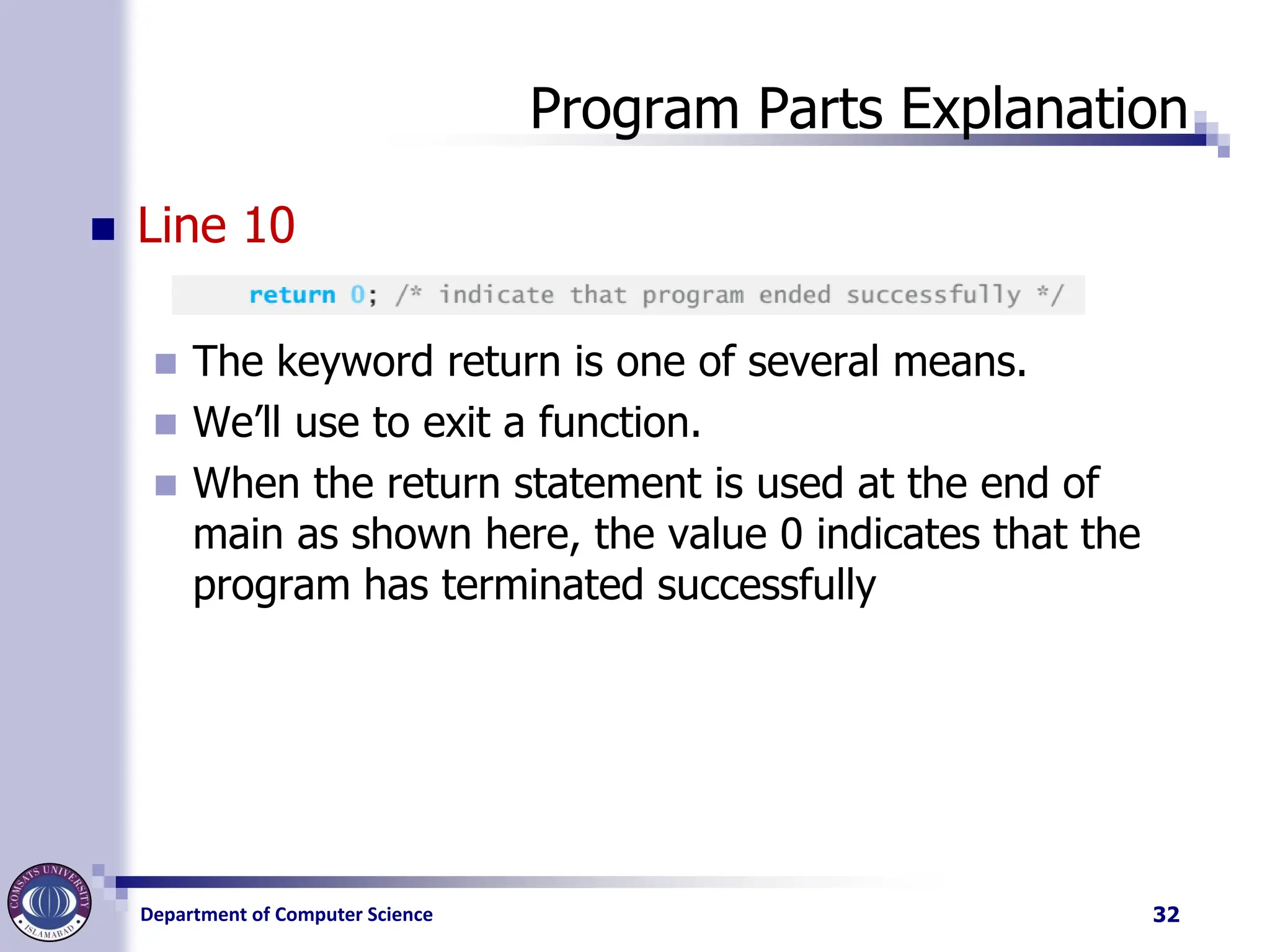
Program Parts Explanation
◼ Line 10
◼ The keyword return is one of several means.
◼ We’ll use to exit a function.
◼ When the return statement is used at the end of
main as shown here, the value 0 indicates that the
program has terminated successfully
32
33.
Department of ComputerScience
C instruction
◼ Three types of C instruction
◼ Type Declaration Instruction
◼ To declare the type of variables used in a C program.
◼ Arithmetic Instruction
◼ To perform arithmetic operations between constants and
variables.
◼ Control Instruction
◼ To control the sequence of execution of various statements
in a C program.
33
34.
Department of ComputerScience
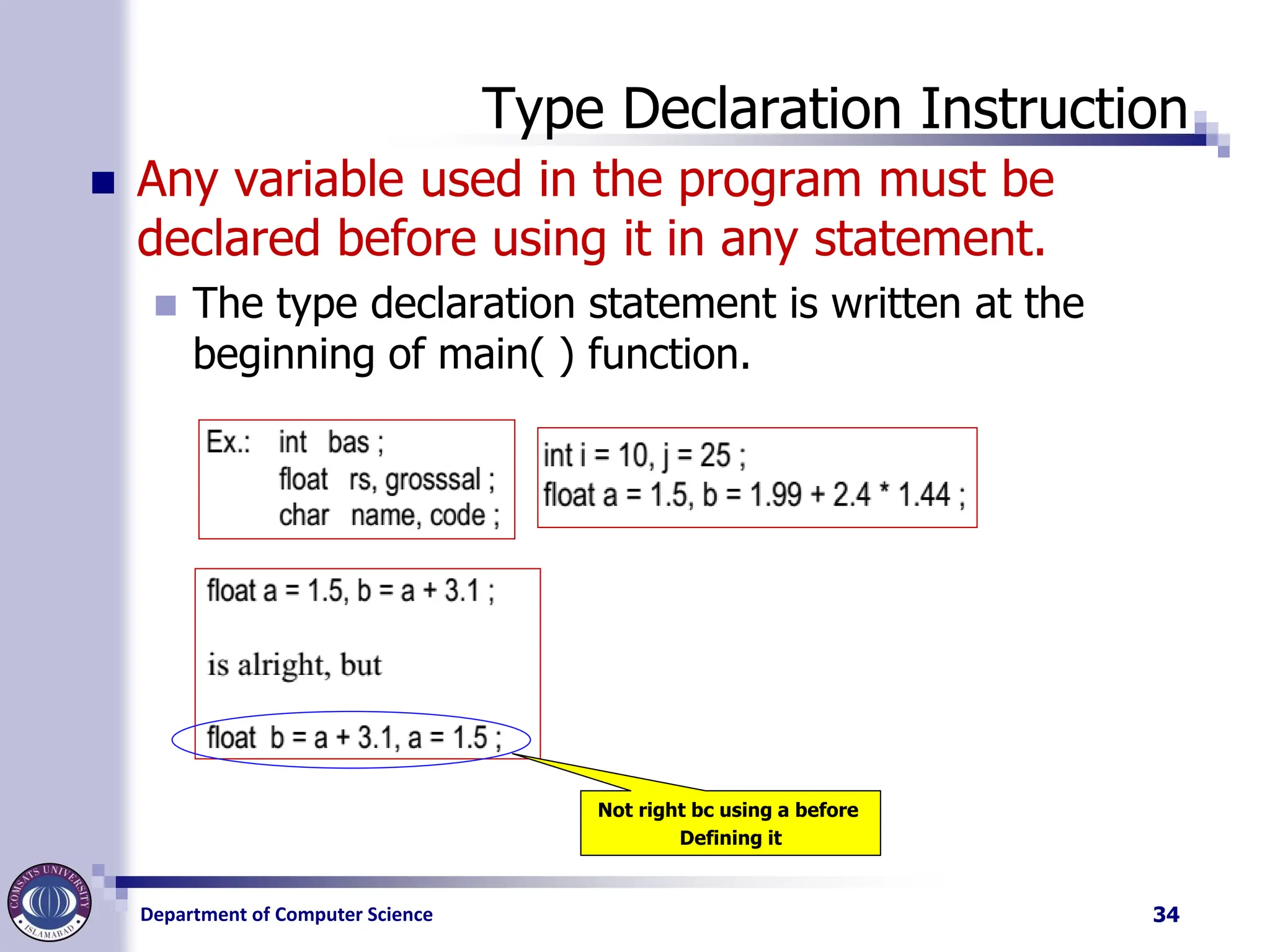
Type Declaration Instruction
◼ Any variable used in the program must be
declared before using it in any statement.
◼ The type declaration statement is written at the
beginning of main( ) function.
34
Not right bc using a before
Defining it
35.
Department of ComputerScience
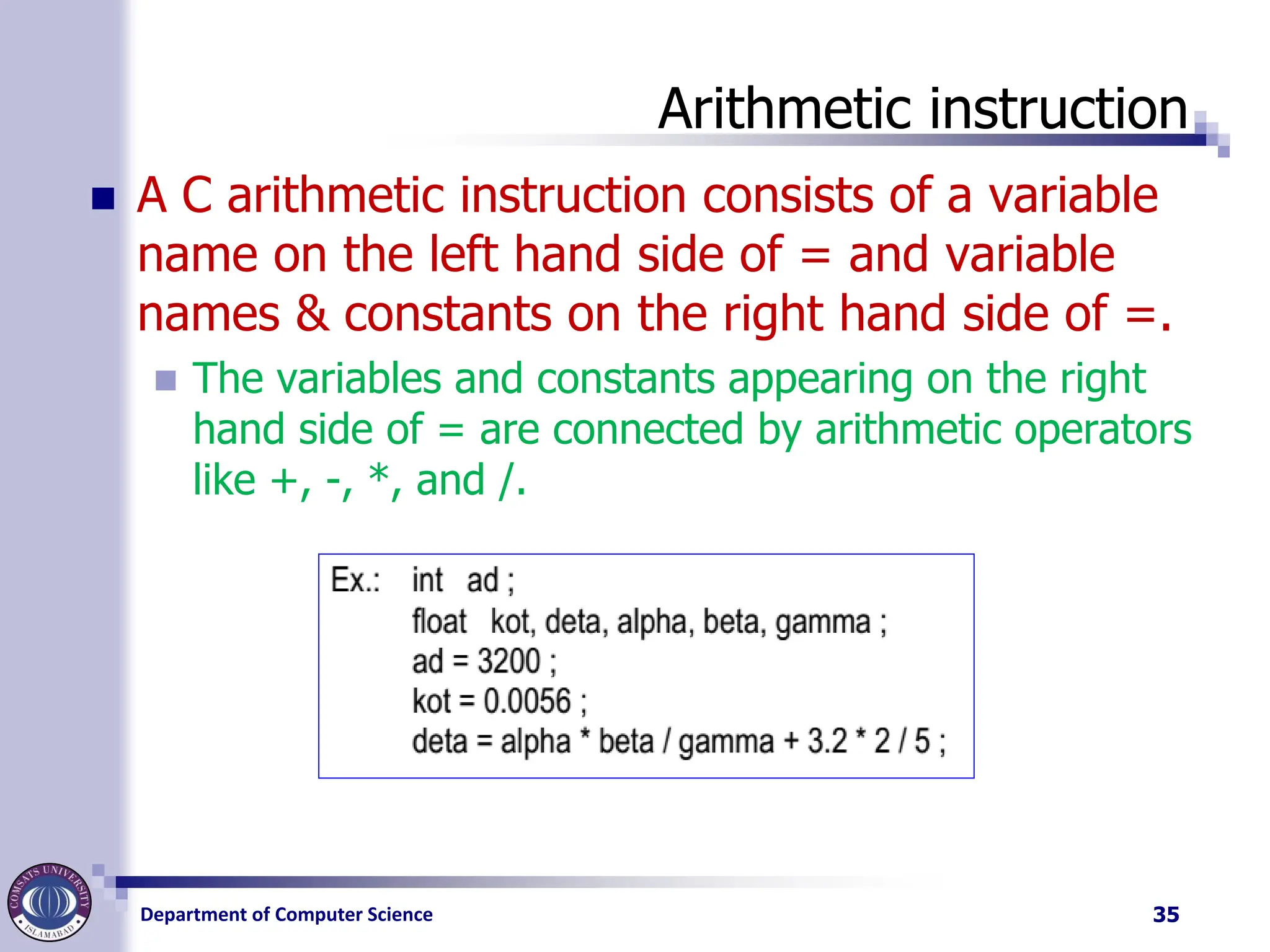
Arithmetic instruction
◼ A C arithmetic instruction consists of a variable
name on the left hand side of = and variable
names & constants on the right hand side of =.
◼ The variables and constants appearing on the right
hand side of = are connected by arithmetic operators
like +, -, *, and /.
35
36.
Department of ComputerScience
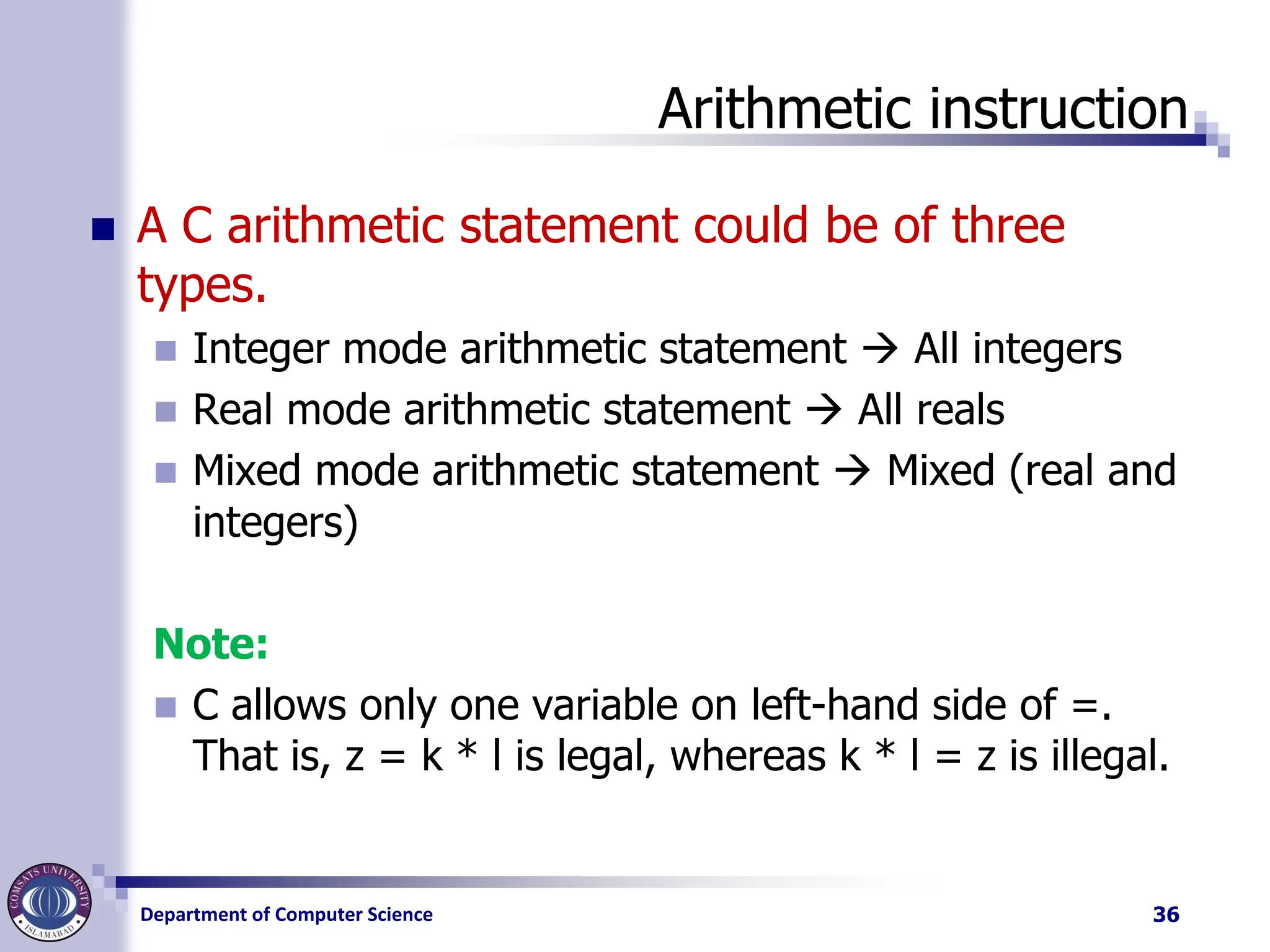
Arithmetic instruction
◼ A C arithmetic statement could be of three
types.
◼ Integer mode arithmetic statement → All integers
◼ Real mode arithmetic statement → All reals
◼ Mixed mode arithmetic statement → Mixed (real and
integers)
Note:
◼ C allows only one variable on left-hand side of =.
That is, z = k * l is legal, whereas k * l = z is illegal.
36
37.
Department of ComputerScience
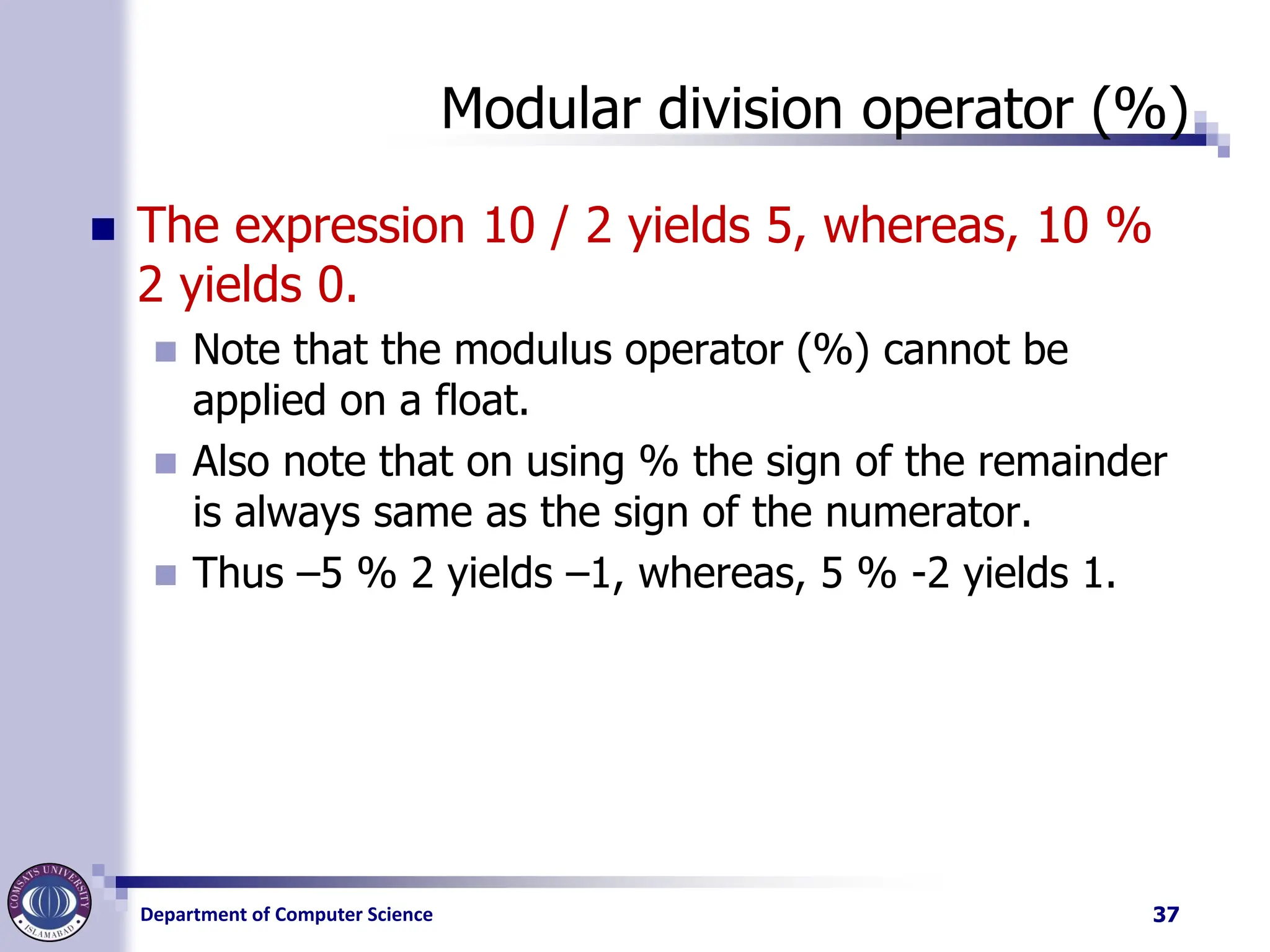
Modular division operator (%)
◼ The expression 10 / 2 yields 5, whereas, 10 %
2 yields 0.
◼ Note that the modulus operator (%) cannot be
applied on a float.
◼ Also note that on using % the sign of the remainder
is always same as the sign of the numerator.
◼ Thus –5 % 2 yields –1, whereas, 5 % -2 yields 1.
37
38.
Department of ComputerScience
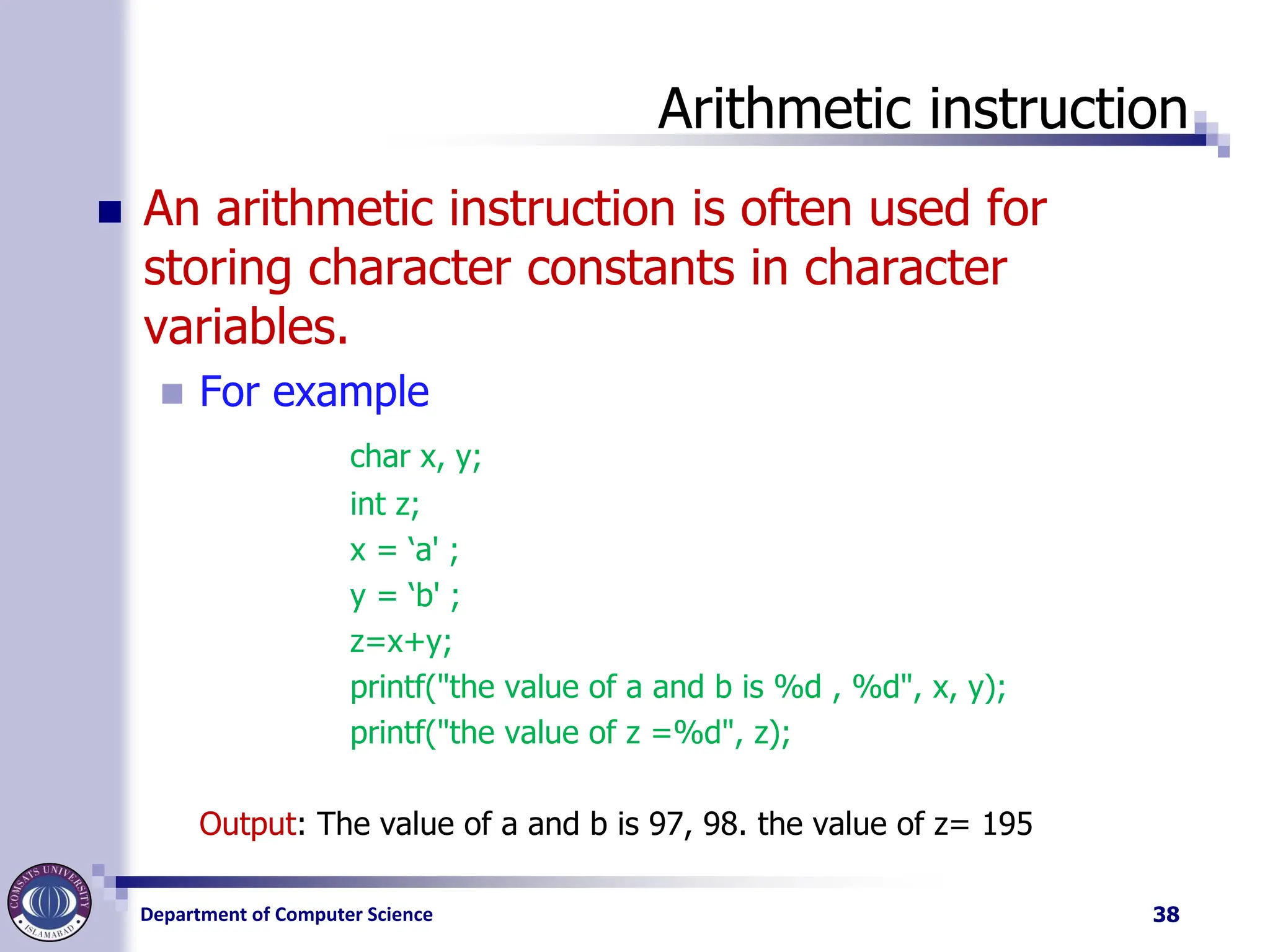
Arithmetic instruction
◼ An arithmetic instruction is often used for
storing character constants in character
variables.
◼ For example
char x, y;
int z;
x = ‘a' ;
y = ‘b' ;
z=x+y;
printf("the value of a and b is %d , %d", x, y);
printf("the value of z =%d", z);
Output: The value of a and b is 97, 98. the value of z= 195
38
39.
Department of ComputerScience
Hierarchy of Operation
◼ While executing an arithmetic statement, which
has two or more operators, we may have some
problems as to how exactly does it get
executed.
◼ For example, does the expression 2 * x - 3 * y
correspond to (2x)-(3y) or to 2(x-3y)?
◼ Similarly, does A / B * C correspond to A / (B * C) or
to (A / B) * C?
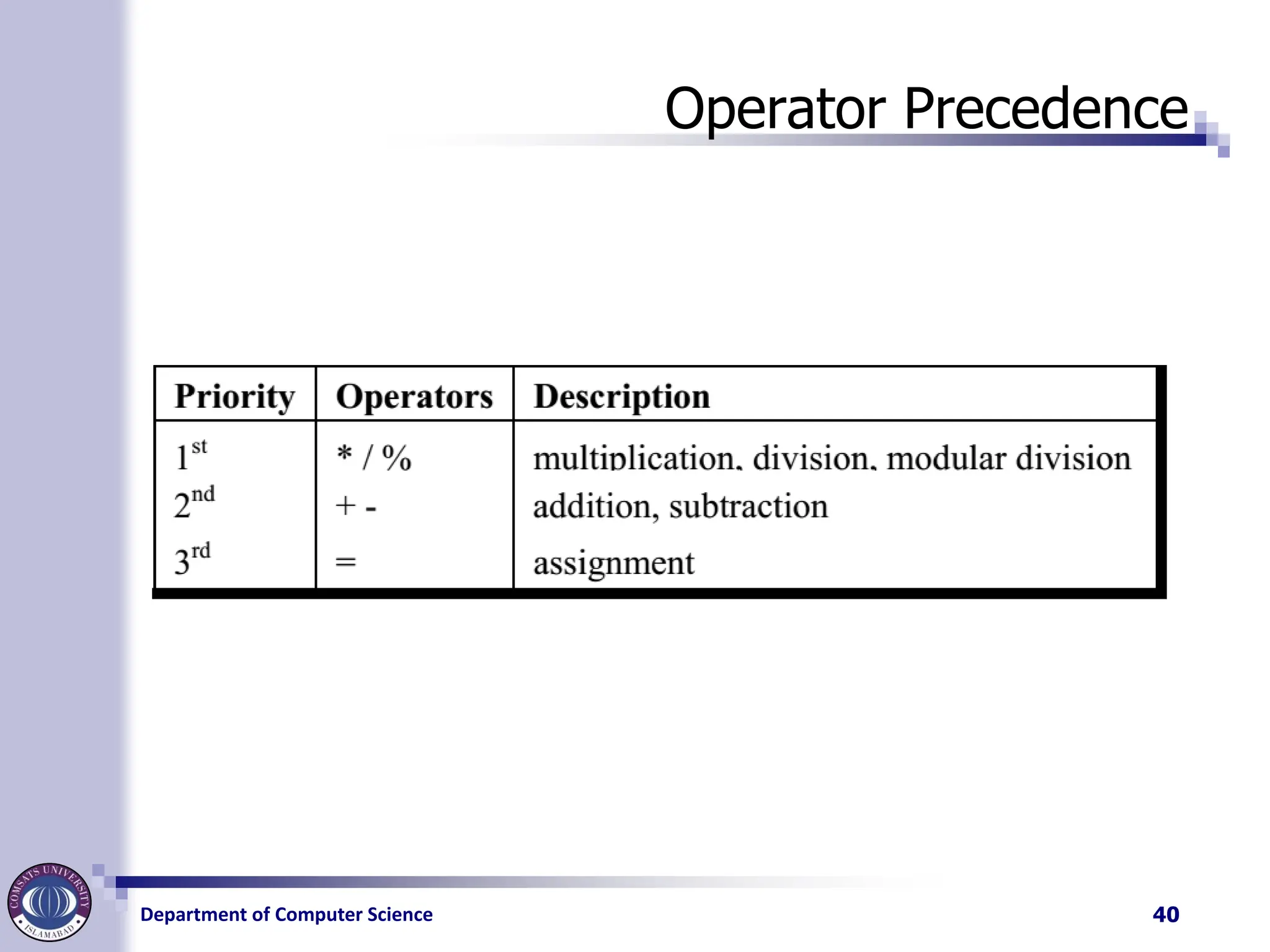
◼ Operator precedence is used, table of operator precedence
is on next slide
39
Department of ComputerScience
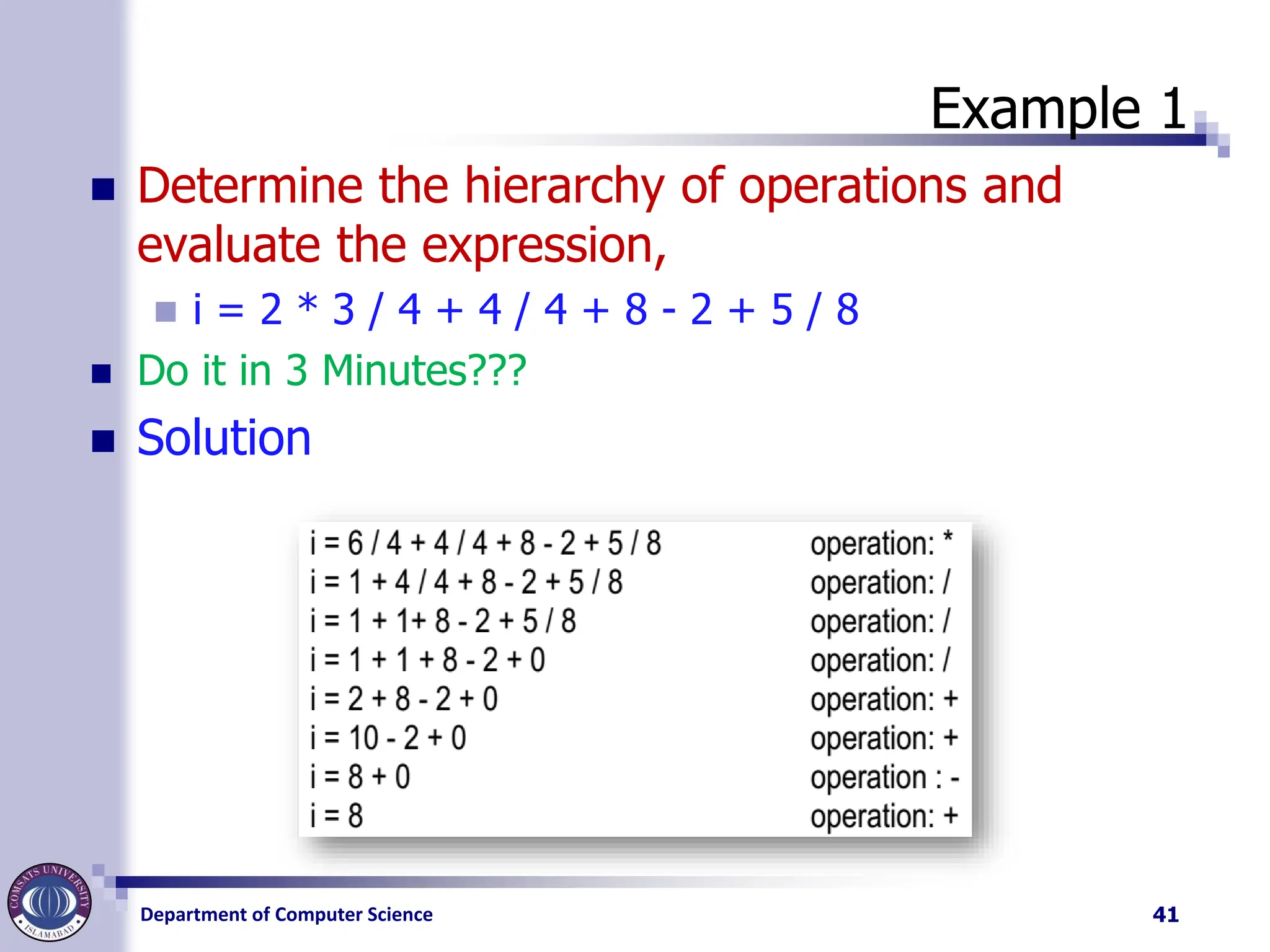
Example 1
◼ Determine the hierarchy of operations and
evaluate the expression,
◼ i = 2 * 3 / 4 + 4 / 4 + 8 - 2 + 5 / 8
◼ Do it in 3 Minutes???
◼ Solution
41
42.
Department of ComputerScience
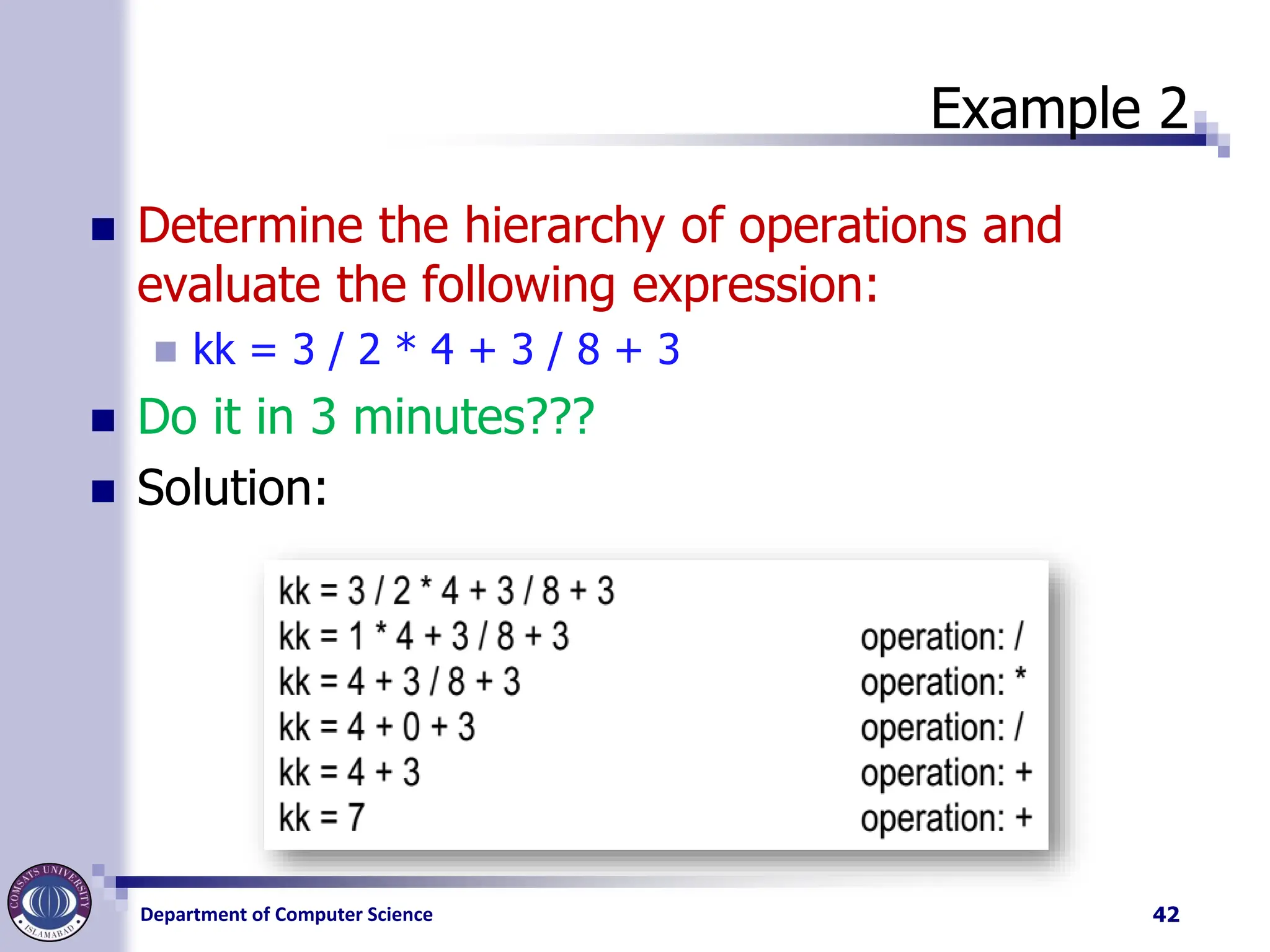
Example 2
◼ Determine the hierarchy of operations and
evaluate the following expression:
◼ kk = 3 / 2 * 4 + 3 / 8 + 3
◼ Do it in 3 minutes???
◼ Solution:
42
43.
Department of ComputerScience
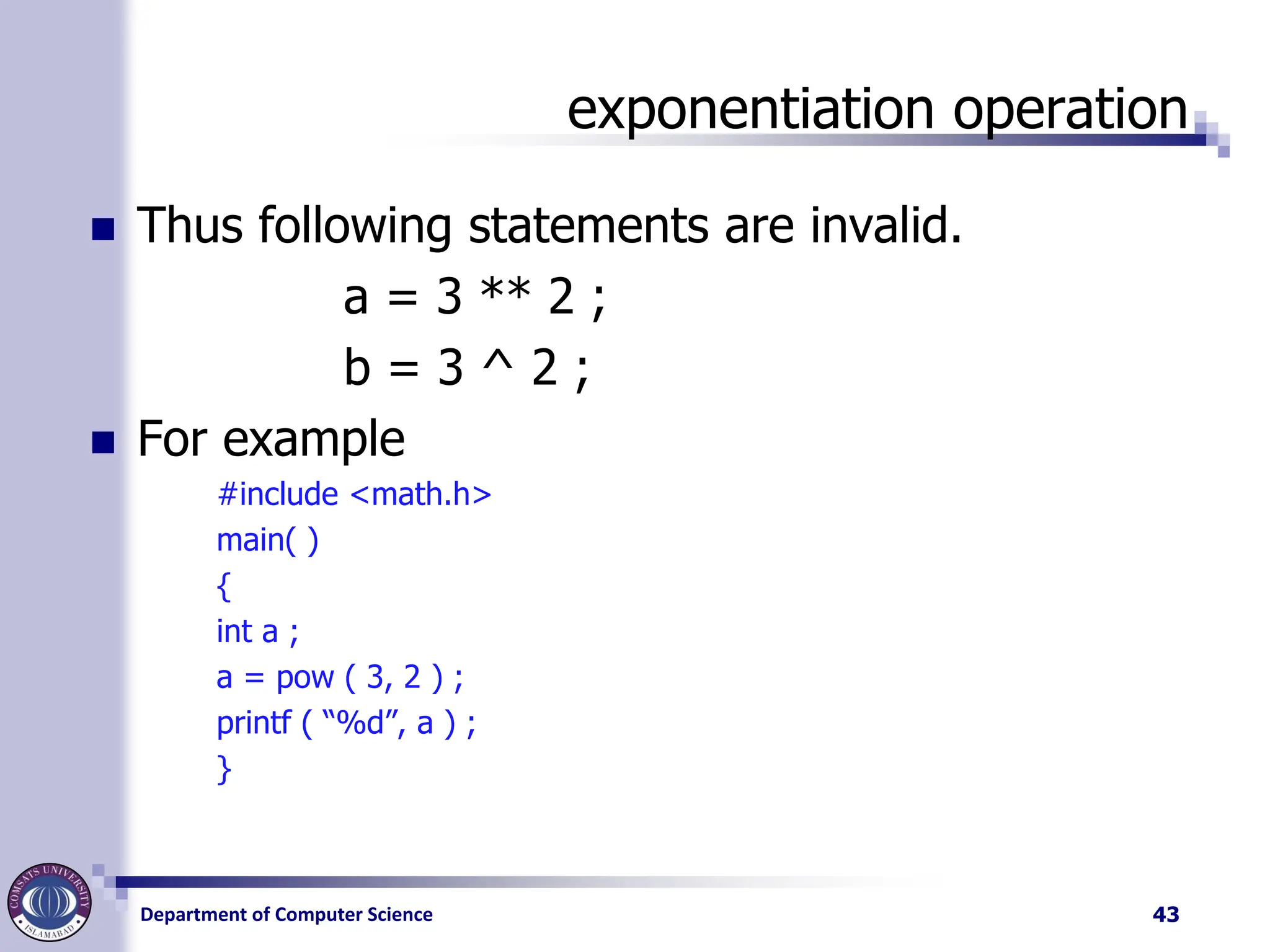
exponentiation operation
◼ Thus following statements are invalid.
a = 3 ** 2 ;
b = 3 ^ 2 ;
◼ For example
#include <math.h>
main( )
{
int a ;
a = pow ( 3, 2 ) ;
printf ( “%d”, a ) ;
}
43


![Vibe Coding vs. Spec-Driven Development [Free Meetup]](https://cdn.slidesharecdn.com/ss_thumbnails/vibecodingvsspecdrivendevelopment-251209105622-43f455e7-thumbnail.jpg?width=640&height=640&fit=bounds)


