AWS
CloudHSM
And why it can revolutionize
Cloud

Oleg Gryb, Security Architect, AppSec @ Intuit
10-25-2013
@oleggryb
Current Mindset: Concerns over cloud

security!
•
•
•
•
•

Security policies and processes may not be known
Questions around access to customer’s data
Data sovereignty
Legal liability in security or SLA domains
Key management and control of the encryption keys
Why AWS CloudHSM is Good
•
•
•
•

•

Objects in partitions are not accessible by cloud folks
All they can do is to delete partitions if you don’t pay
It can be deployed in the same subnets where consumers
are (it decreases latency compare to “on premise” HSM)
Multiple layers of security:
• Subnets @ network level
• Client/server certs and registration
• Manager password (connects through ssh)
• Admin password (init work, create partition)
• Partition level pin
HA is supported through an array of Luna’s
4

AWS CloudHSM
Todd Cignetti, Sr. Product Manager, AWS Security
10-25-2013

AWS CloudHSM
5

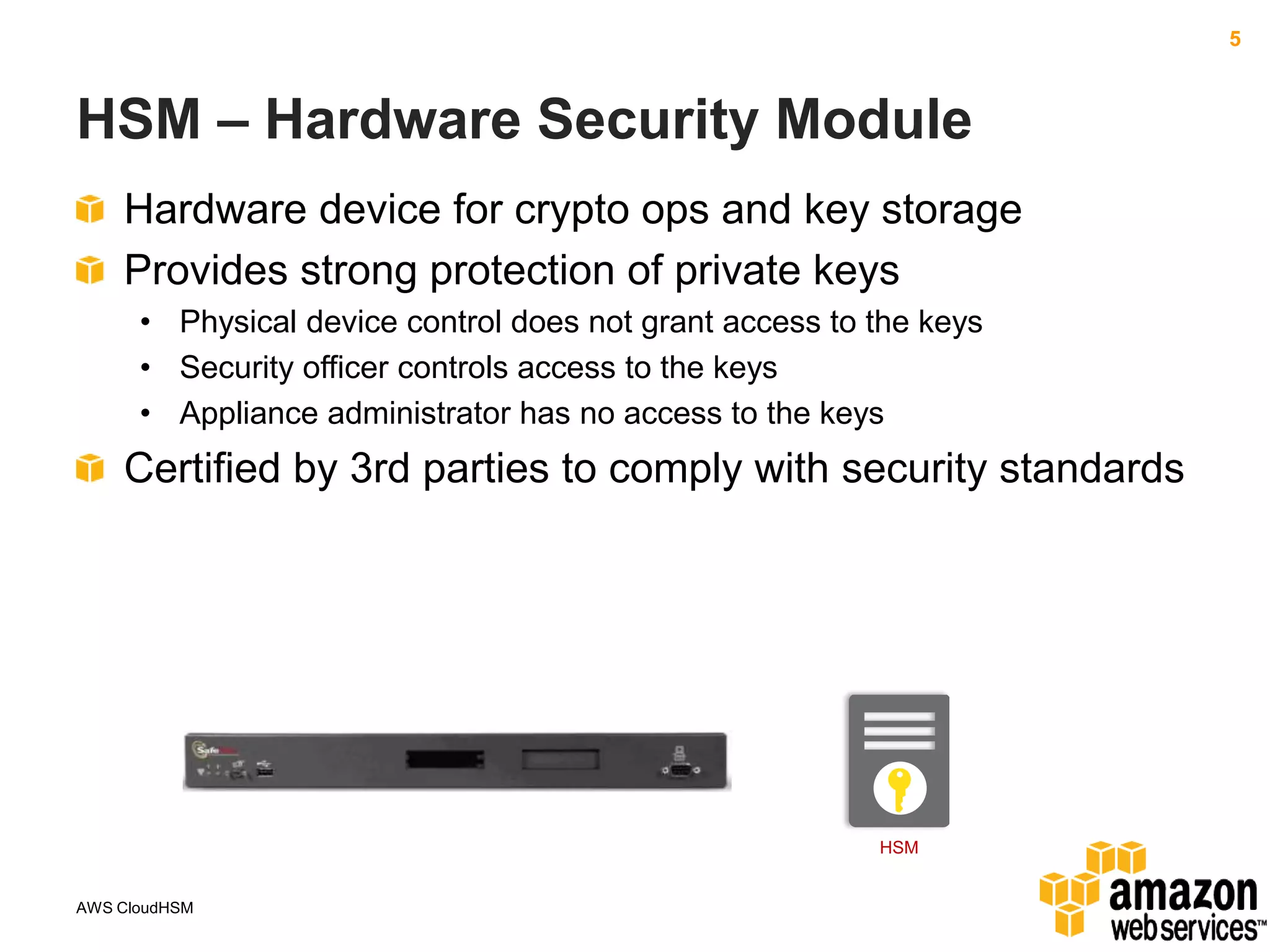
HSM – Hardware Security Module
Hardware device for crypto ops and key storage
Provides strong protection of private keys
• Physical device control does not grant access to the keys
• Security officer controls access to the keys
• Appliance administrator has no access to the keys

Certified by 3rd parties to comply with security standards

HSM

AWS CloudHSM
6

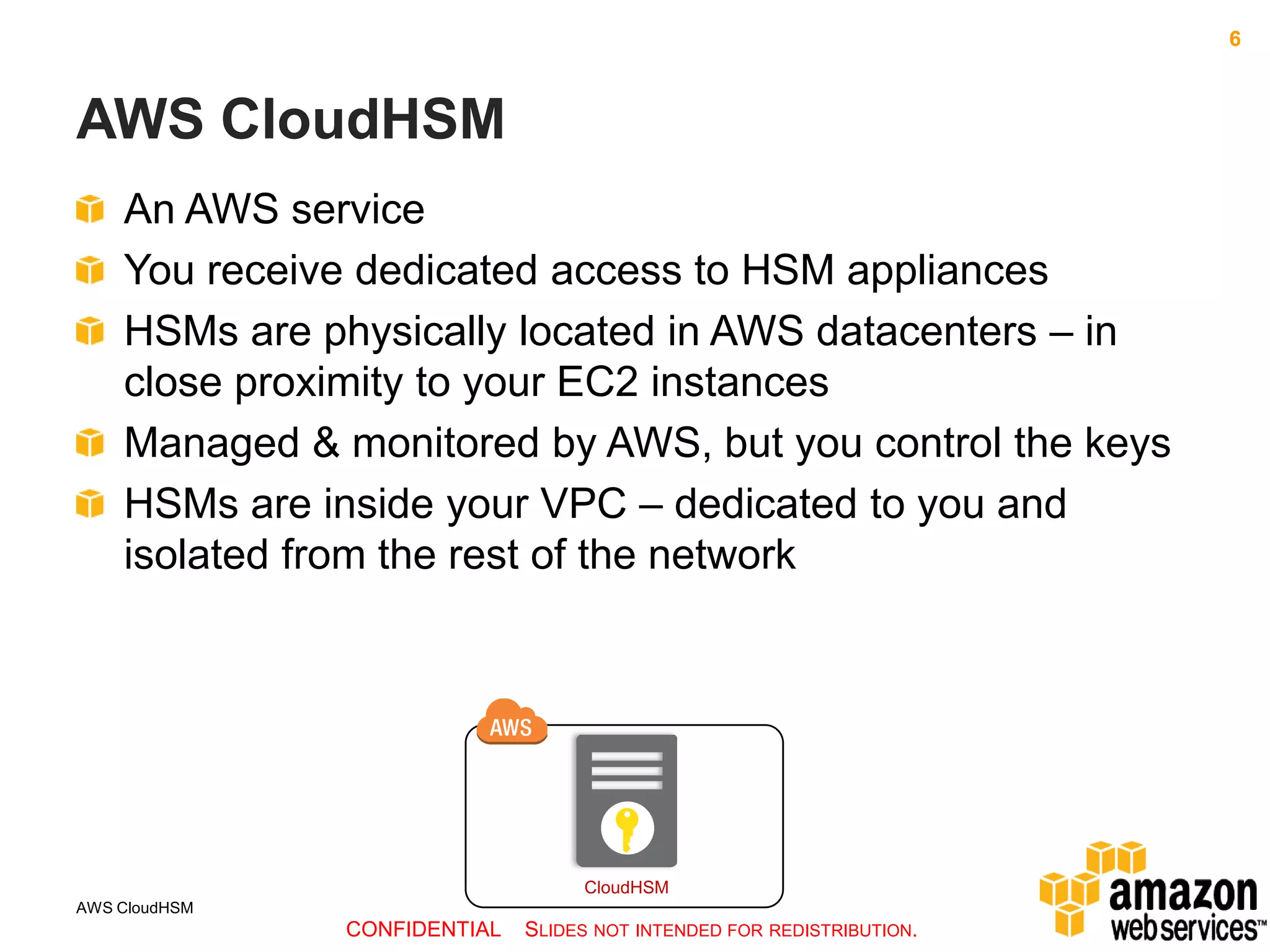
AWS CloudHSM
An AWS service
You receive dedicated access to HSM appliances
HSMs are physically located in AWS datacenters – in
close proximity to your EC2 instances
Managed & monitored by AWS, but you control the keys
HSMs are inside your VPC – dedicated to you and
isolated from the rest of the network

CloudHSM
AWS CloudHSM

CONFIDENTIAL

SLIDES NOT INTENDED FOR REDISTRIBUTION.
7

Details
CloudHSM Uses SafeNet® Luna SA HSMs
• Well known and trusted HSM
• Designed for validation by third parties to government standards
• Supports standard APIs
• PKCS#11
• MS CAPI/CNG
• Java JCA/JCE (Java Cryptography Architecture/Java Cryptography
Extensions)

• SafeNet HSM Client replaces existing crypto provider library and
uses back-end HSM hardware to implement crypto

AWS CloudHSM
8

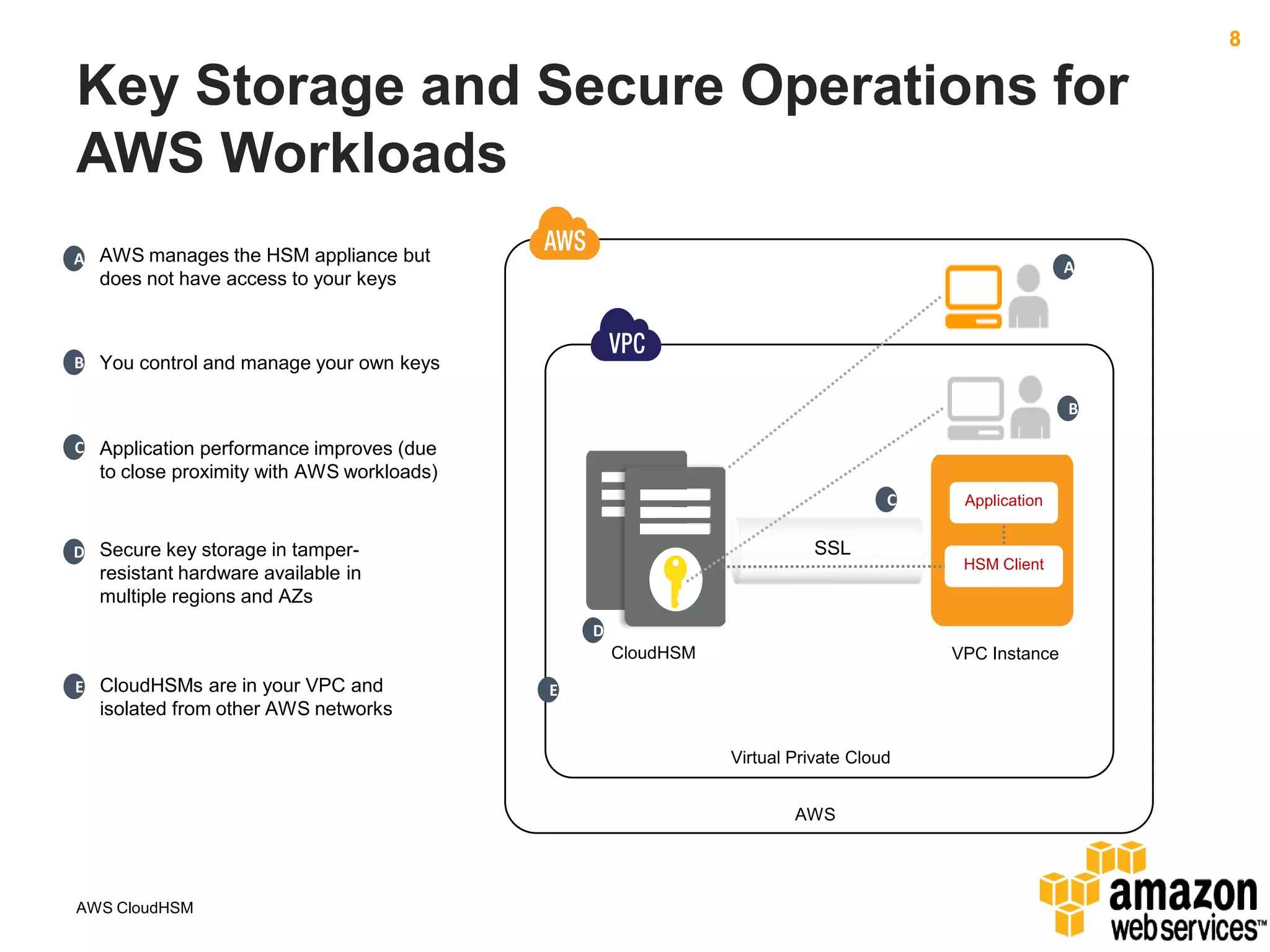
Key Storage and Secure Operations for
AWS Workloads
A AWS manages the HSM appliance but

A

does not have access to your keys

B You control and manage your own keys
B
C Application performance improves (due

to close proximity with AWS workloads)
C

SSL

D Secure key storage in tamper-

resistant hardware available in
multiple regions and AZs

Application

HSM Client

D
CloudHSM
E CloudHSMs are in your VPC and

VPC Instance

E

isolated from other AWS networks
Virtual Private Cloud
AWS

AWS CloudHSM
9

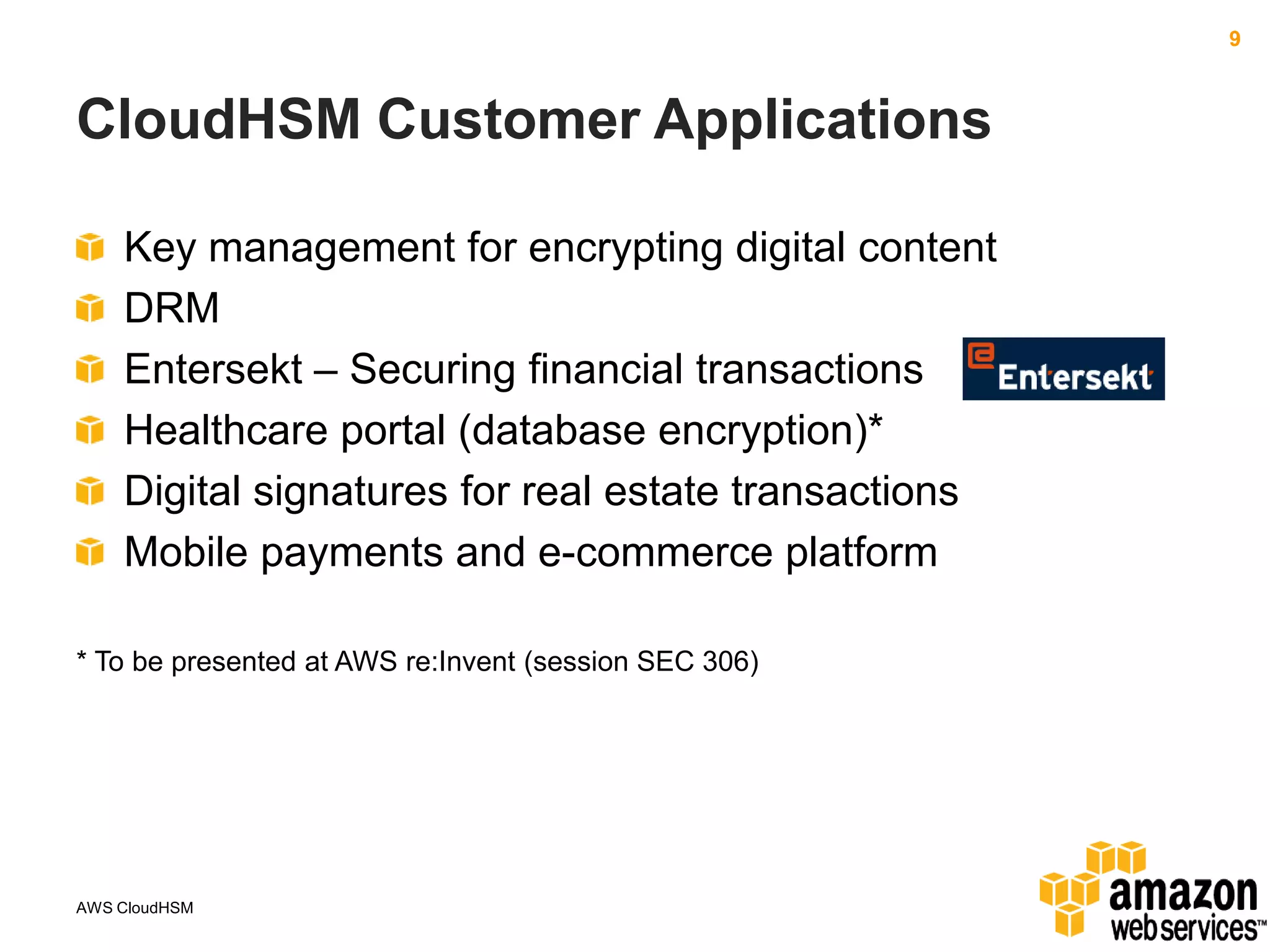
CloudHSM Customer Applications
Key management for encrypting digital content
DRM
Entersekt – Securing financial transactions
Healthcare portal (database encryption)*
Digital signatures for real estate transactions
Mobile payments and e-commerce platform
* To be presented at AWS re:Invent (session SEC 306)

AWS CloudHSM
10

To Learn More…
http://aws.amazon.com/cloudhsm

http://reinvent.awsevents.com

http://blogs.aws.amazon.com/security/

AWS CloudHSM
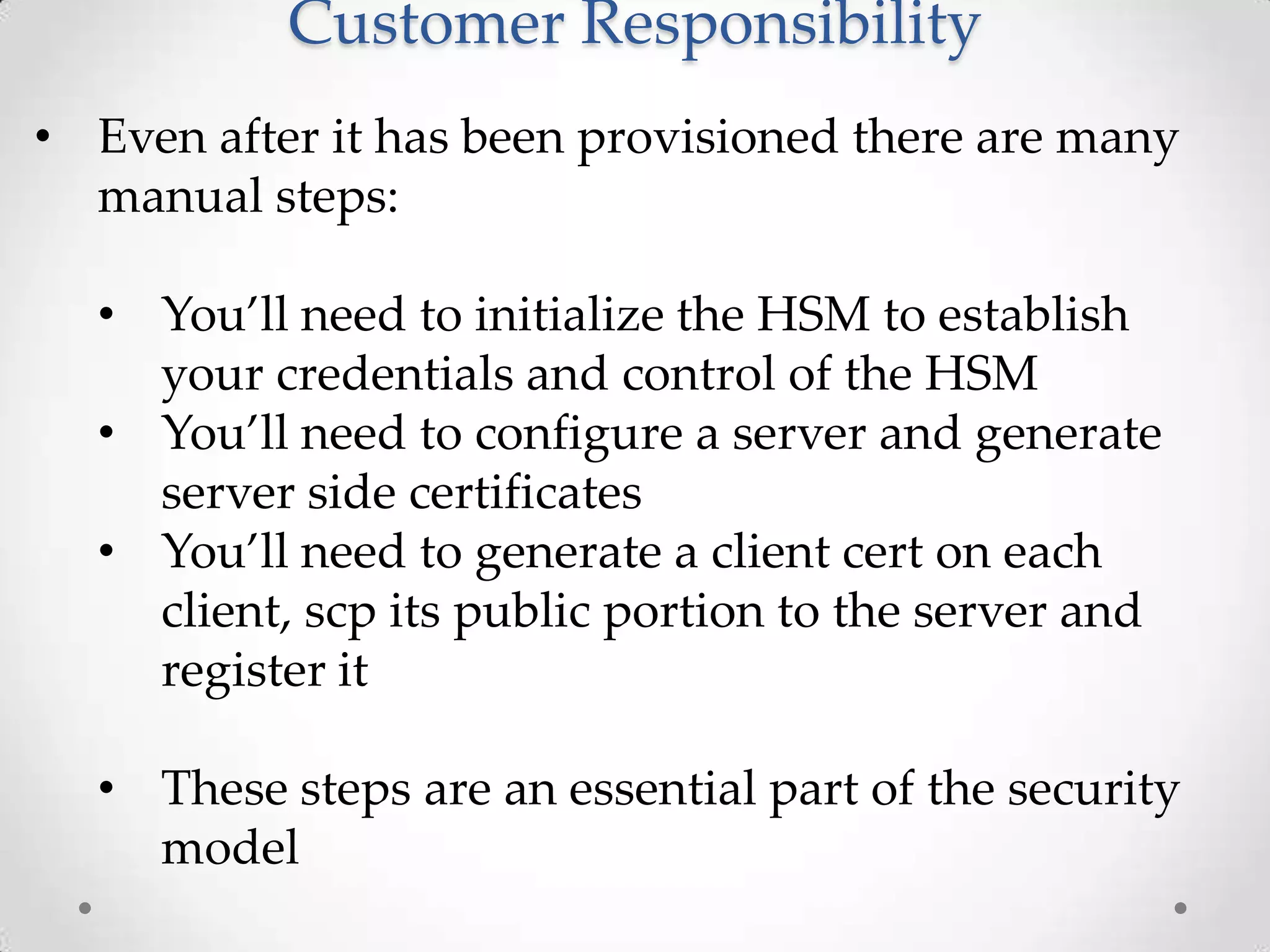
Customer Responsibility
• Even after it has been provisioned there are many
manual steps:
• You’ll need to initialize the HSM to establish
your credentials and control of the HSM
• You’ll need to configure a server and generate
server side certificates
• You’ll need to generate a client cert on each
client, scp its public portion to the server and
register it
• These steps are an essential part of the security
model
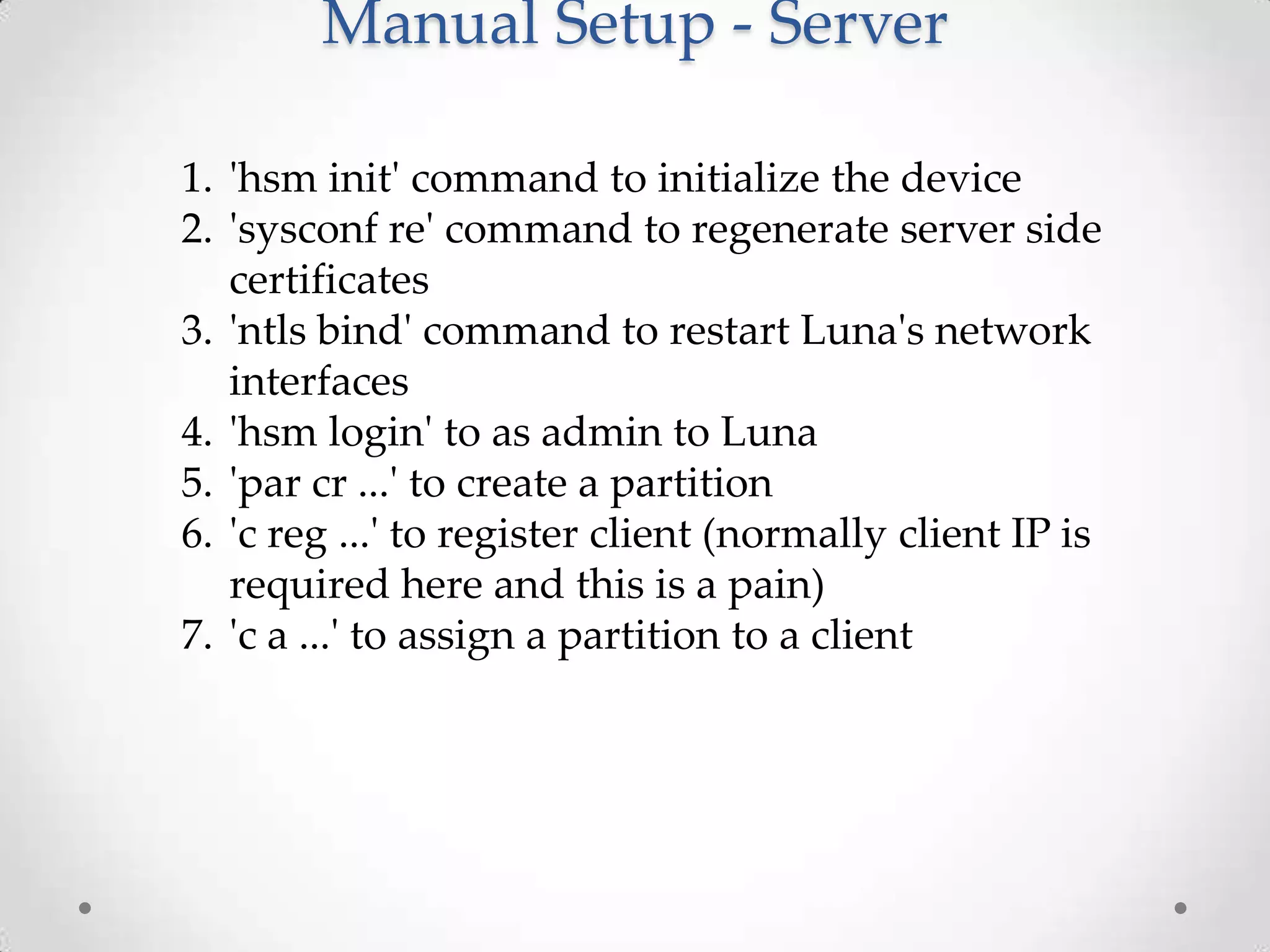
Manual Setup - Server
1. 'hsm init' command to initialize the device
2. 'sysconf re' command to regenerate server side
certificates
3. 'ntls bind' command to restart Luna's network
interfaces
4. 'hsm login' to as admin to Luna
5. 'par cr ...' to create a partition
6. 'c reg ...' to register client (normally client IP is
required here and this is a pain)
7. 'c a ...' to assign a partition to a client
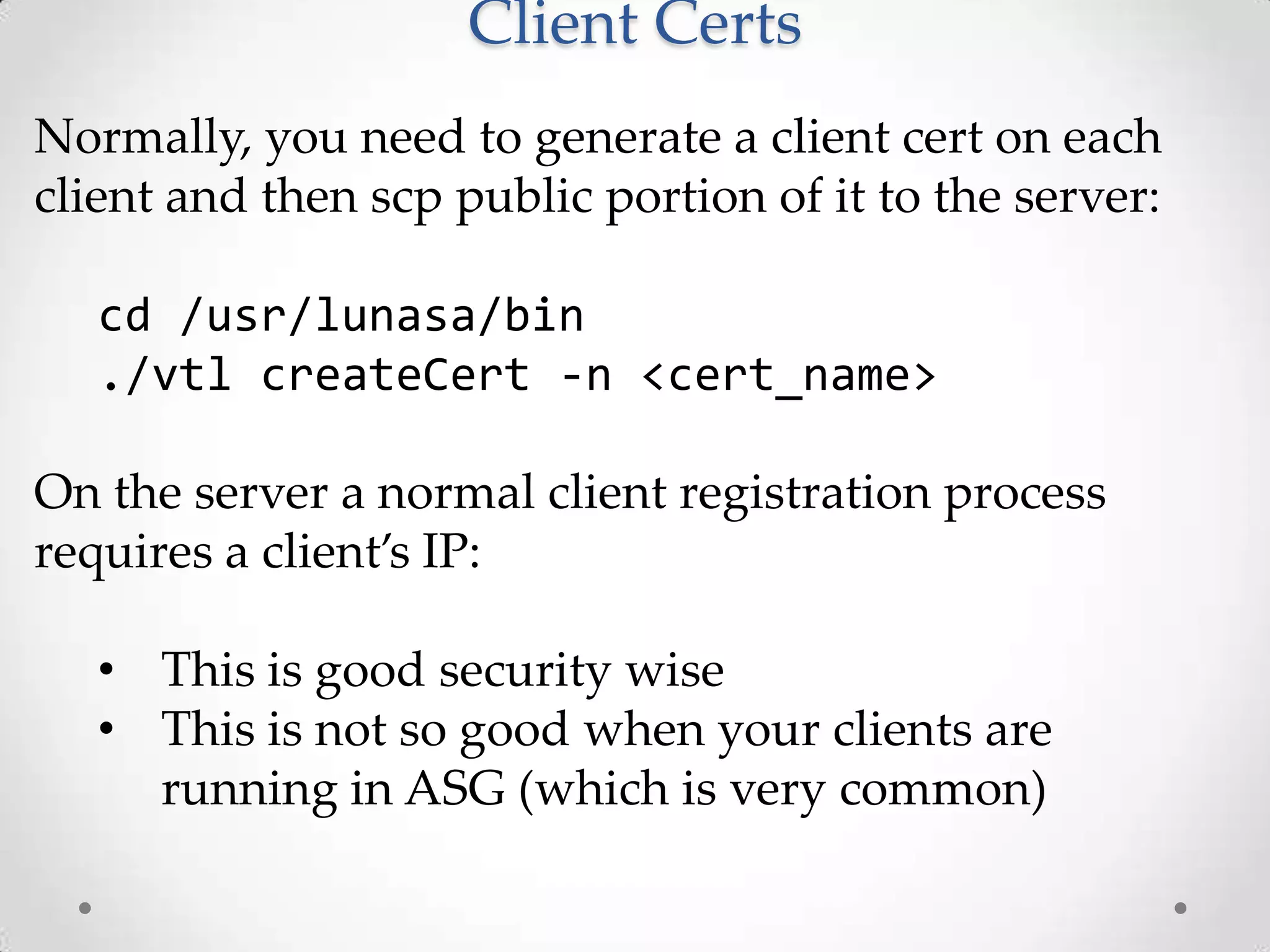
Client Certs
Normally, you need to generate a client cert on each
client and then scp public portion of it to the server:
cd /usr/lunasa/bin
./vtl createCert -n <cert_name>

On the server a normal client registration process
requires a client’s IP:
• This is good security wise
• This is not so good when your clients are
running in ASG (which is very common)
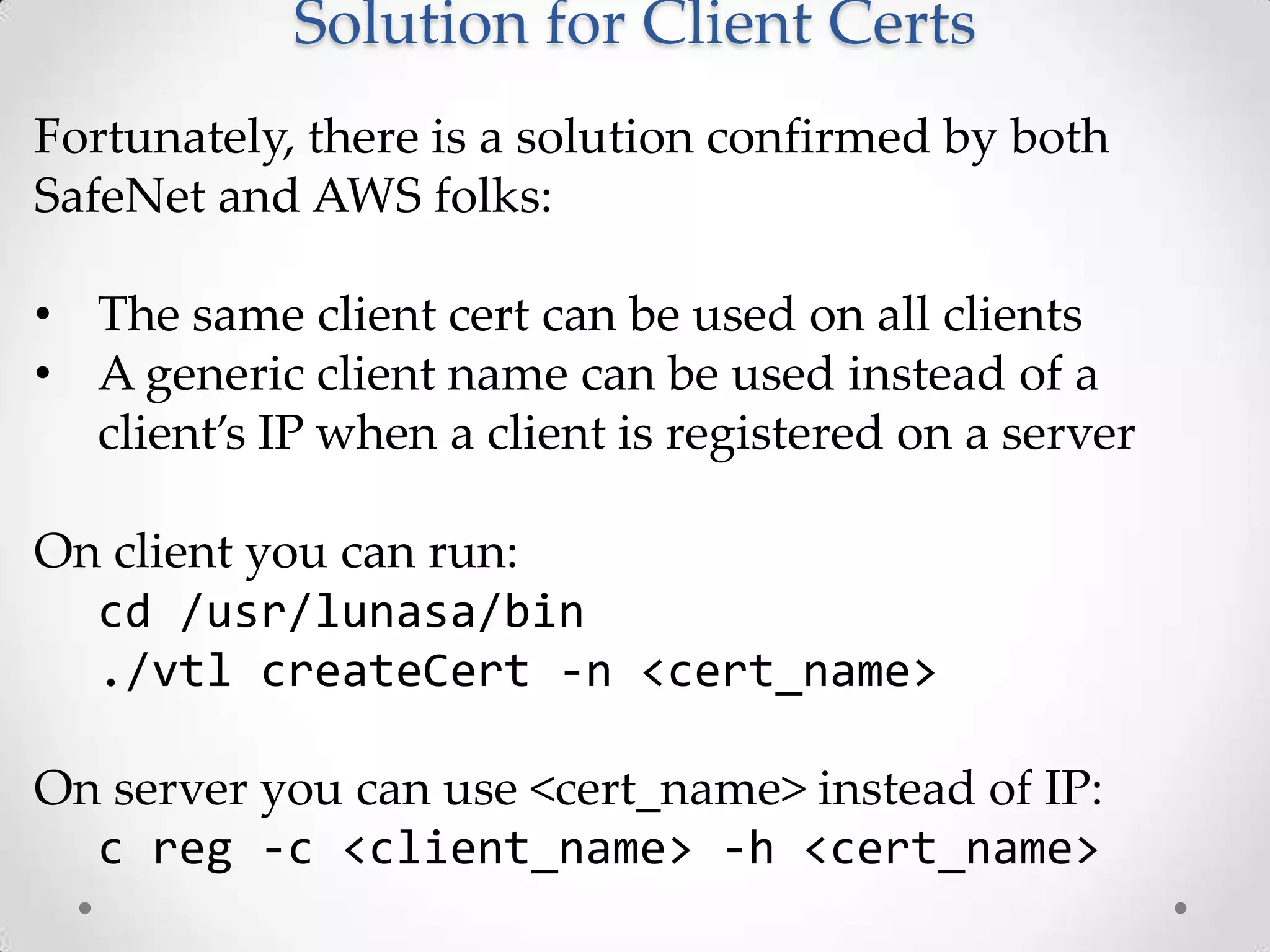
Solution for Client Certs
Fortunately, there is a solution confirmed by both
SafeNet and AWS folks:
• The same client cert can be used on all clients
• A generic client name can be used instead of a
client’s IP when a client is registered on a server
On client you can run:
cd /usr/lunasa/bin
./vtl createCert -n <cert_name>
On server you can use <cert_name> instead of IP:
c reg -c <client_name> -h <cert_name>
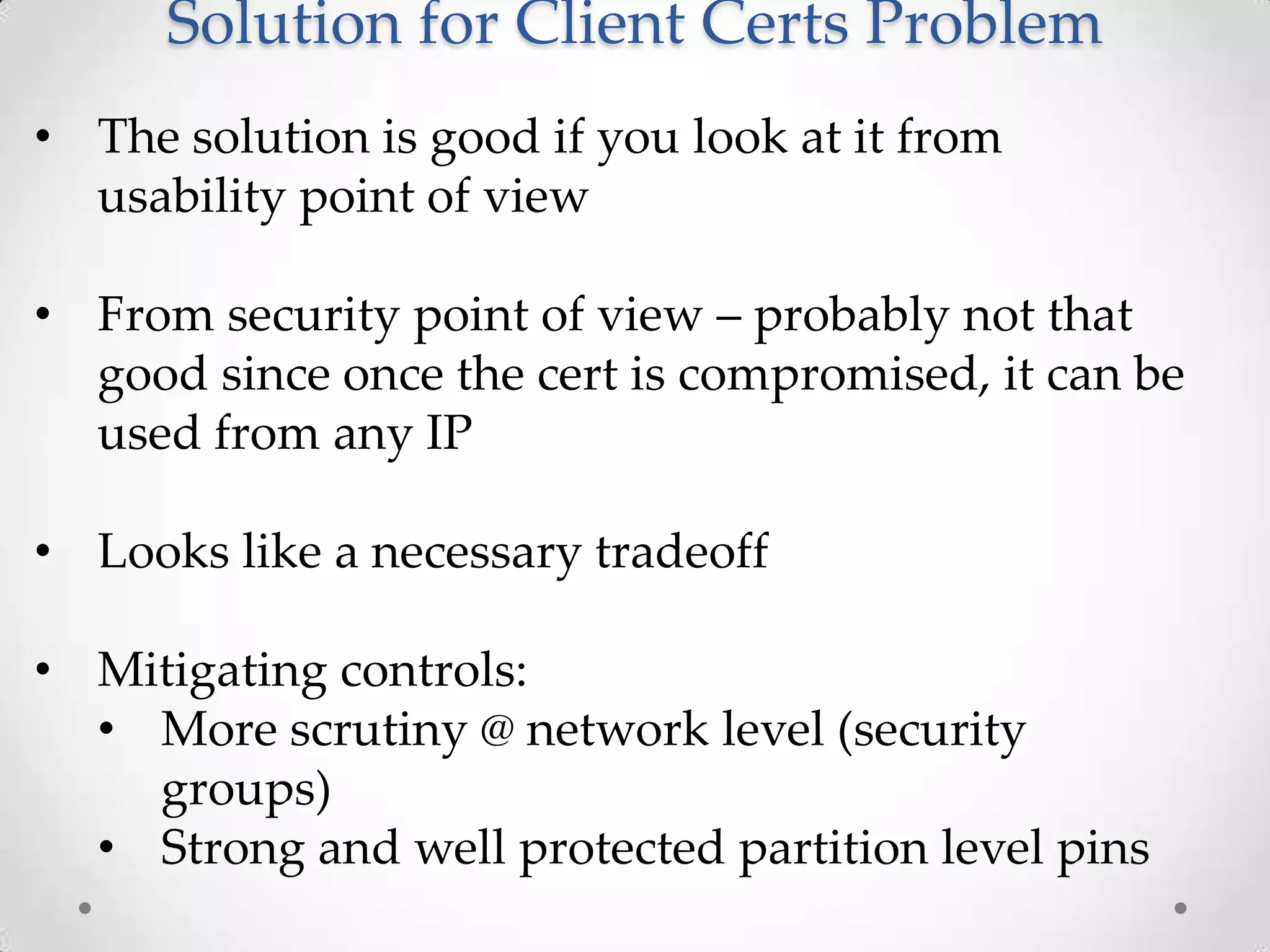
Solution for Client Certs Problem
• The solution is good if you look at it from
usability point of view
• From security point of view – probably not that
good since once the cert is compromised, it can be
used from any IP
• Looks like a necessary tradeoff
• Mitigating controls:
• More scrutiny @ network level (security
groups)
• Strong and well protected partition level pins
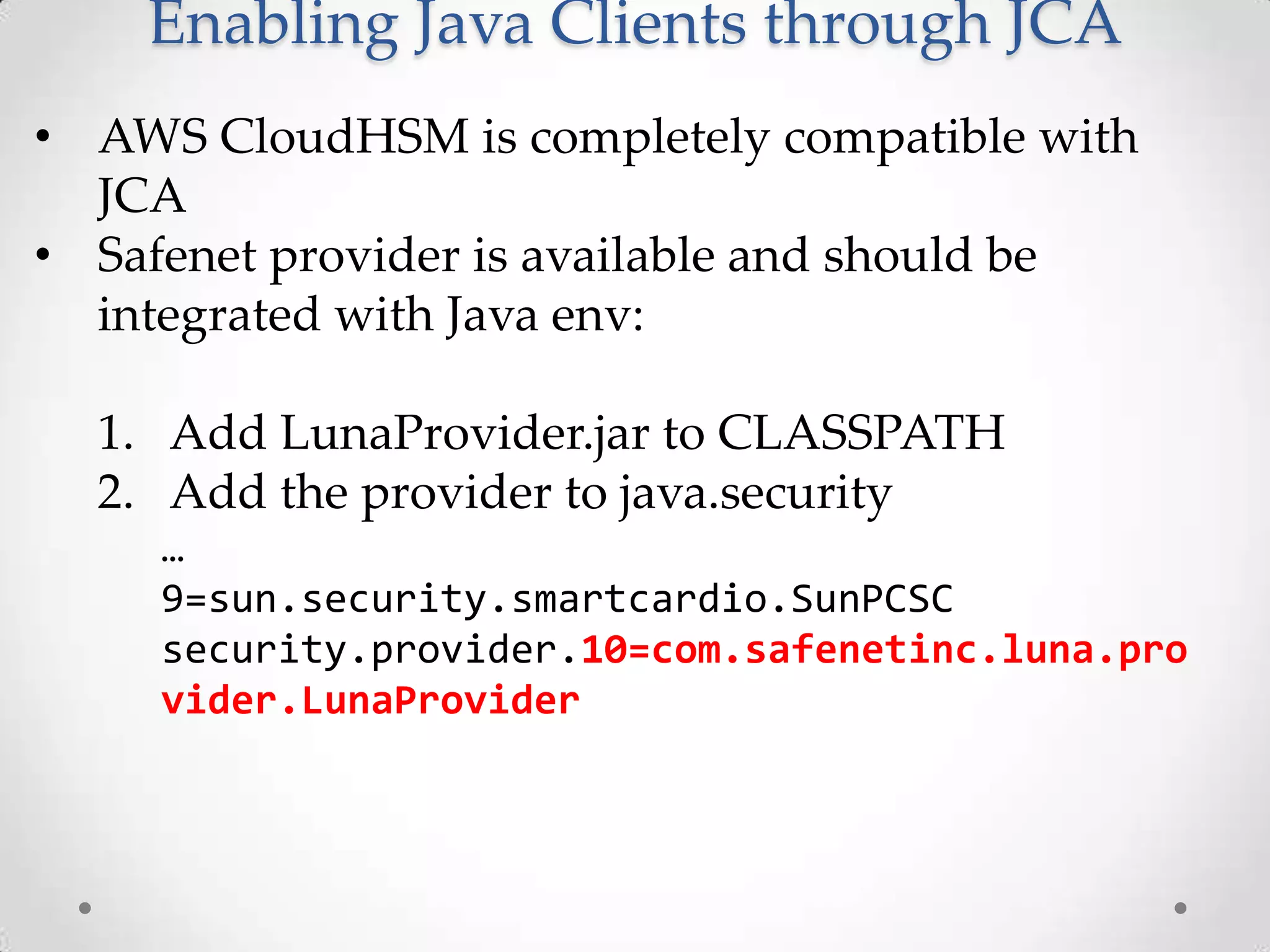
Enabling Java Clients through JCA
• AWS CloudHSM is completely compatible with
JCA
• Safenet provider is available and should be
integrated with Java env:
1. Add LunaProvider.jar to CLASSPATH
2. Add the provider to java.security
…
9=sun.security.smartcardio.SunPCSC
security.provider.10=com.safenetinc.luna.pro
vider.LunaProvider
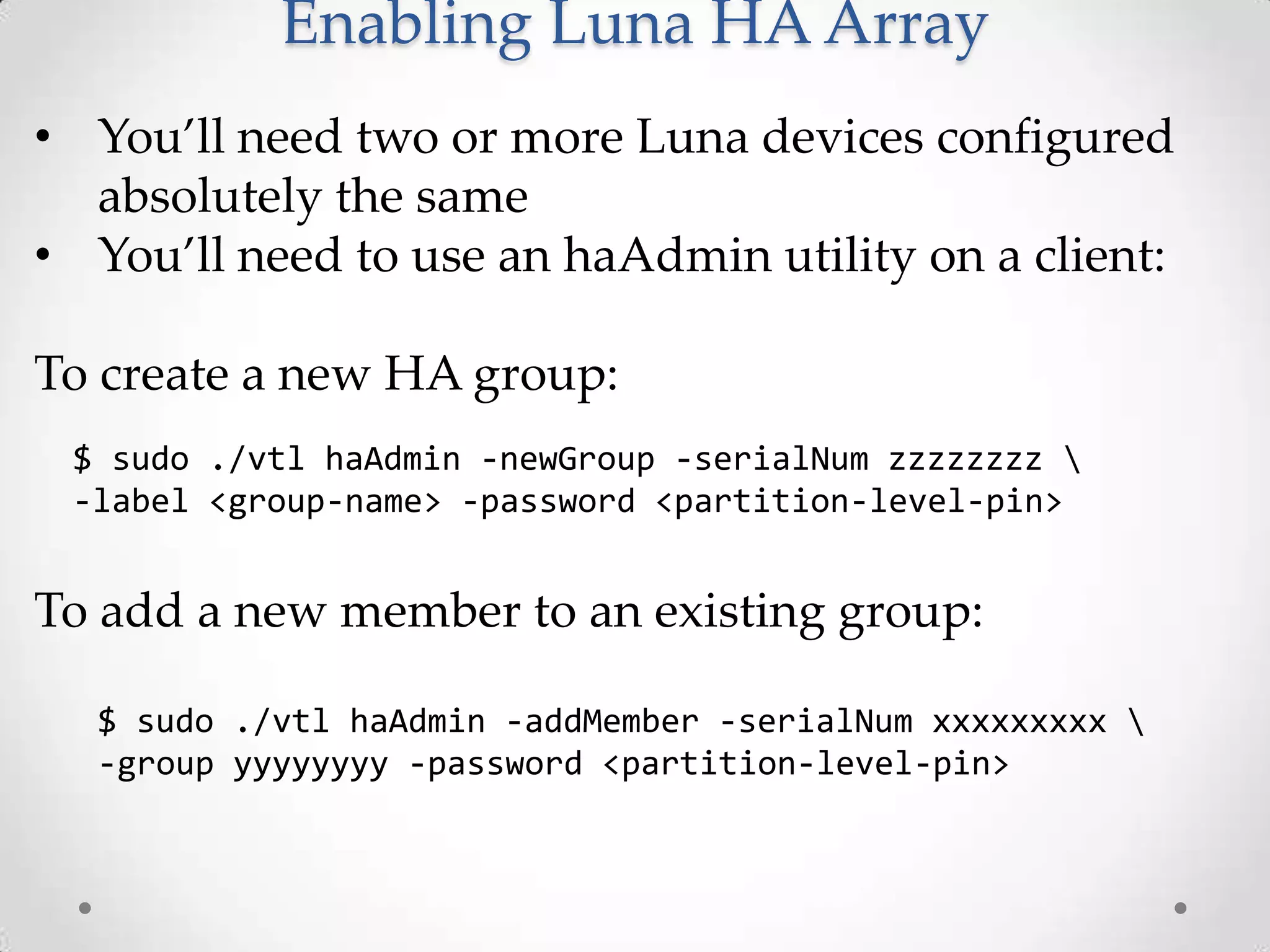
Enabling Luna HA Array
• You’ll need two or more Luna devices configured
absolutely the same
• You’ll need to use an haAdmin utility on a client:
To create a new HA group:
$ sudo ./vtl haAdmin -newGroup -serialNum zzzzzzzz 
-label <group-name> -password <partition-level-pin>

To add a new member to an existing group:
$ sudo ./vtl haAdmin -addMember -serialNum xxxxxxxxx 
-group yyyyyyyy -password <partition-level-pin>
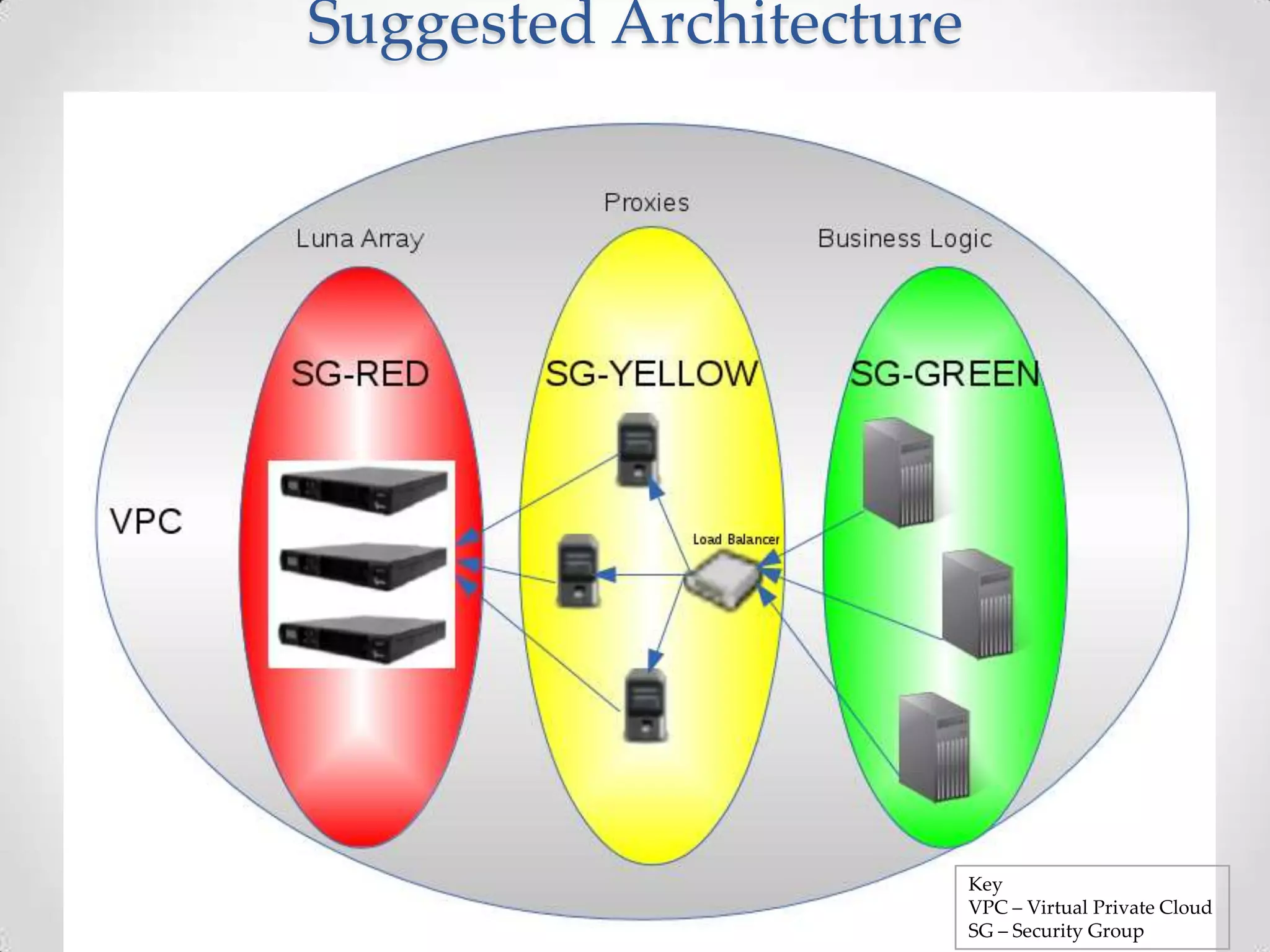
Suggested Architecture

Key
VPC – Virtual Private Cloud
SG – Security Group
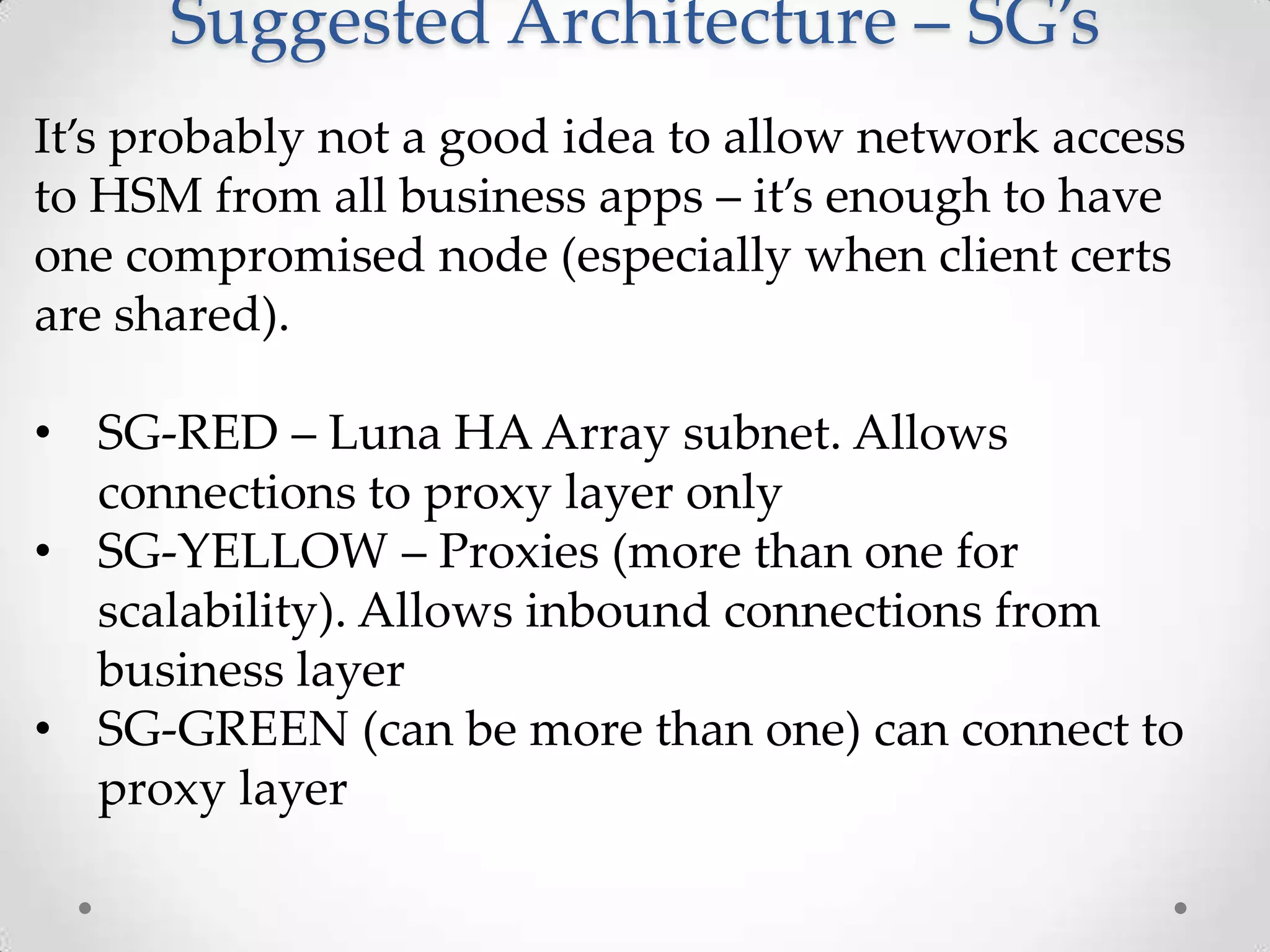
Suggested Architecture – SG’s
It’s probably not a good idea to allow network access
to HSM from all business apps – it’s enough to have
one compromised node (especially when client certs
are shared).
• SG-RED – Luna HA Array subnet. Allows
connections to proxy layer only
• SG-YELLOW – Proxies (more than one for
scalability). Allows inbound connections from
business layer
• SG-GREEN (can be more than one) can connect to
proxy layer
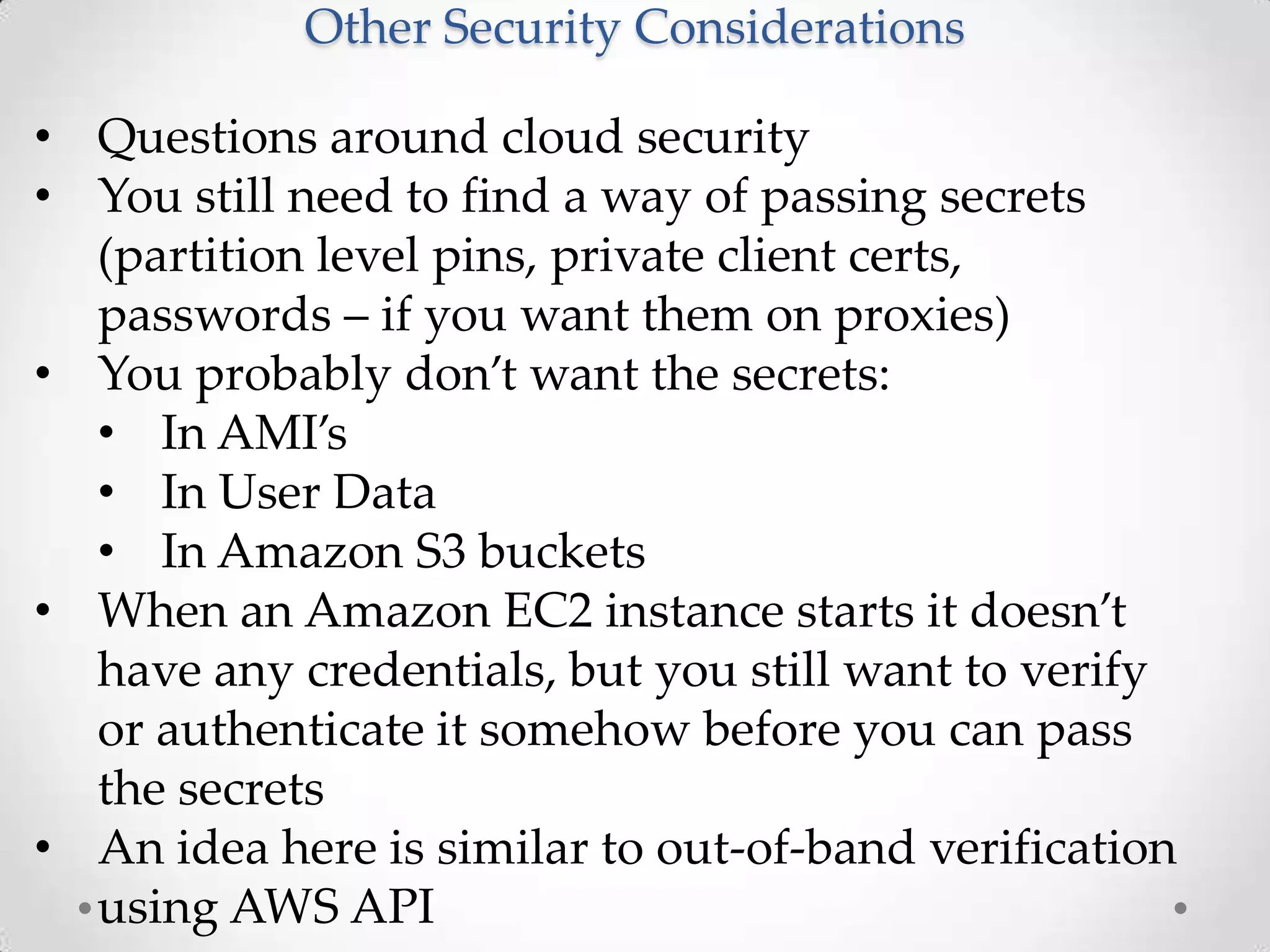
Other Security Considerations
• Questions around cloud security
• You still need to find a way of passing secrets
(partition level pins, private client certs,
passwords – if you want them on proxies)
• You probably don’t want the secrets:
• In AMI’s
• In User Data
• In Amazon S3 buckets
• When an Amazon EC2 instance starts it doesn’t
have any credentials, but you still want to verify
or authenticate it somehow before you can pass
the secrets
• An idea here is similar to out-of-band verification
using AWS API
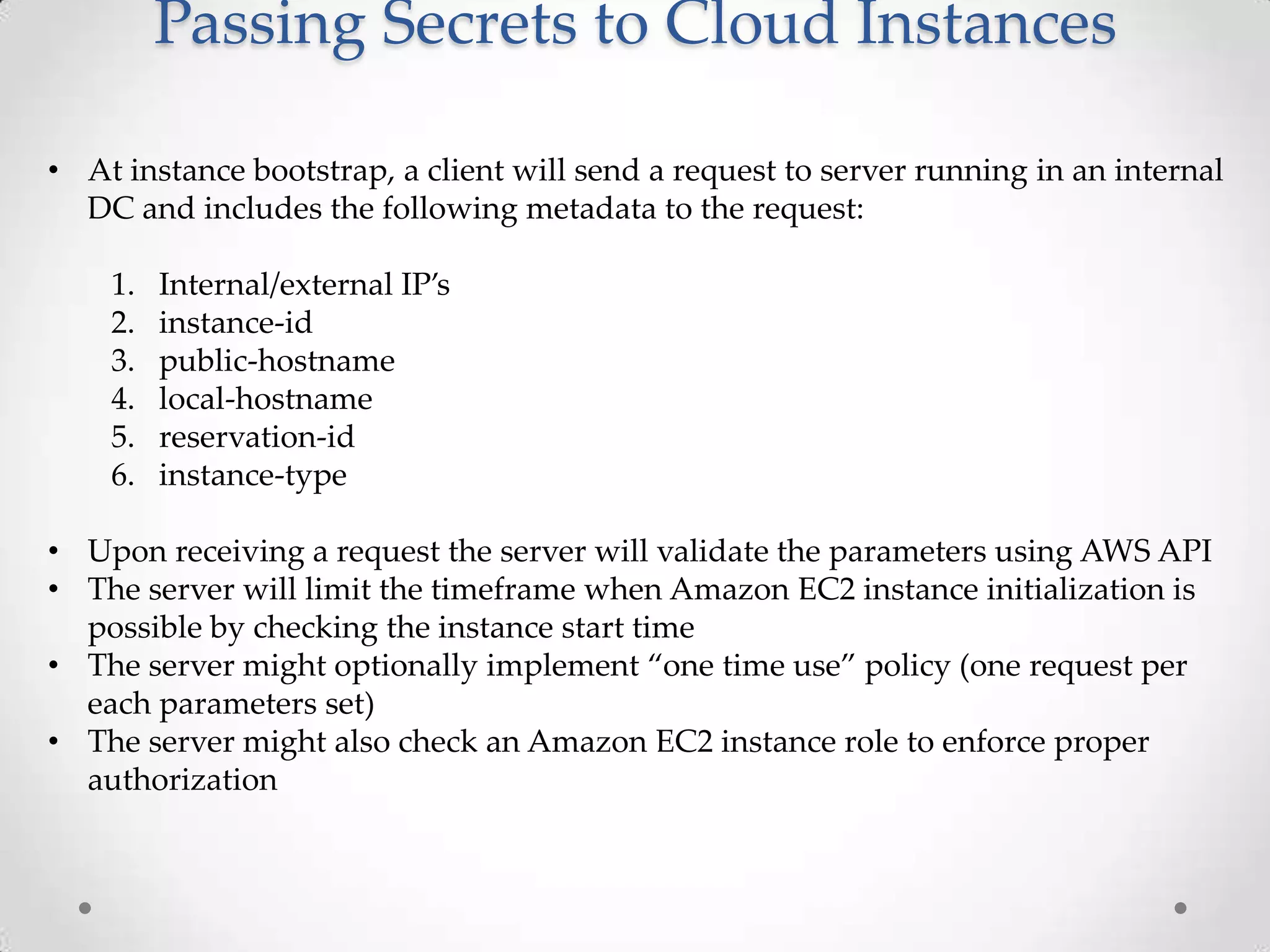
Passing Secrets to Cloud Instances
• At instance bootstrap, a client will send a request to server running in an internal
DC and includes the following metadata to the request:
1.
2.
3.
4.
5.
6.

Internal/external IP’s
instance-id
public-hostname
local-hostname
reservation-id
instance-type

• Upon receiving a request the server will validate the parameters using AWS API
• The server will limit the timeframe when Amazon EC2 instance initialization is
possible by checking the instance start time
• The server might optionally implement “one time use” policy (one request per
each parameters set)
• The server might also check an Amazon EC2 instance role to enforce proper
authorization
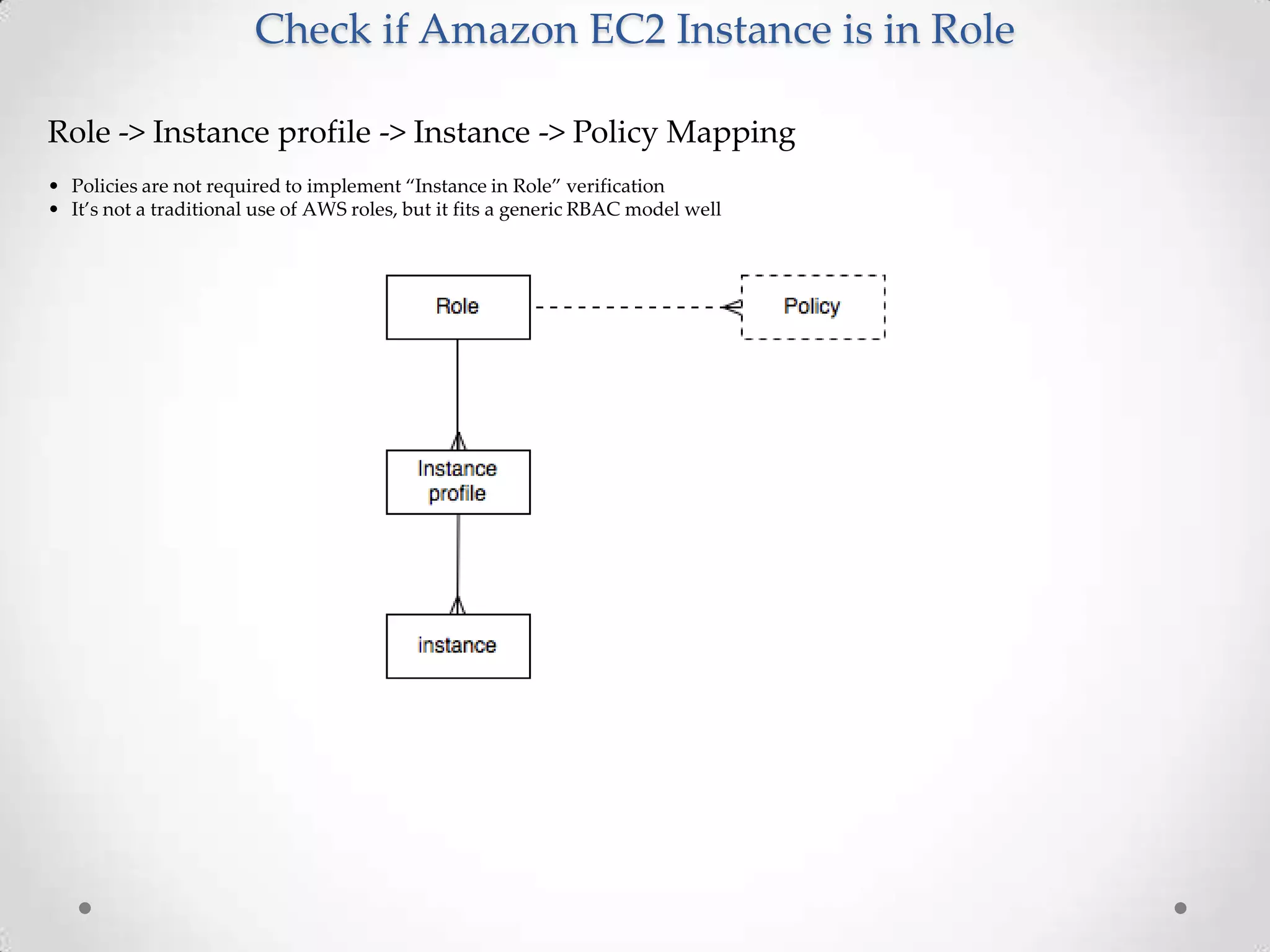
Check if Amazon EC2 Instance is in Role
Role -> Instance profile -> Instance -> Policy Mapping
• Policies are not required to implement “Instance in Role” verification
• It’s not a traditional use of AWS roles, but it fits a generic RBAC model well
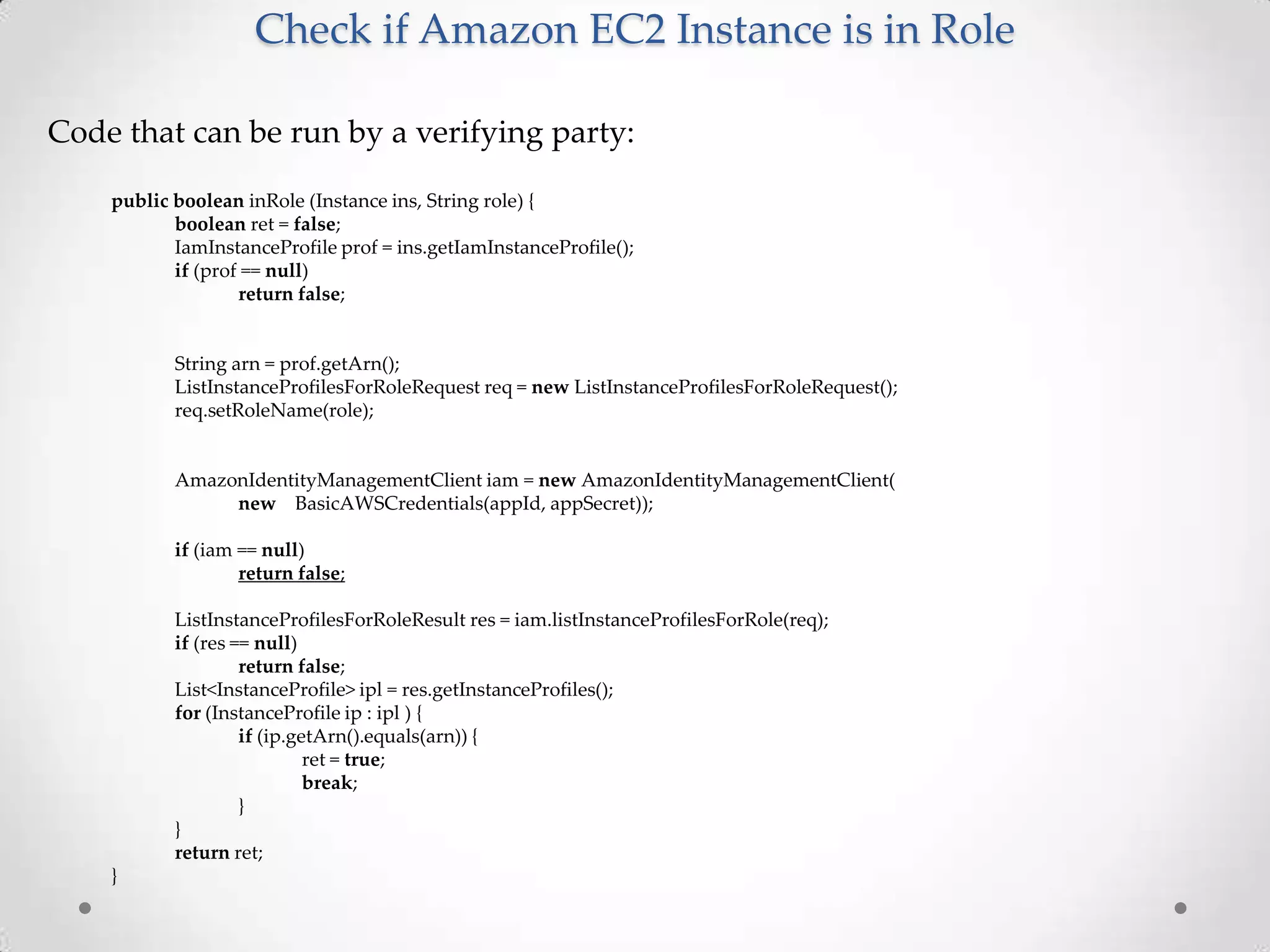
Check if Amazon EC2 Instance is in Role
Code that can be run by a verifying party:
public boolean inRole (Instance ins, String role) {
boolean ret = false;
IamInstanceProfile prof = ins.getIamInstanceProfile();
if (prof == null)
return false;

String arn = prof.getArn();
ListInstanceProfilesForRoleRequest req = new ListInstanceProfilesForRoleRequest();
req.setRoleName(role);

AmazonIdentityManagementClient iam = new AmazonIdentityManagementClient(
new BasicAWSCredentials(appId, appSecret));
if (iam == null)
return false;
ListInstanceProfilesForRoleResult res = iam.listInstanceProfilesForRole(req);
if (res == null)
return false;
List<InstanceProfile> ipl = res.getInstanceProfiles();
for (InstanceProfile ip : ipl ) {
if (ip.getArn().equals(arn)) {
ret = true;
break;
}
}
return ret;
}
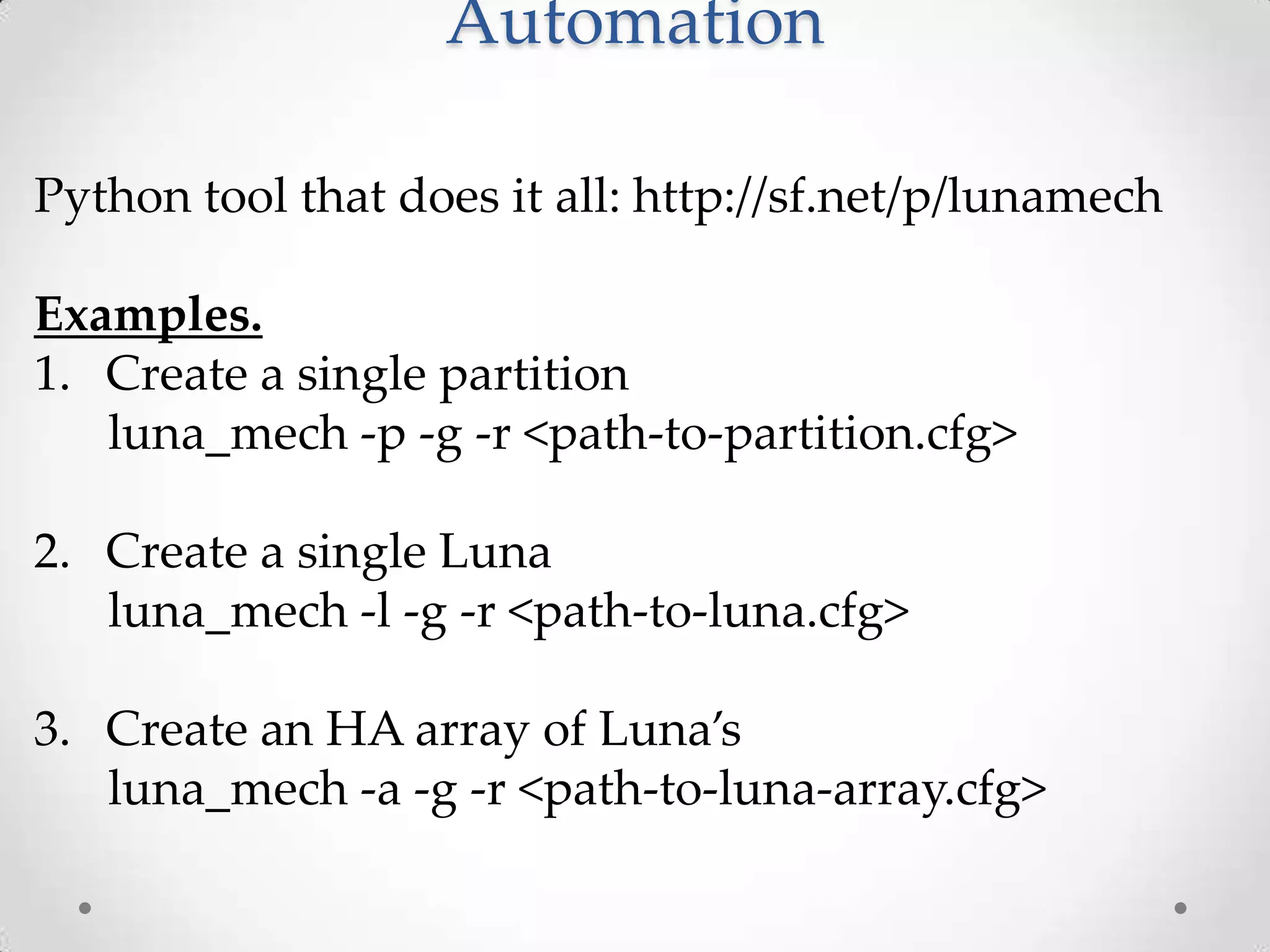
Automation
Python tool that does it all: http://sf.net/p/lunamech
Examples.
1. Create a single partition
luna_mech -p -g -r <path-to-partition.cfg>
2. Create a single Luna
luna_mech -l -g -r <path-to-luna.cfg>

3. Create an HA array of Luna’s
luna_mech -a -g -r <path-to-luna-array.cfg>
Automation: JSON Layout
{
"name":"ha_group",
"vtl_path":"/usr/lunasa/bin/vtl”,
"lunas":[ {
"host":"xx.xx.xx.xx",
"internal_ip":"xx.xx.xx.xx",
"name":"keyman",
"mgr_user":"manager",
"mgr_pwd":"<?pwd>",
"old_admin_pwd":"<?pwd>",
"admin_pwd":"<?pwd>",
"key_files":["/home/ec2-user/.ssh/id_rsa"],
"cmd_timeout":20,
"cloning_domain":"keyman_clone",
"vtl_path":"/usr/lunasa/bin/vtl",
"client_cert_path":"/usr/lunasa/cert/client",
"server_cert_path":"/usr/lunasa/cert/server",
"server_cert_name":"server.pem",
"input_prompt_end":"> ",
"finish_prompt_end":"lunash:>",
"confirm_word":"proceed",
"ssh_user":"ec2-user",
"ssh_group":"ec2-user",
"ssh_bits":2048,
"ssh_type":"rsa",
"partitions":* …

LASCON 2013 - AWS CLoud HSM

  • 1.
    AWS CloudHSM And why itcan revolutionize Cloud Oleg Gryb, Security Architect, AppSec @ Intuit 10-25-2013 @oleggryb
  • 2.
    Current Mindset: Concernsover cloud security! • • • • • Security policies and processes may not be known Questions around access to customer’s data Data sovereignty Legal liability in security or SLA domains Key management and control of the encryption keys
  • 3.
    Why AWS CloudHSMis Good • • • • • Objects in partitions are not accessible by cloud folks All they can do is to delete partitions if you don’t pay It can be deployed in the same subnets where consumers are (it decreases latency compare to “on premise” HSM) Multiple layers of security: • Subnets @ network level • Client/server certs and registration • Manager password (connects through ssh) • Admin password (init work, create partition) • Partition level pin HA is supported through an array of Luna’s
  • 4.
    4 AWS CloudHSM Todd Cignetti,Sr. Product Manager, AWS Security 10-25-2013 AWS CloudHSM
  • 5.
    5 HSM – HardwareSecurity Module Hardware device for crypto ops and key storage Provides strong protection of private keys • Physical device control does not grant access to the keys • Security officer controls access to the keys • Appliance administrator has no access to the keys Certified by 3rd parties to comply with security standards HSM AWS CloudHSM
  • 6.
    6 AWS CloudHSM An AWSservice You receive dedicated access to HSM appliances HSMs are physically located in AWS datacenters – in close proximity to your EC2 instances Managed & monitored by AWS, but you control the keys HSMs are inside your VPC – dedicated to you and isolated from the rest of the network CloudHSM AWS CloudHSM CONFIDENTIAL SLIDES NOT INTENDED FOR REDISTRIBUTION.
  • 7.
    7 Details CloudHSM Uses SafeNet®Luna SA HSMs • Well known and trusted HSM • Designed for validation by third parties to government standards • Supports standard APIs • PKCS#11 • MS CAPI/CNG • Java JCA/JCE (Java Cryptography Architecture/Java Cryptography Extensions) • SafeNet HSM Client replaces existing crypto provider library and uses back-end HSM hardware to implement crypto AWS CloudHSM
  • 8.
    8 Key Storage andSecure Operations for AWS Workloads A AWS manages the HSM appliance but A does not have access to your keys B You control and manage your own keys B C Application performance improves (due to close proximity with AWS workloads) C SSL D Secure key storage in tamper- resistant hardware available in multiple regions and AZs Application HSM Client D CloudHSM E CloudHSMs are in your VPC and VPC Instance E isolated from other AWS networks Virtual Private Cloud AWS AWS CloudHSM
  • 9.
    9 CloudHSM Customer Applications Keymanagement for encrypting digital content DRM Entersekt – Securing financial transactions Healthcare portal (database encryption)* Digital signatures for real estate transactions Mobile payments and e-commerce platform * To be presented at AWS re:Invent (session SEC 306) AWS CloudHSM
  • 10.
  • 11.
    Customer Responsibility • Evenafter it has been provisioned there are many manual steps: • You’ll need to initialize the HSM to establish your credentials and control of the HSM • You’ll need to configure a server and generate server side certificates • You’ll need to generate a client cert on each client, scp its public portion to the server and register it • These steps are an essential part of the security model
  • 12.
    Manual Setup -Server 1. 'hsm init' command to initialize the device 2. 'sysconf re' command to regenerate server side certificates 3. 'ntls bind' command to restart Luna's network interfaces 4. 'hsm login' to as admin to Luna 5. 'par cr ...' to create a partition 6. 'c reg ...' to register client (normally client IP is required here and this is a pain) 7. 'c a ...' to assign a partition to a client
  • 13.
    Client Certs Normally, youneed to generate a client cert on each client and then scp public portion of it to the server: cd /usr/lunasa/bin ./vtl createCert -n <cert_name> On the server a normal client registration process requires a client’s IP: • This is good security wise • This is not so good when your clients are running in ASG (which is very common)
  • 14.
    Solution for ClientCerts Fortunately, there is a solution confirmed by both SafeNet and AWS folks: • The same client cert can be used on all clients • A generic client name can be used instead of a client’s IP when a client is registered on a server On client you can run: cd /usr/lunasa/bin ./vtl createCert -n <cert_name> On server you can use <cert_name> instead of IP: c reg -c <client_name> -h <cert_name>
  • 15.
    Solution for ClientCerts Problem • The solution is good if you look at it from usability point of view • From security point of view – probably not that good since once the cert is compromised, it can be used from any IP • Looks like a necessary tradeoff • Mitigating controls: • More scrutiny @ network level (security groups) • Strong and well protected partition level pins
  • 16.
    Enabling Java Clientsthrough JCA • AWS CloudHSM is completely compatible with JCA • Safenet provider is available and should be integrated with Java env: 1. Add LunaProvider.jar to CLASSPATH 2. Add the provider to java.security … 9=sun.security.smartcardio.SunPCSC security.provider.10=com.safenetinc.luna.pro vider.LunaProvider
  • 17.
    Enabling Luna HAArray • You’ll need two or more Luna devices configured absolutely the same • You’ll need to use an haAdmin utility on a client: To create a new HA group: $ sudo ./vtl haAdmin -newGroup -serialNum zzzzzzzz -label <group-name> -password <partition-level-pin> To add a new member to an existing group: $ sudo ./vtl haAdmin -addMember -serialNum xxxxxxxxx -group yyyyyyyy -password <partition-level-pin>
  • 18.
    Suggested Architecture Key VPC –Virtual Private Cloud SG – Security Group
  • 19.
    Suggested Architecture –SG’s It’s probably not a good idea to allow network access to HSM from all business apps – it’s enough to have one compromised node (especially when client certs are shared). • SG-RED – Luna HA Array subnet. Allows connections to proxy layer only • SG-YELLOW – Proxies (more than one for scalability). Allows inbound connections from business layer • SG-GREEN (can be more than one) can connect to proxy layer
  • 20.
    Other Security Considerations •Questions around cloud security • You still need to find a way of passing secrets (partition level pins, private client certs, passwords – if you want them on proxies) • You probably don’t want the secrets: • In AMI’s • In User Data • In Amazon S3 buckets • When an Amazon EC2 instance starts it doesn’t have any credentials, but you still want to verify or authenticate it somehow before you can pass the secrets • An idea here is similar to out-of-band verification using AWS API
  • 21.
    Passing Secrets toCloud Instances • At instance bootstrap, a client will send a request to server running in an internal DC and includes the following metadata to the request: 1. 2. 3. 4. 5. 6. Internal/external IP’s instance-id public-hostname local-hostname reservation-id instance-type • Upon receiving a request the server will validate the parameters using AWS API • The server will limit the timeframe when Amazon EC2 instance initialization is possible by checking the instance start time • The server might optionally implement “one time use” policy (one request per each parameters set) • The server might also check an Amazon EC2 instance role to enforce proper authorization
  • 22.
    Check if AmazonEC2 Instance is in Role Role -> Instance profile -> Instance -> Policy Mapping • Policies are not required to implement “Instance in Role” verification • It’s not a traditional use of AWS roles, but it fits a generic RBAC model well
  • 23.
    Check if AmazonEC2 Instance is in Role Code that can be run by a verifying party: public boolean inRole (Instance ins, String role) { boolean ret = false; IamInstanceProfile prof = ins.getIamInstanceProfile(); if (prof == null) return false; String arn = prof.getArn(); ListInstanceProfilesForRoleRequest req = new ListInstanceProfilesForRoleRequest(); req.setRoleName(role); AmazonIdentityManagementClient iam = new AmazonIdentityManagementClient( new BasicAWSCredentials(appId, appSecret)); if (iam == null) return false; ListInstanceProfilesForRoleResult res = iam.listInstanceProfilesForRole(req); if (res == null) return false; List<InstanceProfile> ipl = res.getInstanceProfiles(); for (InstanceProfile ip : ipl ) { if (ip.getArn().equals(arn)) { ret = true; break; } } return ret; }
  • 24.
    Automation Python tool thatdoes it all: http://sf.net/p/lunamech Examples. 1. Create a single partition luna_mech -p -g -r <path-to-partition.cfg> 2. Create a single Luna luna_mech -l -g -r <path-to-luna.cfg> 3. Create an HA array of Luna’s luna_mech -a -g -r <path-to-luna-array.cfg>
  • 25.
    Automation: JSON Layout { "name":"ha_group", "vtl_path":"/usr/lunasa/bin/vtl”, "lunas":[{ "host":"xx.xx.xx.xx", "internal_ip":"xx.xx.xx.xx", "name":"keyman", "mgr_user":"manager", "mgr_pwd":"<?pwd>", "old_admin_pwd":"<?pwd>", "admin_pwd":"<?pwd>", "key_files":["/home/ec2-user/.ssh/id_rsa"], "cmd_timeout":20, "cloning_domain":"keyman_clone", "vtl_path":"/usr/lunasa/bin/vtl", "client_cert_path":"/usr/lunasa/cert/client", "server_cert_path":"/usr/lunasa/cert/server", "server_cert_name":"server.pem", "input_prompt_end":"> ", "finish_prompt_end":"lunash:>", "confirm_word":"proceed", "ssh_user":"ec2-user", "ssh_group":"ec2-user", "ssh_bits":2048, "ssh_type":"rsa", "partitions":* …

Editor's Notes

  • #6 Physical control of the device does not grant access to the keysTamper resistance/evidenceSeparate roles for appliance administrator and security officer Certified by 3rd parties to comply with security standardsFIPS 140-2 Common Criteria EAL4+