August 26, 2014 
Lab Notebook Setup 
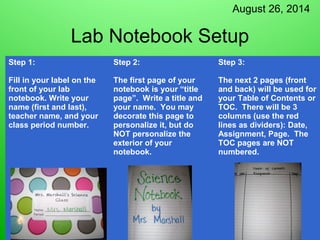
Step 1: 
Fill in your label on the 
front of your lab 
notebook. Write your 
name (first and last), 
teacher name, and your 
class period number. 
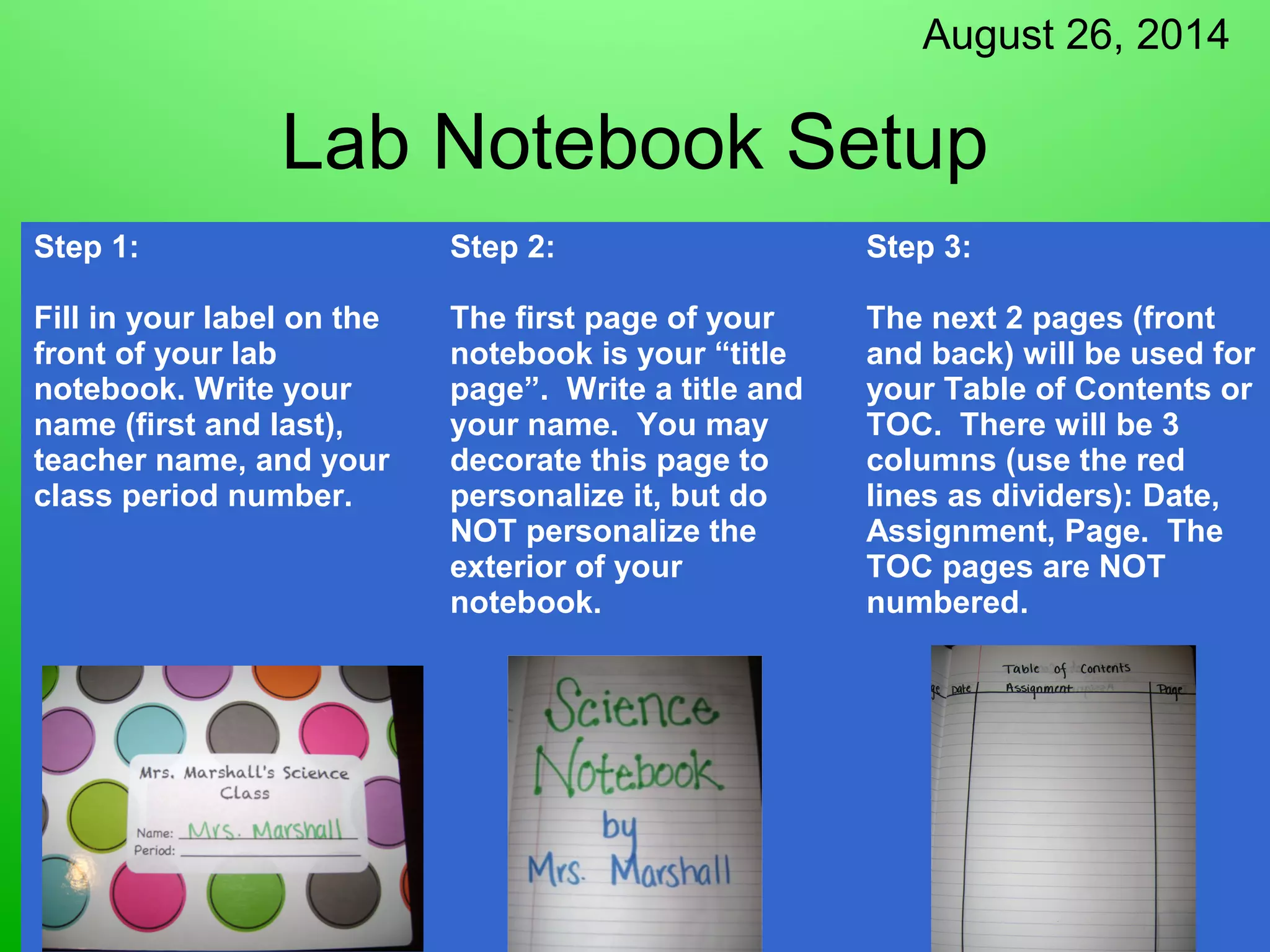
Step 2: 
The first page of your 
notebook is your “title 
page”. Write a title and 
your name. You may 
decorate this page to 
personalize it, but do 
NOT personalize the 
exterior of your 
notebook. 
Step 3: 
The next 2 pages (front 
and back) will be used for 
your Table of Contents or 
TOC. There will be 3 
columns (use the red 
lines as dividers): Date, 
Assignment, Page. The 
TOC pages are NOT 
numbered.
August 26, 2014 
Lab Notebook Setup 
Step 4: 
The next page (4th page 
in the notebook) will be 
your “Reference TOC”. 
This is set up the same 
was as the normal TOC 
(front and back with 
columns), but will be 
used for Reference 
Materials in the back of 
your notebook. 
Step 5: 
Starting with the very 
next page (5th in the 
notebook), begin 
numbering every page in 
the upper right hand 
corner. Start numbering 
with “1” and you should 
reach “96” if you have a 
100 page notebook. 
Step 6: 
Glue your Lab 
Notebook Guidelines 
to the inside of the 
front cover.
August 26, 2014 
Lab Notebook Setup 
Step 7: 
Title the last 10 pages 
of your notebook 
“Reference 
Materials”. This 
should be pg. 87-96. 
Use page 86 as the 
title page for your 
Reference TOC, and 
label it accordingly. 
Step 8: 
Glue the Scientific 
Method Steps onto 
the first page of your 
Reference section. 
Don’t forget to add 
this to your 
Reference TOC. 
Step 9: 
Glue your Variables 
in an Experiment 
sheet onto the back 
of the first Reference 
page. Call this “87 b” 
in your Reference 
TOC.
August 26, 2014 
Lab Notebook Setup 
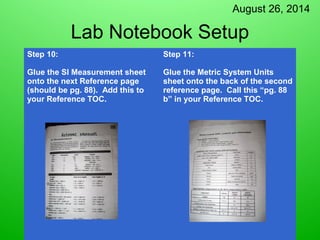
Step 10: 
Glue the SI Measurement sheet 
onto the next Reference page 
(should be pg. 88). Add this to 
your Reference TOC. 
Step 11: 
Glue the Metric System Units 
sheet onto the back of the second 
reference page. Call this “pg. 88 
b” in your Reference TOC.

Lab notebook set up 2014

  • 1.
    August 26, 2014 Lab Notebook Setup Step 1: Fill in your label on the front of your lab notebook. Write your name (first and last), teacher name, and your class period number. Step 2: The first page of your notebook is your “title page”. Write a title and your name. You may decorate this page to personalize it, but do NOT personalize the exterior of your notebook. Step 3: The next 2 pages (front and back) will be used for your Table of Contents or TOC. There will be 3 columns (use the red lines as dividers): Date, Assignment, Page. The TOC pages are NOT numbered.
  • 2.
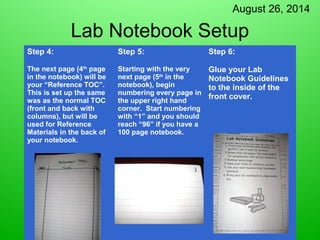
    August 26, 2014 Lab Notebook Setup Step 4: The next page (4th page in the notebook) will be your “Reference TOC”. This is set up the same was as the normal TOC (front and back with columns), but will be used for Reference Materials in the back of your notebook. Step 5: Starting with the very next page (5th in the notebook), begin numbering every page in the upper right hand corner. Start numbering with “1” and you should reach “96” if you have a 100 page notebook. Step 6: Glue your Lab Notebook Guidelines to the inside of the front cover.
  • 3.
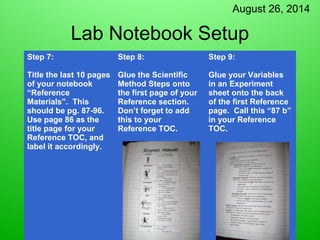
    August 26, 2014 Lab Notebook Setup Step 7: Title the last 10 pages of your notebook “Reference Materials”. This should be pg. 87-96. Use page 86 as the title page for your Reference TOC, and label it accordingly. Step 8: Glue the Scientific Method Steps onto the first page of your Reference section. Don’t forget to add this to your Reference TOC. Step 9: Glue your Variables in an Experiment sheet onto the back of the first Reference page. Call this “87 b” in your Reference TOC.
  • 4.
    August 26, 2014 Lab Notebook Setup Step 10: Glue the SI Measurement sheet onto the next Reference page (should be pg. 88). Add this to your Reference TOC. Step 11: Glue the Metric System Units sheet onto the back of the second reference page. Call this “pg. 88 b” in your Reference TOC.