Welco
me….
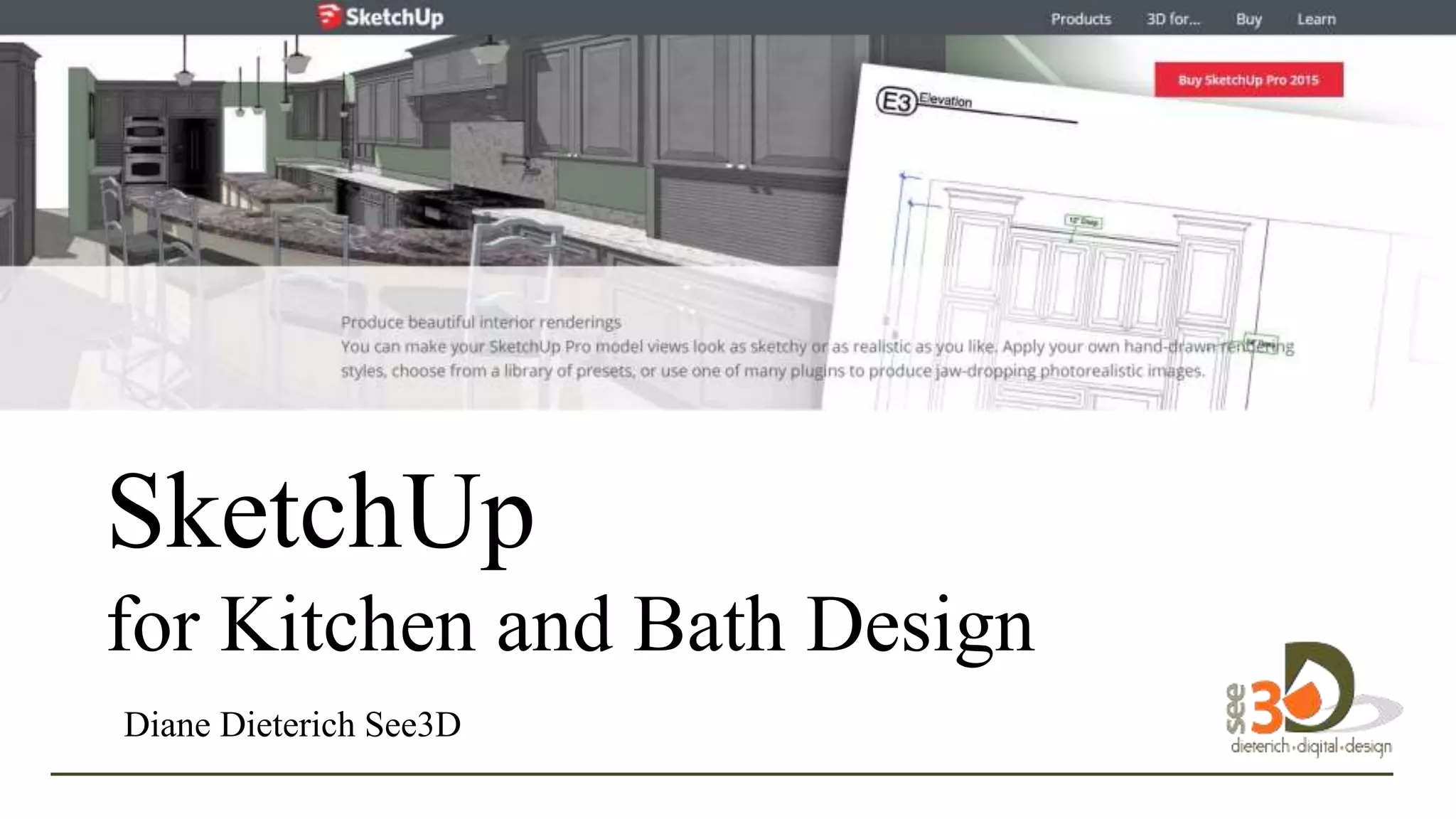
SketchUp
for Kitchen and Bath Design
Diane Dieterich See3D
SketchUp is a 3D Modeling software and digital design tool.
It’s useful for design, communication, marketing, and
documentation.
to
design in 3D.
SketchUp debuted in 2000 as a general-purpose 3D content
creation tool, and was envisioned as a software program:
"that would allow design professionals to draw the way they want
by emulating the feel and freedom of working with pen and paper
in a simple and elegant interface, that would be fun to use and
easy to learn, and that would be used by designers to play with
their designs in a way that is not possible with traditional design
software. " to
design in 3D.
Let’s See SketchUp in Action!
to
design in 3D.
There’s a Variety of Ways to Start
Your SketchUp Project.
to
design in 3D.
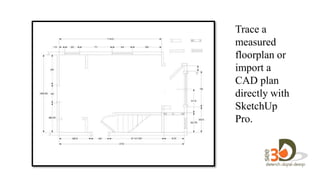
Trace a
measured
floorplan or
import a
CAD plan
directly with
SketchUp
Pro.
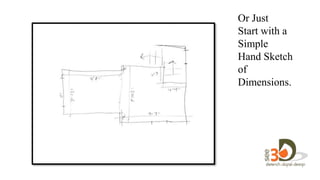
Or Just
Start with a
Simple
Hand Sketch
of
Dimensions.
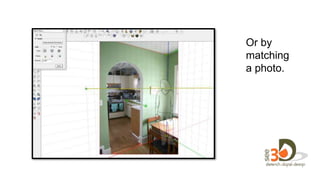
Or by
matching
a photo.
How Can You Use SketchUp?
Let me count the ways…
to
design in 3D.
1.
Use Simple SketchUp Models to
Quickly and Efficiently Illustrate
Design Ideas.
• Short learning curve
to
design in 3D.
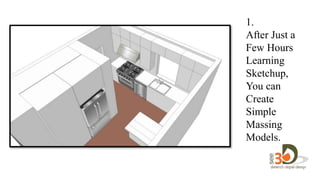
1.
After Just a
Few Hours
Learning
Sketchup,
You can
Create
Simple
Massing
Models.
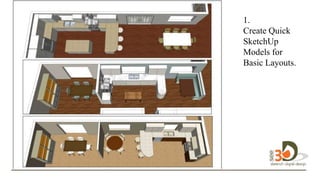
1.
Create Quick
SketchUp
Models for
Basic Layouts.
design in 3D.
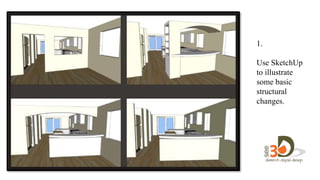
1.
Use SketchUp
to illustrate
some basic
structural
changes.
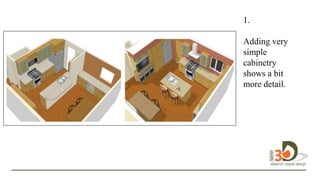
1.
Adding very
simple
cabinetry
shows a bit
more detail.
design in 3D.
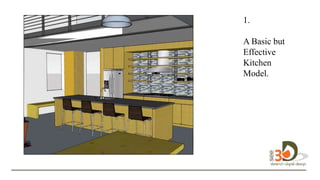
1.
A Basic but
Effective
Kitchen
Model.design
in 3D.
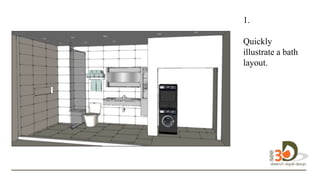
1.
Quickly
illustrate a bath
layout. in 3D.
2.
Create more defined models by
creating more detailed structure in
SketchUp and importing more
components.
• Slightly longer learning curve
to
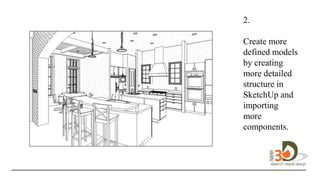
2.
Create more
defined models
by creating
more detailed
structure in
SketchUp and
importing
more
components.
design in 3D.
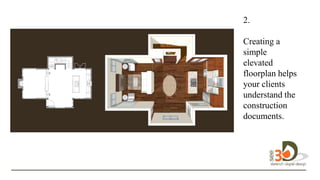
2.
Creating a
simple
elevated
floorplan helps
your clients
understand the
construction
documents.
.
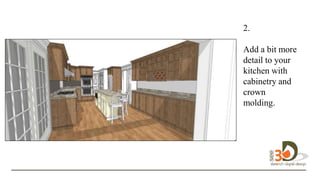
2.
Add a bit more
detail to your
kitchen with
cabinetry and
crown
molding.
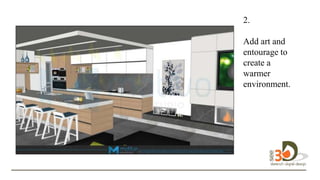
2.
Add art and
entourage to
create a
warmer
environment.
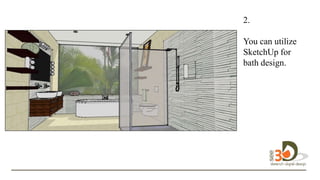
2.
You can utilize
SketchUp for
bath design.
design in 3D.
2.
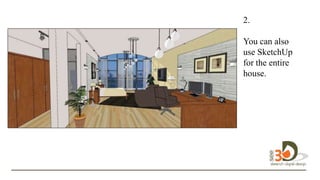
You can also
use SketchUp
for the entire
house.
2.
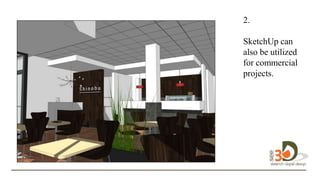
SketchUp can
also be utilized
for commercial
projects.
design in 3D.
2.
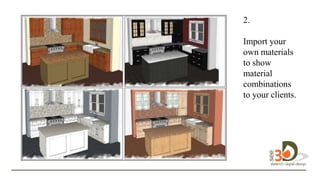
Import your
own materials
to show
material
combinations
to your clients.
design in 3D.
2.
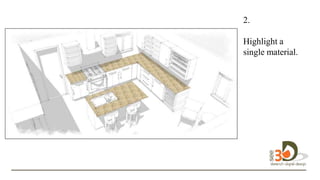
Highlight a
single material.
design in 3D.
2.
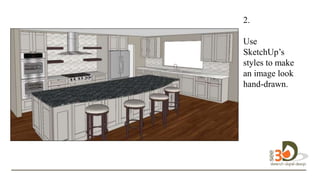
Use
SketchUp’s
styles to make
an image look
hand-drawn.
design in 3D.
2.
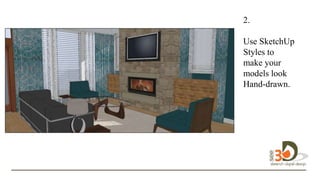
Use SketchUp
Styles to
make your
models look
Hand-drawn.design
in 3D.
2.
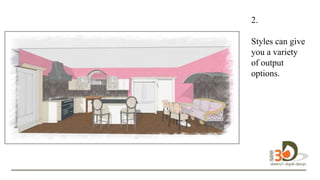
Styles can give
you a variety
of output
options.
design in 3D.
2.
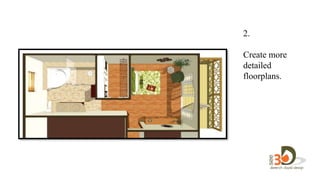
Create more
detailed
floorplans.
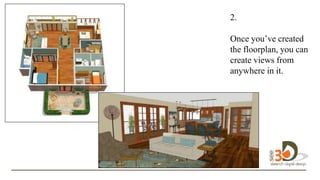
2.
Once you’ve created
the floorplan, you can
create views from
anywhere in it. in 3D.
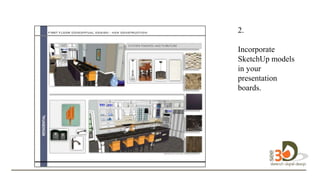
2.
Incorporate
SketchUp models
in your
presentation
boards.
3.
Use SketchUp as base to trace
over and hand-color. Or use
Photoshop to manipulate the
images.
• Short to medium learning curve.
to
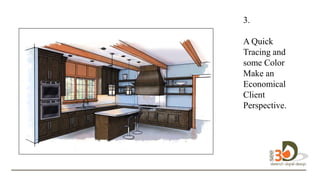
3.
D
A Quick
Tracing and
some Color
Make an
Economical
Client
Perspective.
3.
D
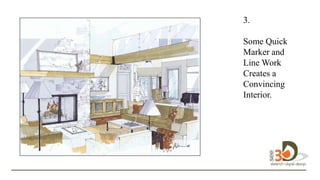
Some Quick
Marker and
Line Work
Creates a
Convincing
Interior.D.
3.
D
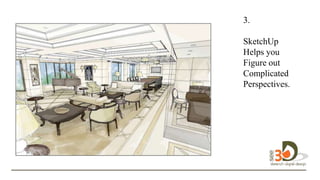
SketchUp
Helps you
Figure out
Complicated
Perspectives.
design in 3D.
3.
D
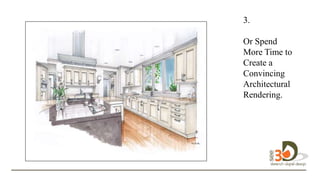
Or Spend
More Time to
Create a
Convincing
Architectural
Rendering.
design in 3D.
3.
D
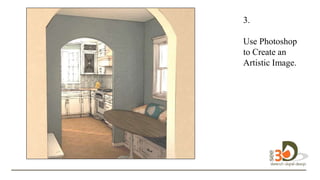
Use Photoshop
to Create an
Artistic Image.
design in 3D.
3.
D
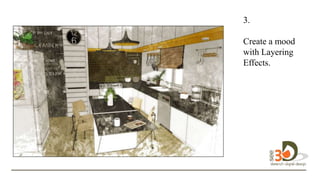
Create a mood
with Layering
Effects.
design in 3D.
3.
D
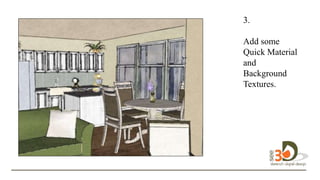
Add some
Quick Material
and
Background
Textures.
design in 3D.
3.
D
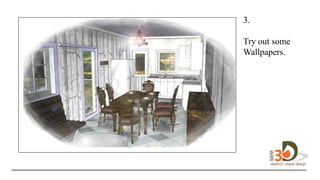
Try out some
Wallpapers.
design in 3D.
3.
D
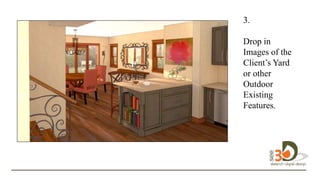
Drop in
Images of the
Client’s Yard
or other
Outdoor
Existing
Features.
design in 3D.
3.
D
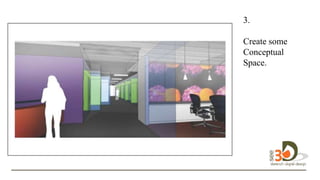
Create some
Conceptual
Space.
design in 3D.
3.
D
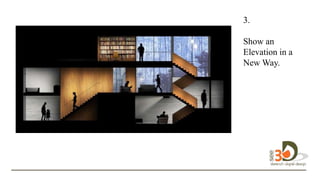
Show an
Elevation in a
New Way.
design in 3D.
3.
D
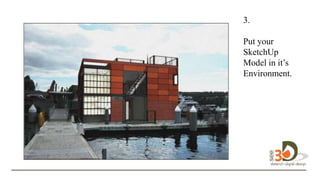
Put your
SketchUp
Model in it’s
Environment.
design in 3D.
3.
D
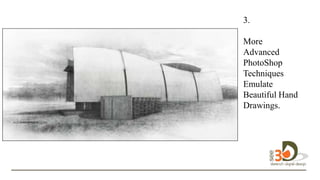
More
Advanced
PhotoShop
Techniques
Emulate
Beautiful Hand
Drawings.
design in 3D.
3.
D
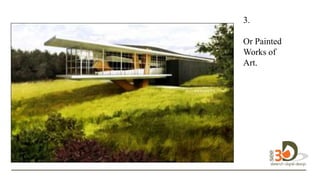
Or Painted
Works of
Art.design in
3D.
4.
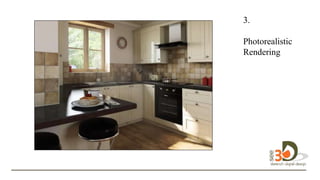
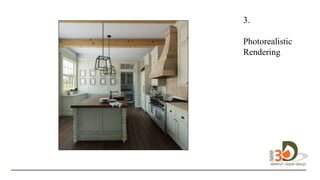
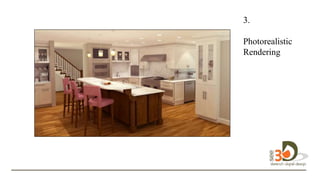
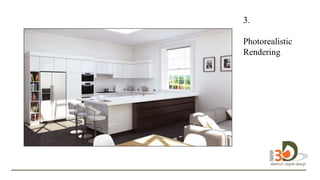
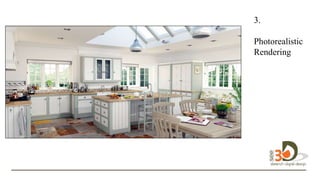
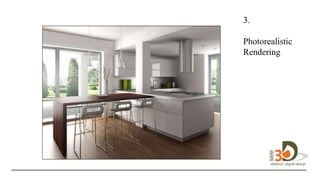
Use Additional Rendering
Software to Make Your Images
Photorealistic.
• Longer learning curve. First, you need a
good grasp of SketchUp before adding
rendering programs such as Podium,
Shaderlight, Thea Render, and many more.
to
3.
Photorealistic
Renderingesig
n in 3D.
3.
Photorealistic
Renderingesig
n design in 3D.
3.
Photorealistic
Renderingesig
n design in 3D.
3.
Photorealistic
Renderingesig
n design in 3D.
3.
Photorealistic
Renderingesig
n design in 3D.
3.
Photorealistic
Renderingesig
n design in 3D.
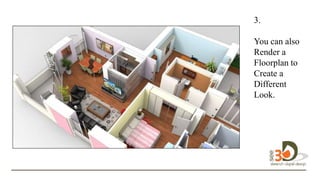
3.
You can also
Render a
Floorplan to
Create a
Different
Look.design in
3D.
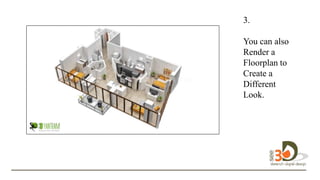
3.
You can also
Render a
Floorplan to
Create a
Different
Look.design
design in 3D.
3.
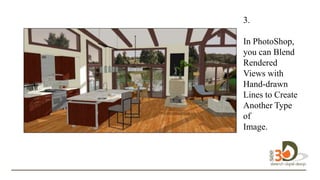
In PhotoShop,
you can Blend
Rendered
Views with
Hand-drawn
Lines to Create
Another Type
of
Image.design
in 3D.
3.
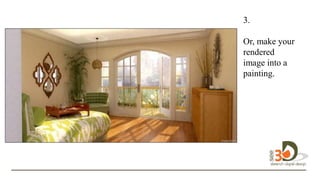
Or, make your
rendered
image into a
painting.design
in 3D.
3.
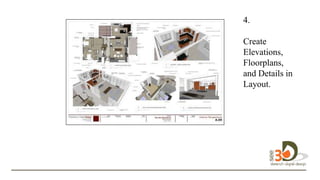
SketchUp Pro comes with a
Companion Program Called
Layout Which Allows You to
Create More Detailed Construction
Documents.
• Short to medium learning curve.
to
4.
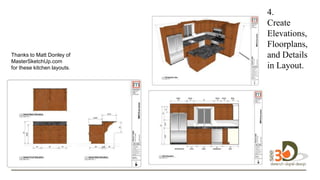
Create
Elevations,
Floorplans,
and Details
in Layout.
design in
3D.
Thanks to Matt Donley of
MasterSketchUp.com
for these kitchen layouts.
4.
Create
Elevations,
Floorplans,
and Details in
Layout. in 3D.
4.
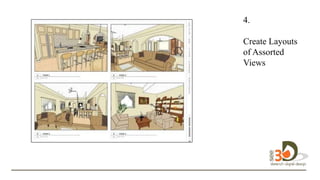
Create Layouts
of Assorted
Views 3D
4.
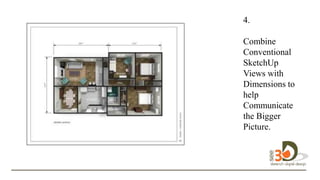
Combine
Conventional
SketchUp
Views with
Dimensions to
help
Communicate
the Bigger
Picture. design
in 3D.
Let’s See SketchUp in Action!
to
design in 3D.
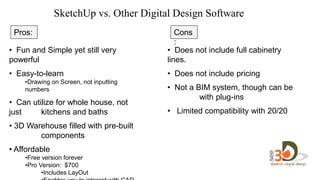
SketchUp vs. Other Digital Design Software
• Fun and Simple yet still very
powerful
• Easy-to-learn
•Drawing on Screen, not inputting
numbers
• Can utilize for whole house, not
just kitchens and baths
• 3D Warehouse filled with pre-built
components
• Affordable
•Free version forever
•Pro Version: $700
•Includes LayOut
• Does not include full cabinetry
lines.
• Does not include pricing
• Not a BIM system, though can be
with plug-ins
• Limited compatibility with 20/20
Pros: Cons
:
Welco
me….
SketchUp
for Kitchen and Bath Design
Diane Dieterich
See3D
Diane@seeddd.com
More Classes and Trainings at
Seeddd.com
Diane@seeddd.com

Kitchen Design with SketchUp

Editor's Notes