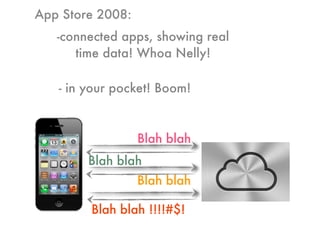
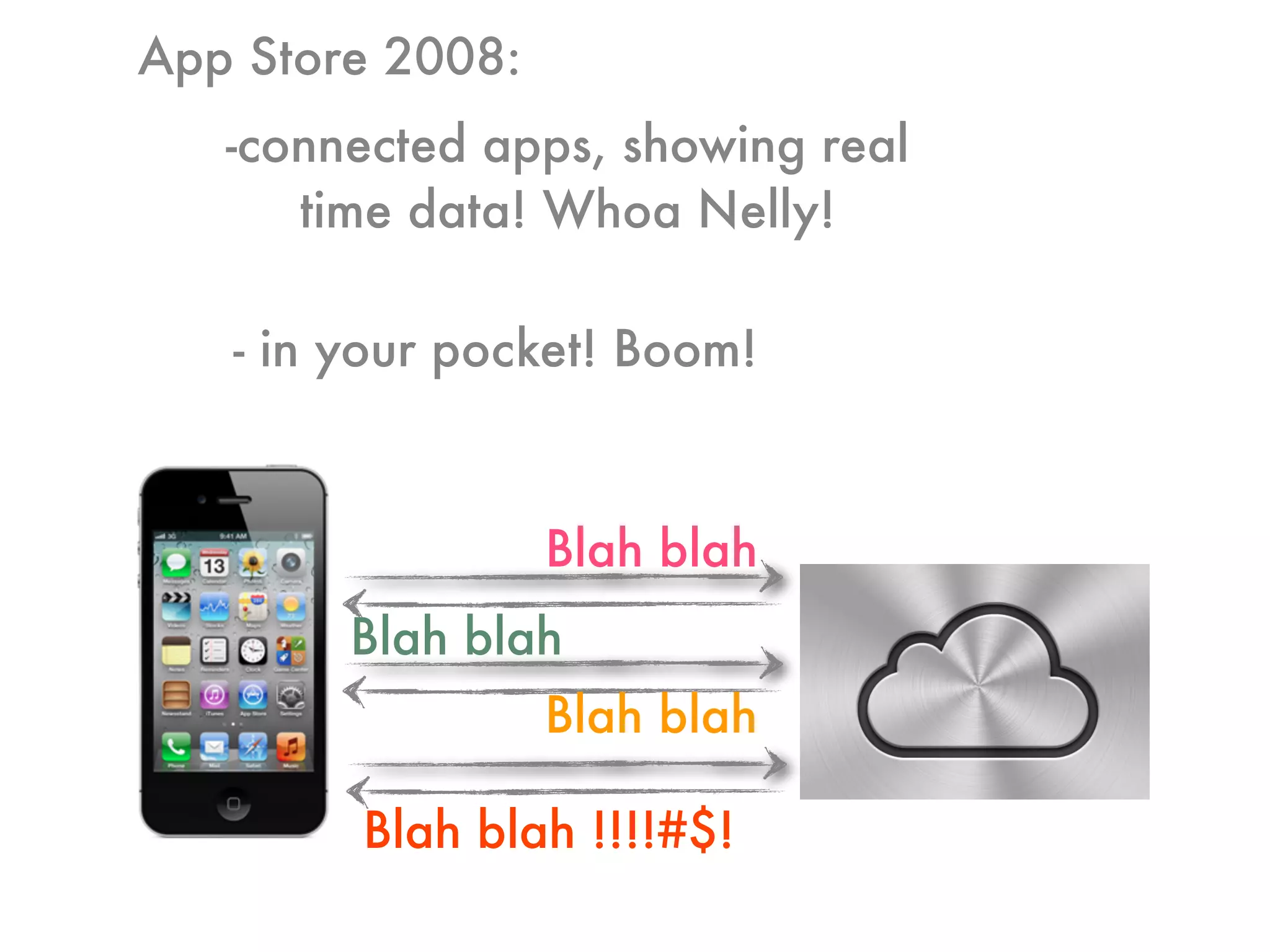
Blah blah
Blah blah
Blah blah
Blah blah !!!!#$!
App Store 2008:
-connected apps, showing real
time data! Whoa Nelly!
- in your pocket! Boom!
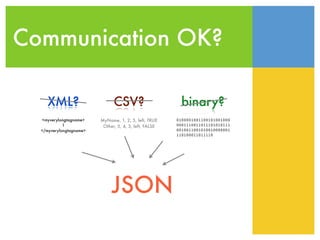
Communication OK?
XML? CSV? binary?
<myverylongtagname>
1
</myverylongtagname>
MyName, 1, 2, 5, left, TRUE
Other, 5, 4, 3, left, FALSE
0100001001100101001000
0001110011011101010111
0010011001010010000001
110100011011110
JSON
JSON is awesome
1) it’s very SIMPLE!
2) supported by tons of languages
3) structural data
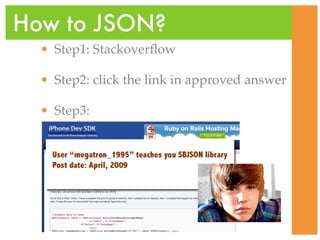
• Step1: Stackoverflow
• Step2: click the link in approved answer
• Step3:
•
How to JSON?
Simplest approach
[[[[[json objectForKey:@”name”] objectAtIndex:1]
objectAtIndex: 2] objectForKey:@”value”] boolValue]
2009 code
2013 code
[json[@”name”][1][2][@”value”] boolValue]
never!
- json ... is nil ...
- EXC_BAD_ACCESS
- ... unrecognized selector ... [NSString boolValue]
- ... index out of bounds ...
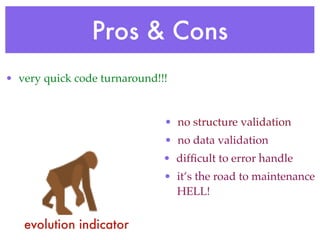
Pros & Cons
• very quick code turnaround!!!
• no structure validation
• no data validation
• difficult to error handle
• it’s the road to maintenance
HELL!
evolution indicator
A better way!
NSDictionary* json = [NSJSONSerialization ... ];
if (json == nil) [self errorHandleEmptyJSON];
if (json[@”name”] == nil)
[self errorHandleEmptyName];
NSArray* name = json[@”name”];
if (name.count<1]
[self errorHandleWrongJSONStructure];
NSNumber* value = name[1][2][@”value”];
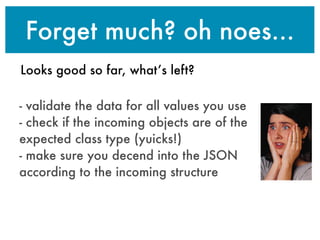
Forget much? oh noes...
Looks good so far, what’s left?
- validate the data for all values you use
- check if the incoming objects are of the
expected class type (yuicks!)
- make sure you decend into the JSON
according to the incoming structure
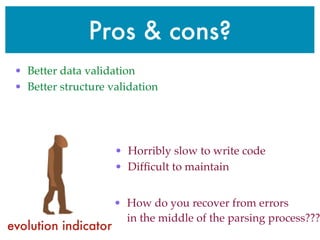
Pros & cons?
• Horribly slow to write code
• Difficult to maintain
• How do you recover from errors
in the middle of the parsing process???
• Better data validation
• Better structure validation
evolution indicator
Data models?
The “M” in MVC stands
for “MODEL”
Wrap up all the code in
classes for all your models
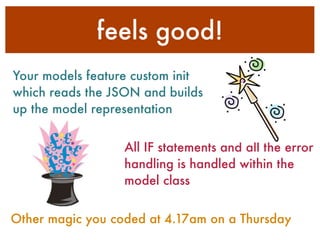
feels good!
Your models feature custom init
which reads the JSON and builds
up the model representation
All IF statements and all the error
handling is handled within the
model class
Other magic you coded at 4.17am on a Thursday
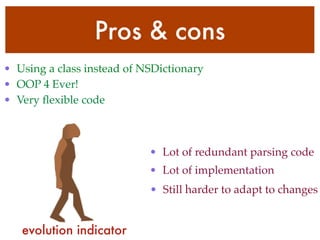
Pros & cons
• Using a class instead of NSDictionary
• OOP 4 Ever!
• Very flexible code
• Lot of redundant parsing code
• Lot of implementation
• Still harder to adapt to changes
evolution indicator
Then what?
Throughout 2012 I worked
mainly on JSON powered
applications.
In December I was already
fed-up with:
self.name = json[@”name”];
Eureka!
JSONModel
- import JSON
- structure validation
- data type validation
- data type conversion
- atomic operations
- error handling
Automatically does/has:
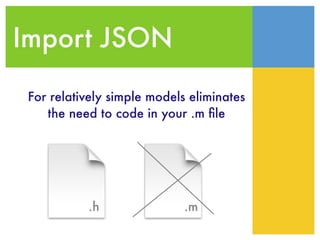
Import JSON
.h .m
For relatively simple models eliminates
the need to code in your .m file
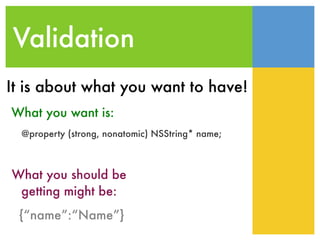
Validation
@property (strong, nonatomic) NSString* name;
What you want is:
What you should be
getting might be:
{“name”:“Name”}
It is about what you want to have!
Conversion
@property (strong, nonatomic) NSURL* blogSiteUrl;
What you want is:
What you get is:
{“blogSiteUrl”:“http://www.yahoo.com”}
It is about what you want to have!
JSONModel
evolution indicator
Takes the hum-drum out of
coding
It’s very fast
Growing (testing) fan base
Thanks
www.JSONModel.com
Image credits:
http://www.clker.com
http://clipart.christiansunite.com
http://office.microsoft.com

JSONModel Lightning Talk

  • 1.
    Blah blah Blah blah Blahblah Blah blah !!!!#$! App Store 2008: -connected apps, showing real time data! Whoa Nelly! - in your pocket! Boom!
  • 2.
    Communication OK? XML? CSV?binary? <myverylongtagname> 1 </myverylongtagname> MyName, 1, 2, 5, left, TRUE Other, 5, 4, 3, left, FALSE 0100001001100101001000 0001110011011101010111 0010011001010010000001 110100011011110 JSON
  • 3.
    JSON is awesome 1)it’s very SIMPLE! 2) supported by tons of languages 3) structural data
  • 4.
    • Step1: Stackoverflow •Step2: click the link in approved answer • Step3: • How to JSON?
  • 5.
    Simplest approach [[[[[json objectForKey:@”name”]objectAtIndex:1] objectAtIndex: 2] objectForKey:@”value”] boolValue] 2009 code 2013 code [json[@”name”][1][2][@”value”] boolValue]
  • 6.
    never! - json ...is nil ... - EXC_BAD_ACCESS - ... unrecognized selector ... [NSString boolValue] - ... index out of bounds ...
  • 7.
    Pros & Cons •very quick code turnaround!!! • no structure validation • no data validation • difficult to error handle • it’s the road to maintenance HELL! evolution indicator
  • 8.
    A better way! NSDictionary*json = [NSJSONSerialization ... ]; if (json == nil) [self errorHandleEmptyJSON]; if (json[@”name”] == nil) [self errorHandleEmptyName]; NSArray* name = json[@”name”]; if (name.count<1] [self errorHandleWrongJSONStructure]; NSNumber* value = name[1][2][@”value”];
  • 9.
    Forget much? ohnoes... Looks good so far, what’s left? - validate the data for all values you use - check if the incoming objects are of the expected class type (yuicks!) - make sure you decend into the JSON according to the incoming structure
  • 10.
    Pros & cons? •Horribly slow to write code • Difficult to maintain • How do you recover from errors in the middle of the parsing process??? • Better data validation • Better structure validation evolution indicator
  • 11.
    Data models? The “M”in MVC stands for “MODEL” Wrap up all the code in classes for all your models
  • 12.
    feels good! Your modelsfeature custom init which reads the JSON and builds up the model representation All IF statements and all the error handling is handled within the model class Other magic you coded at 4.17am on a Thursday
  • 13.
    Pros & cons •Using a class instead of NSDictionary • OOP 4 Ever! • Very flexible code • Lot of redundant parsing code • Lot of implementation • Still harder to adapt to changes evolution indicator
  • 14.
    Then what? Throughout 2012I worked mainly on JSON powered applications. In December I was already fed-up with: self.name = json[@”name”]; Eureka!
  • 15.
    JSONModel - import JSON -structure validation - data type validation - data type conversion - atomic operations - error handling Automatically does/has:
  • 16.
    Import JSON .h .m Forrelatively simple models eliminates the need to code in your .m file
  • 17.
    Validation @property (strong, nonatomic)NSString* name; What you want is: What you should be getting might be: {“name”:“Name”} It is about what you want to have!
  • 18.
    Conversion @property (strong, nonatomic)NSURL* blogSiteUrl; What you want is: What you get is: {“blogSiteUrl”:“http://www.yahoo.com”} It is about what you want to have!
  • 19.
    JSONModel evolution indicator Takes thehum-drum out of coding It’s very fast Growing (testing) fan base
  • 20.