Jetpack Navigation Component
Storyboards on Android?
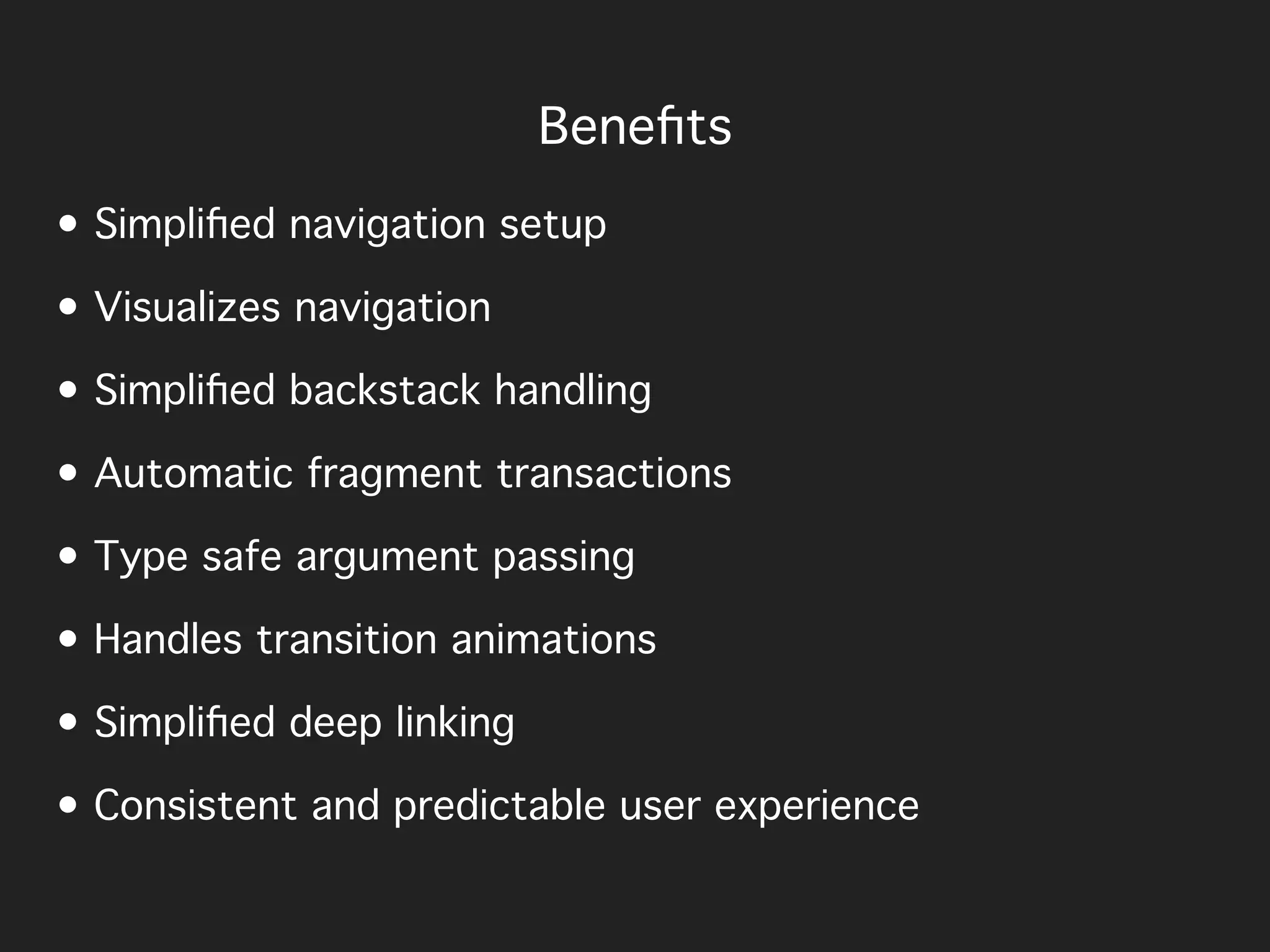
• Simplified navigation setup
• Visualizes navigation
• Simplified backstack handling
• Automatic fragment transactions
• Type safe argument passing
• Handles transition animations
• Simplified deep linking
• Consistent and predictable user experience
Benefits
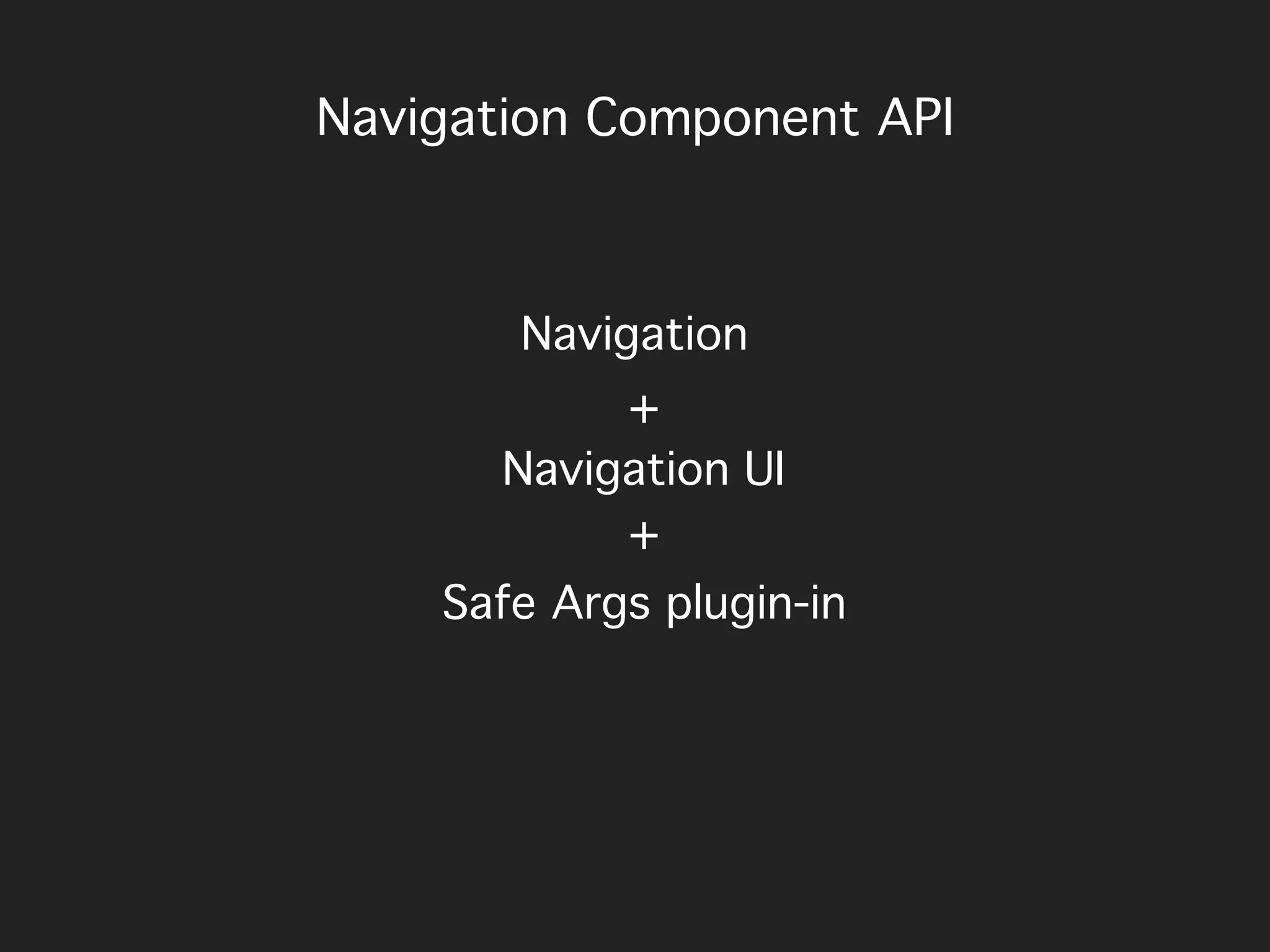
Navigation
Navigation UI
Safe Args plugin-in
+
+
Navigation Component API
Switching destinations based on navigation graph
Navigation
Integrates navigation graph into toolbar,
nav drawer, bottom navigation
Navigation UI
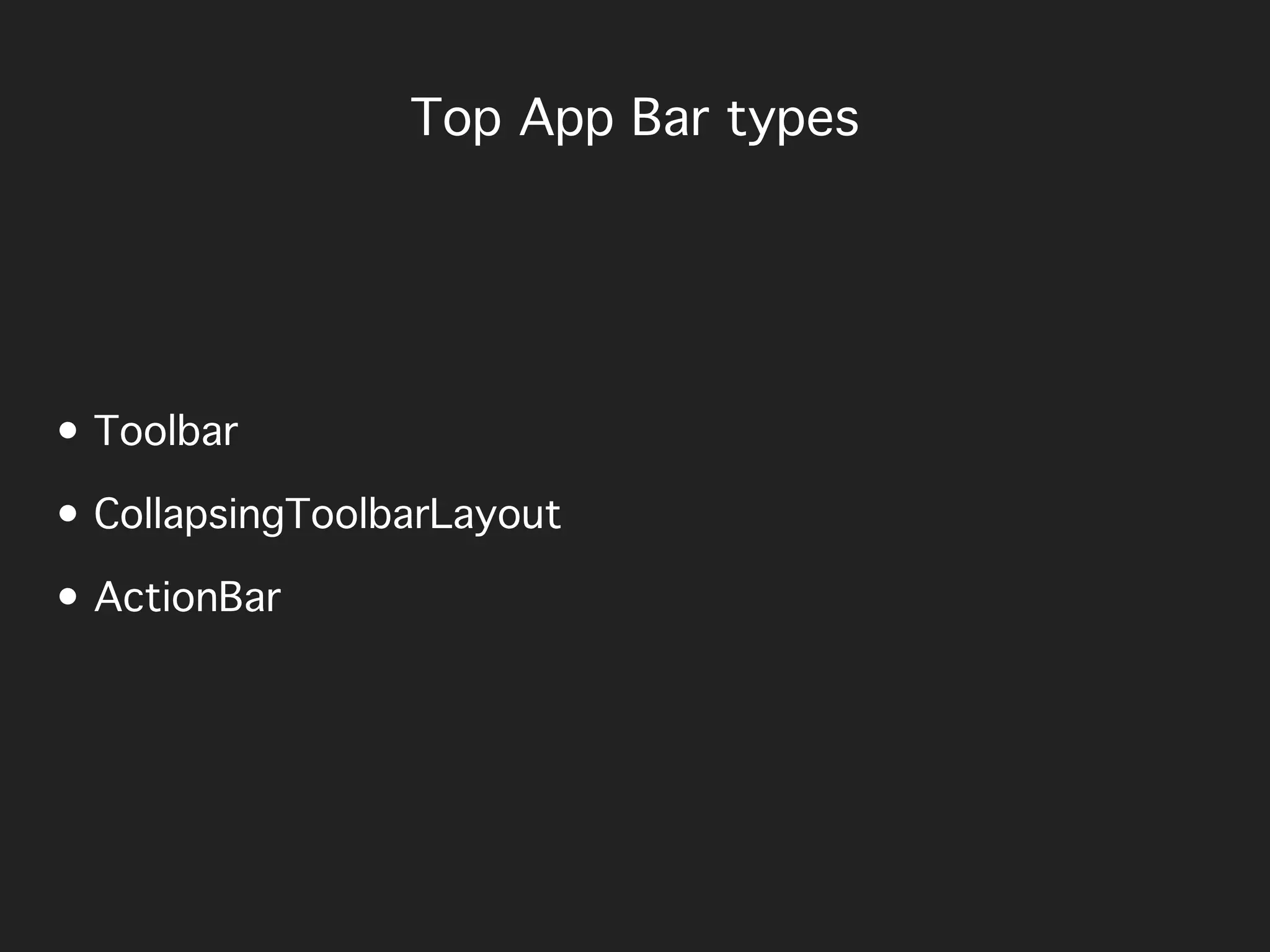
Top App Bar types
• Toolbar
• CollapsingToolbarLayout
• ActionBar
Provides type-safe arguments for your destinations
Safe Args plugin-in
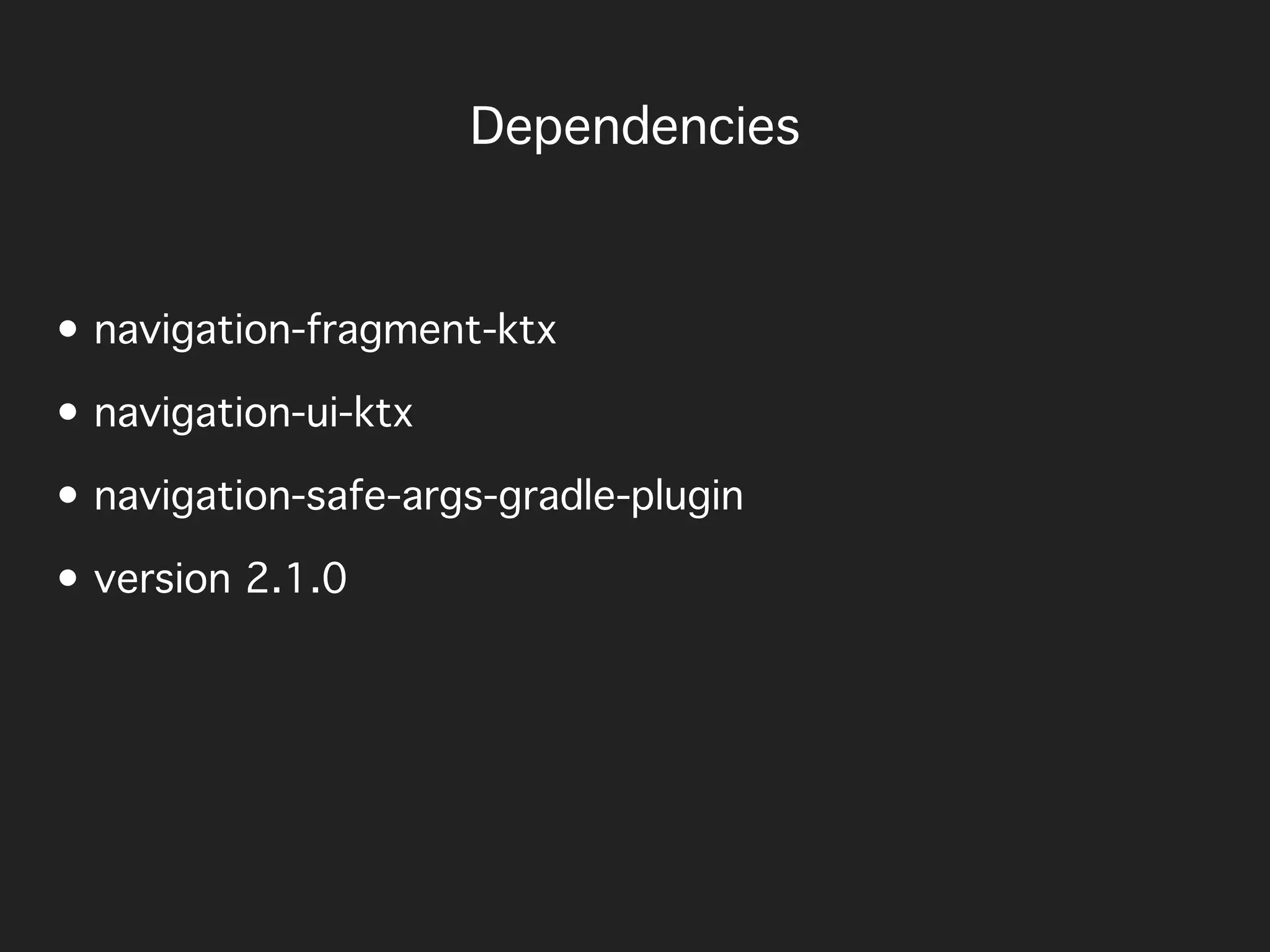
• navigation-fragment-ktx
• navigation-ui-ktx
• navigation-safe-args-gradle-plugin
• version 2.1.0
Dependencies
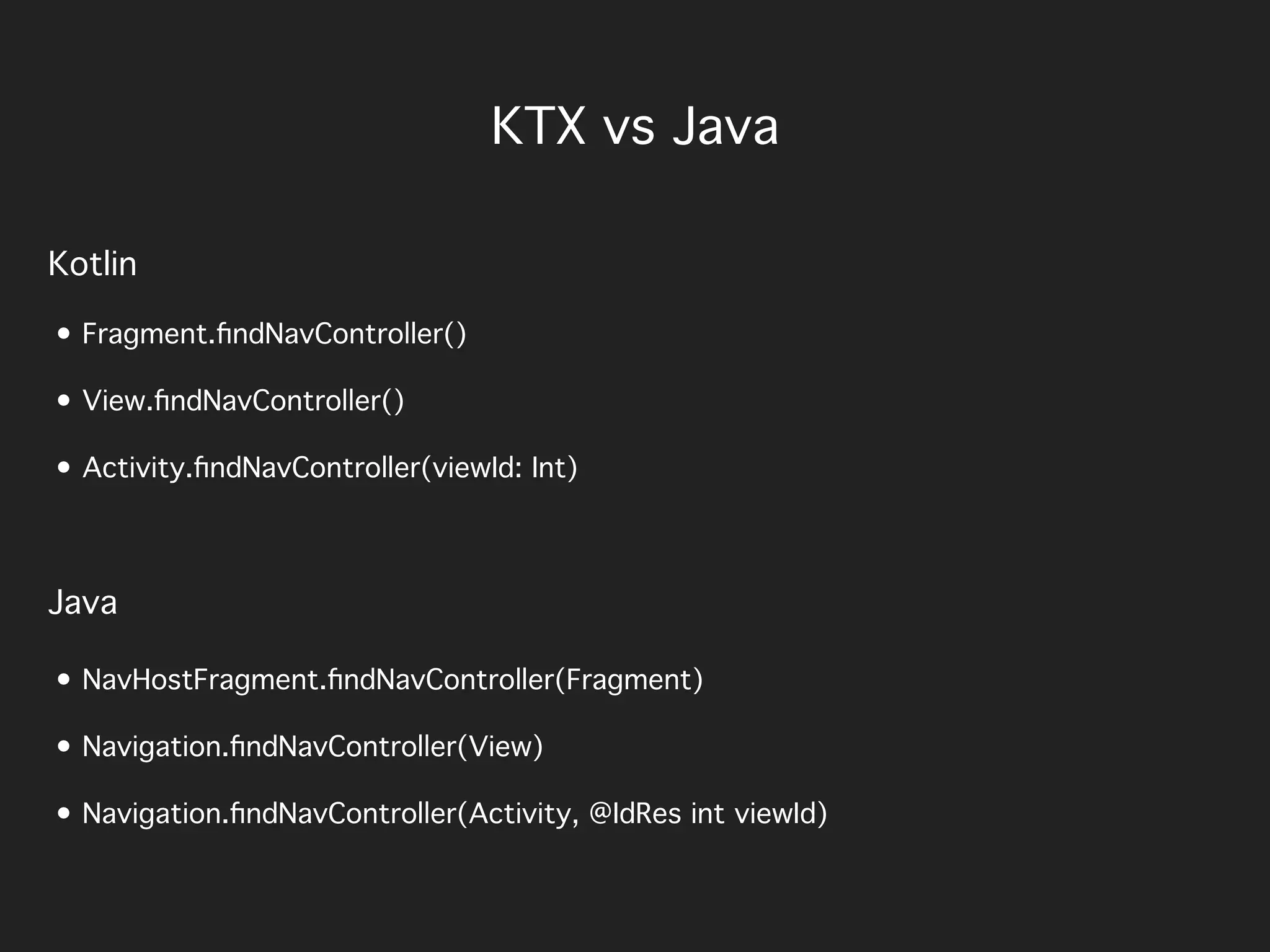
• Fragment.findNavController()
• View.findNavController()
• Activity.findNavController(viewId: Int)
KTX vs Java
Kotlin
• NavHostFragment.findNavController(Fragment)
• Navigation.findNavController(View)
• Navigation.findNavController(Activity, @IdRes int viewId)
Java
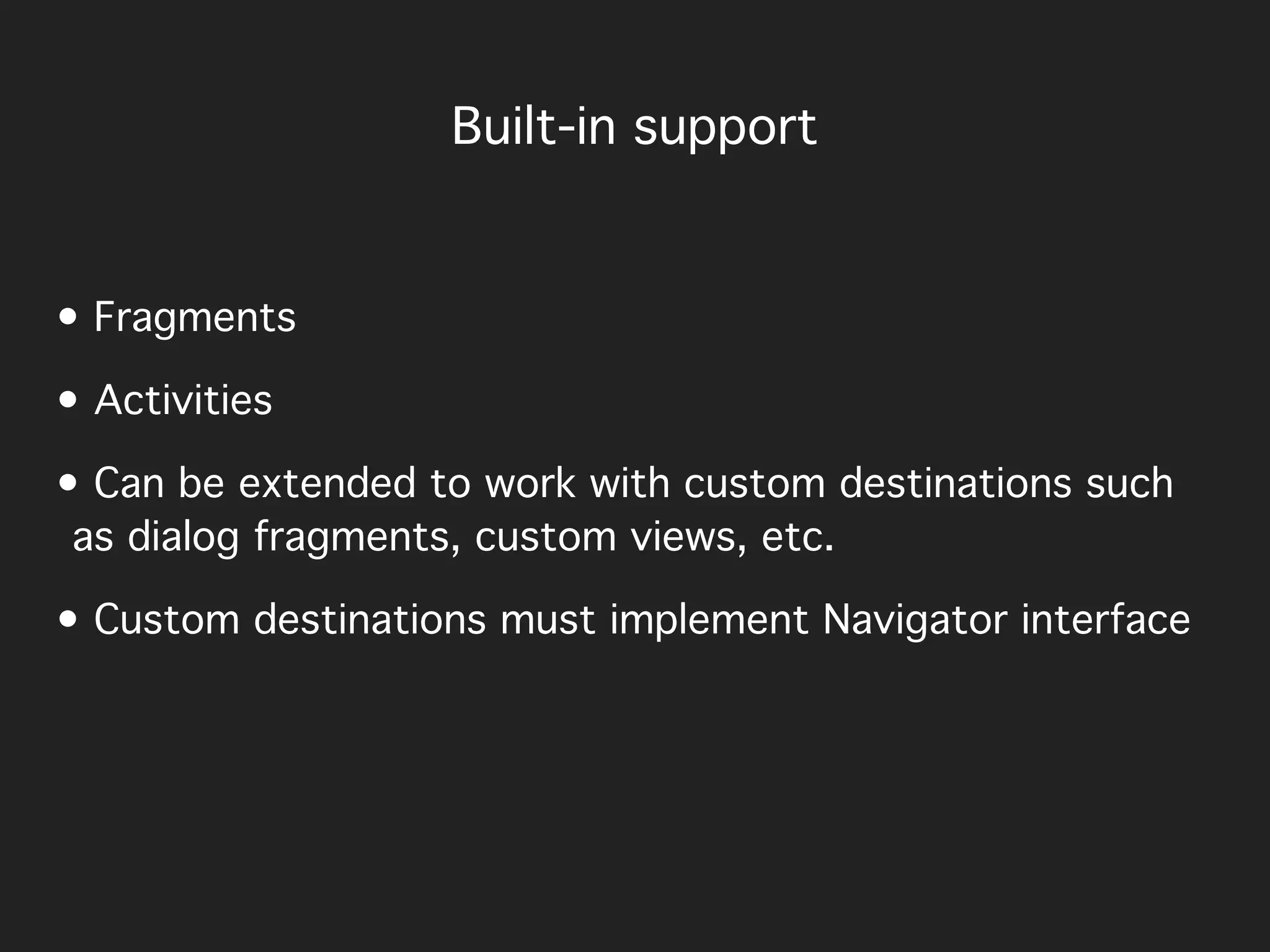
• Fragments
• Activities
• Can be extended to work with custom destinations such
as dialog fragments, custom views, etc.
• Custom destinations must implement Navigator interface
Built-in support
Google recommends Single Activity
with multiple Fragments
https://www.youtube.com/watch?v=2k8x8V77CrU
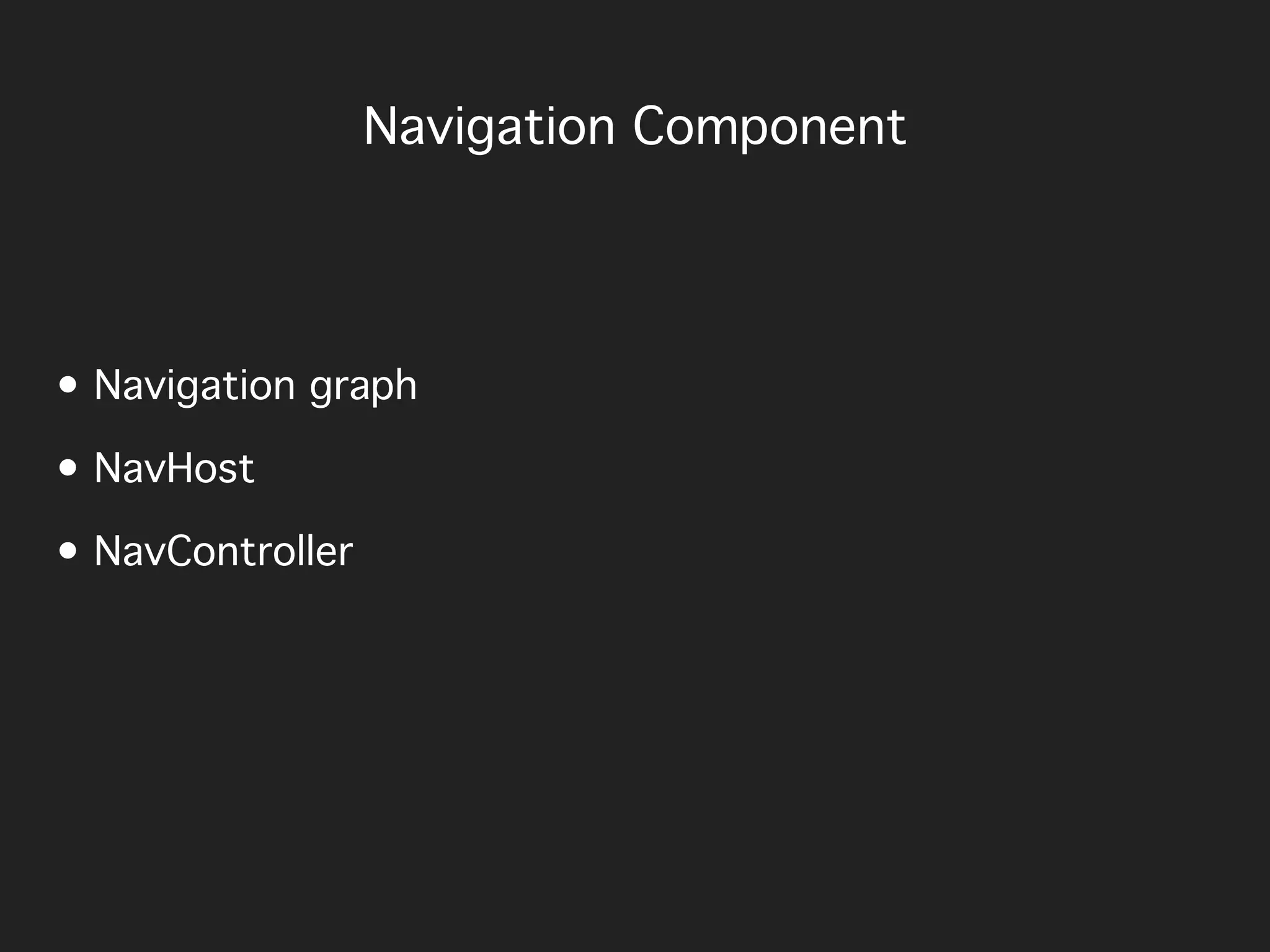
• Navigation graph
• NavHost
• NavController
Navigation Component
• Declares all reachable destinations
• Usually in xml format
Nav Graph
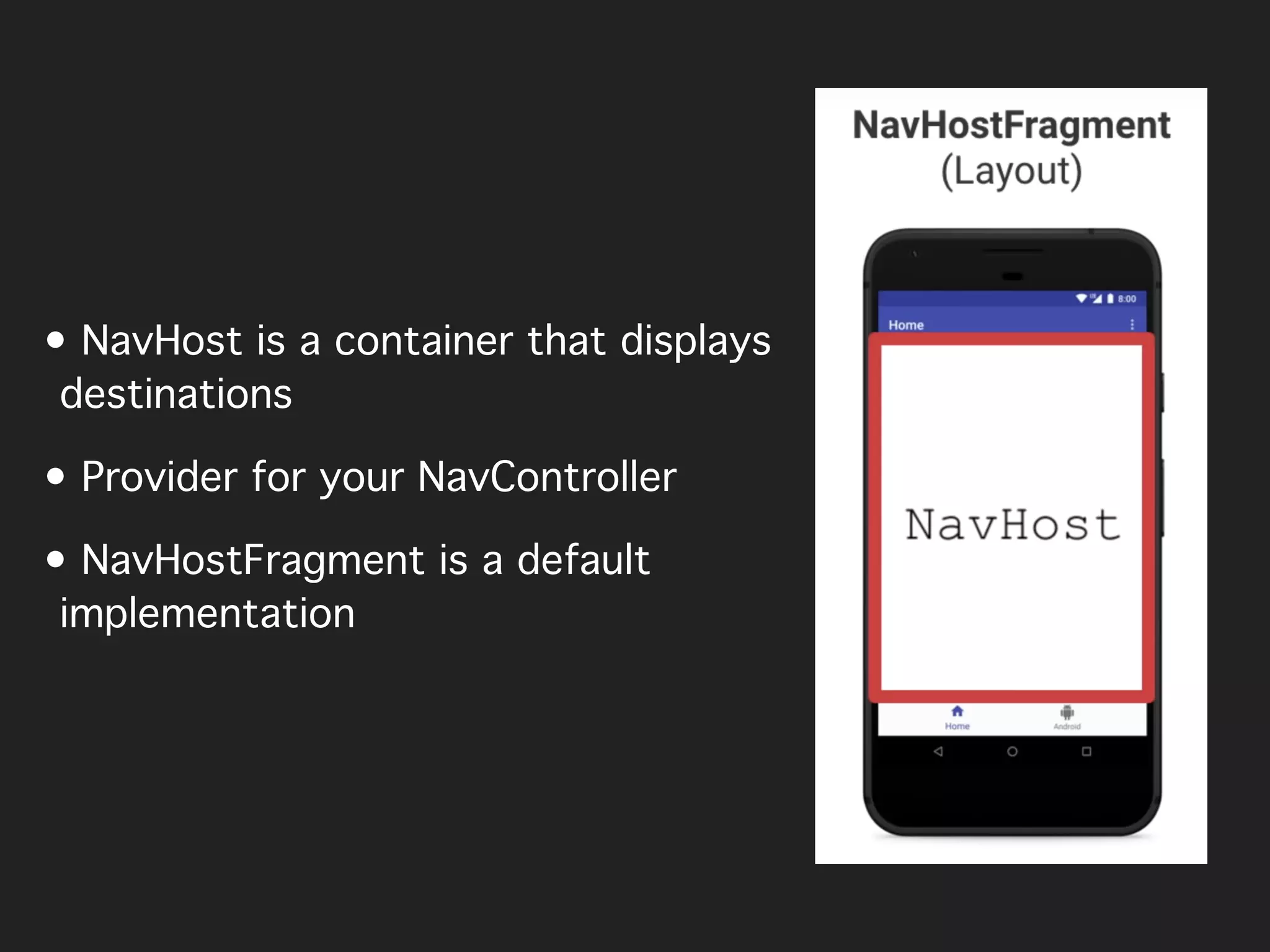
• NavHost is a container that displays
destinations
• Provider for your NavController
• NavHostFragment is a default
implementation
NavController
• Manages navigation within a NavHost
• Your API to navigate through the NavGraph
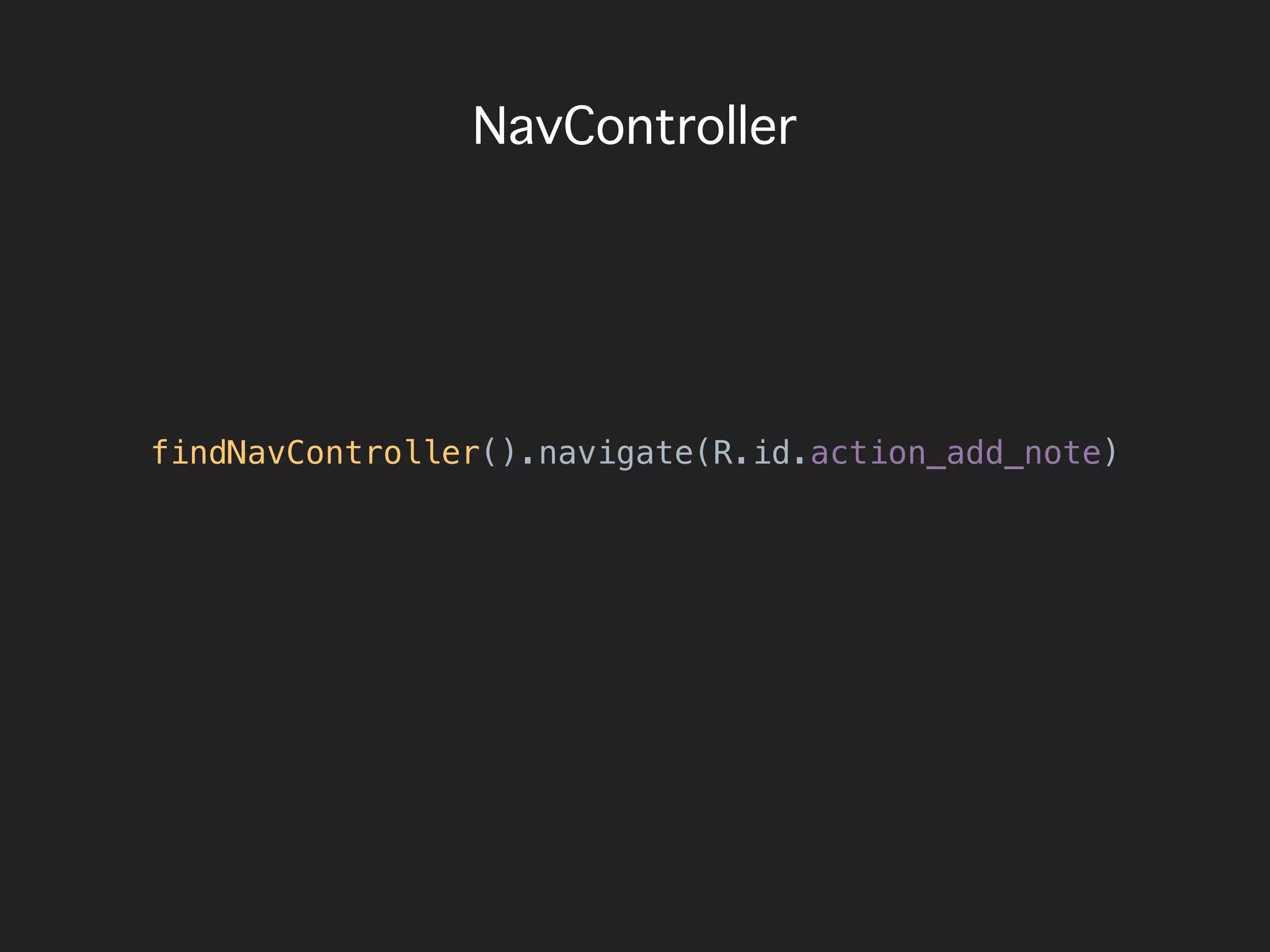
NavController
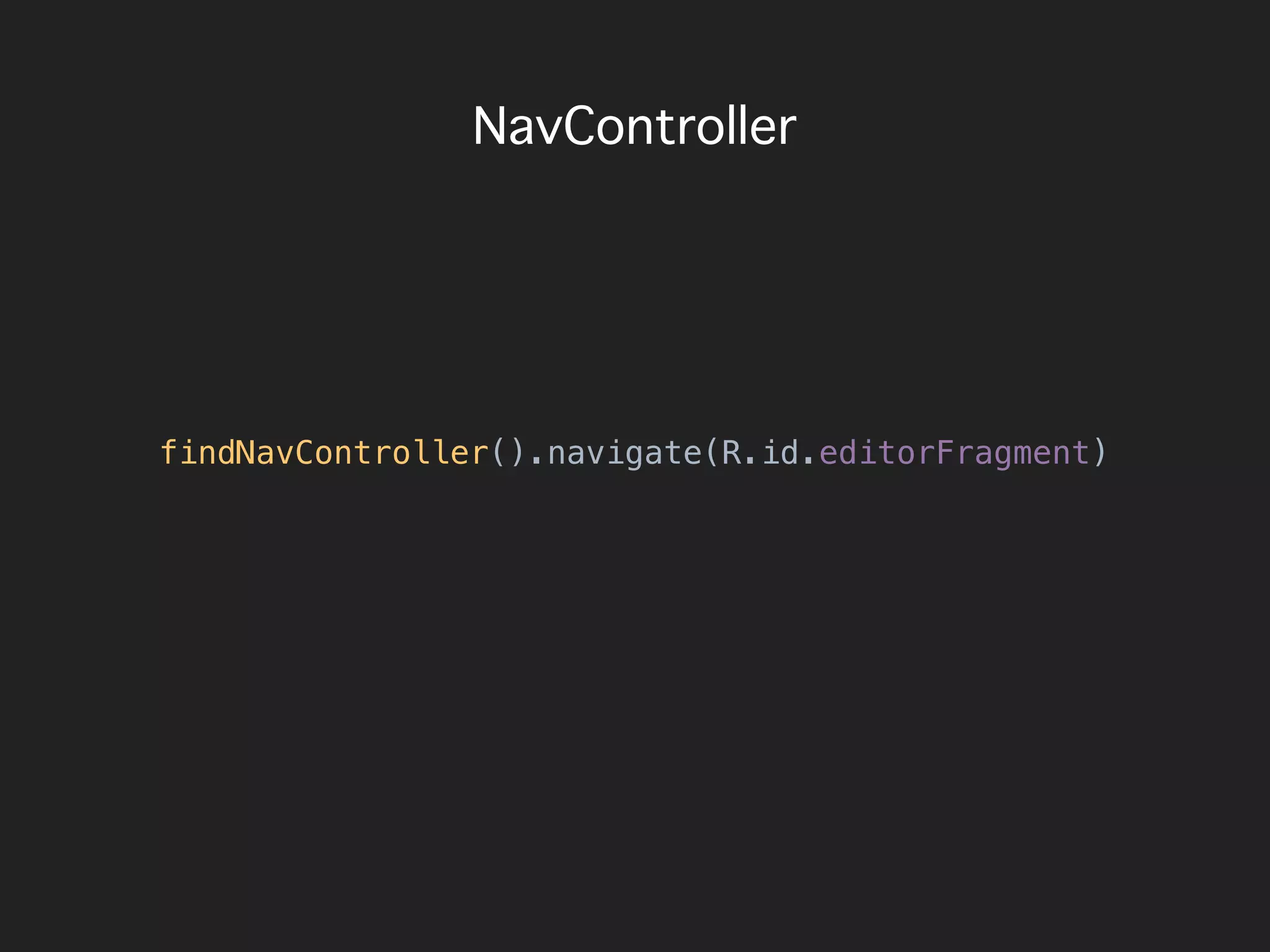
findNavController().navigate(R.id.editorFragment)
NavController
findNavController().navigate(R.id.action_add_note)
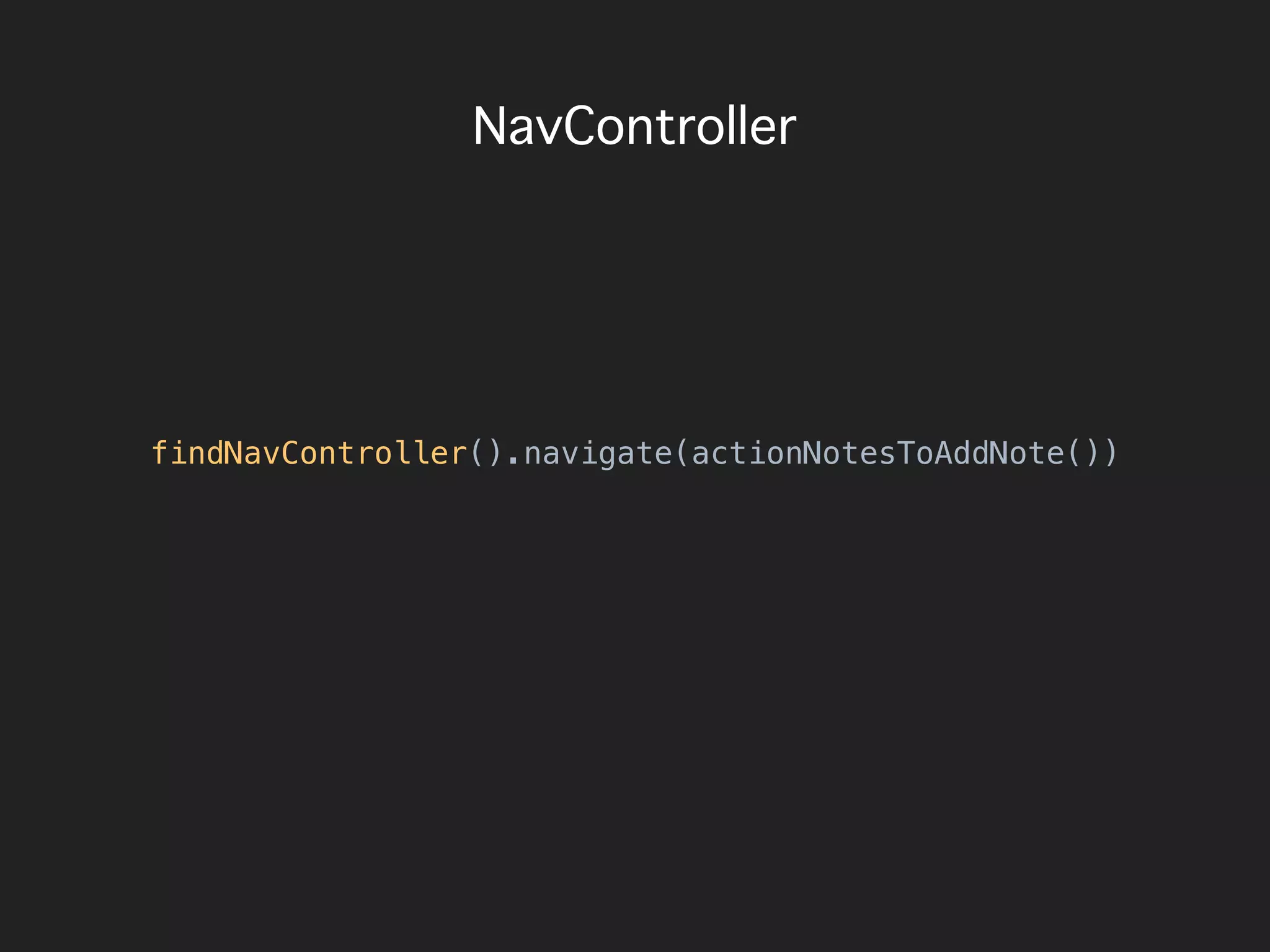
NavController
findNavController().navigate(actionNotesToAddNote())
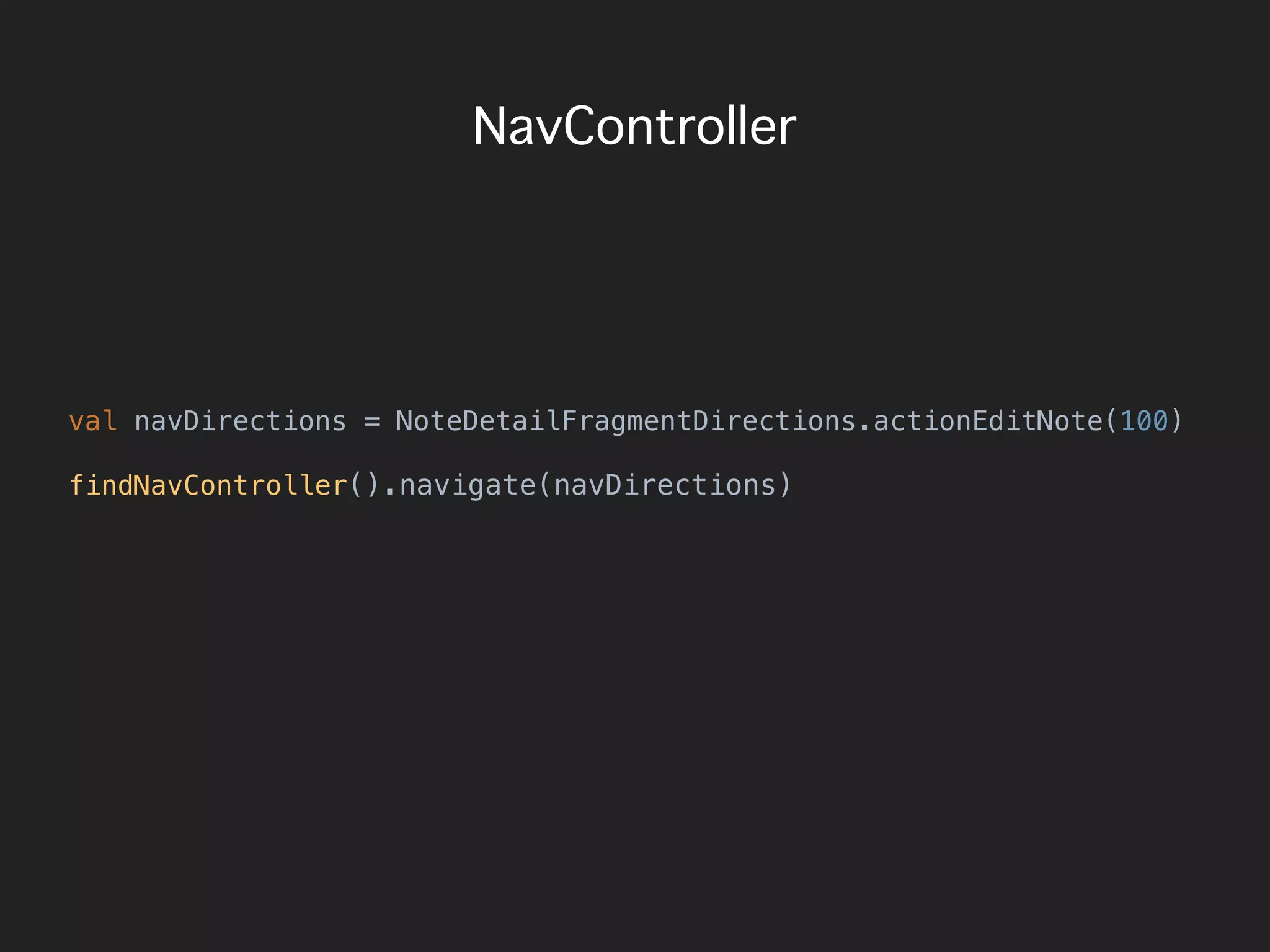
NavController
val navDirections = NoteDetailFragmentDirections.actionEditNote(100)
findNavController().navigate(navDirections)
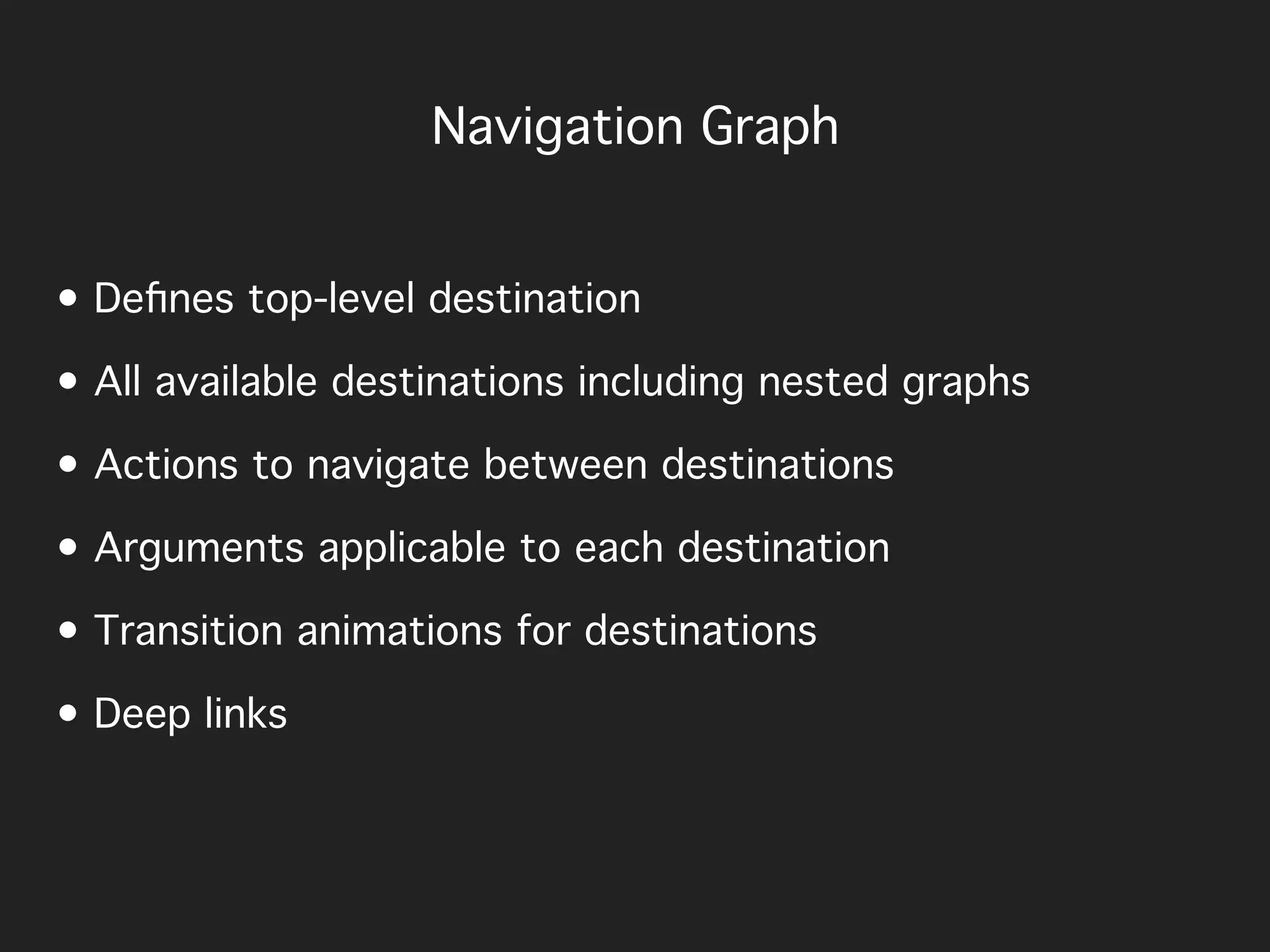
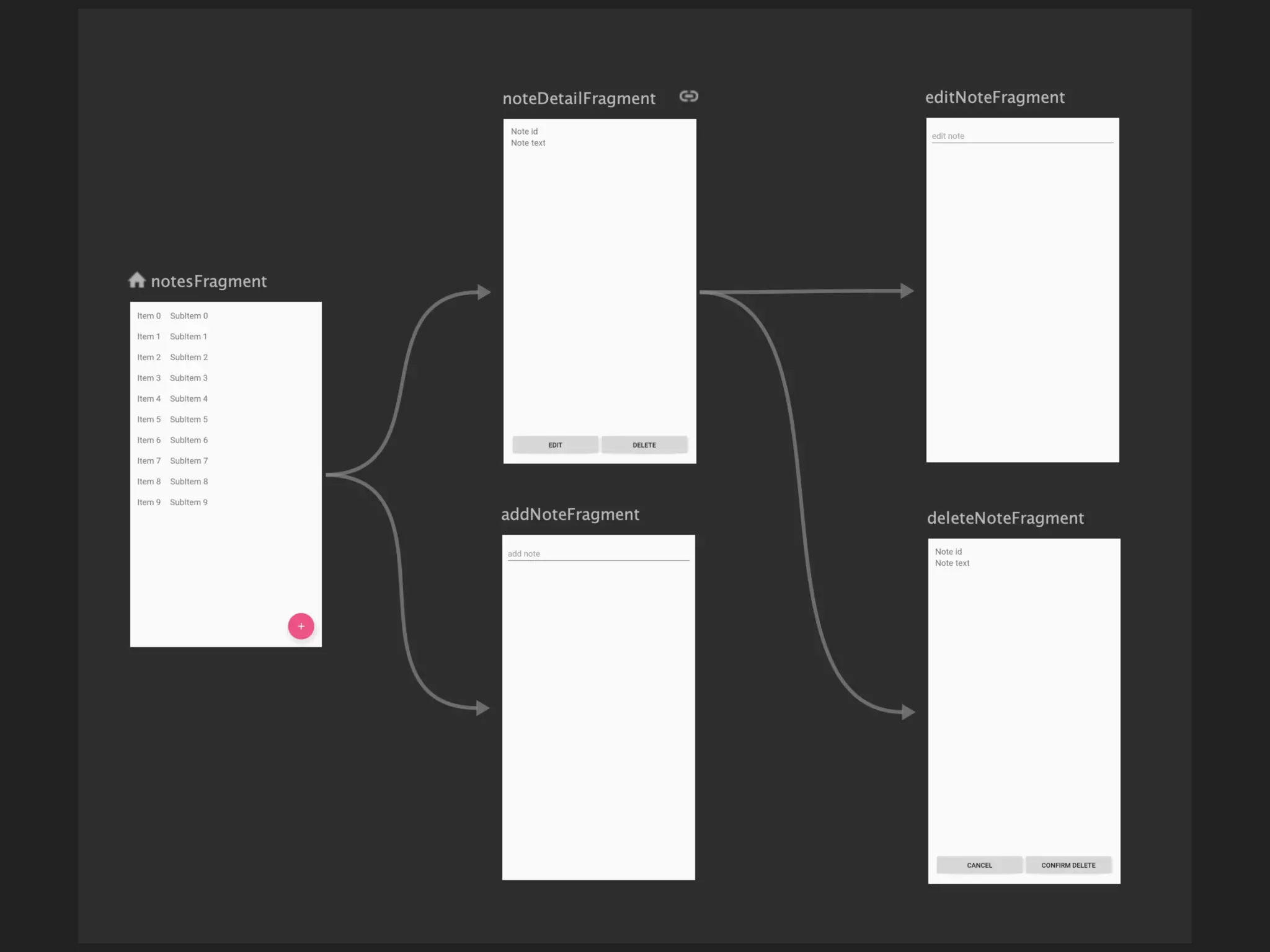
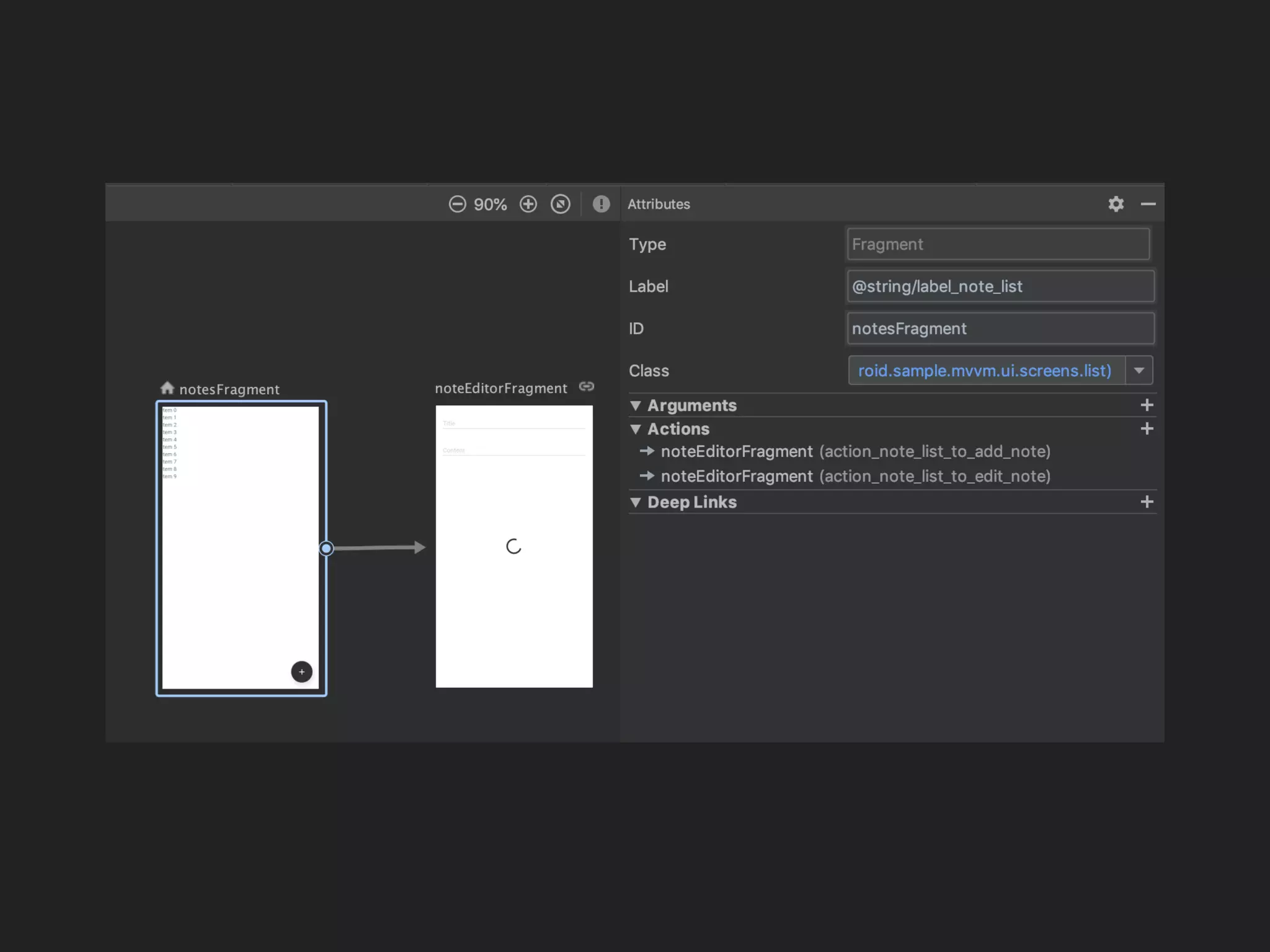
• Defines top-level destination
• All available destinations including nested graphs
• Actions to navigate between destinations
• Arguments applicable to each destination
• Transition animations for destinations
• Deep links
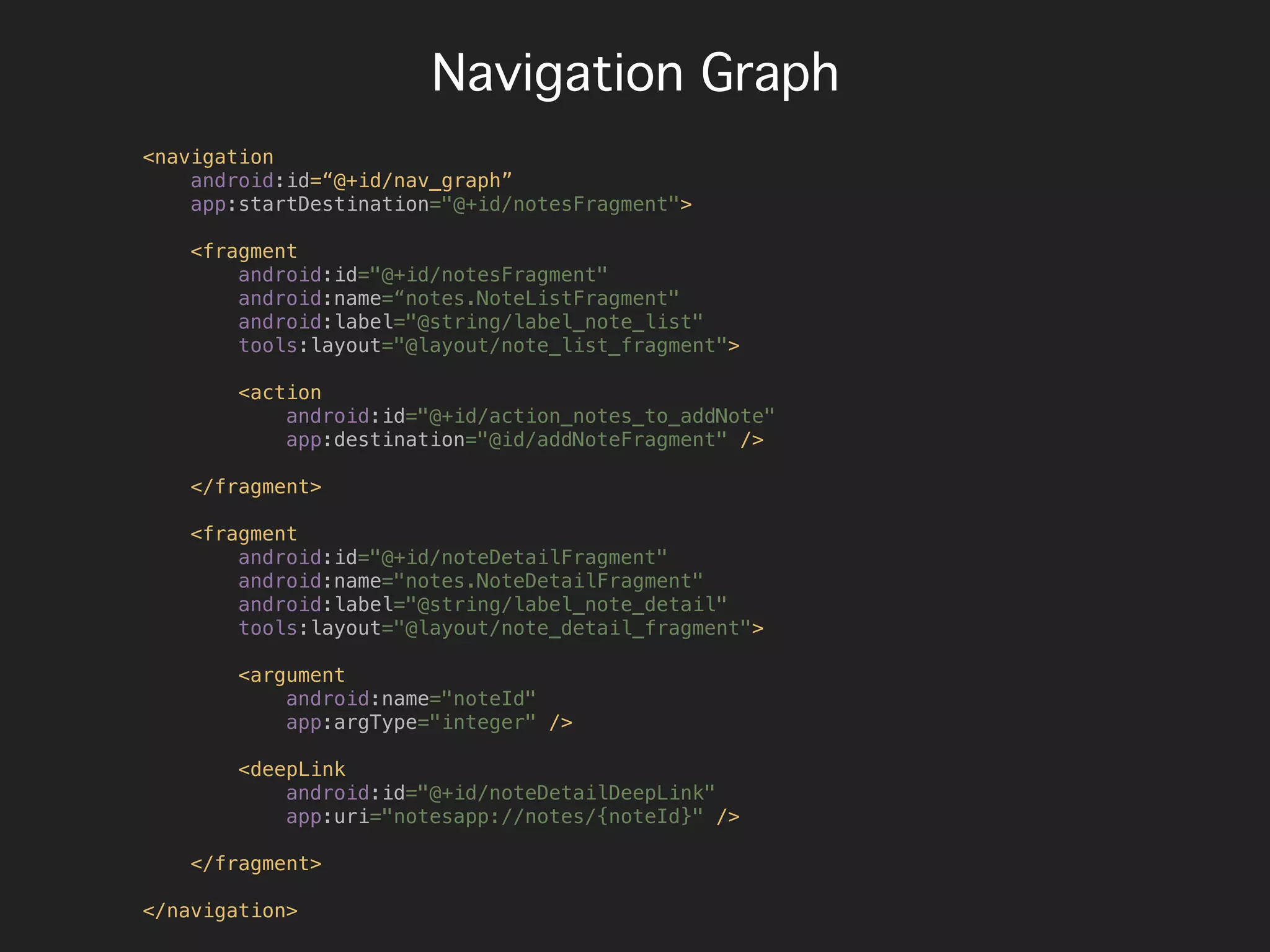
Navigation Graph
Navigation Graph
<navigation
android:id=“@+id/nav_graph”
app:startDestination="@+id/notesFragment">
<fragment
android:id="@+id/notesFragment"
android:name=“notes.NoteListFragment"
android:label="@string/label_note_list"
tools:layout="@layout/note_list_fragment">
<action
android:id="@+id/action_notes_to_addNote"
app:destination="@id/addNoteFragment" />
</fragment>
<fragment
android:id="@+id/noteDetailFragment"
android:name="notes.NoteDetailFragment"
android:label="@string/label_note_detail"
tools:layout="@layout/note_detail_fragment">
<argument
android:name="noteId"
app:argType="integer" />
<deepLink
android:id="@+id/noteDetailDeepLink"
app:uri="notesapp://notes/{noteId}" />
</fragment>
</navigation>
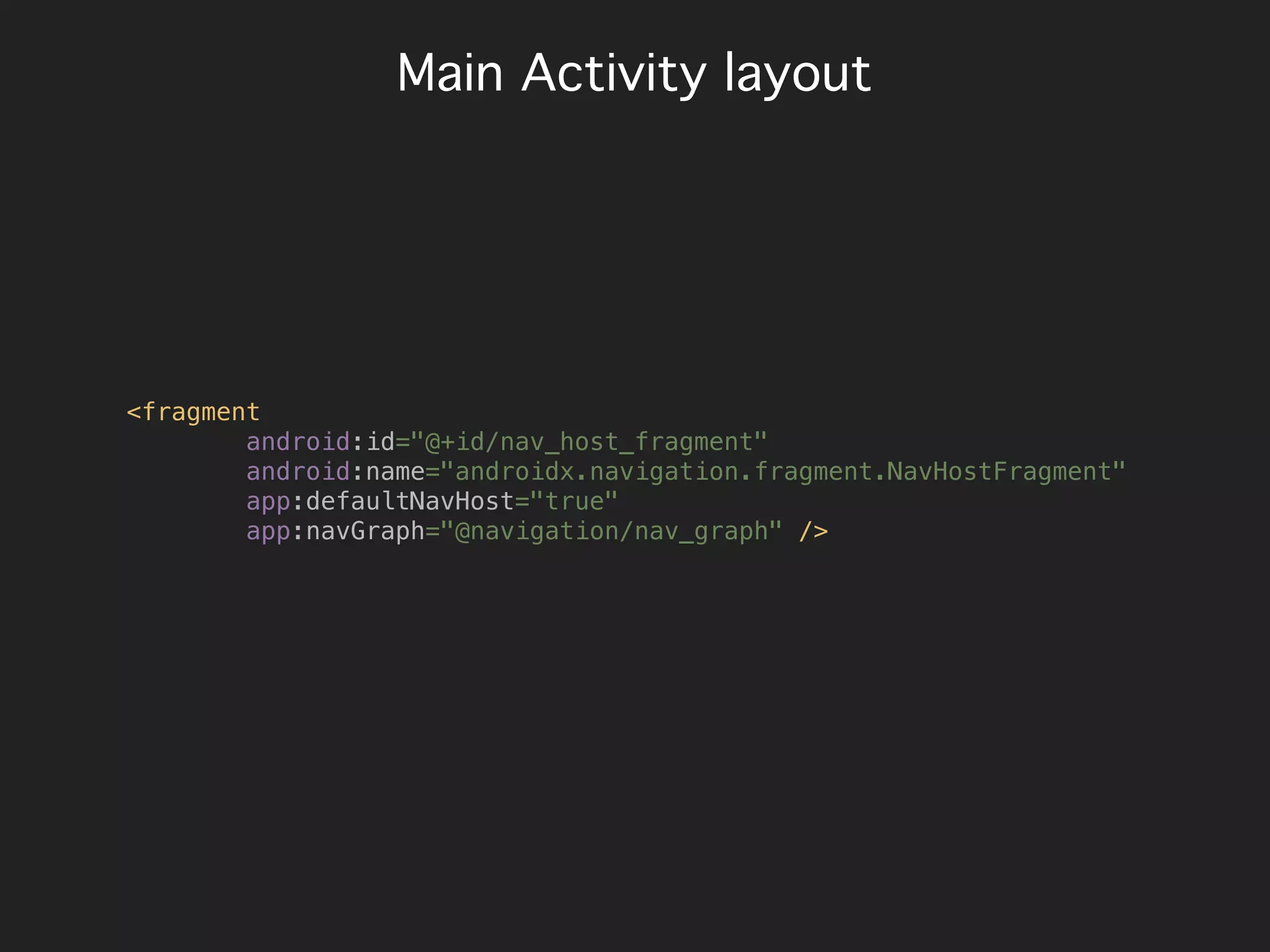
Main Activity layout
<fragment
android:id="@+id/nav_host_fragment"
android:name="androidx.navigation.fragment.NavHostFragment"
app:defaultNavHost="true"
app:navGraph="@navigation/nav_graph" />
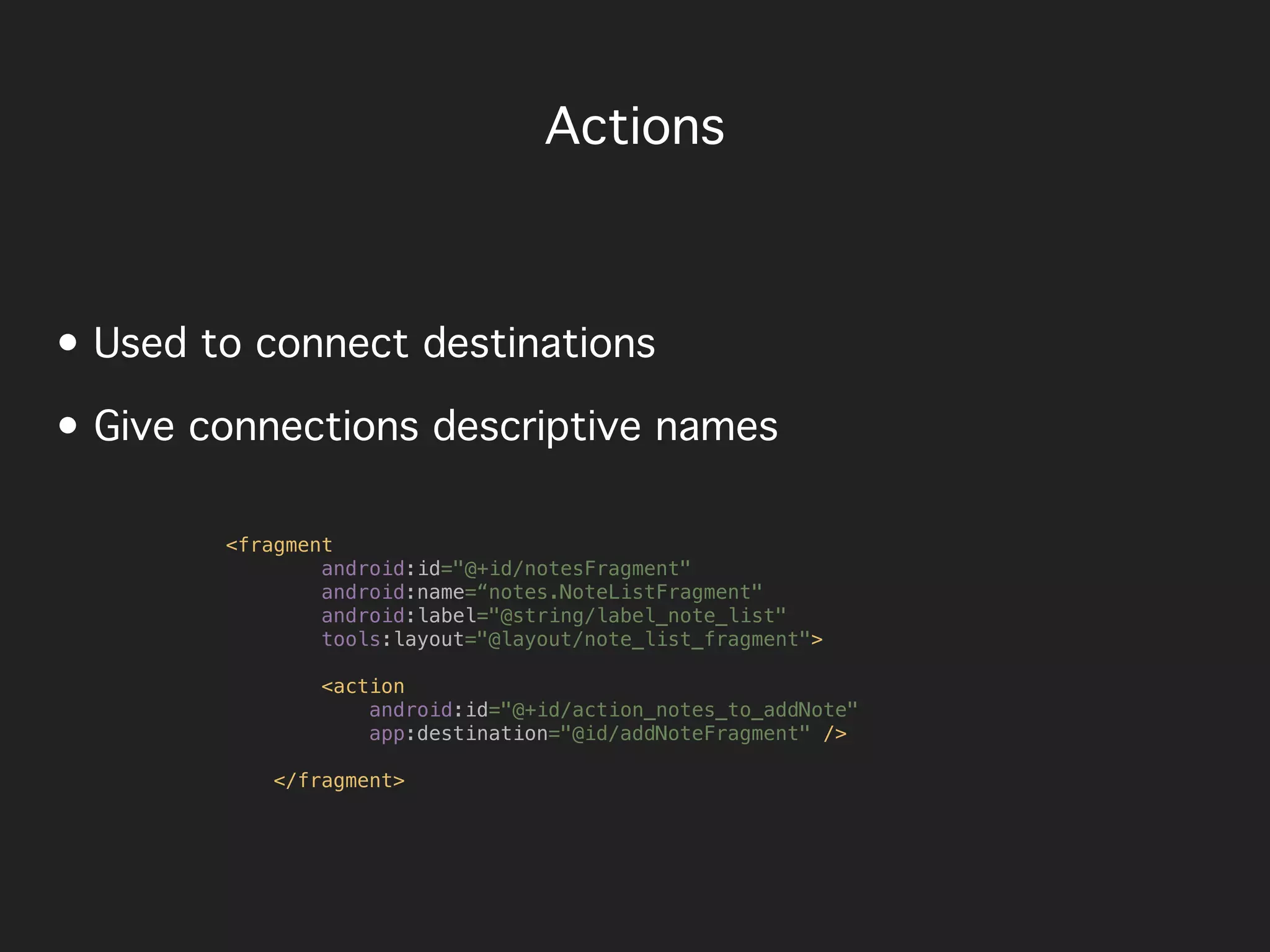
Actions
• Used to connect destinations
• Give connections descriptive names
<fragment
android:id="@+id/notesFragment"
android:name=“notes.NoteListFragment"
android:label="@string/label_note_list"
tools:layout="@layout/note_list_fragment">
<action
android:id="@+id/action_notes_to_addNote"
app:destination="@id/addNoteFragment" />
</fragment>
Global Actions
• Declared outside of any destinations
• Example: a button that takes you to the same screen
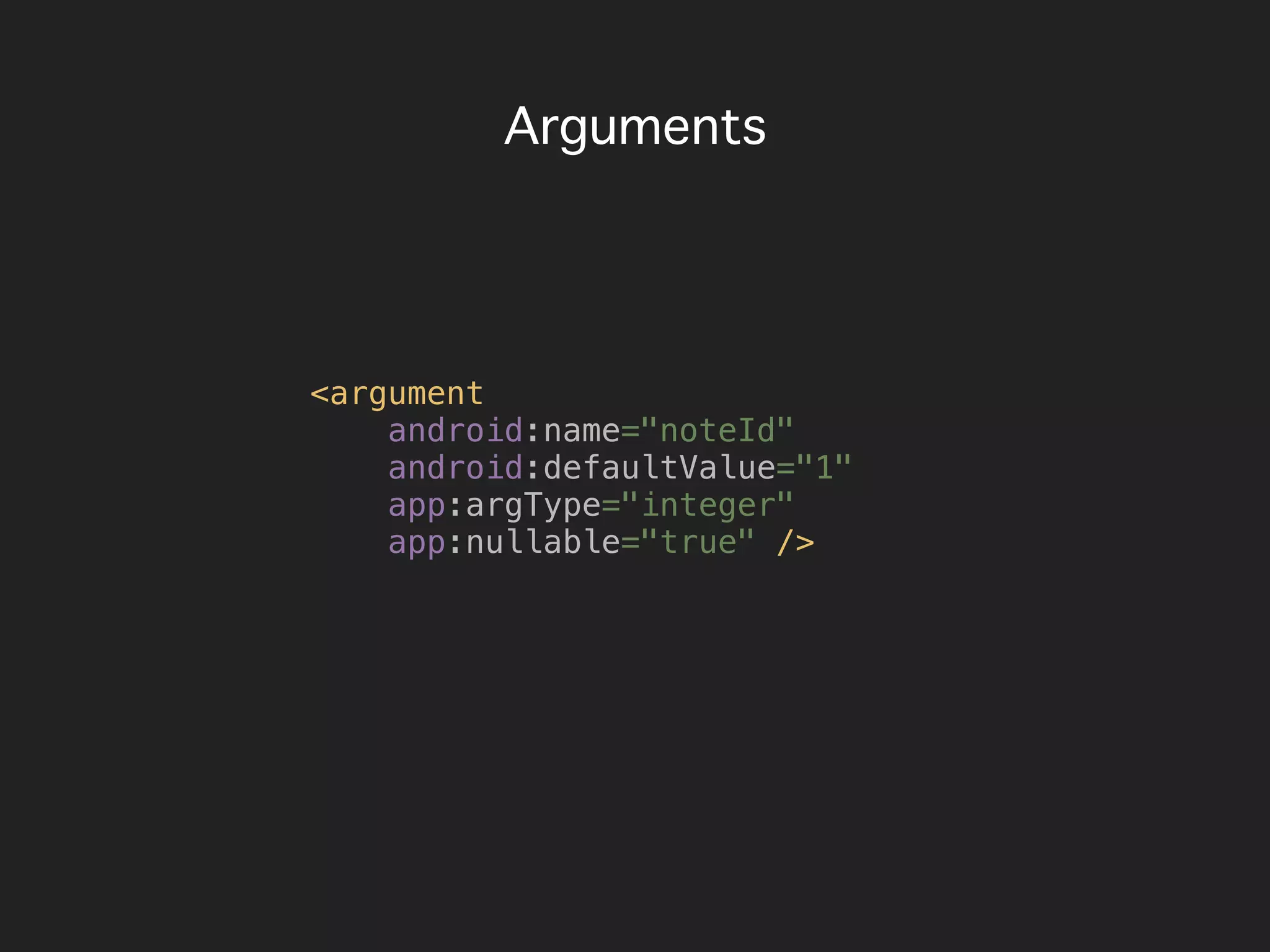
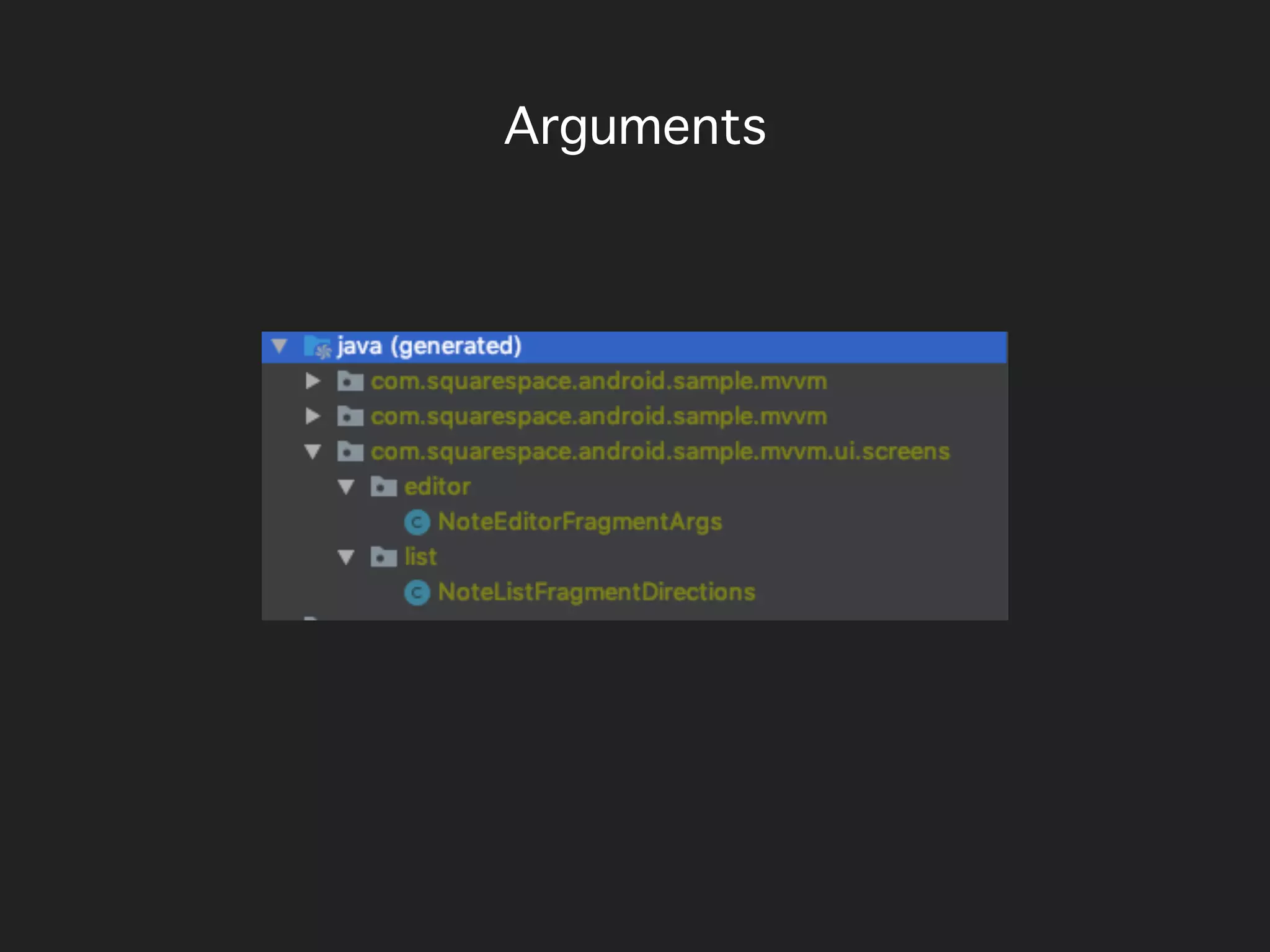
Arguments
<argument
android:name="noteId"
android:defaultValue="1"
app:argType="integer"
app:nullable="true" />
Arguments
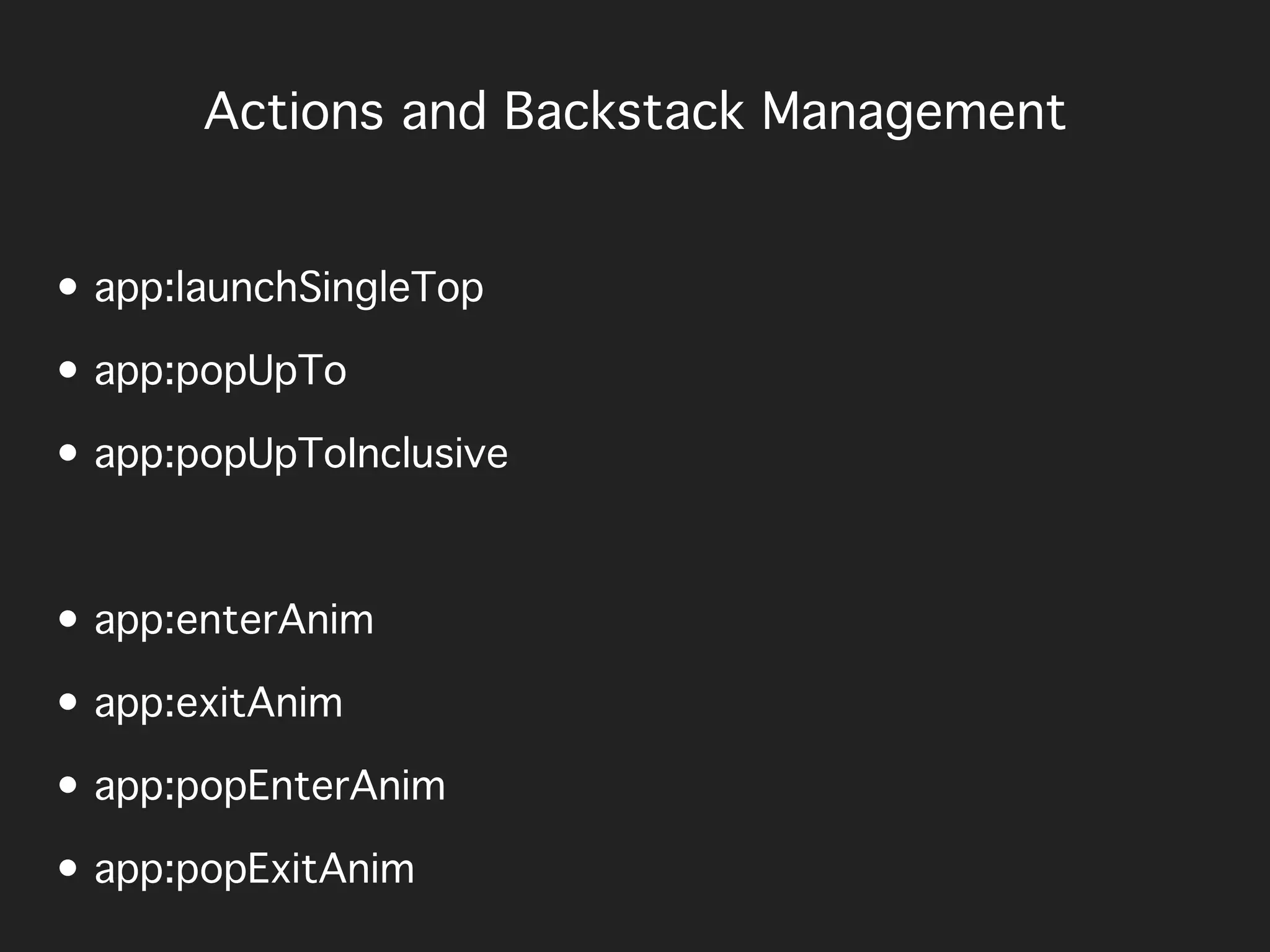
Actions and Backstack Management
• app:launchSingleTop
• app:popUpTo
• app:popUpToInclusive
• app:enterAnim
• app:exitAnim
• app:popEnterAnim
• app:popExitAnim
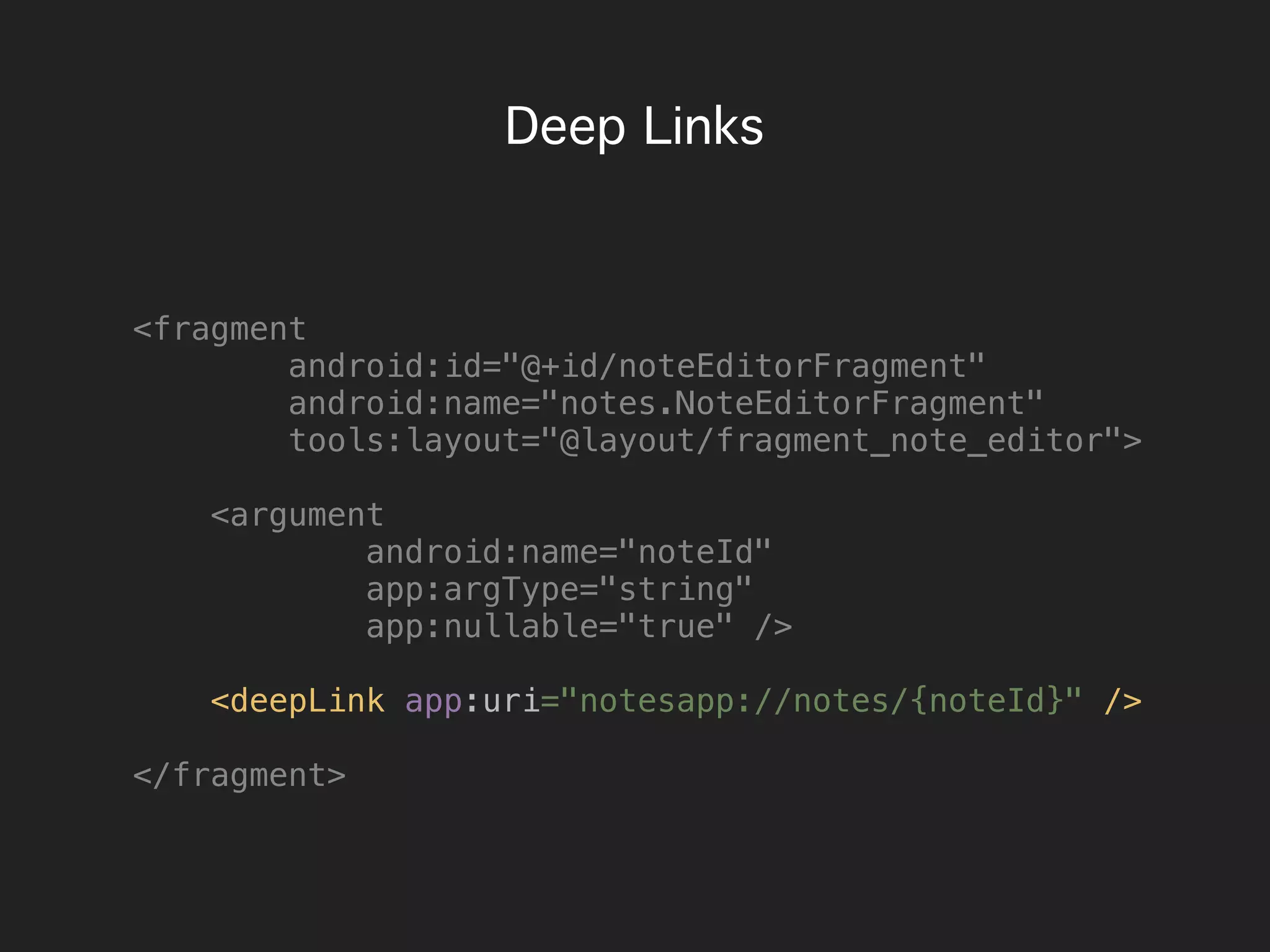
Deep Links
• Simplified implementation
• No need to manually synthesize backstack
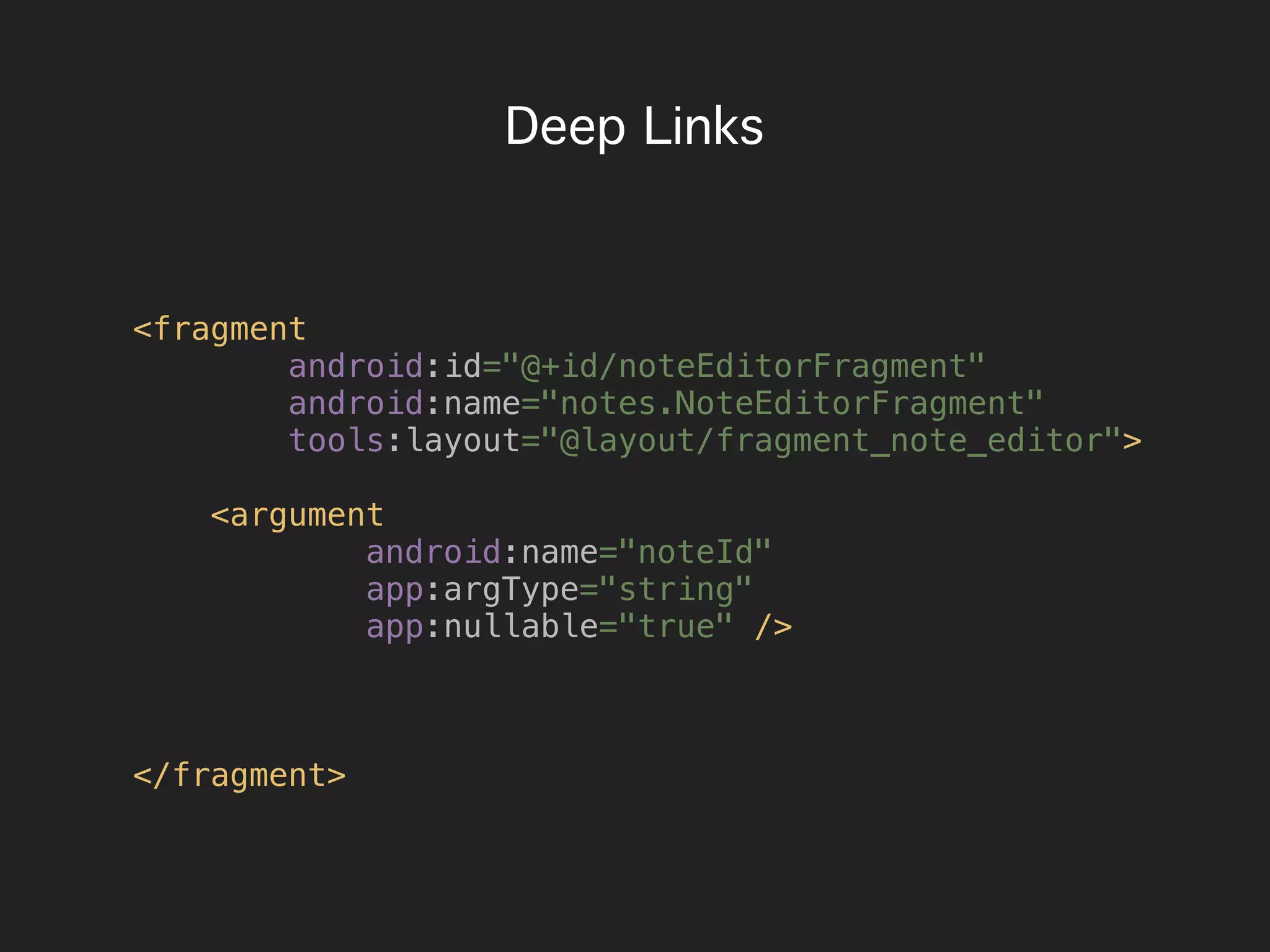
Deep Links
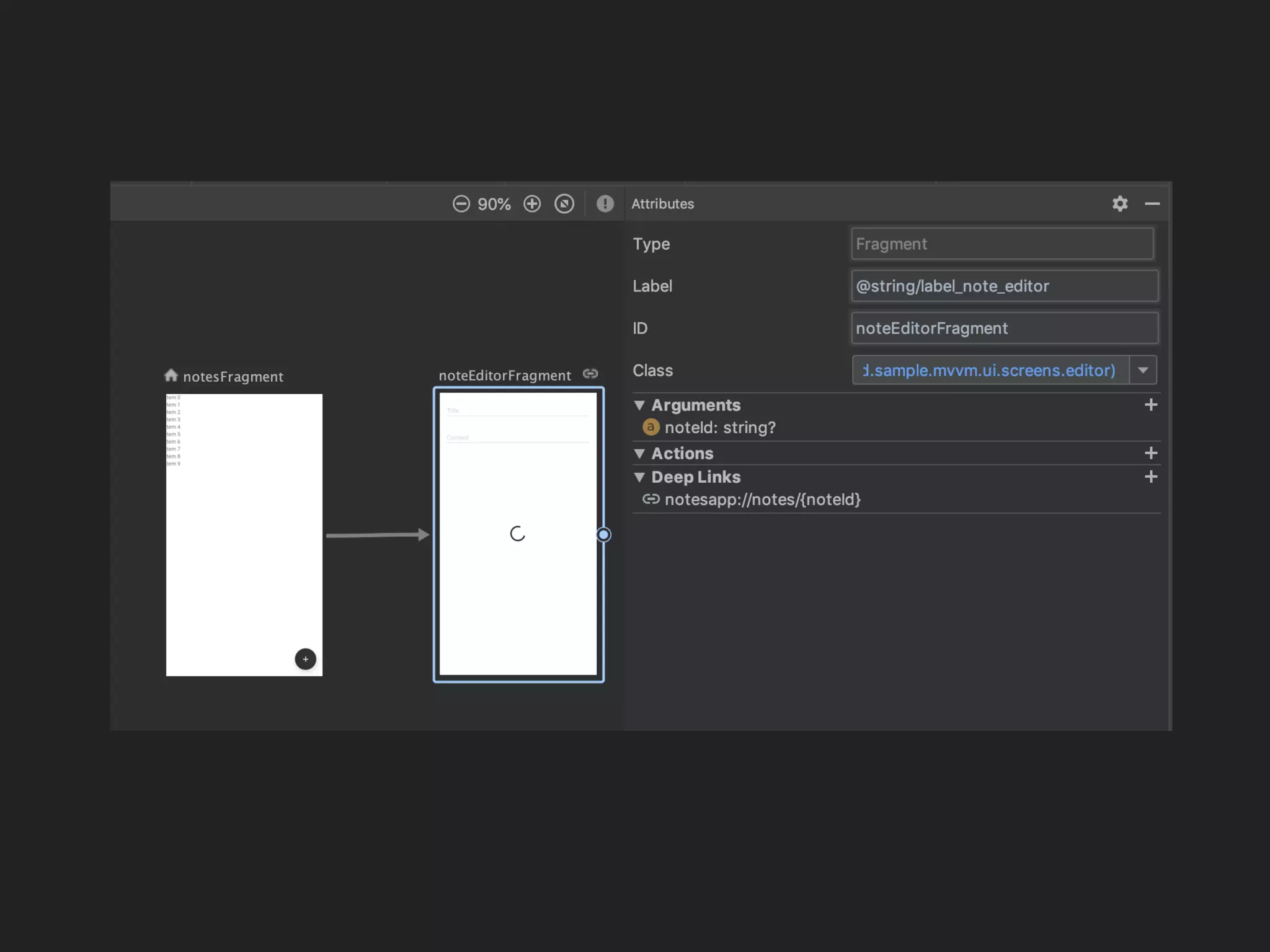
<fragment
android:id="@+id/noteEditorFragment"
android:name="notes.NoteEditorFragment"
tools:layout="@layout/fragment_note_editor">
<argument
android:name="noteId"
app:argType="string"
app:nullable="true" />
</fragment>
Deep Links
<fragment
android:id="@+id/noteEditorFragment"
android:name="notes.NoteEditorFragment"
tools:layout="@layout/fragment_note_editor">
<argument
android:name="noteId"
app:argType="string"
app:nullable="true" />
<deepLink app:uri="notesapp://notes/{noteId}" />
</fragment>
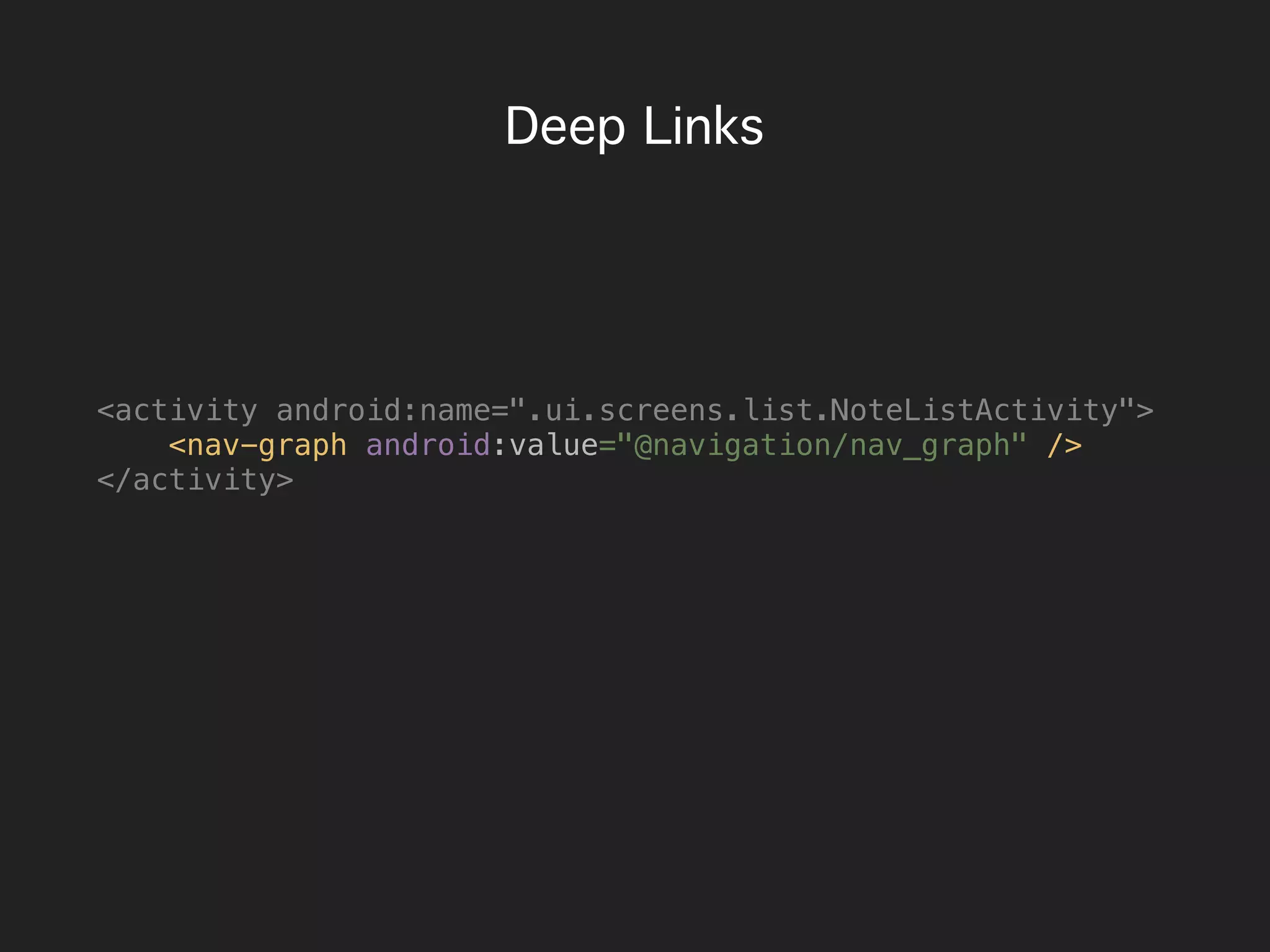
Deep Links
<activity android:name=".ui.screens.list.NoteListActivity">
<nav-graph android:value="@navigation/nav_graph" />
</activity>
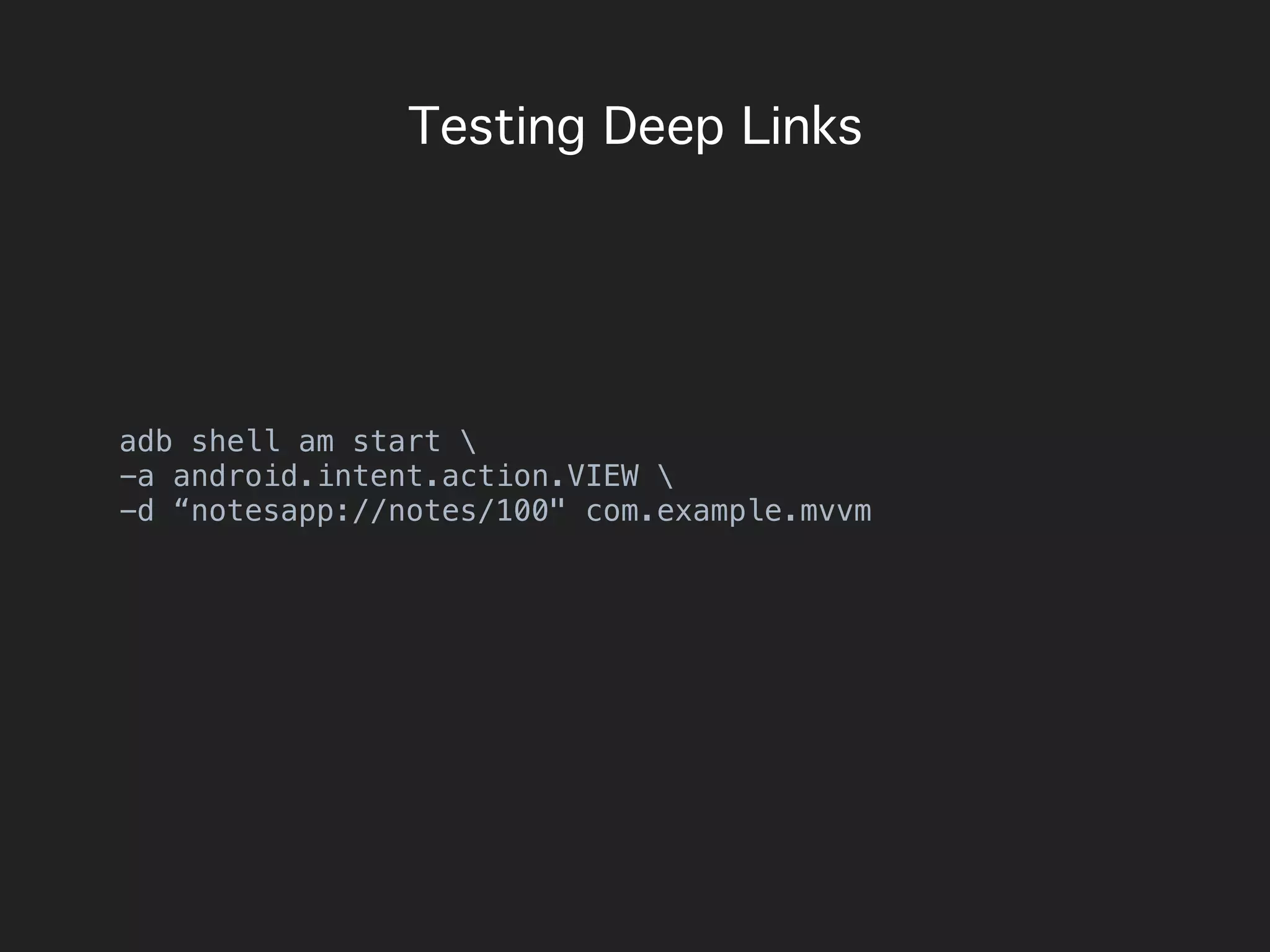
Testing Deep Links
adb shell am start 
-a android.intent.action.VIEW 
-d “notesapp://notes/100" com.example.mvvm
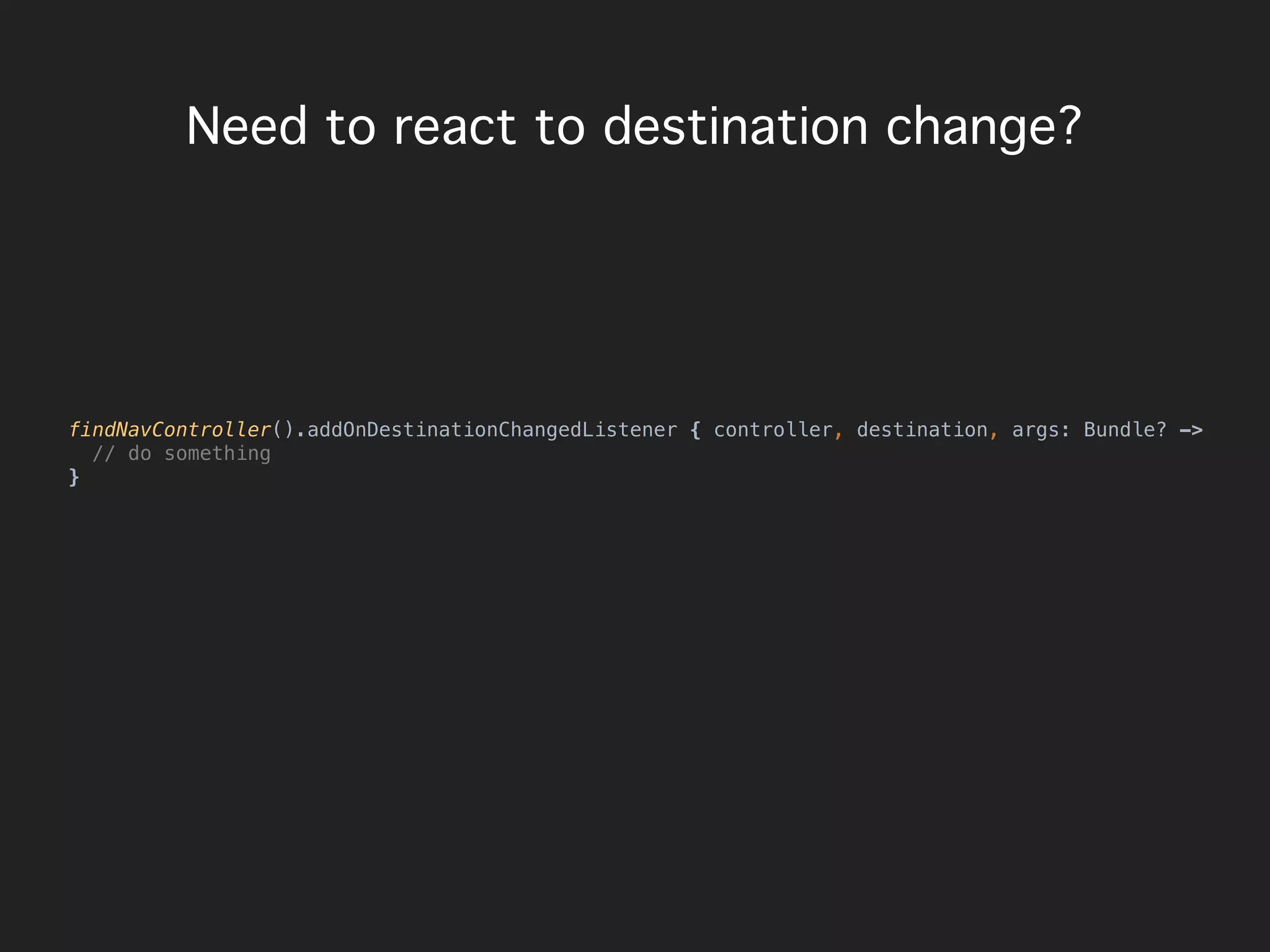
Need to react to destination change?
findNavController().addOnDestinationChangedListener { controller, destination, args: Bundle? ->
// do something
}
ViewModelStoreOwner
• Allows ViewModel scoped to the navigation graph
• ViewModel will be cleared when the navigation graph is
popped off the back stack
Multiple Navigation Graphs?
https://github.com/android/architecture-components-samples/tree/
master/NavigationAdvancedSample
Multiple Backstacks?
Testing?
https://developer.android.com/guide/navigation/navigation-testing
1. androidx.fragment.app.testing.FragmentScenario
2. Mockito
3. Espresso
Getting started
1. Add libraries
2. Create navigation graph
3. Get NavigationController and navigate
4. Add bottom navigation
5. Add transitions
6. Add deep link

Jetpack Navigation Component