Javascript Viva Questions
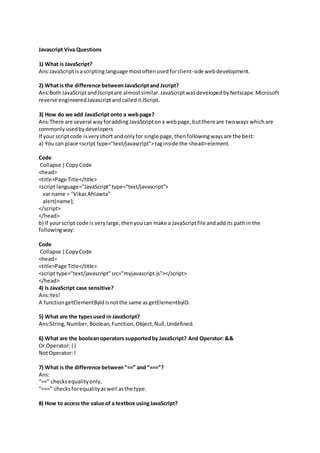
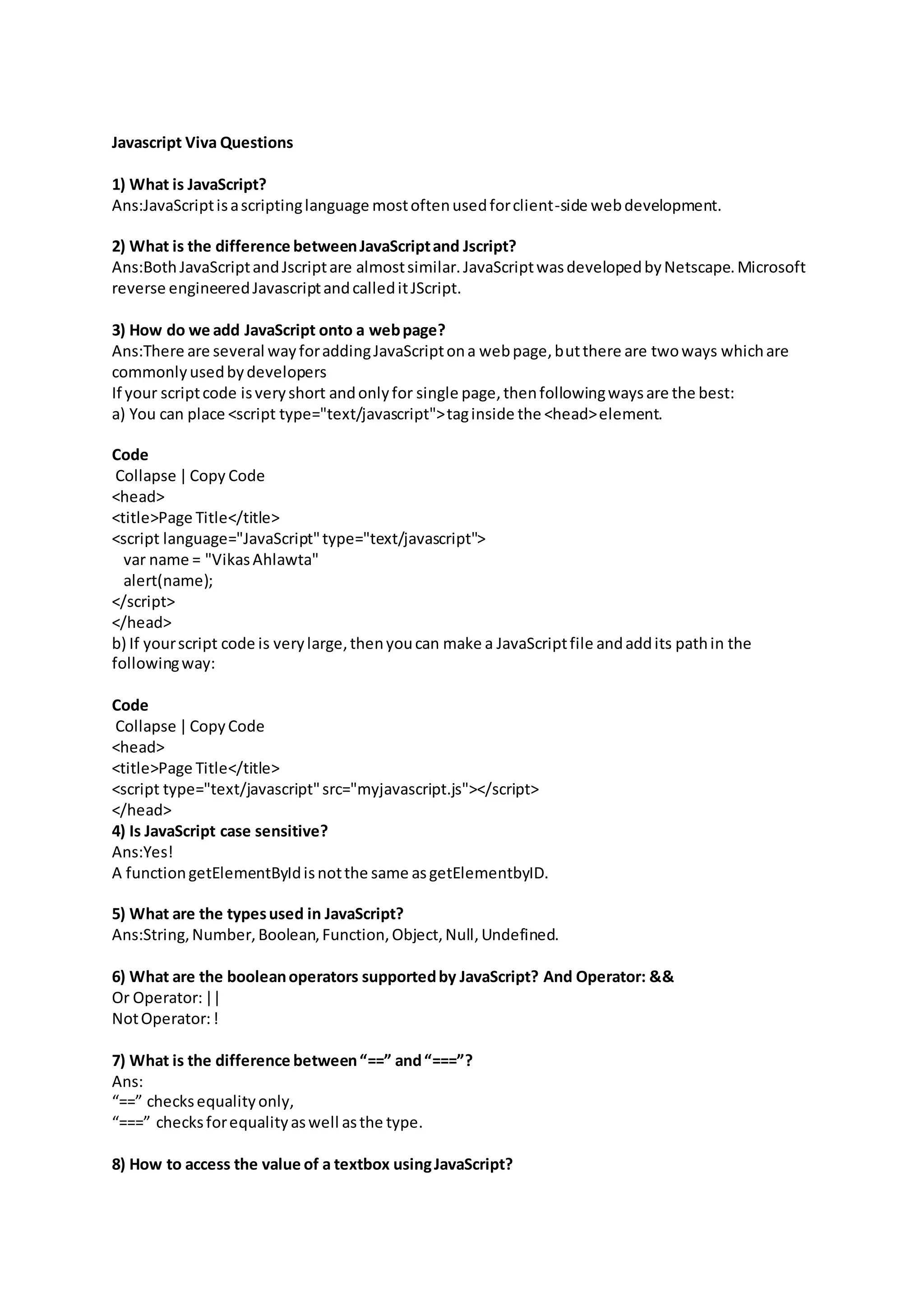
1) What is JavaScript?
Ans:JavaScriptisascriptinglanguage mostoftenusedforclient-side webdevelopment.
2) What is the difference betweenJavaScriptand Jscript?
Ans:BothJavaScriptandJscriptare almostsimilar.JavaScriptwasdevelopedbyNetscape.Microsoft
reverse engineeredJavascriptandcalleditJScript.
3) How do we add JavaScript onto a webpage?
Ans:There are several wayforaddingJavaScriptona webpage,butthere are twoways whichare
commonlyusedbydevelopers
If your scriptcode isveryshort andonlyfor single page,thenfollowingwaysare the best:
a) You can place <script type="text/javascript">taginside the <head>element.
Code
Collapse |Copy Code
<head>
<title>Page Title</title>
<script language="JavaScript"type="text/javascript">
var name = "VikasAhlawta"
alert(name);
</script>
</head>
b) If yourscript code is verylarge,thenyoucan make a JavaScriptfile andaddits pathin the
followingway:
Code
Collapse |CopyCode
<head>
<title>Page Title</title>
<script type="text/javascript"src="myjavascript.js"></script>
</head>
4) Is JavaScript case sensitive?
Ans:Yes!
A functiongetElementByIdisnotthe same asgetElementbyID.
5) What are the typesused in JavaScript?
Ans:String,Number,Boolean,Function,Object,Null,Undefined.
6) What are the booleanoperators supportedby JavaScript? And Operator: &&
Or Operator:||
NotOperator:!
7) What is the difference between“==” and“===”?
Ans:
“==” checksequalityonly,
“===” checksforequalityaswell asthe type.
8) How to access the value of a textbox usingJavaScript?
Ans:ex:-
Code
Collapse |CopyCode
<!DOCTYPE html>
<html>
<body>
Full name:<inputtype="text"id="txtFullName"
name="FirstName"value="VikasAhlawat">
</body>
</html>
There are followingwaystoaccessthe value of the above textbox:
Copy Code
var name = document.getElementById('txtFullName').value;
alert(name);
or:
we can use the oldway:
Copy Code
document.forms[0].mybutton.
var name = document.forms[0].FirstName.value;
alert(name);
Note:Thisusesthe "name"attribute of the elementtolocate it.
9) What are the ways of making comments inJavaScript?
Ans:
Collapse |CopyCode
// isusedfor line comments
ex:- varx=10; //commenttext
/*
*/ isusedforblockcomments
ex:-
Collapse |CopyCode
var x= 10; /* this is
blockcommentexample.*/
10) How will you get the Checkboxstatus whetherit is checkedor not?
Ans:
Collapse |CopyCode
var status= document.getElementById('checkbox1').checked;
alert(status);
will returntrue or false.
11) How to create arrays in JavaScript?
Ans:There are twowaysto create array inJavaScriptlike otherlanguages:
a) The firstway to create array
Declare Array:
Code
Collapse |CopyCode
var names= newArray();
AddElementsinArray:-
names[0] = "Vikas";
names[1] = "Ashish";
names[2] = "Nikhil";
b) This isthe secondway:
Collapse |CopyCode
var names= newArray("Vikas","Ashish","Nikhil");
12) If an array with name as "names" contain three elements,thenhowwill you print the third
elementofthis array?
Ans:Printthirdarray elementdocument.write(names[2]);
Note:- Arrayindex startswith0.
13) How do you submit a form using JavaScript?
Ans:Use document.forms[0].submit();
14) What doesisNaNfunction do?
Ans:It returnstrue if the argumentisnot a number.
Example:
Code
Collapse |CopyCode
document.write(isNaN("Hello")+"<br>");
document.write(isNaN("2013/06/23")+ "<br>");
document.write(isNaN(123)+"<br>");
The outputwill be:
Collapse |CopyCode
true
true
false
15) What isthe use of Math Objectin JavaScript?
Ans:The mathobjectprovidesyoupropertiesandmethodsformathematical constantsand
functions.
ex:-
Code
Collapse |CopyCode
var x = Math.PI; //ReturnsPI
var y = Math.sqrt(16);// Returnsthe square rootof 16
var z = Math.sin(90); Returnsthe sine of 90
getElementById(“myText”).className =“anyclass”;

Javascript viva questions

  • 1.
    Javascript Viva Questions 1)What is JavaScript? Ans:JavaScriptisascriptinglanguage mostoftenusedforclient-side webdevelopment. 2) What is the difference betweenJavaScriptand Jscript? Ans:BothJavaScriptandJscriptare almostsimilar.JavaScriptwasdevelopedbyNetscape.Microsoft reverse engineeredJavascriptandcalleditJScript. 3) How do we add JavaScript onto a webpage? Ans:There are several wayforaddingJavaScriptona webpage,butthere are twoways whichare commonlyusedbydevelopers If your scriptcode isveryshort andonlyfor single page,thenfollowingwaysare the best: a) You can place <script type="text/javascript">taginside the <head>element. Code Collapse |Copy Code <head> <title>Page Title</title> <script language="JavaScript"type="text/javascript"> var name = "VikasAhlawta" alert(name); </script> </head> b) If yourscript code is verylarge,thenyoucan make a JavaScriptfile andaddits pathin the followingway: Code Collapse |CopyCode <head> <title>Page Title</title> <script type="text/javascript"src="myjavascript.js"></script> </head> 4) Is JavaScript case sensitive? Ans:Yes! A functiongetElementByIdisnotthe same asgetElementbyID. 5) What are the typesused in JavaScript? Ans:String,Number,Boolean,Function,Object,Null,Undefined. 6) What are the booleanoperators supportedby JavaScript? And Operator: && Or Operator:|| NotOperator:! 7) What is the difference between“==” and“===”? Ans: “==” checksequalityonly, “===” checksforequalityaswell asthe type. 8) How to access the value of a textbox usingJavaScript?
  • 2.
    Ans:ex:- Code Collapse |CopyCode <!DOCTYPE html> <html> <body> Fullname:<inputtype="text"id="txtFullName" name="FirstName"value="VikasAhlawat"> </body> </html> There are followingwaystoaccessthe value of the above textbox: Copy Code var name = document.getElementById('txtFullName').value; alert(name); or: we can use the oldway: Copy Code document.forms[0].mybutton. var name = document.forms[0].FirstName.value; alert(name); Note:Thisusesthe "name"attribute of the elementtolocate it. 9) What are the ways of making comments inJavaScript? Ans: Collapse |CopyCode // isusedfor line comments ex:- varx=10; //commenttext /* */ isusedforblockcomments ex:- Collapse |CopyCode var x= 10; /* this is blockcommentexample.*/ 10) How will you get the Checkboxstatus whetherit is checkedor not? Ans: Collapse |CopyCode var status= document.getElementById('checkbox1').checked; alert(status); will returntrue or false. 11) How to create arrays in JavaScript? Ans:There are twowaysto create array inJavaScriptlike otherlanguages:
  • 3.
    a) The firstwayto create array Declare Array: Code Collapse |CopyCode var names= newArray(); AddElementsinArray:- names[0] = "Vikas"; names[1] = "Ashish"; names[2] = "Nikhil"; b) This isthe secondway: Collapse |CopyCode var names= newArray("Vikas","Ashish","Nikhil"); 12) If an array with name as "names" contain three elements,thenhowwill you print the third elementofthis array? Ans:Printthirdarray elementdocument.write(names[2]); Note:- Arrayindex startswith0. 13) How do you submit a form using JavaScript? Ans:Use document.forms[0].submit(); 14) What doesisNaNfunction do? Ans:It returnstrue if the argumentisnot a number. Example: Code Collapse |CopyCode document.write(isNaN("Hello")+"<br>"); document.write(isNaN("2013/06/23")+ "<br>"); document.write(isNaN(123)+"<br>"); The outputwill be: Collapse |CopyCode true true false 15) What isthe use of Math Objectin JavaScript? Ans:The mathobjectprovidesyoupropertiesandmethodsformathematical constantsand functions. ex:- Code Collapse |CopyCode var x = Math.PI; //ReturnsPI var y = Math.sqrt(16);// Returnsthe square rootof 16 var z = Math.sin(90); Returnsthe sine of 90 getElementById(“myText”).className =“anyclass”;