The itslearning wheel
a Learning Centric Approach to technology
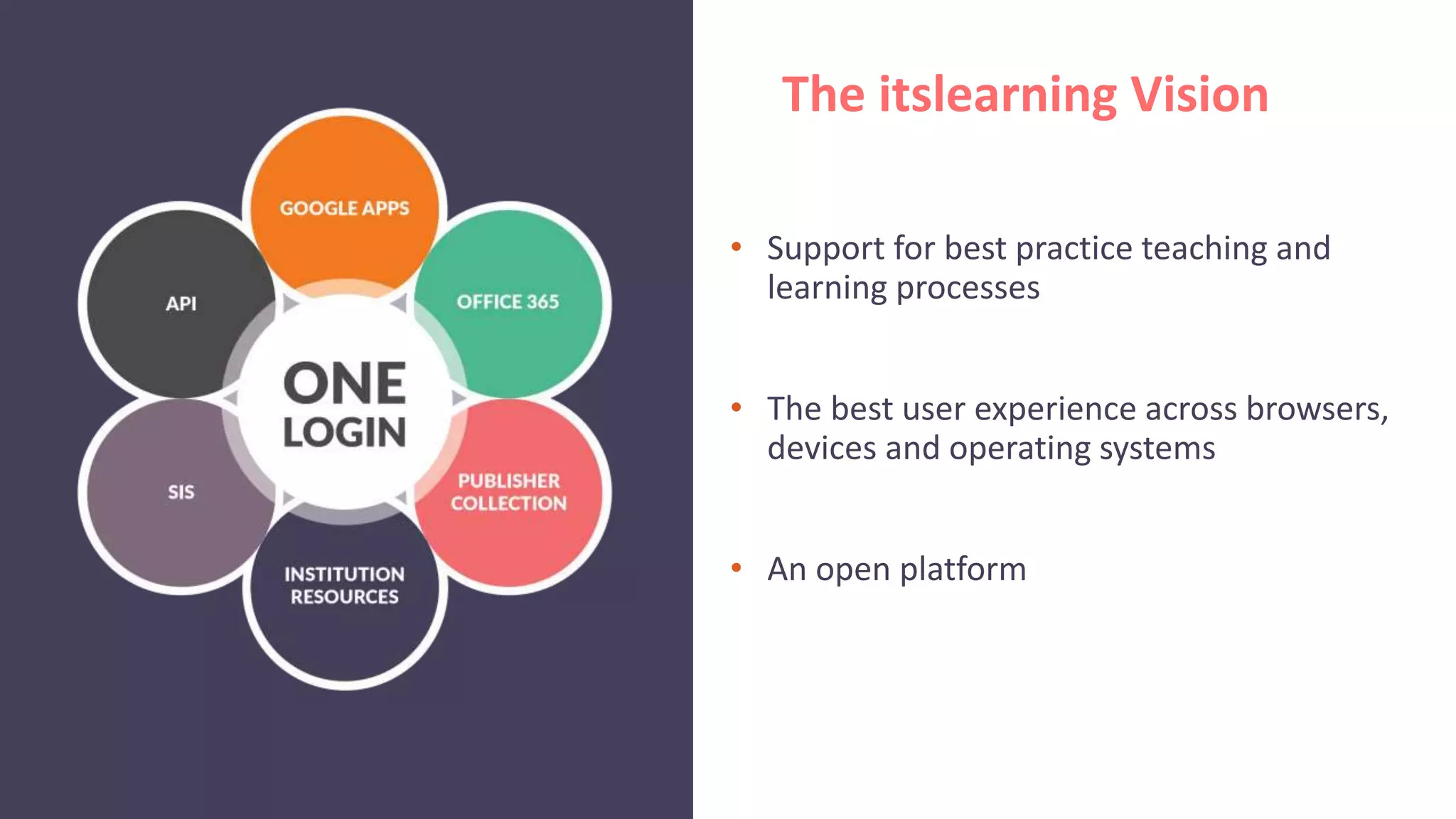
• Support for best practice teaching and
learning processes
• The best user experience across browsers,
devices and operating systems
• An open platform
The itslearning Vision
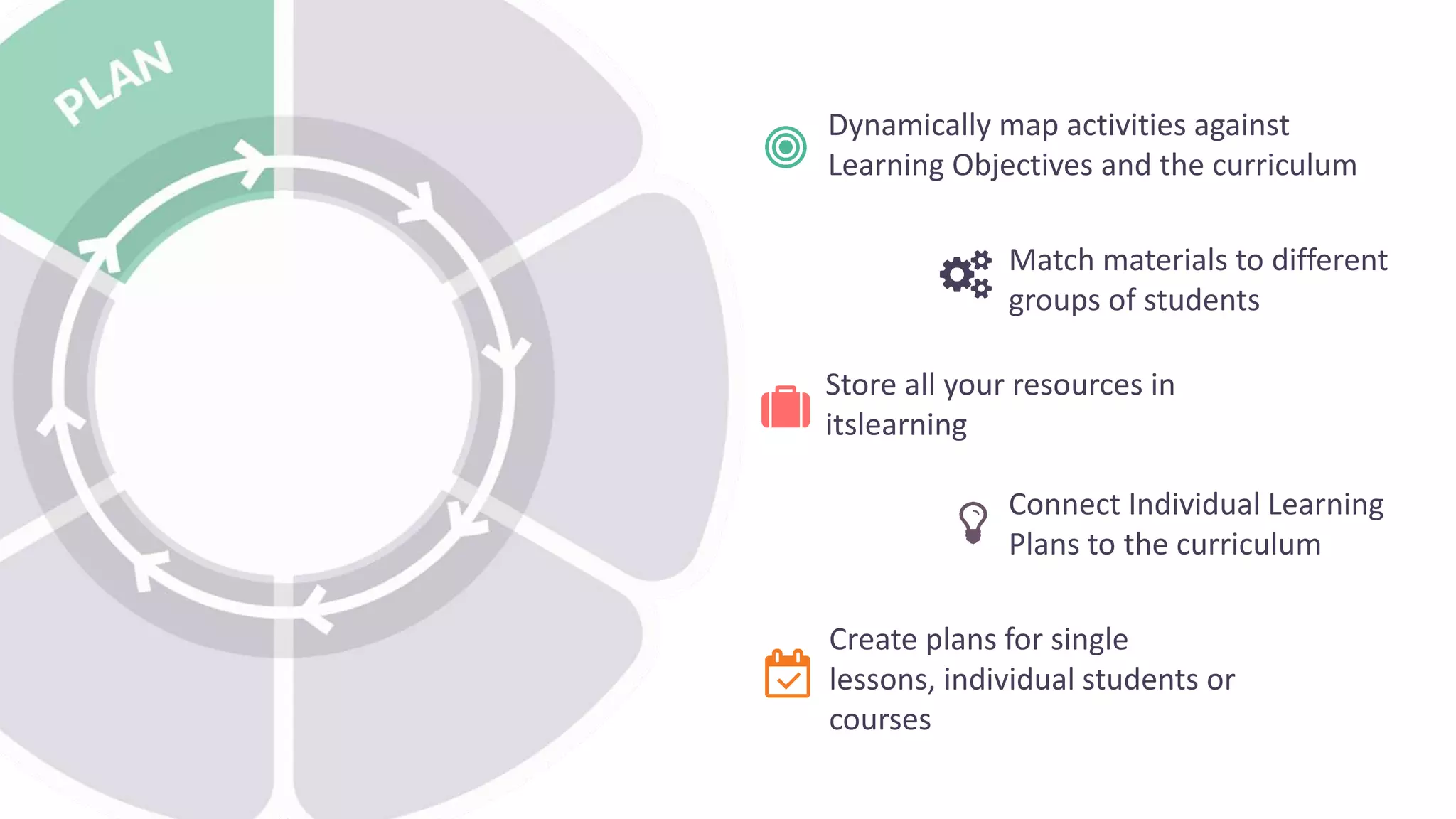
PLAN
Plan courses, lessons, and IEPs, in
alignment with curricula,
individually or collaboratively
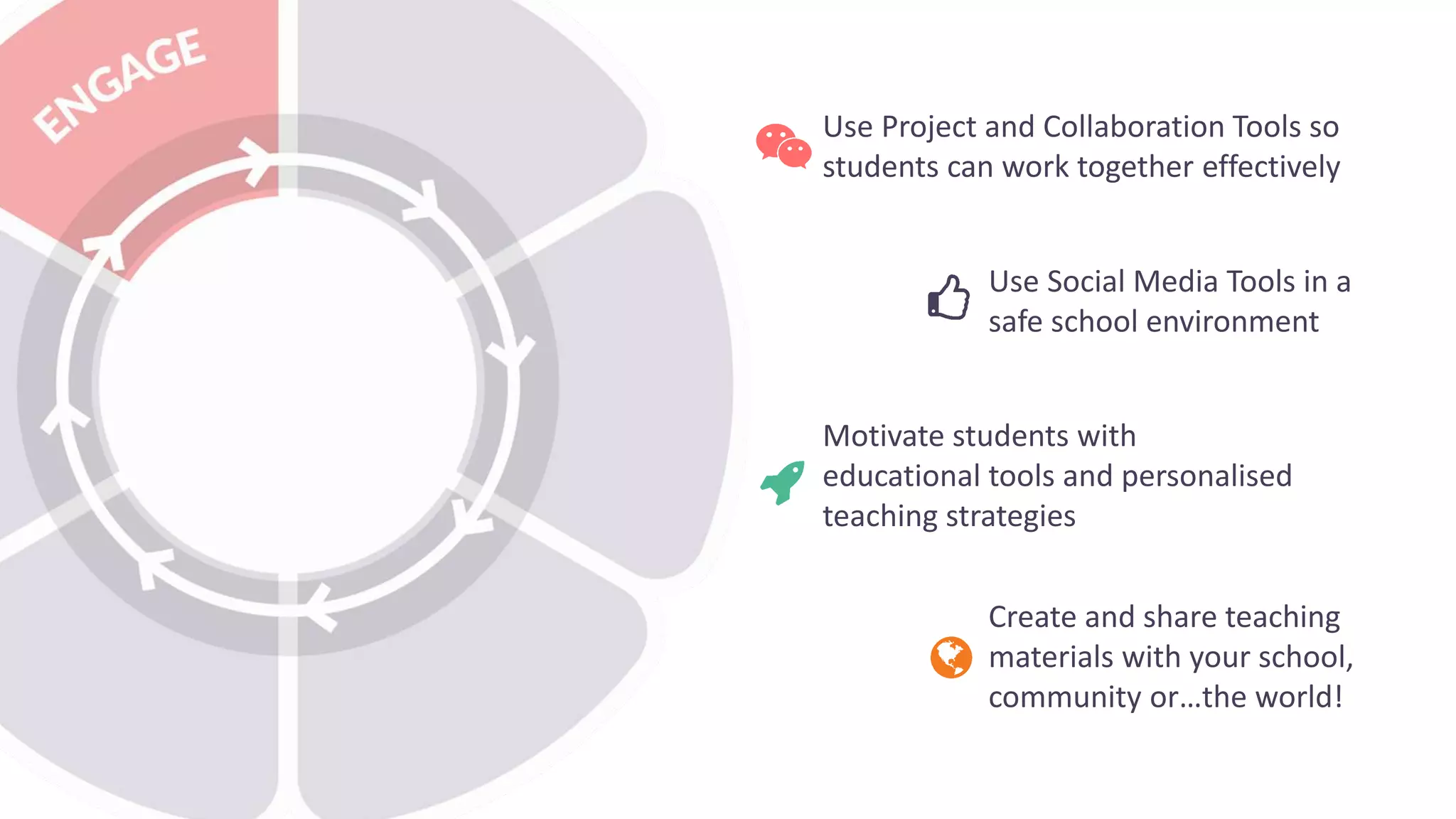
ENGAGE
Engage learners with resources and
apps best suited to their learning
styles
TEACH
Teach using your preferred strategies
while enjoying optimized workflows
for assignments, assessments, and
grading
ASSESS
Assess mastery against locally /
regionally prescribed objectives
REFLECT
Reflect on teaching and learning
efficacy with peer reviews and
portfolios
REPORT
Report on outcomes, course
effectiveness, school/municipality
performance
LEARNING
Analytics and insights used to
continuously improve
Tie activities and assignments to
standards-based rubrics
Search library for multiple
standards-aligned resources
Embed learning-objectives into
course and lesson plans
Role-based reporting dashboards to
focus remediation
Standards-aligned assessments and system-
supplied content recommendations
Connect & Improve Educational Processes
Store all your resources in
itslearning
Match materials to different
groups of students
Connect Individual Learning
Plans to the curriculum
Create plans for single
lessons, individual students or
courses
Dynamically map activities against
Learning Objectives and the curriculum
Motivate students with
educational tools and personalised
teaching strategies
Use Social Media Tools in a
safe school environment
Create and share teaching
materials with your school,
community or…the world!
Use Project and Collaboration Tools so
students can work together effectively
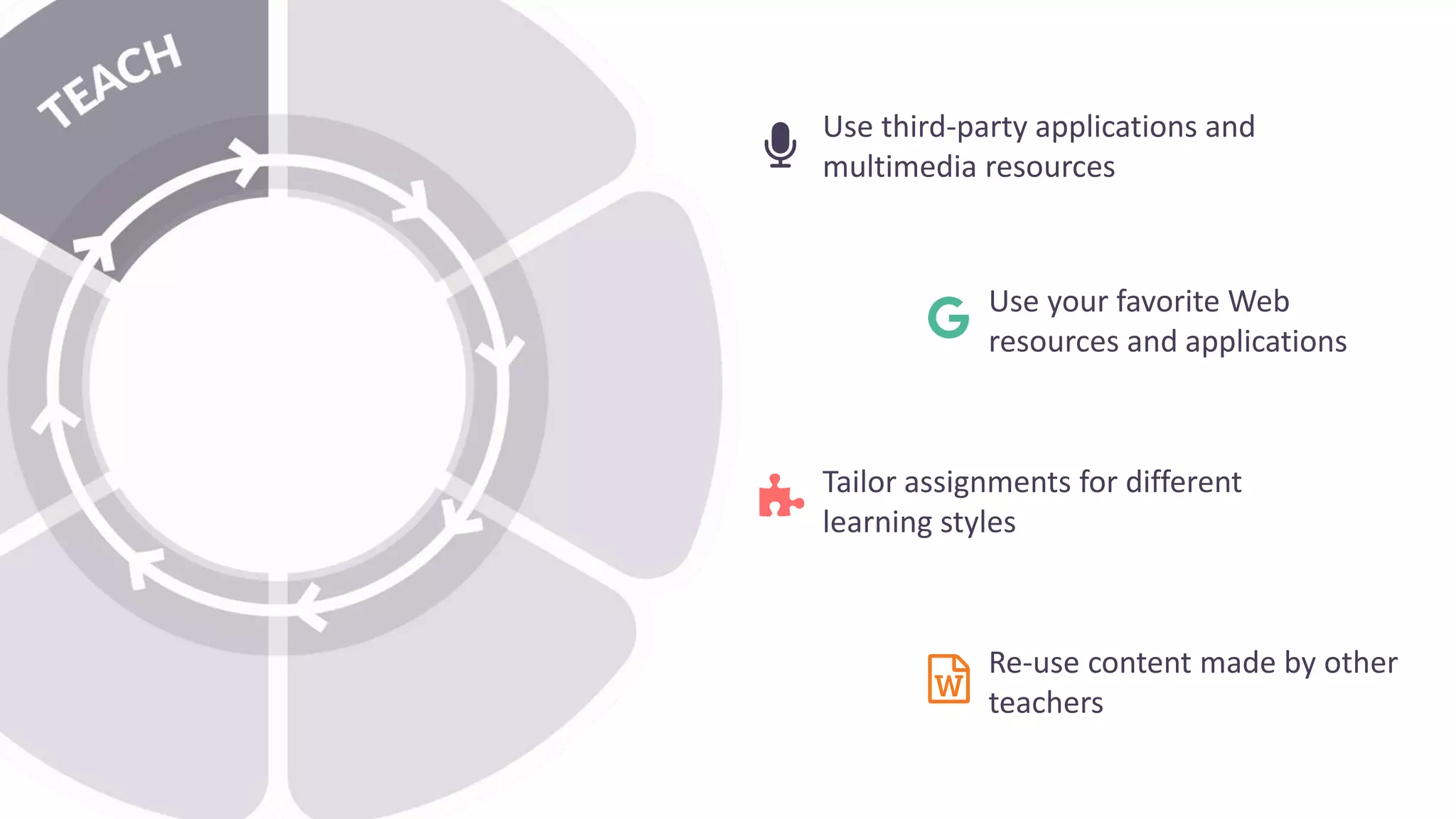
Tailor assignments for different
learning styles
Use your favorite Web
resources and applications
Re-use content made by other
teachers
Use third-party applications and
multimedia resources
Give immediate feedback to
individuals and groups
Use tools for formative and
summative Assessment
Communicate with your
students anytime, anywhere
and on any device
Map student performance to Individual
Learning Plans and curriculum
Document students’ progress,
goals and achievements
Use ePortfolios and blogs to
encourage student
ownership
Create dynamic improvement
plans for individual students
Use self-assessment tools with
your students
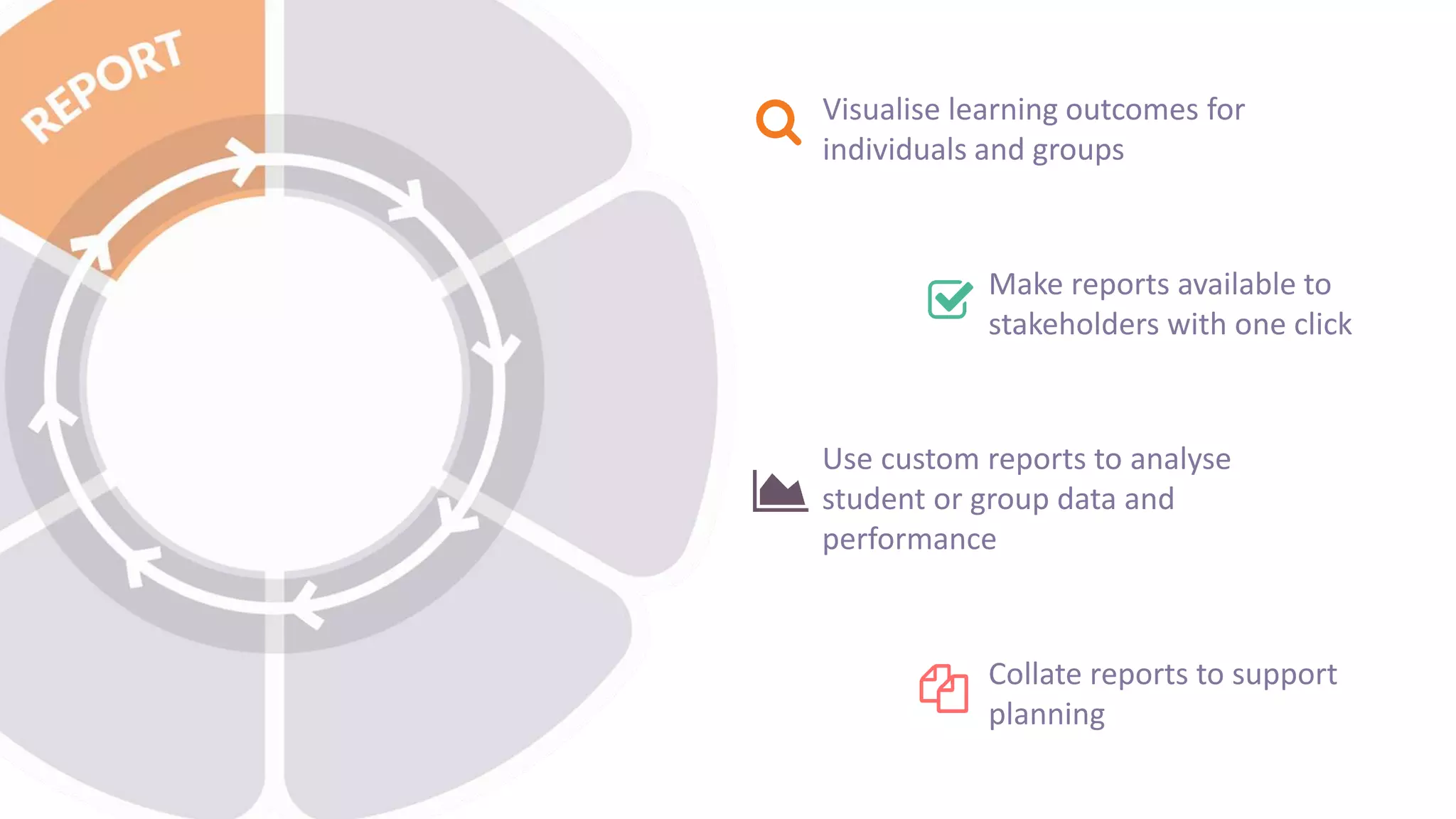
Use custom reports to analyse
student or group data and
performance
Make reports available to
stakeholders with one click
Collate reports to support
planning
Visualise learning outcomes for
individuals and groups
  Itslearning - the wheel pedagogy

Itslearning - the wheel pedagogy

  • 1.
    The itslearning wheel aLearning Centric Approach to technology
  • 2.
    • Support forbest practice teaching and learning processes • The best user experience across browsers, devices and operating systems • An open platform The itslearning Vision
  • 3.
    PLAN Plan courses, lessons,and IEPs, in alignment with curricula, individually or collaboratively ENGAGE Engage learners with resources and apps best suited to their learning styles TEACH Teach using your preferred strategies while enjoying optimized workflows for assignments, assessments, and grading ASSESS Assess mastery against locally / regionally prescribed objectives REFLECT Reflect on teaching and learning efficacy with peer reviews and portfolios REPORT Report on outcomes, course effectiveness, school/municipality performance LEARNING Analytics and insights used to continuously improve Tie activities and assignments to standards-based rubrics Search library for multiple standards-aligned resources Embed learning-objectives into course and lesson plans Role-based reporting dashboards to focus remediation Standards-aligned assessments and system- supplied content recommendations Connect & Improve Educational Processes
  • 4.
    Store all yourresources in itslearning Match materials to different groups of students Connect Individual Learning Plans to the curriculum Create plans for single lessons, individual students or courses Dynamically map activities against Learning Objectives and the curriculum
  • 5.
    Motivate students with educationaltools and personalised teaching strategies Use Social Media Tools in a safe school environment Create and share teaching materials with your school, community or…the world! Use Project and Collaboration Tools so students can work together effectively
  • 6.
    Tailor assignments fordifferent learning styles Use your favorite Web resources and applications Re-use content made by other teachers Use third-party applications and multimedia resources
  • 7.
    Give immediate feedbackto individuals and groups Use tools for formative and summative Assessment Communicate with your students anytime, anywhere and on any device Map student performance to Individual Learning Plans and curriculum
  • 8.
    Document students’ progress, goalsand achievements Use ePortfolios and blogs to encourage student ownership Create dynamic improvement plans for individual students Use self-assessment tools with your students
  • 9.
    Use custom reportsto analyse student or group data and performance Make reports available to stakeholders with one click Collate reports to support planning Visualise learning outcomes for individuals and groups