Introduction to Slide
PresentationSoftware
Explore slide presentation software with us. This presentation covers
PowerPoint, Google Slides, and Canva. Learn how to create engaging
content.
We will also demonstrate how it can be used in nursing informatics.
by Glenda Obre
2.
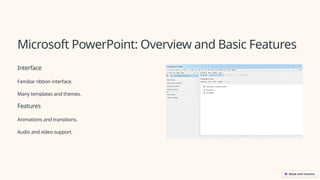
Microsoft PowerPoint: Overviewand Basic Features
Interface
Familiar ribbon interface.
Many templates and themes.
Features
Animations and transitions.
Audio and video support.
3.
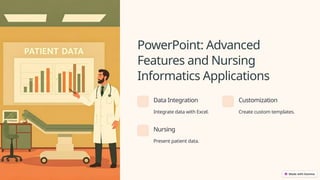
PowerPoint: Advanced
Features andNursing
Informatics Applications
Data Integration
Integrate data with Excel.
Customization
Create custom templates.
Nursing
Present patient data.
4.
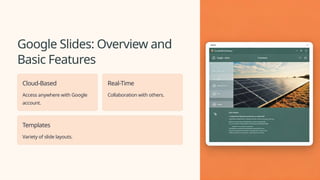
Google Slides: Overviewand
Basic Features
Cloud-Based
Access anywhere with Google
account.
Real-Time
Collaboration with others.
Templates
Variety of slide layouts.
5.
Google Slides: Collaborationand Nursing Informatics Use Cases
Collaboration
Multiple users can edit simultaneously.
Feedback
Provide comments and suggestions.
Access
Control sharing permissions.
6.
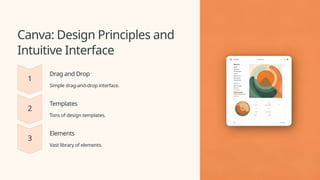
Canva: Design Principlesand
Intuitive Interface
Drag and Drop
Simple drag-and-drop interface.
Templates
Tons of design templates.
Elements
Vast library of elements.
7.
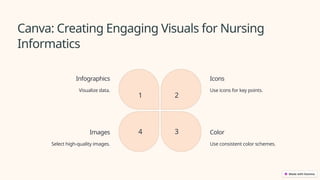
Canva: Creating EngagingVisuals for Nursing
Informatics
Infographics
Visualize data.
1
Icons
Use icons for key points.
2
Color
Use consistent color schemes.
3
Images
Select high-quality images.
4
8.
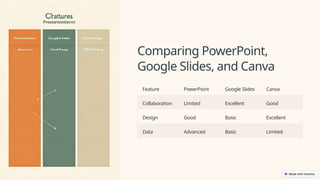
Comparing PowerPoint,
Google Slides,and Canva
Feature PowerPoint Google Slides Canva
Collaboration Limited Excellent Good
Design Good Basic Excellent
Data Advanced Basic Limited
Conclusion and Q&A
Choosethe software that fits your needs. Each platform provides unique
benefits.
PowerPoint, Google Slides, and Canva are all useful. Thank you.