Topic 1
Introduction to Multimedia
CSC253 CSC253
Overview
• Introduction to multimedia.
– Definition
– Types of multimedia
– Delivering multimedia
• Why multimedia?
• Applications of multimedia.
– Examples of multimedia application
• Summary
CSC253 2
Objectives
• At the end of this chapter, students should be
able to:
– define basic terms and concepts related to
multimedia technologies
– distinguish between the types of linear and non-
linear multimedia systems
– identify various applications of multimedia
CSC253 3
Introduction to Multimedia
• The definition of Multimedia :
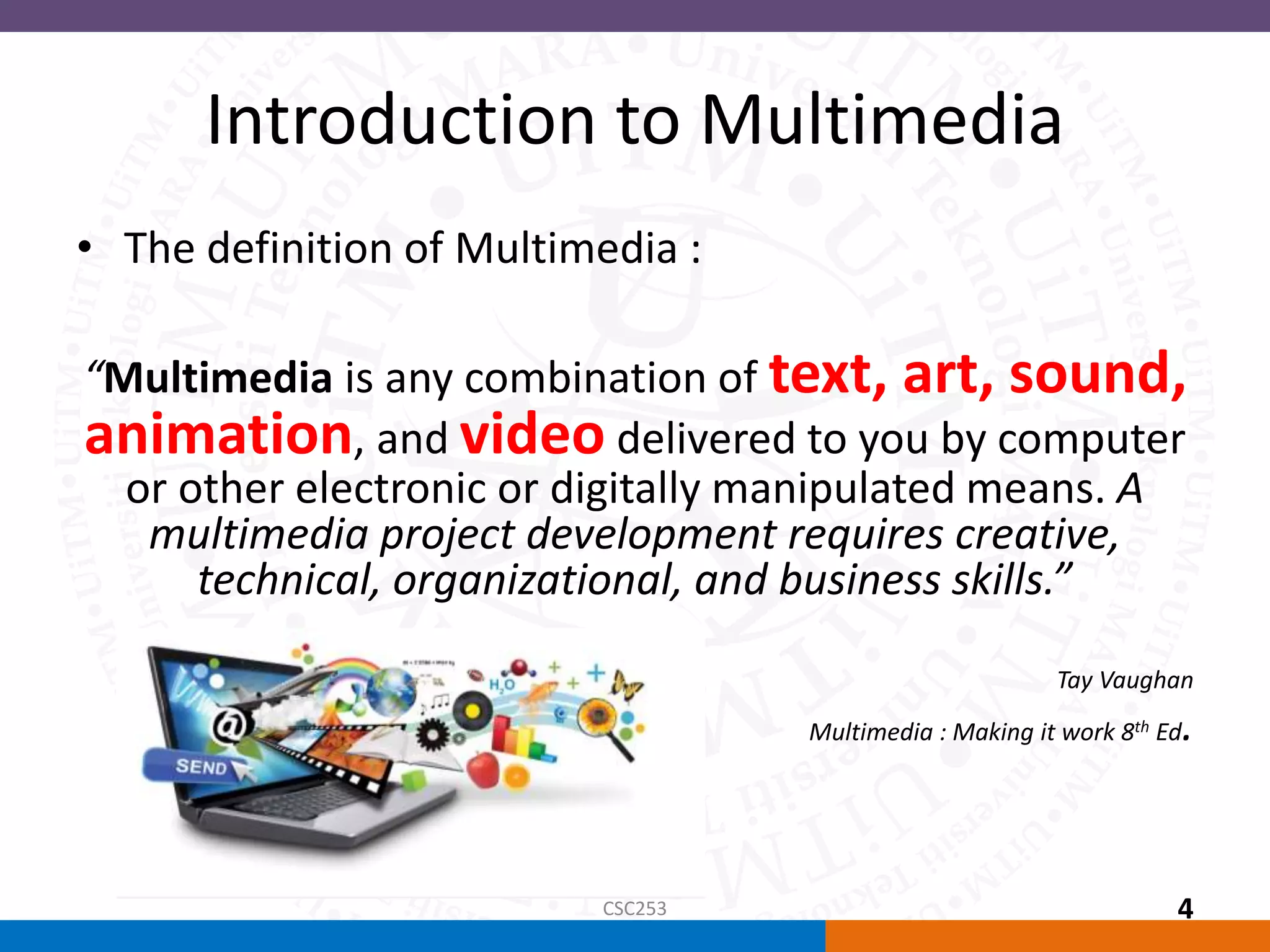
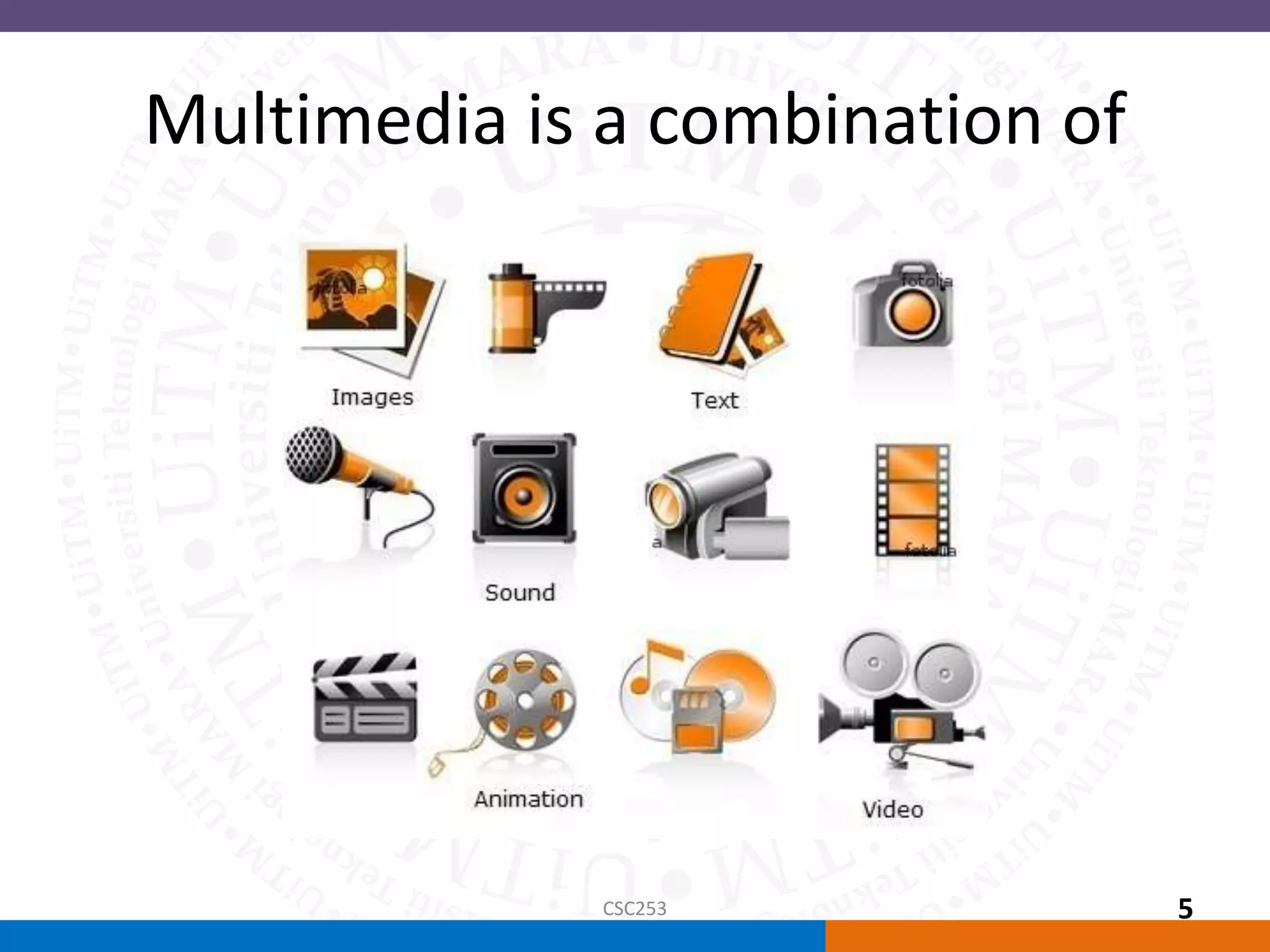
“Multimedia is any combination of text, art, sound,
animation, and video delivered to you by computer
or other electronic or digitally manipulated means. A
multimedia project development requires creative,
technical, organizational, and business skills.”
Tay Vaughan
Multimedia : Making it work 8th Ed.
CSC253 4
Multimedia is a combination of
CSC253 5
Multimedia Terminologies
• Interactive Multimedia: when a user is given
the option of controlling the elements.
• Hypermedia: when a user is provided a
structure of linked elements for navigation.
• Multimedia Developer : The people that
develop multimedia projects.
CSC253 6
Multimedia Terminologies
• The software vehicle, the messages, and the
content together constitute a multimedia
project.
• A multimedia project shipped to end-users
with or without instructions is called a
multimedia title.
• A project can also be launched on the Web.
CSC253 7
Introduction to Multimedia
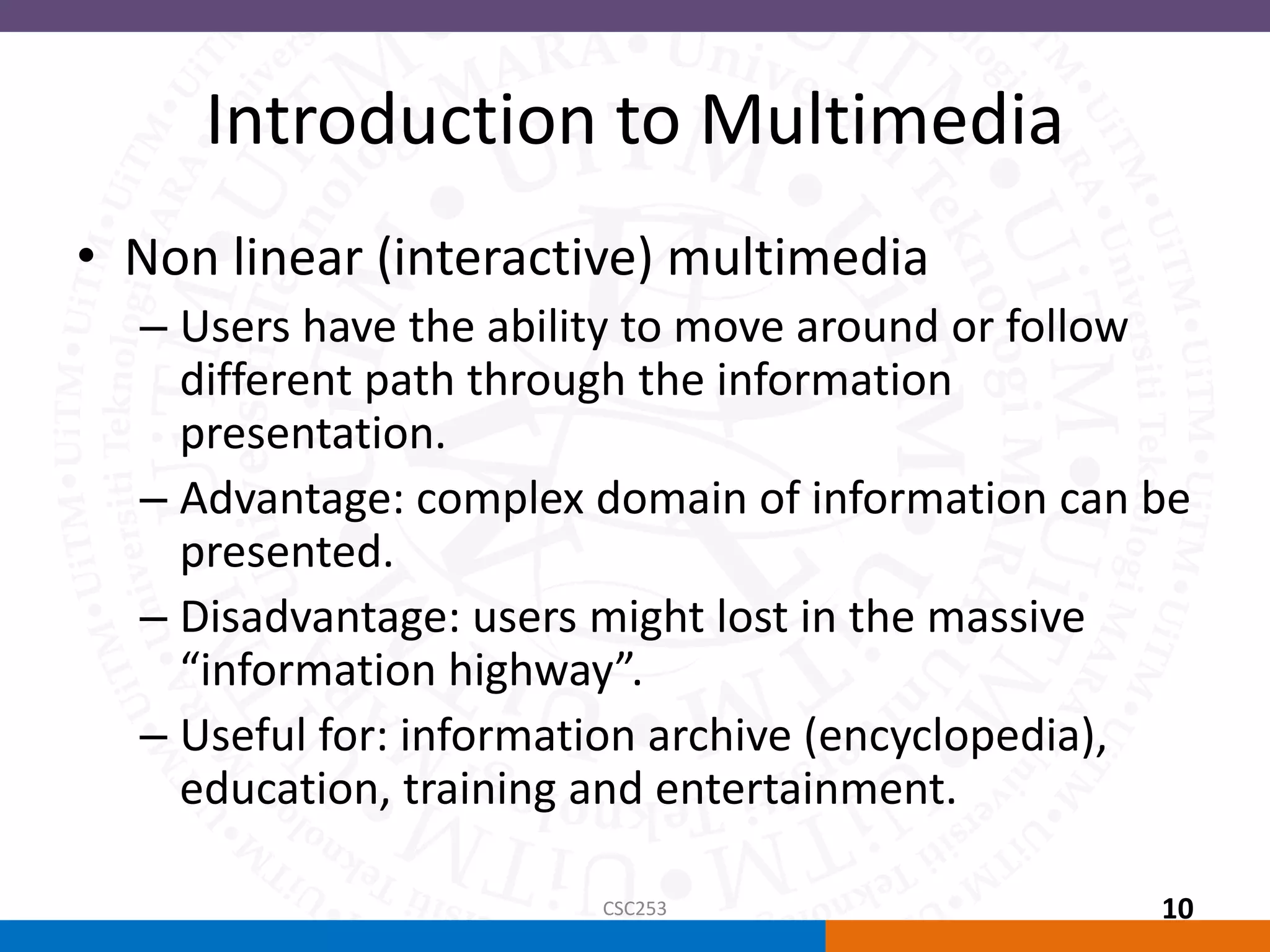
• Types of Multimedia projects :
– Linear Multimedia: Projects that are not interactive. Users
have very little control over the presentation
– Nonlinear (interactive) Multimedia : Projects that are
user-interactive, where users are given navigational
control.
CSC253 8
Introduction to Multimedia
• Linear Multimedia
– The users sit back and watches the presentation
– The presentation normally plays from the start to
end or even loops continually to present the
information.
– A movie is a common type of linear multimedia.
– Demo show, non interactive lecture
CSC253 9
Introduction to Multimedia
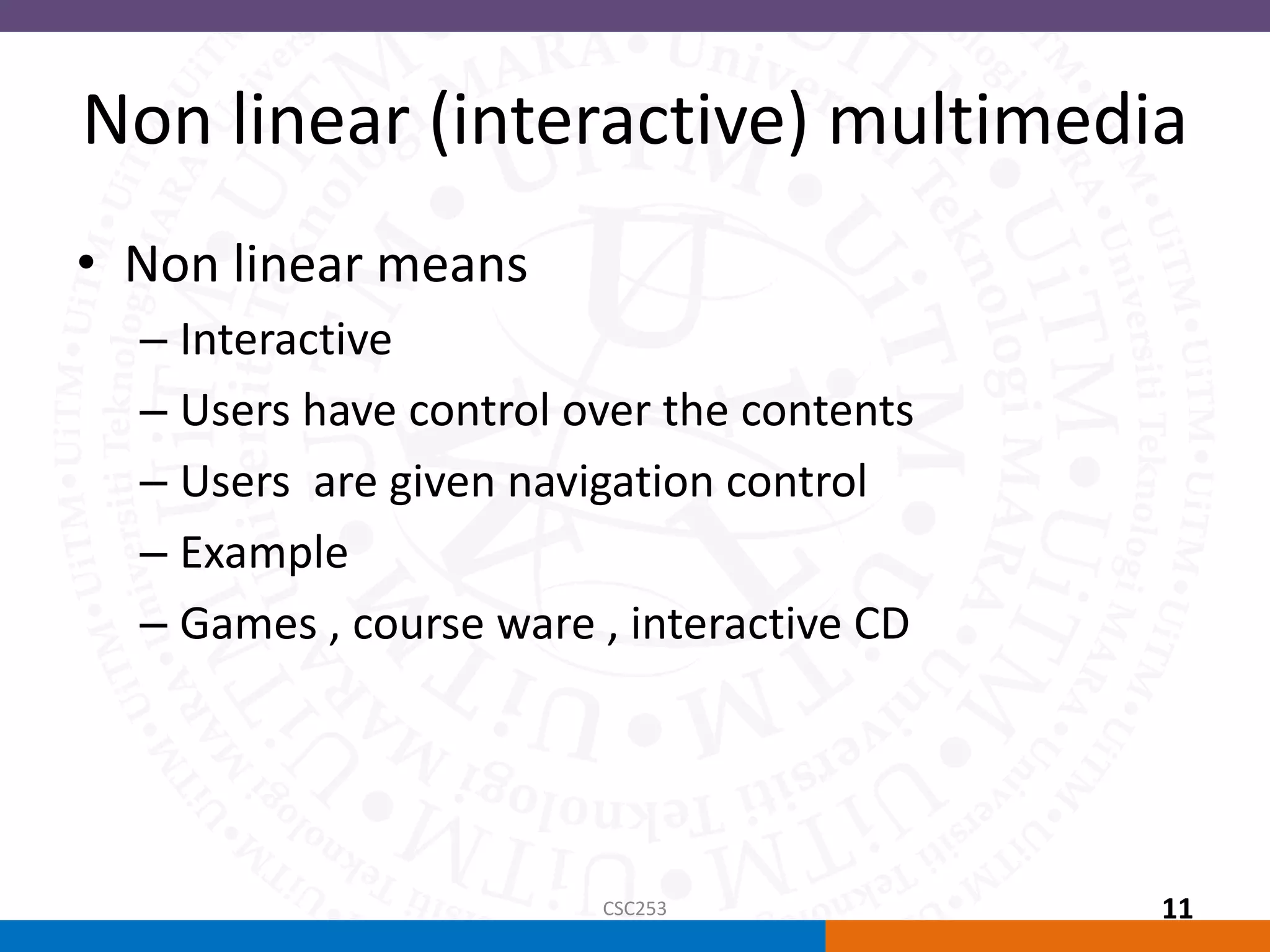
• Non linear (interactive) multimedia
– Users have the ability to move around or follow
different path through the information
presentation.
– Advantage: complex domain of information can be
presented.
– Disadvantage: users might lost in the massive
“information highway”.
– Useful for: information archive (encyclopedia),
education, training and entertainment.
CSC253 10
Non linear (interactive) multimedia
• Non linear means
– Interactive
– Users have control over the contents
– Users are given navigation control
– Example
– Games , course ware , interactive CD
CSC253 11
Introduction to Multimedia
• Multimedia Projects can also be delivered online
(webs) and through PDAs/Hand-held Devices.
• The primary media for delivering multimedia projects
are:
– Compact disc read-only (CD-ROM)
– Digital Versatile Disc (DVD) / Blu-ray disc (BDA)
CSC253 12
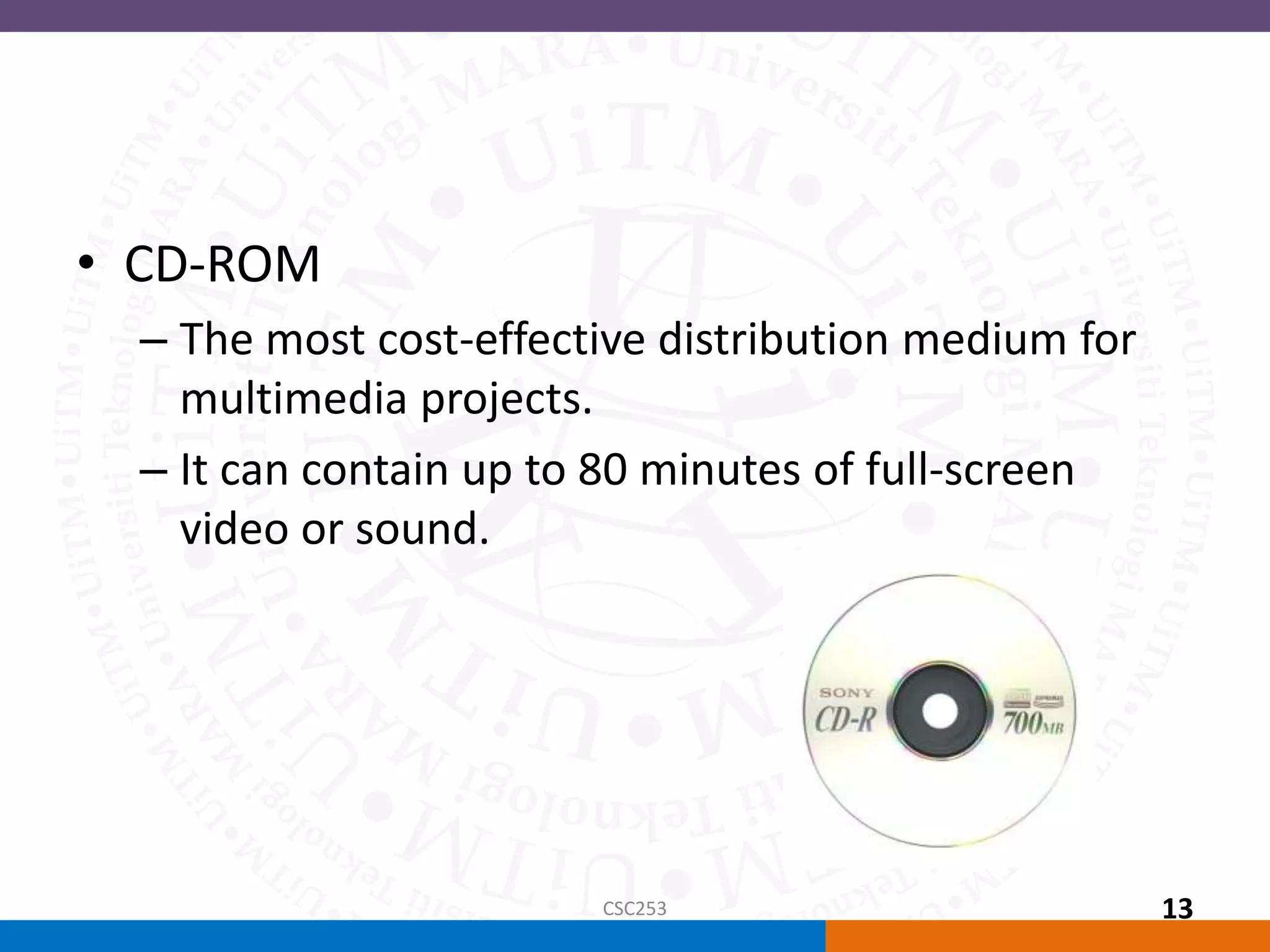
• CD-ROM
– The most cost-effective distribution medium for
multimedia projects.
– It can contain up to 80 minutes of full-screen
video or sound.
CSC253 13
• DVD-ROM / Blu-ray disc
– Multilayered DVD technology increases the capacity of
current optical technology to 18 GB.
– DVD authoring and integration software is used to
create interactive front-end menus for films and
games.
– Blu-ray disc (Blu-ray Disc Association BDA) is next-
generation format for high-definition video and high-
density data. A single-layer disc can fit 23.3, 25, or 27
GB (enough for approximately four hours of high-
definition video with audio). It supports 25GB for one
layer, 50GB for two and 100GB for four
CSC253 14
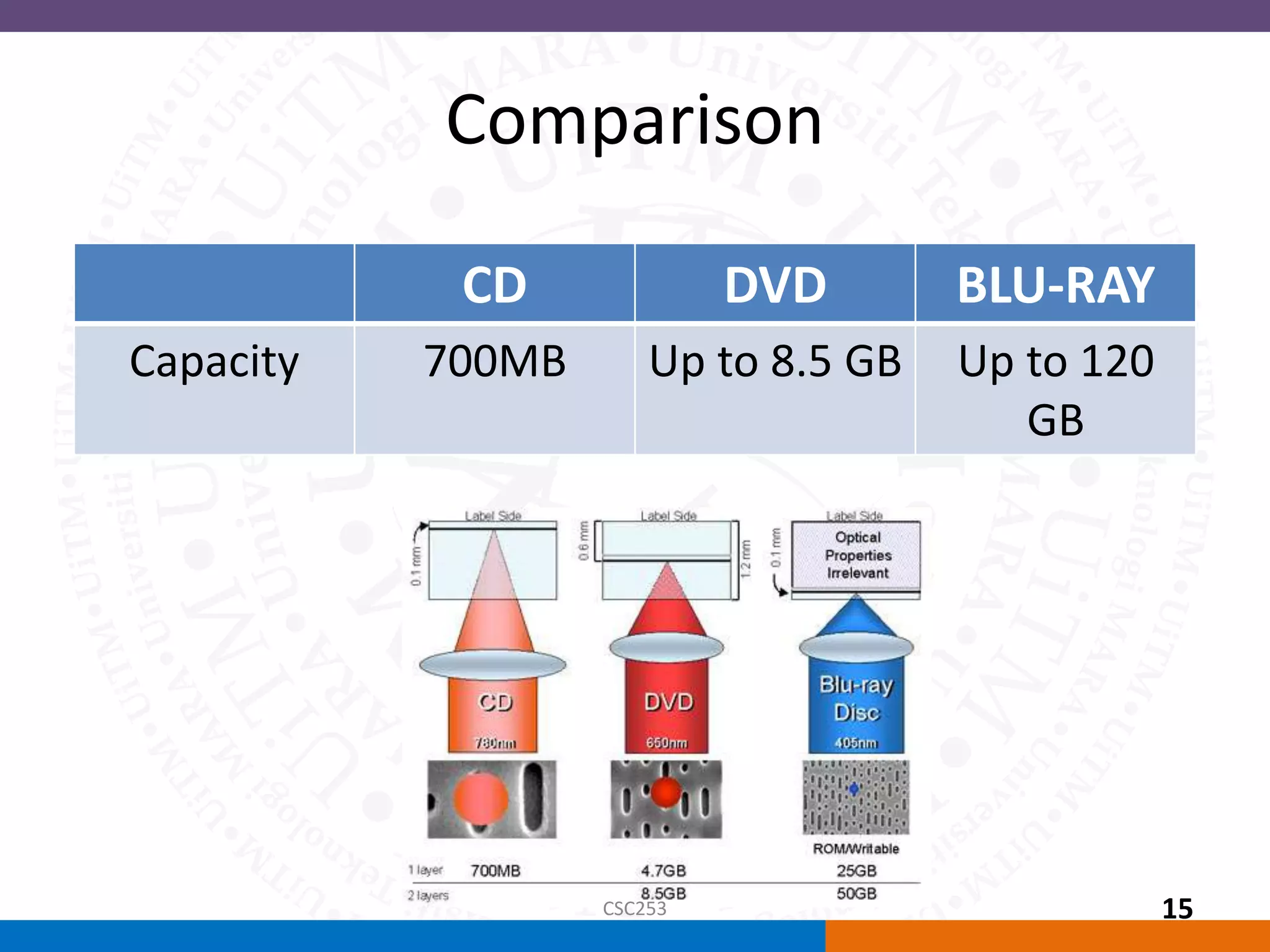
Comparison
CD DVD BLU-RAY
Capacity 700MB Up to 8.5 GB Up to 120
GB
CSC253 15
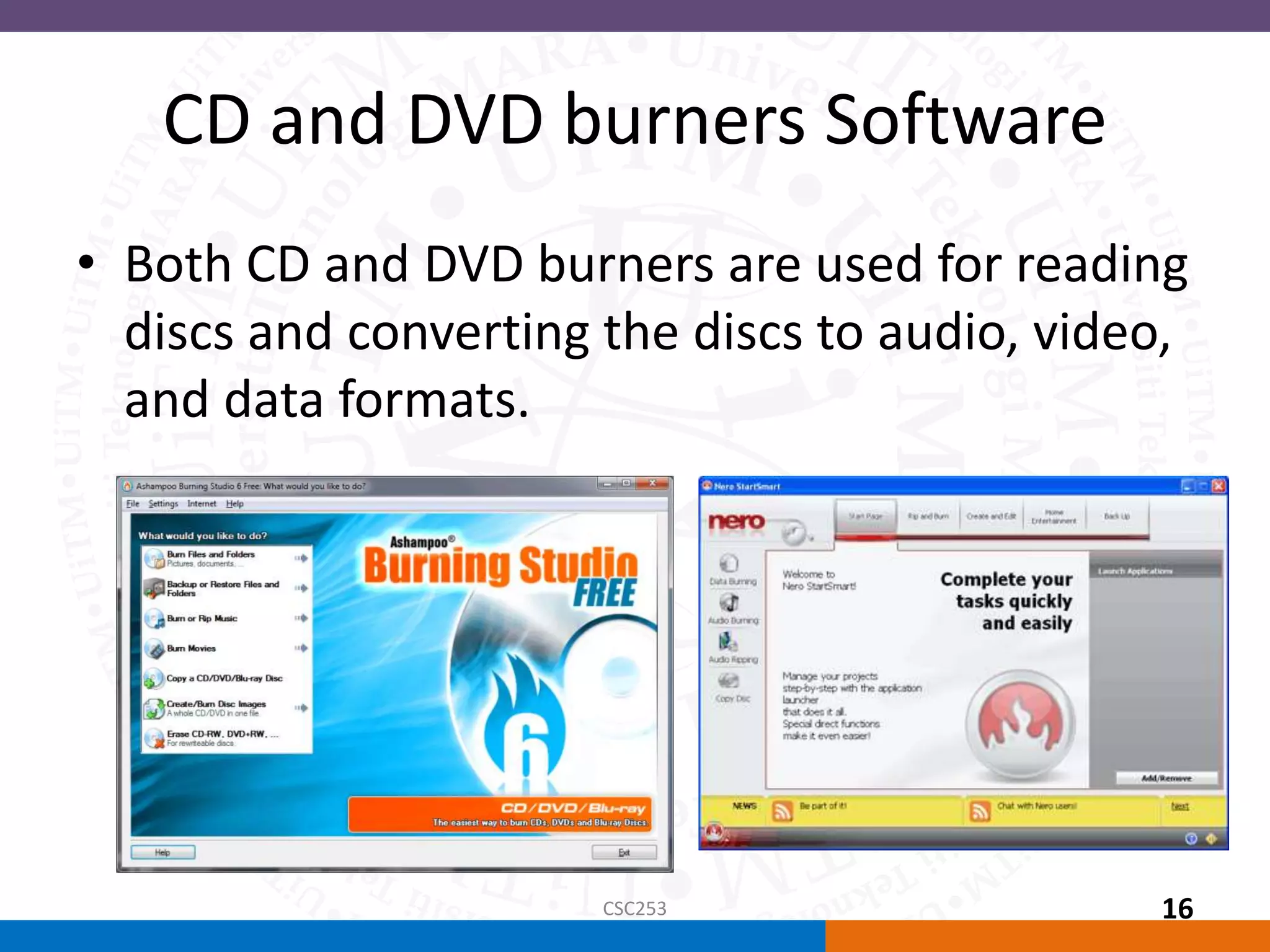
CD and DVD burners Software
• Both CD and DVD burners are used for reading
discs and converting the discs to audio, video,
and data formats.
CSC253 16
Why Multimedia?
• Ease of use
• Intuitive Interface
• Immersive experience
• Self-paced interaction and better retention
• Better understanding
• Cost effectiveness
• More fun
CSC253 17
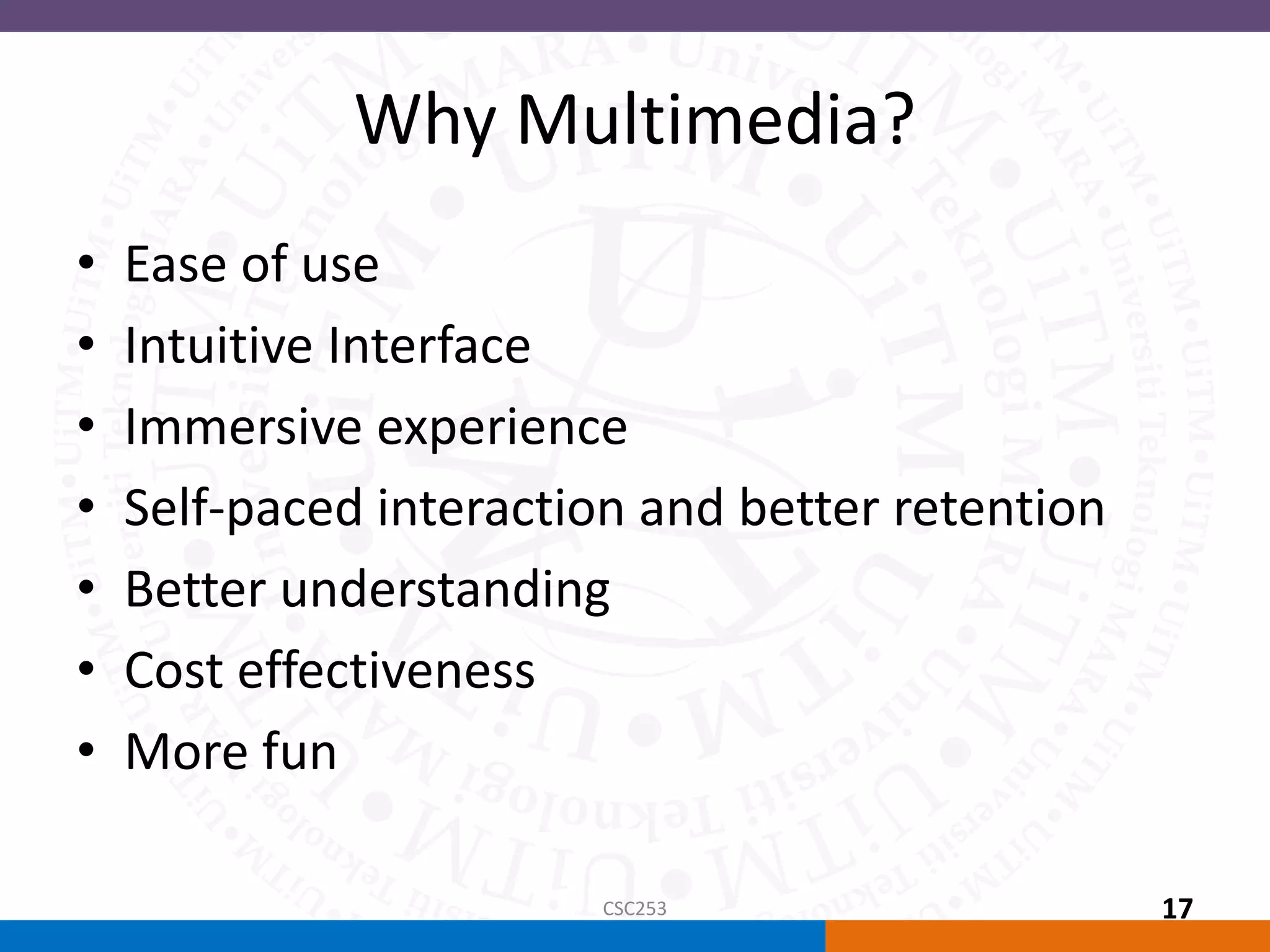
Applications of Multimedia
• Home
– Most multimedia projects reach the homes via
television sets or monitors with built-in user
inputs.
– Movies on demand, games, instructional videos
on gardening etc.
CSC253 18
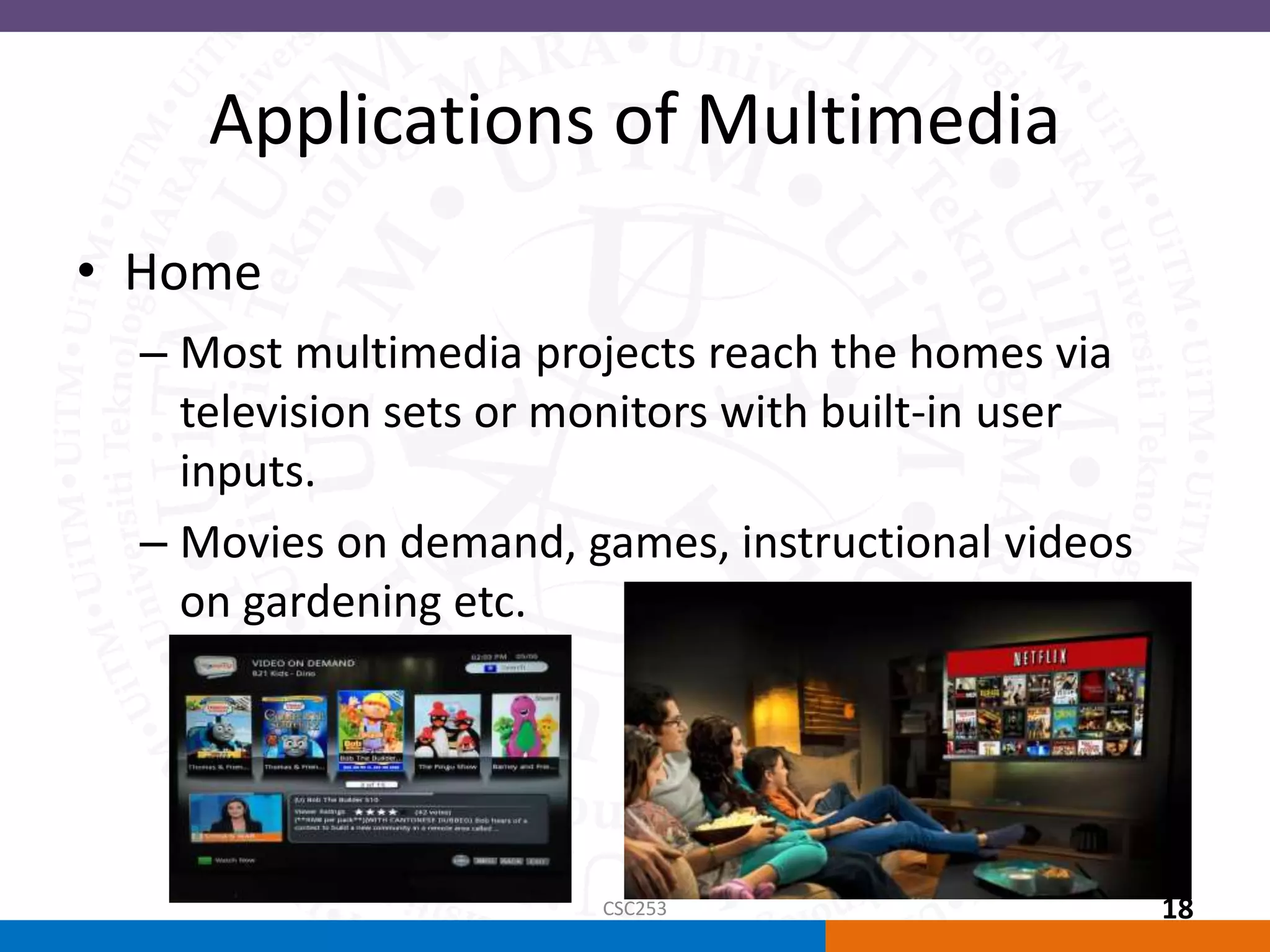
Applications of Multimedia
• Public places
– Multimedia will become
available at stand-alone
terminals or kiosks
to provide information
and help.
CSC253 19
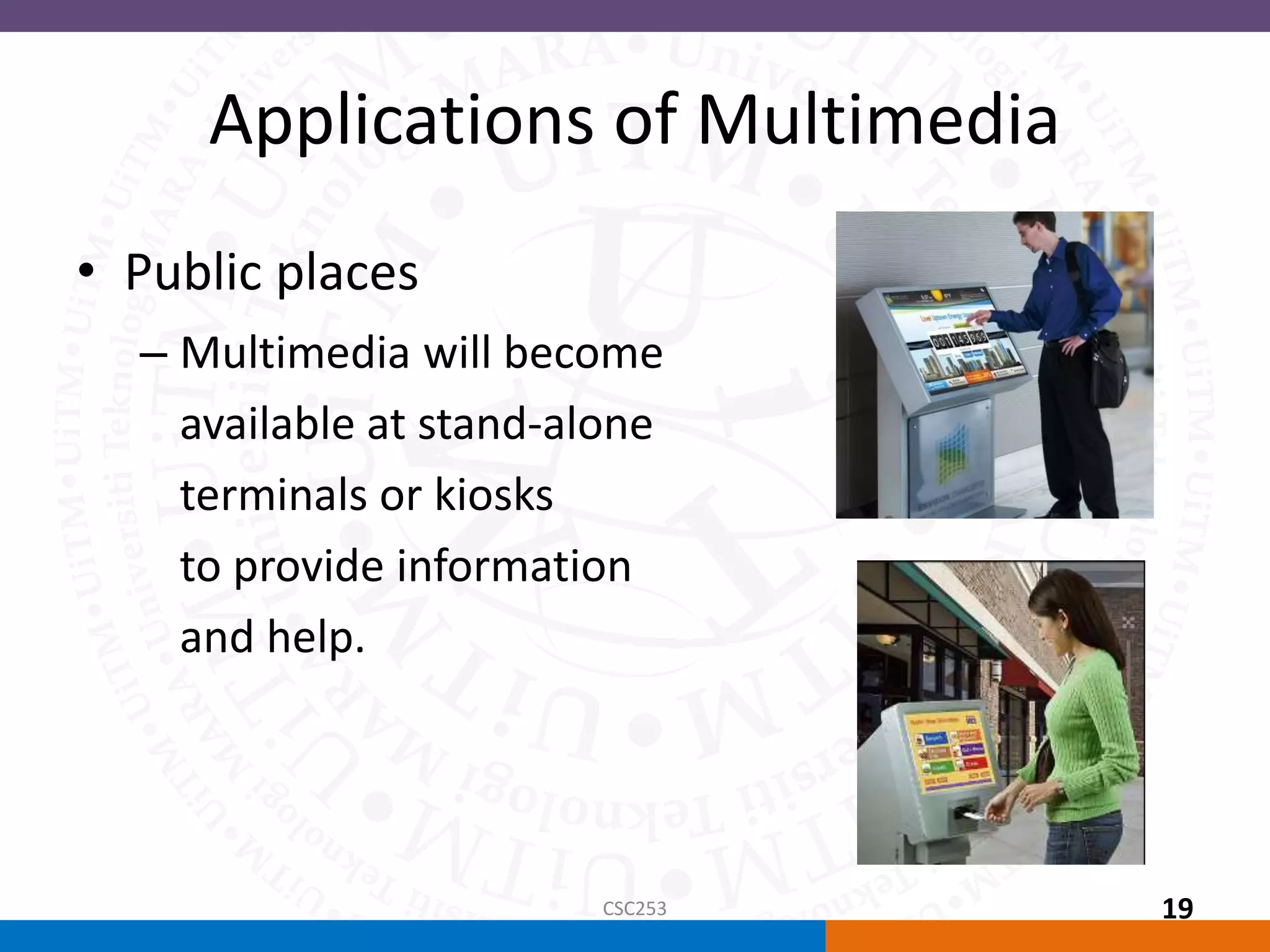
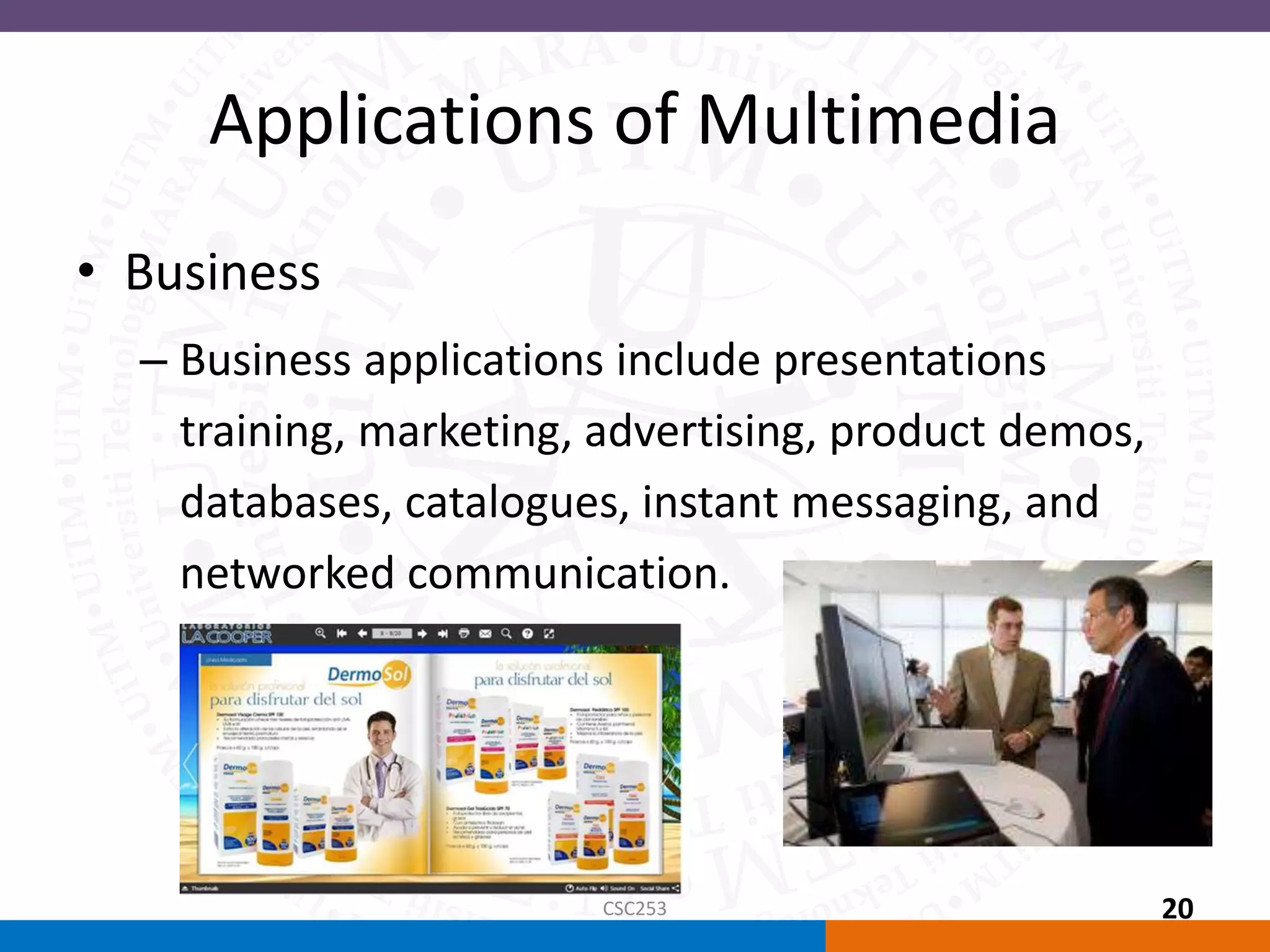
Applications of Multimedia
• Business
– Business applications include presentations
training, marketing, advertising, product demos,
databases, catalogues, instant messaging, and
networked communication.
CSC253 20
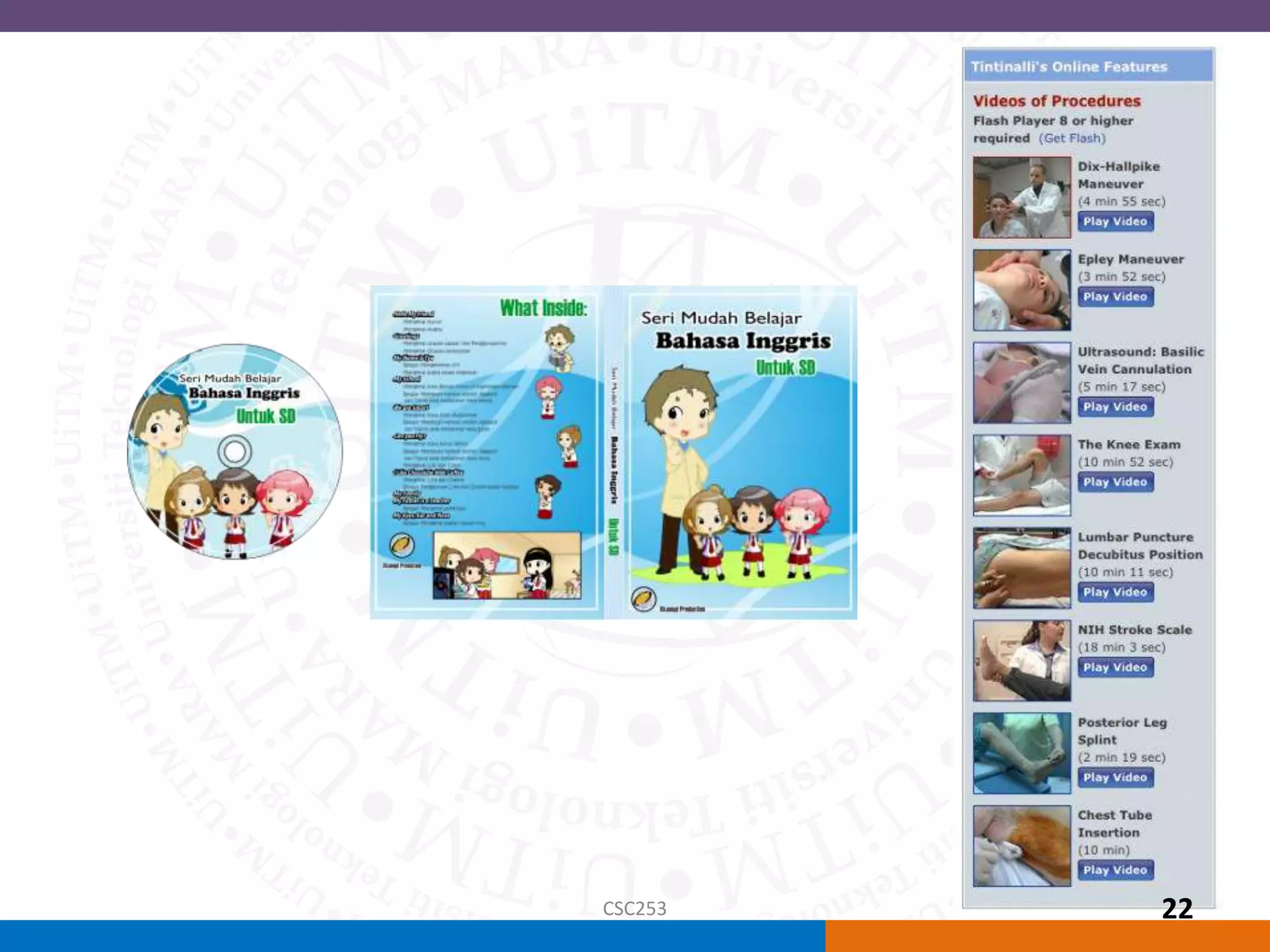
• Schools
– Educational software can be
developed to enrich the learning process
- move away from the transmission or passive-
learner model of learning to the experiential
learning or active-learner model.
CSC253 21
CSC253 22
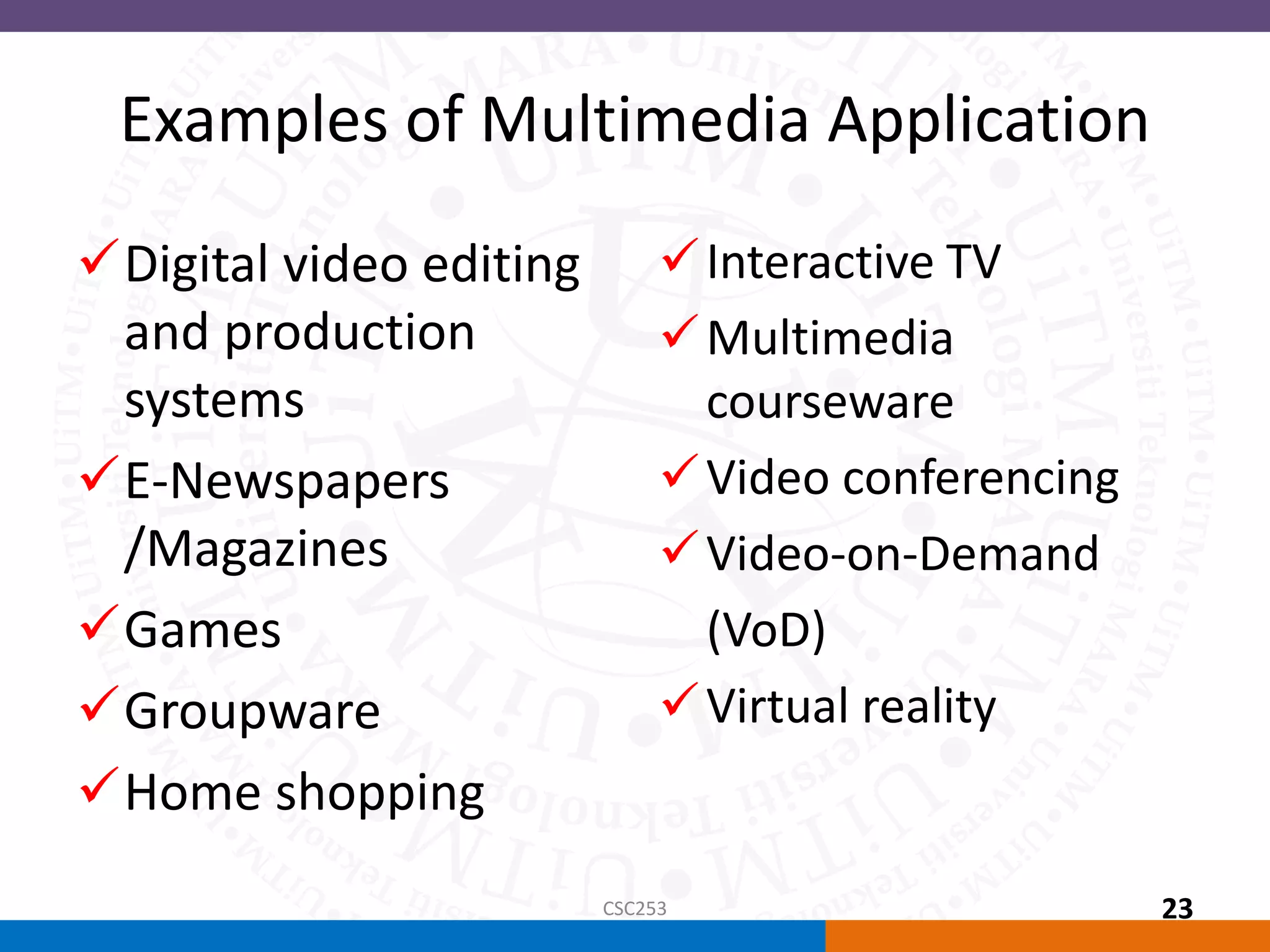
Examples of Multimedia Application
Interactive TV
Multimedia
courseware
Video conferencing
Video-on-Demand
(VoD)
Virtual reality
Digital video editing
and production
systems
E-Newspapers
/Magazines
Games
Groupware
Home shopping
CSC253 23
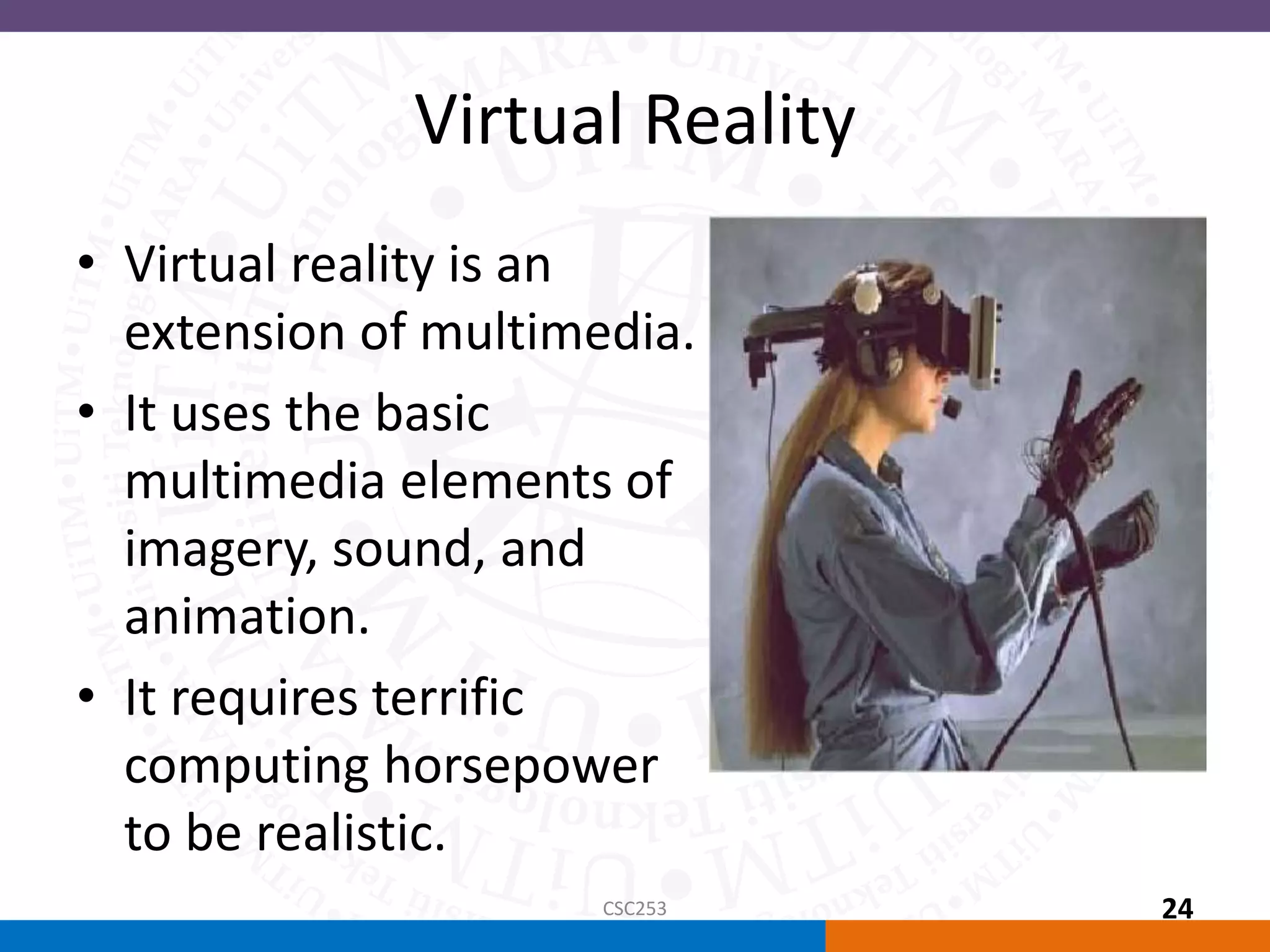
Virtual Reality
• Virtual reality is an
extension of multimedia.
• It uses the basic
multimedia elements of
imagery, sound, and
animation.
• It requires terrific
computing horsepower
to be realistic.
CSC253 24
(cont.) Virtual Reality
• In VR, cyberspace is made up of thousands of
geometric objects plotted in three-
dimensional space.
• The standards for transmitting VR in Virtual
Reality Modeling Language (VRML) documents
have been developed on the World Wide
Web.
CSC253 25
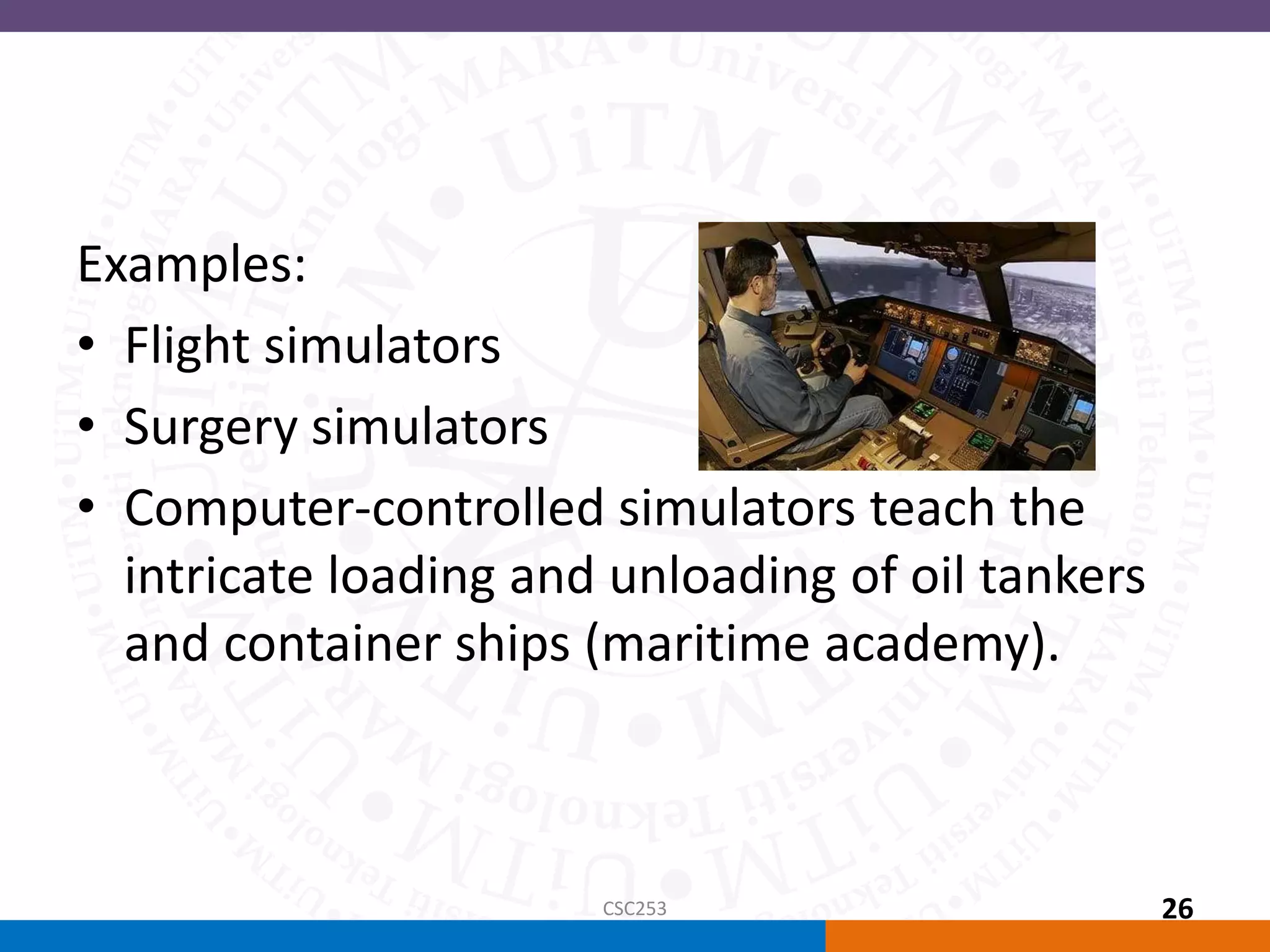
Examples:
• Flight simulators
• Surgery simulators
• Computer-controlled simulators teach the
intricate loading and unloading of oil tankers
and container ships (maritime academy).
CSC253 26
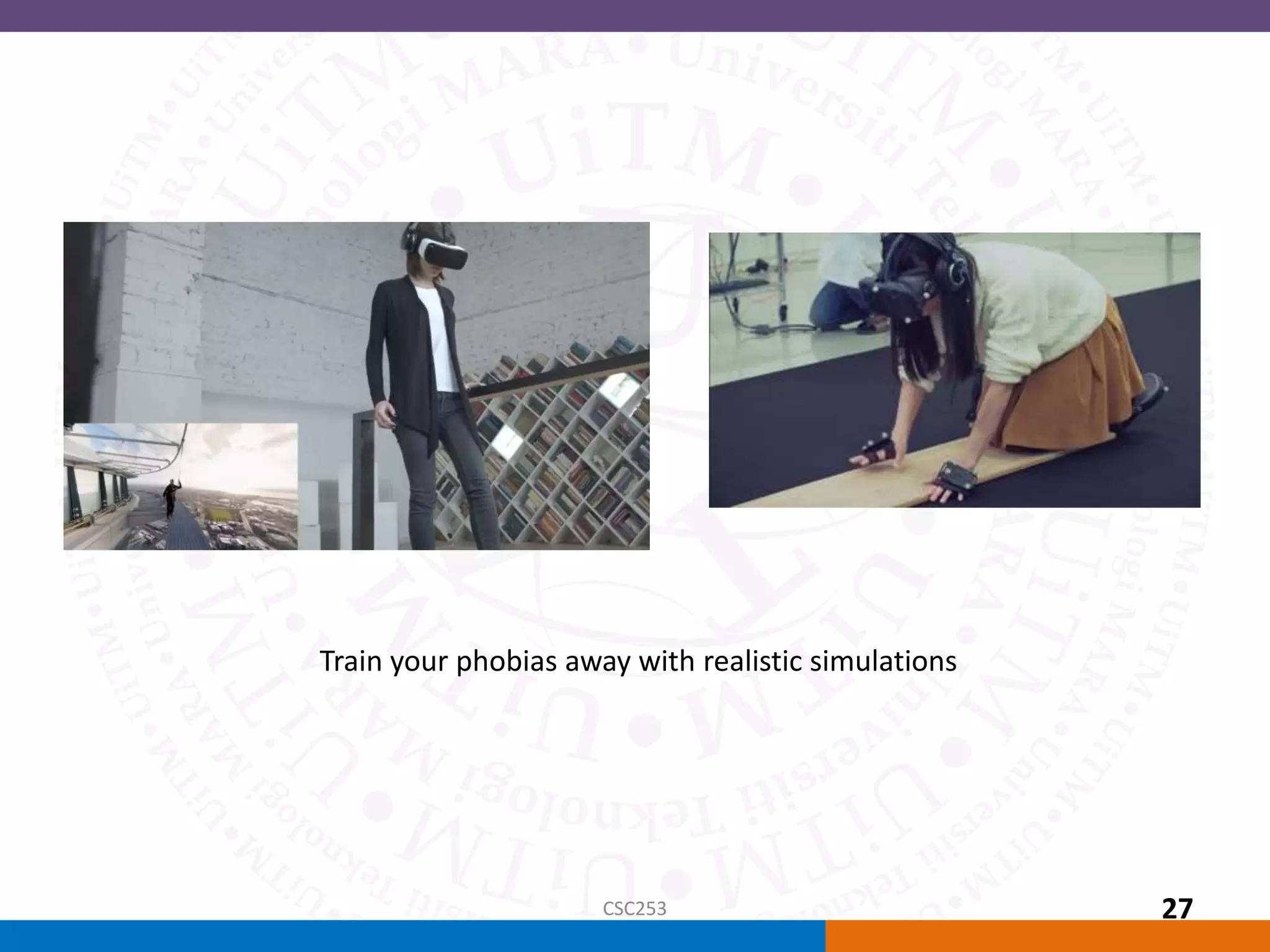
Train your phobias away with realistic simulations
CSC253 27
Summary
• Multimedia is a combination of text, graphic art,
sound, animation, and video.
• There are two types of multimedia projects :
linear or nonlinear.
• Multimedia projects are often stored on CD-ROM
or DVDs. They can also be hosted on the Web.
• Multimedia is widely used in business, schools,
public places, and at home.
• Virtual reality is an extension of multimedia
CSC253 28

Introduction to Multimedia

  • 1.
    Topic 1 Introduction toMultimedia CSC253 CSC253
  • 2.
    Overview • Introduction tomultimedia. – Definition – Types of multimedia – Delivering multimedia • Why multimedia? • Applications of multimedia. – Examples of multimedia application • Summary CSC253 2
  • 3.
    Objectives • At theend of this chapter, students should be able to: – define basic terms and concepts related to multimedia technologies – distinguish between the types of linear and non- linear multimedia systems – identify various applications of multimedia CSC253 3
  • 4.
    Introduction to Multimedia •The definition of Multimedia : “Multimedia is any combination of text, art, sound, animation, and video delivered to you by computer or other electronic or digitally manipulated means. A multimedia project development requires creative, technical, organizational, and business skills.” Tay Vaughan Multimedia : Making it work 8th Ed. CSC253 4
  • 5.
    Multimedia is acombination of CSC253 5
  • 6.
    Multimedia Terminologies • InteractiveMultimedia: when a user is given the option of controlling the elements. • Hypermedia: when a user is provided a structure of linked elements for navigation. • Multimedia Developer : The people that develop multimedia projects. CSC253 6
  • 7.
    Multimedia Terminologies • Thesoftware vehicle, the messages, and the content together constitute a multimedia project. • A multimedia project shipped to end-users with or without instructions is called a multimedia title. • A project can also be launched on the Web. CSC253 7
  • 8.
    Introduction to Multimedia •Types of Multimedia projects : – Linear Multimedia: Projects that are not interactive. Users have very little control over the presentation – Nonlinear (interactive) Multimedia : Projects that are user-interactive, where users are given navigational control. CSC253 8
  • 9.
    Introduction to Multimedia •Linear Multimedia – The users sit back and watches the presentation – The presentation normally plays from the start to end or even loops continually to present the information. – A movie is a common type of linear multimedia. – Demo show, non interactive lecture CSC253 9
  • 10.
    Introduction to Multimedia •Non linear (interactive) multimedia – Users have the ability to move around or follow different path through the information presentation. – Advantage: complex domain of information can be presented. – Disadvantage: users might lost in the massive “information highway”. – Useful for: information archive (encyclopedia), education, training and entertainment. CSC253 10
  • 11.
    Non linear (interactive)multimedia • Non linear means – Interactive – Users have control over the contents – Users are given navigation control – Example – Games , course ware , interactive CD CSC253 11
  • 12.
    Introduction to Multimedia •Multimedia Projects can also be delivered online (webs) and through PDAs/Hand-held Devices. • The primary media for delivering multimedia projects are: – Compact disc read-only (CD-ROM) – Digital Versatile Disc (DVD) / Blu-ray disc (BDA) CSC253 12
  • 13.
    • CD-ROM – Themost cost-effective distribution medium for multimedia projects. – It can contain up to 80 minutes of full-screen video or sound. CSC253 13
  • 14.
    • DVD-ROM /Blu-ray disc – Multilayered DVD technology increases the capacity of current optical technology to 18 GB. – DVD authoring and integration software is used to create interactive front-end menus for films and games. – Blu-ray disc (Blu-ray Disc Association BDA) is next- generation format for high-definition video and high- density data. A single-layer disc can fit 23.3, 25, or 27 GB (enough for approximately four hours of high- definition video with audio). It supports 25GB for one layer, 50GB for two and 100GB for four CSC253 14
  • 15.
    Comparison CD DVD BLU-RAY Capacity700MB Up to 8.5 GB Up to 120 GB CSC253 15
  • 16.
    CD and DVDburners Software • Both CD and DVD burners are used for reading discs and converting the discs to audio, video, and data formats. CSC253 16
  • 17.
    Why Multimedia? • Easeof use • Intuitive Interface • Immersive experience • Self-paced interaction and better retention • Better understanding • Cost effectiveness • More fun CSC253 17
  • 18.
    Applications of Multimedia •Home – Most multimedia projects reach the homes via television sets or monitors with built-in user inputs. – Movies on demand, games, instructional videos on gardening etc. CSC253 18
  • 19.
    Applications of Multimedia •Public places – Multimedia will become available at stand-alone terminals or kiosks to provide information and help. CSC253 19
  • 20.
    Applications of Multimedia •Business – Business applications include presentations training, marketing, advertising, product demos, databases, catalogues, instant messaging, and networked communication. CSC253 20
  • 21.
    • Schools – Educationalsoftware can be developed to enrich the learning process - move away from the transmission or passive- learner model of learning to the experiential learning or active-learner model. CSC253 21
  • 22.
  • 23.
    Examples of MultimediaApplication Interactive TV Multimedia courseware Video conferencing Video-on-Demand (VoD) Virtual reality Digital video editing and production systems E-Newspapers /Magazines Games Groupware Home shopping CSC253 23
  • 24.
    Virtual Reality • Virtualreality is an extension of multimedia. • It uses the basic multimedia elements of imagery, sound, and animation. • It requires terrific computing horsepower to be realistic. CSC253 24
  • 25.
    (cont.) Virtual Reality •In VR, cyberspace is made up of thousands of geometric objects plotted in three- dimensional space. • The standards for transmitting VR in Virtual Reality Modeling Language (VRML) documents have been developed on the World Wide Web. CSC253 25
  • 26.
    Examples: • Flight simulators •Surgery simulators • Computer-controlled simulators teach the intricate loading and unloading of oil tankers and container ships (maritime academy). CSC253 26
  • 27.
    Train your phobiasaway with realistic simulations CSC253 27
  • 28.
    Summary • Multimedia isa combination of text, graphic art, sound, animation, and video. • There are two types of multimedia projects : linear or nonlinear. • Multimedia projects are often stored on CD-ROM or DVDs. They can also be hosted on the Web. • Multimedia is widely used in business, schools, public places, and at home. • Virtual reality is an extension of multimedia CSC253 28

Editor's Notes

  • #6 Images sources : http://informatikarenbilakaera.blogspot.com/2011/05/multimedia.html
  • #19 Image source - http://www.americanavca.com/man_watching_television.png
  • #20 Image source - http://www.squidoo.com/multimedia-kiosks