Introduction to  Google Web Toolkit  & Google APIs
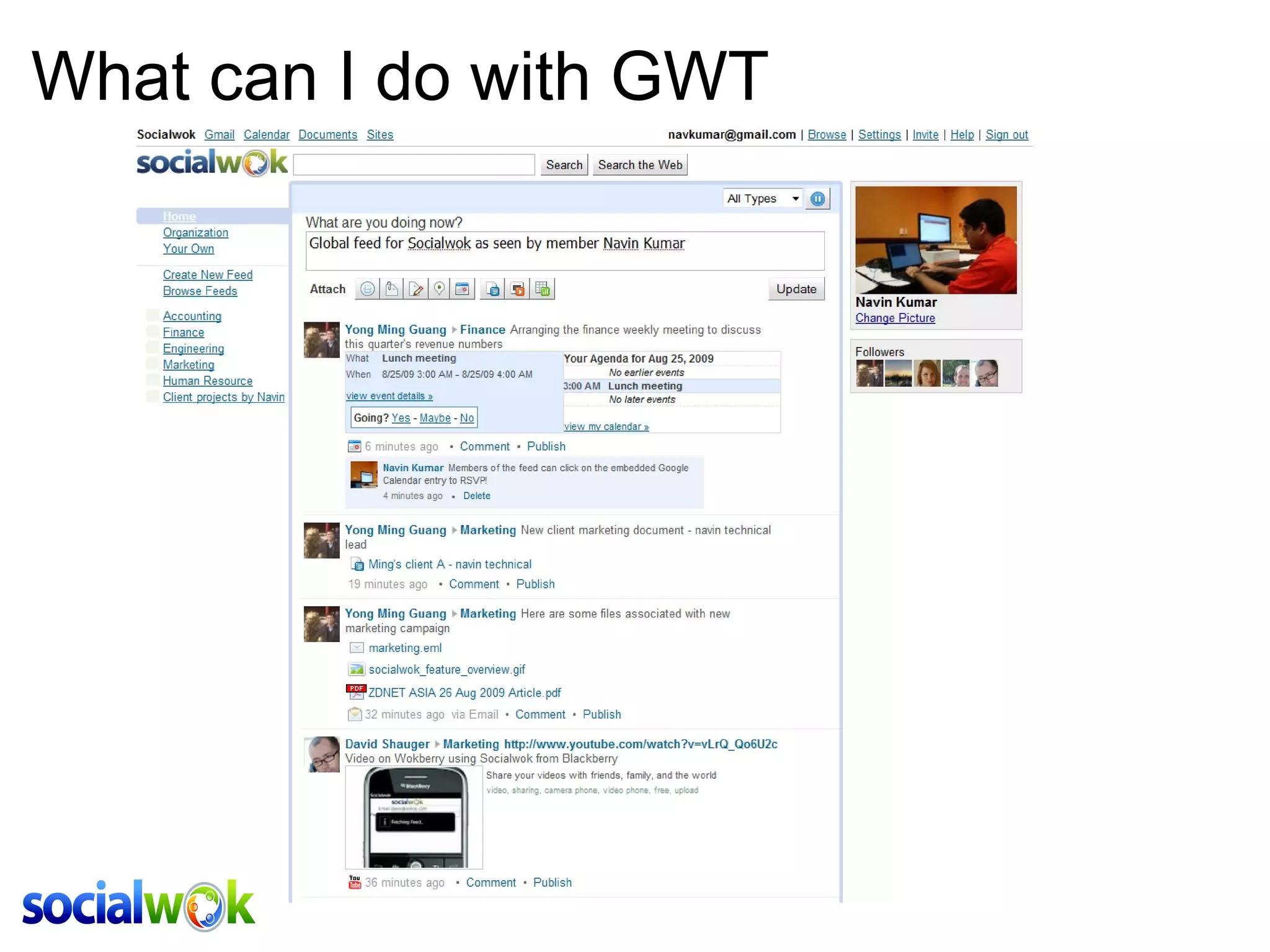
What can I do with GWT
What is GWT Write web-interfaces in Java  Seemless and flexible development model Cross browser compatibility: IE6/7/8, FF, Chrome, Safari Compiled and optimized standalone Javascript files Gain from Googles years of domain expertise Localization support
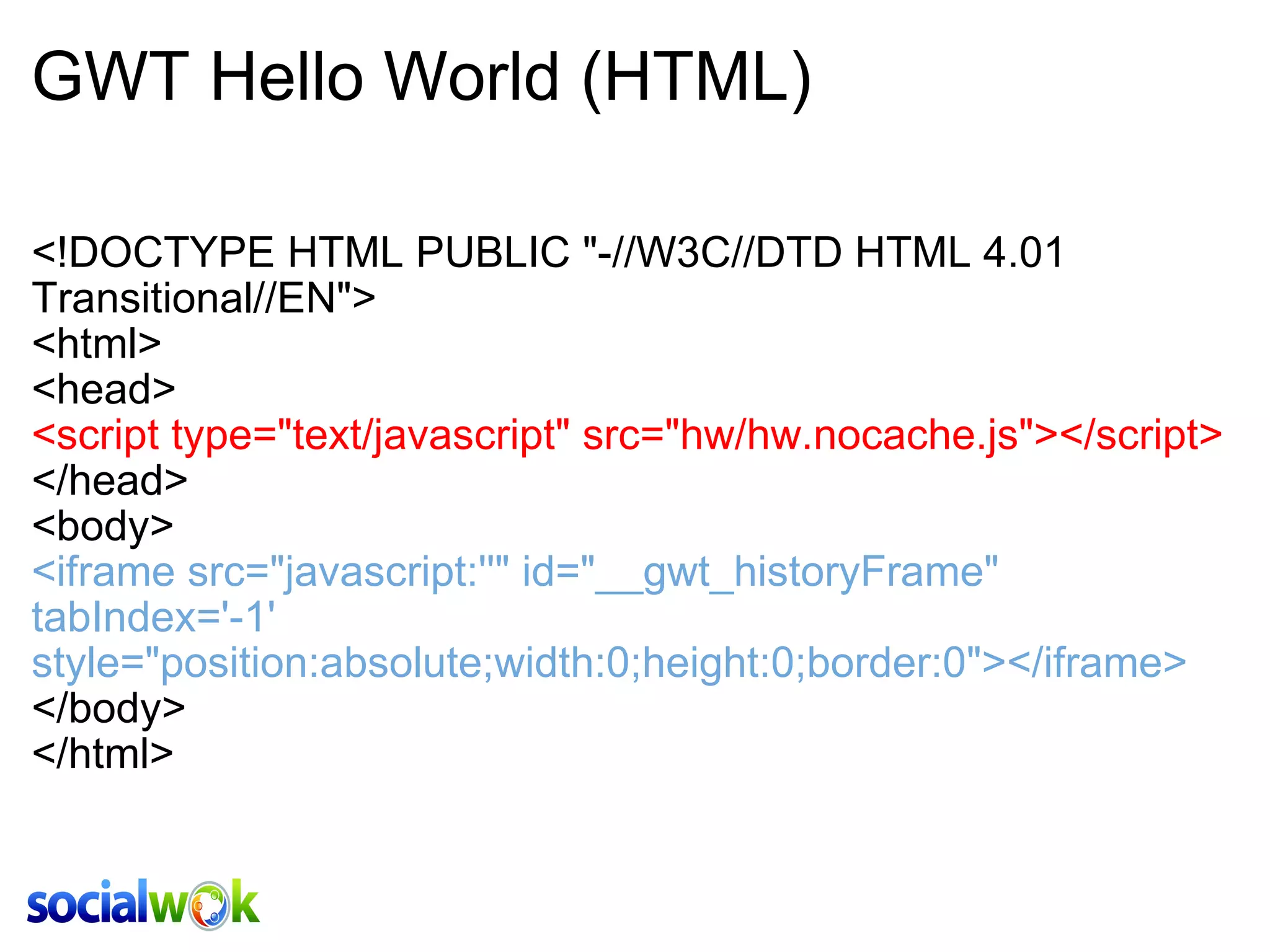
GWT Hello World (HTML) <!DOCTYPE HTML PUBLIC &quot;-//W3C//DTD HTML 4.01 Transitional//EN&quot;> <html> <head> <script type=&quot;text/javascript&quot; src=&quot;hw/hw.nocache.js&quot;></script> </head> <body> <iframe src=&quot;javascript:''&quot; id=&quot;__gwt_historyFrame&quot; tabIndex='-1' style=&quot;position:absolute;width:0;height:0;border:0&quot;></iframe> </body> </html>
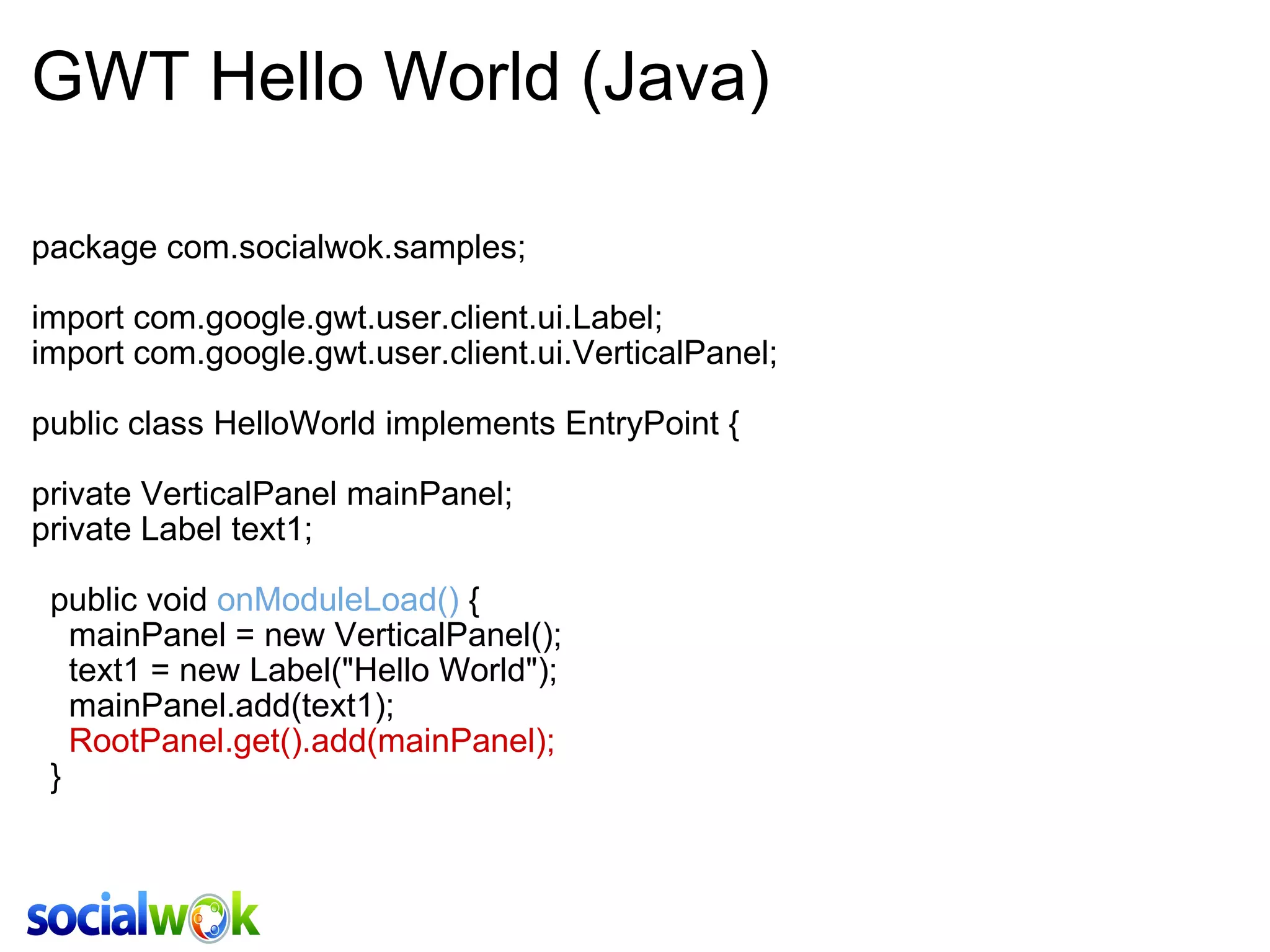
GWT Hello World (Java) package com.socialwok.samples; import com.google.gwt.user.client.ui.Label; import com.google.gwt.user.client.ui.VerticalPanel; public class HelloWorld implements EntryPoint { private VerticalPanel mainPanel; private Label text1;   public void  onModuleLoad()  {     mainPanel = new VerticalPanel();     text1 = new Label(&quot;Hello World&quot;);      mainPanel.add(text1);       RootPanel.get().add(mainPanel);   }
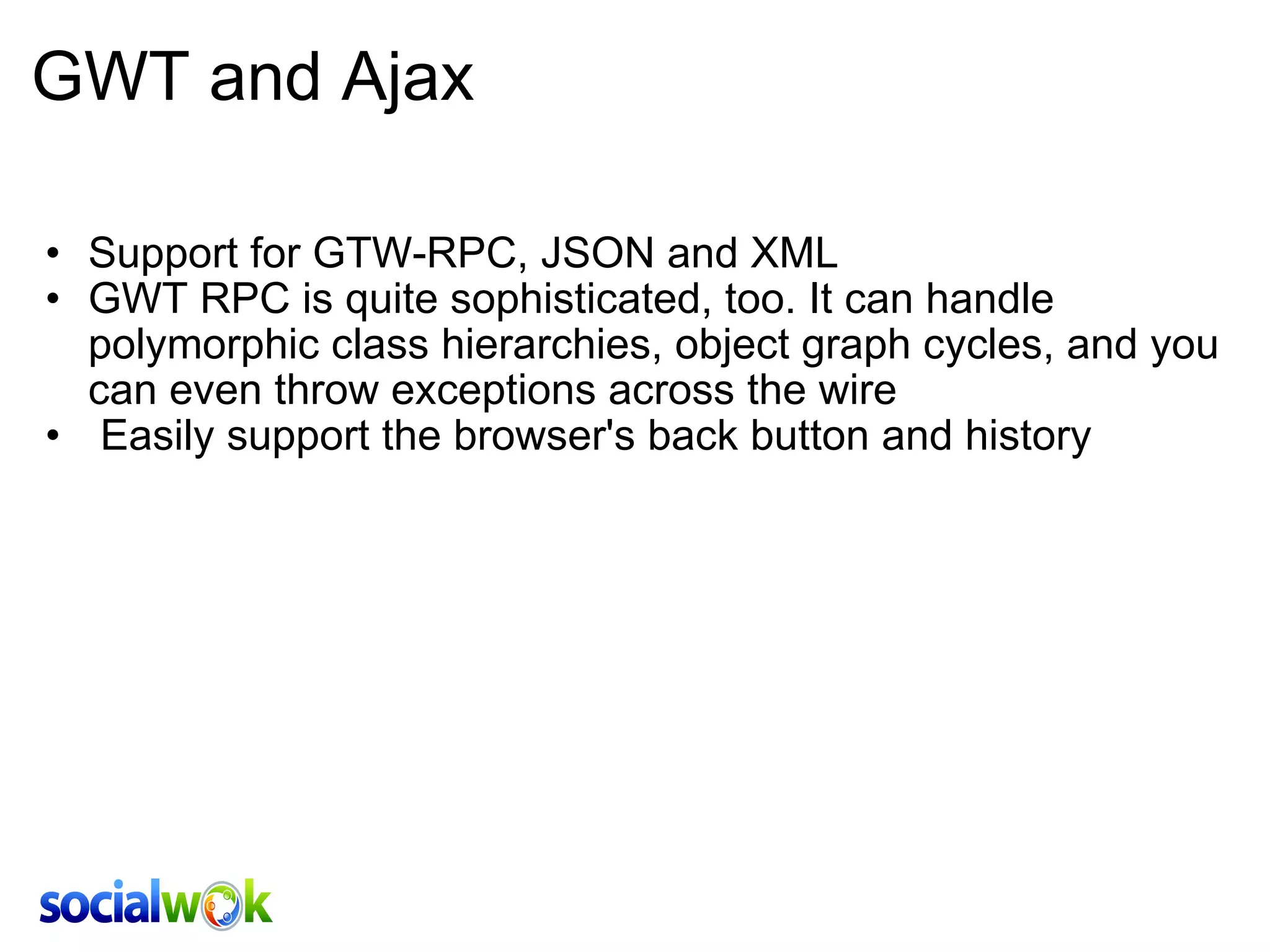
GWT and Ajax Support for GTW-RPC, JSON and XML GWT RPC is quite sophisticated, too. It can handle polymorphic class hierarchies, object graph cycles, and you can even throw exceptions across the wire    Easily support the browser's back button and history
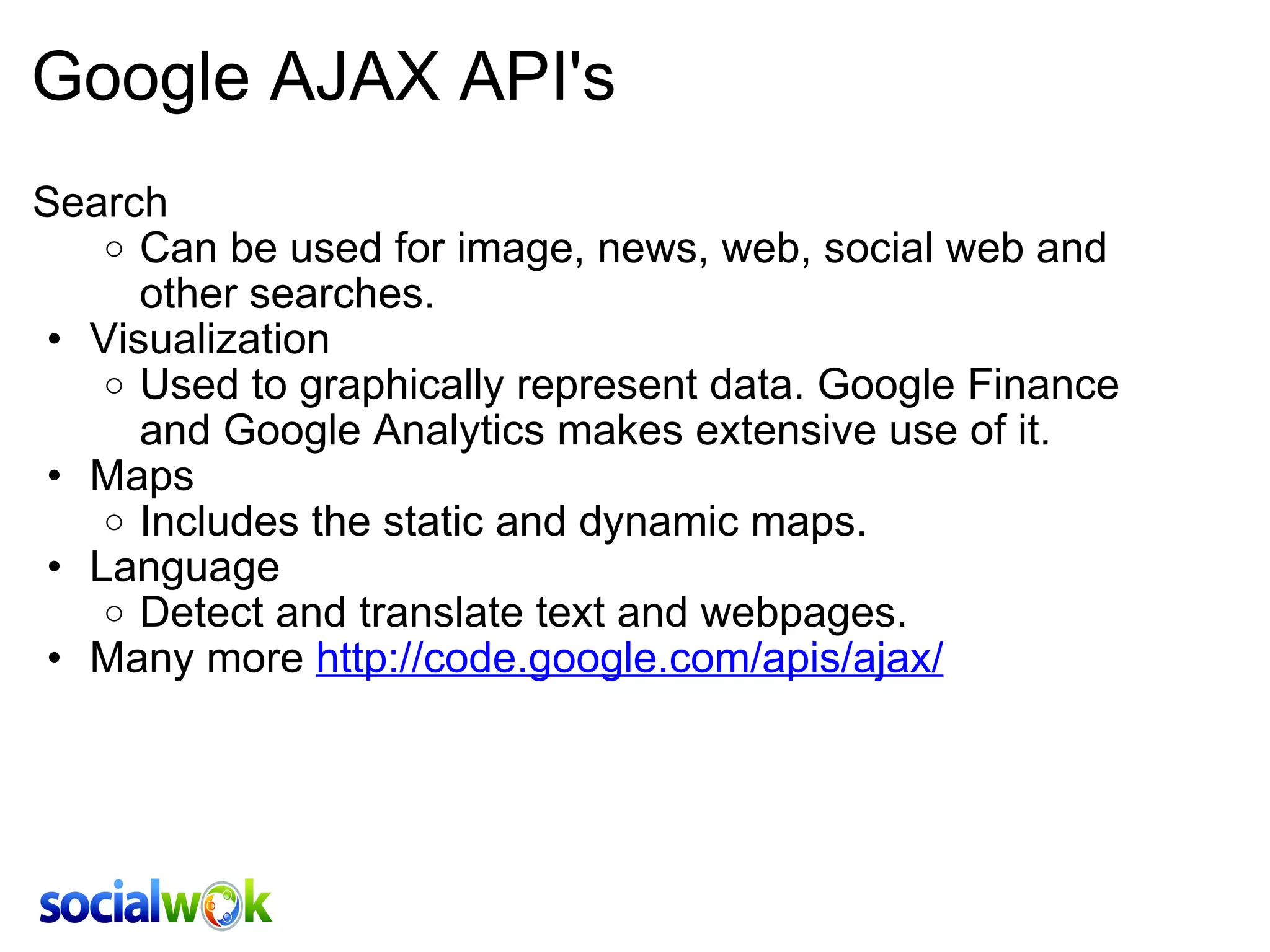
Google AJAX API's Search Can be used for image, news, web, social web and other searches.  Visualization Used to graphically represent data. Google Finance and Google Analytics makes extensive use of it. Maps Includes the static and dynamic maps. Language Detect and translate text and webpages. Many more  http://code.google.com/apis/ajax/
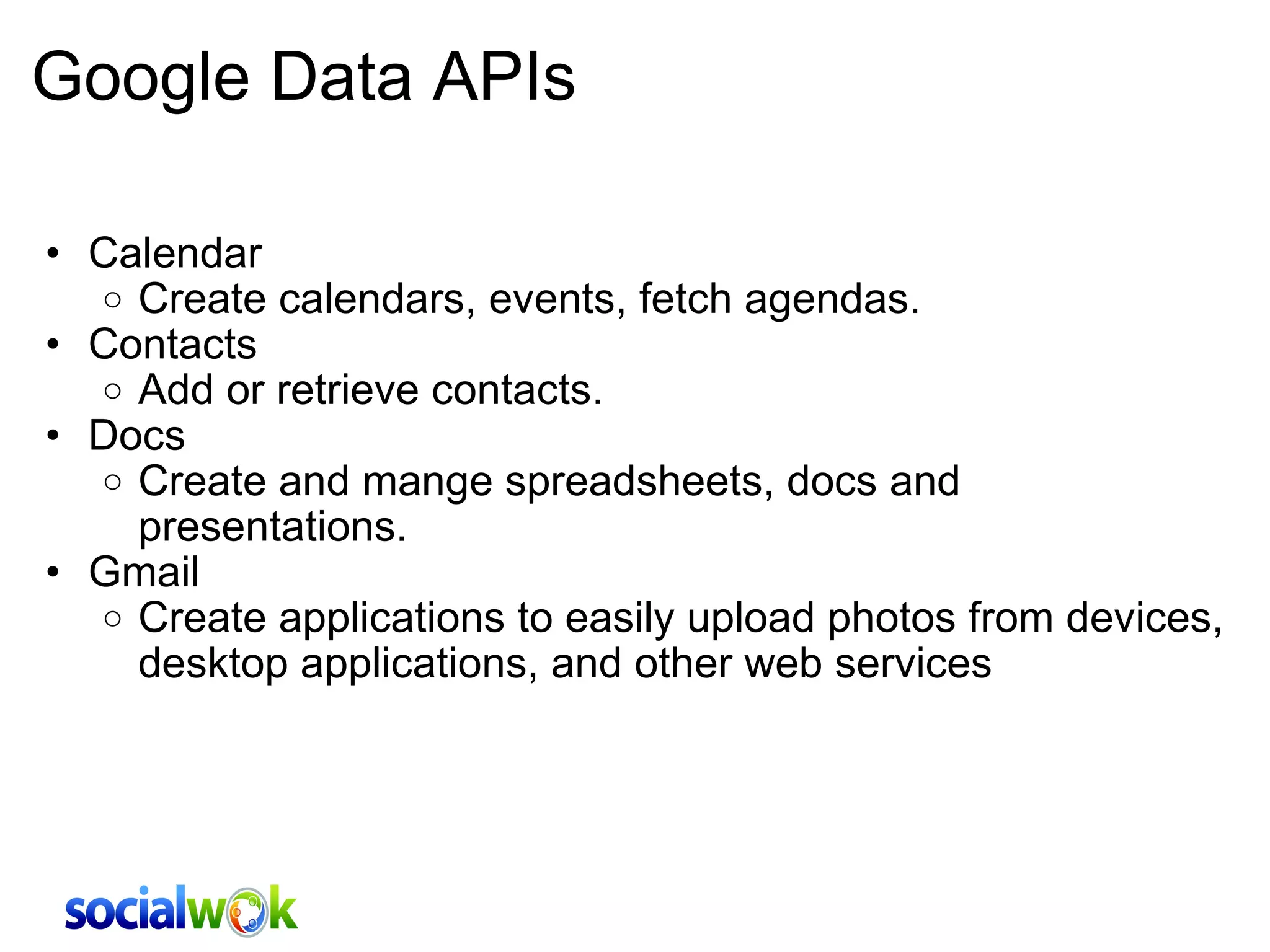
Google Data APIs Calendar Create calendars, events, fetch agendas. Contacts Add or retrieve contacts.  Docs Create and mange spreadsheets, docs and presentations.  Gmail Create applications to easily upload photos from devices, desktop applications, and other web services
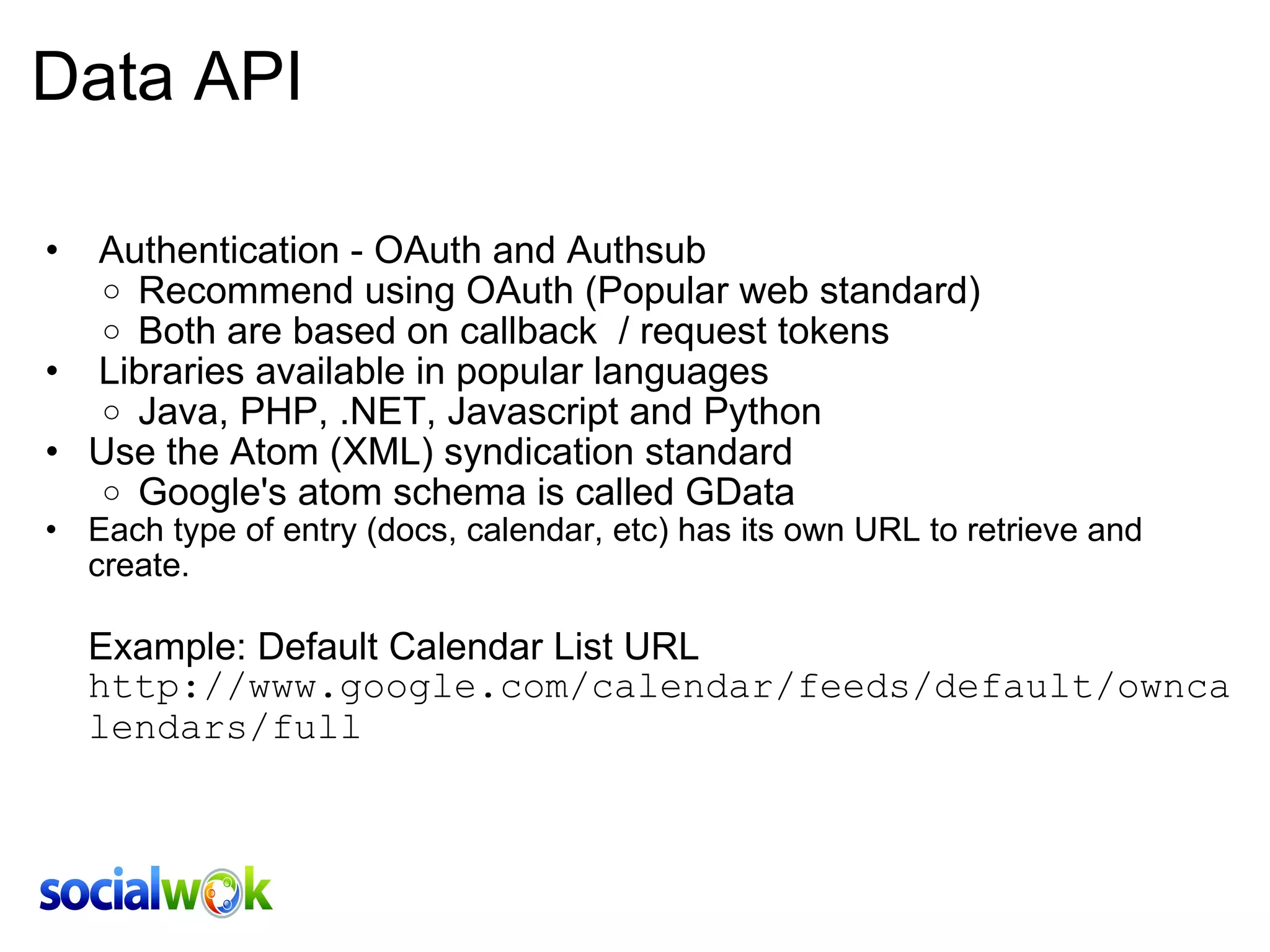
Data API   Authentication - OAuth and Authsub Recommend using OAuth (Popular web standard)  Both are based on callback  / request tokens   Libraries available in popular languages Java, PHP, .NET, Javascript and Python Use the Atom (XML) syndication standard Google's atom schema is called GData Each type of entry (docs, calendar, etc) has its own URL to retrieve and create.       Example: Default Calendar List URL http://www.google.com/calendar/feeds/default/owncalendars/full
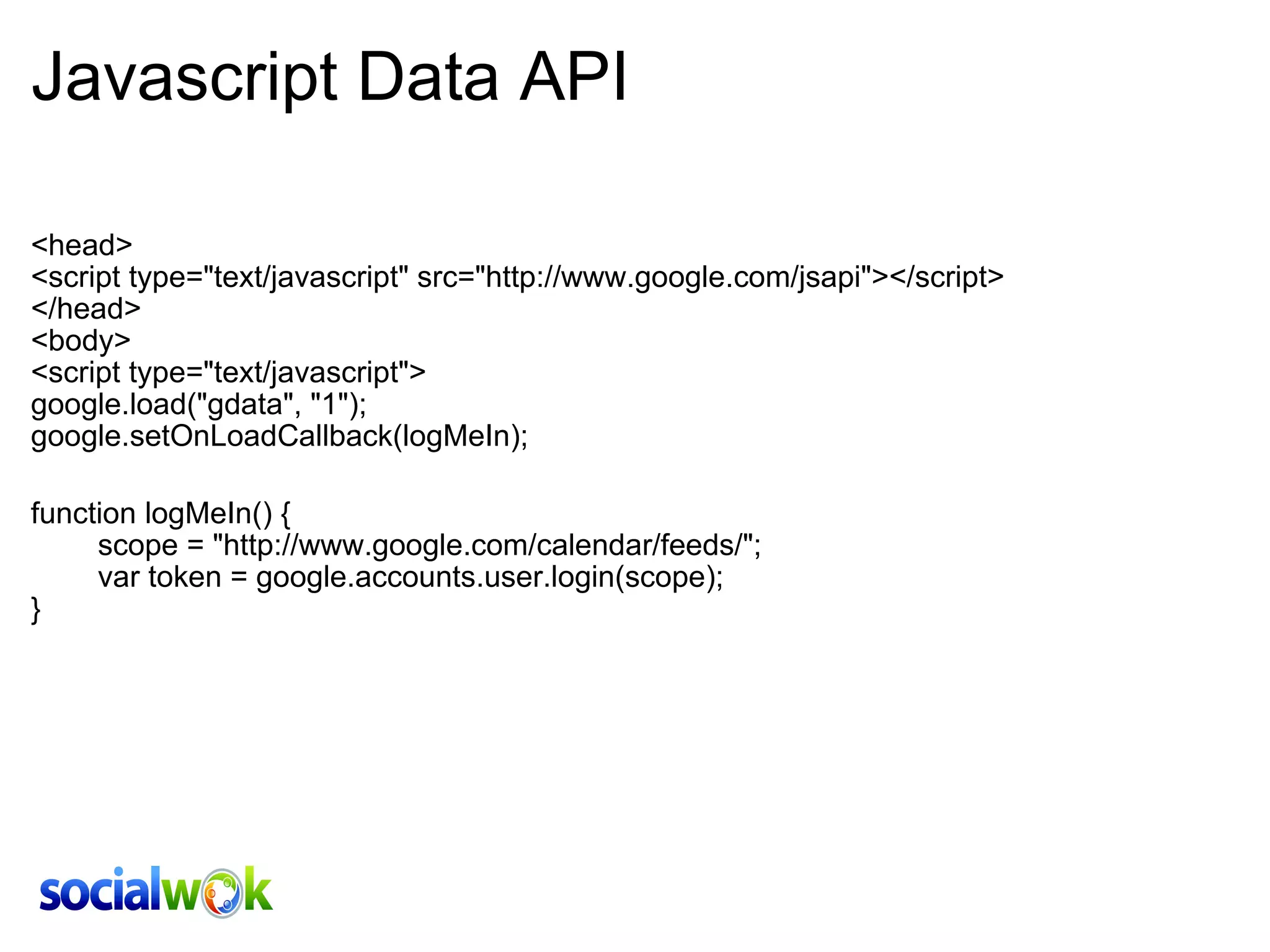
Javascript Data API <head> <script type=&quot;text/javascript&quot; src=&quot;http://www.google.com/jsapi&quot;></script> </head> <body>  <script type=&quot;text/javascript&quot;> google.load(&quot;gdata&quot;, &quot;1&quot;); google.setOnLoadCallback(logMeIn); function logMeIn() {         scope = &quot;http://www.google.com/calendar/feeds/&quot;;         var token = google.accounts.user.login(scope);  }
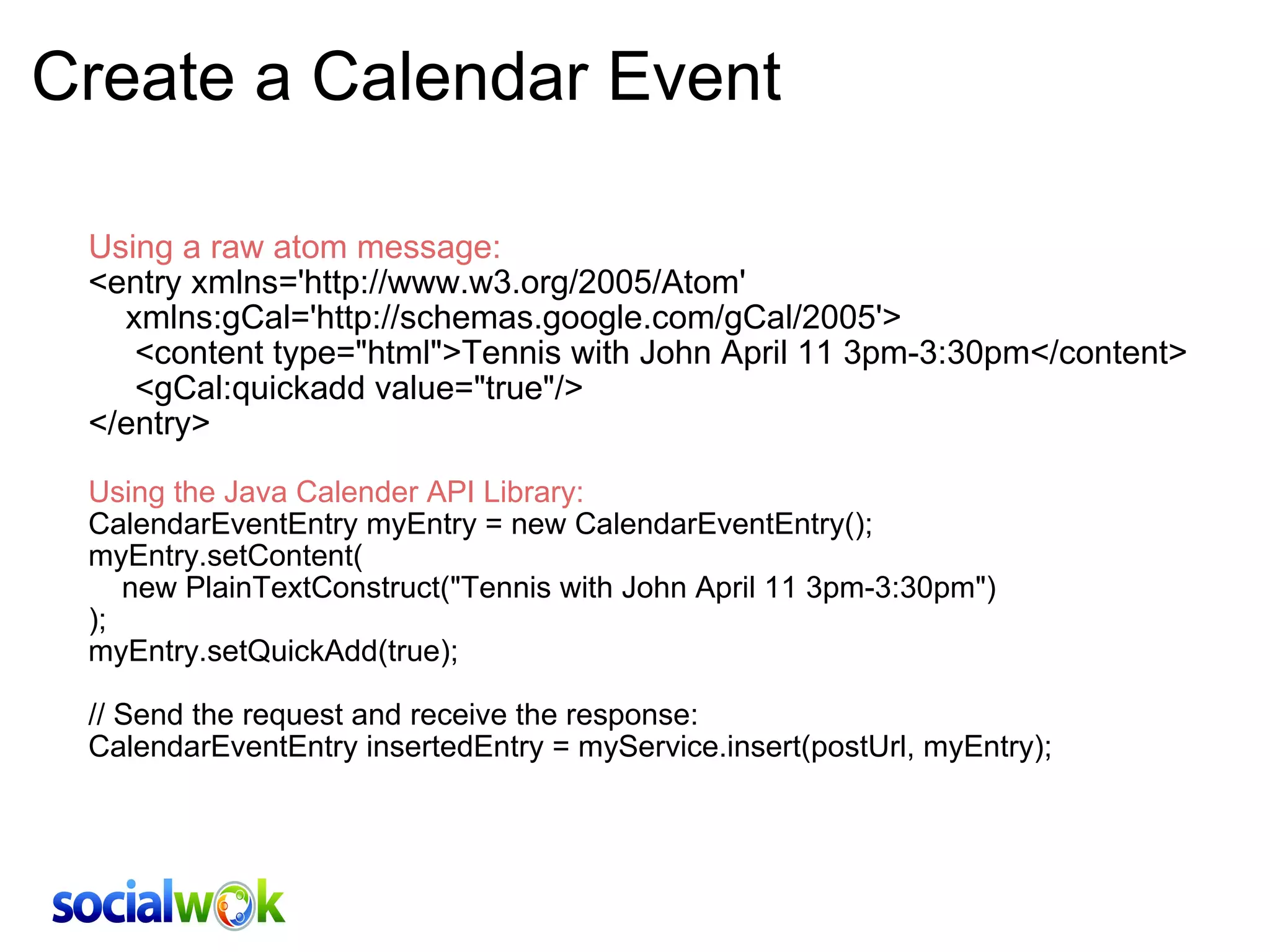
Create a Calendar Event Using a raw atom message: <entry xmlns='http://www.w3.org/2005/Atom'      xmlns:gCal='http://schemas.google.com/gCal/2005'>      <content type=&quot;html&quot;>Tennis with John April 11 3pm-3:30pm</content>      <gCal:quickadd value=&quot;true&quot;/> </entry> Using the Java Calender API Library: CalendarEventEntry myEntry = new CalendarEventEntry(); myEntry.setContent(     new PlainTextConstruct(&quot;Tennis with John April 11 3pm-3:30pm&quot;) ); myEntry.setQuickAdd(true); // Send the request and receive the response: CalendarEventEntry insertedEntry = myService.insert(postUrl, myEntry);    
Q & A

Intro on GWT & Google APIs (Vikram Rangnekar, COO of Socialwok.com)

  • 1.
    Introduction to  GoogleWeb Toolkit & Google APIs
  • 2.
    What can Ido with GWT
  • 3.
    What is GWTWrite web-interfaces in Java Seemless and flexible development model Cross browser compatibility: IE6/7/8, FF, Chrome, Safari Compiled and optimized standalone Javascript files Gain from Googles years of domain expertise Localization support
  • 4.
    GWT Hello World(HTML) <!DOCTYPE HTML PUBLIC &quot;-//W3C//DTD HTML 4.01 Transitional//EN&quot;> <html> <head> <script type=&quot;text/javascript&quot; src=&quot;hw/hw.nocache.js&quot;></script> </head> <body> <iframe src=&quot;javascript:''&quot; id=&quot;__gwt_historyFrame&quot; tabIndex='-1' style=&quot;position:absolute;width:0;height:0;border:0&quot;></iframe> </body> </html>
  • 5.
    GWT Hello World(Java) package com.socialwok.samples; import com.google.gwt.user.client.ui.Label; import com.google.gwt.user.client.ui.VerticalPanel; public class HelloWorld implements EntryPoint { private VerticalPanel mainPanel; private Label text1;   public void onModuleLoad() {     mainPanel = new VerticalPanel();     text1 = new Label(&quot;Hello World&quot;);     mainPanel.add(text1);     RootPanel.get().add(mainPanel);   }
  • 6.
    GWT and AjaxSupport for GTW-RPC, JSON and XML GWT RPC is quite sophisticated, too. It can handle polymorphic class hierarchies, object graph cycles, and you can even throw exceptions across the wire   Easily support the browser's back button and history
  • 7.
    Google AJAX API'sSearch Can be used for image, news, web, social web and other searches. Visualization Used to graphically represent data. Google Finance and Google Analytics makes extensive use of it. Maps Includes the static and dynamic maps. Language Detect and translate text and webpages. Many more http://code.google.com/apis/ajax/
  • 8.
    Google Data APIsCalendar Create calendars, events, fetch agendas. Contacts Add or retrieve contacts. Docs Create and mange spreadsheets, docs and presentations. Gmail Create applications to easily upload photos from devices, desktop applications, and other web services
  • 9.
    Data API  Authentication - OAuth and Authsub Recommend using OAuth (Popular web standard)  Both are based on callback  / request tokens   Libraries available in popular languages Java, PHP, .NET, Javascript and Python Use the Atom (XML) syndication standard Google's atom schema is called GData Each type of entry (docs, calendar, etc) has its own URL to retrieve and create.      Example: Default Calendar List URL http://www.google.com/calendar/feeds/default/owncalendars/full
  • 10.
    Javascript Data API<head> <script type=&quot;text/javascript&quot; src=&quot;http://www.google.com/jsapi&quot;></script> </head> <body>  <script type=&quot;text/javascript&quot;> google.load(&quot;gdata&quot;, &quot;1&quot;); google.setOnLoadCallback(logMeIn); function logMeIn() {         scope = &quot;http://www.google.com/calendar/feeds/&quot;;         var token = google.accounts.user.login(scope);  }
  • 11.
    Create a CalendarEvent Using a raw atom message: <entry xmlns='http://www.w3.org/2005/Atom'     xmlns:gCal='http://schemas.google.com/gCal/2005'>      <content type=&quot;html&quot;>Tennis with John April 11 3pm-3:30pm</content>      <gCal:quickadd value=&quot;true&quot;/> </entry> Using the Java Calender API Library: CalendarEventEntry myEntry = new CalendarEventEntry(); myEntry.setContent(     new PlainTextConstruct(&quot;Tennis with John April 11 3pm-3:30pm&quot;) ); myEntry.setQuickAdd(true); // Send the request and receive the response: CalendarEventEntry insertedEntry = myService.insert(postUrl, myEntry);    
  • 12.