Interactive Web


Timur Babyuk
Software engineer @ Lohika
Interactive Web
Interactive Web


   YES!
Web + HTTP =
Some fundamentals...
Hyper Text Transfer Protocol

•   Created in early 1990s
•   Very simple
•   Human readable
•   Extensible
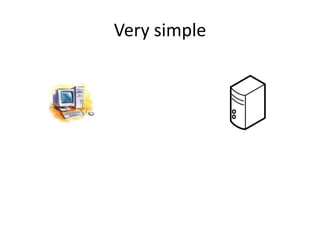
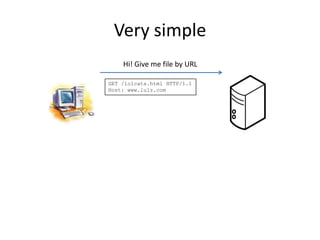
Very simple
Very simple
    Hi! Give me file by URL

GET /lolcats.html HTTP/1.1
Host: www.lulz.com
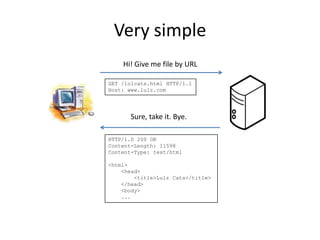
Very simple
    Hi! Give me file by URL

GET /lolcats.html HTTP/1.1
Host: www.lulz.com


       Sure, take it. Bye.

HTTP/1.0 200 OK
Content-Length: 11598
Content-Type: text/html

<html>
    <head>
        <title>Lulz Cats</title>
    </head>
    <body>
    ...
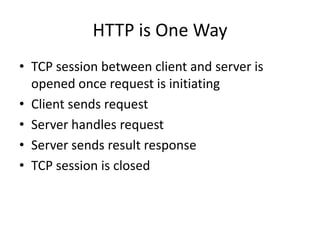
HTTP is One Way
• TCP session between client and server is
  opened once request is initiating
• Client sends request
• Server handles request
• Server sends result response
• TCP session is closed
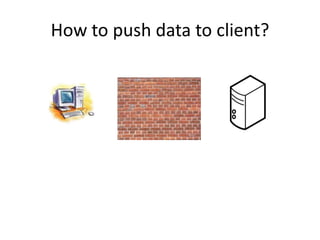
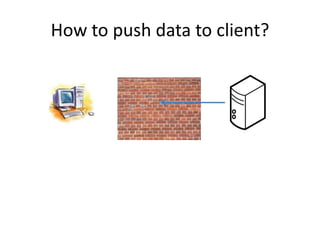
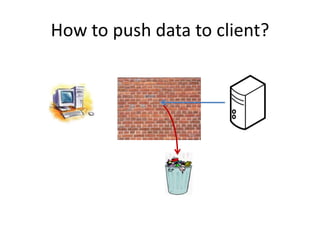
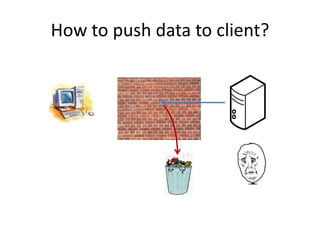
How to push data to client?
History
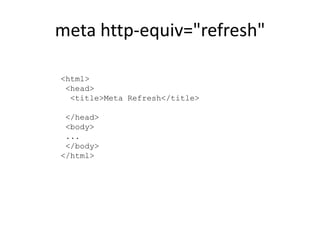
meta http-equiv="refresh"

<html>
 <head>
  <title>Meta Refresh</title>

 </head>
 <body>
 ...
 </body>
</html>
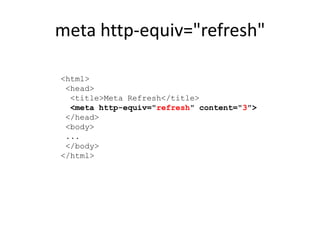
meta http-equiv="refresh"

<html>
 <head>
  <title>Meta Refresh</title>
  <meta http-equiv="refresh" content="3">
 </head>
 <body>
 ...
 </body>
</html>
meta http-equiv="refresh"
• Legacy HTML feature
meta http-equiv="refresh"
• Legacy HTML feature
• User can be frustrated by sudden page reload
meta http-equiv="refresh"
• Legacy HTML feature
• User can be frustrated by sudden page reload
• History is broken
meta http-equiv="refresh"
•   Legacy HTML feature
•   User can be frustrated by sudden page reload
•   History is broken
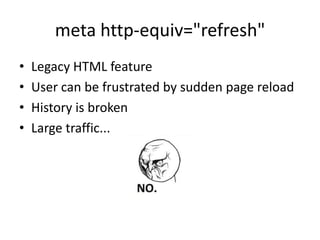
•   Large traffic...
meta http-equiv="refresh"
•   Legacy HTML feature
•   User can be frustrated by sudden page reload
•   History is broken
•   Large traffic...
AJAX
AJAX

JavaScript
AJAX

JavaScript + XMLHttpRequest
AJAX

JavaScript + XMLHttpRequest + JSON
AJAX

JavaScript + XMLHttpRequest + JSON + DOM
AJAX

JavaScript + XMLHttpRequest + JSON + DOM =
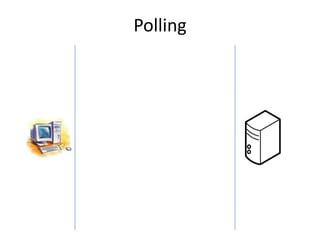
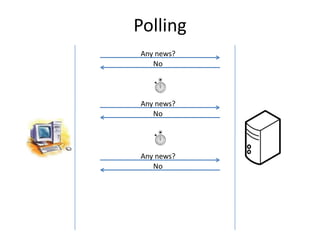
Polling
Polling
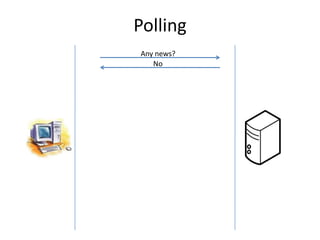
Any news?
   No
Polling
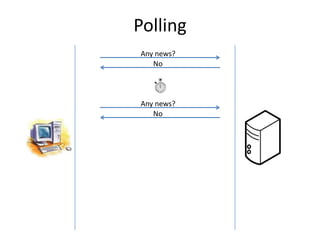
Any news?
   No


Any news?
   No
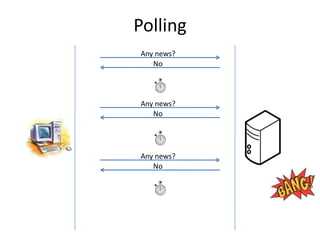
Polling
Any news?
   No


Any news?
   No


Any news?
   No
Polling
Any news?
   No


Any news?
   No


Any news?
   No
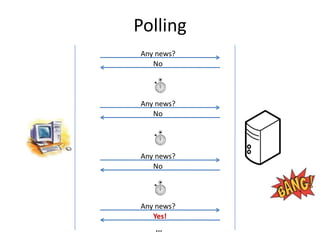
Polling
Any news?
   No


Any news?
   No


Any news?
   No


Any news?
   Yes!
   ...
Polling
Pros
• Easy implementation
• Durable

Cons
• Not really interactive
• Lots of empty traffic
• High server load
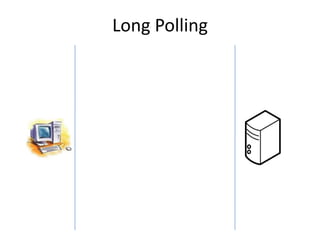
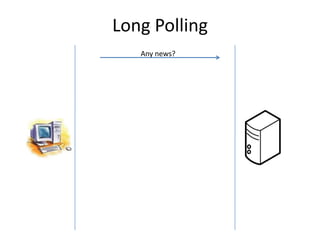
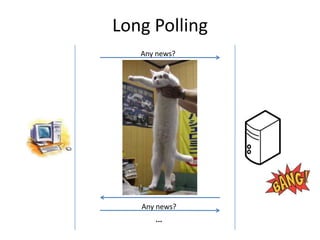
Long Polling
Long Polling
   Any news?
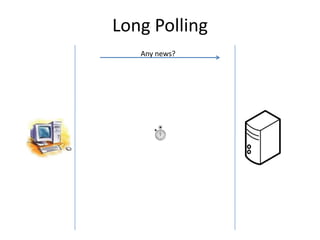
Long Polling
   Any news?
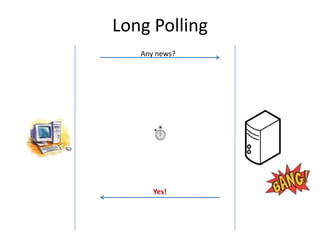
Long Polling
   Any news?


      Yes!
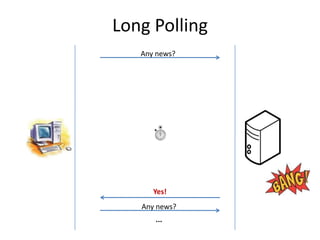
Long Polling
   Any news?


      Yes!
   Any news?
      ...
Long Polling
   Any news?


      Yes!
   Any news?
      ...
Long Polling
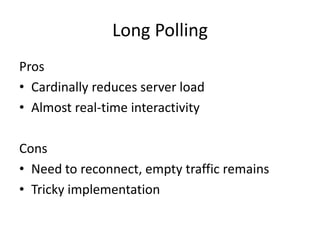
Pros
• Cardinally reduces server load
• Almost real-time interactivity

Cons
• Need to reconnect, empty traffic remains
• Tricky implementation
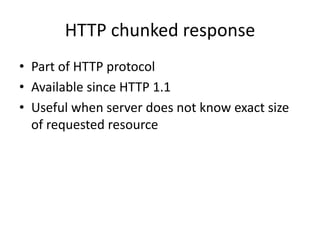
HTTP chunked response
• Part of HTTP protocol
• Available since HTTP 1.1
• Useful when server does not know exact size
  of requested resource
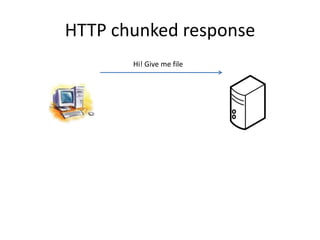
HTTP chunked response
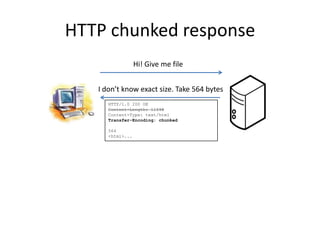
       Hi! Give me file
HTTP chunked response
                  Hi! Give me file


   I don’t know exact size. Take 564 bytes
      HTTP/1.0 200 OK
      Content-Length: 11598
      Content-Type: text/html
      Transfer-Encoding: chunked

      564
      <html>...
HTTP chunked response
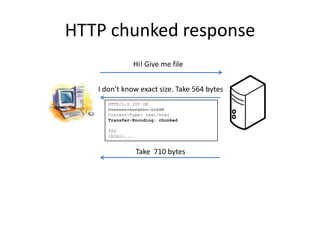
                  Hi! Give me file


   I don’t know exact size. Take 564 bytes
      HTTP/1.0 200 OK
      Content-Length: 11598
      Content-Type: text/html
      Transfer-Encoding: chunked

      564
      <html>...


                  Take 710 bytes
HTTP chunked response
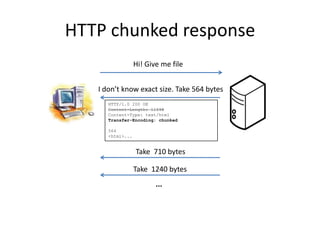
                  Hi! Give me file


   I don’t know exact size. Take 564 bytes
      HTTP/1.0 200 OK
      Content-Length: 11598
      Content-Type: text/html
      Transfer-Encoding: chunked

      564
      <html>...


                  Take 710 bytes

                  Take 1240 bytes
                         ...
HTTP chunked response
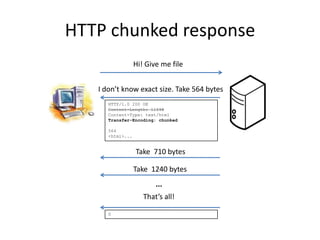
                  Hi! Give me file


   I don’t know exact size. Take 564 bytes
      HTTP/1.0 200 OK
      Content-Length: 11598
      Content-Type: text/html
      Transfer-Encoding: chunked

      564
      <html>...


                  Take 710 bytes

                  Take 1240 bytes
                         ...
                     That’s all!

      0
How to use it?
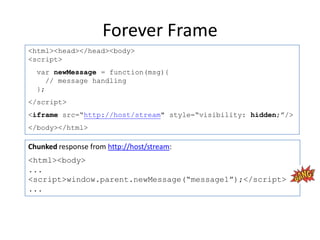
Forever Frame
Forever Frame
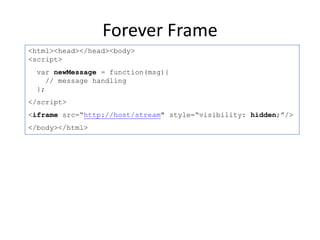
<html><head></head><body>
<script>
 var newMessage = function(msg){
    // message handling
 };
</script>
<iframe src=“http://host/stream" style=“visibility: hidden;”/>
</body></html>
Forever Frame
<html><head></head><body>
<script>
  var newMessage = function(msg){
     // message handling
  };
</script>
<iframe src=“http://host/stream" style=“visibility: hidden;”/>
</body></html>

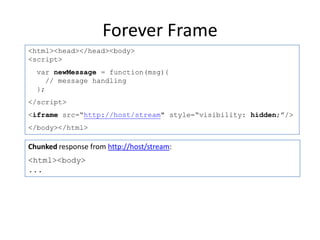
Chunked response from http://host/stream:
<html><body>
...
Forever Frame
<html><head></head><body>
<script>
  var newMessage = function(msg){
     // message handling
  };
</script>
<iframe src=“http://host/stream" style=“visibility: hidden;”/>
</body></html>

Chunked response from http://host/stream:
<html><body>
...
<script>window.parent.newMessage(“message1”);</script>
...
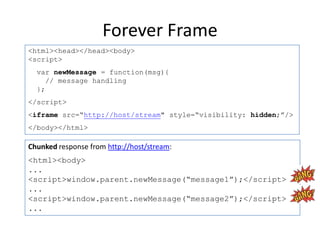
Forever Frame
<html><head></head><body>
<script>
  var newMessage = function(msg){
     // message handling
  };
</script>
<iframe src=“http://host/stream" style=“visibility: hidden;”/>
</body></html>

Chunked response from http://host/stream:
<html><body>
...
<script>window.parent.newMessage(“message1”);</script>
...
<script>window.parent.newMessage(“message2”);</script>
...
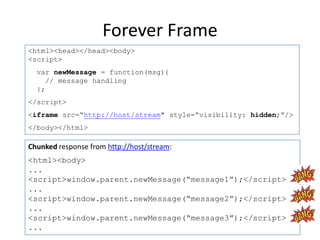
Forever Frame
<html><head></head><body>
<script>
  var newMessage = function(msg){
     // message handling
  };
</script>
<iframe src=“http://host/stream" style=“visibility: hidden;”/>
</body></html>

Chunked response from http://host/stream:
<html><body>
...
<script>window.parent.newMessage(“message1”);</script>
...
<script>window.parent.newMessage(“message2”);</script>
...
<script>window.parent.newMessage(“message3”);</script>
...
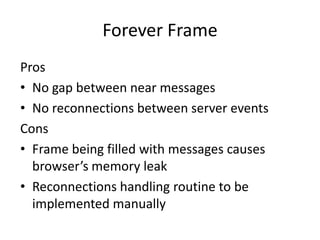
Forever Frame
Pros
• No gap between near messages
• No reconnections between server events
Cons
• Frame being filled with messages causes
  browser’s memory leak
• Reconnections handling routine to be
  implemented manually
What’s your name?


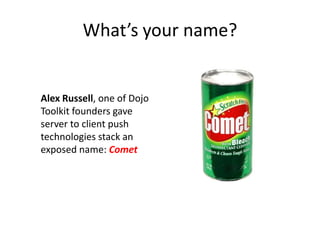
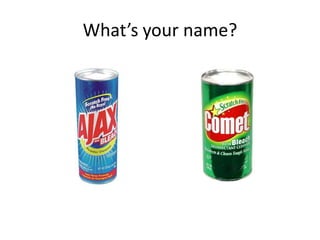
Alex Russell, one of Dojo
Toolkit founders gave
server to client push
technologies stack an
exposed name: Comet
What’s your name?


Alex Russell, one of Dojo
Toolkit founders gave
server to client push
technologies stack an
exposed name: Comet
What’s your name?
Web Socket
•   A special protocol over TCP
•   Allows full duplex between client and server
•   HTTP is used to initialize connection
•   Permanent TCP connection
Web Socket
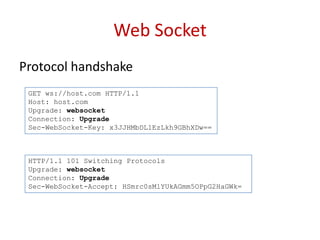
Protocol handshake
 GET ws://host.com HTTP/1.1
 Host: host.com
 Upgrade: websocket
 Connection: Upgrade
 Sec-WebSocket-Key: x3JJHMbDL1EzLkh9GBhXDw==


 HTTP/1.1 101 Switching Protocols
 Upgrade: websocket
 Connection: Upgrade
 Sec-WebSocket-Accept: HSmrc0sMlYUkAGmm5OPpG2HaGWk=
Web Socket
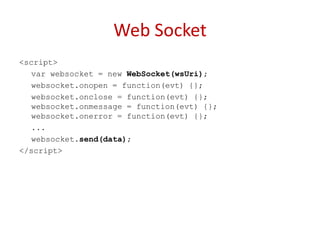
<script>
   var websocket = new WebSocket(wsUri);
   websocket.onopen = function(evt) {};
   websocket.onclose = function(evt) {};
   websocket.onmessage = function(evt) {};
   websocket.onerror = function(evt) {};
   ...
   websocket.send(data);
</script>
Web Socket
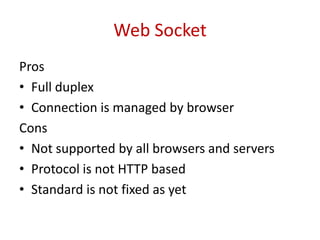
Pros
• Full duplex
• Connection is managed by browser
Cons
• Not supported by all browsers and servers
• Protocol is not HTTP based
• Standard is not fixed as yet
Server Side Events
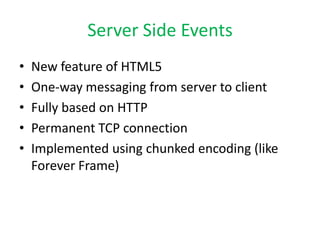
•   New feature of HTML5
•   One-way messaging from server to client
•   Fully based on HTTP
•   Permanent TCP connection
•   Implemented using chunked encoding (like
    Forever Frame)
Server Side Events
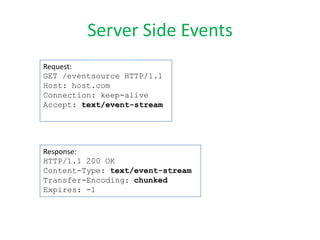
Request:
GET /eventsource HTTP/1.1
Host: host.com
Connection: keep-alive
Accept: text/event-stream


Response:
HTTP/1.1 200 OK
Content-Type: text/event-stream
Transfer-Encoding: chunked
Expires: -1
Server Side Events
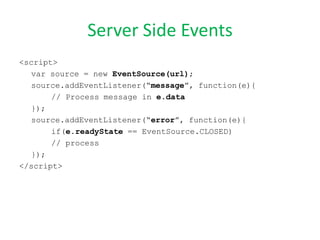
<script>
   var source = new EventSource(url);
   source.addEventListener(“message”, function(e){
       // Process message in e.data
   });
   source.addEventListener(“error”, function(e){
       if(e.readyState == EventSource.CLOSED)
       // process
   });
</script>
Server Side Events
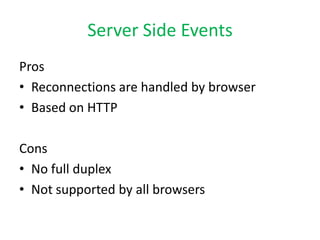
Pros
• Reconnections are handled by browser
• Based on HTTP

Cons
• No full duplex
• Not supported by all browsers
Conclusions
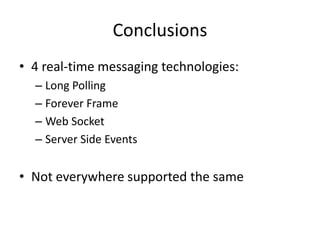
• 4 real-time messaging technologies:
  – Long Polling
  – Forever Frame
  – Web Socket
  – Server Side Events


• Not everywhere supported the same
What to choose?
What to choose?


  ALL OF THEM!
Implementations?!
Implementations?!


 socket.io for Node.js
 SignalR for .NET stack
SignalR
• Is being developed by two guys from ASP.NET
  team
• Open source (github)
• Supports all the 4 messaging technologies
• Automatic fallback from Web Sockets to Long
  Polling, auto detection of browser capabilities
• High level of abstraction – solves business needs
• ...
• Profit!!!
Demo
???????
Skype:

http://cometdaily.com
http://en.wikipedia.org/wiki/Comet_(programming)
http://www.html5rocks.com/en/tutorials/websockets/basics
http://www.html5rocks.com/en/tutorials/eventsource/basics
http://signalr.net
http://socket.io

Interactive web. O rly?