Inserting data into database using php
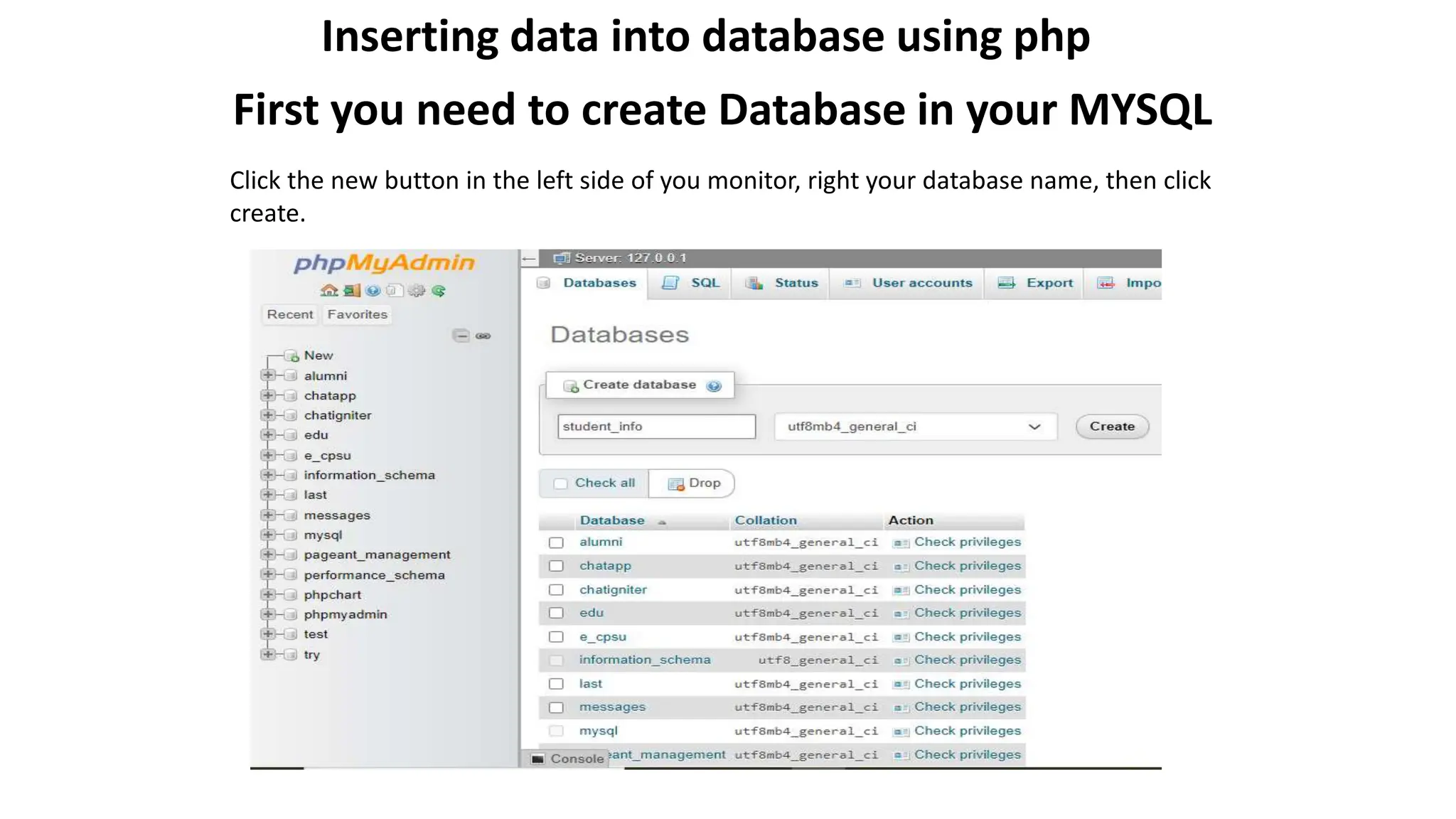
First you need to create Database in your MYSQL
Click the new button in the left side of you monitor, right your database name, then click
create.
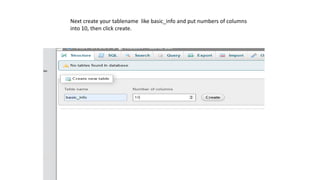
Next create your tablename like basic_info and put numbers of columns
into 10, then click create.
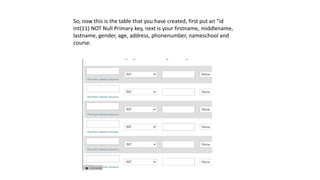
So, now this is the table that you have created, first put an “id
int(11) NOT Null Primary key, next is your firstname, middlename,
lastname, gender, age, address, phonenumber, nameschool and
course.
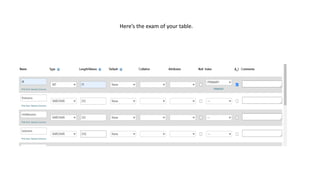
Here’s the exam of your table.
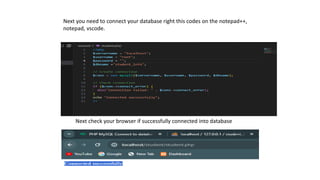
Next you need to connect your database right this codes on the notepad++,
notepad, vscode.
Next check your browser if successfully connected into database
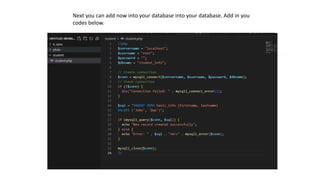
Next you can add now into your database into your database. Add in you
codes below.
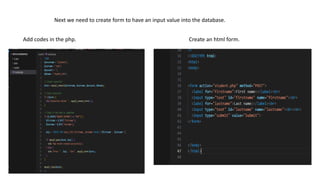
Next we need to create form to have an input value into the database.
Add codes in the php. Create an html form.

Inserting data using XAMPP and VS studio.pptx

  • 1.
    Inserting data intodatabase using php First you need to create Database in your MYSQL Click the new button in the left side of you monitor, right your database name, then click create.
  • 2.
    Next create yourtablename like basic_info and put numbers of columns into 10, then click create.
  • 3.
    So, now thisis the table that you have created, first put an “id int(11) NOT Null Primary key, next is your firstname, middlename, lastname, gender, age, address, phonenumber, nameschool and course.
  • 4.
    Here’s the examof your table.
  • 5.
    Next you needto connect your database right this codes on the notepad++, notepad, vscode. Next check your browser if successfully connected into database
  • 6.
    Next you canadd now into your database into your database. Add in you codes below.
  • 7.
    Next we needto create form to have an input value into the database. Add codes in the php. Create an html form.