What is MySQLi?What does it do?
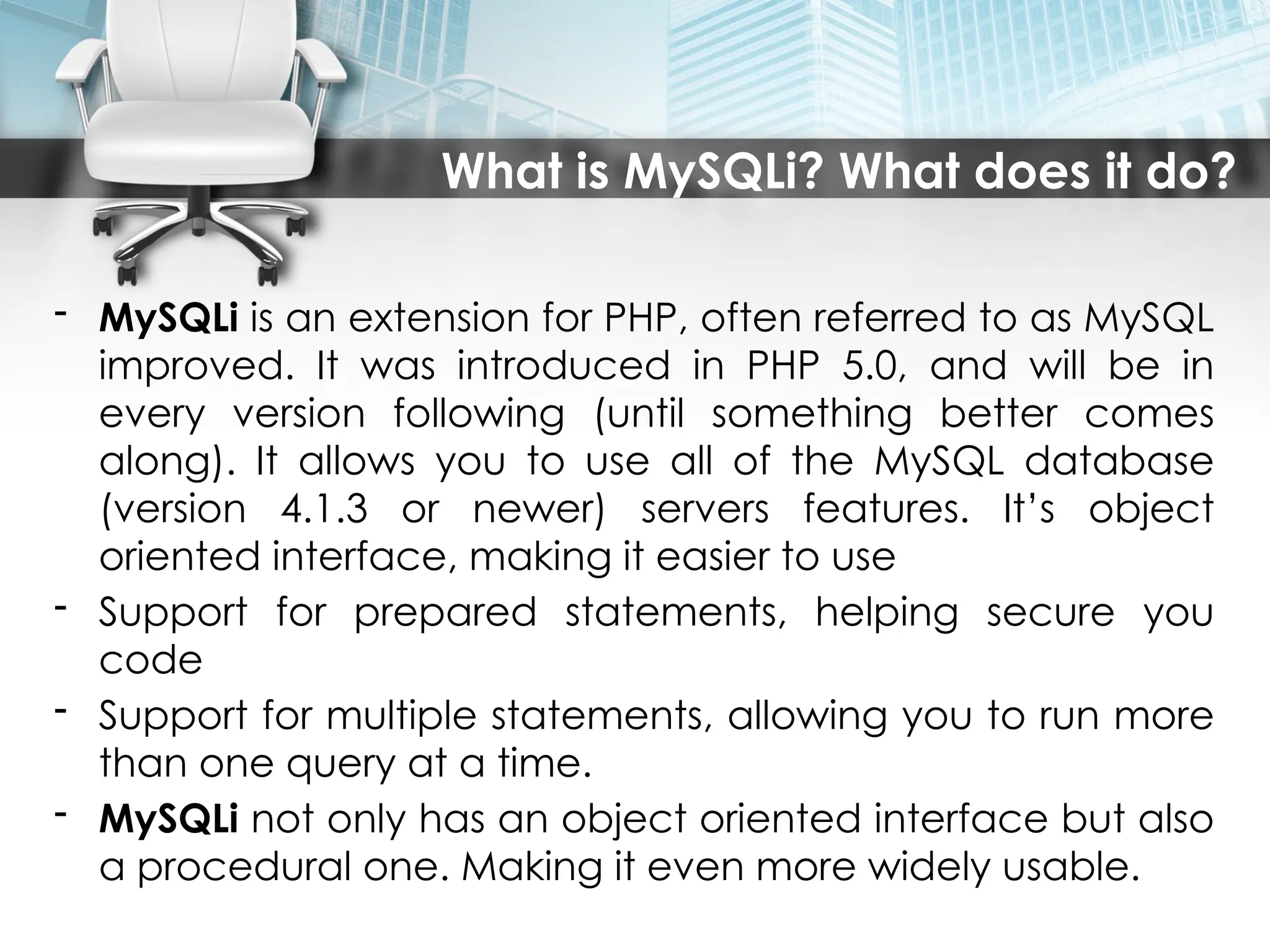
- MySQLi is an extension for PHP, often referred to as MySQL
improved. It was introduced in PHP 5.0, and will be in
every version following (until something better comes
along). It allows you to use all of the MySQL database
(version 4.1.3 or newer) servers features. It’s object
oriented interface, making it easier to use
- Support for prepared statements, helping secure you
code
- Support for multiple statements, allowing you to run more
than one query at a time.
- MySQLi not only has an object oriented interface but also
a procedural one. Making it even more widely usable.
Connection to MySQL
---------------OR-----------------
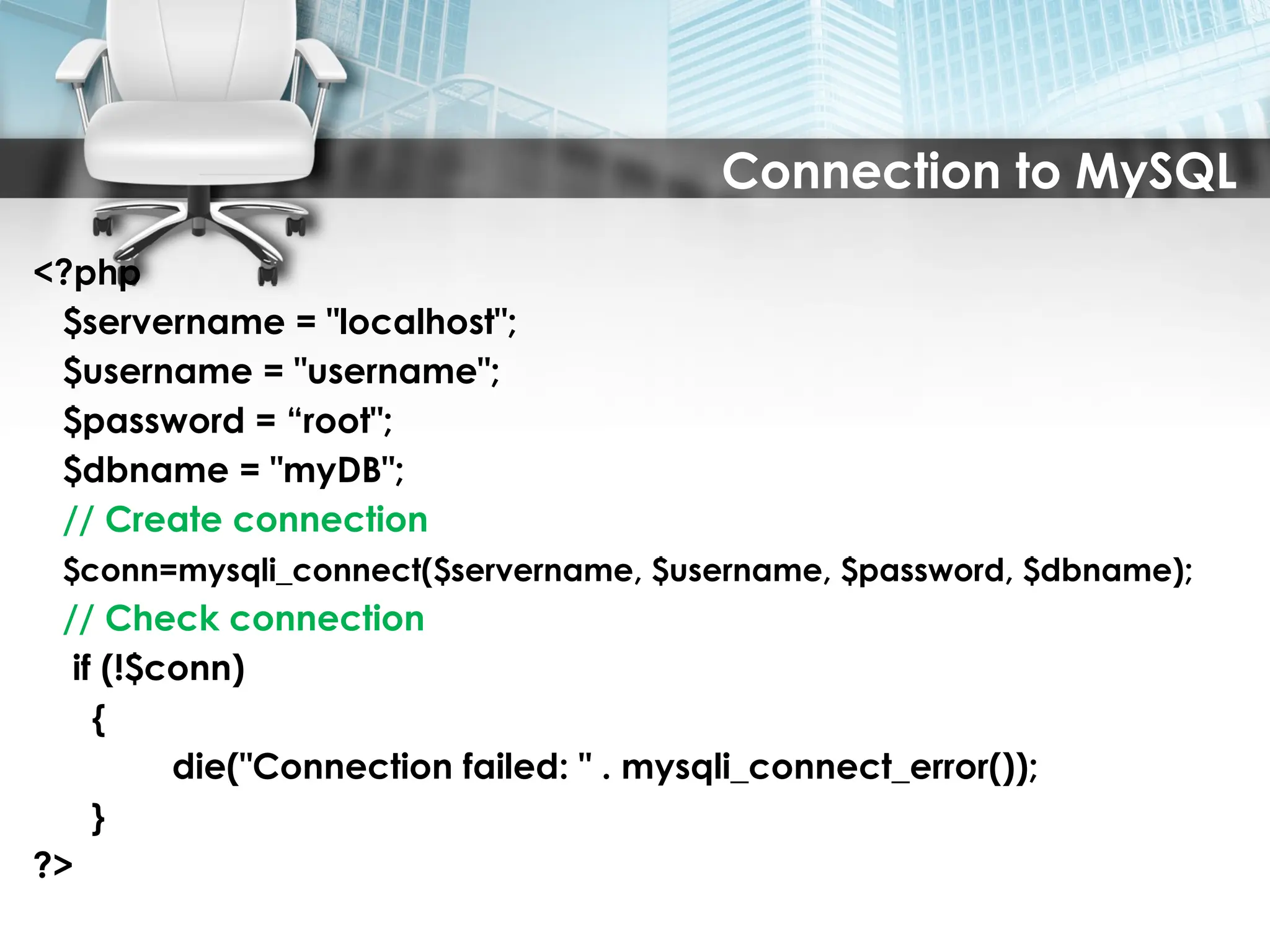
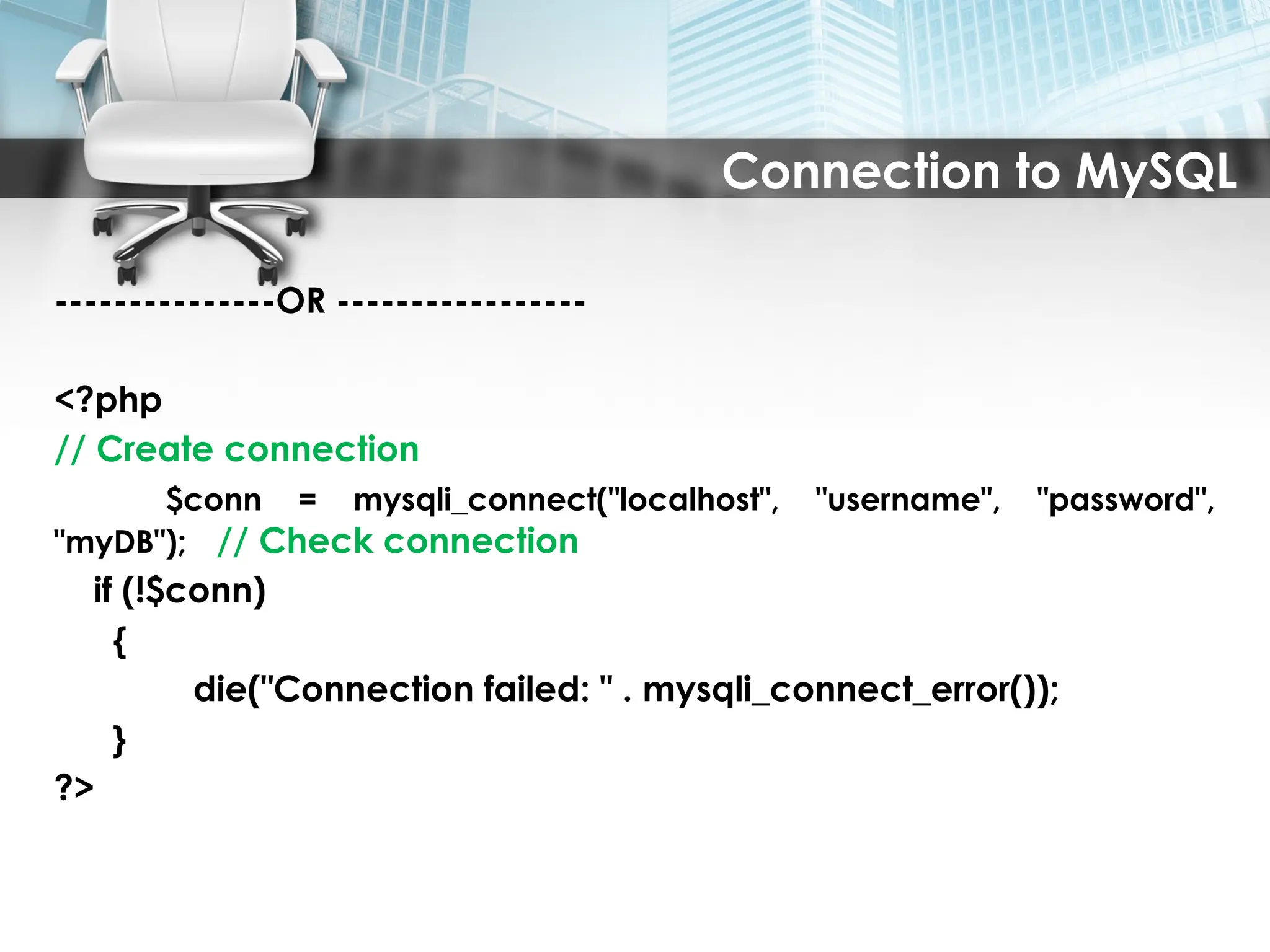
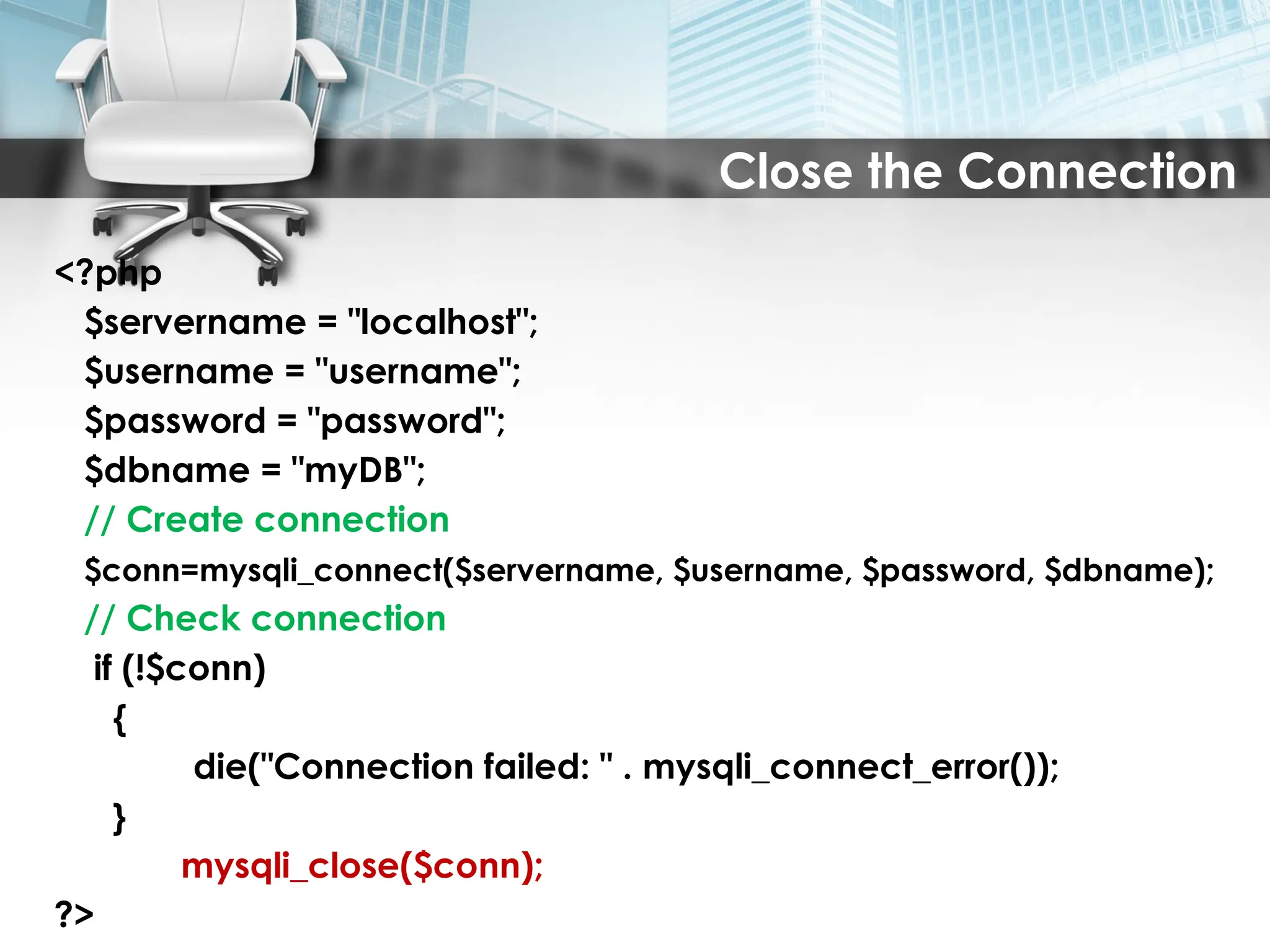
<?php
// Create connection
$conn = mysqli_connect("localhost", "username", "password",
"myDB"); // Check connection
if (!$conn)
{
die("Connection failed: " . mysqli_connect_error());
}
?>
5.
Connection to MySQL
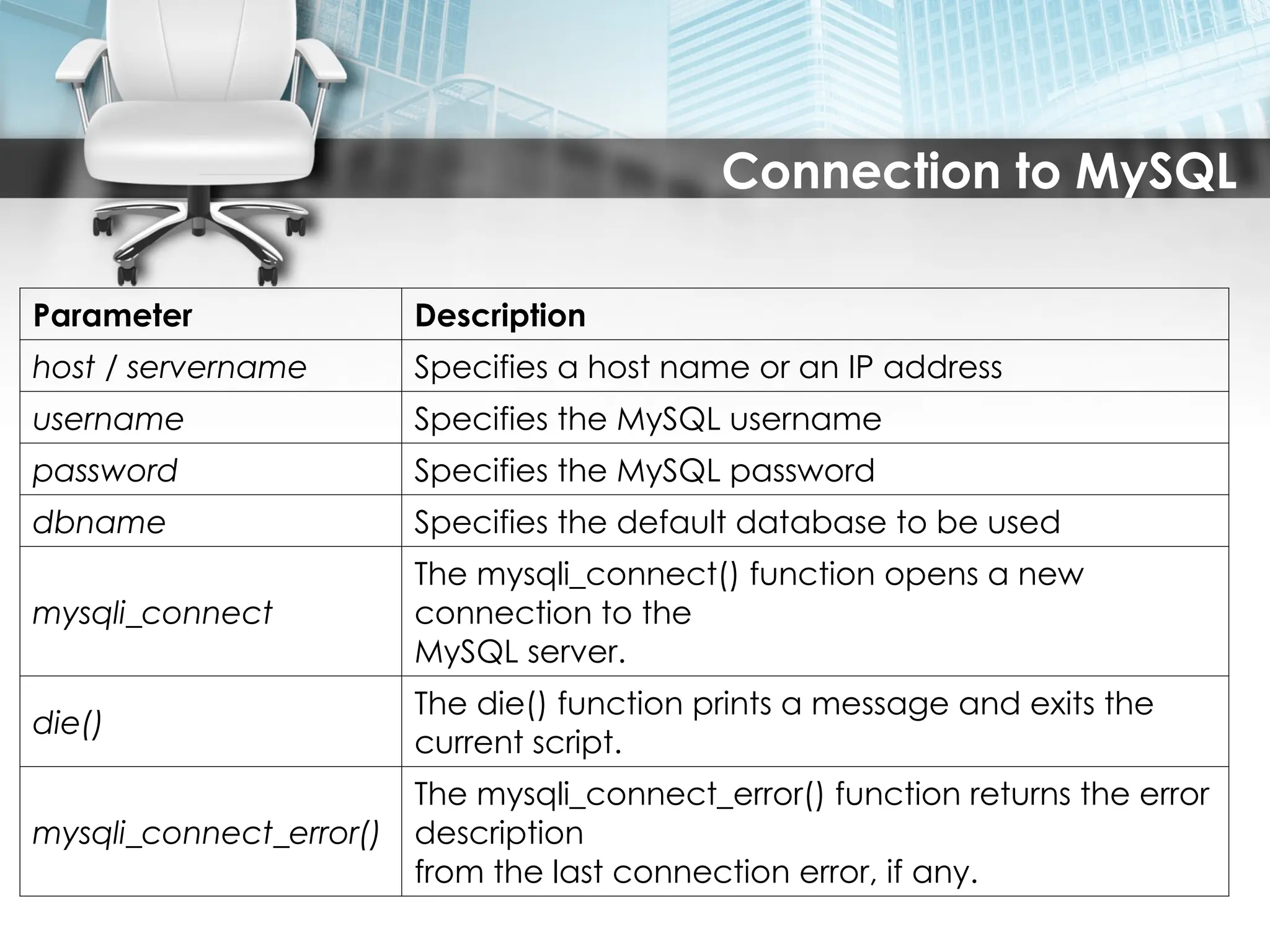
ParameterDescription
host / servername Specifies a host name or an IP address
username Specifies the MySQL username
password Specifies the MySQL password
dbname Specifies the default database to be used
mysqli_connect
The mysqli_connect() function opens a new
connection to the
MySQL server.
die()
The die() function prints a message and exits the
current script.
mysqli_connect_error()
The mysqli_connect_error() function returns the error
description
from the last connection error, if any.
6.
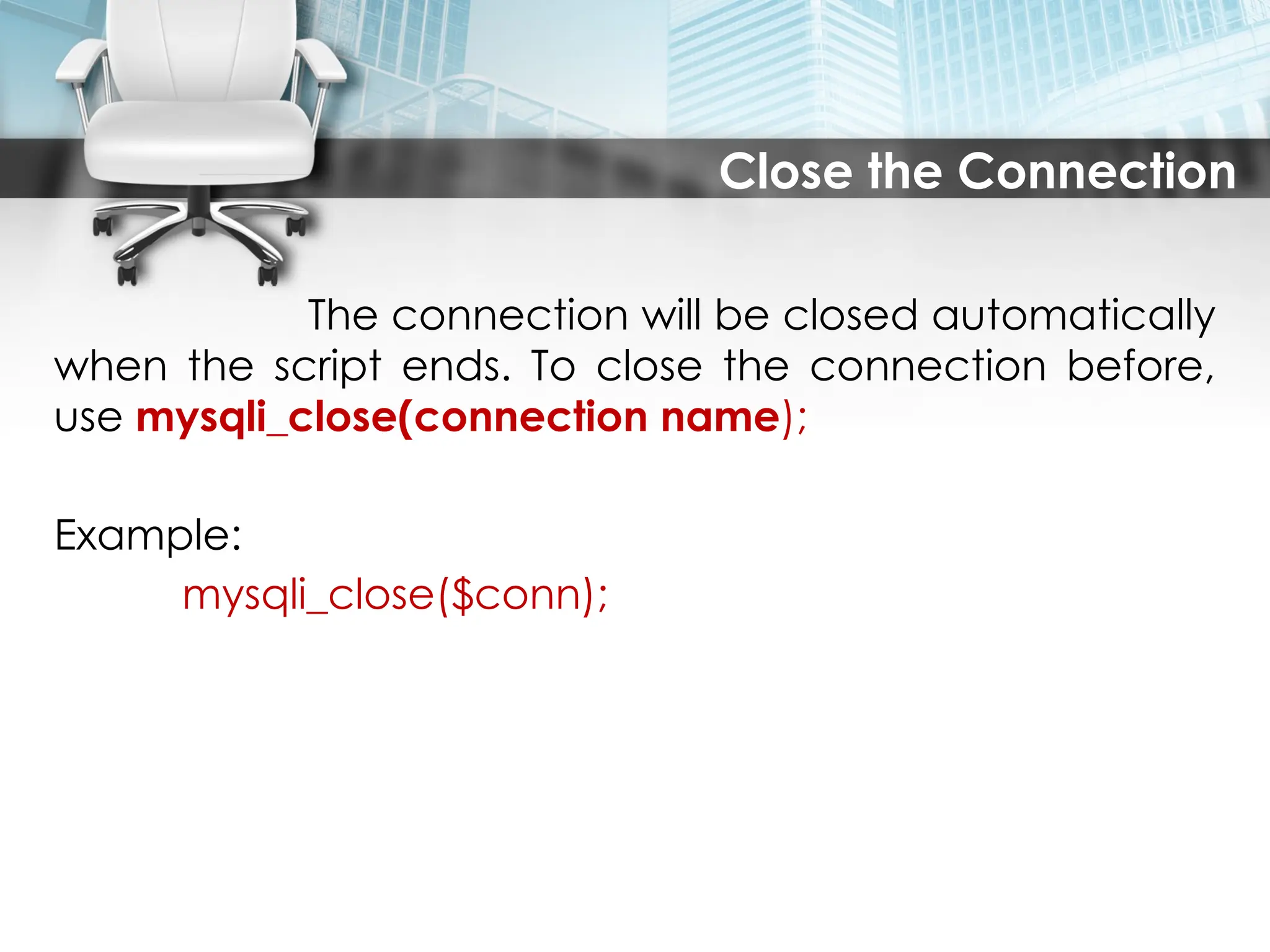
Close the Connection
Theconnection will be closed automatically
when the script ends. To close the connection before,
use mysqli_close(connection name);
Example:
mysqli_close($conn);
Insert Data Froma Form Into a Database
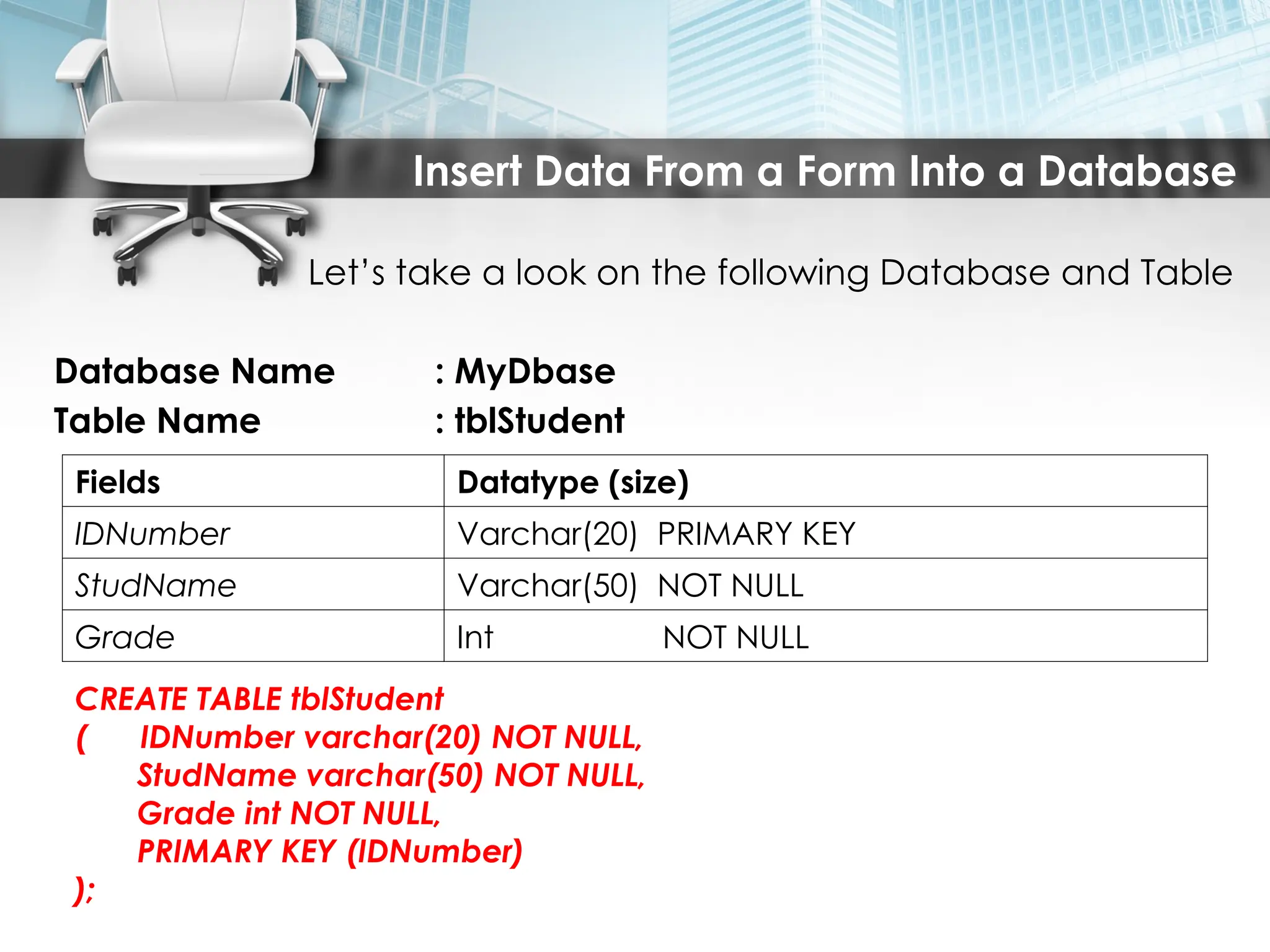
Let’s take a look on the following Database and Table
Database Name : MyDbase
Table Name : tblStudent
Fields Datatype (size)
IDNumber Varchar(20) PRIMARY KEY
StudName Varchar(50) NOT NULL
Grade Int NOT NULL
CREATE TABLE tblStudent
( IDNumber varchar(20) NOT NULL,
StudName varchar(50) NOT NULL,
Grade int NOT NULL,
PRIMARY KEY (IDNumber)
);
9.
Insert Data Froma Form Into a Database
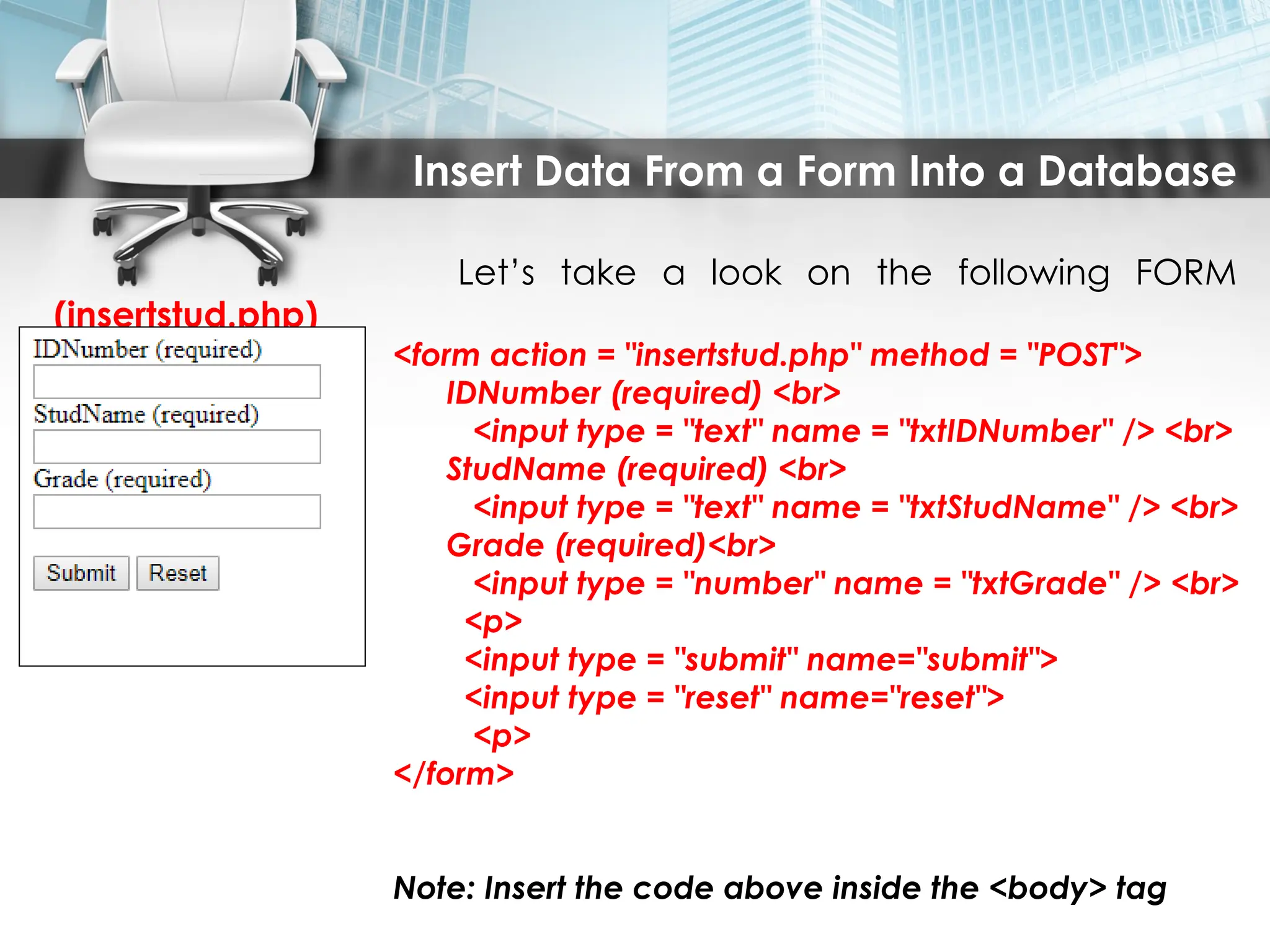
Let’s take a look on the following FORM
(insertstud.php)
<form action = "insertstud.php" method = "POST">
IDNumber (required) <br>
<input type = "text" name = "txtIDNumber" /> <br>
StudName (required) <br>
<input type = "text" name = "txtStudName" /> <br>
Grade (required)<br>
<input type = "number" name = "txtGrade" /> <br>
<p>
<input type = "submit" name="submit">
<input type = "reset" name="reset">
<p>
</form>
Note: Insert the code above inside the <body> tag
10.
Insert Data Froma Form Into a Database
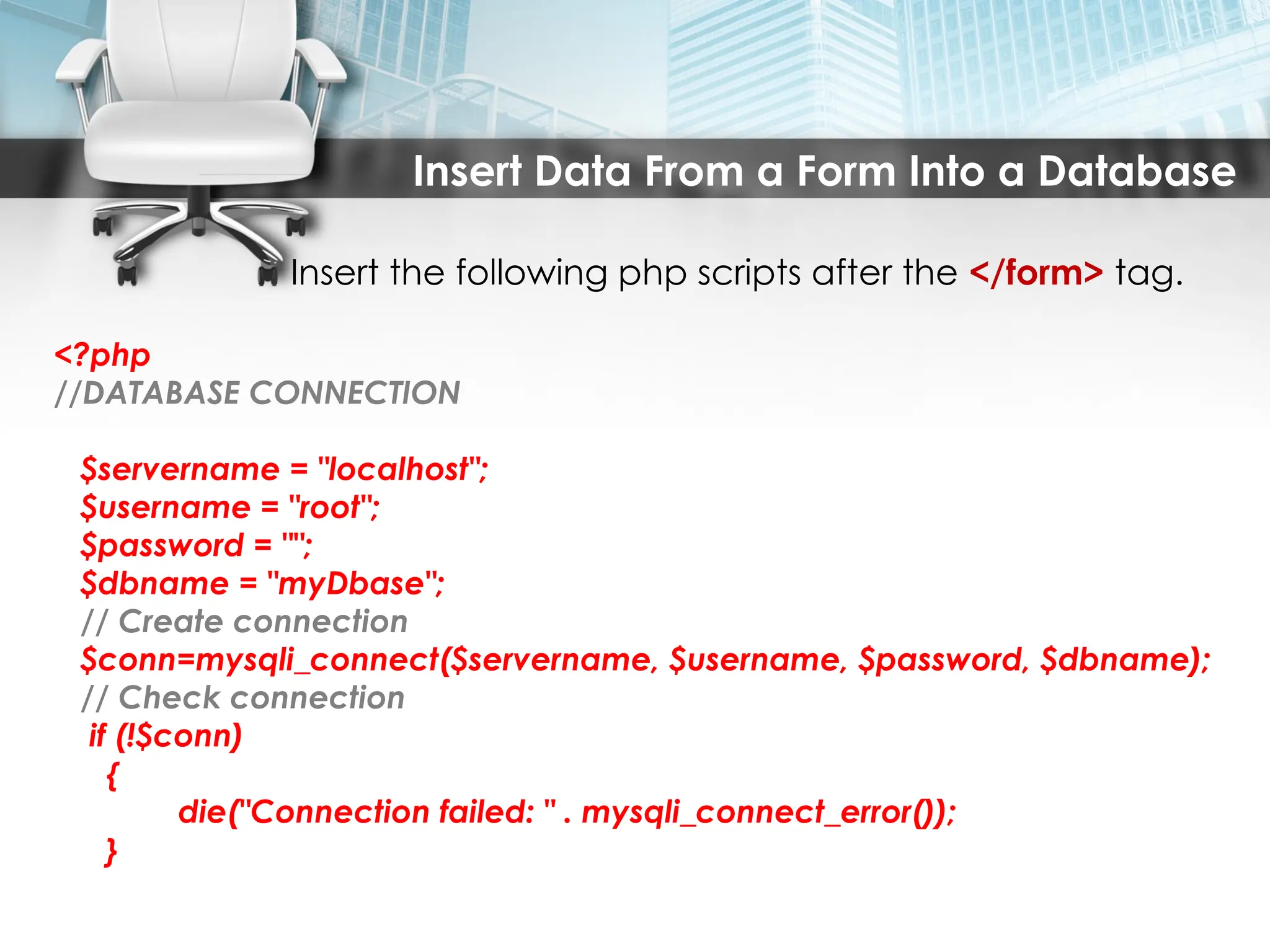
Insert the following php scripts after the </form> tag.
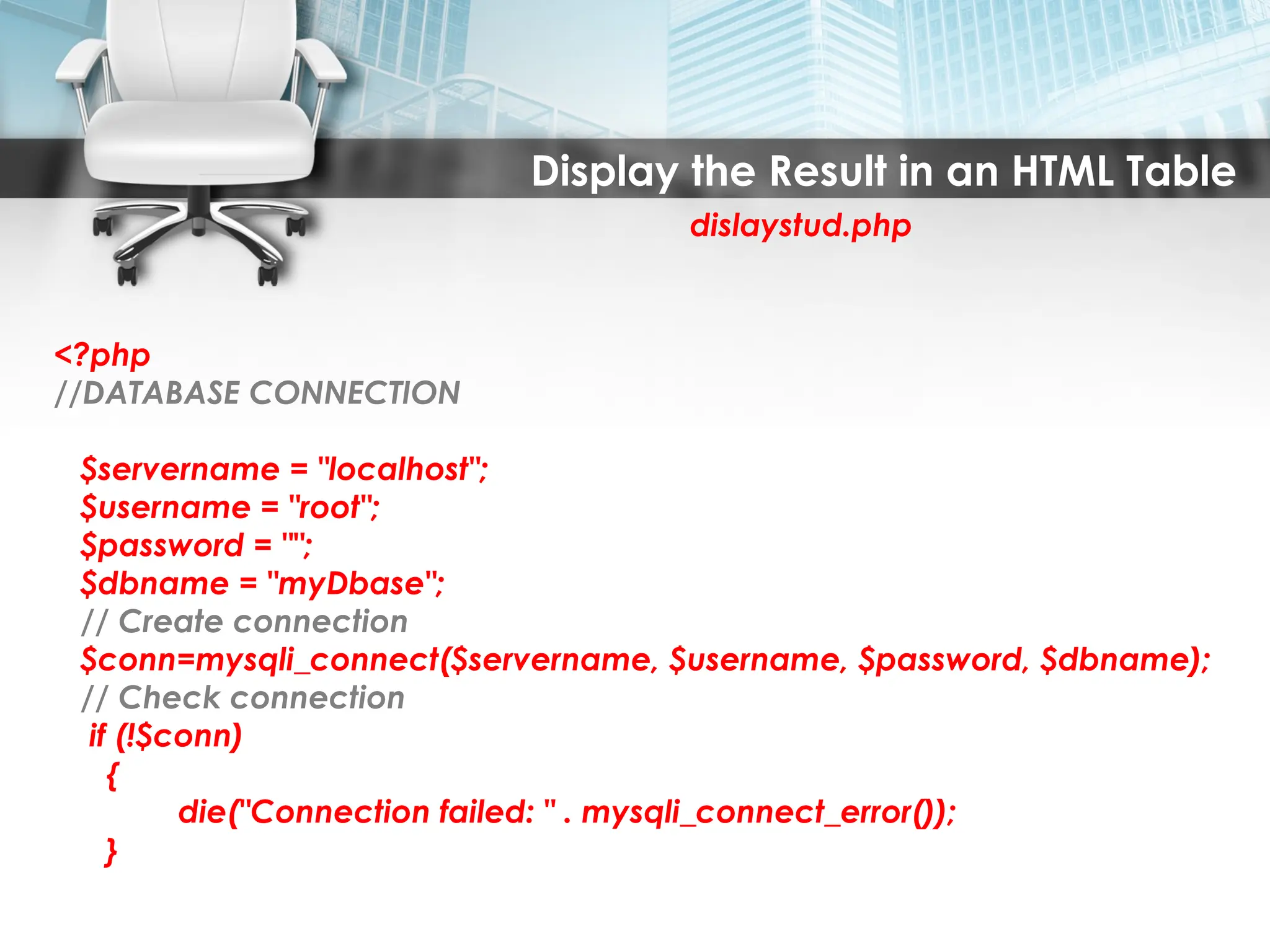
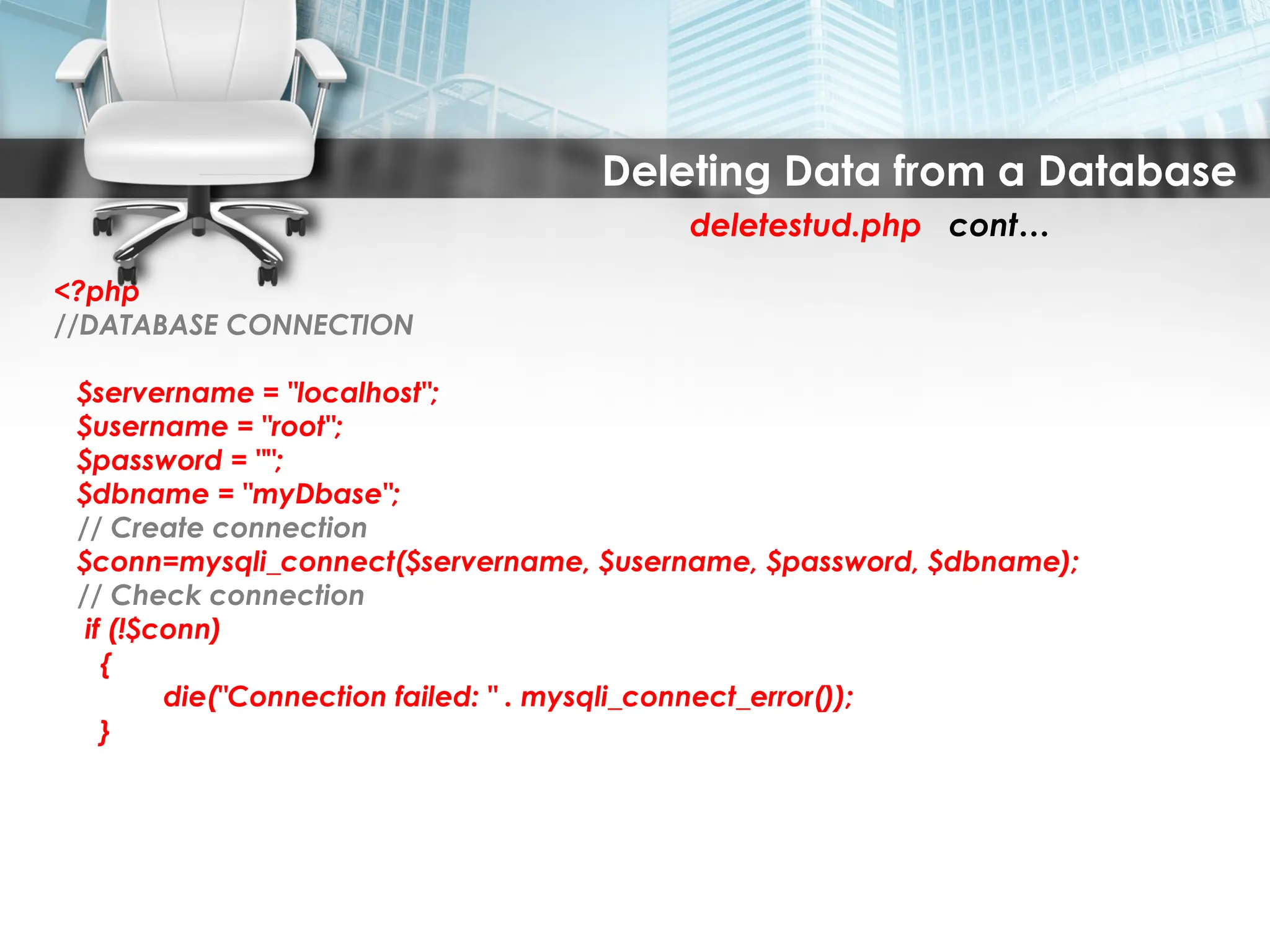
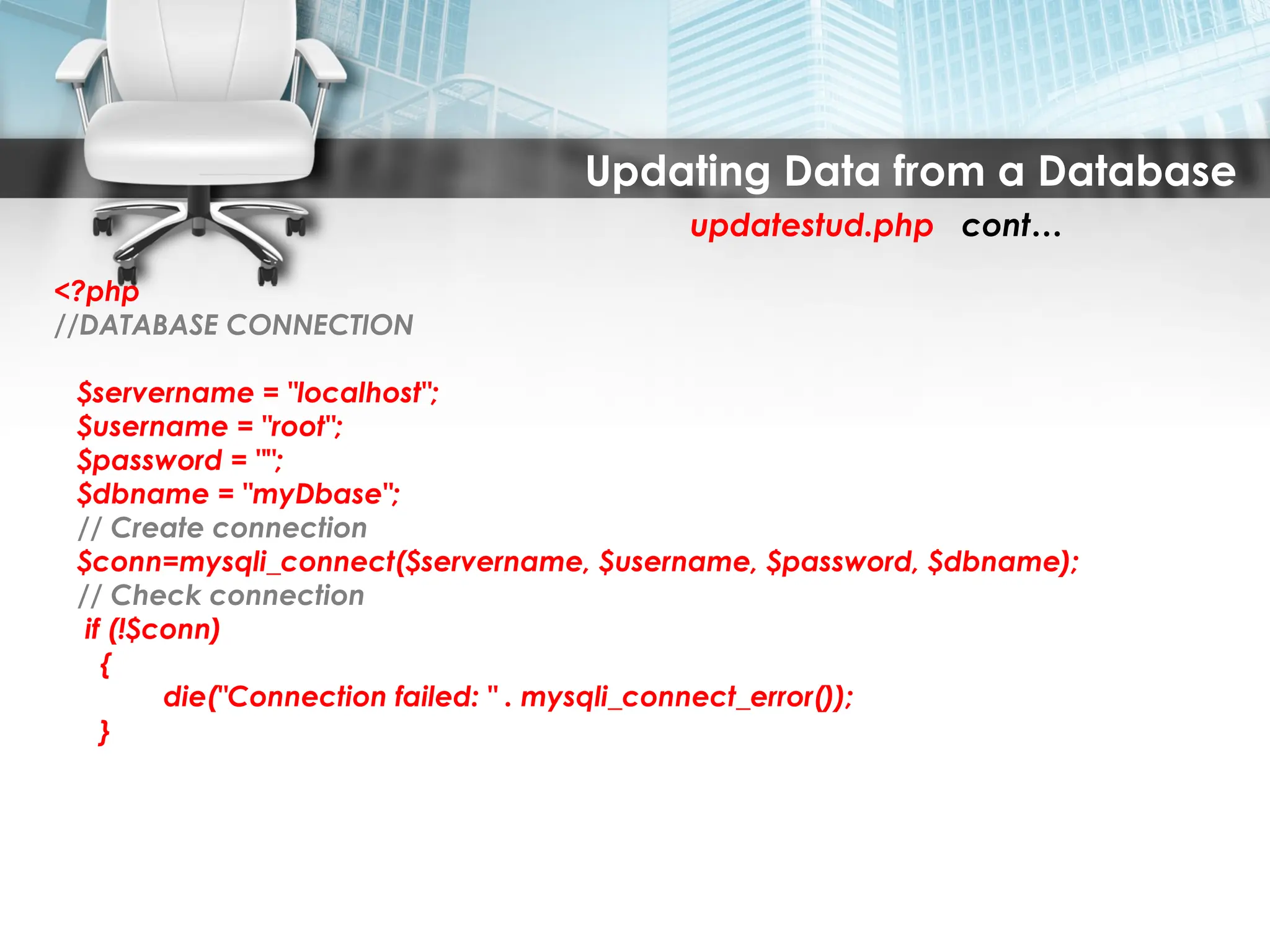
<?php
//DATABASE CONNECTION
$servername = "localhost";
$username = "root";
$password = "";
$dbname = "myDbase";
// Create connection
$conn=mysqli_connect($servername, $username, $password, $dbname);
// Check connection
if (!$conn)
{
die("Connection failed: " . mysqli_connect_error());
}
11.
Insert Data Froma Form Into a Database
CONT……
if (isset($_REQUEST['submit']))
{
extract($_REQUEST);
$IDNumber=mysqli_real_escape_string($conn,$_POST['txtIDNumber']);
$StudName=mysqli_real_escape_string($conn,$_POST['txtStudName']);
$Grade = mysqli_real_escape_string($conn,$_POST['txtGrade']);
if (mysqli_query($conn, "insert into tblstudent set IDNumber='$IDNumber',
StudName='$StudName', Grade='$Grade'"))
{ echo 'Student Successfully Inserted'; }
else
{ echo 'Cannot Insert Student'; }
}
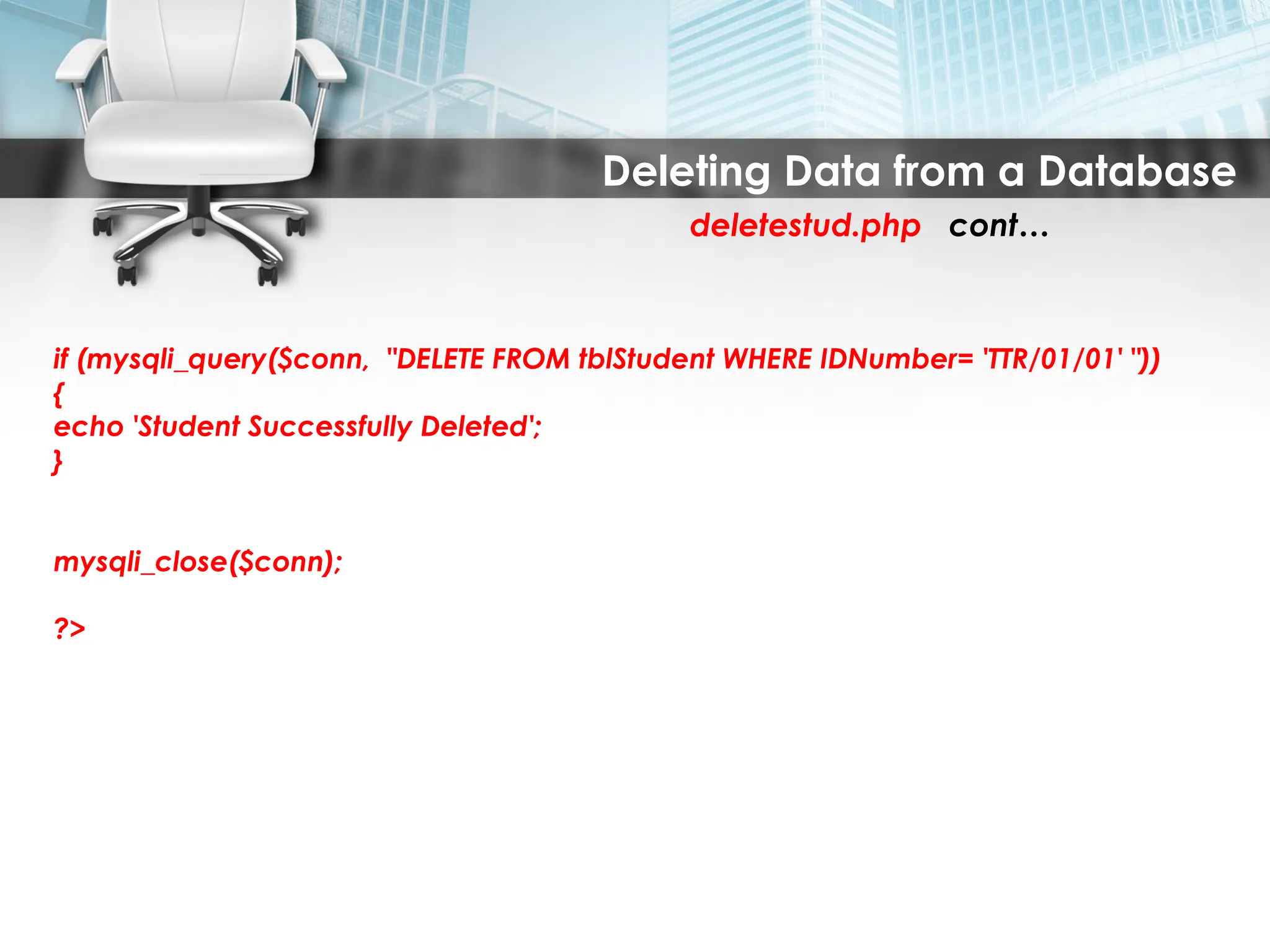
mysqli_close($conn);
?>
12.
Insert Data Froma Form Into a Database
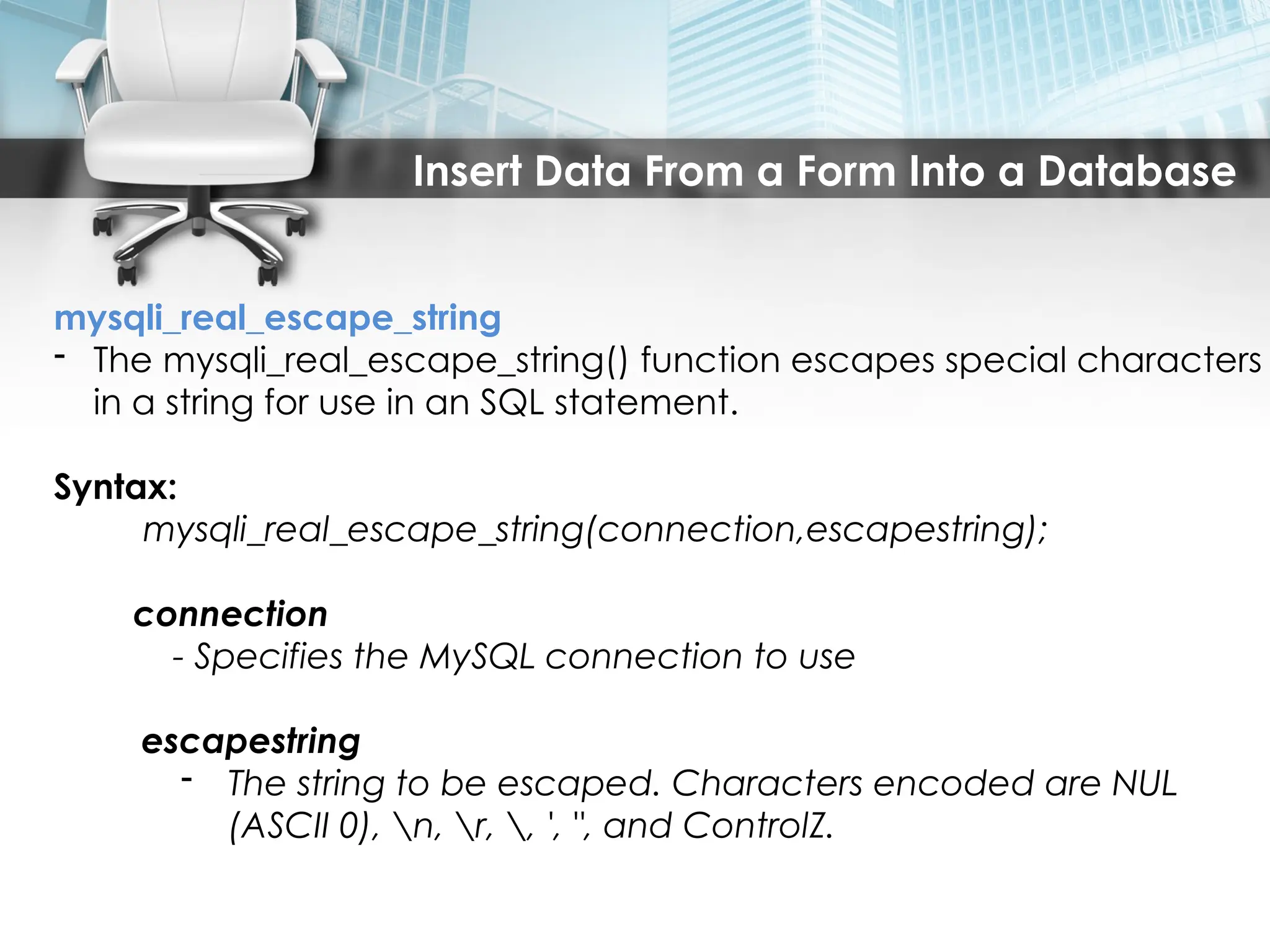
mysqli_real_escape_string
- The mysqli_real_escape_string() function escapes special characters
in a string for use in an SQL statement.
Syntax:
mysqli_real_escape_string(connection,escapestring);
connection
- Specifies the MySQL connection to use
escapestring
- The string to be escaped. Characters encoded are NUL
(ASCII 0), n, r, , ', ", and ControlZ.
13.
Insert Data Froma Form Into a Database
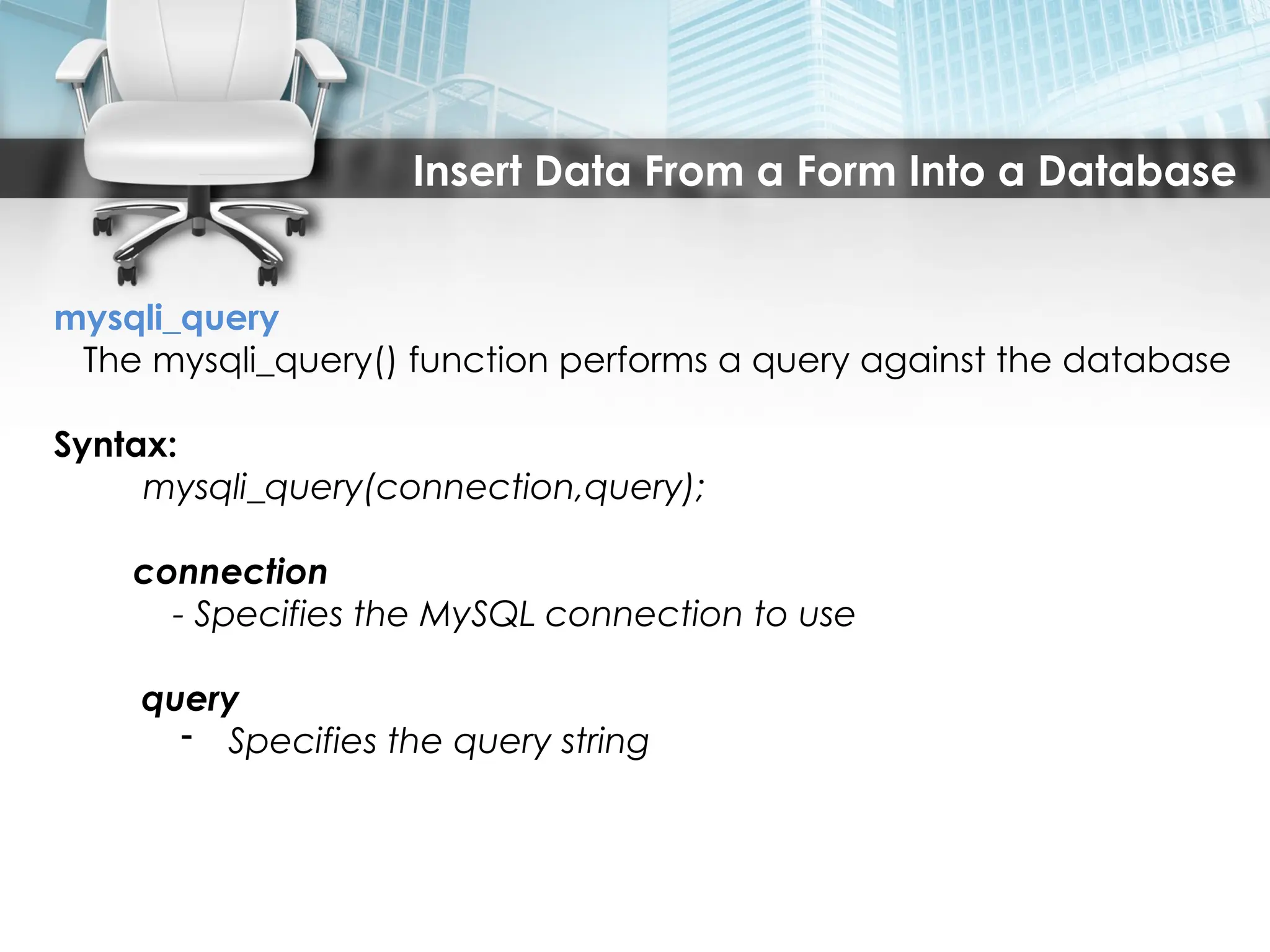
mysqli_query
The mysqli_query() function performs a query against the database
Syntax:
mysqli_query(connection,query);
connection
- Specifies the MySQL connection to use
query
- Specifies the query string

![Insert Data From a Form Into a Database
CONT……
if (isset($_REQUEST['submit']))
{
extract($_REQUEST);
$IDNumber=mysqli_real_escape_string($conn,$_POST['txtIDNumber']);
$StudName=mysqli_real_escape_string($conn,$_POST['txtStudName']);
$Grade = mysqli_real_escape_string($conn,$_POST['txtGrade']);
if (mysqli_query($conn, "insert into tblstudent set IDNumber='$IDNumber',
StudName='$StudName', Grade='$Grade'"))
{ echo 'Student Successfully Inserted'; }
else
{ echo 'Cannot Insert Student'; }
}
mysqli_close($conn);
?>](https://image.slidesharecdn.com/7-250405074617-c82f25d0/75/7-PHP-and-gaghhgashgfsgajhfkhshfasMySQL-pptx-11-2048.jpg)
![Display the Result in an HTML Table
dislaystud.php cont…
$result = mysqli_query($conn, "SELECT * FROM tblstudent");
echo "<table border='1'>
<tr>
<th>IDNumber</th>
<th>StudName</th>
<th>Grade</th>
</tr>";
while($row = mysqli_fetch_array($result)) {
echo "<tr>";
echo "<td>" . $row['IDNumber'] . "</td>";
echo "<td>" . $row['StudName'] . "</td>";
echo "<td>" . $row['Grade'] . "</td>";
echo "</tr>";
}
echo "</table>";
mysqli_close($conn);
?>](https://image.slidesharecdn.com/7-250405074617-c82f25d0/75/7-PHP-and-gaghhgashgfsgajhfkhshfasMySQL-pptx-15-2048.jpg)


![[DSC Europe 25] Boris Perkovic - Lost in performance.pptx](https://cdn.slidesharecdn.com/ss_thumbnails/uq5hrp7vsuahqkxzifux-1-251204082258-fd2ee09d-thumbnail.jpg?width=640&height=640&fit=bounds)
![[DSC Europe 25] Nikola Rajovic - Hardware Technologies Under the Hood: RISC-V...](https://cdn.slidesharecdn.com/ss_thumbnails/o2gptrmtoyqndgoshwgq-dsc2025-tenstorrent-rajovic-251205090438-814685f5-thumbnail.jpg?width=640&height=640&fit=bounds)


![[DSC Europe 25] Jim Sterne - Adopting Generative AI Capabilities Into the Ent...](https://cdn.slidesharecdn.com/ss_thumbnails/sxhpofuorcagxsaulkmt-3-251204082258-7e66bc48-thumbnail.jpg?width=640&height=640&fit=bounds)

![[DSC Europe 25] Vid Stimac - Policy Parsimony: Between Oversimplifying and Ov...](https://cdn.slidesharecdn.com/ss_thumbnails/eqlepagzqp2rhg3gbluh-dsc-stimac-251120-251205090438-059e7f54-thumbnail.jpg?width=640&height=640&fit=bounds)

![[DSC Europe 25] Dragana Ilic - AI for Big Data in Astronomy.pptx](https://cdn.slidesharecdn.com/ss_thumbnails/8palya86qaatvjhva1ms-2-dragana-ilic-ai-ilic-251208151906-652b819c-thumbnail.jpg?width=640&height=640&fit=bounds)


![[DSC Europe 25] Goran Obradovic - The Rise of Sovereign AI: Building the Regi...](https://cdn.slidesharecdn.com/ss_thumbnails/7nw2xxixrxqdxvrb5wca-6-251205085714-ab09a2ac-thumbnail.jpg?width=640&height=640&fit=bounds)


![[DSC Europe 25] Max Talanov - Non digital NNs.pptx](https://cdn.slidesharecdn.com/ss_thumbnails/wif8tr3gtua74qvtopke-non-digital-nns-251205090438-26b0eea6-thumbnail.jpg?width=640&height=640&fit=bounds)
