Download to read offline


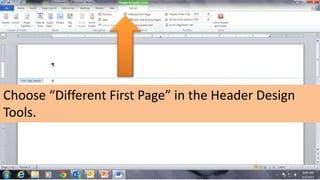
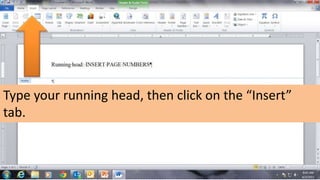
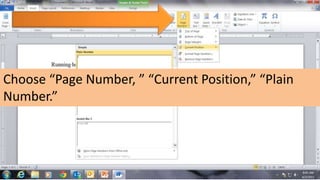
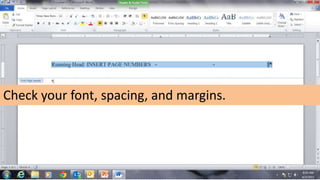



The document provides instructions for inserting a page number into a running head in a Word document. It includes steps such as selecting 'different first page' in header design, typing the running head, and inserting the page number. It concludes with reminders to check font, spacing, and margins.


