Introduction to Computer Hardware and
Software
NAME: M SNEHA
DEPT: MATHEMATICS
TOPIC: HARDWARE AND SOFTWARE
Definition of a Computer
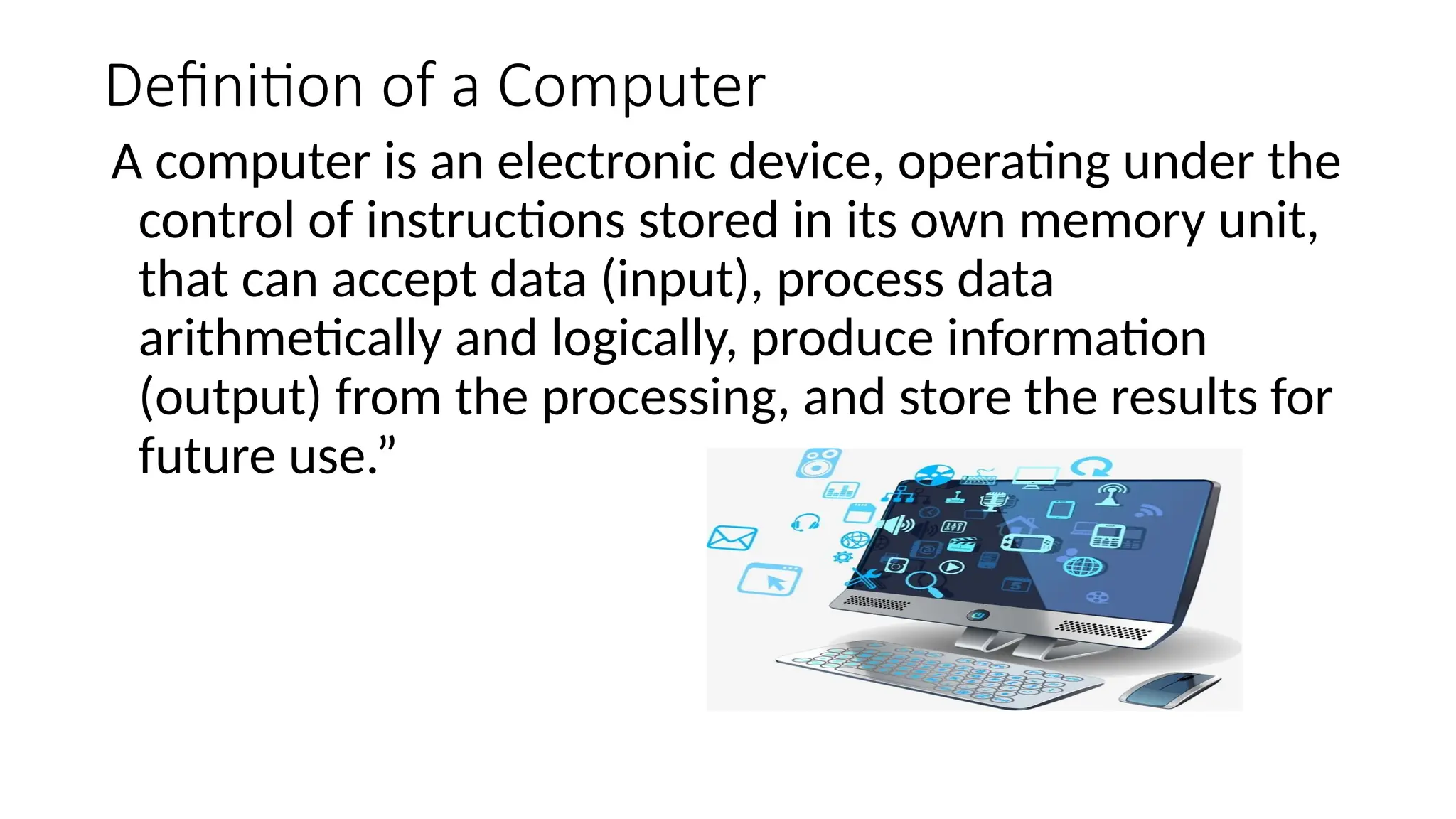
A computer is an electronic device, operating under the
control of instructions stored in its own memory unit,
that can accept data (input), process data
arithmetically and logically, produce information
(output) from the processing, and store the results for
future use.”
Functions of a Computer
• Four operations performed
• The four operations are referred to as the information processing
cycle: Input, Process, Output, and Storage.
• Computers transform raw data into information
• People who use this information are referred to as end users,
computer users or users
Introduction to Computer Hardware
• Hardware vs Software
Hardware is everything you can touch and see
Examples: Monitor, hard drive, CD-ROM, computer cables, keyboard, mouse,
modem, printer, etc.
Software
• Software are programs & applications
• Part of computer that cannot be seen
• Needed for computer to function
• Designed to solve common or custom problems
• System vs Application Software
Components of a Computer
• There are four components to a computer
• Input Devices
• Processor Unit
• Output Devices
• Auxiliary Storage Devices
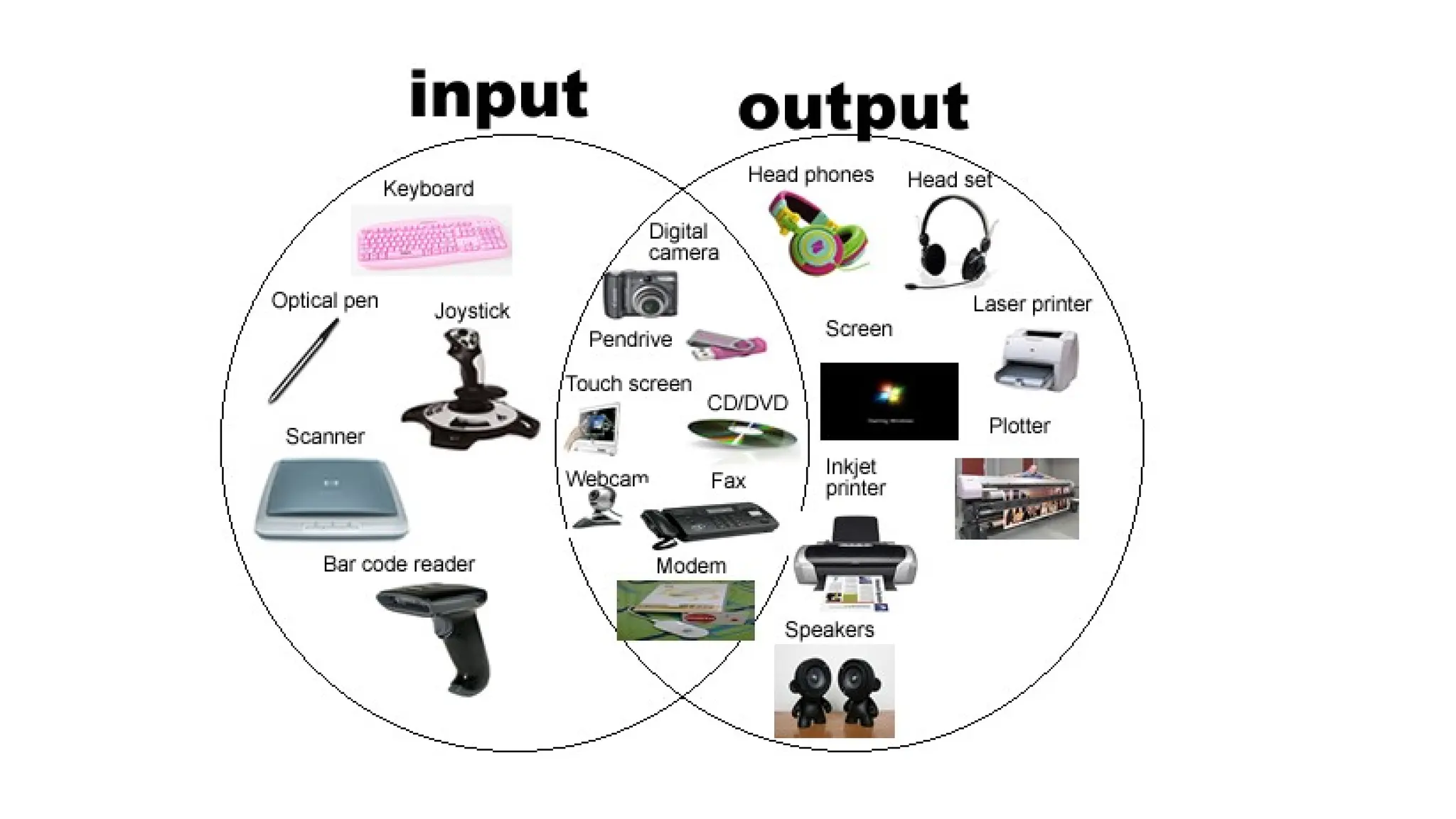
Input Devices
• Input Devices enable the user to enter data into memory
• Examples of input devices:
• Keyboard
• Mouse
• Scanner
• Touch Screen Input
• OCR
THANK U

INPUT AND OUTPUT DEVICES.pptx COLLEGE PPT

  • 1.
    Introduction to ComputerHardware and Software NAME: M SNEHA DEPT: MATHEMATICS TOPIC: HARDWARE AND SOFTWARE
  • 2.
    Definition of aComputer A computer is an electronic device, operating under the control of instructions stored in its own memory unit, that can accept data (input), process data arithmetically and logically, produce information (output) from the processing, and store the results for future use.”
  • 3.
    Functions of aComputer • Four operations performed • The four operations are referred to as the information processing cycle: Input, Process, Output, and Storage. • Computers transform raw data into information • People who use this information are referred to as end users, computer users or users
  • 4.
    Introduction to ComputerHardware • Hardware vs Software Hardware is everything you can touch and see Examples: Monitor, hard drive, CD-ROM, computer cables, keyboard, mouse, modem, printer, etc.
  • 6.
    Software • Software areprograms & applications • Part of computer that cannot be seen • Needed for computer to function • Designed to solve common or custom problems • System vs Application Software
  • 8.
    Components of aComputer • There are four components to a computer • Input Devices • Processor Unit • Output Devices • Auxiliary Storage Devices
  • 9.
    Input Devices • InputDevices enable the user to enter data into memory • Examples of input devices: • Keyboard • Mouse • Scanner • Touch Screen Input • OCR
  • 10.