INFORMATION security
BY IFRA MUBARIK
What is Security
“The quality or state of being secure-to be free
from danger.”
Information Security is the practice of defending information from
1 Unauthorized access, 2 Unauthorized use, 3 Disclosure, 4 Disruption, 5 Modification,
6 Perusal,7 Inspection, 8 Recording 9 Destruction.
It is a general term that can be used regardless of the form the data may take.
What is Information Security
“ The Committee on National Security Systems (CNSS)
defines information security as the protection of
information and its critical elements, including the
systems and hardware that use, store, and transmit
that information”
How to Achieve Security?
A successful organization should have multiple layers of
security in place: –
1.Physical security, to protect physical items, objects, or
areas from unauthorized access and misuse.
2. Personnel security, to protect the individual or group
of individuals who are authorized to access the
organization and its operations – Human Beings.
3.Operations security, to protect the details of a
particular operation or series of Activities.
How to Achieve Security contd…..
4.Communications security, to protect communications
media, technology, and content.
5.Network security, to protect networking components,
connections, and contents.
6. Information security, to protect the confidentiality,
integrity and availability of information assets, whether in
storage, processing, or transmission. It is achieved via the
application of policy, education, training and awareness,
and technology.
CIA Triangle
The C.I.A. triangle has been the industry standard for
computer security since the development of the mainframe.
It is based on the three characteristics of information that
give it value to organizations:
Confidentiality
is the concealment of information or resources. The need
for keeping information secret arises from the use of
computers in institutions with sensitive information such as
government and industry. For example, military and civilian
institutions in the government often restrict access to
information to those who need that information.
Integrity
integrity refers to the trustworthiness of data or resources,
and it is usually phrased in terms of preventing improper or
unauthorized change. Integrity includes data integrity (the
content of the information) and origin integrity (the source
of the data, often called authentication). The source of the
information may bear on its accuracy and credibility and on
the trust that people place in the information.
Availability
Availability refers to the ability to use information or
resources. Availability is an important aspect of reliability as
well as of system design because an unavailable system is at
least as bad as no system at all. The aspect of availability
that is relevant to security is that someone may deliberately
arrange to deny access to data or to a service by making it
unavailable or unusable.
Authentication Models
Authentication: is the process of identifying users that
request to access the system, network , or device . Access
controls often determine users identity according to
credentials like user name and password, other
authentication techniques like biometric and authentication
apps are also used to authenticate user identity
Why Authentication is important
User authentication is a method that keeps unauthorized
users away from accessing sensitive information for
example user A only has access to relevant information and
cannot see the sensitive information of user B
1.Password Authentication/ Single
Factor
A password, sometimes called a passcode is secret data, typically a string of characters, usually used to
confirm a user's identity. Traditionally there were no standard set for passwords Even the user was able
to use user name as password
By the time you add up online banking, email, e-commerce, social media, and general interest accounts,
the average person manages 126 online accounts. That’s a lot of passwords to remember.
So, guess what? Twenty percent of people reuse exactly the same password for all of their accounts.
That means for one out of every five people, when one of their accounts is compromised, all of their
accounts are compromised.
And, it gets worse.
The majority of passwords are very easy to guess or crack. A common eight-character password can take
less than a second to guess using a simple password dictionary, and even a more complex
eight-character password can be cracked in mere seconds using a botnet.
“OK,” you might be thinking. “But, those are all problems associated with bad passwords. What if we
could convince people to choose good passwords instead?”
Sadly, instead of solving the problem, good passwords simply create a new one: forgotten passwords.
Password Authentication/ Single Factor
(1FA)
With the advancement now Passwords shall have a minimum of 10 characters with a mix of
alphanumeric and special characters; if a particular system will not support 10 character
passwords, then the maximum number of characters allowed by that system shall be used. The
user can not use user name as password and further more you practice in different accounts
technically, when we discuss single-factor authentication, we usually mean password-only
authentication (i.e. the most common type of authentication). However, this model applies to
any authentication platform that uses only one factor; even biometrics falls into it.
Single Factor Authentication is correctly regarded as the weakest of all authentication models.
Passwords can easily be cracked, guessed, or stolen – even social media accounts can provide the
necessary information for hackers – and that doesn’t even get into possible Dark Web purchase
options. But even if your business does switch to a biometric authentication model (which is
objectively stronger), that still leaves your business vulnerable.
Password Authentication/ Single Factor
(1FA)
One problem with password-based authentication is it requires knowledge and diligence to
create and remember strong passwords. Passwords require protection from many insider
threats, such as carelessly stored sticky notes with login credentials, old hard drives and social
engineering exploits. Passwords are also prey to external threats, such as hackers using
brute-force, dictionary or rainbow table attacks.
Given enough time and resources, an attacker can usually breach password-based security
systems and steal corporate data. Passwords have remained the most common form of SFA
because of their low cost, ease of implementation and familiarity.
A single-factor authentication system, regardless of what factor it uses, still only leaves a single
layer of security between hackers and their targets.
Besides all the drawback password or single factor authentication is the initial and necessary
layer of authentication still practice till today
2. Two layer /Two factor authentication
(2FA)
Two-factor authentication (2FA), sometimes referred to as two-step
verification or dual-factor authentication, is a security process in which users
provide two different authentication factors to verify themselves.
2FA is implemented to better protect both a user's credentials and the
resources the user can access. Two-factor authentication provides a higher
level of security than authentication methods that depend on single-factor
authentication (SFA), in which the user provides only one factor -- typically, a
password or passcode. Two-factor authentication methods rely on a user
providing a password as the first factor and a second, different factor -- usually
either a security token or a biometric factor, such as a fingerprint or facial scan.
2. Two layer /Two factor authentication
(2FA)
Two-factor authentication adds an additional layer of security to the authentication
process by making it harder for attackers to gain access to a person's devices or online
accounts because, even if the victim's password is hacked, a password alone is not
enough to pass the authentication check.
Two-factor authentication has long been used to control access to sensitive systems
and data. Online service providers are increasingly using 2FA to protect their users'
credentials from being used by hackers who stole a password database or
used phishing campaigns to obtain user passwords.
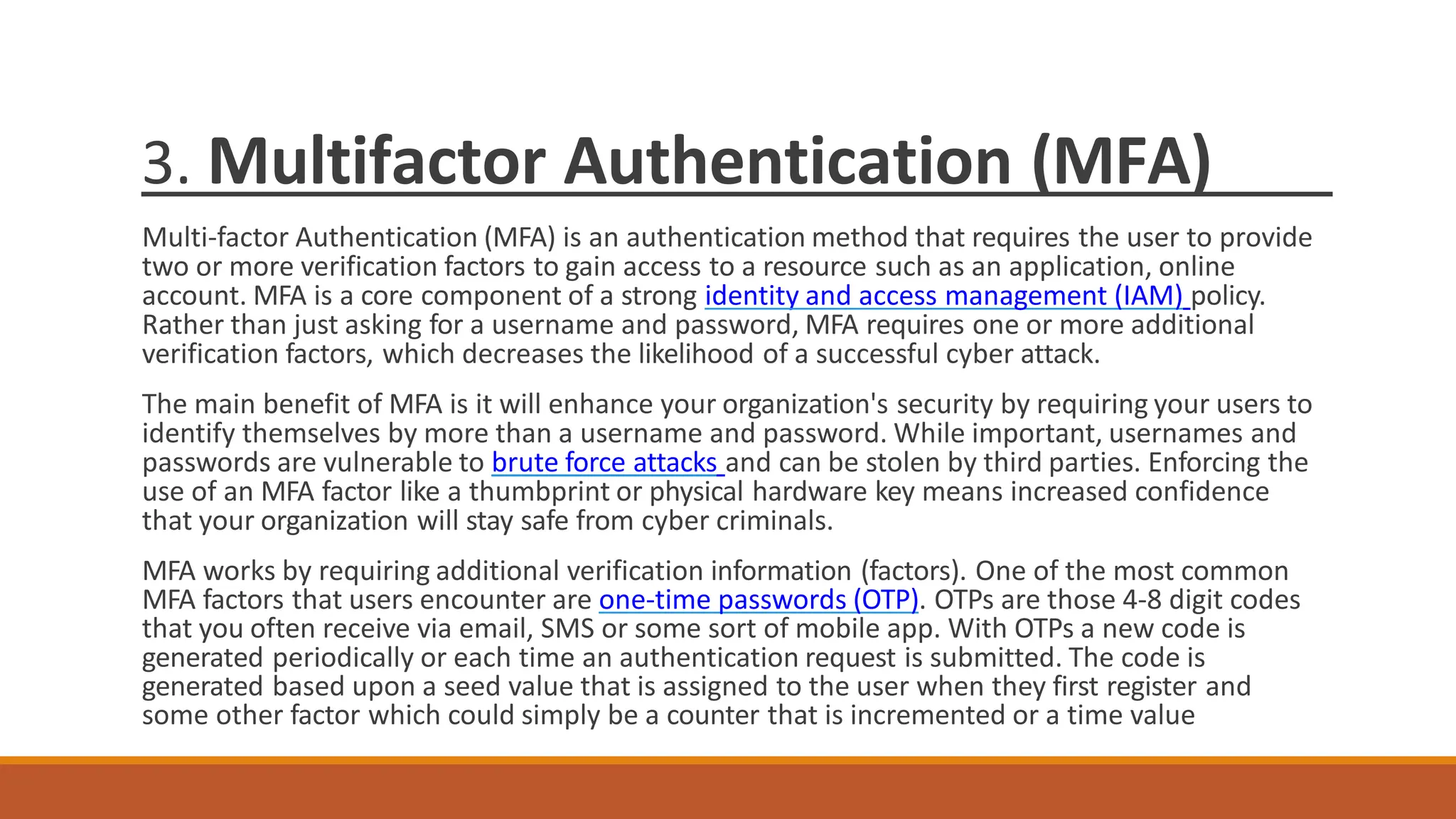
3. Multifactor Authentication (MFA)
Multi-factor Authentication (MFA) is an authentication method that requires the user to provide
two or more verification factors to gain access to a resource such as an application, online
account. MFA is a core component of a strong identity and access management (IAM) policy.
Rather than just asking for a username and password, MFA requires one or more additional
verification factors, which decreases the likelihood of a successful cyber attack.
The main benefit of MFA is it will enhance your organization's security by requiring your users to
identify themselves by more than a username and password. While important, usernames and
passwords are vulnerable to brute force attacks and can be stolen by third parties. Enforcing the
use of an MFA factor like a thumbprint or physical hardware key means increased confidence
that your organization will stay safe from cyber criminals.
MFA works by requiring additional verification information (factors). One of the most common
MFA factors that users encounter are one-time passwords (OTP). OTPs are those 4-8 digit codes
that you often receive via email, SMS or some sort of mobile app. With OTPs a new code is
generated periodically or each time an authentication request is submitted. The code is
generated based upon a seed value that is assigned to the user when they first register and
some other factor which could simply be a counter that is incremented or a time value
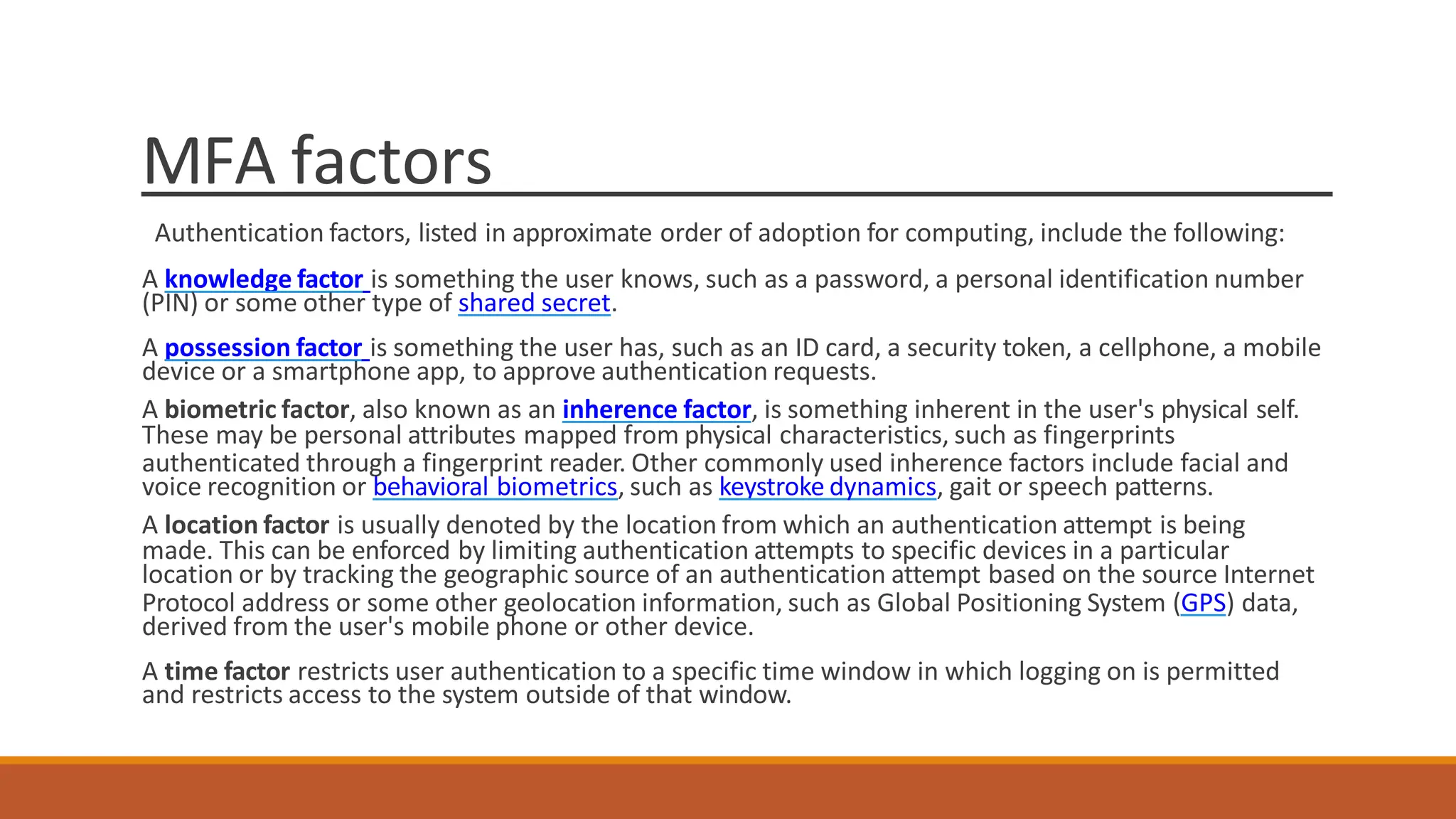
MFA factors
Authentication factors, listed in approximate order of adoption for computing, include the following:
A knowledge factor is something the user knows, such as a password, a personal identification number
(PIN) or some other type of shared secret.
A possession factor is something the user has, such as an ID card, a security token, a cellphone, a mobile
device or a smartphone app, to approve authentication requests.
A biometric factor, also known as an inherence factor, is something inherent in the user's physical self.
These may be personal attributes mapped from physical characteristics, such as fingerprints
authenticated through a fingerprint reader. Other commonly used inherence factors include facial and
voice recognition or behavioral biometrics, such as keystroke dynamics, gait or speech patterns.
A location factor is usually denoted by the location from which an authentication attempt is being
made. This can be enforced by limiting authentication attempts to specific devices in a particular
location or by tracking the geographic source of an authentication attempt based on the source Internet
Protocol address or some other geolocation information, such as Global Positioning System (GPS) data,
derived from the user's mobile phone or other device.
A time factor restricts user authentication to a specific time window in which logging on is permitted
and restricts access to the system outside of that window.
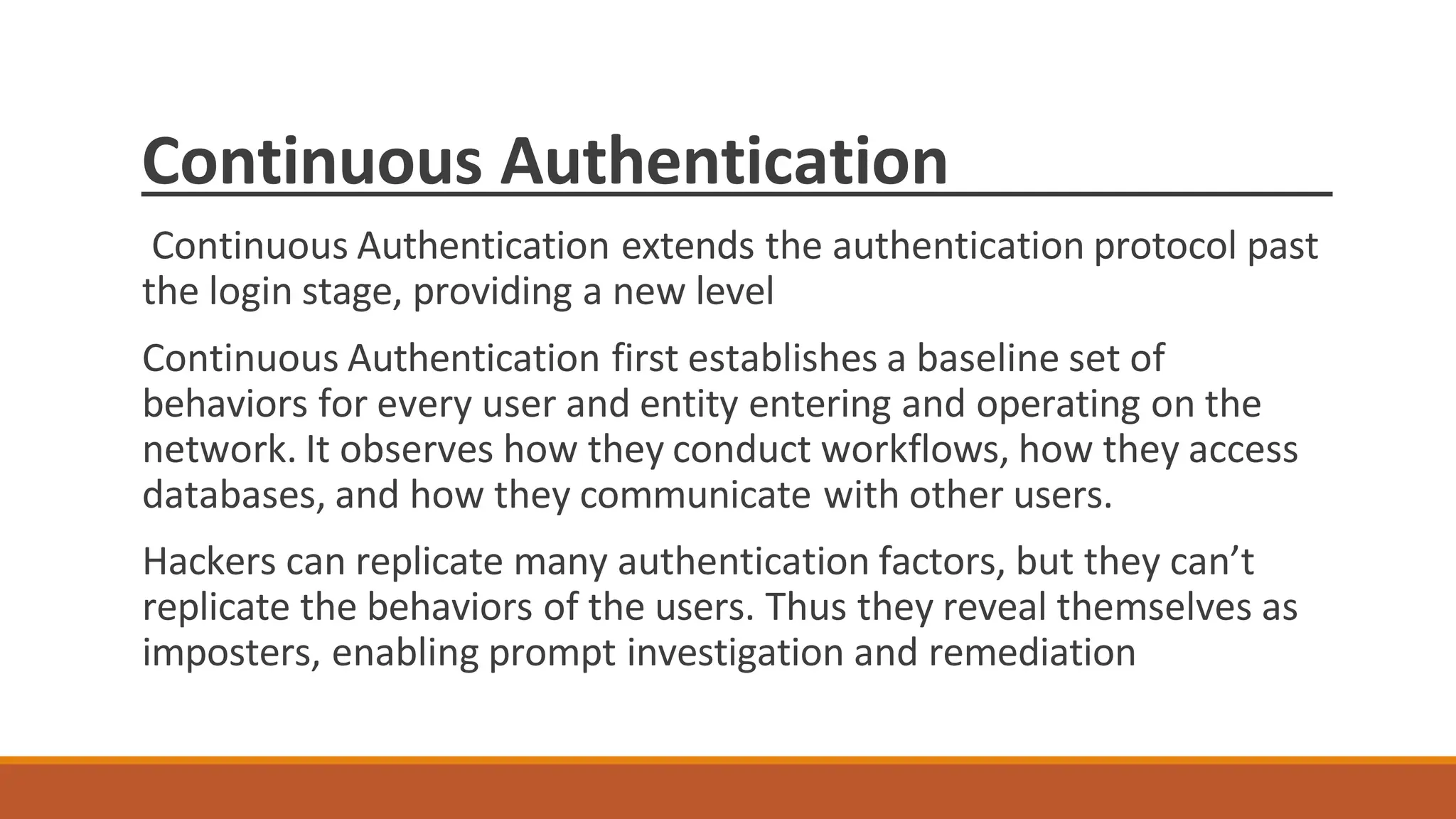
Continuous Authentication
Continuous Authentication extends the authentication protocol past
the login stage, providing a new level
Continuous Authentication first establishes a baseline set of
behaviors for every user and entity entering and operating on the
network. It observes how they conduct workflows, how they access
databases, and how they communicate with other users.
Hackers can replicate many authentication factors, but they can’t
replicate the behaviors of the users. Thus they reveal themselves as
imposters, enabling prompt investigation and remediation
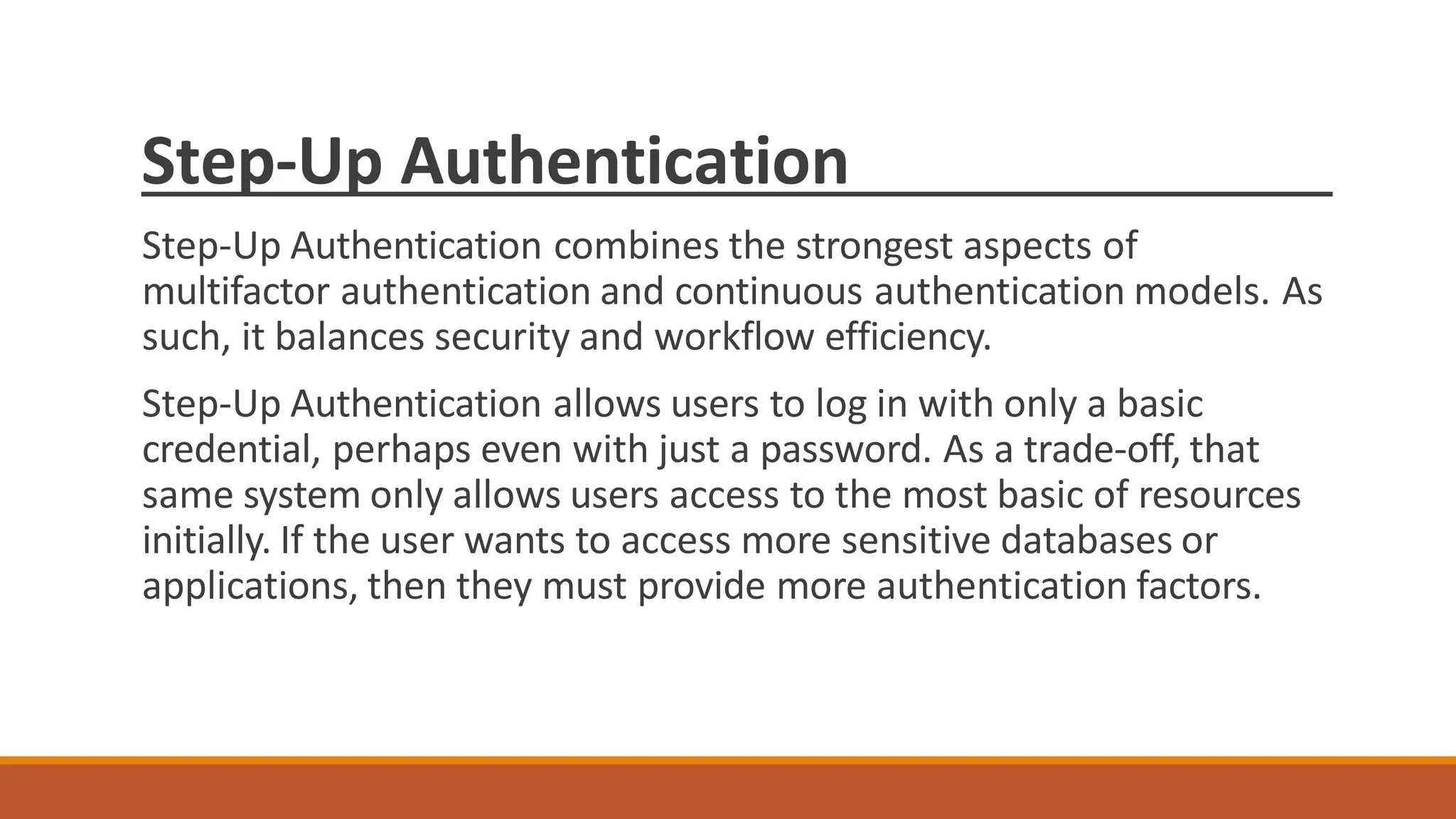
Step-Up Authentication
Step-Up Authentication combines the strongest aspects of
multifactor authentication and continuous authentication models. As
such, it balances security and workflow efficiency.
Step-Up Authentication allows users to log in with only a basic
credential, perhaps even with just a password. As a trade-off, that
same system only allows users access to the most basic of resources
initially. If the user wants to access more sensitive databases or
applications, then they must provide more authentication factors.

information security Lecture by cyber security

  • 1.
  • 2.
    What is Security “Thequality or state of being secure-to be free from danger.” Information Security is the practice of defending information from 1 Unauthorized access, 2 Unauthorized use, 3 Disclosure, 4 Disruption, 5 Modification, 6 Perusal,7 Inspection, 8 Recording 9 Destruction. It is a general term that can be used regardless of the form the data may take.
  • 3.
    What is InformationSecurity “ The Committee on National Security Systems (CNSS) defines information security as the protection of information and its critical elements, including the systems and hardware that use, store, and transmit that information”
  • 4.
    How to AchieveSecurity? A successful organization should have multiple layers of security in place: – 1.Physical security, to protect physical items, objects, or areas from unauthorized access and misuse. 2. Personnel security, to protect the individual or group of individuals who are authorized to access the organization and its operations – Human Beings. 3.Operations security, to protect the details of a particular operation or series of Activities.
  • 5.
    How to AchieveSecurity contd….. 4.Communications security, to protect communications media, technology, and content. 5.Network security, to protect networking components, connections, and contents. 6. Information security, to protect the confidentiality, integrity and availability of information assets, whether in storage, processing, or transmission. It is achieved via the application of policy, education, training and awareness, and technology.
  • 6.
    CIA Triangle The C.I.A.triangle has been the industry standard for computer security since the development of the mainframe. It is based on the three characteristics of information that give it value to organizations:
  • 7.
    Confidentiality is the concealmentof information or resources. The need for keeping information secret arises from the use of computers in institutions with sensitive information such as government and industry. For example, military and civilian institutions in the government often restrict access to information to those who need that information.
  • 8.
    Integrity integrity refers tothe trustworthiness of data or resources, and it is usually phrased in terms of preventing improper or unauthorized change. Integrity includes data integrity (the content of the information) and origin integrity (the source of the data, often called authentication). The source of the information may bear on its accuracy and credibility and on the trust that people place in the information.
  • 9.
    Availability Availability refers tothe ability to use information or resources. Availability is an important aspect of reliability as well as of system design because an unavailable system is at least as bad as no system at all. The aspect of availability that is relevant to security is that someone may deliberately arrange to deny access to data or to a service by making it unavailable or unusable.
  • 10.
    Authentication Models Authentication: isthe process of identifying users that request to access the system, network , or device . Access controls often determine users identity according to credentials like user name and password, other authentication techniques like biometric and authentication apps are also used to authenticate user identity
  • 11.
    Why Authentication isimportant User authentication is a method that keeps unauthorized users away from accessing sensitive information for example user A only has access to relevant information and cannot see the sensitive information of user B
  • 12.
    1.Password Authentication/ Single Factor Apassword, sometimes called a passcode is secret data, typically a string of characters, usually used to confirm a user's identity. Traditionally there were no standard set for passwords Even the user was able to use user name as password By the time you add up online banking, email, e-commerce, social media, and general interest accounts, the average person manages 126 online accounts. That’s a lot of passwords to remember. So, guess what? Twenty percent of people reuse exactly the same password for all of their accounts. That means for one out of every five people, when one of their accounts is compromised, all of their accounts are compromised. And, it gets worse. The majority of passwords are very easy to guess or crack. A common eight-character password can take less than a second to guess using a simple password dictionary, and even a more complex eight-character password can be cracked in mere seconds using a botnet. “OK,” you might be thinking. “But, those are all problems associated with bad passwords. What if we could convince people to choose good passwords instead?” Sadly, instead of solving the problem, good passwords simply create a new one: forgotten passwords.
  • 13.
    Password Authentication/ SingleFactor (1FA) With the advancement now Passwords shall have a minimum of 10 characters with a mix of alphanumeric and special characters; if a particular system will not support 10 character passwords, then the maximum number of characters allowed by that system shall be used. The user can not use user name as password and further more you practice in different accounts technically, when we discuss single-factor authentication, we usually mean password-only authentication (i.e. the most common type of authentication). However, this model applies to any authentication platform that uses only one factor; even biometrics falls into it. Single Factor Authentication is correctly regarded as the weakest of all authentication models. Passwords can easily be cracked, guessed, or stolen – even social media accounts can provide the necessary information for hackers – and that doesn’t even get into possible Dark Web purchase options. But even if your business does switch to a biometric authentication model (which is objectively stronger), that still leaves your business vulnerable.
  • 14.
    Password Authentication/ SingleFactor (1FA) One problem with password-based authentication is it requires knowledge and diligence to create and remember strong passwords. Passwords require protection from many insider threats, such as carelessly stored sticky notes with login credentials, old hard drives and social engineering exploits. Passwords are also prey to external threats, such as hackers using brute-force, dictionary or rainbow table attacks. Given enough time and resources, an attacker can usually breach password-based security systems and steal corporate data. Passwords have remained the most common form of SFA because of their low cost, ease of implementation and familiarity. A single-factor authentication system, regardless of what factor it uses, still only leaves a single layer of security between hackers and their targets. Besides all the drawback password or single factor authentication is the initial and necessary layer of authentication still practice till today
  • 15.
    2. Two layer/Two factor authentication (2FA) Two-factor authentication (2FA), sometimes referred to as two-step verification or dual-factor authentication, is a security process in which users provide two different authentication factors to verify themselves. 2FA is implemented to better protect both a user's credentials and the resources the user can access. Two-factor authentication provides a higher level of security than authentication methods that depend on single-factor authentication (SFA), in which the user provides only one factor -- typically, a password or passcode. Two-factor authentication methods rely on a user providing a password as the first factor and a second, different factor -- usually either a security token or a biometric factor, such as a fingerprint or facial scan.
  • 16.
    2. Two layer/Two factor authentication (2FA) Two-factor authentication adds an additional layer of security to the authentication process by making it harder for attackers to gain access to a person's devices or online accounts because, even if the victim's password is hacked, a password alone is not enough to pass the authentication check. Two-factor authentication has long been used to control access to sensitive systems and data. Online service providers are increasingly using 2FA to protect their users' credentials from being used by hackers who stole a password database or used phishing campaigns to obtain user passwords.
  • 17.
    3. Multifactor Authentication(MFA) Multi-factor Authentication (MFA) is an authentication method that requires the user to provide two or more verification factors to gain access to a resource such as an application, online account. MFA is a core component of a strong identity and access management (IAM) policy. Rather than just asking for a username and password, MFA requires one or more additional verification factors, which decreases the likelihood of a successful cyber attack. The main benefit of MFA is it will enhance your organization's security by requiring your users to identify themselves by more than a username and password. While important, usernames and passwords are vulnerable to brute force attacks and can be stolen by third parties. Enforcing the use of an MFA factor like a thumbprint or physical hardware key means increased confidence that your organization will stay safe from cyber criminals. MFA works by requiring additional verification information (factors). One of the most common MFA factors that users encounter are one-time passwords (OTP). OTPs are those 4-8 digit codes that you often receive via email, SMS or some sort of mobile app. With OTPs a new code is generated periodically or each time an authentication request is submitted. The code is generated based upon a seed value that is assigned to the user when they first register and some other factor which could simply be a counter that is incremented or a time value
  • 18.
    MFA factors Authentication factors,listed in approximate order of adoption for computing, include the following: A knowledge factor is something the user knows, such as a password, a personal identification number (PIN) or some other type of shared secret. A possession factor is something the user has, such as an ID card, a security token, a cellphone, a mobile device or a smartphone app, to approve authentication requests. A biometric factor, also known as an inherence factor, is something inherent in the user's physical self. These may be personal attributes mapped from physical characteristics, such as fingerprints authenticated through a fingerprint reader. Other commonly used inherence factors include facial and voice recognition or behavioral biometrics, such as keystroke dynamics, gait or speech patterns. A location factor is usually denoted by the location from which an authentication attempt is being made. This can be enforced by limiting authentication attempts to specific devices in a particular location or by tracking the geographic source of an authentication attempt based on the source Internet Protocol address or some other geolocation information, such as Global Positioning System (GPS) data, derived from the user's mobile phone or other device. A time factor restricts user authentication to a specific time window in which logging on is permitted and restricts access to the system outside of that window.
  • 19.
    Continuous Authentication Continuous Authenticationextends the authentication protocol past the login stage, providing a new level Continuous Authentication first establishes a baseline set of behaviors for every user and entity entering and operating on the network. It observes how they conduct workflows, how they access databases, and how they communicate with other users. Hackers can replicate many authentication factors, but they can’t replicate the behaviors of the users. Thus they reveal themselves as imposters, enabling prompt investigation and remediation
  • 20.
    Step-Up Authentication Step-Up Authenticationcombines the strongest aspects of multifactor authentication and continuous authentication models. As such, it balances security and workflow efficiency. Step-Up Authentication allows users to log in with only a basic credential, perhaps even with just a password. As a trade-off, that same system only allows users access to the most basic of resources initially. If the user wants to access more sensitive databases or applications, then they must provide more authentication factors.