Welcome to
What is informatica
1. Informatica is a Software development company, which offers data
integration products. If offers products for ETL, data masking, data
Quality, data replica, data virtualization, master data management,
etc.
2. Informatica Powercenter ETL/Data Integration tool is a most widely
used tool and in the common term when we say Informatica, it
refers to the Informatica PowerCenter tool for ETL.
3. Informatica Powercenter is used for Data integration. It offers the
capability to connect & fetch data from different heterogeneous
source and processing of data.
4. For example, you can connect to an SQL Server Database and
Oracle Database both and can integrate the data into a third
system. Informatica Training in Hyderabad
Course Overview
Our Informatica Online Training is designed to deliver the
practical knowledge and give exposure to live environment. Our
instructors are currently working professionals and train you
Hands-on. To experience the training quality, Request FREE
demo, by filling our contact form. We will arrange a FREE Live
Interactive Session for you, where you can clarify your queries.
This Informatica Online Training will help you master data
integration concepts such as ETL and data mining using
Informatica PowerCenter. It will also make you proficient in
advanced transformations, Informatica Architecture, data
migration, performance tuning, installation & configuration.
How do I get started with Informatica
Certification?
• Find information about available Certifications
at https://www.informatica.com/services-and-training/certification.html).
• Take time to review the certification data sheet and skill set inventory
listed for each one to view recommended training and study
information.
• We also recommend connecting with others on the Informatica
Network https://network.informatica.com/groups/informatica-university.
About Instructor
• Our trainers are having 10+ years of experience
• Train you on realtime projects
• Give you fully practical Hands on training
• Assist you 24×7
• Trained 2000+ trainees
• Structured learning with live projects from day one.
• Had given Corporate training in MNC Companies, Online
trainings
Informatica interview questions
1. What is informatica power center?
Informatica power center is an ETL tool, mainly used to build enterprise data warehouses or
data marts. Using this ETL tool you can extract data from multiple sources, apply business
rules on the extracted data and finally inserting data into the data warehouse. This tool is
developed by informatica corporation.
2. What is the use of power center designer tool?
Power center designer tool is one of the informatica power center client tool. Power center
designer tool is used to import or create sources, to import targets or create targets, to
create reusable transformations, mapplets and mappings. Informatica developers use this
tool.
Informatica interview questions
3. What is the use of power center workflow manager?
Power center workflow manager tool is one of the informatica power center client tool.
Power center workflow manager tool is used to create reusable and non-reusable sessions,
worklets, workflows and relational connections. Informatica developers use this tool.
4. What is the user of power center repository manager?
Power center repository manager tool is one of the informatica power center client tool.
Power center repository manager tool is used to move code from one repository to another
repository, to create folders and check-in check-out operations. This tool is used by
informatica developers and admins.
5. What is the use of variable ports in expression?
Variable ports are used for temporary calculations, those variable ports can be used in other
variable ports and output ports. Variable ports you can't connect directly to other
transformations, first you need to assign that variable port to output port and then you can
connect output port.
Informatica interview questions
6. What is the difference between $ and $$?
$ represents session parameter/variable, you can declare this in the session level.
$$ represents mapping parameter/variable, you can declare this under mapping designer
tool.
7. What is a mapping?
A mapping is logical representation of data flow from source to target. You can create a
mapping under mapping designer tool. A mapping contains three components sources,
targets and transformations.
8. What is the use of pmrep command?
Use pmrep to perform repository administration tasks such as listing repository objects,
creating and editing groups, and restoring and deleting repositories. This command enables
you to manage the PowerCenter repository from an external application.
Informatica interview questions
9. What is deployment group?
A Deployment Group is an object, which contains Informatica objects (source, target,
transformations, mapping, session, workflow etc) from one or more Informatica Folders. By
its name, you can use a Deployment Group to move Informatica PowerCenter code from
one repository to another repository.To
create a deployment group,
Login to Repository Manager
Go to Tools -> Deployment -> Groups
Deployment Groups browser will open
Click New to create new Deployment Group
10. What are different types of deployment groups?
Static Deployment Groups
Informatica interview questions
You can manually add the objects to Static type Deployment Group.You can also configure
add dependent objects automatically. For example if one of your mapping is using a global
mapplet in it, the mapplet will automatically be added to the Deployment Group.
Dynamic Deployment Groups
You can configure the Deployment Group with a Query to enable Informatica automatically
add the objects to Dynamic type of Deployment Group.You can build a Query while creating
the Dynamic Deployment Group, below snapshot will explain a sample query to add objects
to Dynamic Deployment Group.
11. What is aggregator transformation?
Aggregator transformation is an active transformation and its connected, mainly used to
perform calculations on group of rows.
For example in each department we have several employees. In order to know how much
salary we are paying for each department then first we group the rows based on department
number and then we use sum() aggregate function.
Informatica interview questions
12. What is the default behavior of aggregator transformation?
The default behavior of aggregator transformation is last row from each group. If the data
contains 3 different groups then from each group it returns last row, total 3 rows as output.
Once all rows entered into aggregator then it groups the rows.
13. What happens if you don't select group by ports in aggregator?
If you don't select any group by ports in aggregator transformation, by default it treats all
rows as single group and returns last row. For example if you send 1 million rows as input to
aggregator, the output is only 1 row i.e last row. When you double click on aggregator
transformation it opens a dialogue box, select ports tab, under this tab you can select group
by ports.
14. What happens if you select all group by ports in aggregator?
If you select all ports as group by ports in aggregator, it applies grouping on all ports and
eliminates duplicate records. In grouping it consider all ports, if all ports are same then it will
treat as a single group.
Informatica interview questions
15. What are different types of caches in aggregator transformation?
There are two different types of caches in aggregator transformation. By default the cache
values stored under directory $PMCacheDir
a. Index Cache ==> Contains Group by Ports Information
b. Data Cache ==> Contains Aggregated Calculation Ports Information
Index Cache file has extension .idx
Data Cache file has extension .dat
16. What are different types of aggregate functions in aggregator?
Following are the different types of aggregate functions available in informatica power center
tool.
a. Sum() b. Max() c. Min() d. Avg() e. First() f. Last() etc
Informatica interview questions
17. What are conditional statements in aggregator transformation?
The conditional statements you can include in the aggregate function itself. While performing
aggregate calculations, we can use conditional statements with the help of IIF.
Eg:- SUM(IIF(CITY='HYDERABAD',SAL,0))
The above example calculates only HYDERABAD city employees total.
18. What are nested aggregate functions in aggregator transformation?
If you place one aggregate function in another then it is called nesting of aggregation. If you
want to use incremental aggregation, you should not use nested aggregate functions.
Eg:- MAX(SUM(SAL))
The above example returns which department is paying highest salaries. Inner function
calculates how much salary we are paying for each department.
Informatica interview questions
19. What happens if group by port contains null values in aggregator?
All rows containing null values will treat as separate group and the aggregator
transformation returns last row from that group.
20. Can you create a variable port in aggregator?
Yes we can create variable ports in aggregator transformation. Generally we define variable
ports for temporary calculations, which are used in other output ports calculations.
21. What are the optimization techniques in aggregator transformaion?
There are two optimization techniques in aggregator transformation to improve the
performance.
a. Sorted Input
b. Incremental Aggregation
Informatica interview questions
22. How to set sorted input option in aggregator transformation?
Sorted Input option available under properties tab of aggregator transformation. When you
select this option you need to send the sorted data to the aggregator. You need sort group by
ports before sending data to the aggregator. For example if you take DNO is the group by
port then you need to sort on DNO.
23. How sorted input helps in increasing performance of aggregator transformation?
When we sort the data and send to aggregator, then immediately performs aggregate
calculations. It won't wait till all rows entered into aggregator. Informatica can't read all rows
at a time, it will read block by block. If you don't select sorted input, aggregator will wait till all
rows entered into aggregator.
Informatica interview questions
24. What is incremental aggregation?
Incremental aggregation means aggregating values based on existing
aggregated values. Below example clarifies.
First time we received below rows from source.
eno name sal dno
100 ravi 2000 10
101 vinay 3000 10
Ouput :- 10 5000
Next time new employee added in same department
102 raju 4000
this time when you use incremental aggregation it performs 5000+4000
instead of again adding all employee salaries 2000+3000+4000
Informatica interview questions
25. When cache files deleted for incremental aggregation what happens?
When cache files not available in informatica server, then session won't fail, it will
recreate the cache automatically. But it takes more time compared to normal run, reason
is recreation of cache takes some time.
26. Can we select both sorted input and incremental aggregation at a time?
No, we can't select. Reason is if you select sorted input it performs calculations in
memory. When you select incremental aggregation it performs calculations on existing
cache values.
27. Where cache files stored?
All the cache files by default stored under server/infa_shared/cache directory. You can
change the default directory value also by assigning some other directory.
Informatica interview questions
28. When cache files will be deleted?
Automatically cache files will be deleted after session succeeded. No need of manual intervention.
29. Cache files will be deleted if session fails?
If session fails, cache files won't delete, we need to manually delete. Connect to informatica
server and then go to the cache directory and then apply rm command in unix/linux.
30. How to get first and last record using aggregator?
By default you can get last record from aggregator, to get first record use First() function for
each port. Source, SQ, two aggregators, by default one aggregator returns last row connect
to one target isntance, another aggregator select first() function on each port and connect to
other target instances.
Informatica interview questions
31. What is a transformation?
A transformation is a repository object that generates, modifies and produce
output. The transformations are generally used to implement different types of
business logic.
32. What are different types of transformations?
There are two different types of transformations available in informatica power
center tool.
a) Active: Number of input rows<>Number of output rows
b) Passive: Number of input rows=Number of output rows
Informatica interview questions
33. What is the difference between active and passive transformations?
A transformation is said to be active if the number of rows pass through
that transformation can change. For example if you send 5 rows as input to that
transformation, the output may be less than 5 or more than 5 rows.
Examples for active transformations are: aggregator, filter, router, rank, sorter, normalizer,
joiner, update strategy, source qualifier etc.
A transformation is said to be passive if the number of rows pass through that
transformation can't change. For example if you send 5 rows as input to that
transformation, the output also 5 rows.
Examples for passive transformations are: expression, stored procedure, sequence
generator etc.
34. When we go for expression transformation?
We use expression transformation to perform calculations on each and every row. For
example to calculate tax and net salary for each and every employee.
Informatica interview questions
35. When we go for aggregator transformaion?
We use aggregator to perform calculations on group of rows. For example in order to find
out the total amount of salary paying for each department, then we use sum() aggregate
function. For example if you want to know who is taking highest salary from each
department then we use max() aggregate function.
36. What is the difference between expression and aggregator?
Expression transformation is passive and aggregator transformation is active. Expression
is used to perform calculations on each and every row where as aggregator is used to
perform calculations on group of rows.
37. What is the difference between filter and router?
Filter transformation supports single condition, where as router transformation supports
multiple conditions by creating multiple groups. You cannot capture rejected records in
filter, where as in router you can capture rejected records using default group.
Informatica interview questions
38. What is ETL?
See the below link you can get more information (definition, tools and different types of
jobs on etl tools) on this question
https://youtu.be/3-kZaJOtcfs
39. How do you justify sorter is an active transformation?
We can eliminate duplicate records using distinct option under properties tab of sorter
transformation. For example if you have 5 rows in source and 2 rows are duplicate then
4 rows come as output.
40. Can you sort data on more than one port in sorter transformation?
Yes we can sort data more than one port, but the default port order for sorting is top to
bottom. You can select one port ascending and another port descending also. You can
move the ports up and down also if you are expecting different sort order.
Informatica interview questions
41. How do you eliminate duplicate rows using informatica?
There are two ways to eliminate duplicate rows which are coming from the source. If
your source is relational then you can use either first or second option below.
Performance wise first option is the best one. If your source is files then you need to go
for second option only.
i) Using Source Qualifier, under properties tab select distinct option
ii) Using Sorter, under properties tab select distinct option
42. What are different types of caches exist for sorter transformation?
In general transformations that contains caches internally contains two types data cache
and index cache. Sorter transformation has only one cache i.e data cache. This data
cache contains output ports from the sorter transformation.
Informatica interview questions
43. What are different types of joins exist in Joiner transformation?
There are four different types of joins exist in joiner transformation. In order to use joiner
transformation you should have at least two sources. The sources may be tables or files or
combination of both.
1. Normal Join
2. Master Outer Join
3. Detail Outer Join
4. Full Outer Join
44. What is master and what is detail in joiner transformation?
We can join only two sources at a time. One we need to consider it as master and
the other need to consider it as detail. For performance point of view we take less
no.of rows as master and huge no.of rows as detail. Even if you take in reverse
direction the output is same. Internally it builds cache for master source.
Informatica interview questions
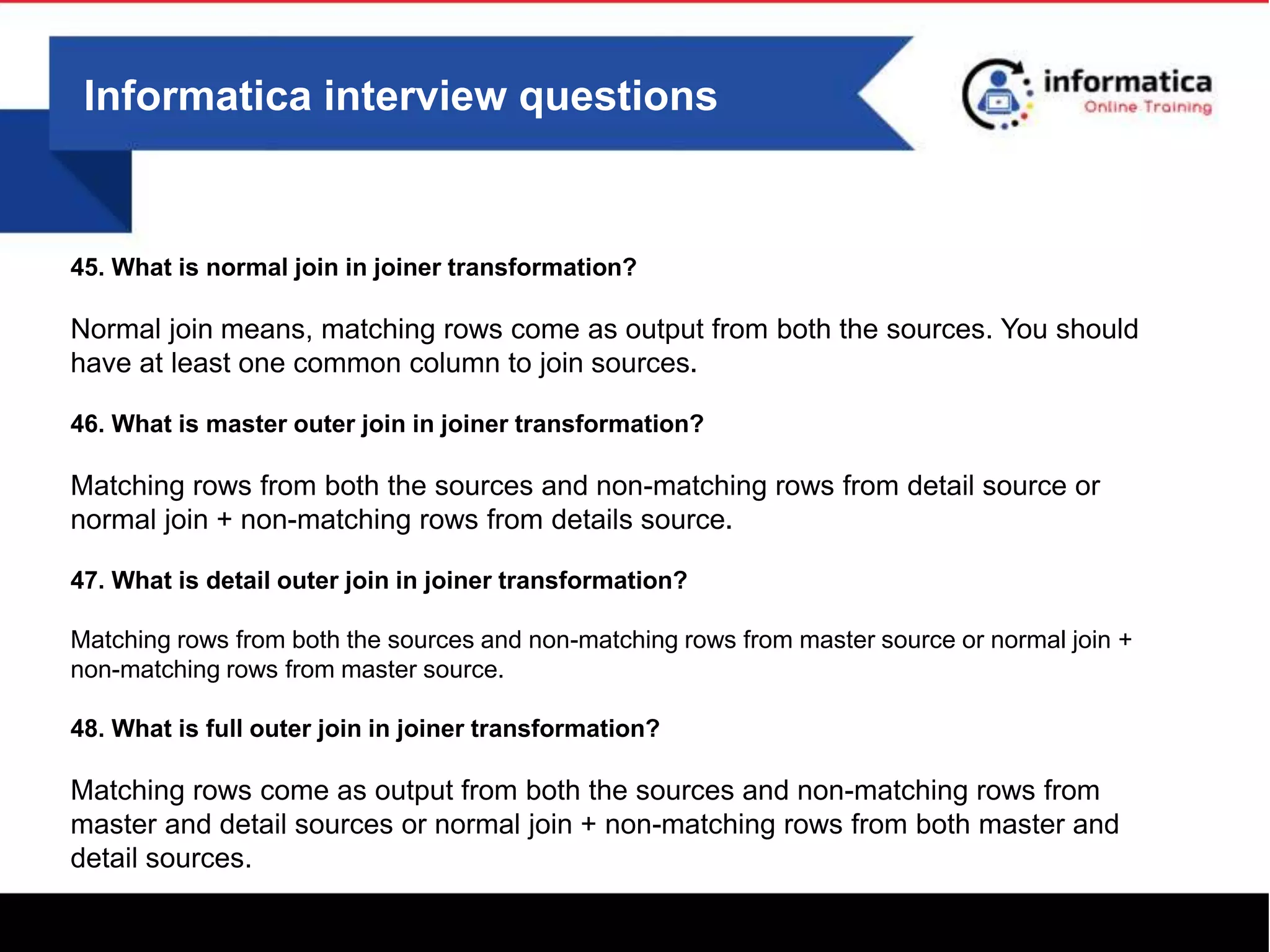
45. What is normal join in joiner transformation?
Normal join means, matching rows come as output from both the sources. You should
have at least one common column to join sources.
46. What is master outer join in joiner transformation?
Matching rows from both the sources and non-matching rows from detail source or
normal join + non-matching rows from details source.
47. What is detail outer join in joiner transformation?
Matching rows from both the sources and non-matching rows from master source or normal join +
non-matching rows from master source.
48. What is full outer join in joiner transformation?
Matching rows come as output from both the sources and non-matching rows from
master and detail sources or normal join + non-matching rows from both master and
detail sources.
Informatica interview questions
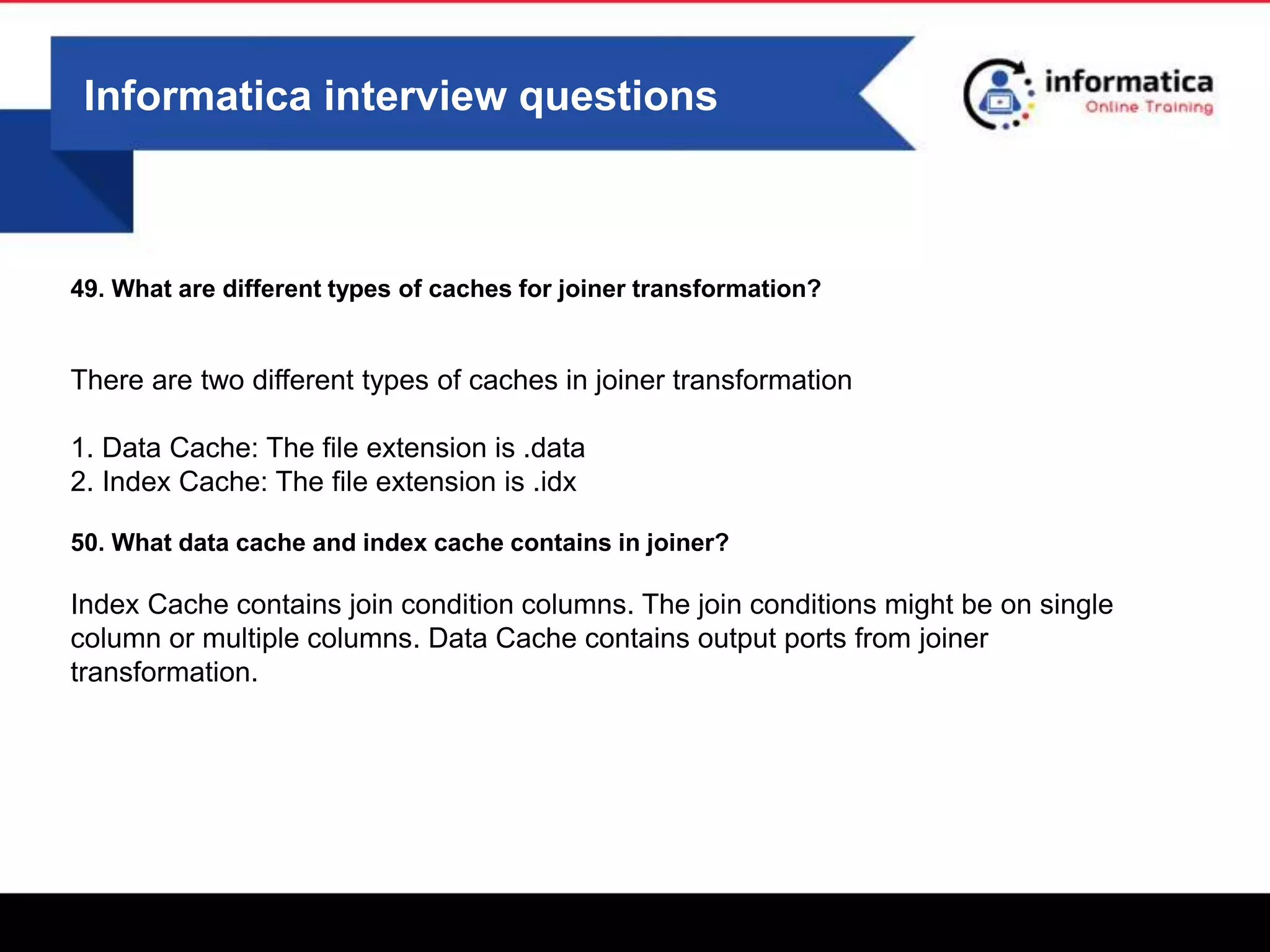
49. What are different types of caches for joiner transformation?
There are two different types of caches in joiner transformation
1. Data Cache: The file extension is .data
2. Index Cache: The file extension is .idx
50. What data cache and index cache contains in joiner?
Index Cache contains join condition columns. The join conditions might be on single
column or multiple columns. Data Cache contains output ports from joiner
transformation.
Informatica interview questions
51. Can you assign more than one port as rank port in rank transformation?
No, we can assign only one port as rank port in the rank transformation. Double click on rank
transformation, select ports tab, under this you can select rank port. If you try to select more than
one port, the last port you selected is only checked remaining all unchecked.
52. How many maximum number of ranks you can give in rank transformation?
The maximum number of ranks allowed in rank transformation is 2147483647. If you try to give
more than this number, then it will throw an error.
53. What is the execution sequence of port orders in a transformation?
Below is the order of execution of ports from top to bottom.
Input/output ports
Input Ports
Variable Ports
Output Ports
Informatica interview questions
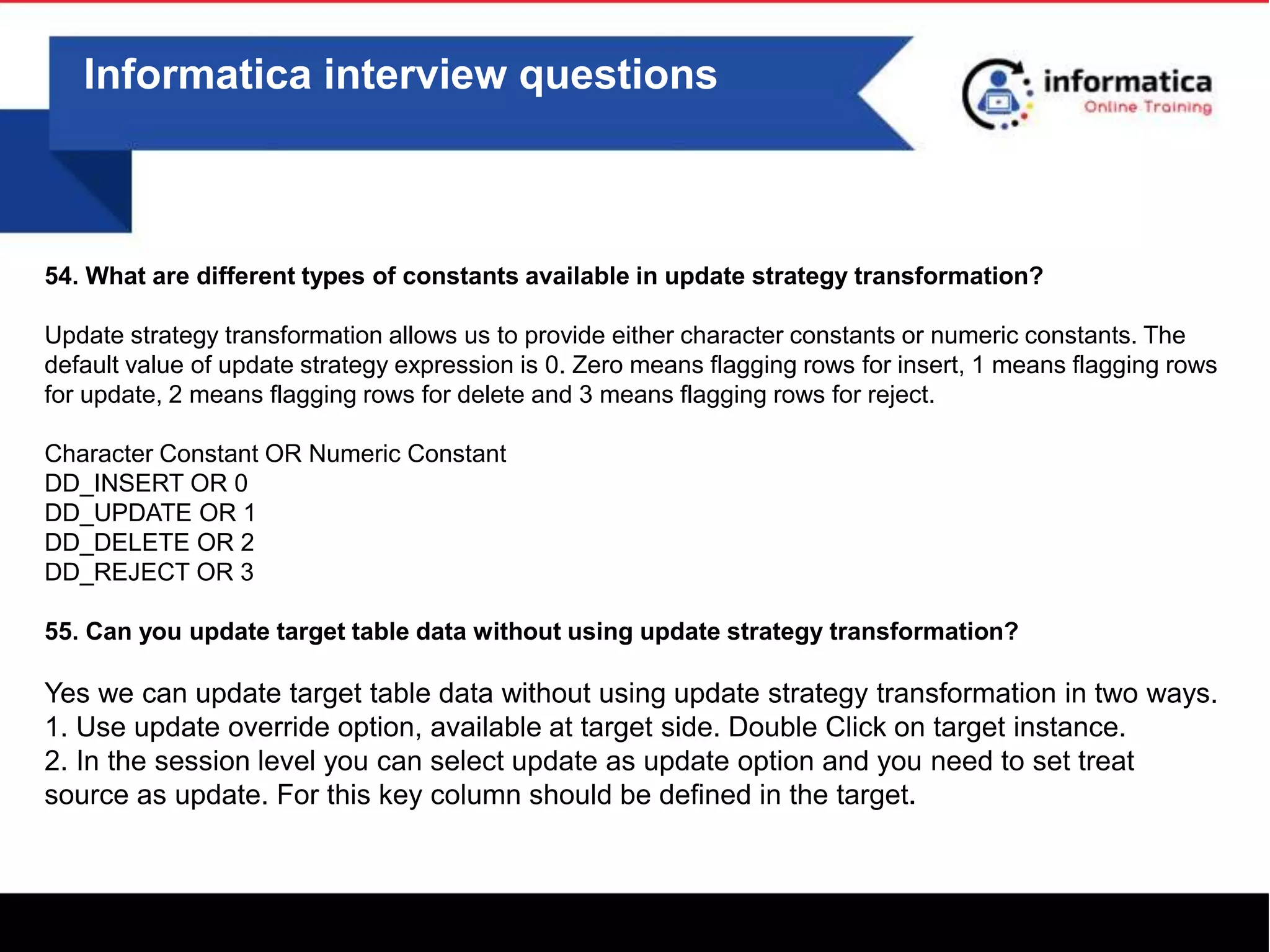
54. What are different types of constants available in update strategy transformation?
Update strategy transformation allows us to provide either character constants or numeric constants. The
default value of update strategy expression is 0. Zero means flagging rows for insert, 1 means flagging rows
for update, 2 means flagging rows for delete and 3 means flagging rows for reject.
Character Constant OR Numeric Constant
DD_INSERT OR 0
DD_UPDATE OR 1
DD_DELETE OR 2
DD_REJECT OR 3
55. Can you update target table data without using update strategy transformation?
Yes we can update target table data without using update strategy transformation in two ways.
1. Use update override option, available at target side. Double Click on target instance.
2. In the session level you can select update as update option and you need to set treat
source as update. For this key column should be defined in the target.
Informatica interview questions
56. What is SCD?
SCD means slowly changing dimensions, whenever there is a change in the source, what we
need to do in our DWH tables. All dimension tables use SCD in data warehousing projects.
57. What are different types of SCDs?
There are three different types of SCDs.
SCD-I: Only maintains current information, If a new record is coming from the source we will
insert otherwise we will update.
SCD-II: Maintains complete history. If a new record is coming from the source or a source row
with changes exist then we will insert the record. Old record just we will update flag or version
or record_end_dt columns.
SCD-III: Only Maintains partial history (current and previous only). We maintain two columns
for this. Curr_Sal and Previous_Sal. For a new employee we assign value to Curr_Sal column
and Previous_Sal column to null.
Informatica interview questions
58. What is the difference between connected lookup and unconnected lookup?
a. Connected lookup participates in a mapping flow, unconnected lookup doesn't participate in
the mapping flow
b. Connected lookup returns multiple ports, unconnected lookup can return only one return
port
c. Connected lookup supports user defined default values, unconnected lookup doesn't
support user defined default values
d. Connected lookup supports dynamic cache, unconnected lookup doesn't support dynamic
cache
59. When we go for connected lookup and when we go for unconnected lookup?
If you want return multiple ports, you can choose connected lookup. If you want to return only
one port you can choose either connected lookup or unconnected lookup. If you want to call
the same lookup multiple times with different inputs for a single row, then we choose
unconnected lookup.
Informatica interview questions
60. What are different types of caches in lookup?
There are different types of caches available in look up transformation. By default it will take
Static Cache.
Static Cache : The cache values won't change during session run
Dynamic Cache
Persistent Cache
61. What is dynamic cache?
A dynamic cache is a cache where you can modify the data in your cache while loading data in
to your target table. Generally we go for dynamic cache to filer out one record randomly from
the source, if the source has duplicates and target has key columns. To over come the failure
on target side, we can use dynamic cache and we load only one record into the target.
Informatica interview questions
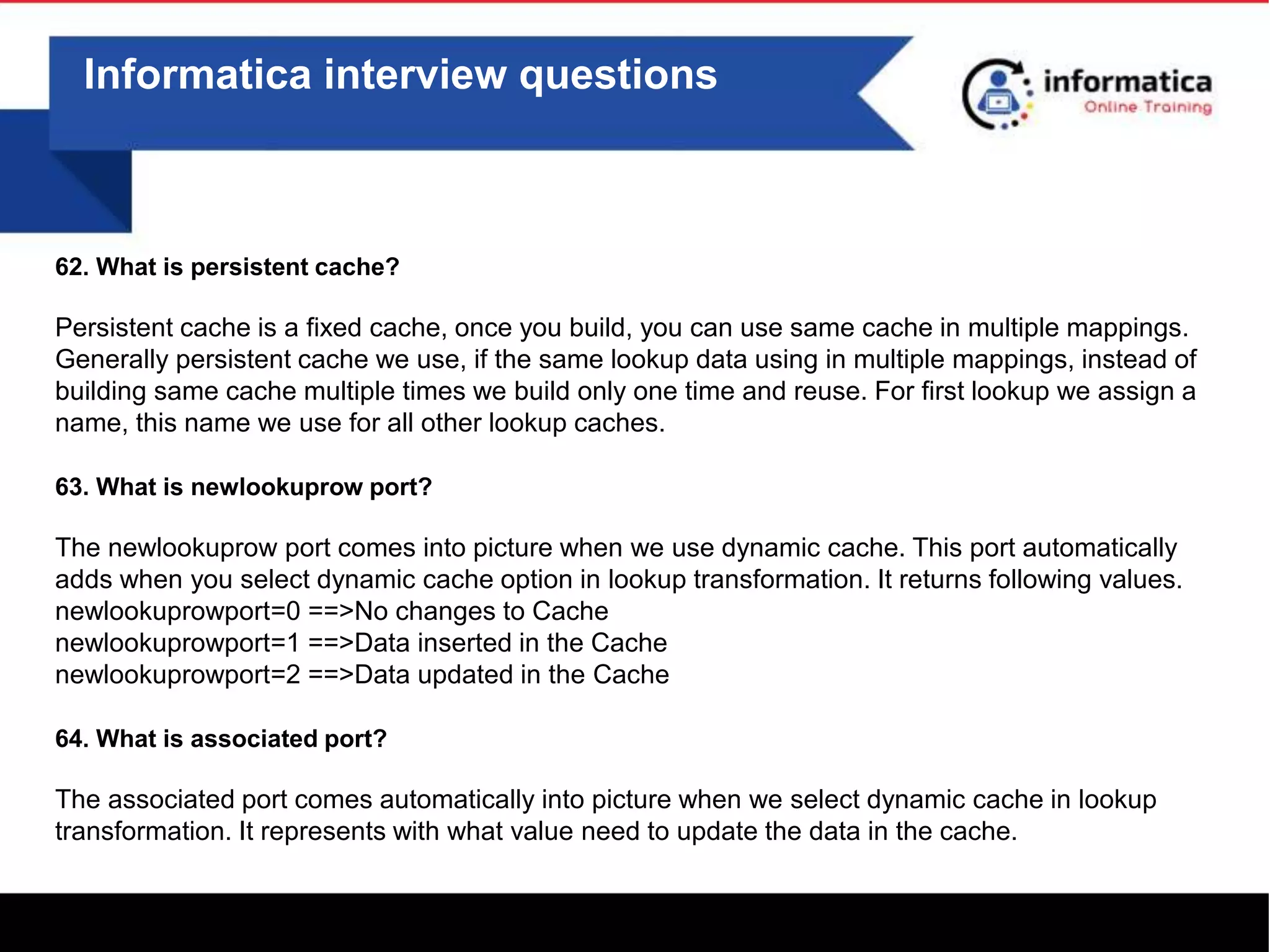
62. What is persistent cache?
Persistent cache is a fixed cache, once you build, you can use same cache in multiple mappings.
Generally persistent cache we use, if the same lookup data using in multiple mappings, instead of
building same cache multiple times we build only one time and reuse. For first lookup we assign a
name, this name we use for all other lookup caches.
63. What is newlookuprow port?
The newlookuprow port comes into picture when we use dynamic cache. This port automatically
adds when you select dynamic cache option in lookup transformation. It returns following values.
newlookuprowport=0 ==>No changes to Cache
newlookuprowport=1 ==>Data inserted in the Cache
newlookuprowport=2 ==>Data updated in the Cache
64. What is associated port?
The associated port comes automatically into picture when we select dynamic cache in lookup
transformation. It represents with what value need to update the data in the cache.
Informatica interview questions
65. What is the use of stored procedure transformation?
To call a pl/sql procedure from informatica, we use stored procedure transformation. There are
two types of stored procedure transformations connected and unconnected.
66. How to convert columns to rows?
Using Normalizer transformation, you can convert columns to rows. After you add the ports
into normalizer tab, then you need select occurs clause. If you want to convert 4 columns to 4
rows then you need to select occurs clause with value 4.
67. When normalizer acts as source qualifier transformation?
When you drag cobol source into the mapping designer tool from navigation bar, normalizer
comes as source qualifier automatically.
Informatica interview questions
68. What is the difference between GC_ID and GK_ID in normalizer when you define ID with occurs
clause?
GC_ID and GK_ID comes automatically for ports, when you select occurs clause for that port.
GC_ID means Generated Character ID, it gives repetition of values to rows based on occurs clause.
If we give occurs 3, then it repeats the sequence 1,2,3 again 1,2,3 etc
GK_ID means Generated Key Value, it gives continuous sequence 1,2,3,4,5,6 etc
69. What is the priority in source qualifier if we give filter condition (dno=10) and also sql override
(dno=20)?
If you double click on source qualifier, you can see both the properties filter condition and sql
override. The highest priority is sql override, it takes the condition dno=20. If you don't provide sql
override then it will take value from the filter condition.
70. Can we connect more than one source to a single source qualifier?
yes, we can connect more than one source to a single source qualifier. When you drag multiple
sources, for each source you can see one source qualifier, you need manually delete all source
qualifier except one and then all other sources ports you can connect to one source qualifier.
Informatica interview questions
71. What is the difference you observed between source and source qualifier?
Source contains source DB data types, where as source qualifier contains informatica data
types. Informatica cannot understand source data types so automatically converts to
informatica data types. For example if you drag oracle source, number is converted to integer,
varchar is converted to string etc
72. What are different types of stored procedures?
There are two different types of stored procedures.
a) Connected Stored Procedure: It is linked to other transformations in a mapping
b) Unconnected Stored Procedure: It is not linked to any other transformations in a mapping.
We can call this using expression transformation.
73. What is the difference between top down and bottom up approach?
see the below video
https://youtu.be/3-kZaJOtcfs
Informatica interview questions
74. What is target load plan?
If a mapping contains multiple flows, which flow target table should load first decides target
load plan. Generally we use this, if one flow target becomes source for another flow. This
option is available under mappings menu.
75. How do you create a reusable transformation?
We can create reusable transformations using transformation developer tool. Once you create
reusable transformation you can see in the navigation bar under transformations folder.
76. What is the use of reusable transformation?
If there is a change in the logic, you need not touch all the mapping where ever you used
reusable transformation, just change at only one place i.e at transformation developer tool,
automatically that change will reflect to all of the mappings.
Informatica interview questions
77. What is a mapplet?
A mapplet is a reusable logic, which is built based on multiple transformations. You can create
mapplets under mapplet designer tool. The same mapplet you can us in n number of
mappings, in future if there is any change in logic you need not touch all the mappings, just
you need to change at only one place i.e in the mapplet.
78. What are different types of mapplets?
There are two different types of mapplets.
a) Active Mapplets
b) Passive Mapplets
79. What is active mapplet?
If a mapplet contains atleast one active transformation then it is called active mapplet. Every
mapplet contains one mapplet input and mapplet out transformation.
Informatica interview questions
80. What is passive mapplet?
If a mapplet contains all passive transformations then it is called passive mapplet. Passive
mapplets give more performance than active mapplets.
81. What are different types of restrictions while creating mapplets?
a) You can't use XML sources
b) You can't use targets
c) If you want to use sequence generator that should be reusable
d) If you want to use stored procedure that should be normal
e) You can't use normalizer transformation
f) Nesting of mapplets not allowed
82. What are the optimization techniques for joiner transformation?
a) Take less no.of rows as master and huge number of rows as detail
b) Sorted Input, which is available under properties tab of joiner transformation
Informatica interview questions
83. When you select sorted input option in joiner what ports you need to sort?
The join condition columns in both the sources need to be sorted. You can sort those ports
using sorter transformations before joiner or in the source qualifier itself. We can sort the port
either in ascending or descending order.
84. What happens if you don't sort the data and you selected sorted input option?
If you select the sorted input option and don't sort the sources data, then the session will fail.
85. What are the optimization techniques for lookup?
a) Use lookup override
b) Join condition order =, >, >=, <, <=, !=
c) Persistent Cache
Informatica interview questions
86. What are different types of power center client tools?
a) Power Center Designer
b) Power Center Workflow Manager
c) Power Center Workflow Monitor
d) Power Center Repository Manager
87. How to copy the code from one repository to another?
Export the code as xml from one repository and import that xml into another repository or you
can create a deployment group in one repository and copy that deployment group to another
repository.
88. What is impacted mapping?
If any of the components in the mapping changed, example sources or targets or reusable
transformations or mapplets then mapping becomes impacted. It gives in yellow color triangle
symbol. We have to validate the mapping to disappear impacted symbol.
Informatica interview questions
89. When mapping becomes invalid?
Invalid mapping shows is red color ball symbol. In order to execute the mapping it should be
valid state. For example if you use joiner transformation in a mapping and don't give any
join condition then mapping becomes invalid.
90. What is mapping parameter?
A mapping parameter represents constant value, generally we use mapping parameters if the
values are changing frequently. Mapping parameter starts with $$ symbol.
91. Where the parameter values stored?
The mapping parameter values stored in a parameter file. A parameter file is a text file that
contains parameter header followed by parameters and values.
Informatica interview questions
92. What are different types of parameter headers?
[GLOBAL]
[session_name]
[workflow name]
[folder_name.wf:workflowname.st:session_name] etc.
93. What happens if a parameter not defined in a parameter file?
The session won't fail, it uses default value. In the session log we can verify whether the
parameter has taken value or not.
94. Where to declare a parameter?
In power center designer tool, menu bar select mappings and then parameters and variables.
You can declare multiple parameters with in a mapping.
Informatica interview questions
96. What is the difference between mapping parameter and variable?
Parameter values stored in a file, where as variable values stored in a repository. Parameter
values can't change during session run, variable values can change during session run.
97. How do you change the value of variable?
The value of a variable we can change using below functions
SetVariable()
SetMaxVariable()
SetMinVariable() etc
98. How do you know the current value of the variable?
In workflow manager tool, select workflow designer tool, select the session right click and
select view persistent values option.
Informatica interview questions
99. Can you reset the value of a variable?
Yes we can reset the value of a variable. In workflow manager tool, select workflow designer
tool, select the session right click and select view persistent values option. Here you can see
reset option.
100. How do you override the present value of variable?
By using parameter file, we can override the current value of a variable. We need to give
parameter file path in the session level or workflow level.
Informatica interview questions
101. What is a tracing level?
Tracing level represents the amount of information written into the session log. You can set
tracing level option in the transformation level or session level. If you want to set at
transformation level, double click on the transformation and select properties tab. Under
properties tab you can select tracing level. If you want to set at session level, double click
on the session and select config object and then select override tracing option.
102. What are different types of tracing levels?
Terse: Lowest amount of information compared to all other tracing levels, logs just status
information and errors.
Normal: Logs initialization Information, Status information and rows skipped due to
transformation errors.
Verbose Initialization: Normal tracing information and logs names of data and index file
names.
Informatica interview questions
Verbose Data: All information you can get here, status initialization, errors, column by column
and row by row values
We use verbose data, if we want debug our code. Verbose data gives more information
compared to all other tracing levels
103. What is line sequential buffer length option?
This option is available at session level under config object. The default value for
this option is 1024 bytes. We need to alter the value for this option when the
length of the record in the flat file exceeds 1024 characters. If the length of the
row in a flat file is 2000 characters then we need to set line sequential buffer
length as 2000.
0
Informatica interview questions
104. What are different types of flat files?
There are two different types of flat files. A flat file is a notepad file or text file that contains
organised data.
a) Fixed Width: In this file each and every field is defined with fixed length. If the value of the
filed exceeds the field length, the exceeded value moved to next field value.
b) Delimited: In this file each and every field is separated by some symbol. In real time most
of the times we see comma and pipe delimited flat files.
105. Can informatica handle multiple delimited flat files?
Informatica can handle multiple delimited flat files. We can specify list of delimiters one after
another.
Eg:- Row Contains Multiple Delimiters
100|ravi,2000|New York
Here we need to specify two delimiters to handle this data , and | symbols.
Informatica interview questions
106. How to load the flat file name into a table?
When you drag flat file source into a mapping, along with source, source qualifier comes
automatically. In the source qualifier properties tab you need to select "Currently Processed
File Name" option. Then you can connect this port to target table.
107. How to skip header from a flat file?
You need to set the property number of initial rows to skip to 1. This option you can set in the
session level or under source analyzer tool.
108. How to skip top 3 rows from a flat file?
You need to set the property number of initial rows to skip to 3. This option you can set in the
session level or under source analyzer tool.
Informatica interview questions
109. How to skip footer from a flat file?
Read the footer value into the first port and use filter transformation and then you can skip the
footer.
110. What are the characteristics of data warehouse?
see the below video
https://youtu.be/3-kZaJOtcfs
111. How to you load multiple flat file data at the same time?
Use file indirect or file list method. In the session level you need to set source file type as
Indirect. The source file name you need to give the file that contains list of all other files
112. What are the prerequisites to use file list or file indirect method?
a) All files should have same no.of columns
b) All files have same delimiter
c) All files may or may not have header
d) All files should have same data types for the columns
0
Informatica interview questions
113. What is the most frequently used row delimiter in a flat file?
/r/n ==>Carriage Return followed by new line character.
114. What is the disadvantage of fixed width flat file?
If the value of the field exceeds the length of the field, then that value read into the next field.
115. How many ways you can get the source structure of a flat file?
If file is already available, we can directly select the option import from file under source
analyzer tool. If file not exists then we need to select the create option under source analyzer.
116. How many ways you can get the target structure of a flat file?
If file is already available, we can directly select the option import from file under target
designer tool. If file not exists then we need to select the create option under target designer.
0
Informatica interview questions
117. How can you eliminate duplicate records from a flat file?
You need to user sorter transformation. Under properties tab need to select distinct option.
118. What is the default value of Stop On Errors?
The default value of Stop On Errors is zero. If any error comes it will by default write into the
session log and session will succeed.
119. How to fail a session when any error comes?
You need to set Stop On Errors to 1. This property is available under session config object.
120. How to fail a session after 5 errors?
You need to set Stop On Errors to 5. This property is available under session config object.
0
Informatica interview questions
121. What are different tools available under workflow manager?
Task Developer
Worklet Designer
Worflow Designer
122. How can you create a reusable session?
If we create a session under task developer tool i.e automatically reusable and it is available in the
navigation bar under sessions folder.
123. How can you create a non-reusable session?
If we create a session under workflow designer tool i.e automatically non-reusable. You cannot use
this session in another workflow and is restricted to that workflow only.
124. What is the difference between reusable and non-reusable tasks?
If you create any task under task developer i.e reusable, you can use that task in n number of
workflows. If you create any task under workflow manager i.e non-reusable i.e restricted to that
workflow only
0
Informatica interview questions
125. What are different reusable tasks?
Session
Email
Command
126. What are different non-reusable tasks?
Event Wait
Event Raise
Timer
Decision
Assignment
Control
127. What is the use of e-mail task?
Generally E-mail task is used at the end of the workflow, to send a mail to business about
today's data loads status
0
Informatica interview questions
128. What is the use of command task?
Command task is used to execute any unix commands or to call a shell script
129. What is the use of event wait task?
Event wait task is used to wait for a file and check that file exists at particular path frequently
at regular intervals. Generally this is used as the first task in the workflow, to check the
source system is ready or not
130. What is the use of timer task?
The timer task is used to wait the process particular time. At that time the timer task will
execute. For example you have two sessions, after one session succeeds you need to wait
1 min and then you need to start another session. In this scenario we can use timer for 1
min
0
Informatica interview questions
131. What is the use of decision task?
The decision task is used to avoid multiple link conditions. For example after 10
sessions succeeds then you want to run another task then we can use single decision
task after 10 sessions
132. What is the use of assignment task?
Assignment task is used to assign values to workflow variables
133. What is the use of control task?
Control task is used to fail the parent i.e workflow or worklet
134. When session fails will workflow also fail?
No by default when session fails workflow succeeds
0
Informatica interview questions
135. When session fails how can you fail workflow also?
You need to check the property, Fail Parent If this Task Fails.
136. How to disable the task?
Double click on that task and check the property Disable the task
137. Can you convert non-reusable task to reusable task?
Yes we can convert from non-reusable task to reusable task, double click on the task and top
corner you need to select check box reusable.
138. Can you convert reusable task to non-reusable task?
We can't convert reusable task to non-reusable task.
0
Informatica interview questions
139. How many ways you can create workflows?
We can create workflows in two ways.
Parallel: From start icon in the workflow, we can connect multiple tasks, all these will run at the
same time.
Sequential: From start icon in the workflow, we can connect one task after another task
sequentially.
140. Where do you set parameter file?
You can give parameter file and path name either in the session level or workflow level. Some
times we can directly use parameter file name along with pmcmd command.
141. What is the default commit interval?
The default commit interval is 10000. Once 10000 rows reached to target it will apply commit
operation. We have the flexibility to increase or decrease commit interval value.
0
Informatica interview questions
142. Will session log override when you run the session second time?
Yes by default the session log will override, when ever we run a session, unless you specify
properties number of runs or by time stamp.
143. How do you overcome session log override?
The are two ways you can set
1. Number Of Session Runs: Need to specify number of session logs maintain.
2. By Time stamp: It will create new session log every time you run the session.
144. What might be the reasons, your session failed with table or view doesn't exist ?
There might be several reasons for failure.
1. Table Not exist in the database
2. Schema name not specified
3. Grants are not available for that relational connection user
4. Relational connection is wrong
0
Informatica interview questions
145. What happens to third session if second session failed in the workflow, workflow contains 3
sessions?
By default third session will execute even if the second session fails and also it will show
workflow as succeeded, unless if you specify fail parent if this task fails option.
146. How to make it happen in a workflow only one task succeeds then only need to run another task?
We need to connect all tasks with in a workflow using links. By using link task, task we can set
status=succeeded. Just double click on the link then it opens a dialogue box. If you set this if
first task succeeds in a workflow then only second task will start.
147. What is a domain?
Domain is a collection of nodes and services. You can configure domain details at the time of
informatica server installation. You can use power center informatica administration console to
get more details about your environment.
0
Informatica interview questions
148. What is a node?
A node is a logical representation of a machine. In real time we can see multiple nodes in a
single environment. One node act as master gateway node and all other nodes work as worker
nodes.
149. What are main different services in power center?
The following are different services in power center tool
Repository Service: It is responsible for retrieving or inserting data into the repository database.
Integration Service: It is responsible for running workflows and talks with repository service.
150. When you log in which component checks user validation?
When you connect to repository using userid and passowrd, service manager is responsible for
authorization and authentication. Service manager is one of the component in power center
tool.
0
Informatica interview questions
151. What is the use of sequence generator transformation?
Sequence generator transformation is a passive and it is connected. Sequence generator
transformation is used to generate sequence of numbers (1,2,3,4....etc) or sequence of
intervals (10,20,30,40...etc) or cyclic values (1,2,3,1,2,3,1,2,3,1,....etc). In real time
sequence generator transformation is used to generate surrogate key values in SCD type-ii
mappings.
152. How do you know current value of sequence generator?
We can know the current value of the sequence generator transformation without running
the session. From the navigation bar, disconnect to the folder and connect again, open the
mapping and then double click on the sequence generator transformation, select properties
tab, you can see the current value.
0
Informatica interview questions
153. What is the use of reset option in sequence generator?
The reset option is available under properties tab of the sequence generator transformation.
When you select reset option, every time when you run the session the sequence generator
starts with same value. In real time we set this option if the target table is truncate and load.
154. What happens if you connect same sequence generator to two targets?
When you connect same sequence generator transformation to two different targets, it gives
different values. For example if it assigns values 1,2,3,4 to first target then for second target it
assigns values 5,6,7,8.
155. What happens if you connect only currval port from sequence generator?
If you connect only currval port from sequence generator transformation, then it assigns same
currval to all the rows. Currval port automatically comes into sequence generator when you
create, you can't delete this port from the transformation.
0
Informatica interview questions
156. Will union transformation eliminate duplicates?
The union transformation won't eliminate duplicates, it is equal to union all operation in oracle. If
you want to delete duplicate rows then you need to place a sorter transformation after union
and you need to enable distinct option which is available under properties tab of sorter
transformation.
157. What are restrictions in order to use union transformation?
You can connect n number of sources to union transformation. All the sources should have
same number of columns and data types also. Suppose if one of the source has less number of
columns, we can create a dummy port and we can use this while connecting to union
transformation.
158. What is target pre sql?
The target pre sql option is available at the session level. Doublce click on the session, select
mappings tab, select targets left side, right side you can see this option. If you want to execute
any sql statement before loading into your target you can use this. In real time we use this
option to drop indexes before loading data into the target table.
0
Informatica interview questions
159. What is target post sql?
The target post sql option is available at the session level. Doublce click on the session, select
mappings tab, select targets left side, right side you can see this option. If you want to execute
any sql statement after loading into your target you can use this. In real time we use this option to
re create indexes after loading data into the target table.
160. How can you send a mail when a session fails?
We have predefined option at the session level, to send a mail when the session fails. Double
click on the session, select components tab, there is a property "On Failure E-mail". You can
select either reusable or non-reusable e-mail task.
161. How do you fail a session explicitly?
We can fail a session explicitly by calling abort() function in the mapping. We can call abort()
function from the expression transformation. For example if you want to fail a session when the
date is invalid, then in the expression you need to create output port and need to set value like
this. IIF(IS_DATE(EXP_DATE,'YYYYMMDD')!=1,ABORT("Invalid Date"))
0
Informatica interview questions
162. What is a short cut?
A short cut is a repository object from a share folder. You can create shortcuts for sources,
targets and mappings also. In real time we use short cuts if same sources or targets or mappings
used by multiple departments or line of businesses.
163. How can you compare folders from different repositories ?
Using repository manager, we can compare folders from different repositories. Connect to both
the repositories using login credentials. After this you can select same folder from each repository
and compare. It gives result similarities and differences from both the folders.
164. Lookup transformation is active/passive?
Up to Informatica 8 version, lookup is passive. From version 9 onward it is active. By default it is
passive in 9 version also, if you want convert to active, at the time of creation, select the check
box.
0
Informatica interview questions
165. What is the difference between stop and abort?
When you click on stop, immediately it stops reading, continue processing and writing data to the target
for commit, process waits till commit applied on the target. Abort also stops reading, continue
processing and writing data to the target for commit. If commit doesn't happen in 60 seconds, it
immediately kills writer thread.
166. What is the difference between reusable transformation and mapplet?
You can't link multiple transformations under transformation developer as reusable. Mapplets allow you
to link multiple transformations in order to build a reusable business logic. You need to use
transformation developer tool to create reusable transformation. You need to use mapplet designer tool
to create a mapplet.
167. Can you tell 4 output files that informatica generates during session running?
Session Log
Workflow Log
Error Log
Bad File
0
Informatica interview questions
168. Can we return multiple ports from unconnected lookup?
Yes we can return multiple ports from unconnected lookup indirectly by concatenating multiple
ports as single and then you can select that port as return port. Once we get this port value, using
expression we can break value into multiple ports.
169. What is the use of bulk load option?
This option is available at session level. Double click on the session, select mappings tab, select
targets and right side you can see the option "Target Load Type". By default it is bulk, you can
also set normal. When you select bulk load option, the target writing performance is high. It
internally calls bulk utility and by passes redo log file.
170. What is the disadvantage of bulk load?
The disadvantage of bulk load utility is you cannot recover the data, why because it writes data
into the data file, it won't write data into the redo log file. If you want to recover data the data
should be available in the redo log file also.
0
Informatica interview questions
171. Can you use bulk load if indexes exist on target table?
Bulk load won't support if you have defined indexes on your target table. In order to use bulk
load, drop indexes before load and create indexes after loading data into the target table.
172. What is code page?
A code page represents the character set. Character set represents alphabets, digits and special
characters.There are different types of code pages ASCII, EBCIDIC, UTF etc. Source and target
data falls under some code pages.
173. When code page comes into picture?
We give code page while creating relational connections. If you want to write data into the
database other than alphabets, digits and special characters for example non-English characters
then we need to change accordingly. But your target data base also should support that code
page.
0
Informatica interview questions
174. What is a surrogate key?
A surrogate key is an artificial key, which is not coming from the source. We are going to generate
surrogate key values using sequence generator transformation.
175. what is push down optimization?
Push down optimization means pushing business logic handing into the database side instead of
handling in the informatica server level. When we use this option, internally it creates sql for
transformations in the mapping and it will fire on the database.
176. what are different types of push down optimization?
There are 3 types of push down optimization
a) Source Side push down optimization: From source to upstream transformations, creates sql
and fire it on the database.
b) Target Side push down optimization: From target to downstream transformations, creates sql
and fire it on the database
c) Full push down optimization: From sources and targets, creates sql and fire it on the database.
0
Informatica interview questions
177. What is pmcmd?
PMCMD is a command line utility, used to run the workflow from command line. Generally we
use this command in unix shell scripts.There are different options available with this command,
you can set parameter file also in the command itself
178. What is a worklet?
A worklet is a group of reusable tasks. You can link multiple tasks with in a worklet. You can
link the tasks parallel or sequential. The tasks might be session, email, command, decision,
timer, control etc
179. Where do you create a worklet?
You can create worklet under worklet designer tool. The worklet designer tool is available
under power center workflow manager tool. When you crate a worklet you can see start icon
similar to workflow icon.
0
Informatica interview questions
180. When we go for worklets?
If you want to execute some number of tasks in multiple workflows in order to fulfill
particular business logic.In future if you wan to add one more task, you need not touch all
workflows, just add at only one place under worklet designer, that change automatically
will reflect in all workflows. It saves a lot of time for build.
181. Can we nest worklets?
Yes you can include one worklet in another worklet. Including one worklet in another
worklet known as nesting worklets. In worklet designer tool select insert option and then
select another worklet you want to include.
182. Can you run a worklet with out a workflow?
We can't run a worklet without workflow even though start symbol exists for worklet also. If
you want to execute a worklet you need to place in workflow only similar to the tasks in the
workflow.
0
Informatica interview questions
183. Can you run a workflow with out a session?
Yes we can run a workflow with out session task. We can run any other tasks email or command
or timer or control or event wait etc with in the workflow.
184. What is throughput?
Throughput represents number of rows read from source per second and the number of rows
writing in to the target. It shows number of bytes along with number of rows.
185. What is the use workflow monitor?
Using workflow monitor we can view the load statistics, how many rows read from source, how
many rows written and failure and success statuses. Using this we can see history runs also.
0
Informatica interview questions
186. What are different views under workflow monitor?
There are two different views under workflow monitor
Task View: This view displays workflow run details in chronological format.
GanttChart View: This view displays workflow run details in report format.
187. What is the difference between applied rows and affected rows?
Applied rows on the target side means number of rows reached to the target and
affected rows means number of rows actually updated or deleted or inserted in the
target.
188. How many ways you can create ports?
There are different ways you can create ports. One way is double click and go to ports
tab, select the icon add a new port to the transformation another option is you can
directly drag from another transformation.
0
Informatica interview questions
189. What is propagate attributes option?
Using this option you can propagate attribute names, data types and size from one
transformation to other entire flow. Generally we use this option in enhancements of the
project.
190. How do you create a relational connection?
Under workflow manager tool, in the menu bar select connections, select database, give
connection name, userid and password. Generally we can create relational connections
only for databases.
191. What is the default condition in filter transformation?
The default condition for filter transformation is TRUE. Just if we connect filter and don't
give any condition then, what ever the rows entered into filter are moving to next level
transformation or target.
0
Informatica interview questions
192. What is the difference between replacechr() and replacestr()?
Replacechr() function is a character by character replacement. Replacestr() is a string by
string replacement.
Eg:- replacechr(0,'abcd','ac','fx')
output: fbxd
Eg:- replacestr(0,'abcd','ac','fx')
output: abcd
In the original string it looks for "ac", it is not available.
193. How to compare two dates in informatica?
We can compare two dates in informatica using predefined function date_comapre(). This
function takes two arguments. If date1 is less than date2 then it retruns -1, if date1 is
greater than date2 then it returns 1 if date1 and date2 are equal then it returns 0.
0
Informatica interview questions
194. How to remove spaces at the beginning and end of a string?
We can remove spaces at the beginning and end of a string using LTRIM and RTRIM functions.
Both these functions you can apply at the same time on a string. ltrim(rtrim(String)).
195. How to check date is valid or not in informatica?
We can check date is valid or not using predefined function IS_DATE(). This function takes two
arguments, first argument is date and the second argument is format of the date. If it is valid date
then it returns 1 else it returns 0.
Eg: IS_DATE(PORT,FORMAT) IS_DATE('2016/12/12','YYYY/MM/DD');
196. What is the difference between SYSDATE and SESSIONSTARTTIME?
SYSDATE gives current time of that node at that time, it will change while loading huge data you
can observe. SESSIONSTARTTIME is the time represents constant value during entire session
run, that contains time at the session started.
0
Informatica interview questions
197. How to remove new line character in a column value?
We can remove new line character in a character column using replacestr() function. In real
time we face this kind of issue, if the column value contains huge amount of data.
REPLACESTR(1,STRING_PORT,CHR(10),CHR(13),'')
198. What are different types of data loads in DWH project?
There are two different types of data loads in DWH project
History Load: First we load entire data into the DWH from the beginning of the business to till
date.
Incremental Load Or Delta Load: Incremental data include daily data after history load or some
times weekly data.
0
Informatica interview questions
199. What is a data map?
A data map is a file layout. Generally we create data maps when we work with EBCIDIC files. We
use power exchange tool to create data maps. A data map contains record and table.
200. How many ways you can implement incremental load?
We can implement increment loads in DWH projects in different ways
1. Using Mapping Parameters
2. Using Mapping Variables
3. Using Control table
Contact Us
Address:
Near Aditya Trade Center
Ameerpet, Hyderabad,
Telangana – 500038
Website:
http://informaticaonlinetraining.in/

Informatica Online Training

  • 1.
  • 2.
    What is informatica 1.Informatica is a Software development company, which offers data integration products. If offers products for ETL, data masking, data Quality, data replica, data virtualization, master data management, etc. 2. Informatica Powercenter ETL/Data Integration tool is a most widely used tool and in the common term when we say Informatica, it refers to the Informatica PowerCenter tool for ETL. 3. Informatica Powercenter is used for Data integration. It offers the capability to connect & fetch data from different heterogeneous source and processing of data. 4. For example, you can connect to an SQL Server Database and Oracle Database both and can integrate the data into a third system. Informatica Training in Hyderabad
  • 3.
    Course Overview Our InformaticaOnline Training is designed to deliver the practical knowledge and give exposure to live environment. Our instructors are currently working professionals and train you Hands-on. To experience the training quality, Request FREE demo, by filling our contact form. We will arrange a FREE Live Interactive Session for you, where you can clarify your queries. This Informatica Online Training will help you master data integration concepts such as ETL and data mining using Informatica PowerCenter. It will also make you proficient in advanced transformations, Informatica Architecture, data migration, performance tuning, installation & configuration.
  • 4.
    How do Iget started with Informatica Certification? • Find information about available Certifications at https://www.informatica.com/services-and-training/certification.html). • Take time to review the certification data sheet and skill set inventory listed for each one to view recommended training and study information. • We also recommend connecting with others on the Informatica Network https://network.informatica.com/groups/informatica-university.
  • 5.
    About Instructor • Ourtrainers are having 10+ years of experience • Train you on realtime projects • Give you fully practical Hands on training • Assist you 24×7 • Trained 2000+ trainees • Structured learning with live projects from day one. • Had given Corporate training in MNC Companies, Online trainings
  • 6.
    Informatica interview questions 1.What is informatica power center? Informatica power center is an ETL tool, mainly used to build enterprise data warehouses or data marts. Using this ETL tool you can extract data from multiple sources, apply business rules on the extracted data and finally inserting data into the data warehouse. This tool is developed by informatica corporation. 2. What is the use of power center designer tool? Power center designer tool is one of the informatica power center client tool. Power center designer tool is used to import or create sources, to import targets or create targets, to create reusable transformations, mapplets and mappings. Informatica developers use this tool.
  • 7.
    Informatica interview questions 3.What is the use of power center workflow manager? Power center workflow manager tool is one of the informatica power center client tool. Power center workflow manager tool is used to create reusable and non-reusable sessions, worklets, workflows and relational connections. Informatica developers use this tool. 4. What is the user of power center repository manager? Power center repository manager tool is one of the informatica power center client tool. Power center repository manager tool is used to move code from one repository to another repository, to create folders and check-in check-out operations. This tool is used by informatica developers and admins. 5. What is the use of variable ports in expression? Variable ports are used for temporary calculations, those variable ports can be used in other variable ports and output ports. Variable ports you can't connect directly to other transformations, first you need to assign that variable port to output port and then you can connect output port.
  • 8.
    Informatica interview questions 6.What is the difference between $ and $$? $ represents session parameter/variable, you can declare this in the session level. $$ represents mapping parameter/variable, you can declare this under mapping designer tool. 7. What is a mapping? A mapping is logical representation of data flow from source to target. You can create a mapping under mapping designer tool. A mapping contains three components sources, targets and transformations. 8. What is the use of pmrep command? Use pmrep to perform repository administration tasks such as listing repository objects, creating and editing groups, and restoring and deleting repositories. This command enables you to manage the PowerCenter repository from an external application.
  • 9.
    Informatica interview questions 9.What is deployment group? A Deployment Group is an object, which contains Informatica objects (source, target, transformations, mapping, session, workflow etc) from one or more Informatica Folders. By its name, you can use a Deployment Group to move Informatica PowerCenter code from one repository to another repository.To create a deployment group, Login to Repository Manager Go to Tools -> Deployment -> Groups Deployment Groups browser will open Click New to create new Deployment Group 10. What are different types of deployment groups? Static Deployment Groups
  • 10.
    Informatica interview questions Youcan manually add the objects to Static type Deployment Group.You can also configure add dependent objects automatically. For example if one of your mapping is using a global mapplet in it, the mapplet will automatically be added to the Deployment Group. Dynamic Deployment Groups You can configure the Deployment Group with a Query to enable Informatica automatically add the objects to Dynamic type of Deployment Group.You can build a Query while creating the Dynamic Deployment Group, below snapshot will explain a sample query to add objects to Dynamic Deployment Group. 11. What is aggregator transformation? Aggregator transformation is an active transformation and its connected, mainly used to perform calculations on group of rows. For example in each department we have several employees. In order to know how much salary we are paying for each department then first we group the rows based on department number and then we use sum() aggregate function.
  • 11.
    Informatica interview questions 12.What is the default behavior of aggregator transformation? The default behavior of aggregator transformation is last row from each group. If the data contains 3 different groups then from each group it returns last row, total 3 rows as output. Once all rows entered into aggregator then it groups the rows. 13. What happens if you don't select group by ports in aggregator? If you don't select any group by ports in aggregator transformation, by default it treats all rows as single group and returns last row. For example if you send 1 million rows as input to aggregator, the output is only 1 row i.e last row. When you double click on aggregator transformation it opens a dialogue box, select ports tab, under this tab you can select group by ports. 14. What happens if you select all group by ports in aggregator? If you select all ports as group by ports in aggregator, it applies grouping on all ports and eliminates duplicate records. In grouping it consider all ports, if all ports are same then it will treat as a single group.
  • 12.
    Informatica interview questions 15.What are different types of caches in aggregator transformation? There are two different types of caches in aggregator transformation. By default the cache values stored under directory $PMCacheDir a. Index Cache ==> Contains Group by Ports Information b. Data Cache ==> Contains Aggregated Calculation Ports Information Index Cache file has extension .idx Data Cache file has extension .dat 16. What are different types of aggregate functions in aggregator? Following are the different types of aggregate functions available in informatica power center tool. a. Sum() b. Max() c. Min() d. Avg() e. First() f. Last() etc
  • 13.
    Informatica interview questions 17.What are conditional statements in aggregator transformation? The conditional statements you can include in the aggregate function itself. While performing aggregate calculations, we can use conditional statements with the help of IIF. Eg:- SUM(IIF(CITY='HYDERABAD',SAL,0)) The above example calculates only HYDERABAD city employees total. 18. What are nested aggregate functions in aggregator transformation? If you place one aggregate function in another then it is called nesting of aggregation. If you want to use incremental aggregation, you should not use nested aggregate functions. Eg:- MAX(SUM(SAL)) The above example returns which department is paying highest salaries. Inner function calculates how much salary we are paying for each department.
  • 14.
    Informatica interview questions 19.What happens if group by port contains null values in aggregator? All rows containing null values will treat as separate group and the aggregator transformation returns last row from that group. 20. Can you create a variable port in aggregator? Yes we can create variable ports in aggregator transformation. Generally we define variable ports for temporary calculations, which are used in other output ports calculations. 21. What are the optimization techniques in aggregator transformaion? There are two optimization techniques in aggregator transformation to improve the performance. a. Sorted Input b. Incremental Aggregation
  • 15.
    Informatica interview questions 22.How to set sorted input option in aggregator transformation? Sorted Input option available under properties tab of aggregator transformation. When you select this option you need to send the sorted data to the aggregator. You need sort group by ports before sending data to the aggregator. For example if you take DNO is the group by port then you need to sort on DNO. 23. How sorted input helps in increasing performance of aggregator transformation? When we sort the data and send to aggregator, then immediately performs aggregate calculations. It won't wait till all rows entered into aggregator. Informatica can't read all rows at a time, it will read block by block. If you don't select sorted input, aggregator will wait till all rows entered into aggregator.
  • 16.
    Informatica interview questions 24.What is incremental aggregation? Incremental aggregation means aggregating values based on existing aggregated values. Below example clarifies. First time we received below rows from source. eno name sal dno 100 ravi 2000 10 101 vinay 3000 10 Ouput :- 10 5000 Next time new employee added in same department 102 raju 4000 this time when you use incremental aggregation it performs 5000+4000 instead of again adding all employee salaries 2000+3000+4000
  • 17.
    Informatica interview questions 25.When cache files deleted for incremental aggregation what happens? When cache files not available in informatica server, then session won't fail, it will recreate the cache automatically. But it takes more time compared to normal run, reason is recreation of cache takes some time. 26. Can we select both sorted input and incremental aggregation at a time? No, we can't select. Reason is if you select sorted input it performs calculations in memory. When you select incremental aggregation it performs calculations on existing cache values. 27. Where cache files stored? All the cache files by default stored under server/infa_shared/cache directory. You can change the default directory value also by assigning some other directory.
  • 18.
    Informatica interview questions 28.When cache files will be deleted? Automatically cache files will be deleted after session succeeded. No need of manual intervention. 29. Cache files will be deleted if session fails? If session fails, cache files won't delete, we need to manually delete. Connect to informatica server and then go to the cache directory and then apply rm command in unix/linux. 30. How to get first and last record using aggregator? By default you can get last record from aggregator, to get first record use First() function for each port. Source, SQ, two aggregators, by default one aggregator returns last row connect to one target isntance, another aggregator select first() function on each port and connect to other target instances.
  • 19.
    Informatica interview questions 31.What is a transformation? A transformation is a repository object that generates, modifies and produce output. The transformations are generally used to implement different types of business logic. 32. What are different types of transformations? There are two different types of transformations available in informatica power center tool. a) Active: Number of input rows<>Number of output rows b) Passive: Number of input rows=Number of output rows
  • 20.
    Informatica interview questions 33.What is the difference between active and passive transformations? A transformation is said to be active if the number of rows pass through that transformation can change. For example if you send 5 rows as input to that transformation, the output may be less than 5 or more than 5 rows. Examples for active transformations are: aggregator, filter, router, rank, sorter, normalizer, joiner, update strategy, source qualifier etc. A transformation is said to be passive if the number of rows pass through that transformation can't change. For example if you send 5 rows as input to that transformation, the output also 5 rows. Examples for passive transformations are: expression, stored procedure, sequence generator etc. 34. When we go for expression transformation? We use expression transformation to perform calculations on each and every row. For example to calculate tax and net salary for each and every employee.
  • 21.
    Informatica interview questions 35.When we go for aggregator transformaion? We use aggregator to perform calculations on group of rows. For example in order to find out the total amount of salary paying for each department, then we use sum() aggregate function. For example if you want to know who is taking highest salary from each department then we use max() aggregate function. 36. What is the difference between expression and aggregator? Expression transformation is passive and aggregator transformation is active. Expression is used to perform calculations on each and every row where as aggregator is used to perform calculations on group of rows. 37. What is the difference between filter and router? Filter transformation supports single condition, where as router transformation supports multiple conditions by creating multiple groups. You cannot capture rejected records in filter, where as in router you can capture rejected records using default group.
  • 22.
    Informatica interview questions 38.What is ETL? See the below link you can get more information (definition, tools and different types of jobs on etl tools) on this question https://youtu.be/3-kZaJOtcfs 39. How do you justify sorter is an active transformation? We can eliminate duplicate records using distinct option under properties tab of sorter transformation. For example if you have 5 rows in source and 2 rows are duplicate then 4 rows come as output. 40. Can you sort data on more than one port in sorter transformation? Yes we can sort data more than one port, but the default port order for sorting is top to bottom. You can select one port ascending and another port descending also. You can move the ports up and down also if you are expecting different sort order.
  • 23.
    Informatica interview questions 41.How do you eliminate duplicate rows using informatica? There are two ways to eliminate duplicate rows which are coming from the source. If your source is relational then you can use either first or second option below. Performance wise first option is the best one. If your source is files then you need to go for second option only. i) Using Source Qualifier, under properties tab select distinct option ii) Using Sorter, under properties tab select distinct option 42. What are different types of caches exist for sorter transformation? In general transformations that contains caches internally contains two types data cache and index cache. Sorter transformation has only one cache i.e data cache. This data cache contains output ports from the sorter transformation.
  • 24.
    Informatica interview questions 43.What are different types of joins exist in Joiner transformation? There are four different types of joins exist in joiner transformation. In order to use joiner transformation you should have at least two sources. The sources may be tables or files or combination of both. 1. Normal Join 2. Master Outer Join 3. Detail Outer Join 4. Full Outer Join 44. What is master and what is detail in joiner transformation? We can join only two sources at a time. One we need to consider it as master and the other need to consider it as detail. For performance point of view we take less no.of rows as master and huge no.of rows as detail. Even if you take in reverse direction the output is same. Internally it builds cache for master source.
  • 25.
    Informatica interview questions 45.What is normal join in joiner transformation? Normal join means, matching rows come as output from both the sources. You should have at least one common column to join sources. 46. What is master outer join in joiner transformation? Matching rows from both the sources and non-matching rows from detail source or normal join + non-matching rows from details source. 47. What is detail outer join in joiner transformation? Matching rows from both the sources and non-matching rows from master source or normal join + non-matching rows from master source. 48. What is full outer join in joiner transformation? Matching rows come as output from both the sources and non-matching rows from master and detail sources or normal join + non-matching rows from both master and detail sources.
  • 26.
    Informatica interview questions 49.What are different types of caches for joiner transformation? There are two different types of caches in joiner transformation 1. Data Cache: The file extension is .data 2. Index Cache: The file extension is .idx 50. What data cache and index cache contains in joiner? Index Cache contains join condition columns. The join conditions might be on single column or multiple columns. Data Cache contains output ports from joiner transformation.
  • 27.
    Informatica interview questions 51.Can you assign more than one port as rank port in rank transformation? No, we can assign only one port as rank port in the rank transformation. Double click on rank transformation, select ports tab, under this you can select rank port. If you try to select more than one port, the last port you selected is only checked remaining all unchecked. 52. How many maximum number of ranks you can give in rank transformation? The maximum number of ranks allowed in rank transformation is 2147483647. If you try to give more than this number, then it will throw an error. 53. What is the execution sequence of port orders in a transformation? Below is the order of execution of ports from top to bottom. Input/output ports Input Ports Variable Ports Output Ports
  • 28.
    Informatica interview questions 54.What are different types of constants available in update strategy transformation? Update strategy transformation allows us to provide either character constants or numeric constants. The default value of update strategy expression is 0. Zero means flagging rows for insert, 1 means flagging rows for update, 2 means flagging rows for delete and 3 means flagging rows for reject. Character Constant OR Numeric Constant DD_INSERT OR 0 DD_UPDATE OR 1 DD_DELETE OR 2 DD_REJECT OR 3 55. Can you update target table data without using update strategy transformation? Yes we can update target table data without using update strategy transformation in two ways. 1. Use update override option, available at target side. Double Click on target instance. 2. In the session level you can select update as update option and you need to set treat source as update. For this key column should be defined in the target.
  • 29.
    Informatica interview questions 56.What is SCD? SCD means slowly changing dimensions, whenever there is a change in the source, what we need to do in our DWH tables. All dimension tables use SCD in data warehousing projects. 57. What are different types of SCDs? There are three different types of SCDs. SCD-I: Only maintains current information, If a new record is coming from the source we will insert otherwise we will update. SCD-II: Maintains complete history. If a new record is coming from the source or a source row with changes exist then we will insert the record. Old record just we will update flag or version or record_end_dt columns. SCD-III: Only Maintains partial history (current and previous only). We maintain two columns for this. Curr_Sal and Previous_Sal. For a new employee we assign value to Curr_Sal column and Previous_Sal column to null.
  • 30.
    Informatica interview questions 58.What is the difference between connected lookup and unconnected lookup? a. Connected lookup participates in a mapping flow, unconnected lookup doesn't participate in the mapping flow b. Connected lookup returns multiple ports, unconnected lookup can return only one return port c. Connected lookup supports user defined default values, unconnected lookup doesn't support user defined default values d. Connected lookup supports dynamic cache, unconnected lookup doesn't support dynamic cache 59. When we go for connected lookup and when we go for unconnected lookup? If you want return multiple ports, you can choose connected lookup. If you want to return only one port you can choose either connected lookup or unconnected lookup. If you want to call the same lookup multiple times with different inputs for a single row, then we choose unconnected lookup.
  • 31.
    Informatica interview questions 60.What are different types of caches in lookup? There are different types of caches available in look up transformation. By default it will take Static Cache. Static Cache : The cache values won't change during session run Dynamic Cache Persistent Cache 61. What is dynamic cache? A dynamic cache is a cache where you can modify the data in your cache while loading data in to your target table. Generally we go for dynamic cache to filer out one record randomly from the source, if the source has duplicates and target has key columns. To over come the failure on target side, we can use dynamic cache and we load only one record into the target.
  • 32.
    Informatica interview questions 62.What is persistent cache? Persistent cache is a fixed cache, once you build, you can use same cache in multiple mappings. Generally persistent cache we use, if the same lookup data using in multiple mappings, instead of building same cache multiple times we build only one time and reuse. For first lookup we assign a name, this name we use for all other lookup caches. 63. What is newlookuprow port? The newlookuprow port comes into picture when we use dynamic cache. This port automatically adds when you select dynamic cache option in lookup transformation. It returns following values. newlookuprowport=0 ==>No changes to Cache newlookuprowport=1 ==>Data inserted in the Cache newlookuprowport=2 ==>Data updated in the Cache 64. What is associated port? The associated port comes automatically into picture when we select dynamic cache in lookup transformation. It represents with what value need to update the data in the cache.
  • 33.
    Informatica interview questions 65.What is the use of stored procedure transformation? To call a pl/sql procedure from informatica, we use stored procedure transformation. There are two types of stored procedure transformations connected and unconnected. 66. How to convert columns to rows? Using Normalizer transformation, you can convert columns to rows. After you add the ports into normalizer tab, then you need select occurs clause. If you want to convert 4 columns to 4 rows then you need to select occurs clause with value 4. 67. When normalizer acts as source qualifier transformation? When you drag cobol source into the mapping designer tool from navigation bar, normalizer comes as source qualifier automatically.
  • 34.
    Informatica interview questions 68.What is the difference between GC_ID and GK_ID in normalizer when you define ID with occurs clause? GC_ID and GK_ID comes automatically for ports, when you select occurs clause for that port. GC_ID means Generated Character ID, it gives repetition of values to rows based on occurs clause. If we give occurs 3, then it repeats the sequence 1,2,3 again 1,2,3 etc GK_ID means Generated Key Value, it gives continuous sequence 1,2,3,4,5,6 etc 69. What is the priority in source qualifier if we give filter condition (dno=10) and also sql override (dno=20)? If you double click on source qualifier, you can see both the properties filter condition and sql override. The highest priority is sql override, it takes the condition dno=20. If you don't provide sql override then it will take value from the filter condition. 70. Can we connect more than one source to a single source qualifier? yes, we can connect more than one source to a single source qualifier. When you drag multiple sources, for each source you can see one source qualifier, you need manually delete all source qualifier except one and then all other sources ports you can connect to one source qualifier.
  • 35.
    Informatica interview questions 71.What is the difference you observed between source and source qualifier? Source contains source DB data types, where as source qualifier contains informatica data types. Informatica cannot understand source data types so automatically converts to informatica data types. For example if you drag oracle source, number is converted to integer, varchar is converted to string etc 72. What are different types of stored procedures? There are two different types of stored procedures. a) Connected Stored Procedure: It is linked to other transformations in a mapping b) Unconnected Stored Procedure: It is not linked to any other transformations in a mapping. We can call this using expression transformation. 73. What is the difference between top down and bottom up approach? see the below video https://youtu.be/3-kZaJOtcfs
  • 36.
    Informatica interview questions 74.What is target load plan? If a mapping contains multiple flows, which flow target table should load first decides target load plan. Generally we use this, if one flow target becomes source for another flow. This option is available under mappings menu. 75. How do you create a reusable transformation? We can create reusable transformations using transformation developer tool. Once you create reusable transformation you can see in the navigation bar under transformations folder. 76. What is the use of reusable transformation? If there is a change in the logic, you need not touch all the mapping where ever you used reusable transformation, just change at only one place i.e at transformation developer tool, automatically that change will reflect to all of the mappings.
  • 37.
    Informatica interview questions 77.What is a mapplet? A mapplet is a reusable logic, which is built based on multiple transformations. You can create mapplets under mapplet designer tool. The same mapplet you can us in n number of mappings, in future if there is any change in logic you need not touch all the mappings, just you need to change at only one place i.e in the mapplet. 78. What are different types of mapplets? There are two different types of mapplets. a) Active Mapplets b) Passive Mapplets 79. What is active mapplet? If a mapplet contains atleast one active transformation then it is called active mapplet. Every mapplet contains one mapplet input and mapplet out transformation.
  • 38.
    Informatica interview questions 80.What is passive mapplet? If a mapplet contains all passive transformations then it is called passive mapplet. Passive mapplets give more performance than active mapplets. 81. What are different types of restrictions while creating mapplets? a) You can't use XML sources b) You can't use targets c) If you want to use sequence generator that should be reusable d) If you want to use stored procedure that should be normal e) You can't use normalizer transformation f) Nesting of mapplets not allowed 82. What are the optimization techniques for joiner transformation? a) Take less no.of rows as master and huge number of rows as detail b) Sorted Input, which is available under properties tab of joiner transformation
  • 39.
    Informatica interview questions 83.When you select sorted input option in joiner what ports you need to sort? The join condition columns in both the sources need to be sorted. You can sort those ports using sorter transformations before joiner or in the source qualifier itself. We can sort the port either in ascending or descending order. 84. What happens if you don't sort the data and you selected sorted input option? If you select the sorted input option and don't sort the sources data, then the session will fail. 85. What are the optimization techniques for lookup? a) Use lookup override b) Join condition order =, >, >=, <, <=, != c) Persistent Cache
  • 40.
    Informatica interview questions 86.What are different types of power center client tools? a) Power Center Designer b) Power Center Workflow Manager c) Power Center Workflow Monitor d) Power Center Repository Manager 87. How to copy the code from one repository to another? Export the code as xml from one repository and import that xml into another repository or you can create a deployment group in one repository and copy that deployment group to another repository. 88. What is impacted mapping? If any of the components in the mapping changed, example sources or targets or reusable transformations or mapplets then mapping becomes impacted. It gives in yellow color triangle symbol. We have to validate the mapping to disappear impacted symbol.
  • 41.
    Informatica interview questions 89.When mapping becomes invalid? Invalid mapping shows is red color ball symbol. In order to execute the mapping it should be valid state. For example if you use joiner transformation in a mapping and don't give any join condition then mapping becomes invalid. 90. What is mapping parameter? A mapping parameter represents constant value, generally we use mapping parameters if the values are changing frequently. Mapping parameter starts with $$ symbol. 91. Where the parameter values stored? The mapping parameter values stored in a parameter file. A parameter file is a text file that contains parameter header followed by parameters and values.
  • 42.
    Informatica interview questions 92.What are different types of parameter headers? [GLOBAL] [session_name] [workflow name] [folder_name.wf:workflowname.st:session_name] etc. 93. What happens if a parameter not defined in a parameter file? The session won't fail, it uses default value. In the session log we can verify whether the parameter has taken value or not. 94. Where to declare a parameter? In power center designer tool, menu bar select mappings and then parameters and variables. You can declare multiple parameters with in a mapping.
  • 43.
    Informatica interview questions 96.What is the difference between mapping parameter and variable? Parameter values stored in a file, where as variable values stored in a repository. Parameter values can't change during session run, variable values can change during session run. 97. How do you change the value of variable? The value of a variable we can change using below functions SetVariable() SetMaxVariable() SetMinVariable() etc 98. How do you know the current value of the variable? In workflow manager tool, select workflow designer tool, select the session right click and select view persistent values option.
  • 44.
    Informatica interview questions 99.Can you reset the value of a variable? Yes we can reset the value of a variable. In workflow manager tool, select workflow designer tool, select the session right click and select view persistent values option. Here you can see reset option. 100. How do you override the present value of variable? By using parameter file, we can override the current value of a variable. We need to give parameter file path in the session level or workflow level.
  • 45.
    Informatica interview questions 101.What is a tracing level? Tracing level represents the amount of information written into the session log. You can set tracing level option in the transformation level or session level. If you want to set at transformation level, double click on the transformation and select properties tab. Under properties tab you can select tracing level. If you want to set at session level, double click on the session and select config object and then select override tracing option. 102. What are different types of tracing levels? Terse: Lowest amount of information compared to all other tracing levels, logs just status information and errors. Normal: Logs initialization Information, Status information and rows skipped due to transformation errors. Verbose Initialization: Normal tracing information and logs names of data and index file names.
  • 46.
    Informatica interview questions VerboseData: All information you can get here, status initialization, errors, column by column and row by row values We use verbose data, if we want debug our code. Verbose data gives more information compared to all other tracing levels 103. What is line sequential buffer length option? This option is available at session level under config object. The default value for this option is 1024 bytes. We need to alter the value for this option when the length of the record in the flat file exceeds 1024 characters. If the length of the row in a flat file is 2000 characters then we need to set line sequential buffer length as 2000.
  • 47.
    0 Informatica interview questions 104.What are different types of flat files? There are two different types of flat files. A flat file is a notepad file or text file that contains organised data. a) Fixed Width: In this file each and every field is defined with fixed length. If the value of the filed exceeds the field length, the exceeded value moved to next field value. b) Delimited: In this file each and every field is separated by some symbol. In real time most of the times we see comma and pipe delimited flat files. 105. Can informatica handle multiple delimited flat files? Informatica can handle multiple delimited flat files. We can specify list of delimiters one after another. Eg:- Row Contains Multiple Delimiters 100|ravi,2000|New York Here we need to specify two delimiters to handle this data , and | symbols.
  • 48.
    Informatica interview questions 106.How to load the flat file name into a table? When you drag flat file source into a mapping, along with source, source qualifier comes automatically. In the source qualifier properties tab you need to select "Currently Processed File Name" option. Then you can connect this port to target table. 107. How to skip header from a flat file? You need to set the property number of initial rows to skip to 1. This option you can set in the session level or under source analyzer tool. 108. How to skip top 3 rows from a flat file? You need to set the property number of initial rows to skip to 3. This option you can set in the session level or under source analyzer tool.
  • 49.
    Informatica interview questions 109.How to skip footer from a flat file? Read the footer value into the first port and use filter transformation and then you can skip the footer. 110. What are the characteristics of data warehouse? see the below video https://youtu.be/3-kZaJOtcfs 111. How to you load multiple flat file data at the same time? Use file indirect or file list method. In the session level you need to set source file type as Indirect. The source file name you need to give the file that contains list of all other files 112. What are the prerequisites to use file list or file indirect method? a) All files should have same no.of columns b) All files have same delimiter c) All files may or may not have header d) All files should have same data types for the columns
  • 50.
    0 Informatica interview questions 113.What is the most frequently used row delimiter in a flat file? /r/n ==>Carriage Return followed by new line character. 114. What is the disadvantage of fixed width flat file? If the value of the field exceeds the length of the field, then that value read into the next field. 115. How many ways you can get the source structure of a flat file? If file is already available, we can directly select the option import from file under source analyzer tool. If file not exists then we need to select the create option under source analyzer. 116. How many ways you can get the target structure of a flat file? If file is already available, we can directly select the option import from file under target designer tool. If file not exists then we need to select the create option under target designer.
  • 51.
    0 Informatica interview questions 117.How can you eliminate duplicate records from a flat file? You need to user sorter transformation. Under properties tab need to select distinct option. 118. What is the default value of Stop On Errors? The default value of Stop On Errors is zero. If any error comes it will by default write into the session log and session will succeed. 119. How to fail a session when any error comes? You need to set Stop On Errors to 1. This property is available under session config object. 120. How to fail a session after 5 errors? You need to set Stop On Errors to 5. This property is available under session config object.
  • 52.
    0 Informatica interview questions 121.What are different tools available under workflow manager? Task Developer Worklet Designer Worflow Designer 122. How can you create a reusable session? If we create a session under task developer tool i.e automatically reusable and it is available in the navigation bar under sessions folder. 123. How can you create a non-reusable session? If we create a session under workflow designer tool i.e automatically non-reusable. You cannot use this session in another workflow and is restricted to that workflow only. 124. What is the difference between reusable and non-reusable tasks? If you create any task under task developer i.e reusable, you can use that task in n number of workflows. If you create any task under workflow manager i.e non-reusable i.e restricted to that workflow only
  • 53.
    0 Informatica interview questions 125.What are different reusable tasks? Session Email Command 126. What are different non-reusable tasks? Event Wait Event Raise Timer Decision Assignment Control 127. What is the use of e-mail task? Generally E-mail task is used at the end of the workflow, to send a mail to business about today's data loads status
  • 54.
    0 Informatica interview questions 128.What is the use of command task? Command task is used to execute any unix commands or to call a shell script 129. What is the use of event wait task? Event wait task is used to wait for a file and check that file exists at particular path frequently at regular intervals. Generally this is used as the first task in the workflow, to check the source system is ready or not 130. What is the use of timer task? The timer task is used to wait the process particular time. At that time the timer task will execute. For example you have two sessions, after one session succeeds you need to wait 1 min and then you need to start another session. In this scenario we can use timer for 1 min
  • 55.
    0 Informatica interview questions 131.What is the use of decision task? The decision task is used to avoid multiple link conditions. For example after 10 sessions succeeds then you want to run another task then we can use single decision task after 10 sessions 132. What is the use of assignment task? Assignment task is used to assign values to workflow variables 133. What is the use of control task? Control task is used to fail the parent i.e workflow or worklet 134. When session fails will workflow also fail? No by default when session fails workflow succeeds
  • 56.
    0 Informatica interview questions 135.When session fails how can you fail workflow also? You need to check the property, Fail Parent If this Task Fails. 136. How to disable the task? Double click on that task and check the property Disable the task 137. Can you convert non-reusable task to reusable task? Yes we can convert from non-reusable task to reusable task, double click on the task and top corner you need to select check box reusable. 138. Can you convert reusable task to non-reusable task? We can't convert reusable task to non-reusable task.
  • 57.
    0 Informatica interview questions 139.How many ways you can create workflows? We can create workflows in two ways. Parallel: From start icon in the workflow, we can connect multiple tasks, all these will run at the same time. Sequential: From start icon in the workflow, we can connect one task after another task sequentially. 140. Where do you set parameter file? You can give parameter file and path name either in the session level or workflow level. Some times we can directly use parameter file name along with pmcmd command. 141. What is the default commit interval? The default commit interval is 10000. Once 10000 rows reached to target it will apply commit operation. We have the flexibility to increase or decrease commit interval value.
  • 58.
    0 Informatica interview questions 142.Will session log override when you run the session second time? Yes by default the session log will override, when ever we run a session, unless you specify properties number of runs or by time stamp. 143. How do you overcome session log override? The are two ways you can set 1. Number Of Session Runs: Need to specify number of session logs maintain. 2. By Time stamp: It will create new session log every time you run the session. 144. What might be the reasons, your session failed with table or view doesn't exist ? There might be several reasons for failure. 1. Table Not exist in the database 2. Schema name not specified 3. Grants are not available for that relational connection user 4. Relational connection is wrong
  • 59.
    0 Informatica interview questions 145.What happens to third session if second session failed in the workflow, workflow contains 3 sessions? By default third session will execute even if the second session fails and also it will show workflow as succeeded, unless if you specify fail parent if this task fails option. 146. How to make it happen in a workflow only one task succeeds then only need to run another task? We need to connect all tasks with in a workflow using links. By using link task, task we can set status=succeeded. Just double click on the link then it opens a dialogue box. If you set this if first task succeeds in a workflow then only second task will start. 147. What is a domain? Domain is a collection of nodes and services. You can configure domain details at the time of informatica server installation. You can use power center informatica administration console to get more details about your environment.
  • 60.
    0 Informatica interview questions 148.What is a node? A node is a logical representation of a machine. In real time we can see multiple nodes in a single environment. One node act as master gateway node and all other nodes work as worker nodes. 149. What are main different services in power center? The following are different services in power center tool Repository Service: It is responsible for retrieving or inserting data into the repository database. Integration Service: It is responsible for running workflows and talks with repository service. 150. When you log in which component checks user validation? When you connect to repository using userid and passowrd, service manager is responsible for authorization and authentication. Service manager is one of the component in power center tool.
  • 61.
    0 Informatica interview questions 151.What is the use of sequence generator transformation? Sequence generator transformation is a passive and it is connected. Sequence generator transformation is used to generate sequence of numbers (1,2,3,4....etc) or sequence of intervals (10,20,30,40...etc) or cyclic values (1,2,3,1,2,3,1,2,3,1,....etc). In real time sequence generator transformation is used to generate surrogate key values in SCD type-ii mappings. 152. How do you know current value of sequence generator? We can know the current value of the sequence generator transformation without running the session. From the navigation bar, disconnect to the folder and connect again, open the mapping and then double click on the sequence generator transformation, select properties tab, you can see the current value.
  • 62.
    0 Informatica interview questions 153.What is the use of reset option in sequence generator? The reset option is available under properties tab of the sequence generator transformation. When you select reset option, every time when you run the session the sequence generator starts with same value. In real time we set this option if the target table is truncate and load. 154. What happens if you connect same sequence generator to two targets? When you connect same sequence generator transformation to two different targets, it gives different values. For example if it assigns values 1,2,3,4 to first target then for second target it assigns values 5,6,7,8. 155. What happens if you connect only currval port from sequence generator? If you connect only currval port from sequence generator transformation, then it assigns same currval to all the rows. Currval port automatically comes into sequence generator when you create, you can't delete this port from the transformation.
  • 63.
    0 Informatica interview questions 156.Will union transformation eliminate duplicates? The union transformation won't eliminate duplicates, it is equal to union all operation in oracle. If you want to delete duplicate rows then you need to place a sorter transformation after union and you need to enable distinct option which is available under properties tab of sorter transformation. 157. What are restrictions in order to use union transformation? You can connect n number of sources to union transformation. All the sources should have same number of columns and data types also. Suppose if one of the source has less number of columns, we can create a dummy port and we can use this while connecting to union transformation. 158. What is target pre sql? The target pre sql option is available at the session level. Doublce click on the session, select mappings tab, select targets left side, right side you can see this option. If you want to execute any sql statement before loading into your target you can use this. In real time we use this option to drop indexes before loading data into the target table.
  • 64.
    0 Informatica interview questions 159.What is target post sql? The target post sql option is available at the session level. Doublce click on the session, select mappings tab, select targets left side, right side you can see this option. If you want to execute any sql statement after loading into your target you can use this. In real time we use this option to re create indexes after loading data into the target table. 160. How can you send a mail when a session fails? We have predefined option at the session level, to send a mail when the session fails. Double click on the session, select components tab, there is a property "On Failure E-mail". You can select either reusable or non-reusable e-mail task. 161. How do you fail a session explicitly? We can fail a session explicitly by calling abort() function in the mapping. We can call abort() function from the expression transformation. For example if you want to fail a session when the date is invalid, then in the expression you need to create output port and need to set value like this. IIF(IS_DATE(EXP_DATE,'YYYYMMDD')!=1,ABORT("Invalid Date"))
  • 65.
    0 Informatica interview questions 162.What is a short cut? A short cut is a repository object from a share folder. You can create shortcuts for sources, targets and mappings also. In real time we use short cuts if same sources or targets or mappings used by multiple departments or line of businesses. 163. How can you compare folders from different repositories ? Using repository manager, we can compare folders from different repositories. Connect to both the repositories using login credentials. After this you can select same folder from each repository and compare. It gives result similarities and differences from both the folders. 164. Lookup transformation is active/passive? Up to Informatica 8 version, lookup is passive. From version 9 onward it is active. By default it is passive in 9 version also, if you want convert to active, at the time of creation, select the check box.
  • 66.
    0 Informatica interview questions 165.What is the difference between stop and abort? When you click on stop, immediately it stops reading, continue processing and writing data to the target for commit, process waits till commit applied on the target. Abort also stops reading, continue processing and writing data to the target for commit. If commit doesn't happen in 60 seconds, it immediately kills writer thread. 166. What is the difference between reusable transformation and mapplet? You can't link multiple transformations under transformation developer as reusable. Mapplets allow you to link multiple transformations in order to build a reusable business logic. You need to use transformation developer tool to create reusable transformation. You need to use mapplet designer tool to create a mapplet. 167. Can you tell 4 output files that informatica generates during session running? Session Log Workflow Log Error Log Bad File
  • 67.
    0 Informatica interview questions 168.Can we return multiple ports from unconnected lookup? Yes we can return multiple ports from unconnected lookup indirectly by concatenating multiple ports as single and then you can select that port as return port. Once we get this port value, using expression we can break value into multiple ports. 169. What is the use of bulk load option? This option is available at session level. Double click on the session, select mappings tab, select targets and right side you can see the option "Target Load Type". By default it is bulk, you can also set normal. When you select bulk load option, the target writing performance is high. It internally calls bulk utility and by passes redo log file. 170. What is the disadvantage of bulk load? The disadvantage of bulk load utility is you cannot recover the data, why because it writes data into the data file, it won't write data into the redo log file. If you want to recover data the data should be available in the redo log file also.
  • 68.
    0 Informatica interview questions 171.Can you use bulk load if indexes exist on target table? Bulk load won't support if you have defined indexes on your target table. In order to use bulk load, drop indexes before load and create indexes after loading data into the target table. 172. What is code page? A code page represents the character set. Character set represents alphabets, digits and special characters.There are different types of code pages ASCII, EBCIDIC, UTF etc. Source and target data falls under some code pages. 173. When code page comes into picture? We give code page while creating relational connections. If you want to write data into the database other than alphabets, digits and special characters for example non-English characters then we need to change accordingly. But your target data base also should support that code page.
  • 69.
    0 Informatica interview questions 174.What is a surrogate key? A surrogate key is an artificial key, which is not coming from the source. We are going to generate surrogate key values using sequence generator transformation. 175. what is push down optimization? Push down optimization means pushing business logic handing into the database side instead of handling in the informatica server level. When we use this option, internally it creates sql for transformations in the mapping and it will fire on the database. 176. what are different types of push down optimization? There are 3 types of push down optimization a) Source Side push down optimization: From source to upstream transformations, creates sql and fire it on the database. b) Target Side push down optimization: From target to downstream transformations, creates sql and fire it on the database c) Full push down optimization: From sources and targets, creates sql and fire it on the database.
  • 70.
    0 Informatica interview questions 177.What is pmcmd? PMCMD is a command line utility, used to run the workflow from command line. Generally we use this command in unix shell scripts.There are different options available with this command, you can set parameter file also in the command itself 178. What is a worklet? A worklet is a group of reusable tasks. You can link multiple tasks with in a worklet. You can link the tasks parallel or sequential. The tasks might be session, email, command, decision, timer, control etc 179. Where do you create a worklet? You can create worklet under worklet designer tool. The worklet designer tool is available under power center workflow manager tool. When you crate a worklet you can see start icon similar to workflow icon.
  • 71.
    0 Informatica interview questions 180.When we go for worklets? If you want to execute some number of tasks in multiple workflows in order to fulfill particular business logic.In future if you wan to add one more task, you need not touch all workflows, just add at only one place under worklet designer, that change automatically will reflect in all workflows. It saves a lot of time for build. 181. Can we nest worklets? Yes you can include one worklet in another worklet. Including one worklet in another worklet known as nesting worklets. In worklet designer tool select insert option and then select another worklet you want to include. 182. Can you run a worklet with out a workflow? We can't run a worklet without workflow even though start symbol exists for worklet also. If you want to execute a worklet you need to place in workflow only similar to the tasks in the workflow.
  • 72.
    0 Informatica interview questions 183.Can you run a workflow with out a session? Yes we can run a workflow with out session task. We can run any other tasks email or command or timer or control or event wait etc with in the workflow. 184. What is throughput? Throughput represents number of rows read from source per second and the number of rows writing in to the target. It shows number of bytes along with number of rows. 185. What is the use workflow monitor? Using workflow monitor we can view the load statistics, how many rows read from source, how many rows written and failure and success statuses. Using this we can see history runs also.
  • 73.
    0 Informatica interview questions 186.What are different views under workflow monitor? There are two different views under workflow monitor Task View: This view displays workflow run details in chronological format. GanttChart View: This view displays workflow run details in report format. 187. What is the difference between applied rows and affected rows? Applied rows on the target side means number of rows reached to the target and affected rows means number of rows actually updated or deleted or inserted in the target. 188. How many ways you can create ports? There are different ways you can create ports. One way is double click and go to ports tab, select the icon add a new port to the transformation another option is you can directly drag from another transformation.
  • 74.
    0 Informatica interview questions 189.What is propagate attributes option? Using this option you can propagate attribute names, data types and size from one transformation to other entire flow. Generally we use this option in enhancements of the project. 190. How do you create a relational connection? Under workflow manager tool, in the menu bar select connections, select database, give connection name, userid and password. Generally we can create relational connections only for databases. 191. What is the default condition in filter transformation? The default condition for filter transformation is TRUE. Just if we connect filter and don't give any condition then, what ever the rows entered into filter are moving to next level transformation or target.
  • 75.
    0 Informatica interview questions 192.What is the difference between replacechr() and replacestr()? Replacechr() function is a character by character replacement. Replacestr() is a string by string replacement. Eg:- replacechr(0,'abcd','ac','fx') output: fbxd Eg:- replacestr(0,'abcd','ac','fx') output: abcd In the original string it looks for "ac", it is not available. 193. How to compare two dates in informatica? We can compare two dates in informatica using predefined function date_comapre(). This function takes two arguments. If date1 is less than date2 then it retruns -1, if date1 is greater than date2 then it returns 1 if date1 and date2 are equal then it returns 0.
  • 76.
    0 Informatica interview questions 194.How to remove spaces at the beginning and end of a string? We can remove spaces at the beginning and end of a string using LTRIM and RTRIM functions. Both these functions you can apply at the same time on a string. ltrim(rtrim(String)). 195. How to check date is valid or not in informatica? We can check date is valid or not using predefined function IS_DATE(). This function takes two arguments, first argument is date and the second argument is format of the date. If it is valid date then it returns 1 else it returns 0. Eg: IS_DATE(PORT,FORMAT) IS_DATE('2016/12/12','YYYY/MM/DD'); 196. What is the difference between SYSDATE and SESSIONSTARTTIME? SYSDATE gives current time of that node at that time, it will change while loading huge data you can observe. SESSIONSTARTTIME is the time represents constant value during entire session run, that contains time at the session started.
  • 77.
    0 Informatica interview questions 197.How to remove new line character in a column value? We can remove new line character in a character column using replacestr() function. In real time we face this kind of issue, if the column value contains huge amount of data. REPLACESTR(1,STRING_PORT,CHR(10),CHR(13),'') 198. What are different types of data loads in DWH project? There are two different types of data loads in DWH project History Load: First we load entire data into the DWH from the beginning of the business to till date. Incremental Load Or Delta Load: Incremental data include daily data after history load or some times weekly data.
  • 78.
    0 Informatica interview questions 199.What is a data map? A data map is a file layout. Generally we create data maps when we work with EBCIDIC files. We use power exchange tool to create data maps. A data map contains record and table. 200. How many ways you can implement incremental load? We can implement increment loads in DWH projects in different ways 1. Using Mapping Parameters 2. Using Mapping Variables 3. Using Control table
  • 79.
    Contact Us Address: Near AdityaTrade Center Ameerpet, Hyderabad, Telangana – 500038 Website: http://informaticaonlinetraining.in/