FREE STEP-BY-STEP BLUEPRINT

                  ___________________
 “How To Create & Launch A Profitable
    Info-Product In Under 5 Days”
                    ___________________
                                   James B. Allen
                           http://www.genkimarketing.com


                                                     If I Can Do This YOU
                                                     Can Too…
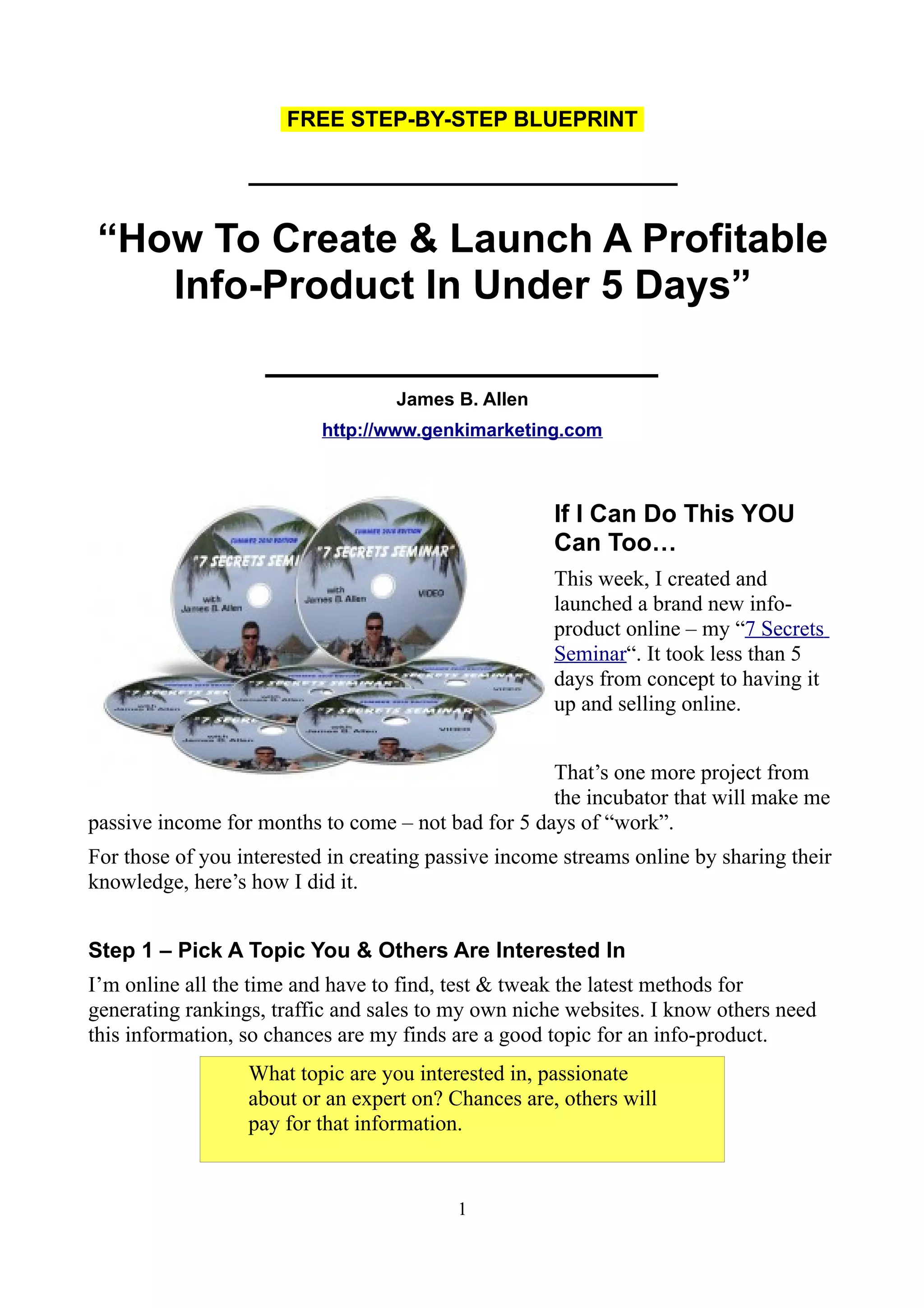
                                                     This week, I created and
                                                     launched a brand new info-
                                                     product online – my “7 Secrets
                                                     Seminar“. It took less than 5
                                                     days from concept to having it
                                                     up and selling online.


                                                    That’s one more project from
                                                    the incubator that will make me
passive income for months to come – not bad for 5 days of “work”.
For those of you interested in creating passive income streams online by sharing their
knowledge, here’s how I did it.


Step 1 – Pick A Topic You & Others Are Interested In
I’m online all the time and have to find, test & tweak the latest methods for
generating rankings, traffic and sales to my own niche websites. I know others need
this information, so chances are my finds are a good topic for an info-product.
                  What topic are you interested in, passionate
                  about or an expert on? Chances are, others will
                  pay for that information.


                                          1
Step 2 – Create Your Product
I made a list of the best online marketing tips & tricks I’ve been using lately. Then, I
used Jing – which is a screen recorder – and filmed a series of videos showing these
methods & how I use them.
With screen recording software, you end up with great training videos, since the end
users feels like they are watching over your shoulder, right there listening to you as
you show them how to implement your strategies.
I then saved the videos in MP4 format and uploaded them to my private Amazon S3
servers.
Next, I created a series of PDFs linking to the videos and including direct links to the
resources discussed in the videos, so my clients can easily access and implement the
information.
I put the PDFs in a folder, zipped the folder and uploaded it to a protected area on my
server.
                    Instructional Videos, PDF ebooks and MP3
                    audio recordings are all in-demand formats for
                    info-products you can sell online.


Step 3 – Write A Salesletter For Your Product
Why would anyone want to watch my video seminar? I sat down with this question in
mind and then wrote a list of all the techniques I revealed in the videos and how those
techniques would benefit the viewer. I used this information as the basis of my
salesletter.


                   Creating an effective salesletter that converts
                   readers into buyers is an art form that I’ve been
                   studying and successfully implementing for year
                   – and I’m still learning. That said, even a
                   beginner can create a salesletter that converts by
                   following a standardized format and a few basic
                   rules. Here’s a great resource to help you start.


Step 4: Set Up Your eCommerce Site For Your Product
I use the “Rapid Action Profits Script” to quickly create a site to sell my product
from. After installing the script, I add my salesletter and graphics, my payment
processor information, and upload my product. Takes just a few hours. Now, visitors

                                            2
who decide to buy can just click to pay and the product is instantly delivered to them
from the site. On top of that, it comes with a built in affiliate program, so other
people can recommend my product and earn 50% of the sales.


                    Here’s my affiliate link to the Rapid Action
                                   Profits script.


Step 5: Run Ads To Drive Traffic To Your Offer
Since I’ve just launched, I began my promotions by running an ad for this product in
a topic related forum. It’s already making sales there. After I receive some feedback
from these first customers and adjust my product accordingly, I’ll scale my
advertising and contact my affiliates to promote.


                  Give away copies of your first product for free
                  for feedback and testimonials. This is also a
                  good way to get potential affiliates on board to
                  help you promote. Then, find related forums for
                  your products topic and see if you can run paid
                  ads for your product there. Test with cheap small
                  ads first & make sure your product converts
                  profitably (turns visitors into sales) before
                  spending more money on advertising.


As my latest product shows, this can all be done in under 5 days. Here’s the end
result:


 “Just Launched: New Video Seminar Reveals My Latest FREE
   & Low Cost Methods For Generating Content, Backlinks,
   Rankings & Traffic To Your Websites. These Work Now…”

                      http://www.SevenSecrets2010.com


                                           3

How To Create & Launch An Info-Product In 5 Days

  • 1.
    FREE STEP-BY-STEP BLUEPRINT ___________________ “How To Create & Launch A Profitable Info-Product In Under 5 Days” ___________________ James B. Allen http://www.genkimarketing.com If I Can Do This YOU Can Too… This week, I created and launched a brand new info- product online – my “7 Secrets Seminar“. It took less than 5 days from concept to having it up and selling online. That’s one more project from the incubator that will make me passive income for months to come – not bad for 5 days of “work”. For those of you interested in creating passive income streams online by sharing their knowledge, here’s how I did it. Step 1 – Pick A Topic You & Others Are Interested In I’m online all the time and have to find, test & tweak the latest methods for generating rankings, traffic and sales to my own niche websites. I know others need this information, so chances are my finds are a good topic for an info-product. What topic are you interested in, passionate about or an expert on? Chances are, others will pay for that information. 1
  • 2.
    Step 2 –Create Your Product I made a list of the best online marketing tips & tricks I’ve been using lately. Then, I used Jing – which is a screen recorder – and filmed a series of videos showing these methods & how I use them. With screen recording software, you end up with great training videos, since the end users feels like they are watching over your shoulder, right there listening to you as you show them how to implement your strategies. I then saved the videos in MP4 format and uploaded them to my private Amazon S3 servers. Next, I created a series of PDFs linking to the videos and including direct links to the resources discussed in the videos, so my clients can easily access and implement the information. I put the PDFs in a folder, zipped the folder and uploaded it to a protected area on my server. Instructional Videos, PDF ebooks and MP3 audio recordings are all in-demand formats for info-products you can sell online. Step 3 – Write A Salesletter For Your Product Why would anyone want to watch my video seminar? I sat down with this question in mind and then wrote a list of all the techniques I revealed in the videos and how those techniques would benefit the viewer. I used this information as the basis of my salesletter. Creating an effective salesletter that converts readers into buyers is an art form that I’ve been studying and successfully implementing for year – and I’m still learning. That said, even a beginner can create a salesletter that converts by following a standardized format and a few basic rules. Here’s a great resource to help you start. Step 4: Set Up Your eCommerce Site For Your Product I use the “Rapid Action Profits Script” to quickly create a site to sell my product from. After installing the script, I add my salesletter and graphics, my payment processor information, and upload my product. Takes just a few hours. Now, visitors 2
  • 3.
    who decide tobuy can just click to pay and the product is instantly delivered to them from the site. On top of that, it comes with a built in affiliate program, so other people can recommend my product and earn 50% of the sales. Here’s my affiliate link to the Rapid Action Profits script. Step 5: Run Ads To Drive Traffic To Your Offer Since I’ve just launched, I began my promotions by running an ad for this product in a topic related forum. It’s already making sales there. After I receive some feedback from these first customers and adjust my product accordingly, I’ll scale my advertising and contact my affiliates to promote. Give away copies of your first product for free for feedback and testimonials. This is also a good way to get potential affiliates on board to help you promote. Then, find related forums for your products topic and see if you can run paid ads for your product there. Test with cheap small ads first & make sure your product converts profitably (turns visitors into sales) before spending more money on advertising. As my latest product shows, this can all be done in under 5 days. Here’s the end result: “Just Launched: New Video Seminar Reveals My Latest FREE & Low Cost Methods For Generating Content, Backlinks, Rankings & Traffic To Your Websites. These Work Now…” http://www.SevenSecrets2010.com 3