Improving the deployment Process
Step by Step
About me
Daniel Fahlke (aka Flyingmana)
● Working as a Software Engineer with Magento and PHP
● Doing lots of open Source
● Helps maintaining the OpenMage-LTS Fork
● http://flyingmana.name/
● https://github.com/Flyingmana
● https://twitter.com/Flyingmana
● https://www.patreon.com/Flyingmana
● https://github.com/OpenMage/magento-lts
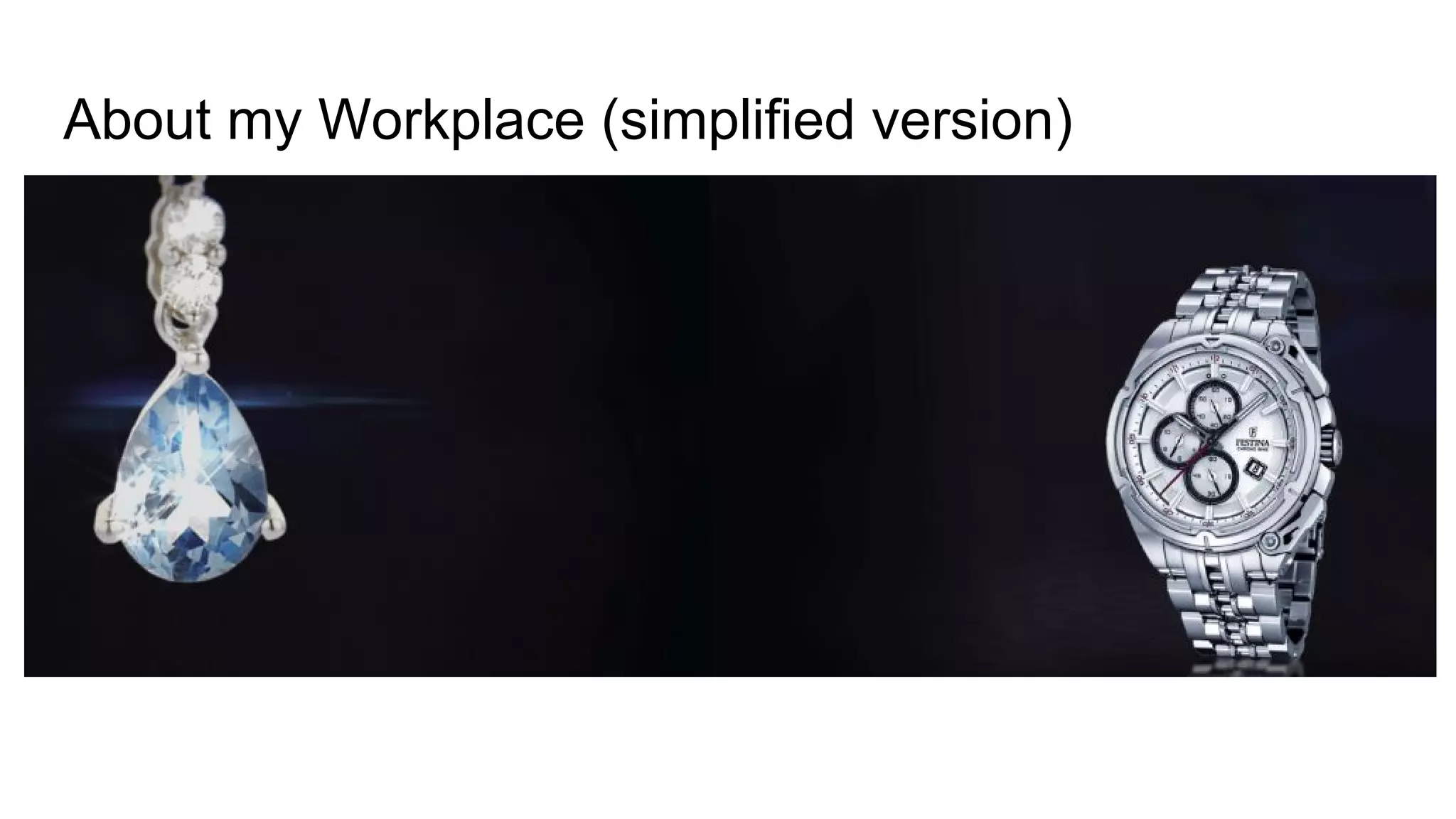
About my Workplace (simplified version)
https://www.valmano.de/
We sell Watches and Jewelry
About my Workplace (simplified version)
https://www.valmano.de/
We sell Watches and Jewelry
TV series teached me,
Watches are the best anniversary present for long term employees.
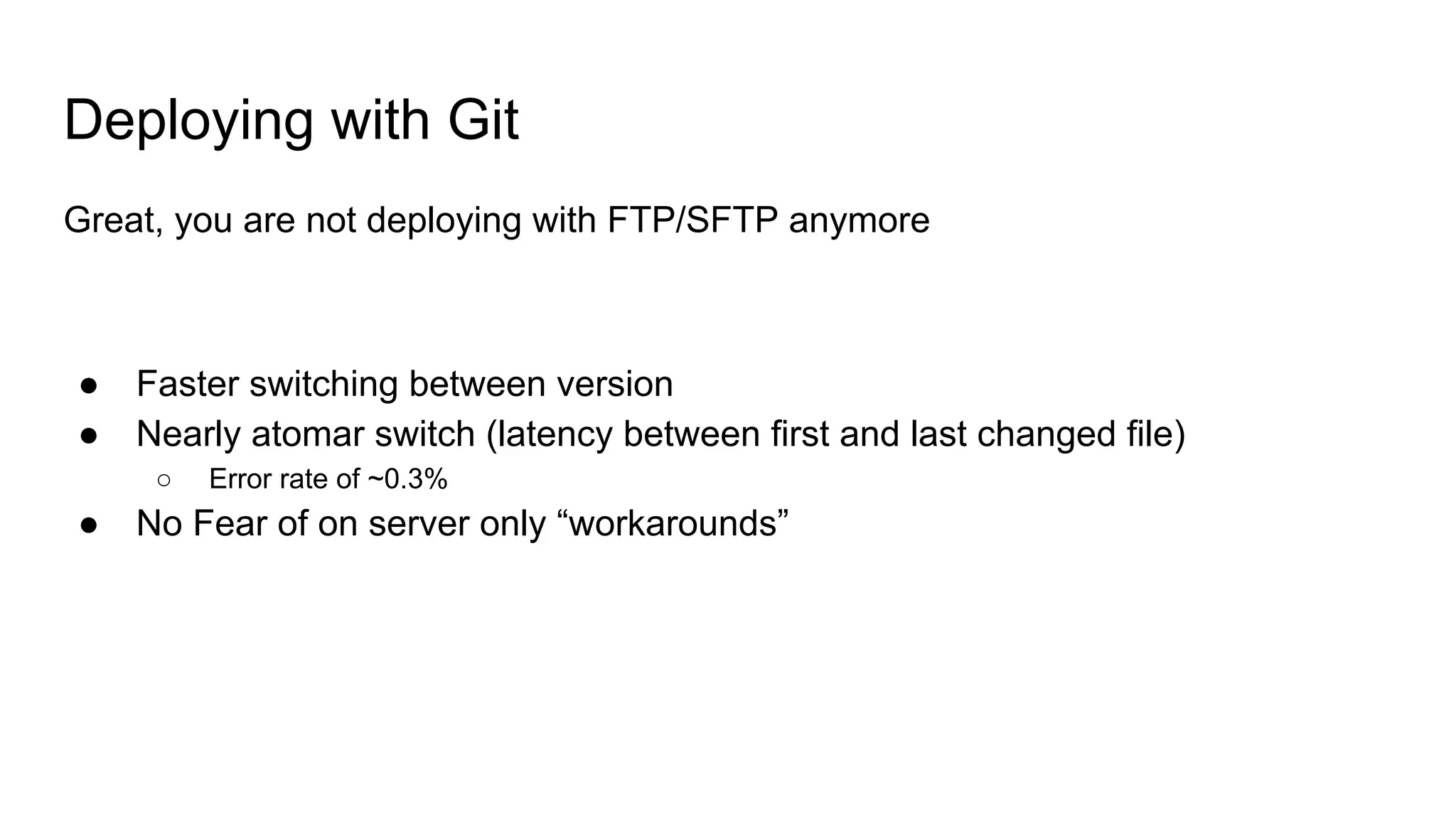
Deploying with Git
Great, you are not deploying with FTP/SFTP anymore
● Faster switching between version
● Nearly atomar switch (latency between first and last changed file)
○ Error rate of ~0.3%
● No Fear of on server only “workarounds”
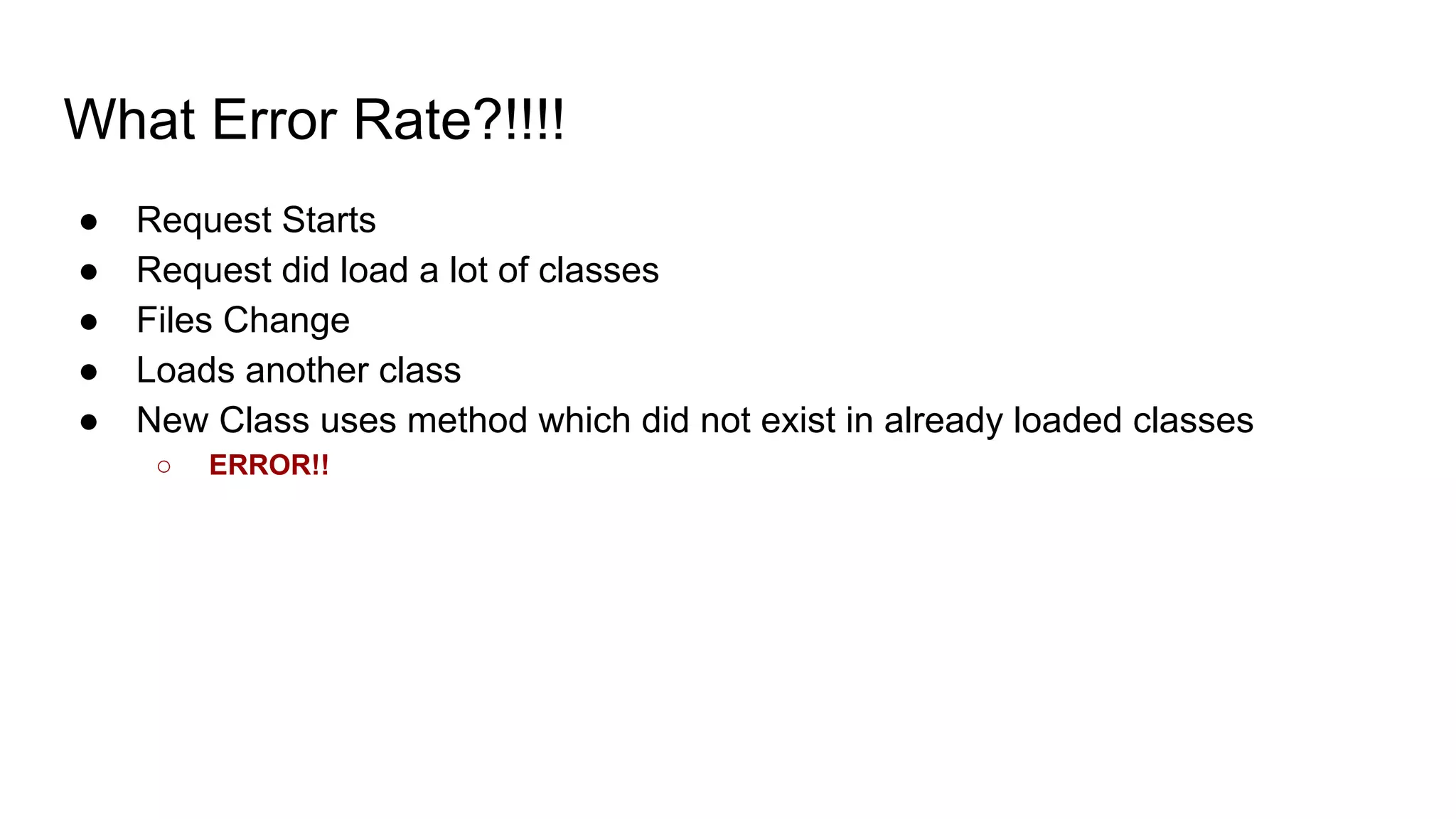
What Error Rate?!!!!
● Request Starts
● Request did load a lot of classes
● Files Change
● Loads another class
● New Class uses method which did not exist in already loaded classes
○ ERROR!!
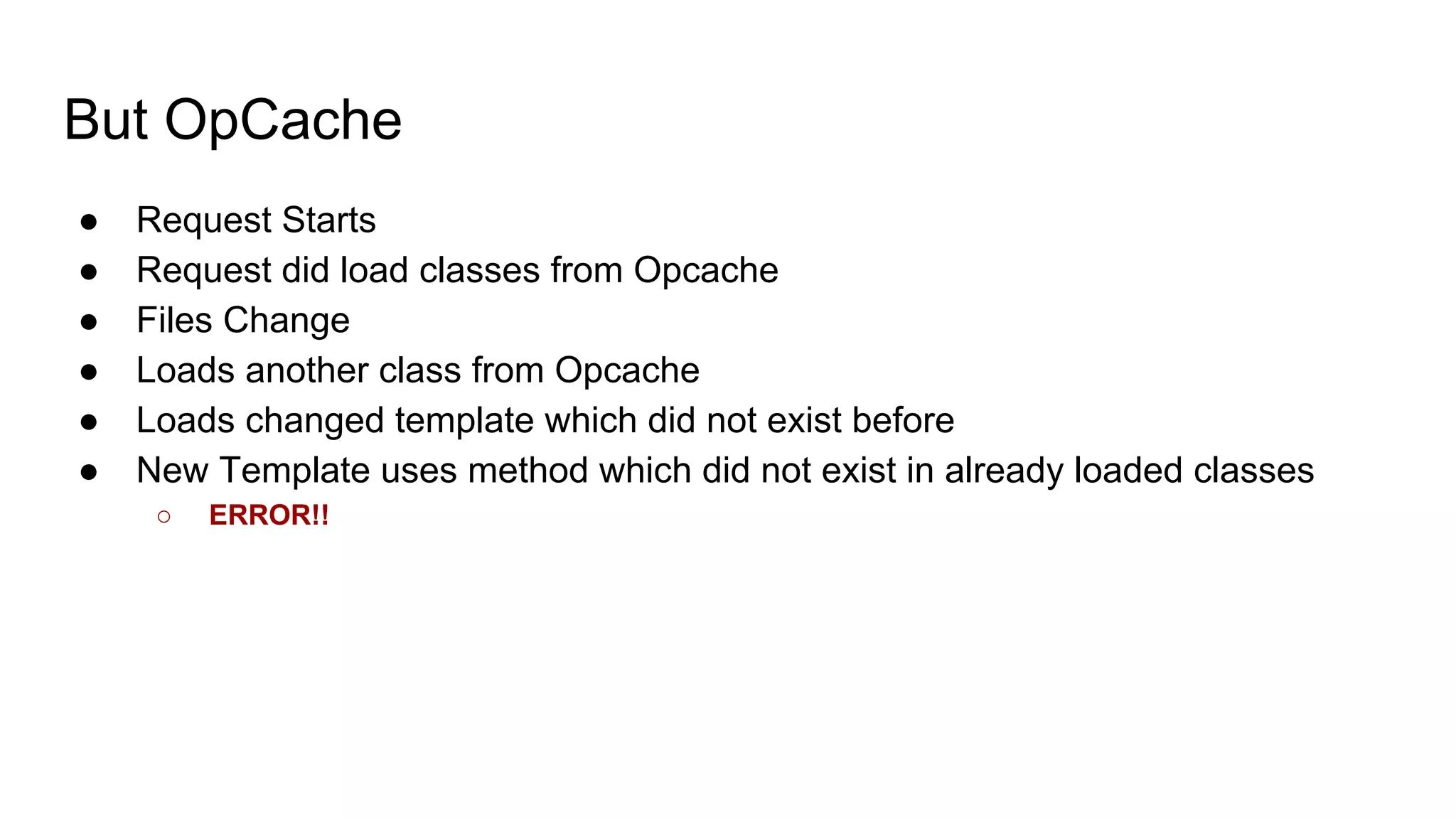
But OpCache
● Request Starts
● Request did load classes from Opcache
● Files Change
● Loads another class from Opcache
● Loads changed template which did not exist before
● New Template uses method which did not exist in already loaded classes
○ ERROR!!
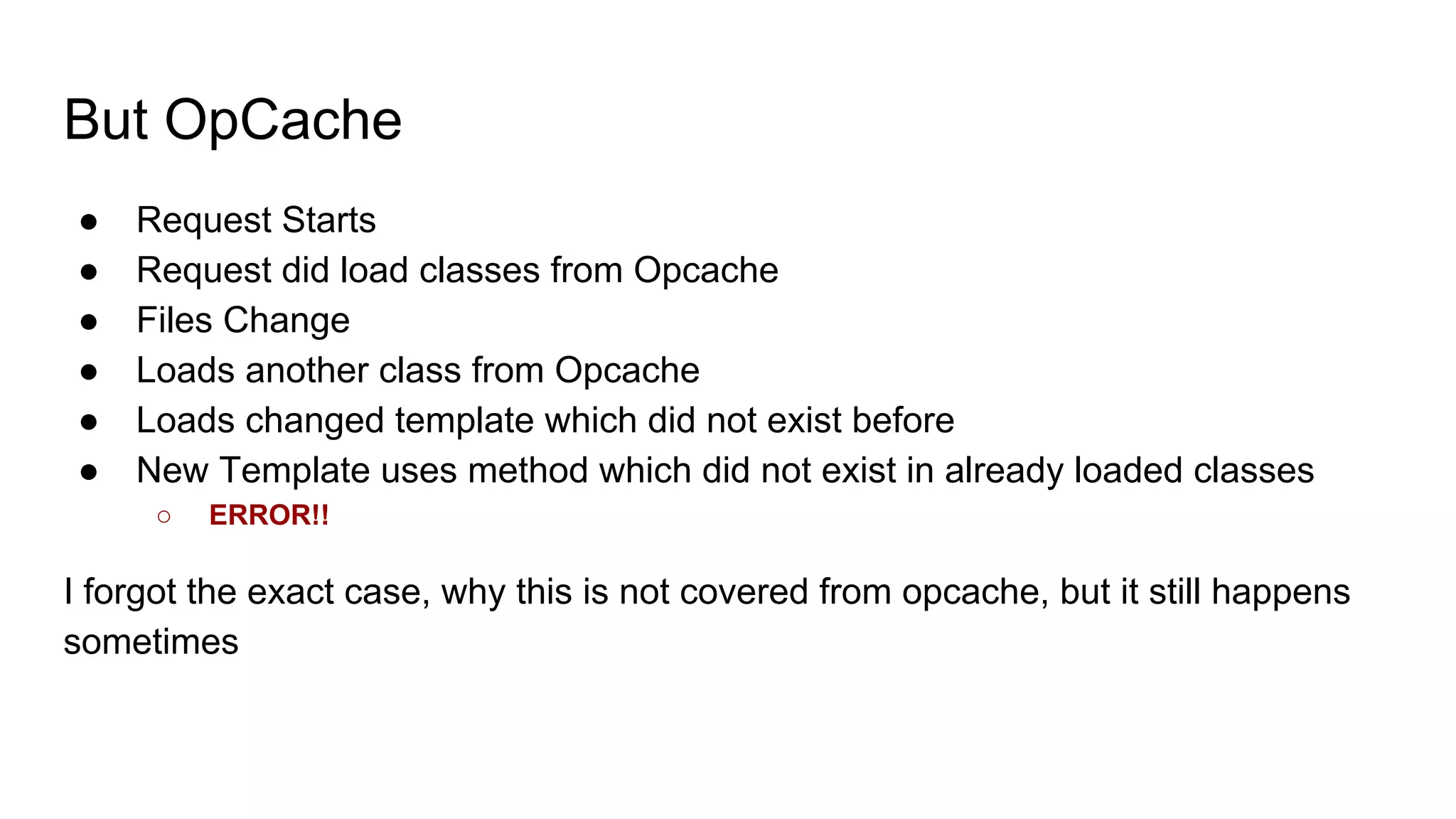
But OpCache
● Request Starts
● Request did load classes from Opcache
● Files Change
● Loads another class from Opcache
● Loads changed template which did not exist before
● New Template uses method which did not exist in already loaded classes
○ ERROR!!
I forgot the exact case, why this is not covered from opcache, but it still happens
sometimes
How to solve this kind of errors
Prevent files being changed while requests are active in the project folder.
Blue / Green Deployment
Basic Idea is, you have your project twice on the Filesystem
● An active one, and an inactive one
● This can be a symlink which is used as project root
○ If the first file is loaded in magento, most is loaded relative to this file, not to the docroot
● Or full instances of FPM servers
○ which are switched over by a webserver config
● Works also with NodeJS Apps
Take Servers temporary out of loadbalancer
Works only if you have multiple servers
● Take server out of loadbalancer
● Deploy changes
● Put server back in
● Take Next server
But Database Migrations
● Somehow new Code tends to fail, when you dont run the DB migrations
But Database Migrations
● Somehow new Code tends to fail, when you dont run the DB migrations
● Or worse, old Code fails after the DB migration were run.
But Database Migrations
● Somehow new Code tends to fail, when you dont run the DB migrations
● Or worse, old Code fails after the DB migration were run.
!!!!Maintainance Mode!!!!
But Database Migrations
● Somehow new Code tends to fail, when you dont run the DB migrations
● Or worse, old Code fails after the DB migration were run.
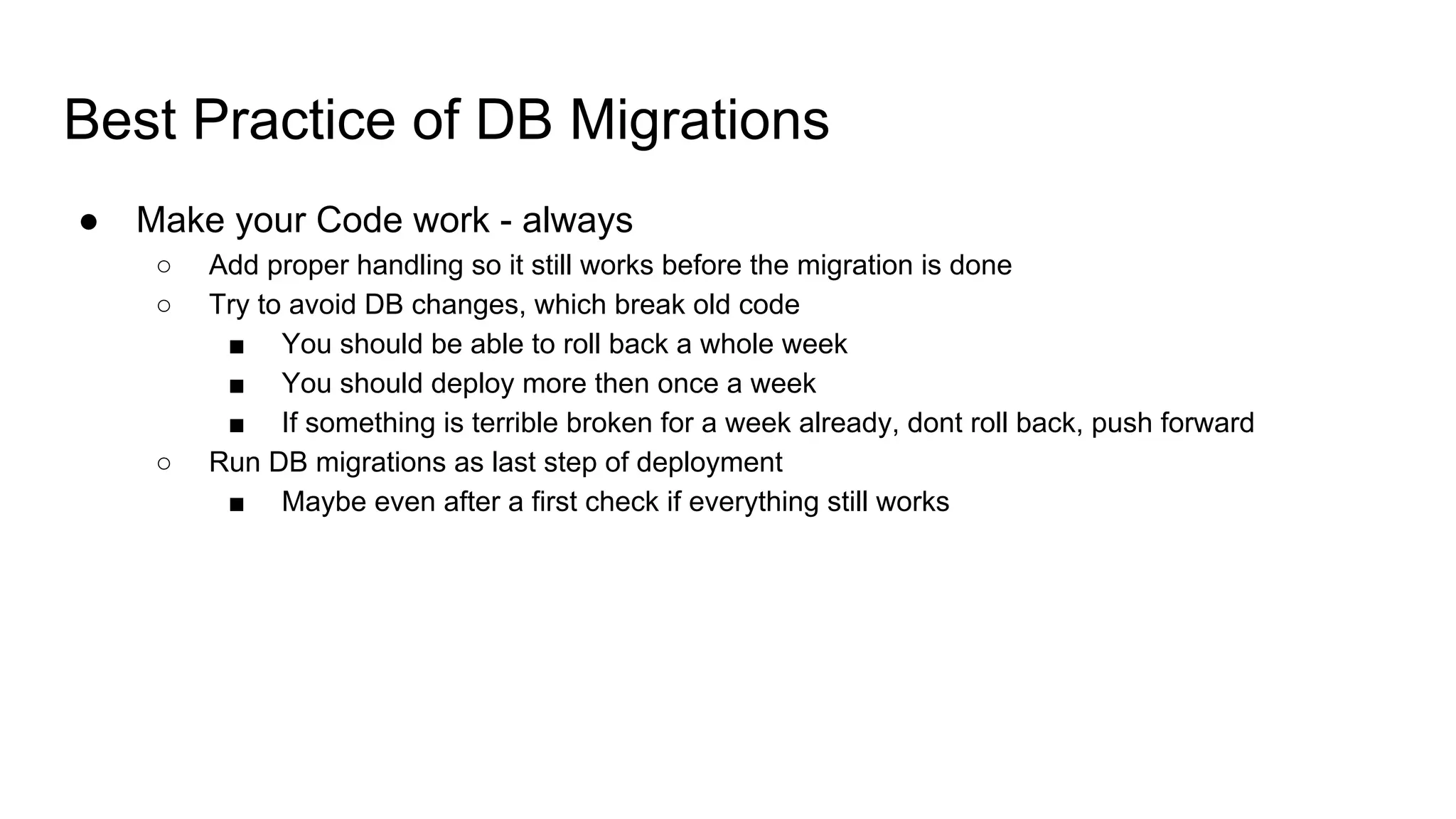
!!!!Maintainance Mode!!!! Means you failed
Best Practice of DB Migrations
● Make your Code work - always
○ Add proper handling so it still works before the migration is done
○ Try to avoid DB changes, which break old code
■ You should be able to roll back a whole week
■ You should deploy more then once a week
■ If something is terrible broken for a week already, dont roll back, push forward
○ Run DB migrations as last step of deployment
■ Maybe even after a first check if everything still works
Best Practice of DB Migrations
● Make your Code work - always
○ Add proper handling so it still works before the migration is done
○ Try to avoid DB changes, which break old code
■ You should be able to roll back a whole week
■ You should deploy more then once a week
■ If something is terrible broken for a week already, dont roll back, push forward
○ Run DB migrations as last step of deployment
■ Maybe even after a first check if everything still works
● Complain to module vendors if they dont follow best practice
○ Tell them about the additional work it did cause for you
○ But be nice
○ And help them with suggestions
How to measure a deployment
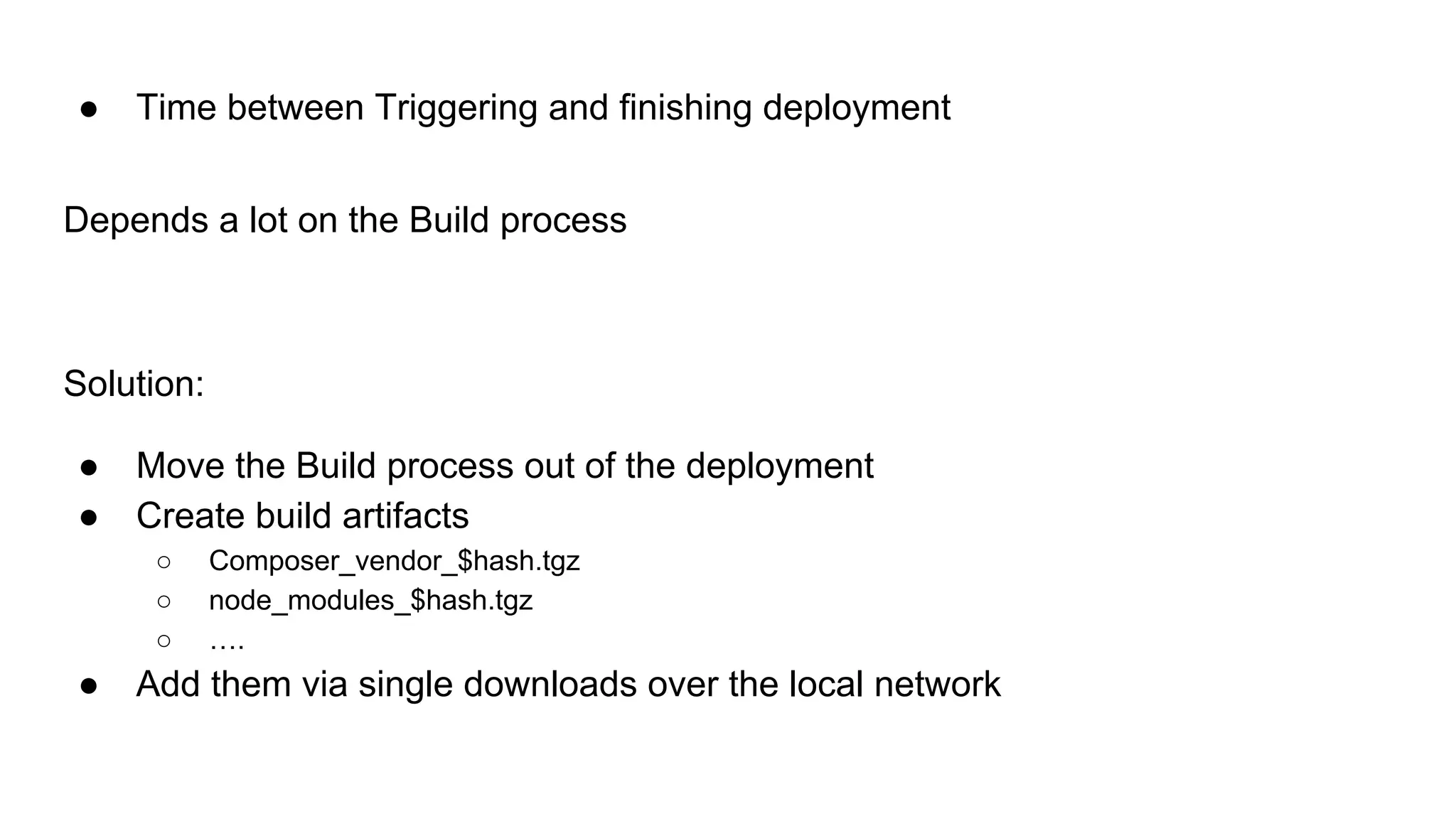
● Time between Triggering and finishing deployment
● Time between a failed deployment and a finished rollback
● Error rate & Downtime
● Average Grade of Fear in the Team doing a deployment on Friday at 17:00
○ And also The Max()
○ Having no Fear and a 2 hour downtime after deployment results in minus points
●
● Time between Triggering and finishing deployment
Not even seconds with git, so why switch?
● Sass
● Babel
● Code Generation
● Composer
● Time between Triggering and finishing deployment
Not even seconds with git, so why switch?
● Sass
● Babel
● Code Generation
● Composer
Because you also have a Build step, which is not covered by Git
● Time between Triggering and finishing deployment
Depends a lot on the Build process
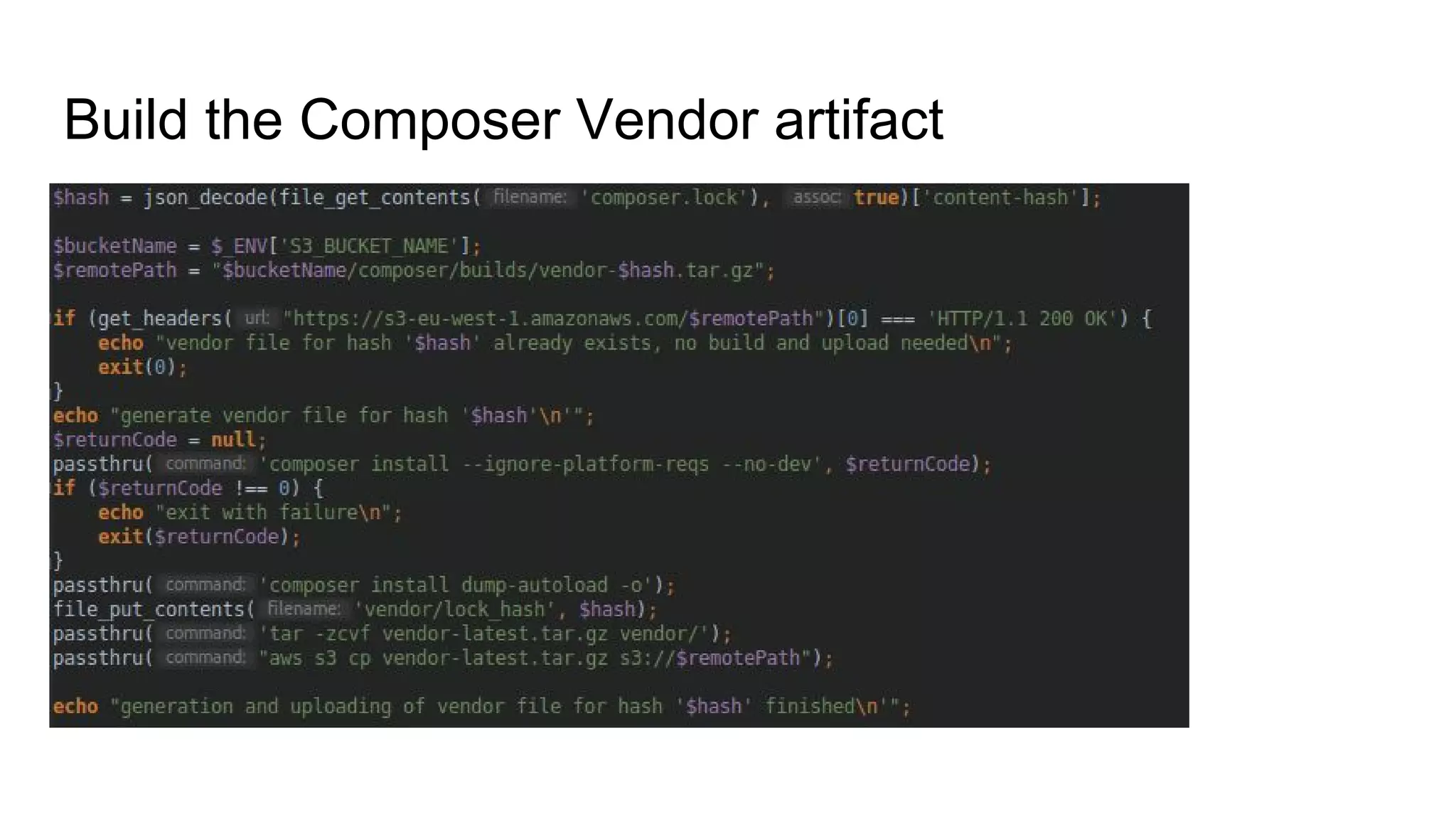
Solution:
● Move the Build process out of the deployment
● Create build artifacts
○ Composer_vendor_$hash.tgz
○ node_modules_$hash.tgz
○ ….
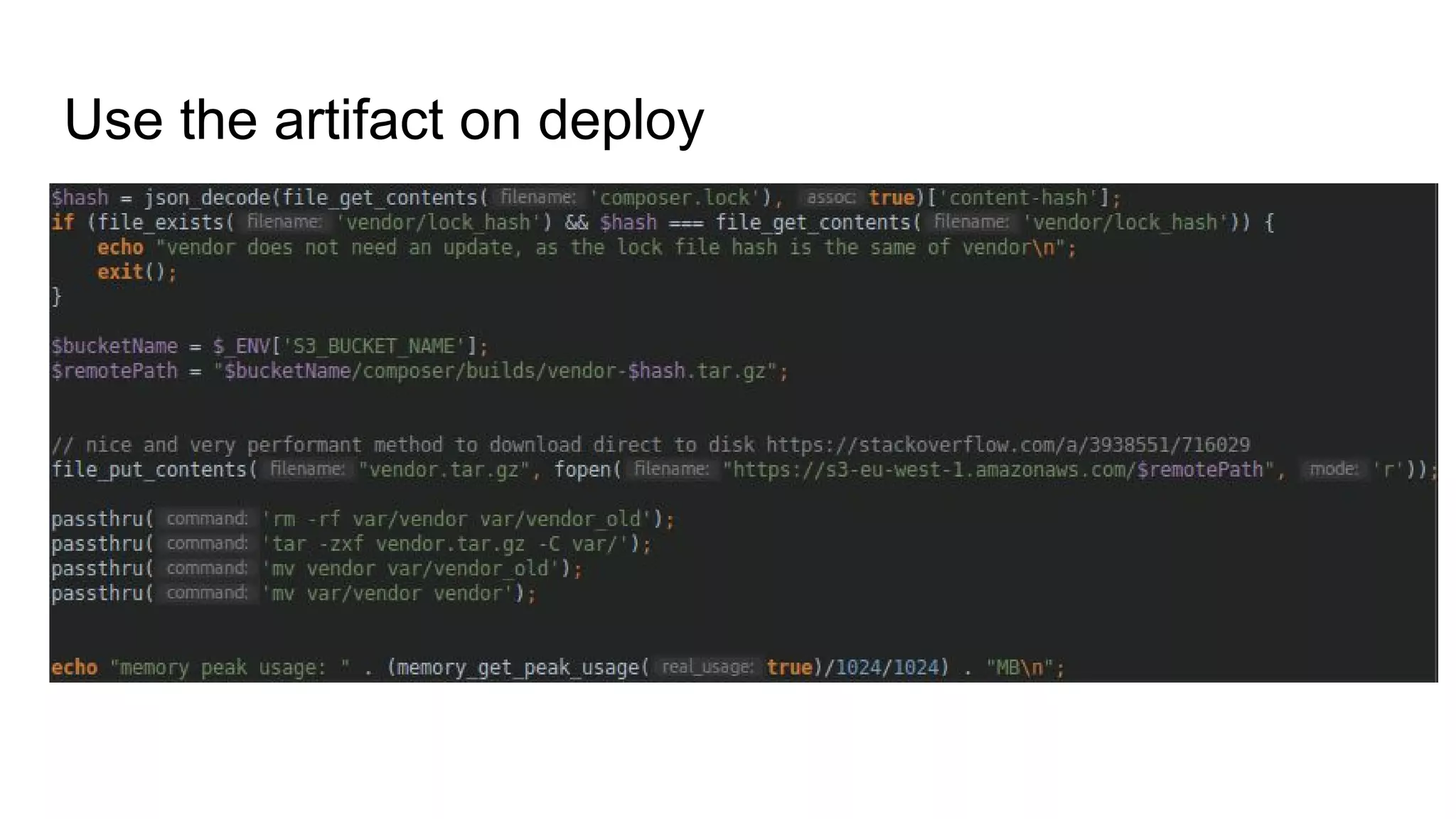
● Add them via single downloads over the local network
● Time between a failed deployment and a finished rollback
In case you have a Blue / Green deployment,
Independent of build process < ~15sec
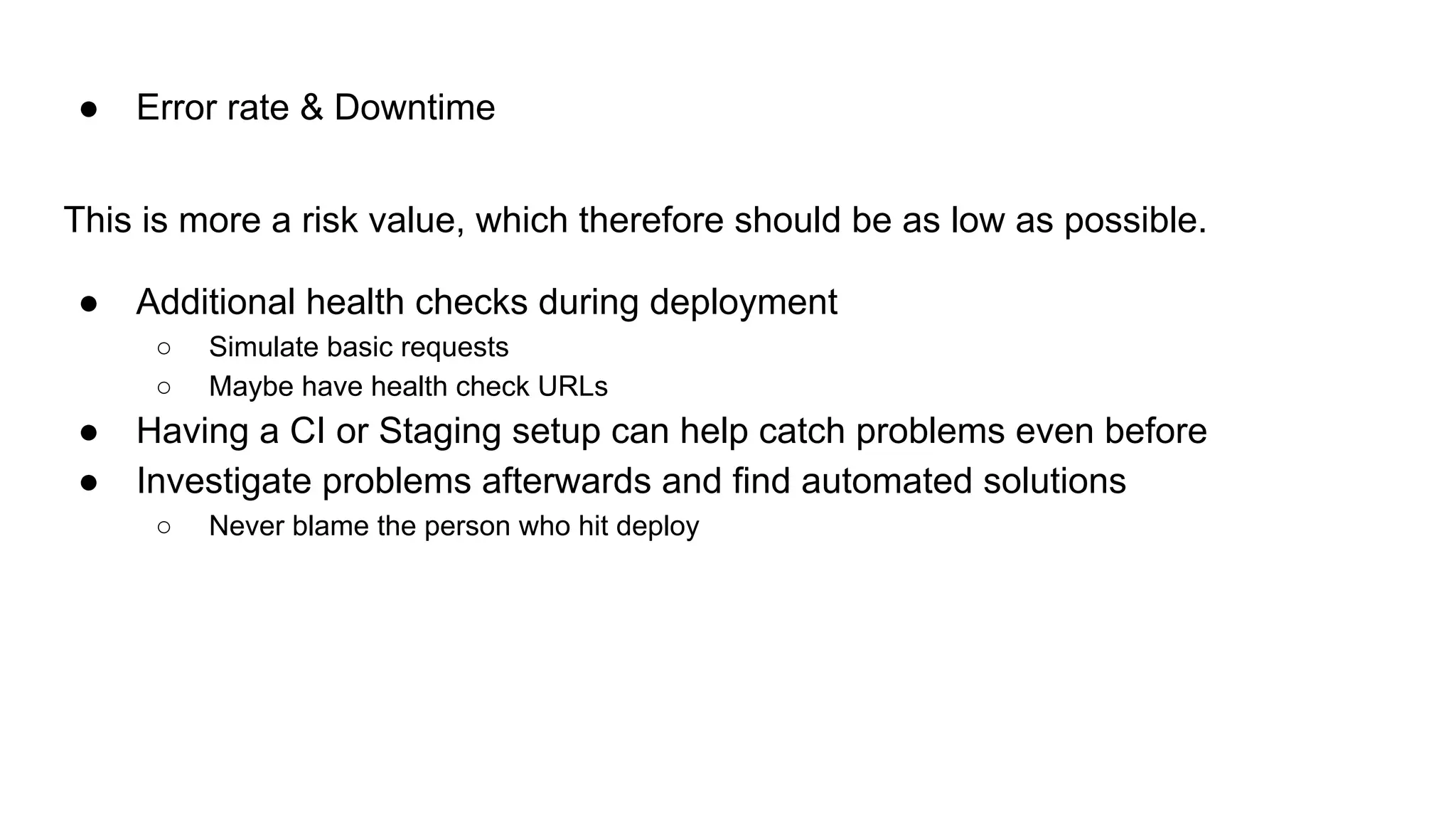
This is more a risk value, which therefore should be as low as possible.
● Additional health checks during deployment
○ Simulate basic requests
○ Maybe have health check URLs
● Having a CI or Staging setup can help catch problems even before
● Investigate problems afterwards and find automated solutions
○ Never blame the person who hit deploy
● Error rate & Downtime
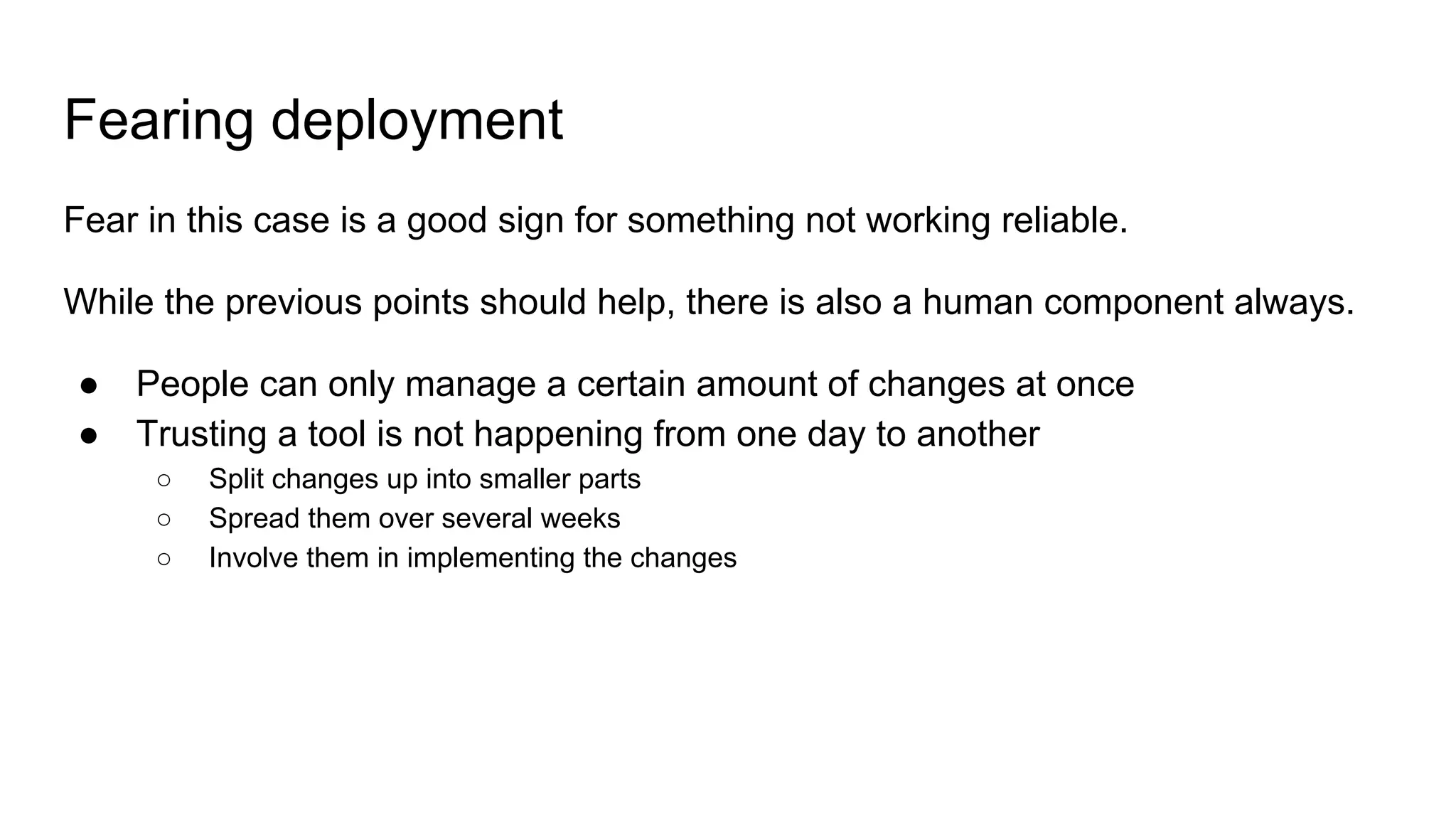
Fearing deployment
Fear in this case is a good sign for something not working reliable.
While the previous points should help, there is also a human component always.
● People can only manage a certain amount of changes at once
● Trusting a tool is not happening from one day to another
○ Split changes up into smaller parts
○ Spread them over several weeks
○ Involve them in implementing the changes
Build the Composer Vendor artifact
Use the artifact on deploy
There is no one-size-fits-all solution
There are lot of existing solutions
● Capistrano
● Deployer
● Robo
● Ansible
And probably a reason why you dont use one of them already.
The learnings
● Take small steps
● Reducing build time is easier than it seems
○ Build artifacts are just another kind of (permanent) cache
● Make DB migrations harmless
● Simple php scripts are NOT bad practice
Thank You for listening
In case you want to also say Thank you, support me on Patreon.
https://www.patreon.com/Flyingmana
I also take Requests for next Topics I should present about.
Improve the deployment process step by step

Improve the deployment process step by step

  • 1.
    Improving the deploymentProcess Step by Step
  • 2.
    About me Daniel Fahlke(aka Flyingmana) ● Working as a Software Engineer with Magento and PHP ● Doing lots of open Source ● Helps maintaining the OpenMage-LTS Fork ● http://flyingmana.name/ ● https://github.com/Flyingmana ● https://twitter.com/Flyingmana ● https://www.patreon.com/Flyingmana ● https://github.com/OpenMage/magento-lts
  • 3.
    About my Workplace(simplified version) https://www.valmano.de/ We sell Watches and Jewelry
  • 4.
    About my Workplace(simplified version) https://www.valmano.de/ We sell Watches and Jewelry TV series teached me, Watches are the best anniversary present for long term employees.
  • 5.
    Deploying with Git Great,you are not deploying with FTP/SFTP anymore ● Faster switching between version ● Nearly atomar switch (latency between first and last changed file) ○ Error rate of ~0.3% ● No Fear of on server only “workarounds”
  • 6.
    What Error Rate?!!!! ●Request Starts ● Request did load a lot of classes ● Files Change ● Loads another class ● New Class uses method which did not exist in already loaded classes ○ ERROR!!
  • 7.
    But OpCache ● RequestStarts ● Request did load classes from Opcache ● Files Change ● Loads another class from Opcache ● Loads changed template which did not exist before ● New Template uses method which did not exist in already loaded classes ○ ERROR!!
  • 8.
    But OpCache ● RequestStarts ● Request did load classes from Opcache ● Files Change ● Loads another class from Opcache ● Loads changed template which did not exist before ● New Template uses method which did not exist in already loaded classes ○ ERROR!! I forgot the exact case, why this is not covered from opcache, but it still happens sometimes
  • 9.
    How to solvethis kind of errors Prevent files being changed while requests are active in the project folder.
  • 10.
    Blue / GreenDeployment Basic Idea is, you have your project twice on the Filesystem ● An active one, and an inactive one ● This can be a symlink which is used as project root ○ If the first file is loaded in magento, most is loaded relative to this file, not to the docroot ● Or full instances of FPM servers ○ which are switched over by a webserver config ● Works also with NodeJS Apps
  • 11.
    Take Servers temporaryout of loadbalancer Works only if you have multiple servers ● Take server out of loadbalancer ● Deploy changes ● Put server back in ● Take Next server
  • 12.
    But Database Migrations ●Somehow new Code tends to fail, when you dont run the DB migrations
  • 13.
    But Database Migrations ●Somehow new Code tends to fail, when you dont run the DB migrations ● Or worse, old Code fails after the DB migration were run.
  • 14.
    But Database Migrations ●Somehow new Code tends to fail, when you dont run the DB migrations ● Or worse, old Code fails after the DB migration were run. !!!!Maintainance Mode!!!!
  • 15.
    But Database Migrations ●Somehow new Code tends to fail, when you dont run the DB migrations ● Or worse, old Code fails after the DB migration were run. !!!!Maintainance Mode!!!! Means you failed
  • 16.
    Best Practice ofDB Migrations ● Make your Code work - always ○ Add proper handling so it still works before the migration is done ○ Try to avoid DB changes, which break old code ■ You should be able to roll back a whole week ■ You should deploy more then once a week ■ If something is terrible broken for a week already, dont roll back, push forward ○ Run DB migrations as last step of deployment ■ Maybe even after a first check if everything still works
  • 17.
    Best Practice ofDB Migrations ● Make your Code work - always ○ Add proper handling so it still works before the migration is done ○ Try to avoid DB changes, which break old code ■ You should be able to roll back a whole week ■ You should deploy more then once a week ■ If something is terrible broken for a week already, dont roll back, push forward ○ Run DB migrations as last step of deployment ■ Maybe even after a first check if everything still works ● Complain to module vendors if they dont follow best practice ○ Tell them about the additional work it did cause for you ○ But be nice ○ And help them with suggestions
  • 18.
    How to measurea deployment ● Time between Triggering and finishing deployment ● Time between a failed deployment and a finished rollback ● Error rate & Downtime ● Average Grade of Fear in the Team doing a deployment on Friday at 17:00 ○ And also The Max() ○ Having no Fear and a 2 hour downtime after deployment results in minus points ●
  • 19.
    ● Time betweenTriggering and finishing deployment Not even seconds with git, so why switch? ● Sass ● Babel ● Code Generation ● Composer
  • 20.
    ● Time betweenTriggering and finishing deployment Not even seconds with git, so why switch? ● Sass ● Babel ● Code Generation ● Composer Because you also have a Build step, which is not covered by Git
  • 21.
    ● Time betweenTriggering and finishing deployment Depends a lot on the Build process Solution: ● Move the Build process out of the deployment ● Create build artifacts ○ Composer_vendor_$hash.tgz ○ node_modules_$hash.tgz ○ …. ● Add them via single downloads over the local network
  • 22.
    ● Time betweena failed deployment and a finished rollback In case you have a Blue / Green deployment, Independent of build process < ~15sec
  • 23.
    This is morea risk value, which therefore should be as low as possible. ● Additional health checks during deployment ○ Simulate basic requests ○ Maybe have health check URLs ● Having a CI or Staging setup can help catch problems even before ● Investigate problems afterwards and find automated solutions ○ Never blame the person who hit deploy ● Error rate & Downtime
  • 24.
    Fearing deployment Fear inthis case is a good sign for something not working reliable. While the previous points should help, there is also a human component always. ● People can only manage a certain amount of changes at once ● Trusting a tool is not happening from one day to another ○ Split changes up into smaller parts ○ Spread them over several weeks ○ Involve them in implementing the changes
  • 25.
    Build the ComposerVendor artifact
  • 26.
  • 27.
    There is noone-size-fits-all solution There are lot of existing solutions ● Capistrano ● Deployer ● Robo ● Ansible And probably a reason why you dont use one of them already.
  • 28.
    The learnings ● Takesmall steps ● Reducing build time is easier than it seems ○ Build artifacts are just another kind of (permanent) cache ● Make DB migrations harmless ● Simple php scripts are NOT bad practice
  • 29.
    Thank You forlistening In case you want to also say Thank you, support me on Patreon. https://www.patreon.com/Flyingmana I also take Requests for next Topics I should present about.