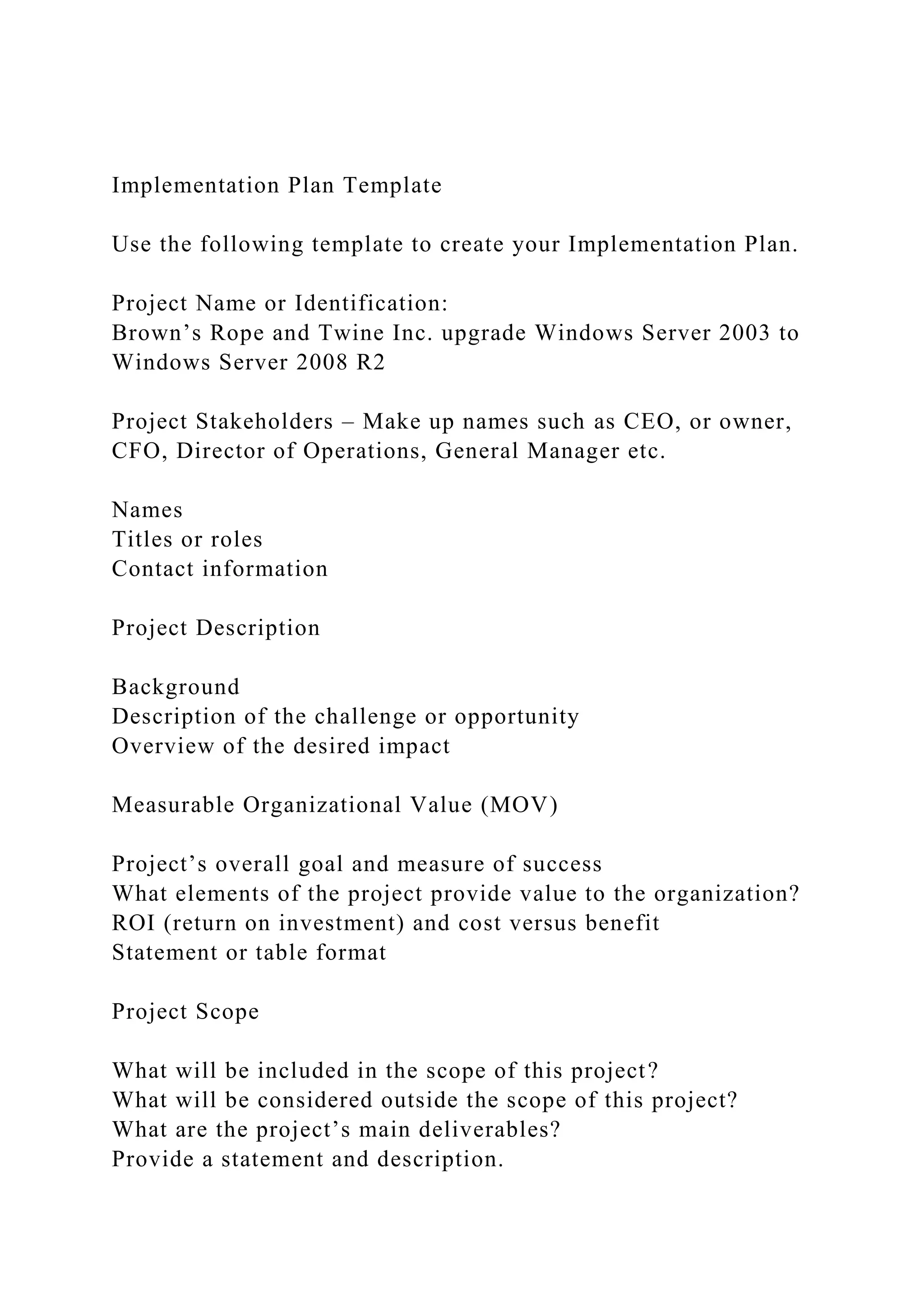
Implementation Plan Template
Use the following template to create your Implementation Plan.
Project Name or Identification:
Brown’s Rope and Twine Inc. upgrade Windows Server 2003 to
Windows Server 2008 R2
Project Stakeholders – Make up names such as CEO, or owner,
CFO, Director of Operations, General Manager etc.
Names
Titles or roles
Contact information
Project Description
Background
Description of the challenge or opportunity
Overview of the desired impact
Measurable Organizational Value (MOV)
Project’s overall goal and measure of success
What elements of the project provide value to the organization?
ROI (return on investment) and cost versus benefit
Statement or table format
Project Scope
What will be included in the scope of this project?
What will be considered outside the scope of this project?
What are the project’s main deliverables?
Provide a statement and description.
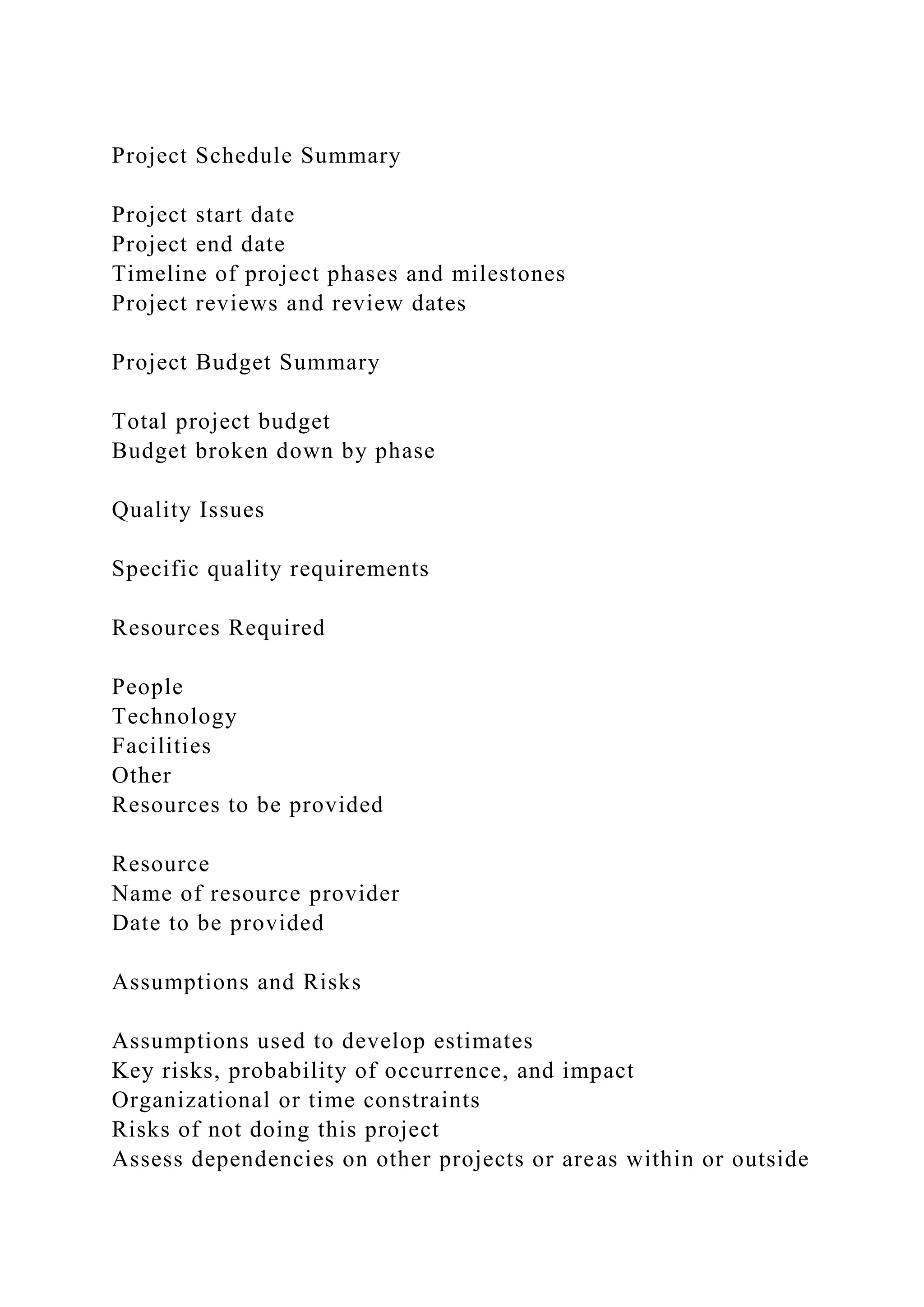
Project Schedule Summary
Project start date
Project end date
Timeline of project phases and milestones
Project reviews and review dates
Project Budget Summary
Total project budget
Budget broken down by phase
Quality Issues
Specific quality requirements
Resources Required
People
Technology
Facilities
Other
Resources to be provided
Resource
Name of resource provider
Date to be provided
Assumptions and Risks
Assumptions used to develop estimates
Key risks, probability of occurrence, and impact
Organizational or time constraints
Risks of not doing this project
Assess dependencies on other projects or areas within or outside
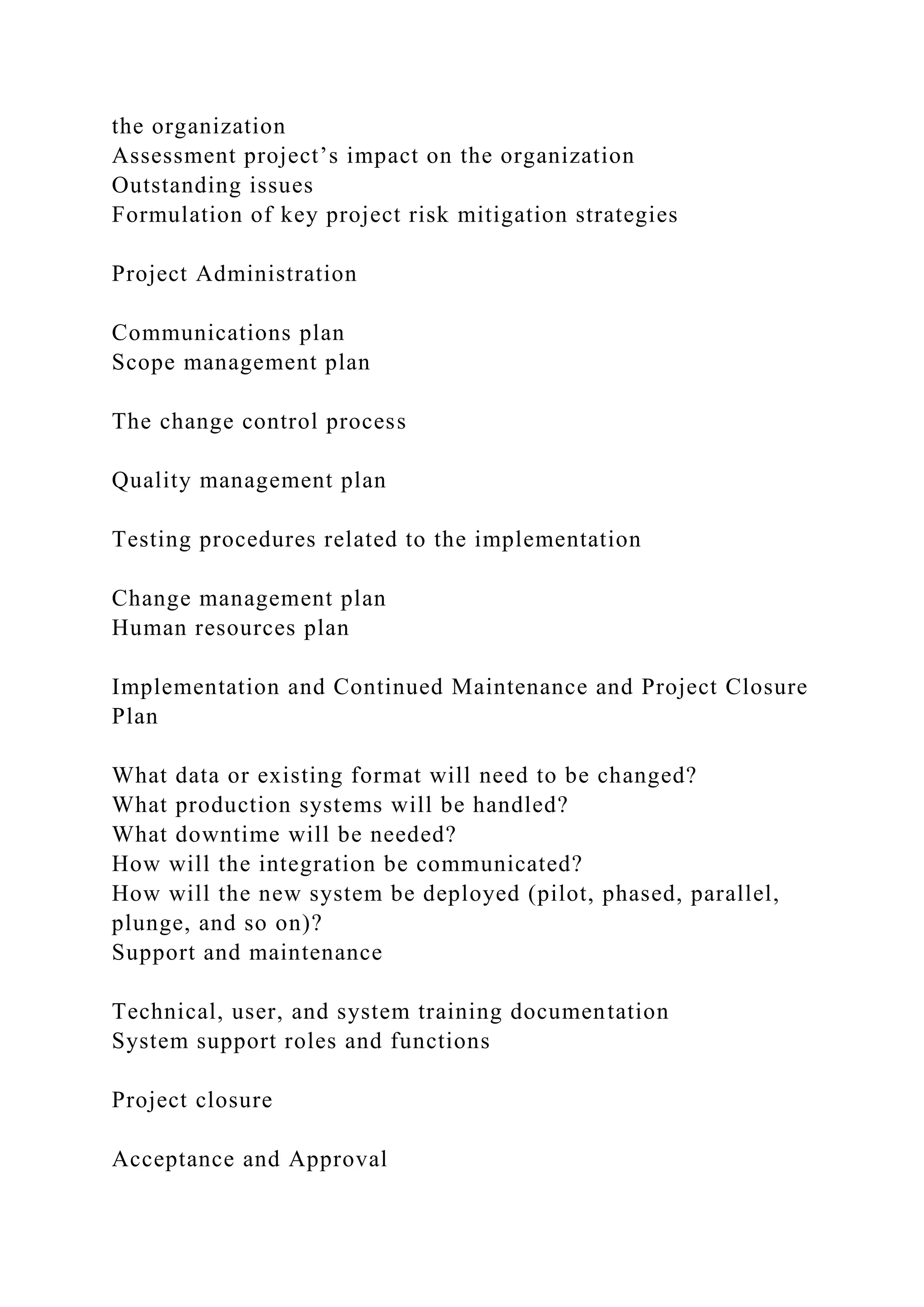
the organization
Assessment project’s impact on the organization
Outstanding issues
Formulation of key project risk mitigation strategies
Project Administration
Communications plan
Scope management plan
The change control process
Quality management plan
Testing procedures related to the implementation
Change management plan
Human resources plan
Implementation and Continued Maintenance and Project Closure
Plan
What data or existing format will need to be changed?
What production systems will be handled?
What downtime will be needed?
How will the integration be communicated?
How will the new system be deployed (pilot, phased, parallel,
plunge, and so on)?
Support and maintenance
Technical, user, and system training documentation
System support roles and functions
Project closure
Acceptance and Approval
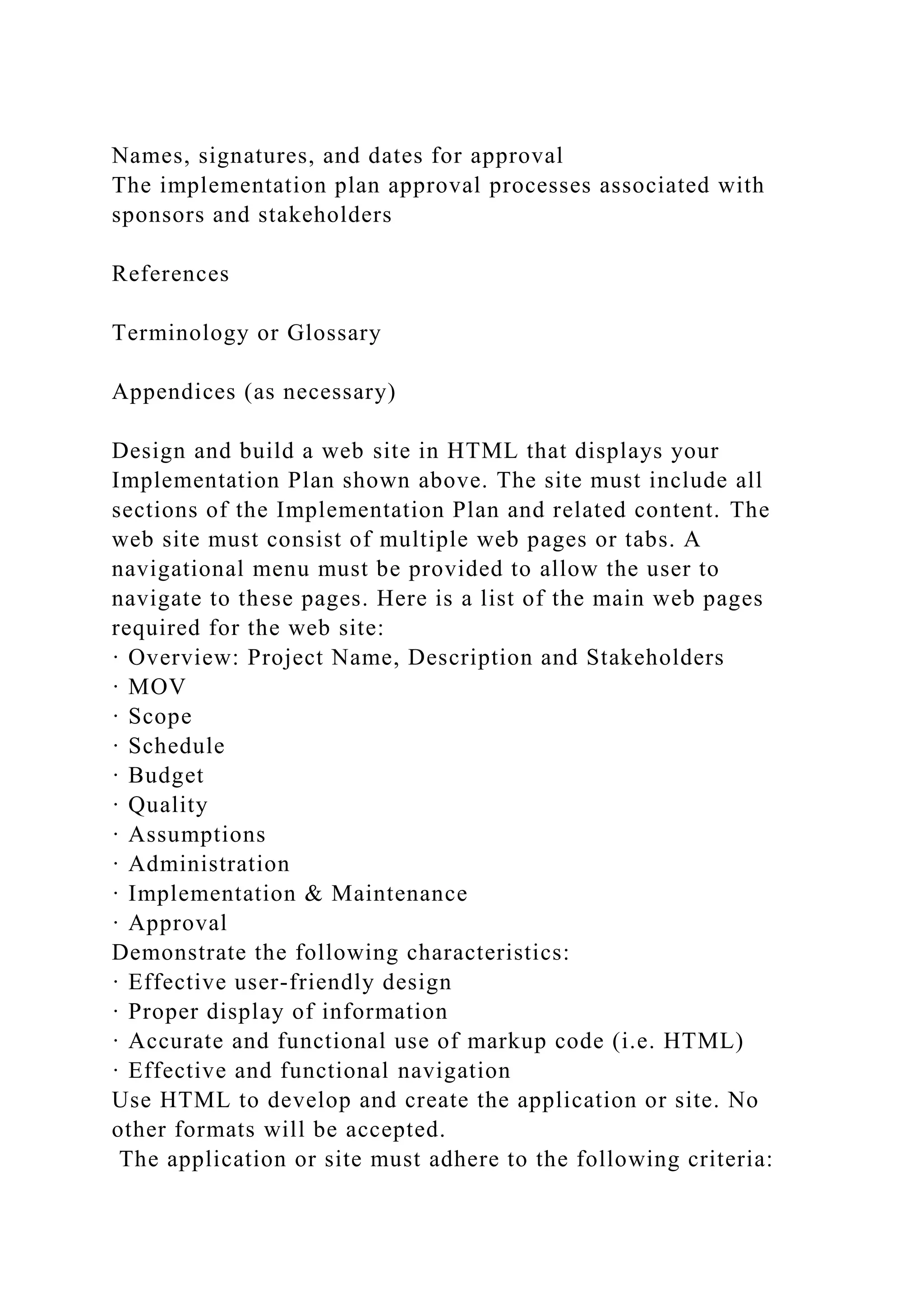
Names, signatures, and dates for approval
The implementation plan approval processes associated with
sponsors and stakeholders
References
Terminology or Glossary
Appendices (as necessary)
Design and build a web site in HTML that displays your
Implementation Plan shown above. The site must include all
sections of the Implementation Plan and related content. The
web site must consist of multiple web pages or tabs. A
navigational menu must be provided to allow the user to
navigate to these pages. Here is a list of the main web pages
required for the web site:
· Overview: Project Name, Description and Stakeholders
· MOV
· Scope
· Schedule
· Budget
· Quality
· Assumptions
· Administration
· Implementation & Maintenance
· Approval
Demonstrate the following characteristics:
· Effective user-friendly design
· Proper display of information
· Accurate and functional use of markup code (i.e. HTML)
· Effective and functional navigation
Use HTML to develop and create the application or site. No
other formats will be accepted.
The application or site must adhere to the following criteria:
· Apply usability best practices and principles of design.
· Page content is organized and professional.
· Create effective navigation for the application or site in the
DEFAULT.html page to allow the user to navigate to all your
HTML screens. Consider displaying your subpages on separate
browser tabs.
· Deliver stand-alone code that does not rely on external
resources or files. Please do not use server-side code such as
Java or C#. Please do not utilize web services. Your code
should run on the client-side browser using HTML and
JavaScript without any web server support.
· Use internal, external, and anchor links in the application or
site if needed
· All the files and code required to run the site from the
instructor's PC must be included with your submission
· The home page file that should be loaded first must be called
DEFAULT.html. All remaining files must be linked to this page.
All required files (e.g. HTML, CSS, JPEG) must be posted.
Links to external sites containing your code are not acceptable.
Expand your implementation plan site to include an HTML
input web form screen to support change requests. Create a
"Change Request" link from your main menu to allow the user
to navigate to this screen. At a minimum, the end-user should be
allowed to enter the following fields and then submit the web
form:
· Requester Name*
· Requester Phone*
· Requester Email
· Request Date
· Request Type
· Request Description*
· Request Comment
Notes:
· A web form requires the use of an HTML <form> tag. Please
refer to the following for more information about web
forms http://www.w3schools.com/html/html_forms.asp
· An asterisk next to a field denotes a required field. This needs
to be validated with JavaScript.
Once the web form is submitted, please display a "Thank You"
popup confirmation page. Please Use HTML and JavaScript to
develop and create the application or site.
The application or site must adhere to the following criteria:
· The site must utilize usability best practices and principles of
design
· The web form and all data content must be organized with a
professional look and feel
· The data content that is entered by the user needs to be
validated using JavaScript
· The data content that is entered by the user must be validated
for correctness.
· Create effective navigation for the application or site
· Use internal, external, and anchor links in the application or
site if needed
· Add a "Change Requests" link to your menu frame to allow the
user to navigate to the change control web form
· Utilize the HTML web form (i.e. <form>) with its associated
input (i.e. <input>) tags
· Please do not use server-side code such as Java or C#. Please
do not utilize web services. Your code should run on the client-
side browser using HTML and JavaScript without any web
server support. All the code required to run the site must be
included with your submission
· Note:
This assignment requires that you build a website that contains
your implementation plan. You need to transform and expand
the implementation plan from its original Microsoft Word
document format to a web application. You basically need to
web enable the content of the implementatio0n plan. Since this
is not a programming class, You are allowed to optimally use
HTML code generating tools such as Dreamweaver to develop
the site. You could use a 30 days trial version of the tool from
Dreamweaver. You may also elect to build your code from
scratch using editors such as Microsoft Notepad, Notepad++ or
Crimson Editor. Please ensure that your code has no syntax
errors and that it is compliant with recent Firefox and Internet
Explorer browsers.
Faculty Materials

Implementation Plan TemplateUse the following template to crea.docx

  • 1.
    Implementation Plan Template Usethe following template to create your Implementation Plan. Project Name or Identification: Brown’s Rope and Twine Inc. upgrade Windows Server 2003 to Windows Server 2008 R2 Project Stakeholders – Make up names such as CEO, or owner, CFO, Director of Operations, General Manager etc. Names Titles or roles Contact information Project Description Background Description of the challenge or opportunity Overview of the desired impact Measurable Organizational Value (MOV) Project’s overall goal and measure of success What elements of the project provide value to the organization? ROI (return on investment) and cost versus benefit Statement or table format Project Scope What will be included in the scope of this project? What will be considered outside the scope of this project? What are the project’s main deliverables? Provide a statement and description.
  • 2.
    Project Schedule Summary Projectstart date Project end date Timeline of project phases and milestones Project reviews and review dates Project Budget Summary Total project budget Budget broken down by phase Quality Issues Specific quality requirements Resources Required People Technology Facilities Other Resources to be provided Resource Name of resource provider Date to be provided Assumptions and Risks Assumptions used to develop estimates Key risks, probability of occurrence, and impact Organizational or time constraints Risks of not doing this project Assess dependencies on other projects or areas within or outside
  • 3.
    the organization Assessment project’simpact on the organization Outstanding issues Formulation of key project risk mitigation strategies Project Administration Communications plan Scope management plan The change control process Quality management plan Testing procedures related to the implementation Change management plan Human resources plan Implementation and Continued Maintenance and Project Closure Plan What data or existing format will need to be changed? What production systems will be handled? What downtime will be needed? How will the integration be communicated? How will the new system be deployed (pilot, phased, parallel, plunge, and so on)? Support and maintenance Technical, user, and system training documentation System support roles and functions Project closure Acceptance and Approval
  • 4.
    Names, signatures, anddates for approval The implementation plan approval processes associated with sponsors and stakeholders References Terminology or Glossary Appendices (as necessary) Design and build a web site in HTML that displays your Implementation Plan shown above. The site must include all sections of the Implementation Plan and related content. The web site must consist of multiple web pages or tabs. A navigational menu must be provided to allow the user to navigate to these pages. Here is a list of the main web pages required for the web site: · Overview: Project Name, Description and Stakeholders · MOV · Scope · Schedule · Budget · Quality · Assumptions · Administration · Implementation & Maintenance · Approval Demonstrate the following characteristics: · Effective user-friendly design · Proper display of information · Accurate and functional use of markup code (i.e. HTML) · Effective and functional navigation Use HTML to develop and create the application or site. No other formats will be accepted. The application or site must adhere to the following criteria:
  • 5.
    · Apply usabilitybest practices and principles of design. · Page content is organized and professional. · Create effective navigation for the application or site in the DEFAULT.html page to allow the user to navigate to all your HTML screens. Consider displaying your subpages on separate browser tabs. · Deliver stand-alone code that does not rely on external resources or files. Please do not use server-side code such as Java or C#. Please do not utilize web services. Your code should run on the client-side browser using HTML and JavaScript without any web server support. · Use internal, external, and anchor links in the application or site if needed · All the files and code required to run the site from the instructor's PC must be included with your submission · The home page file that should be loaded first must be called DEFAULT.html. All remaining files must be linked to this page. All required files (e.g. HTML, CSS, JPEG) must be posted. Links to external sites containing your code are not acceptable. Expand your implementation plan site to include an HTML input web form screen to support change requests. Create a "Change Request" link from your main menu to allow the user to navigate to this screen. At a minimum, the end-user should be allowed to enter the following fields and then submit the web form: · Requester Name* · Requester Phone* · Requester Email · Request Date · Request Type · Request Description* · Request Comment Notes: · A web form requires the use of an HTML <form> tag. Please refer to the following for more information about web forms http://www.w3schools.com/html/html_forms.asp
  • 6.
    · An asterisknext to a field denotes a required field. This needs to be validated with JavaScript. Once the web form is submitted, please display a "Thank You" popup confirmation page. Please Use HTML and JavaScript to develop and create the application or site. The application or site must adhere to the following criteria: · The site must utilize usability best practices and principles of design · The web form and all data content must be organized with a professional look and feel · The data content that is entered by the user needs to be validated using JavaScript · The data content that is entered by the user must be validated for correctness. · Create effective navigation for the application or site · Use internal, external, and anchor links in the application or site if needed · Add a "Change Requests" link to your menu frame to allow the user to navigate to the change control web form · Utilize the HTML web form (i.e. <form>) with its associated input (i.e. <input>) tags · Please do not use server-side code such as Java or C#. Please do not utilize web services. Your code should run on the client- side browser using HTML and JavaScript without any web server support. All the code required to run the site must be included with your submission · Note: This assignment requires that you build a website that contains your implementation plan. You need to transform and expand the implementation plan from its original Microsoft Word document format to a web application. You basically need to web enable the content of the implementatio0n plan. Since this is not a programming class, You are allowed to optimally use HTML code generating tools such as Dreamweaver to develop the site. You could use a 30 days trial version of the tool from
  • 7.
    Dreamweaver. You mayalso elect to build your code from scratch using editors such as Microsoft Notepad, Notepad++ or Crimson Editor. Please ensure that your code has no syntax errors and that it is compliant with recent Firefox and Internet Explorer browsers. Faculty Materials