Current Tools for Asset
Collection and Inspection
IMAGIN Annual Conference
June 7-9, 2015
Current Tools for Asset
Collection and Inspection
• Data Collection and Inspections
• Accessing Collected Data
• Monitoring
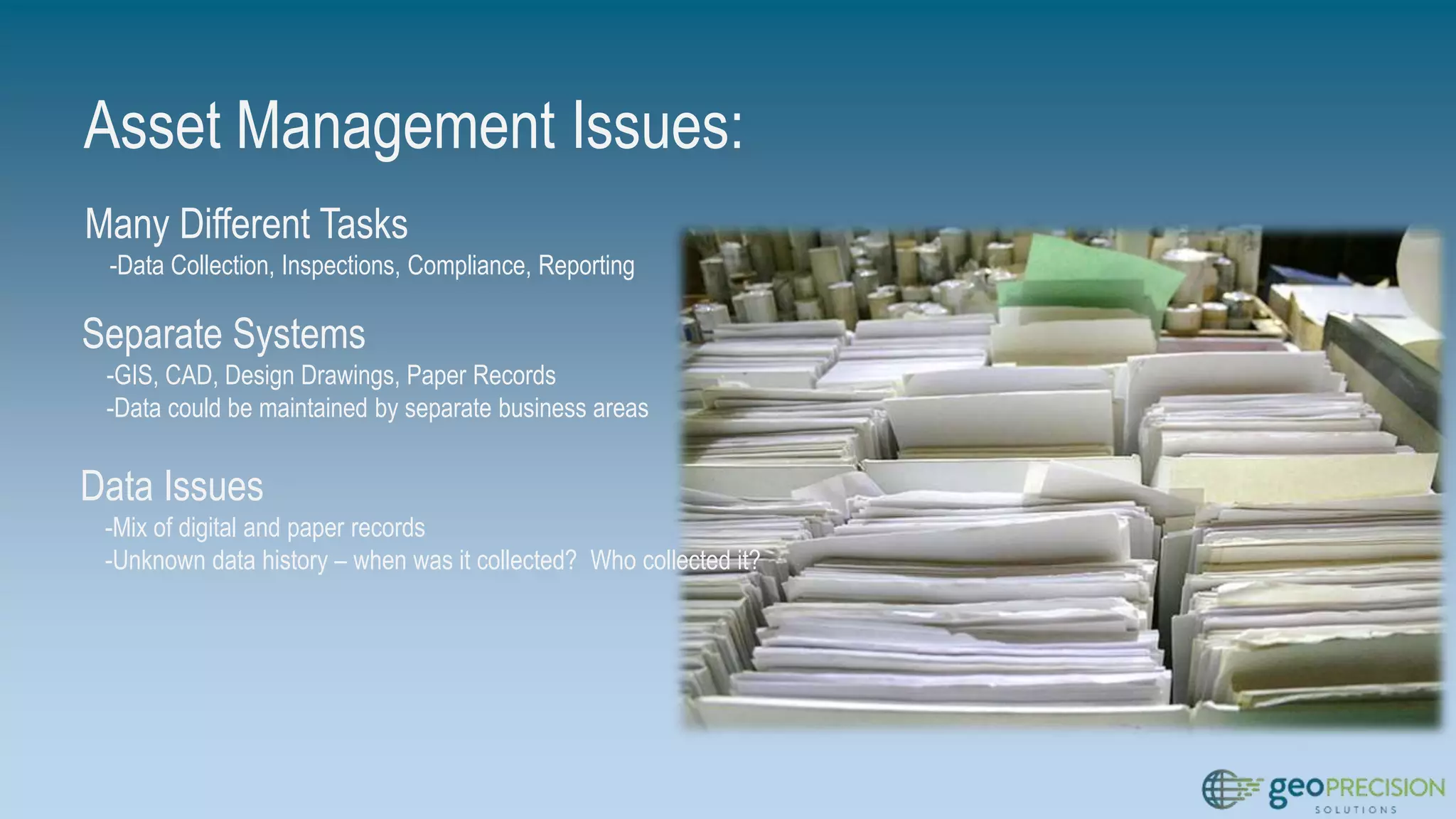
Asset Management Issues:
Many Different Tasks
-Data Collection, Inspections, Compliance, Reporting
Separate Systems
-GIS, CAD, Design Drawings, Paper Records
-Data could be maintained by separate business areas
Data Issues
-Mix of digital and paper records
-Unknown data history – when was it collected? Who collected it?
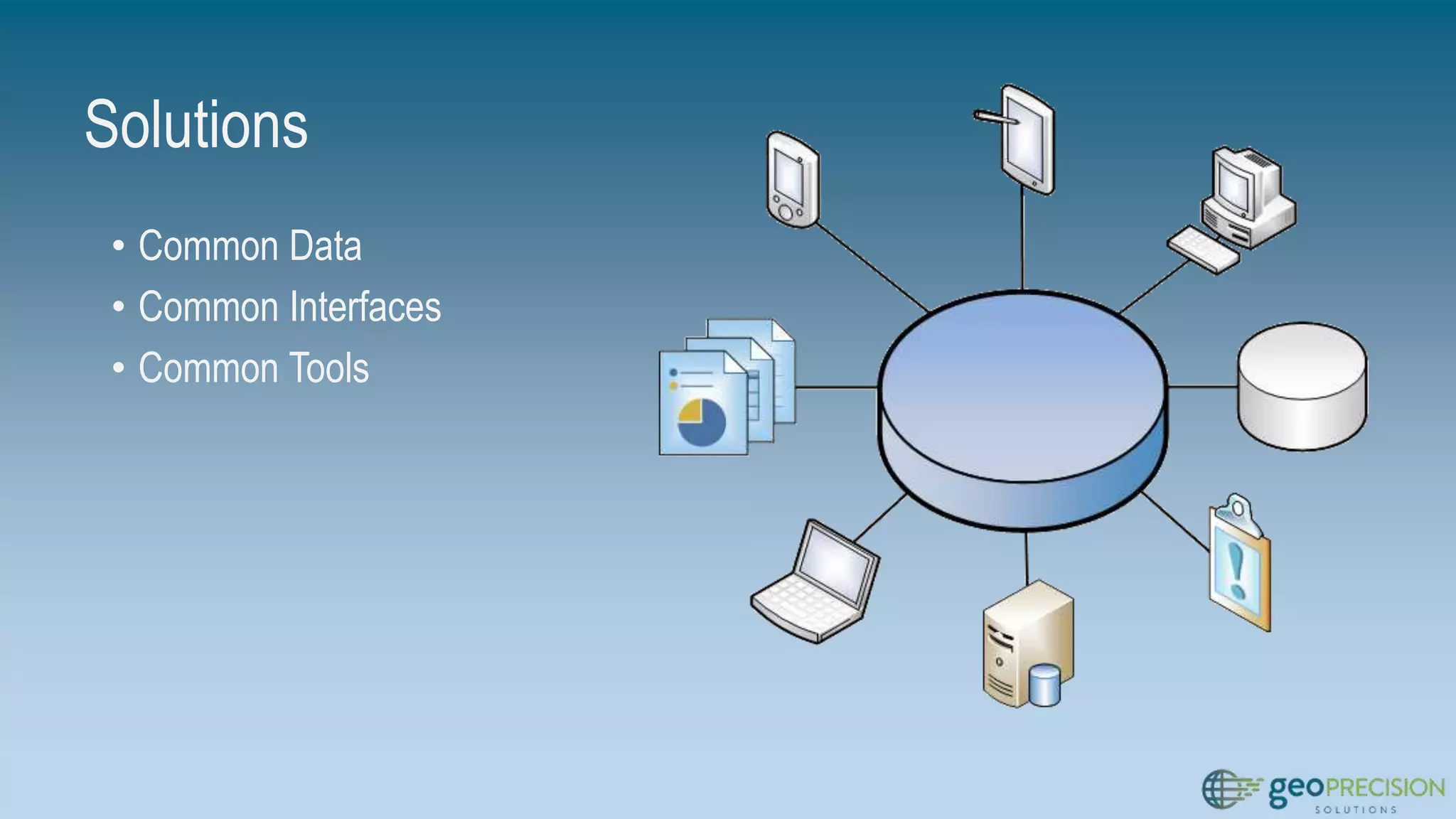
Solutions
• Common Data
• Common Interfaces
• Common Tools
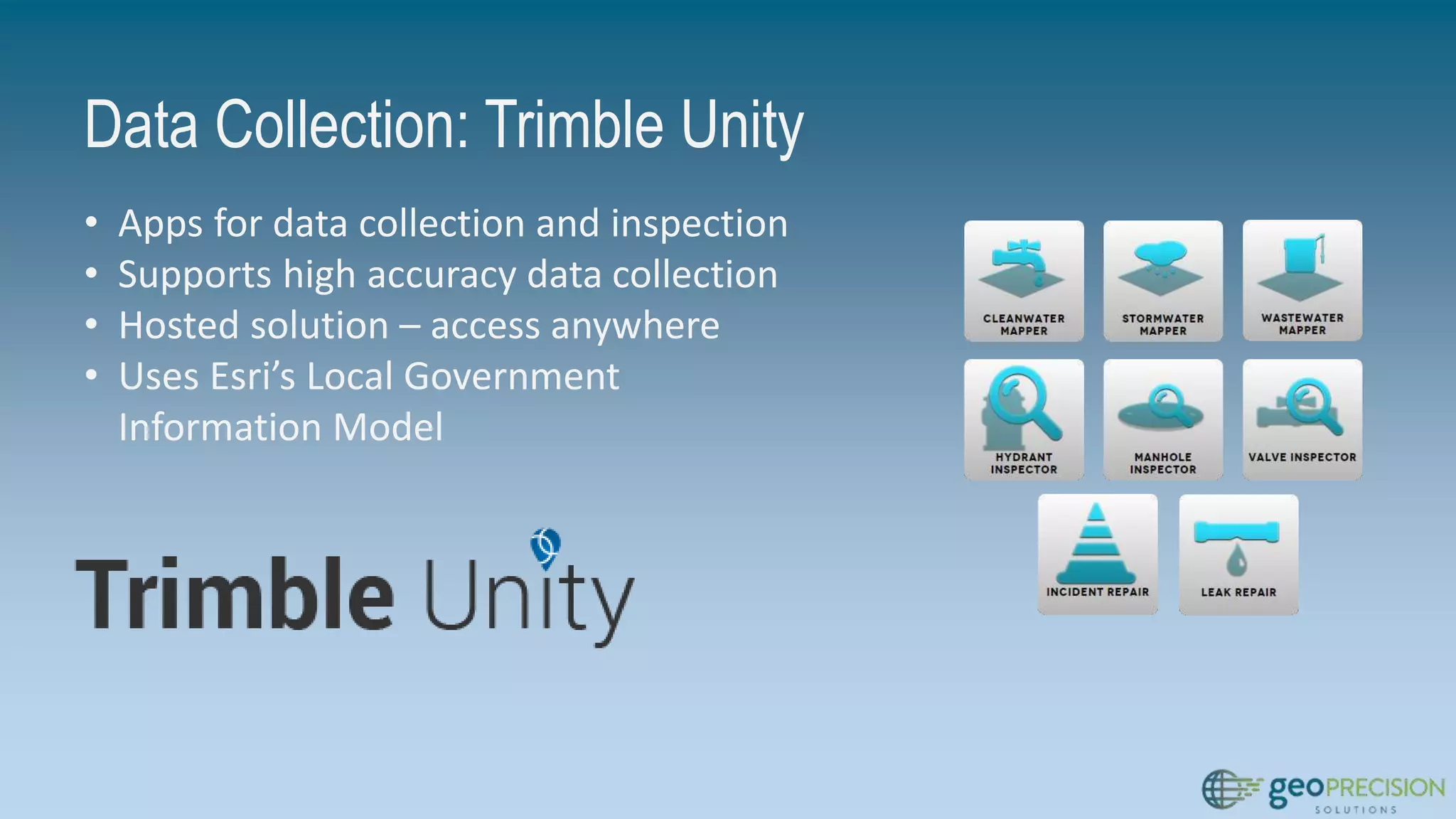
Data Collection: Trimble Unity
• Apps for data collection and inspection
• Supports high accuracy data collection
• Hosted solution – access anywhere
• Uses Esri’s Local Government
Information Model
Demo: Data Collection with Trimble Unity
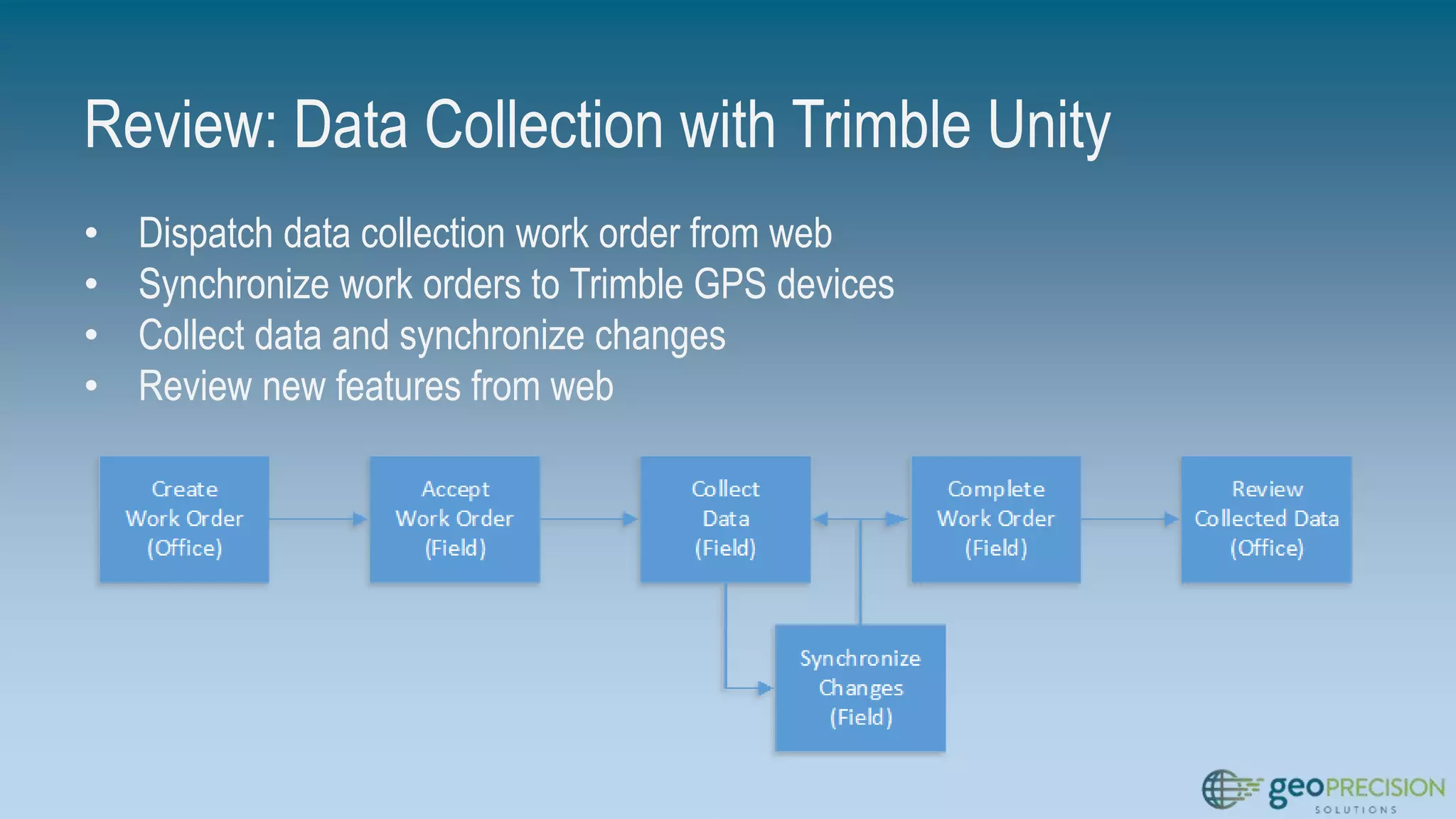
Review: Data Collection with Trimble Unity
• Dispatch data collection work order from web
• Synchronize work orders to Trimble GPS devices
• Collect data and synchronize changes
• Review new features from web
Infrastructure Inspections: Trimble Unity
• Assess the health and condition of assets and infrastructure
• Proactive vs reactive activities --> discover potential issues
Before a failure occurs
• Maintain on-going history of asset condition
Demo: Asset Inspections with Trimble Unity
Review: Data Collection and Inspection
• Work order-driven workflows to create, assign, and complete
work
• High accuracy data collection with Trimble GPS, low(er)
accuracy with consumer devices
• Common interface between field and office devices
Activity Monitoring
• Allow managers and supervisors to monitor activities and
progress
• View progress and receive alerts when certain conditions are
met
ArcGIS Online and Operations Dashboard
• ArcGIS Online – a collaborative, cloud-based platform for
creating, sharing, and using data, maps, and applications
• Operations Dashboard – application included with ArcGIS
Online that provides a common operating picture for monitoring,
tracking, and reporting events
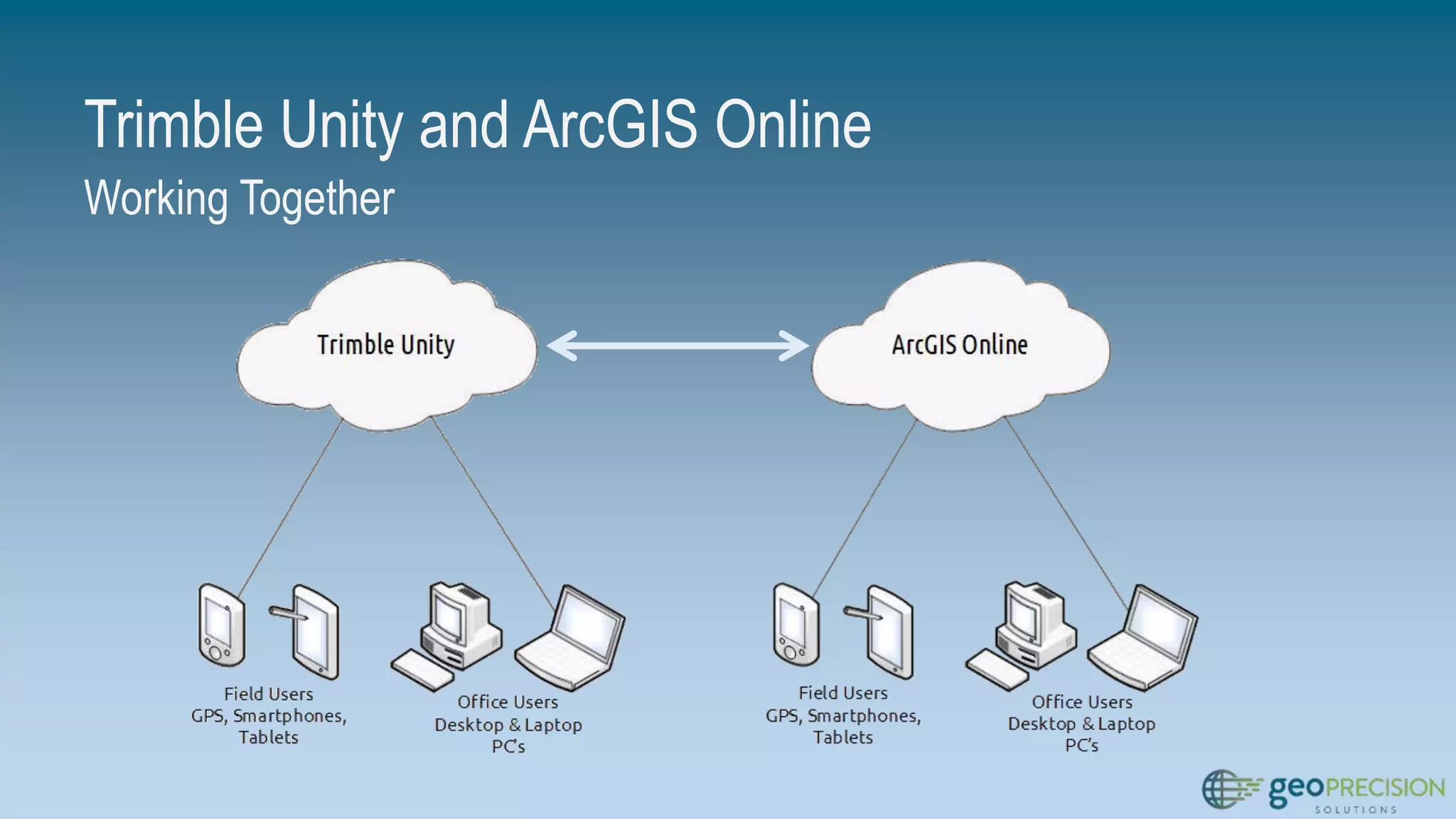
Trimble Unity and ArcGIS Online
Working Together
Demo: ArcGIS Online and Operations
Dashboard
Review: ArcGIS Online and Operations
Dashboard
• Access data from Trimble Unity within ArcGIS Online
• Use Unity data to create web maps
• Use ArcGIS Online functionality to customize web maps – scale
range, visibility, pop-up configuration, etc.
• Create operational views with Operations Dashboard for ArcGIS
• Use widgets in Operations Dashboard to view data attributes,
metrics, etc.
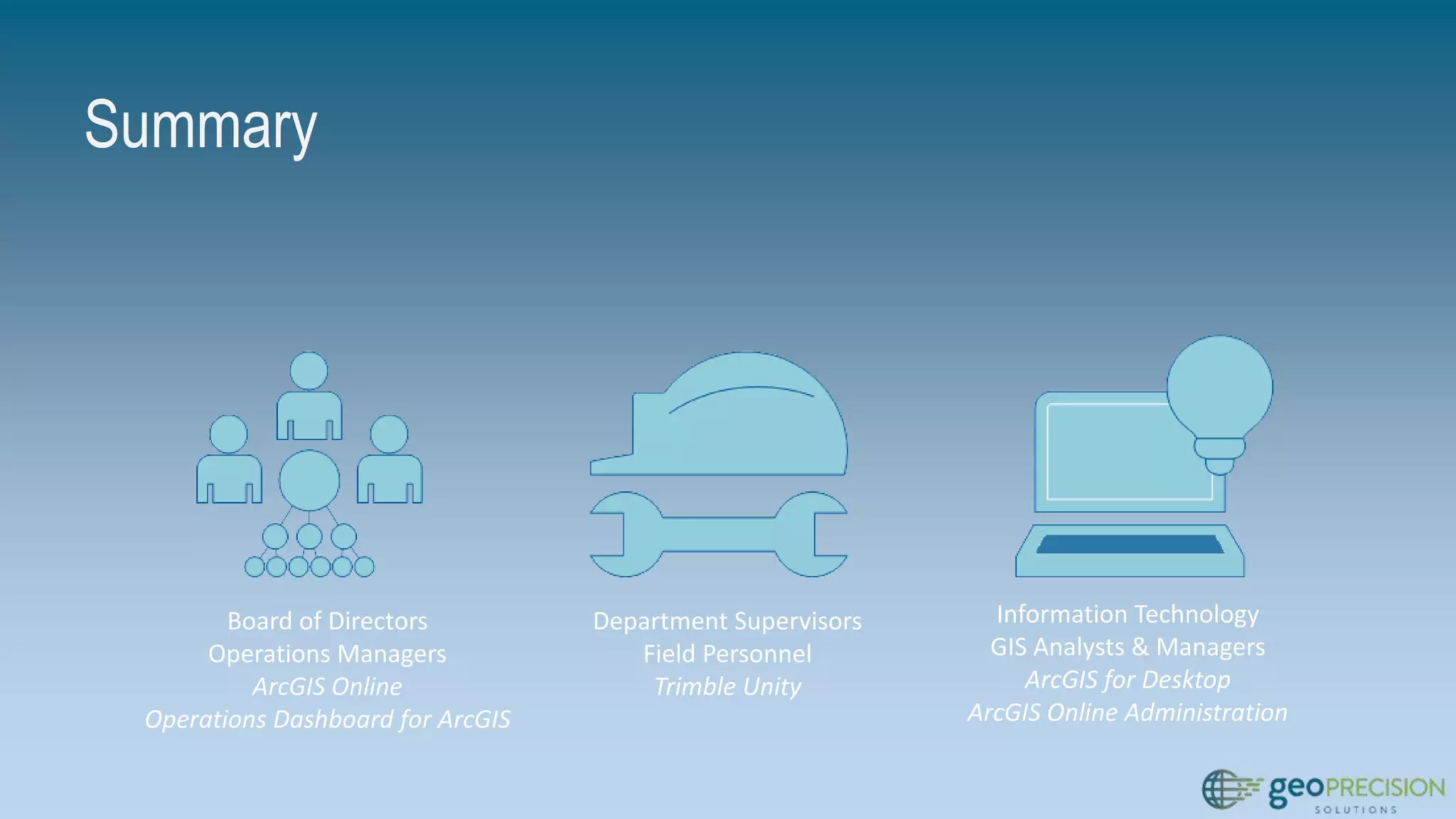
Summary
Board of Directors
Operations Managers
ArcGIS Online
Operations Dashboard for ArcGIS
Department Supervisors
Field Personnel
Trimble Unity
Information Technology
GIS Analysts & Managers
ArcGIS for Desktop
ArcGIS Online Administration
Summary
• Common Tools
• Trimble Unity
• ArcGIS Online
• Common Data
• Data from data collection and inspection activities stored in single
database
• Advanced Functionality
• High accuracy data collection
• Field-to-Office data synchronization
• Dashboards and monitoring
Doug Kotnik
MGIS Sales and Support
dpk@laserinst.com
https://www.linkedin.com/pub/doug-
kotnik/29/bb8/754
Timothy Michael
Director of Solutions and Technology
tmichael@geo-precision.net
linkedin.com/in/timothyjmichael
Questions
?

Imagin presentation

  • 1.
    Current Tools forAsset Collection and Inspection IMAGIN Annual Conference June 7-9, 2015
  • 2.
    Current Tools forAsset Collection and Inspection • Data Collection and Inspections • Accessing Collected Data • Monitoring
  • 3.
    Asset Management Issues: ManyDifferent Tasks -Data Collection, Inspections, Compliance, Reporting Separate Systems -GIS, CAD, Design Drawings, Paper Records -Data could be maintained by separate business areas Data Issues -Mix of digital and paper records -Unknown data history – when was it collected? Who collected it?
  • 4.
    Solutions • Common Data •Common Interfaces • Common Tools
  • 5.
    Data Collection: TrimbleUnity • Apps for data collection and inspection • Supports high accuracy data collection • Hosted solution – access anywhere • Uses Esri’s Local Government Information Model
  • 6.
    Demo: Data Collectionwith Trimble Unity
  • 7.
    Review: Data Collectionwith Trimble Unity • Dispatch data collection work order from web • Synchronize work orders to Trimble GPS devices • Collect data and synchronize changes • Review new features from web
  • 8.
    Infrastructure Inspections: TrimbleUnity • Assess the health and condition of assets and infrastructure • Proactive vs reactive activities --> discover potential issues Before a failure occurs • Maintain on-going history of asset condition
  • 9.
    Demo: Asset Inspectionswith Trimble Unity
  • 10.
    Review: Data Collectionand Inspection • Work order-driven workflows to create, assign, and complete work • High accuracy data collection with Trimble GPS, low(er) accuracy with consumer devices • Common interface between field and office devices
  • 11.
    Activity Monitoring • Allowmanagers and supervisors to monitor activities and progress • View progress and receive alerts when certain conditions are met
  • 12.
    ArcGIS Online andOperations Dashboard • ArcGIS Online – a collaborative, cloud-based platform for creating, sharing, and using data, maps, and applications • Operations Dashboard – application included with ArcGIS Online that provides a common operating picture for monitoring, tracking, and reporting events
  • 13.
    Trimble Unity andArcGIS Online Working Together
  • 14.
    Demo: ArcGIS Onlineand Operations Dashboard
  • 15.
    Review: ArcGIS Onlineand Operations Dashboard • Access data from Trimble Unity within ArcGIS Online • Use Unity data to create web maps • Use ArcGIS Online functionality to customize web maps – scale range, visibility, pop-up configuration, etc. • Create operational views with Operations Dashboard for ArcGIS • Use widgets in Operations Dashboard to view data attributes, metrics, etc.
  • 16.
    Summary Board of Directors OperationsManagers ArcGIS Online Operations Dashboard for ArcGIS Department Supervisors Field Personnel Trimble Unity Information Technology GIS Analysts & Managers ArcGIS for Desktop ArcGIS Online Administration
  • 17.
    Summary • Common Tools •Trimble Unity • ArcGIS Online • Common Data • Data from data collection and inspection activities stored in single database • Advanced Functionality • High accuracy data collection • Field-to-Office data synchronization • Dashboards and monitoring
  • 18.
    Doug Kotnik MGIS Salesand Support dpk@laserinst.com https://www.linkedin.com/pub/doug- kotnik/29/bb8/754 Timothy Michael Director of Solutions and Technology tmichael@geo-precision.net linkedin.com/in/timothyjmichael Questions ?

Editor's Notes

  • #3 Field data collection – asset locations, attributes, photographs, inspections Access to collected data – field users, office users Monitoring - What is happening? Where is it happening? How do I know if a critical event has occurred?
  • #4 Data collection – many different tasks Initial data capture > updating attributes > photos & related information > recurring inspections Separate systems Data collected to support different needs, different business areas can end up in different systems ‘Data Silos’ - data may exist that members of an organization are not aware of Data Issues Mixture of formats, history, lineage, and storage systems
  • #5 Common data Organization-wide data model that supports a wide range of activities and business areas Common interfaces Software & solutions with a common interface across all devices Common tools Web GPS – owned by organization Consumer devices that staff already own
  • #6 Data Collection Get data from the field to the office Hosted solution, cross-platform support Web, consumer devices (smartphones, tablets) Trimble GPS devices (Including Geo 7x Centimeter edition) Features, attribute forms, domains – based on Esri’s Local Government Information Model
  • #7 Unity web interface – describe apps Open Water Mapper app Create new data collection work order Dispatch to staff member Staff – mobile device (Geo 7x) Open app Show interface (apps – similar to web) Sync recent changes Open new work order Collect one or more features / feature types Sync changes Web interface – refresh view to show newly collected data Show GPS metadata feature (Lat, Lon, Accuracy, Satellites)
  • #8 Iterative process for dispatching, performing, and completing work Streamlined process for assignment, completion, and synchronization Data collection and synchronization can be done as many times as needed Work order ‘strategy’ depends on the organization
  • #9 Asset maintenance Review and assess asset conditions Proactive vs Reactive – discover issues before they occur Maintenance and inspections to comply with regulations Keep track of asset health and activities Replace paper forms with a digital solution Eliminate duplicate data entry, gives the ability to query and view historic inspection records
  • #10 Unity web - Open Hydrant or Valve inspection app Create new inspection work order Dispatch to staff member Staff – mobile device (Phone or tablet) Open app Show interface (apps – similar to web) Sync recent changes Open new work order Inspect one or more features Sync changes Web interface – refresh view to show newly collected data Show completion status, pass/fail, etc. Create follow-on work order for failed asset(s) (optional)
  • #11 Dispatch data collection and inspection work orders to staff High-accuracy GPS and consumer-grade devices Reduce work and complexity Data synchronized back to geodatabase – quickly see progress All data collected in the field – no paper records, no time spent with data re-entry
  • #12 A lot of activities happening in the field (data collection, inspections) – how to monitor progress? Want to view activities, attributes, and progress as work is ongoing
  • #13 Use capabilities of ArcGIS Online and Operations Dashboard to provide dashboard and monitoring capabilities Sharing data between Trimble Unity and ArcGIS Online environments Create web maps in ArcGIS Online Share web maps with groups and users within your organization Use web maps to create Operational Views Use widgets in Operations Dashboard to monitor activities
  • #14 Trimble Unity Dispatch work orders, perform data collection and inspection activities ArcGIS Online Create and share web maps that can be used on a variety of devices Use web maps to create operational views in Operations Dashboard
  • #15 ArcGIS Online Groups > GIS Presentation 2015 - Web Maps and Operational Views Web Map > All Water Data Contains all water data (collected and existing) Show pop-up configuration & editing Show filtering capability (operable hydrants, etc.) Web Map > Water Leaks Simplified view of water leaks and key infrastructure Operations Dashboard All Water Data web map used to create a dashboard that shows the status of hydrant and valve inspections Leaks web map used to create leaks operational view showing summary statistics and graphs Export records (beware bug) Print map
  • #17 Data access - Different applications (Unity, ArcGIS Online) for different user groups Satisfy needs of different user groups using different applications
  • #18 Simple, user friendly interfaces providing access to GIS information to all members of an organization Unity – data collection, inspection, and work orders (Field and Office Personnel) ArcGIS Online and Operations Dashboard – Operators and Managers for assessing data and improving the decision making processes Data accessibility - users don’t need to wait for or ask for access to data