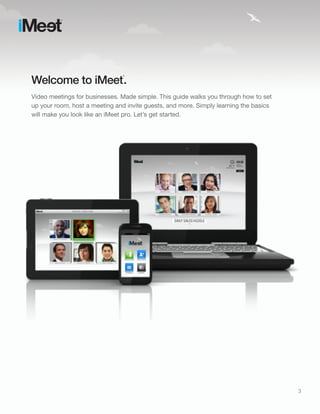
1) This document provides a quick start guide for using the iMeet video conferencing software, outlining key features like setting up a profile, hosting meetings, inviting guests, sharing content, and system requirements.
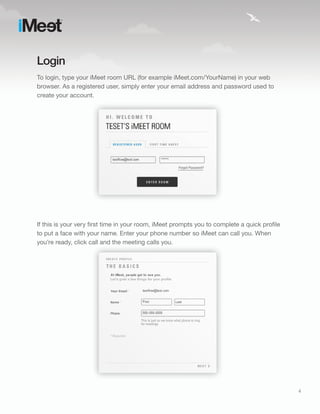
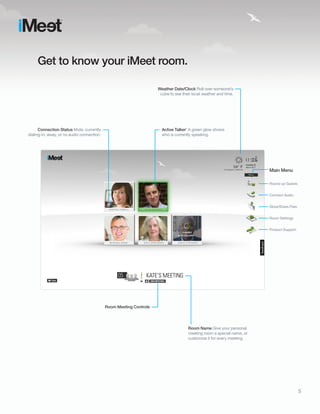
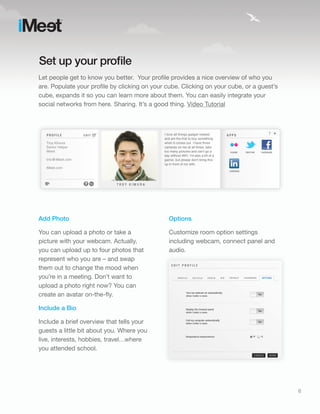
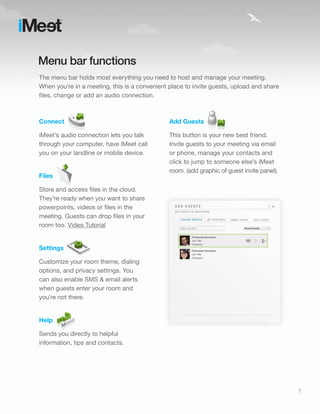
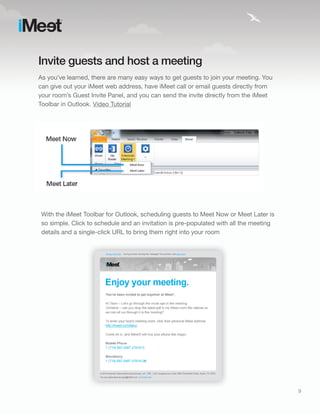
2) The guide walks through how to log in, tour the room interface, set up a profile, use different menu bar functions to connect audio, share files, and adjust settings.
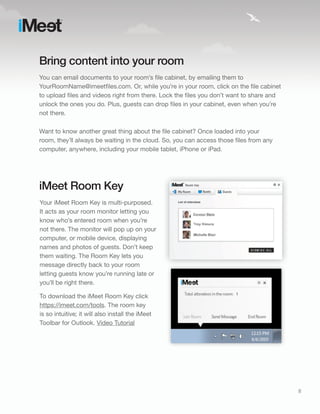
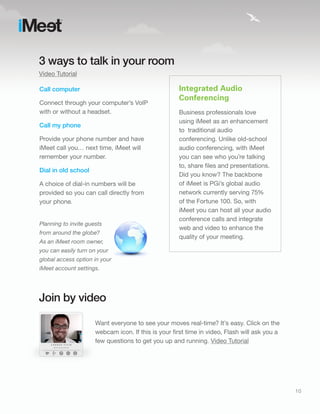
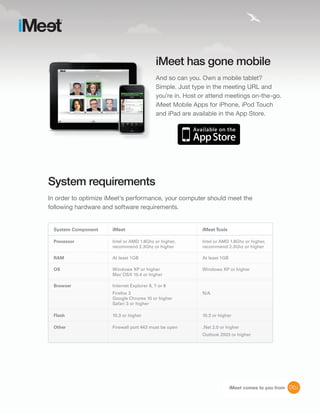
3) It also explains how to bring content into the room by emailing or uploading files, use the iMeet Room Key to monitor the room and message guests, and join meetings by video, integrated audio, or dial-in options. Mobile apps and system requirements are also covered at a high level.



![Adobe Connect 7.5 To 8.0 Transition Guide[1]](https://cdn.slidesharecdn.com/ss_thumbnails/adobeconnect75to80transitionguide1-13237920140247-phpapp01-111213100040-phpapp01-thumbnail.jpg?width=640&height=640&fit=bounds)