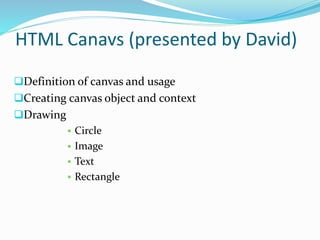
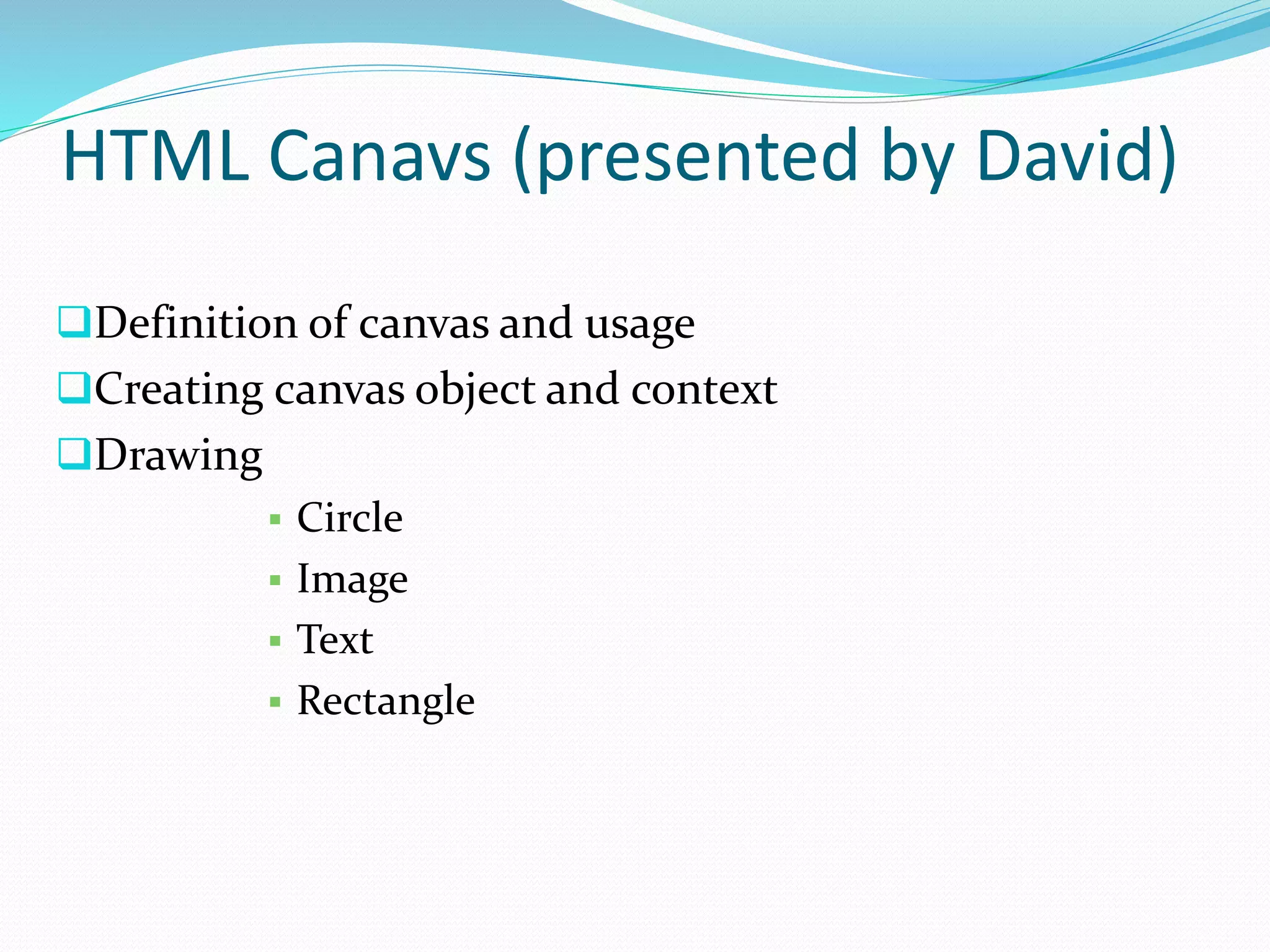
HTML Canavs (presented by David)
Definition of canvas and usage
Creating canvas object and context
Drawing
 Circle
 Image
 Text
 Rectangle
Canvas consists of a drawable region defined in HTML code
with height and width attributes.
JavaScript code may access the area through a full set of
drawing functions, thus allowing for dynamically generated
graphics.
Some anticipated uses of canvas include building graphs,
animations, games, and image composition.
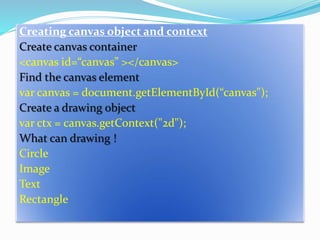
Creating canvas object and context
Create canvas container
<canvas id=“canvas” ></canvas>
Find the canvas element
var canvas = document.getElementById(“canvas");
Create a drawing object
var ctx = canvas.getContext("2d");
What can drawing !
Circle
Image
Text
Rectangle
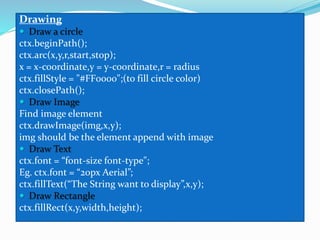
Drawing
 Draw a circle
ctx.beginPath();
ctx.arc(x,y,r,start,stop);
x = x-coordinate,y = y-coordinate,r = radius
ctx.fillStyle = "#FF0000";(to fill circle color)
ctx.closePath();
 Draw Image
Find image element
ctx.drawImage(img,x,y);
img should be the element append with image
 Draw Text
ctx.font = “font-size font-type";
Eg. ctx.font = “20px Aerial”;
ctx.fillText(“The String want to display”,x,y);
 Draw Rectangle
ctx.fillRect(x,y,width,height);

HTML CANVAS

  • 1.
    HTML Canavs (presentedby David) Definition of canvas and usage Creating canvas object and context Drawing  Circle  Image  Text  Rectangle
  • 2.
    Canvas consists ofa drawable region defined in HTML code with height and width attributes. JavaScript code may access the area through a full set of drawing functions, thus allowing for dynamically generated graphics. Some anticipated uses of canvas include building graphs, animations, games, and image composition.
  • 3.
    Creating canvas objectand context Create canvas container <canvas id=“canvas” ></canvas> Find the canvas element var canvas = document.getElementById(“canvas"); Create a drawing object var ctx = canvas.getContext("2d"); What can drawing ! Circle Image Text Rectangle
  • 4.
    Drawing  Draw acircle ctx.beginPath(); ctx.arc(x,y,r,start,stop); x = x-coordinate,y = y-coordinate,r = radius ctx.fillStyle = "#FF0000";(to fill circle color) ctx.closePath();  Draw Image Find image element ctx.drawImage(img,x,y); img should be the element append with image  Draw Text ctx.font = “font-size font-type"; Eg. ctx.font = “20px Aerial”; ctx.fillText(“The String want to display”,x,y);  Draw Rectangle ctx.fillRect(x,y,width,height);