KEY INGREDIENTS
OF AWESOME SLIDESHARES
Tips & Tricks For You
Turbocharge your online
presence with SlideShare
Whether you want to establish yourself as an expert, reach a wide audience,
or connect with others, SlideShare can power your content strategy goals
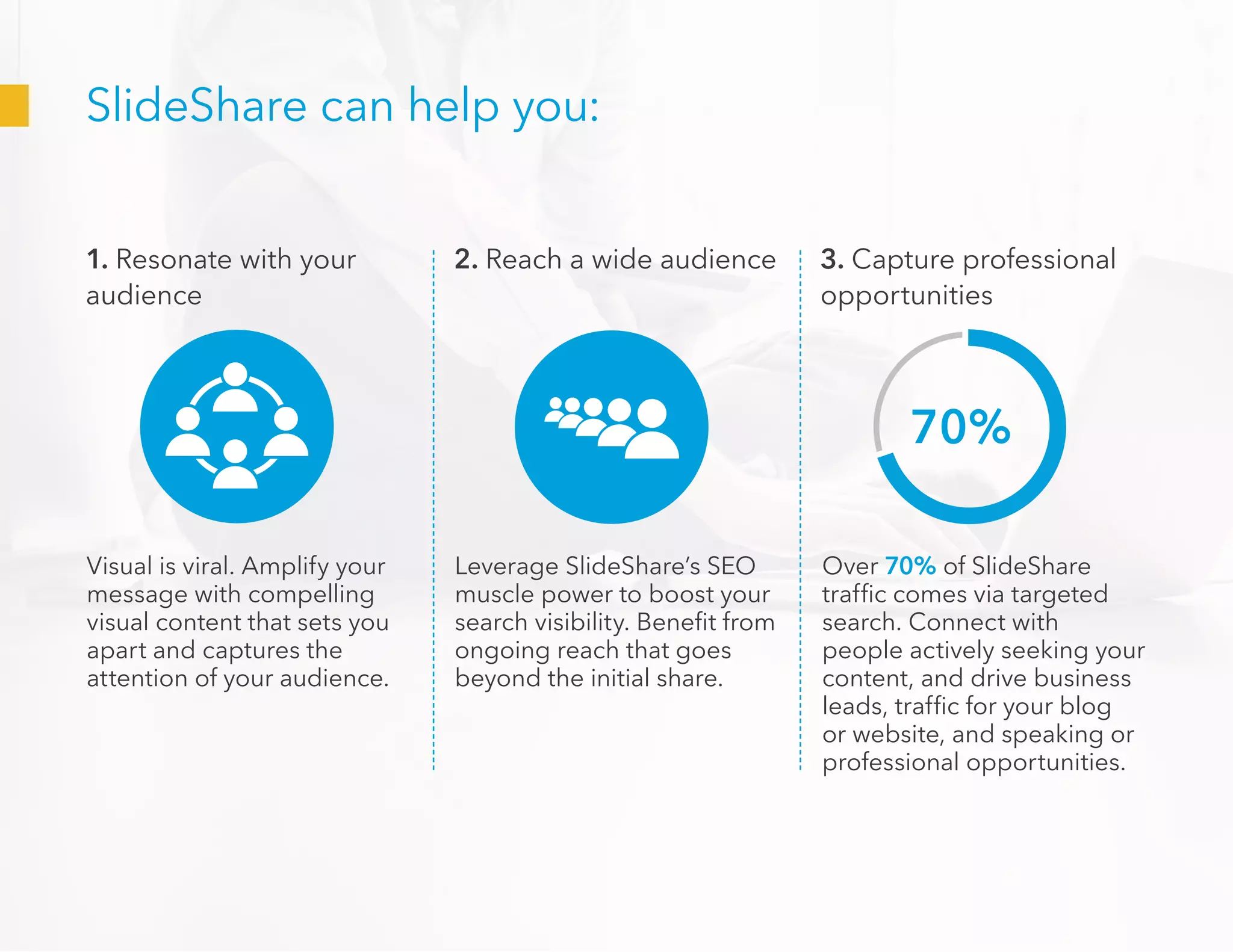
1. Resonate with your
audience
2. Reach a wide audience 3. Capture professional
opportunities
Visual is viral. Amplify your
message with compelling
visual content that sets you
apart and captures the
attention of your audience.
Leverage SlideShare’s SEO
muscle power to boost your
search visibility. Benefit from
ongoing reach that goes
beyond the initial share.
Over 70% of SlideShare
traffic comes via targeted
search. Connect with
people actively seeking your
content, and drive business
leads, traffic for your blog
or website, and speaking or
professional opportunities.
70%
SlideShare can help you:
SlideShare is a global hub of professional content
•	 70+ million users visit SlideShare every month
•	 18 million uploads
•	 Top 100 most-visited site*
Presentations Infographics Documents
100
TOP
*
ComScore
How to be a hit on SlideShare
Here are the 3 steps you need to maximize views
1. Select what
to upload
2. Optimize
your design
3. Go viral
What to Upload
Craft content that will resonate with the SlideShare audience
Give your audience a carrot
SlideShares that inform, inspire and educate attract the most views. Give your
audience something they can learn from.
Tip: Make sure your content can be understood on
its own, without the aid of a live speaker. Here are
more ideas on what to upload.
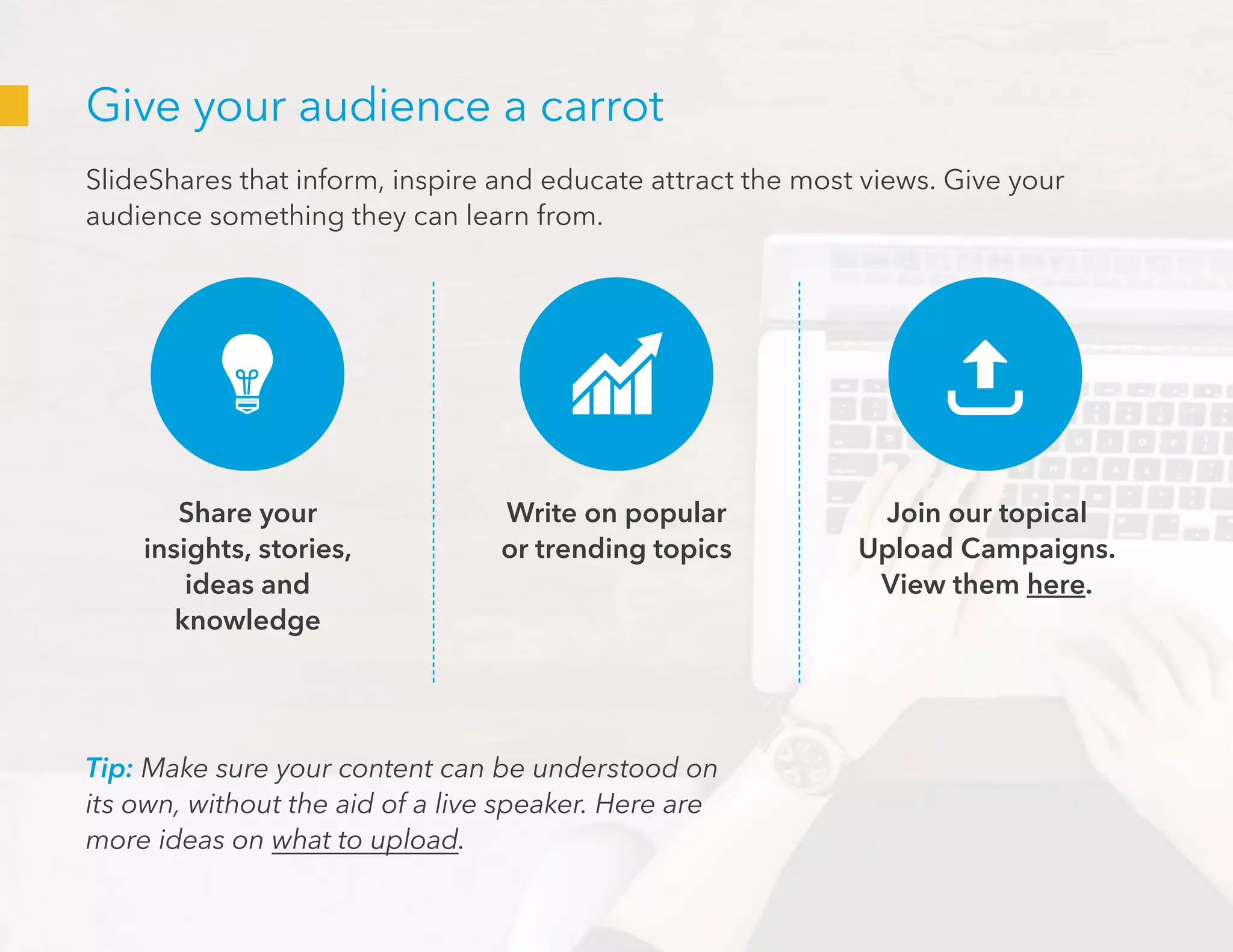
Share your
insights, stories,
ideas and
knowledge
Join our topical
Upload Campaigns.
View them here.
Write on popular
or trending topics
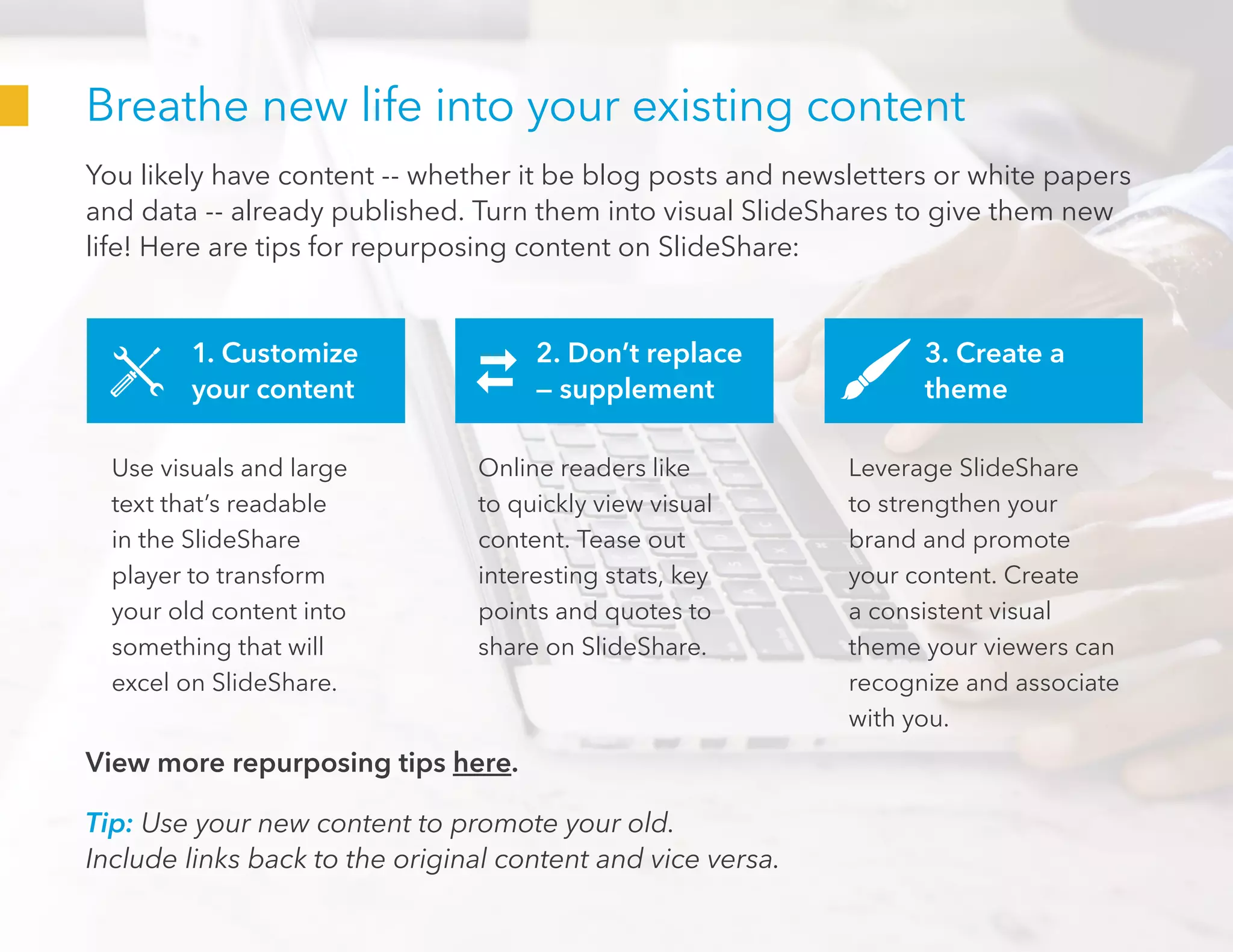
Breathe new life into your existing content
You likely have content -- whether it be blog posts and newsletters or white papers
and data -- already published. Turn them into visual SlideShares to give them new
life! Here are tips for repurposing content on SlideShare:
Tip: Use your new content to promote your old.
Include links back to the original content and vice versa.
1. Customize
your content
2. Don’t replace
— supplement
3. Create a
theme
Use visuals and large
text that’s readable
in the SlideShare
player to transform
your old content into
something that will
excel on SlideShare.
Online readers like
to quickly view visual
content. Tease out
interesting stats, key
points and quotes to
share on SlideShare.
Leverage SlideShare
to strengthen your
brand and promote
your content. Create
a consistent visual
theme your viewers can
recognize and associate
with you.
View more repurposing tips here.
Designing Your
SlideShare
Help your content reach its potential
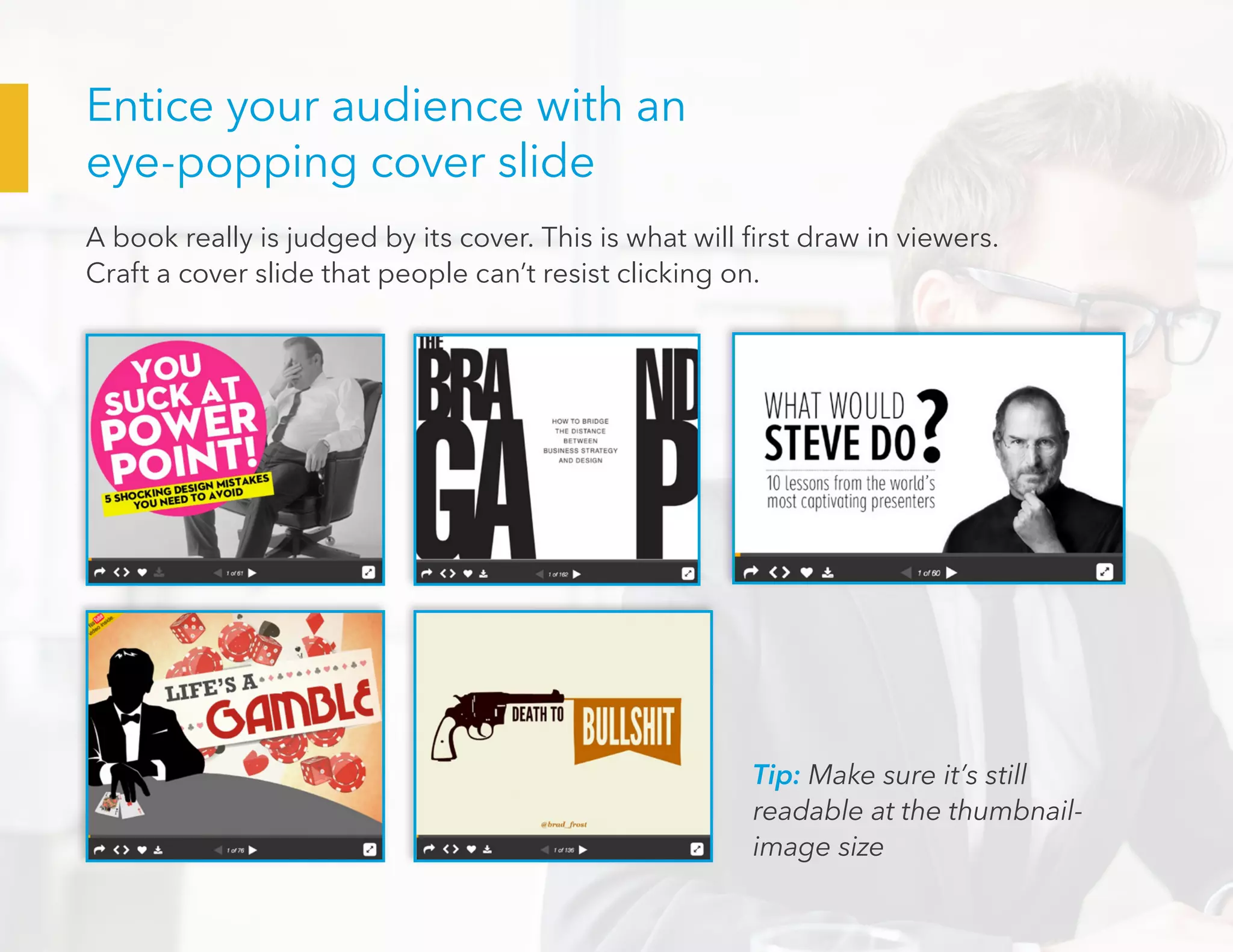
Entice your audience with an
eye-popping cover slide
A book really is judged by its cover. This is what will first draw in viewers.
Craft a cover slide that people can’t resist clicking on.
Tip: Make sure it’s still
readable at the thumbnail-
image size
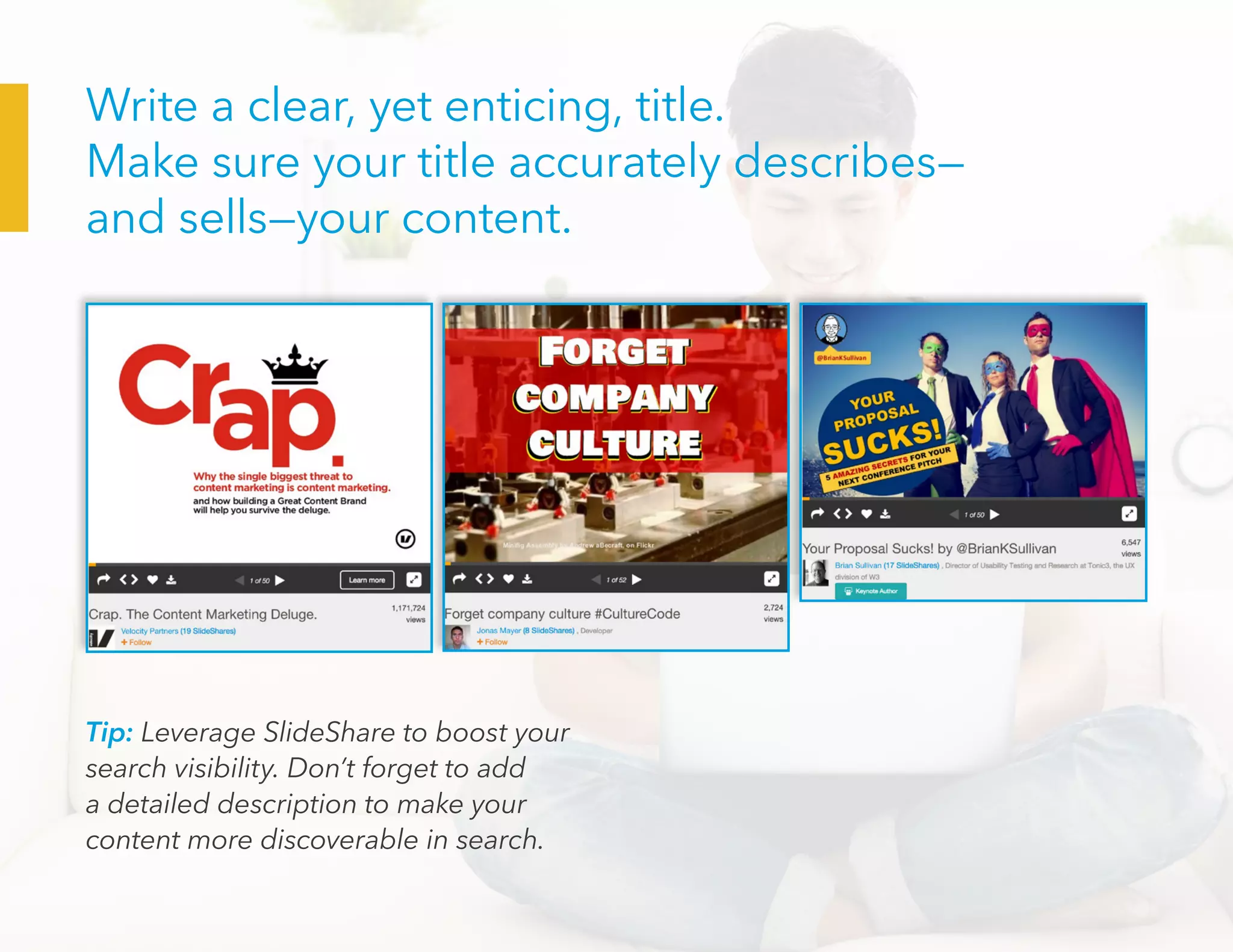
Tip: Leverage SlideShare to boost your
search visibility. Don’t forget to add
a detailed description to make your
content more discoverable in search.
Write a clear, yet enticing, title.
Make sure your title accurately describes—
and sells—your content.
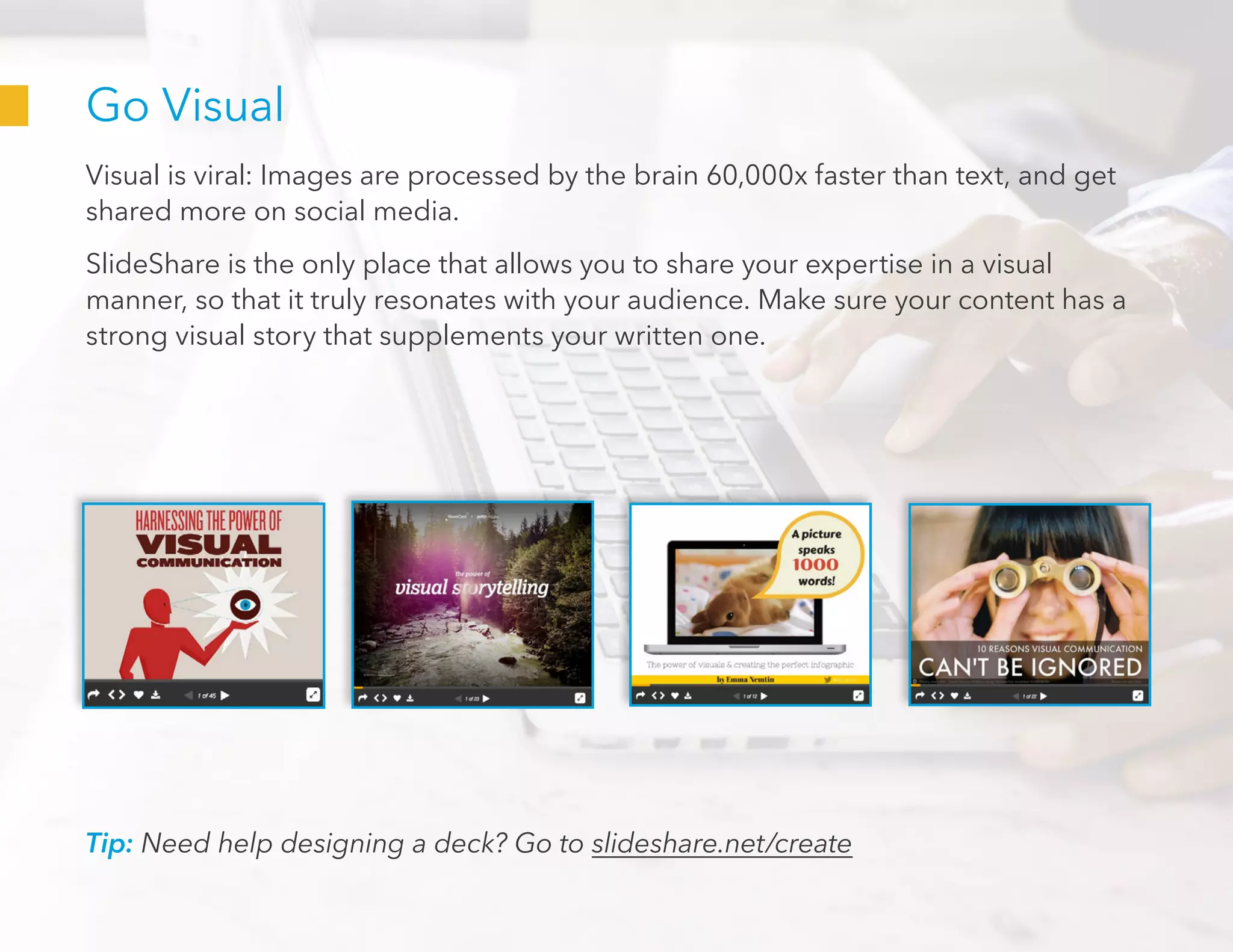
Go Visual
Visual is viral: Images are processed by the brain 60,000x faster than text, and get
shared more on social media.
SlideShare is the only place that allows you to share your expertise in a visual
manner, so that it truly resonates with your audience. Make sure your content has a
strong visual story that supplements your written one.
Tip: Need help designing a deck? Go to slideshare.net/create
Go Viral
Get attention and traction for your content
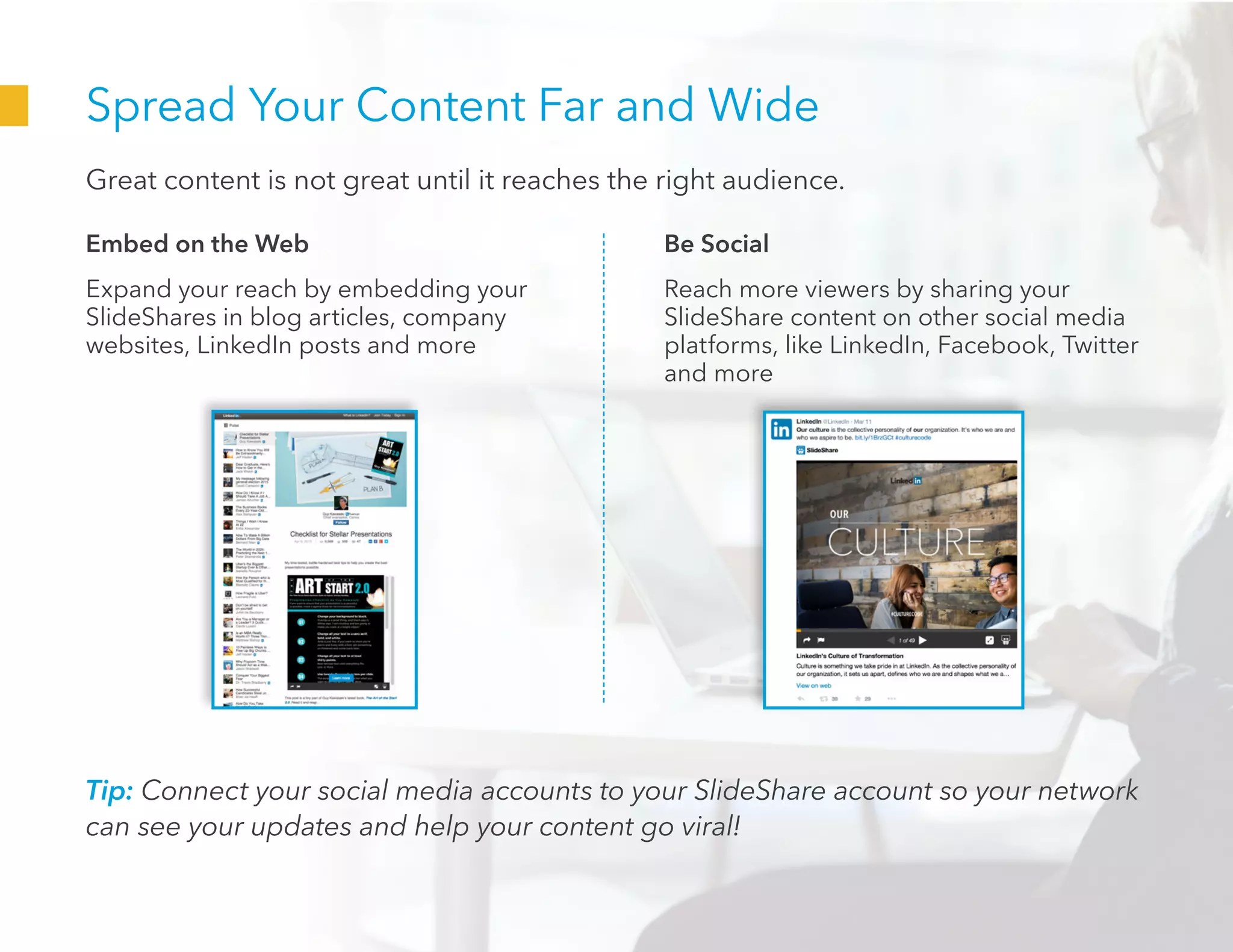
Spread Your Content Far and Wide
Great content is not great until it reaches the right audience.
Embed on the Web
Expand your reach by embedding your
SlideShares in blog articles, company
websites, LinkedIn posts and more
Be Social
Reach more viewers by sharing your
SlideShare content on other social media
platforms, like LinkedIn, Facebook, Twitter
and more
Tip: Connect your social media accounts to your SlideShare account so your network
can see your updates and help your content go viral!
Increase Your Virality
Once you’re done sharing on social media channels, try these additional tips to give
your deck that extra boost of virality:
1. Include a CTA.
Promote and link to
your other content on
SlideShare at the end of
your presentations.
2. Engage with your
audience. Respond to
comments and engage
with your fans -- it’ll help
you gain more followers!
3. Resurface your
SlideShares. Your
content likely has lasting
appeal. Keeping re-
sharing it, especially
when it relates to a
current trend.
Tip: Check out what many of our Guest Authors
have to say about how they leverage SlideShare.
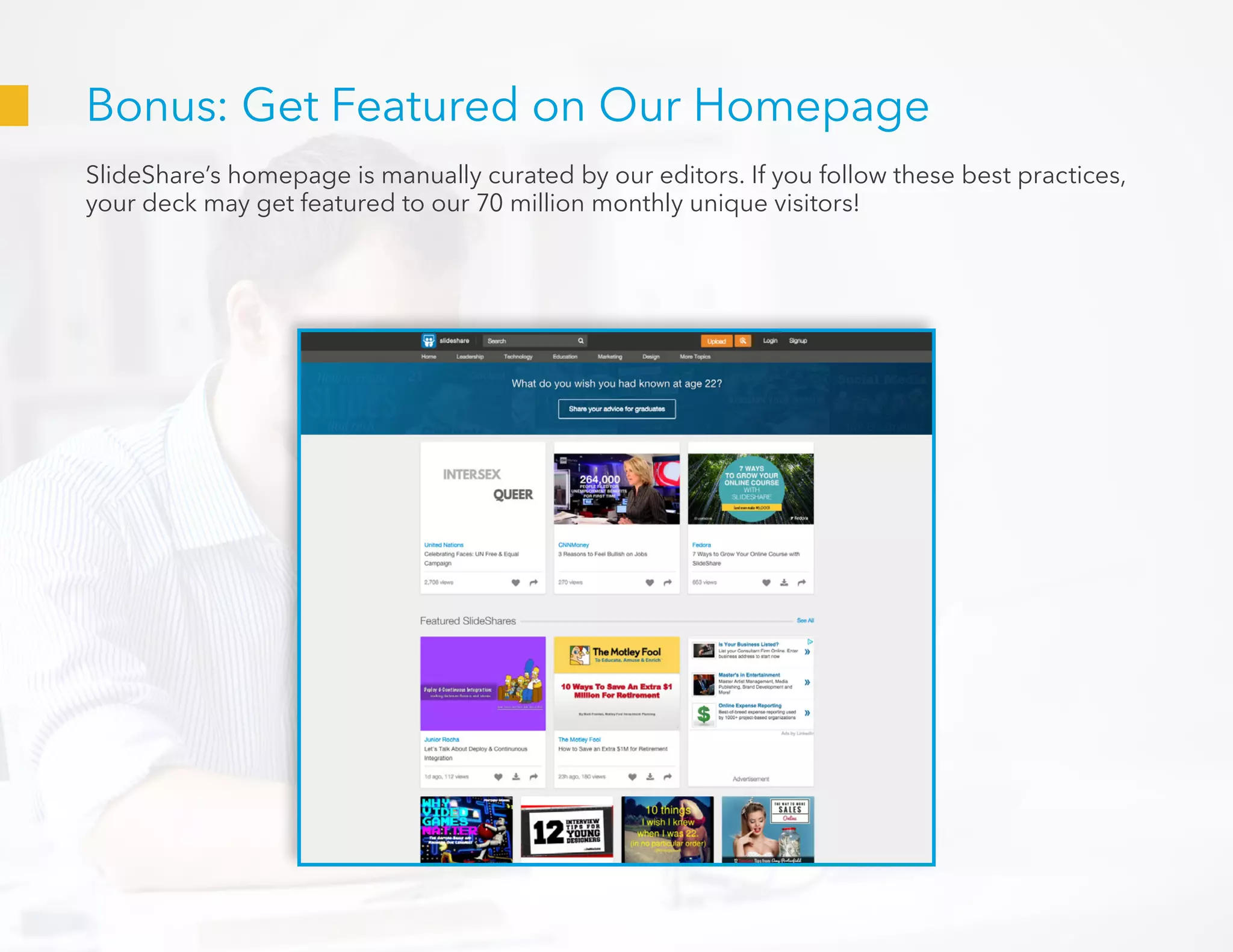
Bonus: Get Featured on Our Homepage
SlideShare’s homepage is manually curated by our editors. If you follow these best practices,
your deck may get featured to our 70 million monthly unique visitors!
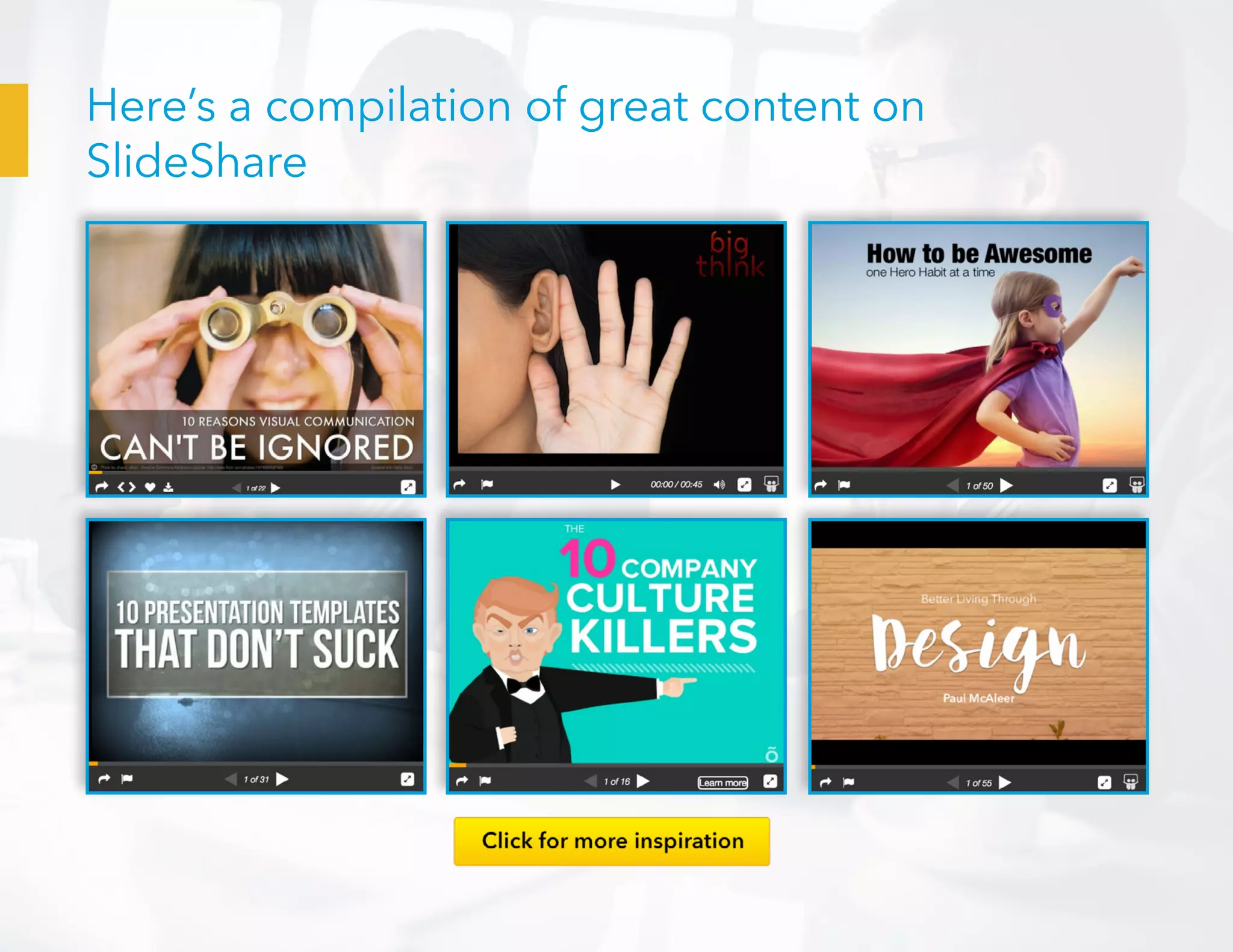
Here’s a compilation of great content on
SlideShare
Get started now

Howtomakeawesomeslideshares tipsandtricks-150616194351-lva1-app6891

  • 1.
    KEY INGREDIENTS OF AWESOMESLIDESHARES Tips & Tricks For You
  • 2.
    Turbocharge your online presencewith SlideShare Whether you want to establish yourself as an expert, reach a wide audience, or connect with others, SlideShare can power your content strategy goals
  • 3.
    1. Resonate withyour audience 2. Reach a wide audience 3. Capture professional opportunities Visual is viral. Amplify your message with compelling visual content that sets you apart and captures the attention of your audience. Leverage SlideShare’s SEO muscle power to boost your search visibility. Benefit from ongoing reach that goes beyond the initial share. Over 70% of SlideShare traffic comes via targeted search. Connect with people actively seeking your content, and drive business leads, traffic for your blog or website, and speaking or professional opportunities. 70% SlideShare can help you:
  • 4.
    SlideShare is aglobal hub of professional content • 70+ million users visit SlideShare every month • 18 million uploads • Top 100 most-visited site* Presentations Infographics Documents 100 TOP * ComScore
  • 5.
    How to bea hit on SlideShare Here are the 3 steps you need to maximize views 1. Select what to upload 2. Optimize your design 3. Go viral
  • 6.
    What to Upload Craftcontent that will resonate with the SlideShare audience
  • 7.
    Give your audiencea carrot SlideShares that inform, inspire and educate attract the most views. Give your audience something they can learn from. Tip: Make sure your content can be understood on its own, without the aid of a live speaker. Here are more ideas on what to upload. Share your insights, stories, ideas and knowledge Join our topical Upload Campaigns. View them here. Write on popular or trending topics
  • 8.
    Breathe new lifeinto your existing content You likely have content -- whether it be blog posts and newsletters or white papers and data -- already published. Turn them into visual SlideShares to give them new life! Here are tips for repurposing content on SlideShare: Tip: Use your new content to promote your old. Include links back to the original content and vice versa. 1. Customize your content 2. Don’t replace — supplement 3. Create a theme Use visuals and large text that’s readable in the SlideShare player to transform your old content into something that will excel on SlideShare. Online readers like to quickly view visual content. Tease out interesting stats, key points and quotes to share on SlideShare. Leverage SlideShare to strengthen your brand and promote your content. Create a consistent visual theme your viewers can recognize and associate with you. View more repurposing tips here.
  • 9.
    Designing Your SlideShare Help yourcontent reach its potential
  • 10.
    Entice your audiencewith an eye-popping cover slide A book really is judged by its cover. This is what will first draw in viewers. Craft a cover slide that people can’t resist clicking on. Tip: Make sure it’s still readable at the thumbnail- image size
  • 11.
    Tip: Leverage SlideShareto boost your search visibility. Don’t forget to add a detailed description to make your content more discoverable in search. Write a clear, yet enticing, title. Make sure your title accurately describes— and sells—your content.
  • 12.
    Go Visual Visual isviral: Images are processed by the brain 60,000x faster than text, and get shared more on social media. SlideShare is the only place that allows you to share your expertise in a visual manner, so that it truly resonates with your audience. Make sure your content has a strong visual story that supplements your written one. Tip: Need help designing a deck? Go to slideshare.net/create
  • 13.
    Go Viral Get attentionand traction for your content
  • 14.
    Spread Your ContentFar and Wide Great content is not great until it reaches the right audience. Embed on the Web Expand your reach by embedding your SlideShares in blog articles, company websites, LinkedIn posts and more Be Social Reach more viewers by sharing your SlideShare content on other social media platforms, like LinkedIn, Facebook, Twitter and more Tip: Connect your social media accounts to your SlideShare account so your network can see your updates and help your content go viral!
  • 15.
    Increase Your Virality Onceyou’re done sharing on social media channels, try these additional tips to give your deck that extra boost of virality: 1. Include a CTA. Promote and link to your other content on SlideShare at the end of your presentations. 2. Engage with your audience. Respond to comments and engage with your fans -- it’ll help you gain more followers! 3. Resurface your SlideShares. Your content likely has lasting appeal. Keeping re- sharing it, especially when it relates to a current trend. Tip: Check out what many of our Guest Authors have to say about how they leverage SlideShare.
  • 16.
    Bonus: Get Featuredon Our Homepage SlideShare’s homepage is manually curated by our editors. If you follow these best practices, your deck may get featured to our 70 million monthly unique visitors!
  • 17.
    Here’s a compilationof great content on SlideShare
  • 18.