Download to read offline
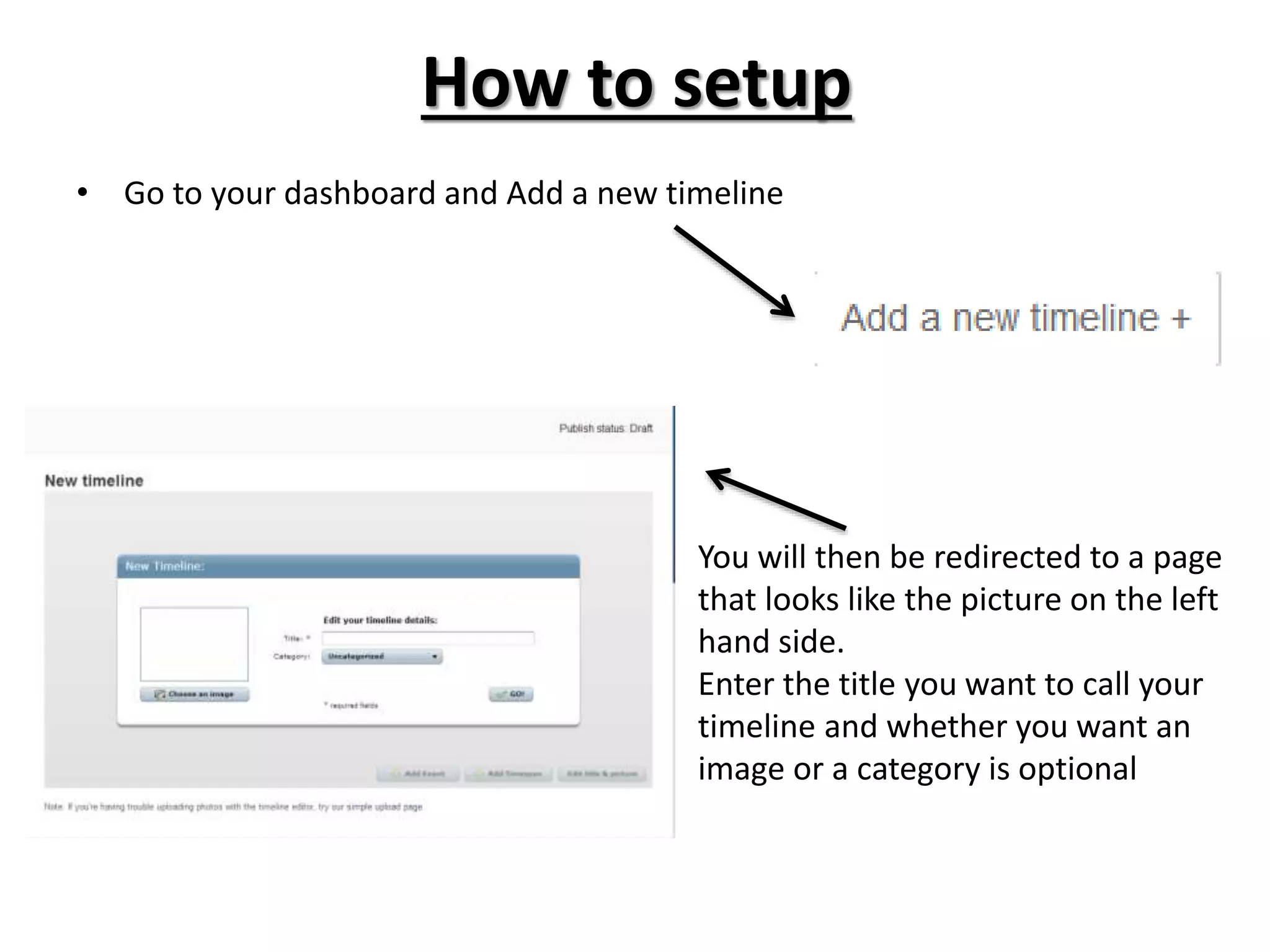
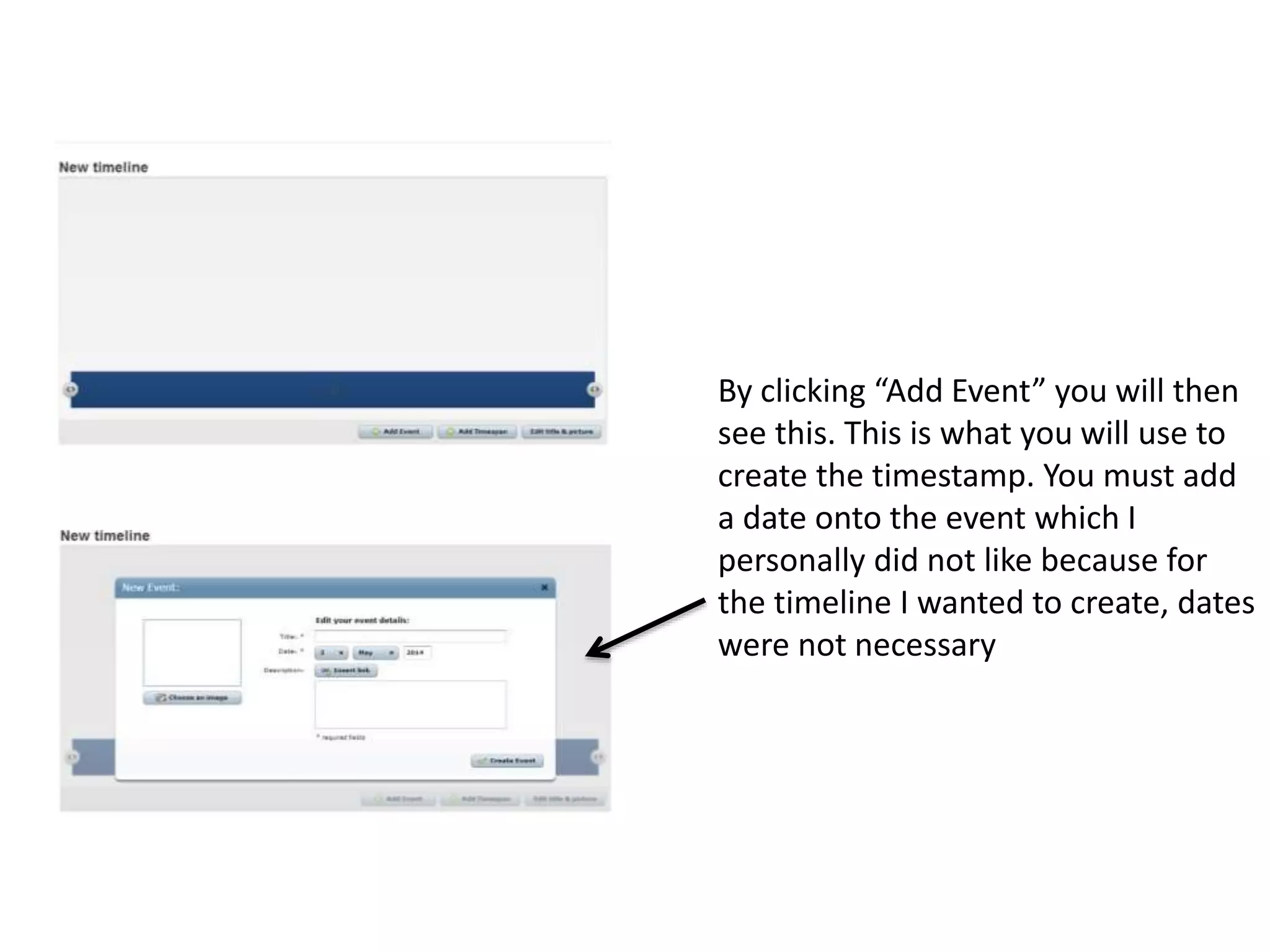
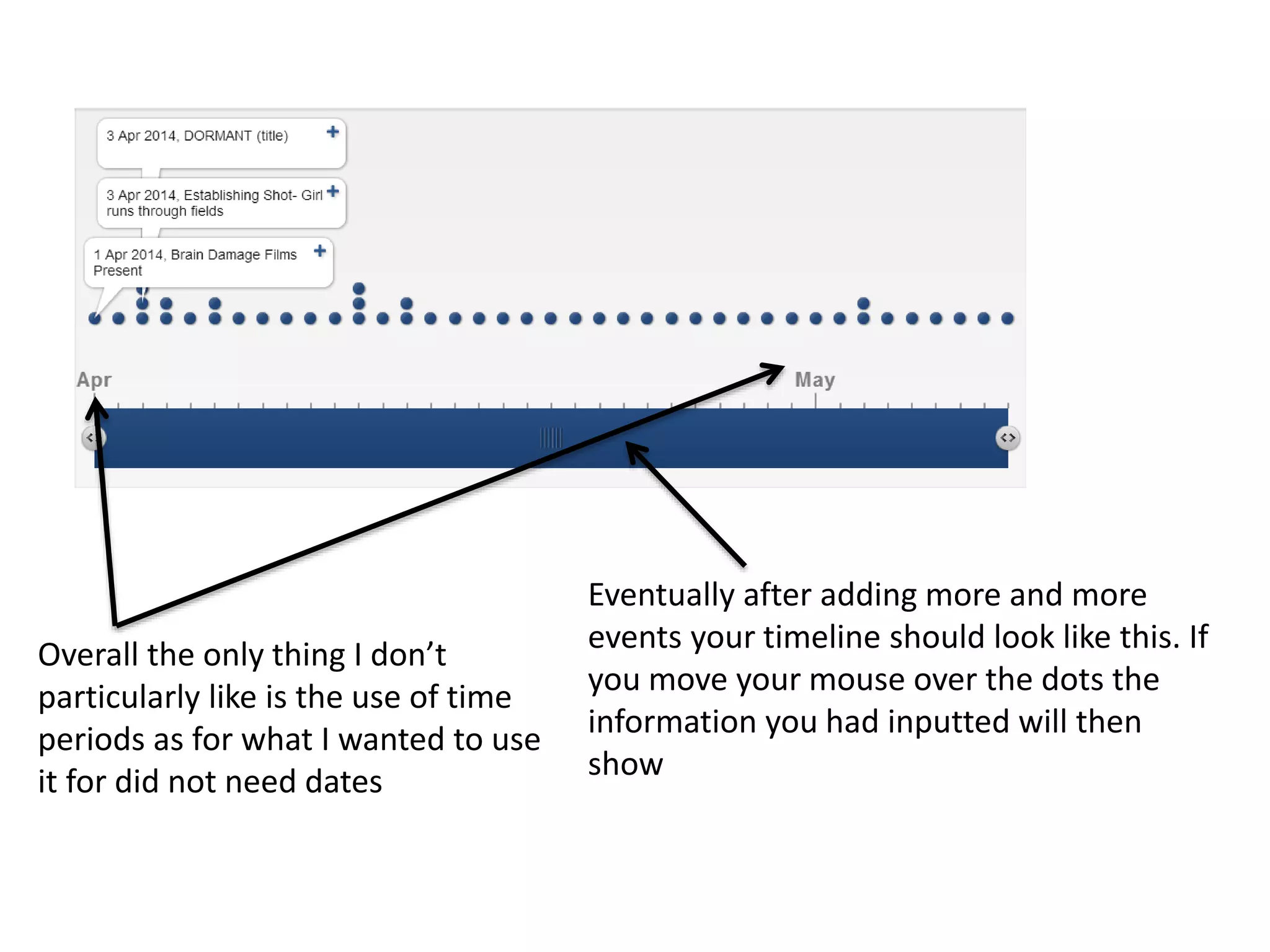
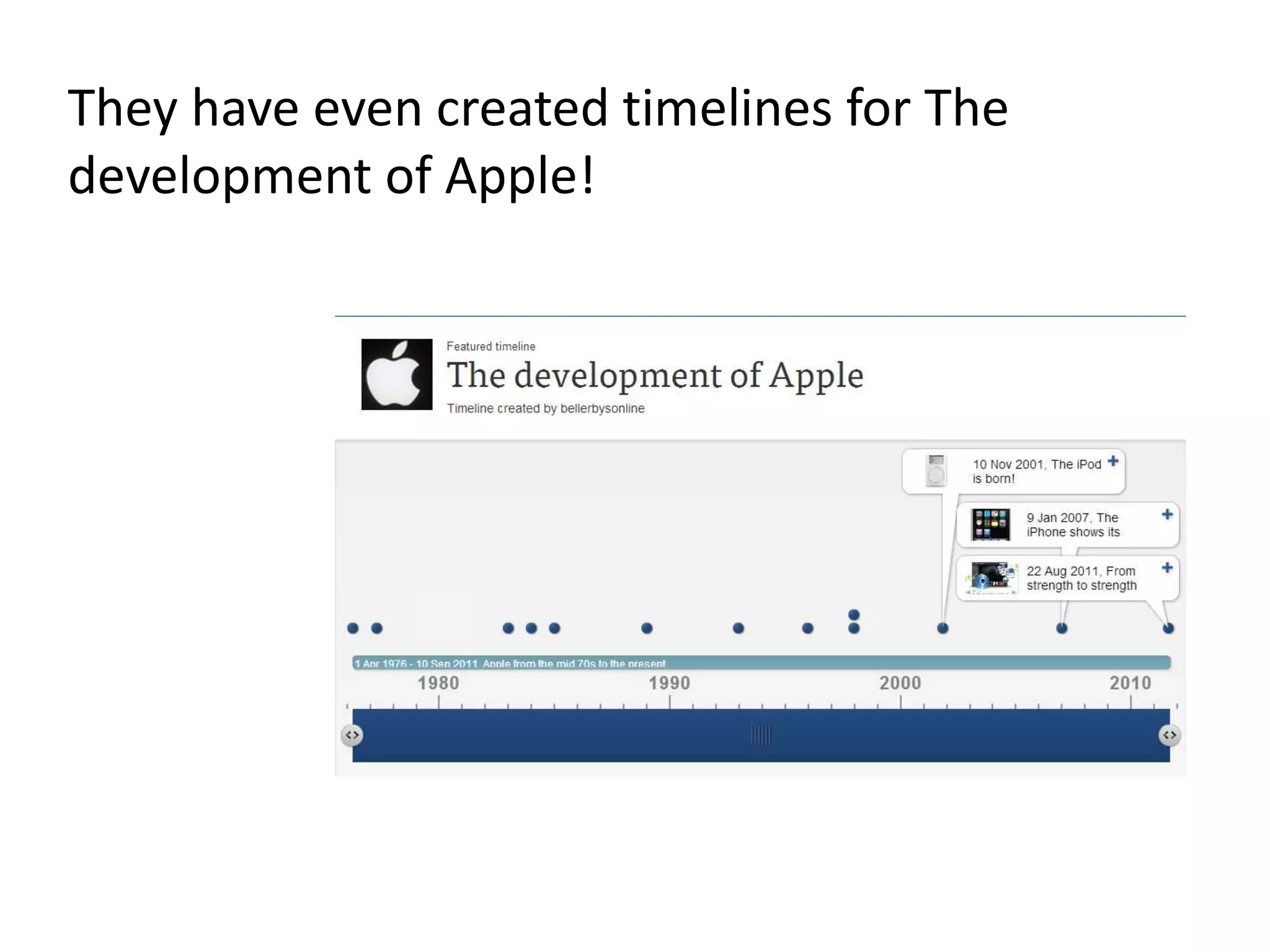

To create a timeline on TimeToast, you first need to sign up for a free account. You can then add a new timeline by entering a title and optional image or category. Events are added by clicking "Add Event" and including a date, which may not always be necessary. Over time, as more events are added, the timeline comes together with information displayed by hovering over dots. While dates show the time period of events, they are not always essential for the type of timelines being created.


