HowToUseHootsuite
www.nenitacaceres.com/blog
Hootsuiteisasocialmediamanagertool
Designedtohelpyoumanageyoursocialmedia.
Ithelpsyoutointegrateallofyoursocialmedia
Withinthesametool
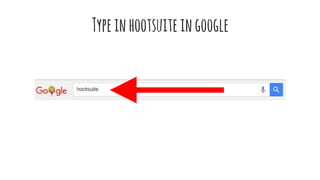
Typeinhootsuiteingoogle
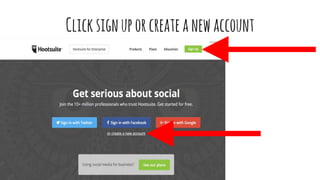
Clicksignuporcreateanewaccount
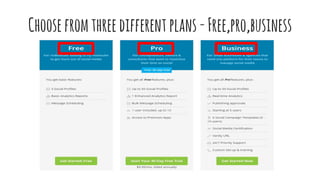
Choosefromthreedifferent plans-Free,pro,business
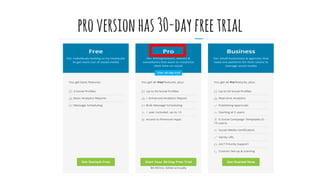
proversionhas 30-dayfreetrial
youcanaddupto50socialmediaaccounts
Youcanhave1enhancedreport,Bulkmessagescheduling
thatallowsyoutoprepareabunchofmessage
Andthenputitintohootsuiteautomatically
userincludesupto10soyoucanhaveteams
Soyouknowwhohasscheduledyourmessage
orwhoresponded yourquery
Butlet’sgetstartedwiththefreeversionfirst
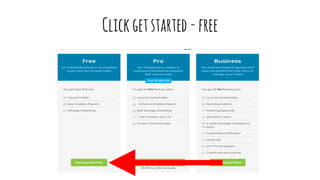
Clickgetstarted -free
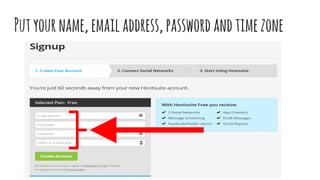
Putyourname,emailaddress,passwordandtimezone
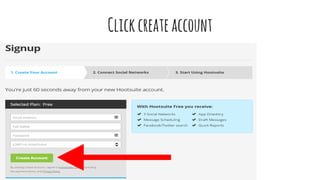
Clickcreateaccount
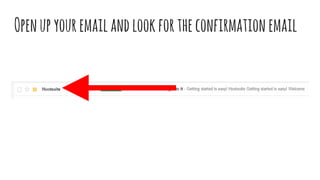
Openupyouremailandlookfortheconfirmationemail
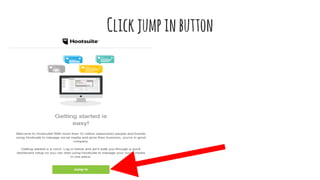
Clickjumpinbutton
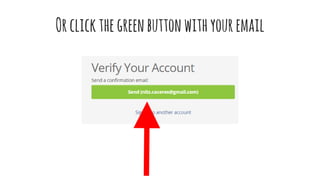
Orclickthegreenbuttonwithyouremail
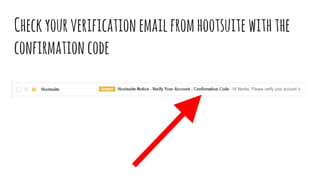
Checkyourverificationemailfromhootsuite withthe
confirmationcode
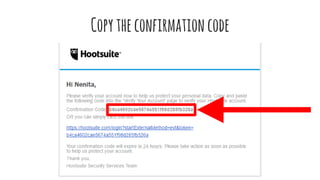
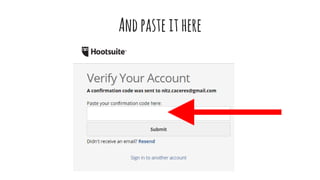
Copytheconfirmationcode
Andpaste ithere
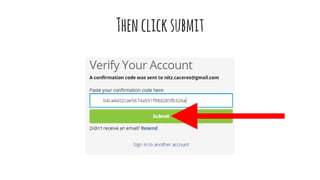
Thenclicksubmit
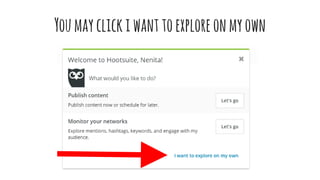
Youmayclickiwanttoexploreonmyown
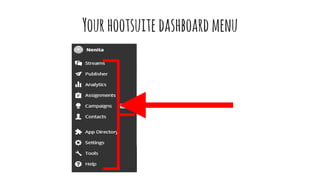
Yourhootsuite dashboardmenu
Let’sgetyourdashboardupandrunning
Connectyoursocialnetworkslikefacebook, twitter,
linkedin,etc.
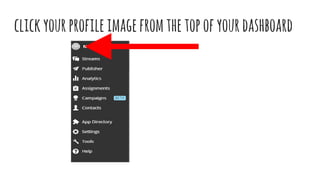
clickyourprofileimagefromthetopofyourdashboard
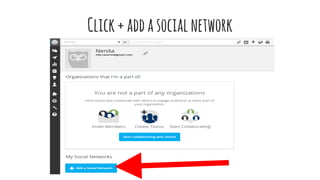
Click+addasocialnetwork
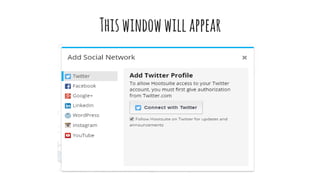
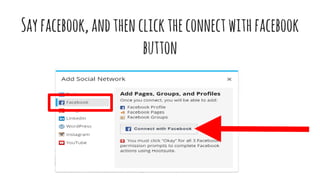
Thiswindowwillappear
Selectthesocialnetworkaccountyouwanttoconnect
Sayfacebook,andthenclicktheconnectwithfacebook
button
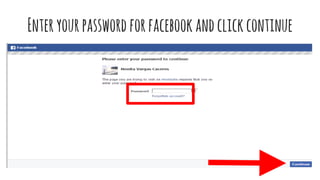
Enteryourpasswordforfacebookandclickcontinue
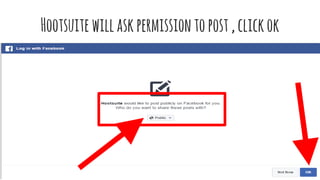
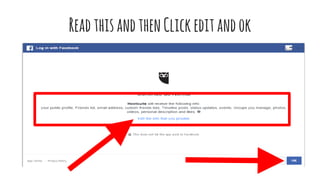
ReadthisandthenClickeditandok
Hootsuitewillaskpermissiontopost,clickok
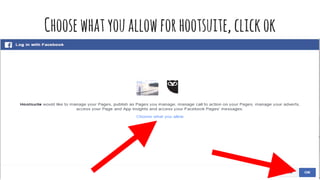
Choosewhatyouallowforhootsuite, clickok
nowgivehootsuite permissiontomanageyouraccount
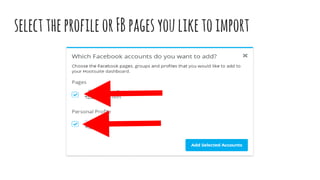
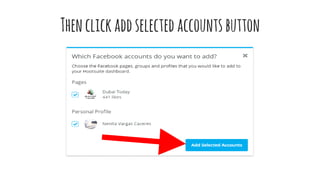
selecttheprofileorFBpagesyouliketoimport
Thenclickaddselected accountsbutton
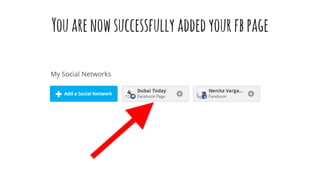
Youarenowsuccessfully addedyourfbpage
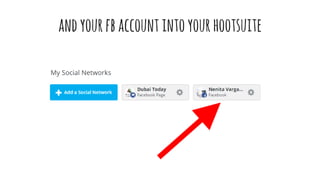
andyourfbaccountintoyourhootsuite
Youcanrepeatthesesteps
toaddyourothersocialaccountsintohootsuite
Let’ssetsetuptabsandstreams
Tabsandstreamsletyouorganize,customizeand
categorize
socialinformationinaneasytofollowway
Onceyou’veconnectedyoursocialmediaaccount
Youcanstartorganizingyoursocialmediaaccounts
withtabsandstreams
Tabsorganizeyourvarioussocialconversations
Createasmanytabsasyouwanttogroupstreams
bytopic,socialnetwork,projectorcampaign
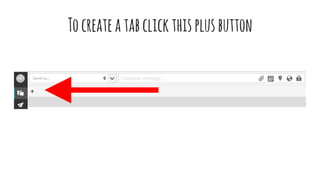
Tocreateatabclickthisplusbutton
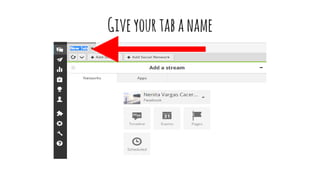
Giveyourtabaname
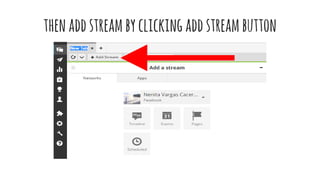
thenaddstreambyclickingaddstreambutton
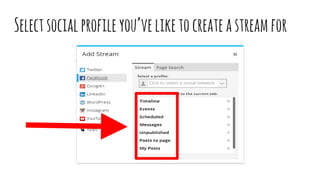
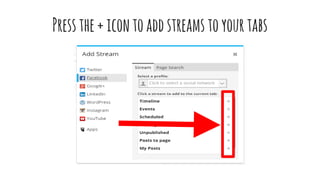
Selectsocialprofileyou’veliketocreateastream for
Pressthe+icontoaddstreamstoyourtabs
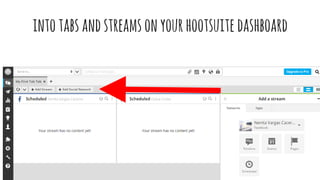
You’renowonyourwaytoorganizingyouraccounts
intotabsandstreamsonyourhootsuite dashboard
Nowthatyou’veconnectedyournetworksandsetup
streams
it’stimetopublish
Composeandscheduleyourmessage
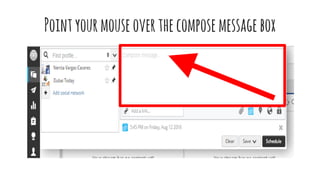
Pointyourmouseoverthecomposemessagebox
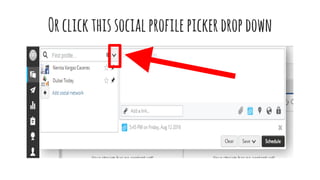
Orclickthissocialprofilepickerdropdown
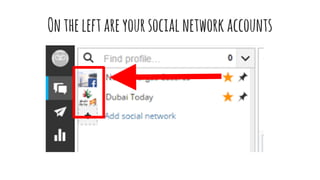
Ontheleftareyoursocialnetworkaccounts
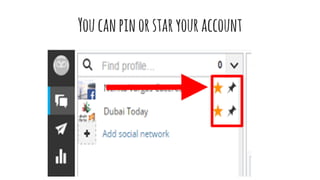
Youcanpinorstaryouraccount
soyoucaneasilyfindandsendmessages
Youcanchoosepostingonmultiplenetworksorjustone
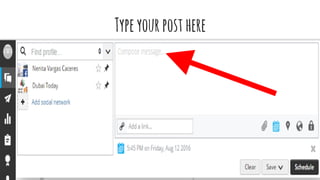
Typeyourposthere
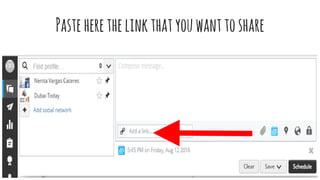
Pasteherethelinkthatyouwanttoshare
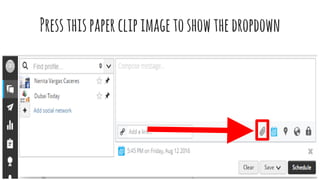
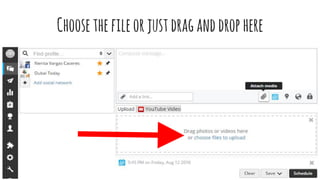
Toshareanimage
Pressthispaperclipimagetoshowthedropdown
Choosethefileorjustdraganddrophere
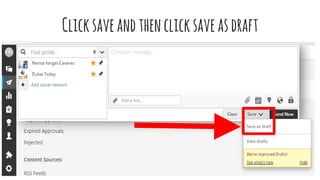
Clicksaveandthenclicksaveasdraft
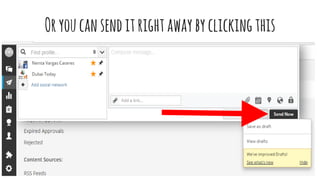
Oryoucansenditrightawaybyclickingthis
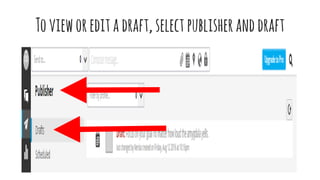
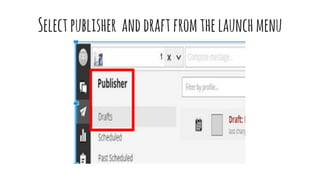
Tovieworeditadraft,selectpublisheranddraft
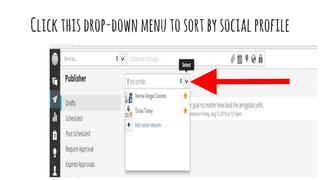
Clickthisdrop-downmenutosortbysocialprofile
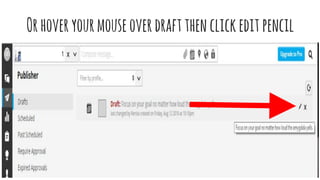
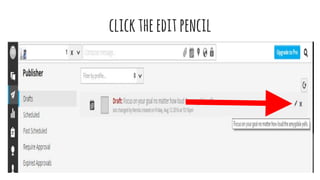
Orhoveryourmouseoverdraftthenclickedit pencil
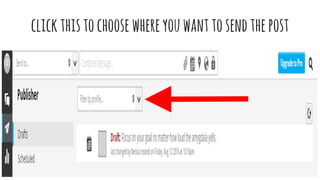
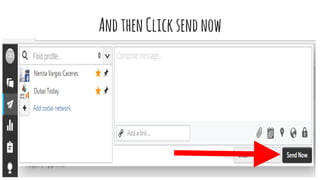
Tosendadraft
clickthistochoosewhereyouwanttosendthepost
AndthenClicksendnow
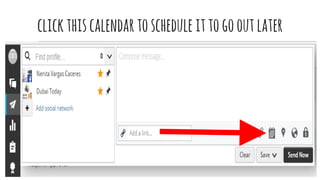
Toscheduleadraftorpost
clickthiscalendartoschedule ittogooutlater
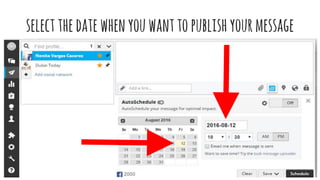
selectthedatewhenyouwanttopublishyourmessage
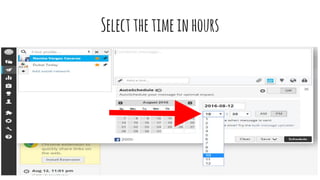
Selectthetimeinhours
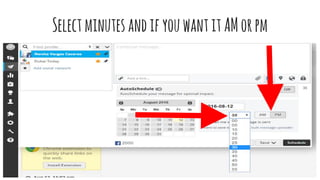
SelectminutesandifyouwantitAMorpm
Ifyou’renotsurewhentopublishyourmessage
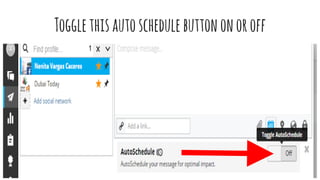
Togglethisautoschedule buttononoroff
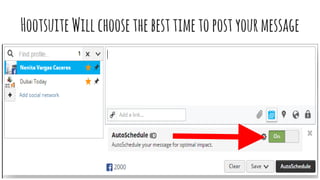
HootsuiteWillchoosethebesttimetopostyourmessage
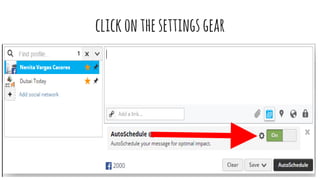
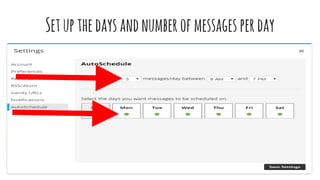
Toadjusttheautoscheduleoption
clickonthesettingsgear
Setupthedaysandnumberofmessagesperday
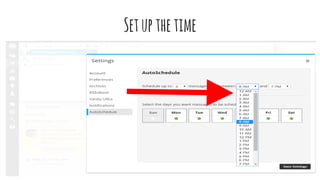
Setupthetime
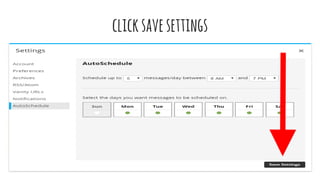
clicksavesettings
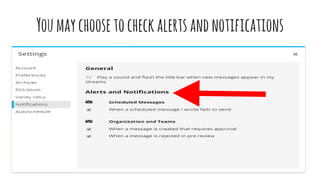
Youmaychoosetocheckalertsandnotifications
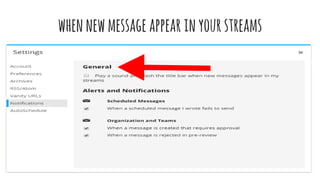
whennewmessageappearinyourstreams
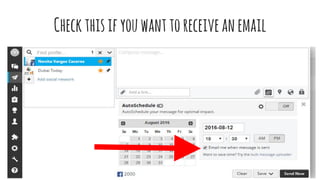
toreceiveanemailwhenthemessageissent
Checkthisifyouwanttoreceiveanemail
Sendingorschedulingadraftwillremoveitfromdrafts
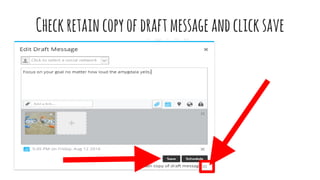
unlesstheretaincopyofdraftmessageboxischecked
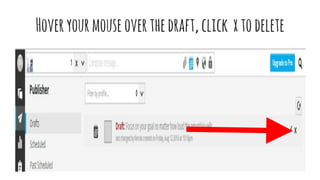
Todelete adraft
Selectpublisher anddraftfromthelaunchmenu
Hoveryourmouseoverthedraft,click xtodelete
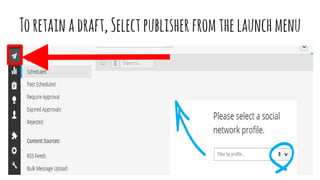
Toretainadraft
Toretainadraft,Selectpublisherfromthelaunchmenu
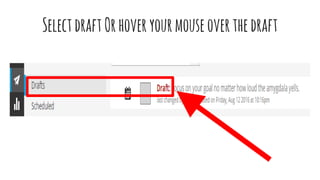
SelectdraftOrhoveryourmouseoverthedraft
clicktheeditpencil
Checkretaincopyofdraftmessageandclicksave
“Whetheryouthinkyoucanorthinkyoucan’t,you’re
right-henryford

How To Use Hootsuite