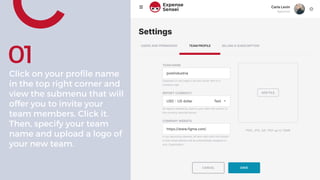
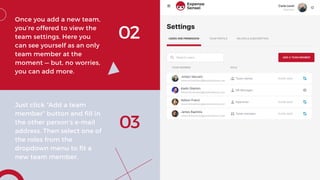
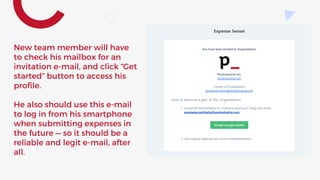
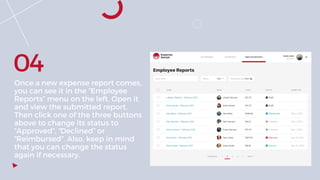
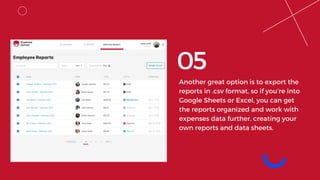
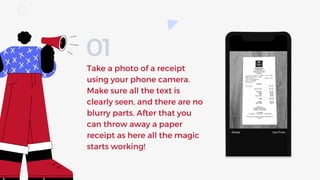
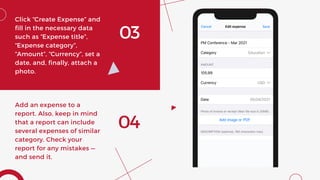
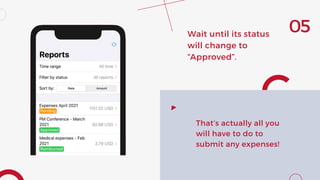
The document provides instructions for using the Expense Sensei app to manage employee expenses. It describes how to invite team members and assign them roles, submit expenses by taking photos of receipts on a smartphone app, and approve submitted expense reports. Key steps include clicking the profile to invite teammates, adding their email and assigning a role, submitting expenses by taking photos and filling out details in the app, and approving submitted reports by changing their status.